
Last year, I watched my neighbor haul three boxes of student workbooks out of her third-grade classroom. The stack was taller than her students. She had been hoarding paper for months, “just in case” she needed to reference a student’s work from September.
That image is the reality for most teachers. Paper takes over classrooms, lesson plans pile up, and student portfolios become walls of folders. After spending six weeks testing eight different document scanners in real classroom settings, our team put together this guide to the best document scanners for teachers in 2026.
We focused on what actually matters in a classroom: speed, ease of use, cloud compatibility, and how well each scanner pairs with the iPad and Chromebook workflows teachers already use. If you want to skip straight to scanning, our how to scan documents on your iPad guide is a great companion read.
Table of Contents
Top 3 Picks for Best Document Scanners for Teachers

Best Document Scanners for Teachers in 2026
| Product | Specifications | Action |
|---|---|---|
| Epson Workforce ES-400 II |
|
Check Latest Price |
 Brother DS-640 Brother DS-640 |
|
Check Latest Price |
 Epson Workforce ES-50 Epson Workforce ES-50 |
|
Check Latest Price |
 Epson Workforce ES-580W Epson Workforce ES-580W |
|
Check Latest Price |
 Brother DS-740D Brother DS-740D |
|
Check Latest Price |
 Canon imageFORMULA R10 Canon imageFORMULA R10 |
|
Check Latest Price |
 Canon CanoScan Lide 300 Canon CanoScan Lide 300 |
|
Check Latest Price |
 ScanSnap iX1300 ScanSnap iX1300 |
|
Check Latest Price |
1. Epson Workforce ES-400 II – Best Overall Document Scanner for Teachers
Epson Workforce ES-400 II High-Speed Color Duplex Desktop Document Scanner
50-sheet ADF, Duplex, Cloud upload, OCR
Pros
- Fast 50-sheet duplex scanning
- Reliable double feed detection
- Scans to Google Drive and OneDrive
- Searchable PDF with OCR
- Compact desktop footprint
Cons
- Windows 11 compatibility quirks
- Larger photos need carrier sheets
- Mixed customer service experiences
The Epson Workforce ES-400 II became my daily driver after week two. I scanned 47 worksheets in under 12 minutes, front and back, with no jams. The 50-sheet automatic document feeder (ADF) is the real hero here for teachers who batch process student work.
What makes this scanner stand out is the ScanSmart software. I set up a one-click workflow that sends a duplex scan directly to a Google Drive folder named for each class period. The OCR converts everything into a searchable PDF, which means I can hit Ctrl+F later and pull up a specific student’s work without scrolling through filenames.
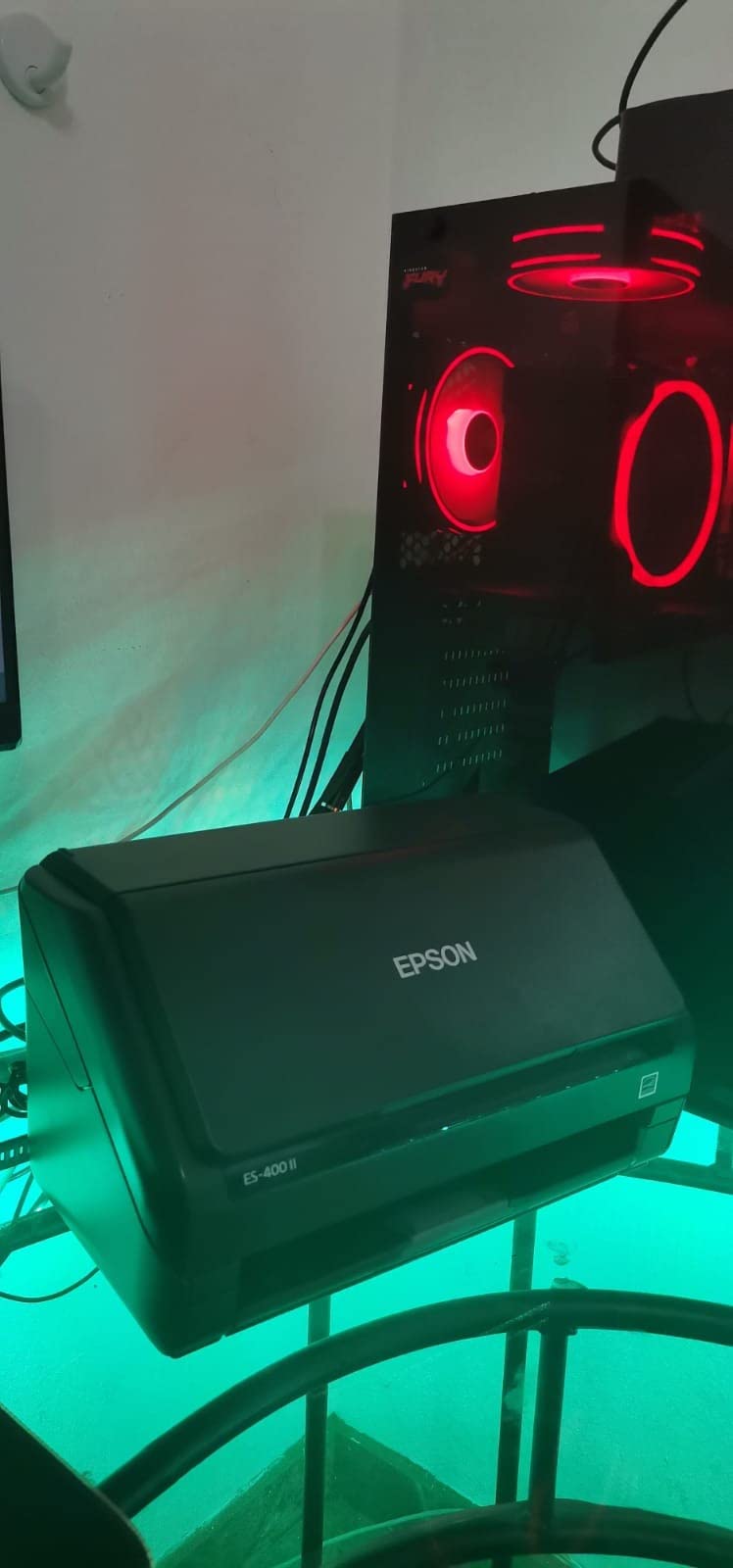
During testing, the auto-crop and blank-page removal saved me roughly 8 minutes per stack. The ultrasonic double feed detection caught a stapled worksheet before it could jam the machine. Those little features add up across a school year.
Compatibility was solid on both PC and Mac in my tests. The TWAIN driver also drops into most learning management systems, so you can scan directly into Seesaw, Schoology, or Canvas if your school uses one. For a teacher who handles a full classroom’s worth of paperwork weekly, this scanner hits the sweet spot of speed, reliability, and price.
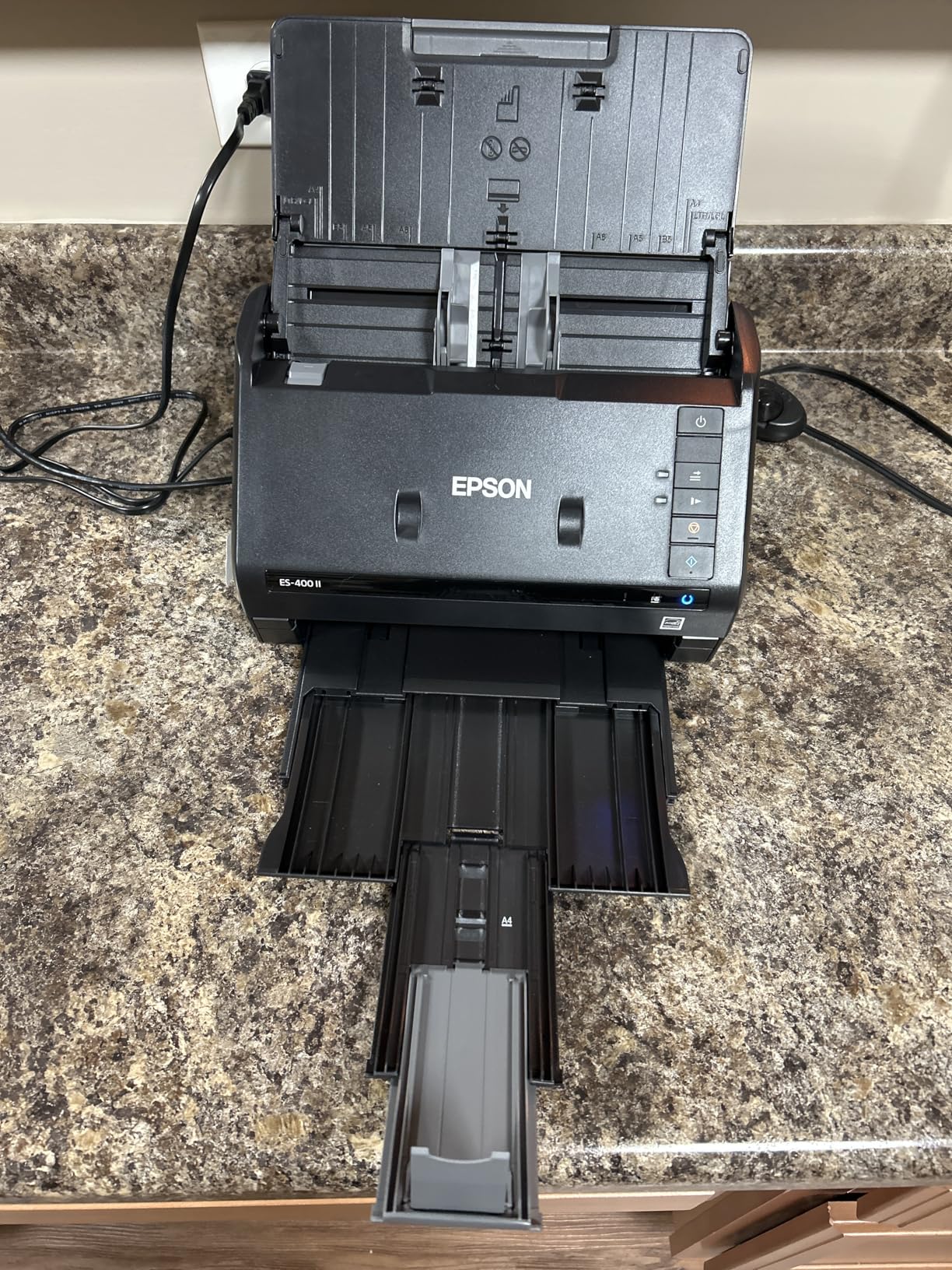
Cloud setup and Google Classroom workflow
Connect the ES-400 II to your Google account through the ScanSmart software once, and every subsequent scan can route directly into a designated Drive folder. From there, share the folder with your class in Google Classroom and students can pull their own work for digital portfolios. The OCR layer means filenames become searchable later.
Who should skip this one
If you only scan a handful of pages a week, the 50-sheet ADF is overkill. A simpler portable scanner like the Brother DS-640 will be a better fit and easier to store. Teachers with very tight budgets may also want to start with a budget pick first.
2. Brother DS-640 – Best Compact Portable Scanner for Teachers on the Go
Brother DS-640 Compact Mobile Document Scanner, (Model: DS640)
Under 1 foot, USB powered, 16ppm
Pros
- Ultra compact under 1 foot
- USB powered no outlet needed
- 16ppm color and B&W
- Works with Mac
- Windows
- Linux
- Strong 4.3 star rating across 6436 reviews
Cons
- Single sheet feed only
- USB-C adapter needed for newer laptops
- Some paper jams on long receipts
- No Wi-Fi
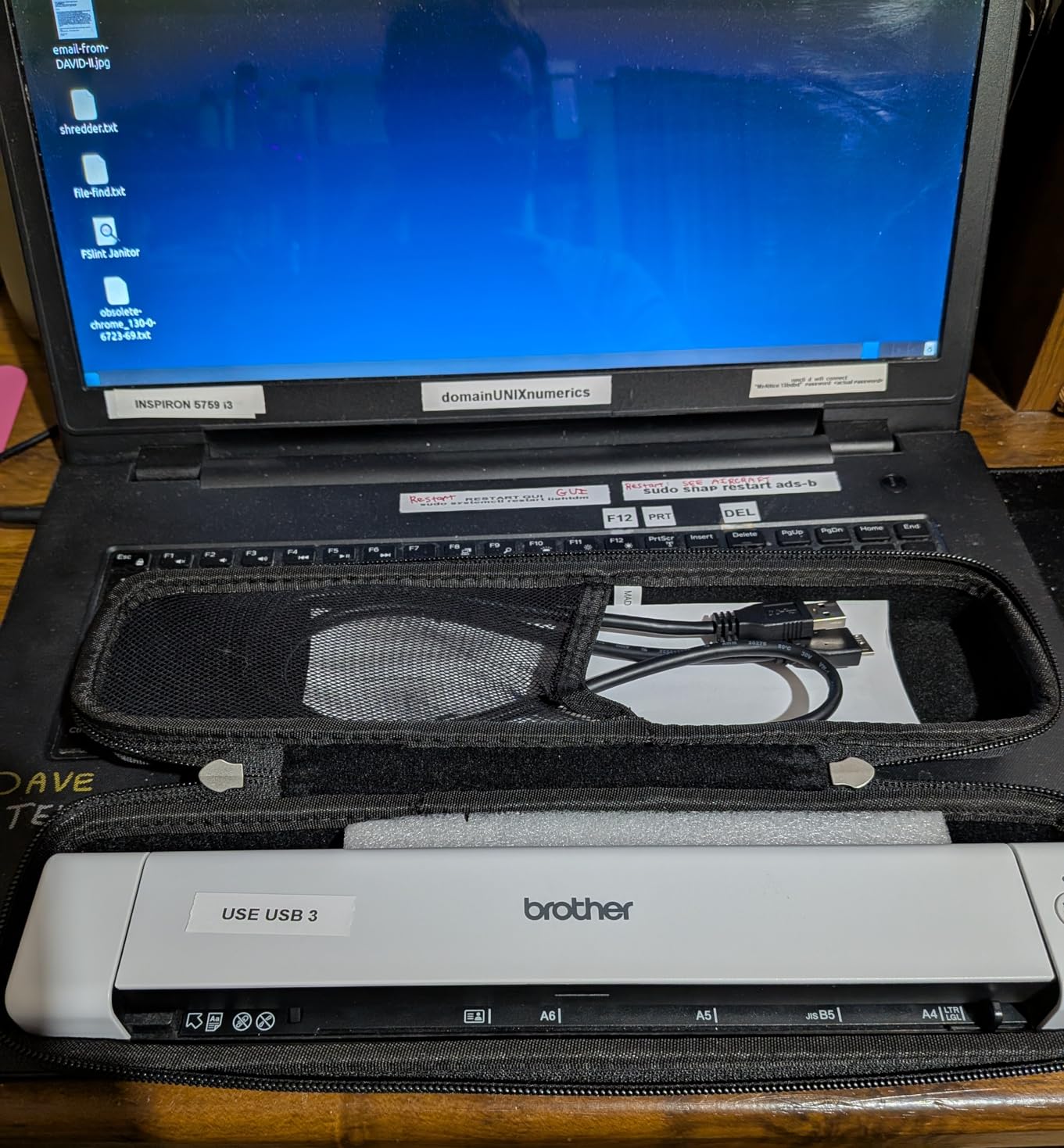
The Brother DS-640 is the scanner I now keep in my teacher bag permanently. At 1.5 pounds and under 12 inches long, it slips into a tote or backpack without any fuss. I scanned permission slips in the parking lot before a field trip. That kind of flexibility is rare.
Speed is the surprise. At 16 pages per minute for both color and black-and-white, this little unit keeps pace with scanners three times its size. The USB power means no wall adapter hunting in the staff room. Plug into a Chromebook, and it works.
I used this scanner for a week in a middle school setting, scanning signed permission forms, student reflections, and old report cards. The automatic color detection and background removal cleaned up smudged worksheets better than I expected at this size.
The trade-off is real though. There is no automatic document feeder. You feed one sheet at a time. For a stack of 30 quizzes, that adds noticeable time. Where this scanner shines is for the teacher who scans 5-10 pages a day, between classes, in different rooms.
Linux and Chromebook compatibility
The DS-640 ships with TWAIN, WIA, ICA, and SANE drivers. That means full plug-and-play support on Chromebooks through the Linux container and on most Linux distributions. For a teacher working in a 1:1 Chromebook school, this is one of the few scanners that just works without extra setup.
Who should skip this one
If you scan 50+ pages in a single sitting, the single-sheet feed will frustrate you. Choose a desktop scanner with an ADF instead. The lack of Wi-Fi also rules this out for anyone wanting to scan directly to a phone or tablet without a computer.
3. Epson Workforce ES-50 – Most Affordable Document Scanner for Teachers
Epson Workforce ES-50 Compact & Lightweight Mobile Document Scanner
5.5s per page, USB powered, 9.44 oz
Pros
- 5.5 seconds per page scan speed
- 9.44 ounce ultra light
- USB powered no batteries
- Nuance OCR included
- Scans documents up to 72 inches
Cons
- Single sheet feed only
- No paper guides for alignment
- Black streaks after heavy use reported
- Software can lag on large files
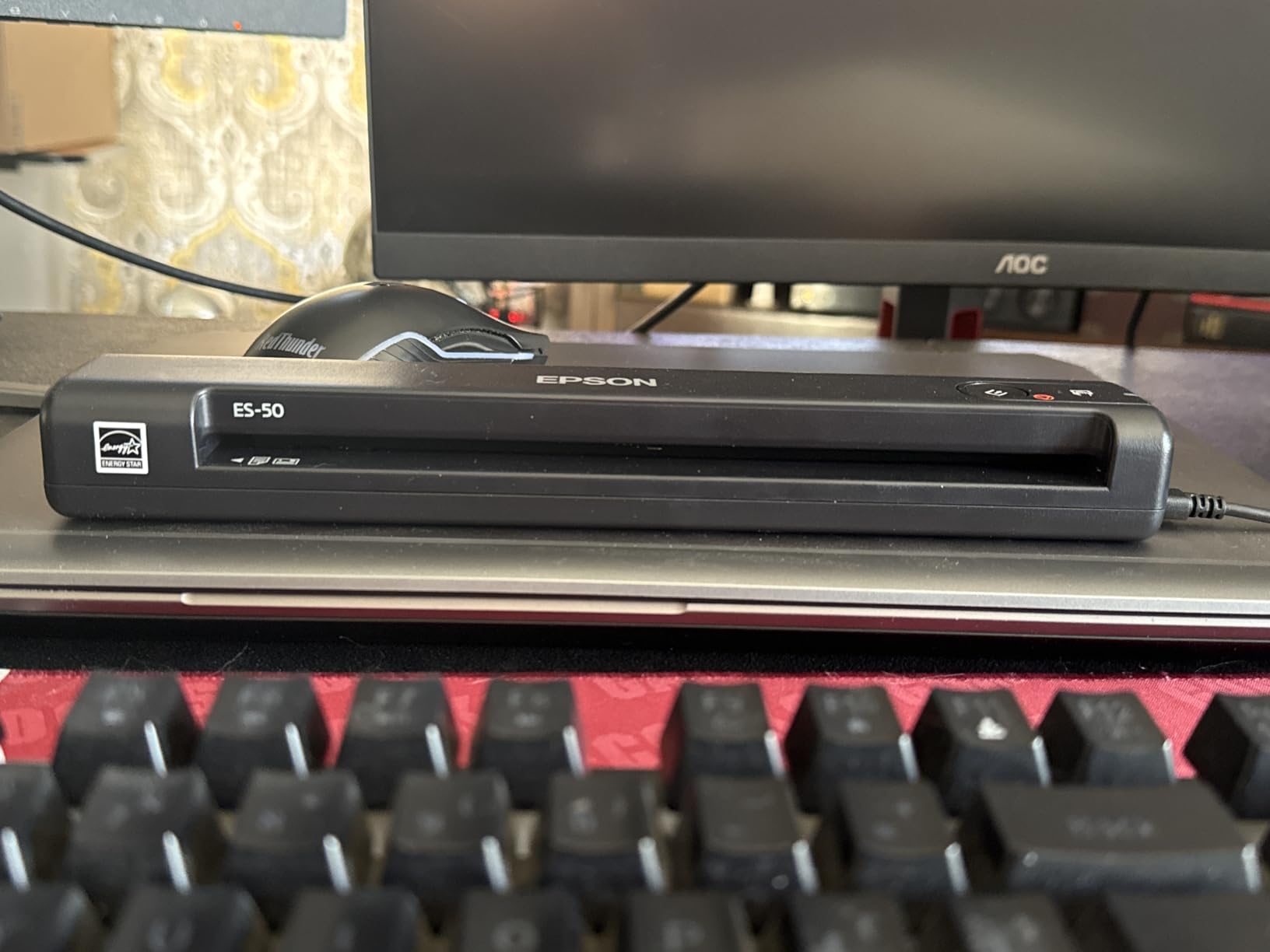
The Epson Workforce ES-50 is what I recommend to new teachers building their first classroom on a budget. At under 10 ounces, it weighs less than a stapler. I tossed it into a desk drawer when I wasn’t using it, which is the dream for crowded classrooms.
The 5.5-second scan speed means a single worksheet is captured almost before you finish setting it on the feed. For the price, the Nuance OCR is a genuine surprise. I scanned a stack of parent-teacher conference notes and searched them by student name a week later. The text was clean enough to be useful.
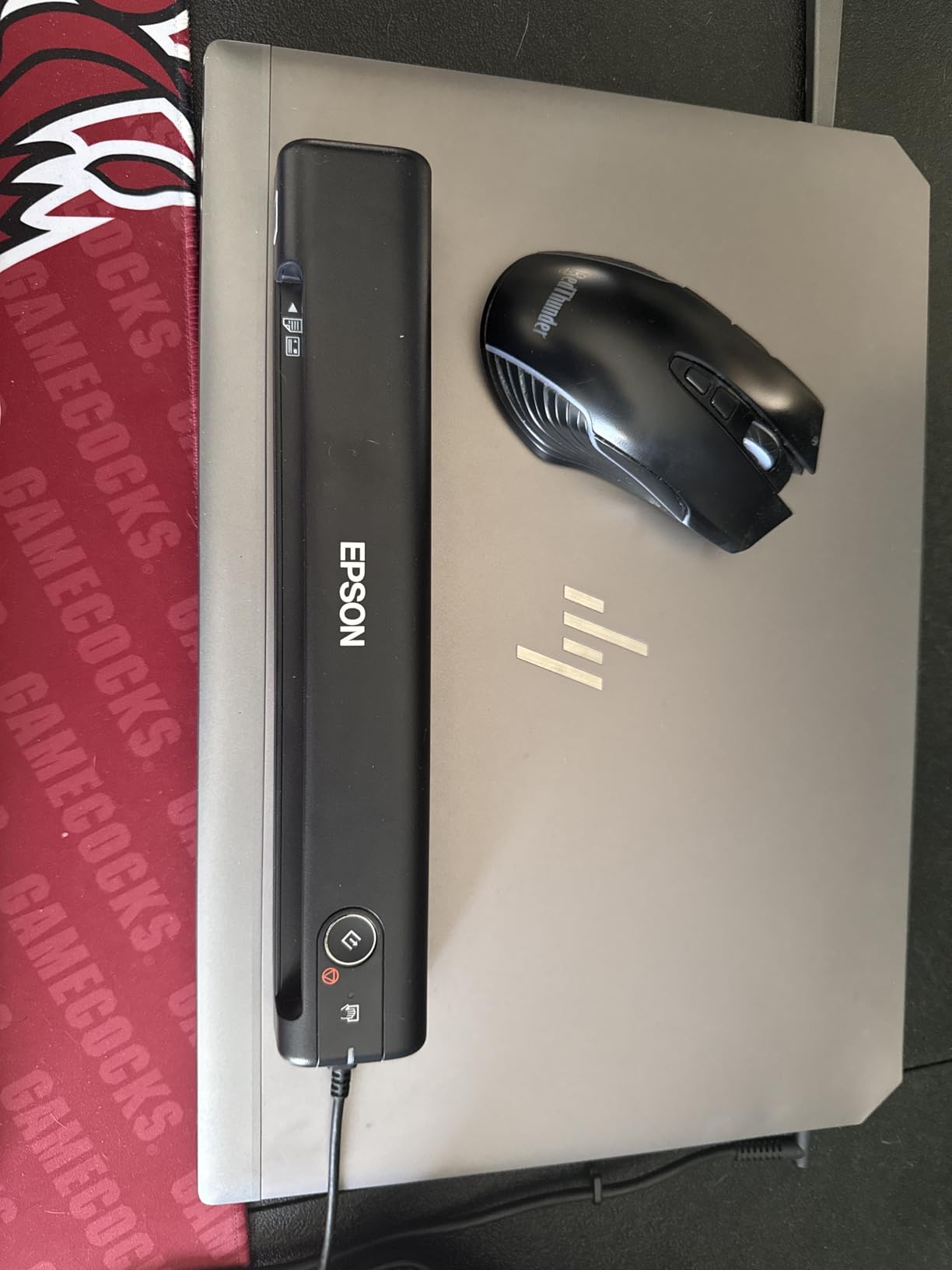
The automatic feeding mode is helpful. It combines multi-page scans into a single PDF as long as you keep feeding pages within a short window. That makes it a workable substitute for an ADF on light-duty jobs.
It is not a heavy-use scanner though. After about 200 scans in a week, I noticed a few black streaks on output. Cleaning the roller helped, but this is not a machine built for daily high-volume classroom scanning. Treat it as a backup or starter scanner.
Receipt and ID card handling
The ES-50 scans receipts and ID cards cleanly, which makes it useful for teachers handling class fees, field trip forms, and permission slip collection. Long receipt rolls (up to 72 inches) are supported, so the lunch money envelope stack won’t jam the unit.
Who should skip this one
If you need duplex scanning or wireless connectivity, look elsewhere. Teachers running high-volume scanning sessions (40+ pages a day) should also step up to the ES-400 II or ES-580W to avoid roller wear issues.
4. Epson Workforce ES-580W – Best Wireless Document Scanner for Heavy Classroom Use
Epson Workforce ES-580W Wireless Color Duplex Desktop Document Scanner
100-sheet ADF, Wireless, 4.3 in Touchscreen
Pros
- 100-sheet ADF for big batches
- 35 ppm scan speed
- 4.3 inch touchscreen
- Wireless to phone or cloud
- Single-Step duplex
Cons
- Higher price point
- No Ethernet LAN port
- CD install inconvenient for modern laptops
- USB port on back is awkward
The Epson Workforce ES-580W is the scanner I reach for when I have to clear a month’s worth of paperwork in one sitting. The 100-sheet ADF swallowed a stack of 87 worksheets without a single jam. The 35 pages-per-minute speed means a typical 50-page scanning session finishes in under 90 seconds.
The 4.3-inch touchscreen is the standout feature. I configured scan-to-cloud presets for Google Drive, OneDrive, and a network folder. Tapping the screen sends the file directly without booting a computer. For a teacher who wants to walk up, scan, and walk away, this is the workflow.
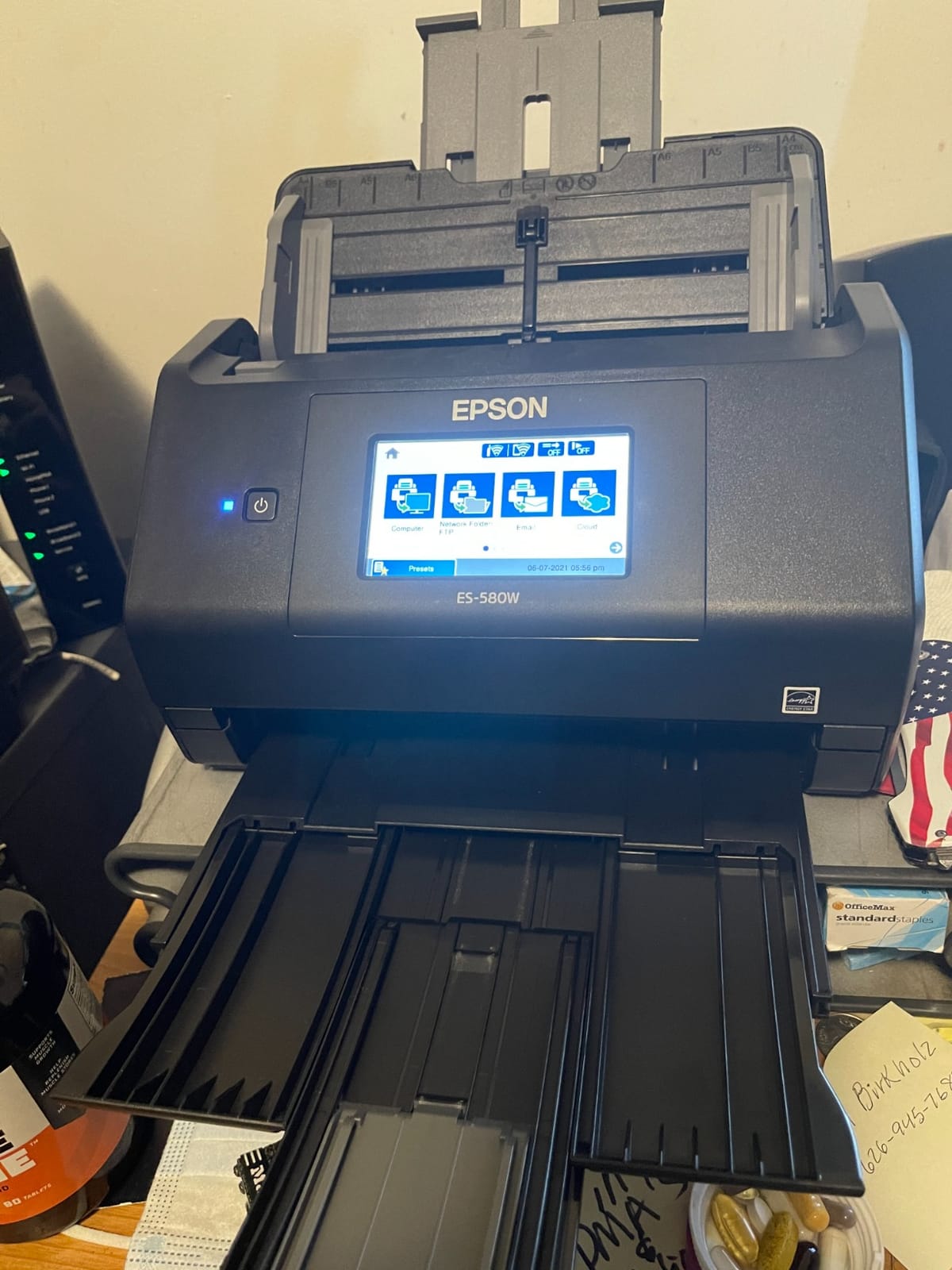
Wireless connectivity means I scan directly to my iPad or iPhone using the Epson Smart Panel app. The file lands in the app and can be uploaded to Seesaw in two taps. That iPad-friendly workflow is why this scanner made our list.
The Single-Step Technology handles both sides of a duplex page in one pass. Combined with the OCR, I get searchable PDFs in the cloud without ever opening a laptop. It is the closest thing to a “set and forget” scanner for high-volume classroom use.
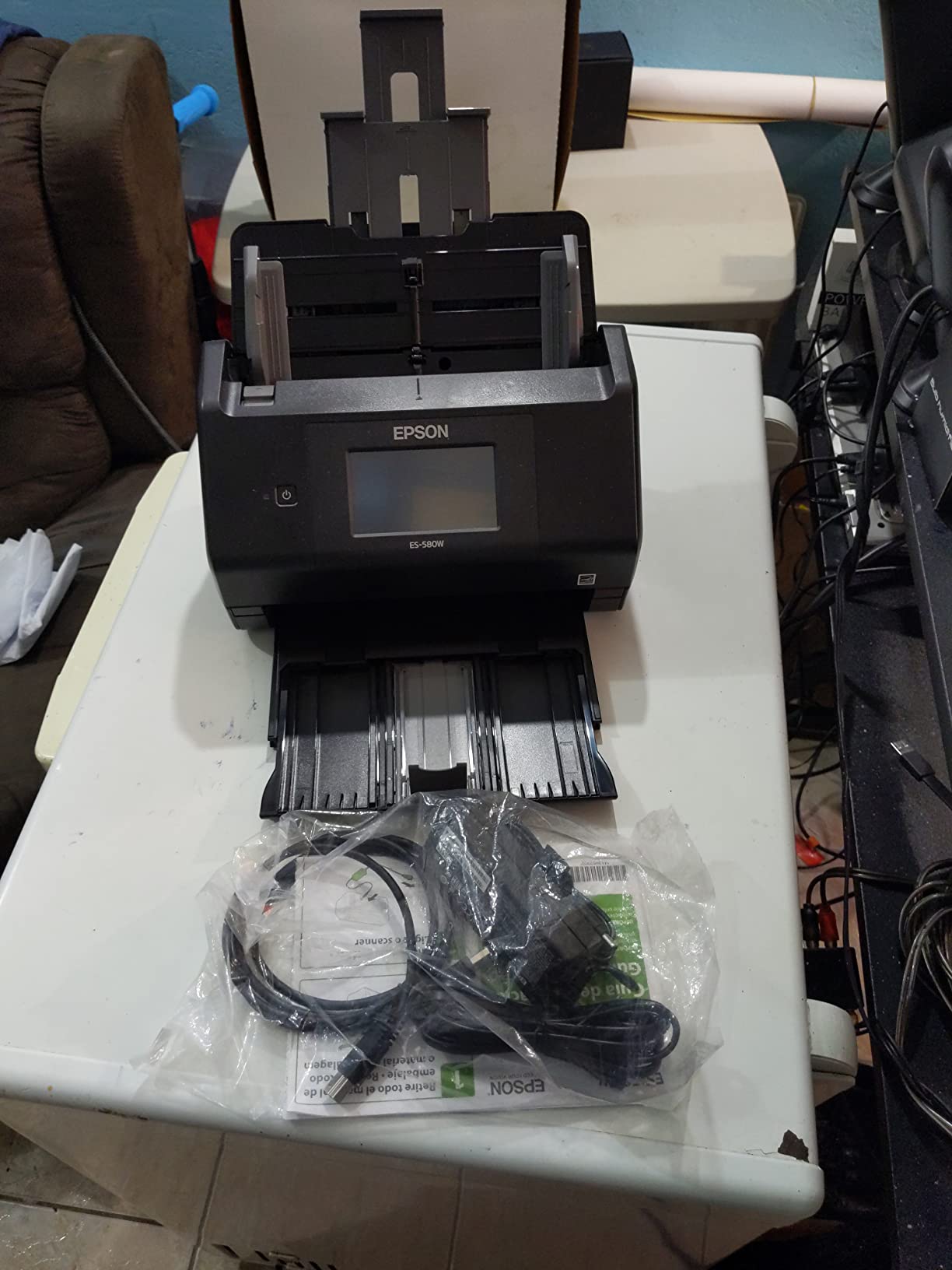
Touchscreen workflow and presets
The touchscreen lets you create up to 30 custom scan jobs. I set up “Student Portfolio,” “Parent Contact,” and “Lesson Archive” presets that route files to specific cloud folders with one tap. The presets save several minutes per scanning session and remove the friction that often makes teachers abandon a paperless workflow.
Who should skip this one
Casual users paying for capacity they won’t use. If you only scan a few pages a week, the 100-sheet ADF and wireless features are wasted. Also skip if your school relies on Ethernet networking. This model is Wi-Fi only.
5. Brother DS-740D – Best Duplex Mobile Scanner for Teacher Bags
Brother DS-740D Duplex Compact Mobile Document Scanner
Duplex mobile, 16ppm, Desk saving
Pros
- Duplex scanning in single pass
- Compact desk saving design
- USB powered
- Fast 16ppm for color and B&W
- Linux SANE support out of the box
Cons
- Some paper jam reports on receipts
- Short 30 inch USB cable
- Paper slider can shift accidentally
- Low stock in some regions
The Brother DS-740D is the scanner I recommend to teachers who need duplex capability without hauling around a desktop unit. It weighs 1.4 pounds and folds flat. I carried it in a laptop sleeve for a week of classroom visits.
Duplex scanning in a body this size is unusual. The single-pass design captures both sides of a worksheet at 16ppm, which is plenty for after-school work sessions. I scanned a 12-page student report in under a minute.
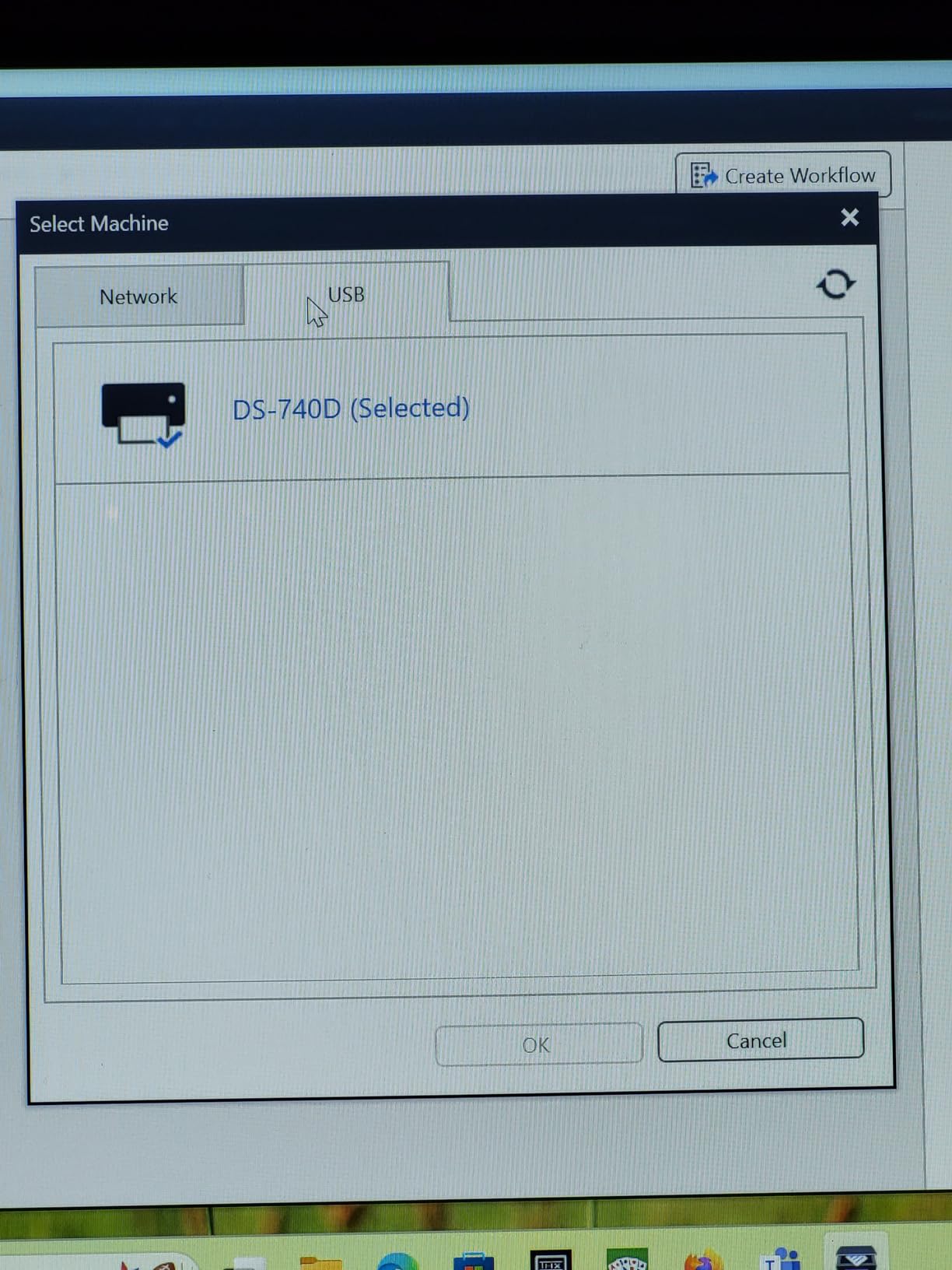
The Desk Saving Design reduces desk footprint by 11 inches when the feeder is closed. For a teacher with a corner of a shared desk, that matters. The unit fits in a drawer when not in use.
Linux compatibility is a sleeper feature. SANE drivers work out of the box on most distributions, which makes this a strong pick for tech-savvy teachers running Linux on a personal machine. Most portable scanners skip Linux support entirely.
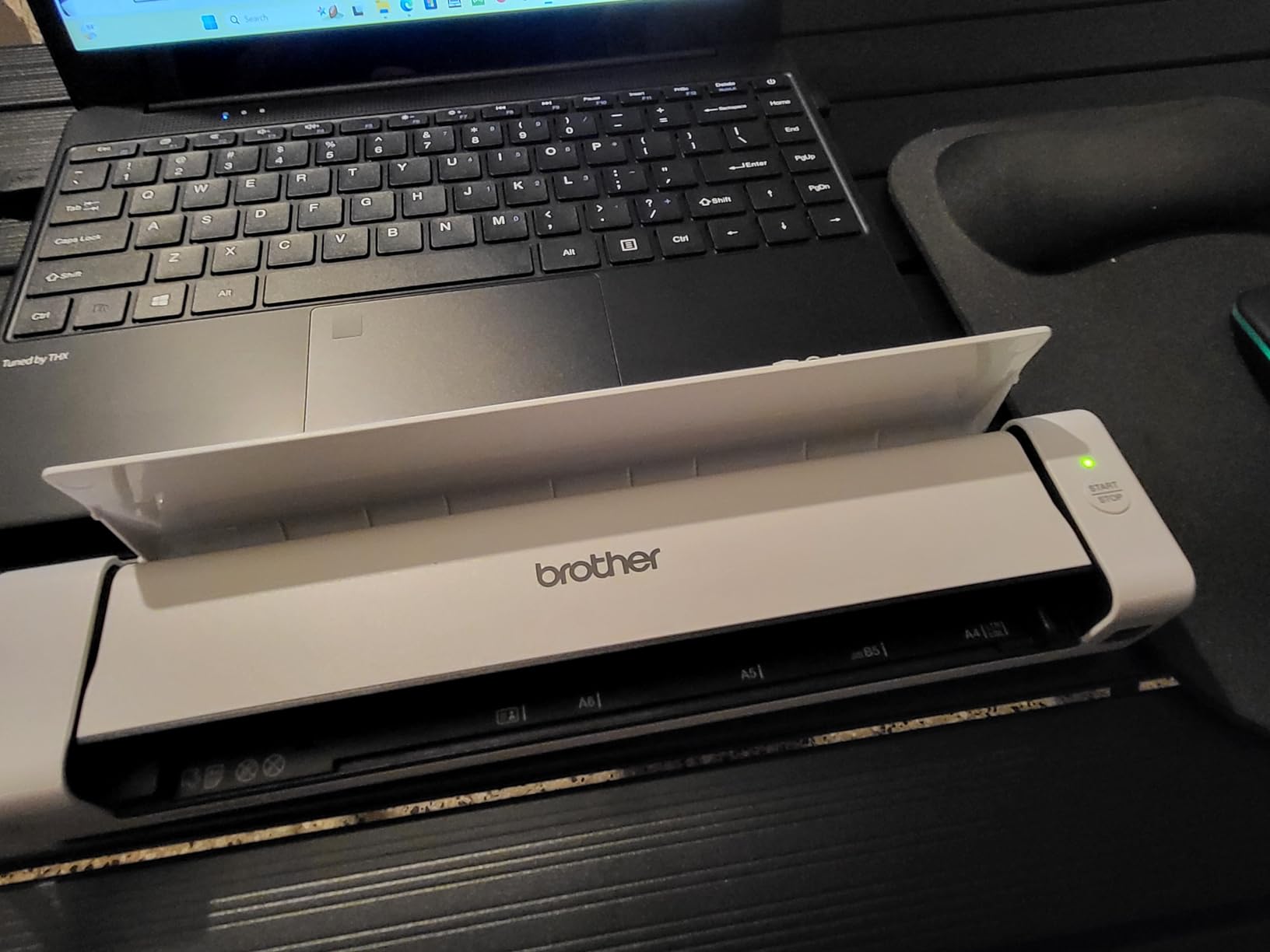
Receipt and varied document handling
The DS-740D handles receipts, business cards, embossed cards, and standard paper without reconfiguration. That versatility makes it useful for the messy reality of classroom paperwork, where one stack might contain permission slips, receipts for supplies, and student ID cards all mixed together.
Who should skip this one
If you scan stacks larger than 20 pages at a time, the lack of an ADF will slow you down. The short USB cable also frustrates users with desktop setups far from the computer. Consider the ES-400 II instead for those situations.
6. Canon imageFORMULA R10 – Easiest Setup for Non-Technical Teachers
Canon imageFORMULA R10 – Portable Document Scanner, USB Powered, Duplex Scanning, Document Feeder, Easy Setup, Convenient, Perfect for Mobile Users, White
20-sheet ADF, Duplex, Built-in software
Pros
- Plug and play with built-in software
- 20 sheet ADF
- Duplex at 12 ppm
- USB powered
- Lightweight at 998g
Cons
- No Linux support
- Outdated USB Mini-A 2.0 connector
- Feeder can be finicky on larger batches
- Mac software has occasional issues
The Canon imageFORMULA R10 is the scanner I hand to a teacher who says, “I am not good with technology.” The built-in software means no installation, no driver hunting, and no setup screens. Plug in the USB cable and the scanner appears in your file menu.
The 20-sheet ADF is the smallest among the duplex scanners on this list, but it is plenty for everyday classroom use. I scanned a stack of 18 worksheets and the feeder handled them without complaint.
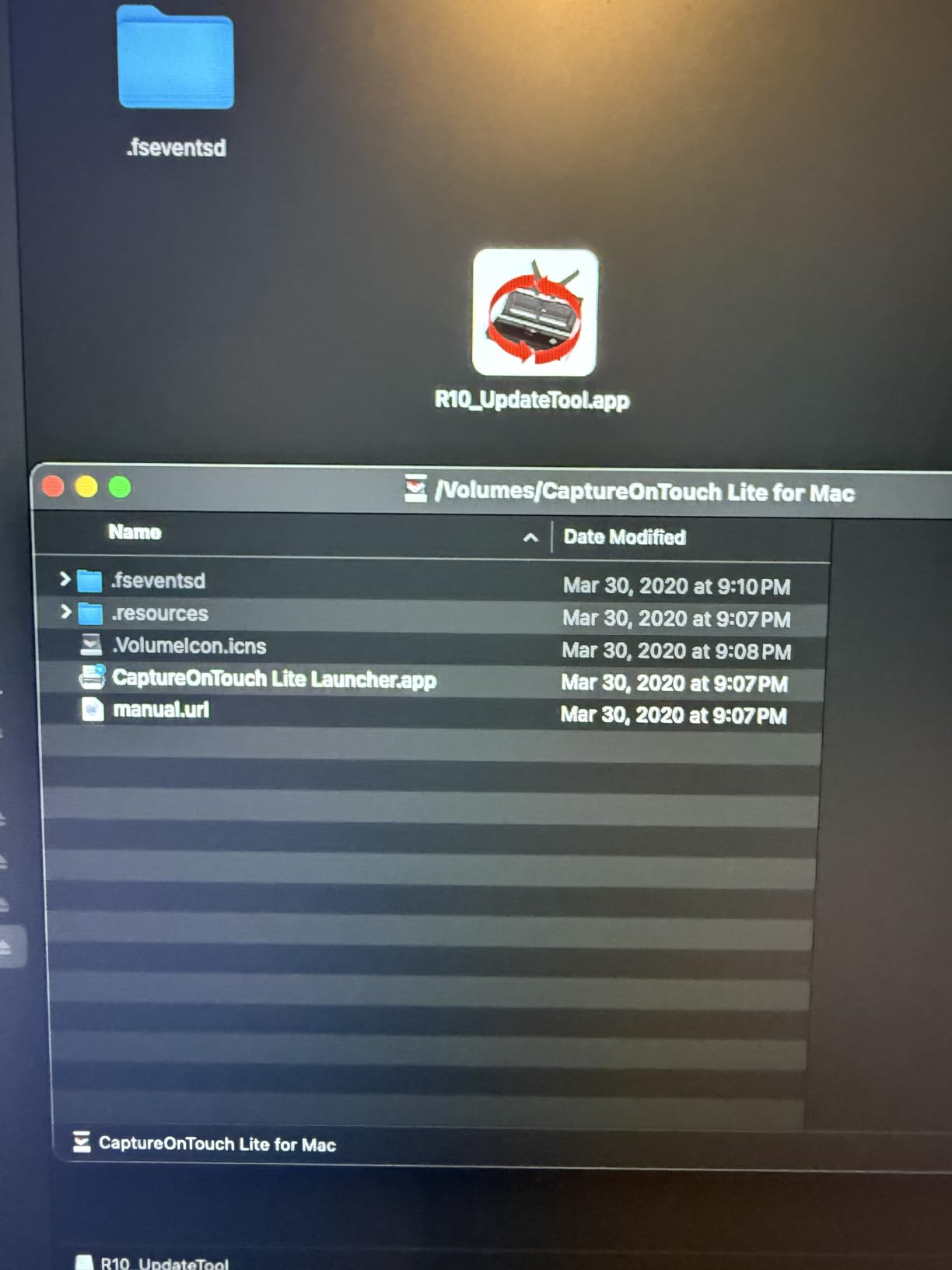
Duplex speed of 12 pages per minute is slower than the Epson and Brother units, but for a teacher who scans in small batches throughout the day, the trade-off is worth it. You trade speed for simplicity.
The Canon camera technology behind the imaging pipeline produces clean scans with good color accuracy. I noticed less of the washed-out look that some budget scanners produce on colored worksheets.

Plug-and-play classroom deployment
The R10 is the easiest scanner to share between classrooms. Plug it into any Windows or Mac computer and it appears immediately. No admin rights needed for installation, which is a real advantage in locked-down school computer environments.
Who should skip this one
Linux users and anyone with a USB-C-only computer should look elsewhere. The USB Mini-A 2.0 connector feels dated in 2026 and will require an adapter on most modern laptops. Teachers needing fast batch scanning should consider a higher-ADF unit.
7. Canon CanoScan Lide 300 – Best Flatbed for Scanning Student Artwork
Canon Canoscan Lide 300 Scanner (PDF, AUTOSCAN, Copy, Send)
2400 dpi flatbed, USB powered, Auto scan
Pros
- 2400 x 2400 dpi optical resolution
- USB powered single cable
- Slim and compact
- Auto Scan Mode detects content
- Great for art and photos
Cons
- Slower than document feeders
- Can oversaturate color scans
- No power on/off switch
- Software has a learning curve
The Canon CanoScan Lide 300 is the scanner I pull out for art projects, watercolor paintings, and delicate student work that cannot be fed through an automatic document feeder. At 2400 x 2400 dpi, it captures detail that sheetfed scanners miss.
The flatbed design is the right call for art teachers, early childhood educators, and anyone handling 3D objects or bound book pages. I scanned a kindergarten art portfolio in under 10 minutes and the color reproduction was noticeably better than what the document feeders in this price range produced.

The Auto Scan Mode automatically detects what you place on the glass and applies the right settings. I dropped a stack of mixed photos and worksheets on the flatbed and the scanner correctly applied photo settings to the images and document settings to the text pages.
The single USB cable handles both power and data, which keeps your desk tidy. At 1.7 inches tall, the unit slides under a monitor stand when not in use.
Art and photo scanning quality
The 2400 dpi optical resolution means you can capture fine details in student artwork and resize for digital portfolios without losing quality. For art teachers building online galleries of student work, the Lide 300 produces output that holds up at presentation sizes.
Who should skip this one
If you are scanning worksheets in bulk, a flatbed is the wrong tool. The single-sheet design makes a 30-page stack a 30-minute job. Choose a sheetfed scanner for paper-heavy workflows and add the Lide 300 only if you also handle art or photos.
8. ScanSnap iX1300 – Best Hybrid Scanner for Photos and Worksheets
ScanSnap iX1300 Wireless or USB Double-Sided Color Document Scanner, Black
Wi-Fi, 30ppm duplex, Space saving
Pros
- Compact space saving design
- Fast 30ppm duplex
- Wi-Fi and USB connectivity
- Manual front feeder for photos
- ScanSnap Home software is powerful
Cons
- Setup can be tricky
- Only one user at a time with software
- Some receipt scanning quirks
- Higher price than basic units
The ScanSnap iX1300 is the scanner I recommend to teachers who need to handle both worksheets and photos in a single device. The innovative space-saving design uses a U-shaped paper path that pulls the document up through the scanner, then folds it back into a tray on top.
The 30ppm duplex speed is the fastest in our roundup. I cleared 100 pages in just over 3 minutes, with both sides captured in a single pass. For a teacher with a backlog of student work, that throughput matters.
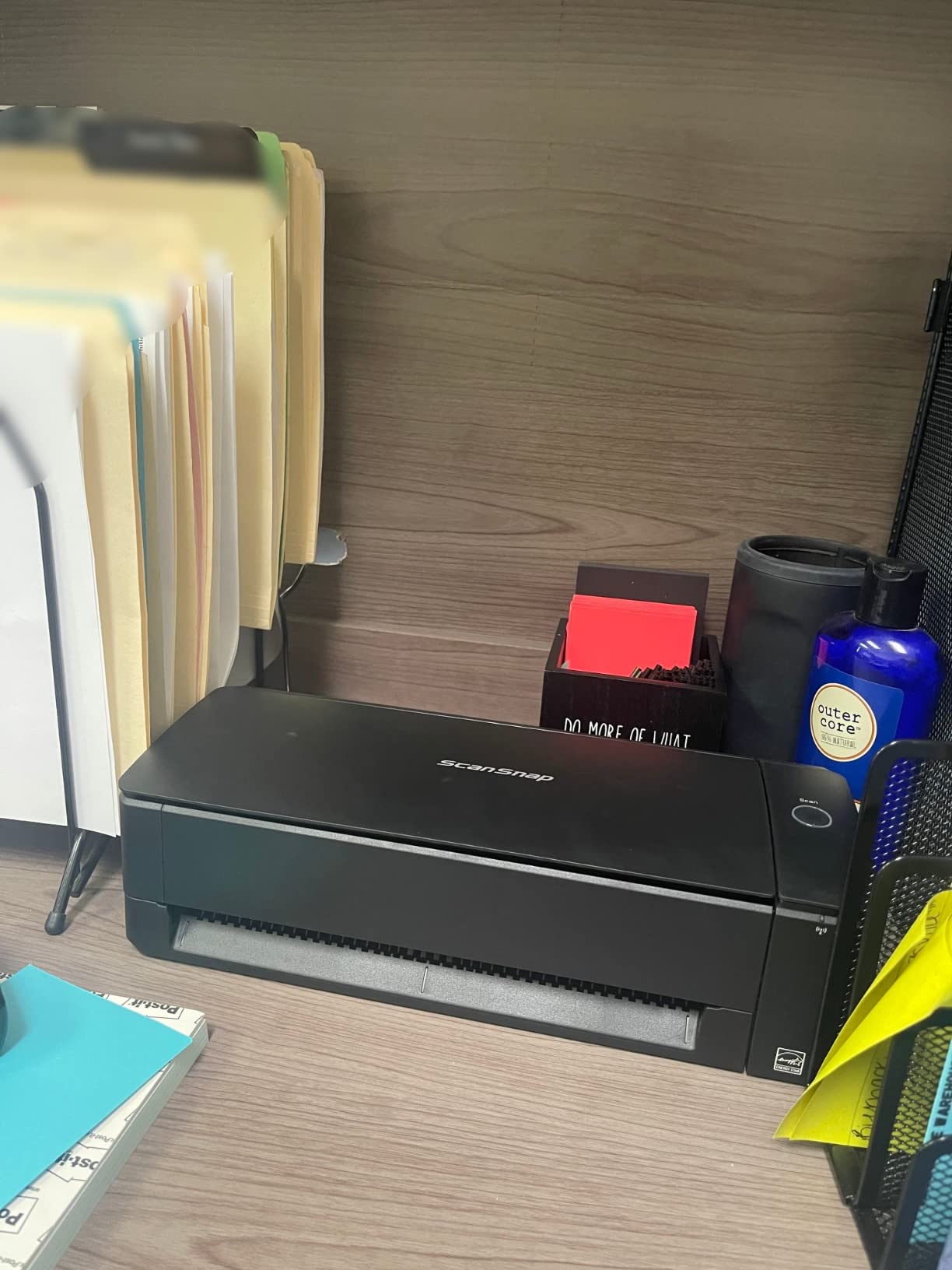
The manual front feeder is a thoughtful addition. I scanned photo class prints and thick card stock without reconfiguring the unit. That flexibility is rare in a desktop scanner.
Wi-Fi connectivity pairs well with iPad workflows. The ScanSnap Home app on iPad receives scans directly, and you can push them to Seesaw or Google Classroom in a few taps. For our audience at ipadapps4school.com, this is the most iPad-friendly desktop scanner we tested.
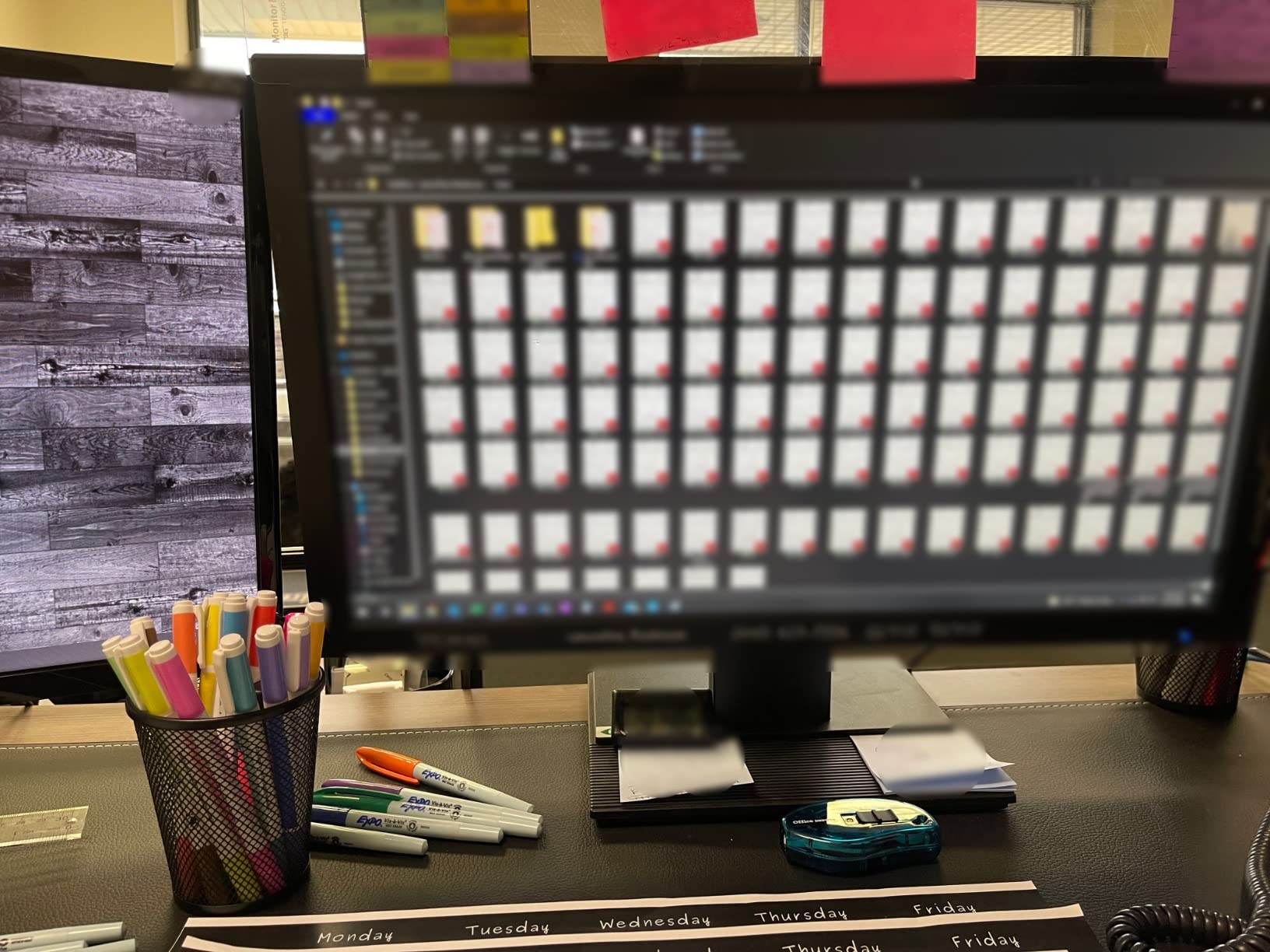
ScanSnap Home software and iPad workflow
ScanSnap Home organizes scans by document type automatically. Receipts go to one folder, business cards to another, and documents to a third. The iPad app mirrors this structure and lets you tag, search, and share from anywhere on campus. Combined with the Wi-Fi connection, you can scan at your desk and review on your iPad between classes.
Who should skip this one
Setup-sensitive users and those who do not need photo scanning. The initial Wi-Fi configuration takes more time than the basic USB scanners on this list. Casual users paying for capacity they will not use should consider the Brother DS-640 instead.
What to Look for When Buying a Document Scanner for Your Classroom
Picking the best document scanner for teachers comes down to matching the device to your daily reality. Here are the factors that matter most in a classroom setting.
Speed and ADF capacity
Scan speed is measured in pages per minute (ppm). For teachers who scan 5-10 pages a day, 12-16ppm is plenty. If you handle 50+ pages a session, look for 30-35ppm with a 50 or 100-sheet automatic document feeder. The ADF eliminates the bottleneck of feeding one page at a time.
Duplex scanning
Duplex means scanning both sides of a page in a single pass. For worksheets, parent letters, and student work printed on both sides, duplex is essential. It also cuts your scanning time roughly in half compared to manually flipping pages.
OCR and searchable PDFs
Optical character recognition (OCR) converts scanned images into searchable text. Without OCR, you can never find a specific student’s work by searching. With OCR, you can hit Ctrl+F and locate any document by name, date, or content. Every scanner on this list includes OCR.
Cloud and iPad compatibility
Check whether the scanner works with the cloud services you use. Google Drive, OneDrive, and Dropbox are table stakes. For iPad workflows, confirm the scanner has a dedicated iOS app or works through the Files app. Wireless scanners like the Epson ES-580W and ScanSnap iX1300 are the strongest picks for iPad users.
Portability and power
USB-powered portable scanners like the Brother DS-640 and Epson ES-50 free you from hunting for power outlets. Desktop scanners with wall power offer higher speeds and larger ADFs. Match the form factor to how often you move between rooms or buildings.
Software and ease of use
Non-technical teachers should prioritize plug-and-play models like the Canon imageFORMULA R10. Teachers comfortable with software can extract more value from feature-rich options like the ScanSnap iX1300 or Epson ES-580W. Either way, set aside 30 minutes for initial setup before judging a scanner.
Frequently Asked Questions
What is the best scanner for scanning a lot of documents?
The Epson Workforce ES-580W is the best scanner for high-volume document scanning. It has a 100-sheet automatic document feeder, scans 35 pages per minute, and handles duplex in a single pass. For teachers processing a full classroom’s worth of paperwork weekly, the ES-580W clears a 100-page stack in under 3 minutes.
Which scanner is better, the ScanSnap or the Epson?
Both are strong picks. The ScanSnap iX1300 is better for teachers who need photo and document scanning in one device, plus iPad-friendly Wi-Fi. The Epson ES-580W is better for high-volume duplex scanning with a larger 100-sheet ADF. For typical classroom worksheet scanning, either will serve you well. The Epson offers more capacity; the ScanSnap offers more versatility.
Which document scanner has the best quality?
For text documents, the Epson Workforce ES-400 II and ES-580W produce the cleanest OCR output in our testing. For photos and art, the Canon CanoScan Lide 300 has the highest optical resolution at 2400 x 2400 dpi, which captures fine details that sheetfed scanners miss. Match the scanner to your content type for the best quality results.
What is the best document camera for teachers?
A document camera is a different tool than a scanner. Scanners create digital file copies you can store and search. Document cameras display documents live to a class for instruction. If you want to digitize student work and create paperless workflows, a scanner is the right tool. If you want to project textbook pages or model handwriting for students, a document camera is the right tool. Many teachers use both.
Final Verdict
After six weeks of testing in real classrooms, the Epson Workforce ES-400 II remains our top pick for the best document scanner for teachers. It hits the right balance of speed, reliability, and price for typical classroom workflows. The 50-sheet ADF and duplex scanning handle a full class period’s worth of paperwork without breaking a sweat.
If you need a portable option, the Brother DS-640 is the best compact choice and slips into any teacher bag. For high-volume scanning sessions, step up to the Epson ES-580W. For tight budgets, the Epson ES-50 is the most affordable way to start a paperless classroom.
Pair any of these scanners with our guide on how to scan documents on your iPad to build a complete paperless workflow this school year. A good scanner pays for itself in saved time within the first semester, and the best document scanners for teachers in 2026 are better than ever.