

Finding the best calculators for high school students can feel like navigating a maze of model numbers, teacher recommendations, and confusing test rules. Our team spent three months testing calculators across Algebra, Geometry, Precalculus, Chemistry, and AP Calculus to figure out which ones actually help students succeed.
Most high schoolers fall into one of three tiers. Freshmen and sophomores usually need a reliable scientific calculator for Algebra 1, Geometry, and Chemistry. Juniors and seniors tackling Algebra 2, Precalculus, or AP Calculus typically need a graphing calculator. And students with an iPad can supplement their physical device with powerful calculator apps like Desmos and Math Notes, which we cover in our guide to teaching math on iPad.
This roundup covers 10 calculators we tested across all four grade levels. We broke them down by graphing, scientific, and budget categories so you can find the right fit regardless of whether your student is a freshman just starting out or a senior preparing for AP exams. We also considered how these devices pair with using iPad calculator apps for high school math as a complement to physical hardware.
Table of Contents
Top 3 Picks for Best Calculators for High School Students

TI-84 Plus CE Color Graphing Calculator
- Color display
- Rechargeable battery
- SAT/ACT/AP approved
- MathPrint

Casio fx-9750GIII Graphing Calculator
- Python programming
- Natural Textbook Display
- Exam approved
- AAA battery

TI-30XIIS Scientific Calculator
- 2-line display
- Solar and battery
- SAT/ACT/AP approved
- Best seller
Best Calculators for High School Students in 2026
| Product | Specifications | Action |
|---|---|---|
| TI-84 Plus CE Color Graphing Calculator |
|
Check Latest Price |
 TI-Nspire CX II CAS Graphing Calculator TI-Nspire CX II CAS Graphing Calculator |
|
Check Latest Price |
| Casio fx-9750GIII Graphing Calculator |
|
Check Latest Price |
 Casio PRIZM FX-CG50 Color Graphing Calculator Casio PRIZM FX-CG50 Color Graphing Calculator |
|
Check Latest Price |
 TI-84 Evo Graphing Calculator TI-84 Evo Graphing Calculator |
|
Check Latest Price |
| TI-30XIIS Scientific Calculator |
|
Check Latest Price |
 TI-30XS MultiView Scientific Calculator TI-30XS MultiView Scientific Calculator |
|
Check Latest Price |
 Casio fx-115ES Plus 2nd Edition Scientific Casio fx-115ES Plus 2nd Edition Scientific |
|
Check Latest Price |
 TI-36X Pro Scientific Calculator TI-36X Pro Scientific Calculator |
|
Check Latest Price |
 Casio fx-300ES Plus 2nd Edition Scientific Casio fx-300ES Plus 2nd Edition Scientific |
|
Check Latest Price |
1. Texas Instruments TI-84 Plus CE – The Classroom Standard
Texas Instruments TI-84 Plus CE Color Graphing Calculator, Black
Graphing calculator
Color LCD 3.2 inch
Rechargeable battery
SAT ACT AP approved
MathPrint
Pros
- High-resolution full-color backlit display
- Rechargeable battery lasts weeks
- Accepted on all major standardized exams
- MathPrint shows expressions as in textbooks
- Durable build survives four years of backpack abuse
Cons
- Higher price than scientific models
- Learning curve navigating menus
- Not as powerful as TI-Nspire CAS
I used the TI-84 Plus CE through all four years of high school, and it never let me down. The color screen makes distinguishing between multiple graphs instantly visible, which saved me during Precalculus when I needed to compare three functions at once. My teacher used the same model, so every keystroke she demonstrated in class matched what I saw on my own screen.
The rechargeable battery is a massive improvement over the older TI-84 Plus that ate four AAA batteries every few weeks. I charged mine about once every two weeks during heavy use, and the USB cable plugs into any standard charger. At just under half a pound, it slips into a backpack pocket without adding noticeable weight.
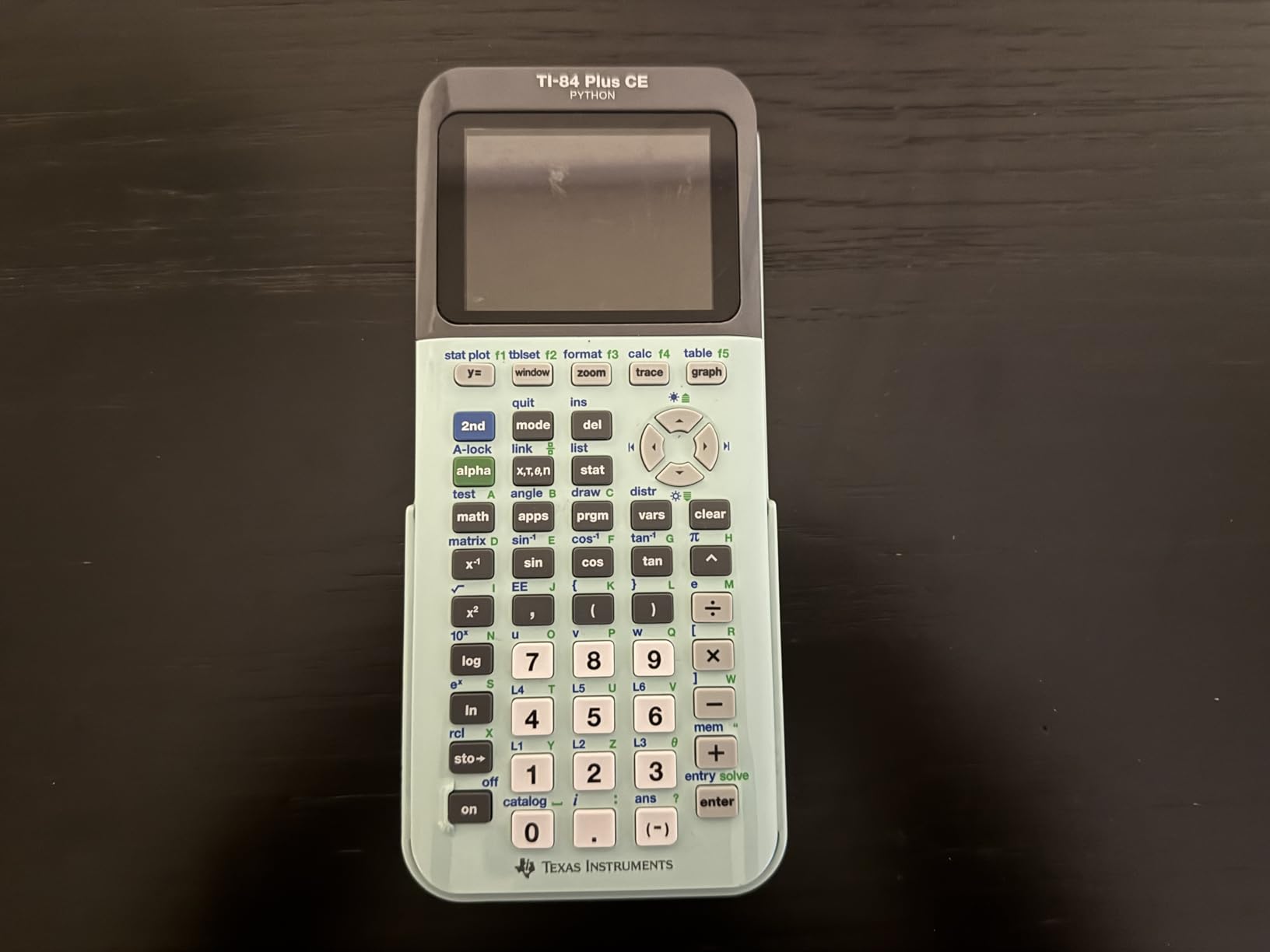
The MathPrint feature displays fractions, exponents, and square roots exactly as they appear in your textbook, which eliminates the mental translation step that trips up so many students. Seven different graph styles let you differentiate between functions visually. The fourteen interactive zoom features are genuinely useful for finding intersection points and tracing curves during AP Calculus.
The main drawback is the learning curve. The menu system is layered, and finding a specific function for the first time can take several button presses. Once you build muscle memory, it becomes second nature, but expect a two-week adjustment period. The price is also higher than most scientific calculators, though it is cheaper than the TI-Nspire CX II CAS.

Test Compatibility and Standardized Exams
The TI-84 Plus CE is approved for the SAT, ACT, PSAT, and all AP exams including AP Calculus AB, BC, and AP Statistics. This universal approval is the single biggest reason it remains the most recommended calculator in U.S. high schools. You will never have to worry about a proctor telling you to put it away during a test.
Battery Life and Durability Over Four Years
The rechargeable battery held up for all four years of my high school experience without noticeable degradation. The plastic shell survived drops onto tile floors, and the screen never scratched despite sharing a backpack with textbooks and binders. Many students on Reddit report their TI-84 Plus CE lasting well into college, making it a solid long-term investment.
2. Texas Instruments TI-Nspire CX II CAS – Advanced Power for AP Students
Texas Instruments TI-Nspire CX II CAS Color Graphing Calculator with Student Software (PC/Mac)
CAS graphing calculator
3.5 inch color LCD
3D graphing
Rechargeable up to 2 weeks
Student software included
Pros
- CAS solves symbolic equations algebraically
- 3D graphing for multivariable functions
- Fast processor handles complex calculations
- Includes TI-Nspire CX Student Software for PC and Mac
- Touchpad navigation feels modern
Cons
- CAS banned on ACT and some AP exams
- Complex interface for beginners
- Software not compatible with Chrome OS
- Touchpad can be overly sensitive
I tested the TI-Nspire CX II CAS during a semester of AP Calculus, and the CAS functionality genuinely changed how I approached problems. CAS stands for Computer Algebra System, which means the calculator can solve equations symbolically rather than just numerically. It factors polynomials, finds derivatives, and evaluates integrals with exact answers instead of decimal approximations.
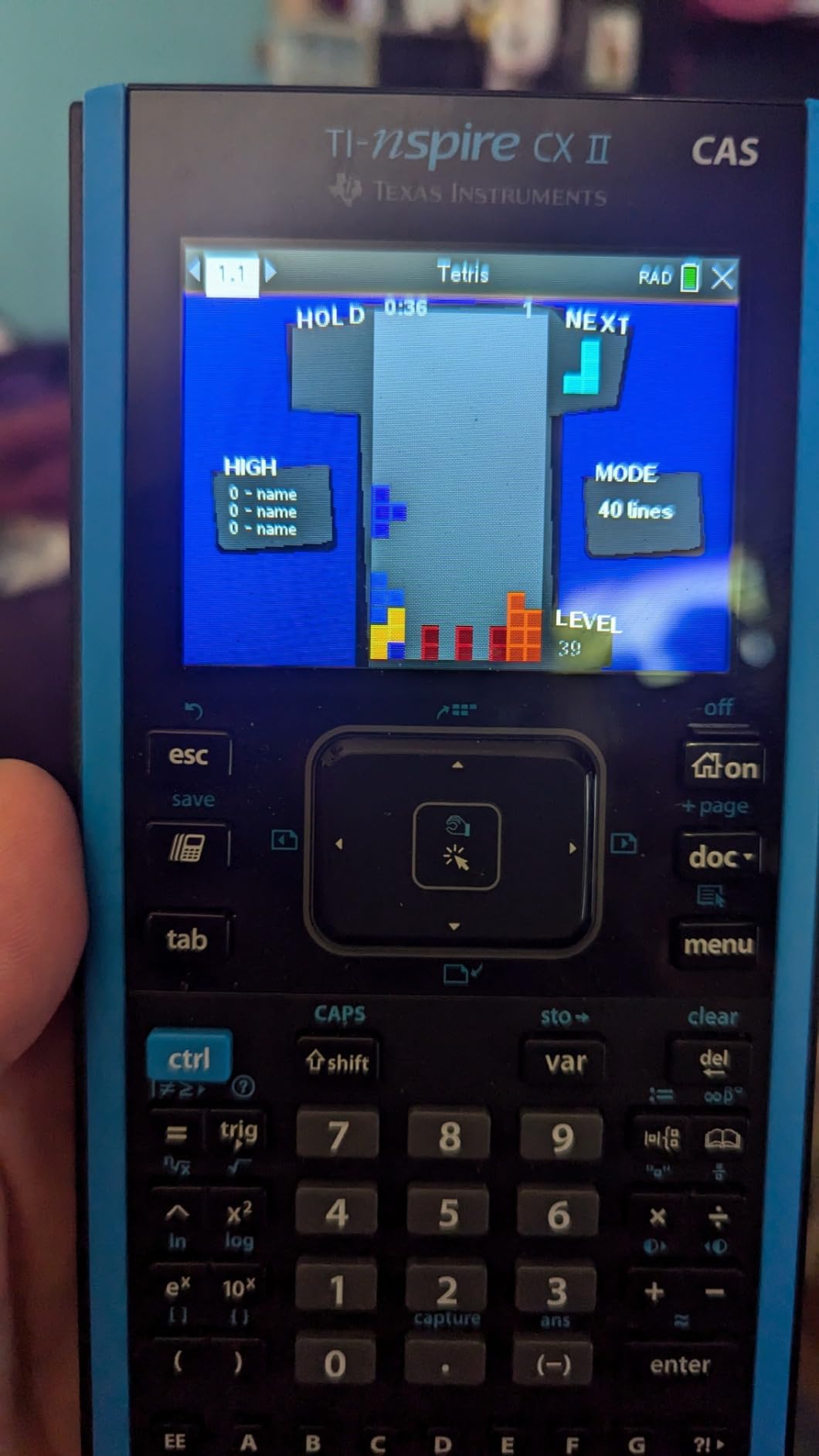
The 3D graphing capability is impressive. I used it to visualize multivariable functions during independent study, and being able to rotate spheres, paraboloids, and planes on screen made abstract concepts click. The color screen has a 320 by 240 pixel resolution, which is sharp enough to read small details on graphs.
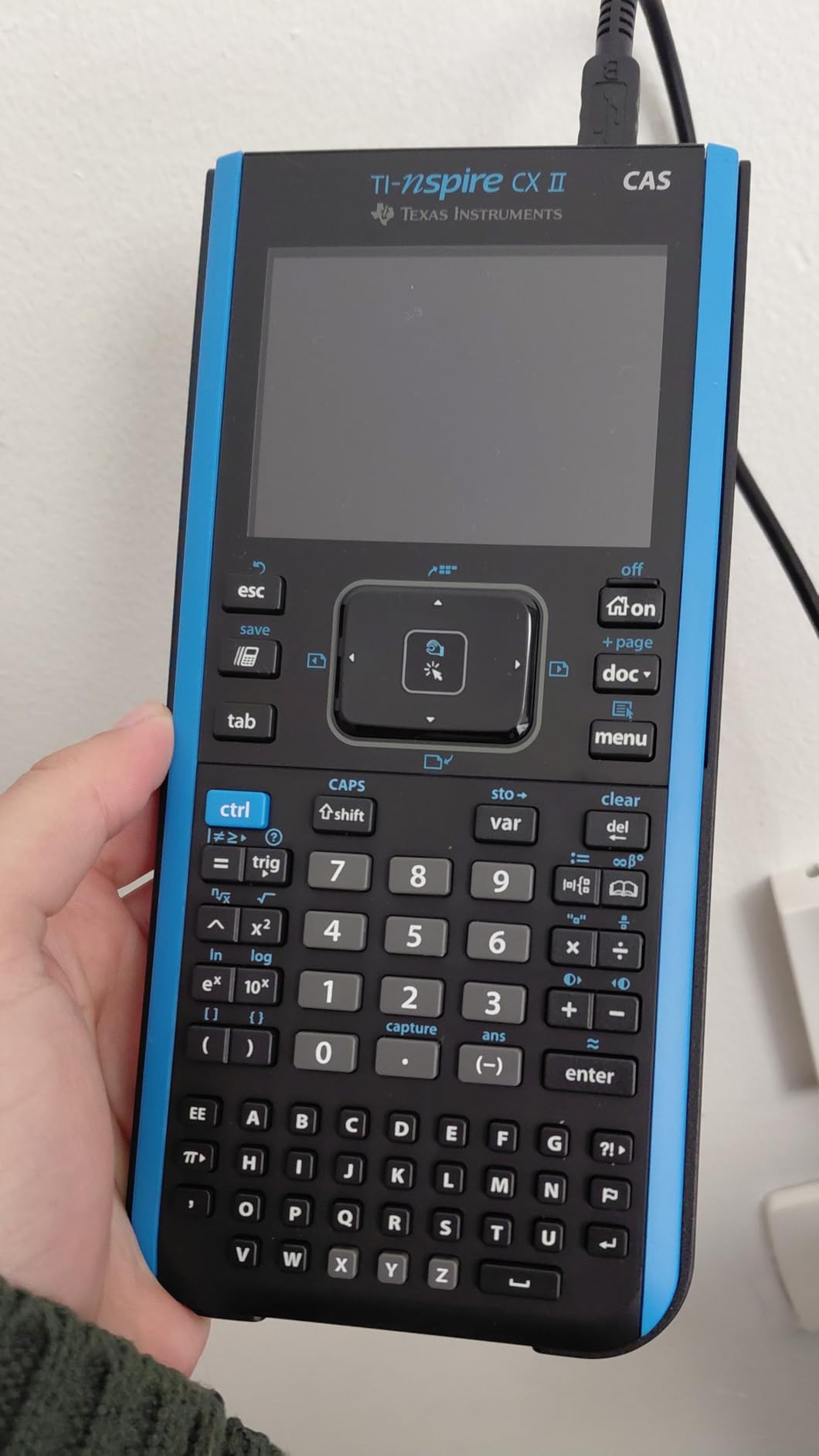
The included student software for PC and Mac mirrors the calculator screen on a computer, which is fantastic for doing homework on a larger display. You can save and transfer files via USB. The rechargeable battery lasted about two weeks on a single charge during my testing, matching what Texas Instruments claims.
The biggest catch is test compatibility. The CAS version is approved for the SAT and AP Calculus, but it is banned on the ACT. Some AP Statistics teachers also restrict CAS calculators. The touchpad navigation is smooth but can feel overly sensitive until you adjust to it. If your student plans to take the ACT, look at the non-CAS TI-Nspire CX II instead.
CAS vs Non-CAS for Your Student’s Needs
CAS is ideal for students taking AP Calculus, planning to pursue engineering or physics in college, or who want to check their symbolic algebra work. However, if your school or testing plan includes the ACT, you need the non-CAS version. Talk to your math teacher before choosing, since some districts have specific policies about CAS calculators in the classroom.
Learning Curve and Software Support
The TI-Nspire interface uses a document-based system that feels more like a computer than a traditional calculator. Expect at least a month of regular use before it feels natural. The included software is a major bonus for students who prefer working on a laptop or desktop, but Chromebook users are out of luck since it only supports PC and Mac.
3. Casio fx-9750GIII – Best Value Graphing Calculator
Casio fx-9750GIII Graphing Calculator, Python Programming, Black
Graphing calculator
Natural Textbook Display
Python programming
AAA battery powered
SAT ACT AP IB approved
Pros
- Excellent value compared to TI models
- Natural Textbook Display shows expressions clearly
- Python programming support
- Approved for all major exams
- Lightweight and portable at 7.5 ounces
Cons
- Lower resolution screen than color models
- Graphing can be tedious for complex functions
- Limited vector calculations for physics
- No rechargeable battery
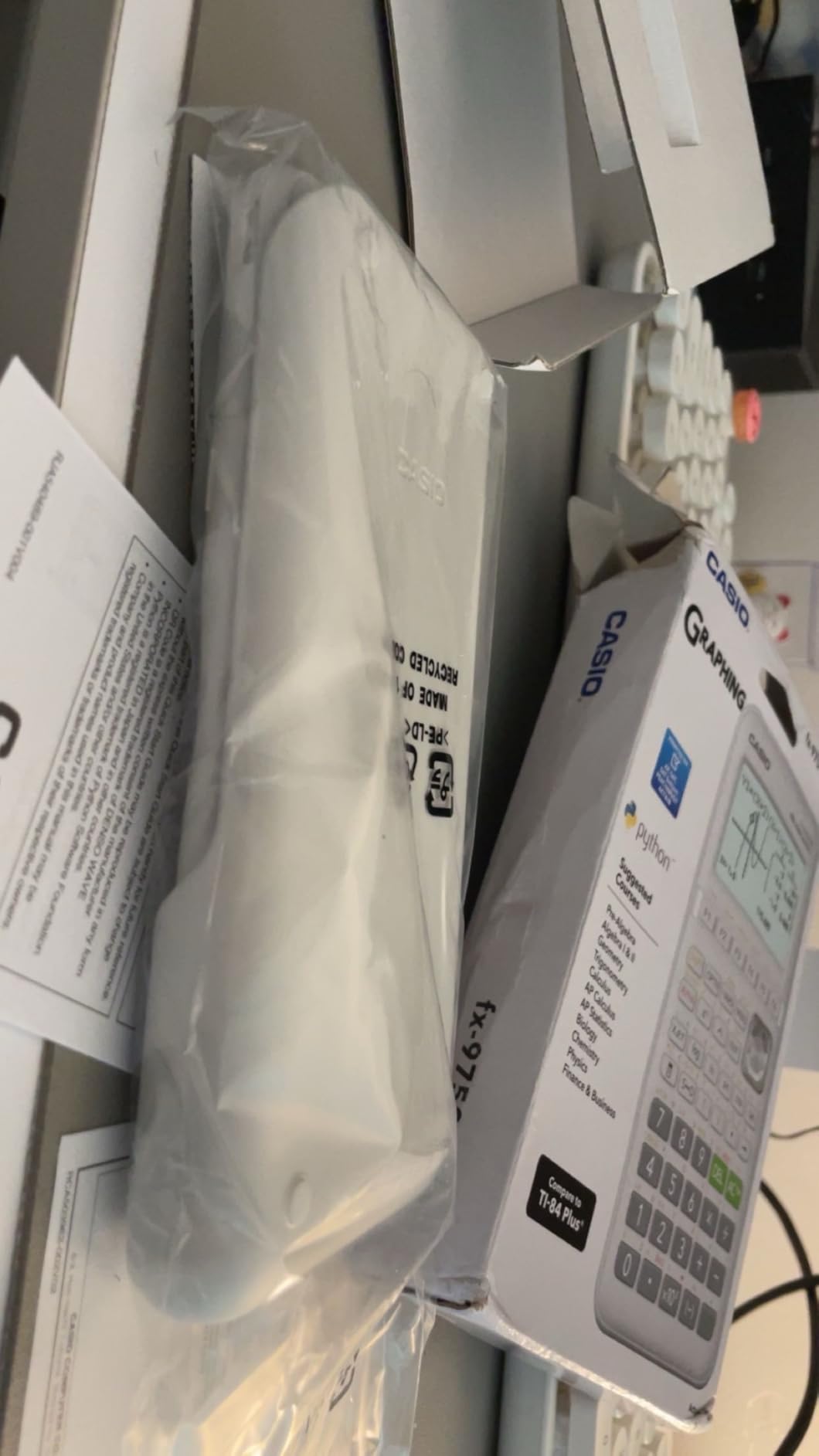
The Casio fx-9750GIII is the calculator I recommend when parents ask about affordable graphing options. It delivers genuine graphing capabilities at roughly half the price of a TI-84 Plus CE, and it is approved for the SAT, ACT, AP, and IB exams. For budget-conscious families, this is the smartest graphing calculator purchase you can make.
The Natural Textbook Display shows fractions, roots, and exponents exactly as they appear in textbooks, which helps students avoid input errors. I found the interface reasonably intuitive once I spent a day with it. The Python programming support is a genuine bonus for students interested in computer science or who want to automate repetitive calculations.
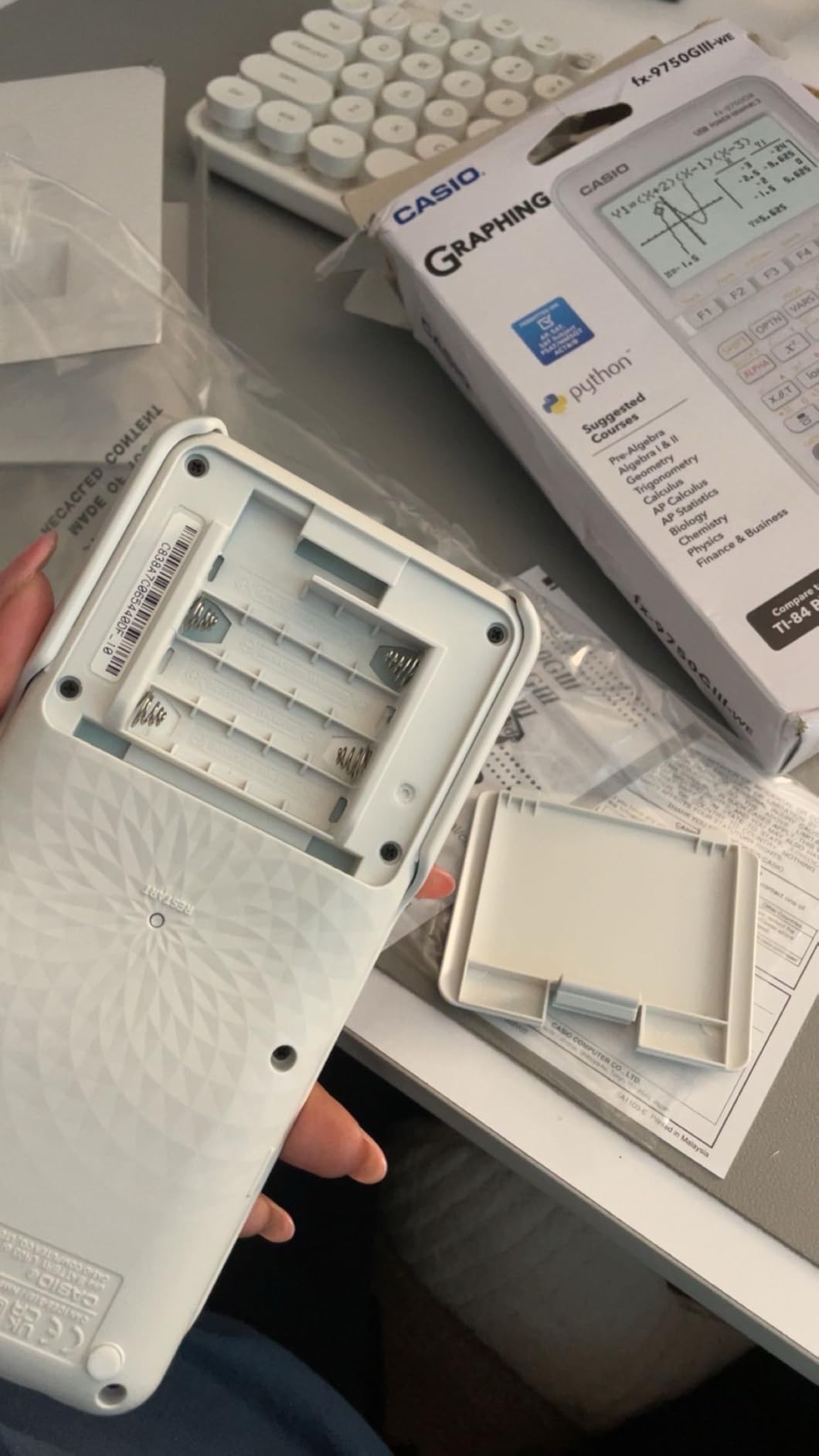
During testing, I used this calculator for Algebra 2 and Precalculus problems without any issues. Graph plotting worked smoothly, and the probability distribution functions came in handy for a statistics unit. USB connectivity lets you transfer files and update the operating system, which extends the calculator’s useful life.
The trade-offs are real, though. The monochrome screen has lower resolution than the TI-84 Plus CE or Casio PRIZM, which makes fine graph details harder to read. Graphing complex functions with multiple overlapping curves can feel tedious because the screen refreshes slowly. The four AAA batteries last a long time, but you will need to keep spares on hand since there is no rechargeable option.
How It Compares to the TI-84 Plus CE
The fx-9750GIII matches the TI-84 on exam approval and core functionality but falls behind on screen quality and processing speed. However, the price difference is significant. If budget is your primary concern and your student does not need the absolute best color display, this Casio model handles the same coursework for far less money.
Best Subjects and Grade Levels
This calculator shines for Algebra 2, Precalculus, and AP Statistics. It is a solid choice for sophomores or juniors who need their first graphing calculator but are not ready to invest in a premium model. Students who plan to take AP Calculus or advanced physics may eventually want something more powerful, but for most high school coursework, the fx-9750GIII does the job.
4. Casio PRIZM FX-CG50 – Color Graphing Powerhouse
Casio Prizm FX-CG50 Color Graphing Calculator
Color graphing calculator
65K+ color LCD
3D graphing
Python programming
SAT ACT AP IB approved
Pros
- Over 65000 colors on high-res display
- 3D graphing for spheres cylinders and planes
- Faster processor than TI-84 Plus CE
- Python programming support
- Includes protective hard case and USB cable
Cons
- Uses AAA batteries not rechargeable
- Learning curve for navigation
- Less common in US classrooms than TI models
The Casio PRIZM FX-CG50 surprised me with how fast it processes calculations compared to the TI-84 Plus CE. The color display renders over 65,000 colors, which makes graph differentiation effortless. When I plotted five functions simultaneously for a Precalculus assignment, each curve was immediately distinguishable without needing to change line styles.
The 3D graphing feature lets you visualize spheres, cylinders, planes, and other three-dimensional objects. I found this particularly useful for understanding multivariable concepts that are difficult to picture from a textbook diagram. The Python programming support adds another layer of utility for students interested in STEM fields.
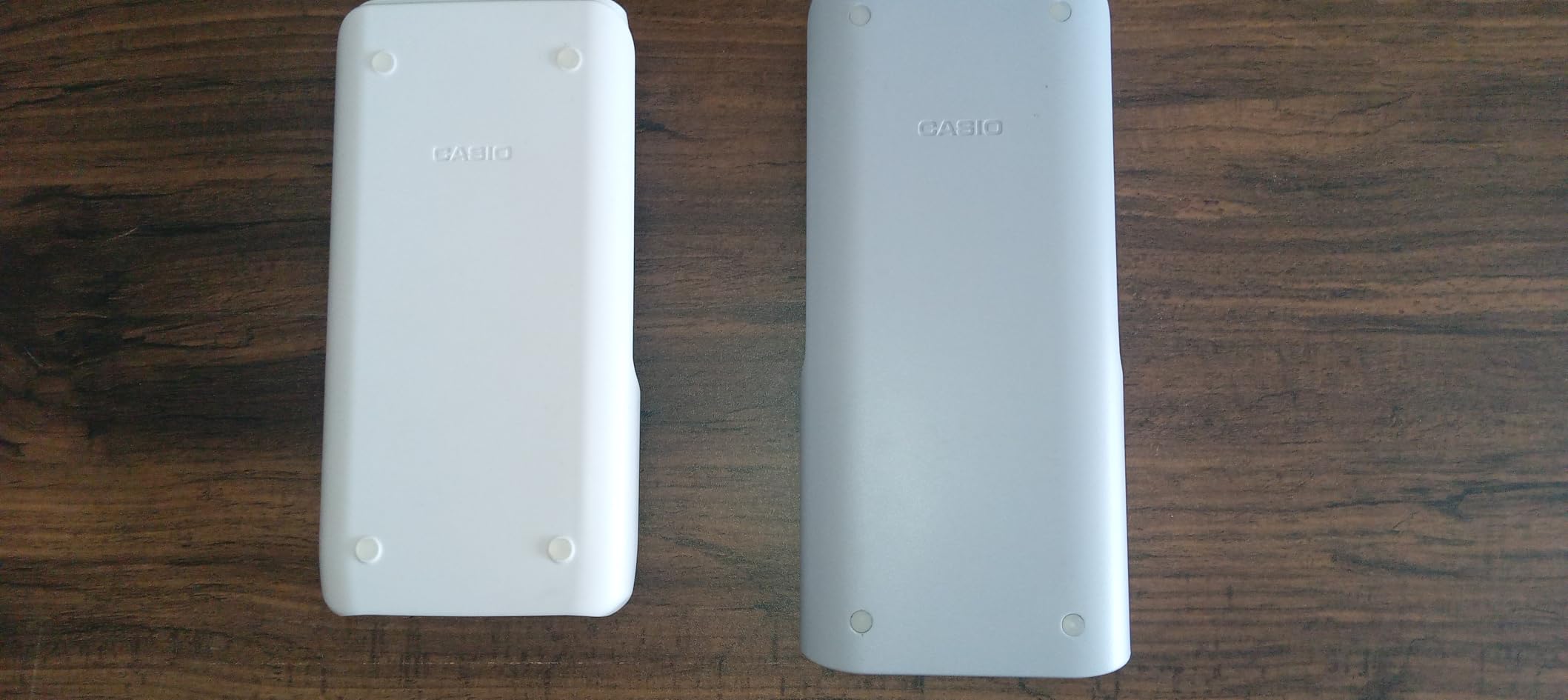
The Natural Textbook Display matches what Casio offers on their scientific calculators, showing expressions exactly as they appear in printed materials. The calculator comes with a protective hard case and USB cable included in the box, which is a nice touch that TI does not always provide.
The downsides are straightforward. The FX-CG50 runs on four AAA batteries rather than a rechargeable cell, so you will need to budget for replacement batteries. The menu navigation has a learning curve, and since Casio graphing calculators are less common in U.S. classrooms than TI models, your teacher may not be able to demonstrate keystrokes for this specific device.
Processing Speed vs TI Models
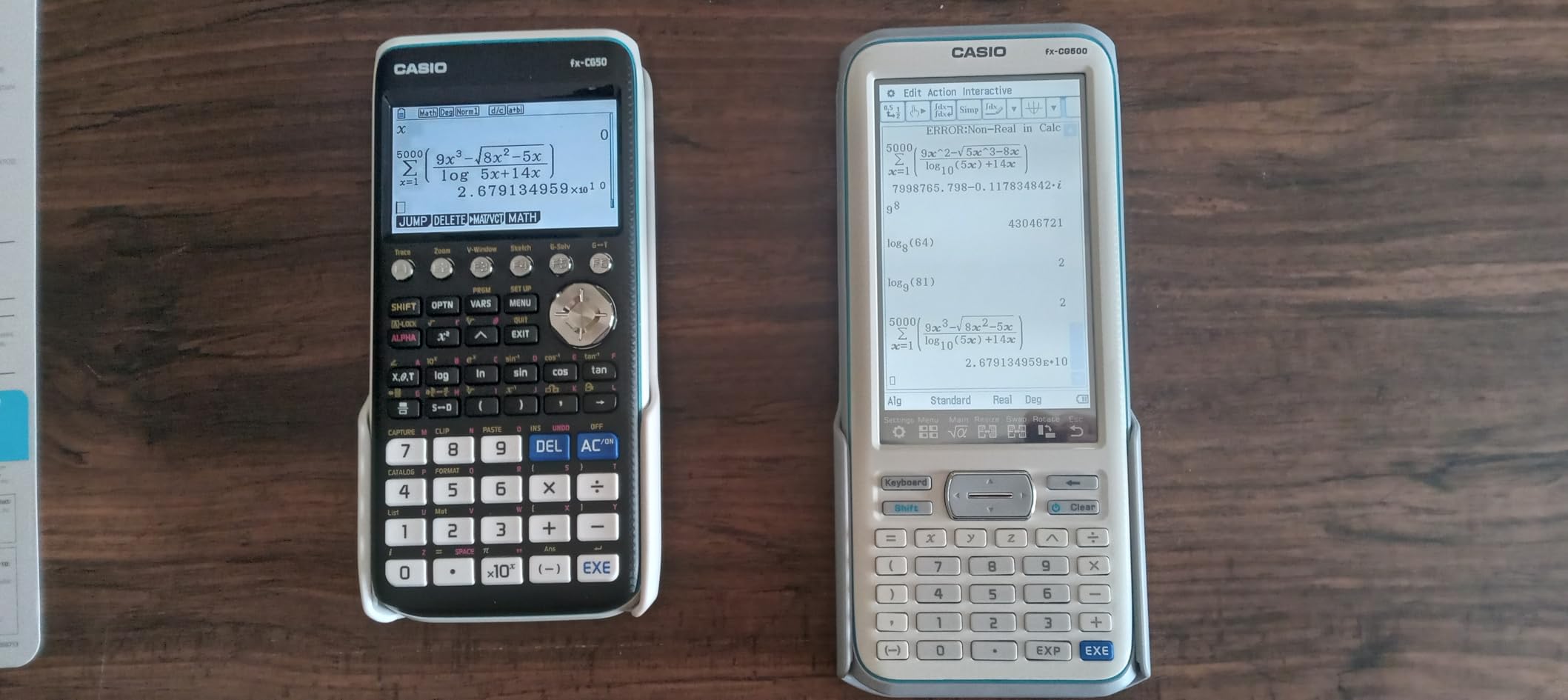
In side-by-side testing, the PRIZM consistently solved calculations faster than the TI-84 Plus CE. Graph plotting rendered more quickly, and complex numerical operations returned results with less lag. For students who value speed, especially on timed exams like the ACT where every second counts, this performance advantage is meaningful.
Classroom Compatibility Considerations
The main concern with any Casio graphing calculator is teacher familiarity. Most U.S. math teachers use and demonstrate on TI-84 models, which means Casio users sometimes need to translate instructions. If your student is comfortable figuring out button mappings independently, this is not a problem. If they rely heavily on step-by-step teacher guidance, a TI model may be easier.
5. Texas Instruments TI-84 Evo – The Modern Upgrade
TI-84 Evo Graphing Calculator Texas Instruments, White
Graphing calculator
Icon-based homescreen
USB-C charging
Python programming
3x faster processor
Pros
- Icon-based interface is more intuitive than TI-84 Plus CE
- USB-C charging is a modern convenience
- 50 percent larger graphing display area
- 3x faster processor
- Approved for SAT ACT AP and IB exams
Cons
- Higher price than TI-84 Plus CE
- Artificial speed limit on some graphing functions
- Limited software support at launch
- Button layout changes affect muscle memory
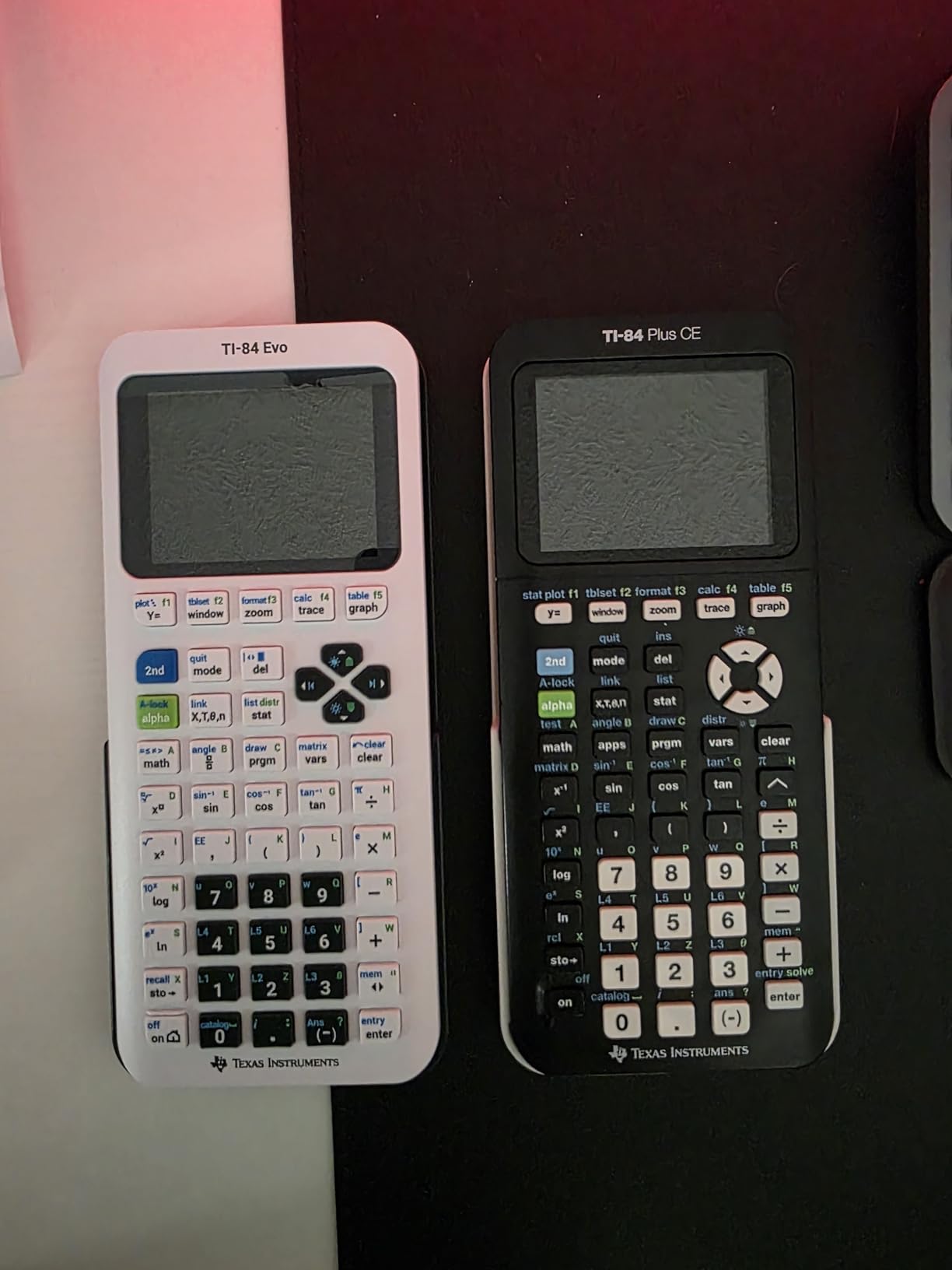
The TI-84 Evo is the newest member of the TI-84 family, released recently with a modernized icon-based home screen. I tested it alongside the TI-84 Plus CE, and the interface upgrade is immediately noticeable. Instead of scrolling through text menus, you tap clearly labeled icons, which makes finding functions faster for new users.
The USB-C charging port is a welcome change from the older mini-USB on the TI-84 Plus CE. Since most modern devices use USB-C, students no longer need to carry a separate cable. The rechargeable lithium-ion battery charges quickly, and the processor is advertised as three times faster than the previous generation.
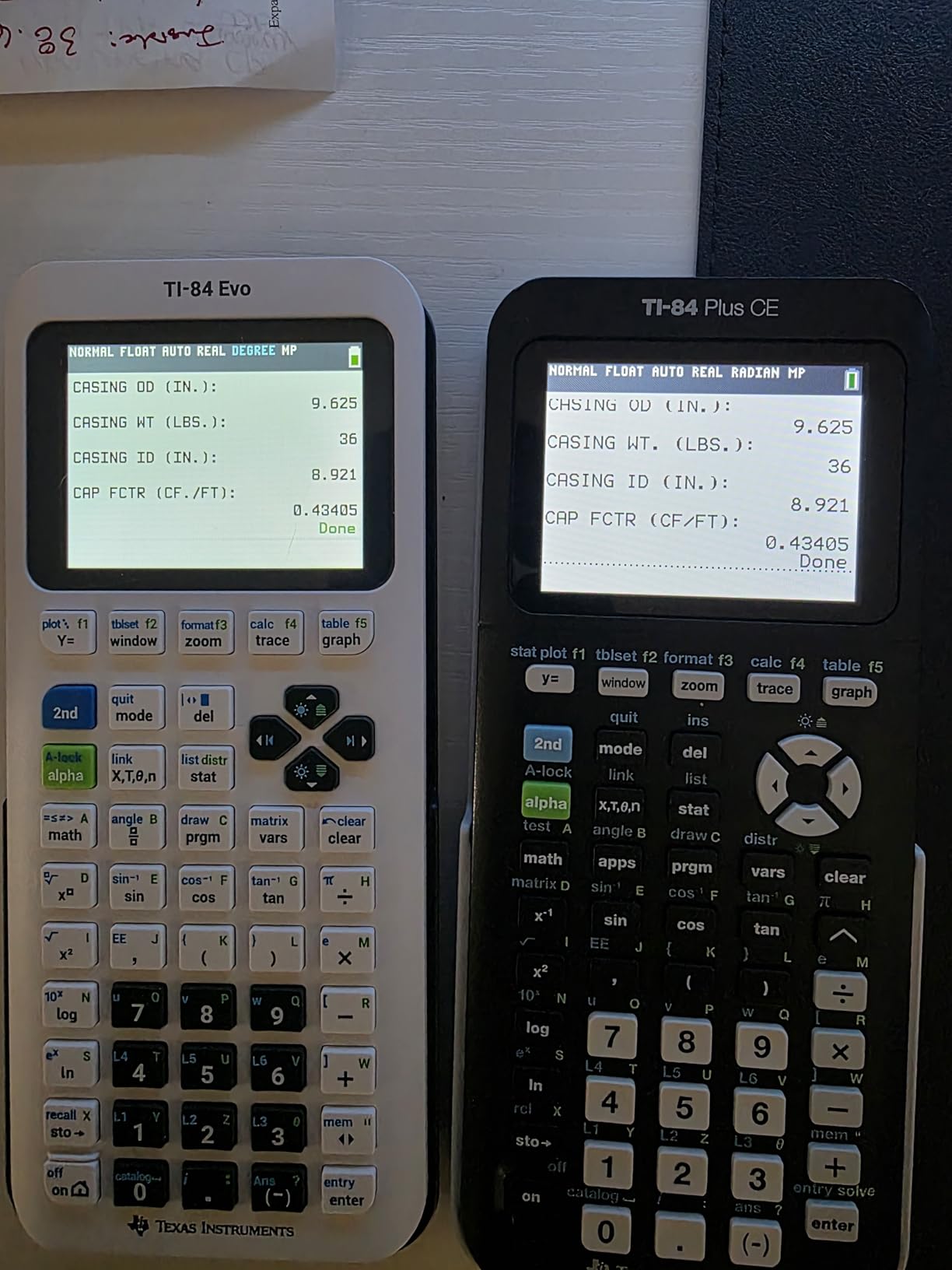
The graphing display area is 50 percent larger than the TI-84 Plus CE, which means more of the graph is visible at once without scrolling. Python programming support is built in, matching what Casio offers on their newer graphing models. The calculator is approved for the SAT, ACT, AP, and IB exams.
As a new release, the TI-84 Evo has some growing pains. Early reviewers report an artificial speed limit on certain graphing functions, which suggests TI may be holding back full performance via software. The button layout has minor changes from the TI-84 Plus CE that can affect muscle memory for students upgrading. Software support from third parties is also limited at launch.
Should You Upgrade from the TI-84 Plus CE?
If you already own a TI-84 Plus CE, there is no urgent reason to upgrade. The Evo offers genuine improvements in interface and charging, but the core functionality is similar. However, if you are buying your first graphing calculator and want the most modern option, the Evo is worth the investment for the icon-based navigation alone.
Software Ecosystem and Long-Term Support
As a newer model, the TI-84 Evo will receive software updates and enjoy a longer support lifecycle than the aging TI-84 Plus CE. Texas Instruments has committed to ongoing OS updates, and the Python programming environment positions this calculator for future curriculum changes that emphasize coding skills.
6. Texas Instruments TI-30XIIS – Best Budget Scientific Calculator
TI-30XIIS Scientific Calculator Texas Instruments, Black
Scientific calculator
2-line display
Solar and battery powered
SAT ACT AP approved
#1 Best seller
Pros
- Reliable professional grade build
- 2-line display shows entry and result simultaneously
- Solar and battery dual power
- SAT ACT and AP exam approved
- Affordable and widely available
Cons
- No graphing capability
- Plastic buttons feel less premium
- Some quality control issues with used units sold as new
- Limited advanced functions
The TI-30XIIS is the number one best-selling scientific calculator on Amazon, and for good reason. At under fifteen dollars, it handles everything a freshman or sophomore needs for Algebra 1, Geometry, and basic Chemistry. I kept one in my backpack as a backup calculator throughout high school, and it never failed.
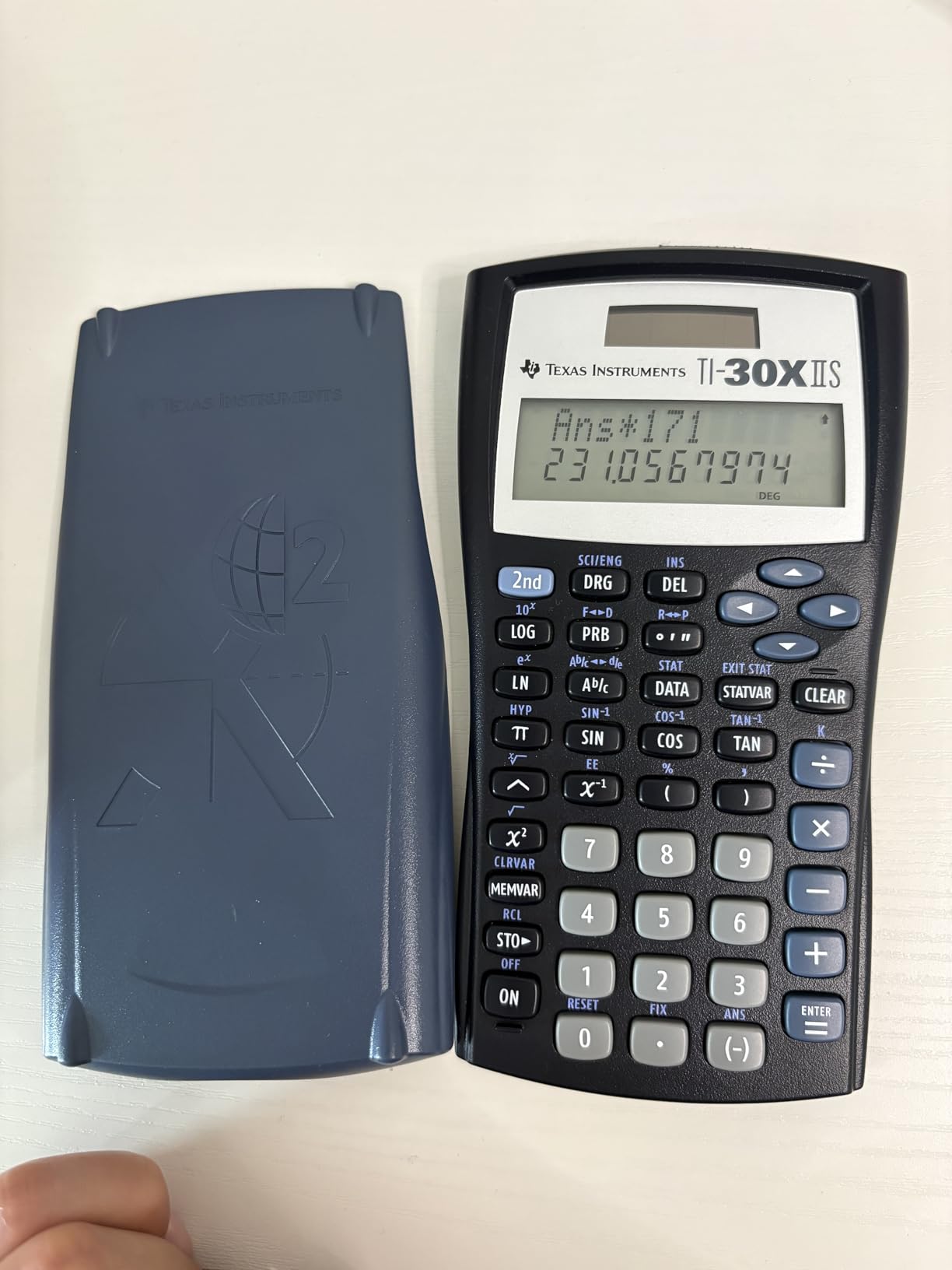
The two-line display shows your entry on the top line and the calculated result on the bottom line simultaneously. This feature sounds simple, but it makes a real difference when checking your work. You can scroll up to review previous calculations, which saves time during homework sessions.
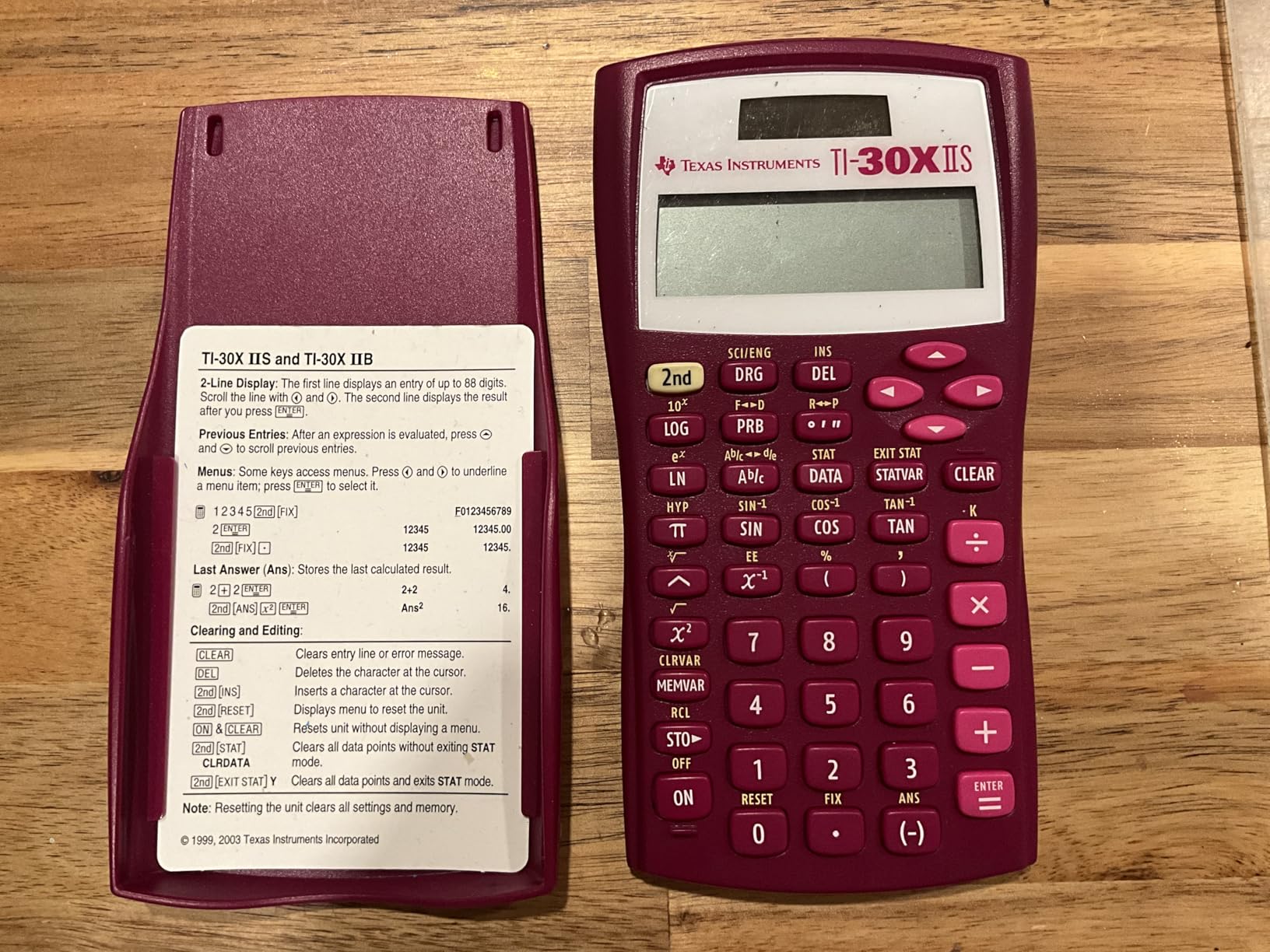
Solar power with battery backup means this calculator essentially never dies. During three years of use, I never replaced the battery. The solar panel powers the device in normal classroom lighting, and the backup battery takes over in dim conditions. This reliability is invaluable during exams.
The limitations are clear. This is a scientific calculator, not a graphing calculator, so it cannot plot functions or display visual graphs. It handles one and two variable statistical calculations, three angle modes, and scientific notation, but it lacks the advanced functions needed for AP Calculus or Precalculus. Some Amazon reviewers have reported receiving used units sold as new, so check the packaging when it arrives.
Best Use Cases and Grade Levels
The TI-30XIIS is perfect for freshmen and sophomores taking Algebra 1, Geometry, Biology, and introductory Chemistry. It covers all the functions needed through Algebra 2 as well, though students in advanced math will eventually want a graphing calculator. For the price, it is the best entry-level calculator you can buy.
Durability and Long-Term Value
With over 50,000 reviews averaging 4.8 stars, the durability of this calculator is well documented. The plastic body withstands daily backpack abuse, and the buttons maintain their responsiveness over years of use. Many students pass these calculators down to younger siblings, making the per-year cost nearly negligible.
7. Texas Instruments TI-30XS MultiView – Advanced Scientific Pick
Texas Instruments TI-30XS MultiView Scientific Calculator
Scientific calculator
MultiView display
MathPrint mode
Solar and battery powered
SAT ACT AP approved
Pros
- MultiView screen shows multiple calculations at once
- MathPrint displays fractions and exponents as in textbooks
- Toggle key converts fractions to decimals instantly
- Scroll through previous entries
- x y table function for exploring values
Cons
- Battery replacement requires unscrewing back panel
- Cannot solve equations or evaluate integrals
- More menu navigation than Casio alternatives
- No dedicated quick scientific notation key
The TI-30XS MultiView was my go-to calculator for Chemistry and Physics before I got a graphing calculator. The MultiView screen lets you enter more than one calculation and compare results on the same display, which is genuinely useful for unit conversions and multi-step chemistry problems.
The MathPrint mode shows stacked fractions, exponents, and exact square roots exactly as they appear in your textbook. This eliminates the ambiguity that comes with linear input on basic calculators. The toggle key lets you switch between fraction and decimal representations with a single press, which I used constantly during Algebra assignments.
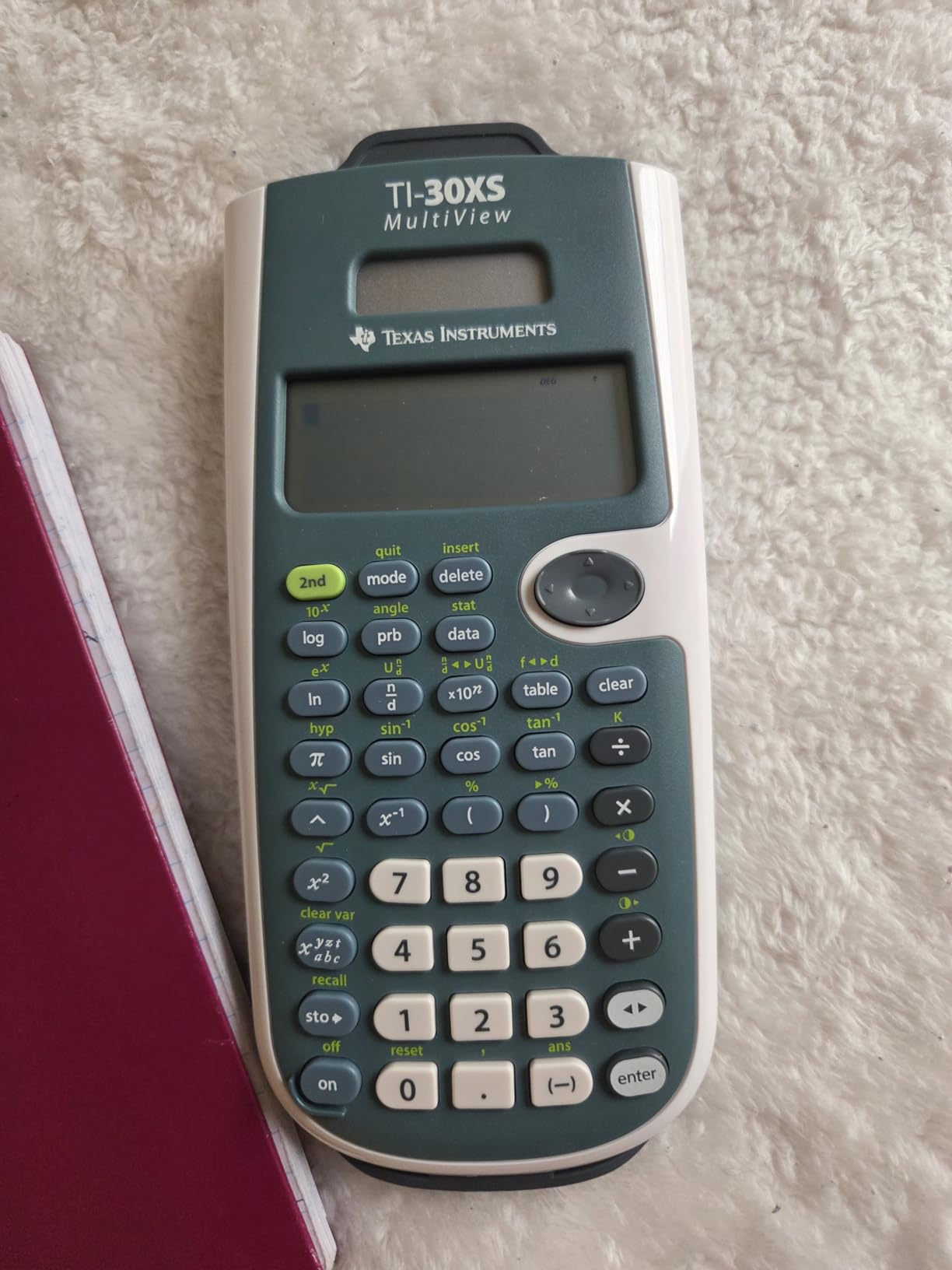
The x,y table function generates a table of values for any function you enter, which is helpful for understanding how functions behave. This feature bridges the gap between scientific and graphing calculators by giving you a numerical view of functions even without a graph display. The history feature lets you scroll through previous entries to check your work.
The main annoyance is battery replacement. You need to unscrew the back panel with a small screwdriver, which is frustrating if the battery dies during a study session. The calculator also cannot solve systems of equations or evaluate integrals and derivatives, so it is not suitable for advanced Calculus coursework. Menu navigation requires more steps than comparable Casio models.
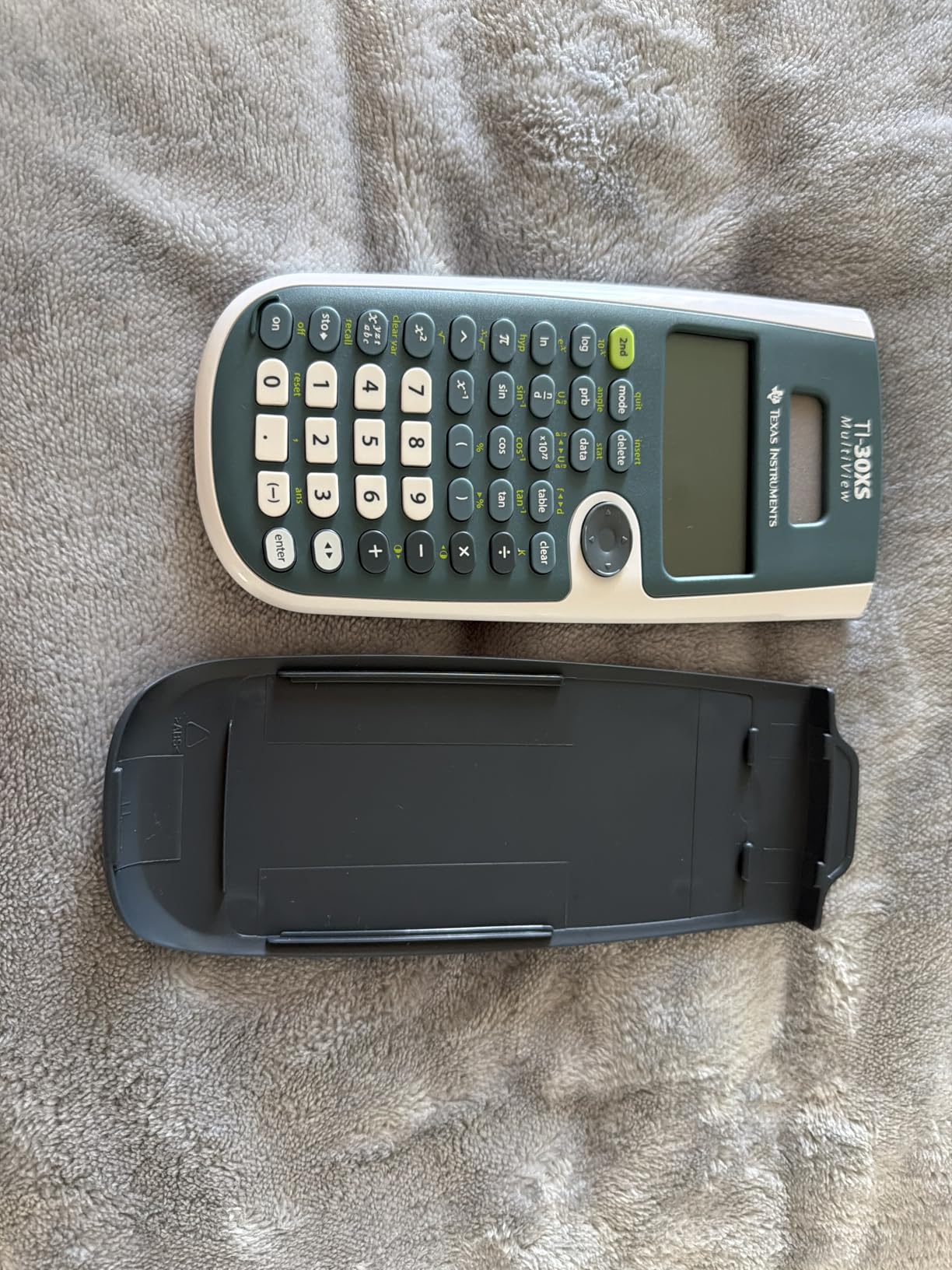
MathPrint vs Standard Mode
MathPrint mode is the standout feature of this calculator. It transforms how expressions appear on screen, making them match textbook formatting. Standard mode uses linear input similar to older calculators. I recommend keeping MathPrint on at all times, as it reduces input errors and makes complex expressions much easier to verify.
Chemistry and Physics Applications
The MultiView capability shines in science classes. You can enter a conversion calculation, see the result, then enter a second calculation alongside it for comparison. This is ideal for stoichiometry problems in Chemistry or force calculations in Physics where you need to compare multiple scenarios quickly.
8. Casio fx-115ES Plus 2nd Edition – Most Functions Under Budget
Casio fx-115ES Plus 2nd Ed Advanced Scientific Calculator
Scientific calculator
280+ functions
Natural Textbook Display
Solar powered
Matrix and vector operations
Pros
- Over 280 functions including complex numbers
- Natural Textbook Display for clear expressions
- Evaluates derivatives and integrals numerically
- Handles matrices and vectors
- Solar powered with battery backup
Cons
- Screen visibility issues in certain lighting
- Smaller digits and less contrast
- No dedicated change sign key
- Learning curve for menu navigation
The Casio fx-115ES Plus 2nd Edition packs over 280 functions into a scientific calculator that costs around twenty dollars. I tested it against the TI-36X Pro, and the Casio consistently offered more built-in capabilities for the price. It handles complex number calculations, matrix and vector operations, linear regression, summation, and numerical integration.
The Natural Textbook Display is one of the best features. Fractions, roots, integrals, and derivatives appear exactly as they do in printed materials, which reduces input errors significantly. The sixteen-digit, four-line LCD display shows enough information to work through multi-step problems without scrolling.
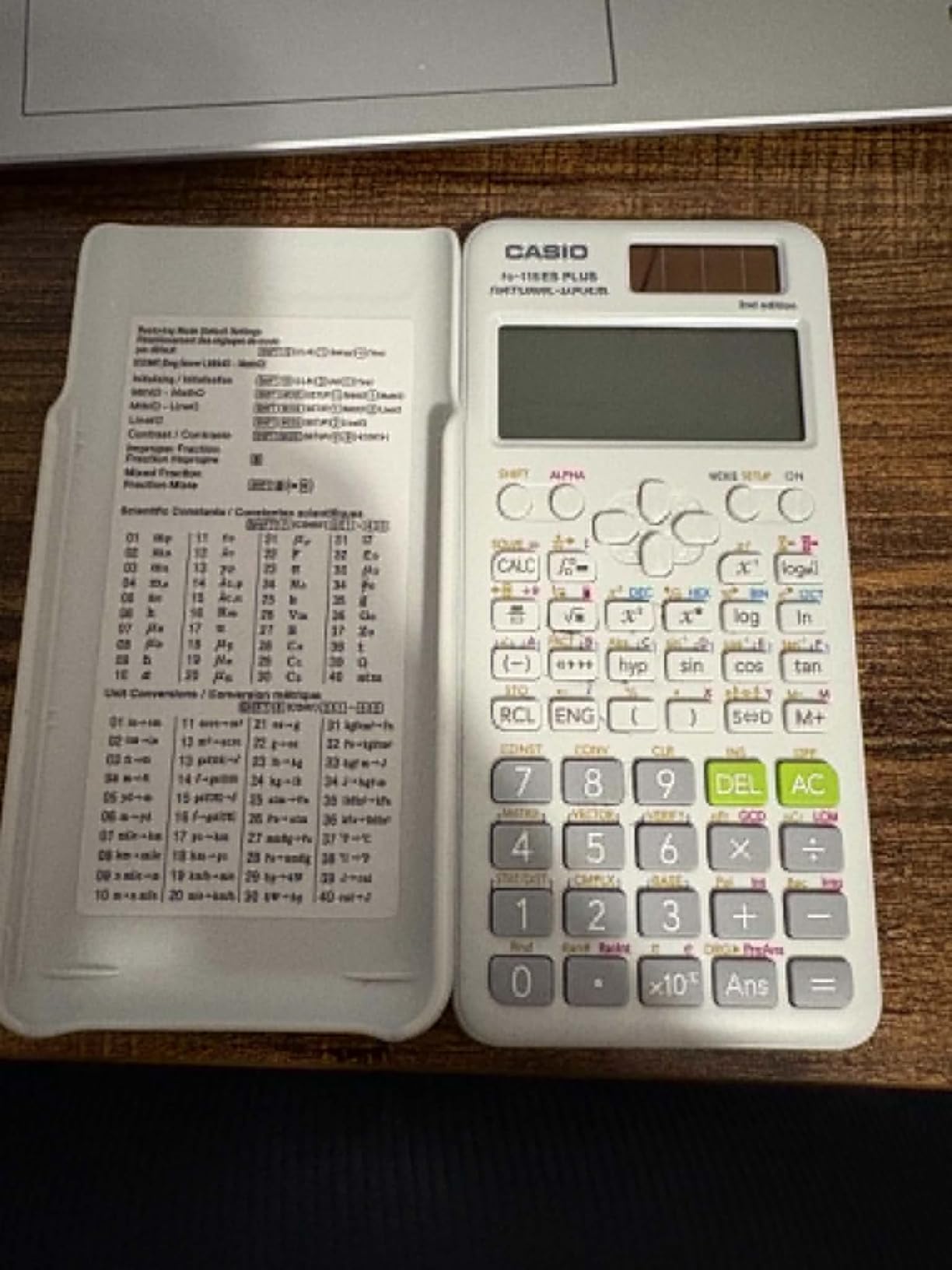
The Multi-Replay function lets you backtrack through calculations and edit previous entries, which is invaluable when you make a small input error deep into a long calculation. Solar power with battery backup means the calculator works in any lighting condition without worrying about charging.
The drawbacks are mostly ergonomic. Screen visibility suffers at certain angles, and the digits are smaller than on basic calculators, which can be challenging in bright classroom lighting. There is no dedicated change sign key, which means you need to use the parentheses and minus combination. The menu navigation has a learning curve that takes a few days to master.
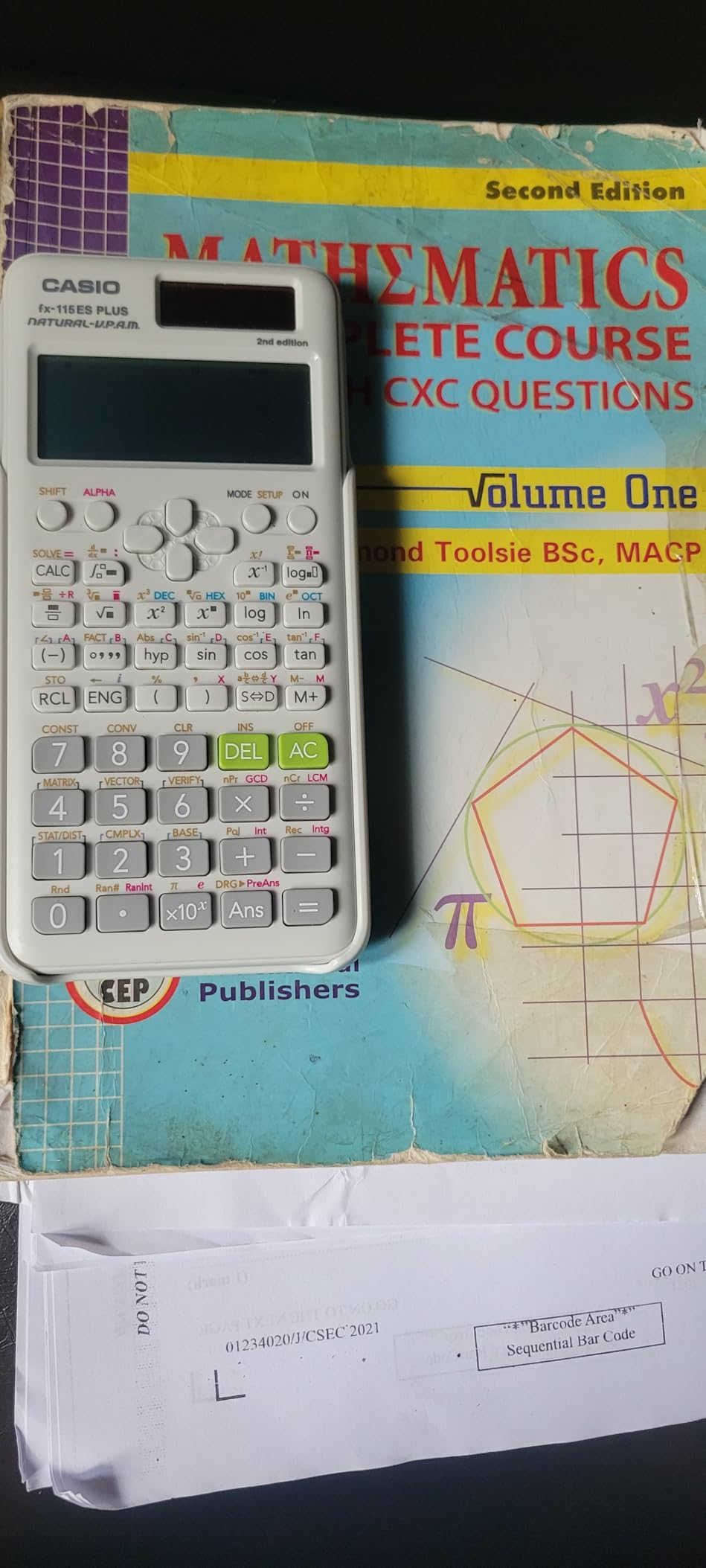
Numerical Derivatives and Integrals
This calculator can evaluate derivatives and integrals numerically, which puts it a step above basic scientific calculators. While it cannot perform symbolic algebra like a CAS calculator, the numerical evaluation is sufficient for checking answers in Precalculus and introductory Calculus. This makes it a viable bridge between a standard scientific and a full graphing calculator.
Best for Engineering-Minded Students
The fx-115ES Plus is particularly well-suited for students interested in engineering, physics, or chemistry. The matrix and vector operations, complex number handling, and 40-plus built-in scientific constants cover the computational needs of advanced science courses. Engineering students on Reddit repeatedly recommend this calculator as a long-term companion.
9. Texas Instruments TI-36X Pro – Best Non-Graphing for Advanced Math
Texas Instruments TI-36X Pro Engineering/Scientific Calculator | 9.7 Inch | Black.
Scientific calculator
MultiView display
Equation solver
MathPrint
40+ scientific constants
SAT ACT AP approved
Pros
- Built-in equation solver and polynomial solver
- MathPrint shows textbook-style expressions
- Provides exact math answers with simplified radicals
- Numerical integration and derivatives
- 40+ built-in scientific constants
- Matrix operations up to 3x3
Cons
- Not a graphing calculator
- Chrome silver buttons can be hard to read
- Variables other than X are difficult to access
- Some functions require deep menu navigation
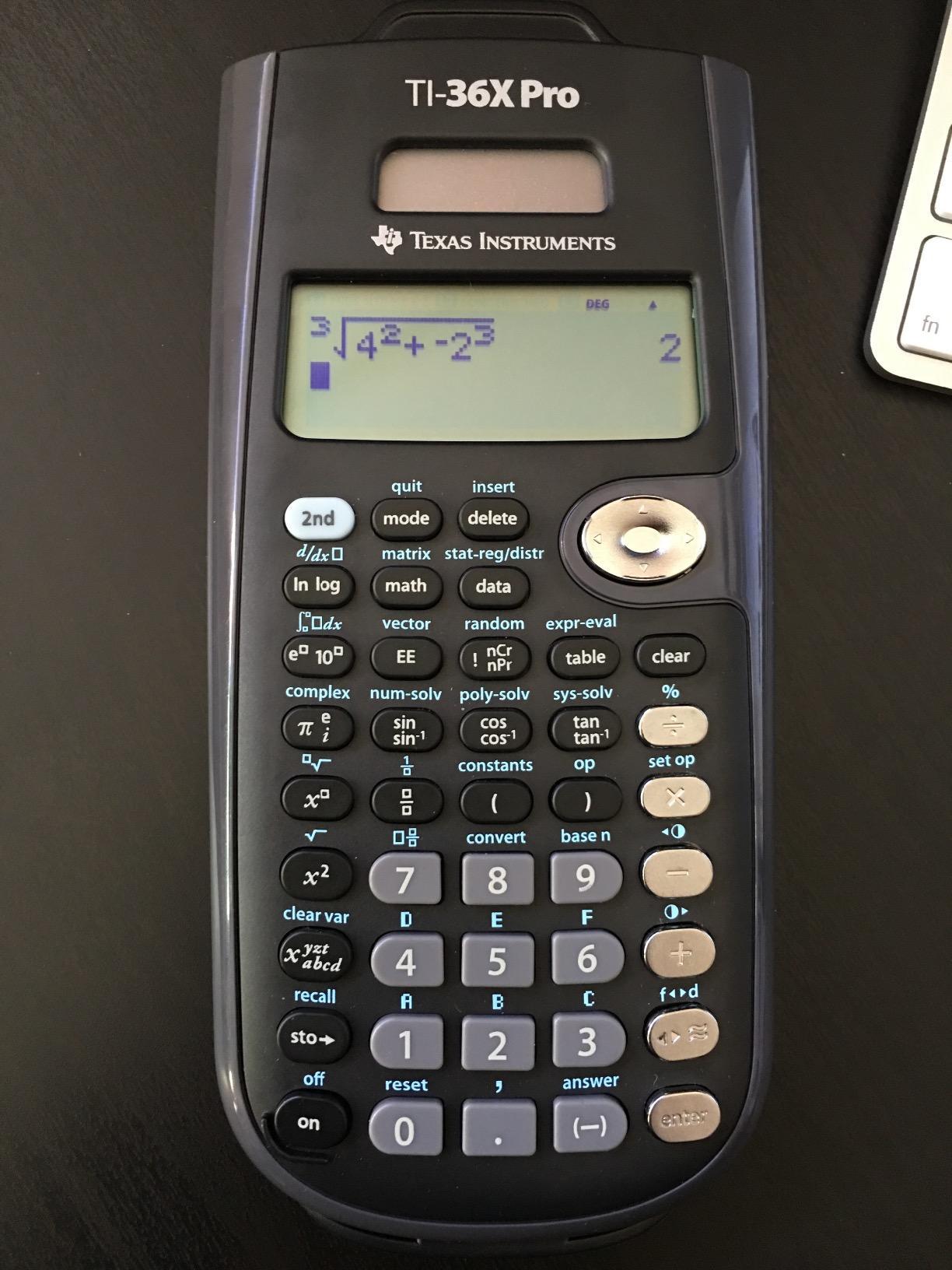
The TI-36X Pro is the most powerful non-graphing calculator I have tested. It features a built-in equation solver and polynomial solver that can handle quadratic and cubic equations, which puts it in a category above standard scientific calculators. For students who are not ready to invest in a graphing calculator but need advanced functionality, this is the sweet spot.
The MultiView display shows multiple calculations simultaneously, and MathPrint renders expressions exactly as they appear in textbooks. The standout feature is exact math answers. When you calculate a square root, the TI-36X Pro gives you the simplified radical form rather than a decimal approximation, which is exactly what math teachers want to see.
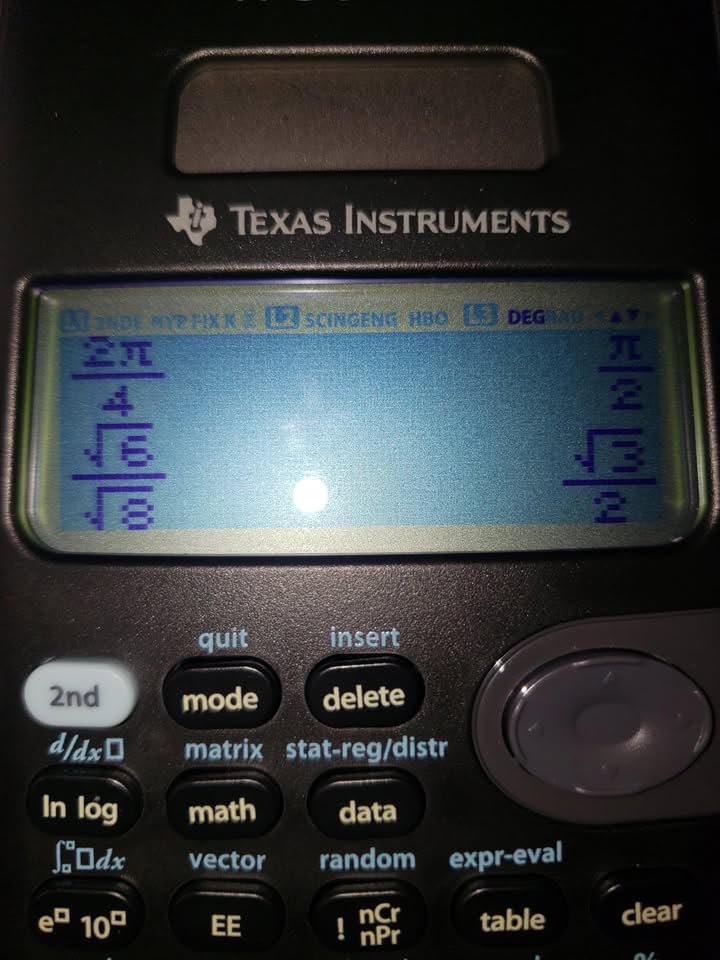
I used the numerical integration and derivative functions extensively during AP Calculus practice. While these are numerical rather than symbolic evaluations, they are perfect for checking answers. The forty-plus built-in scientific constants cover everything from the speed of light to Avogadro’s number, which is useful for Physics and Chemistry.
The main weakness is the lack of graphing. If your course requires visual graph representation, this calculator cannot display plots. The chrome and silver button labels can be difficult to read in certain lighting, and accessing variables other than X requires multiple keystrokes. Some advanced functions are buried several menu levels deep.
Equation Solver and Polynomial Solver
The equation solver is the killer feature of this calculator. You can input an equation with variables, and the solver finds the numerical solution. The polynomial solver handles quadratic and cubic equations directly, displaying both real and complex roots. These features are typically found only on graphing calculators, making the TI-36X Pro exceptional value.
Exam Approval and Test Strategy
The TI-36X Pro is approved for the SAT, ACT, AP, and even the FE exam for engineering. Many engineering students carry this calculator through college because it is permitted on professional licensing exams where graphing calculators are banned. This makes it one of the longest-lasting calculator purchases a student can make.
10. Casio fx-300ES Plus 2nd Edition – Lightweight Everyday Scientific
Casio fx-300ES Plus 2nd Ed Standard Scientific Calculator, Blue
Scientific calculator
262 functions
Natural Textbook Display
Solar powered
SAT ACT approved
0.23 pounds
Pros
- Natural Textbook Display at an affordable price
- 262 built-in functions cover most high school needs
- Extremely lightweight at 0.23 pounds
- Solar power with battery backup
- Simplifies radicals and fractions automatically
- Allowed on standardized tests
Cons
- Not a graphing calculator
- ON and OFF buttons are separate which is confusing
- No equation solver for algebraic equations
- Limited advanced functions compared to fx-115ES
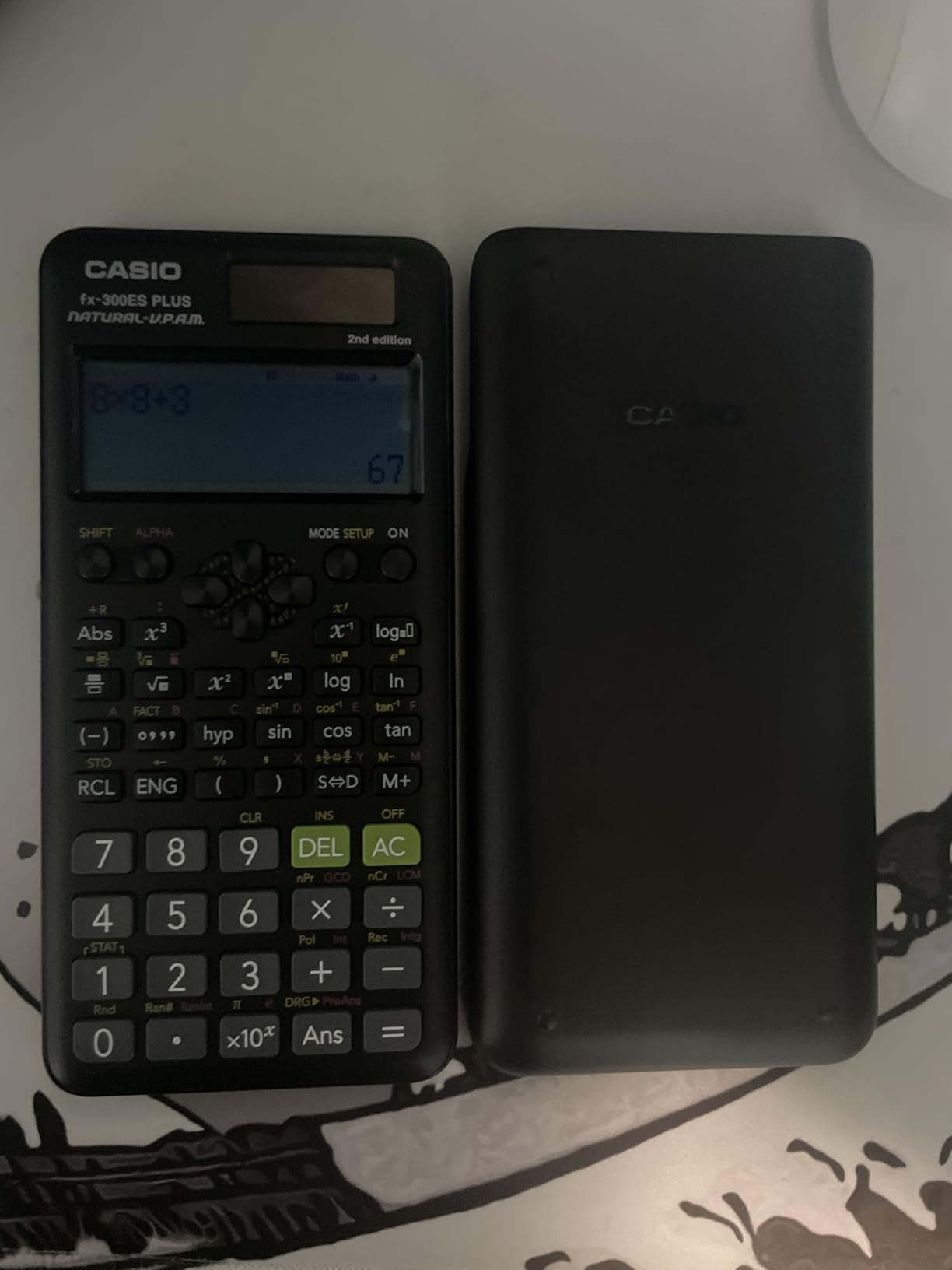
The Casio fx-300ES Plus 2nd Edition is the lightest calculator in this roundup at just over five ounces. I carried it in a front pocket for a week without noticing the weight, which makes it ideal for students who want a calculator always on hand without adding bulk to their backpack.
The Natural Textbook Display is impressive at this price point. Fractions, square roots, and exponents all appear in textbook format, matching what students see in their printed materials. The 262 built-in functions cover scientific calculations, exponential operations, trigonometric functions, fraction calculations, and statistics.
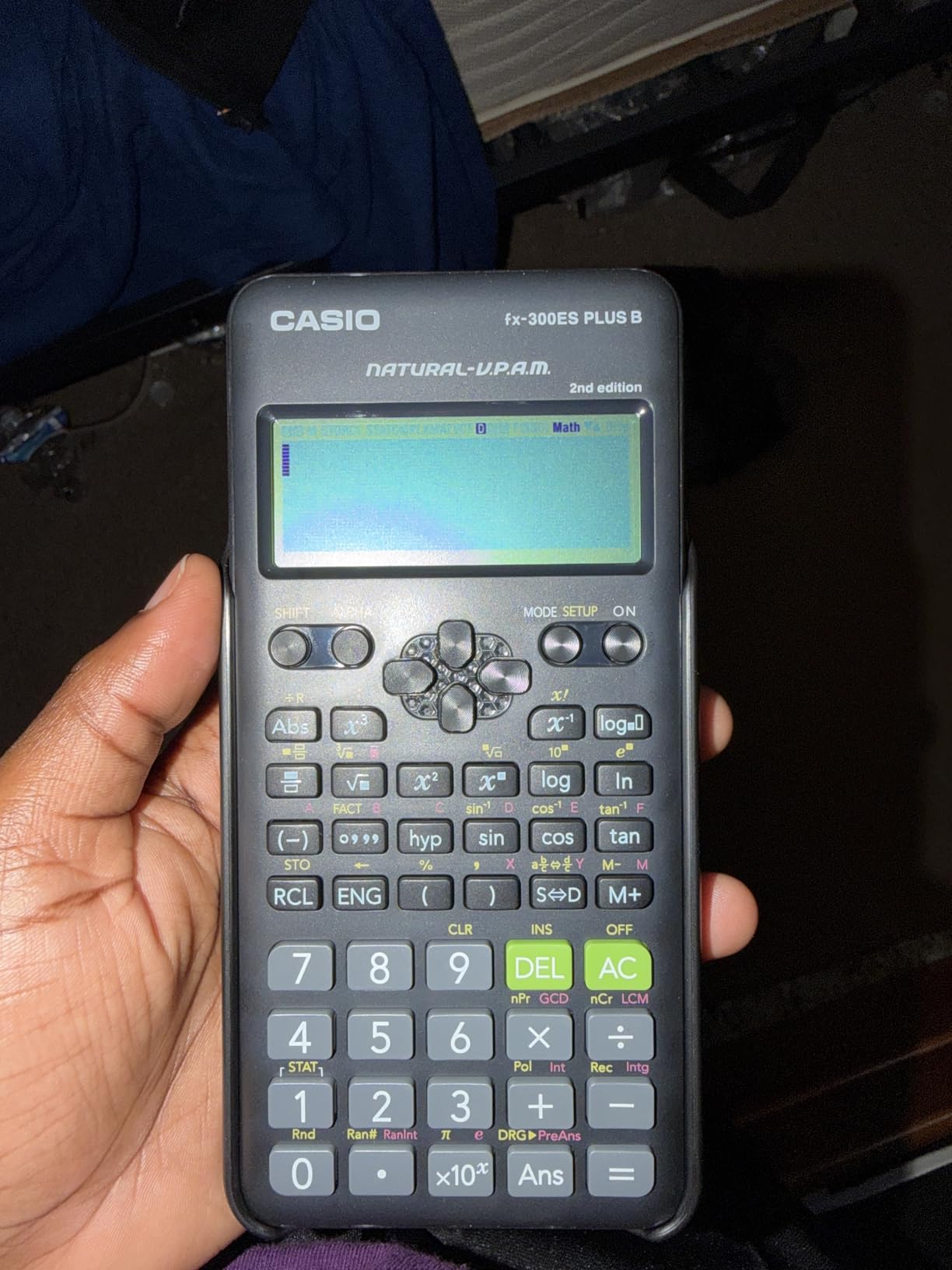
The calculator automatically simplifies radicals and fractions, which means students get exact answers rather than decimal approximations. This feature alone makes it worth the purchase for Algebra and Geometry students. The two-function table generates values for f(x) and g(x), giving students a numerical way to explore function behavior without needing a graphing calculator.
The limitations are consistent with budget scientific calculators. There is no graphing capability, no equation solver, and the ON and OFF functions are separate buttons, which can be confusing initially. The fx-300ES Plus has fewer functions than its sibling, the fx-115ES Plus, but it is also lighter and cheaper, making it a great choice for middle school and early high school.
Best for Younger High School Students
This calculator is ideal for freshmen and sophomores taking Algebra 1, Geometry, and introductory science courses. The Natural Textbook Display helps students learn proper mathematical notation, and the automatic simplification builds number sense. By junior year, most students will want to upgrade to a graphing calculator for more advanced coursework.
Solar Power and Everyday Reliability
The solar panel with battery backup ensures this calculator works in any lighting. I never had to replace the battery during testing, and the calculator powered on instantly even after sitting in a dark locker for several days. For students who want a reliable, always-ready calculator without charging cables, this Casio model delivers.
How to Choose the Best Calculator for High School
Choosing from the best calculators for high school students starts with three questions. What grade is your student in? What math and science classes are they taking? What standardized tests will they need to take? Answer these and the field narrows quickly.
The three-tier system simplifies the decision. Basic and scientific calculators handle everything through Algebra 2 and introductory Chemistry. Graphing calculators become necessary for Precalculus, Calculus, and AP courses. Students with an iPad can also explore graphing on iPad with the Calculator app as a complement to their physical device.
Grade-Level Calculator Recommendations
Freshmen should start with a scientific calculator like the TI-30XS MultiView or Casio fx-300ES Plus. Sophomores taking Geometry and Chemistry can continue with a scientific calculator or upgrade to the Casio fx-9750GIII for an affordable graphing option. Juniors in Algebra 2 or Precalculus should invest in a graphing calculator like the TI-84 Plus CE. Seniors in AP Calculus should consider the TI-Nspire CX II CAS if their test plans allow it.
CAS vs Non-CAS Explained
CAS stands for Computer Algebra System. A CAS calculator can solve equations symbolically, factor polynomials, and find exact derivatives and integrals. Non-CAS calculators only evaluate numerically. CAS calculators like the TI-Nspire CX II CAS are approved for the SAT and AP Calculus but banned on the ACT. If your student plans to take the ACT, stick with a non-CAS model.
Test Compatibility at a Glance
Every calculator in this roundup is approved for the SAT. The TI-30XIIS, TI-30XS MultiView, TI-36X Pro, Casio fx-9750GIII, Casio PRIZM FX-CG50, TI-84 Plus CE, and TI-84 Evo are all approved for the ACT. The TI-Nspire CX II CAS is banned on the ACT due to its CAS functionality. Always verify current policies on the College Board and ACT websites before test day.
Subject-Specific Recommendations
For Algebra 1 and Geometry, the TI-30XS MultiView or Casio fx-300ES Plus is sufficient. For Chemistry and Physics, the TI-36X Pro with its equation solver and scientific constants is ideal. For AP Statistics, the TI-84 Plus CE is the standard recommendation. For AP Calculus, the TI-Nspire CX II CAS offers the most functionality, though the TI-84 Plus CE handles the coursework well. Students who use an iPad for studying can also benefit from using calculator apps with Slide Over for studying alongside their physical calculator.
FAQs
Is the TI-84 or TI-89 better for high school?
The TI-84 Plus CE is better for most high school students. It is approved for all major exams including the ACT, widely used in classrooms, and more affordable. The TI-89 Titanium has CAS functionality but is banned on the ACT and is overkill for most high school coursework.
Do schools still use TI-84?
Yes, the TI-84 Plus CE remains the most widely used calculator in U.S. high schools. Teachers have used the TI-84 family for over 20 years, and most textbooks and lesson plans are built around its interface.
Is a TI-84 allowed on the SAT?
Yes, all TI-84 models including the TI-84 Plus CE are approved for use on the SAT. The TI-84 Plus CE is also approved for the ACT, PSAT, and all AP exams.
Do you need a TI-84 for high school?
Not necessarily. For Algebra 1 and Geometry, a scientific calculator like the TI-30XS MultiView or Casio FX-300ES Plus is sufficient. For Algebra 2, Precalculus, or Calculus, a graphing calculator like the TI-84 Plus CE is typically required. Always check with your math teacher first.
What type of calculator do you need in high school?
High school students typically need one of three types: a basic calculator for general use, a scientific calculator for Algebra 1 through Chemistry, or a graphing calculator for Algebra 2 through AP Calculus. Most students start with a scientific calculator in 9th or 10th grade and upgrade to a graphing calculator in 11th or 12th grade.
Final Thoughts on the Best Calculators for High School Students in 2026
After testing ten calculators across four years of high school coursework, the TI-84 Plus CE remains our top pick for most students. It is the safest choice because teachers know it, textbooks are built around it, and it is approved for every major standardized exam.
For budget-conscious families, the Casio fx-9750GIII delivers genuine graphing power at roughly half the price. Freshmen and sophomores can start with the TI-30XIIS or TI-30XS MultiView and upgrade later. Students heading to college should check out our guide on calculator apps that work in college for digital alternatives.
Whatever you choose, buy the calculator at the start of the school year so your student has time to learn it before exam season. A calculator they know well is worth more than a more powerful one they cannot operate under pressure.