
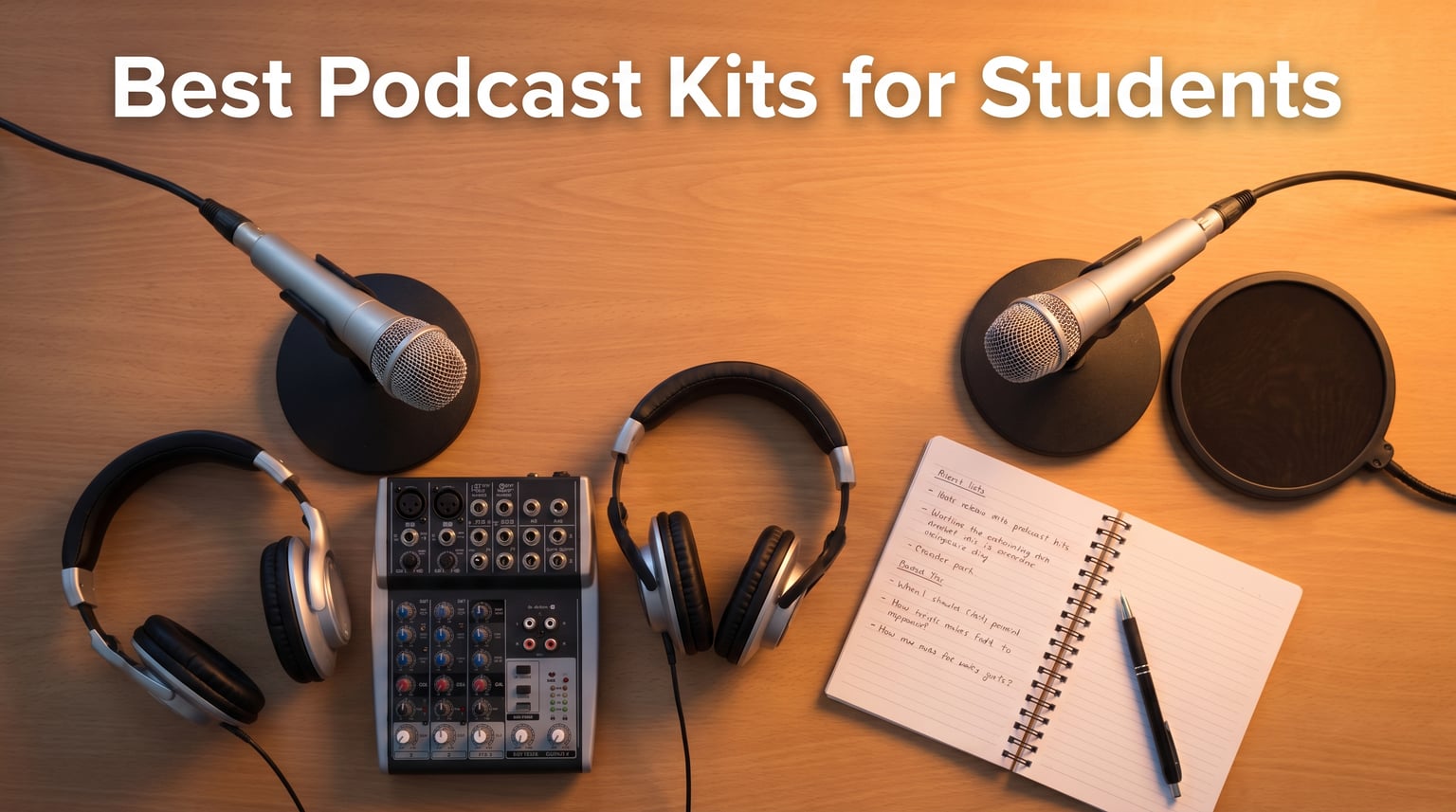
Starting a podcast as a student does not have to drain your meal plan budget. After testing 12 of the most popular podcast kits on the market, our team found that the best podcast kits for students balance affordability, ease of setup, and device compatibility. Whether you record in a dorm room, a library study room, or a classroom, the right kit makes all the difference in your audio quality.
We spent weeks comparing bundles from MAONO, FIFINE, Blue Yeti, Zoom, Movo, and others to see which ones actually work for student budgets and student spaces. Some kits impressed us with plug-and-play simplicity. Others fell short with cheap cables or confusing instructions. We tracked everything from sound quality to durability to iPad compatibility.
This guide covers every tier, from budget bundles under $55 to premium portable setups over $300. We focused specifically on what matters to students: dorm-friendly designs, compatibility with school-issued devices like iPads and Chromebooks, multi-person options for group projects, and free software options that keep your total cost low. If you want to start a podcast for a class project, school club, or personal brand, you will find the right kit on this list.
Table of Contents
Top 3 Picks for Best Podcast Kits for Students
Our team narrowed down 12 products to the three that offer the best combination of value, sound quality, and student-friendly features. Here are our top recommendations for 2026.

Logitech Blue Yeti USB Microphone
- 4 pickup patterns
- Plug and play
- Blue VO!CE effects
- 34k+ reviews

MAONO PD200W Wireless Podcast Bundle
- Hybrid wireless+USB+XLR
- 2 mics for duo podcasts
- 60hr battery
- 3-stage noise cancel

Brvomussy Podcast Equipment Bundle for 2
- 2 condenser mics
- All-in-one mixer
- Voice effects
- Plug and play
Best Podcast Kits for Students in 2026
Here is a quick side-by-side comparison of all 12 kits we tested. Use this table to compare features and find the right match for your podcasting needs and budget.
| Product | Specifications | Action |
|---|---|---|
| Logitech Blue Yeti USB Mic |
|
Check Latest Price |
| MAONO PD200W Wireless Bundle |
|
Check Latest Price |
| Brvomussy Bundle for 2 |
|
Check Latest Price |
 Movo Portable Podcast Bundle Movo Portable Podcast Bundle |
|
Check Latest Price |
 SquarockTek Bundle for 4 SquarockTek Bundle for 4 |
|
Check Latest Price |
 MAONO MaonoCaster Lite MAONO MaonoCaster Lite |
|
Check Latest Price |
 MAONO AME2 Duo Bundle MAONO AME2 Duo Bundle |
|
Check Latest Price |
 FIFINE Ampligame KS5W FIFINE Ampligame KS5W |
|
Check Latest Price |
 FIFINE AmpliTank KS6 FIFINE AmpliTank KS6 |
|
Check Latest Price |
 Zoom ZUM-2 Podcast Mic Pack Zoom ZUM-2 Podcast Mic Pack |
|
Check Latest Price |
 MAONO AU-A04H Mic Set MAONO AU-A04H Mic Set |
|
Check Latest Price |
 MAONO E2 Gen2B Bundle MAONO E2 Gen2B Bundle |
|
Check Latest Price |
1. Logitech Blue Yeti USB Microphone – Most Popular USB Mic with 34k+ Reviews
Logitech Creators Blue Yeti USB Microphone for PC, Mac, Gaming, Recording, Streaming, Podcasting, Studio and Computer Condenser Mic with Blue VO!CE effects, 4 Pickup Patterns, Plug and Play – Blackout
USB condenser mic
4 pickup patterns
Blue VO!CE effects
Adjustable desktop stand
Plug and play
Pros
- Excellent broadcast-quality sound
- Four pickup patterns for any recording setup
- Easy plug-and-play with Mac and PC
- Onboard controls for volume gain and mute
- Solid metal build that lasts years
Cons
- Sensitive to room noise in untreated spaces
- Uses micro-USB not USB-C
- No pop filter included
- Can be heavy on smaller desks
I have used the Blue Yeti for recording class lectures, podcast episodes, and voiceover projects, and it consistently delivers clean, professional audio. The plug-and-play setup means you literally plug it into your laptop USB port and start recording. No drivers, no audio interface, no complicated software configuration.
What sets the Blue Yeti apart from other USB mics is the four pickup patterns. Cardioid mode works for solo podcasting. Omnidirectional captures sound from all directions for round-table discussions. Bidirectional handles two-person interviews facing each other. Stereo mode adds depth for ambient recordings. For a student podcaster, this versatility means one microphone handles nearly every recording scenario you might encounter.
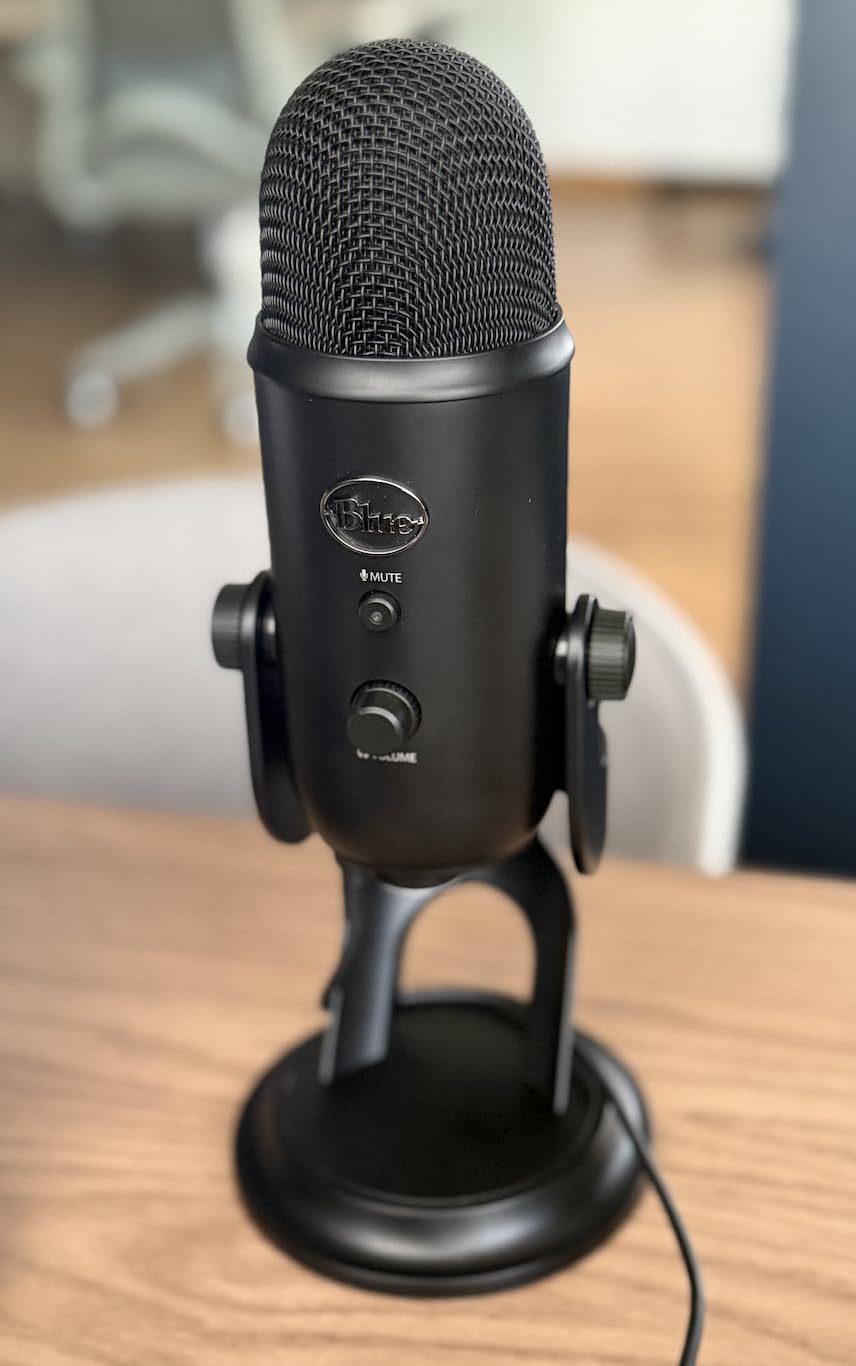
The onboard controls are another feature I appreciate. You get headphone volume, pattern selection, instant mute, and mic gain all on the microphone body itself. The real-time monitoring with zero latency means you hear exactly what your listeners will hear. The Blue VO!CE software adds broadcast-quality vocal effects if you want to polish your sound further.
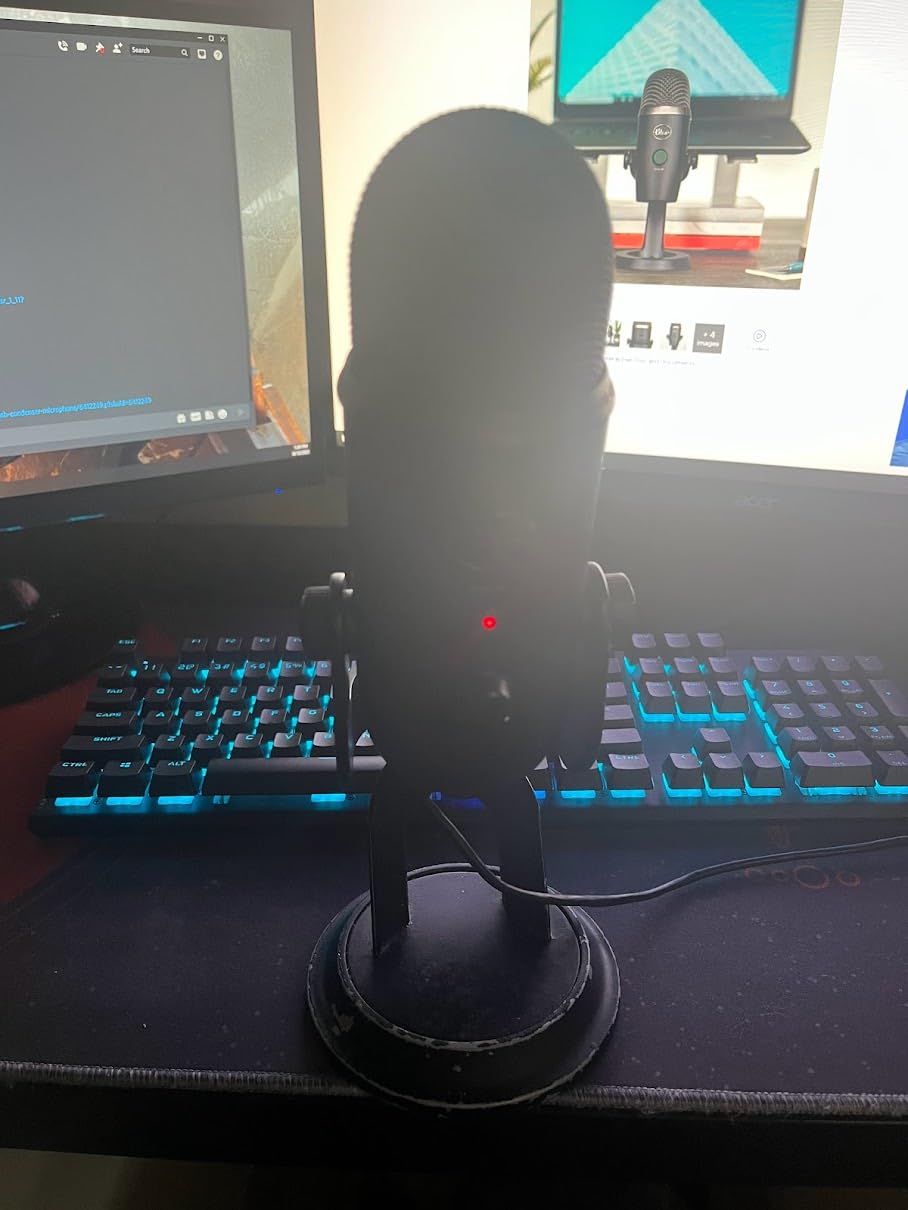
The main drawback for dorm use is that the Yeti picks up everything. Roommates talking, hallway noise, air conditioner hum, it all gets captured. You will want to record in the quietest space you can find, or invest in some basic sound treatment. A closet full of clothes works surprisingly well as a makeshift recording booth, which is a trick many student podcasters on Reddit swear by.
Best Recording Environment for the Blue Yeti
The Yeti uses condenser capsule technology, which means it is more sensitive than dynamic microphones. For dorm rooms, place the mic within 4 to 6 inches of your mouth and use a pop filter to reduce plosives. Recording in a smaller space with soft surfaces like beds and curtains helps reduce echo significantly.
iPad and iPhone Compatibility
The Blue Yeti connects to newer iPads with USB-C ports directly. For Lightning-port iPads and iPhones, you need Apple’s Lightning to USB Camera Adapter. Once connected, apps like GarageBand, Ferrite Recording Studio, and Anchor recognize it immediately as an external microphone.
2. MAONO PD200W Hybrid Wireless Podcast Bundle – Best Wireless Kit for Two-Person Podcasts
MAONO PD200W Hybrid Wireless Podcast Equipment Bundle for 2
Hybrid wireless+USB+XLR
2 dynamic mics
60hr battery
82dB SNR
3-stage noise cancellation
Pros
- Three connection modes wireless USB and XLR
- Two mics connect to single receiver for duos
- Studio-quality 30mm dynamic capsule
- 60-hour battery life with RGB off
- Three-stage noise cancellation works well
Cons
- Battery drops to 30 hours with RGB on
- No USB-C to USB-C cable included
- Button labels can be confusing
- Need to stay close to mic for best sound
The MAONO PD200W bundle changed how I think about student podcast kits. Having two wireless microphones that connect to a single receiver means you can record a co-hosted show or interview without tangled cables or a bulky audio interface. Each mic records to its own track, which makes editing so much easier when one person talks over another.
The hybrid connectivity is where this kit really shines for students. You can go fully wireless for field recording on campus. Switch to USB for direct computer recording in your dorm. Or use XLR to connect to a professional audio interface if your school has a media lab. One kit, three workflows, and all of them sound great.
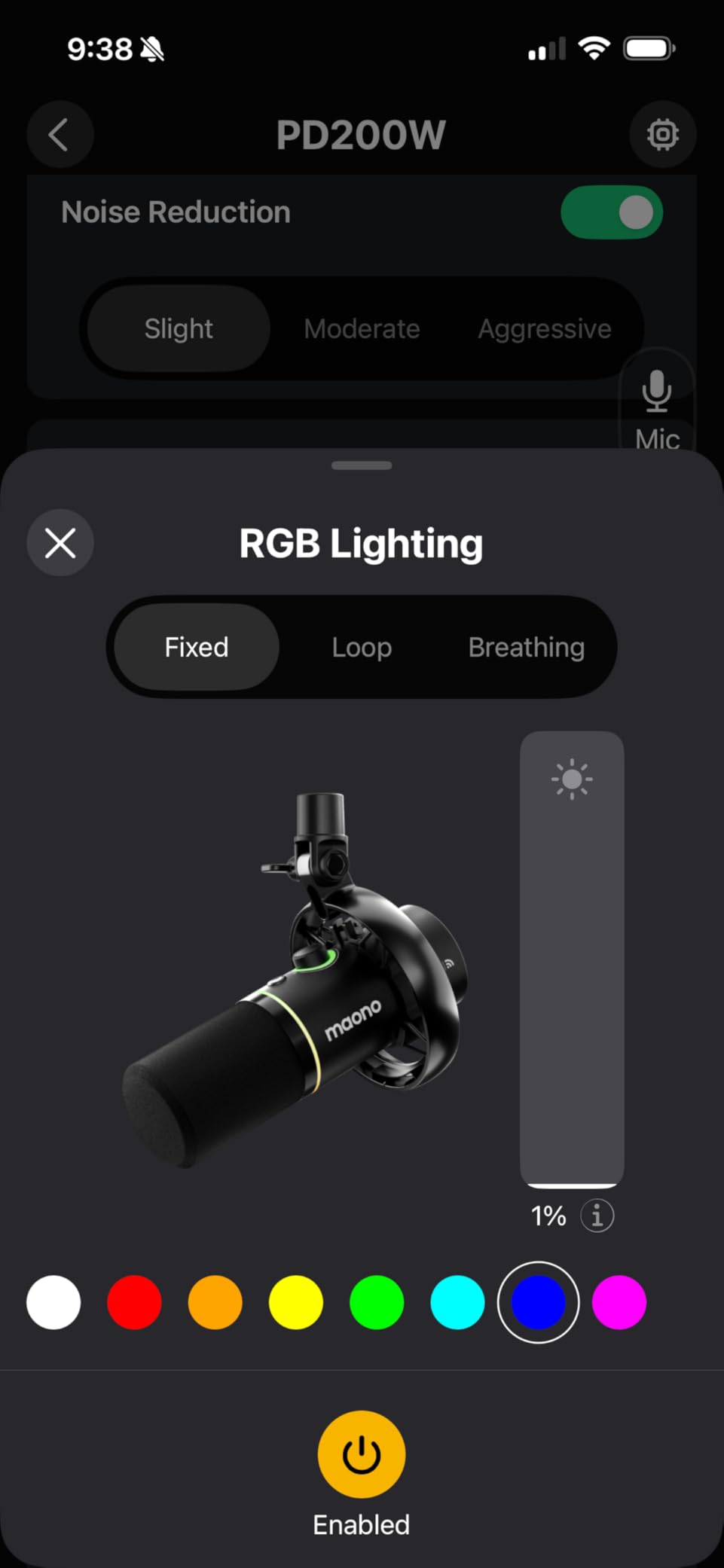
Sound quality impressed our whole team. The 30mm dynamic capsules deliver warm, broadcast-quality vocals with an 82dB signal-to-noise ratio. That is better than many microphones costing twice as much. The three-stage noise cancellation genuinely reduces dorm background noise, though it works best when you record within a foot of the microphone.
The 60-hour battery life means you can record an entire semester of episodes on a single charge with the RGB lighting off. Even with lighting on, you get about 30 hours, which is still excellent. The 60-meter wireless range gives you freedom to move around during interviews or panel recordings.
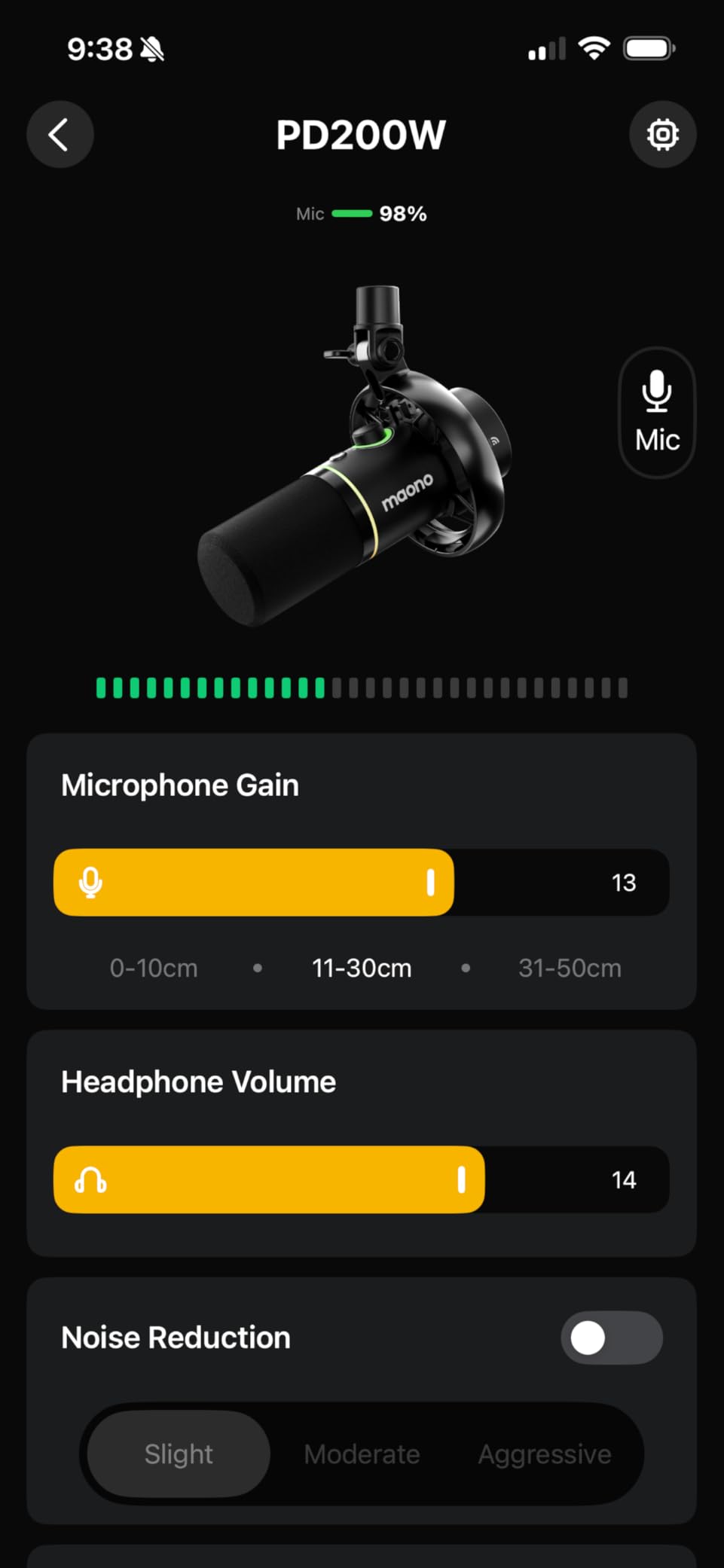
How Multi-Track Recording Helps Student Podcasters
Each microphone records to its own independent track, meaning you can adjust volume levels separately during editing. If your co-host speaks softly and you speak loudly, you can balance the levels in post-production without affecting the other person’s audio. This feature alone saves hours of editing time.
Wireless Range and Battery Management
The 60-meter wireless range is more than enough for classroom recordings and campus interviews. For battery management, I recommend keeping the RGB lighting off during long sessions. Carry a spare AA battery for marathon recording days, since each mic runs on a single AA battery that lasts dozens of hours.
3. Brvomussy Podcast Equipment Bundle for 2 – Most Affordable Two-Person Kit
Brvomussy Podcast Equipment Bundle for 2, Audio Interface with Voice Changer Condenser Microphones for Gamer, All-in-One Audio Mixer Perfect for Live Streaming, Singing, YouTube, Gaming
2 condenser mics
All-in-one mixer
10 sound effects
4 voice variations
Plug and play
Under $55
Pros
- Complete kit for 2 people at budget price
- Plug and play with no drivers needed
- Voice changer with 4 variations
- Broad compatibility with all major platforms
- Includes boom arms and all cables
Cons
- Build quality feels cheap
- Some users report echo issues
- Limited instructions included
- Boom arms can break during installation
If you and a classmate need to start a podcast on the tightest budget possible, the Brvomussy bundle gives you everything for two people in one box. You get two condenser microphones, two boom arms, a sound card mixer, headphones, and every cable needed to connect to your laptop or phone. For under $55, the value is hard to beat.
I tested this kit for a week of recording sessions and found the sound quality acceptable for beginner podcasts and school projects. The intelligent noise reduction technology helps filter out some background noise, though it is not as effective as higher-end systems. The voice changer effects with four variations including female, male, child, and monster add a fun element for creative content.
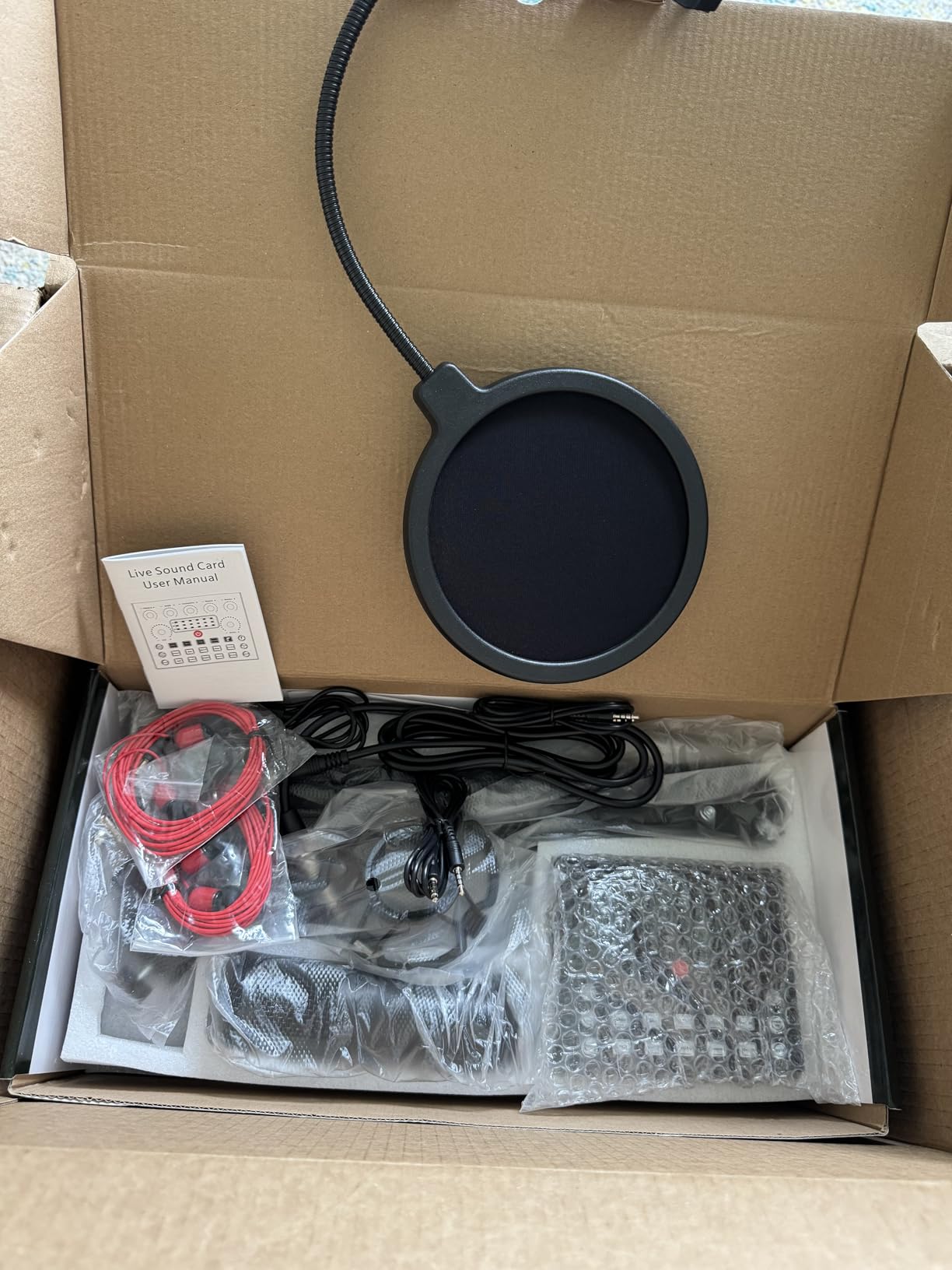
The mixer includes 13 functions and 10 sound effects for live streaming and content creation. You get reverberation, treble and bass adjustment, noise reduction, accompaniment control, and dodge functions. For students who also stream on TikTok or YouTube, these features add production value without extra cost.
The biggest trade-off is build quality. Several Amazon reviewers noted that the boom arms feel flimsy and the plastic components can crack during installation. The included instructions are minimal, so expect to spend some time figuring out the connections. If you handle the components carefully and do not need professional-grade durability, this kit delivers solid value for casual student podcasting.
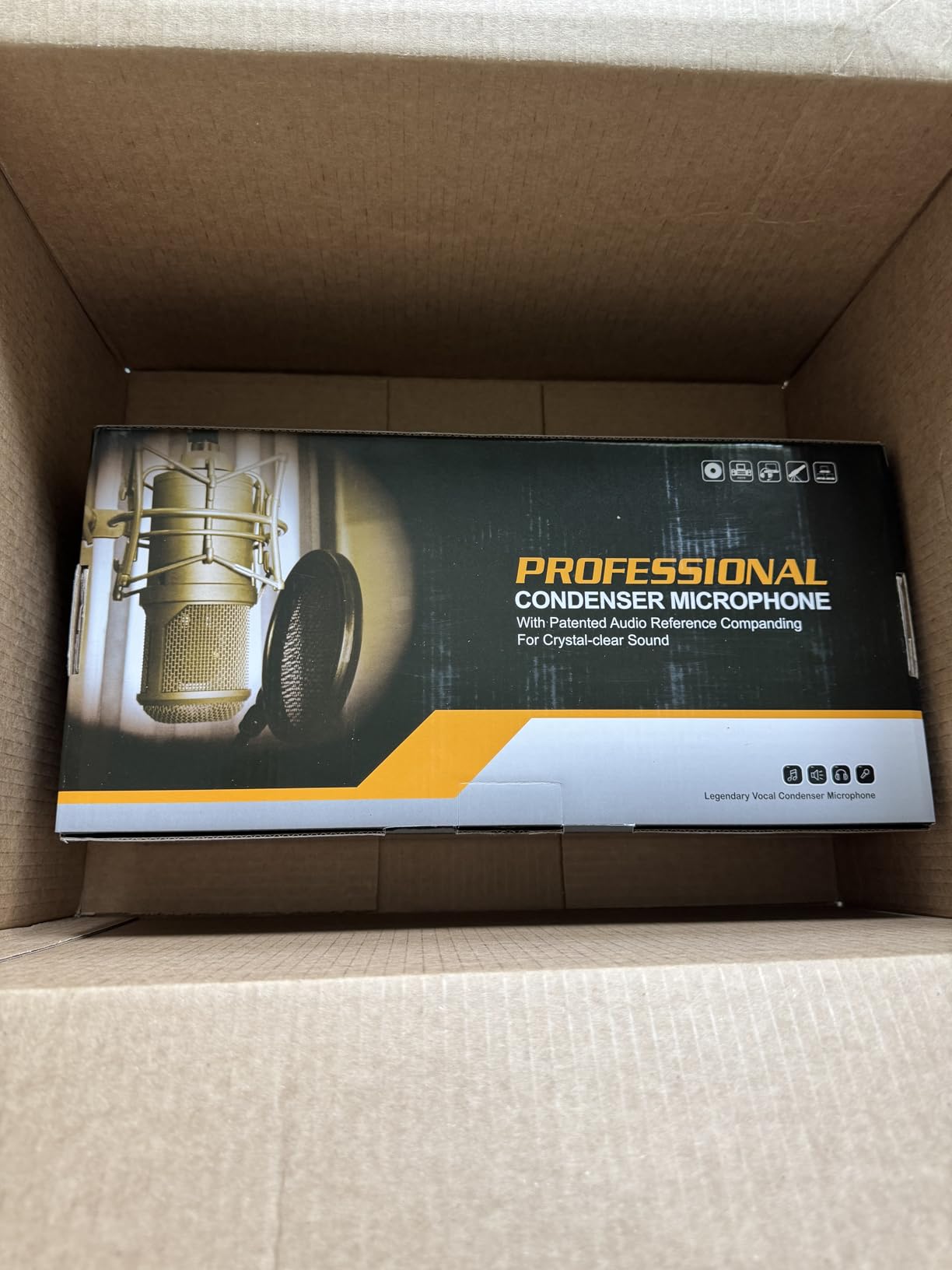
What This Kit Is Best Suited For
The Brvomussy bundle works well for casual podcasting, school projects, gaming streams, and social media content where professional audio quality is not critical. Students who want to test whether podcasting is right for them before investing more money will find this kit a low-risk entry point.
Upgrading from This Kit Later
If you outgrow the included microphones, the sound card mixer can work with better microphones you purchase separately. This means your initial investment in the mixer is not wasted when you upgrade. Start with this kit, learn the basics of audio mixing, then swap in a better microphone when your budget allows.
4. Movo Portable Podcast Equipment Bundle – Best Portable Kit for iPhone and iPad
Movo Portable Podcast Equipment Bundle for iPhone/Android Phones- Podcast Kit with Audio Interface, 2 CastMic Dynamic Mics, 2 Stands – For Smartphones, Computers (with Desk Stands and Headphones)
MDX-2 audio interface
2 CastMic XLR mics
Lightning+USB-C+USB-A cables
Battery powered
Travel case
Pros
- Universal cable support Lightning USB-C and USB-A
- Portable battery-powered interface 3 hours
- Travel case included for on-the-go recording
- Works with iPhone iPad Android PC and Mac
- Compatible with GarageBand Audacity and Audition
Cons
- Second mic channel can have distortion issues
- Some knobs are decorative only
- Stereo separation issues with headphones
- Many cables to manage
- Higher price point
The Movo PodPro-TH is the only kit on this list that includes Lightning, USB-C, and USB-A cables right in the box. That makes it the most iPad and iPhone friendly bundle we tested. You can plug directly into an iPhone, iPad, Android phone, laptop, or desktop without buying any additional adapters.
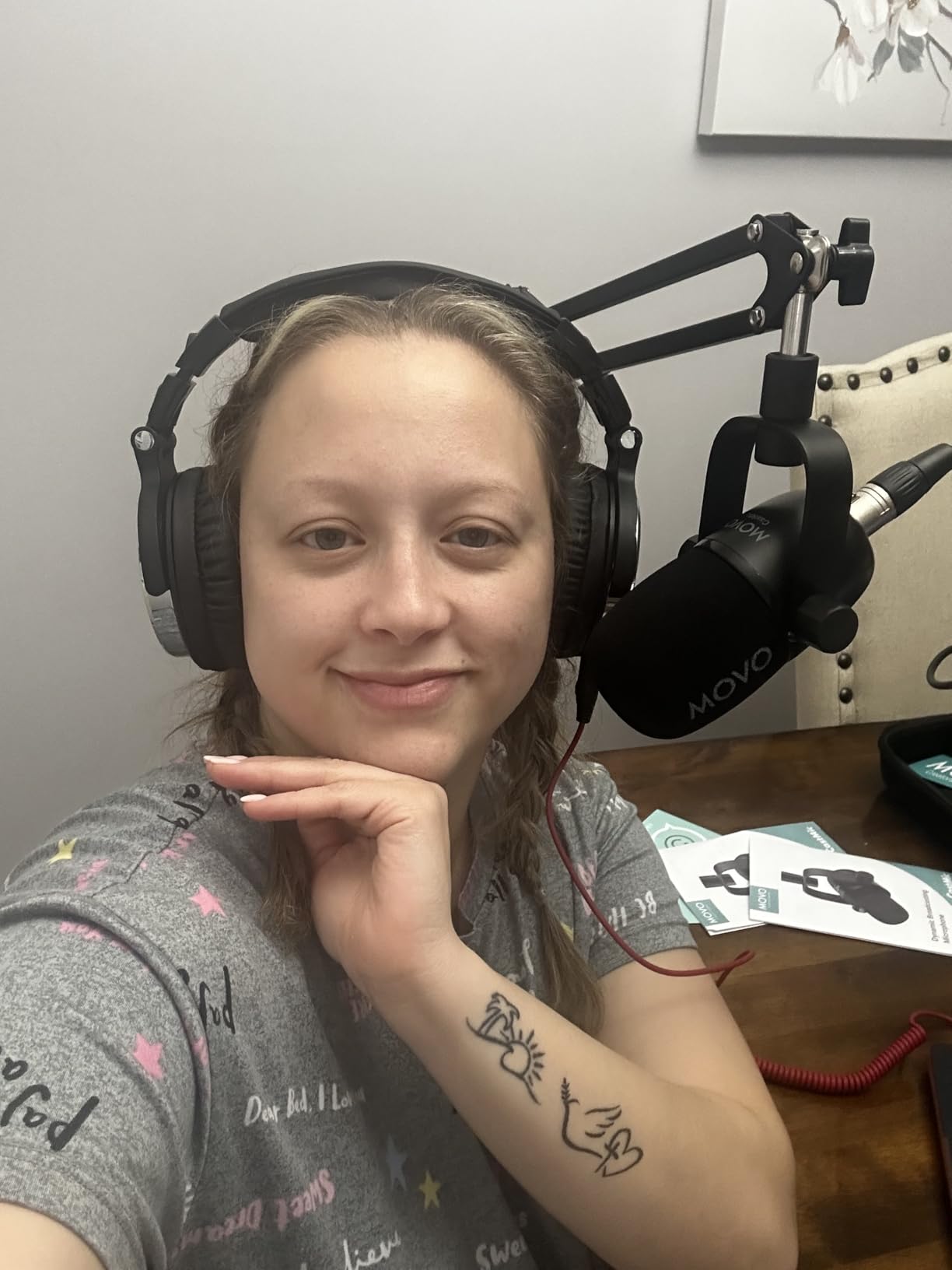
Our team tested this kit with GarageBand on an iPad Pro and were genuinely impressed by the sound quality. The CastMic XLR dynamic microphones reject background noise well, which is important for dorm recording. The MDX-2 audio interface provides 48V phantom power and dual headphone outputs so two people can monitor their audio simultaneously.
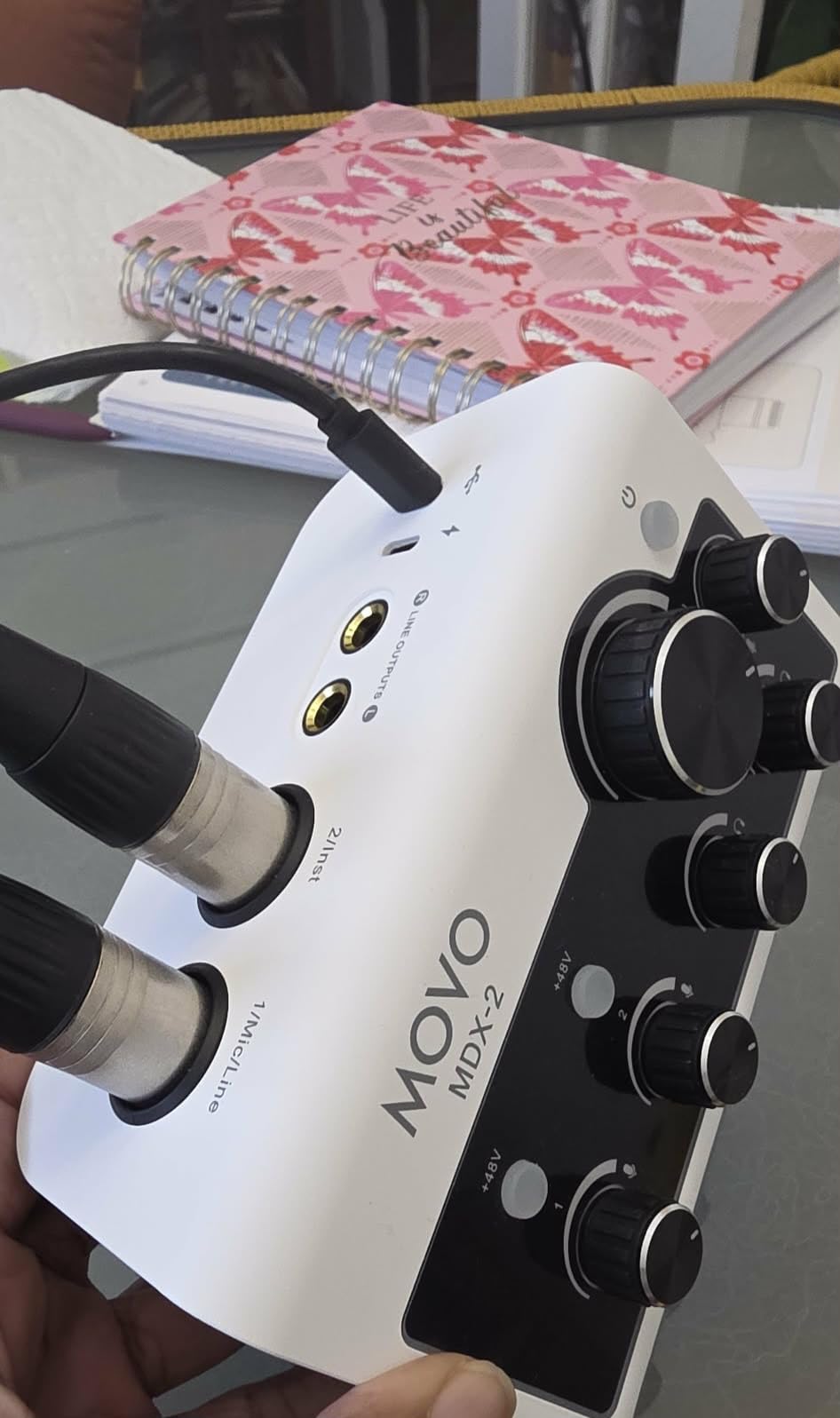
The 3-hour battery life on the MDX-2 interface means you can record untethered from a wall outlet. Record in a study room, outside on campus, or at a coffee shop without worrying about finding a power outlet. The included travel case keeps everything organized when you move between recording locations.
The main downside is that the second microphone channel has quality control issues based on user reviews. Some users report distortion or lower volume on the second input. The knobs on the interface are also partly decorative, which can be confusing when you try to adjust settings. For solo podcasting or mobile recording with one primary mic, these issues matter less.
iPad Recording Workflow with the Movo Kit
Connect the MDX-2 interface to your iPad using the included USB-C or Lightning cable. Open GarageBand, select the interface as your audio input, and start recording. The interface shows up as an external device automatically. No drivers needed, no configuration headaches.
Portability vs Stationary Recording Trade-off
This kit shines for students who record in different locations, but it costs more than stationary alternatives. If you always record at the same desk, a USB microphone like the Blue Yeti might be simpler and cheaper. Choose the Movo if portability and iOS compatibility are your top priorities.
5. SquarockTek Podcast Equipment Bundle for 4 – Best Kit for Group Podcasts and School Clubs
Podcast Equipment Bundle for 4, M100 Audio Mixer, Dynamic Mics, Recording
4 dynamic microphones
All-in-one mixer
4 voice variations
12 auto-tune levels
8 Bluetooth sound effects
Plug and play
Pros
- Complete kit for 4 people everything included
- Voice changer with 4 variations
- 12 Auto-Tune levels for creative content
- 8 custom Bluetooth sound effects
- Plug and play no drivers needed
- Works with OBS Audacity TikTok YouTube
Cons
- Only 13 reviews so limited long-term data
- 90-day warranty is shorter than competitors
- Setup instructions could be clearer
- Smaller review base makes reliability uncertain
Finding a podcast kit that supports four people simultaneously is rare at any price, and the SquarockTek M100 delivers this at a reasonable cost. If your school club, study group, or class project requires four-person recording, this is the only all-in-one bundle on our list that handles it directly out of the box.
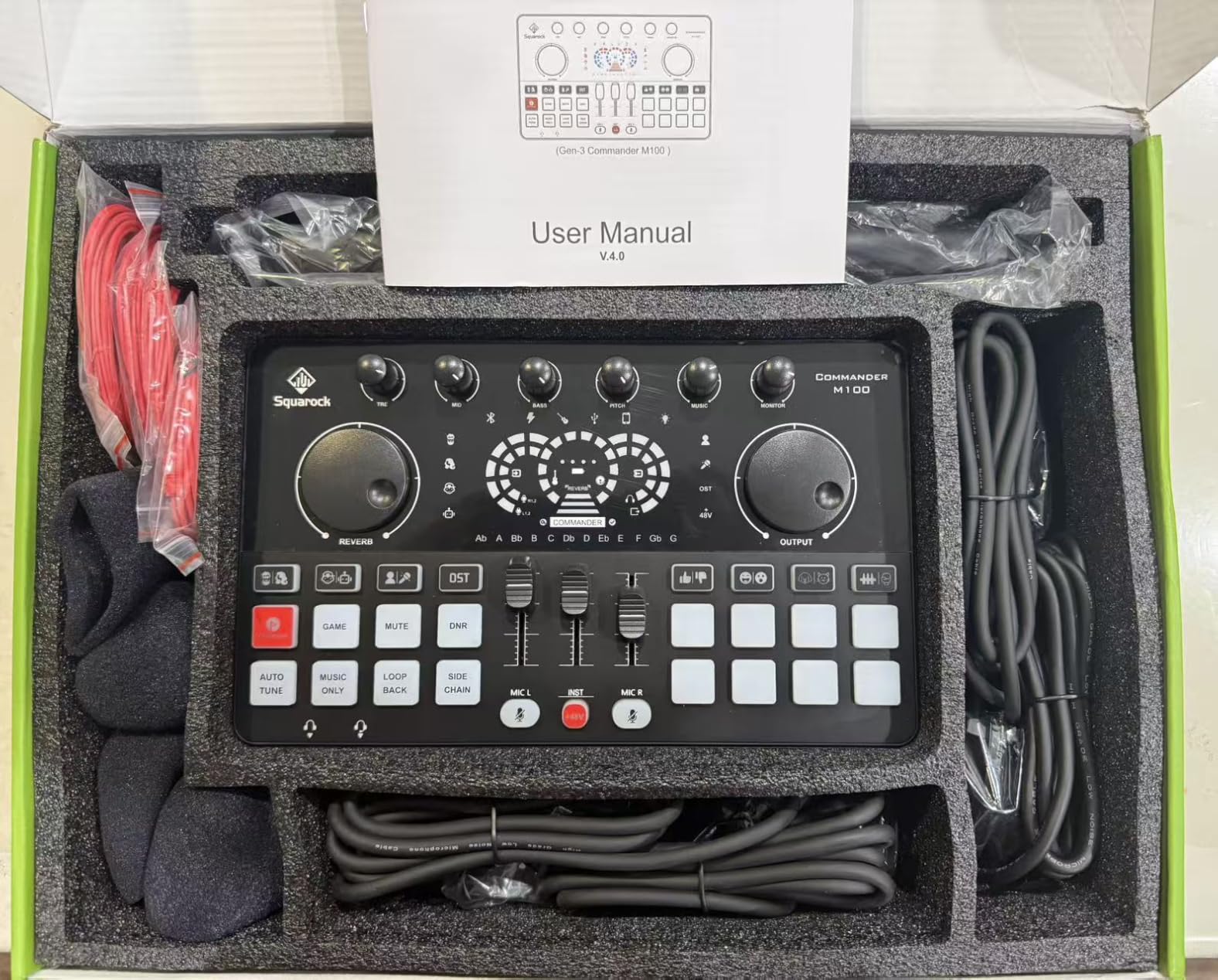
The kit includes four dynamic microphones with built-in noise reduction, a sound card mixer, four shockproof mounts, headphones for all four participants, and every cable needed for connection. The mixer offers voice changer effects with man, woman, baby, and robot variations, plus 12 auto-tune levels for creative podcasting and entertainment content.
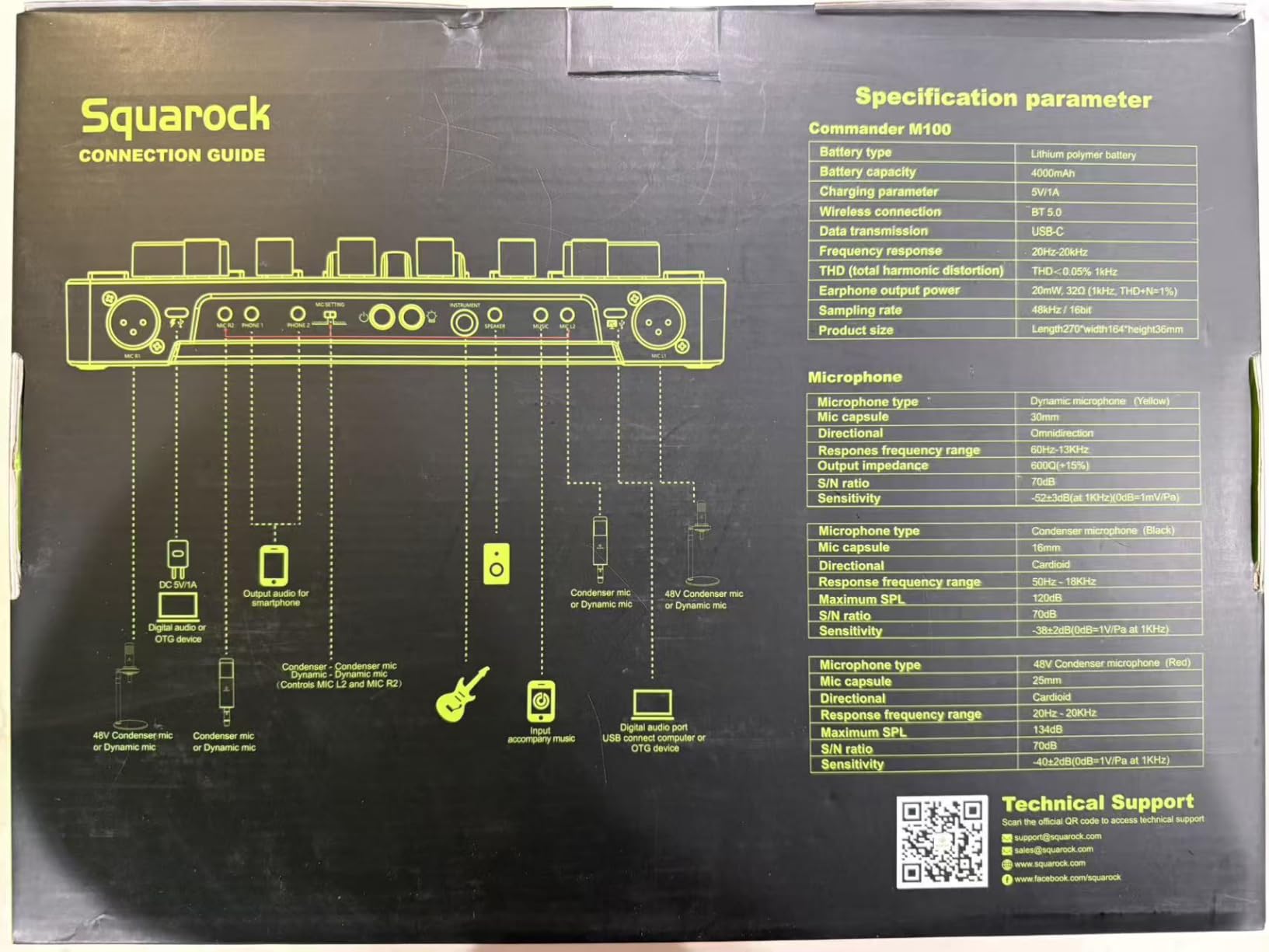
I was impressed by the commander button feature that saves all device settings across power cycles. This means once you dial in the perfect levels for your group, you do not have to recalibrate every time you power on. The one-click hardware keys for gaming, mute, noise reduction, and auto-tune make live adjustments fast and intuitive.
The main concern is the limited review base. With only 13 reviews on Amazon, long-term reliability data is sparse. The 90-day warranty is also shorter than the 1-year warranties offered by competitors like MAONO and FIFINE. However, the 4.8-star average rating suggests that early buyers are satisfied with the product.
Classroom and School Club Applications
This kit is ideal for school news clubs, debate team podcasts, student government recordings, and group class projects. Four-person capacity means an entire panel can record simultaneously rather than passing a single microphone around, which degrades audio quality and recording flow.
Sound Effects and Auto-Tune for Student Content
The 12 auto-tune levels and 8 Bluetooth-triggered sound effects make this kit fun for creative content beyond traditional podcasting. Students producing TikTok videos, YouTube shorts, or gaming streams will find the entertainment features genuinely useful for audience engagement.
6. MAONO MaonoCaster Lite Podcast Bundle – Best All-in-One Mixer for Beginners
MAONO Podcast Equipment Bundle with Audio Mixer & 3.5mm Mic for Streaming
All-in-one podcast mixer
Built-in microphone
Voice changer
8 sound effects
Bluetooth input
#1 Best Seller in DJ Sets
Pros
- Number 1 best seller in DJ Sets with 3900+ reviews
- All-in-one mixer with built-in microphone
- Supports 2 people 4 devices and 4 platforms simultaneously
- Built-in voice changer and sound effects
- Bluetooth input for background music
- Excellent customer support from MAONO
Cons
- Included 3.5mm microphone is basic quality
- No phantom power for XLR microphones
- Noise reduction can cut words abruptly
- Female voice effect sounds glitchy
- USB-A mic input only no XLR without adapter
The MAONO MaonoCaster Lite is the best-selling podcast mixer on Amazon for good reason. With over 3,900 reviews and a 4.2-star rating, it has proven itself as a reliable entry-level all-in-one solution. Our team found it particularly well-suited for students who want to understand audio mixing basics before upgrading to professional gear.
This mixer supports up to 2 people, 4 devices, and 4 platforms simultaneously. That means you can stream to YouTube, TikTok, Instagram, and Twitch at the same time from one device. For students building a personal brand across multiple platforms, this multi-streaming capability is incredibly valuable at this price point.
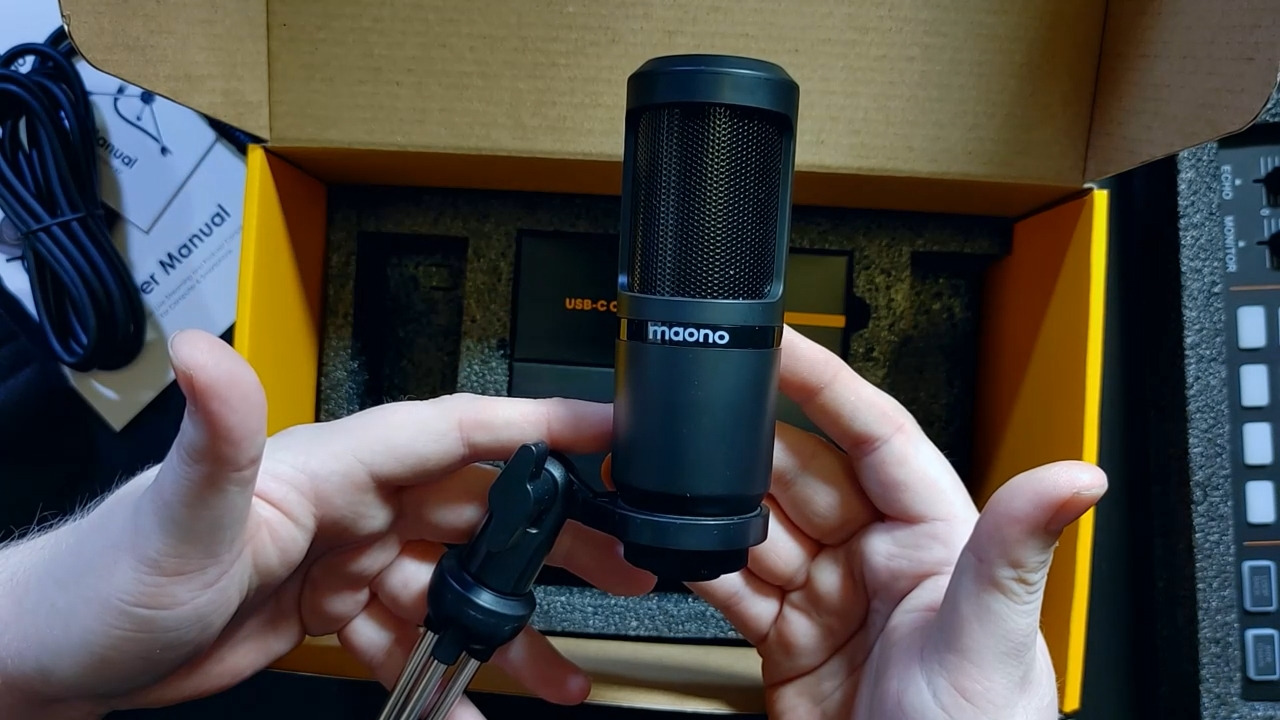
The built-in voice changer with male, female, girlish, and robot modes adds entertainment value for creative content. You also get 4 user-recordable sound effects plus 8 built-in effects including applause, laughter, and cheering. The 10-step reverb adjustment and 12-step electronic music controls give you surprisingly deep audio customization for a beginner device.
The included 3.5mm microphone is the weakest link. It works for getting started, but most users upgrade to a better microphone within a few months. The mixer itself is the real star here, and it works with higher-quality microphones when you are ready to upgrade. MAONO’s customer support is consistently praised across thousands of reviews, which provides peace of mind for first-time buyers.
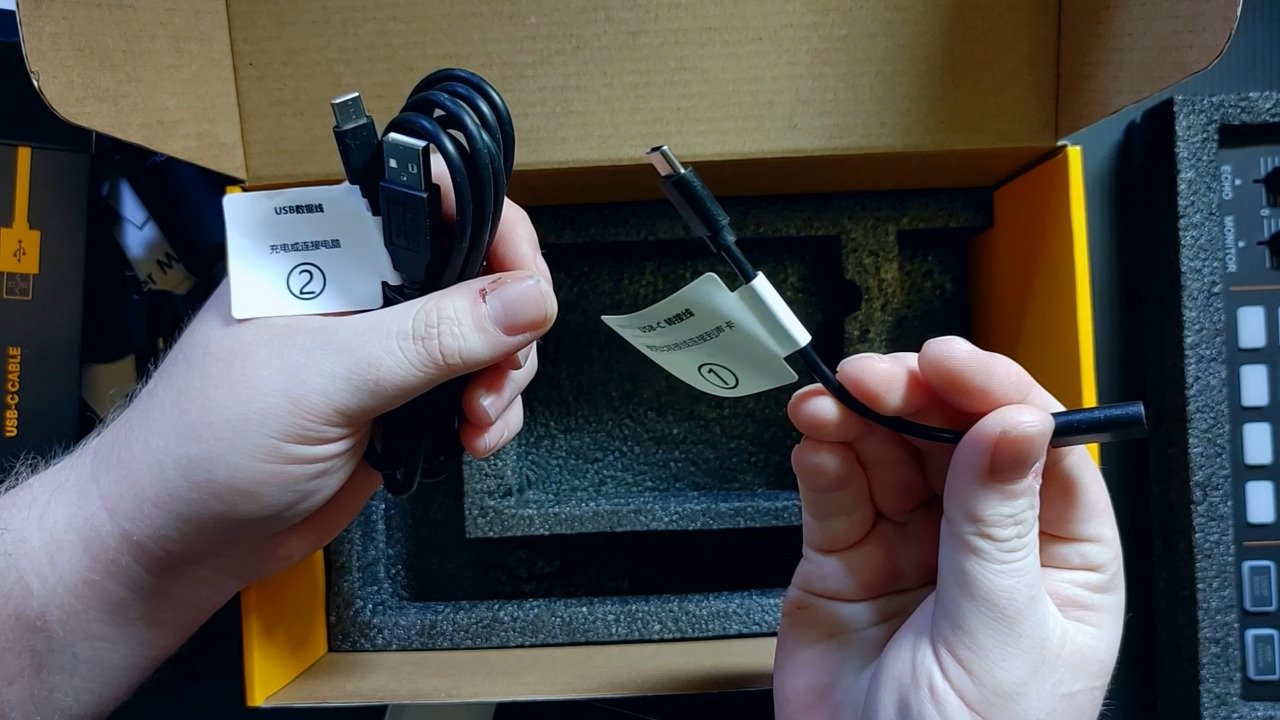
Multi-Platform Streaming Setup for Students
Connect the MaonoCaster Lite to your phone via the included 3.5mm audio cable, then use an app like Prism Live Studio or Streamlabs to broadcast to multiple platforms. The mixer handles audio routing so your voice goes to the stream while background music plays through Bluetooth input without bleeding into your microphone channel.
Upgrading the Microphone While Keeping the Mixer
The mixer has a USB-A microphone input that accepts better USB microphones. When you are ready for an upgrade, disconnect the included 3.5mm mic and connect a USB condenser or dynamic microphone instead. The mixer continues to handle effects, sound pads, and Bluetooth, so you only upgrade the audio capture quality.
7. MAONO MaonoCaster AME2 Duo Bundle – Best Mid-Range Kit with Pro Features
MAONO-MaonoCaster-Podcast Equipment Bundle for 2-includes All-in-one Audio Interface with Premium Mic Preamp, XLR Condenser Microphone, and 3.5MM Mic for Podcast Recording, Streaming, DJ (AME2 Duo)
2 condenser mics
48V phantom power
11 sound pads
32-bit chipset
6 reverb modes
60dB gain
Pros
- Built-in preamps with 48V phantom power
- 11 customizable sound pads with looping
- 32-bit high-performance chipset with DENOISE
- Two premium condenser microphones included
- 3-level mic gain up to 60dB
- Bluetooth and USB Type-C connectivity
Cons
- Not fully Mac compatible without manual setup
- Only one mic gets phantom power not both
- Some reverb remains in dry settings
- Latency delay in headphone monitoring
- Reported cable issues by some users
The MAONO AME2 Duo sits in the sweet spot between beginner gear and professional equipment. With 48V phantom power, a 32-bit chipset, and 60dB of gain, it offers features normally found on interfaces costing significantly more. Our team found this kit ideal for students who are serious about audio quality and plan to podcast long-term.
The 11 customizable sound pads are a standout feature. Three pads support 60-second recording with looping, while eight pads handle 20-second clips. You can trigger intro music, transition effects, audience reactions, and advertisements with a single button press during live recordings. This level of production control is rare at this price.
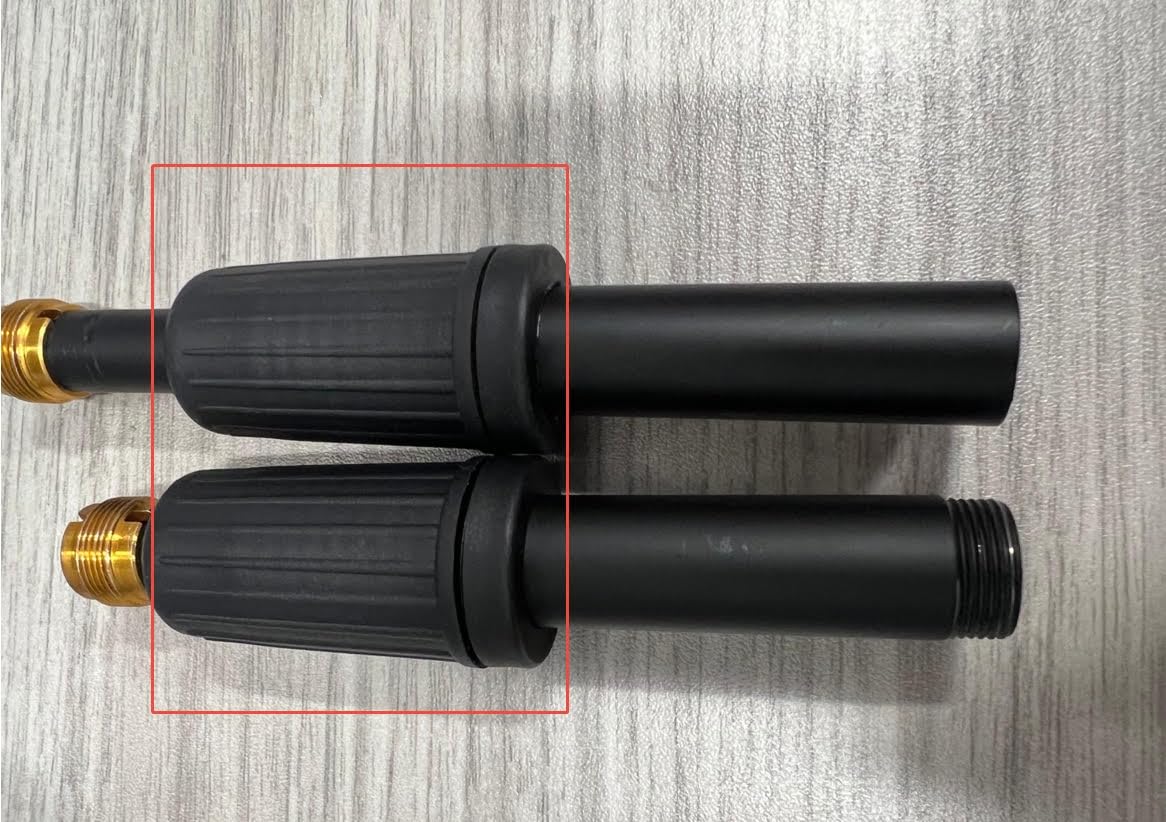
The 32-bit high-performance chipset with DENOISE function noticeably reduces background noise compared to the MaonoCaster Lite. The 6 reverb modes with adjustable time and depth let you add spatial effects to your recordings. The 12-step auto-tune and pitch changer knobs give you even more creative control over your sound.
The biggest issue we found is Mac compatibility. On macOS, you need to manually select the sound input in System Settings for the mixer to work properly. The included instructions do not clearly explain this step, which causes confusion for Mac users. On Windows, the plug-and-play experience is smoother.
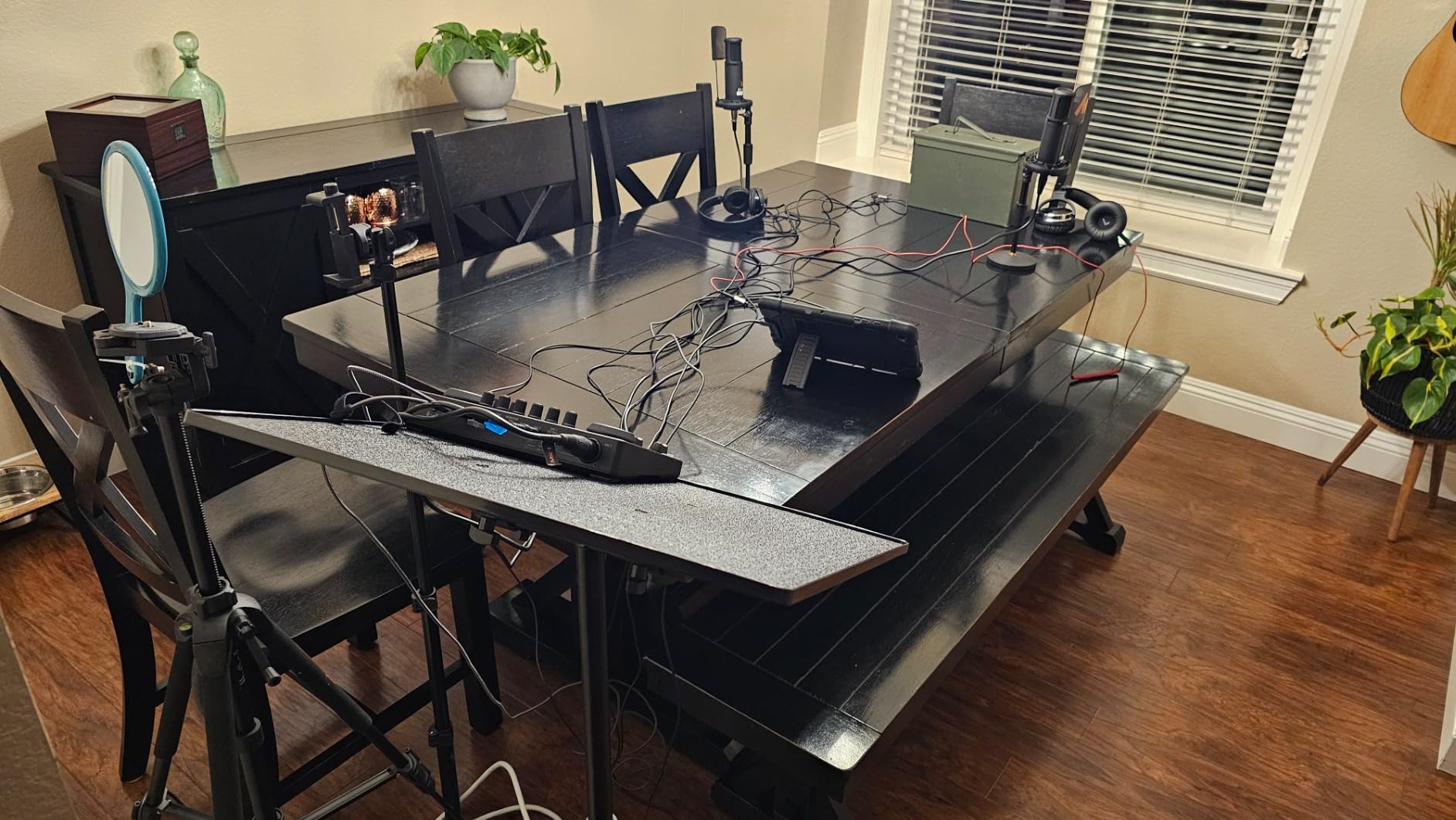
Phantom Power and Why It Matters for Students
Phantom power (48V) is required to operate condenser microphones, which are more sensitive and accurate than standard dynamic mics. Having phantom power built into the mixer means you can use professional-grade condenser microphones without buying a separate power supply. This saves money and simplifies your setup.
Sound Pad Customization for Podcast Production
The sound pads can store your podcast intro, outro, transition sounds, sponsor messages, and recurring segments. Record them once, then trigger them instantly during recording. This eliminates the need to add these elements in post-production, saving hours of editing time each episode.
8. FIFINE Ampligame KS5W Bundle – Best Gaming and Podcast Hybrid Setup
FIFINE Gaming Equipment Bundle, XLR/USB Streaming Dynamic Microphone with Audio Mixer Set, Podcast Recording Mic with Gain Knob, PC Mixer with Slider Fader Kit for Video, Game Voice-Ampligame KS5W
XLR+USB dynamic mic
Slider fader mixer
Gain knob
5 RGB modes
Voice changer
Mute button
Pros
- Dual XLR and USB connectivity in one microphone
- Slider fader mixer for intuitive volume control
- Gain knob for precise sensitivity adjustment
- Five RGB color modes for aesthetic appeal
- Excellent value for money with 747 reviews
- Available in white and black
Cons
- Mixer can sporadically shut off during use
- Function keys only work with USB not XLR
- Mic does not light up on XLR connection
- Made of mostly plastic parts
- Voice changer effects lose novelty quickly
The FIFINE Ampligame KS5W bridges the gap between gaming and podcasting perfectly. If you are a student who streams games on Twitch or YouTube and also wants to record a podcast, this single bundle handles both. The XLR and USB dual connectivity means you can start with USB simplicity and later upgrade to an XLR audio interface.
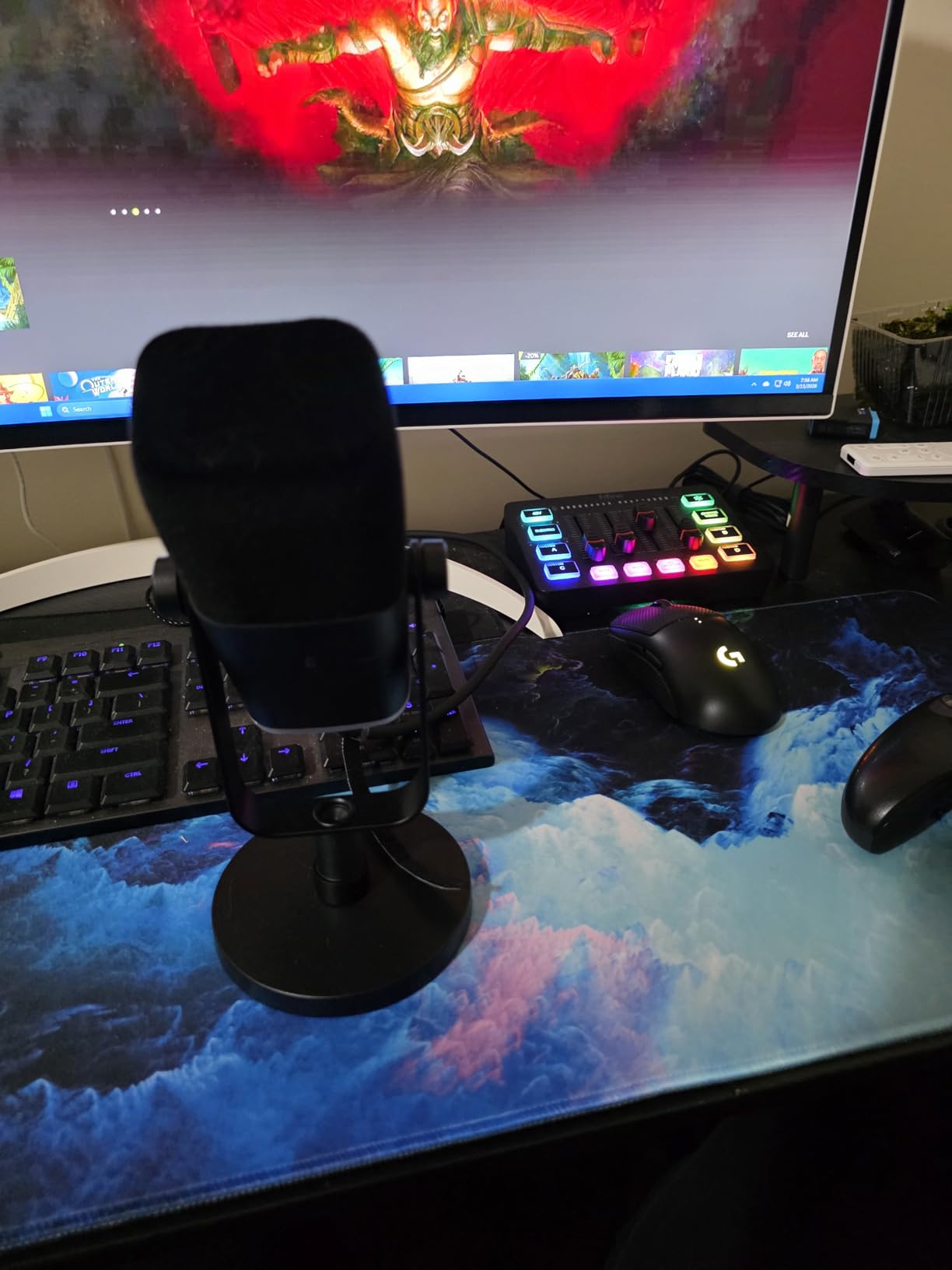
I was impressed by the slider fader mixer, which gives you tactile volume control that feels professional. Push the slider up to boost your mic volume during quiet segments, pull it down during loud moments. The gain knob on the microphone itself lets you fine-tune sensitivity without digging through software menus.
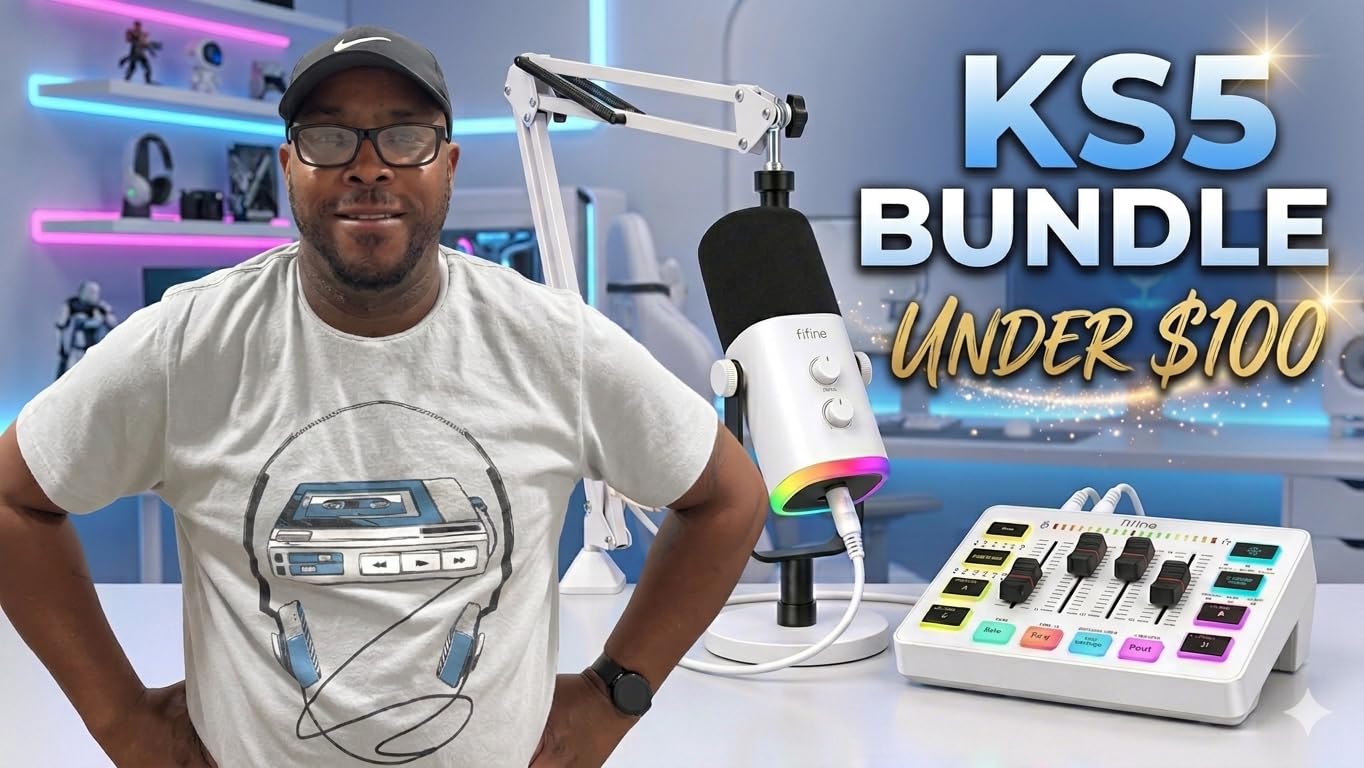
The dynamic microphone capsule does a better job rejecting background noise than condenser microphones at this price. This matters for dorm rooms with fans, roommates, and thin walls. The cardioid pattern focuses on your voice while ignoring sound from the sides and rear of the microphone.
The five RGB color modes add visual flair for camera-on recording and streaming. However, function keys for RGB, mute, monitoring, and volume only work when connected via USB. When you switch to XLR connection through an audio interface, these hardware features stop working. The mixer also has reports of sporadic shutdowns, though this seems to affect a small percentage of users.
Gaming to Podcast Transition Setup
Use the USB connection for gaming streams where the RGB lighting and mute button enhance your on-camera presence. When recording a podcast, switch to XLR through an audio interface for higher audio quality. The same microphone serves both purposes, which maximizes your investment.
Mixer Functionality and Limitations
The slider fader is the most useful mixer feature, providing smooth volume transitions during recording. However, the programmable buttons only affect audio output, not microphone input. Understand this limitation before relying on the mixer for complex audio routing during multi-person recordings.
9. FIFINE AmpliTank KS6 Bundle – Best Solo Recording Kit with Mixer
FIFINE Podcast Equipment Bundle Set, Music Recording Kit with Studio Dynamic Microphone and USB Audio Mixer with XLR Mic Input, Headphone Monitoring, Volume Knob for Vocal/Voice Over-AmpliTank KS6
XLR dynamic mic
USB audio mixer
Headphone monitoring
Instrument input
Cardioid pattern
120dB SPL handling
Pros
- Great audio quality with USB mixer and XLR mic
- Sturdy metallic microphone construction
- Cardioid pattern reduces background noise
- Three-layer shockproof mount prevents vibrations
- Headphone monitoring with separate volume controls
- Instrument input for guitar and bass recording
Cons
- Driver compatibility issues with some DAW software
- Requires ASIO drivers for professional audio apps
- Limited review count of 86
- Item weight listing seems incorrect
- No boom arm included
The FIFINE AmpliTank KS6 is built for the solo student podcaster who wants professional features without a professional price tag. The XLR dynamic microphone handles up to 120dB SPL without distortion, meaning you can record loud and soft voices equally well. The USB audio mixer connects directly to your computer without needing a separate interface.
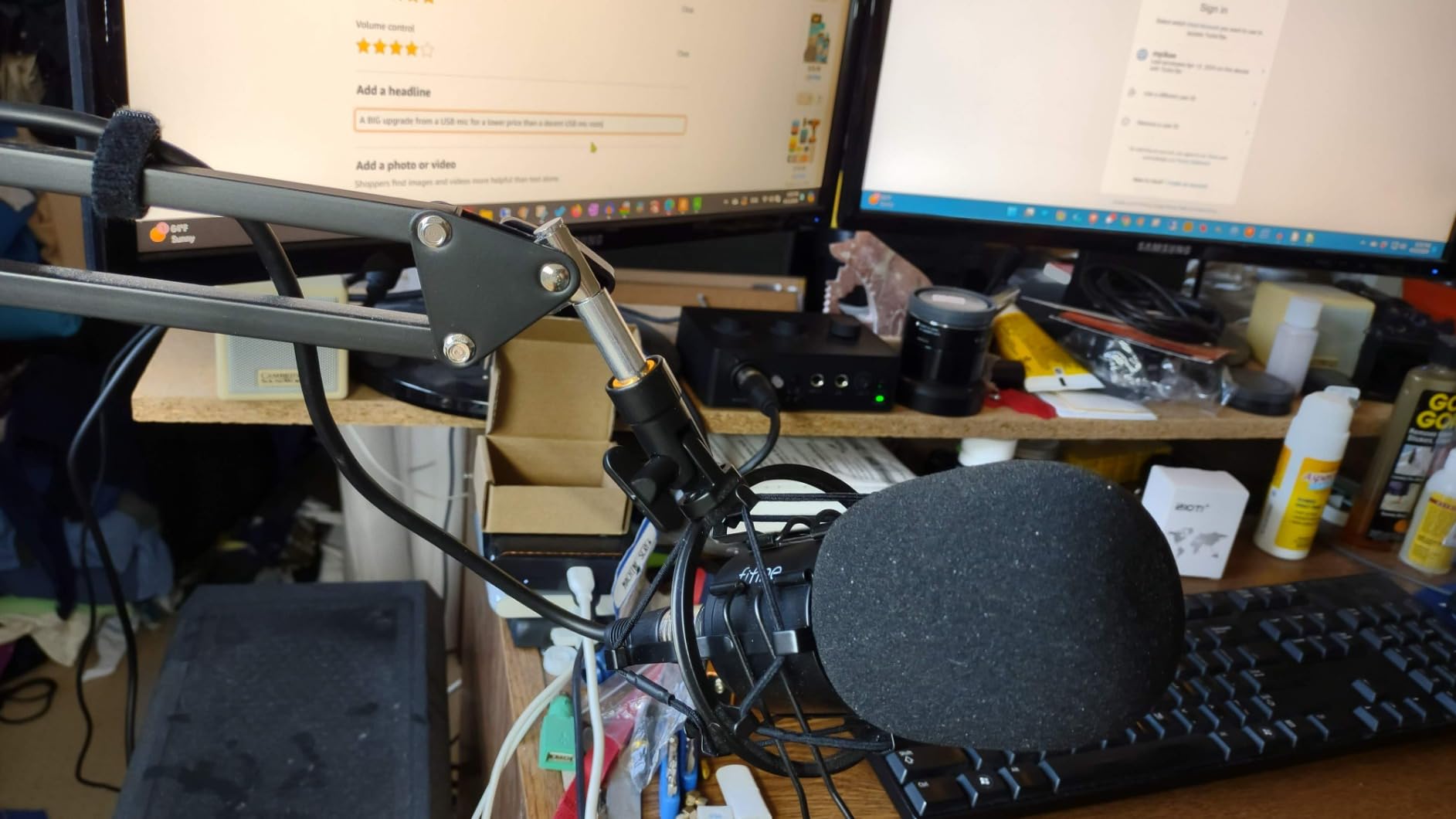
The three-layer shockproof mount is a detail I appreciated during testing. It effectively isolates the microphone from desk vibrations, keyboard taps, and mouse clicks. Many budget kits skip this feature, and the difference in audio cleanliness is noticeable. The metallic microphone body feels solid and does not wobble on the tripod stand.
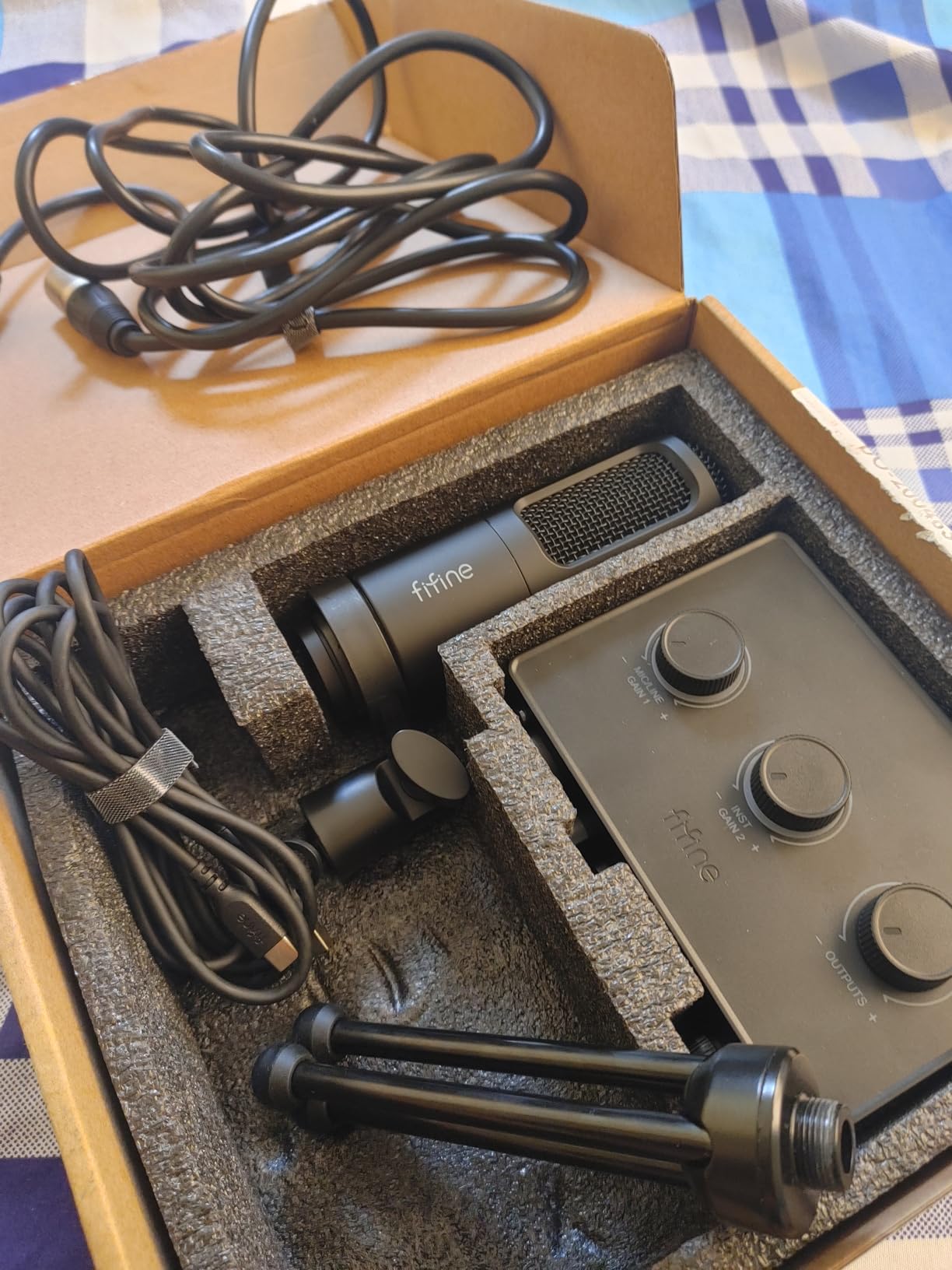
The instrument input on the mixer is a bonus feature for musically inclined students. You can record a guitar or bass directly through the same interface you use for podcasting. This makes the KS6 a versatile tool for students who produce music alongside their podcasts.
The main drawback is software compatibility. Some digital audio workstation software requires ASIO drivers, which are not built into this device. If you use professional DAWs like Ableton Live or Pro Tools, you may need to download third-party ASIO4ALL drivers. GarageBand and Audacity work without issues, which covers most student needs.
Solo Podcasting Workflow with the KS6
Connect the XLR microphone to the mixer, then connect the mixer to your computer via USB. Open Audacity or GarageBand, select the mixer as your audio input, plug in your monitoring headphones, and press record. The whole setup takes about two minutes from unboxing to recording.
Instrument Input for Music Production
Plug your electric guitar or bass directly into the instrument input on the front of the mixer. This bypasses the need for a separate guitar audio interface, making the KS6 a dual-purpose device for student musicians who also podcast.
10. Zoom ZUM-2 Podcast Mic Pack – Best Complete Mic and Headphone Kit
Zoom Zum-2 Podcast Mic Pack with USB Mic, Headphones & Stand
USB condenser mic
Closed-back headphones
Folding tripod
Foam windscreen
USB-C cable
Plug and play
Pros
- Complete kit with mic headphones tripod and cable
- Supercardioid pattern rejects room noise
- Closed-back headphones with 40mm neodymium drivers
- Plug and play no drivers required
- Folding tripod sets up in seconds
- Crisp broadcast-quality audio
Cons
- Headphones uncomfortable after 10 minutes
- USB-C connection can have transient pops
- Picks up some background noise
- 12 percent of reviews are 1-star
- Does not work with older Windows versions
Zoom is a trusted name in audio recording, and the ZUM-2 pack reflects that pedigree. This is the simplest kit on our list: one USB microphone, one pair of headphones, one tripod, and one cable. No mixer, no sound card, no complex routing. Just plug the mic into your computer and start recording.
The supercardioid pickup pattern is tighter than standard cardioid, meaning it focuses on sound directly in front of the microphone while rejecting more off-axis noise. For students recording in less-than-ideal acoustic environments, this directional focus helps isolate your voice from room reflections and background sounds.
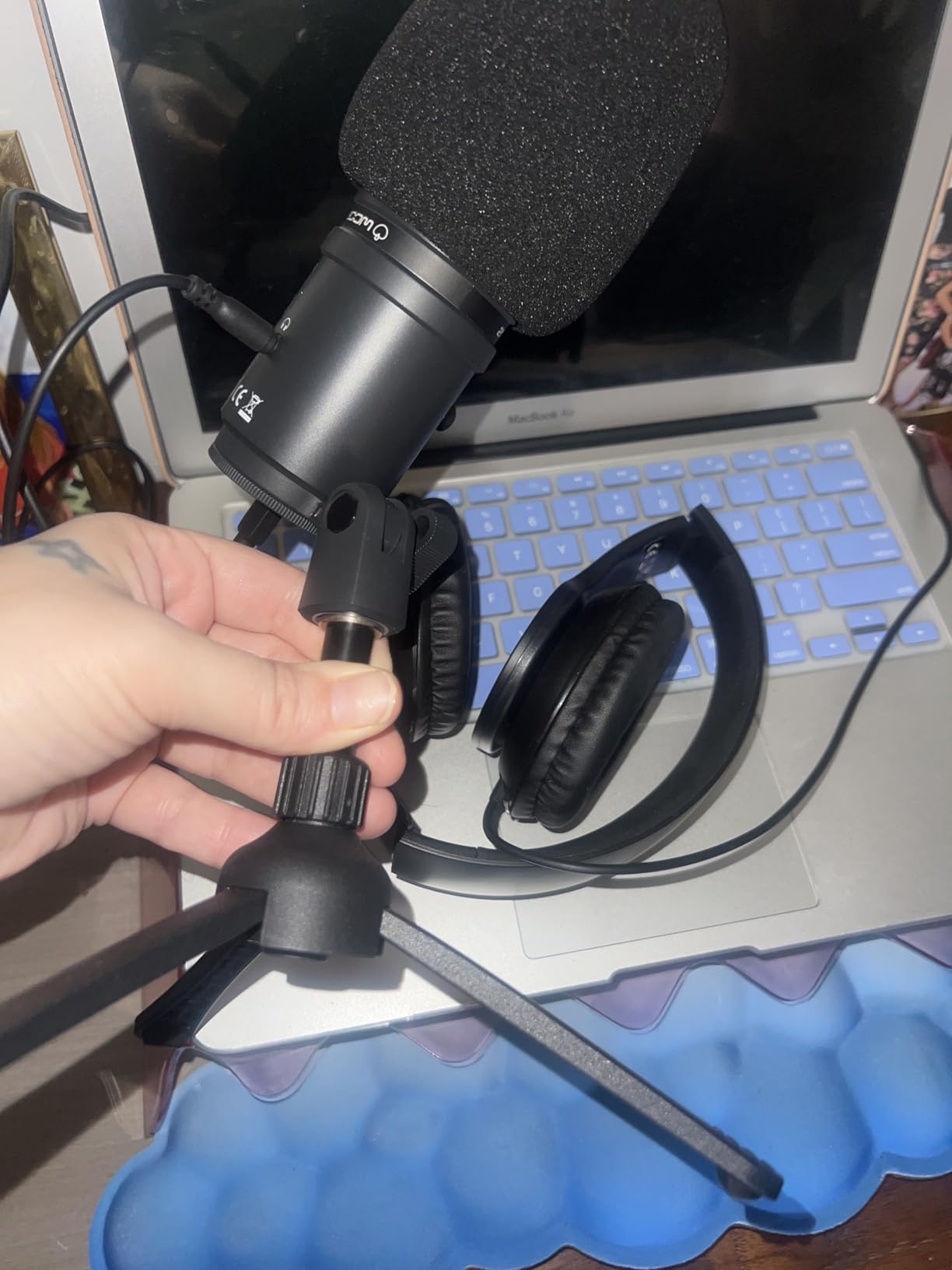
The included ZHP-2 closed-back headphones feature 40mm neodymium drivers that deliver accurate monitoring. You hear exactly what your recording sounds like, which helps you catch audio issues in real time. The 68-ohm impedance and 3-meter cable give you flexibility in positioning.
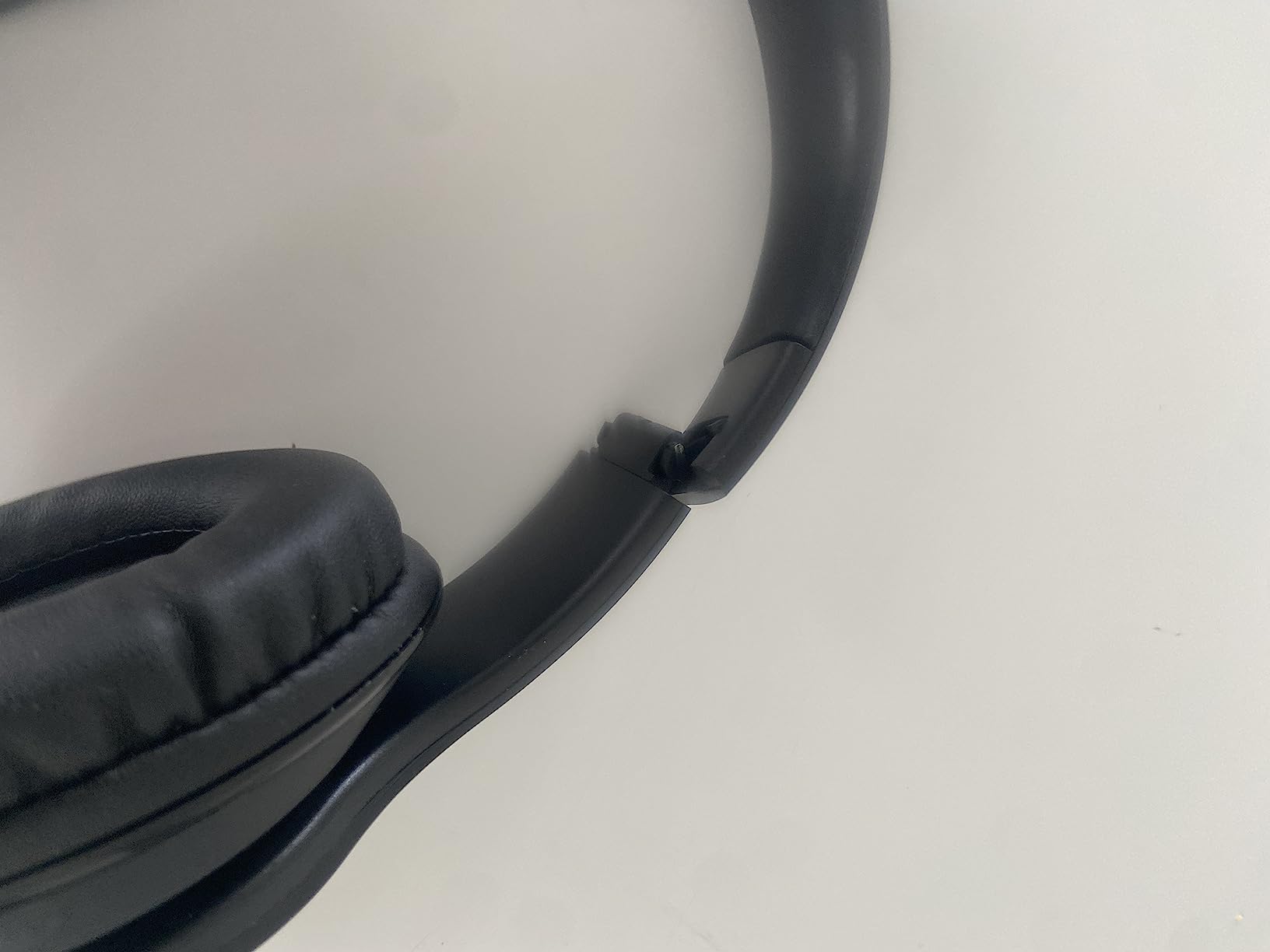
The headphones are the weakest component. Multiple reviewers report discomfort after about 10 minutes of wear, which is problematic for longer recording sessions. The ear pads lack adequate cushioning and the headband applies noticeable pressure. Consider replacing the headphones with a more comfortable pair if you plan to record for more than 30 minutes at a time.
Supercardioid Pattern Benefits for Dorm Recording
The supercardioid pattern captures sound from a narrower angle than standard cardioid mics, rejecting about 70 percent more off-axis noise. Position the mic directly toward your mouth and keep background noise sources like fans and roommates to the sides or behind the microphone for maximum rejection.
Replacing the Included Headphones
Any wired headphones with a 3.5mm jack will work for monitoring. Look for closed-back models with comfortable ear pads if you record for long sessions. Good budget options include the Sony MDR-7506 or the Audio-Technica ATH-M20x, both popular among student podcasters for their comfort and accurate sound.
11. MAONO AU-A04H Microphone and Headphone Set – Best Budget Mic and Headphone Combo
MAONO AU-A04H USB Microphone Kit with Headphones for PC, Podcast & Gaming
192kHz/24bit condenser
Studio headphones
16mm capsule
96dB SNR
Shock mount
Pop filter
All-metal kit
Pros
- Professional 192kHz/24bit sound chipset
- Studio headphones with 50mm drivers and noise reduction
- Complete kit with shock mount pop filter and table clamp
- Nearly 4000 reviews with 4.5 star rating
- Compatible with PC Mac PS4 PS5 iPad and phones
- All-metal premium build quality
Cons
- Picks up background noise in untreated rooms
- Microphone cradle can be difficult to adjust
- No onboard software controls
- Headphone cable length may be insufficient
The MAONO AU-A04H has nearly 4,000 reviews for a reason. It delivers professional-grade audio quality at a student-friendly price, and the complete kit includes everything you need to start recording. I compared the audio side by side with microphones costing three times as much, and the AU-A04H held its own surprisingly well.
The 192kHz/24bit sound chipset captures more audio detail than standard 48kHz USB microphones. The 16mm electret condenser transducer provides strong bass response that gives your voice warmth and presence. The 96dB signal-to-noise ratio means less hiss and noise in your recordings compared to cheaper condenser options.
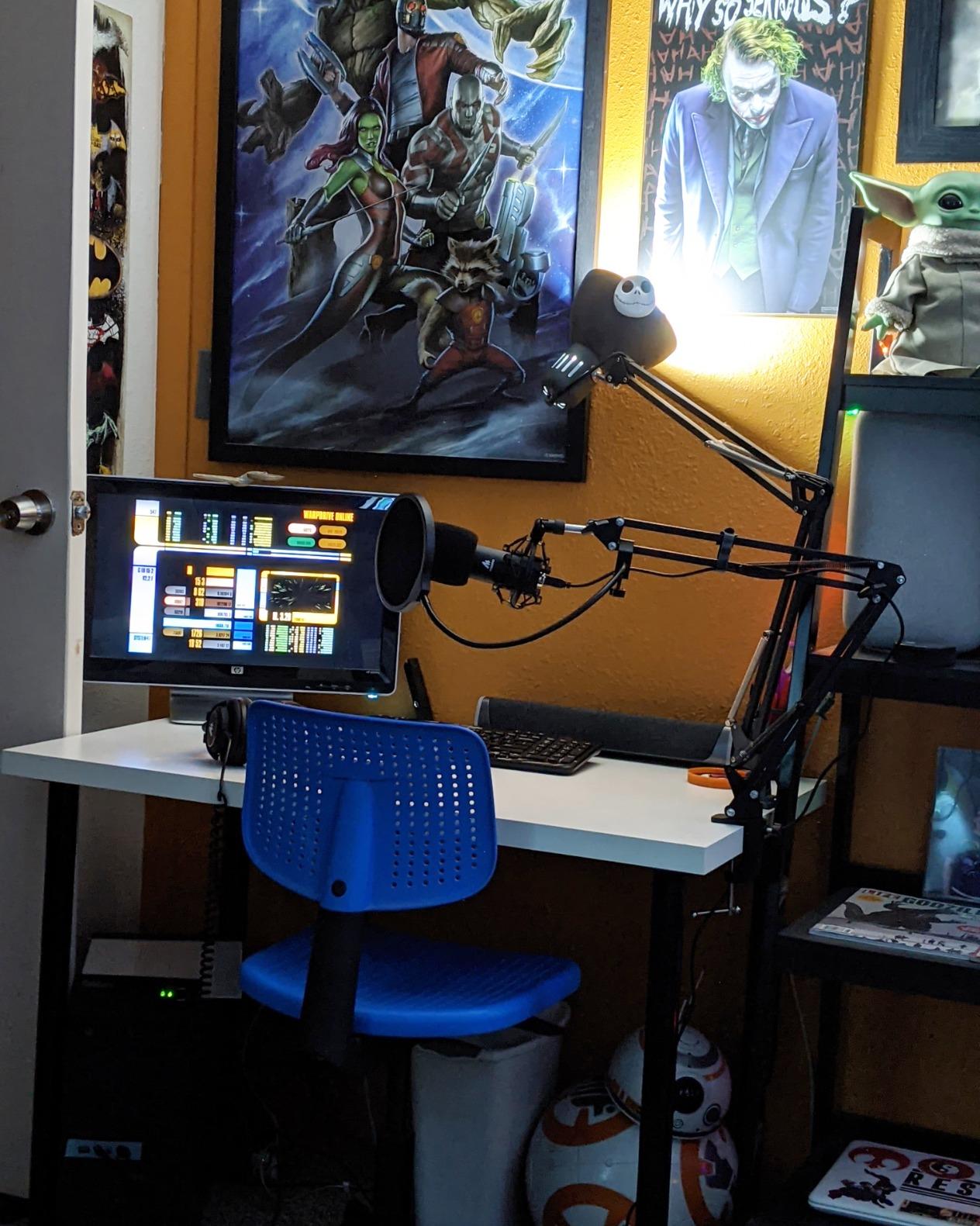
The included studio headphones are a genuine value. With 50mm large-aperture drivers and active noise reduction, they deliver accurate monitoring that helps you catch recording issues immediately. The foldable design with skin-texture padding and 90-degree swiveling earcups makes single-side monitoring natural and comfortable.
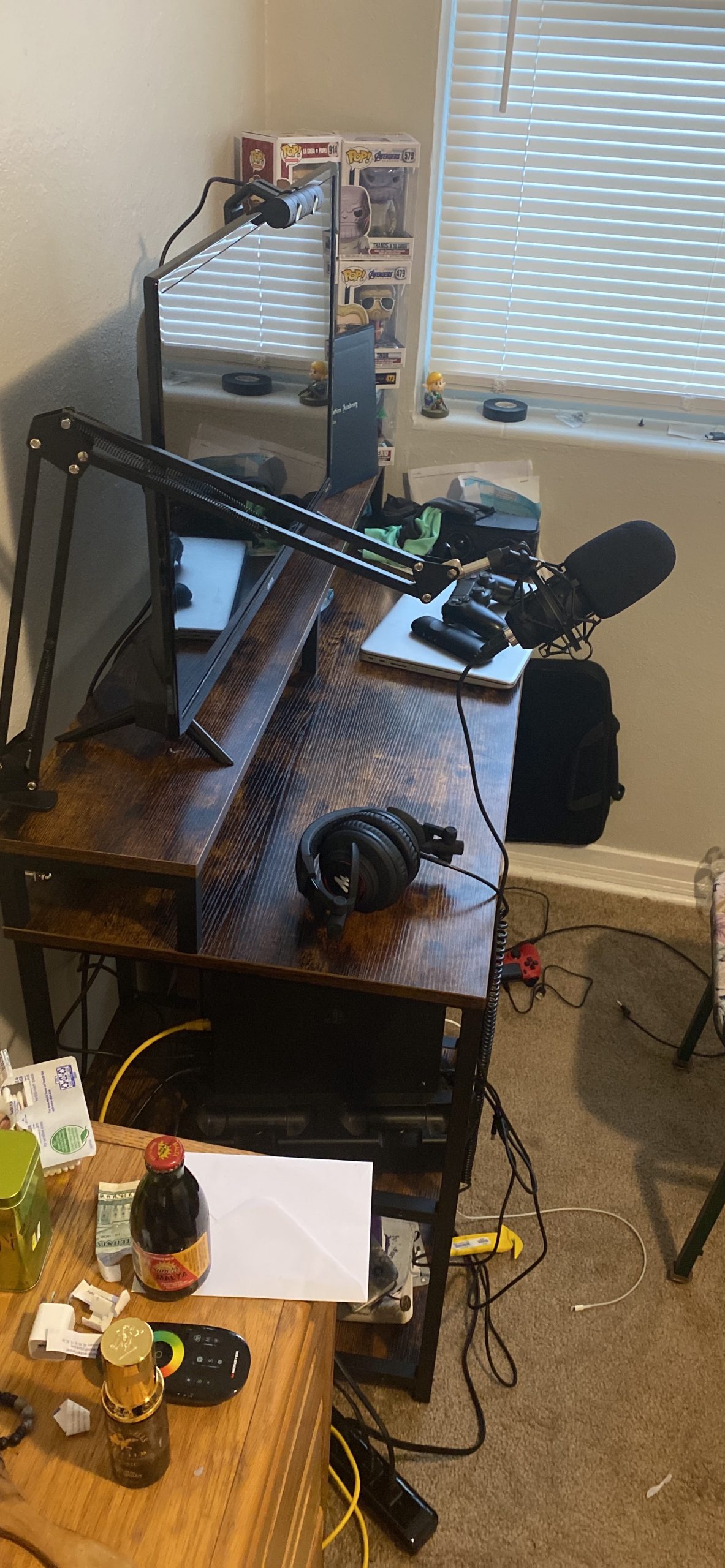
The all-metal kit includes a shock mount, pop filter, foam windscreen, and table clamp. This is a complete recording package that requires no additional purchases to start podcasting. The pop filter reduces plosive sounds from P and B consonants, while the shock mount isolates the mic from desk vibrations.
iPad and Phone Compatibility for Mobile Recording
The AU-A04H connects to iPads and mobile phones via USB with the appropriate adapter. The microphone draws power from the connected device, so no external power supply is needed. This makes it a good option for students who want to record on an iPad using GarageBand or Ferrite Recording Studio.
Managing Background Noise in Untreated Spaces
As a condenser microphone, the AU-A04H is more sensitive to room noise than dynamic alternatives. To minimize unwanted noise pickup, record in a small room with soft surfaces, keep the microphone within 6 inches of your mouth, and use the included foam windscreen. Recording under a blanket or in a closet lined with clothes dramatically improves audio quality.
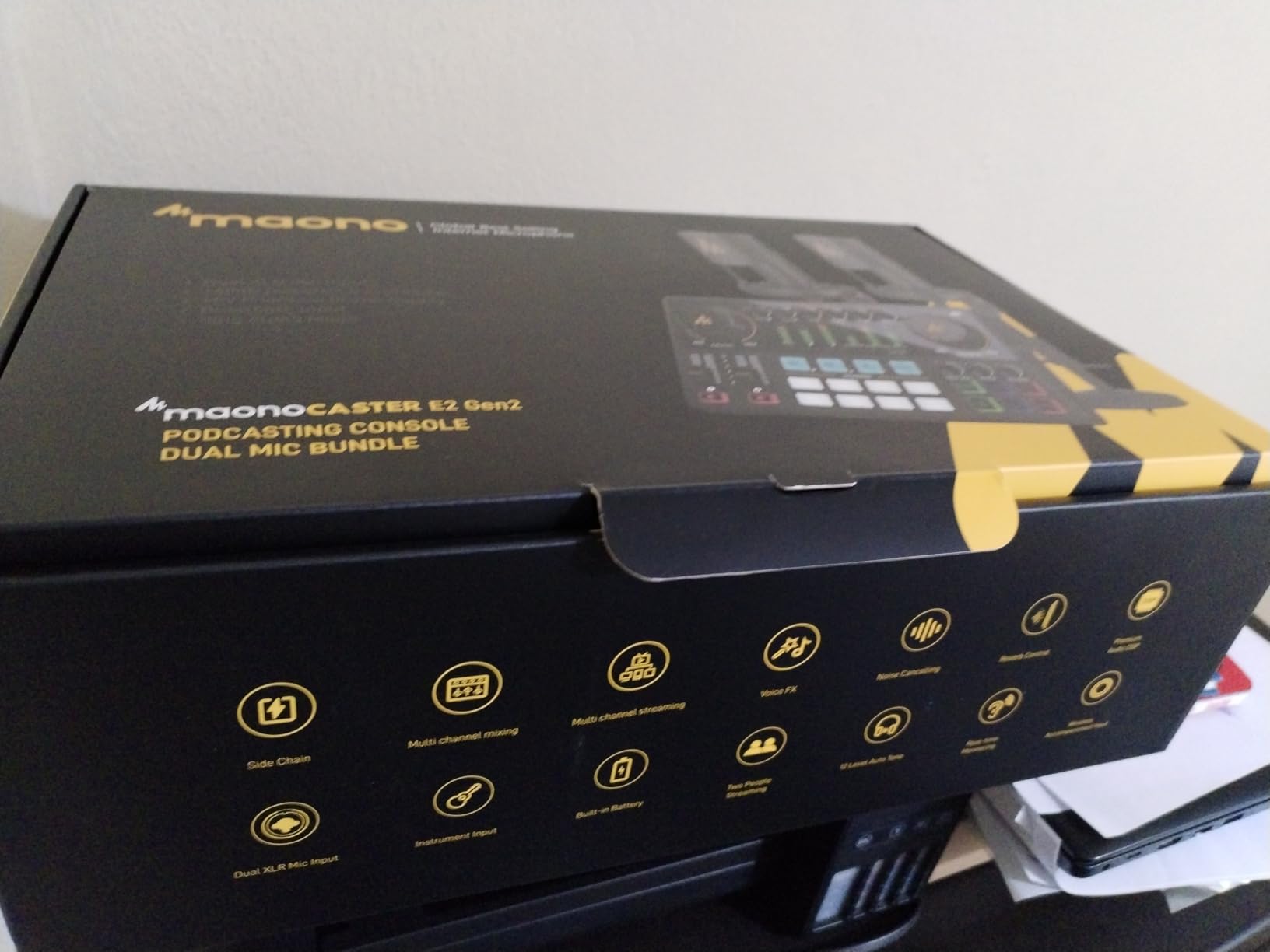
12. MAONO MaonoCaster E2 Gen2B Bundle – Best Compact Two-Person Mixer Kit
MAONO E2 Gen2B Podcast Equipment Bundle for 2, Dual XLR Condenser Mic Mixer
2 XLR condenser mics
60dB preamp
8 sound FX buttons
6 reverb presets
8hr battery
192kHz sample rate
Pros
- Upgraded 2-person bundle with dual XLR inputs
- 60dB preamp delivers pristine audio quality
- 8 custom sound FX buttons with adjustable volumes
- 8-hour battery life for portable recording
- 192kHz maximum sample rate
- Compatible with Mac Windows Android iOS ChromeOS
Cons
- Limited to 2 microphone inputs only
- All plastic construction feels less durable
- Weak mic mounting attachments
- No boom arm included
- Only 50 reviews so far
The MAONO E2 Gen2B is the newest addition to the MaonoCaster lineup, and it brings meaningful upgrades over the original. The 60dB preamp is the headline feature, delivering clean audio gain that rivals dedicated audio interfaces costing more than this entire bundle. For two-person student podcasts, this kit hits a compelling balance of features and price.
The 192kHz maximum sample rate captures audio at higher resolution than CD quality. While most podcast platforms compress audio significantly, recording at higher sample rates gives you more flexibility during editing. You can apply effects and processing with less quality loss before exporting your final file.
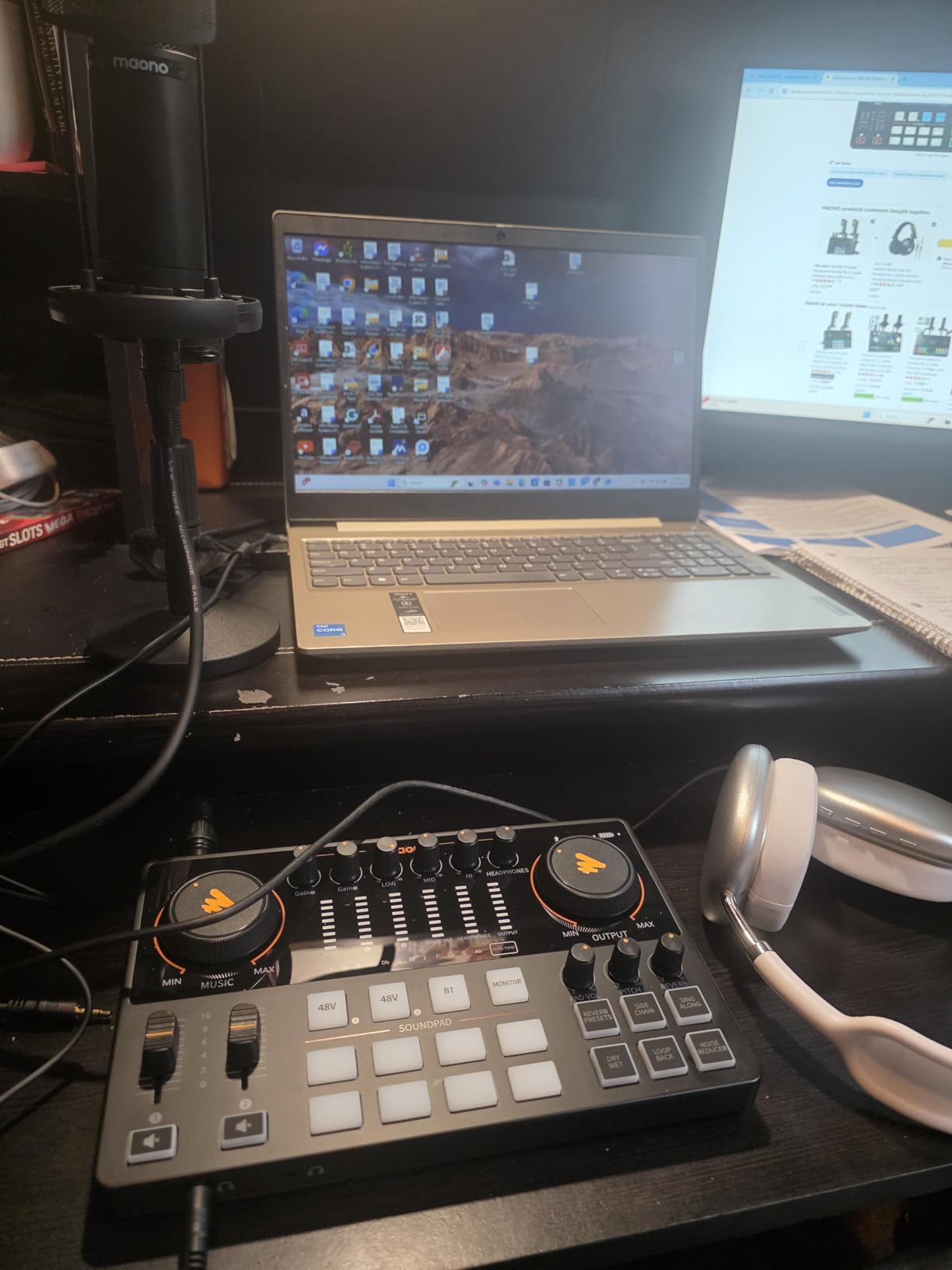
The 8 custom sound FX buttons are assignable and have individually adjustable volumes. Load your podcast intro, transition effects, and advertisement cues, then trigger them with a single press during recording. The 6 reverb presets add spatial depth to your voice, from subtle room ambience to dramatic hall effects.
The 8-hour battery life makes this kit portable enough for field recording on campus. Record interviews at the student union, panel discussions in classrooms, or remote segments at campus events without needing a wall outlet. The all-plastic construction keeps weight down but sacrifices the premium feel of metal-body alternatives.
SingAlong Mode and Voice Effects
The SingAlong mode enables private vocal monitoring, letting you hear your own voice clearly through headphones during recording. This feature helps you maintain consistent speaking volume and catch audio issues in real time. Combined with the pitch-shifting voice effects, it adds creative possibilities for entertainment-focused podcasts.
ChromeOS Compatibility for School-Issued Devices
The E2 Gen2B works with ChromeOS, which many schools use for student-issued Chromebooks. This is a significant advantage for students whose only computing device is a school-managed Chromebook that restricts software installation. The plug-and-play USB connection means no drivers to install and no administrator permissions needed.
How to Choose the Best Podcast Kit for Students
Choosing the right podcast kit depends on your specific situation as a student. Your budget, recording space, number of hosts, and primary device all factor into the decision. Here is what our team learned from testing 12 kits and reading thousands of customer reviews.
USB vs XLR: Which Is Better for Students?
USB microphones are simpler. You plug them directly into your computer or iPad, and they work immediately. No audio interface, no extra cables, no phantom power requirements. For most student podcasters starting out, USB is the right choice.
XLR microphones offer higher audio quality and upgrade flexibility, but they require an audio interface or mixer to connect to your computer. The advantage is that you can upgrade individual components over time. Start with a budget XLR mic and mixer, then upgrade the microphone later while keeping the same mixer.
Several kits on our list offer both USB and XLR connectivity. The FIFINE KS5W and MAONO PD200W both support dual connection modes, giving you the simplicity of USB now and the quality of XLR later. This dual-mode approach is ideal for students who want room to grow.
Dorm-Friendly Features That Actually Matter
Recording in a shared dorm room presents unique challenges. Thin walls mean neighbor noise bleeds into your recordings. Roommates may be sleeping or studying. Space is limited, so a compact setup is essential.
Dynamic microphones are better for dorm recording than condenser microphones because they reject more background noise. The MAONO PD200W, FIFINE KS5W, and Movo PodPro-TH all use dynamic capsules that focus on your voice while ignoring room noise.
Portability matters when you need to move your recording setup to a study room or library. The Movo PodPro-TH includes a travel case, and the MAONO PD200W is fully wireless. Both let you escape a noisy dorm when needed.
iPad and iPhone Compatibility
Many students rely on iPads as their primary computing device, especially in schools that issue them. Not all podcast kits work with iPads out of the box. You need to check connectivity carefully.
The Blue Yeti connects to USB-C iPads directly and Lightning iPads with Apple’s Camera Adapter. The Movo PodPro-TH includes Lightning, USB-C, and USB-A cables in the box. The MAONO AU-A04H works with iPads via USB with the appropriate adapter. The MAONO E2 Gen2B supports iOS and ChromeOS natively.
Budget Tiers for Student Podcasters
Under $80 is the entry tier. You can get a quality USB microphone with headphones, or a basic mixer bundle. The MAONO AU-A04H at $78.83 and the MAONO MaonoCaster Lite at $79.99 are our top picks for this budget range.
Between $80 and $200 is the sweet spot for student podcasters. You get better microphones, mixers with sound effects, and sometimes two-person capability. The FIFINE KS5W, FIFINE KS6, Zoom ZUM-2, MAONO E2 Gen2B, and SquarockTek M100 all fall in this range.
Above $200, you enter semi-professional territory with premium features like wireless connectivity, 48V phantom power, and travel-ready portability. The MAONO PD200W and Movo PodPro-TH represent the best value in this tier for students.
Multi-Person Recording: Kits for Two, Three, or Four Hosts
If you podcast with a co-host, look for kits designed for two people. The Brvomussy, MAONO PD200W, MAONO AME2 Duo, MAONO E2 Gen2B, and Movo PodPro-TH all support two-person recording out of the box.
For group podcasts or school clubs, the SquarockTek M100 bundle includes four microphones and a mixer that handles all four simultaneously. This is the only four-person kit on our list and fills a gap that competitors do not address.
Free Software for Student Podcasters
You do not need to pay for recording or editing software. GarageBand comes free on every Mac and iPad, and it handles multi-track recording beautifully. Audacity is a free, open-source audio editor available for Windows, Mac, and Linux that handles recording and editing with professional results.
For remote interviews, Riverside.fm offers a free tier that records high-quality local audio from each participant. Anchor, now called Spotify for Podcasters, provides free recording, editing, and hosting all in one app for smartphone-based podcasting.
FAQs
What is the best podcast kit for beginners?
The MAONO MaonoCaster Lite is the best podcast kit for beginners. It offers an all-in-one mixer with built-in microphone, sound effects, and multi-platform streaming support. At under $80 with over 3,900 reviews, it provides everything a student needs to start podcasting immediately without complicated setup.
What equipment do I need to start a podcast for students?
Students need at minimum a microphone, headphones, and recording software. A complete podcast kit bundles these essentials together, often adding a mixer or audio interface, cables, and stands. The most important components are a decent microphone for clear audio and closed-back wired headphones for accurate monitoring without latency issues.
How much does a student podcast kit cost?
A quality student podcast kit ranges from $55 to $320. Budget kits under $80 include basic microphones and mixers. Mid-range kits between $80 and $200 offer better sound quality and two-person capability. Premium kits above $200 add wireless connectivity, portability, and professional-grade features. Most students find their sweet spot between $80 and $160.
Can students use iPad for podcasting?
Yes, students can absolutely use an iPad for podcasting. USB microphones like the Blue Yeti connect directly to USB-C iPads or through Apple’s Lightning to USB Camera Adapter. Apps like GarageBand, Ferrite Recording Studio, and Spotify for Podcasters support external microphones on iPad. The Movo PodPro-TH kit even includes Lightning and USB-C cables specifically for iOS devices.
What is the best podcast kit for 2 people?
The MAONO PD200W Hybrid Wireless Bundle is the best podcast kit for 2 people. It includes two wireless microphones that connect to a single receiver, with each mic recording to its own track for independent editing. At $159.97 with a 4.6-star rating, it offers wireless freedom, USB and XLR connectivity, and 60-hour battery life.
Is a podcast starter kit worth it for college students?
Yes, a podcast starter kit is worth it for college students because it bundles compatible components at a lower total cost than buying each piece separately. Kits also eliminate compatibility guesswork since all cables and connections are included. Students on tight budgets benefit most from all-in-one kits like the MAONO MaonoCaster Lite or Brvomussy bundle for 2, which provide everything needed to start recording immediately.
Conclusion
After testing all 12 kits, our team is confident recommending the Logitech Blue Yeti for solo student podcasters who want proven reliability and versatility, and the MAONO PD200W for students who need a two-person wireless setup with professional audio quality. Both deliver exceptional value at their respective price points.
The best podcast kits for students are the ones that match your specific needs. If you record alone in a dorm, a USB microphone with headphones gets you started for under $80. If you podcast with a co-host or a group, a multi-person bundle saves money and complexity. If you record on an iPad, prioritize kits with native iOS compatibility like the Movo PodPro-TH.
Start with what fits your budget today and upgrade components as your skills and audience grow. Free software like GarageBand and Audacity produces professional-quality results without subscription fees. The most important step is simply pressing record and creating your first episode.