
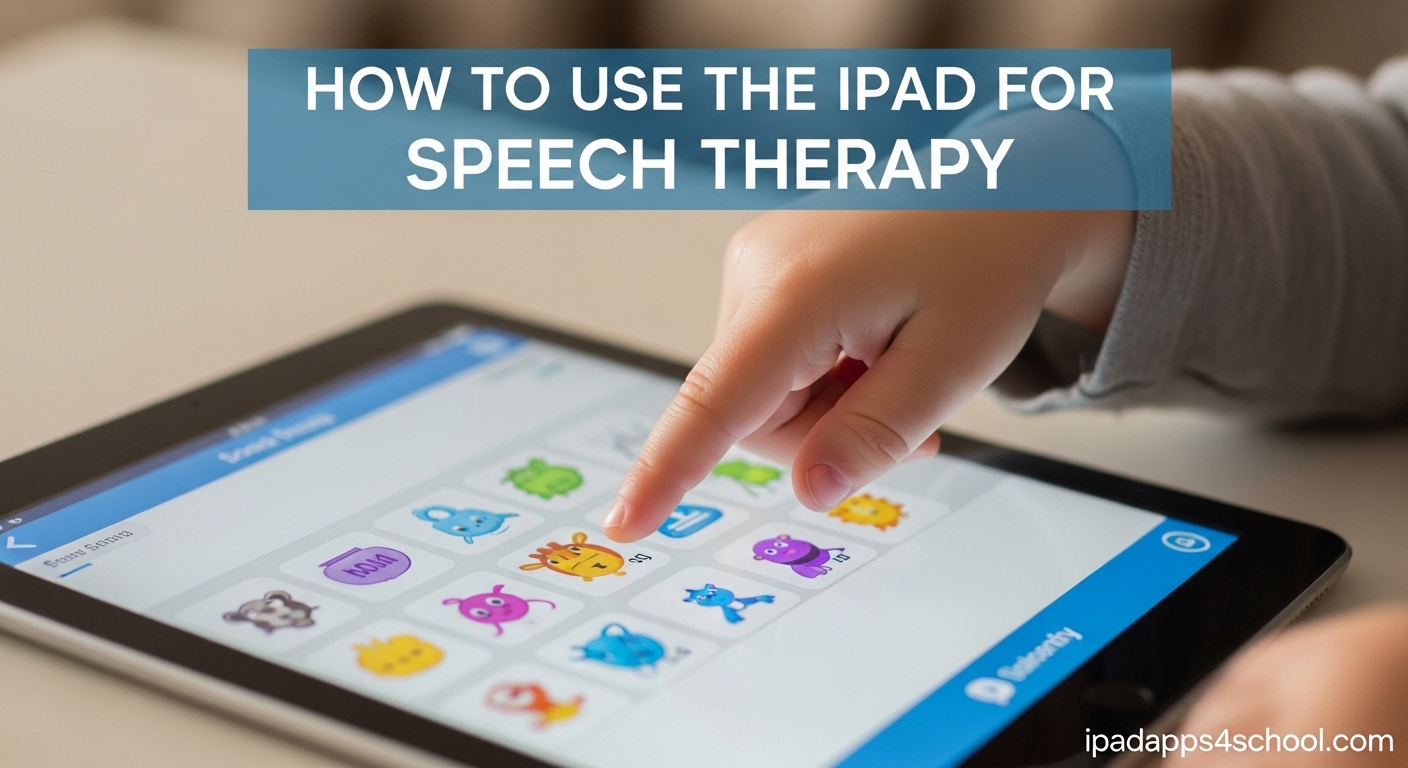
Using an iPad for speech therapy has transformed how speech-language pathologists work with clients. The tablet offers portable, engaging tools that make therapy sessions more interactive while reducing prep time for clinicians. If you are wondering how to use iPad for speech therapy effectively, this guide covers everything you need to know.
Table of Contents
Why Use an iPad for Speech Therapy?
Speech-language pathologists have embraced iPads because these devices combine portability with powerful features. The touch interface feels natural for children and adults alike, making it easier to engage clients who might otherwise struggle with traditional therapy methods. Research shows that interactive tablet activities increase participation and motivation during therapy sessions.
The cost savings compared to dedicated speech therapy devices are significant. A quality AAC device can cost thousands of dollars, while an iPad provides similar functionality at a fraction of the price. Many evidence-based speech therapy apps are available for the iPad, giving therapists access to professional-grade tools without breaking the budget. The App Store offers hundreds of apps targeting articulation, language development, fluency, and voice disorders.
iPads also support teletherapy, which became essential during the pandemic and remains popular today. Clinicians can conduct remote sessions using video conferencing combined with shared apps and screen recording. This flexibility means therapy can continue at home, at school, or in the clinic with the same level of quality.
Best Speech Therapy Apps for iPad
Selecting the right apps depends on your specific therapy goals and client needs. These apps represent some of the most effective tools available for speech therapy on iPad.
Articulation Apps
Articulation Station has become a staple for many SLPs working on sound production. The app offers practice activities for individual sounds at the word, sentence, and conversational levels. It includes a recording feature so clients can hear themselves and compare to correct models. Parents appreciate that they can use it at home for carryover practice.
Other popular articulation apps include Speech Blubs, which uses video modeling to demonstrate correct tongue and lip placement, and Artic Zone, which offers game-based practice for multiple sounds. These apps work well for children who need extra motivation to practice. Forum discussions among SLPs reveal that these tools are especially helpful for maintaining engagement during repetitive practice sessions that traditional therapy might struggle to sustain.
Language Therapy Apps
Language Therapy by Tactus offers comprehensive tools for working on vocabulary, grammar, and comprehension. The app includes exercises for naming, categorization, following directions, and reading comprehension. Therapists can customize difficulty levels and track progress over time.
iPad hidden features for students also includes accessibility options that support language development, such as text-to-speech and visual scheduling tools that complement dedicated therapy apps. These built-in features often go overlooked but can significantly enhance language practice opportunities.
AAC and Communication Apps
Proloquo2Go is one of the most widely recommended AAC apps for iPad. It provides a full communication system with customizable symbol-based pages and natural-sounding voices. The app supports individuals with autism, cerebral palsy, Down syndrome, and other conditions that affect speech. While expensive, many families consider it worth the investment because it grows with the user.
TouchChat is another robust AAC option that offers multiple vocabulary systems and customization features. Both apps allow therapists to create personalized communication pages targeting specific vocabulary needs. SLPs in forum discussions consistently recommend Proloquo2Go as a top choice for families seeking a comprehensive AAC solution.
iPad Accessibility Features for Speech Therapy
Beyond dedicated therapy apps, the iPad includes built-in accessibility features that support speech and communication. These features are especially valuable for individuals who need alternative communication methods.
Live Speech
Live Speech allows users to type what they want to say and have it spoken aloud. This feature turns any iPad into a basic AAC device without purchasing additional software. Users can save frequently used phrases for quick access. To enable Live Speech, go to Settings, then Accessibility, then Live Speech.
Text to Speech
The iPad can read text aloud using the Speak Selection feature. Users can select any text and hear it read back with natural-sounding voices. This helps individuals with reading difficulties access written material and supports language comprehension. Teachers use this feature to help students follow along during lessons. The feature works seamlessly with most speech therapy apps, providing an additional layer of support for learners who struggle with reading.
VoiceOver and Switch Control
VoiceOver provides auditory feedback for users who cannot see the screen. Switch Control enables navigation using external switches or head movements for users with motor impairments. Both features integrate with AAC apps to provide comprehensive communication support. For clients with visual or motor impairments, these built-in tools eliminate the need for additional expensive hardware.
Using iPad as an AAC Device
The question many parents and therapists ask is whether an iPad can truly replace a dedicated AAC device. The answer depends on the user’s needs, but for many individuals, the iPad works excellently as an AAC device.
You can turn your iPad into an AAC device using specialized apps like Proloquo2Go or TouchChat. These apps provide symbol-based communication, text-to-speech output, and customizable vocabulary. The iPad hardware itself offers high-quality speakers and a responsive touchscreen that rival dedicated devices.
Funding options exist for obtaining an iPad as an AAC device. Some insurance plans cover the cost when prescribed by a physician. School districts may provide iPads through assistive technology programs. Organizations like United Healthcare and state developmental disability agencies sometimes offer funding assistance. Check with your local speech-language pathologist for guidance on funding resources in your area. Parents frequently ask about insurance coverage for iPads with AAC apps, and while policies vary, many families have successfully obtained coverage when proper documentation is provided.
Tips for Using iPad in Speech Therapy Sessions
Our team has tested various approaches to integrating iPads into speech therapy over the years. These tips come from practical experience working with clients across different age groups and therapy goals.
Organize Your Apps Strategically
Create folders on your iPad home screen to organize apps by category. We recommend folders for articulation apps, language apps, AAC tools, and games. This organization saves time during sessions when you need to quickly switch between activities. Use consistent naming conventions so you can find what you need instantly.
The Recently Used apps section also helps when you need quick access to apps you have been using frequently. Take time before each session to preload the apps you plan to use.
Combine Digital and Traditional Methods
While the iPad offers powerful tools, it should not replace traditional therapy techniques entirely. We use the iPad to supplement face-to-face interaction, not eliminate it. The best sessions incorporate tablet activities alongside conversation, tactile cues, and physical modeling of sounds.
Some therapists worry that kids will only want the iPad and not engage in traditional therapy. Setting clear expectations and using the tablet as a reward rather than a constant tool helps maintain balance. This concern comes up frequently in parent discussions, and the key is moderation and clear boundaries.
Track Progress Consistently
Use apps that include progress tracking features or keep your own notes on client improvement. Many speech therapy apps save data on performance, allowing you to review progress over time. This information helps justify therapy goals and demonstrates improvement to parents and caregivers. Regular progress tracking also helps identify when certain apps or approaches are not working and need adjustment.
Free vs Paid Speech Therapy Apps
Budget considerations matter when building your therapy toolkit. Both free and paid apps have a place in speech therapy practice.
Free apps like Communication Board offer basic AAC features and work well for introduction or home use. Some paid apps offer free versions with limited features, letting you try before committing. The LinguaLisa app provides free articulation practice, though the full version requires purchase.
Paid apps generally offer more comprehensive features, customizable options, and regular updates. The investment often pays off through better outcomes and more efficient therapy sessions. We recommend starting with free apps to identify what features you need most before purchasing premium tools. Many SLPs suggest testing free versions first to ensure the app meets your specific needs before committing financially.
Setting Up Guided Access for Therapy
Guided Access keeps users on a specific app and limits access to other features during therapy sessions. This tool is essential for keeping children focused and preventing accidental navigation away from therapy activities.
How to Enable Guided Access
First, go to Settings, then Accessibility, then Guided Access. Turn on Guided Access and set a passcode that only you know. To start a Guided Access session, open the app you want to use, then triple-click the side button. The screen will lock to that app until you triple-click again and enter your passcode.
You can set time limits, disable touch in certain areas of the screen, and restrict hardware buttons. This ensures clients cannot exit the app or access inappropriate content during therapy.
Many SLPs consider Guided Access non-negotiable for working with young children or clients who are easily distracted. It transforms the iPad from a general-purpose device into a focused therapy tool. The iPad mini is particularly popular among therapists because its compact size works well for young children while being easy to transport between locations.
FAQs
Can I turn my iPad into an AAC device?
Yes, you can turn your iPad into an AAC device using apps like Proloquo2Go or the built-in accessibility features like Live Speech. These apps allow individuals who cannot speak to communicate by selecting words or symbols that are then spoken aloud.
What is the 3 1 rule in speech therapy?
The 3:1 rule refers to a therapy technique where the SLP models a target sound or word three times, then gives the child one opportunity to respond. This ratio ensures adequate exposure before expecting production.
Will insurance cover an iPad for autism?
Some insurance plans and assistive technology programs may cover an iPad when it is prescribed as an AAC device for communication. Check with your insurance provider and explore funding options through state programs or organizations like United Healthcare.
What iPad model is best for speech therapy?
The iPad mini is popular among SLPs because it is portable, affordable, and has a smaller screen that works well for young children. The standard iPad and iPad Air are also excellent choices for their processing power and compatibility with all speech therapy apps.
Conclusion
Using iPad for speech therapy opens up powerful possibilities for clinicians and families. The combination of specialized apps, built-in accessibility features, and the portability of the device makes it an invaluable tool for working toward communication goals. Start by exploring free apps and accessibility features to see what works for your situation before investing in premium tools. With the right approach, an iPad can transform speech therapy sessions and support meaningful progress in communication skills.