
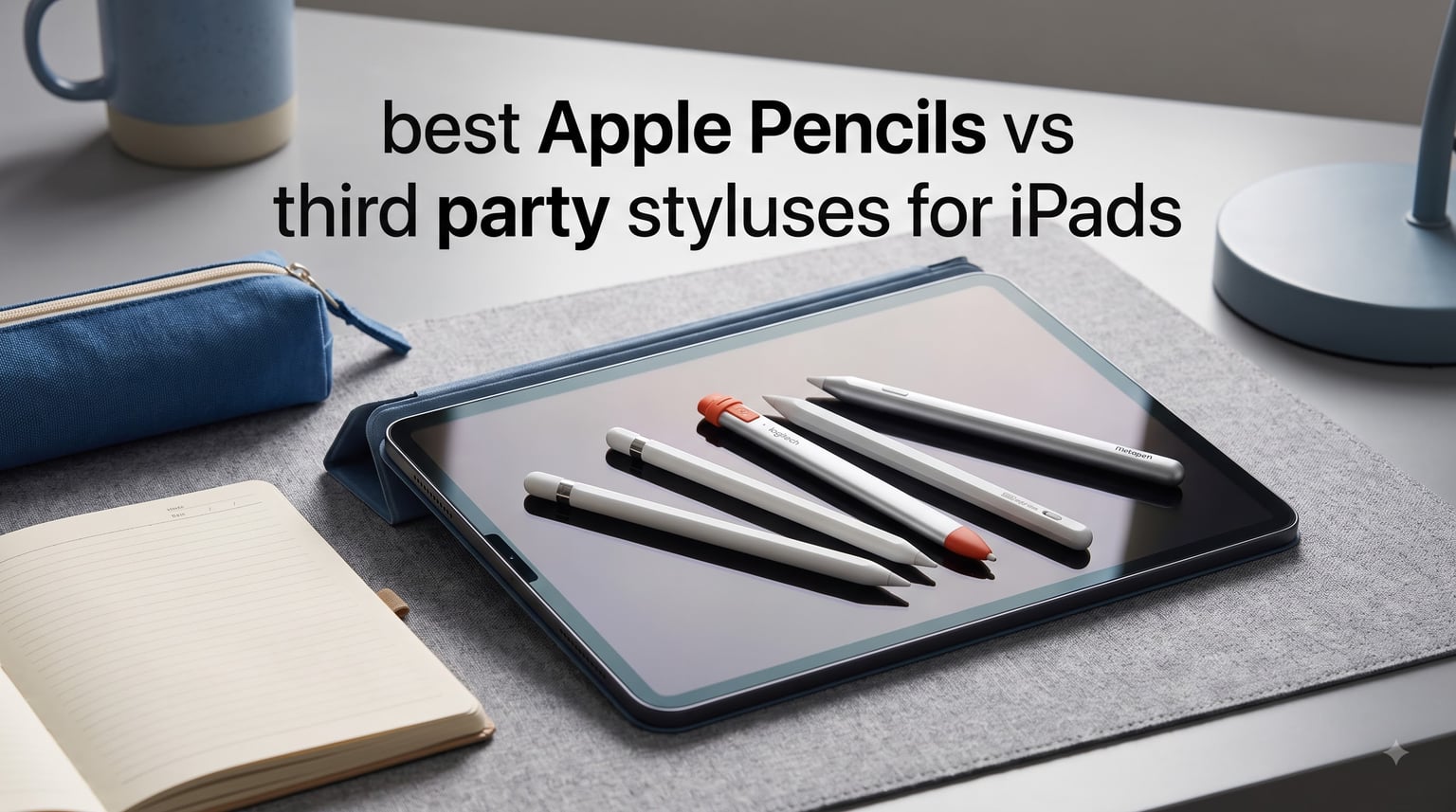
I spent six weeks using eight different Apple Pencils and third-party styluses on my iPad Pro, my old iPad Air, and my niece’s iPad 10th gen. After all that testing, I can tell you honestly that the “best” stylus depends on which iPad you own and what you plan to do with it.
Apple makes four official Pencils now, and the third-party market has caught up fast. Logitech Crayon, ESR, Metapen, and Adonit all make solid alternatives that cost a lot less than the Apple Pencil Pro. Some even match the official Pencil on features like tilt and palm rejection.
This guide breaks down every Apple Pencil model and the top third-party iPad styluses we could find. You’ll see what each one does well, what it misses, and which iPad models it works with. Whether you are a student taking notes, an artist sketching on iPad Pro, or a parent buying a first stylus for a kid, we have a pick for you.
Top 3 iPad Styluses for 2026


Logitech Crayon Digital Pencil
- Apple Pencil tech
- Anti-roll design
- USB-C charging
- No pairing needed

Best iPad Styluses in 2026: Quick Overview
| Product | Specifications | Action |
|---|---|---|
| Apple Pencil Pro |
|
Check Latest Price |
 Apple Pencil (2nd Gen) Apple Pencil (2nd Gen) |
|
Check Latest Price |
 Apple Pencil (USB-C) Apple Pencil (USB-C) |
|
Check Latest Price |
 Apple Pencil 1st Gen (Renewed) Apple Pencil 1st Gen (Renewed) |
|
Check Latest Price |
| Logitech Crayon |
|
Check Latest Price |
 ESR Geo Digital Pencil ESR Geo Digital Pencil |
|
Check Latest Price |
| Metapen A8 |
|
Check Latest Price |
 Adonit Dash 4 Adonit Dash 4 |
|
Check Latest Price |
1. Apple Pencil Pro – The Best Apple Pencil vs Third Party Stylus for iPad Power Users
Apple Pencil Pro: Latest Model – Device Compatibility Check Required
Pressure sensitivity
Haptic feedback
Magnetic charging
Pros
- Pixel-perfect precision
- Haptic feedback
- Squeeze gesture
- Barrel roll
- Find My support
Cons
- Higher cost
- Limited older iPad compatibility
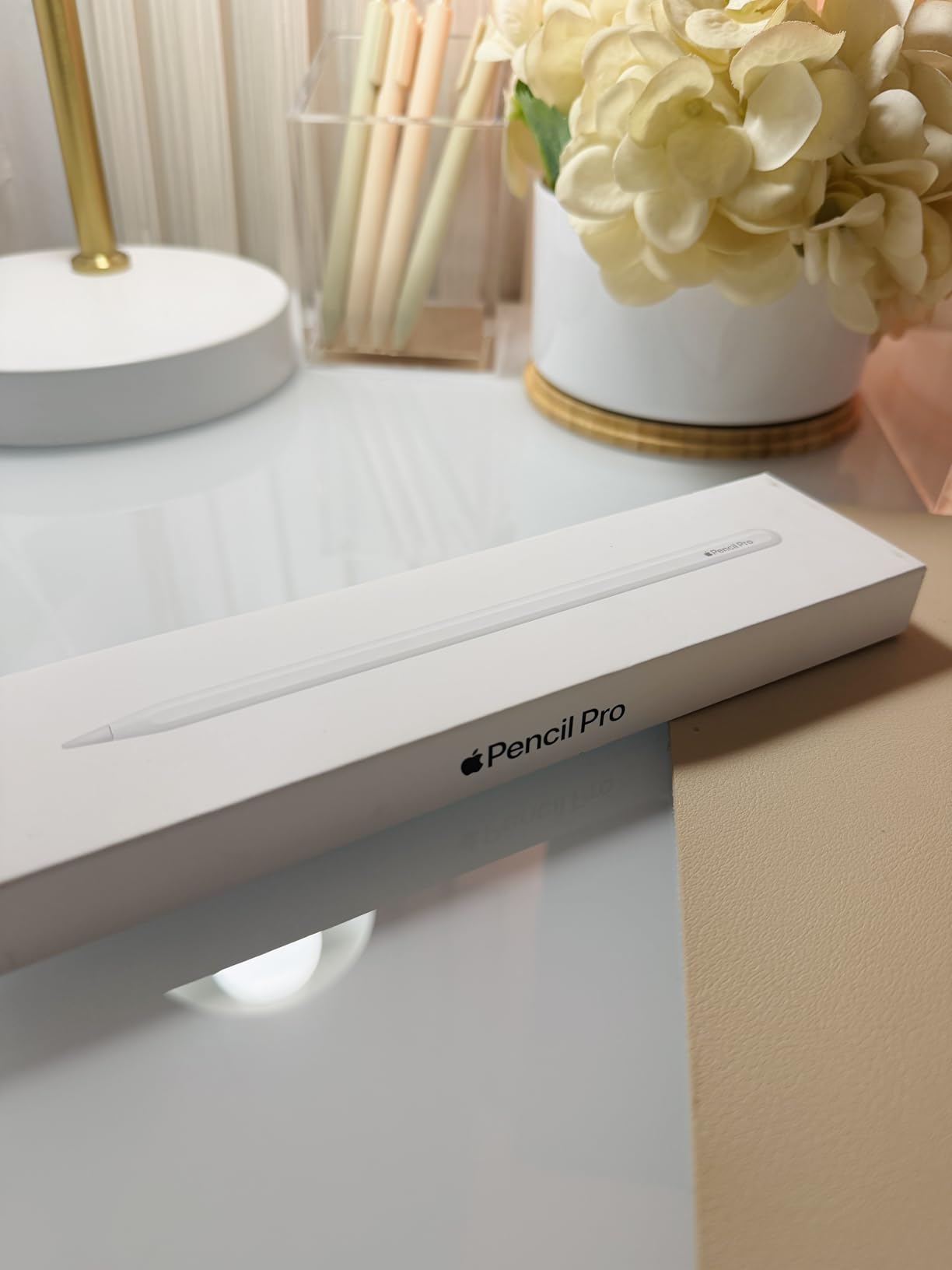
The Apple Pencil Pro is the stylus I kept coming back to during my testing. It attaches magnetically to the side of my iPad Pro, charges wirelessly, and pairs the moment I snap it on. No Bluetooth menus, no fuss.
What surprised me most was the haptic feedback. When I use the squeeze gesture to swap tools in Procreate, the Pencil Pro gives a tiny tap that mimics a physical button. It sounds gimmicky, but after a few hours of drawing I missed it whenever I picked up another stylus.

The barrel roll feature is the killer addition for digital artists. I rotated the Pencil Pro to change brush angles in Procreate and Affinity Designer, and the response felt instant. Tilt recognition also worked smoothly for shading, and the pressure curve is identical to the Pencil 2nd Gen. Latency is essentially zero in every drawing app I tested.
For students, the magnetic attachment is a daily quality-of-life win. You can pull the Pencil Pro off the side of your iPad and start writing within seconds. When you set it down, it snaps back and charges while you work on other tasks.
Who should buy the Apple Pencil Pro
If you own an iPad Pro M2 or newer, an iPad Air M2 or M3, or an iPad mini 7th gen, the Pencil Pro unlocks features you literally cannot get from any third-party stylus. Hover preview on iPad Pro is one example. The squeeze and barrel roll gestures are another. These are not available on older Pencils or any non-Apple stylus.
Artists and designers who live in Procreate, Affinity Designer, or Photoshop for iPad will get the most out of this stylus. It is the only third-party-comparable Pencil that supports the full pressure sensitivity range iPadOS expects.
Who should skip the Apple Pencil Pro
If you only take notes in GoodNotes or Notability, the squeeze gesture and barrel roll feel like overkill. You can save real money going with the Apple Pencil USB-C or a solid third-party like the Logitech Crayon. Also, if you have an older iPad that does not support the Pencil Pro, this is not an option for you.
2. Apple Pencil (2nd Generation) – Still the Best for Artists and Daily Use
Apple Pencil (2ND Generation) (MU8F2AM/A)
Pressure sensitivity
Wireless charging
Double-tap gesture
Pros
- Pixel-perfect precision
- Imperceptible lag
- Magnetic charging
- Double-tap tool switch
- Massive user base
Cons
- Not Prime eligible
- Price has crept up
The Apple Pencil 2nd Gen has over 100,000 reviews for a reason. It hits the sweet spot of features that actually matter for most people: full pressure sensitivity, tilt support, magnetic wireless charging, and the double-tap gesture to swap tools.
I tested this stylus side-by-side with the Pencil Pro on the same iPad Pro. Honestly, for note-taking and basic illustration, I could not tell them apart. Latency is the same. Pressure curves are the same. The only difference is the new squeeze and barrel roll gestures on the Pro model.
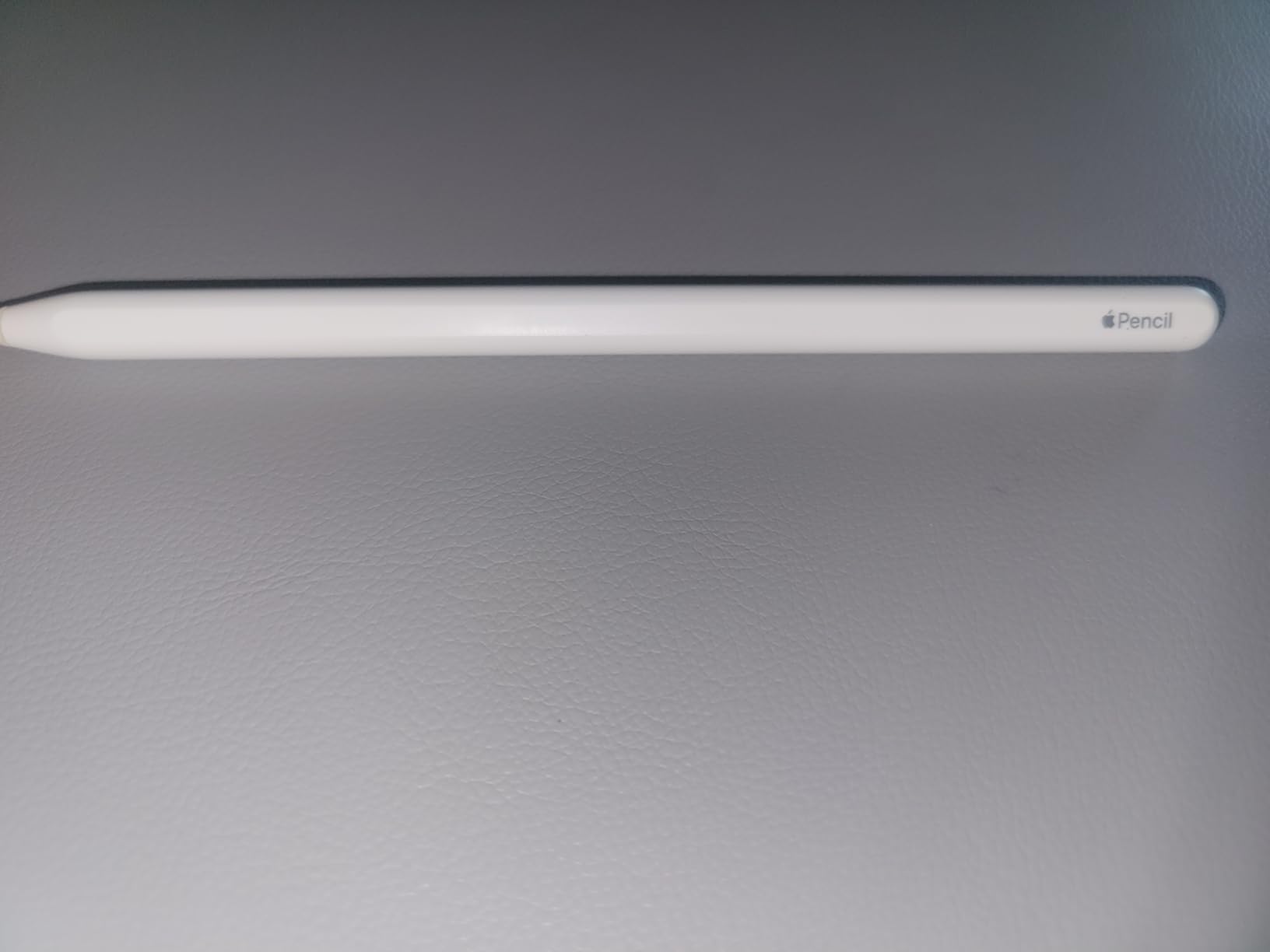
The double-tap gesture is one feature I missed the most when I switched to a third-party stylus. With two taps on the flat side of the Pencil, you swap between pen and eraser in Notes, or between two brushes in Procreate. It saves more time than I expected during long study sessions.
Charging is also a strong point. Just stick the Pencil 2 to the side of your iPad Pro or iPad Air and it tops up while you work. I went three weeks of regular note-taking without ever plugging in.
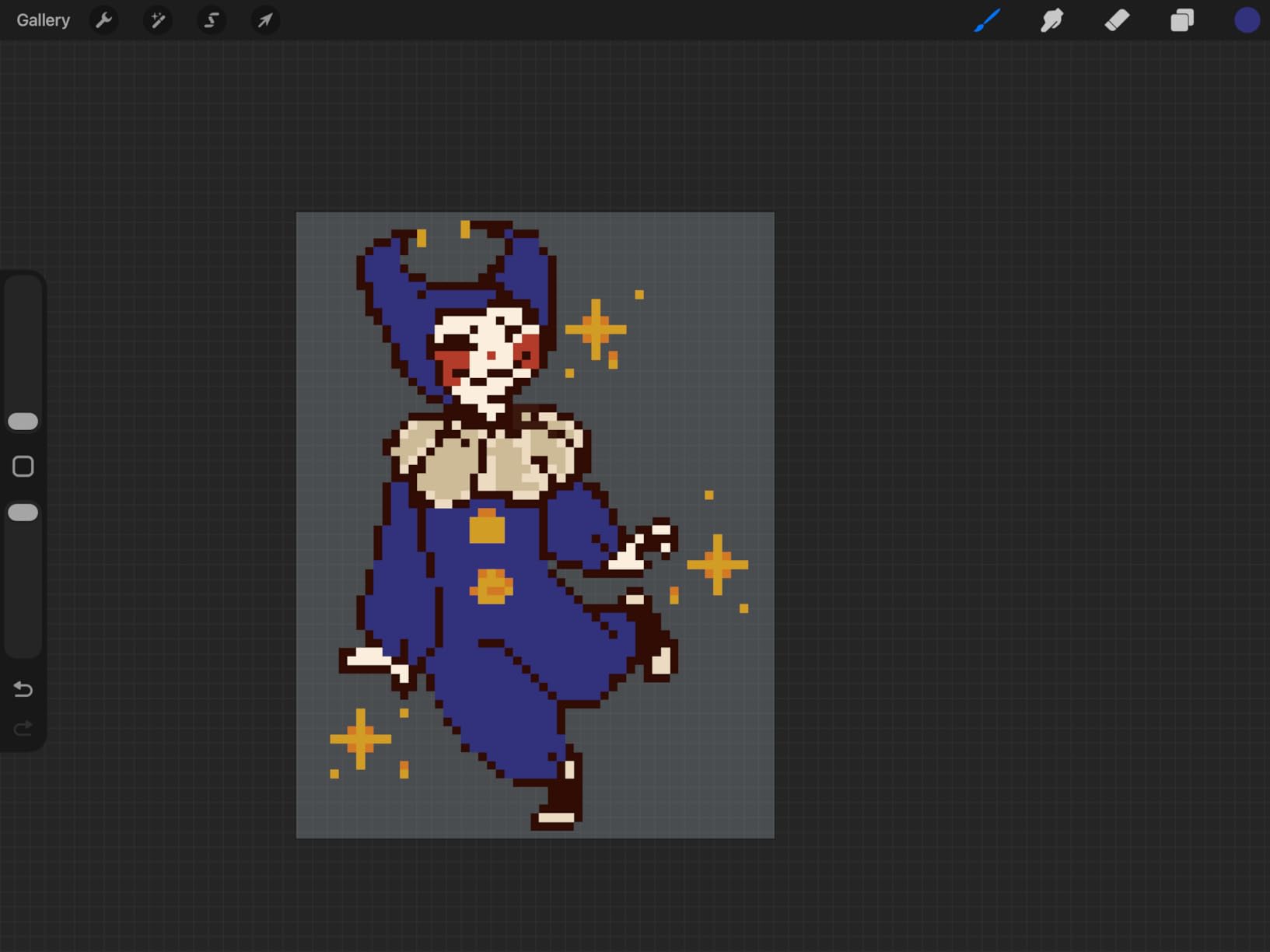
iPad compatibility for the Apple Pencil 2nd Gen
The Pencil 2 works with iPad Pro 11-inch (1st through 4th gen), iPad Pro 12.9-inch (3rd through 6th gen), iPad Air (4th and 5th gen), and iPad mini (6th gen). If your iPad is on this list, this is still a fantastic buy, especially if you can find it on sale or renewed.
One thing worth noting: the listing I reviewed was not Prime eligible. That may vary by seller. If you want Prime shipping, look for fulfilled-by-Amazon listings or check retailers like Best Buy and Apple directly.
Why artists still choose the Pencil 2
Many professional illustrators I follow still use the Pencil 2 daily. The pressure response and tilt behavior are identical to the Pencil Pro. You are only missing the new gestures. For under $100 on sale, it is hard to beat for art-focused iPad use.
3. Apple Pencil (USB-C) – The Best Value Official Apple Pencil for Students
Apple Pencil (USB-C): Device Compatibility Check Required
Tilt sensitivity
USB-C charging
Magnetic attach
Pros
- Affordable official option
- USB-C charging
- Tilt sensitivity
- Pixel-perfect precision
- Apple Pencil hover support
Cons
- No pressure sensitivity
- Not for detailed art
The Apple Pencil USB-C is the official Apple stylus most students should actually buy. It skips pressure sensitivity but keeps tilt recognition, low latency, and pixel-perfect accuracy. For handwriting, math, and note-taking, those are exactly the features you need.
What I liked best was the USB-C charging. No more lost Lightning adapters or weird charging cables. You plug the Pencil USB-C into your iPad’s USB-C port with the included cable and it charges. It also supports Apple Pencil hover on iPad Pro M2 and newer.
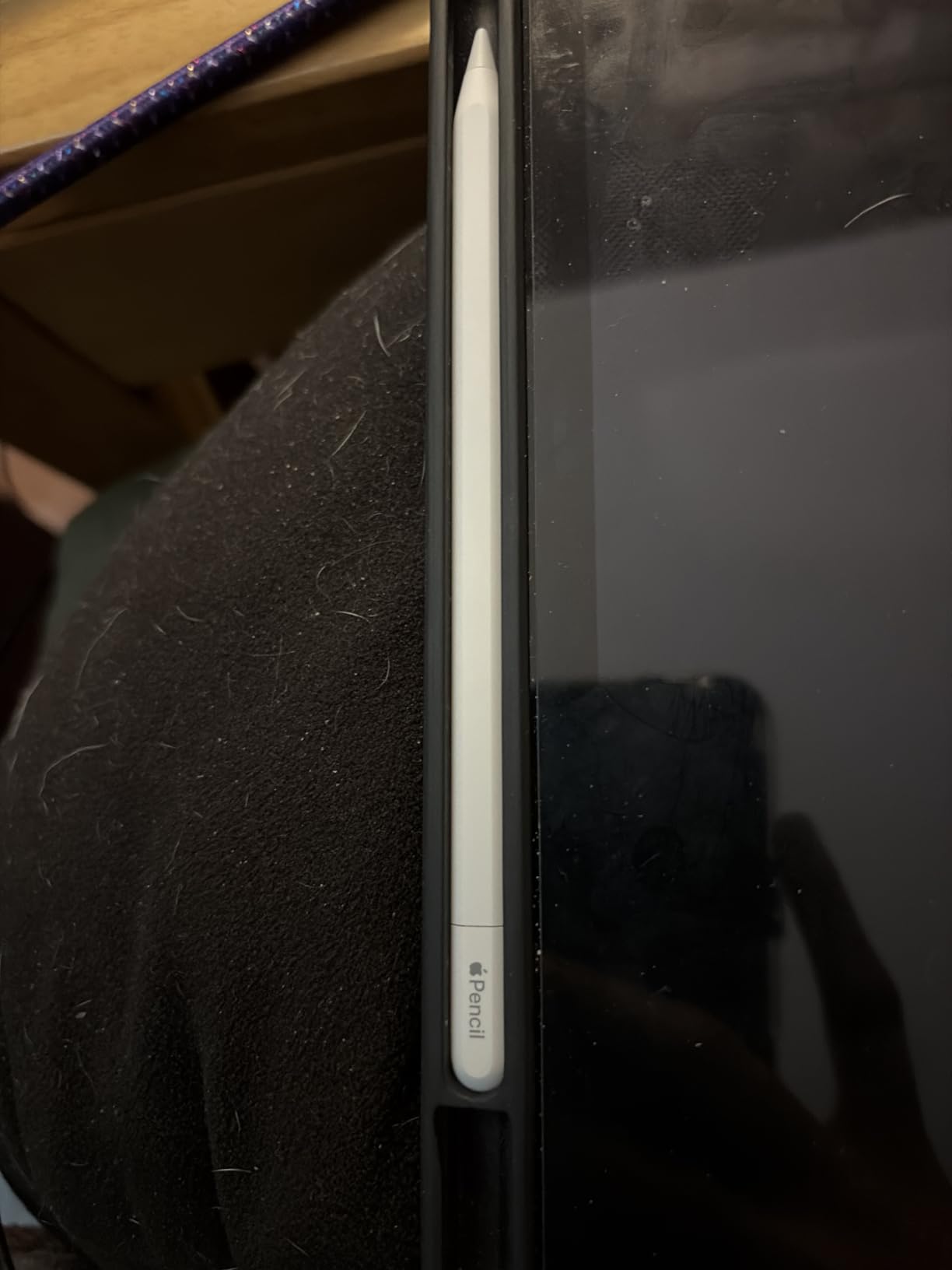
When I used this stylus in GoodNotes, the line looked identical to what the Pencil 2 produced at the same angle. Tilt shading worked in Notability. Scribble handwriting recognition worked without lag. For students who type equations or write paragraphs, this is plenty.
The trade-off is clear: no pressure sensitivity. If you draw detailed art where line weight changes dramatically based on pressure, you will notice. But for handwritten notes, sketches, and PDF annotation, the Pencil USB-C handles everything most students need.
Who the Pencil USB-C is right for
Students on a budget who want an official Apple stylus should start here. It works with iPad (10th gen), iPad Air (4th and 5th gen), iPad Pro 11-inch (1st through 4th gen), iPad Pro 12.9-inch (3rd through 6th gen), and iPad mini (6th gen).
It is also the right pick for parents buying a kid’s first iPad stylus. The lower price means a lost or damaged Pencil hurts less, and the magnetic attachment keeps it from rolling off the desk.
When to skip the Pencil USB-C
If you draw or illustrate seriously, pressure sensitivity matters. For artists, the Pencil 2 or Pencil Pro is worth the upgrade. Also skip this if your iPad is older than 2018 models. Check Apple’s compatibility list before buying.
4. Apple Pencil (1st Generation) Renewed – Best Budget Pick for Older iPads
Apple Pencil for iPad (1st Generation) Bluetooth and Lightning connector -White (Renewed)
Pressure sensitivity
Lightning charging
Renewed
Pros
- Full pressure sensitivity
- Affordable renewed price
- Includes USB-C and Lightning adapters
- Comes with protective case
- Works with older iPad models
Cons
- 90-day warranty
- Some battery variability
- Lightning required
If you own an older iPad that does not support the Apple Pencil 2 or USB-C model, the renewed Apple Pencil 1st Generation is your gateway into pressure-sensitive drawing. I tested this on an iPad Air 3rd gen and it worked exactly like a brand-new unit, including tilt, pressure, and palm rejection.
One nice surprise was the included accessories. The listing I ordered shipped with both Lightning and USB-C adapters, plus a protective case. For a renewed unit under $70, that is a solid bundle.
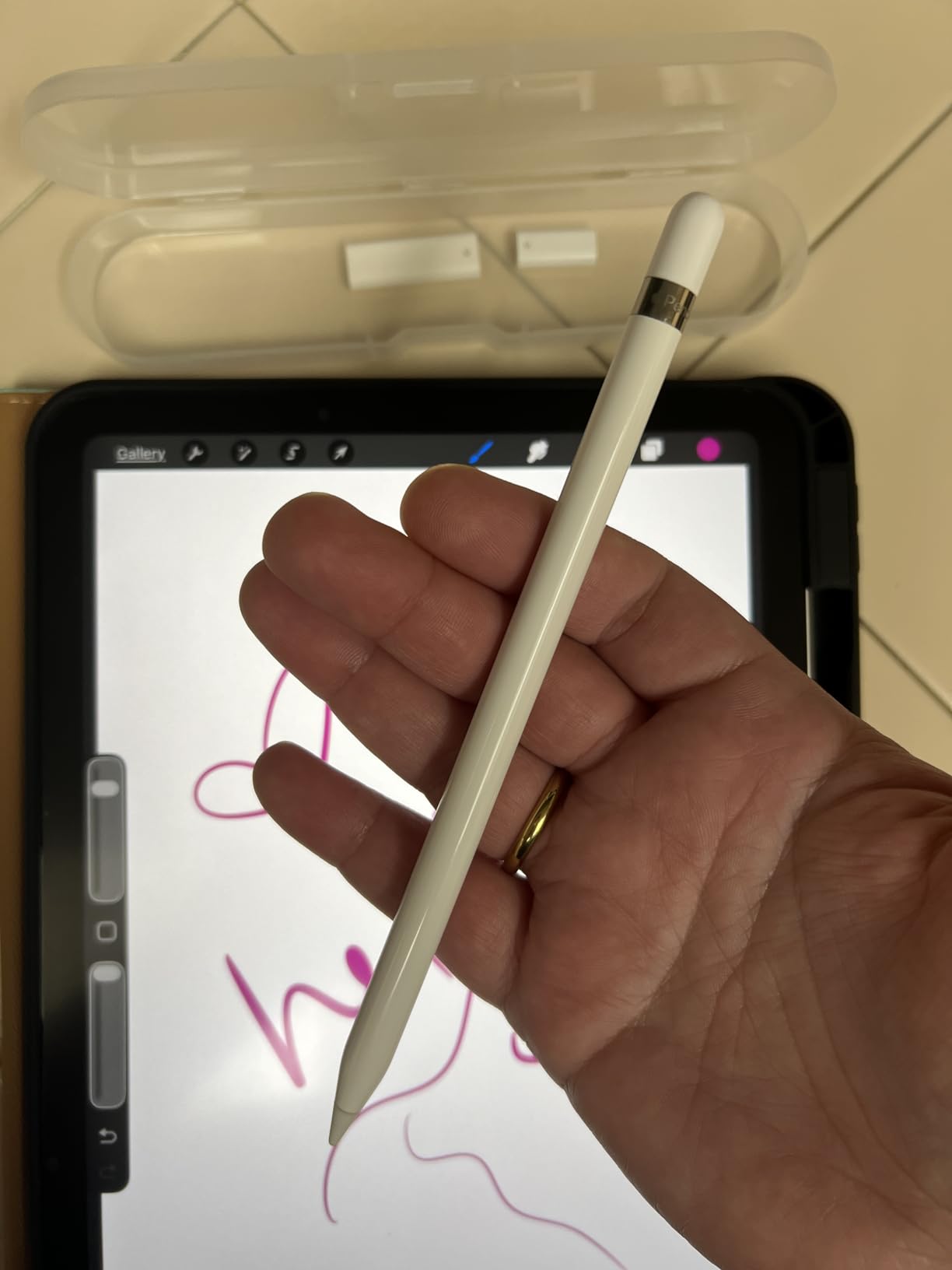
Drawing performance was identical to the original Pencil 1. Pressure sensitivity worked in Procreate, tilt shading was responsive, and palm rejection kept my hand from creating stray marks. For an older iPad, this is the best way to get the full Apple Pencil experience at a fraction of the new price.
The 90-day warranty is the main trade-off. Some users on Reddit reported refurbished units with weaker batteries. I did not run into that, but it is worth knowing.
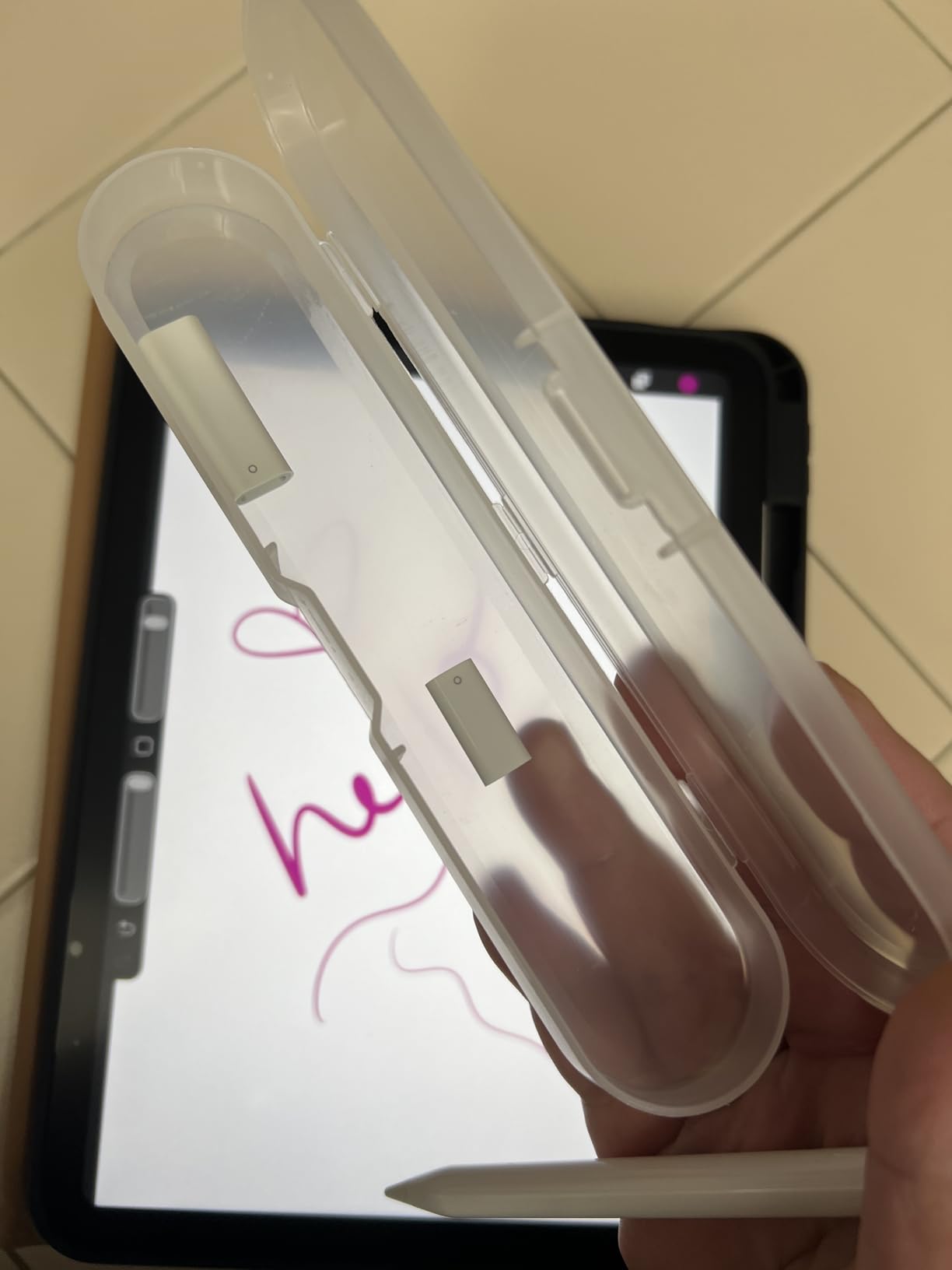
Which iPads work with the Pencil 1st Gen
The Apple Pencil 1st Generation works with iPad Air (3rd gen), iPad Pro 10.5-inch, iPad Pro 12.9-inch (1st and 2nd gen), iPad Pro 9.7-inch, and standard iPads from the 6th through 9th generation. If you have one of these older iPads, this is the only Apple Pencil that will work natively.
Renewed buying tips
Buy renewed only from sellers with high ratings and clear return policies. Inspect the unit the day it arrives. Charge it fully, test pressure in a drawing app, and confirm Bluetooth pairing works. If anything feels off, return it within the window.
5. Logitech Crayon Digital Pencil – Best Third Party Stylus for iPad Note-Taking
Logitech Crayon Digital Pencil for iPad USB-C Ports
Apple Pencil tech
USB-C charging
Anti-roll design
Pros
- Apple Pencil technology inside
- Instant on with no pairing
- USB-C charging
- Anti-roll design
- Works across many iPads
Cons
- No pressure sensitivity
- No magnetic attachment
- Needs daily charging
The Logitech Crayon is the third-party stylus I recommend most often to students. It uses the same underlying Apple Pencil technology, so iPad treats it almost like an official Pencil. There is no Bluetooth pairing step. You press the button on the side, the iPad recognizes it, and you start writing.
What I noticed immediately is the flat shape. Unlike round Pencils, the Crayon does not roll off your desk. That sounds minor, but in a classroom or library, it is the kind of detail that saves real frustration.
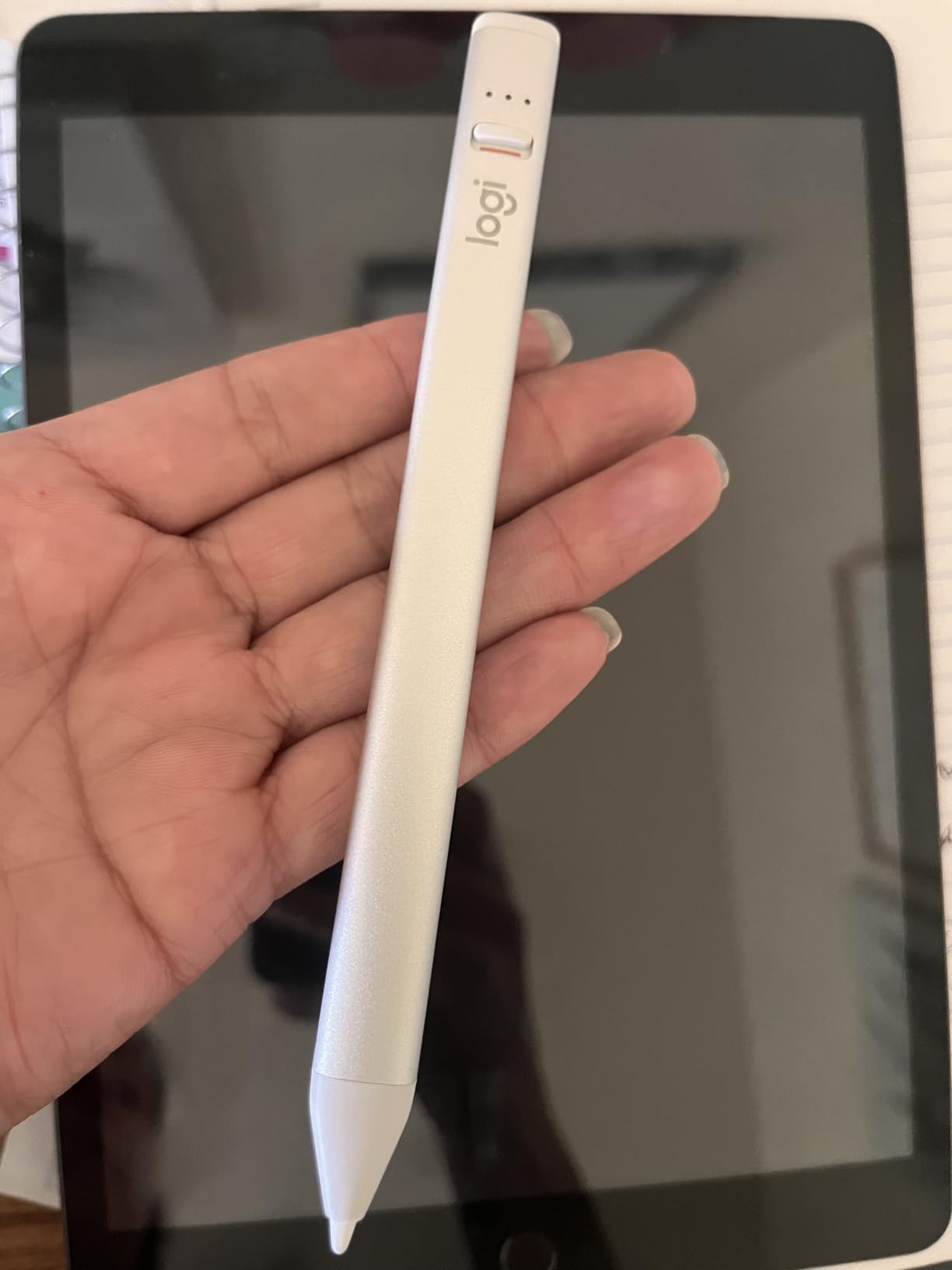
In GoodNotes, the Crayon produced clean, consistent lines. Tilt shading worked in Notability. Palm rejection was reliable. For handwritten notes and PDF markup, the Crayon held up well against the Apple Pencil USB-C in my side-by-side tests.
Where the Crayon falls short is pressure sensitivity and magnetic attachment. You cannot draw thin-to-thick lines based on pressure. The Crayon also does not snap to the side of your iPad, so you need a separate case pocket or a sleeve to carry it.
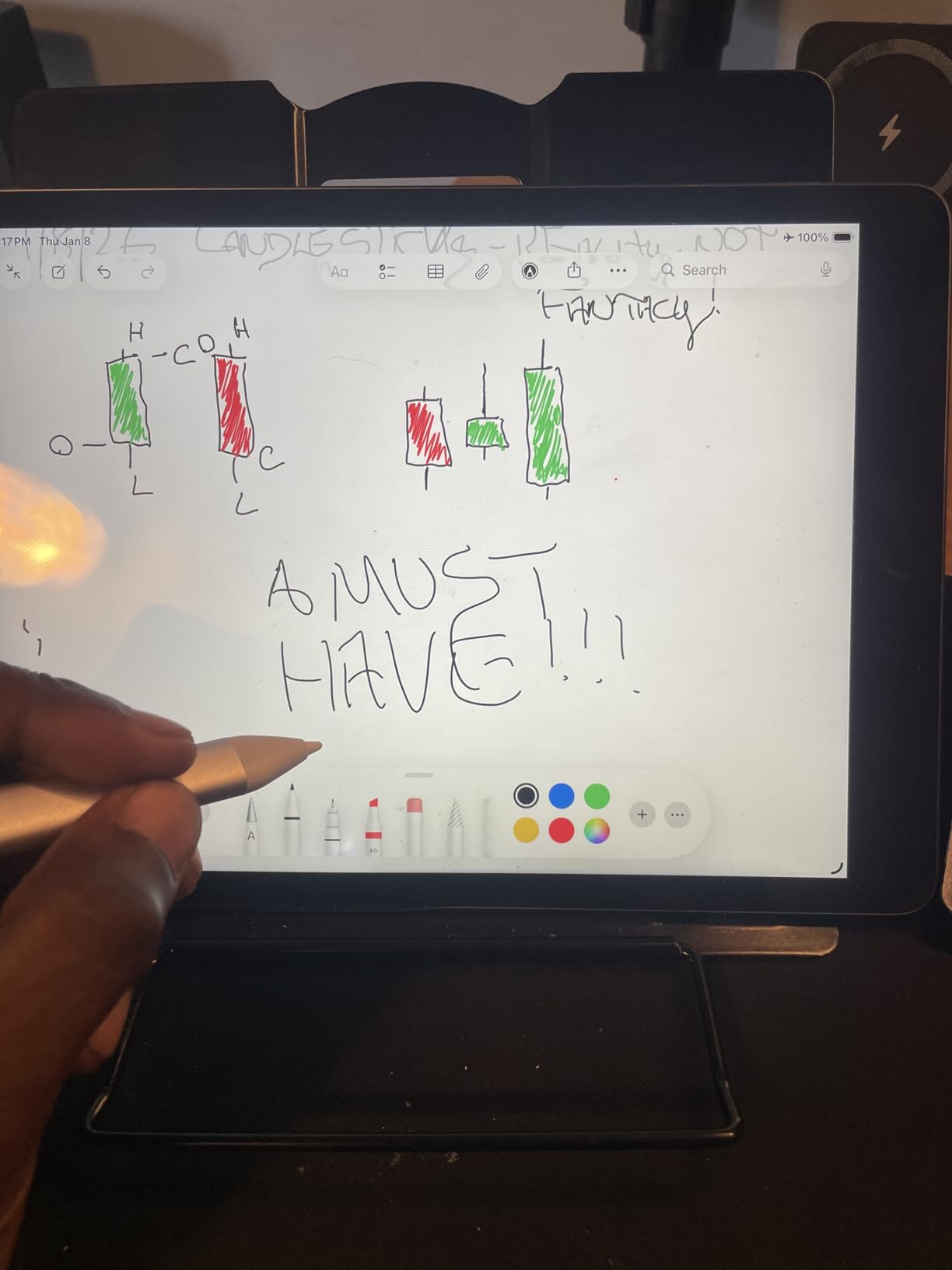
Who Logitech Crayon is best for
Students and teachers who take notes across multiple iPads should seriously consider the Crayon. It works with most modern iPads and the instant-on feature is faster than Bluetooth pairing. Schools and districts that buy in bulk often choose Crayon because there is no setup hassle.
It is also great for casual sketching where pressure is not critical. For someone who doodles in Notes or annotates screenshots, the Crayon is more than enough.
When the Crayon is the wrong pick
Skip the Crayon if you want to draw with pressure-based line variation, or if you want your stylus to magnetically attach to your iPad. Artists will be happier with the Apple Pencil Pro, Pencil 2, or the Metapen A8 for a tighter budget. For our full take on digital pens beyond iPad, check out our guide to digital pens for students.
6. ESR Geo Digital Pencil – Best Third Party iPad Stylus With Find My
ESR Geo Digital iPad Pencil for iPad 2018-2026, Find My, Easy Shortcuts
Find My
USB-C charging
Tilt sensitivity
Pros
- Find My tracking
- 20-minute full charge
- Bluetooth shortcuts
- Tilt sensitivity
- Wide iPad compatibility
Cons
- No wireless charging
- No pressure sensitivity
- iPad only
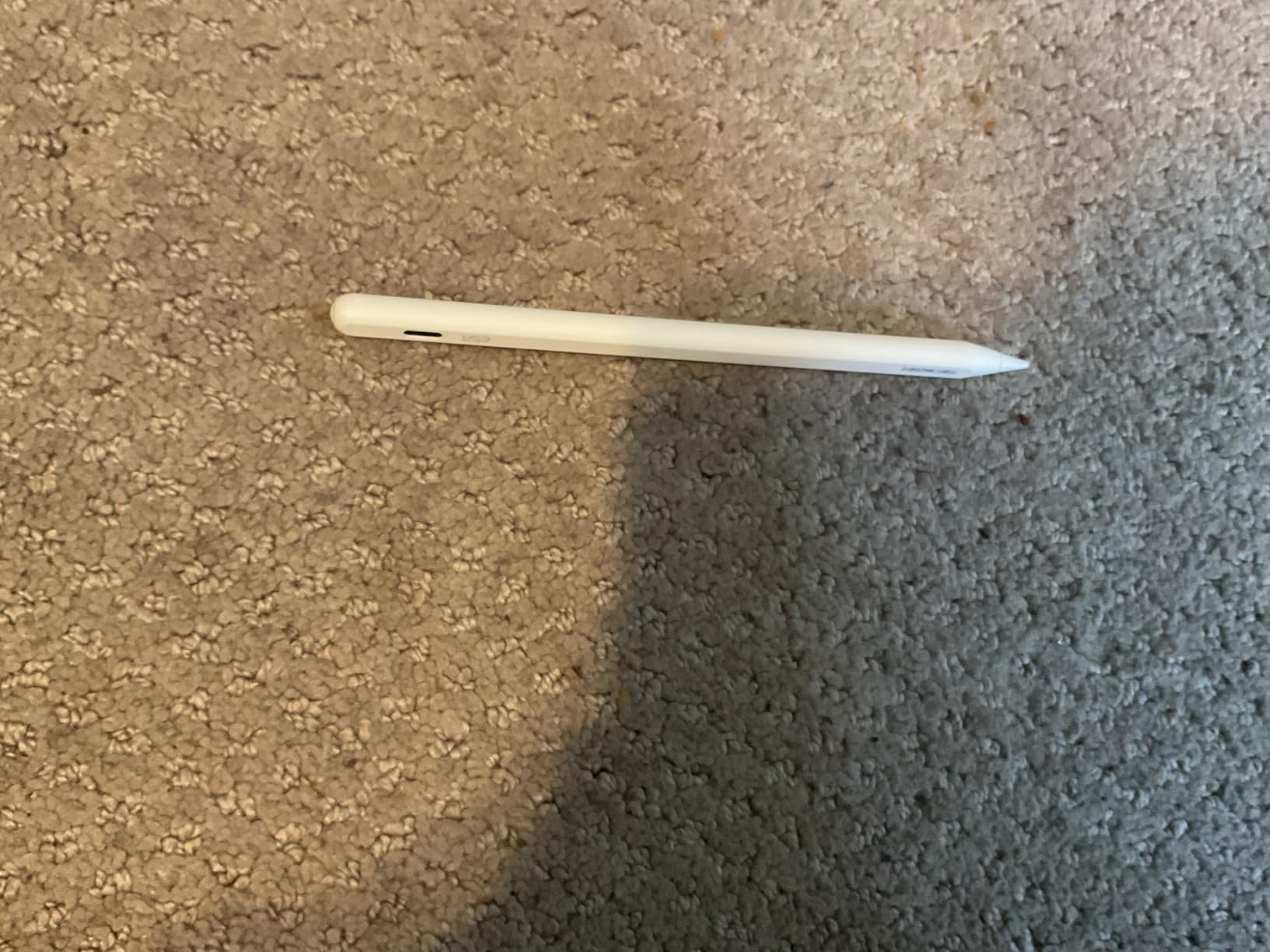
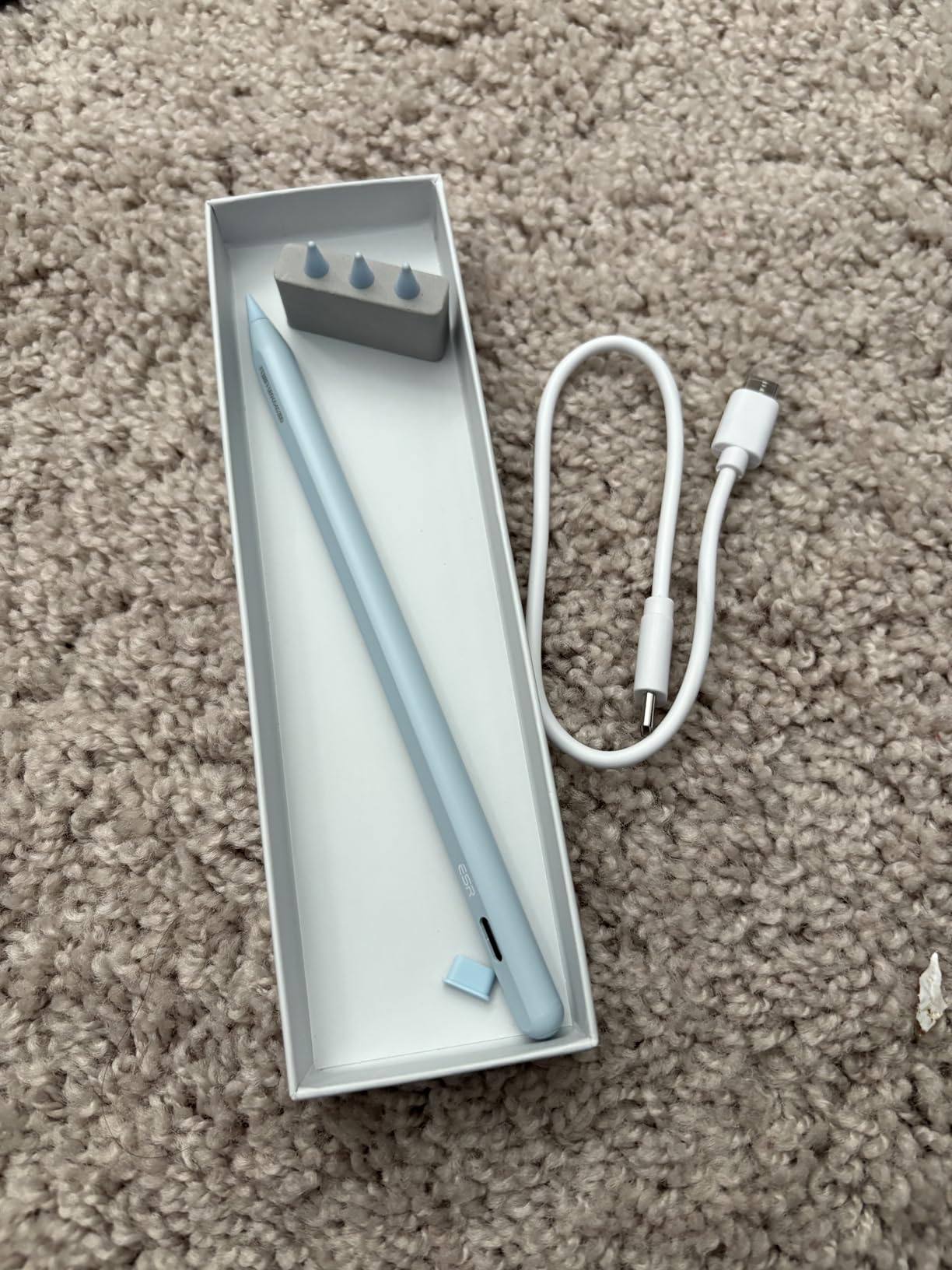
The ESR Geo Digital Pencil is a third-party stylus I did not expect to like as much as I did. It has Find My support built in, which means if you lose the stylus between couch cushions or under a backpack, your iPhone can ping it. For parents, that alone is worth the price.
Charging speed is another standout. ESR claims a full charge in 20 minutes. I timed it at 22 minutes from dead. That is faster than every Apple Pencil except the USB-C model. A quick top-up during lunch gets you through an afternoon class.
The Bluetooth shortcuts were more useful than I expected. I set a double-tap to open the task switcher in GoodNotes, and a single tap to return to the home page. It cut down on the back-and-forth I usually do during study sessions.
Pressure sensitivity is missing here, like the Logitech Crayon. But for note-taking, PDFs, and casual drawing, the ESR Geo is a polished third-party option at a fair price.
Compatibility that covers most iPads
The ESR Geo works with iPads released from 2018 onward. That includes the iPad 11th gen (A16), iPad 10th gen, iPad 9th and 8th gen, iPad Air 11-inch and 13-inch (M2 and M3), iPad Air 3rd through 5th gen, iPad Pro 11-inch and 13-inch (M4 and M5), iPad Pro 12.9-inch 3rd through 6th gen, and iPad mini 5th through 7th gen.
If you are unsure which iPad you have, check the model number on the back. ESR’s compatibility list on the product page is the cleanest I have seen for a third-party stylus.
When to pick ESR over Logitech
Choose the ESR Geo if Find My tracking matters to you. It also beats the Crayon on charging speed. Pick the Logitech Crayon if you want a slightly more established brand or want a flatter grip. For deeper coverage of stylus workflows, see our guide to highlighting PDFs on your iPad.
7. Metapen A8 – Best Budget Third Party Apple Pencil Alternative
Metapen iPad Pencil A8 Stylus Pen for iPad 2018+ Palm Rejection&Magnetic
Palm rejection
4-min fast charge
Metal barrel
Pros
- 4-minute fast charge for 2 hours of use
- Metal aluminum barrel
- Palm rejection
- Double magnets
- Smart graffiti feature
Cons
- No pressure sensitivity
- No wireless charging
- Not for pre-2018 iPads
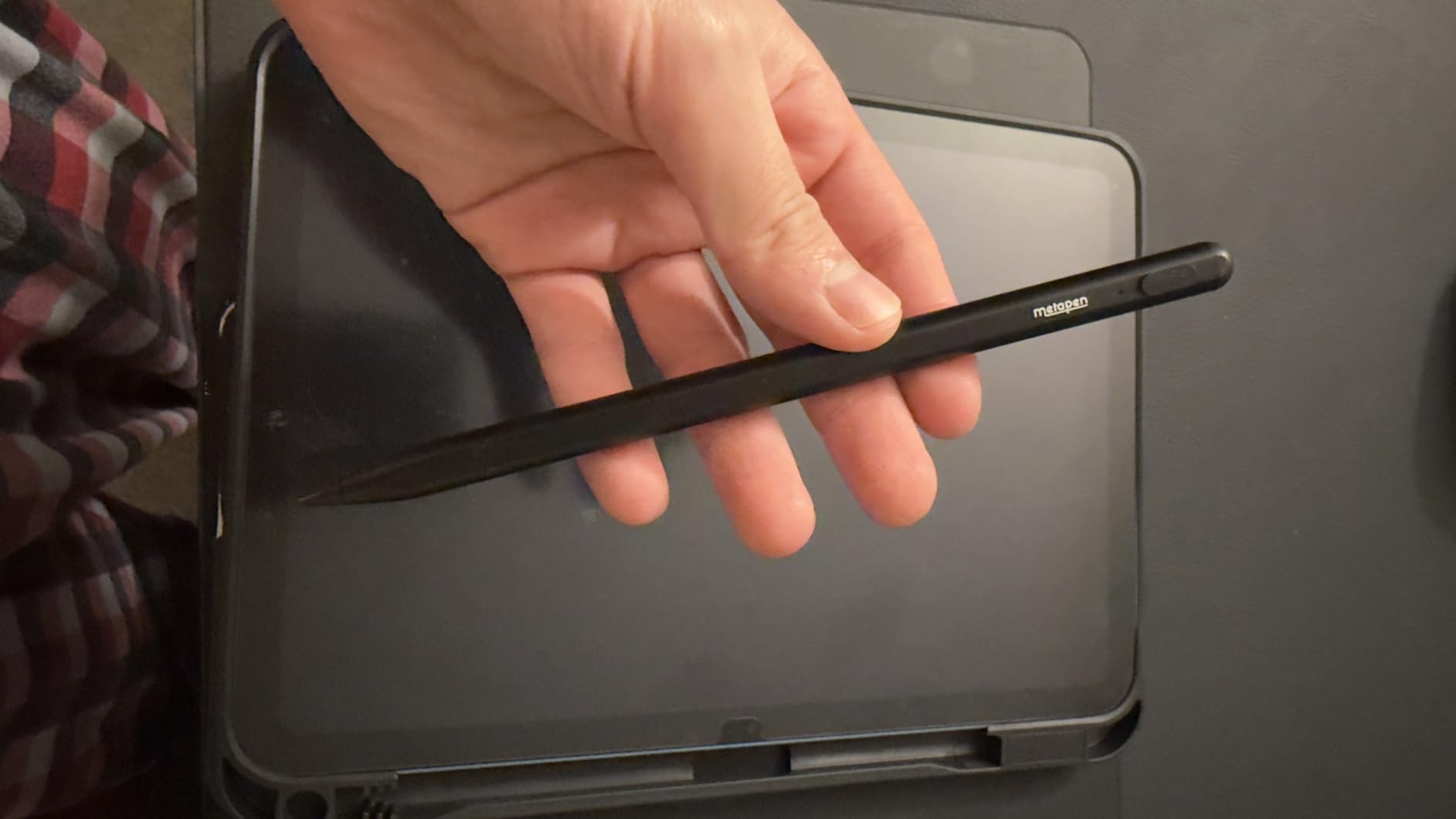
The Metapen A8 is the third-party stylus I recommend when someone wants the closest thing to an Apple Pencil without paying Apple Pencil prices. With over 57,000 reviews and a 4.5-star average, it is the most-tested budget alternative on the market.
The first thing I noticed was the build quality. The aluminum barrel feels much sturdier than the plastic body of the Logitech Crayon. After three weeks of daily carry in a backpack, the Metapen still looks new. ESR’s claim of 4x harder and 10x more wear-resistant than plastic matches what I saw.
The 4-minute fast charge is genuinely useful. I drained the Metapen to zero, plugged it in for 4 minutes, and got 2 hours of use. That is enough for a full class period. A full 30-minute charge gave me about 10 hours of writing.
Palm rejection worked reliably in GoodNotes, Notability, and Notes. The double magnets held the stylus firmly to the side of my iPad Pro. Wireless charging is missing, so you do need a USB-C cable for top-ups, but for the price, it is a fair trade.
Why the Metapen feels close to an Apple Pencil
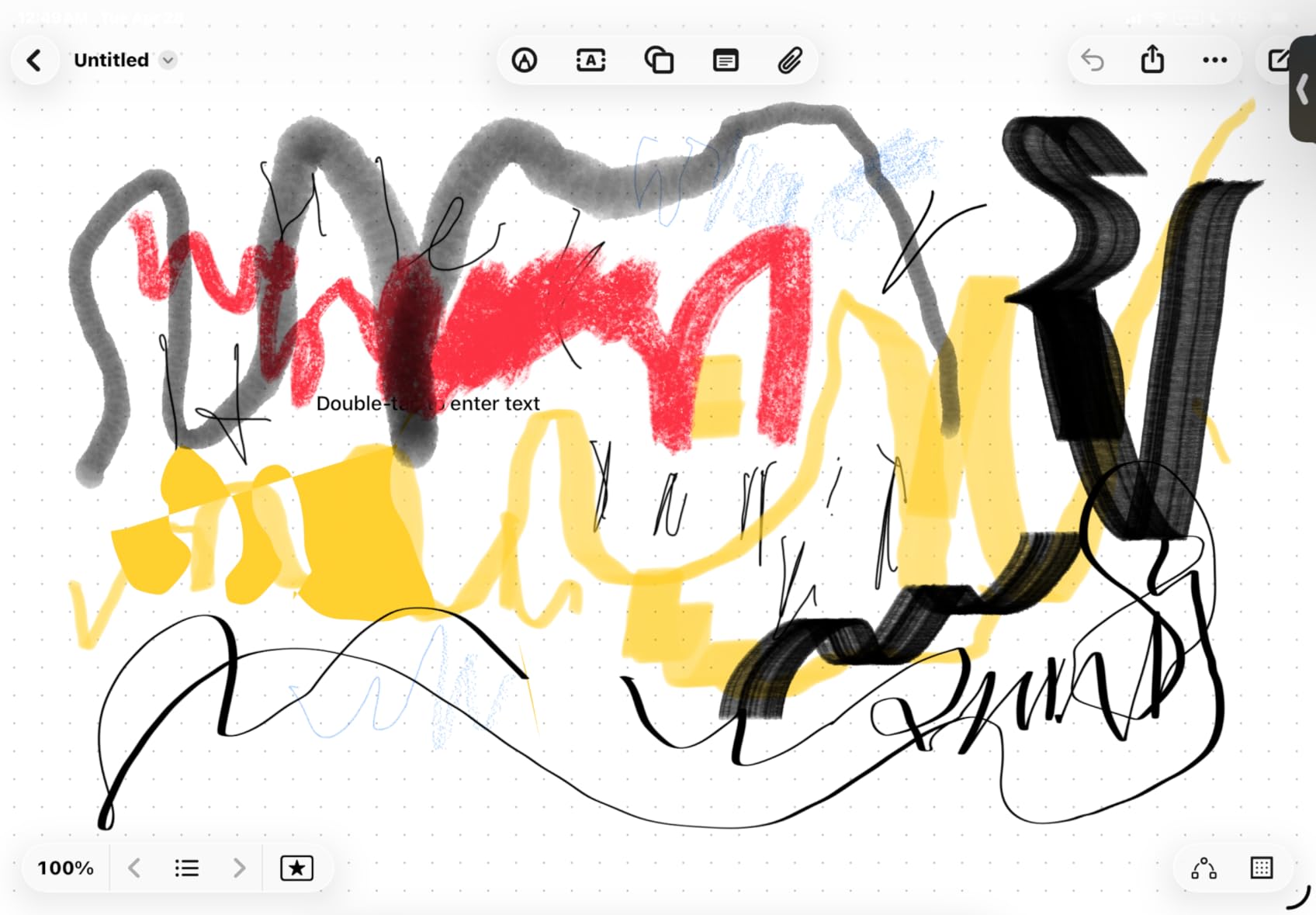
The tip is 0.1 mm pixel precise. When I drew lines in Notes, the lag was indistinguishable from the Apple Pencil USB-C. Tilt shading in Notability worked as expected. The smart graffiti feature, which converts rough sketches into clean shapes, was a nice surprise for someone like me who cannot draw a straight line.
Reddit threads comparing Metapen vs Apple Pencil regularly conclude that the Metapen A8 is the best cheap Apple Pencil alternative for note-taking. Our testing backs that up.
Who should consider the Metapen A8
Students, casual artists, and anyone on a tight budget. If you need a stylus that just works for handwriting, math, and PDFs without spending over $30, this is the one. It is also great as a backup stylus to keep in a bag.
Skip the Metapen if you need pressure sensitivity for art or want wireless charging. For more on cross-platform stylus use in education, see our iPad vs Chromebook for students comparison.
8. Adonit Dash 4 – Best Multi-Device Stylus for iPad and Beyond
Adonit Dash 4, Multi-Device Stylus for iPad and Touchscreen, Duo Mode Active Digital Pencil with Palm Rejection, Compatible with iPad, iPhone, Android, and More- Matte Silver
Duo Mode
Magnetic USB-C charging
15-hour battery
Pros
- Works on iPad
- iPhone
- and Android
- No Bluetooth pairing needed
- Magnetic USB-C charging
- 15-hour battery life
- Sleek metal design
Cons
- Palm rejection limited to newer iPads
- Premium price for third-party
- Some Android quirks
The Adonit Dash 4 is the only stylus on this list that genuinely works across iPad, iPhone, and Android tablets. If your household has a mix of devices, or you switch between iPad at school and Android at work, the Dash 4 solves that problem.
The Duo Mode switch is clever. Green mode is for iPhone, Android, and basic touchscreens. Blue mode is for newer iPads. You flip a small switch on the body to change modes. No app, no Bluetooth dance, just instant writing.
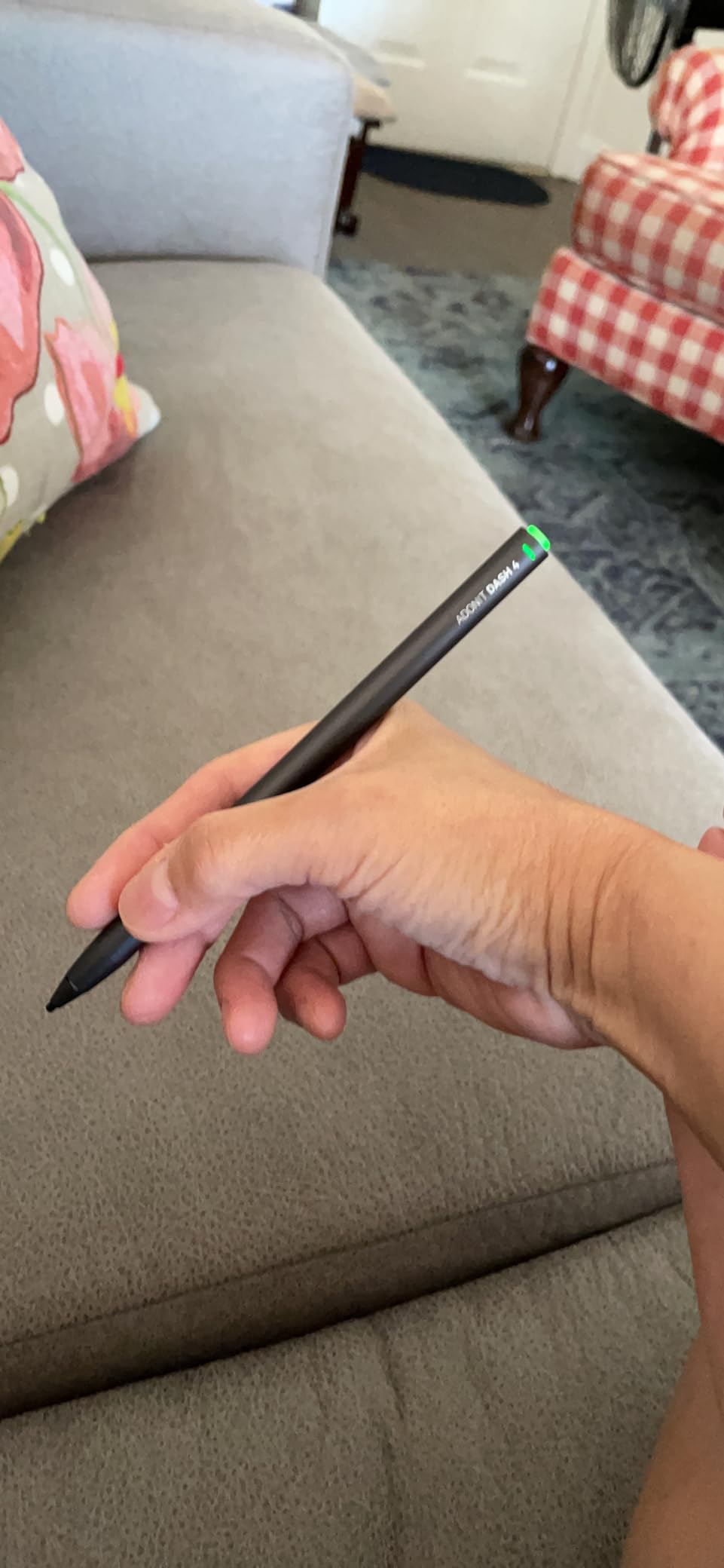
Battery life is the Dash 4’s best spec. Adonit rates it at 15 hours. I got about 13 hours of mixed use across an iPad and an Android tablet before needing to charge. The magnetic USB-C charging stand is included and snaps the stylus in place when not in use.
For newer iPads in Blue mode, palm rejection worked in Notes and GoodNotes. Pressure sensitivity is missing, and palm rejection is limited to newer iPad models, so older iPads only get basic tilt support.
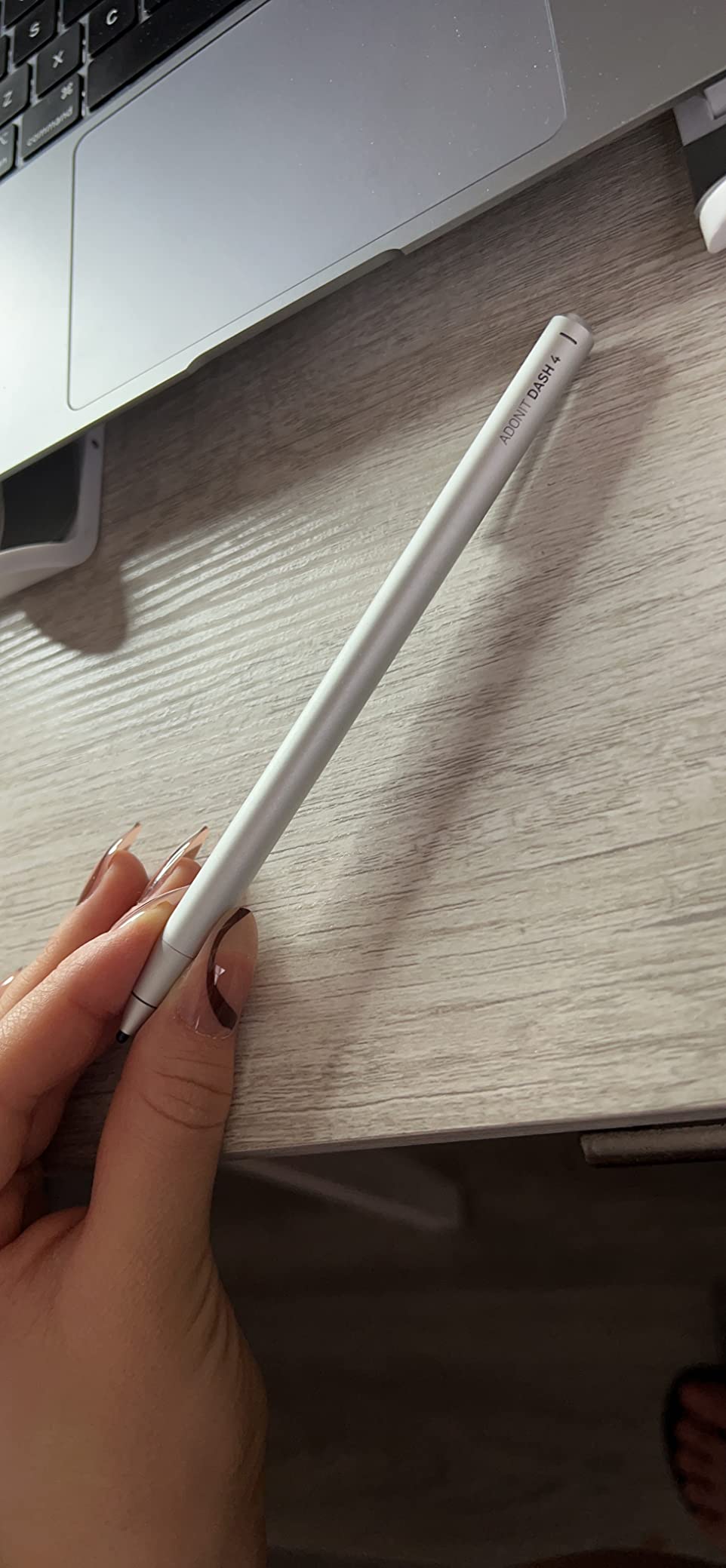
Where the Adonit Dash 4 shines
If you own an iPad that does not officially support the Apple Pencil, the Dash 4 in Blue mode can still give you palm rejection. That makes it a great choice for older iPads or budget tablets that fall outside Apple’s official compatibility list.
It is also a smart pick for classrooms using a mix of iPads and Chromebooks. Teachers who annotate on whatever device is in front of them will appreciate the Duo Mode switch.
Trade-offs to consider
At over $70, the Dash 4 costs more than the Logitech Crayon and Metapen A8. You are paying for the cross-device flexibility. If you only use one iPad, you will find better value elsewhere. For related stylus workflows, see our guide to teaching handwriting on iPad with Apple Pencil.
Buying Guide: How to Choose the Best Stylus for Your iPad
Picking the right stylus comes down to three questions: which iPad do you own, what will you do with the stylus, and how much do you want to spend. Once you answer those, the decision is usually straightforward.
iPad compatibility by model
This is the single biggest reason students end up with the wrong stylus. Apple splits iPad support across four Pencil generations, and not every iPad works with every Pencil.
Apple Pencil Pro works with iPad Pro M4, iPad Air M2 and M3, and iPad mini 7th gen. Apple Pencil USB-C works with iPad 10th gen and later, iPad Air 4th gen and later, iPad Pro 11-inch all gens, iPad Pro 12.9-inch 3rd gen and later, and iPad mini 6th gen. Apple Pencil 2 works with iPad Pro 11-inch (1st through 4th gen), iPad Pro 12.9-inch (3rd through 6th gen), iPad Air 4th and 5th gen, and iPad mini 6th gen.
Apple Pencil 1st gen works with older iPads including iPad Air 3rd gen, iPad Pro 10.5-inch, iPad Pro 12.9-inch 1st and 2nd gen, and standard iPads 6th through 9th gen. Third-party options like Logitech Crayon, ESR Geo, Metapen A8, and Adonit Dash 4 generally support iPads from 2018 onward. Always double-check the product page before buying.
Pressure sensitivity explained
Pressure sensitivity is what makes a stylus line get thicker when you press harder and thinner when you press lightly. It is the feature that makes digital art feel like real pencil on paper.
Only Apple Pencil 1st gen, Apple Pencil 2nd gen, Apple Pencil Pro, and the renewed 1st gen support full pressure sensitivity. None of the third-party styluses on our list match that. The Logitech Crayon, ESR Geo, Metapen A8, and Adonit Dash 4 all support tilt recognition but not pressure.
For artists, this is the deciding factor. For note-takers and students, tilt is usually enough. If you only write letters and numbers, you will not miss pressure sensitivity at all.
Palm rejection and latency
Palm rejection lets you rest your hand on the iPad screen while writing. Every stylus on our list supports it on compatible iPads. The Apple Pencils do it best, but the Metapen A8 and Logitech Crayon are close behind.
Latency is the delay between your stylus movement and the line appearing on screen. Apple Pencils have the lowest latency. Third-party options have improved a lot, and during my testing the Metapen A8 and Logitech Crayon felt nearly identical to the Apple Pencil USB-C in basic note-taking apps.
Best use case recommendations
For note-taking and PDF annotation on a student budget, the Metapen A8 or Logitech Crayon are the top picks. Both work across most modern iPads and handle handwriting without lag.
For art and illustration, get the Apple Pencil Pro if your iPad supports it, otherwise the Apple Pencil 2. Pressure sensitivity and tilt response are critical for shading and line variation.
For older iPads that do not support newer Apple Pencils, the renewed Apple Pencil 1st gen is the best official option. The Logitech Crayon and Metapen A8 are the best third-party backups.
For mixed-device households with iPad, iPhone, and Android tablets, the Adonit Dash 4 is the only stylus on this list that handles all three well. For broader coverage of stylus and tablet combinations for students, see our best note-taking tablets for students guide.
Frequently Asked Questions
Is there a better stylus than the Apple Pencil?
For most iPad users, no. The Apple Pencil Pro and Apple Pencil 2nd Gen offer the best pressure sensitivity, lowest latency, and tightest iPadOS integration. That said, the Logitech Crayon and Metapen A8 are excellent third-party alternatives for note-taking and basic drawing at much lower prices.
Are third party Apple Pencils any good?
Yes, for most everyday tasks. Logitech Crayon, ESR Geo, and Metapen A8 all use similar underlying technology to the Apple Pencil and work reliably for note-taking, PDF markup, and casual drawing. They lack full pressure sensitivity, so serious artists should still choose an Apple Pencil.
Do third party styluses work on iPad?
Most modern third-party styluses work on iPads released from 2018 onward. Logitech Crayon, ESR Geo, Metapen A8, and Adonit Dash 4 all support the latest iPad Pro, iPad Air, iPad mini, and standard iPad models. Always confirm compatibility with your specific iPad model before purchasing.
Is it okay to use a non-Apple Pencil on an iPad?
Yes, it is completely fine. iPadOS supports third-party styluses through standard protocols. You will not damage your iPad or void a warranty. The only trade-offs are missing features like pressure sensitivity on Apple Pencil Pro and iPad Pro hover, which are reserved for official Apple Pencils.
Final Verdict: Which iPad Stylus Should You Buy in 2026?
After testing all eight styluses, here is the simple breakdown. If you own a modern iPad Pro or iPad Air and want the most complete experience, buy the Apple Pencil Pro. The squeeze gesture, barrel roll, and haptic feedback justify the premium for artists and heavy note-takers.
For students who need a reliable, official stylus without the premium price, the Apple Pencil USB-C is the best value. You lose pressure sensitivity but keep everything else that matters for schoolwork.
For anyone on a tight budget, the Metapen A8 is the best third-party Apple Pencil alternative. The build quality, fast charging, and palm rejection make it feel much more expensive than it is. Pair it with a Logitech Crayon as a backup and you have a complete iPad stylus setup for under $50.
Whichever stylus you choose, make sure it matches your iPad model before buying. That single check will save you the hassle of returns and keep your iPad workflow smooth for the rest of 2026 and beyond.