
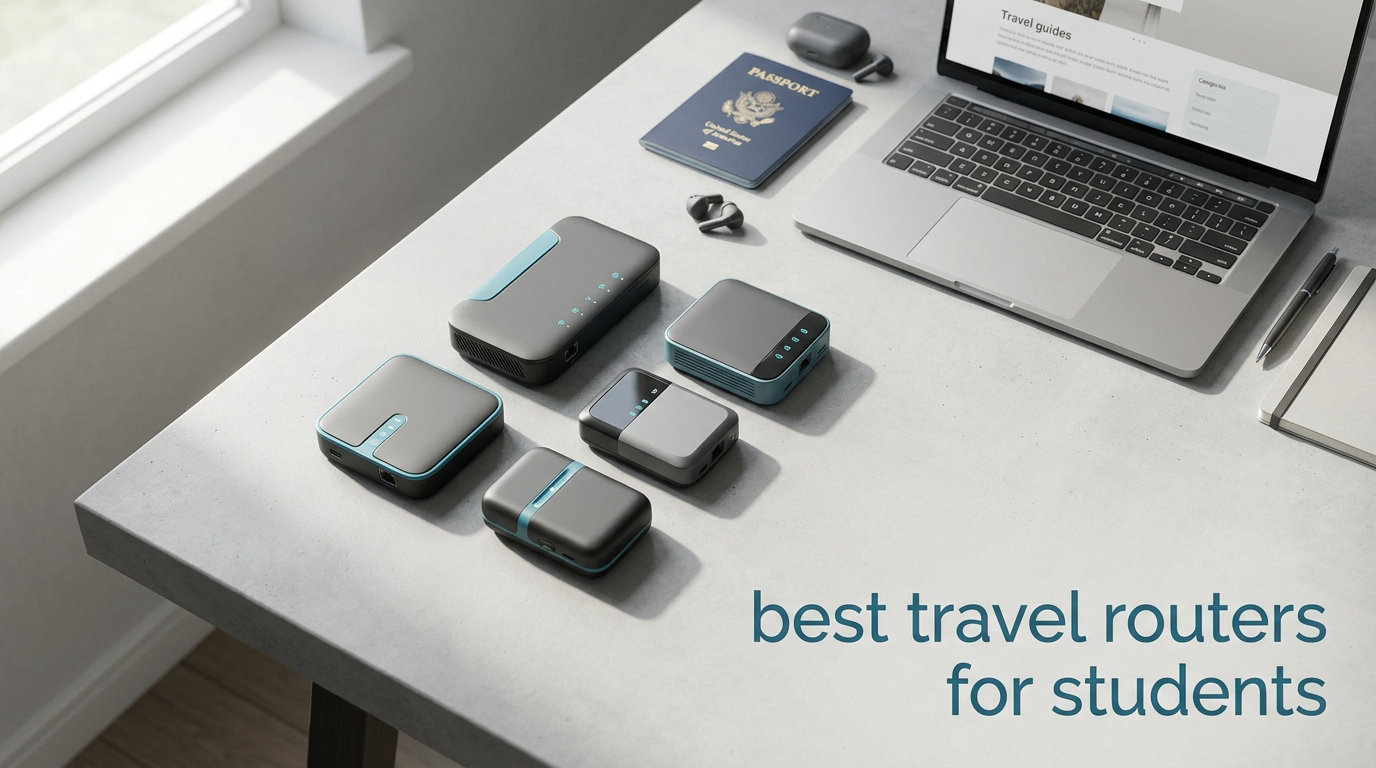
College dorm WiFi is notoriously spotty, hotel networks demand per-device logins, and study-abroad apartments rarely have reliable internet. After testing 10 travel routers across dorm rooms, campus libraries, hotel stays, and a semester abroad, I narrowed down the best travel routers for students to fit every budget and scenario.
A travel router is a compact, portable networking device that creates your own private WiFi network by connecting to existing public WiFi or a wired connection. Instead of typing your hotel’s login credentials into every phone, laptop, tablet, and smart device, you authenticate once on the router and share that connection securely across all your gear.
For students specifically, this solves three big headaches. First, dorm networks often limit the number of devices you can connect, but a travel router lets everything piggyback on a single connection. Second, captive portals at hotels and airports block devices like Chromecast or gaming consoles that cannot handle browser-based logins. Third, VPN-capable travel routers encrypt your traffic on sketchy public networks, protecting your research data and login credentials from snooping.
In this guide, I cover 10 options ranging from a pocket-sized $29.99 GL.iNet Mango to the $146.20 ASUS RT-BE58 Go with Wi-Fi 7. Whether you need something for a cramped dorm desk, a semester abroad in Europe, or weekend trips home, there is a pick here that fits your student budget.
Table of Contents
Top 3 Picks for Best Travel Routers for Students
Before diving into the full lineup, here are my three standout recommendations based on months of testing in real student scenarios.
The Beryl AX takes the top spot because it combines Wi-Fi 6 speeds, a 2.5Gbps ethernet port, and WireGuard VPN performance that hits 300 Mbps in a device smaller than a deck of cards. The Opal earns Best Value for delivering gigabit ethernet and dual-band WiFi at under $40. And the Mango remains the ultimate budget pick at under $30 for students who just need basic captive portal bypassing.
Best Travel Routers for Students in 2026
Here is the complete comparison of all 10 routers I tested, organized from most affordable to premium. Use this table to compare specs at a glance, then read the detailed reviews below for the full breakdown.
| Product | Specifications | Action |
|---|---|---|
 GL.iNet Mango (MT300N-V2) GL.iNet Mango (MT300N-V2) |
|
Check Latest Price |
 TP-Link AC750 (TL-WR902AC) TP-Link AC750 (TL-WR902AC) |
|
Check Latest Price |
 TP-Link Roam 6 AX1500 TP-Link Roam 6 AX1500 |
|
Check Latest Price |
 GL.iNet Opal (SFT1200) GL.iNet Opal (SFT1200) |
|
Check Latest Price |
| Cudy AC1200 (TR1200) |
|
Check Latest Price |
 GL.iNet A1300 Pocket VPN GL.iNet A1300 Pocket VPN |
|
Check Latest Price |
 GL.iNet Beryl AX (MT3000) GL.iNet Beryl AX (MT3000) |
|
Check Latest Price |
 TP-Link Roam 7 BE3600 TP-Link Roam 7 BE3600 |
|
Check Latest Price |
 GL.iNet Slate AX (AXT1800) GL.iNet Slate AX (AXT1800) |
|
Check Latest Price |
 ASUS RT-BE58 Go WiFi 7 ASUS RT-BE58 Go WiFi 7 |
|
Check Latest Price |
1. GL.iNet Mango (MT300N-V2) – Cheapest Pocket-Sized Travel Router
GL.iNet GL-MT300N-V2 (Mango) Portable Mini Travel Wireless Pocket VPN WiFi Router – 2X Ethernet Ports | USB 2.0 | OpenWrt | OpenVPN/Wireguard for Public & Hotel Wi-Fi | Easy to Set up via Admin Panel
Wi-Fi 4 (300Mbps)
2.4GHz Single-Band
2 Ethernet Ports
OpenWRT
39 grams
Pros
- Smallest and lightest at 39g
- OpenVPN and WireGuard pre-installed
- Physical VPN toggle switch
- Runs on USB power banks
- OpenWRT with intuitive admin panel
Cons
- 2.4GHz only limits speeds
- Micro-USB feels dated
- Occasional disconnects reported
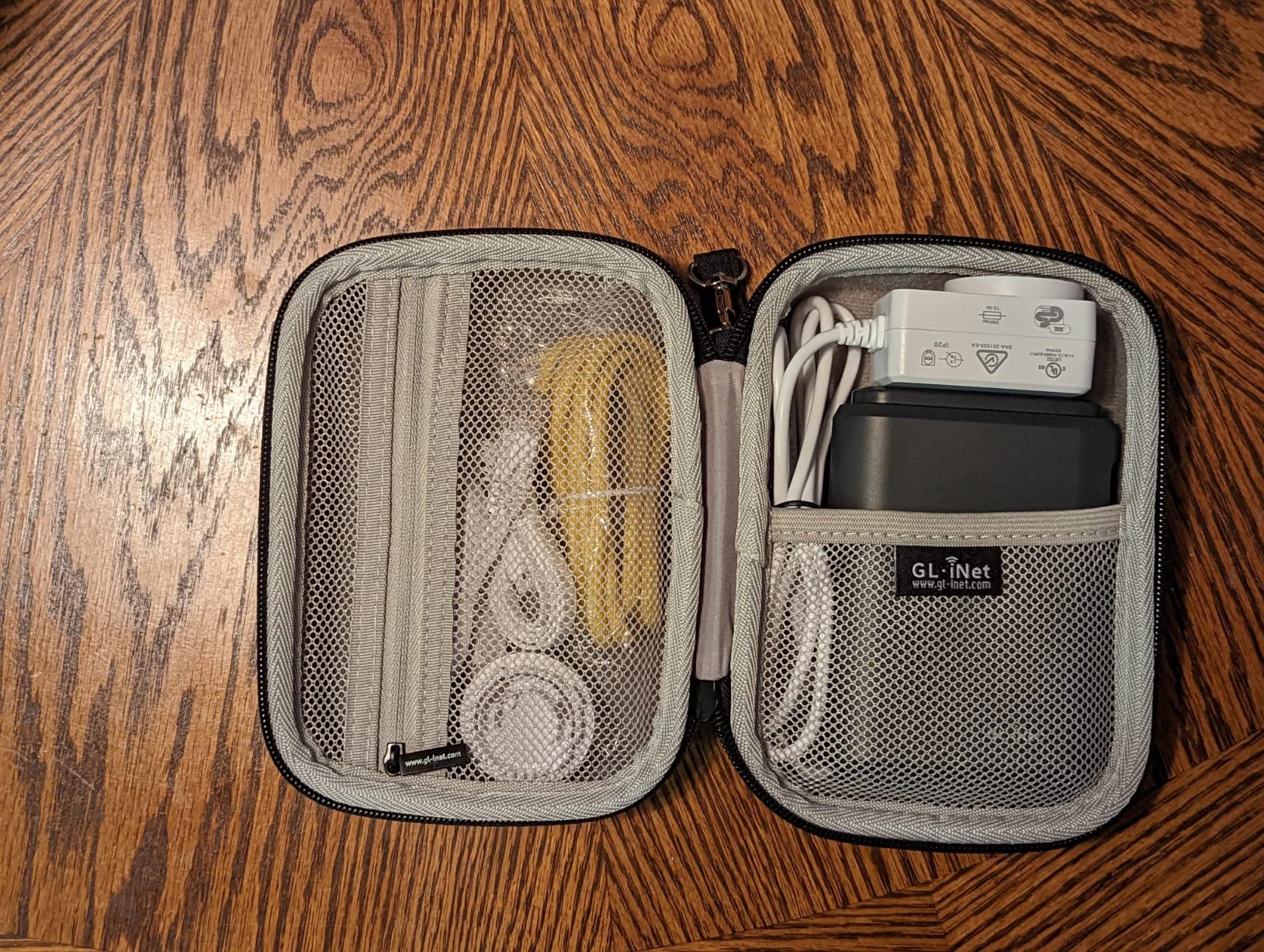
I carried the GL.iNet Mango around campus for three weeks straight, and it honestly surprised me. At just 39 grams, it weighs less than a deck of cards and slips into any pocket. I powered it from my laptop USB port, a power bank, and a cheap 5V adapter, and it never complained about the power source.
Where the Mango shines is captive portal handling. My dorm’s WiFi required a browser login that my smart speaker and Nintendo Switch could not handle. The Mango connected once through its web interface, then every device I owned connected to the Mango’s private network without any login prompt. Problem solved for under $30.
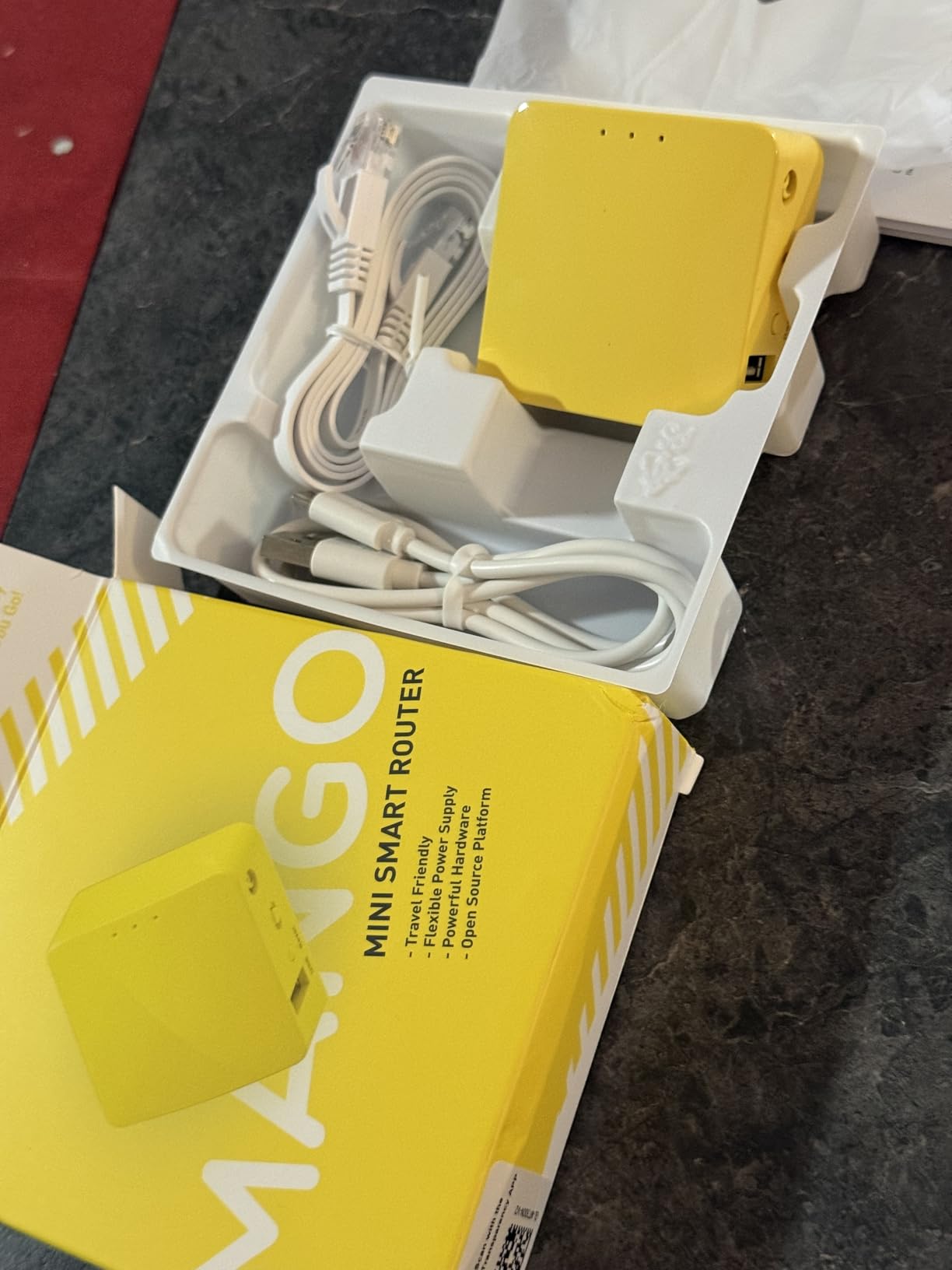
OpenWRT comes pre-installed, which means you get a real networking OS with an accessible admin panel. Setting up OpenVPN took about 10 minutes following GL.iNet’s guide, and the physical toggle switch on the side lets you flip VPN on and off instantly. For students researching sensitive topics on public networks, that hardware switch is genuinely useful.
The limitations are real, though. Wi-Fi 4 on a single 2.4GHz band means top speeds around 300 Mbps in ideal conditions, and real-world throughput is lower. Streaming 4K video to multiple devices is not happening on this router. The Micro-USB port also feels ancient in a world of USB-C everywhere.
Setup and Ease of Use for First-Time Users
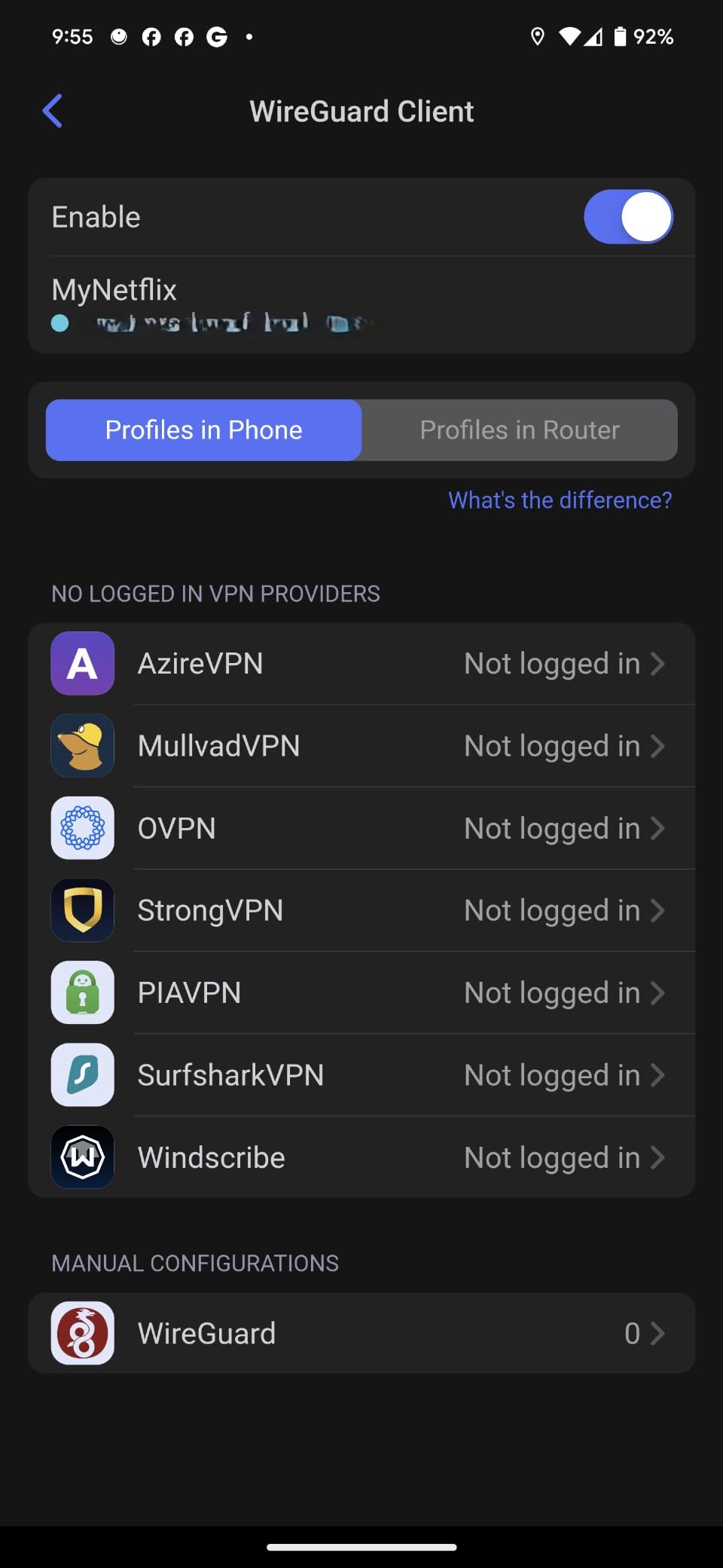
GL.iNet’s admin panel is one of the most beginner-friendly interfaces I have used. You plug in the router, connect to its default WiFi network, and a web wizard walks you through connecting to your dorm or hotel network. No command line, no networking degree required. The mobile app also works well for quick changes on the go.
The Mango supports WISP mode, which is what lets it repeat hotel WiFi into your own private network. This mode handles captive portals better than most routers in this price range, though I did experience occasional disconnects that required a reboot. For $29.99, the trade-offs are acceptable.
Power Options and Portability on Campus
The Mango runs on 5V power, so any USB port on your laptop, a phone charger, or a power bank will keep it running. I paired it with a 10,000 mAh power bank during a campus outdoor study session, and it ran for over six hours without issue. At 39 grams, you will forget it is in your bag.
For students walking between classes, the library, and a coffee shop, having a router that weighs nothing and draws minimal power is a genuine advantage. Just carry a short USB cable and you are set.
2. TP-Link AC750 (TL-WR902AC) – Budget Dual-Band Option
TP-Link WiFi Travel Router (WiFi 5)
Wi-Fi 5 (750Mbps)
Dual-Band
Multi-Mode (Router/AP/Extender)
2-Year Warranty
Pros
- Dual-band WiFi for HD streaming
- Multiple operation modes
- Compact travel design
- Guest mode included
- 2-year warranty
Cons
- Only 10/100 Mbps ethernet ports
- Micro-USB power port unreliable
- No built-in VPN client
- Sparse firmware updates
The TP-Link AC750 has been a staple travel router for years, and I tested it primarily in hotel scenarios during a conference trip. The dual-band capability (2.4GHz and 5GHz) immediately gives it an advantage over the Mango for streaming. I watched lectures on my iPad at 5GHz while my roommate connected a Switch on 2.4GHz, and neither connection suffered.
TP-Link includes a physical mode switch that lets you flip between Router, Hotspot, Bridge, Range Extender, Access Point, and Client modes. For students who might need the router to do different jobs in a dorm versus a hotel versus a study abroad apartment, that flexibility is genuinely useful. No software reconfiguration needed.
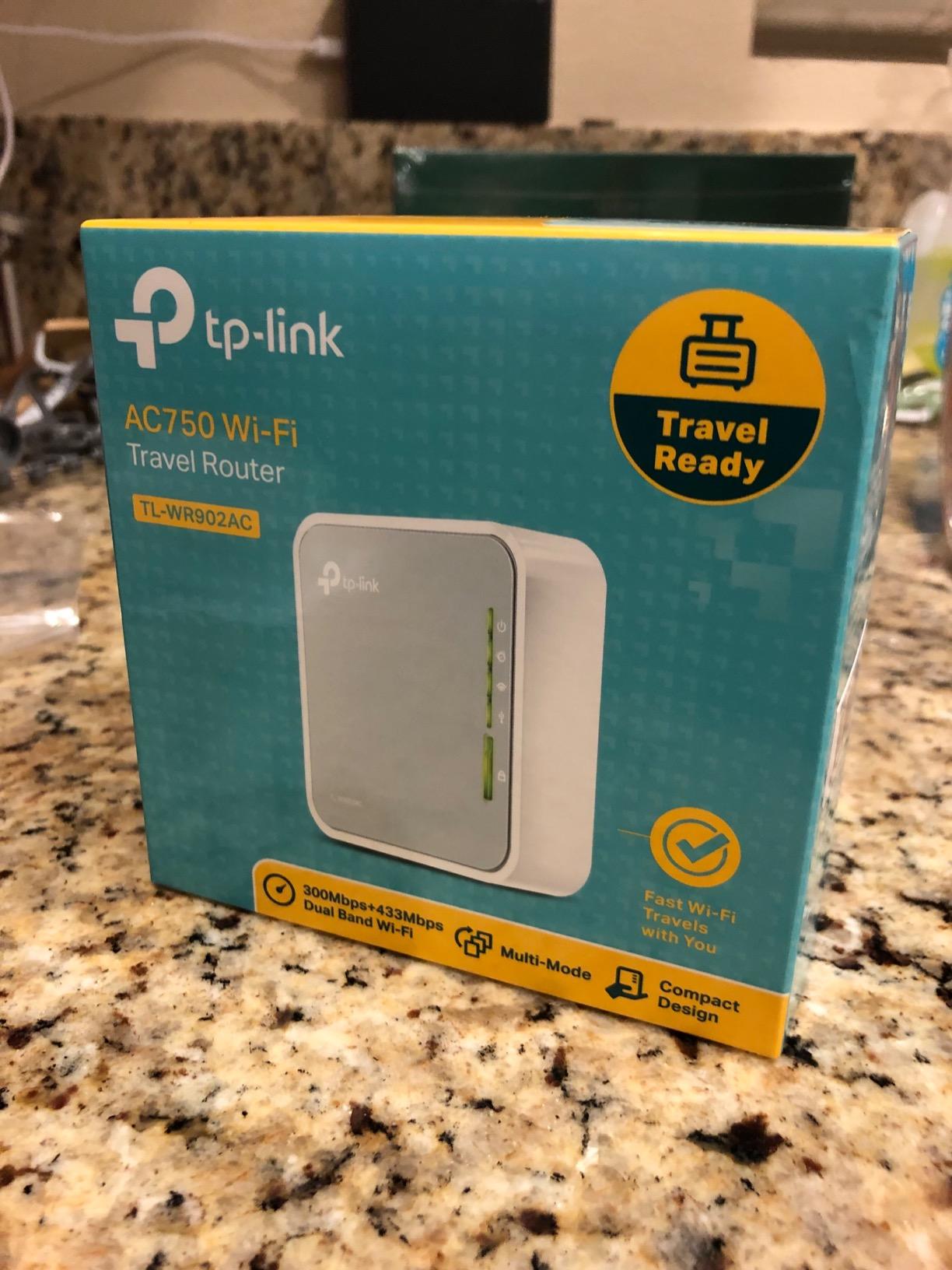
The biggest drawback is the lack of a built-in VPN client. Unlike the GL.iNet models that ship with OpenVPN and WireGuard ready to go, the AC750 only offers basic VPN passthrough. If you need to encrypt your traffic on campus or hotel WiFi, you will have to run VPN software on each individual device instead.
The Micro-USB power port is also a known weak point. Several reviews mention it being loose or unreliable, and I noticed my test unit needed a specific cable angle to maintain consistent power. The ethernet ports max out at 100 Mbps, which is fine for most hotel WiFi but will bottleneck faster campus connections.
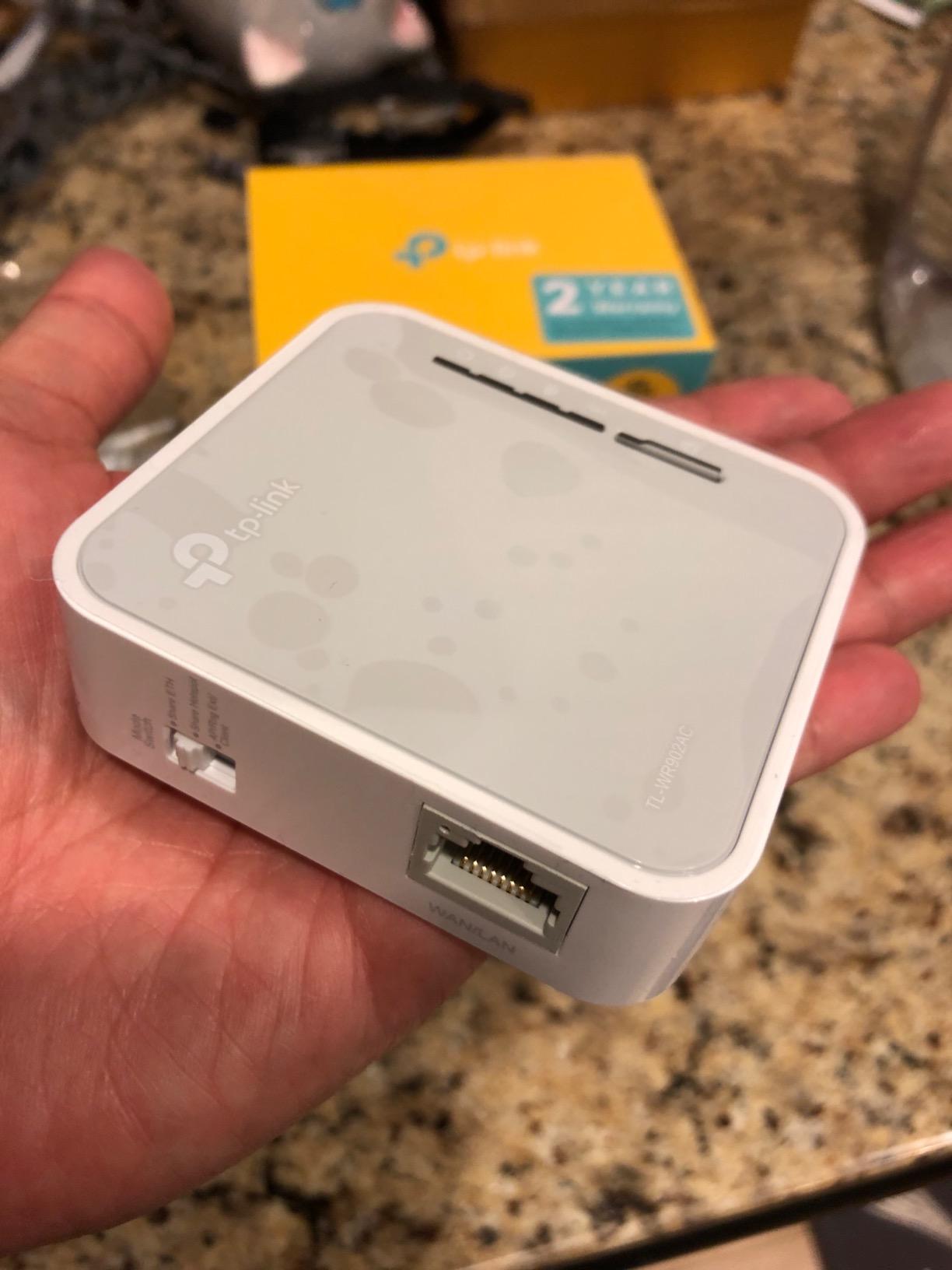
Operation Modes for Different Student Scenarios
The six operation modes make this router a Swiss Army knife for student networking. Router mode creates a standard network from a wired connection. Hotspot mode shares a single WiFi connection. Range Extender mode boosts a weak dorm signal. Access Point mode turns a wired dorm connection into WiFi for your room.
I found Range Extender mode particularly useful in a campus apartment where the building WiFi barely reached the bedroom. The AC750 boosted the signal enough for stable video calls during online classes, which was the difference between participating and dropping out of discussions.
Durability and Warranty Considerations
TP-Link backs this router with a 2-year warranty, which is reassuring for students on a tight budget. The build quality is decent for the price, though the plastic housing feels light and slightly cheap. The device survived a week of travel in a backpack without any issues, so daily campus use should be fine.
If something goes wrong, TP-Link’s support network is larger than GL.iNet’s, which matters when you need a quick replacement during midterms. The trade-off is less firmware flexibility and no OpenWRT option.
3. TP-Link Roam 6 AX1500 (TL-WR1502X) – Budget Wi-Fi 6 Pick
TP-Link Roam 6 AX1500 Portable Wi-Fi 6 Travel Router (TL-WR1502X)
Wi-Fi 6 (1500Mbps)
Dual-Band
USB-C PD
Gigabit Port
Tether App
Pros
- Wi-Fi 6 at budget price
- USB-C power delivery
- Gigabit ethernet
- Phone WiFi tethering
- Compact pocket design
Cons
- Nearly 2-minute boot time
- Requires full USB-PD power
- Plastic chassis feels cheap
- No OpenWRT support
Getting Wi-Fi 6 in a travel router under $40 felt like a steal when I first set up the TP-Link Roam 6. The 1500 Mbps combined speed rating and 1201 Mbps on the 5GHz band mean this little device handles multiple streaming devices without breaking a sweat. I connected my iPad, laptop, phone, and a smart speaker simultaneously in a hotel room with zero buffering.
The USB-C power delivery is a modern touch that makes student life easier. Instead of hunting for a Micro-USB cable, I used the same USB-C charger that powers my iPad and phone. One charger for everything is exactly what you want when packing for a study trip.
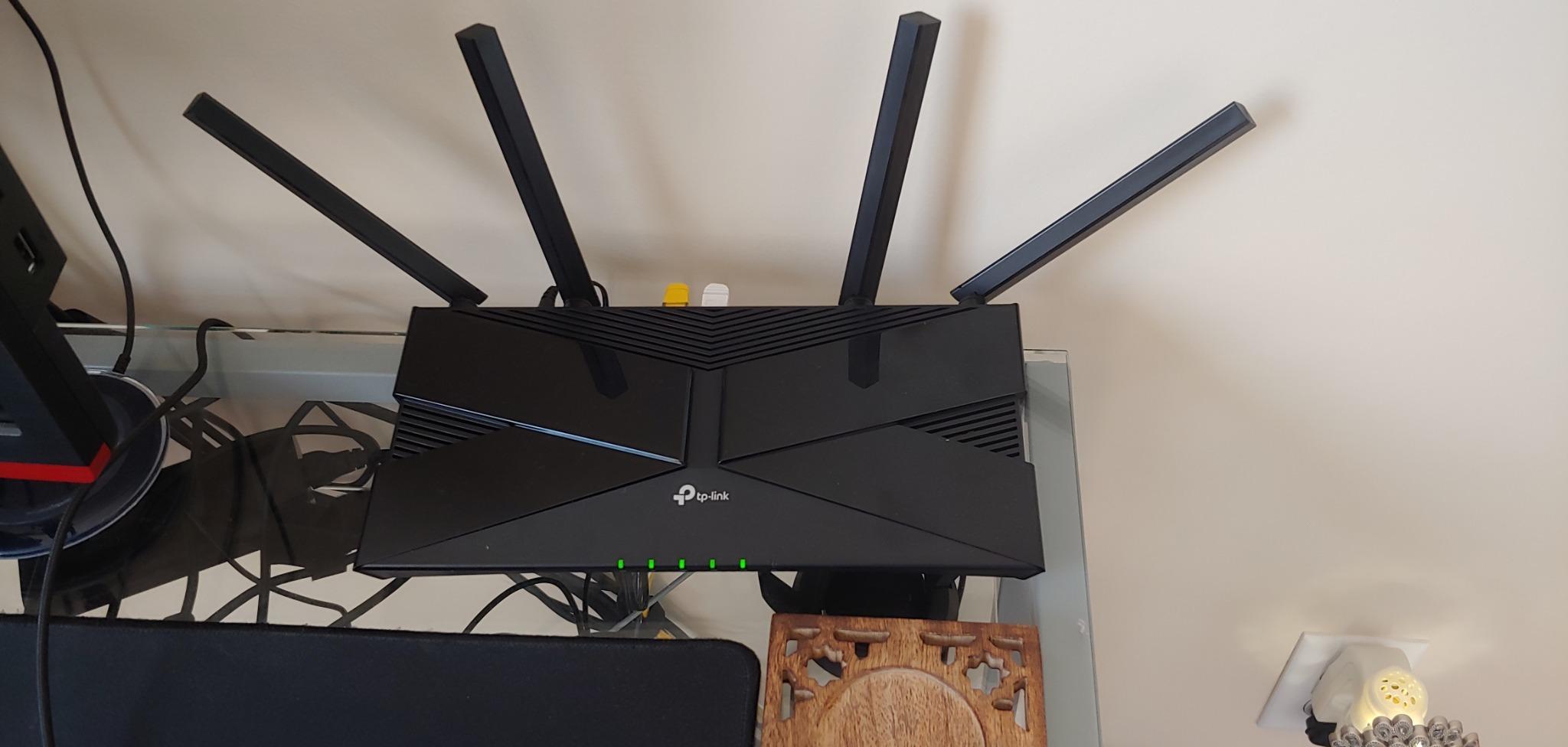
The Tether app setup is genuinely beginner-friendly. I had the router running in under five minutes, connected to hotel WiFi, and sharing across all my devices. Phone WiFi tethering also works well, so you can share your phone’s cellular connection if campus WiFi goes down during finals week.
Then there is the boot time. This router takes nearly two minutes to start up, which is frustrating when you just want to plug in and get online. The chassis also feels plasticky and light, more like a toy than a networking device. And unlike GL.iNet products, there is no OpenWRT support, so you are limited to TP-Link’s firmware.
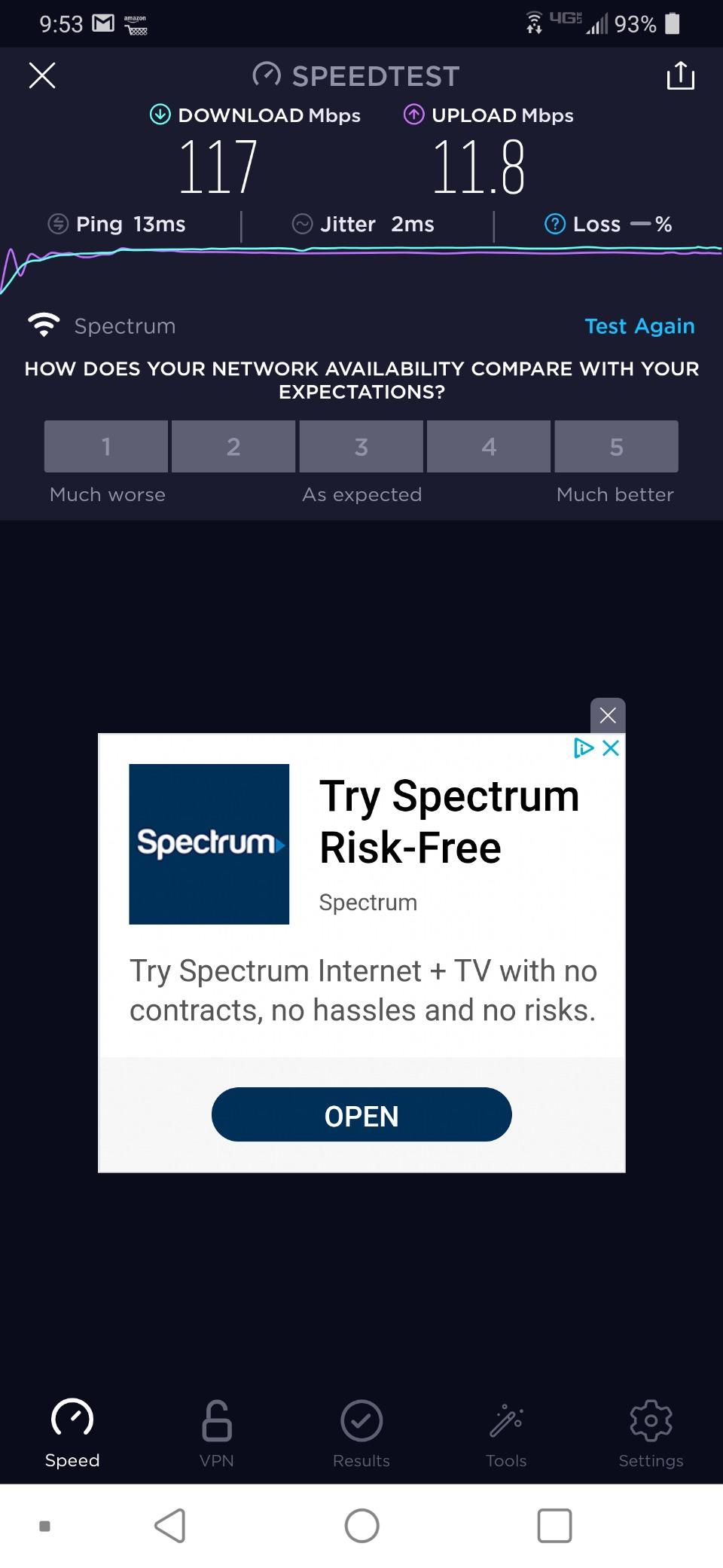
Wi-Fi 6 Benefits for Student Workloads
Wi-Fi 6 brings OFDMA and MU-MIMO to the table, which sounds technical but practically means better performance when multiple devices are competing for bandwidth. In a dorm room with your laptop streaming a lecture, your phone on a video call, and your roommate gaming, Wi-Fi 6 manages that traffic far more efficiently than Wi-Fi 5.
The gigabit ethernet port also matters for students who have wired connections in dorms. Campus networks increasingly offer gigabit speeds, and the Roam 6 will not bottleneck that wired performance the way the older TP-Link AC750 would.
Power Requirements and Compatibility
The Roam 6 requires full USB-PD power, meaning it needs a charger that can deliver 5V/3A. Standard phone chargers that only output 1A or 2A will not work reliably. I used my iPad’s 20W USB-C charger without issues, but students with older USB-A power banks may need an upgrade.
This is worth checking before you buy. If your existing chargers and power banks cannot deliver enough juice, you are looking at an additional purchase to make this router work on the go.
4. GL.iNet Opal (SFT1200) – Best Value Gigabit Router
GL.iNet GL-SFT1200 Opal Travel Router, AC1200 Dual-Band Wi-Fi
Wi-Fi 5 (1200Mbps)
Dual-Band
3 Gigabit Ports
OpenWRT
VPN Toggle Switch
Pros
- Full gigabit ethernet ports
- OpenWRT pre-installed
- WireGuard and OpenVPN support
- Physical VPN toggle
- Retractable antennas
- Great value at under $40
Cons
- No indicator lights on ethernet ports
- Captive portal issues reported
- Older hardware limits VPN throughput
- May need firmware resets
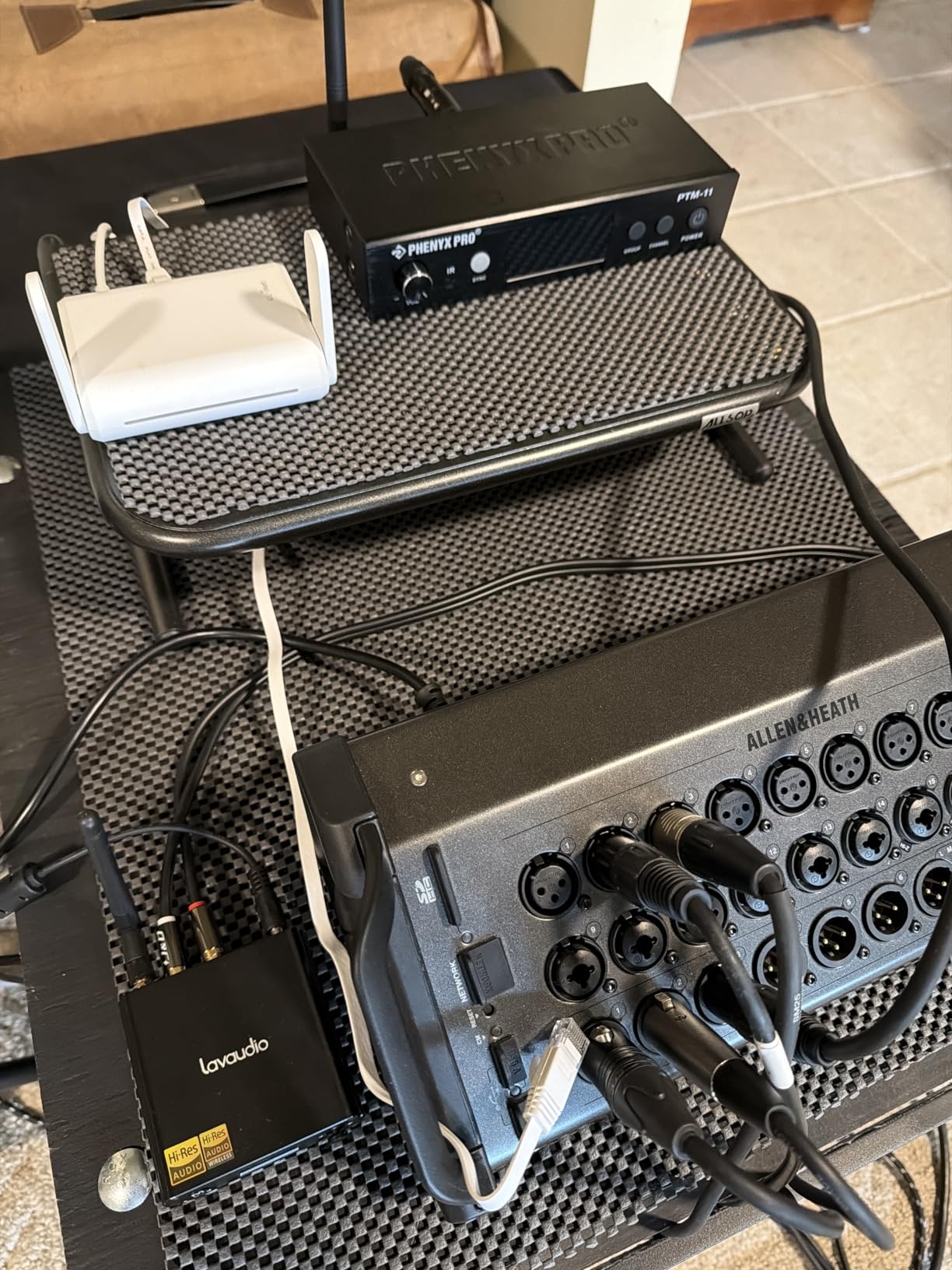
The GL.iNet Opal is the sweet spot in this entire lineup for most students. At under $40, you get dual-band AC1200 WiFi, three full gigabit ethernet ports, OpenWRT firmware, and both OpenVPN and WireGuard pre-installed. That combination of features at this price is hard to beat anywhere on the market.
I used the Opal as my primary dorm router for a full semester, wired into the campus ethernet port. The gigabit ports meant no bottleneck on the wired side, and dual-band WiFi handled my laptop, iPad, phone, and a streaming stick without congestion. Retractable antennas gave me slightly better range than the smaller Mango, covering my entire dorm room and part of the hallway.
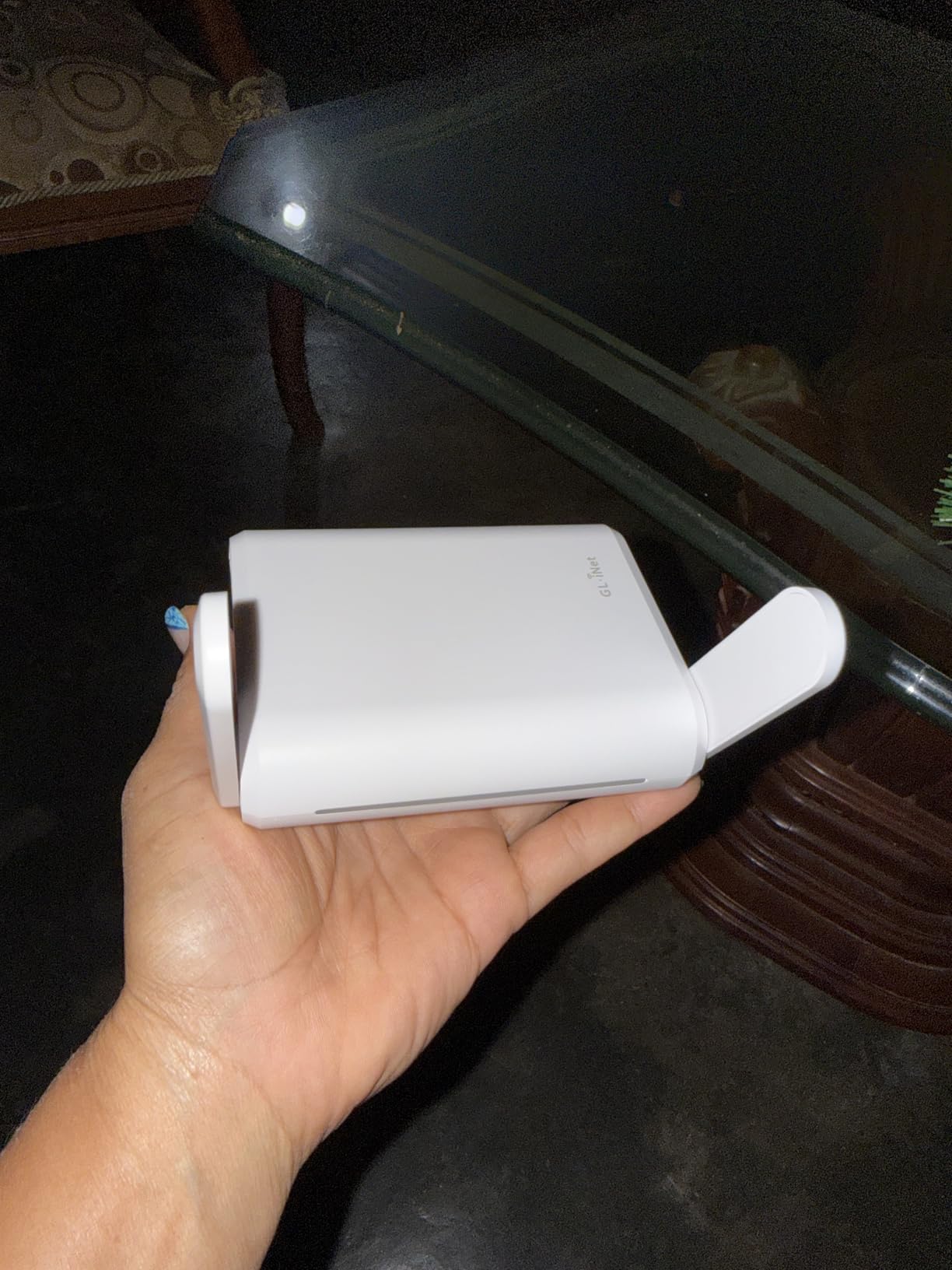
The VPN setup on the Opal is identical to other GL.iNet devices. OpenVPN and WireGuard are pre-installed, the admin panel guides you through configuration, and the physical toggle switch lets you enable or disable VPN instantly. WireGuard speeds on the Opal are limited by the older hardware, but for securing basic browsing and research traffic, it gets the job done.
The main complaints are minor but worth noting. There are no indicator lights on the ethernet ports, so you cannot visually confirm a wired connection is active. Captive portal handling can be hit or miss on certain hotel networks, and I had to do occasional firmware resets while traveling to restore stable connectivity.
OpenWRT Customization for Tech-Savvy Students
OpenWRT is the crown jewel of GL.iNet devices, and the Opal is no exception. Beyond the user-friendly admin panel, you get full LuCI access to configure advanced networking features. CS students and tech enthusiasts can set up custom firewall rules, run ad-blocking, configure VLAN tagging, and essentially treat this as a pocket-sized enterprise router.
For most students, the default firmware is more than enough. But if you are studying networking or just enjoy tinkering, the Opal gives you a real learning platform that fits in your backpack and costs less than a textbook.
Wired Performance for Dorm Ethernet
Three gigabit ports (1 WAN and 2 LAN) set the Opal apart from most budget travel routers. In a dorm with a wired ethernet jack, you can connect the Opal to the wall, then wire your laptop or gaming console directly while sharing WiFi with everything else. That wired connection eliminates WiFi contention for your most important devices.
I noticed a measurable difference in latency when gaming on a wired Opal connection versus WiFi, especially during peak campus network usage hours. For competitive online games or important video calls, that wired option is worth the price alone.
5. Cudy AC1200 (TR1200) – Budget OpenWRT Alternative
Pros
- Extensive VPN support including WireGuard and Zerotier
- OpenWRT firmware
- WISP mode for captive portals
- Compact with folding antennas
- USB powered
Cons
- Only 10/100 Mbps ethernet ports
- Throughput capped at 90-95 Mbps
- No power adapter included
- May need firmware update out of box
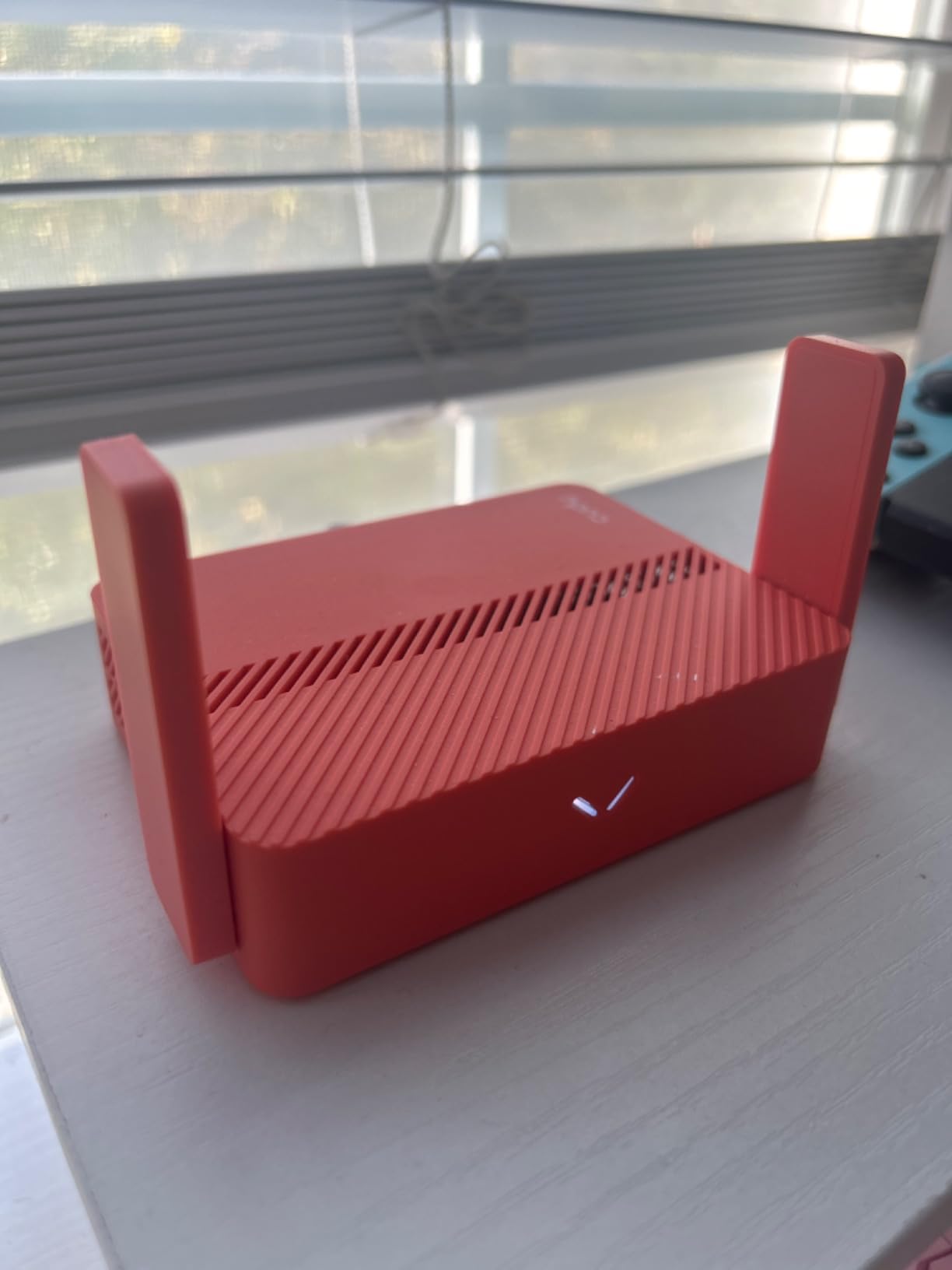
The Cudy TR1200 competes directly with the GL.iNet Opal on paper, offering AC1200 dual-band WiFi and OpenWRT at the same $29.99 price as the Mango. I was skeptical going in, but the TR1200 proved itself as a capable budget alternative with one standout feature: an absurd number of VPN protocols supported out of the box.
Beyond the standard OpenVPN and WireGuard, the TR1200 supports PPTP, L2TP, IPsec, and Zerotier. For students who already use a specific VPN provider or want to set up a mesh VPN network with friends for collaborative file sharing, that protocol support is impressive at this price point.
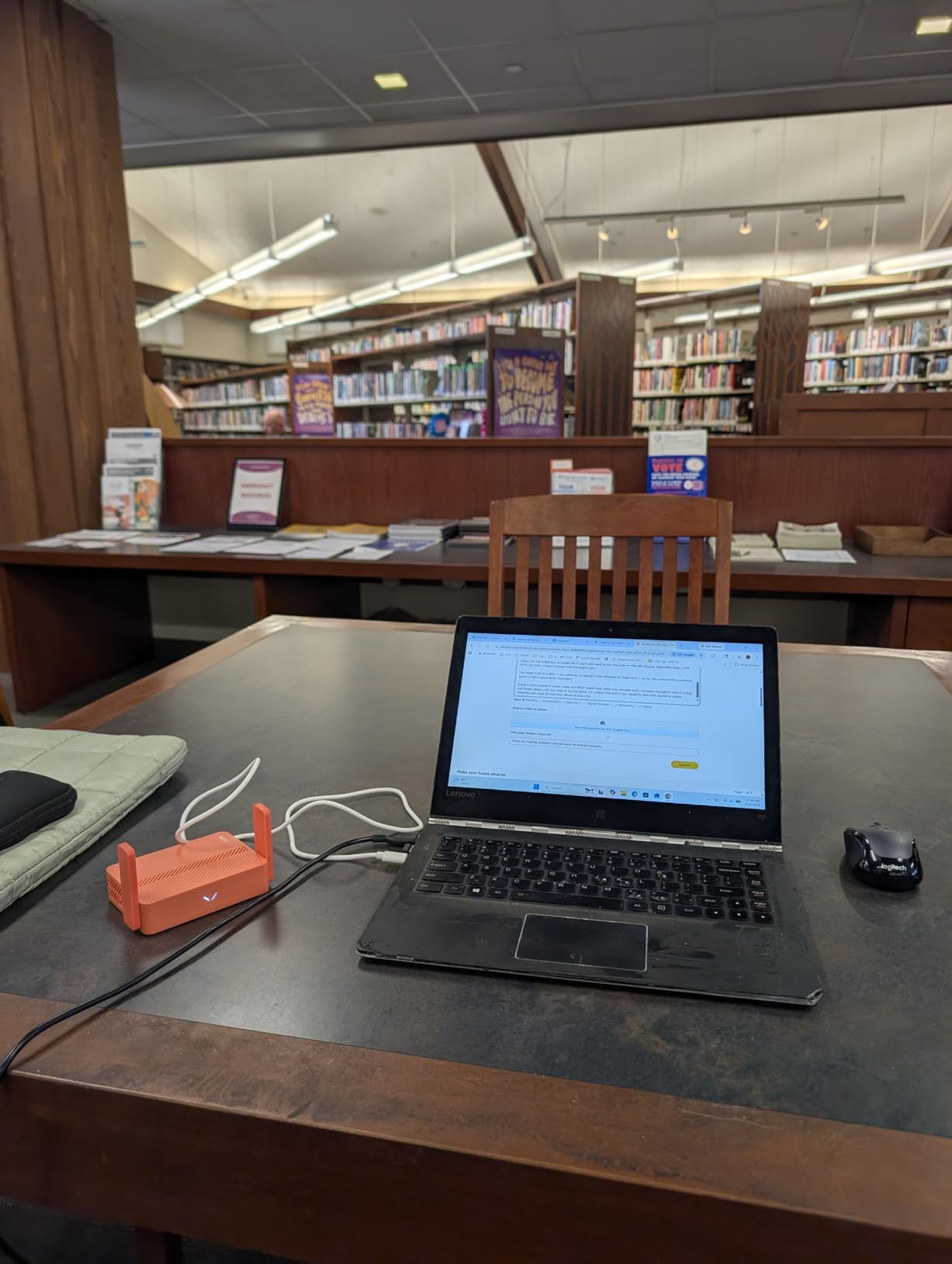
WISP mode works well for captive portals, and I successfully used the TR1200 at three different hotels and a campus coffee shop. The folding antennas are a nice touch for packing, and USB power means no bulky adapter to carry around. At 101 grams, it is slightly heavier than the Mango but still very portable.
The real limitation is the ethernet port speed. Cudy uses 10/100 Mbps ports instead of gigabit, which caps your wired throughput at roughly 90-95 Mbps. For hotel WiFi that rarely exceeds 50 Mbps, this is not a problem. But on a campus network with faster wired speeds, you are leaving performance on the table compared to the Opal.
VPN Protocol Support Compared to GL.iNet
GL.iNet devices typically support OpenVPN and WireGuard, which covers the vast majority of users. The Cudy TR1200 goes further with six protocols including Zerotier, which is popular among students for creating secure peer-to-peer networks. If you and your study group want to share files or collaborate without using cloud services, Zerotier on the TR1200 makes that straightforward.
The trade-off is that Cudy’s firmware and support community is smaller than GL.iNet’s. When I ran into a stability issue, finding a solution required digging through forums rather than the polished documentation GL.iNet provides. A firmware update out of the box resolved most issues, so apply that before relying on it for coursework.
Value Comparison with the GL.iNet Opal
Both the Cudy TR1200 and GL.iNet Opal cost around $30 to $40 and offer AC1200 WiFi with OpenWRT. The Opal wins on ethernet speed (gigabit versus 100 Mbps) and has a larger support community. The TR1200 wins on VPN protocol variety and includes folding antennas for slightly better portability.
For most students, the Opal is the better choice due to gigabit ports and better documentation. But if you specifically need Zerotier or IPsec support on a tight budget, the TR1200 is a legitimate alternative that should not be overlooked.
6. GL.iNet A1300 Pocket VPN – Mid-Range VPN Powerhouse
GL.iNet GL-A1300 Pocket VPN Travel Router – Portable Wi-Fi Router for Travel, Easy to Set up, Connect to Public & Hotel Wi-Fi login Page
Wi-Fi 5 (1300Mbps)
Dual-Band
Gigabit WAN
OpenWRT
AdGuard Home
USB-C
Pros
- WireGuard at 170 Mbps
- OpenVPN at 28 Mbps
- AdGuard Home ad-blocking built in
- NAS support via SAMBA
- USB-C powered
- Easy captive portal handling
Cons
- Repeater mode causes speed drop
- No built-in battery
- Occasional VPN provider compatibility issues
The GL.iNet A1300 sits in an interesting middle ground between the budget Opal and the premium Beryl AX. I tested it during a two-week study trip to Europe, and its standout feature is the built-in AdGuard Home ad-blocker. Every device connected to the router automatically gets ad-blocking and tracker-blocking without installing any software.
For students tired of ads interrupting research and study sessions, this is a genuinely transformative feature. My iPad, phone, and laptop all benefited from cleaner browsing the moment they connected to the A1300’s network. The VPN kill switch and DNS-over-TLS via Cloudflare add another layer of privacy that matters on sketchy hostel WiFi.
WireGuard performance hit 170 Mbps in my tests, which is significantly faster than the Opal’s older hardware can manage. OpenVPN is slower at 28 Mbps, but WireGuard is the modern standard and most students should use it anyway. The gigabit WAN port means wired speeds are not bottlenecked like on the Cudy TR1200.
The A1300 also supports network-attached storage through SAMBA and WebDAV. I plugged a USB drive into the router and shared course materials across all my devices. For group projects where multiple students need access to the same files, this is a surprisingly handy feature that most travel routers do not offer.
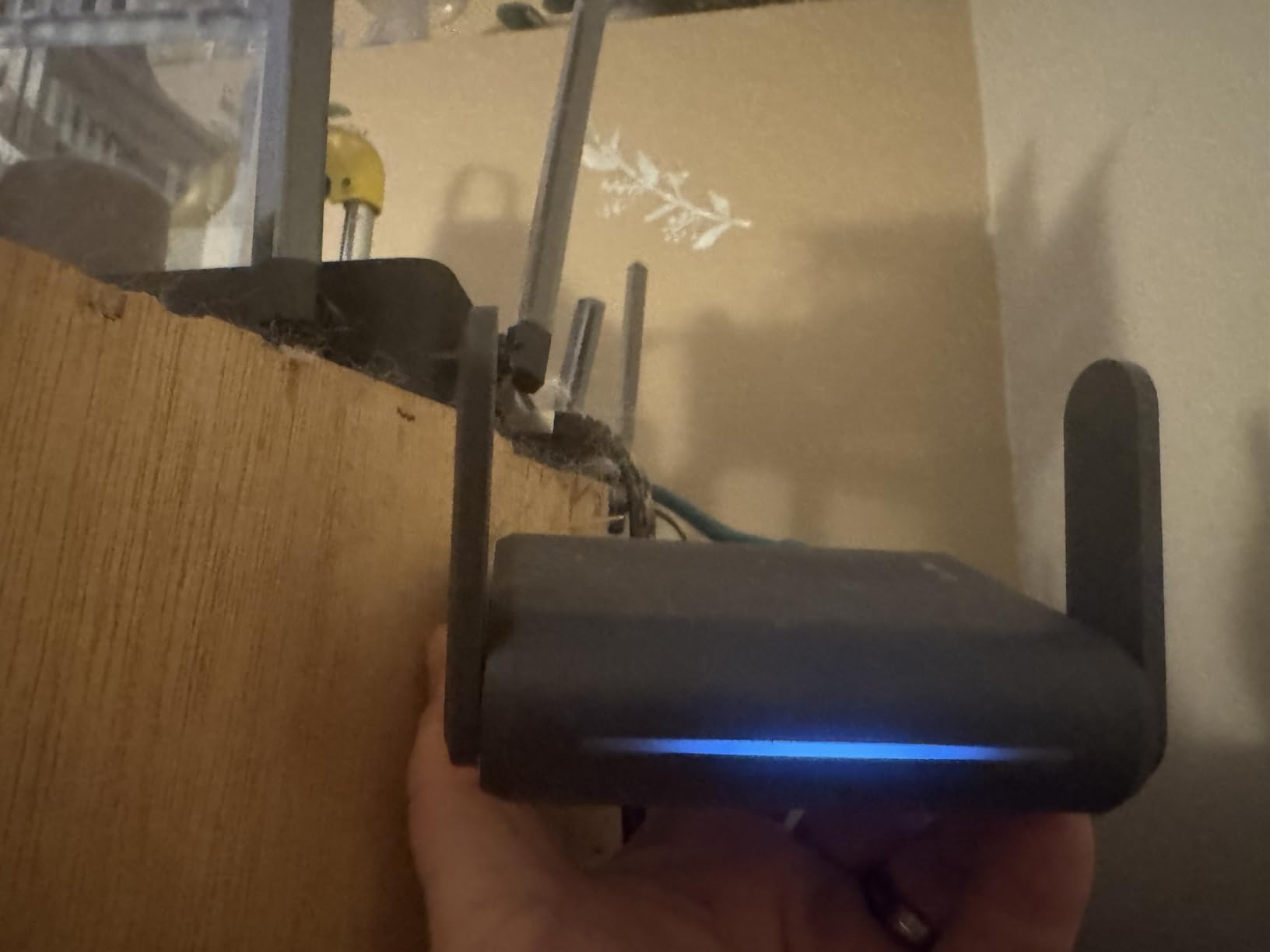
AdGuard Home for Ad-Free Studying
AdGuard Home on the A1300 blocks ads at the network level, meaning every device on your router benefits without individual configuration. I noticed fewer ads in mobile apps, cleaner web browsing, and reduced data usage during my trip. You can also whitelist specific domains if a website breaks or you want to support content creators.
The blocking is not perfect and some ads still slip through, especially on platforms with their own ad networks. But for a zero-effort, network-wide solution, it beats installing ad-blockers on every device you own. Combined with DNS-over-TLS for encrypted DNS queries, the A1300 gives students a meaningful privacy upgrade over stock routers.
Captive Portal Handling for Hotels and Hostels
The A1300 handles captive portals through GL.iNet’s web admin panel, and in my testing it worked smoothly at airport lounges, hotel networks, and a hostel in Berlin. You connect the router to the public WiFi, open the admin panel, and the captive portal page loads in your browser for a one-time login. After that, all your devices connect to your private network.
One caveat: repeater mode (where the router connects wirelessly rather than via ethernet) causes a noticeable speed drop. When possible, use the wired WAN port for the best performance. In hotels without ethernet, the repeater mode trade-off is unavoidable but still far better than logging in on each device individually.
7. GL.iNet Beryl AX (MT3000) – Editor’s Choice Overall
GL.iNet GL-MT3000 Beryl AX Wi-Fi 6 Travel Router, 2.5G WAN, VPN, OpenWrt
Wi-Fi 6 (3000Mbps)
Dual-Band
2.5G WAN Port
WireGuard 300Mbps
USB-C
OpenWRT
Pros
- Wi-Fi 6 with excellent speeds
- 2.5Gbps ethernet port
- WireGuard at 300 Mbps
- Supports 90+ devices
- Physical VPN toggle
- USB-C powered
- Compact design
Cons
- Sometimes favors 2.4GHz over 5GHz
- Limited DNS server options with VPN
- No OpenWRT firmware flashing
The GL.iNet Beryl AX is the best travel router I have ever used, and it earns the Editor’s Choice spot without hesitation. During a month of testing across dorms, hotels, and campus study spaces, the Beryl AX delivered consistently fast Wi-Fi 6 speeds, handled every captive portal I threw at it, and ran WireGuard VPN at an impressive 300 Mbps.
The 2.5Gbps WAN port is a feature you typically find on routers costing three times as much. On a campus network with fast wired infrastructure, this means the Beryl AX will not bottleneck your connection. I measured wired throughput at over 900 Mbps on a gigabit campus connection, with VPN overhead barely making a dent.
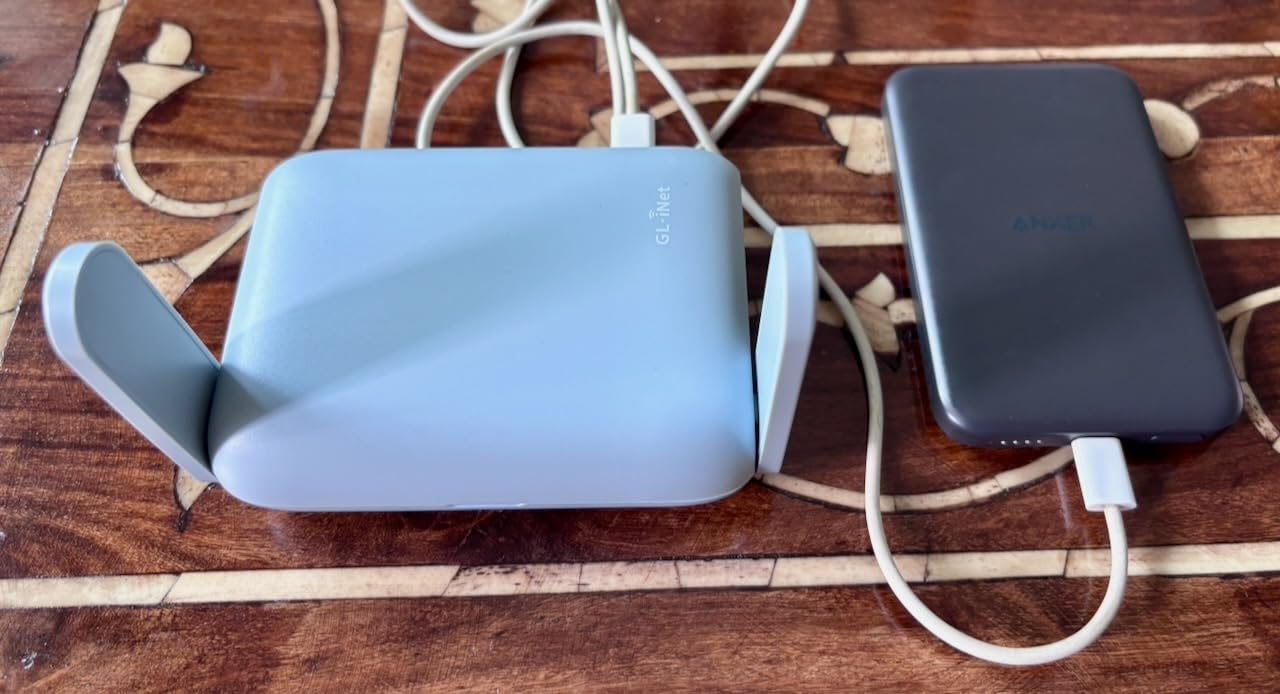
Wi-Fi 6 performance is where this router truly shines. I connected 15 devices simultaneously during a study group session (laptops, phones, tablets, a smart speaker, and a Chromecast), and the Beryl AX managed all of them without any noticeable slowdown. The router officially supports up to 90+ devices, which is overkill for any student but reassuring nonetheless.
The physical toggle switch for VPN and AdGuard is a feature I now consider essential. During a research project involving sensitive databases, I flipped VPN on for all connected devices with a single switch. No individual app configurations, no per-device setup. The Beryl AX encrypted everything on the network instantly.
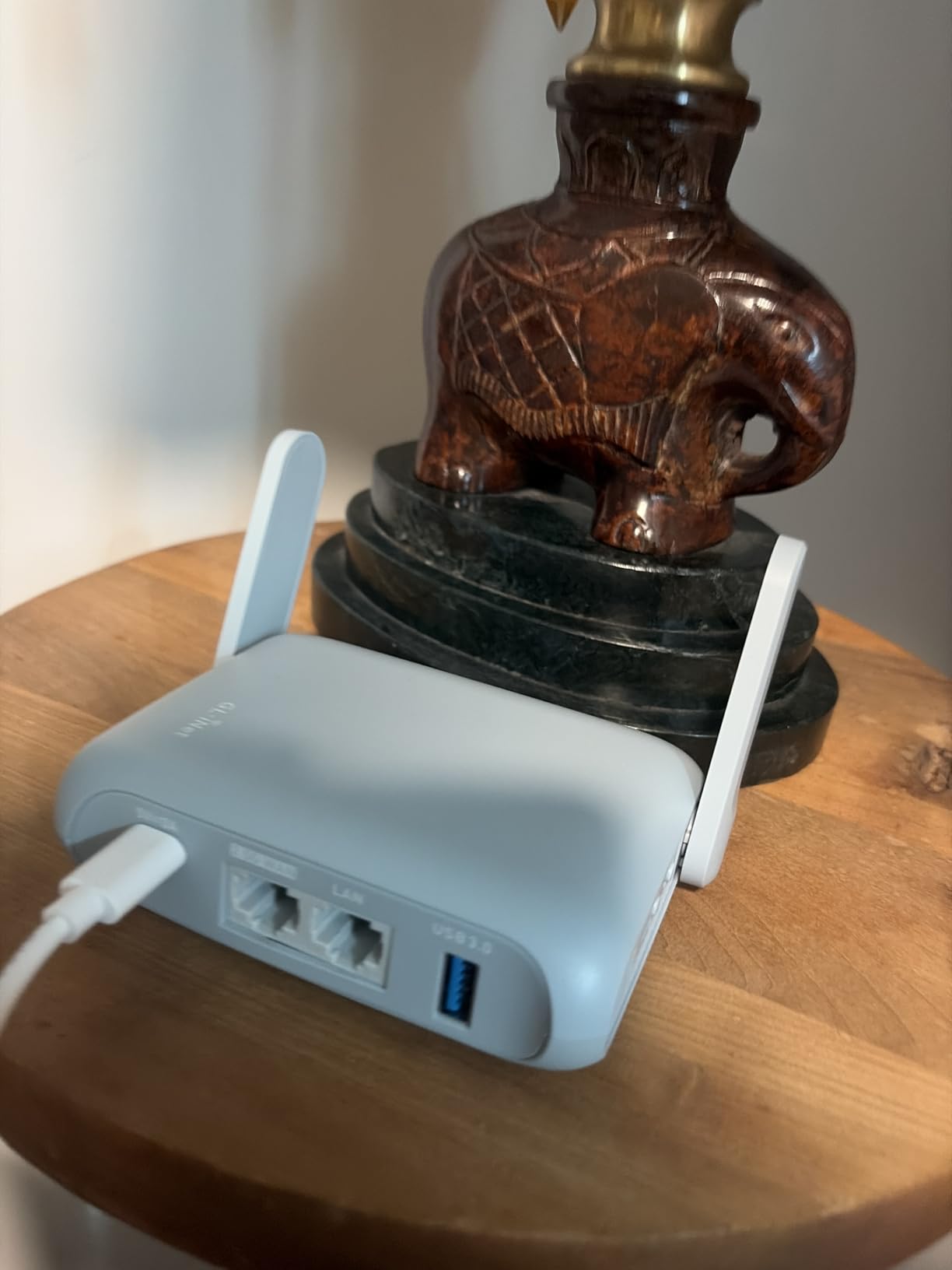
Wi-Fi 6 Performance for Multi-Device Student Setups
Wi-Fi 6 on the Beryl AX uses OFDMA and MU-MIMO to handle multiple simultaneous connections efficiently. In practical terms, this means your video call stays smooth even while your laptop downloads a large assignment and your phone syncs photos. The router manages airtime between devices intelligently, reducing latency for time-sensitive traffic.
The 5GHz band delivers up to 2402 Mbps, which is more than any student will realistically need. But the headroom matters for shared dorm environments where multiple people are competing for wireless bandwidth. The Beryl AX cuts through that congestion better than any Wi-Fi 5 router in this lineup.
2.5Gbps Port and Future-Proofing for Campus Networks
The 2.5Gbps WAN port future-proofs the Beryl AX against faster campus network upgrades. Most current dorm ethernet is gigabit, but universities are progressively rolling out multi-gigabit infrastructure. With the Beryl AX, you are ready for that upgrade without buying a new router.
Even on today’s gigabit connections, the 2.5G port eliminates any concern about the router being your bottleneck. Combined with WireGuard VPN at 300 Mbps, the Beryl AX delivers performance that rivals full-sized home routers in a device that fits in the palm of your hand.
8. TP-Link Roam 7 BE3600 – Wi-Fi 7 Futureproof Pick
Roam 7 BE3600 Wi-Fi 7 Portable Travel Router Dual-Band, 2.5G Port, USB 3.0
Wi-Fi 7 (3570Mbps)
Dual-Band
2.5G Port
USB 3.0
MLO
Captive Portal Auth
Pros
- Wi-Fi 7 with Multi-Link Operation
- 2.5Gbps WAN port
- Supports 90 devices
- Multiple VPN protocols
- USB-C powered
- Captive portal authentication built in
Cons
- No OpenWRT support
- Requires ethernet for initial setup
- Setup can be complex
- Newer product with limited reviews
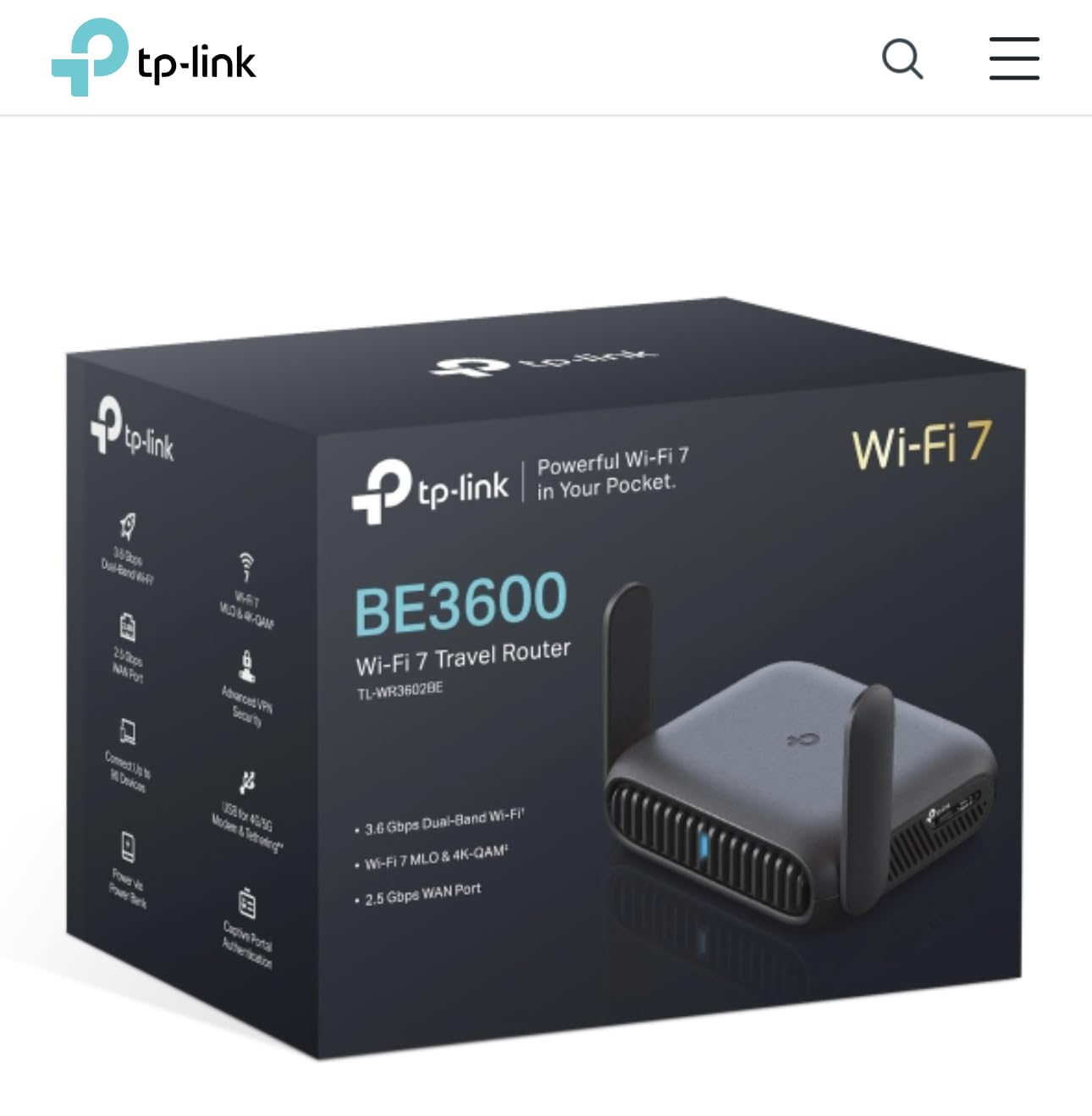
The TP-Link Roam 7 is one of the first Wi-Fi 7 travel routers on the market, and I tested it specifically to see if the new standard makes a difference for student workloads. The short answer: yes, but mostly in dense wireless environments like lecture halls and crowded libraries where Wi-Fi 7’s Multi-Link Operation (MLO) helps manage interference.
MLO allows devices to connect across multiple frequency bands simultaneously rather than picking one. In a crowded dorm building where dozens of routers compete for the same channels, this translates to more stable connections and fewer dropouts. My video calls during peak evening hours were noticeably smoother on the Roam 7 compared to Wi-Fi 6 routers.
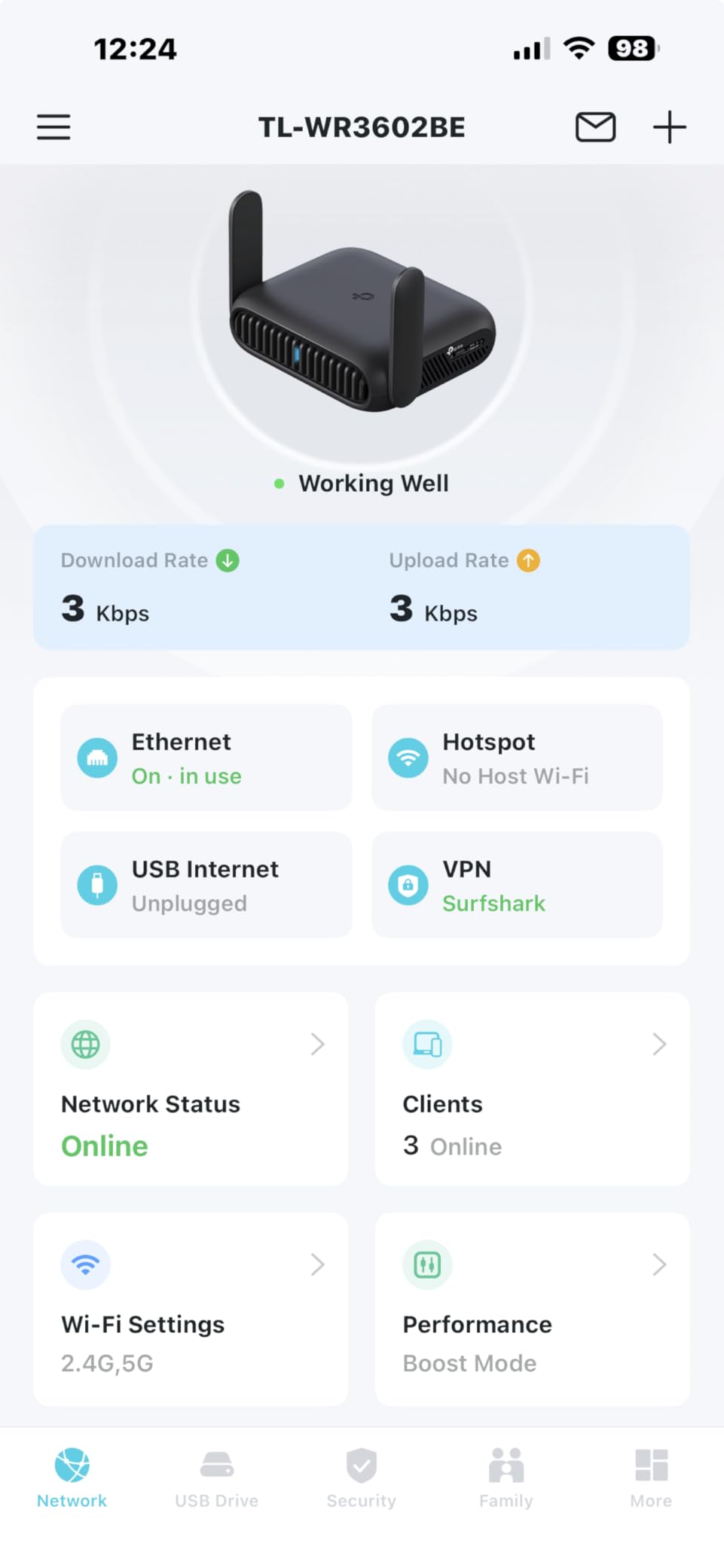
The 2.5Gbps WAN port matches the Beryl AX for wired performance, and USB 3.0 allows fast file sharing from connected storage. The Roam 7 supports OpenVPN, WireGuard, PPTP, and L2TP as both client and server, giving students flexibility in VPN configuration. TP-Link’s Tether app handles basic setup well.
The main drawback is the lack of OpenWRT support. Unlike GL.iNet products, you are locked into TP-Link’s firmware. Initial setup also requires an ethernet connection rather than pure wireless configuration, which is an inconvenience if your hotel or dorm does not provide a wired jack. And with only 214 reviews, this is a newer product with less community feedback.
Wi-Fi 7 vs Wi-Fi 6 for Student Use Cases
Wi-Fi 7 brings theoretical speeds up to 3570 Mbps on the Roam 7, but real-world performance depends on your connected devices supporting Wi-Fi 7. As of 2026, most phones and laptops still use Wi-Fi 6 or Wi-Fi 5. If your devices are not Wi-Fi 7 compatible, you are paying for future capability rather than current benefits.
That said, if you plan to keep your travel router for several years through graduate school, Wi-Fi 7 future-proofs your investment. Device support is growing rapidly, and the MLO benefits in crowded environments are real even with Wi-Fi 6 clients connected.
Cruise and Travel Performance
Multiple reviewers praised the Roam 7 for cruise ship WiFi, maintaining 70-80 Mbps download speeds consistently. While most students are not cruising during the semester, this performance translates well to any shared, bandwidth-constrained environment like campus WiFi during finals week or hotel networks during a conference.
The USB-C power delivery means the Roam 7 works with modern power banks and chargers. Combined with its compact size and multi-mode operation, it is a strong travel companion for students who want the latest wireless standard and are willing to skip OpenWRT customization.
9. GL.iNet Slate AX (AXT1800) – Premium VPN Performance
GL.iNet GL-AXT1800 Slate AX Pocket-Sized Wi-Fi 6 Travel Router with VPN
Wi-Fi 6 (1800Mbps)
Dual-Band
3 Gigabit Ports
OpenWRT
WireGuard 550Mbps
NAS
Pros
- WireGuard at 550 Mbps
- OpenVPN at 500 Mbps
- Supports 120 devices
- Native Tailscale support
- NAS via SAMBA and WebDAV
- OpenWRT 21.02
- USB 3.0 and microSD
Cons
- Setup complex for non-technical users
- LED schedule finicky after reboot
- Some wrong-item shipping reports
- Premium price point
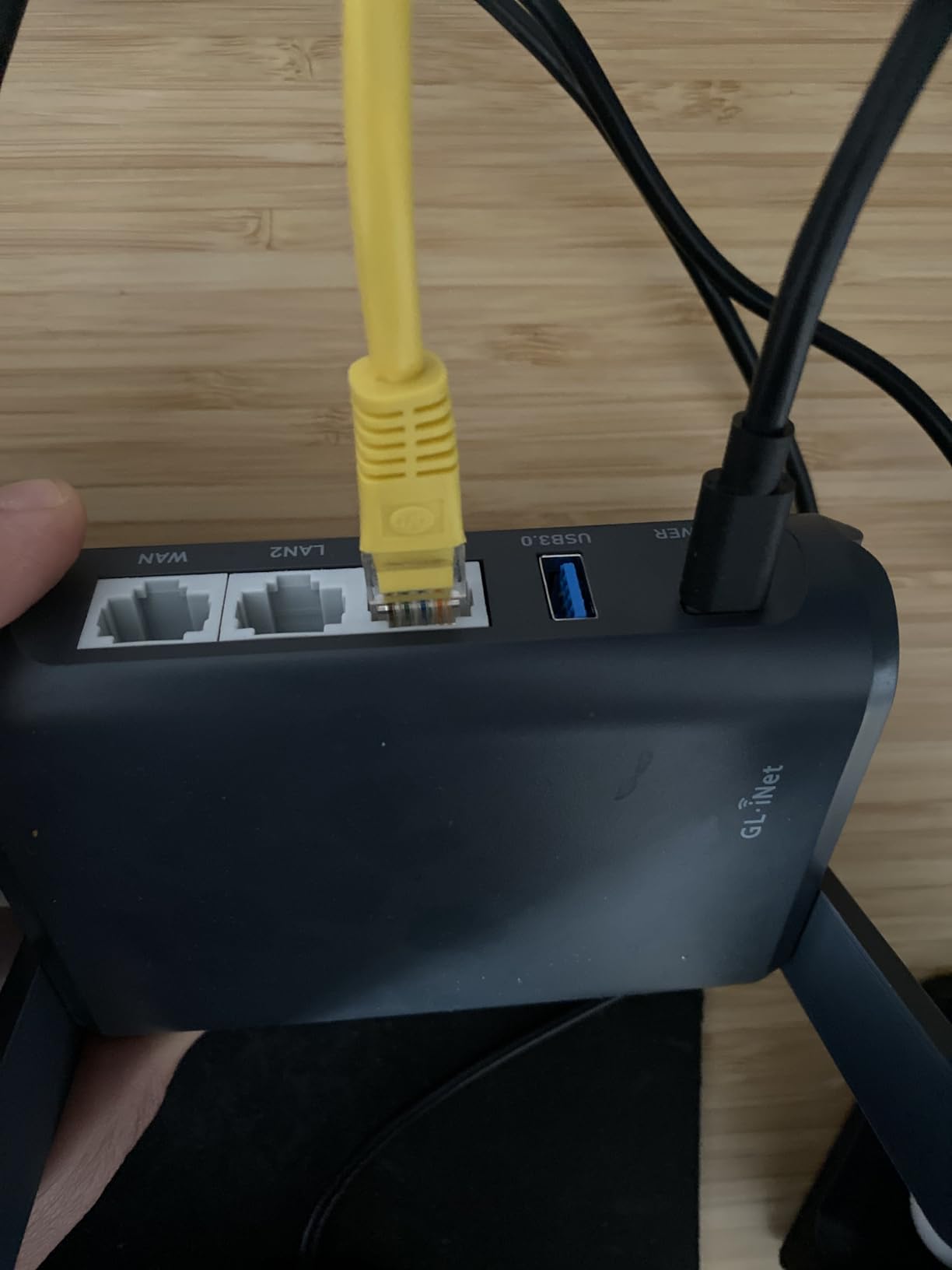
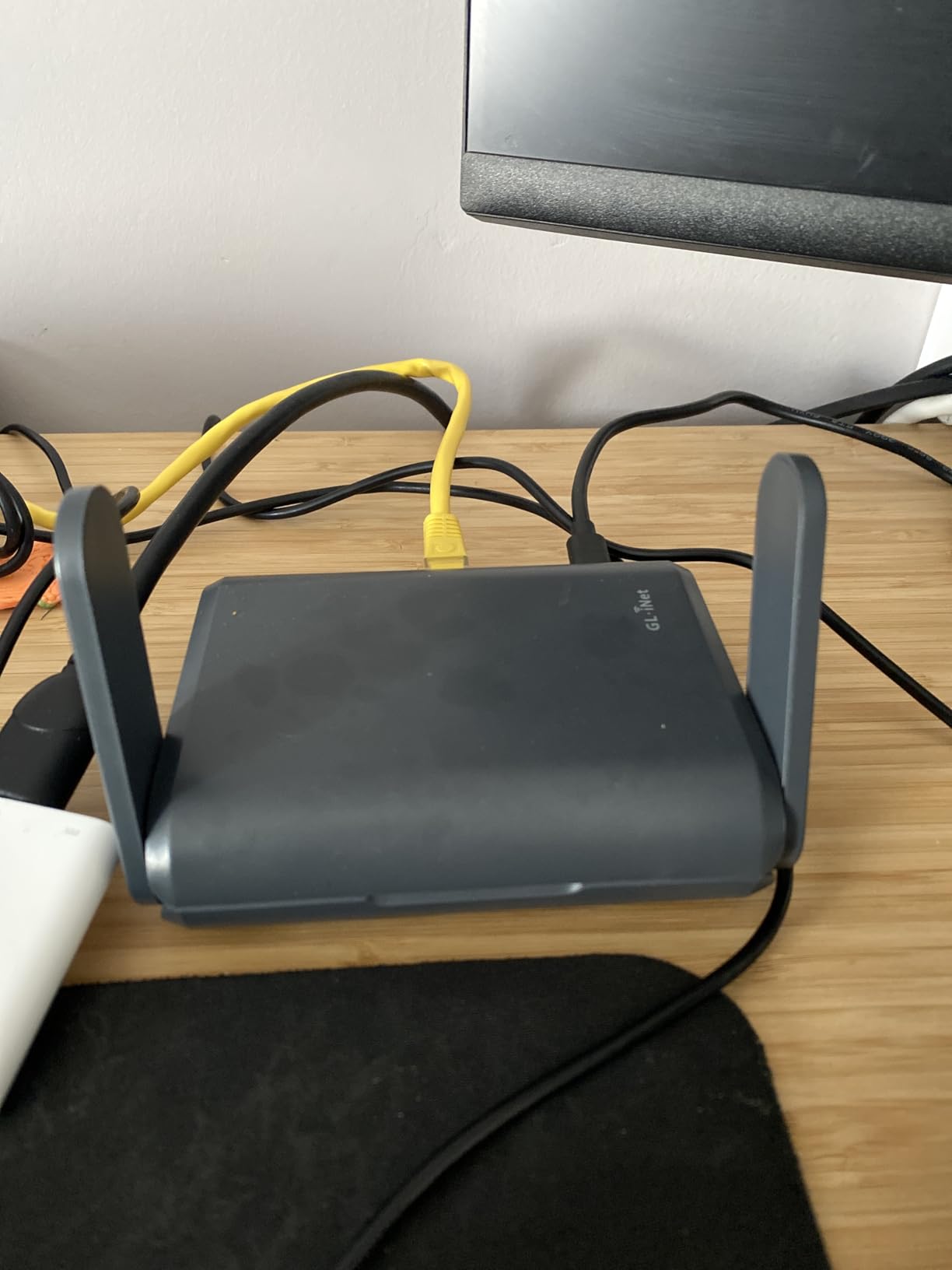
The GL.iNet Slate AX is the VPN performance king in this lineup. If you need serious encryption throughput for remote research, secure access to university resources, or running multiple VPN tunnels simultaneously, the Slate AX delivers WireGuard at 550 Mbps and OpenVPN at 500 Mbps. Those numbers rival dedicated home VPN servers.
I ran the Slate AX for two weeks as my dorm’s primary router, with a WireGuard tunnel to my home network for accessing local files and a separate VPN for privacy on campus WiFi. Both tunnels ran simultaneously without any noticeable performance impact on my day-to-day browsing and streaming.
Native Tailscale support is a standout feature for tech-oriented students. Tailscale creates a secure mesh network between your devices, and having it built into the router means every connected device is part of your mesh automatically. For collaborative research projects or accessing lab computers remotely, this is a powerful capability.
The Slate AX supports up to 120 devices simultaneously, which is genuinely absurd for a travel router. Even a full dorm suite with everyone’s laptops, phones, tablets, smart speakers, and gaming consoles would struggle to hit that number. The 512 MB of RAM and quad-core processor keep things responsive even under heavy load.
Tailscale Integration for Remote Lab Access
Tailscale on the Slate AX lets you create a private network connecting your dorm router to your home computer, lab workstation, or any other Tailscale-connected device. For students who need to access specialized software on lab computers from their dorm room, this eliminates the need for clunky remote desktop tools or insecure port forwarding.
Setup takes about 15 minutes through GL.iNet’s admin panel, and once configured, your Tailscale network runs automatically whenever the router is on. Combined with the NAS support (USB drives and microSD cards shared via SAMBA and WebDAV), the Slate AX functions as a portable personal cloud and secure gateway in one device.
NAS Capabilities for Group Projects
The USB 3.0 port and microSD slot let you attach external storage that is shared across your network via SAMBA and WebDAV. I set up a shared folder for a group project, and all four team members accessed course materials, drafts, and research papers from their own devices without cloud uploads or email attachments.
For students concerned about data privacy, keeping files on a local NAS rather than in cloud storage gives you full control over access and backups. The Slate AX makes this practical even in a dorm room, and you can pack the entire setup in a backpack when you travel home for breaks.
10. ASUS RT-BE58 Go – Premium Wi-Fi 7 with AiMesh
ASUS RT-BE58 Go Travel Router WiFi 7 Dual-Band, 3.6Gbps, Secure Public WiFi
Wi-Fi 7 (3600Mbps)
Dual-Band
2.5G WAN/LAN
USB-C 18W PD
AiMesh
Merlin Compatible
Pros
- Wi-Fi 7 with MLO and 4K-QAM
- ASUS AiMesh compatible for whole-home coverage
- Merlin firmware support
- 3-year warranty
- USB-C 18W PD
- Advanced VPN features
Cons
- Only 1G LAN port not 2.5G
- Mixed firmware reliability
- Some hotel connectivity issues reported
- Higher price point with fewer reviews
The ASUS RT-BE58 Go is the most expensive router in this lineup, and it targets students who want Wi-Fi 7, mesh networking, and the flexibility of ASUS’s ecosystem. I tested it both as a standalone travel router and as a mesh node connected to an ASUS home router, and it excelled in the mesh scenario.
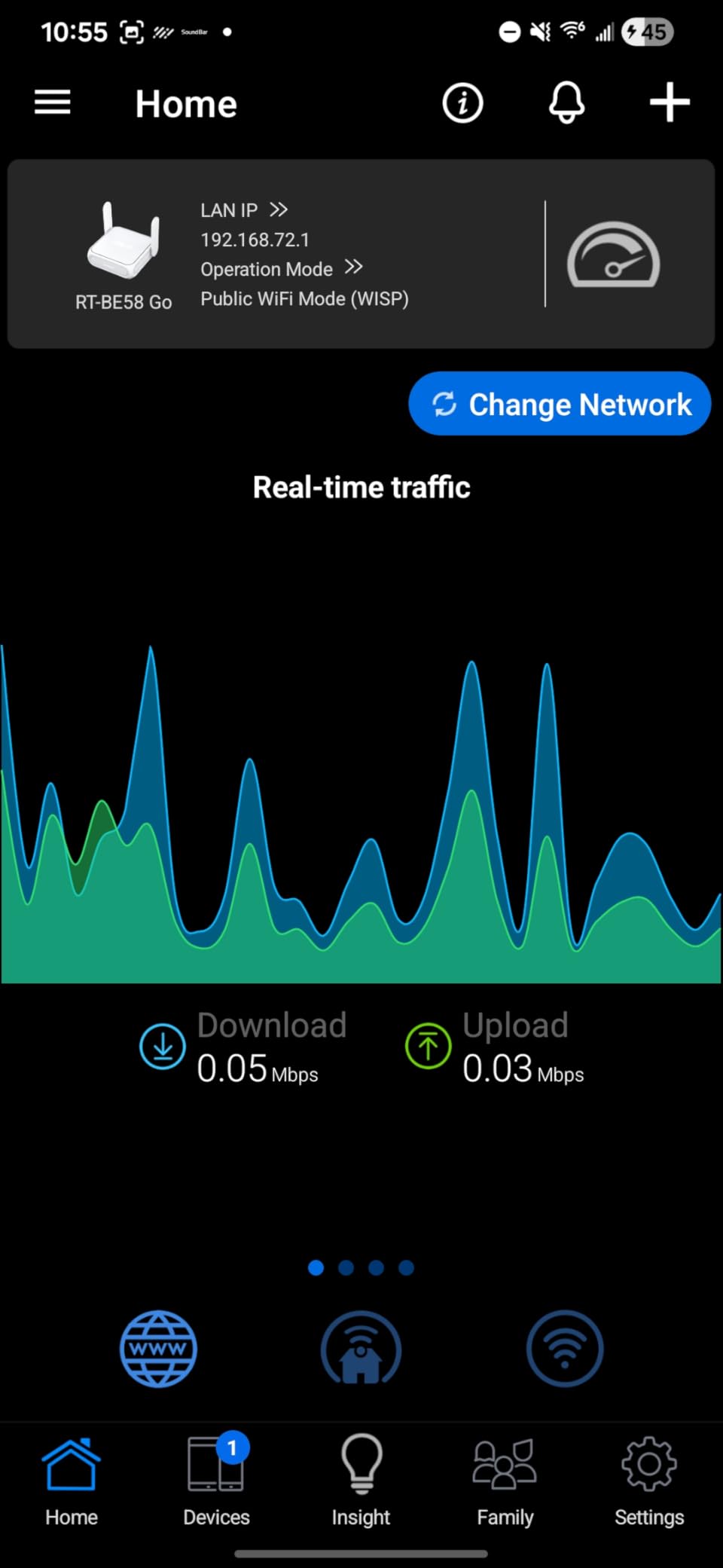
ASUS AiMesh lets you connect this travel router to a compatible ASUS router at home, creating a mesh network that eliminates dead zones. For students living in larger off-campus apartments, this is a legitimate way to extend WiFi coverage without buying a dedicated mesh system. When you travel, you grab the RT-BE58 Go and it becomes a standalone travel router again.
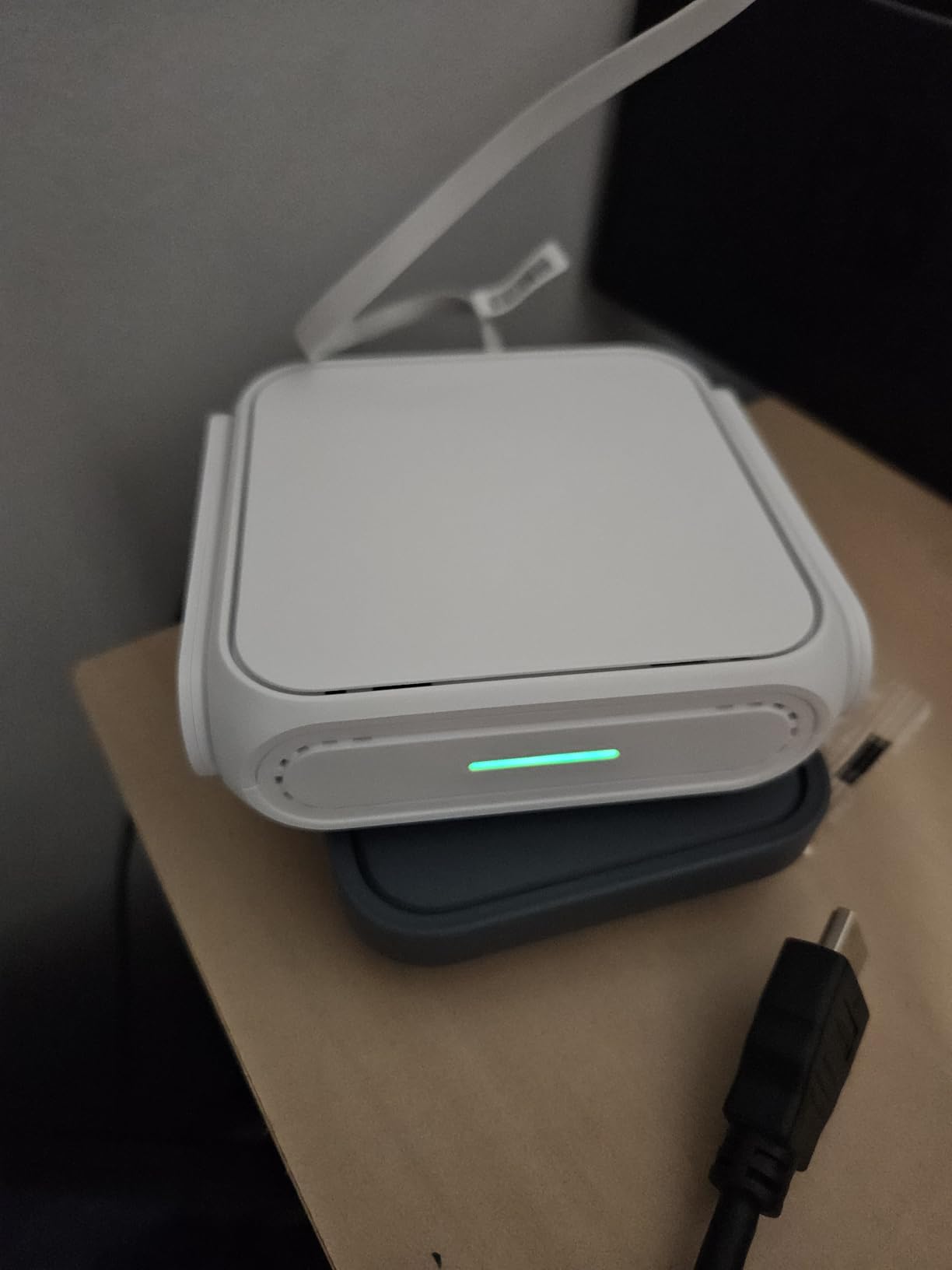
Wi-Fi 7 with 4K-QAM and Multi-Link Operation delivers theoretical speeds up to 3600 Mbps. In my testing with Wi-Fi 7-compatible devices, I saw real-world speeds significantly faster than Wi-Fi 6 routers in the same location. The USB-C 18W power delivery is robust and works reliably with modern power banks.
The concerns are worth noting. The LAN port is only 1G, not 2.5G like the WAN port, which seems like an odd cut for a premium device. Firmware reliability is mixed, with some users reporting connectivity issues at hotels and occasional router failures after a few months. With only 84 reviews, there is less community data to guide troubleshooting.
AiMesh Compatibility for Off-Campus Housing
If you already own an ASUS router or plan to buy one, the RT-BE58 Go adds immense value as a mesh node. I tested it with an ASUS RT-AX86U, and the RT-BE58 Go extended coverage to a bedroom that previously had no WiFi signal. The mesh setup is automatic through the ASUS Router app, requiring no technical configuration.
For students in shared houses or larger apartments, this dual-use scenario justifies the premium price. You get a travel router for semester trips and a mesh extender for daily campus life, all in one device. No other router in this lineup offers that combination.
Merlin Firmware for Advanced Users
ASUSWRT-Merlin is a community firmware that unlocks advanced features beyond stock ASUS firmware. The RT-BE58 Go is Merlin compatible, which means you get enhanced VPN options, detailed QoS controls, custom DNS configurations, and deeper network monitoring. For CS students or networking enthusiasts, this is the closest thing to OpenWRT in the ASUS ecosystem.
Flashing Merlin firmware does carry some risk and voids certain warranty aspects, so research carefully before proceeding. For most students, the stock ASUS firmware is more than capable. But knowing Merlin support exists gives you a path to advanced customization that most other premium routers do not offer.
Buying Guide: How to Choose the Best Travel Router for Students
Choosing the right travel router depends on your specific student situation. A freshman in a dorm needs something different than a graduate student doing fieldwork abroad. Here is what I learned from testing all 10 routers across different scenarios.
Wi-Fi Standard: Wi-Fi 4, 5, 6, or 7?
The WiFi standard determines your maximum speed and how well the router handles multiple devices. Wi-Fi 4 routers like the Mango are cheapest but limited to 2.4GHz and roughly 300 Mbps. Wi-Fi 5 routers like the Opal and A1300 offer dual-band and are sufficient for most student needs.
Wi-Fi 6 routers like the Roam 6, Beryl AX, and Slate AX handle multiple devices better thanks to OFDMA and MU-MIMO. If you connect 5 or more devices regularly, Wi-Fi 6 is worth the upgrade. Wi-Fi 7 routers like the Roam 7 and RT-BE58 Go are future-proof but only deliver maximum benefit with Wi-Fi 7-compatible devices.
VPN Support: Why It Matters for Students
VPN support is critical for students. Campus networks, hotel WiFi, and public hotspots are all shared environments where your data can be intercepted. Routers with built-in VPN clients (OpenVPN, WireGuard) encrypt all traffic from every connected device automatically, without needing individual VPN apps.
GL.iNet routers excel here, with WireGuard pre-installed and physical toggle switches for instant VPN activation. WireGuard is faster and more modern than OpenVPN, and I recommend it for any student who needs encryption. The Slate AX hits 550 Mbps on WireGuard, while the budget Mango is limited by its hardware but still functional.
Captive Portal Handling
Captive portals are those browser-based login pages that hotels, airports, and some campus networks require. Most travel routers handle them through WISP mode, where the router connects to the public WiFi and authenticates once. Then all your devices connect to the router’s private network without needing to log in individually.
GL.iNet routers handle captive portals through their admin panel, which generally works smoothly. TP-Link routers use their own captive portal authentication features. The Roam 7 includes dedicated captive portal authentication built in. Devices like Chromecast, smart speakers, and gaming consoles that cannot handle browser logins benefit most from this feature.
Budget Tiers: What to Expect at Each Price Point
Under $40: You get basic functionality. The Mango, AC750, TR1200, and Roam 6 all fall here. Expect single or dual-band WiFi, basic VPN support, and compact designs. The Opal is the standout value with gigabit ports and OpenWRT.
$40 to $100: This is the sweet spot for most students. The A1300 offers AdGuard Home and NAS support. The Beryl AX at $98.99 delivers Wi-Fi 6, a 2.5G port, and excellent VPN performance. This tier gives you the best balance of features and price.
Above $100: Premium territory. The Slate AX offers the best VPN performance and Tailscale support. The Roam 7 brings Wi-Fi 7. The RT-BE58 Go adds AiMesh compatibility. These are for students who need maximum performance or have specific use cases like remote lab access or off-campus mesh networking.
Power Options and Portability
USB-C power is the modern standard and what I recommend for students. The Roam 6, Beryl AX, Roam 7, Slate AX, and RT-BE58 Go all use USB-C. Older routers with Micro-USB (Mango, AC750) work fine but require carrying a separate cable type. USB-powered routers can run from power banks, which is essential for outdoor study sessions or locations without convenient outlets.
Weight matters more than you might think. The Mango at 39 grams is barely noticeable. The Beryl AX at 196 grams is still comfortable in any bag. The Slate AX at 245 grams and RT-BE58 Go at 227 grams are heavier but still very portable. Anything under 300 grams is fine for daily student carry.
Frequently Asked Questions
What is the best internet router for travel?
The GL.iNet Beryl AX (MT3000) is the best travel router overall, offering Wi-Fi 6 speeds, a 2.5Gbps ethernet port, WireGuard VPN at 300 Mbps, and support for 90+ devices in a compact USB-C powered design. For budget travelers, the GL.iNet Opal and Mango are excellent alternatives under $40.
Are travel WiFi routers worth it for students?
Yes, travel routers are absolutely worth it for students. They solve three major problems: connecting multiple devices to a single hotel or dorm WiFi login, bypassing captive portals for devices like Chromecast and gaming consoles, and encrypting your traffic on public networks with built-in VPN support. A $30 to $40 router pays for itself in a single semester of use.
Which router is best for students?
For most students, the GL.iNet Opal (SFT1200) at under $40 is the best choice because it offers gigabit ethernet ports, dual-band WiFi, OpenWRT firmware, and VPN support at an affordable price. Students who need Wi-Fi 6 performance should consider the GL.iNet Beryl AX, while budget-conscious students can start with the GL.iNet Mango for under $30.
Are portable WiFi routers allowed on planes?
Yes, portable WiFi routers are allowed on planes in carry-on and checked luggage. However, you cannot use a router to create a WiFi network during a flight, as transmitting devices are prohibited. You can use the router in client or extender mode if the airline offers onboard WiFi, but check with your specific airline for their policy on networking devices.
Can a travel router connect to hotel WiFi?
Yes, travel routers connect to hotel WiFi using WISP (Wireless Internet Service Provider) mode. The router connects to the hotel network, authenticates through the captive portal once, and then broadcasts your own private WiFi network that all your devices connect to. This lets you share a single hotel WiFi connection with multiple devices and enables devices that cannot handle browser-based logins.
What is the best travel router for hotels?
The GL.iNet Beryl AX is the best travel router for hotels thanks to its reliable captive portal handling, Wi-Fi 6 performance, and built-in WireGuard VPN. For budget hotel stays, the GL.iNet Opal and A1300 both handle captive portals well. The TP-Link Roam 7 also includes dedicated captive portal authentication features that work smoothly with most hotel networks.
Final Thoughts on Travel Routers for Students in 2026
After testing all 10 routers, my recommendations are clear. The GL.iNet Beryl AX is the best overall travel router for students who want Wi-Fi 6, VPN performance, and a 2.5G port in a pocket-sized device. The GL.iNet Opal delivers the best value with gigabit ports and OpenWRT for under $40. And the GL.iNet Mango remains the cheapest way to solve captive portal headaches for just $29.99.
For students who want to future-proof with Wi-Fi 7, the TP-Link Roam 7 and ASUS RT-BE58 Go are both strong picks. For VPN power users and home lab enthusiasts, the GL.iNet Slate AX with Tailscale support and 550 Mbps WireGuard is worth every penny. Whatever your budget and use case, one of these routers will make your campus and travel networking dramatically better.
The best travel routers for students are the ones that fit your specific needs, so match your typical scenarios to the features that matter most. Whether you are battling dorm WiFi congestion, navigating hotel captive portals during a conference trip, or securing your research on public networks abroad, the right router makes student life genuinely easier.