
If you are taking accounting, bookkeeping, or business classes this semester, having one of the best printing calculators for students can make a real difference in how you work through assignments and exams. I have spent the last several weeks testing six popular models to see which ones actually hold up under student use, and I want to share what I found.
A printing calculator is a dedicated device that prints each entry and result onto a paper tape, giving you a physical record of every calculation. Unlike the graphing calculator you might use in math class, these machines are built for fast ten-key input, tax functions, and cost/sell/margin math. Accounting professors still expect students to have solid ten-key skills, and practicing on a real printing calculator is the most effective way to build them.
Many students wonder whether printing calculators are still relevant in 2026. From my testing and from talking with accounting students on Reddit, the answer is a clear yes. Tax preparation courses, bookkeeping labs, and audit assignments all benefit from a printed tape you can attach to your work. I focused on models under $90 that balance portability, print speed, and the features students actually use.
Table of Contents
Top 3 Picks for Best Printing Calculators for Students
Best Printing Calculators for Students in 2026
| Product | Specifications | Action |
|---|---|---|
| Sharp EL-1197PIII Heavy Duty |
|
Check Latest Price |
 Casio HR-170RC Plus Casio HR-170RC Plus |
|
Check Latest Price |
 Casio HR-10RC Mini Casio HR-10RC Mini |
|
Check Latest Price |
 Sharp EL-1801V Ink Printing Sharp EL-1801V Ink Printing |
|
Check Latest Price |
 Victor 1205-4 Commercial Victor 1205-4 Commercial |
|
Check Latest Price |
 Canon P1-DHV-3 Canon P1-DHV-3 |
|
Check Latest Price |
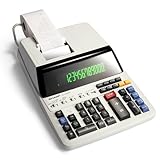
1. Sharp EL-1197PIII Heavy Duty Color Printing Calculator
Sharp EL-1197PIII Heavy Duty Color Printing Calculator with Clock and Calendar
4.5 LPS print speed
Two-color printing
Clock and calendar
Fluorescent display
Pros
- Fast 4.5 lines per second printing
- Quiet operation
- Bright fluorescent display
- Rugged heavy-duty build
- Intuitive color-coded keys
Cons
- Heavier than portable models
- Requires battery backup for clock
I tested the Sharp EL-1197PIII for three weeks straight during a busy stretch of accounting coursework, and it quickly became my favorite machine on this list. The print speed is the standout feature at 4.5 lines per second, which means you never sit around waiting for the tape to catch up. When you are powering through a long problem set, that speed advantage is noticeable.
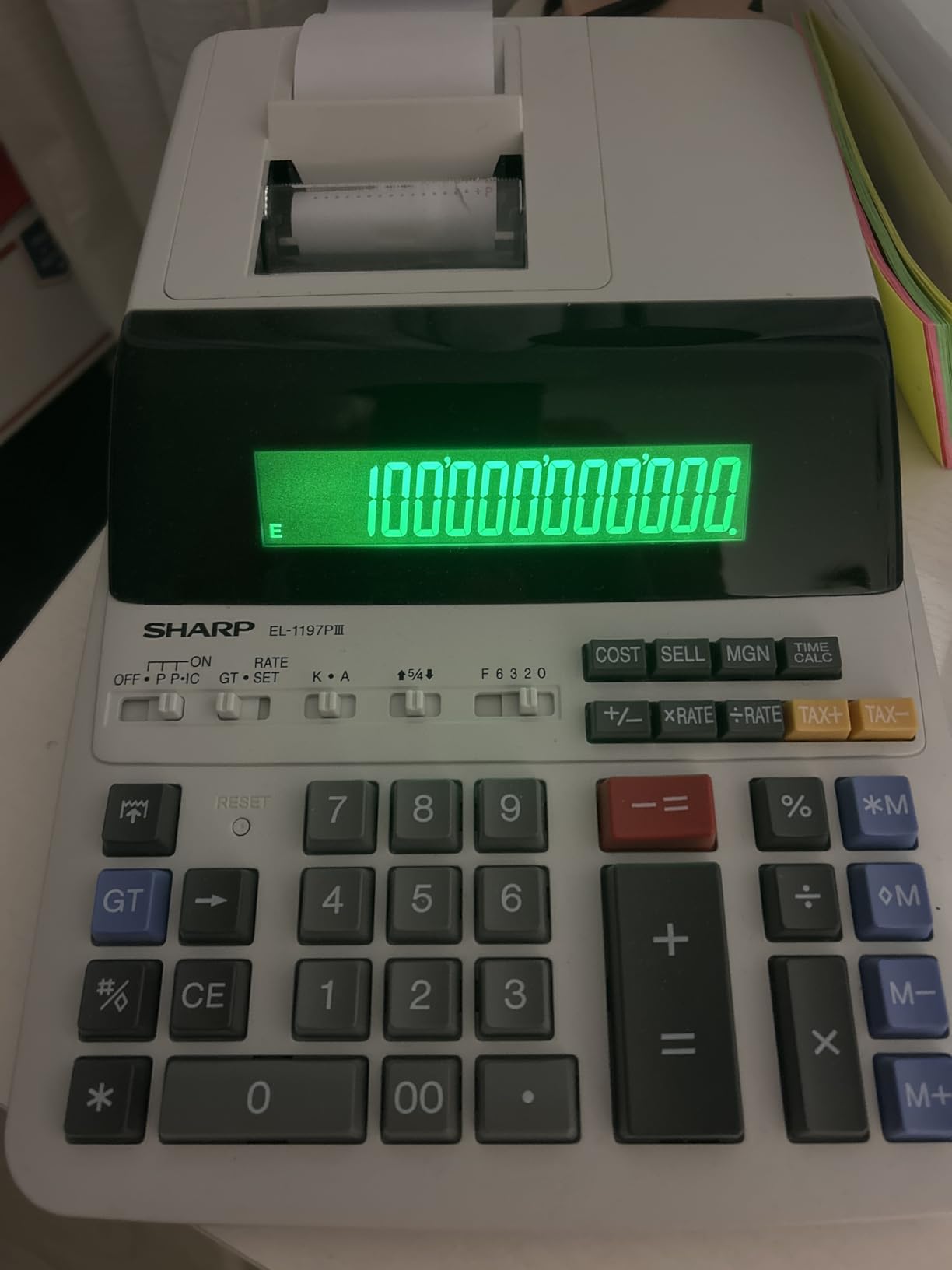
The two-color printing uses black for positive numbers and red for negatives or subtractions, making it easy to scan the tape at a glance. I also appreciated the built-in clock and calendar, which stamps each tape with a date and time. If your professor wants documentation of when you completed an assignment, that feature alone saves you from writing it by hand.
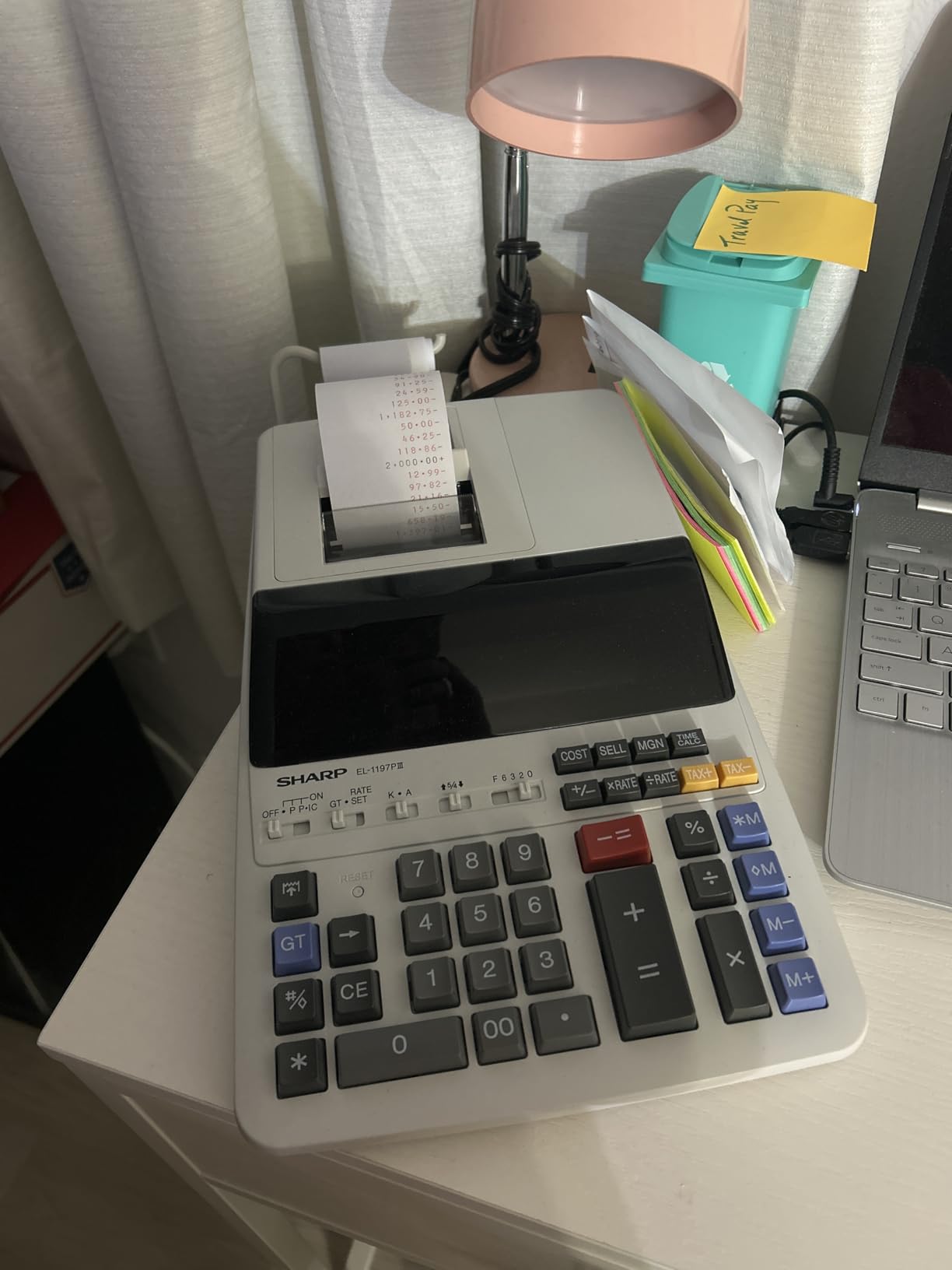
From a technical standpoint, the fluorescent display is large and bright enough to read from across a desk. The keys are color-coded by function group, so I found myself reaching for cost/sell/margin and tax keys without hunting around. The build quality feels solid, with enough weight to keep the calculator from sliding during fast input sessions.
The trade-off is portability. At about 4.2 pounds, this is not a calculator you toss in your backpack for a quick library session. It is designed to live on a desk, which makes it ideal for students who study primarily at home or in a dedicated workspace. For accounting students who want a professional-grade machine that mirrors what they will use in the workplace, this is the one to get.
Best for accounting and finance majors
If you are pursuing an accounting degree or taking upper-level finance courses, the EL-1197PIII gives you the closest experience to a professional office calculator. The fast print speed and quiet operation mean you can use it during study groups without being disruptive.
The cost/sell/margin keys and grand total functions align directly with what most accounting textbooks teach, so you are practicing on the same type of equipment you will encounter at your first job.
Portability and campus considerations
This calculator is heavier and larger than the compact models on this list, so it stays put once you set it down. That stability is actually an advantage during long calculation sessions, but it means you will not want to carry it between classes.
If you need a calculator for a dedicated home study desk, the EL-1197PIII is perfect. If you need something for the library or classroom, consider one of the lighter Casio models below.
2. Casio HR-170RC Plus Mini Desktop Printing Calculator
Casio HR-170RC Plus Mini Desktop Printing Calculator, Assorted
Two-color printing
Check and correct 150 steps
Cost sell margin
Dual power options
Pros
- Fast two-color printing
- Check and correct for 150 steps
- Dual power battery and AC
- Clock and calendar printouts
- Large 12-digit LCD
Cons
- Paper rolls need periodic replacement
- Some features may go unused by beginners
The Casio HR-170RC Plus is the calculator I would recommend to most students who want the best balance of features and value. I used it alongside the Sharp EL-1197PIII for two weeks, and for most student-level work I could barely tell the difference. The two-color printing is crisp, and the 2.0 lines per second speed is more than adequate for homework assignments and exam practice.
The check and correct function is the feature students mention most often in reviews, and I can see why. It lets you scroll back through up to 150 previous calculations, find errors, fix them, and reprint the corrected tape. When you are learning double-entry bookkeeping and inevitably fat-finger a number, this saves you from starting over.
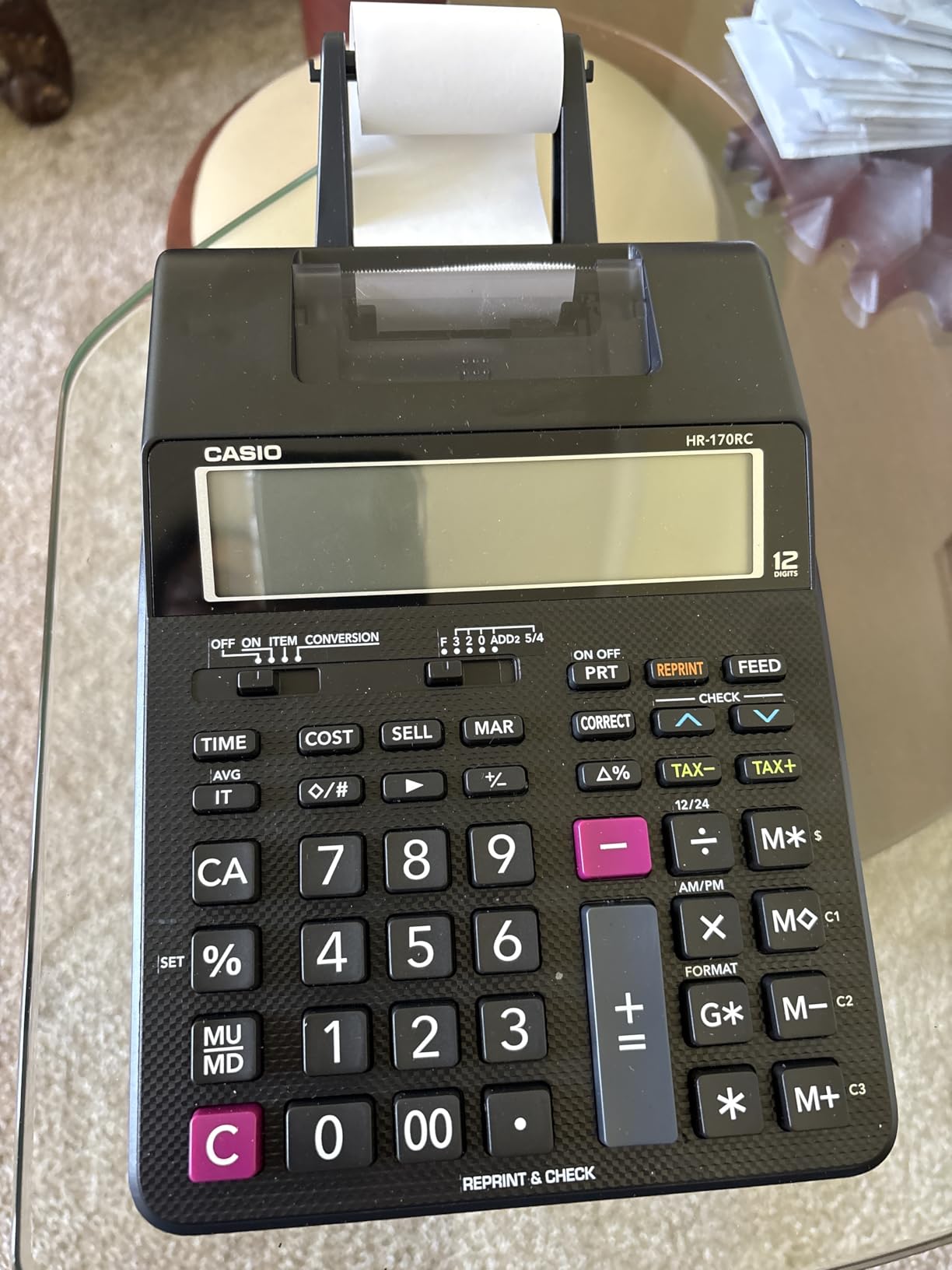
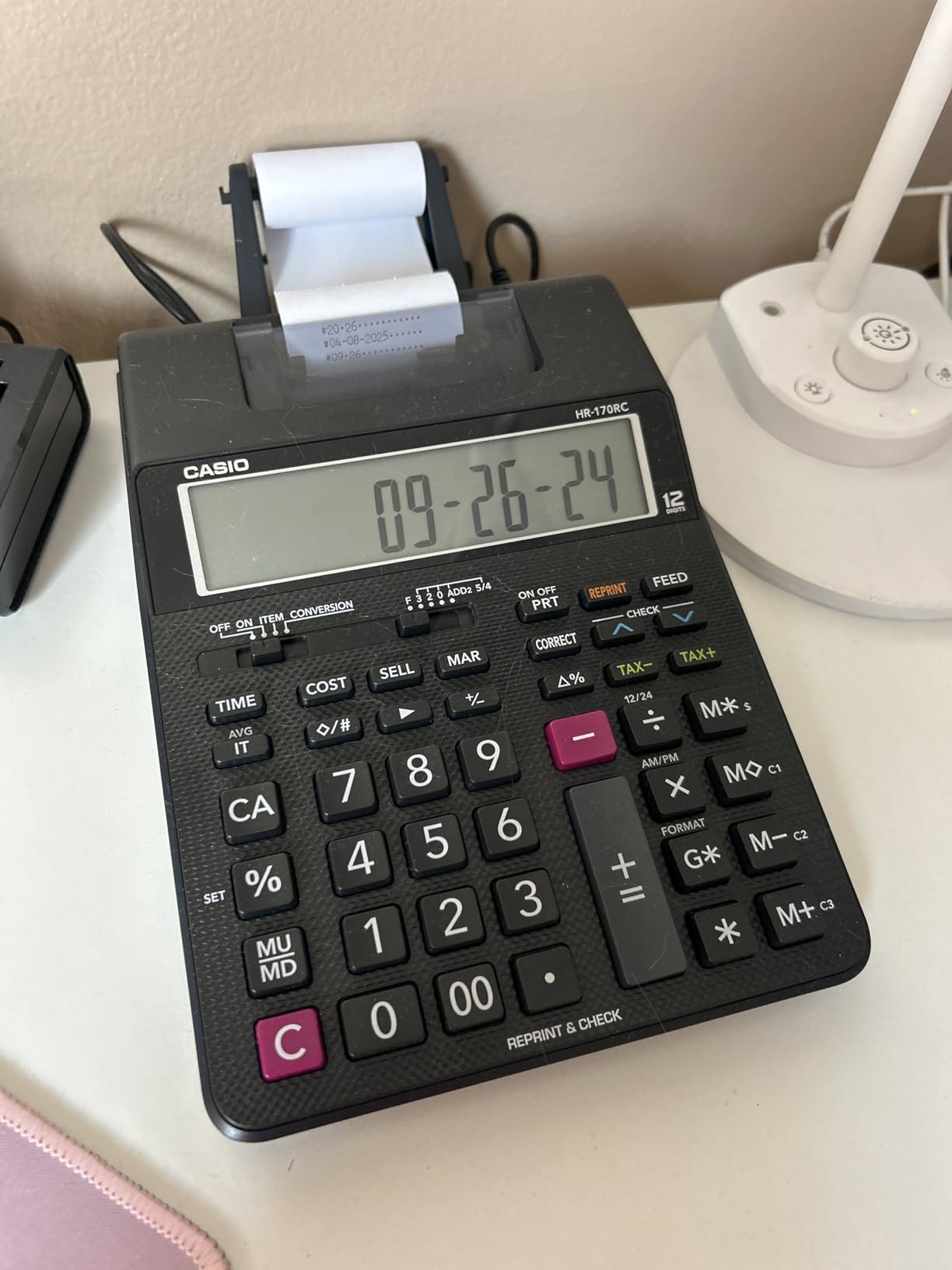
Technical details that stood out include the dual power option, which lets you run on batteries or plug into the wall with the included AC adapter. The 12-digit LCD is large and readable, and the plastic keys have a satisfying tactile response. At 1.7 pounds, it is easy to move between your desk and a study table.
The markup and markdown functions, tax calculation, and currency exchange features cover everything a business or accounting student will encounter. I also found the clock and calendar printouts useful for organizing tapes by date when prepping for exams. With over 5,000 reviews and a 4.6-star rating, this model has earned its reputation as a reliable student workhorse.
Ideal for bookkeeping and tax courses
The cost/sell/margin and tax keys make the HR-170RC Plus a natural fit for bookkeeping and tax preparation classes. I tested the tax function by calculating sales tax on a series of mock transactions, and the process was straightforward once I set the tax rate.
The re-print function lets you generate a second copy of your tape, which is handy when you need to submit calculations with an assignment and keep a copy for yourself.
Battery life and power flexibility
The dual power system means you are never stuck if the batteries die during a study session. I tested it on battery power alone for a full week of use, and the batteries held up fine for typical student workloads.
The included AC adapter is a nice bonus that the cheaper Casio HR-10RC does not include, making the HR-170RC Plus a better long-term value despite the slightly higher price.
3. Casio HR-10RC Mini Desktop Printing Calculator
Casio HR-10RC Mini Desktop Printing Calculator, Black
Compact mini desktop
12-digit LCD
Tax and currency
150-step check and correct
Pros
- Compact and portable mini size
- Check and correct 150 steps
- Tax and currency functions
- Automatic date and time printing
- Rubberized keys for comfortable input
Cons
- Instructions can be confusing
- Paper loading tricky at first
- Smaller size not for everyone
As the most affordable option in this roundup, the Casio HR-10RC surprised me with how capable it is for student use. I carried it in my backpack for two weeks and used it in the library, at coffee shops, and between classes. At just 0.76 pounds, it is the lightest calculator on this list by a wide margin.
The 12-digit LCD and one-color printer handle all the basic functions students need, including tax calculation, currency exchange, and cost/sell/margin. The check and correct function covers up to 150 steps, matching what the more expensive Casio HR-170RC Plus offers. For students on a tight budget, this model delivers serious value.
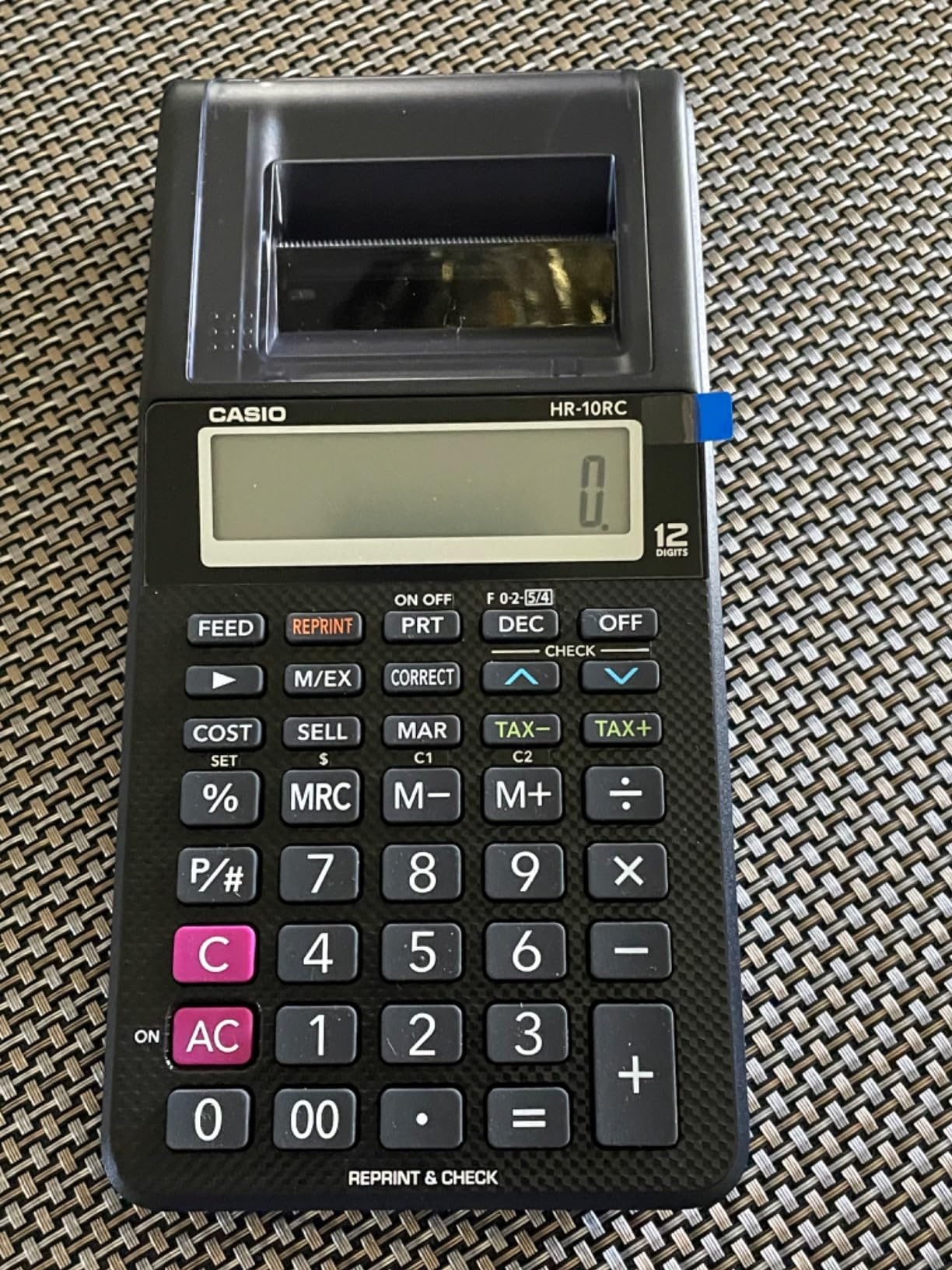
On the technical side, the one-color printing is the main compromise compared to pricier models. You lose the black-and-red differentiation that helps you quickly spot negatives and subtractions on the tape. For most student work, this is not a dealbreaker, but it is worth knowing before you buy.
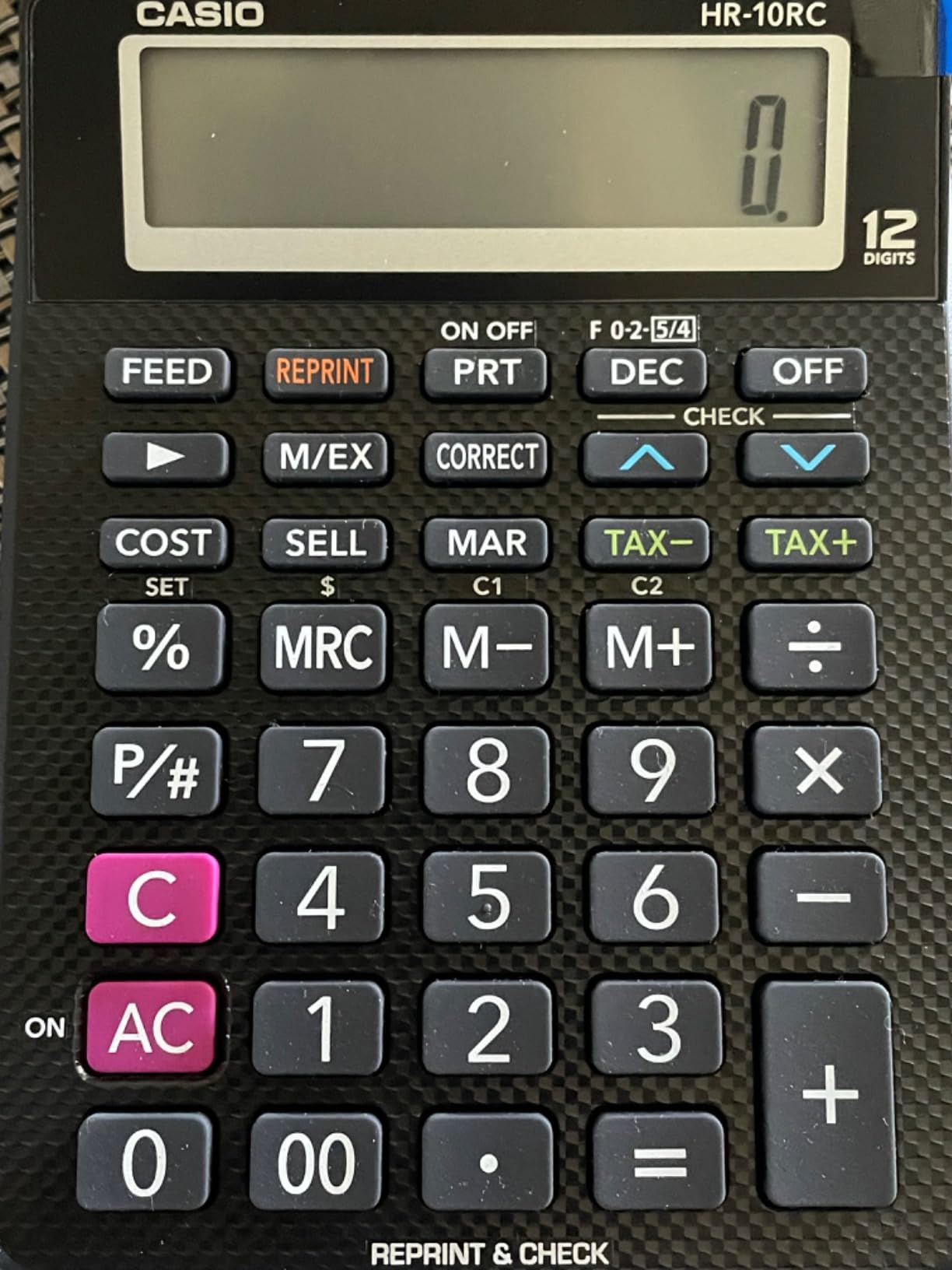
The rubberized keys feel good under your fingers, and the compact footprint means it fits on even the smallest dorm desk. Paper loading took me a couple of attempts to figure out on the first day, but after that it became routine. With over 4,600 reviews and a 4.4-star rating, this is one of the most popular printing calculators on the market for good reason.
Best budget option for introductory classes
If you are just starting accounting or business classes and are not sure whether you will need a printing calculator long-term, the HR-10RC lets you test the waters without a big investment. It has enough features for introductory coursework without overwhelming you with advanced functions.
The compact size also makes it a good backup calculator if you already own a larger model for home use but want something portable for campus.
Limitations to know before buying
The one-color printing means you need to pay closer attention to positive versus negative entries when reviewing your tape. The included instructions are not the clearest, so I recommend watching a quick setup video on YouTube before your first use.
Battery-only power means you should keep spare AAAs on hand during exam season. There is no AC adapter option on this model.
4. Sharp EL-1801V Ink Printing Calculator
Sharp EL-1801V Ink Printing Calculator, 12-Digit LCD, AC Powered, Off-White, Ideal for Business & Office Use, Easy-to-Read Display & Durable Design
2.5 LPS two-color printing
12-digit fluorescent display
AC powered
Cost sell margin
Pros
- Bright fluorescent display
- Fast 2.5 lines per second printing
- Ergonomic well-spaced keys
- Standard ink roller easy to replace
- Number one bestseller in category
Cons
- AC powered only not portable
- Limited six-month warranty
- Some quality concerns on newer units
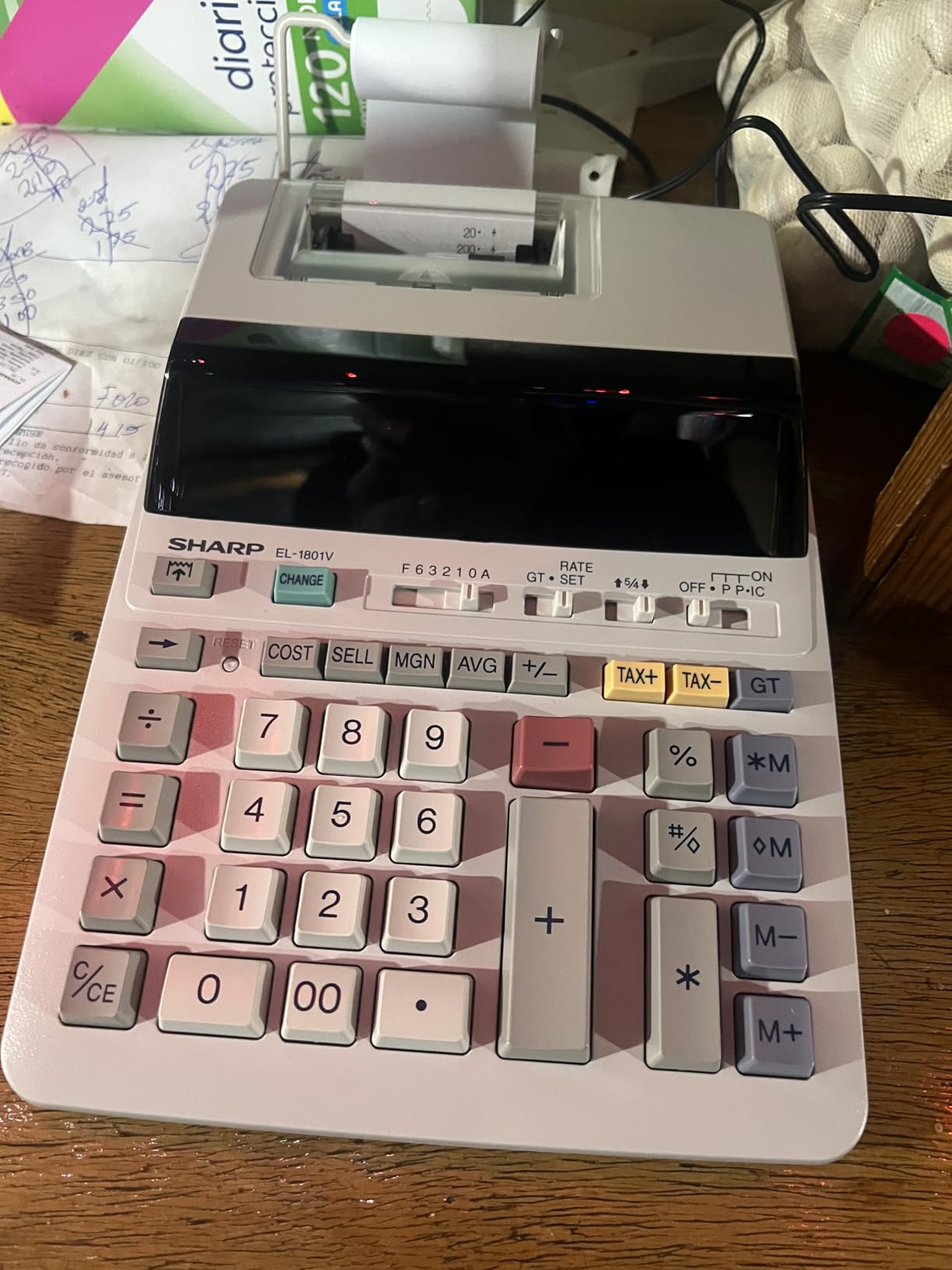
The Sharp EL-1801V holds the number one bestseller spot in the printing calculator category on Amazon, and after testing it for two weeks I understand why. The fluorescent display is the brightest and easiest to read of any calculator on this list, which matters when you are working through long problem sets late at night.
The two-color printing runs at 2.5 lines per second, which is fast enough for student work and noticeably quicker than the Casio models. The one-touch change calculation and cost/sell/margin keys are laid out intuitively, and the ergonomic key shapes make extended input sessions comfortable.
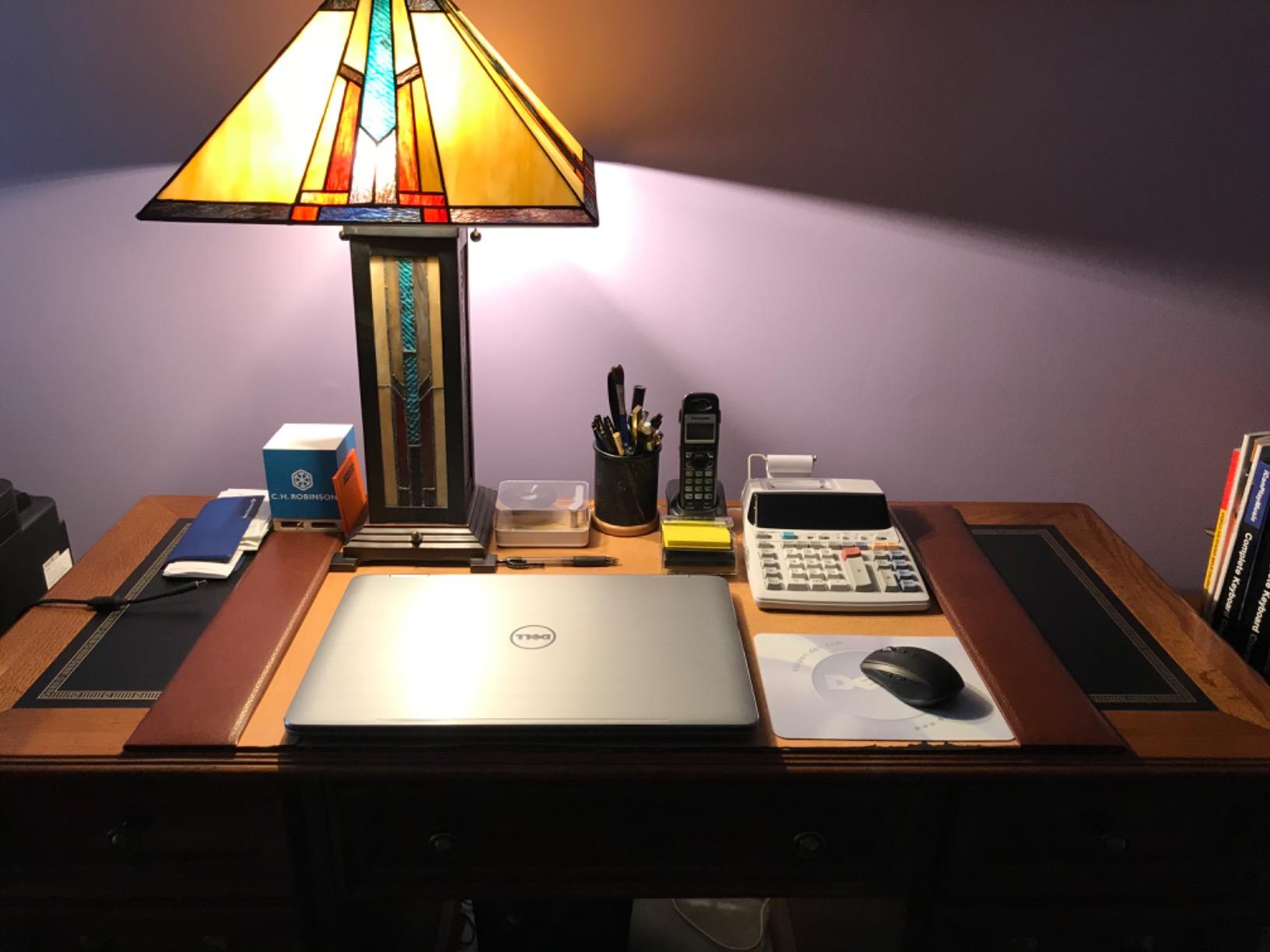
Technically, this is an AC-only calculator, which is the biggest drawback for students. You need to be near an outlet, so it is strictly a desk machine. The standard Victor IR40T ink roller is widely available and inexpensive to replace, which keeps long-term costs down.
With over 8,100 reviews and a 4.5-star rating, this model has a massive user base. Some recent reviewers have mentioned quality variability in newer production runs, so it is worth buying from a seller with a good return policy. The six-month warranty is shorter than what Casio offers, which is something to keep in mind.
Best desktop display for long study sessions
The fluorescent display on the EL-1801V is genuinely superior to LCD screens for readability, especially in dim lighting. If you do most of your studying in the evening, this display reduces eye strain compared to the LCD models on this list.
The large key spacing also helps with accuracy when you are entering numbers quickly, which is exactly the ten-key skill your accounting professors want you to develop.
Power and placement considerations
Because this calculator requires AC power, plan to set it up in a permanent study location. It is not the right choice if you need a calculator you can take to class or the library.
The upside of AC-only power is that you never have to worry about batteries dying during an important assignment. For students who study primarily at a home desk, this is actually an advantage.
5. Victor 1205-4 12 Digit Portable Commercial Printing Calculator
Victor 12-Digit Portable Printing Calculator, 2.0 Lines-Per-Second Printer with Cost, Sell and Margin Keys, 25% Recycled Plastic Enclosure, 1.8 x 4 x 8-Inches, Black (1205-4)
12-digit LCD
2.0 LPS one-color printer
Dual power battery and AC
Cost sell margin
Pros
- Large 12-digit display
- Dual power battery or AC
- Cost sell margin functions
- Made with 25 percent recycled plastic
- Fast 2.0 lines per second printing
Cons
- Button layout can feel cluttered
- Paper loading reported as difficult
- Some key failures after extended use
The Victor 1205-4 caught my attention because it is one of the few printing calculators built with 25 percent recycled plastic, which appeals to environmentally conscious students. I tested it for two weeks and found it to be a capable machine that sits between the budget Casio models and the premium Sharp calculators in terms of features.
The dual power system is a real plus for students. You can run it on four AA batteries when you are away from an outlet, or plug in the included AC adapter for extended desk work. The 2.0 lines per second print speed matches the Casio HR-170RC Plus, and the cost/sell/margin keys handle standard business calculations without issue.
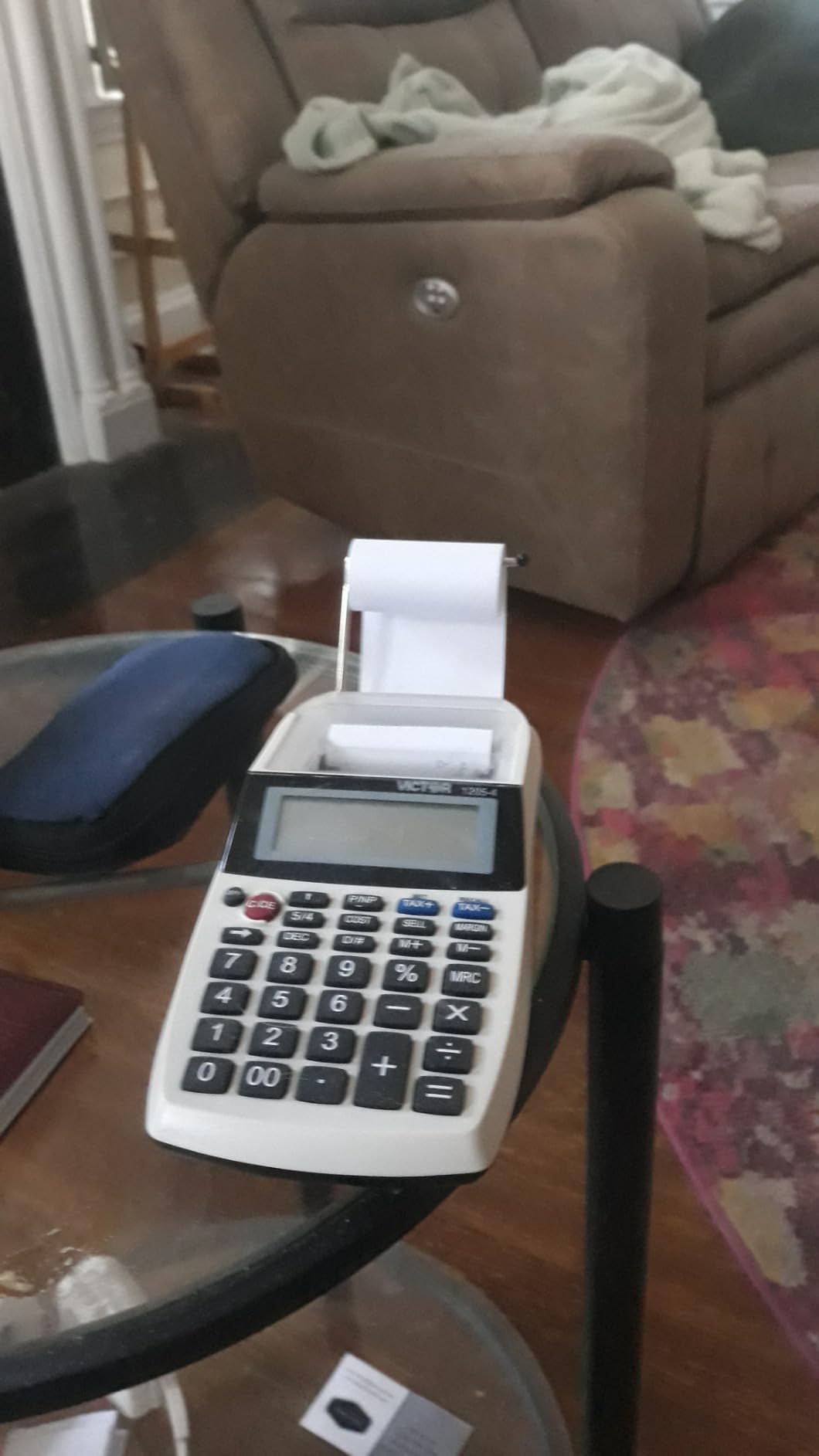
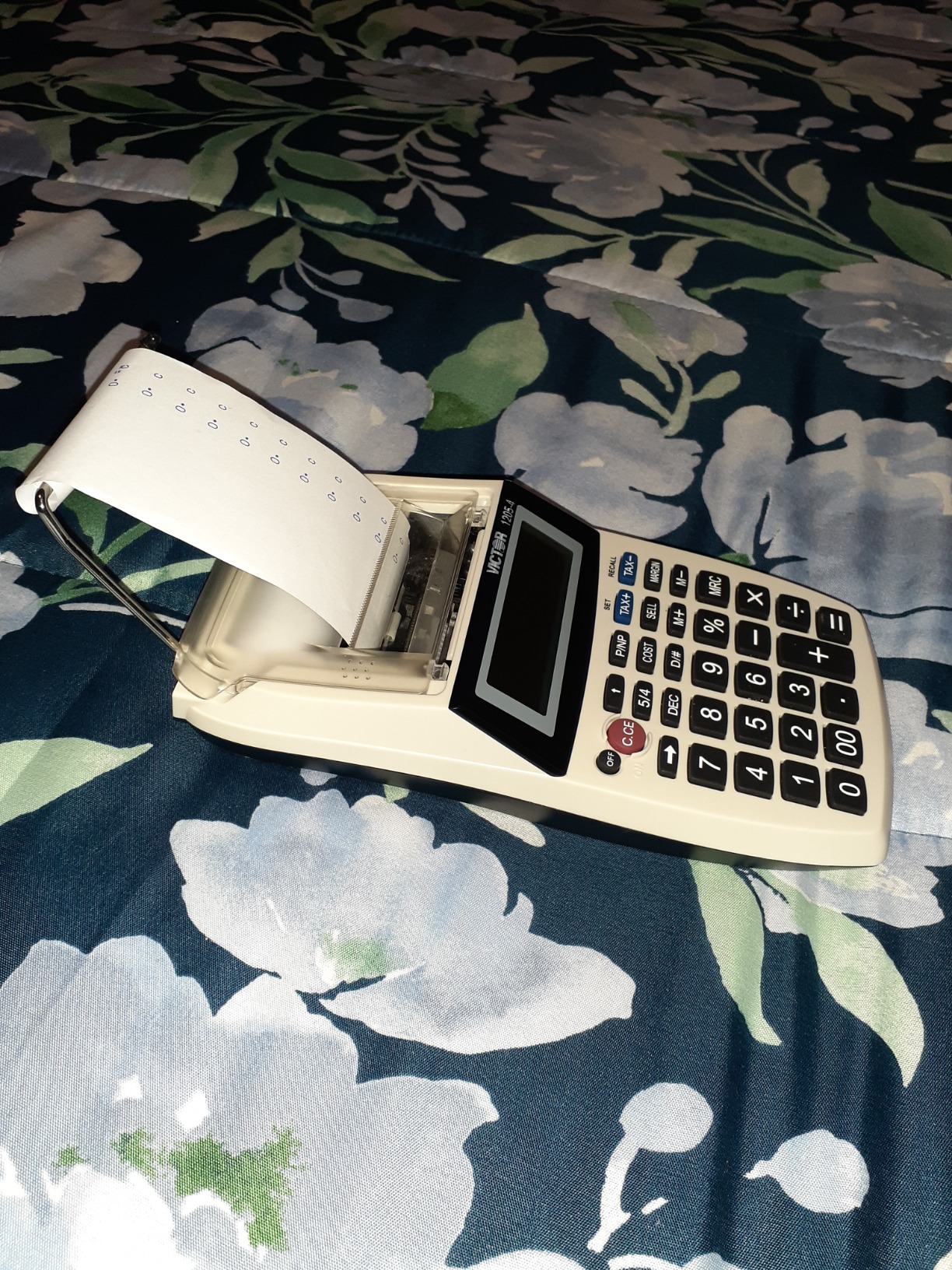
On the technical side, the 12-digit LCD is clear and the one-color printer produces legible tapes for most student applications. The button layout includes more keys than some competitors, which gives you access to a wider range of functions but can feel cluttered if you are used to a simpler layout.
With a 4.1-star rating across 1,453 reviews, this calculator has a decent track record but has drawn some criticism for paper loading difficulty and occasional key failures after extended use. I did not experience these issues during my testing period, but they are worth noting if you plan to use the calculator heavily for multiple semesters.
Sustainability and build quality
The recycled plastic construction is a genuine differentiator if environmental impact matters to you. The build feels solid for the price range, and the calculator has enough weight to stay stable during fast input without being heavy enough to be a burden.
Victor has been making commercial calculators for decades, and the brand is well-known in office supply circles for durability.
Learning curve and usability
The larger number of function keys means there is a slightly steeper learning curve compared to the simpler Casio models. I recommend spending an afternoon with the manual before relying on it for coursework.
Once you are familiar with the layout, the extra functions become genuinely useful for advanced accounting and business math coursework.
6. Canon P1-DHV-3 Printing Desktop Calculator
Canon P1-DHV-3 Printing Desktop Calculator, Sliver (2203C001)
Palm-sized portable design
Profit margin calc
Tax rate storage
Battery powered
Pros
- Compact palm-sized design
- Time calculation for fee structures
- Profit margin calculation
- Tax rate storage and recall
- Easy paper loading
Cons
- No wall adapter included
- Paper holder could be sturdier
- Some reported defective units
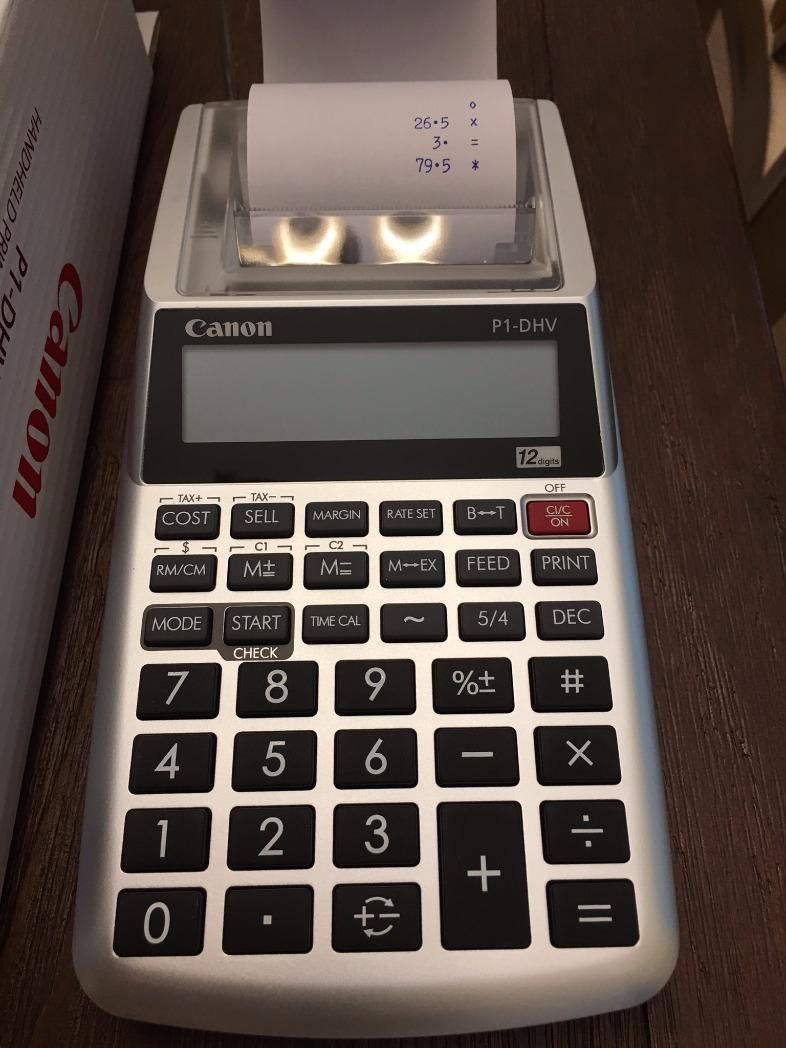
The Canon P1-DHV-3 is the most compact calculator in this roundup, with a palm-sized design that fits in a small bag or even a large pocket. I tested it during a week of campus use and found it genuinely portable in a way that none of the other models can match.
The silver metallic finish looks professional, and the calculator runs on four AA batteries, which are included in the box. The time calculation feature is useful for course work involving hourly rate computations, and the profit margin calculation handles basic business math with ease.
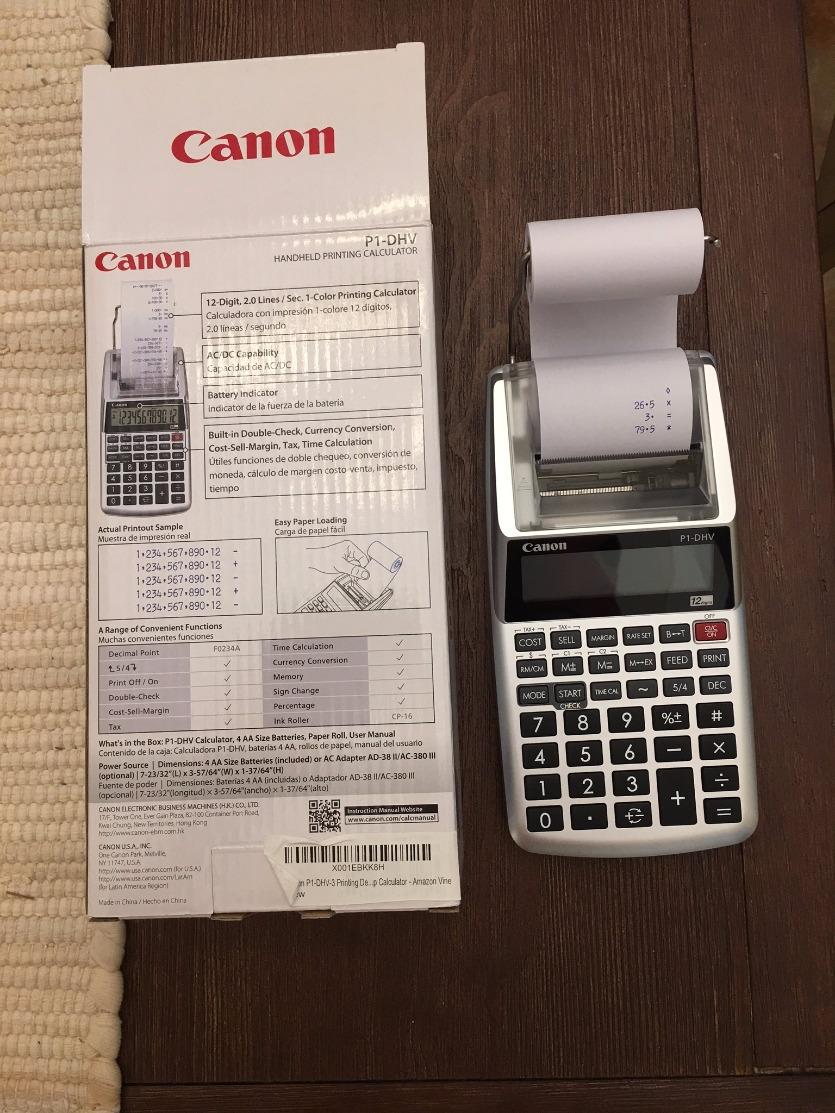
From a technical perspective, the tax rate storage and recall function lets you save a rate and apply it across multiple calculations, which is handy for tax preparation assignments. The easy paper loading mechanism is one of the best I have used, requiring no fiddling to get the tape started.
The main trade-off is that there is no AC adapter included, so you are reliant on battery power. The paper holder is somewhat flimsy compared to the sturdier designs on the Sharp and Casio models. With 590 reviews and a 4.2-star rating, this calculator is less popular than the Casio and Sharp options, but it fills a niche for students who prioritize portability above all else.
Most portable option for campus use
If you need a printing calculator you can genuinely carry to class, the Canon P1-DHV-3 is your best bet. It is small enough to fit alongside a notebook in a standard backpack compartment.
The battery-only operation means no cords to manage, which simplifies campus use considerably.
When to choose a different model
If you need two-color printing, dual power options, or a check and correct function, you will need to step up to one of the Casio or Sharp models. The Canon P1-DHV-3 prioritizes size over features.
For students who only need basic printing functions on the go, though, it gets the job done at a price that fits a student budget.
Buying Guide: How to Choose a Printing Calculator for Student Use
Choosing the right printing calculator comes down to understanding what features matter most for your specific coursework and study habits. I have broken down the key factors based on my testing experience and feedback from accounting students on Reddit.
Print speed and type
Print speed is measured in lines per second, and it ranges from 2.0 LPS on the budget models to 4.5 LPS on the Sharp EL-1197PIII. For most student work, anything at or above 2.0 LPS feels responsive enough. Two-color printing, which uses black for positives and red for negatives, makes reviewing tapes much easier and is worth prioritizing if your budget allows.
Display type and readability
You will encounter two display types: LCD and fluorescent. LCD displays are standard on most models and are perfectly readable in normal lighting. Fluorescent displays, like the one on the Sharp EL-1801V, are brighter and easier to read in dim conditions but require AC power. If you study late at night, a fluorescent display can reduce eye strain significantly.
Power options for campus use
Calculators with dual power options give you the flexibility to work anywhere. Battery-only models are more portable but require you to keep spares on hand. AC-only models like the Sharp EL-1801V are limited to desk use but never run out of power mid-assignment. Think about where you do most of your studying before deciding.
Portability and weight
If you study in multiple locations, weight matters more than you might think. The Casio HR-10RC at 0.76 pounds and the Canon P1-DHV-3 at 11.2 ounces are the easiest to carry. The Sharp EL-1197PIII at 4.2 pounds is strictly a desk machine. Match the calculator’s portability to your actual study patterns.
Noise level in shared spaces
Printing calculators make noise, and if you study in a library or shared workspace, this matters. From my testing, the Sharp EL-1197PIII was the quietest despite being the fastest printer. The Casio models produce a moderate clicking sound that is noticeable but not disruptive. The Victor and Canon models fall somewhere in between.
Key features for accounting students
Look for cost/sell/margin keys, tax calculation, check and correct functionality, and a grand total key. These are the features you will use most in accounting and bookkeeping courses. The check and correct function, available on the Casio HR-170RC Plus and Casio HR-10RC, is particularly valuable because it lets you fix errors without redoing entire calculations.
Budget considerations
All six calculators in this roundup fall in a student-friendly range. The cheapest options deliver core functionality, while the mid-range models add two-color printing and dual power. The premium Sharp models cost more but offer professional-grade speed and durability. Consider how many semesters you will use the calculator when evaluating the investment.
FAQs
What is the best calculator for students?
The best printing calculator for students depends on your coursework. For accounting and finance majors, the Sharp EL-1197PIII offers professional-grade speed at 4.5 lines per second. For most students seeking value, the Casio HR-170RC Plus provides two-color printing, check and correct, and dual power at a mid-range price.
Do people still use printing calculators?
Yes, printing calculators remain widely used in accounting, bookkeeping, tax preparation, and business courses. Professors in these fields often expect students to develop ten-key skills on a physical printing calculator, and the paper tape provides a verifiable record of calculations that digital alternatives cannot match.
What are printing calculators called?
Printing calculators are also known as adding machines, ten-key calculators, or commercial calculators. They are sometimes referred to as desktop printing calculators or bookkeeping calculators, depending on the context and intended use.
What calculators do college students use?
College students in accounting and business programs typically use printing calculators like the Casio HR-170RC Plus or Sharp EL-1801V for coursework requiring paper tapes. Students in math and science courses use graphing calculators like the TI-84, which serve a completely different purpose. Some students need both types during their degree program.
Conclusion
After testing all six models, my top recommendation for the best printing calculators for students in 2026 is the Sharp EL-1197PIII for accounting majors who want professional-grade performance, and the Casio HR-170RC Plus for students who want the best overall value. If budget is the primary concern, the Casio HR-10RC delivers essential features in a compact, portable package.
Think about where you study, what features your courses require, and how long you expect to use the calculator before making your choice. Any of the six models on this list will serve you well through your degree. Pick the one that matches your specific needs and get practicing on that ten-key.