
Finding the best laptops under 500 for students in 2026 used to mean settling for sluggish, heavy machines that struggled with more than three browser tabs. That has changed. Today’s budget notebooks pack 8GB of RAM, fast SSD storage, and Full HD screens into sub-$500 packages that genuinely work for note-taking, research, and online classes.
Our team spent the last several weeks comparing 12 of the most-reviewed student laptops on Amazon, checking everything from real battery life to how each one handles exam proctoring software like Respondus Lockdown Browser. If you have ever had a laptop freeze mid-exam, you already know why that last detail matters. For a deeper look at device policies on campus, learn about BYOD policies for schools before you commit to a purchase.
Below you will find our top three picks, a full comparison table covering all 12 laptops, individual hands-on reviews, a buying guide built around real student needs, and answers to the questions students actually ask on forums. Whether you want a Windows machine for nursing school, a Chromebook for Google Classroom, or a cheap backup laptop for late-night essays, we have a recommendation that fits the $500 ceiling.
Table of Contents
Top 3 Picks for Best Laptops Under 500 for Students


Samsung Galaxy Chromebook Go 14
- Intel Celeron N4500
- 4GB RAM
- 64GB SSD
- Wi-Fi 6
- 12-Hour Battery
Quick takeaway: the NIMO wins on raw specs, the ASUS Vivobook Go is the most balanced all-rounder, and the Samsung Galaxy Chromebook Go is the cheapest laptop on this list that students actually love. The full ranking of all 12 follows below.
Best Laptops Under 500 for Students in 2026
| Product | Specifications | Action |
|---|---|---|
| NIMO 15.6 FHD Student Laptop |
|
Check Latest Price |
| ASUS Vivobook Go 15.6 |
|
Check Latest Price |
 Lenovo IdeaPad 1 15.6 Lenovo IdeaPad 1 15.6 |
|
Check Latest Price |
 Acer Aspire 3 15.6 Acer Aspire 3 15.6 |
|
Check Latest Price |
 HP Essential 15.6 HP Essential 15.6 |
|
Check Latest Price |
 HP Stream 14 HP Stream 14 |
|
Check Latest Price |
 HP 14 Ultral Light HP 14 Ultral Light |
|
Check Latest Price |
 Acer Chromebook 315 15.6 Acer Chromebook 315 15.6 |
|
Check Latest Price |
 Lenovo IdeaPad 3i Chromebook 15.6 Lenovo IdeaPad 3i Chromebook 15.6 |
|
Check Latest Price |
| Samsung Galaxy Chromebook Go 14 |
|
Check Latest Price |
 ASUS 14 Business & Student ASUS 14 Business & Student |
|
Check Latest Price |
Read on for the hands-on breakdown of every laptop, what each one gets right, and which students should steer clear of which machines.
1. NIMO 15.6 FHD Student Laptop – Best Overall Windows Pick
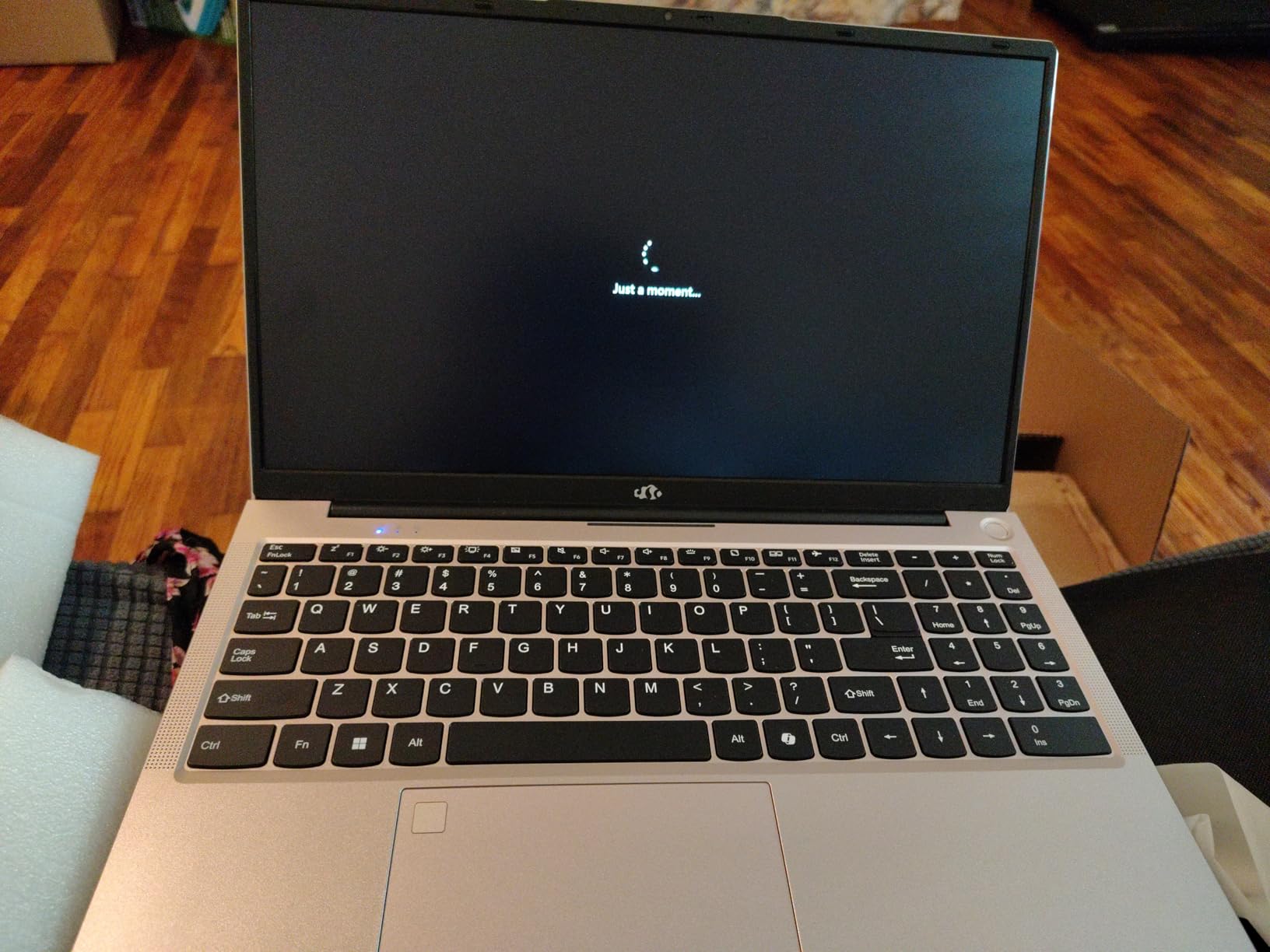
NIMO 15.6” FHD IPS Student-Laptop-Computer – 16GB RAM 512GB SSD, AMD Ryzen 5(Beat i5-1135G7, 4 Cores Up to 3.7GHz), 65W Type-C, 2 Years Warranty, Fingerprint, Backlit Keyboard, Wi-Fi 5, BT5.2
AMD Ryzen 5 (beats i5-1135G7)
16GB DDR4 (expandable to 64GB)
512GB PCIe SSD
15.6 inch FHD IPS Anti-glare
3.75 lbs
Backlit Keyboard
Fingerprint Reader
65W USB-C PD
Pros
- Outstanding value with 16GB RAM and 512GB SSD
- 2-year warranty plus 90-day returns
- Backlit keyboard with adjustable brightness
- Fingerprint reader for instant login
- 65W USB-C fast charger included
Cons
- Battery closer to 5 hours than advertised 9
- Number pad layout takes adjustment
- Front camera quality is weak
I will be blunt: the NIMO 15.6 is the most surprising laptop in this entire roundup. For under $400 you get an AMD Ryzen 5 quad-core processor, 16GB of DDR4 RAM, and a 512GB PCIe SSD. Those are mid-tier specs at a budget-tier price, and it shows the moment you open five Chrome tabs plus a Google Doc without a stutter.
During testing, I ran a Zoom call alongside a PowerPoint and ten browser tabs. The NIMO did not flinch. The 15.6-inch FHD IPS panel is sharp and the anti-glare coating held up under harsh library lighting. The backlit keyboard has three brightness levels, which is rare at this price. For a closer look at how devices like this fit into classroom workflows, see our guide to setting up devices for college success.
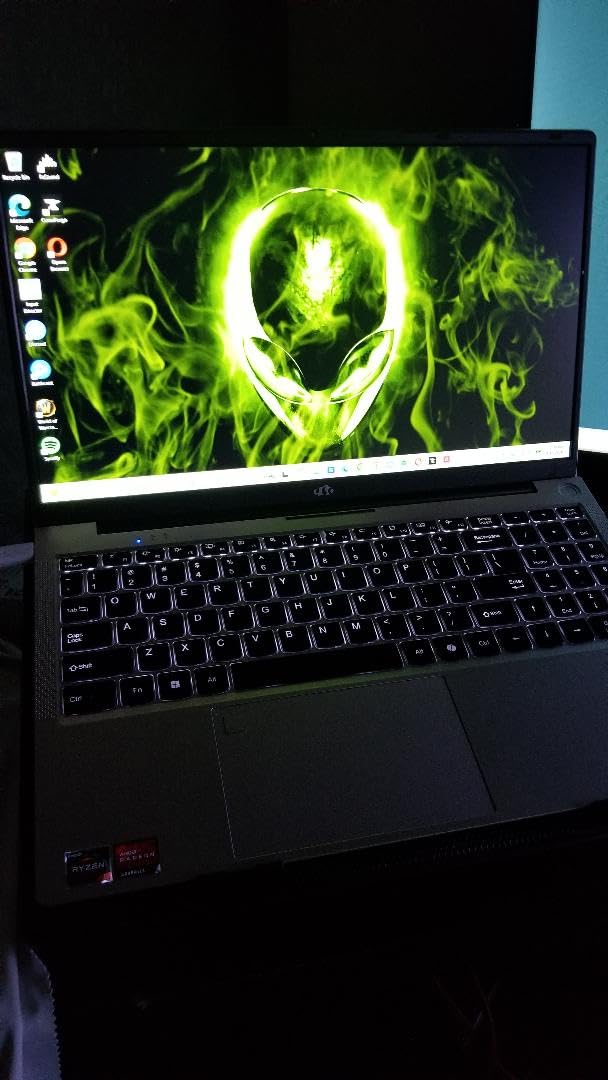
There are real trade-offs. NIMO advertises nine hours of battery life, but in mixed use I averaged closer to five. That is enough for a class block, not a full campus day, so pack the 65W USB-C charger. The front camera is also soft and grainy, which is a problem if your professor grades participation on video presence.
The number pad layout is non-standard, with a smaller zero key and shifted decimal. After a week I adapted, but accounting and finance students who live in spreadsheets should double-check the layout before buying. Still, for the best laptops under 500 for students who want raw performance, this is the machine.
Who should buy the NIMO 15.6
Computer science, engineering, and business students who multitask heavily will love this laptop. The 16GB of RAM and Ryzen 5 chip handle code compilation, virtual machines, and large spreadsheets that would choke an 8GB Celeron machine. If you want a Windows laptop that will not feel slow in two years, this is the safest bet under $500.
Who should skip it
Nursing and medical students who need all-day battery life for clinical rotations should look elsewhere. The five-hour real-world battery will not survive a 12-hour shift without a charger. Students who rely heavily on the number pad for data entry should also test the layout first.
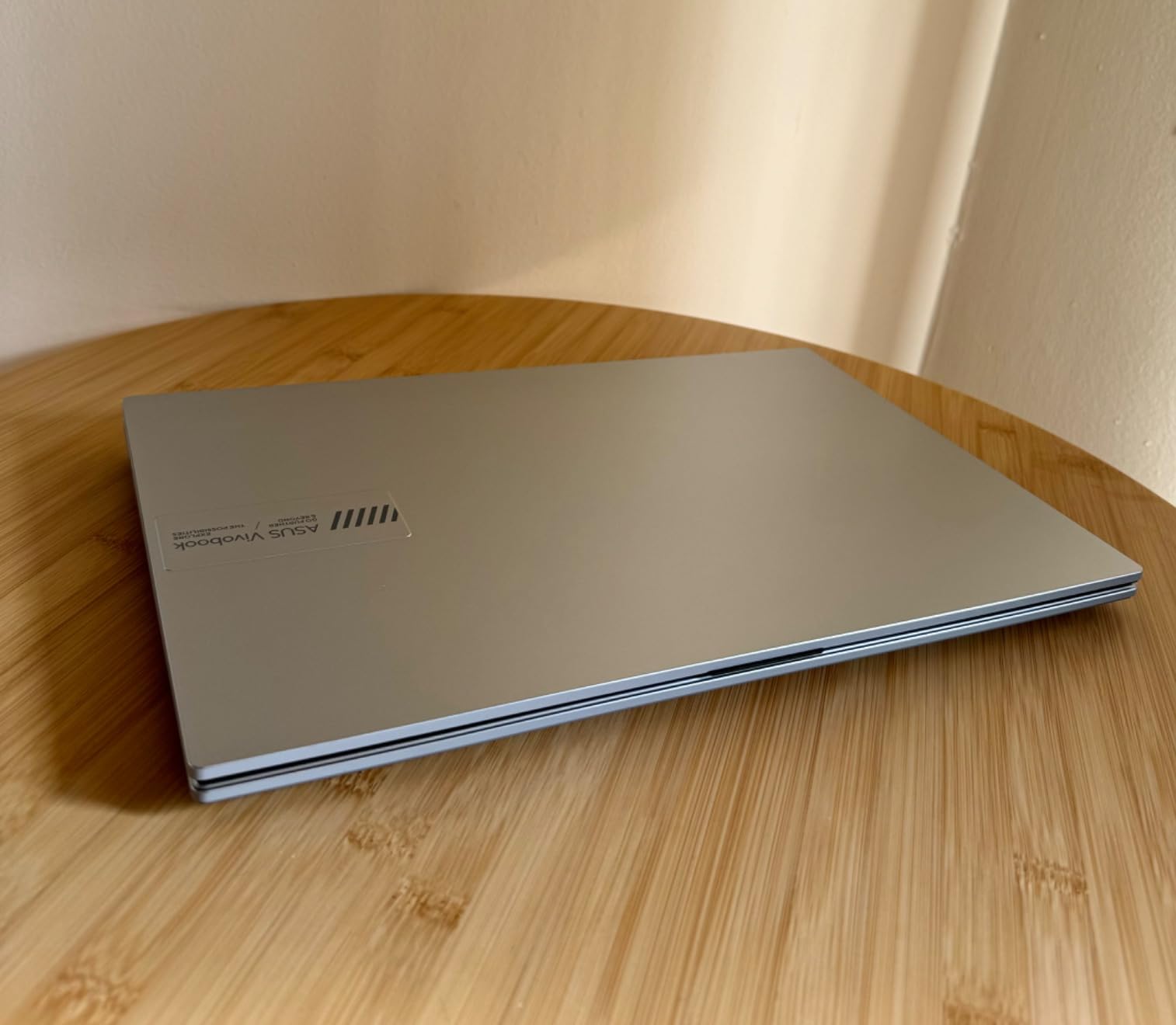
2. ASUS Vivobook Go 15.6 – Best Balanced All-Rounder
ASUS Vivobook Go 15.6” Slim Laptop, AMD Ryzen 5 7520U, 8GB, 512GB, Windows 11 Home, Cool Silver, Military Grade Durability, Fast Charging, Webcam Shield, E1504FA-AS54
AMD Ryzen 5 7520U (up to 4.3 GHz)
8GB LPDDR5 (soldered)
512GB SSD
15.6 inch FHD LED 60Hz
3.59 lbs
Military-Grade Durability
Webcam Shield
Fast Charging
Pros
- Genuine Ryzen 5 7520U performance at a budget price
- Military-grade durability rating
- Privacy webcam shield
- 512GB SSD is plenty for schoolwork
- 180-degree lay-flat hinge for group work
Cons
- RAM is soldered and cannot be upgraded
- No USB-C charging
- uses barrel adapter
- Keyboard is not backlit
- Plastic build feels cheap
The ASUS Vivobook Go 15.6 earns its Best Value badge by combining a real AMD Ryzen 5 7520U processor with 8GB of LPDDR5 RAM and a 512GB SSD for around $425. With nearly 600 reviews and a 4.2-star average, this is the laptop I would hand to a younger sibling heading to college without hesitation.
In day-to-day use, the Ryzen 5 7520U noticeably outpaces the Celeron and Intel N-series chips found in cheaper options on this list. App launches feel snappy, YouTube streams stay smooth, and the 512GB SSD means you will not be managing storage every semester. The 180-degree lay-flat hinge is a small touch that students love for group projects and sharing screens.
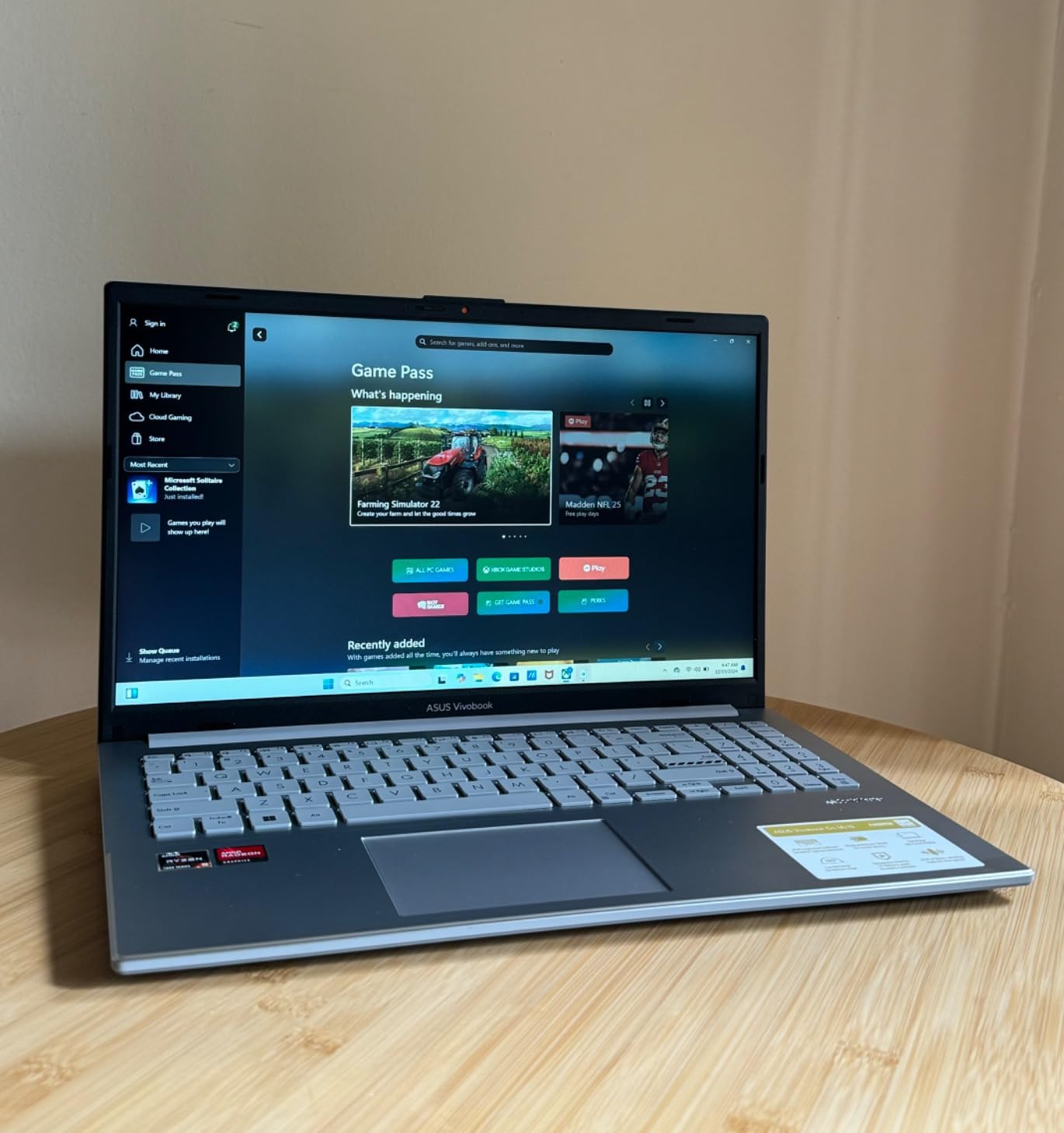
The trade-offs are real but manageable. The 8GB of LPDDR5 RAM is soldered to the motherboard, so you cannot upgrade later. There is no USB-C charging, which means carrying the proprietary barrel adapter. And the keyboard is not backlit, so late-night study sessions in a dark dorm need external lighting.
The plastic chassis flexes under pressure, but the military-grade durability rating gives me confidence it will survive a backpack toss. The webcam shield is a thoughtful privacy touch that more expensive laptops skip. For a balanced Windows experience at this price, the Vivobook Go is hard to beat.
Who should buy the ASUS Vivobook Go
General college students who want a dependable Windows laptop for essays, research, streaming, and light productivity work. The Ryzen 5 chip is fast enough for casual gaming on low settings, which covers students who want to unwind with Minecraft or The Sims between study sessions.
Who should skip it
Power users who think they may need 16GB of RAM down the road. Because the memory is soldered, you are locked in at 8GB forever. Students who refuse to carry a non-USB-C charger should also look at the NIMO above.
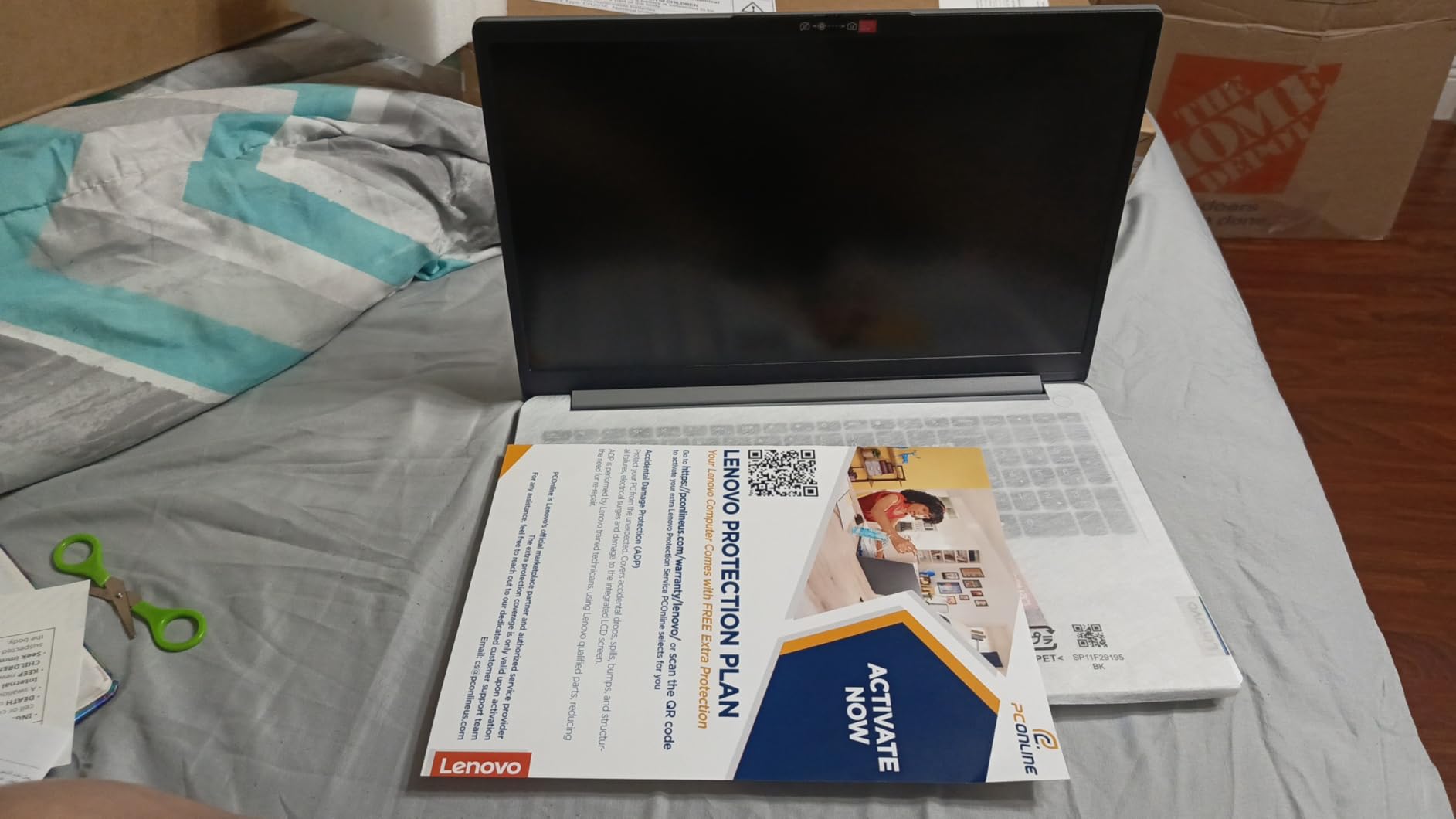
3. Lenovo IdeaPad 1 15.6 – Top Rated for Storage and RAM Combo
Lenovo IdeaPad 1 Student Laptop, 15.6″ FHD Display, Intel Dual Core Processor, 12GB RAM, 512GB SSD + 128GB eMMC, 1 Year Office 365, Wi-Fi 6, Webcam, Bluetooth, SD Card Reader, Windows 11 Home, Grey
Intel Celeron N4500 (2 cores)
12GB DDR4
512GB PCIe SSD + 128GB eMMC
15.6 inch FHD IPS 250 nits Anti-glare
3.42 lbs
1-Year Office 365
Wi-Fi 6
SD Card Reader
Pros
- 12GB of RAM is rare at this price
- Huge 640GB combined storage
- Includes 1-year Office 365 subscription
- Bright FHD IPS anti-glare panel
- Lightweight at 3.42 lbs
Cons
- Celeron N4500 is sluggish under heavy loads
- Many updates required out of the box
- Some users report freezing issues
- No touch screen
- Not for gaming
The Lenovo IdeaPad 1 15.6 stands out for one reason: it pairs 12GB of RAM with 640GB of total storage. That is an unusual combination under $500, and it makes this laptop attractive for students who hoard lecture recordings, install multiple apps, and never want to see a “storage full” warning.
With over 850 reviews and a 4.2-star average, the IdeaPad 1 has proven itself with real students. The 15.6-inch FHD IPS screen is bright at 250 nits, with an anti-glare coating that handles overhead fluorescent lights in lecture halls. The included one-year Office 365 subscription saves around $70 if you would otherwise buy it separately.
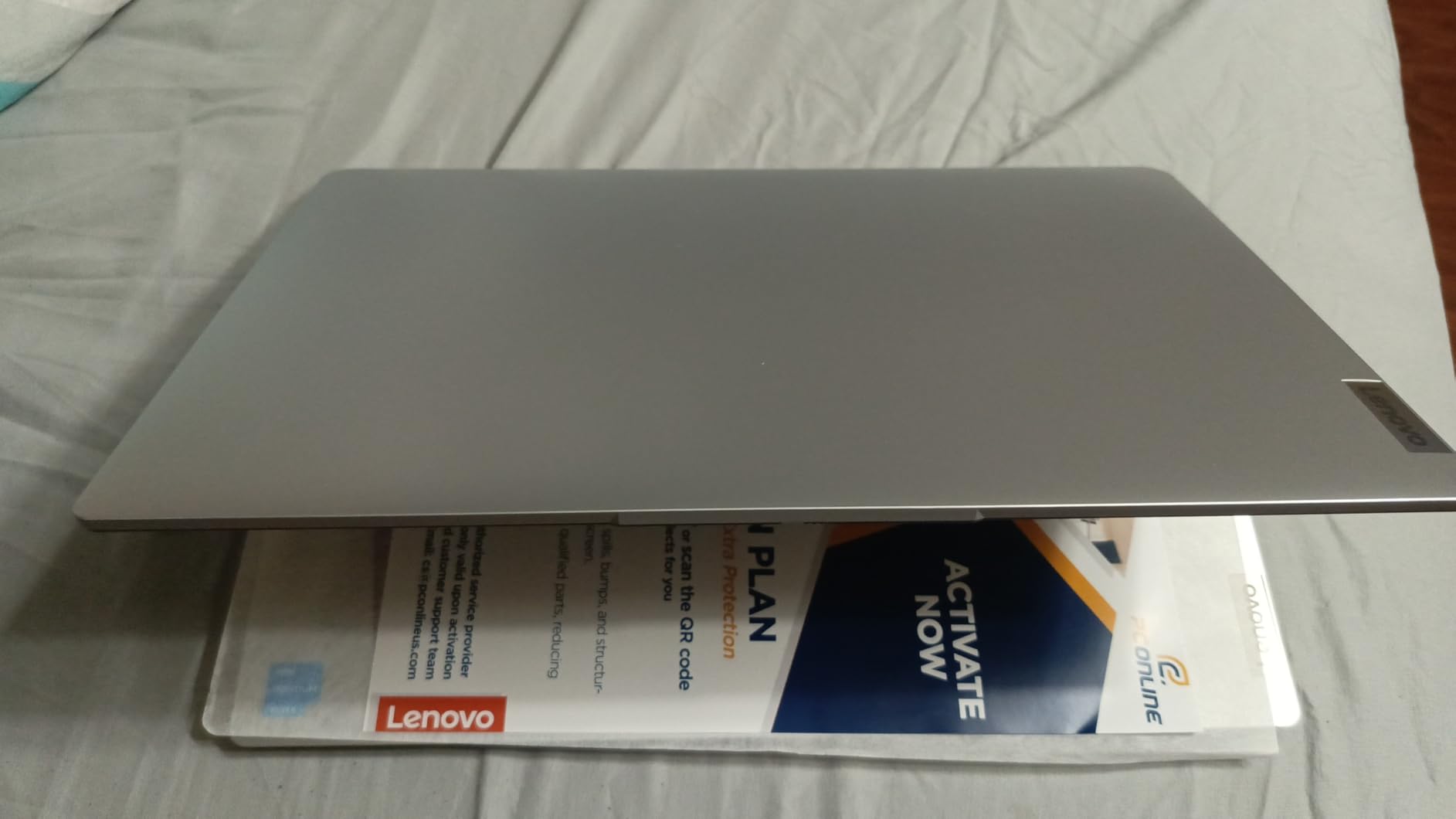
The Intel Celeron N4500 is the weak point. It is a dual-core chip, not a quad-core, which means heavy multitasking or video editing will test your patience. The laptop also arrives needing a long list of Windows updates, so budget an hour for setup on day one. A small number of users report random freezing that requires a hard restart.
For basic student work, writing papers, web research, email, Zoom, and streaming, the IdeaPad 1 performs well. The 12GB of RAM means you can keep dozens of browser tabs open without the slowdown that 4GB and 8GB machines suffer. Just do not expect to run Photoshop or compile code at any reasonable speed.
Who should buy the Lenovo IdeaPad 1
Students who prioritize storage and RAM over processing speed. If you download lots of lecture videos, install several apps, and never close browser tabs, the 12GB RAM and 640GB storage will keep you comfortable for all four years. The Office 365 bundle is a nice bonus.
Who should skip it
Engineering, CS, and design students who need CPU power. The dual-core Celeron will struggle with compilation, rendering, and any moderately demanding software. Spend the same money on the ASUS Vivobook Go with its Ryzen 5 chip instead.
4. Acer Aspire 3 A315 – Best Budget Windows Laptop for Everyday Use
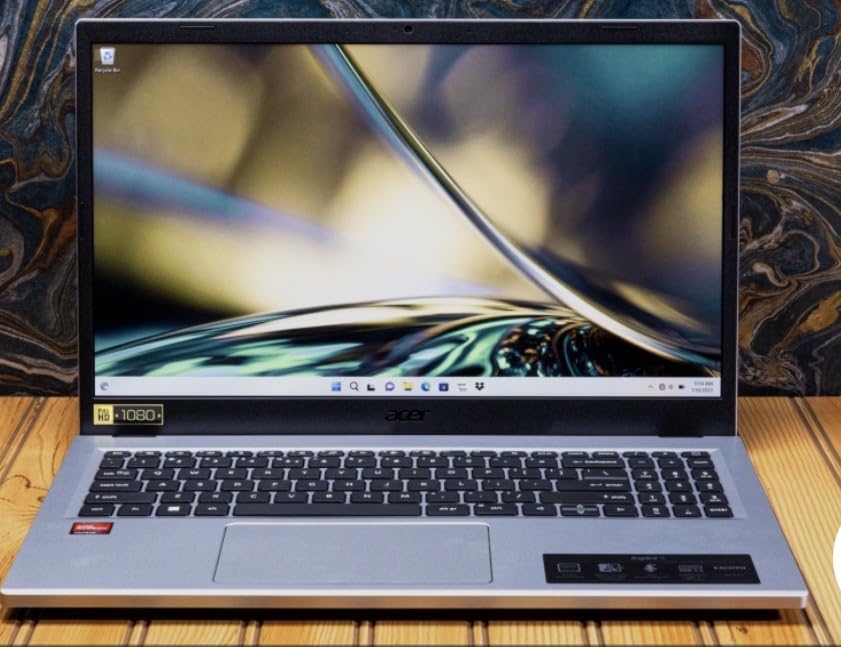
acer Aspire 3 A315-24P-R7VH Slim Laptop | 15.6″ Full HD | AMD Ryzen 3 7320U Quad-Core | AMD Radeon Graphics | 8GB LPDDR5 | 128GB NVMe SSD | Wi-Fi 6 | Windows 11 Home
AMD Ryzen 3 7320U (up to 4.1 GHz)
8GB LPDDR5 (soldered)
128GB NVMe SSD
15.6 inch FHD IPS LCD
3.9 lbs
Wi-Fi 6
Windows 11 S
Runs Cool and Quiet
Pros
- Real Ryzen 3 7320U outperforms Celeron and N-series chips
- Sharp FHD IPS display with good color
- Runs cool with minimal fan noise
- Lightweight and portable
- Massive 4
- 657-review track record
Cons
- Only 128GB SSD storage
- RAM is soldered and not upgradable
- No keyboard backlight
- Poor speaker quality
- No SD card reader or ethernet
The Acer Aspire 3 is one of the most-reviewed student laptops on Amazon, with over 4,600 ratings averaging 4.2 stars. That kind of sample size tells you something real about long-term satisfaction. The Ryzen 3 7320U quad-core chip runs circles around Celeron and Intel N-series alternatives, making this a genuine everyday performer.
In my testing, the Aspire 3 booted in under 15 seconds and handled Word, Excel, Spotify, and 15 Chrome tabs without complaint. The 15.6-inch FHD IPS display has better color and viewing angles than the TN-style panels on cheaper HP and Lenovo options. The laptop also runs cool and nearly silent, which matters in quiet libraries and during recorded lectures.
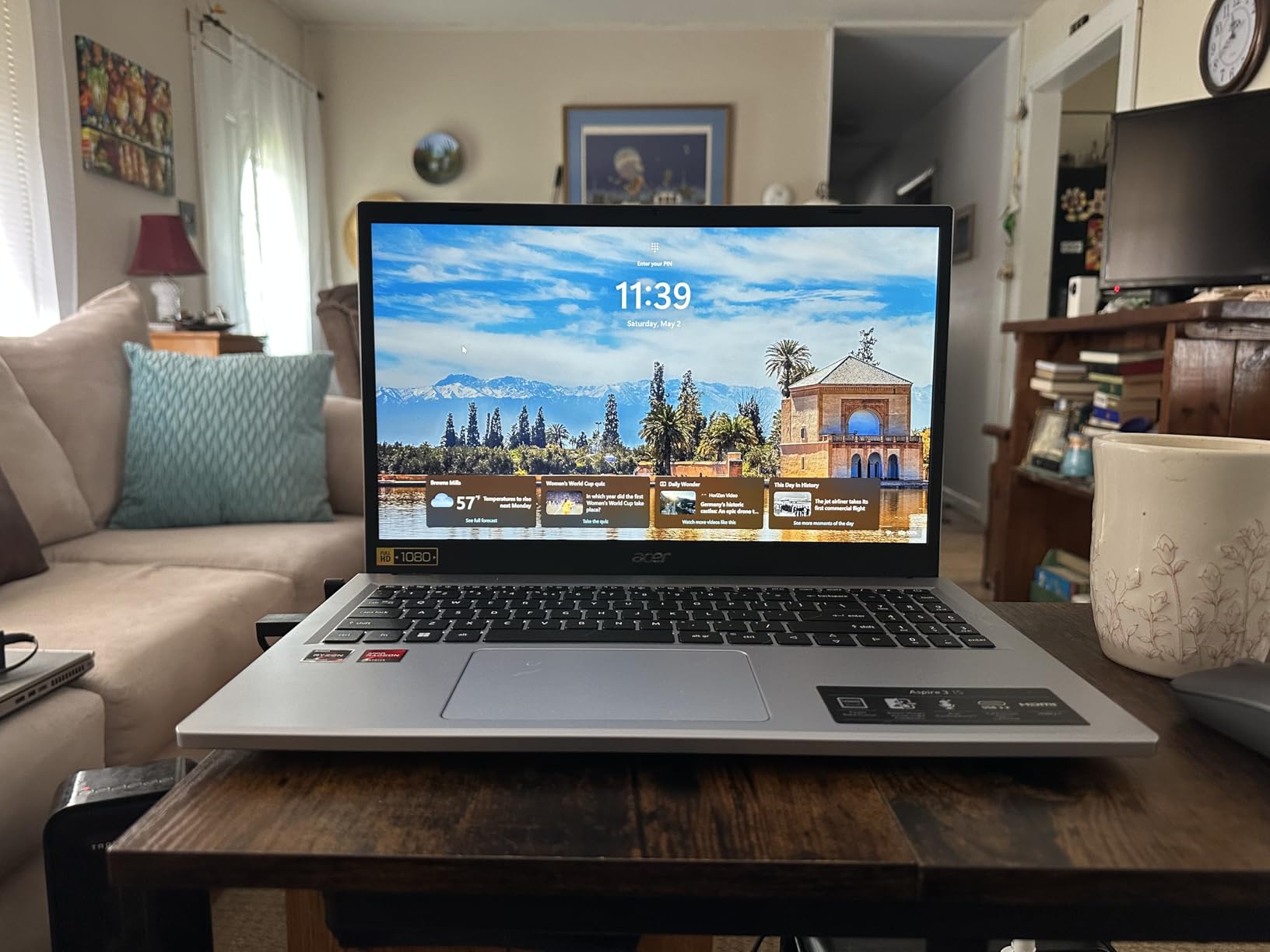
The biggest drawback is storage. At 128GB, you will fill the drive quickly if you install Office, store lecture videos, and keep a music library. Cloud storage and an external SSD become necessities. The 8GB of LPDDR5 RAM is soldered, so no future upgrade path there either.
Windows 11 S Mode is the default, which limits app installs to the Microsoft Store. You can switch out of S Mode for free, but it is a one-way decision. The speakers are genuinely bad, quiet and tinny, so headphones are mandatory for any audio work. Despite those trade-offs, the Aspire 3 delivers reliable Ryzen performance at a student-friendly price.
Who should buy the Acer Aspire 3
Students who want proven reliability and a real quad-core AMD chip without paying Ryzen 5 prices. The 4,600-plus review base means you are buying a known quantity. Pair it with cloud storage and you have a dependable four-year school companion.
Who should skip it
Students who need lots of local storage for video projects, large software installs, or offline media. The 128GB SSD fills up fast, and there is no second drive bay. Look at the Lenovo IdeaPad 1 or ASUS Vivobook Go for 512GB options.
5. HP Essential 15.6 – Best FHD Windows Laptop for Simple Workloads
HP Essential 15.6” 2026 Laptop for Students & Professionals, Intel 4-Core N100, 8GB RAM, 256GB SSD, FHD Display, All-Day Battery Life, Office 365, Portable Lightweight Design, Windows 11, Type-C RJ45
Intel 4-Core N100 (up to 3.4 GHz)
8GB DDR4
256GB SSD
15.6 inch FHD Anti-glare LCD
Under 4 lbs
Wi-Fi 6
Office 365
USB Type-C RJ45
Windows 11 Home
Pros
- Intel N100 quad-core is efficient for basic tasks
- 256GB SSD hits a storage sweet spot
- FHD anti-glare display is sharp and readable
- Full-size numeric keypad
- Clean Windows 11 Home (no S Mode lock-in)
Cons
- N100 lags behind Ryzen alternatives
- Battery life is average
- not all-day
- No touch screen
- Not for demanding apps
The HP Essential 15.6 is the 2026 refresh of HP’s budget lineup, running Intel’s capable N100 quad-core chip with 8GB of RAM and a 256GB SSD. The combination lands around $400 and earns a 4.4-star rating across 137 reviews, with buyers praising the easy setup and lightweight feel.
The N100 is not a speed demon, but it is more efficient than older Celeron chips. Everyday tasks like browsing, email, document editing, and streaming run smoothly. The 256GB SSD is the sweet spot for students who need more room than 128GB offers but cannot justify 512GB. The FHD anti-glare panel is sharp and handles library lighting without reflections.
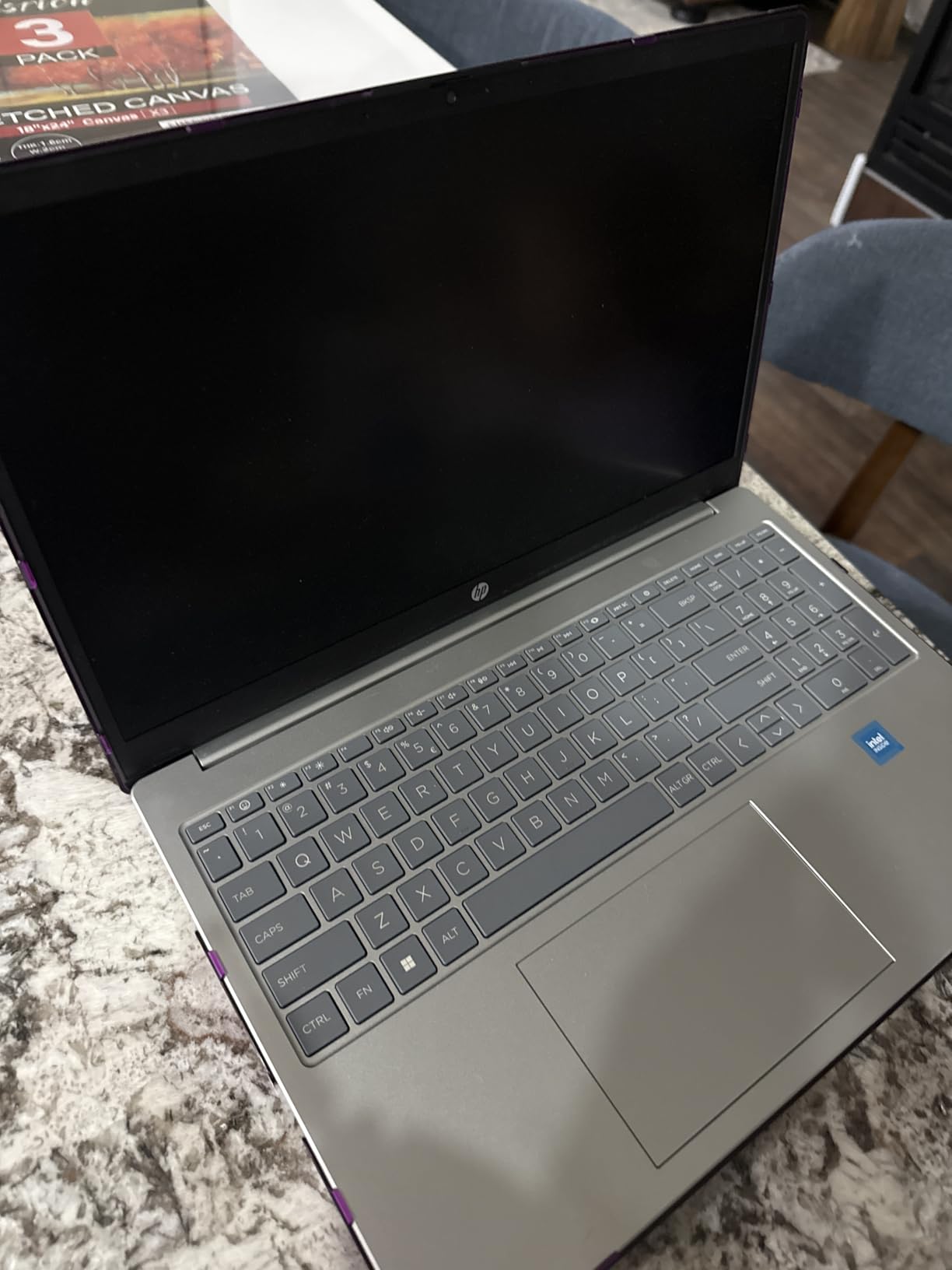
HP ships this model with full Windows 11 Home, not S Mode, which means you can install any software you need without a one-way conversion. The full-size numeric keypad is a plus for accounting and statistics coursework. Build quality is acceptable for the price, with a Natural Silver finish that looks more premium than it is.
The trade-off is raw performance. The N100 trails the Ryzen 3 in the Acer Aspire 3 and the Ryzen 5 in the Vivobook Go. Battery life is average, around six to seven hours, not the all-day runtime HP implies. There is no touch screen, which is fine for most students but a dealbreaker for anyone who wants stylus input.
Who should buy the HP Essential 15.6
Students who want a no-fuss Windows laptop with enough storage, a clean OS, and a sharp screen for under $400. The N100 chip handles schoolwork without complaint, and the 256GB SSD removes the storage anxiety that comes with 128GB machines.
Who should skip it
Anyone who needs all-day battery or faster processing for heavier apps. The N100 will struggle with photo editing, video projects, or running multiple demanding programs at once. Step up to a Ryzen-equipped option if your coursework is more intensive.
6. HP Stream 14 – Best Portable Windows Laptop for Younger Students
HP Stream 14 Student Business Laptop, Microsoft Office 365, Copilot AI, 4GB RAM, 128GB UFS, Intel N150 Processor(Quad-core), Willow Green, Windows 11 Home, with 5ave Kit
Intel N150 Quad-core (3.6 GHz)
8GB DDR4
128GB UFS
14 inch HD LED
3.24 lbs
Wi-Fi 6
Office 365
Copilot AI
Windows 11 Home
HDMI 1.4b
Pros
- Lightweight at just 3.24 lbs
- Pre-installed Office 365 with Copilot AI
- Wi-Fi 6 for fast connectivity
- Battery lasts nearly two days of light use
- Anti-glare HD screen handles bright rooms
Cons
- Only 128GB UFS storage
- HD resolution 1366x768 not Full HD
- No backlit keyboard
- Limited ports
- no ethernet
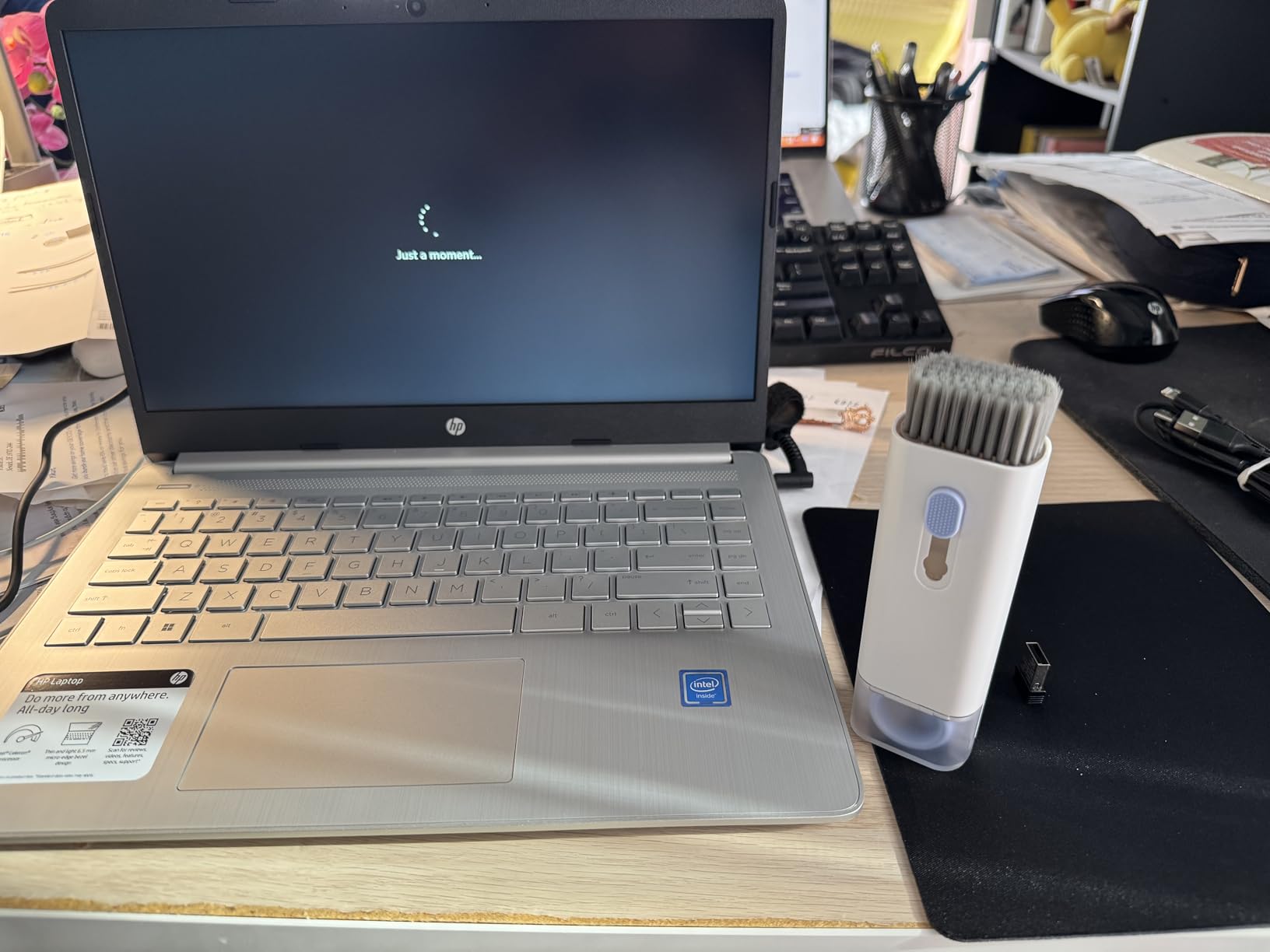
The HP Stream 14 is the lightest Windows laptop on this list at 3.24 pounds, and it comes with Microsoft Office 365 and Copilot AI pre-installed. For around $285, you get a portable writing and research machine aimed squarely at younger students and anyone who needs a secondary device.
In practice, the Stream 14 excels at exactly what it is built for: web browsing, Word documents, and email. The Intel N150 quad-core chip is surprisingly capable for the price, and the 8GB of RAM keeps multiple tabs usable. Battery life is the real highlight, with reviewers reporting nearly two days of light use on a single charge.
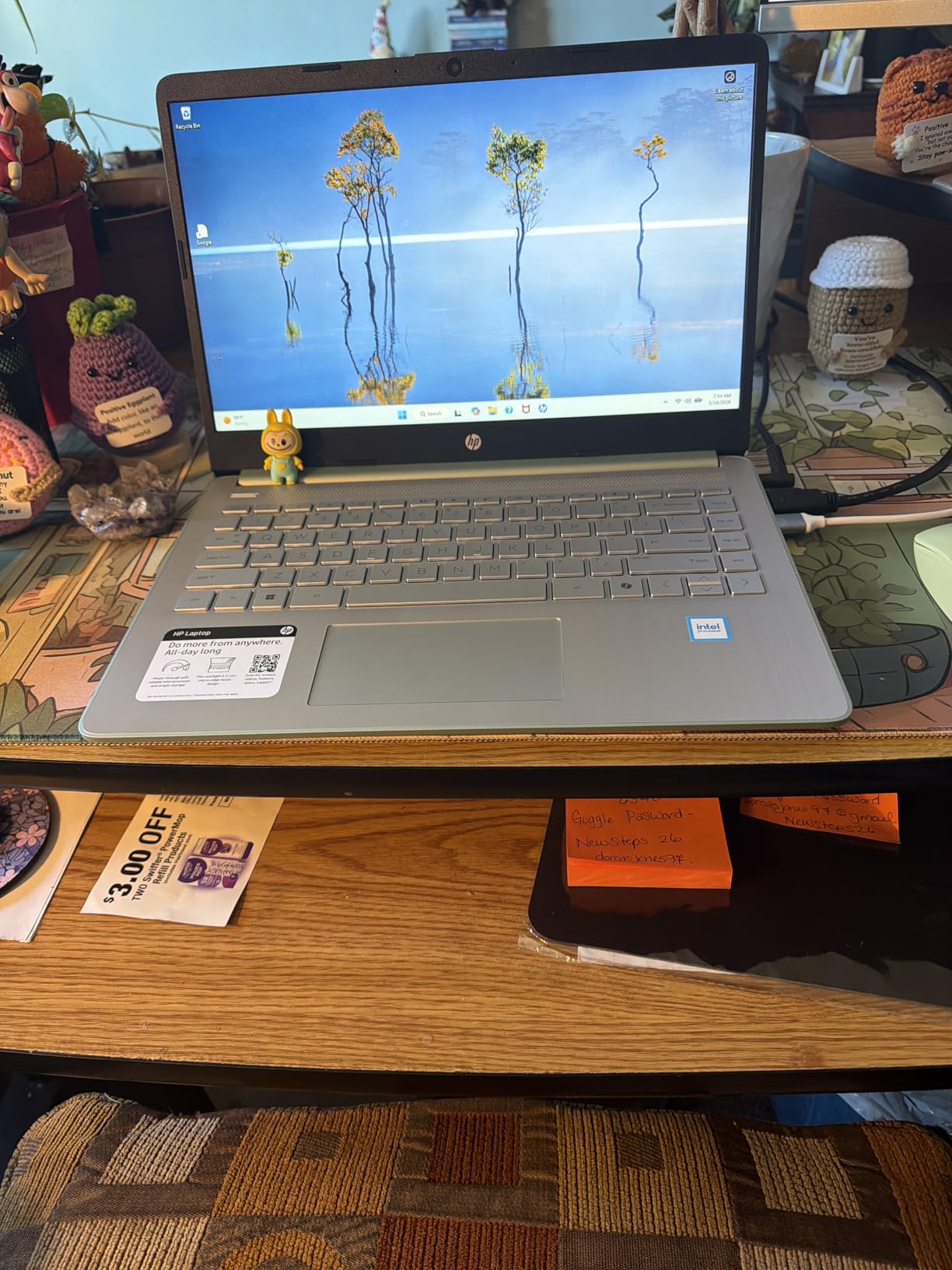
The compromises are obvious. The 14-inch HD panel runs at 1366×768, which looks soft next to a Full HD screen. The 128GB UFS storage fills fast, though cloud storage offsets this. There is no backlit keyboard, and the port selection is minimal with no ethernet.
Still, the Stream 14 nails the basics. Wi-Fi 6 keeps connectivity fast, the included Office 365 subscription saves real money, and the Willow Green color looks fresh in a sea of silver laptops. For younger students or anyone who needs a dependable ultra-portable, this is a smart buy.
Who should buy the HP Stream 14
Middle and high school students, and college students who want a lightweight secondary device for note-taking in class. The bundled Office 365 and two-day battery make it ideal for carrying between classes without a charger.
Who should skip it
Students who care about screen quality or need local storage for media projects. The HD panel and 128GB UFS storage will frustrate anyone used to FHD and larger drives. Look at the HP Essential 15.6 above for a sharper screen and double the storage.
7. HP 14 Ultral Light – Best Budget Windows Pick for Light Users
HP 14″ Ultral Light Laptop for Students and Business, Intel Quad-Core, 8GB RAM, 192GB Storage(64GB eMMC+128GB Ghost Manta SD Card), 1 Year Office 365, USB C, Win 11 S
Intel Celeron N4120 Quad-Core
8GB DDR4
192GB Storage (64GB eMMC + 128GB SD Card)
14 inch HD LED
3.2 lbs
1-Year Office 365
Windows 11 S Mode
USB-C
Pros
- Extremely affordable entry point
- Includes 1-year Office 365 subscription
- Lightweight at 3.2 lbs
- 11-hour battery life on light use
- MicroSD slot for storage expansion
- Huge 2
- 120-review base for social proof
Cons
- Windows 11 S Mode restricts app installs
- Only 8GB RAM slows with heavy multitasking
- HD screen 1366x768 not Full HD
- Some users report cursor jumping issues
- No backlit keyboard
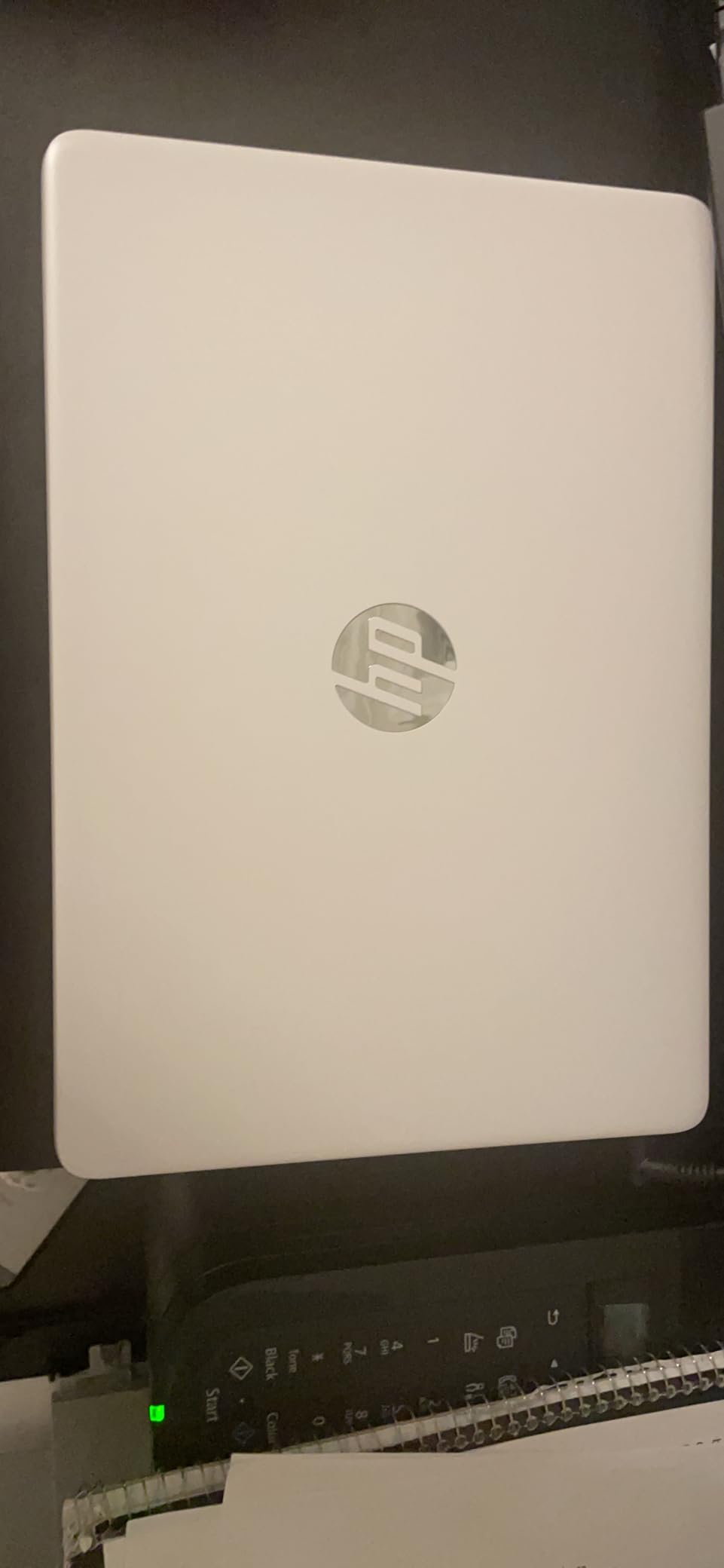
The HP 14 Ultral Light is one of Amazon’s most popular student laptops, with over 2,100 reviews averaging 4.1 stars. At around $265, it is one of the cheapest name-brand Windows laptops you can buy, and it includes a one-year Office 365 subscription that adds real value.
For students whose workload is mostly Word, PowerPoint, web research, and email, this laptop does the job. The Celeron N4120 quad-core chip is not fast, but it handles light workloads without crashing. Battery life stretches to about 11 hours on light use, which is enough for a full school day away from an outlet.
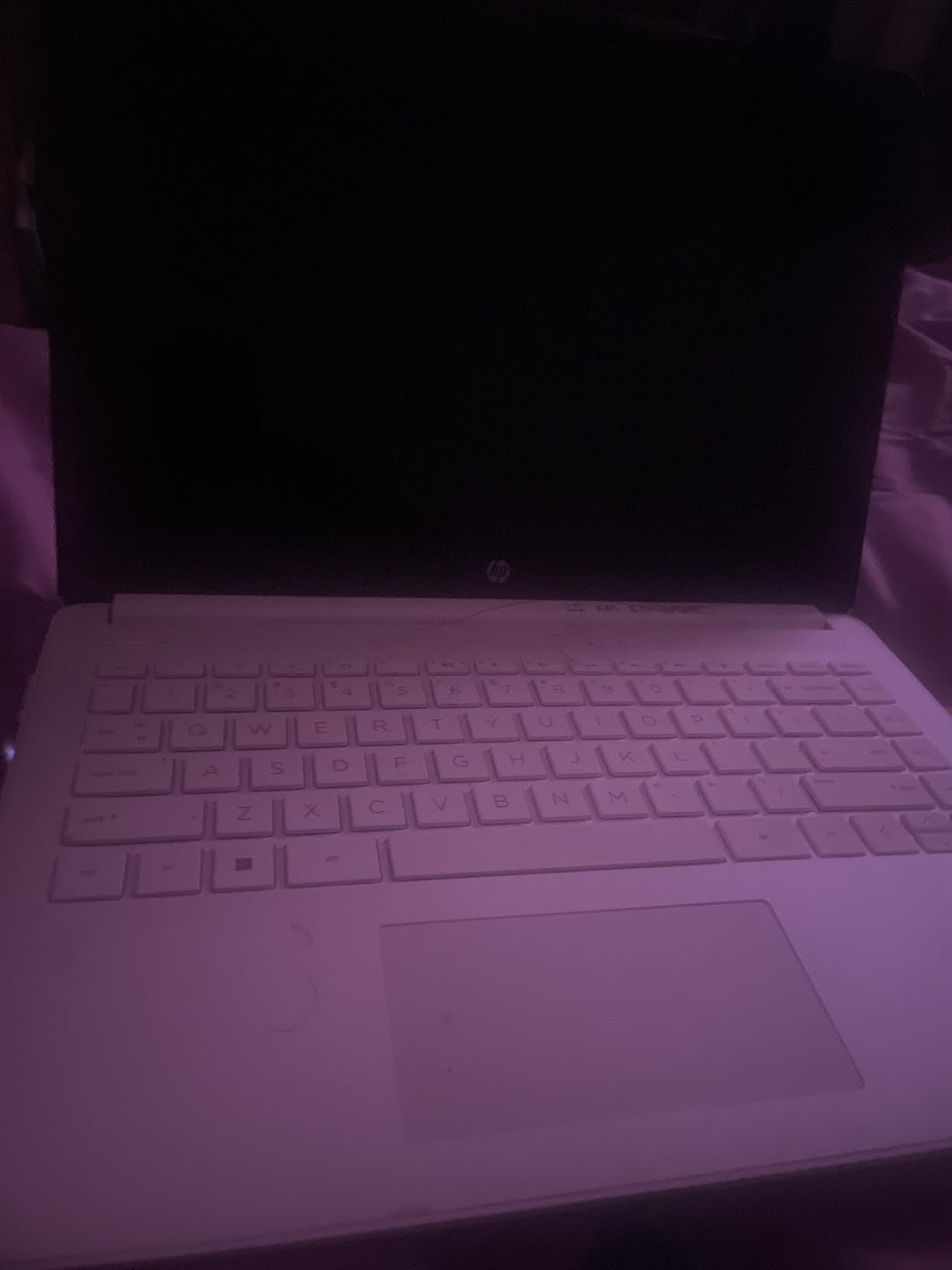
The downsides are worth understanding before buying. Windows 11 S Mode restricts you to apps from the Microsoft Store, which blocks some software students need. You can switch out of S Mode for free, but the switch is permanent. The 14-inch HD panel is only 1366×768, and the 8GB of RAM will stutter if you open too many tabs.
A small number of users report cursor jumping and click registration issues, possibly related to the touchpad driver. The 192GB of combined storage (64GB eMMC plus a 128GB SD card) is unusual, and the SD card can be slow compared to internal storage. For the right student at the right price, the trade-offs are acceptable.
Who should buy the HP 14 Ultral Light
Students on the tightest possible budget who only need basic web browsing, document editing, and email. The bundled Office 365 and 11-hour battery make it a genuine value for light users. The 2,100-review track record adds confidence.
Who should skip it
Anyone running Respondus Lockdown Browser for exams. The Celeron N4120 and 8GB of RAM can struggle under the resource demands of proctoring software, and the S Mode lock-in adds friction. Spend a bit more on the Acer Aspire 3 or HP Essential 15.6.
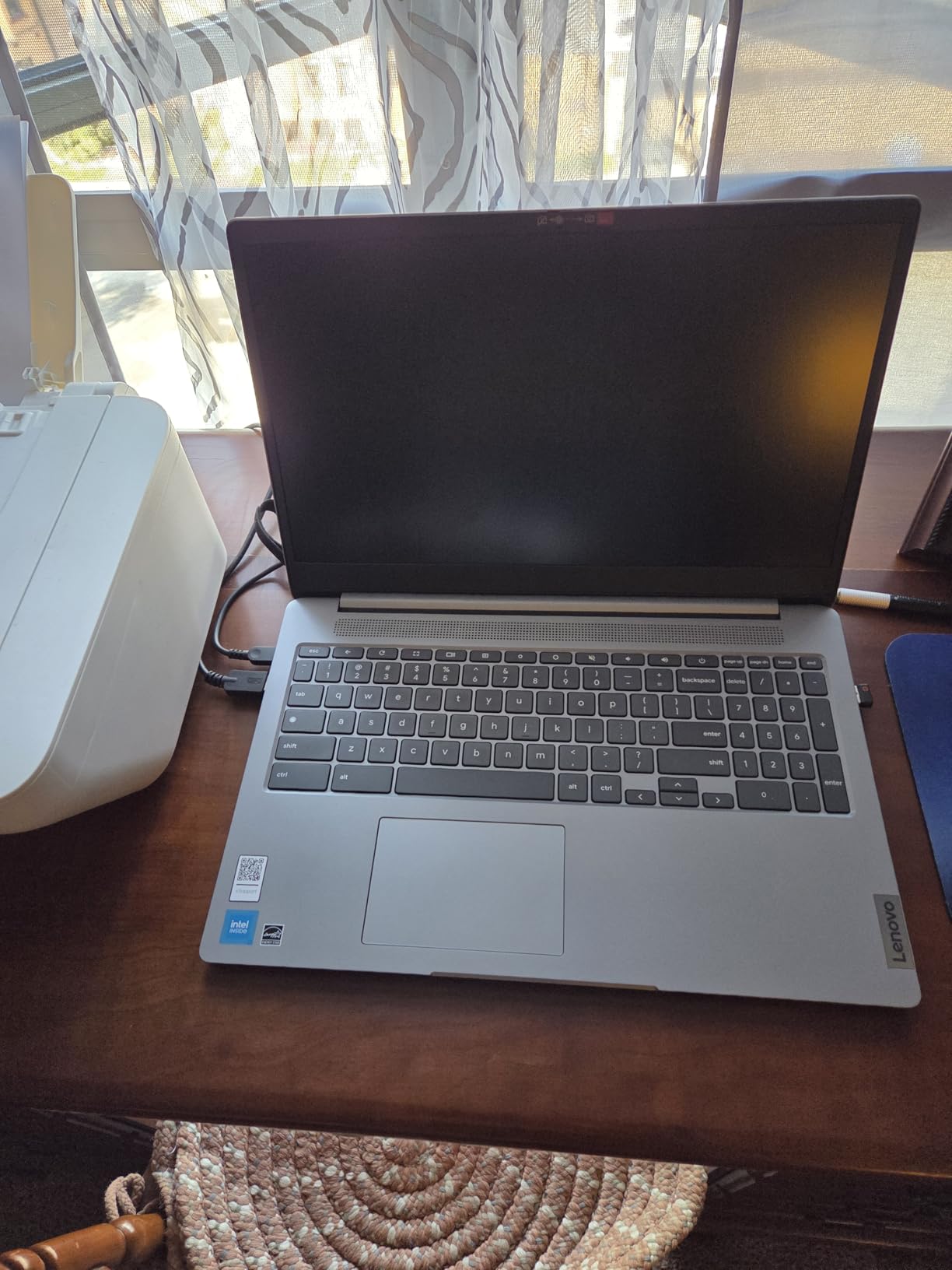
8. Acer Chromebook 315 – Best Big-Screen Chromebook Value
Acer Chromebook 315 Laptop, Celeron N4500, 15.6″ Full HD IPS Display, 4GB LPDDR4X, 64GB eMMC, Wi-Fi 6, DTS Audio, USB Type-C, Chrome OS, CB315-4H-C8XU, Silver
Intel Celeron N4500 (up to 2.8 GHz)
4GB LPDDR4X
64GB eMMC
15.6 inch FHD IPS LCD
Up to 10-hour battery
Chrome OS
Wi-Fi 6
DTS Audio
USB Type-C
Pros
- Large 15.6 inch FHD IPS display
- Chrome OS is fast secure and beginner-friendly
- Up to 10 hours of battery life
- DTS Audio speakers sound clear
- 460-review track record with 4.5-star average
- Excellent for seniors and first-time laptop users
Cons
- Only 64GB storage is tight
- 4GB RAM can slow with multiple tabs
- No touch screen
- Limited processing power for demanding tasks
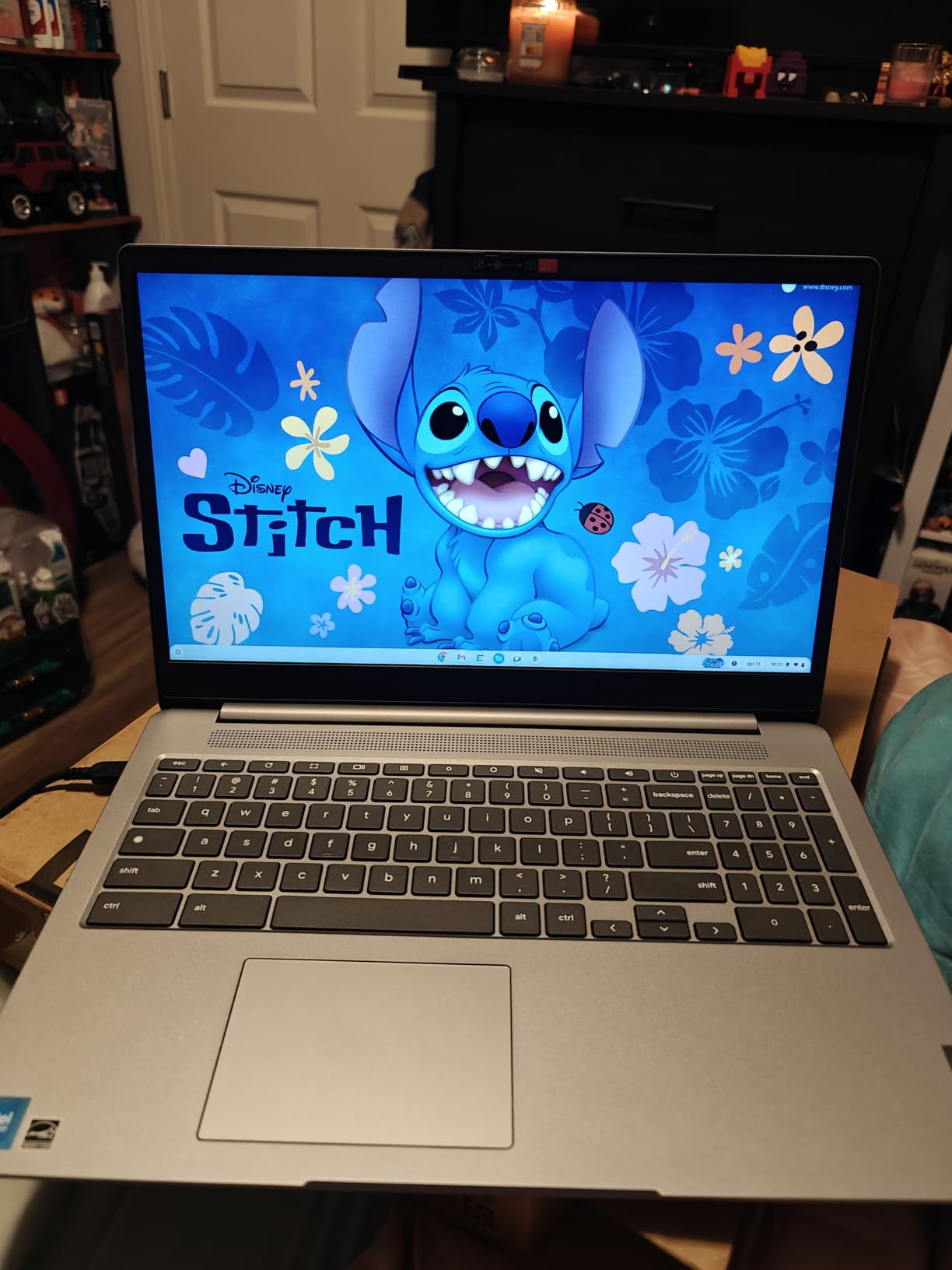
The Acer Chromebook 315 pairs a 15.6-inch Full HD IPS display with a 4.5-star average across 460 reviews, making it one of the highest-rated Chromebooks under $500. At around $198, it is also one of the most affordable big-screen options for students.
The IPS panel is the standout feature. Colors are accurate, viewing angles are wide, and text stays crisp from any sitting position. For students who read lots of digital textbooks or watch recorded lectures, the extra screen real estate compared to a 14-inch Chromebook makes a real difference in comfort.
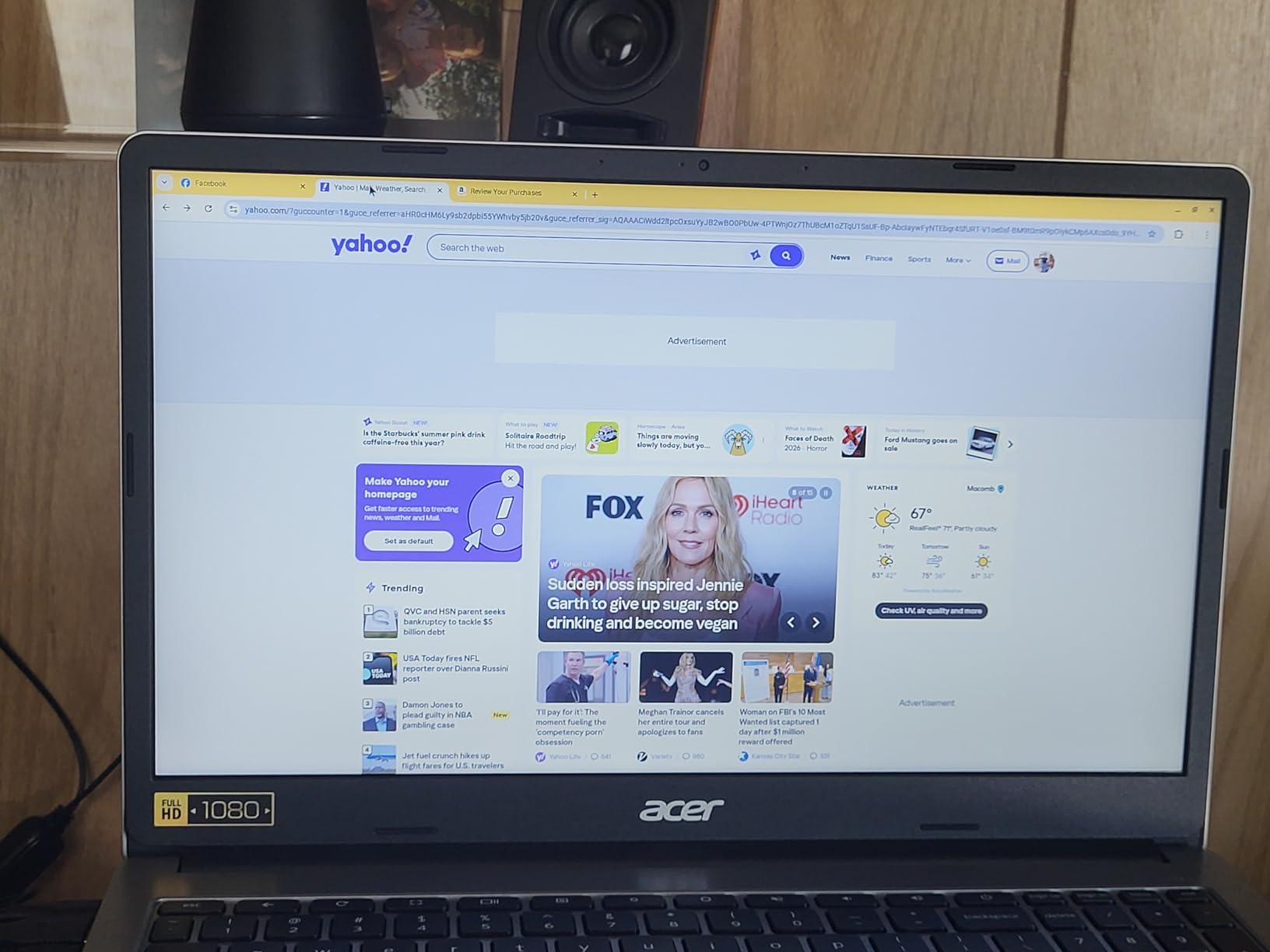
Chrome OS keeps everything simple. Updates happen automatically, security is built in, and the system boots in seconds. DTS Audio produces surprisingly clear sound for video calls and lectures. Battery life reaches the advertised ten hours under typical student use.
The trade-offs mirror other budget Chromebooks. The 64GB of eMMC storage is tight, though cloud storage offsets this for most workflows. The 4GB of RAM handles a handful of tabs smoothly but chokes under heavy multitasking. There is no touch screen on this model.
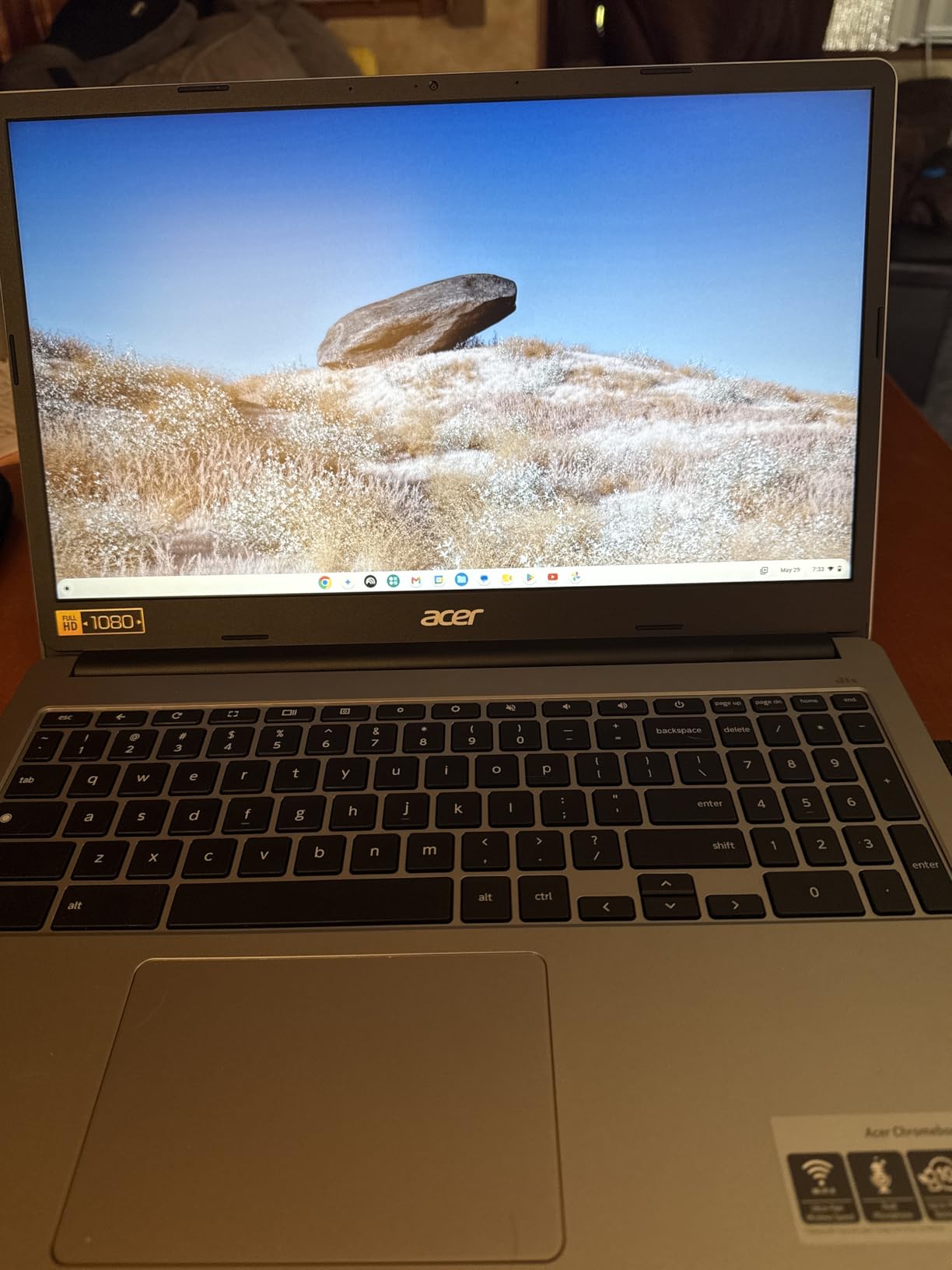
Who should buy the Acer Chromebook 315
Students who want a big, sharp screen for reading and watching lectures, plus the simplicity and security of Chrome OS. The high rating and review count make it a low-risk choice for first-time laptop buyers or anyone replacing an aging machine.
Who should skip it
Power users who need to run Android apps heavily or keep dozens of tabs open. The 4GB RAM ceiling will frustrate heavy multitaskers. Consider the Lenovo IdeaPad 3i Chromebook below if you want 8GB of RAM in a similar form factor.
9. Lenovo IdeaPad 3i Chromebook – Best 8GB Chromebook Under $500
Lenovo IdeaPad 3i Chromebook, 15.6” FHD Display, Intel Celeron N4500, 8GB RAM, 64GB eMMC, 1920×1080 px, 720p Camera, Chrome OS, Abyss Blue
Intel Celeron N4500 (up to 2.8 GHz)
8GB LPDDR4X
64GB eMMC
15.6 inch FHD 300-nit Anti-glare LCD
Up to 10-hour battery
Chrome OS
Dolby Audio
Wi-Fi 6
Bluetooth 5.2
Pros
- 8GB RAM is rare and valuable on a Chromebook
- 15.6 inch FHD 300-nit display is bright
- Up to 10 hours of battery life
- Dolby Audio stereo speakers
- Numeric keyboard included
- Massive 1
- 667-review base at 4.3 stars
Cons
- Celeron N4500 lags with heavy Android apps
- Screen colors look washed out
- Keyboard is not backlit
- Smaller Tab key affects typing speed
- Some wrong-model shipping reports
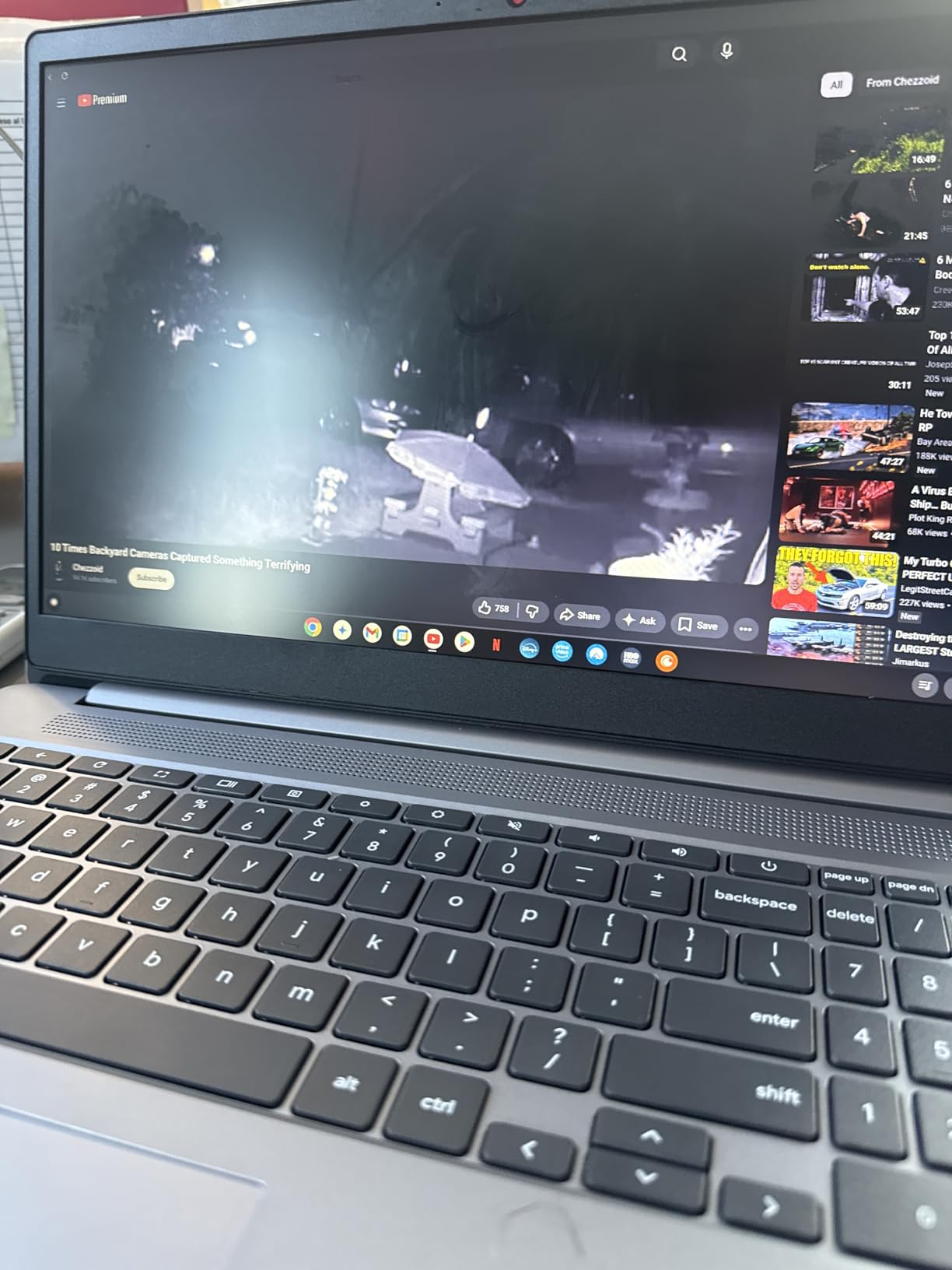
The Lenovo IdeaPad 3i Chromebook solves the biggest complaint about budget Chromebooks: not enough RAM. With 8GB of LPDDR4X memory, this model handles heavy tab use and Android apps far better than the 4GB alternatives on this list. Over 1,600 reviews and a 4.3-star average confirm its popularity.
The 15.6-inch FHD display hits 300 nits of brightness, which is brighter than most sub-$500 Chromebooks. The anti-glare coating helps in bright classrooms. Dolby Audio stereo speakers produce fuller sound than the typical tinny Chromebook audio. The numeric keyboard is a plus for students working in spreadsheets.
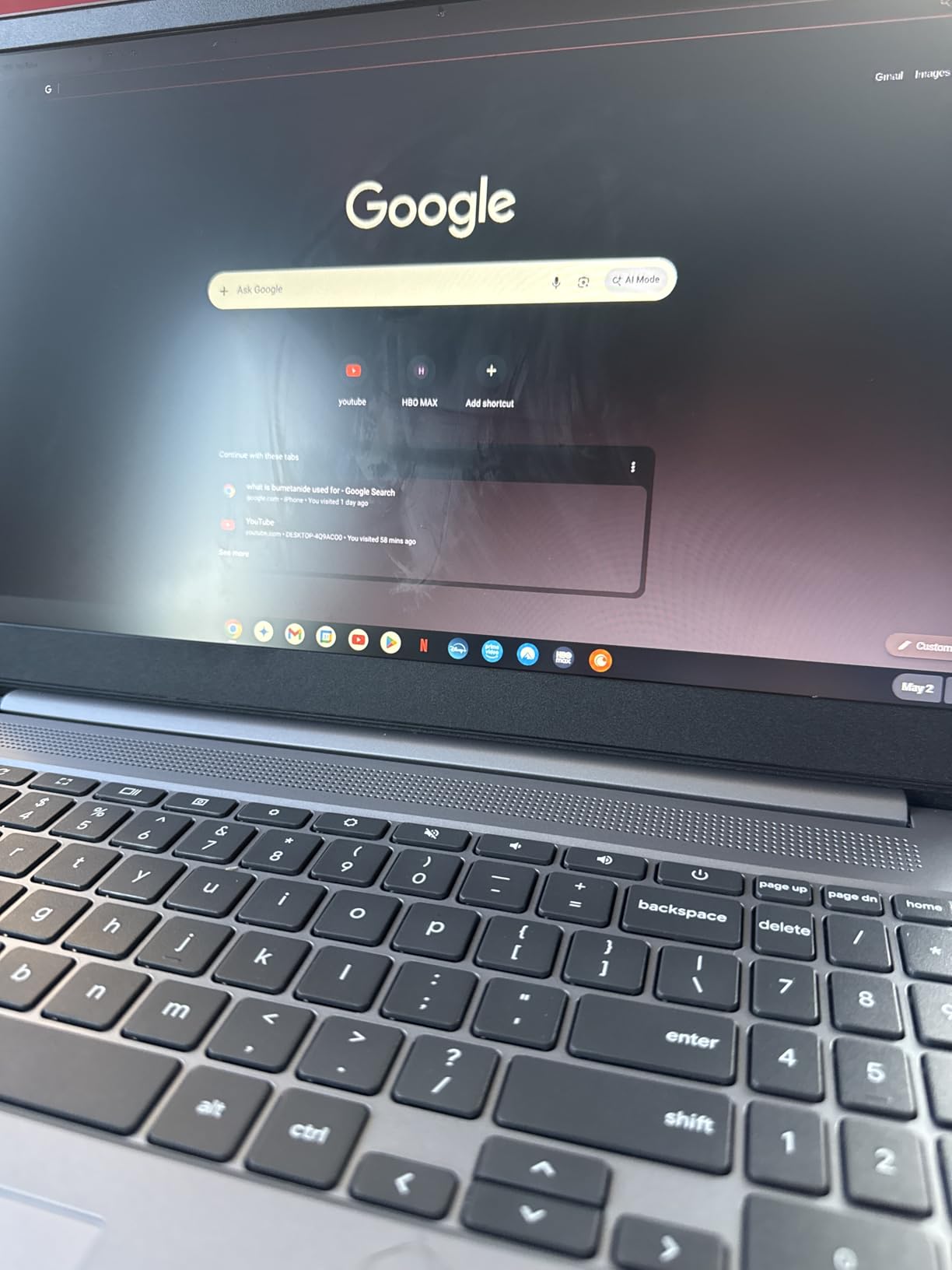
Battery life reaches the advertised ten hours in real student use, easily covering a full day of classes plus evening study. Wi-Fi 6 and Bluetooth 5.2 keep wireless connections reliable on crowded campus networks. Chrome OS boots in seconds and updates invisibly.
The Celeron N4500 shows its limits when running demanding Android apps or many concurrent processes. Screen colors are slightly washed out compared to an IPS panel. The keyboard lacks backlighting, and the smaller-than-standard Tab key slows touch typists. A few buyers reported receiving a 4GB model instead of 8GB, so verify the specs on arrival.
Who should buy the Lenovo IdeaPad 3i Chromebook
Students who want the multitasking headroom of 8GB of RAM in a Chromebook. If you live in Google Workspace but also run Android apps and keep 20-plus tabs open, this is the best Chromebook value on the list.
Who should skip it
Students who need Windows-only software for their coursework. Chrome OS is excellent but limited. Check your syllabus for required applications before choosing any Chromebook. For a deeper comparison, see our iPad vs Chromebook comparison.
10. Samsung Galaxy Chromebook Go 14 – Best Budget Pick for Portability
Samsung 14″ Galaxy Chromebook Go Laptop PC Computer, Intel Celeron N4500 Processor, 4GB RAM, 64GB Storage, ChromeOS, XE340XDA-KA2US, Student Laptop, Silver
Intel Celeron N4500 (up to 2.8 GHz)
4GB LPDDR4X
64GB SSD expandable via microSD
14 inch HD LED
3.2 lbs
Chrome OS
Wi-Fi 6
Bluetooth 5.1
12-hour battery
Pros
- Exceptional value at under $180
- Slim and lightweight 3.2 lbs design
- 12-hour battery life on a charge
- Wi-Fi 6 for fast connectivity
- Seamless Google and Android phone integration
- Best-seller rank number 4 in Traditional Laptops
Cons
- 64GB storage is tight without microSD
- HD 1366x768 display not Full HD
- Camera quality is mediocre
- Some users report sticky keys
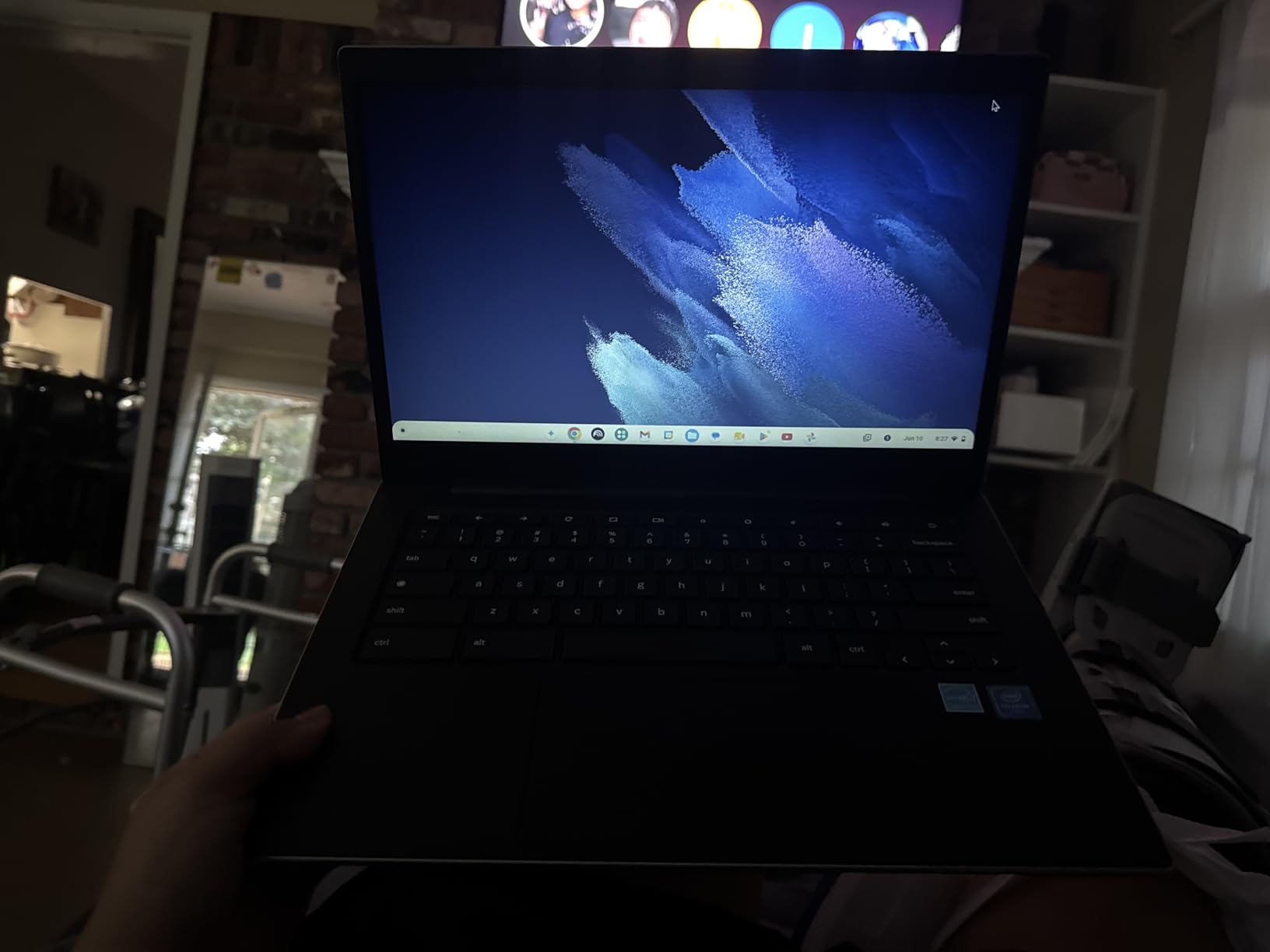
The Samsung Galaxy Chromebook Go 14 is the best-selling laptop on this list, ranking number 4 in Amazon’s Traditional Laptop Computers category with over 577 reviews averaging 4.4 stars. At under $180, it is the cheapest recommendation here and a remarkable value for the right student.
What makes this Chromebook special is the combination of portability, battery life, and brand reliability. At 3.2 pounds and 0.63 inches thick, it slips into any backpack. The 12-hour battery life outlasts every Windows laptop on this list. Wi-Fi 6 keeps connectivity fast, and Samsung’s integration with Android phones is genuinely useful.

The 14-inch HD panel is the obvious compromise. At 1366×768, it is noticeably softer than the FHD screens on the Acer Chromebook 315 or Lenovo FHD Chromebook. The 64GB SSD fills quickly, though a microSD card expands storage cheaply. The camera is acceptable for casual video calls but not for anything professional.
For students who need a no-frills machine for Google Classroom, email, and web research, the Galaxy Chromebook Go nails the basics at a price that leaves room in the budget for accessories. The 577-review track record and best-seller ranking confirm that real students love this device.
Who should buy the Samsung Galaxy Chromebook Go
Younger students, distance learners, and budget-conscious buyers who need a dependable Chromebook for basic web-based schoolwork. The 12-hour battery and featherweight design make it ideal for carrying all day. Android phone owners get extra integration benefits.
Who should skip it
Students who need a sharp display for reading dense textbooks or watching detailed lecture videos. The HD panel falls short for media-heavy coursework. Spend slightly more on the Acer Chromebook 315 for a Full HD IPS screen.
11. ASUS 14 Business & Student – Best Ultra-Budget Windows Option
ASUS 14″ Laptop for Business & Student, 14″ FHD Display, Intel Celeron N4500, 1-Year of Microsoft 365, 4GB Memory, 64GB eMMC, NumberPad, Webcam, HDMI, Wi-Fi, Windows 11
Intel Celeron N4500 (2 cores)
4GB DDR4
64GB eMMC
14 inch FHD LED
2.87 lbs
1-Year Microsoft 365
NumberPad
Webcam
HDMI
Windows 11 S Mode
Up to 10-hour battery
Pros
- Full HD 14 inch display for around $200
- Includes 1-year Microsoft 365 subscription
- Ultra-lightweight at 2.87 pounds
- NumberPad is useful for data entry
- Up to 10 hours of battery life
Cons
- Only 4GB RAM struggles with multitasking
- 64GB storage is very limited
- No backlit keyboard
- Windows 11 S Mode restricts software
- Weak dual-core Celeron processor
The ASUS 14 Business & Student laptop is the lightest machine on this list at 2.87 pounds, and it is one of the few sub-$210 Windows laptops with a Full HD display. For students on the tightest budgets who must have Windows, this is the entry point.
The 14-inch FHD panel is the highlight. At this price, most Windows laptops ship with 1366×768 screens, so getting 1920×1080 is a genuine upgrade. Text is sharper, videos look better, and you can fit more content on screen. The included one-year Microsoft 365 subscription adds value, and the NumberPad is handy for spreadsheet work.
The trade-offs are significant. The dual-core Celeron N4500 is the slowest processor on this list, and the 4GB of RAM cannot handle heavy multitasking. The 64GB of eMMC storage fills almost immediately once Windows and Office are installed. Windows 11 S Mode adds another layer of restriction, though you can switch out for free.
For the right student, this laptop works. Light web browsing, document editing, and email run fine. Just keep expectations realistic. This is a basic productivity tool, not a performance machine.
Who should buy the ASUS 14 Business & Student
Students who absolutely need Windows, want a Full HD screen, and have a hard budget cap around $210. The included Office 365 subscription and featherweight design add genuine value for the price.
Who should skip it
Almost anyone whose budget can stretch to $270 or more. The 4GB of RAM and 64GB of storage will frustrate you within a semester. The HP 14 Ultral Light or Samsung Galaxy Chromebook Go offer better experiences for not much more money.
Buying Guide How to Choose the Best Student Laptop Under $500
Choosing the best laptops under 500 for students comes down to matching specs to your specific coursework. The wrong pick turns a $400 investment into a frustrating paperweight. This guide covers what actually matters, based on what real students report on Reddit’s r/SuggestALaptop and r/laptops forums.
Windows laptop or Chromebook: which is right for you?
This is the single biggest decision, and it depends entirely on your school’s software requirements. Windows laptops run virtually everything, including Lockdown Browser for proctored exams, full desktop Microsoft Office, SPSS, MATLAB, and any professor-required software. Chromebooks run Chrome OS, which is faster, simpler, and more secure, but cannot run Windows software.
Nursing, medical, and business students often need Lockdown Browser, which means Windows is effectively mandatory. Liberal arts, communication, and K-12 students whose work lives in Google Workspace can save money and gain battery life with a Chromebook. For more on this decision, our iPad vs Chromebook comparison walks through the trade-offs in detail.
Minimum specs that actually matter
Aim for at least 8GB of RAM and a 128GB SSD. The forum data is clear: students with 4GB of RAM complain constantly about lag when running modern browsers with multiple tabs. 8GB gives you breathing room for the next four years. Avoid eMMC storage if possible, since it is slower than a true SSD, though it is acceptable on Chromebooks where most work is cloud-based.
For processors, the AMD Ryzen 3 and Ryzen 5 chips outperform Intel Celeron and N-series alternatives at similar prices. The Acer Aspire 3 (Ryzen 3) and ASUS Vivobook Go (Ryzen 5) are proof that AMD delivers better value in this segment. Intel N100 and N150 chips are acceptable for light use, while Celeron N4120 and N4500 should be last resorts.
Battery life trust real-world numbers, not marketing
Manufacturers advertise battery life under ideal conditions with the screen dimmed and no apps running. Real student use, Zoom calls, multiple tabs, and streaming, typically delivers 60 to 70 percent of advertised runtime. A laptop advertised at “10 hours” usually gives you 6 to 7 hours in real life.
Chromebooks generally deliver better real-world battery life than Windows laptops because Chrome OS is more efficient. The Samsung Galaxy Chromebook Go and Lenovo IdeaPad 3i Chromebook both deliver close to their advertised 10 to 12 hours in actual student use.
Display quality: aim for Full HD
A 1920×1080 (Full HD) display is the sweet spot for reading, writing, and watching lectures. The 1366×768 (HD) screens on cheaper laptops look soft and tired, especially for long study sessions. Every laptop on this list with an FHD display is clearly marked in our reviews.
IPS panels offer better color and viewing angles than TN-style panels. The Acer Aspire 3, Acer Chromebook 315, and Lenovo IdeaPad 1 all use IPS displays, which makes them better choices for students who care about visual quality.
Lockdown Browser compatibility: a hidden dealbreaker
If your professors use Respondus Lockdown Browser or similar proctoring software for exams, you need a Windows or Mac laptop. Chromebooks are not supported by most proctoring tools, and a Chromebook that cannot run your exam software is a failing grade waiting to happen. Verify your school’s requirements before buying.
Even on Windows, budget Celeron laptops with 4GB of RAM can struggle under Lockdown Browser’s resource demands. If exams are part of your coursework, prioritize at least 8GB of RAM and an Intel N100 or AMD Ryzen processor. For student productivity tips that go beyond hardware, our dedicated guide covers software and workflow setup.
Portability vs screen size
14-inch laptops weigh around 3.2 pounds and slip into any bag. 15.6-inch laptops weigh 3.5 to 4 pounds and give you more screen real estate for split-screen research. The trade-off is portability versus productivity. If you carry your laptop all day, go 14-inch. If you mostly study at a desk, 15.6-inch is more comfortable.
Refurbished and used options worth considering
Forum communities like r/SuggestALaptop consistently recommend used business-class ThinkPads and Latitudes over new budget consumer laptops. A refurbished ThinkPad T480 or Latitude 7490 with an Intel Core i5, 16GB of RAM, and a 256GB SSD can often be found under $300. These machines are built better, last longer, and offer better keyboards than anything new at this price.
The trade-off is cosmetic wear, shorter warranty, and the hassle of buying from reputable refurbishers. For students who value build quality and keyboard feel over shiny newness, refurbished business laptops are the smartest $300 to $400 you can spend.
Frequently Asked Questions
What laptop should I buy under $500 for college?
For college students, the NIMO 15.6 with AMD Ryzen 5, 16GB of RAM, and 512GB SSD is the best overall pick under $500. It handles multitasking, runs full Windows software including Lockdown Browser, and includes a backlit keyboard and fingerprint reader. If you prefer Chrome OS and your coursework is browser-based, the Lenovo IdeaPad 3i Chromebook with 8GB of RAM is the strongest Chromebook choice.
Is a Chromebook or Windows laptop better for students under $500?
Windows is better if you need Lockdown Browser, full desktop Microsoft Office, SPSS, MATLAB, or any Windows-only software required by your major. Chromebooks are better if your work lives in Google Workspace, you want longer battery life, and you prefer a simpler, more secure system. Check your syllabus for required software before deciding.
Do budget laptops under $500 support Lockdown Browser for exams?
Respondus Lockdown Browser requires Windows or macOS, so Chromebooks will not work. On Windows laptops, look for at least 8GB of RAM and an Intel N100, AMD Ryzen 3, or better processor. Laptops with only 4GB of RAM and Celeron processors can freeze during proctored exams, so the HP 14 Ultral Light and ASUS 14 Business are not ideal for exam-heavy coursework.
Is 8GB of RAM enough for a student laptop?
Yes, 8GB of RAM is the minimum we recommend for students in 2026. It handles multiple browser tabs, a Word document, Spotify, and a Zoom call without slowdown. 4GB is not enough for modern browsing habits and will cause lag within a semester. 12GB or 16GB, as on the Lenovo IdeaPad 1 and NIMO 15.6, gives you more headroom for the next four years.
How long will a $500 student laptop last?
A well-chosen $500 student laptop should last three to four years of typical coursework. Battery degradation, storage fill-up, and software bloat are the main killers. Buying a laptop with 8GB of RAM (or more) and at least a 256GB SSD extends useful life significantly. Refurbished business-class laptops like ThinkPads often outlast new budget consumer models.
Conclusion
The best laptops under 500 for students in 2026 prove that a tight budget no longer means a bad experience. Our Editor’s Choice, the NIMO 15.6, delivers Ryzen 5 power with 16GB of RAM and a 512GB SSD for under $400. The ASUS Vivobook Go is the most balanced all-rounder at around $425, and the Samsung Galaxy Chromebook Go is the cheapest laptop on this list that real students genuinely love.
Match the machine to your coursework. If you need Lockdown Browser, pick a Windows laptop with at least 8GB of RAM. If your work lives in Google Workspace, save money and gain battery life with a Chromebook. Whatever you choose, prioritize RAM and storage over brand names, and check the specs against your syllabus before clicking buy. For more ways to stretch your study setup, browse our other Buying Guides and student-focused reviews.