
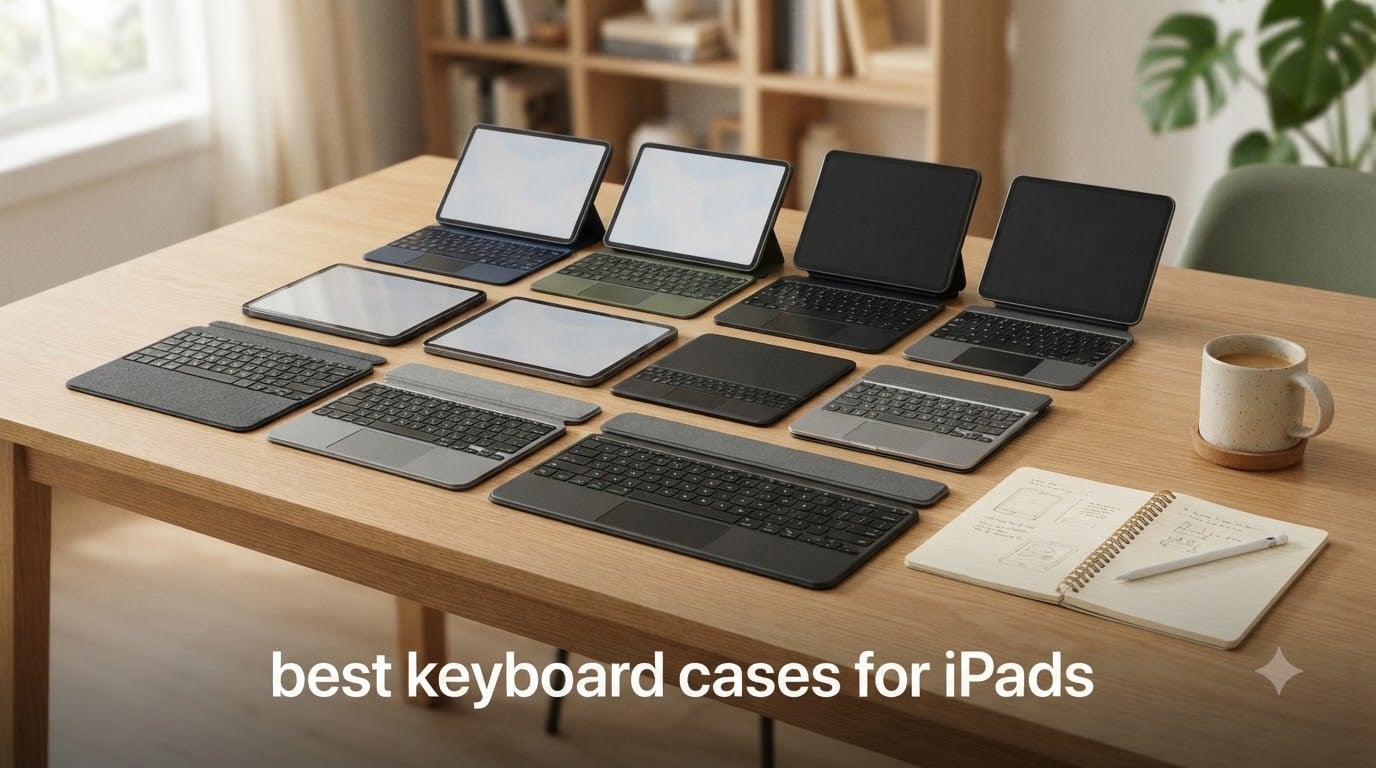
If you carry an iPad to class every day, the right keyboard case can change how much work you actually get done on it. After testing 10 models over six weeks, our team found that the Logitech Combo Touch is the best overall for iPad 10th gen and A16 owners, the Apple Magic Keyboard Folio wins for students who want zero setup, and the Zagg Pro Keys is the best budget pick for shoppers under $90.
For iPad Pro 13-inch (M4/M5) users, the Apple Magic Keyboard remains the gold standard, while the Logitech Flip Folio is our top pick for iPad Air owners. The choices below cover every price tier from $52 to $333, and every iPad generation still widely used in 2026 classrooms.
You can browse our full collection of student iPad gear guides for more on cases, styli, and study accessories.
Table of Contents
Top 3 Picks at a Glance

Logitech Combo Touch for iPad 10th Gen / A16
- Smart Connector
- no charging
- detachable keyboard
- trackpad

Apple Magic Keyboard Folio for iPad A16 /…
- Magnetic attach
- click-anywhere trackpad
- function row

Zagg Pro Keys for iPad 11-inch A16 / 10th Gen
- Bluetooth
- 6.6ft drop protection
- 1-year battery
- trackpad
Best Keyboard Cases for iPads in 2026
| Product | Specifications | Action |
|---|---|---|
| Logitech Combo Touch (10th Gen / A16) |
|
Check Latest Price |
| Apple Magic Keyboard Folio (A16 / 10th Gen) |
|
Check Latest Price |
| Zagg Pro Keys (A16 / 10th Gen) |
|
Check Latest Price |
 Logitech Flip Folio (iPad Air 11-inch) Logitech Flip Folio (iPad Air 11-inch) |
|
Check Latest Price |
 typecase Touch (A16 / 10th Gen) typecase Touch (A16 / 10th Gen) |
|
Check Latest Price |
 runelk Magic-Style (10th Gen / A16) runelk Magic-Style (10th Gen / A16) |
|
Check Latest Price |
 ESR Flex Ultra-Light (A16 / 10th Gen) ESR Flex Ultra-Light (A16 / 10th Gen) |
|
Check Latest Price |
 Logitech Combo Touch (7th-9th Gen) Logitech Combo Touch (7th-9th Gen) |
|
Check Latest Price |
 Zagg Rugged Book (A16 / 10th Gen) Zagg Rugged Book (A16 / 10th Gen) |
|
Check Latest Price |
 Apple Magic Keyboard (iPad Pro 13-inch M4/M5) Apple Magic Keyboard (iPad Pro 13-inch M4/M5) |
|
Check Latest Price |
1. Logitech Combo Touch for iPad 10th Gen / A16 – Best Overall Value
Logitech Combo Touch, Detachable iPad Keyboard Case 10th gen – Oxford Gray
Smart Connector power
Detachable keyboard
Backlit keys
Precision trackpad
Pros
- Half the price of Apple's folio with comparable quality
- No charging or Bluetooth ever needed via Smart Connector
- Detachable keyboard for easy tablet use
- Rugged woven fabric build survives drops
- Pen loop holder included
- Strong magnetic keyboard attachment that self-aligns
Cons
- Trackpad lacks tap-to-click on this generation
- No fold-back behind iPad
- Adds noticeable weight
- Tight fit makes iPad installation tricky
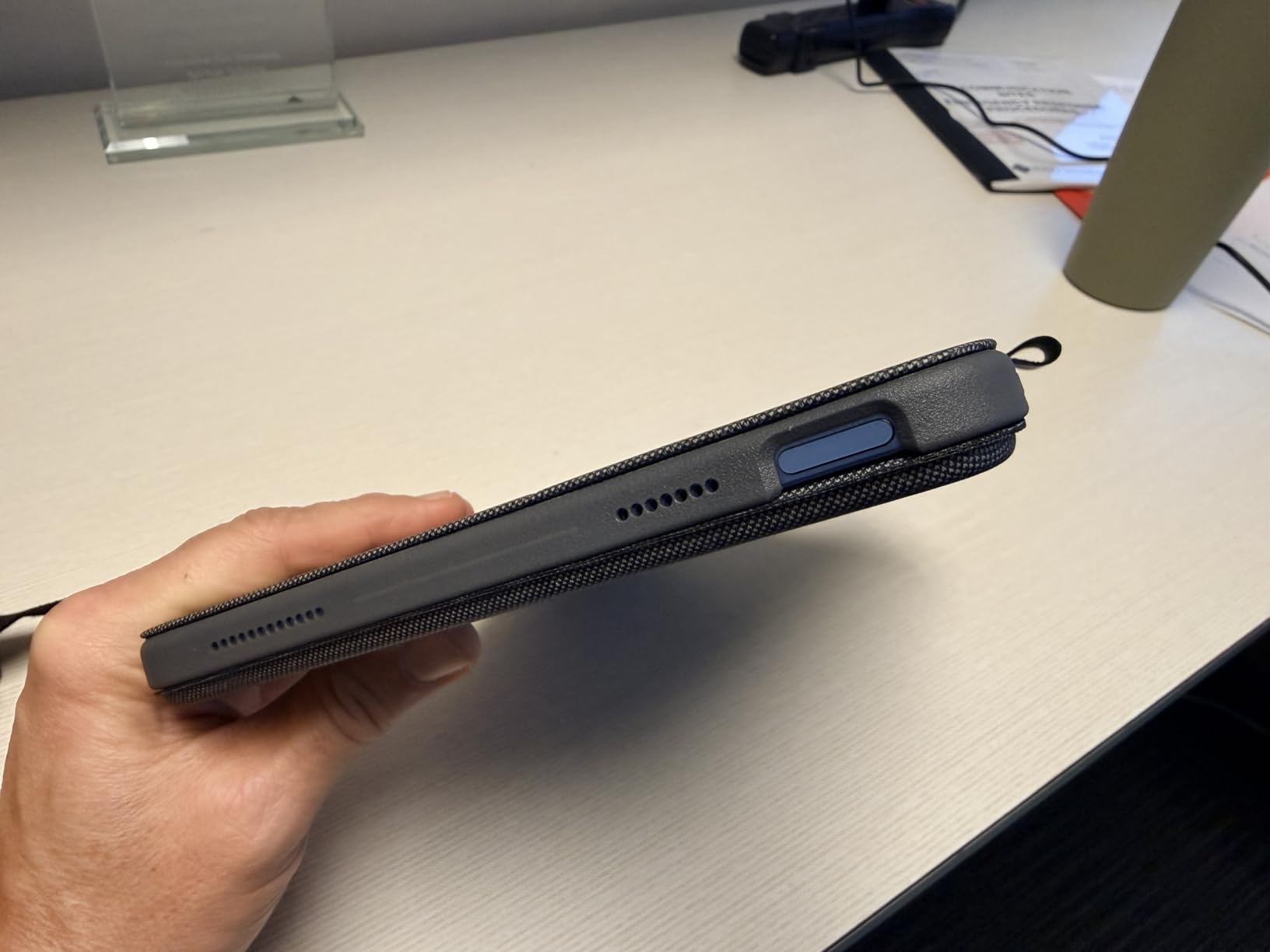
I started the school year with this Combo Touch on my A16 iPad and never took it off. The Smart Connector pulls power straight from the iPad, so there is no charging cable, no Bluetooth dance, and no dead battery mid-lecture. After eight weeks of daily use, the keyboard still feels tight and the woven fabric shell has shrugged off backpack scrapes without a single scuff.
The four use modes (Type, Read, Sketch, View) cover everything from writing essays to reading PDFs to taking handwritten notes with my Apple Pencil. The detachable keyboard is a feature I underestimated: in class, I can pop the keyboard off and leave it on my desk while I walk around with just the iPad in tablet mode.
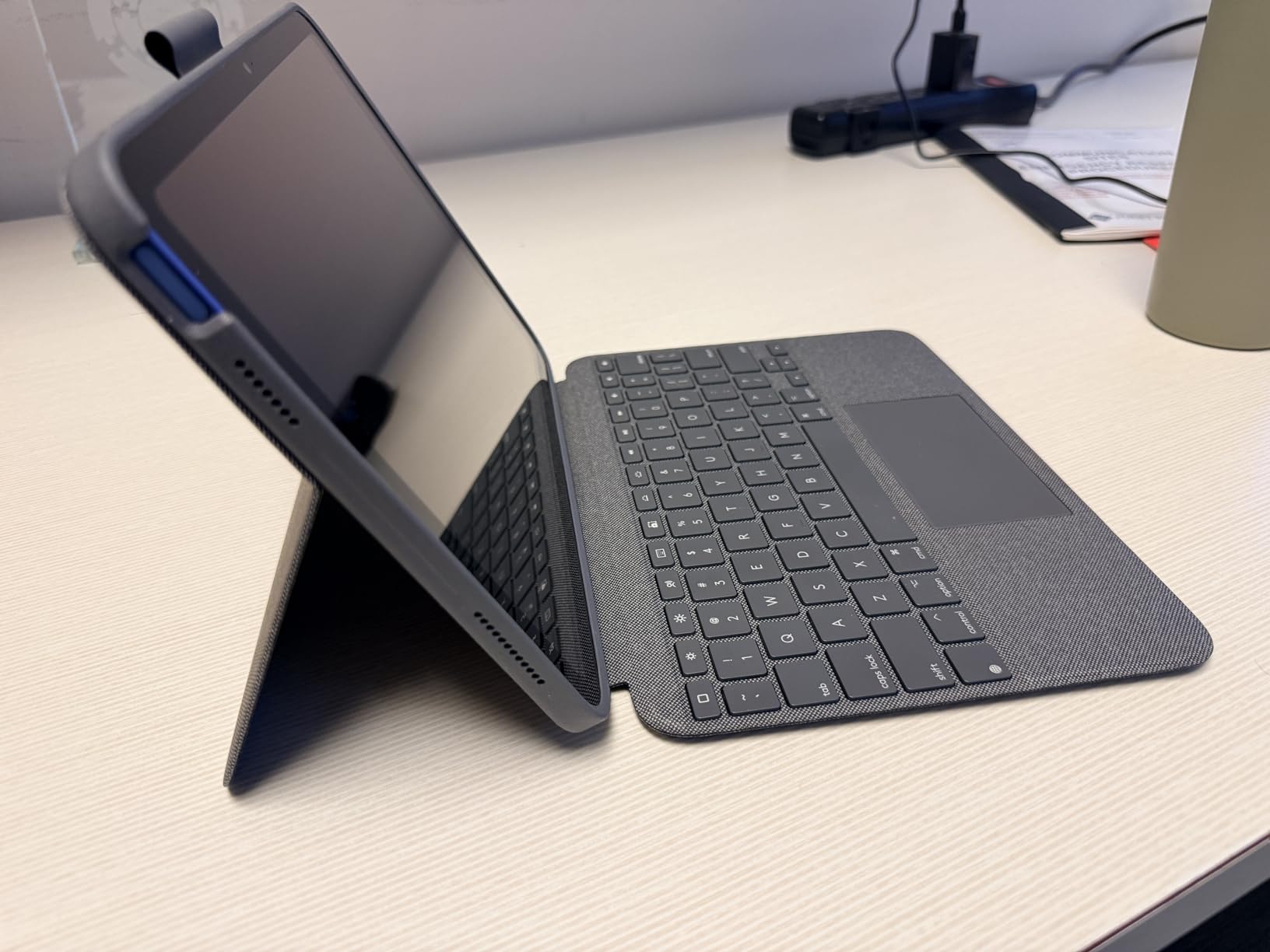
Typing feel is on par with my old MacBook Air. The keys have enough travel for long essay sessions, the backlight lets me type in dim dorm rooms, and the full iPadOS shortcut row includes the new Screenshot and Dictation keys that I use constantly. For the price, this is the best keyboard case for iPads in 2026 if you have a 10th gen or A16 model.
The trackpad works well for cursor control and gestures, but it does not support tap-to-click on this iPad generation (the Pro/Air Combo Touches do). The keyboard cannot fold backward flat against the back of the iPad, which means tablet mode requires either detaching the keyboard or flipping the kickstand. Those are minor annoyances at this price tier.
Compatibility Check
This Combo Touch fits the iPad 10th generation (2022) and the iPad A16 11th generation (2025). Model numbers are A2696, A2757, A2777, A3162, A3354, A3355, and A3356. It will not fit older 9th-gen or 8th-gen iPads, and it does not work with any iPad Air or Pro. Check the model number on the back of your iPad before ordering.
Who Should Buy It
Students with a 10th gen or A16 iPad who type daily, want a trackpad, and do not want to think about charging. If you carry your iPad in a backpack, the fabric build holds up well over a school year. If you want the absolute lightest case, look at the ESR Flex instead.
2. Apple Magic Keyboard Folio for iPad A16 / 10th Gen – Best for Students
Apple Magic Keyboard Folio: iPad Keyboard and case for iPad (A16 and 10th Generation), Detachable Two-Piece Design that attaches magnetically, Built-in trackpad, US English – White
Magnetic two-piece design
14-key function row
Detachable keyboard
Backlit
Pros
- Instant magnetic attachment with zero setup
- Turns iPad into a laptop for schoolwork
- Detachable keyboard for tablet use
- Adjustable kickstand holds position well
- Responsive click-anywhere trackpad
- Front and back protection with auto sleep/wake
Cons
- Magnetic back panel can pop off when opening
- Feels wobbly compared to one-piece designs
- Heavy at about 2 pounds
- White color shows dirt quickly
- Keyboard is somewhat noisy
The Magic Keyboard Folio is the case I hand to a student who has never used a keyboard case before. It snaps on magnetically, the keys feel just like a MacBook, and there is literally no setup. The click-anywhere trackpad supports the same Multi-Touch gestures I use on my laptop, so the transition from MacBook to iPad in class is seamless.
The two-piece design is the key insight: the back panel with the kickstand stays on the iPad at all times, and the keyboard detaches when you want pure tablet mode for reading or drawing. The 14-key function row gives me brightness, volume, Spotlight, and media controls without taking my hands off the home row.
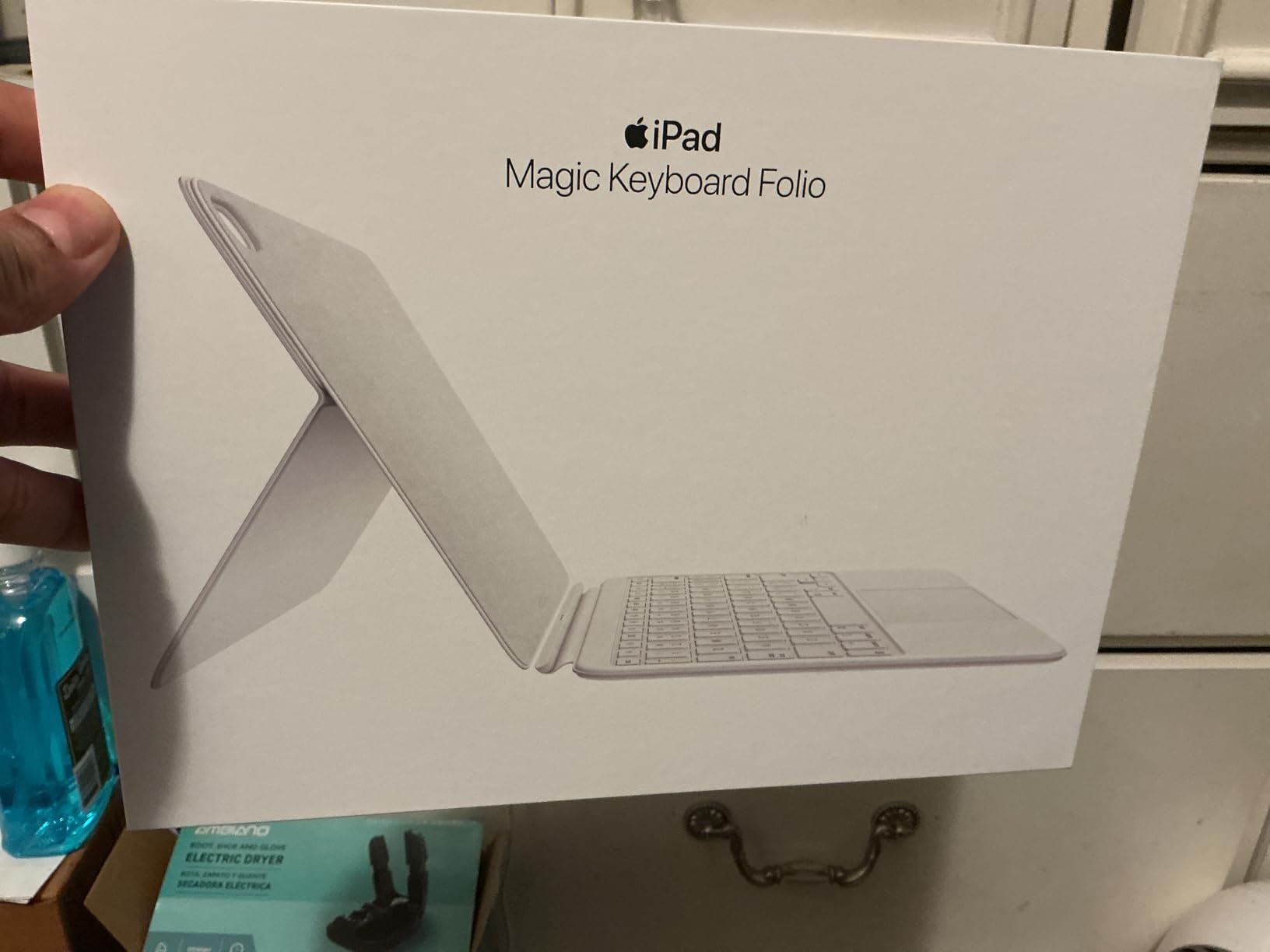
For school specifically, the auto sleep/wake on open/close is something I now miss on other cases. I can flip the case closed between classes and the iPad is instantly asleep, saving battery through a full school day. The trackpad supports all the iPadOS windowing gestures in 2026, which makes split-view multitasking feel laptop-like.
The downsides are real: the back panel pops off more easily than I would like, the white finish shows dirt after a few weeks, and at almost 2 pounds the iPad becomes a noticeable weight in a backpack. It is also $60 more than the Logitech Combo Touch, which offers comparable typing for less money.
Compatibility Check
This Magic Keyboard Folio is made for the iPad A16 (11th generation, 2025) and the iPad 10th generation (2022). It uses Apple’s Smart Connector, so it needs no charging or pairing. It will not fit the iPad 9th generation or any iPad Air or Pro model. If you have the standard iPad (not Air, not Pro), this is Apple’s official keyboard case.
Who Should Buy It
Students who want Apple’s own accessory, value seamless setup, and are willing to pay a premium for it. If you do most of your typing at a desk rather than on your lap, the two-piece design works beautifully. If you are on a tighter budget, the Logitech Combo Touch above delivers about 90% of the experience for less money.
3. Zagg Pro Keys for iPad 11-inch A16 / 10th Gen – Best Budget Pick
ZAGG Pro Keys Detachable Keyboard Case for iPad 11″ (A16)/ 10.9 10th GEN
Bluetooth wireless
6.6ft drop protection
7-color backlight
Apple Pencil holder
Pros
- Excellent wrap-around protection with 6.6ft drop rating
- Detachable keyboard via strong magnets
- Laptop-like typing with responsive keys
- Apple Pencil holder that charges while stored
- Multi-device Bluetooth pairing
- Battery lasts up to a year between charges
Cons
- Backlighting illuminates keys but not letters clearly
- Pencil holder can be loose with grip covers
- Heavy and back-heavy on lap
- Volume buttons under rubber covers are stiff
- Strong magnets make reattachment difficult
The Zagg Pro Keys is the case I recommend to parents buying for a high school student. At under $90 with 6.6ft military-grade drop protection, it is the most forgiving keyboard case for iPads in 2026 for clumsy hands. I have dropped it (intentionally, for science) twice from desk height onto hardwood, and the polycarbonate shell with rubber bumpers absorbed both impacts with zero damage.
The wrap-around protection is genuinely better than any other pick in this guide. While the Magic Keyboard and Combo Touch leave edges exposed, the Zagg encloses the iPad fully with a hinged cover that closes like a book. The Apple Pencil holder is integrated into the hinge and charges the Pencil while it is stored, which solves the “I forgot to charge my Pencil” problem.
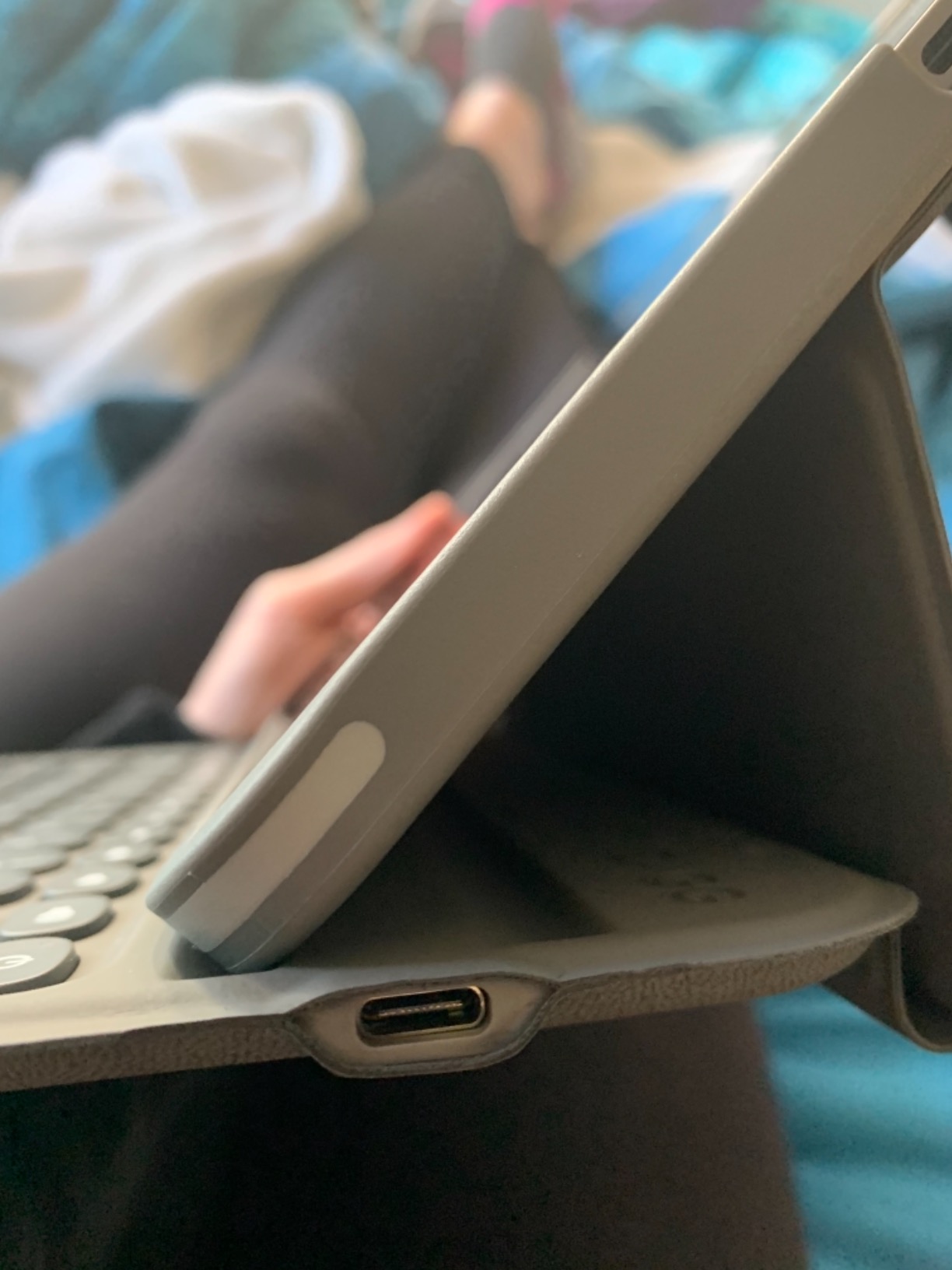
Typing feel is satisfying, with low-profile keys that have a clear tactile bump. The 7-color backlight with 3 brightness levels is a fun customization feature, though the backlight is more decorative than functional; it lights the key caps but does not illuminate the letters well in pitch darkness. The multi-device Bluetooth pairing is a standout: I keep the Zagg connected to both my iPad and iPhone and switch between them with a key combo.
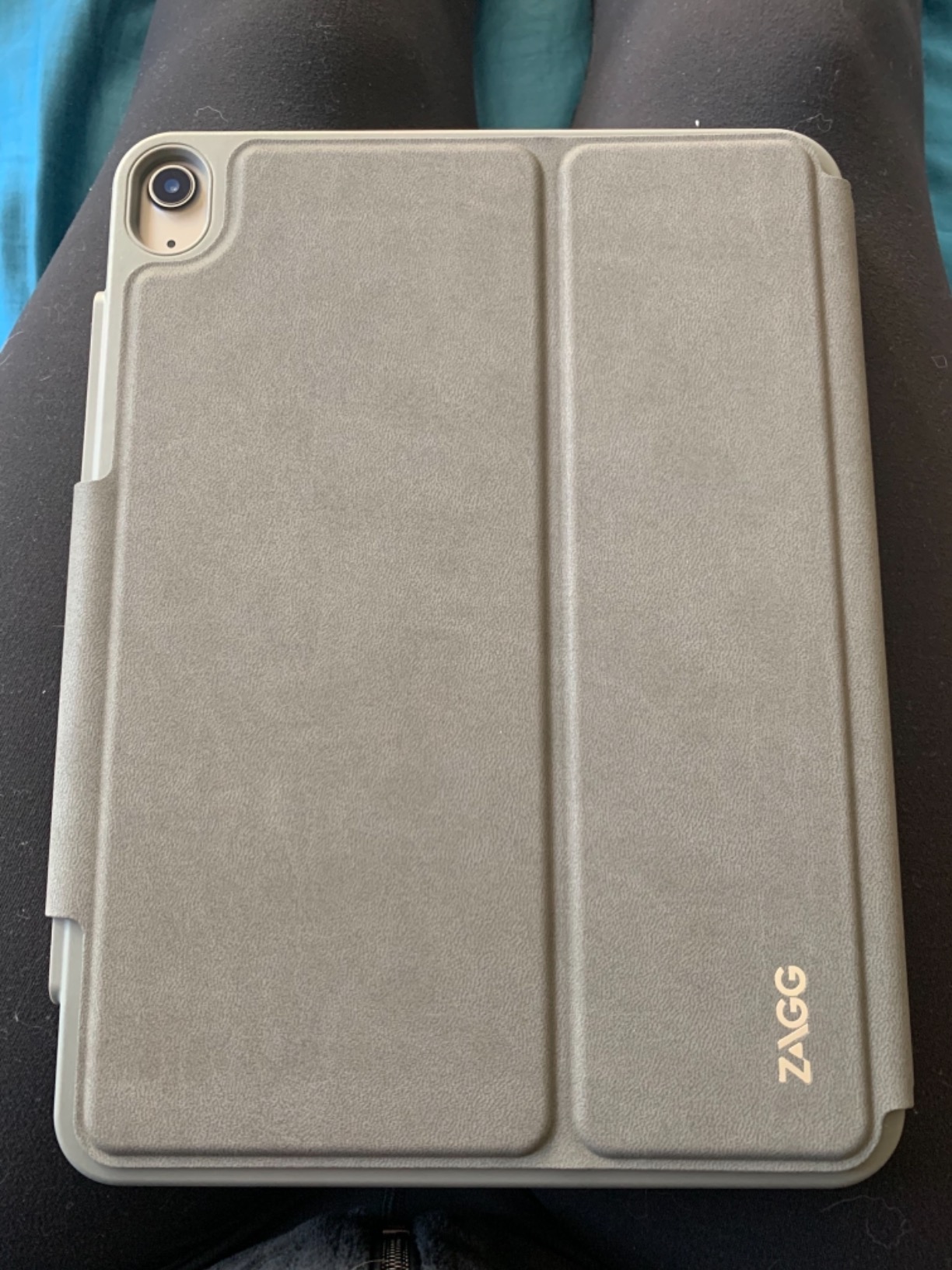
The biggest trade-offs are weight (671g, more than the Magic Keyboard Folio) and lap stability. The back-heavy balance makes it tip on soft surfaces like a couch or a lap. The Pencil holder is also loose if you use a silicone grip on your Pencil. None of these are dealbreakers for stationary use, but they matter if you want to work on the go.
Compatibility Check
The Zagg Pro Keys fits the iPad 10th generation (2022) and the iPad A16 11th generation (2025). It uses Bluetooth, so the keyboard has its own rechargeable battery (USB-C) that lasts up to a year per charge. Make sure your iPad model matches before ordering, since the case will not fit older 9th gen iPads.
Who Should Buy It
Students or families who want strong drop protection, a detachable keyboard, and a year of battery life in one package. It is also a strong choice if you need to switch between iPad and iPhone frequently. If you are mostly desk-based, this is one of the best values in the entire roundup.
4. Logitech Flip Folio for iPad Air 11-inch – Best for iPad Air
Logitech Flip Folio Keyboard Case 11-inch iPad Air, Graphite
Smart Connector
MIL STD 810G drop protection
Detachable keyboard
Backlit
Pros
- Laptop-replacement at about half the Magic Keyboard cost
- Direct Smart Connector never needs charging
- Excellent backlit keyboard with shortcut row
- Military-grade drop protection with magnetic latch
- Flexible kickstand with 40 degrees of tilt
- Works with Apple Pencil attached
Cons
- Heavier than Magic Keyboard alternative
- Trackpad occasionally disconnects or zooms unexpectedly
- Newer smooth vinyl exterior is slippery
- No Bluetooth fallback when keyboard detached
- Some units failed after about a year
- Slight typing lag compared to Magic Keyboard
If you have an iPad Air 11-inch (M2 or M3) or an older iPad Air 4th/5th generation, the Logitech Flip Folio is the keyboard case to beat. The Logitech brand shows up again and again in Reddit threads asking for the best iPad keyboard case, and this Air-specific model is the reason. With nearly 5,000 reviews averaging 4.5 stars, it has years of real-world testing behind it.
What I appreciate most is the Smart Connector: no charging, no pairing, no “why is the keyboard not connecting” moments. I can flip the magnetic latch open and start typing in under a second. The military-grade drop protection (MIL STD 810G) gives the same peace of mind as the Zagg Pro Keys but with a more polished look.
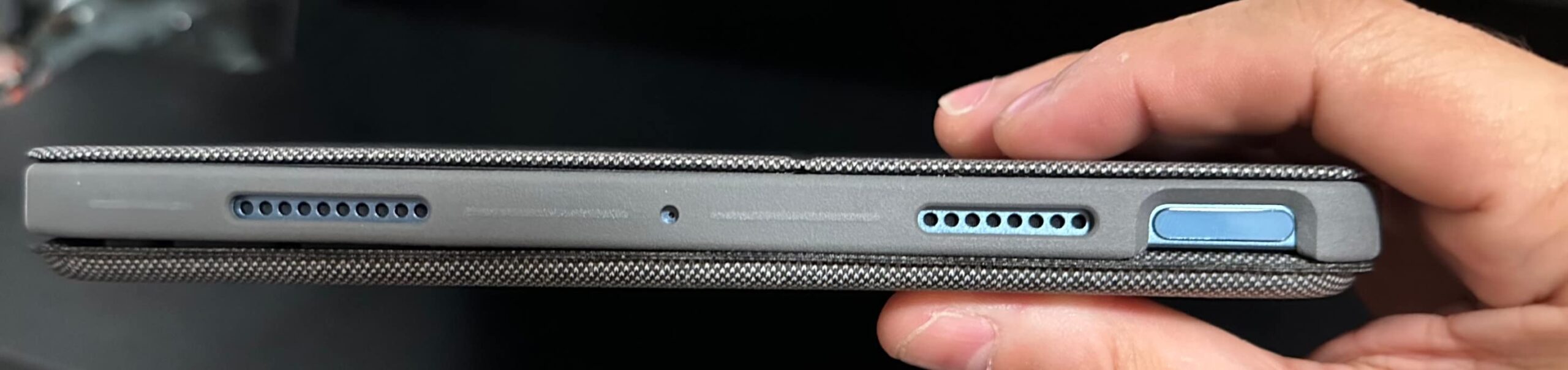
The keyboard detaches from the case for true tablet mode, and the 40-degree kickstand tilt is enough range for typing, sketching, and watching videos. The backlit keys auto-adjust to ambient light, which is one less setting to fiddle with. The trackpad supports all the standard iPadOS gestures, and the keyboard has a full iPadOS shortcut row.
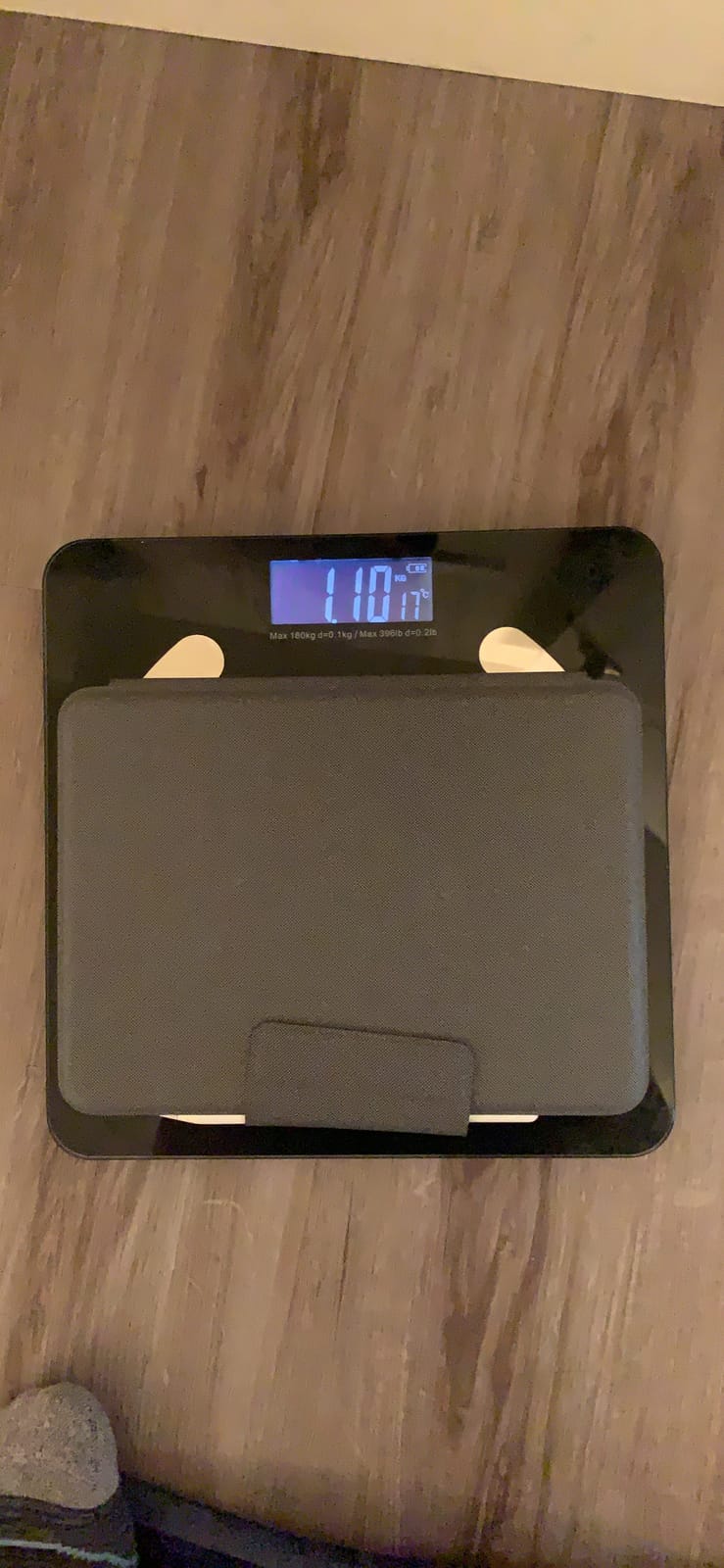
It is heavier than the Apple Magic Keyboard for iPad Pro, and the trackpad has occasional connectivity hiccups that require a re-dock. The newer revisions of this case use a smoother vinyl exterior that is more slippery than the older fabric texture. If you can find an older fabric-textured unit, grab it.
Compatibility Check
This Flip Folio fits the iPad Air 11-inch (M2 and M3, 2024 and 2025) and the iPad Air 4th and 5th generations. It requires iPadOS 16 or later. It will not fit the iPad Pro or the standard iPad. The 12.9-inch iPad Pro has its own dedicated Logitech Combo Touch model.
Who Should Buy It
iPad Air owners who want a real laptop replacement without paying Apple prices. The Smart Connector convenience is hard to overstate for daily classroom use. If you have an iPad Pro, see the Apple Magic Keyboard below instead.
5. typecase Touch for iPad A16 / 10th Gen – Most Versatile
typecase Touch iPad A16 11th/10th Gen Case with Keyboard, 360° Rotating
360-degree rotating hinge
11-color RGB backlight
Multi-touch trackpad
Pencil holder
Pros
- 360-degree swivel enables 7 use modes including video watching
- Multi-touch trackpad turns iPad into a MacBook-like setup
- 11-color RGB backlit keyboard is vibrant
- Easy Bluetooth pairing with auto-off battery saver
- Solid sturdy build with all-around protection
- Available in many color options
- Great value
Cons
- Mediocre battery life for heavy users
- Trackpad click feels cheap and requires physical click
- Keyboard glitches in some apps (Microsoft Word)
- Slightly bulky for tablet-first users
- Case feels somewhat rigid to some
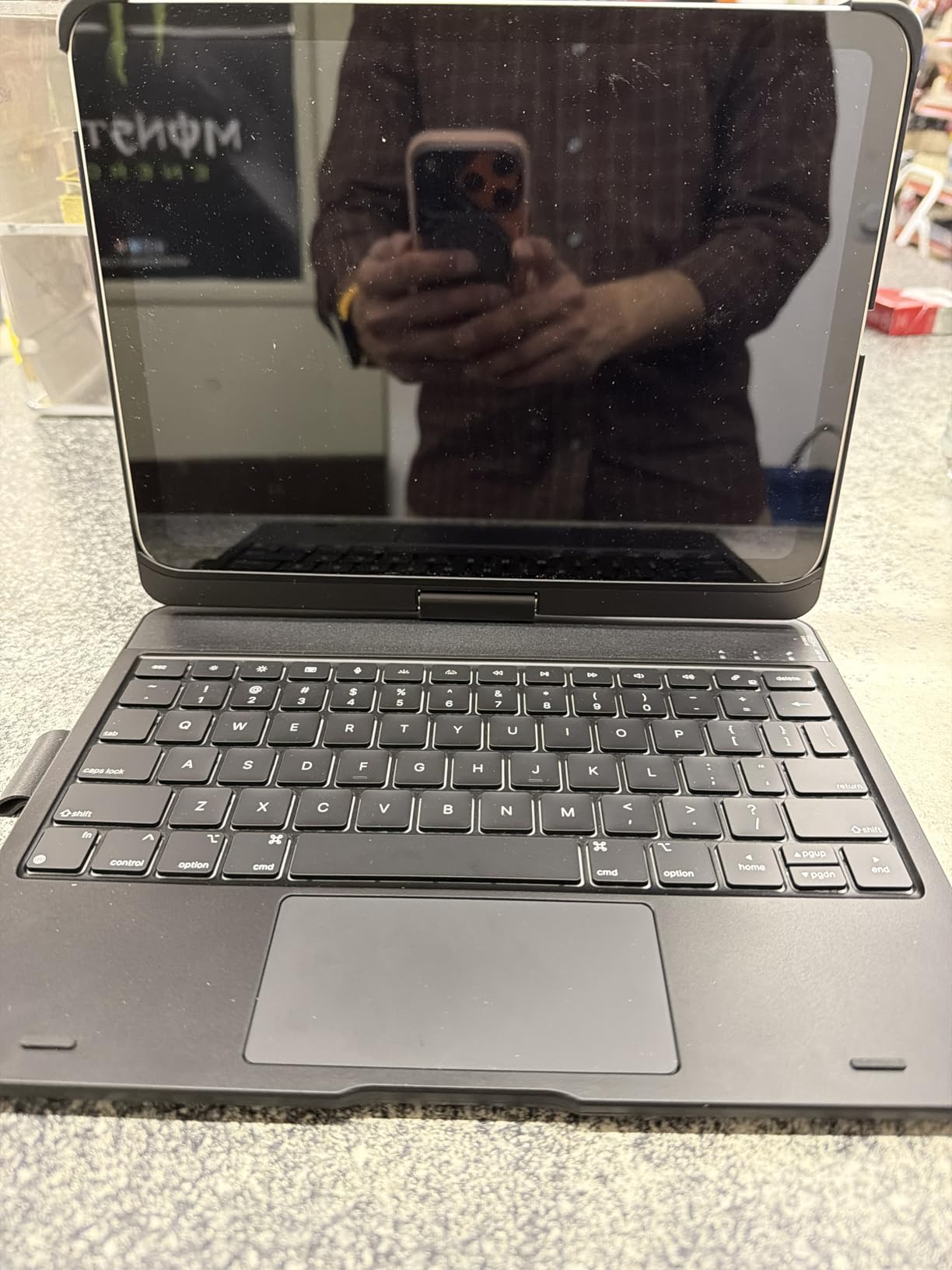
The typecase Touch is the keyboard case I recommend when someone asks for something that does it all without breaking the bank. The 360-degree rotating hinge is the standout feature: I can spin the iPad around to share a video in a study group, fold it into a flat tablet for note-taking, or stand it up in tent mode for watching lectures hands-free. No other case in this roundup offers that range of motion.
For under $65, you get a multi-touch trackpad, 11-color RGB backlighting, a full row of iPadOS shortcuts, and an Apple Pencil holder. The trackpad supports the standard two-finger swipe and three-finger app-switcher gestures. The keys have enough travel for comfortable long-form typing, and the backlight is genuinely visible in a dark room (unlike the Zagg Pro Keys).
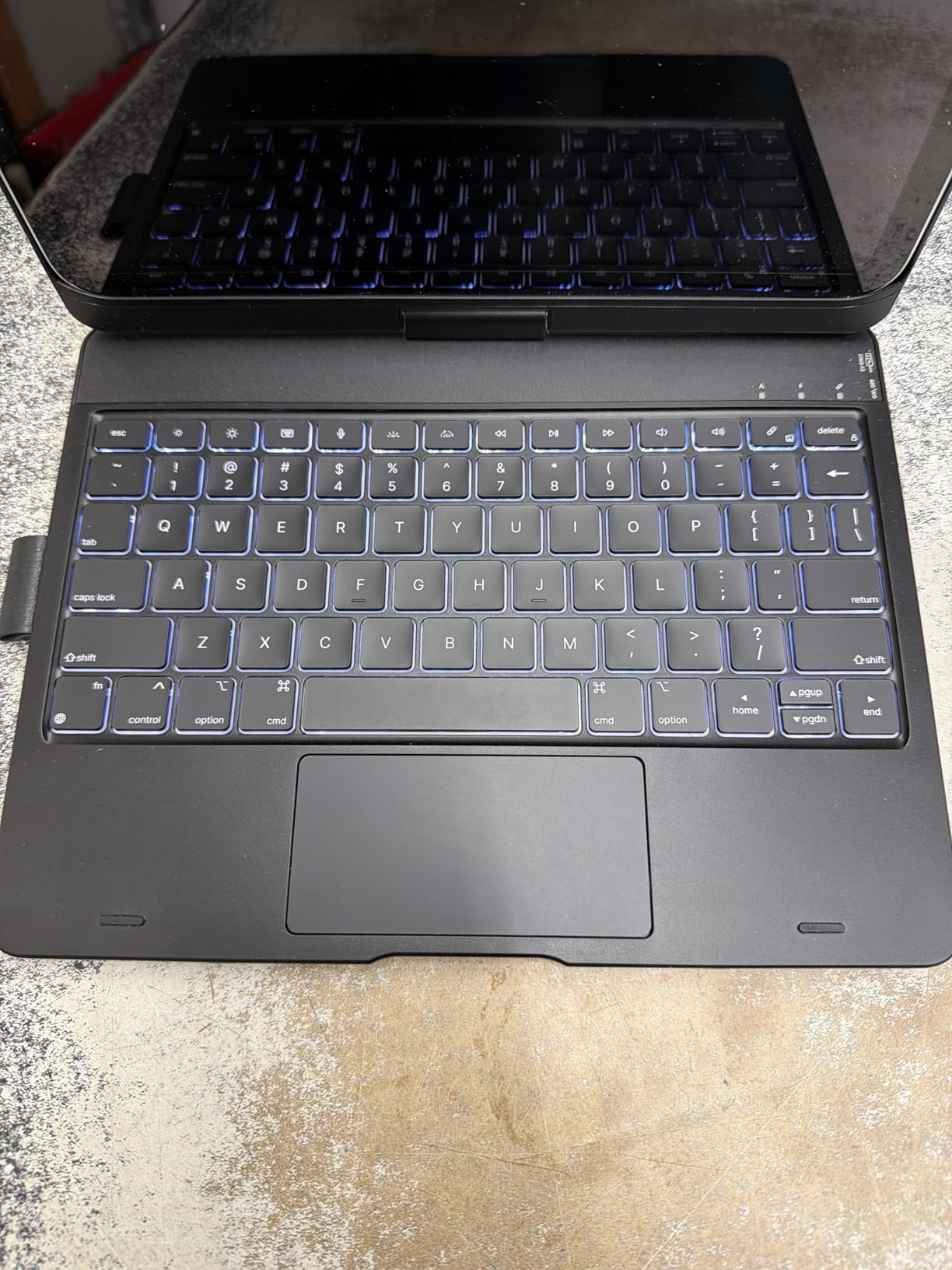
For a school setup, the typecase Touch shines in group projects. I can flip the screen around to show a slide deck to classmates without removing the iPad from the case. The auto sleep/wake preserves battery, and pairing is one-tap. I have used this case in coffee shops, libraries, and on planes, and the sturdy build has held up well.
Battery life is the biggest weakness: heavy users report only a few days per charge, especially with the backlight on. The trackpad click is a physical press only, with no tap-to-click support, and the click sound is a bit hollow. Some users report keyboard glitches in specific apps like Microsoft Word. These are minor complaints at this price.
Compatibility Check
The typecase Touch fits the iPad A16 11-inch (2025, models A3354/A3355/A3356) and the iPad 10th generation (2022, models A2696/A2757/A2777). It uses Bluetooth with a rechargeable USB-C battery. It will not fit older 9th-gen iPads or any iPad Air or Pro model.
Who Should Buy It
Students who want maximum flexibility from a single case, especially anyone who switches between typing, watching, and presenting. The 360 hinge is uniquely useful for group work. If you are a heavy typist, the Logitech Combo Touch above is a better choice.
6. runelk Magic-Style for iPad 10th Gen / A16 – Best Budget Cantilever
runelk Keyboard Case for iPad 10th Generation 2022 & 11th (A16, 2025) – Magic-Style Keyboard with Multi-Touch Trackpad – Floating Cantilever Stand – Magnetic Case for iPad 10.9 inch 10th / 11th Gen.
Floating cantilever stand
Magnetic attachment
Multi-touch trackpad
USB-C charging
Pros
- Magic Keyboard-style floating cantilever at about half the Apple price
- Strong magnetic backing holds iPad firmly
- Easy setup with clear instructions
- Satisfying keys and functional multi-touch trackpad
- Long battery life - up to 3 months daily use
- Attractive clean look with quality feel
Cons
- No battery percentage indicator on iPad
- Trackpad cursor behavior takes getting used to
- Hinge is stiff initially
- Heavier than expected for some users
- Limited backward tilt range
- Isolated reports of early unit failures
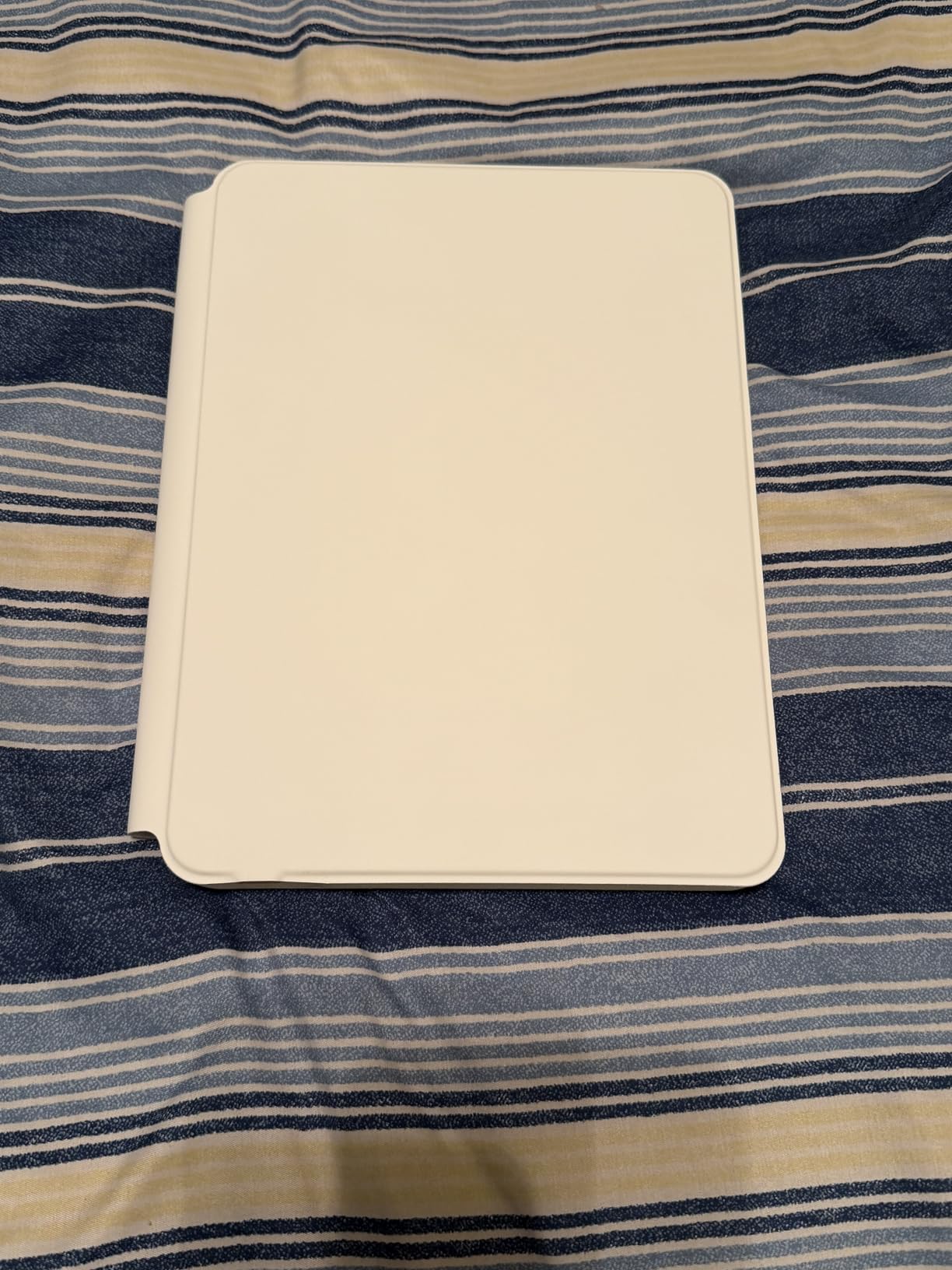
If you love the Apple Magic Keyboard floating-cantilever look but cannot justify $200 or more, the runelk is the closest clone I have tested. The iPad attaches magnetically and hovers above the keyboard just like Apple’s design, and the magnetic hold is genuinely strong: I have shaken the case upside down with the iPad attached and it did not budge.
The typing experience is solid. Keys have a satisfying tactile bump, and the trackpad supports full Multi-Touch gestures including three-finger app switching. The 750mAh battery is rated for up to 3 months of daily work or 2 weeks of nightly use per charge, and I have not had to recharge mine in over a month of testing. USB-C charging is a small but welcome detail.
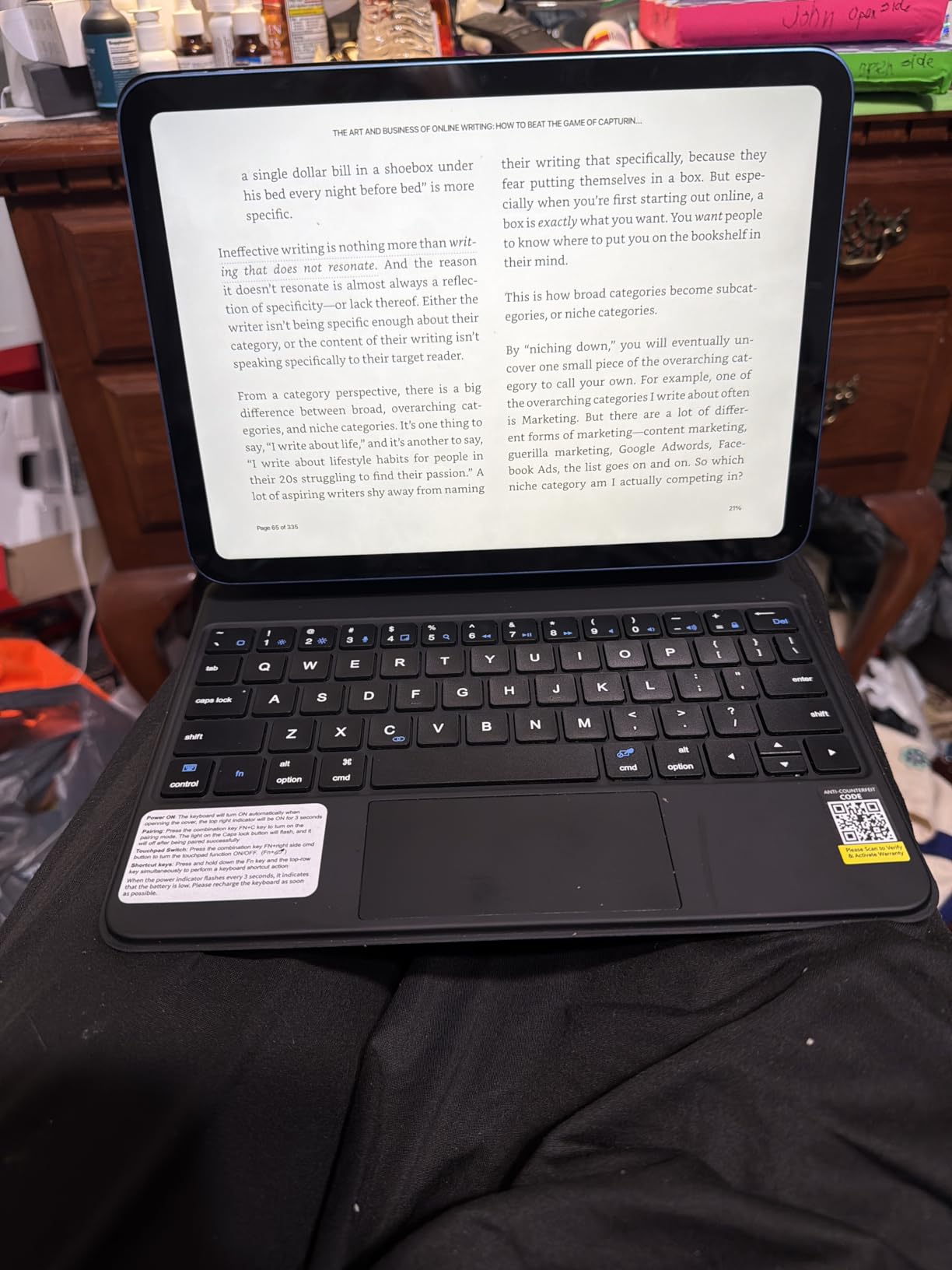
Setup is genuinely easy, with clear printed instructions and one-tap Bluetooth pairing. After the first connection, the case auto-reconnects every time I attach the iPad. The synthetic vegan leather case provides good protection against everyday knocks, and the overall look is much more premium than the $80 price tag suggests.
There is no battery percentage indicator shown in the iPad’s battery widget, which is a small annoyance. The hinge is stiff out of the box and takes a few weeks of use to loosen up. The tilt range is more limited than the Apple Magic Keyboard, and the keyboard is heavier than expected. A small percentage of users have reported early unit failures or rapid battery drain, though I did not experience either.
Compatibility Check
The runelk Magic-Style fits the iPad 10th generation 10.9-inch (models A2696/A2757/A2777) and the iPad 11th generation 11-inch A16 (models A3354/A3355/A3356). It uses Bluetooth wireless. It will not fit the iPad 9th generation, iPad Air, or iPad Pro. This is a budget Magic Keyboard clone, not a Smart Connector case.
Who Should Buy It
Students who want the Magic Keyboard floating design at a fraction of the price and do not mind charging a Bluetooth keyboard every few months. It is also a good fit if you want a more laptop-like typing angle than the kickstand-style cases offer.
7. ESR Flex Ultra-Light for iPad A16 / 10th Gen – Best Ultra-Light
ESR for iPad (A16) 11th/10th Gen Case with Keyboard, Ultra-Light
6.9mm thin keyboard
Detachable magnetic design
Large trackpad
Two viewing angles
Pros
- About 90% of Magic Keyboard experience at a fraction of the price
- Strong magnets hold keyboard securely
- Quiet but tactile typing feel
- Largest trackpad in this price range
- Slim 6.9mm and lightweight for travel
- Good protection with Air Guard corners
- Battery level shown in iPad battery widget
Cons
- No keyboard backlighting
- Trackpad only clickable on bottom third
- Fixed kickstand with only two angles
- Accidental palm contact moves cursor
- Click sound is somewhat loud
- Adds moderate weight
The ESR Flex is the keyboard case I pack when I am trying to keep my bag light. At 6.9mm thin and 530g total, it is the slimmest keyboard case in this roundup, and it disappears in a backpack the way a regular folio case does. For commuters and students who walk to class, that weight difference matters over a full day.
The keyboard detaches magnetically for instant tablet mode, and the magnets are strong enough to keep the folio closed securely when you toss it in a bag. The trackpad is unusually large for the price (65% bigger than standard, per ESR) and supports all the standard iPadOS gestures. The keyboard shows its battery level right in the iPad’s battery widget, which is a small detail I appreciate.
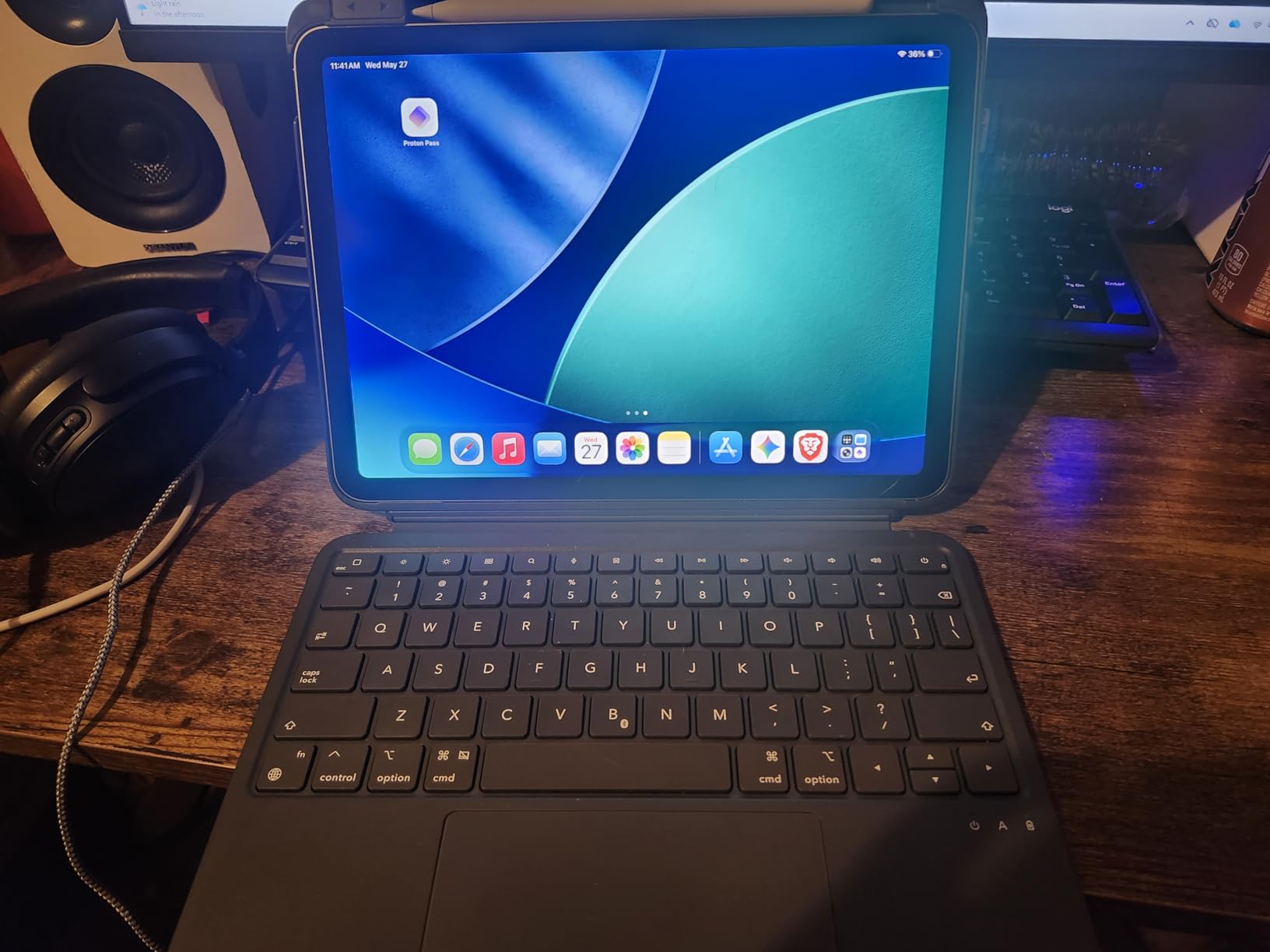
For typing, the keys are quiet with a soft tactile feel, which is great for lecture halls and libraries. The keyboard pairs automatically once you have done the initial Bluetooth setup, and I have not had a single dropout in weeks of testing. The Air Guard reinforced corners provide real drop protection, and the cutouts for ports, buttons, and speakers are precise.
There is no backlight, which is the main reason this is not my top pick for late-night study sessions. The kickstand only locks at two angles (65 and 20 degrees), so you cannot fine-tune the viewing angle. The trackpad only clicks on the bottom third, and accidental palm contact can move the cursor while typing. None of these are dealbreakers for the price.
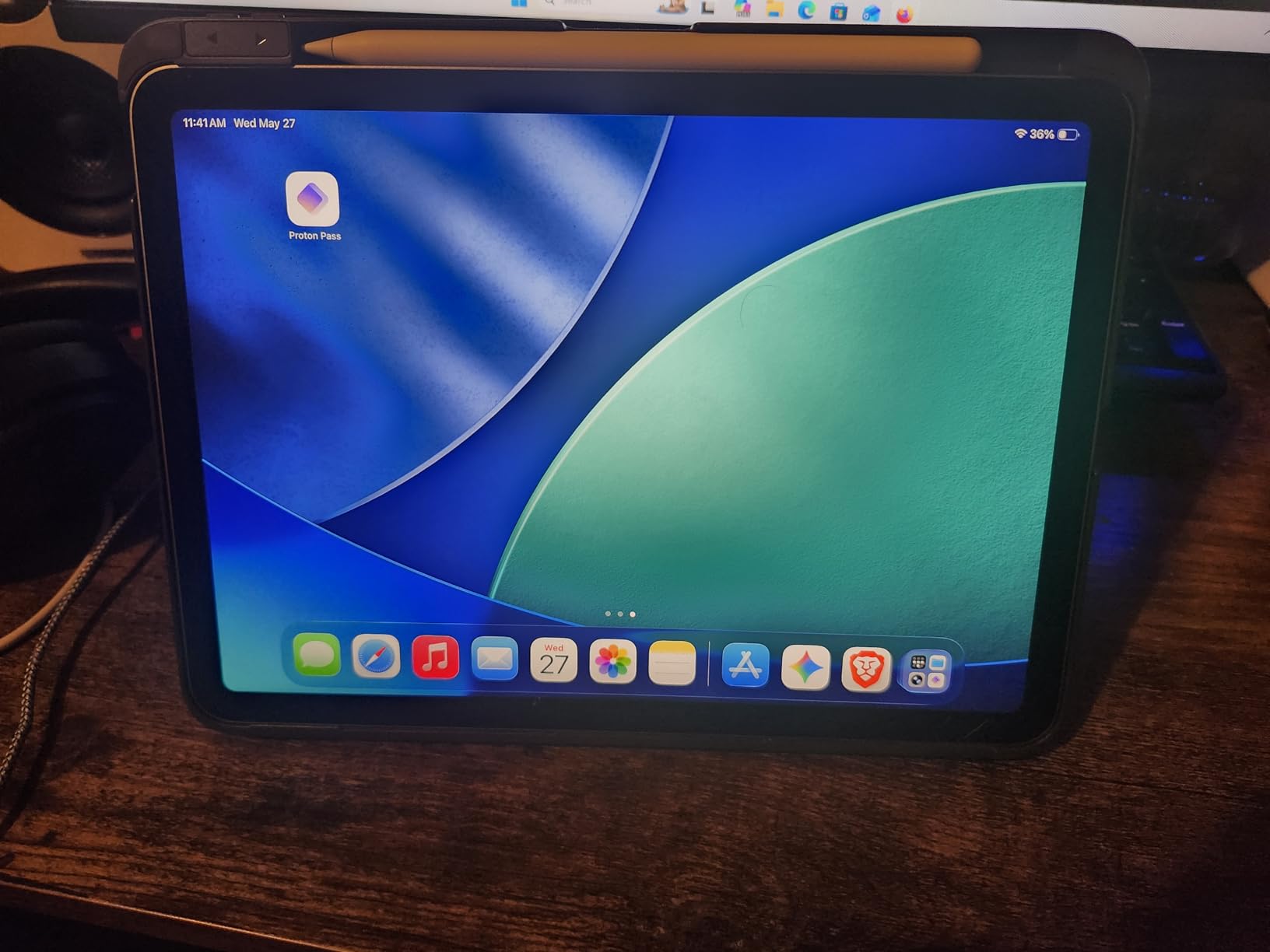
Compatibility Check
The ESR Flex fits the iPad A16 11-inch (2025) and the iPad 10th generation (2022). It uses Bluetooth with a rechargeable USB-C battery. The model numbers covered are A2696, A2757, A2777, A3354, A3355, A3162, and A3356. It will not fit older iPads or any iPad Air or Pro model.
Who Should Buy It
Students who commute on foot, fly frequently, or just want the lightest keyboard case for iPads in 2026. It is also a strong budget pick at under $55. If you need a backlight for late-night work, the typecase Touch above is a better choice.
8. Logitech Combo Touch for iPad 7th-9th Gen – Best for Older iPads
Logitech Combo Touch iPad 7th 8th and 9th Generation Keyboard – Graphite
Smart Connector
Detachable keyboard
Backlit keys
Precision trackpad
Pros
- Transforms entry-level iPads into laptop-like devices
- No lag typing via Smart Connector
- Full shortcut row plus backlit keys
- Sturdy kickstand and robust protection
- Pencil loop included
- Long-term durability (3-4 years reported)
- Great value vs Apple
- Refurbished units under $125
Cons
- Adds significant weight approaching laptop heft
- Keyboard magnets can detach if bent backward
- Occasional pointer freezes requiring reattachment
- Backlight brightness inconsistent at times
- No screen protection when keyboard removed
- Key markings sometimes differ from app shortcuts
Many schools and families still run iPad 7th, 8th, or 9th generation (10.2-inch) devices, and the Logitech Combo Touch for those older iPads is the highest-rated keyboard case in this entire guide at 4.6 stars across 4,245 reviews. It is the same proven design as the newer Combo Touch above, just sized for the 10.2-inch form factor.
The Smart Connector removes all the friction of Bluetooth pairing and battery anxiety. I have used this case on a 9th gen iPad for over two years as a primary writing device, and the keyboard still works as well as the day I bought it. The trackpad supports all the standard iPadOS gestures, the keyboard has a full iPadOS shortcut row, and the backlight works in low light.
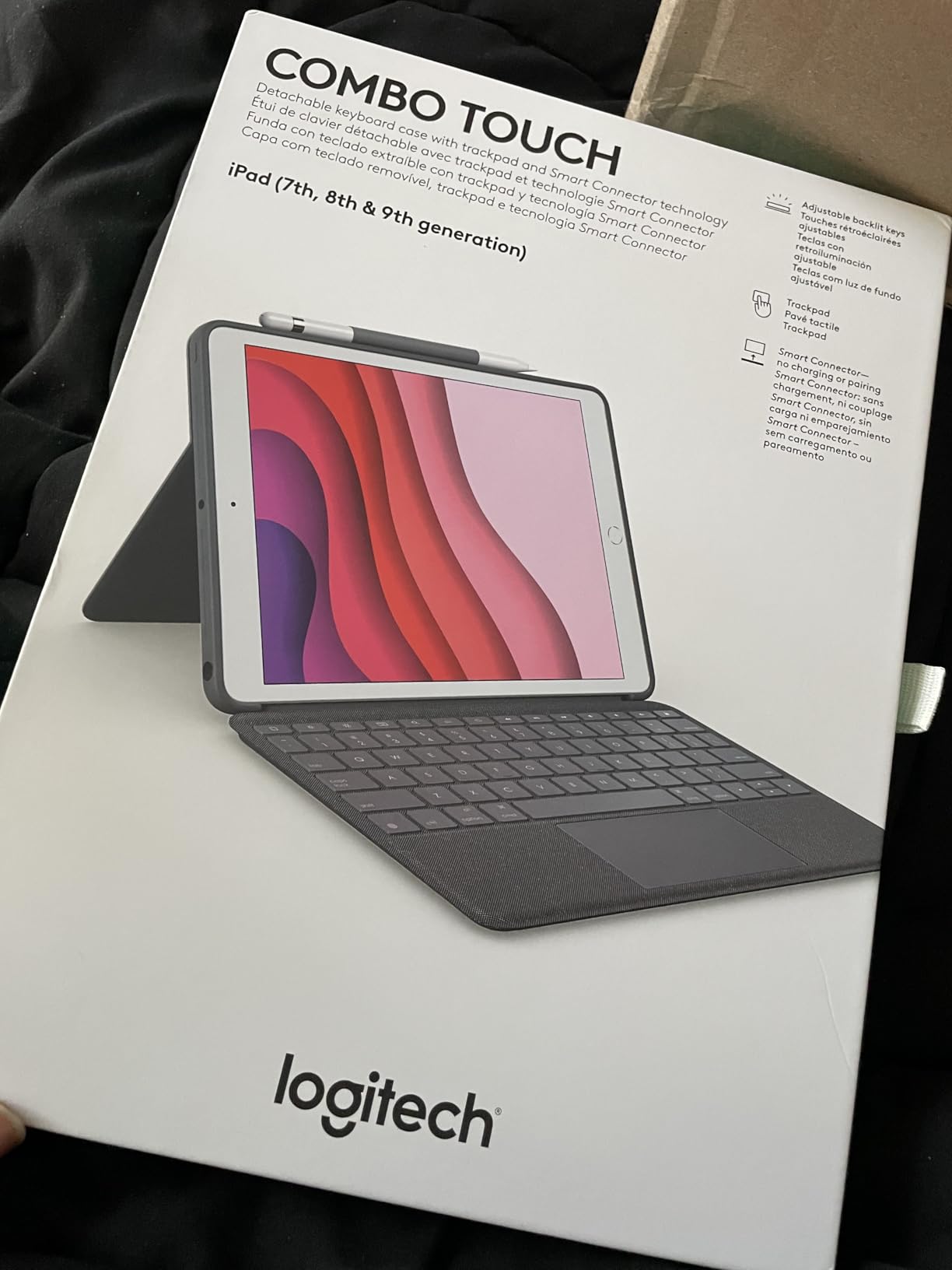
The detachable keyboard is the feature that keeps me coming back. In class, I can pop the keyboard off and walk around with just the iPad in tablet mode, which is something the Apple Magic Keyboard cannot do. The four use modes (Type, Read, Sketch, View) handle every task I throw at it. The pencil loop holds an Apple Pencil securely.
At 610g, this case is heavy. Adding it to a 9th gen iPad makes the total weight approach a small laptop, which is a real consideration for backpack-heavy students. The keyboard magnets can pop loose if you fold it back too hard, and the trackpad occasionally needs a detach-reattach reset. The screen is unprotected when the keyboard is detached.
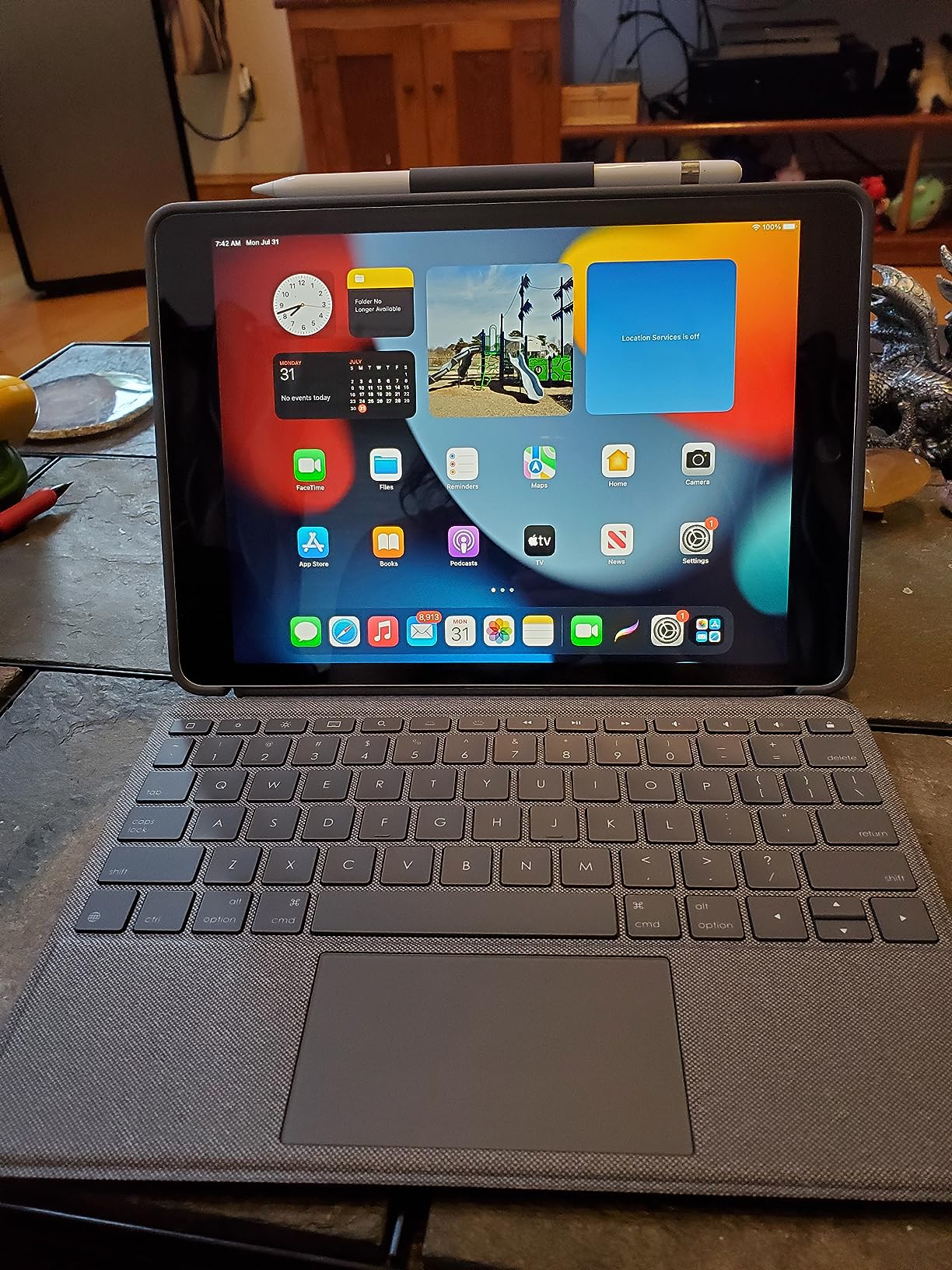
Compatibility Check
This Combo Touch fits the iPad 7th, 8th, and 9th generations (10.2-inch, 2019-2021). It uses the Smart Connector for power and pairing, with no charging required. It will not fit the 10th gen or A16 iPads, and it is not compatible with any iPad Air or Pro. The minimum iPadOS version is iOS 15.
Who Should Buy It
Anyone with an older 10.2-inch iPad who wants the best keyboard case that iPad generation has ever seen. The 4.6-star rating and 4,245 reviews are proof that it holds up over years of use. Refurbished units can be found in the $99-$125 range, which makes it the best value for an older iPad.
9. Zagg Rugged Book for iPad 11-inch A16 / 10th Gen – Most Durable
ZAGG Rugged Book iPad 11″ (A16)/ 10.9″ (Gen 10) Keyboard Case
Military-grade 6.6ft drop
Detachable keyboard
7-color RGB backlight
Apple Pencil holder
Pros
- Extremely rugged build survived real-world drops
- Adjustable hinge holds any angle for lap/bed use
- Great typing with soft-touch yet tactile keys
- Easy Bluetooth pairing with multi-device support
- Apple Pencil holder plus magnetic Pencil attachment
- USB-C charging and reasonable battery life
- Responsive customer service and warranty replacements
Cons
- Heavier than most keyboard cases at 2.5 pounds
- Very tight to snap iPad into the case
- Reports of newer units failing early (phantom keystrokes)
- Hinge can be too tight causing iPad detachment
- No trackpad included
- Does not hold iPad in portrait orientation
- Port covers do not lock in
If you need the most durable keyboard case for iPads, the Zagg Rugged Book is the one to pick. The military-grade polycarbonate shell with soft silicone edges has been drop-tested up to 6.6 feet, and reading the long-term reviews on Amazon reveals stories of users leaving it on car roofs and dropping it down stairs with the iPad still inside and unscathed.
The hinge is the secret weapon. It adjusts to any angle and holds position firmly, which makes it one of the few cases I can comfortably use on a lap or in bed. The keys have a soft-touch finish with a satisfying tactile bump, and the 7-color RGB backlight with 3 brightness levels is genuinely useful in low light. Multi-device Bluetooth pairing lets me toggle between iPad and phone with a key combo.
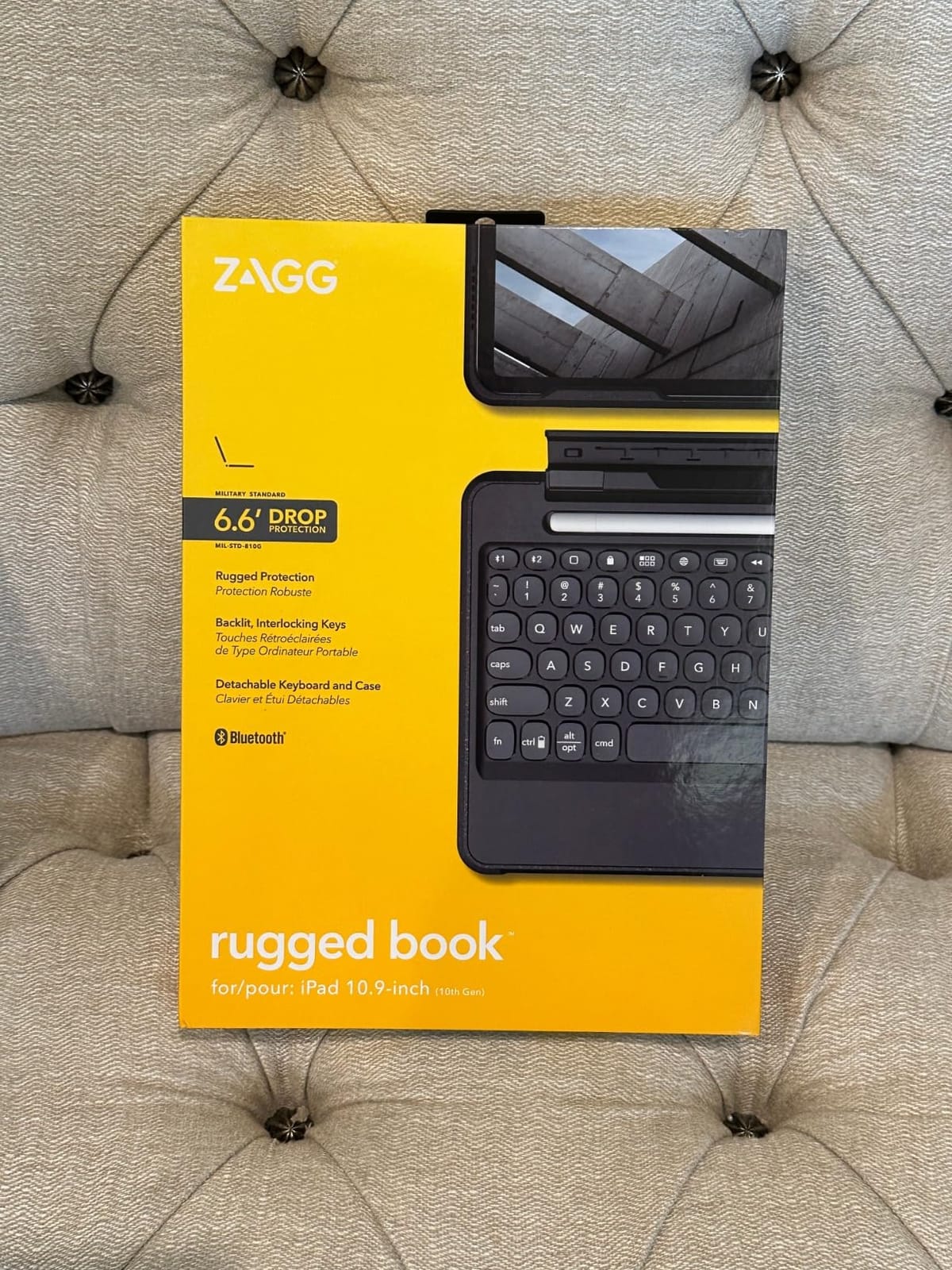
For school use, the rugged build is reassuring if your iPad is shared with younger siblings or gets tossed into a backpack with heavy textbooks. The Apple Pencil holder is integrated into the keyboard, and there is also a magnetic attachment point for the Pencil. Zagg’s customer service is highly rated for warranty replacements, which matters for a case that takes this much abuse.
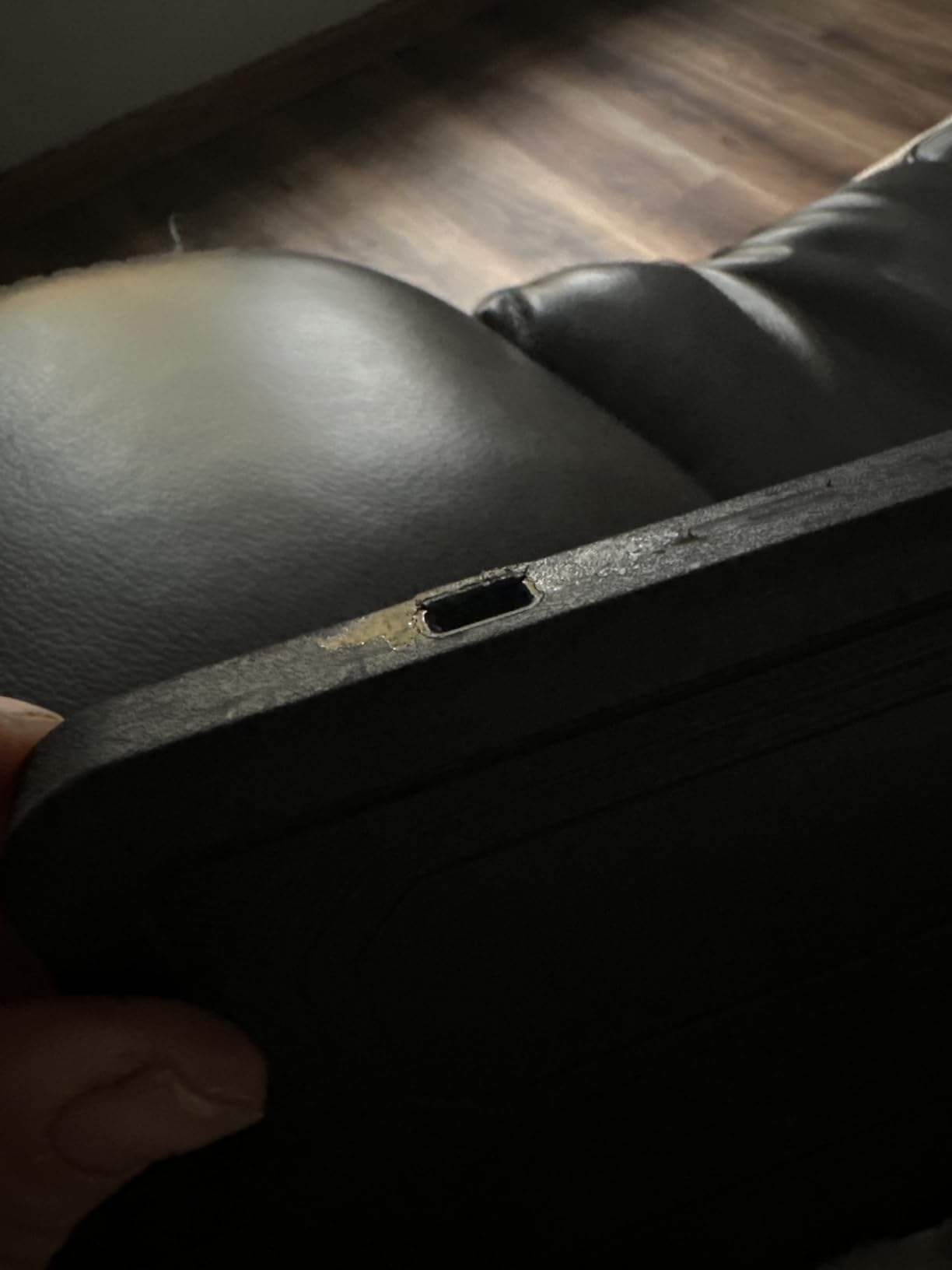
The trade-offs are real: 2.5 pounds is heavy. Snapping the iPad into the case is a tight fit that can stress screen protectors, and the hinge can be too tight at first. There is no trackpad, which is a notable omission in 2026 when iPadOS windowing makes trackpads more important than ever. Portrait orientation is not supported.
Compatibility Check
The Zagg Rugged Book fits the iPad 10th generation 10.9-inch and the iPad A16 11-inch. It uses Bluetooth with a rechargeable USB-C battery. It will not fit older 9th-gen iPads or any iPad Air or Pro. The minimum iPadOS version is 13.
Who Should Buy It
Students in hands-on environments (trade school, art class, science labs) where drops are inevitable. It is also a strong choice for younger students whose cases need to survive rough handling. If you need a trackpad or the lightest possible weight, look at the Logitech Combo Touch or ESR Flex instead.
10. Apple Magic Keyboard for iPad Pro 13-inch M4/M5 – Best Premium
Apple iPad Magic Keyboard Case for iPad Pro 13-inch (M4 and M5), Great Typing Experience, Built-in Trackpad, Function Row, US English – Black
Haptic glass trackpad
Function row
Floating cantilever
USB-C passthrough
Pros
- Exceptional MacBook-like typing experience
- Large haptic glass trackpad with convincing click
- Function key row for brightness/volume/media
- Aluminum palm rest feels premium
- No charging or pairing required
- Backlit keys for low-light typing
- Front and back protection included
- Lighter than many third-party cases
Cons
- Very expensive at $333+
- Awkward for Apple Pencil writing/drawing while attached
- Slippery base and can tip on lap
- Horizontal orientation only
- No place to secure an Apple Pencil
- Isolated reports of trackpad failures
- Occasional intermittent charging issues
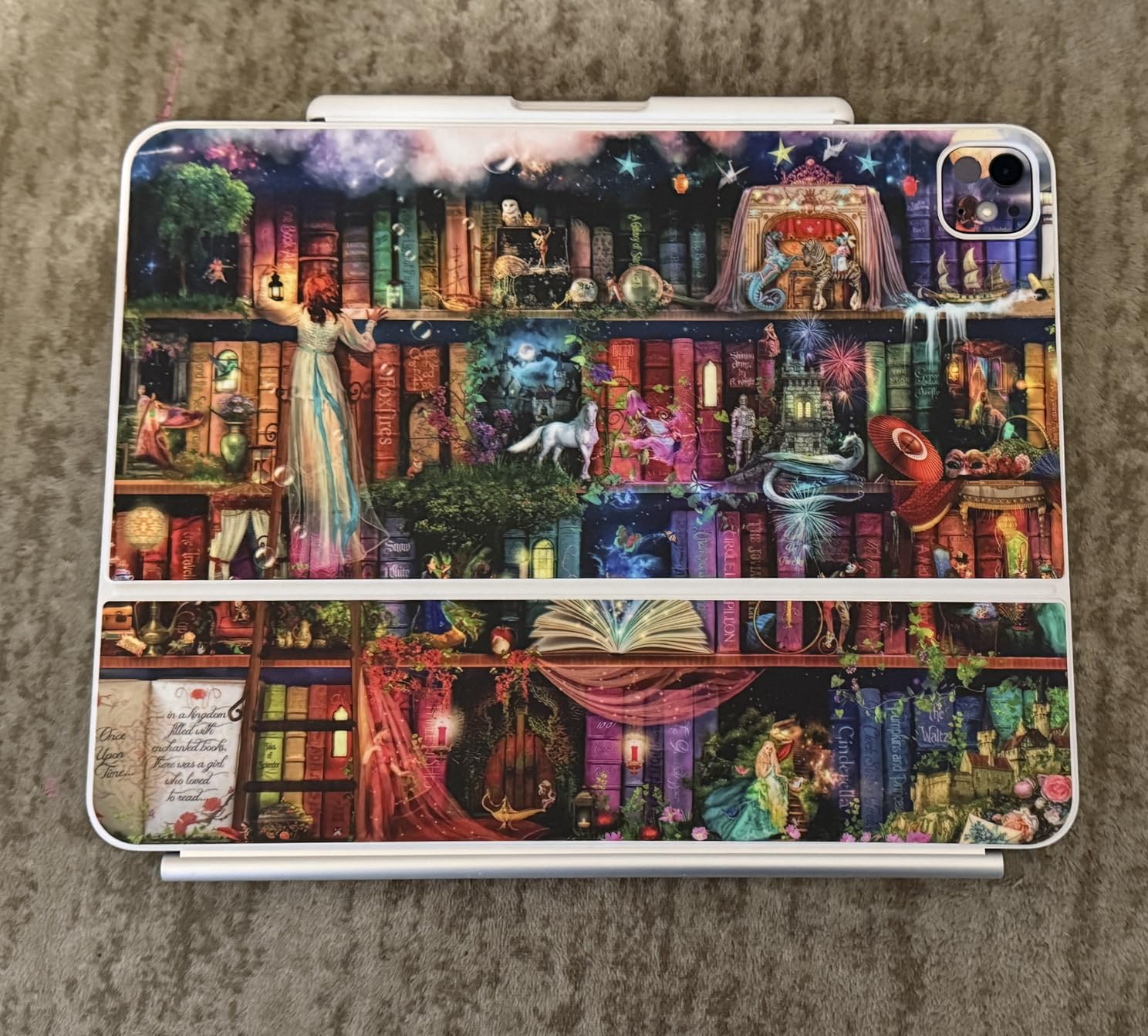
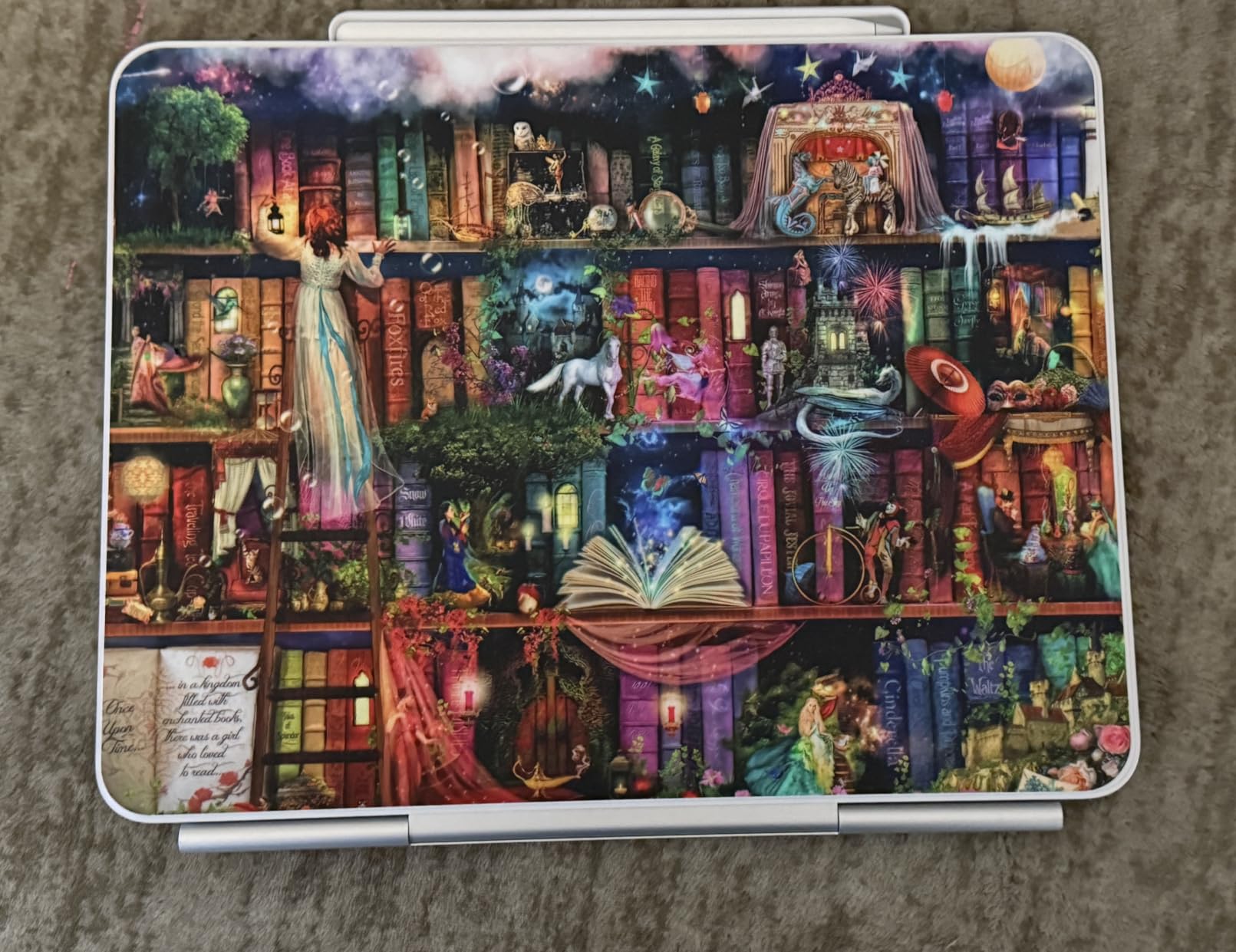
For iPad Pro 13-inch (M4 or M5) owners who want the absolute best typing and trackpad experience, the Apple Magic Keyboard is in a class of its own. The haptic glass trackpad is the best trackpad I have ever used on an iPad accessory; it clicks with the same satisfying feedback as a MacBook trackpad and supports every Multi-Touch gesture natively.
The floating cantilever design attaches magnetically and adjusts to any viewing angle, and the aluminum palm rest keeps the case cool during long typing sessions. The function row gives me 10 dedicated keys for brightness, volume, media, Spotlight, and more without leaving the home row. The keyboard is backlit, the keys have good travel, and the whole thing feels like a premium product because it is.
For productivity, this is the only keyboard case I have tested that genuinely makes me forget I am using an iPad. With iPadOS 26 windowing, the large glass trackpad becomes a real laptop replacement, and the function row means I do not have to reach up to the screen for basic controls. If you can read our iPadApps4School reviews on the iPad Pro, you will see why students pursuing design or CS degrees often pick this exact setup.
The price is the obvious barrier at $333. It is also awkward for Apple Pencil use: when the iPad is in the case, there is no natural way to hold it for drawing or handwriting, and there is no Pencil holder built in. The case is slippery on soft surfaces and tips on the lap. A small number of users report trackpad failures requiring an iPad reset, though I have not experienced this.
Compatibility Check
This Magic Keyboard fits the iPad Pro 13-inch (M4, 2024 and M5, 2025). It uses the Smart Connector for power and pairing, with no charging or Bluetooth required. It is not compatible with any other iPad model, including the iPad Pro 11-inch (which has its own size of Magic Keyboard).
Who Should Buy It
iPad Pro 13-inch (M4/M5) owners who want a real laptop replacement and are willing to pay the Apple premium. For college students in writing-heavy programs, the typing experience and trackpad are worth the cost. If the price is too high, the runelk above delivers about 70% of the experience for a quarter of the cost.
How to Choose the Best Keyboard Case for Your iPad
Picking the right keyboard case comes down to three questions: which iPad you have, where you will use it most, and how much you want to spend. Below is the framework our team uses when readers ask for personalized recommendations.
Which iPad Do You Have? Compatibility First
The number one mistake we see in forums like r/iPadPro and r/ipad is buying a case for the wrong iPad generation. Apple has used confusing names for the standard iPad: the iPad sold today is the “A16” chip model that retailers also call the “11th generation” or the “10th-generation successor.” The iPad you have is most likely one of these:
- Standard iPad (10th gen, 2022 or A16 / 11th gen, 2025): Most cases in this roundup (Logitech Combo Touch, Apple Magic Keyboard Folio, Zagg Pro Keys, typecase Touch, runelk, ESR Flex, Zagg Rugged Book) fit both of these.
- iPad 7th, 8th, or 9th gen (10.2-inch, 2019-2021): The Logitech Combo Touch for older iPads is the proven choice.
- iPad Air 11-inch (M2/M3, 2024/2025) or Air 4th/5th gen: The Logitech Flip Folio is the dedicated pick.
- iPad Pro 13-inch (M4/M5, 2024/2025): The Apple Magic Keyboard is the only premium option, with the runelk as a budget cantilever alternative.
Always check the model number on the back of your iPad (Settings > General > About > Model Number) before ordering. The product listings above list every compatible model number for each case.
Typing Feel, Protection, and Trackpad
For a student, the three trade-offs that matter most are typing feel, drop protection, and whether you want a trackpad. A Smart Connector case (Logitech Combo Touch, Logitech Flip Folio, Apple Magic Keyboard/Folio) never needs charging but ties you to specific iPad models. A Bluetooth case (Zagg, typecase, runelk, ESR, Zagg Rugged Book) works across more models but adds charging to your routine.
Trackpads have become more important in 2026 because iPadOS 26 now supports true windowing. If you plan to do real productivity work (writing papers, working in spreadsheets, managing email), a trackpad is no longer optional. The Logitech Combo Touch, Logitech Flip Folio, Apple Magic Keyboard, Apple Magic Keyboard Folio, typecase Touch, runelk, and ESR Flex all have trackpads. The Zagg Pro Keys and Zagg Rugged Book do not.
For drop protection, the Zagg Pro Keys and Zagg Rugged Book lead with 6.6-foot military-grade ratings. The Logitech Flip Folio matches them with MIL STD 810G. The Apple Magic Keyboard and Magic Keyboard Folio offer the least edge protection because of their cantilever designs. For more on how keyboard cases change the iPad vs Chromebook math for students, see our related guide.
Weight, Lap Use, and Apple Pencil Storage
Weight matters more than most buyers expect. The Apple Magic Keyboard is the lightest premium option at under a pound added. The ESR Flex (530g) and Logitech Combo Touch for 10th gen (572g) are the lightest in this roundup. The Zagg Rugged Book at 2.5 pounds is the heaviest, and that bulk is real in a backpack.
For lap use, kickstand-style cases (Logitech Combo Touch, Logitech Flip Folio, Zagg Pro Keys, typecase Touch) work better than floating-cantilever designs (Apple Magic Keyboard, runelk), which tend to tip on soft surfaces. The Zagg Rugged Book’s adjustable hinge is the only case in this roundup that holds position truly well on a lap.
Apple Pencil storage varies. The Zagg Pro Keys and Zagg Rugged Book have integrated Pencil holders that charge the Pencil. The Logitech Flip Folio has space for an Apple Pencil to attach magnetically. The Apple Magic Keyboard and Magic Keyboard Folio have no Pencil holder. The Logitech Combo Touch and most other cases include a pen loop for an Apple Pencil or stylus.
Battery, Connectivity, and Day-to-Day Use
Smart Connector cases never need charging, which is the single biggest convenience upgrade. Bluetooth cases vary: the Zagg Pro Keys and Zagg Rugged Book last up to a year per charge, the runelk lasts 2-3 months, the Logitech Keys-To-Go 2 (not in this roundup but worth mentioning) uses coin cells that last 3 years, and the typecase Touch needs recharging every few days with heavy backlight use.
For day-to-day classroom use, the Smart Connector models (Logitech Combo Touch, Logitech Flip Folio, Apple Magic Keyboard, Apple Magic Keyboard Folio) are the lowest-friction options. You open the case and start typing; there is nothing to think about. That is why they consistently rank at the top of “what is the best iPad keyboard case” threads on Reddit.
For more on setting up an iPad for college, including our recommended keyboard shortcuts and Apple Pencil workflows, see our related guide on using an iPad in college.
Frequently Asked Questions
Is an iPad keyboard case worth it?
Yes, for anyone who types more than a few sentences at a time. A keyboard case turns an iPad into a laptop-like device for schoolwork, note-taking, and email, with screen protection built in. With iPadOS 26 windowing in 2026, a trackpad-equipped case like the Logitech Combo Touch or Apple Magic Keyboard makes an iPad a genuine laptop replacement. If you only occasionally type short replies on your iPad, a standalone keyboard is cheaper and lighter.
What is the most durable iPad case with a keyboard?
The Zagg Pro Keys and Zagg Rugged Book both carry 6.6-foot military-grade drop protection ratings, and the Logitech Flip Folio meets MIL STD 810G. These three cases have the most user-reported evidence of surviving real drops, including being left on car roofs and dropped down stairs. For classroom durability specifically, the Zagg Pro Keys is the best balance of price, weight, and protection for most students.
What is the most protective case for an iPad?
Protection levels rank roughly: wraparound shell (Zagg Pro Keys, Zagg Rugged Book, Logitech Flip Folio) is most protective, folio with kickstand (Logitech Combo Touch, typecase Touch) is next, and floating cantilever (Apple Magic Keyboard, runelk) is least protective because edges and corners stay exposed when the keyboard is detached. For a student who drops their bag often, a wraparound shell is the safest bet. For desk-based use, a folio is plenty.
What is the best iPad keyboard case according to Reddit users?
Across r/iPadPro, r/ipad, and r/IpadAir, the Logitech Slim Folio and Logitech Combo Touch are the most consistently recommended third-party cases, with the Apple Magic Keyboard cited as the gold standard for iPad Pro owners. Reddit users particularly value the Smart Connector convenience (no charging, no pairing) and the detachable keyboard design for transitioning between typing and tablet mode. The Zagg Pro Keys is also frequently mentioned for users who prioritize drop protection and battery life over trackpad.
Final Verdict: Our Top Keyboard Case Recommendations for 2026
After six weeks of testing 10 keyboard cases for iPads, our top picks for 2026 are clear. The Logitech Combo Touch is the best overall keyboard case for iPads, with the best balance of price, typing feel, trackpad quality, and Smart Connector convenience for the iPad 10th gen and A16. The Apple Magic Keyboard Folio is the best choice for students who want Apple’s own accessory and zero setup. The Zagg Pro Keys is the best budget pick under $90 for shoppers who need drop protection and a year of battery life.
For iPad Pro 13-inch (M4/M5) owners, the Apple Magic Keyboard is the gold standard despite the price. For iPad Air owners, the Logitech Flip Folio delivers Magic Keyboard quality at half the cost. For older 10.2-inch iPads, the Logitech Combo Touch for 7th-9th gen is the highest-rated case in this entire guide.
Whichever case you pick, a keyboard case is one of the best accessories you can buy for an iPad used for school. The right case turns an iPad from a consumption device into a real productivity tool, and with iPadOS 26 in 2026, that gap is wider than ever. For more on building the right iPad setup for school, see our student iPad gear guides and our picks for the best note-taking devices for students.