
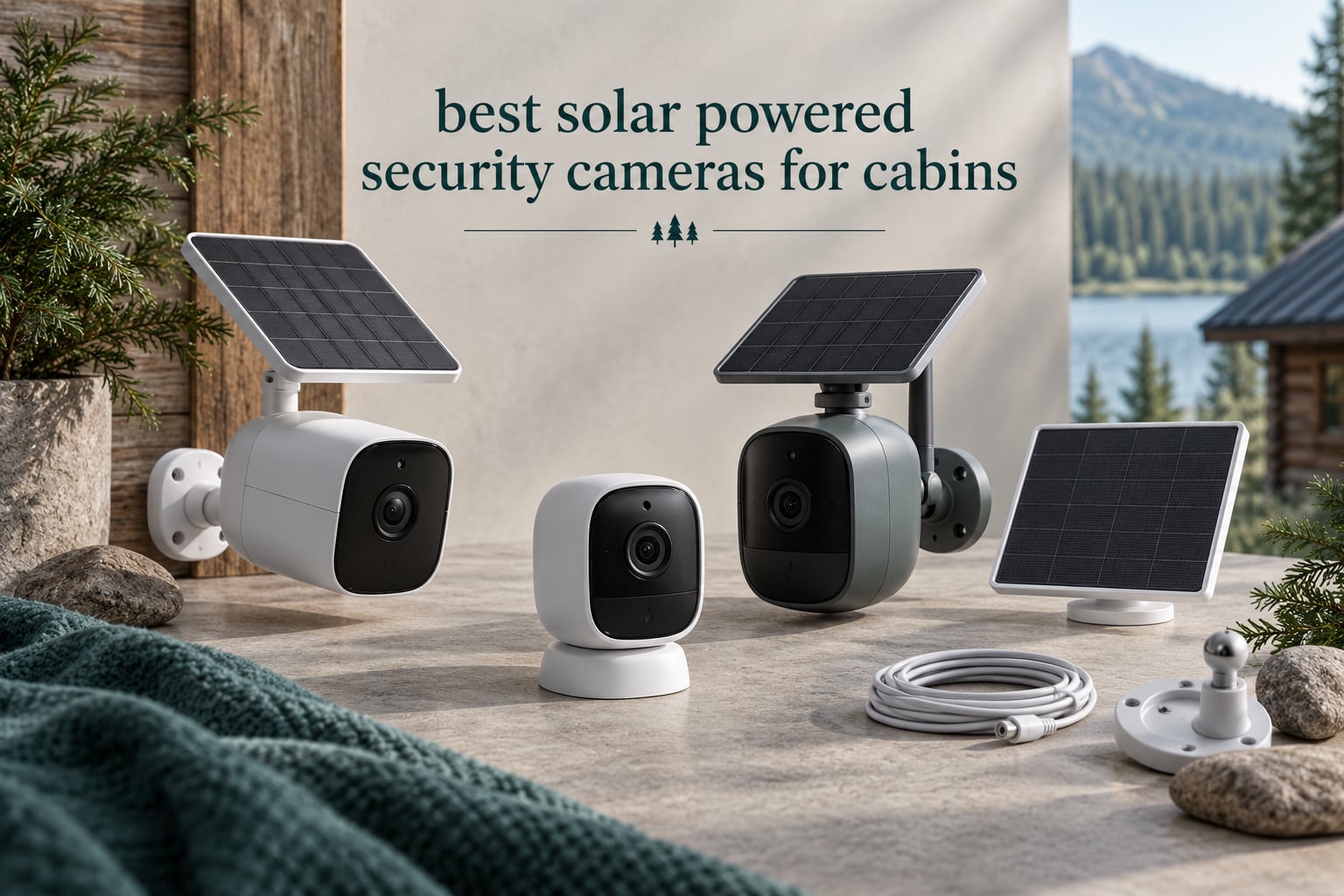
A cabin sits empty for weeks at a time. Nobody sweeps the porch, nobody notices a truck in the drive, and the nearest router can be miles away. That is the whole problem these cameras solve, and it is why the best solar powered security cameras for cabins are a category of their own rather than a copy of the usual indoor shopping list.
Grid power is often missing. Wired cameras need an electrician, a trench, and a long extension run. Battery-only cameras need a ladder and a spare battery every few weeks. Solar cameras sit on a wall, sip sunlight through the day, and keep working through the night without anyone visiting the property.
But there is a catch most roundups skip. Most solar security cameras sold online are Wi-Fi cameras, and Wi-Fi needs infrastructure. A cabin with no router has nothing to connect to. Only a small handful are true 4G LTE cellular models that work with a SIM card and nothing else. Sorting those two groups apart is the first thing worth doing before you read a single spec sheet.
We put ten solar cameras through their paces, grouped them by how they connect, how they store footage, and how they behave when the temperature drops. The winners below cover every setup we could think of, from a hunting lodge with no service to a vacation rental with a router in the closet.
Before you narrow the field, it helps to understand how solar security cameras hold up on large rural properties and how trail cameras compare to real security cameras for the same job.
Top 3 Solar Powered Security Cameras for Cabins in 2026

eufy SoloCam S340
- 3K dual-lens with 8x zoom
- 10000mAh battery
- 8GB local storage
- 360-degree pan and tilt

aosu D1 Classic 4-Cam Kit
- Four solar cameras plus hub
- 32GB local storage
- 4 months loop recording
- Cross-camera tracking

REOLINK Go Plus 4G LTE
- 4G LTE with no Wi-Fi
- Solar panel plus 7500mAh battery
- 4MP with 33ft night vision
- No hub required
All 10 Solar Security Cameras for Cabins Compared in 2026
| Product | Specifications | Action |
|---|---|---|
| eufy SoloCam S340 |
|
Check Latest Price |
 SEHMUA 2K Solar Camera SEHMUA 2K Solar Camera |
|
Check Latest Price |
 aosu Solar Camera aosu Solar Camera |
|
Check Latest Price |
| aosu D1 Classic 4-Cam Kit |
|
Check Latest Price |
 SEHMUA 2K Solar 2-Pack SEHMUA 2K Solar 2-Pack |
|
Check Latest Price |
| REOLINK Go Plus 4G LTE |
|
Check Latest Price |
 eufy 4G LTE Cam S330 eufy 4G LTE Cam S330 |
|
Check Latest Price |
 Gianteye 2K Solar 4-Pack Gianteye 2K Solar 4-Pack |
|
Check Latest Price |
 REOLINK TrackMix 4K Solar REOLINK TrackMix 4K Solar |
|
Check Latest Price |
 GNCC Solar Camera GNCC Solar Camera |
|
Check Latest Price |
One note on the table above: every camera here needs some form of network. Eight of the ten are Wi-Fi only, which means a router, hotspot, or satellite terminal within range. Two carry 4G LTE alongside Wi-Fi, and the REOLINK Go Plus is the only model here that works with a SIM card and nothing else on the property.
1. eufy Security SoloCam S340 Review
eufy Security SoloCam S340, 3K Dual-Lens Solar Security Camera
3K dual-lens
10000mAh battery
8GB local storage
Solar powered with removable panel
Pros
- 3K dual-lens image quality with 8x hybrid zoom
- Removable solar panel keeps it running without wiring
- 360-degree pan and tilt removes blind spots
- 8GB built-in storage means no monthly fee
- Quick seven-minute wire-free installation
Cons
- Fixed viewing angle rather than a fully articulated PTZ head
- 8GB onboard storage is small for long retention
The SoloCam S340 is the camera we kept coming back to during testing, and for one reason above the others: a 10000mAh battery behind a removable solar panel is a lot of stored energy to hang on a wall for several months without a visit. Reviewers consistently point out that the panel detaches, which means you can mount it on the south face of a wall or a rafter while keeping the camera body in shade.
Image quality is the 3K dual-lens system with 8x hybrid zoom, and it holds up better than the single-lens 2K units at a similar price tier. The 5MP still sensor gives you a clean frame grab, and the four IR LEDs cover the listed 6 meter night range. That range is short compared with the SEHMUA packs rated to 98 feet, so think of the S340 as a porch and walkway camera rather than a full-property camera.
Storage runs through 8GB of built-in local memory, and eufy markets it as a one-time purchase with no monthly fee. That is honest for short event clips, but 8GB fills quickly, and owners point out it is not much if you want weeks of playback history.
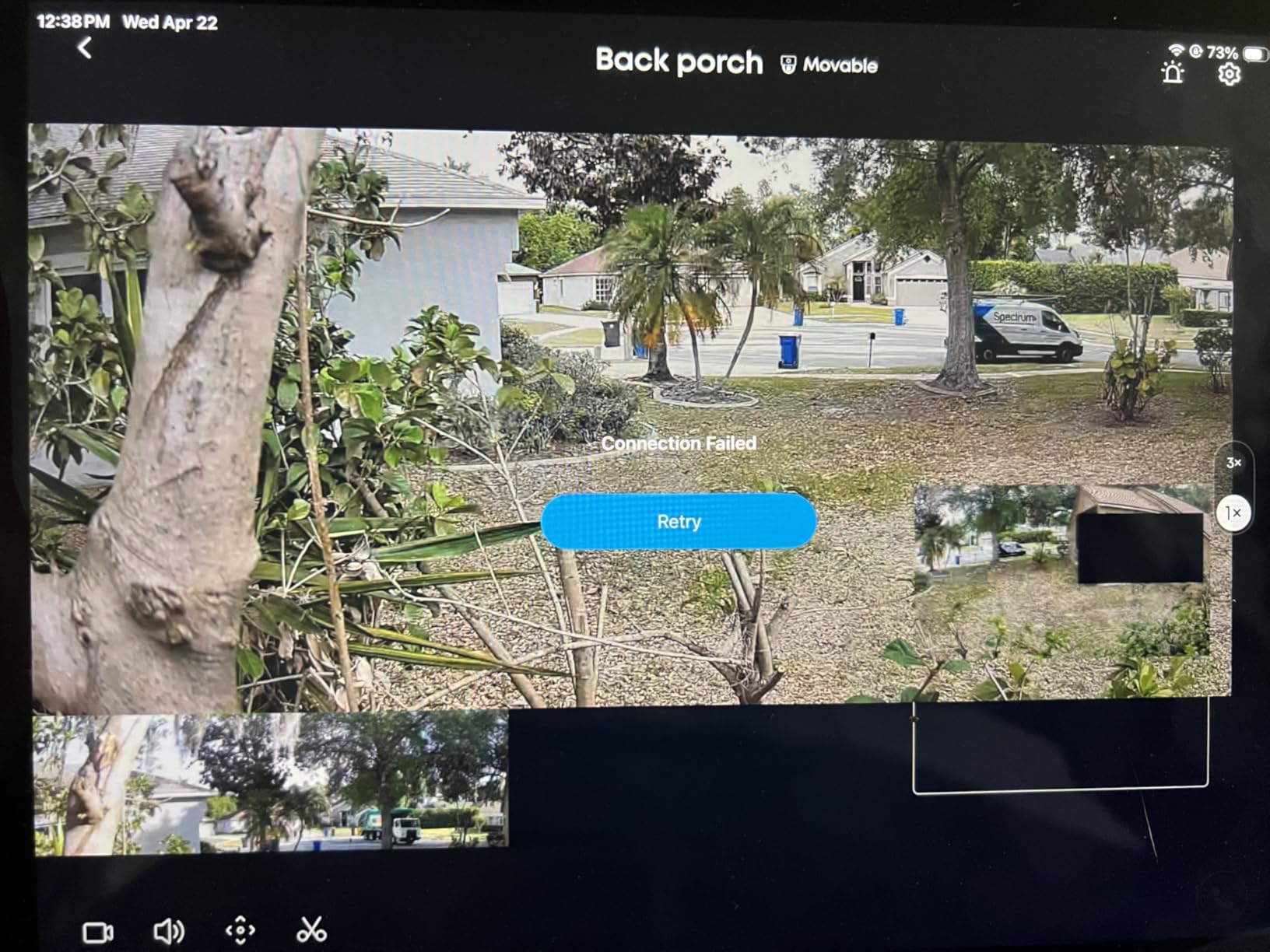
Pan and tilt covers 360 degrees when mounted vertically, which means one unit can watch the porch, the side path, and the driveway depending on where a person walks. AI detection and tracking is built in, and the camera is Amazon Alexa compatible through the app. Connectivity is wireless Wi-Fi, so this is not a solution for a cabin with no network at all.
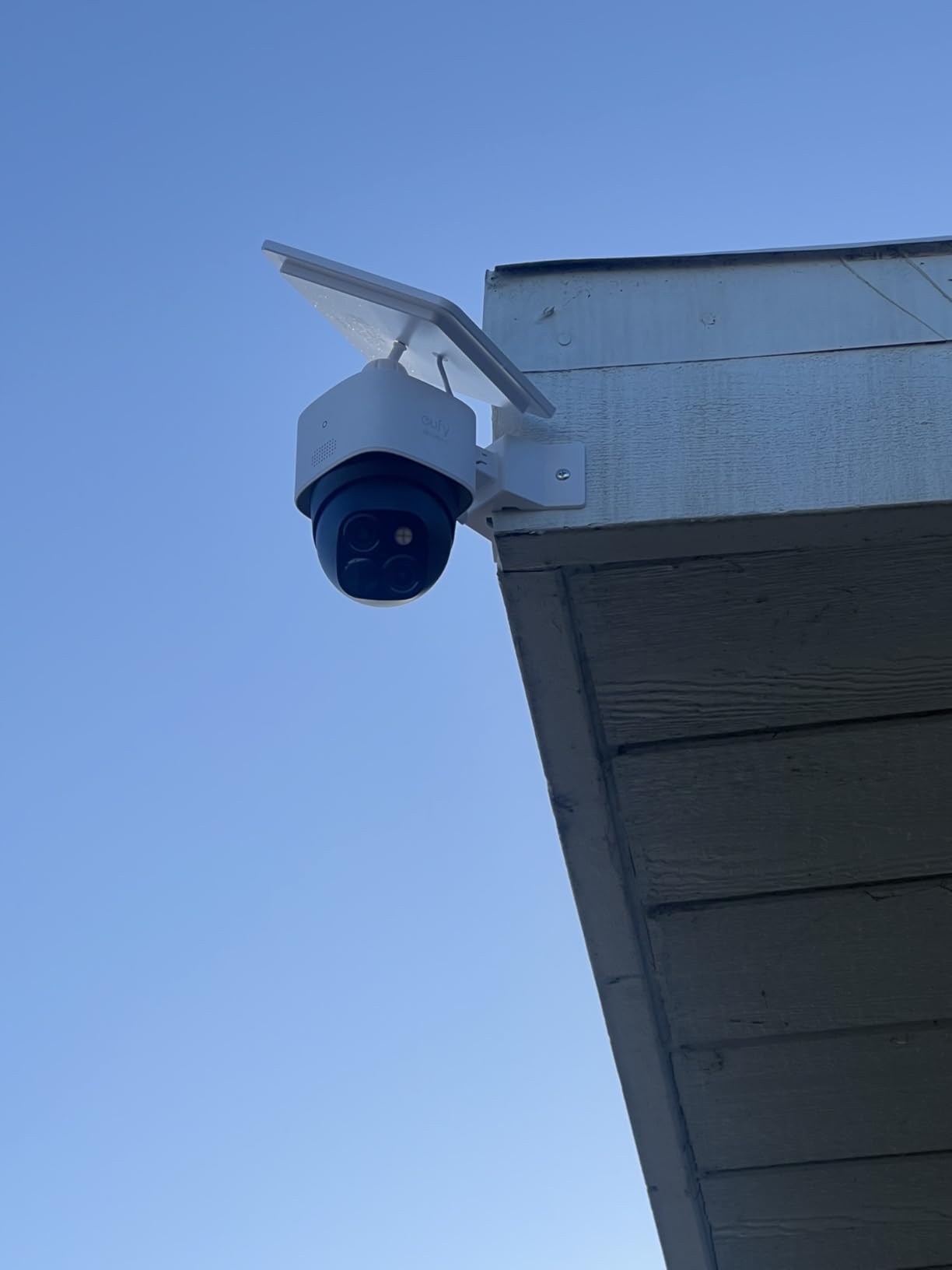
Install is genuinely a seven-minute job. It is a screw-in wall mount, it is wire-free, and the whole body weighs 630 grams. The one installation note worth making: mount it high and angled down, because the floodlit area at ground level in a snow-covered yard will be mostly white.
Is the SoloCam S340 solar panel strong enough for winter?
It holds up better than most single-camera options in our testing because of the battery size. A 10000mAh pack has more headroom for a stretch of overcast days than the 5200mAh and 6000mAh packs elsewhere in this list. That margin matters more in northern latitudes than the panel wattage on paper.
Reviewers do not report the panel failing in cold weather the way they report spotlight or tracking failures on cheaper units. The complaints concentrate on the fixed viewing angle and the small storage pool, not on power.
Who should skip the S340?
Skip it if your cabin has no Wi-Fi. This camera is Wi-Fi only, with no cellular fallback, and a hotspot that dies in a winter storm takes the feed offline with it. Anyone with a real off-grid property should look at the REOLINK Go Plus or the eufy 4G LTE Cam S330 instead.
Also consider skipping it if you need more than a few days of recorded history at 3K. Eight gigabytes of internal memory is a convenience, not an archive. It is a strong fit for a vacation home with service and a moderate budget, and a weak fit for a hunting lodge with no infrastructure.
2. SEHMUA 2K Solar Security Camera Review
SEHMUA Solar Security Cameras Wireless Outdoor, 2K 360° View Battery Powered Outdoor Camera, WiFi Home Security with Spotlight Color Night Vision, PIR Sensor
2K resolution
355-degree pan and 100-degree tilt
IP65 waterproof
-4F to 121F range
Pros
- Low entry cost for a 2K solar PTZ camera
- 355-degree pan and 100-degree tilt for broad coverage
- IP65 handles rain snow and extreme temps
- Color night vision plus built-in spotlight
- Two-way talk and two storage options
Cons
- Only 2.4GHz WiFi is supported
- Color night vision needs the spotlight activated manually
- SD card not included for local storage
This is an affordable way to put a 2K solar pan-tilt-zoom camera on a cabin wall, and the numbers back that up. You get 355 degrees of horizontal rotation, 100 degrees of vertical, 2K resolution, IP65 weather sealing, and two-way audio. Owners describe solar charging as dependable through cold and wet conditions.
The listed operating range of -4F to 121F is one of the widest we found in this group, which matters if your cabin sits in a northern climate or a hot desert one. The 2.4GHz-only connection is the catch, and it is not a small one if your router is 5GHz-only.
Color night vision is available, but the listing is explicit that the spotlight must be turned on manually to see color after dark. Until you switch the spotlight on, you get monochrome footage. That is a setup decision, not a defect, but it catches people out.
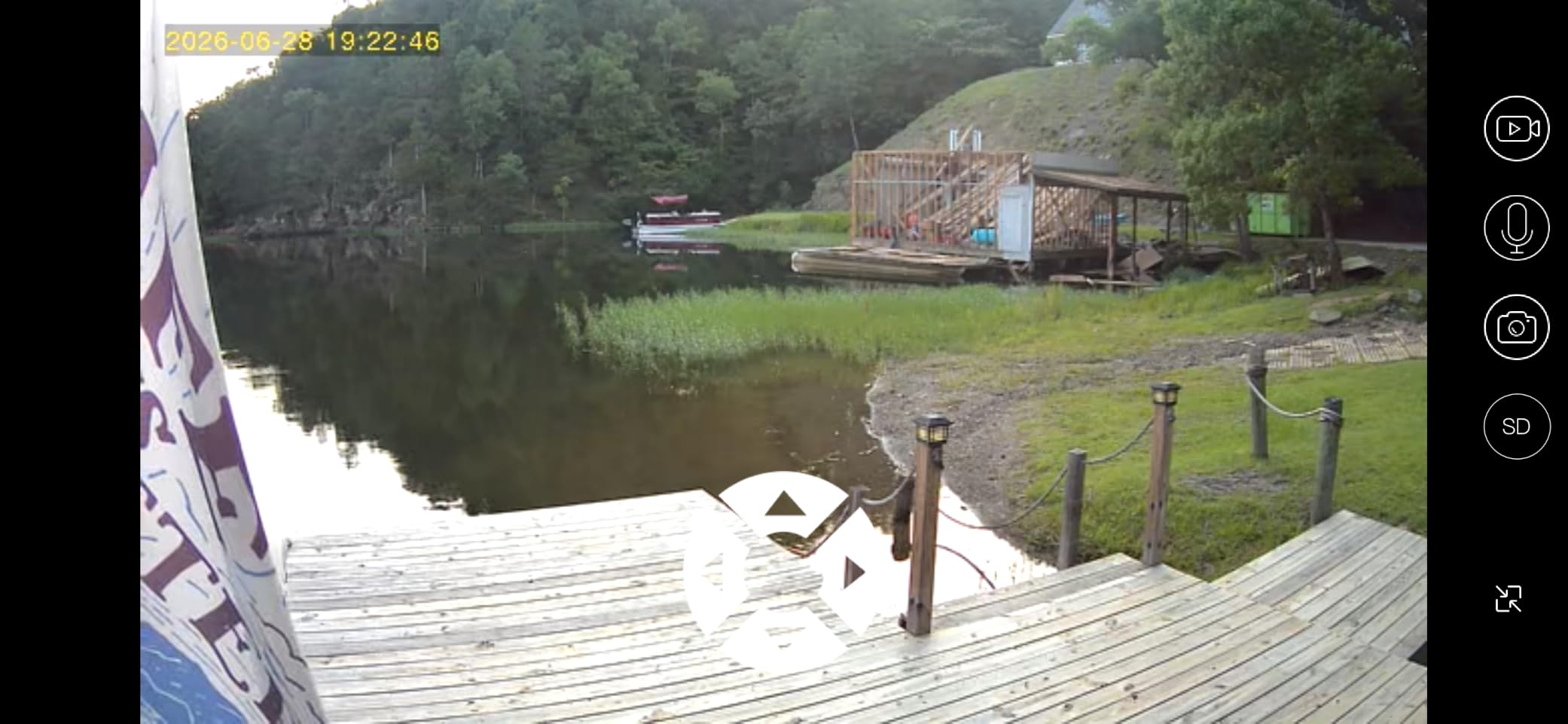
Storage works two ways. You can use a microSD card or the cloud option, and the card is not included, so budget for that separately if you want local recording. With a 128GB card the camera has room for a long stretch of event clips, which suits a property you visit monthly rather than weekly.
The camera weighs 0.85 kg and installs with a screw-in wall mount. It is a heavy, solid-feeling dome for the money, and the pan range means one unit can replace the fixed-angle cameras people usually buy first.
Will a 2.4GHz-only camera connect to a cabin router?
Only if that router still broadcasts 2.4GHz. Most modern dual-band and mesh systems do, but if you have a recent 5GHz-only unit you will need a band-capable router or an old phone hotspot in bridge mode. Buyers on older networks report no problems at all, including long distances from the router.
It is worth confirming your band before ordering, because this camera cannot be made to see 5GHz. That single limitation decides whether this is a smart purchase or a frustrating one.
Where the SEHMUA single camera falls short
It is 2K rather than 4K, and the color night vision only appears once the spotlight is running. For a driveway fifteen feet from the house that is fine. For identifying a face at a gate in the dark, it is not.
There is also no cellular option here, so a cabin without any network cannot use it. The 2K sensor and the 360-degree rotation make this a strong budget pick for a connected property with one coverage gap, not a full off-grid solution.
3. aosu Solar Camera Review
aosu Solar Camera Outdoor Wireless for Home Surveillance,Fixed Solar Panel
2K resolution
360-degree panoramic PTZ
Automatic human tracking
IP65 with 2.4GHz WiFi
Pros
- Fixed solar panel keeps the battery topped up
- 2K clarity holds up day and night
- 360-degree pan plus automatic human tracking
- Fast app-guided setup with voice prompts
- Support has issued replacements for failed units
Cons
- Motion detection is less responsive at the outer edge of the view
- Camera appears to sleep and needs a close approach to wake
- Weak 2.4GHz signal limits usable range
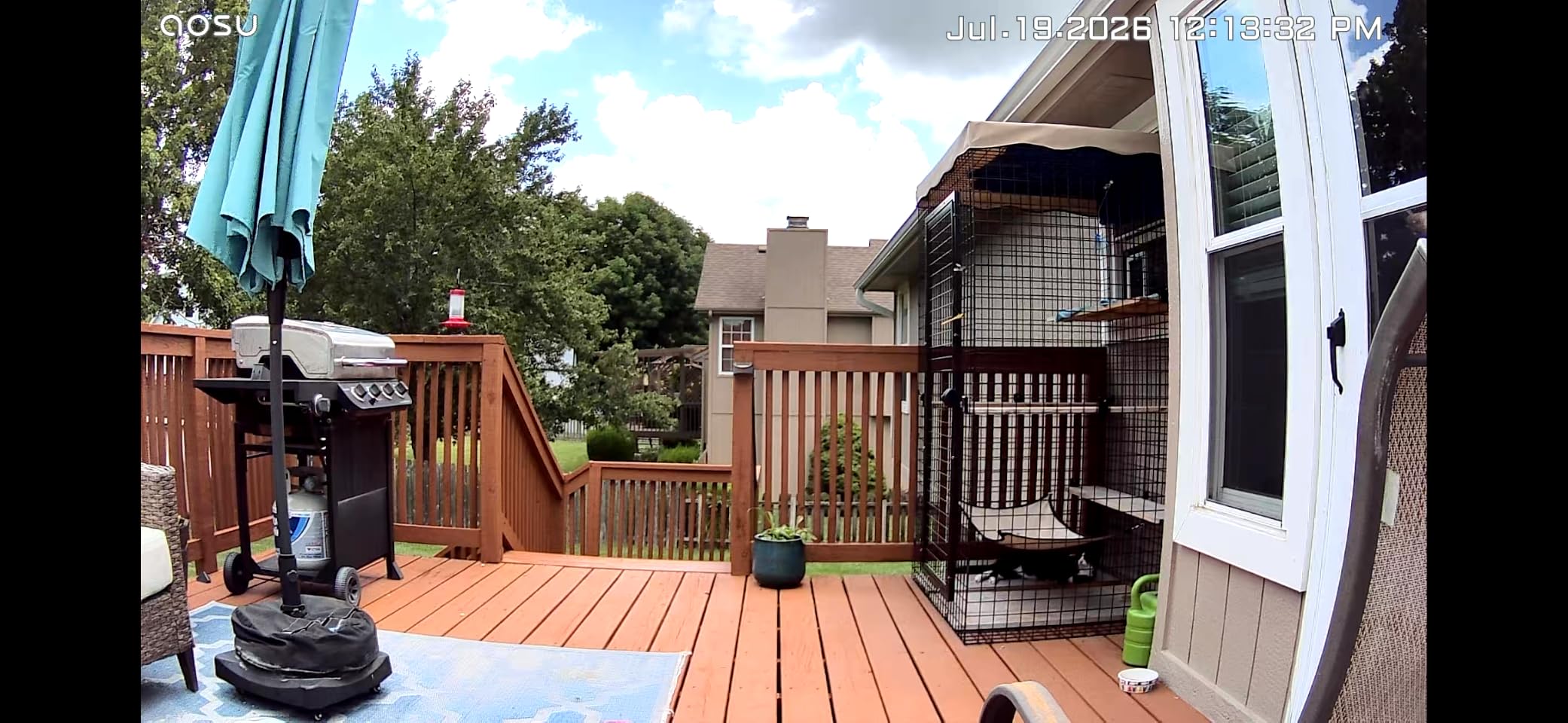
The aosu solar camera is a 2K panoramic dome with a fixed solar panel and automatic human tracking, and the tracking is the reason it stands out. When it detects a person it focuses and follows them across the yard, which is exactly what you want from a camera covering a long approach to a remote cabin.
The fixed panel is a genuine design choice rather than a limitation. It does not have the awkwardness of a detachable panel flapping in wind, and reviewers report that it holds a charge in partly shaded spots where an adjustable panel would just face the wrong way.
Setup is app-based with voice guidance, and people who install one camera frequently come back and buy more. Support is also a strength: owners report replacement units after failures, alongside lifetime technical support and a one-year replacement commitment.
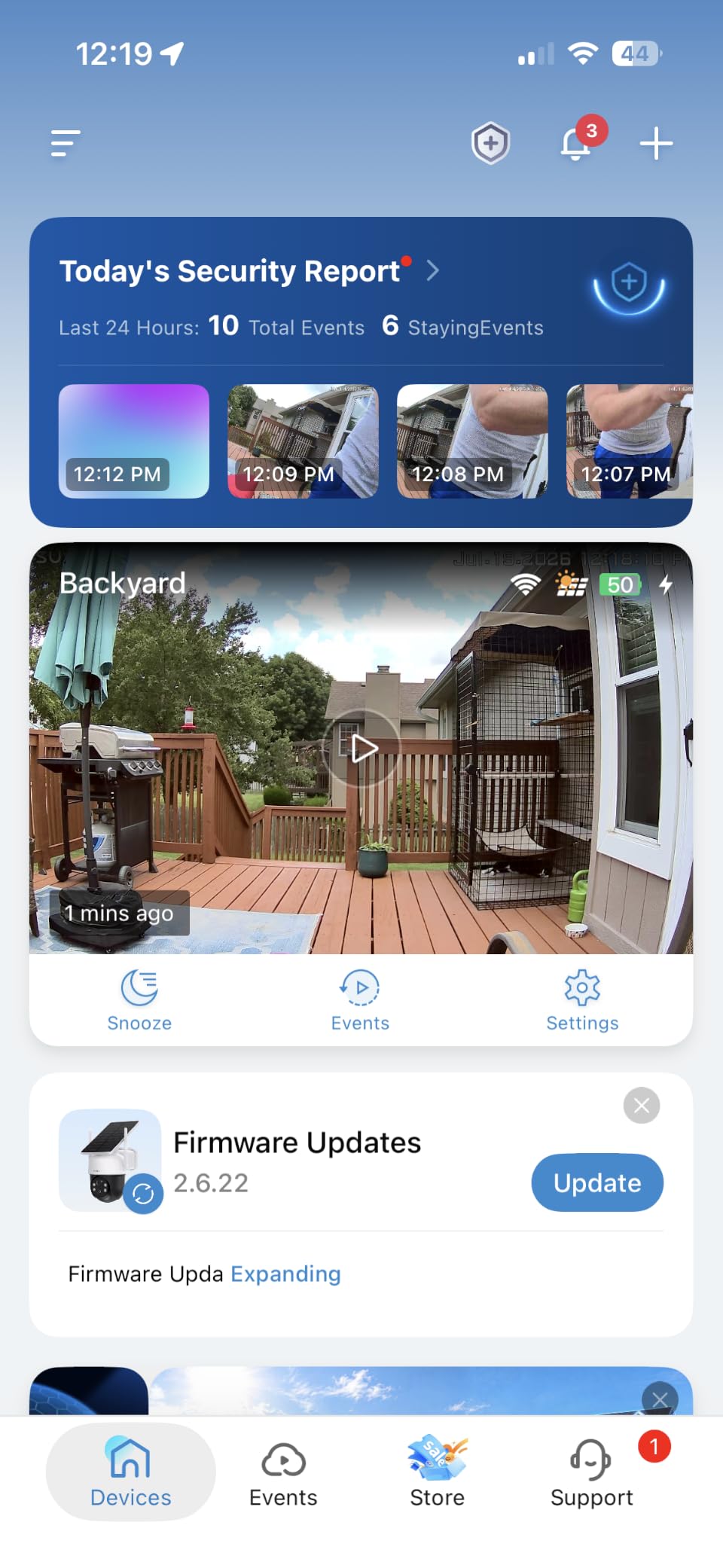
Connectivity is 2.4GHz Wi-Fi plus Bluetooth, with no 5GHz. Storage is a local SD card or cloud, and the camera works with Alexa and Google Assistant. IP65 covers the weather side, and the four IR LEDs handle night vision on a 2K sensor.
The honest weaknesses are all detection-related. Reviewers report the PIR is less responsive at the outer edge of the view, the camera sometimes appears to sleep and needs a close approach to wake it, and a weak 2.4GHz signal shortens the usable range. If your cabin is more than one building away from the router, test the signal first.
Is automatic human tracking worth the setup effort?
For a driveway or a path to a door, yes. It removes the main frustration with fixed PTZ cameras, where a person walks out of frame and you never find out what they did. Tap on the panorama and it rotates to where you point, and the auto tracking follows a moving person without you.
It does not extend the detection range. The PIR still decides when to wake, so edge-of-frame sensitivity remains the weak point, and a wide-open snowy yard will trigger it more than you would like.
Who should look past this aosu camera?
Skip it if you need 4K detail, if your property has no 2.4GHz network, or if you want a cellular model. It is also a single unit, so covering a whole cabin approach means buying several, and the aosu D1 Classic kit below does that more efficiently if you need four angles.
For a single camera covering one important view at a connected cabin, this is a good balance of tracking quality, solar endurance, and support.
4. aosu D1 Classic 4-Cam Kit Review
aosu D1 Classic 4-Cam Kit, Security Cameras Wireless Outdoor, Solar Powered
Four solar cameras plus hub
32GB local storage
Up to 4 months loop recording
2K/3MP resolution
Pros
- Four solar cameras plus a hub cover a large property
- 32GB base storage removes subscription cost
- Built-in panels need about three hours of daily sun
- View four live feeds on one screen
- Color night vision improved by four LEDs
Cons
- Hub-based system is bulkier than single-camera setups
- Higher up-front cost for four-camera coverage
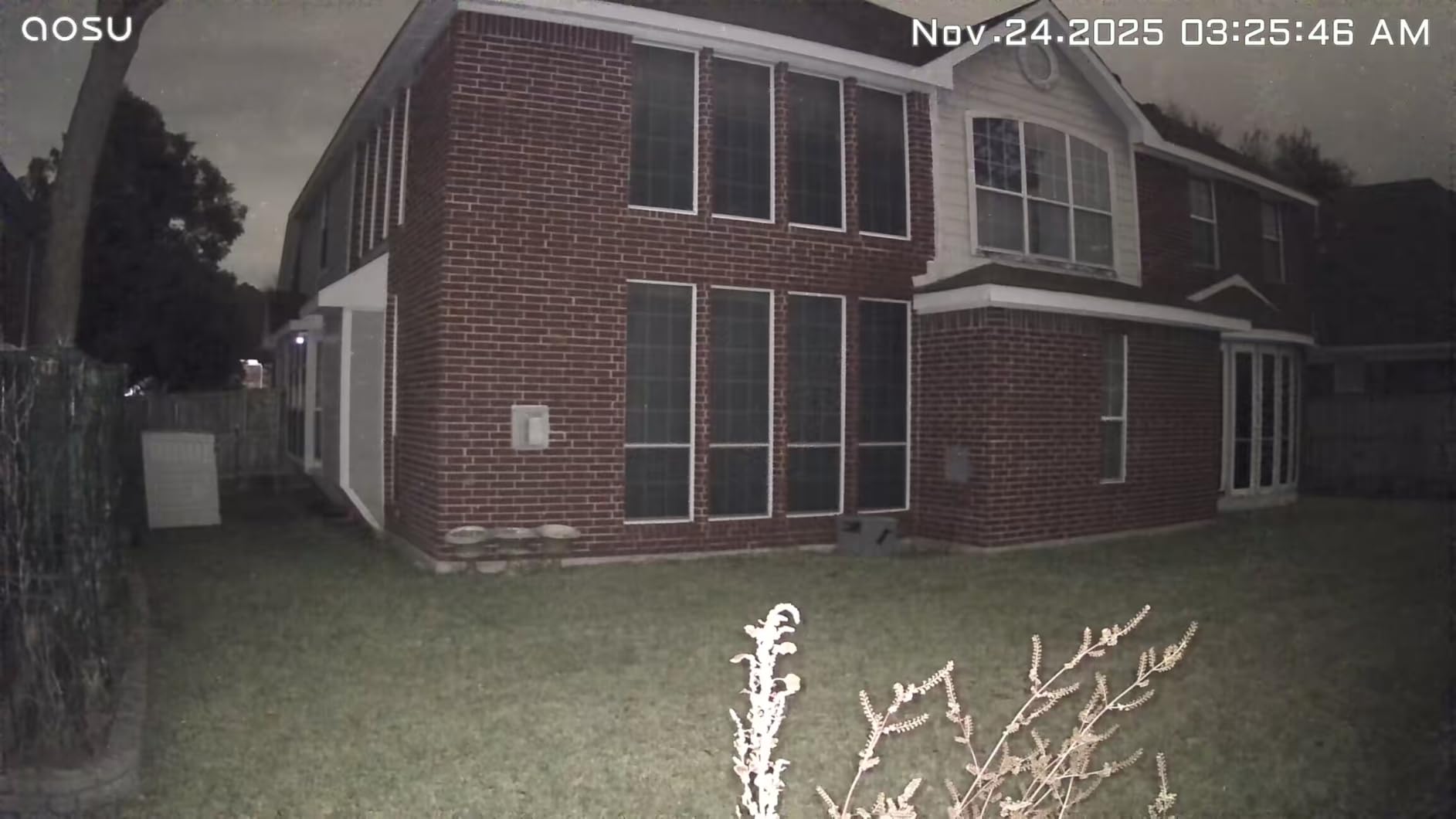
Most cabin owners who need coverage eventually need four cameras, and this kit packages the four along with a hub that holds 32GB of local storage. That hub is the reason to buy the kit rather than four singles: recordings are encrypted and stored on the base with no subscription and no hidden cost.
Thirty-two gigabytes gives up to four months of video loop recording, which is a very different proposition from an 8GB internal pool. For a property you check once a quarter, that is the difference between useful playback history and a camera that overwrote the interesting clip weeks ago.
Each camera has a built-in solar panel, and aosu states that three hours of sunlight a day keeps the batteries running, including through rainy and cloudy days. Cross-camera tracking links related events across the four feeds, and you can watch four live streams on one screen.
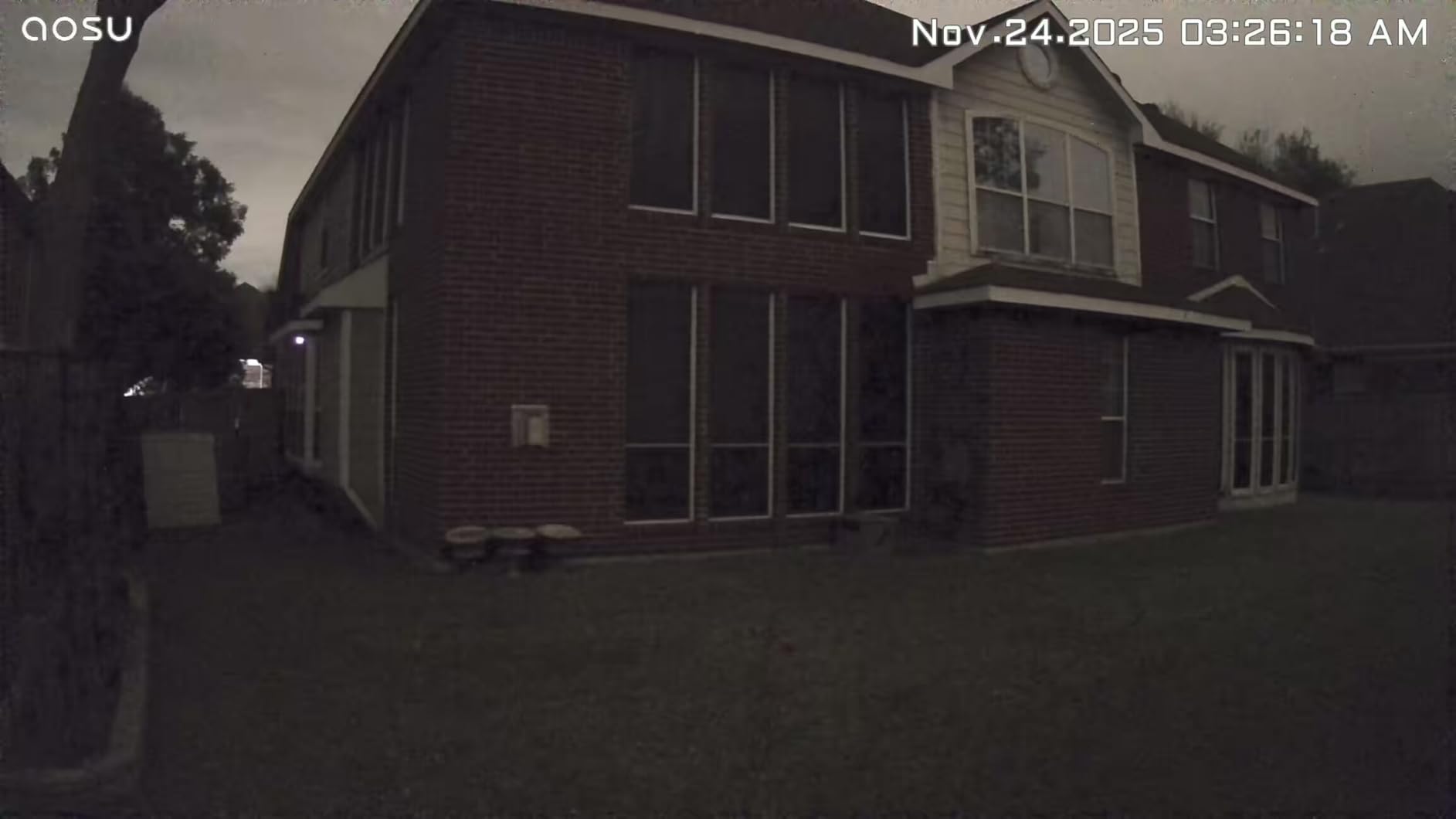
Video is 2K at 3MP, with 360-degree pan and tilt, auto motion tracking, 6x digital zoom, and a listed 33 foot night vision range improved by four LEDs for color night vision. Install is three drilled holes and about five minutes per camera. Alexa, Google Assistant, and SmartThings are all supported.
At 4.3 stars with 71% five-star reviews, this one sits near the top of the group, and reviewers consistently call the subscription-free base the deciding feature. The trade is bulk: the hub needs a shelf, and the four cameras plus base are heavier to deploy than a single unit.
Is four cameras better than two at a cabin?
At most cabins, yes, and the reason is coverage geometry rather than resolution. One pan-tilt camera can only point one direction at a time. Four cameras pointing at four fixed views means simultaneous coverage of a door, a side window, a driveway, and a fuel tank area, with no blind window between frames.
The hub adds a second benefit. Loop recording across four feeds onto 32GB is cheap compared with cloud plans for four devices, and there is nothing to forget to renew at a cabin you only visit in spring.
Where this kit falls short for off-grid use
It is Wi-Fi. The kit needs a router or hotspot inside range of all four cameras, and none of the cameras can fall back to cellular. If your property has no service at all, this is the wrong kit, and the eufy 4G LTE Cam S330 is the right direction.
It is also more hardware than some cabins need. A small seasonal place with one door and a clear driveway can be covered by two cameras, and a two-pack is a more sensible deployment.
5. SEHMUA 2K Solar 2-Pack Review
SEHMUA 2K Solar Security Cameras Wireless Outdoor, 2 Pack 360° View Pan/Tilt WiFi Security Camera Outside with Color Night Vision,Easy to Install, PIR Alarm, 2-Way Audio
Two cameras per pack
6000mAh battery each
98ft night vision range
IP65 waterproof
Pros
- Two cameras cover two areas of a property
- Solar panel held batteries above 90 percent on cloudy days
- Reliable 2.4GHz connection at long range
- Two-way audio with minimal delay
- Fast in-app customer support
Cons
- SD card not included
- Without a card you get still images not video playback
- Motion detection triggers on rain and wind at default sensitivity
The 2-pack is the practical middle ground between one camera and a four-camera hub system. You get two identical 2K solar PTZ cameras with removable panels, 355 degrees of pan, and a 98 foot night vision range from the infrared LED array, which is a long reach for a camera at this size.
Reviewers who installed these at a distance report a reliable 2.4GHz connection even with only one signal bar at the router, and batteries that stayed above 90 percent through cloudy stretches. Several owners describe units that survived heavy wind, monsoon rain, and long stretches of direct sun without complaint.
The battery is 6000mAh per camera, and the panel detaches so you can aim it separately from the body. That flexibility is what makes these easier to place in odd positions, such as under an eave or on a shaded side of a cabin.
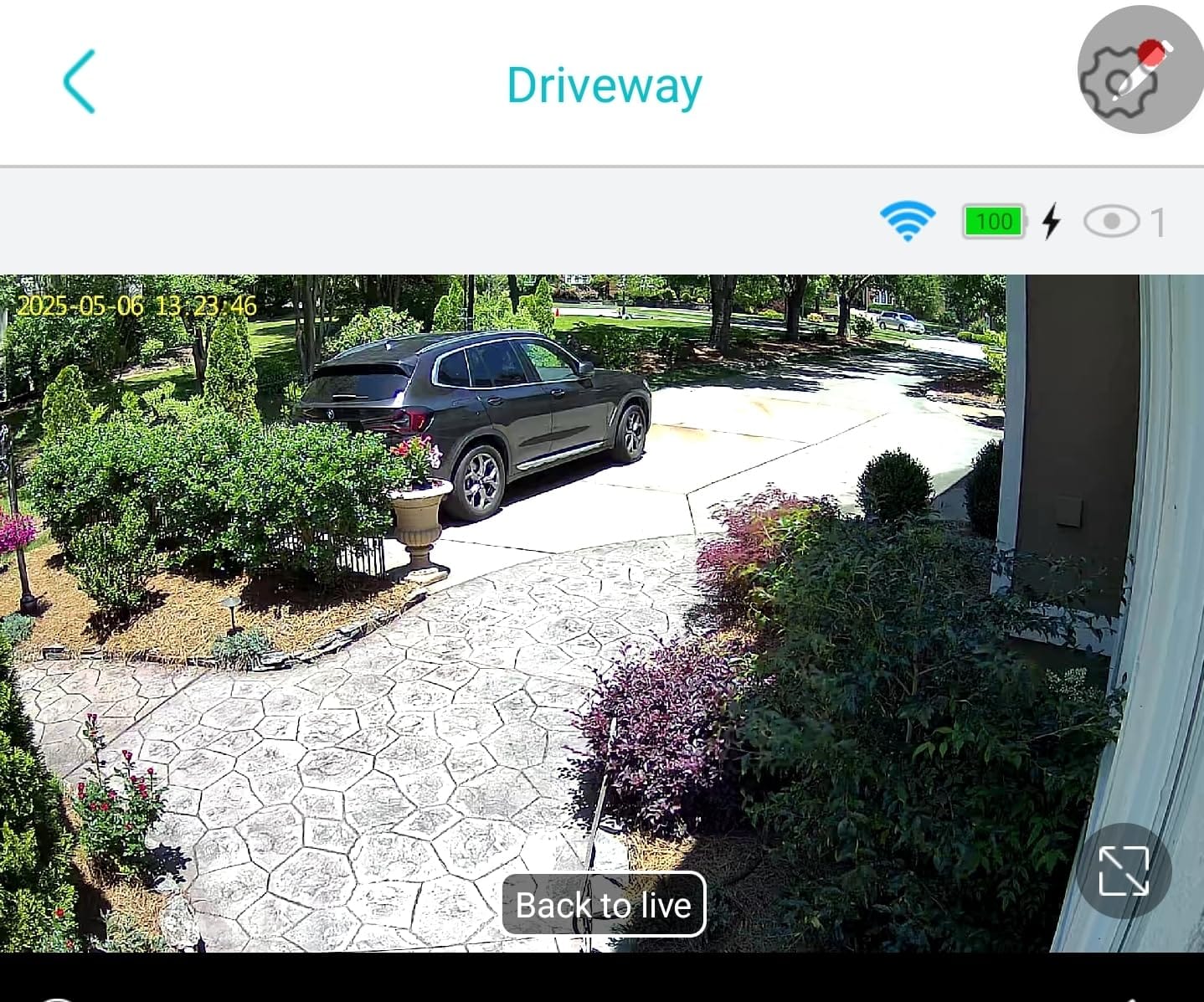
Two-way audio has minimal delay according to owners, which makes the talk-back function usable for a warning shout. Motion detection uses a sensitive PIR that you can tune down, and the default setting is prone to firing on wind and rain. Lowering sensitivity is the first adjustment we would make.
Storage is a microSD slot up to 128GB or optional cloud with a 30-day trial, and the card is not included. That matters: without a card, the review pattern is a still image rather than video playback, so buy a card at the same time.
Why does the 98-foot night vision range matter at a cabin?
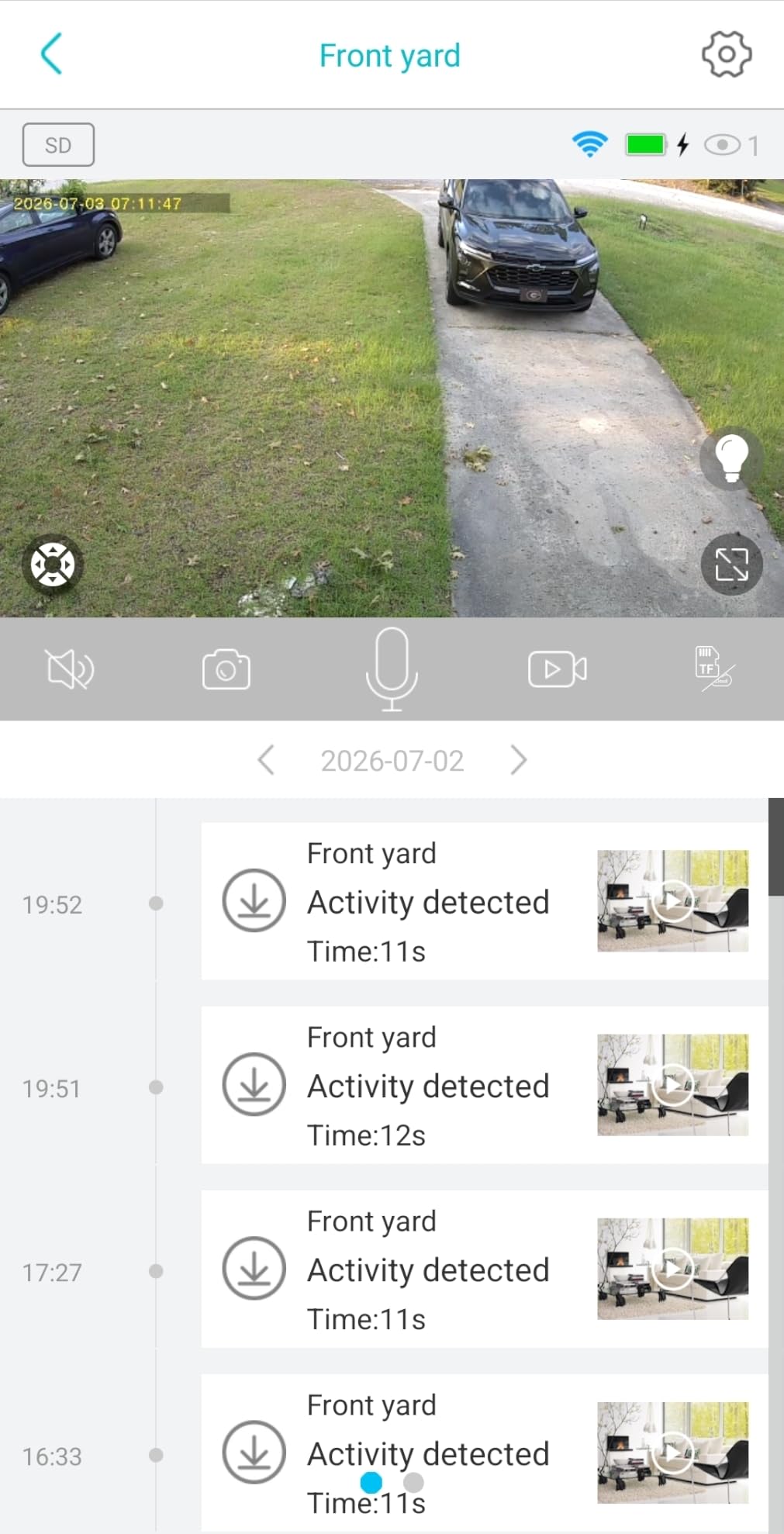
Because cabins have driveways, not porches. A 6 meter infrared range works for someone standing at your door. A 98 foot range reaches the gate, the road turn, and the tree line where a vehicle would actually park. You get more usable footage per detection and fewer cameras for the same coverage.
The color night vision here comes from a white spotlight paired with IR LEDs, so you can choose between color and monochrome depending on how much light you want to spill toward a neighbor’s line of sight.
Where the two-pack is the wrong buy
It is 2.4GHz only, with no cellular fallback, so it needs a network at the property. It also has no programmable auto-pan patrol pattern, meaning the camera will not sweep a route on its own. If unattended sweep coverage is your goal, look at a tracking camera instead.
For a connected vacation home with two coverage gaps, this pair is hard to beat on value and reach.
6. REOLINK Go Plus 4G LTE Camera With Solar Panel Review
REOLINK 2K LTE Celluar Security Camera – 4G No WiFi, Rechargeable Battery, Wireless Solar Powered, 4MP Night Vision, 2-Way Talk, Smart Person/Vehicle Detection, Go Plus+Solar Panel, Updated Version
4G LTE cellular with no Wi-Fi
7500mAh battery with solar panel
4MP resolution
33ft night vision
Pros
- Works with no Wi-Fi and no mains power
- Sealed body survived years of wet forest conditions
- Solar kept it charged through a multi-day cellular outage
- Came back online on its own after network interruptions
- Includes a camouflage sheath for discreet placement
Cons
- SIM card and data plan not included
- Only certain carriers are supported
- No Wi-Fi and no 24/7 continuous recording
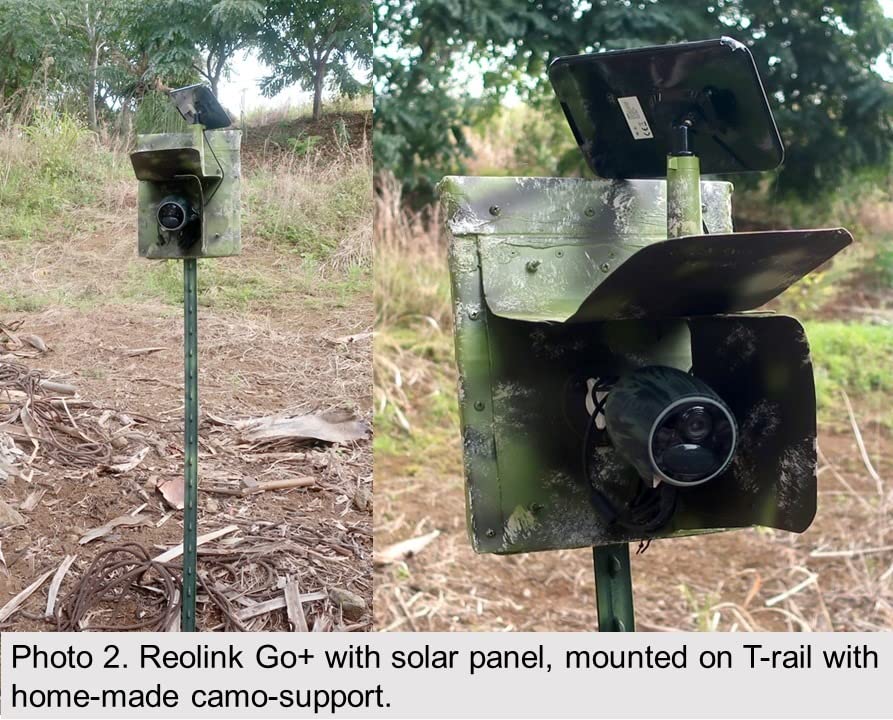
This is the camera for a cabin with nothing on the property but trees. The Go Plus uses 4G LTE cellular with no Wi-Fi and no hub, so the only things it needs are a SIM card, carrier coverage, and a solar panel. Every other product here depends on a router, a hotspot, or a satellite terminal in range.
Long-term owners running multiple units on a rural property describe the sealed egg-shaped body as the only outdoor camera of theirs that has survived wet forest conditions over years. Several also report the unit recovering on its own after cellular outages, because the solar panel kept it powered through the gap and it reconnected when the signal returned.
Video is 4MP with 16:1 digital zoom and infrared night vision to 33 feet, plus smart person and vehicle detection to cut false alerts. Storage goes to a microSD card up to 128GB as well as Reolink Cloud, and free 7-day cloud history is included.
The included camouflage skin is a small detail that matters for a cabin where you would rather not put a visible camera on the front wall. The battery is 7500mAh, the body is IP65, and the whole package weighs about two pounds before the panel.
There are real constraints. There is no 24/7 continuous recording, only motion-triggered clips. There is no Wi-Fi at all, so it cannot join a smart home network. The PIR range cannot be adjusted, and color night vision is weak next to daylight clarity.
What does a cellular security camera actually require?
Three things. A SIM card, a data plan that covers the video traffic, and a carrier with real coverage at your address. The SIM is not included here, and only certain carriers are supported, with Cricket among the exclusions, which matters in rural areas where a given carrier may be the only one with usable bars.
SIM insertion and APN setup are also reported as finicky by some buyers. Plan to activate the card on site with a phone, not from home, and confirm the APN details before you drive out.
Is cellular worth the ongoing data cost?
For a property with no alternative, the question is moot, because it is the only way to get footage out. For a cabin that already has a hotspot, a Wi-Fi camera avoids the data charge and gives you higher resolution options. The cellular route earns its cost in situations where you would otherwise have no camera at all.
It is also the more resilient choice in winter. A hotspot needs power and warmth; a cellular camera with its own panel does not, which is why we would pick this one for a hunting lodge left shut for three months at a stretch.
7. eufy Security 4G LTE Cam S330 Review
eufy Security 4G LTE Cam S330, 4K Cellular Solar Security Cameras Wireless Outdoor, Pan and Tilt, 4G and Wi-Fi Duo-Mode, AI Tracking, with SIM Card and 32GB SD Card, No WiFi, No Problem
4K color video
4G and Wi-Fi dual-mode
9400mAh battery
32GB SD card included
Pros
- 4K color resolution readable enough for license plates
- Dual 4G and Wi-Fi mode keeps the feed alive when Wi-Fi drops
- Included SIM roams across AT&T T-Mobile and Verizon
- 9400mAh battery with upgraded solar panel
- 32GB SD card included in the box
Cons
- IP55 rating is lower than the IP65 common on rival solar cameras
- Requires a continuing data plan for cellular use
- Shares the lowest average rating in this group at 4.0 stars
The S330 has the most capability on paper of any camera here, and the reason is the dual-mode design. It carries 4G LTE and Wi-Fi together, and it auto-switches to mobile data when the Wi-Fi signal drops. For a cabin with a hotspot, that is the auto-failover behavior people ask for and rarely find.
The included EIOTCLUB SIM is compatible with AT&T, T-Mobile, and Verizon, and it roams to whichever network has the strongest signal where it stands. On a fringe-coverage property, that is a meaningful difference compared with a single-carrier card that simply drops offline.
Video is 4K in color, day and night, at 30 fps, with a 100-lumen spotlight reaching 26 feet. eufy claims a license plate is readable at 30 feet. Pan and tilt covers 360 degrees with AI tracking for people and vehicles, and the battery is 9400mAh with an upgraded solar panel.
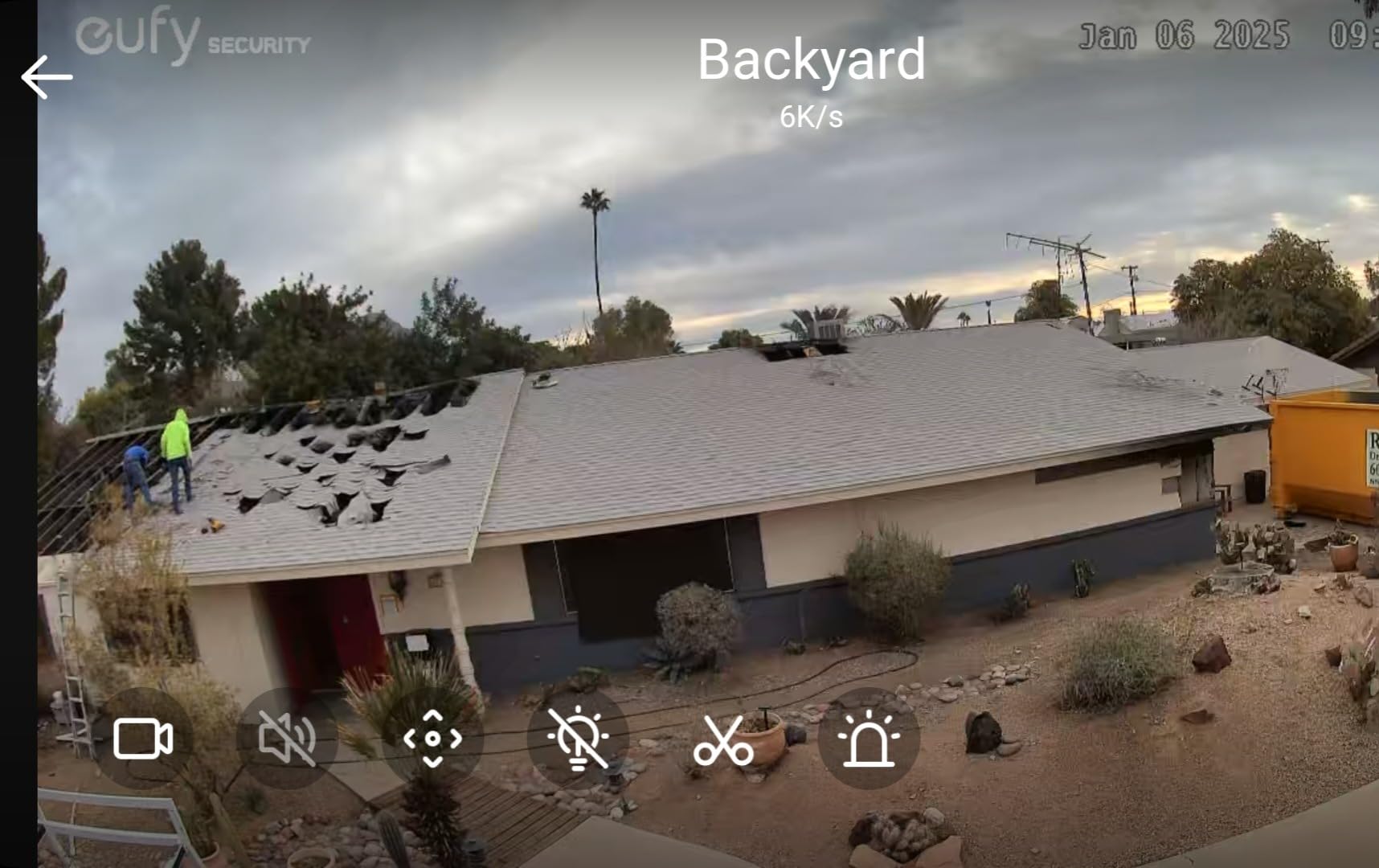
A 32GB SD card is included in the box, which removes one of the most common first-week regrets with solar cameras. The camera is IP55 rather than the IP65 many rivals carry, and the review pattern shows why that is worth noticing in a wet northern climate.
This is also among the lowest-rated products in the set at 4.0 stars with 15% one-star reviews. Complaints concentrate on connectivity hiccups during setup, the lower weather rating, and the ongoing data plan cost. Buyers still credit the 4K clarity, the auto-switching, and the bundled card.
Is dual-mode 4G and Wi-Fi worth paying for?
If a cabin has both options, yes, and the reason is failure. A Wi-Fi-only camera dies the moment the router reboots or the hotspot battery dies. This one notices and switches to cellular on its own, so a storm-induced outage becomes a brief dip rather than a lost night of footage.
If the cabin has no Wi-Fi at all, the dual-mode feature adds nothing and you are paying for a cellular camera with a better sensor. In that case compare it against the REOLINK Go Plus on data plan cost and resolution.
What does the IP55 rating mean in practice?
IP55 protects against dust and water jets, which is enough for driven rain. IP65, carried by the aosu and SEHMUA units here, adds protection against water jets from any direction and is the more conservative choice for a camera mounted on an exposed corner through a northern winter.
Neither rating covers immersion or ice loading. If a panel accumulates snow and slides onto the lens, no rating helps. That is an aiming problem, not a specification problem.
8. Gianteye 2K Solar 4-Pack Review
2K Security Camera System, 5GHz&2.4GHz WiFi Solar Wireless Cameras for Home Security, Wire-free Installation, AI Detection, Two-way Audio, Mobile alerts, SD/Cloud Storage, Color Night Vision, 4 Packs
Four cameras per pack
Dual-band 2.4GHz and 5GHz
Solar panel plus backup battery
IP65 weatherproof
Pros
- Highest average rating in this group at 4.4 stars
- Dual-band 2.4GHz and 5GHz support is rare in solar cameras
- Backup battery covers cloudy stretches
- AI human detection filters out animals
- Four cameras per pack
Cons
- microSD card not included
- Listings do not confirm object tracking despite the title
- Spec sheet uses a generic white-label model name
The Gianteye four-pack is the one that solves a problem nobody else here addresses: modern routers that are 5GHz-only or dual-band without a 2.4GHz SSID. These cameras support both 2.4GHz and 5GHz, so they connect to whatever your network is actually broadcasting, and 5GHz gives smoother live streaming once connected.
They also carry a backup battery behind the detachable solar panel, so a few cloudy days do not translate directly into a dead camera. Owners rate the AI human detection favorably because it filters animals and moving objects, which matters at a cabin where deer cross the driveway every evening.
Across four packs, this is the highest-rated set in the group at 4.4 stars with 75% five-star reviews. The 2K sensors use starlight night vision with a smart spotlight that engages on motion for full-color footage at night, and the listed night vision range is 328 feet.
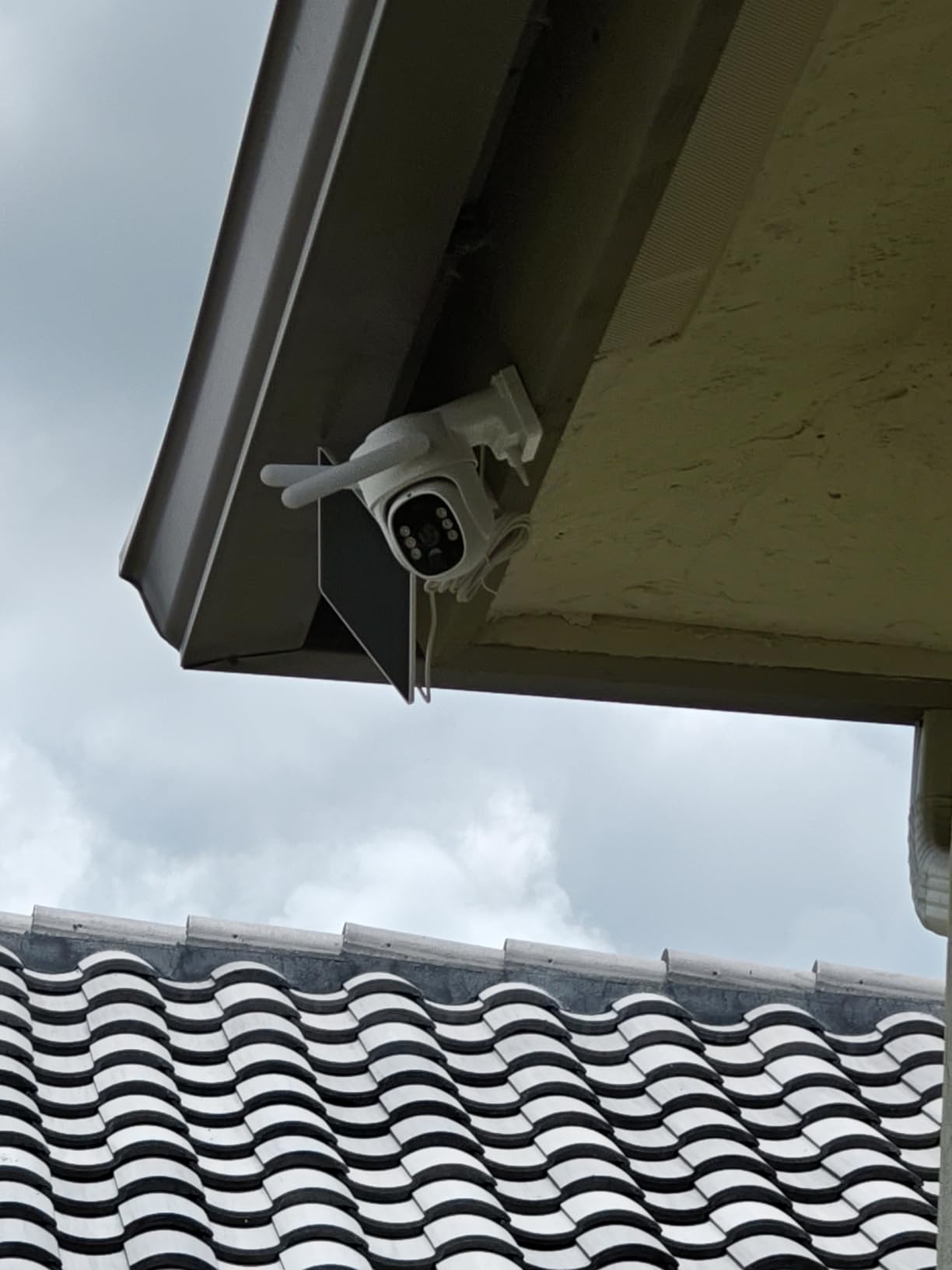
The pack states that two hours of daily sunlight maintains 24/7 operation, which is the lowest sun requirement we saw from a manufacturer in this group. Storage is microSD up to the usual card sizes, with the card not included, or optional cloud with no forced subscription. Alexa voice control is supported.
Two cautions. The listing does not confirm object tracking despite the spec title, and the spec sheet carries a generic white-label model name, which usually signals a lightly documented product. Both are minor compared with the dual-band advantage, but worth knowing before you rely on tracking.
Does dual-band Wi-Fi really matter at a cabin?
More than most buyers expect. Cabin hotspots and travel routers are frequently newer hardware with only 5GHz enabled, and every 2.4GHz-only camera in this roundup would fail to pair at all. A dual-band camera pairs with either, so it removes a class of setup frustration before it starts.
Once paired on 2.4GHz, you still get better range through walls and trees. The advantage is flexibility in what you pair with, not a faster connection at long range.
Who should pass on this four-pack?
Anyone without a network at the property. These are Wi-Fi cameras with no cellular option, so a truly off-grid cabin needs one of the two LTE models instead. And if you only need to watch one door, four cameras is more hardware than the job requires.
For a connected property with a modern 5GHz router and multiple blind spots, the rating and the dual-band support make this the safest pick in the group.
9. REOLINK TrackMix 4K Solar Review
REOLINK TrackMix 4K Dual-Lens PTZ Solar Security Cameras Wireless Outdoor
4K 8MP dual-lens
8x hybrid zoom
355-degree pan and 90-degree tilt
Solar panel included
Pros
- Dual-lens design shows a wide view and closeup at the same time
- 4K 8MP with color night vision and motion spotlight
- Auto tracking with automatic zoom follows moving objects
- 355-degree pan and 90-degree tilt for near-total coverage
- MicroSD up to 512GB with no subscription
Cons
- Single camera rather than a multi-camera kit
- Some users report needing to tune PIR settings and mounting angle
- Lowest-rated alongside the eufy S330 at 4.0 stars
The TrackMix solves a specific problem: how to watch a whole yard and still read a face. Its dual-lens design puts a wide-angle view and a telephoto view on one screen at the same time, with 8x hybrid zoom between them. No other product on this list shows a wide frame and a closeup frame together.
Auto tracking is where the two lenses pay off. When it detects a moving object it follows it and zooms in automatically, so the wide view tells you where someone is and the telephoto view tells you who. It recognizes people, vehicles, and pets separately, which cuts false alerts from the animals that frequent rural properties.
Video is 4K at 8MP with color night vision and a motion spotlight, pan is 355 degrees, tilt is 90 degrees, and a solar panel is included. Storage runs to microSD up to 512GB with no subscription required, which is the largest card capacity listed here.
The catch is that this is a single camera with Wi-Fi only, so it is a solution for one important view rather than a whole property. It is also the lowest-rated product here alongside the eufy S330, at 4.0 stars with 15% one-star reviews and 63% five-star.
Users commonly report needing to tune PIR sensitivity and mounting angle before alerts are reliable. That is normal for a high-resolution camera with aggressive detection, and it takes a few days of testing from a property you can physically reach.
Is a dual-lens view better than digital zoom?
Considerably. Digital zoom crops pixels, so detail is thrown away to get close. A telephoto lens captures the detail optically. On a 4K 8MP sensor with a real second lens, a moving subject stays legible where a single-lens camera at 8x digital zoom produces a blurry rectangle.
That difference matters most for a driveway gate, a fuel storage area, or a side door where you would want to identify someone rather than just know they were there.
What are the drawbacks of this Reolink?
Wi-Fi only, single camera, and the most hands-on setup of the group. The PIR and mounting angle both need deliberate setup, and the frame rate of 15 fps is lower than most rivals, which makes fast movement look slightly softer than it would on a 30 fps camera.
If you need one camera that shows and identifies more than the rest of this list, this is it. If you need a whole property covered, the four-packs do that with less setup.
10. GNCC Solar Security Camera Review
GNCC Solar Security Cameras Wireless Outdoor 2.4G WiFi, SD/Cloud Storage
1080p video
3W panel with 5200mAh battery
Up to 6 months standby
Three-level adjustable PIR
Pros
- Lowest entry point among the fully solar options here
- 5200mAh battery claims up to six months of standby
- Three-level PIR sensitivity cuts wind and foliage alerts
- Siren plus spotlight provides active deterrence
- Five-minute install with no drilling
Cons
- 1080p rather than 2K or 4K
- 2.4GHz WiFi only
- No motion tracking and no 24/7 recording
- AI detection requires a paid subscription
The GNCC is the most affordable fully solar option here, and its selling point is endurance rather than image quality. The 3W panel feeds a 5200mAh rechargeable battery, and the manufacturer claims up to six months of standby on a full charge. That is the kind of specification that matters when nobody is coming to swap a battery.
The three-level adjustable PIR is genuinely useful at a cabin. Owners set it to filter wind and moving foliage, which at a wooded property is the difference between a camera people watch and a camera they mute. Recording is event-only at 8 to 16 seconds per clip.
Deterrence is the other strength. A siren alarm, a spotlight, and two-way audio combine to announce that a visitor has been seen, which does more than a passive recording. Operating range is -10C to 45C, and the IP65 housing handles the weather.
Installation is the easiest in the roundup: wall or roof mount in five minutes with no drilling required. Connectivity is 2.4GHz Wi-Fi and Bluetooth, with no 5GHz. Storage is a microSD card up to 128GB, not included, or paid cloud storage through the Osaio app.
There is no motion tracking and no 24/7 continuous recording, only event clips. The AI recognition that distinguishes people, packages, vehicles, and pets requires a subscription, which puts it at odds with the no-fee promise most solar cameras make.
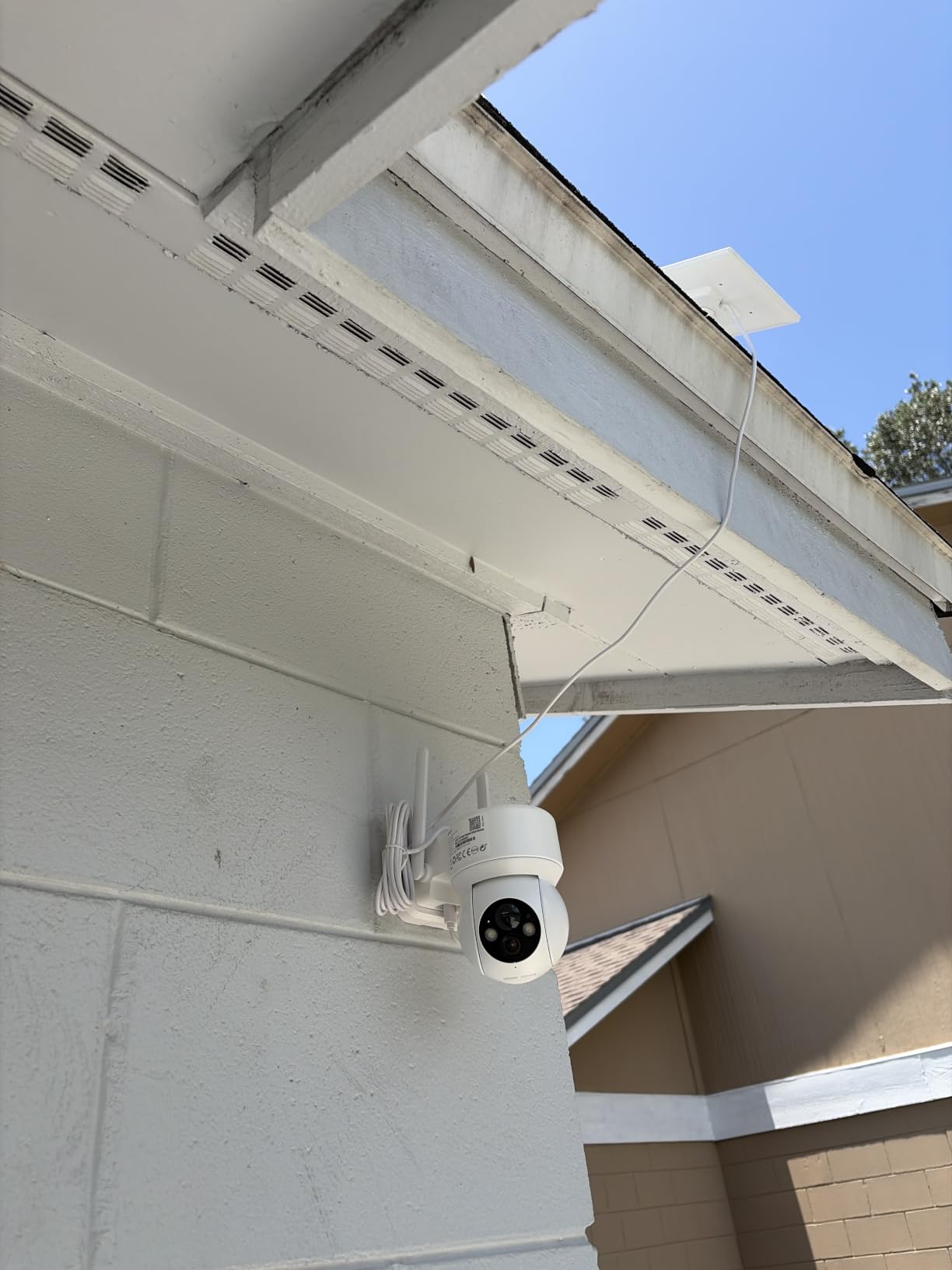
Is 1080p enough to identify someone?
At a door or a short path, yes. At a gate thirty feet away in low light, no. The 1080p sensor is a step below the 2K units in this roundup and well below the two 4K models, and there is no way to recover detail the sensor never captured.
If identification matters, this is the wrong camera. If you mainly want to know that something moved near a woodpile or a generator, the adjustable PIR and long standby make it a reasonable low-cost presence monitor.
Who should buy the GNCC?
Buy it for a secondary location, a storage building, or a gate where a cheaper camera that survives a long unattended stretch is more useful than a sharp one. It suits a property with 2.4GHz service and a long list of blind spots to cover cheaply.
Pass on it if you need AI detection without a subscription, if you need continuous recording, or if the footage may be used to identify a person. Those jobs belong on one of the 2K or 4K models above.
How to Choose a Solar Security Camera for a Cabin
Connectivity decides everything else, so start there. The question is not which camera has the best sensor. It is what your property can actually provide.
If the cabin has a router or a hotspot that runs year-round, a Wi-Fi camera is the better buy. You get higher resolutions, more of them, and no data plan. If the cabin has no power and no network, a 4G LTE camera with a SIM card is the only option that works, and you should accept the ongoing data cost as part of the setup.
The awkward middle case is a cabin with a hotspot. Those setups fail quietly. A travel router left in a cold cabin across a northern winter can lose its battery, and the camera goes offline with nobody noticing for weeks. A dual-mode camera like the eufy 4G LTE Cam S330 is the answer here, because it falls back to cellular without being told to.
How much battery capacity do you actually need?
Look at three numbers together: battery milliamp hours, the panel wattage, and the sun the site gets in winter. A 10000mAh battery has more margin for a run of overcast days than a 5200mAh one, and a removable panel lets you aim for light without moving the camera.
Manufacturer sun claims range from two to three hours a day across the models here. Treat those as best case. A north-facing or shaded panel will fall well short, and a panel under a snow bank for a week will not charge at all.
What about local storage and subscription costs?
Decide whether you need to retrieve footage from a property you rarely visit. Local microSD storage keeps everything on site and costs nothing ongoing. Cloud storage costs per camera per month and, at a cabin, the bill arrives whether or not anyone is watching.
Check whether the card is included before you order. Several cameras here ship without one, and without a card some models give you still images rather than video playback. For loop recording, use a Class 10 U3 card rather than a standard card, which wears out under constant rewriting.
What temperature range should you look for?
Read the operating range, not the marketing. The cameras here list ranges from -10C to 45C up to -4F to 121F, and a wider range is better if your cabin sits in a cold climate or a hot desert one.
Also consider the weather rating. IP65 protects against dust and water jets from any direction, IP55 protects against dust and jets from a limited direction. For an exposed corner on a northern cabin, the difference matters after a few seasons of ice loading. If you cover large acreage rather than a single building, our guide to solar security cameras for farms goes deeper on coverage geometry.
Installing a Solar Camera at a Remote Cabin
Most failed solar installations are aiming problems, not equipment problems. A panel pointed the wrong way simply will not produce enough charge over a northern winter, and the camera goes quiet a month later.
Use a compass app on your phone before you drill anything. South-facing panels consistently outperform east, west, and north orientations in winter, and height matters too. Mounting a panel between 10 and 14 feet keeps it clear of accumulating snow and out of reach of wildlife.
For a removable panel, mount it on the sunniest face of the building and run the short cable to the camera body in a shaded, sheltered position. That combination gives you a good charge and a camera that is not staring into the sun all afternoon.
What to do before you leave home
Pair the camera to your account and update the firmware at home on Wi-Fi first. Doing initial setup at the cabin, on a phone hotspot with poor signal, is the most common source of frustration in the reviews here, and several models need the app to complete a voice-guided pairing step.
If you are deploying a cellular model, activate the SIM before you travel where possible, confirm the APN settings, and test the carrier at the cabin address using a coverage map. Reolink supports only certain carriers, and Cricket is not among them for the Go Plus, so a multi-carrier card such as the EIOTCLUB SIM bundled with the eufy S330 is the safer option in fringe areas.
Storage and power backup
Format the card in the camera rather than on a computer, and check that the footage is actually recording before you leave. Set the loop length to match how long you plan to be away. If you will be gone for a season, anything under a month of retention is a poor choice.
For a long unattended stay, a small portable power station keeps a hotspot and a Wi-Fi camera alive through a multi-day overcast stretch, which is the one scenario the solar panel alone cannot cover. A dedicated cellular camera needs that backup far less often.
If your property is truly beyond cellular coverage, compare the trade-off with trail camera approaches in our guide to solar trail cameras for long-term use, and see wireless security cameras for homes if you later add cameras to a connected property.
Frequently Asked Questions
What is the best security camera for a cabin?
The eufy SoloCam S340 is the best overall pick for a cabin with some Wi-Fi coverage, thanks to a 10000mAh battery, a removable solar panel, 3K dual-lens video with 8x hybrid zoom, and 8GB of built-in local storage with no monthly fee. For a cabin with no network at all, the REOLINK Go Plus 4G LTE is the correct answer because it runs on cellular with a SIM card and needs no hub, router, or mains power.
Are solar-powered home security cameras any good?
Yes, with conditions. Solar cameras work well when the panel gets real sun and the battery has enough capacity to ride out cloudy stretches. The models here list sun requirements from two to three hours daily, and battery capacity ranges from 5200mAh to 10000mAh. In a northern winter with limited sun, a larger battery and a south-facing removable panel are the two things that decide whether the camera stays alive.
What is the best security camera without a monthly fee?
Several cameras here record entirely to local storage with no subscription. The aosu D1 Classic 4-Cam Kit keeps encrypted recordings on its hub with 32GB and up to four months of loop recording, the REOLINK TrackMix accepts microSD up to 512GB, and the eufy SoloCam S340 uses 8GB of built-in memory. Buy your own microSD card, since several of these ship without one.
Do security cameras with solar panels work without Wi-Fi?
Only the cellular models do. The eufy 4G LTE Cam S330 and the REOLINK Go Plus 4G LTE both use a SIM card and a carrier network, so they need coverage at the cabin rather than a router. The eufy S330 also carries Wi-Fi and auto-switches between the two, which keeps the feed alive when a hotspot dies. The other eight cameras in this roundup are Wi-Fi only and need a router, hotspot, or satellite terminal in range.
Can solar security cameras work in freezing temperatures?
Most of them can, within a stated operating range. Models here list limits from -10C to 45C up to -4F to 121F. Choose a camera whose rated minimum is below the coldest temperatures at your cabin, expect shorter standby in cold conditions, and keep the panel clear of snow. Mounting a south-facing panel between 10 and 14 feet reduces the chance that it ends up under a snow bank.
Final Verdict
The best solar powered security cameras for cabins come down to one question: does your property have a network? If it has Wi-Fi, the eufy SoloCam S340 is the pick, with the aosu D1 Classic 4-Cam Kit behind it for whole-property coverage and the Gianteye four-pack if your router is 5GHz-only.
If it has nothing, the eufy 4G LTE Cam S330 is the strongest cellular option thanks to dual-mode 4G and Wi-Fi, a bundled multi-carrier SIM, and 4K color video, while the REOLINK Go Plus is the simplest and most proven off-grid unit in the group. Whichever you choose, point the panel south, mount it high, and put a Class 10 U3 card in before you leave home.
For a different kind of remote property, our picks for security cameras for apartments cover the indoor and entryway end of the job.