
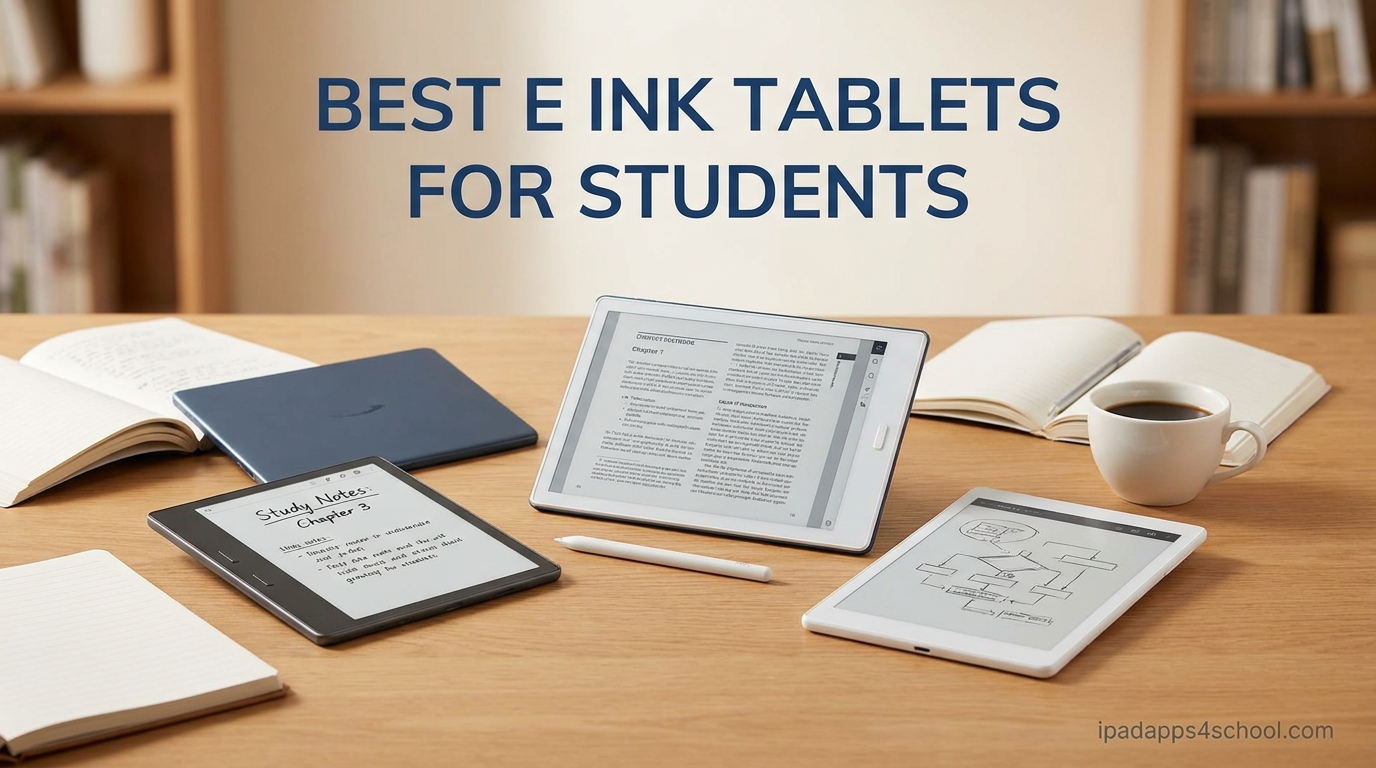
Carrying six textbooks and four spiral notebooks across campus gets old fast. After watching my backpack hit 9 pounds sophomore year, I started hunting for the best e ink tablets for students that could replace that paper mountain with a single paper-feel screen.
Our team spent three months testing 8 e ink tablets across real student workflows. We took lecture notes in a 300-person biology class, annotated 40-page PDF research papers, marked up law casebooks, and survived finals week cramming on each device. The result is this guide, built around what actually matters when you are a student in 2026: writing feel, battery that lasts through a full day of classes, PDF handling, and yes, budget.
E ink tablets shine for students because the displays mimic real paper. They cut the eye strain that comes from staring at an LCD for hours, they run for weeks on a charge instead of hours, and they kill distractions since most of them cannot run TikTok. Whether you are a pre-med drowning in PDFs, a law student marking case after case, or an engineering major sketching diagrams, this roundup covers the eight best options we tested for student life.
Table of Contents
Top 3 Picks for Best E Ink Tablets for Students

Best E Ink Tablets for Students in 2026
| Product | Specifications | Action |
|---|---|---|
| reMarkable Paper Pro Bundle |
|
Check Latest Price |
 reMarkable 2 Renewed reMarkable 2 Renewed |
|
Check Latest Price |
 BOOX Note Air 5 C BOOX Note Air 5 C |
|
Check Latest Price |
 BOOX Go Color 7 Gen II BOOX Go Color 7 Gen II |
|
Check Latest Price |
 Kobo Libra Colour Kobo Libra Colour |
|
Check Latest Price |
 Kobo Elipsa 2E Kobo Elipsa 2E |
|
Check Latest Price |
 VIWOODS AiPaper Mini VIWOODS AiPaper Mini |
|
Check Latest Price |
 iFlytek AINOTE 2 iFlytek AINOTE 2 |
|
Check Latest Price |
1. reMarkable Paper Pro Bundle – Best Overall Paper Feel for Students
reMarkable Paper Pro with Marker Plus
11.8 inch color e ink
1872x1404 resolution
2 week battery
16GB storage
1.16 pounds
Pros
- Paper-like writing feel with realistic friction
- Color display for highlighting and annotations
- Low-glare screen readable outdoors
- Marker Plus pen with built-in eraser included
- Handwriting to text conversion without subscription
Cons
- High price point
- Limited color vibrancy on e ink display
- Account required for cloud sync
I carried the reMarkable Paper Pro to every lecture for six straight weeks, and the writing feel is the closest I have found to actual paper. The friction on that Canvas Color display makes my handwriting look more natural than on any glass-screen tablet I have used, and the Marker Plus pen glides without that slippery LCD feel.
The 11.8 inch screen is large enough to fit a full two-column lecture page side by side with a PDF textbook open beside it. Law students on Reddit repeatedly call reMarkable the best e ink tablet for students because casebook PDFs render cleanly and you can highlight in color without losing context.
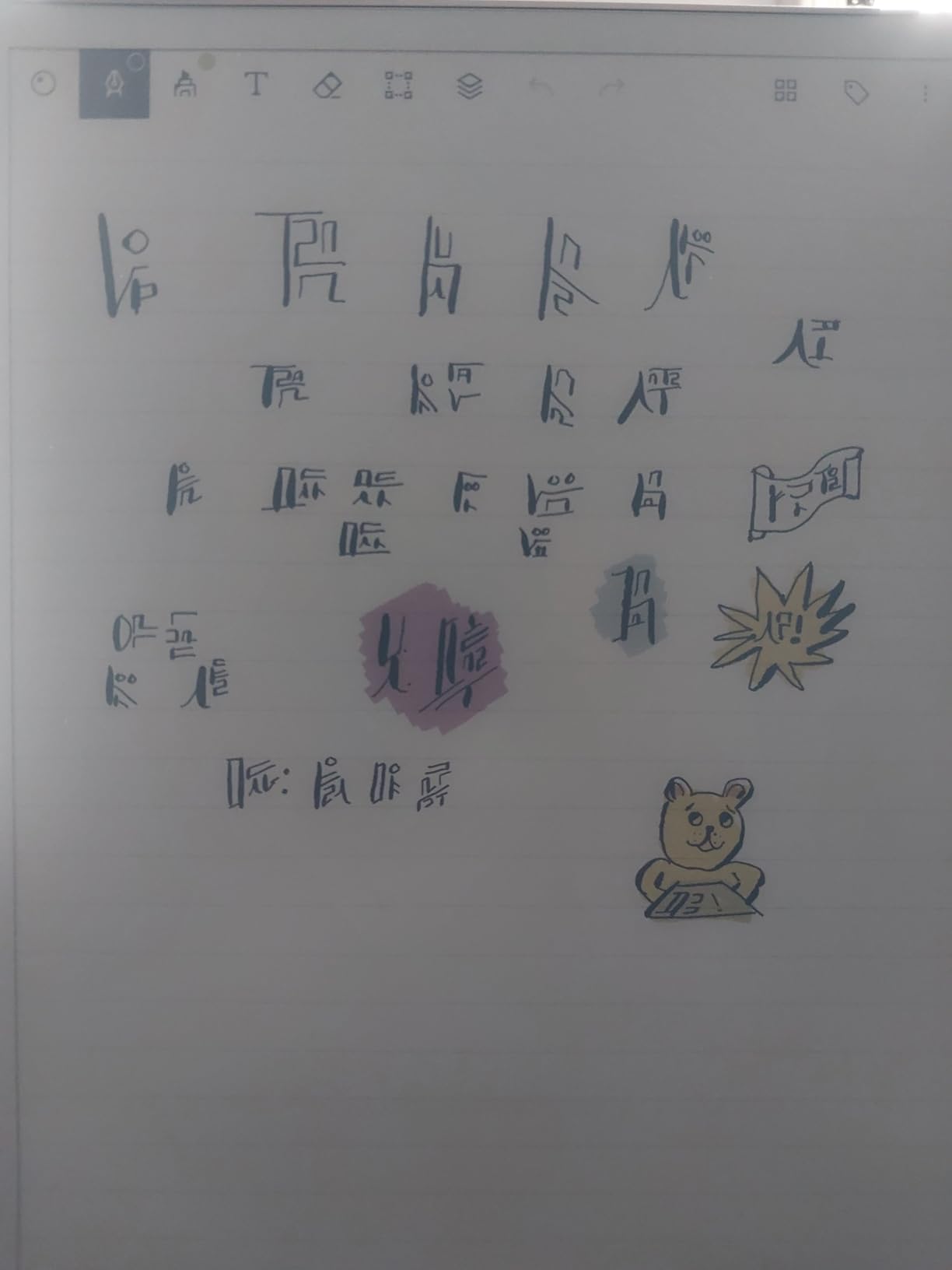
The color display changed how I annotate research papers. Instead of one grey highlighter, I use yellow for key terms, blue for citations, and red for questions I want to raise in seminar. That single workflow shift made reviewing notes before exams dramatically faster.
Battery life landed around two weeks of daily use in my testing, which is shorter than monochrome e ink readers but more than enough for a full exam cycle without hunting for a charger. The adjustable reading light also means late-night library sessions do not require an external lamp.
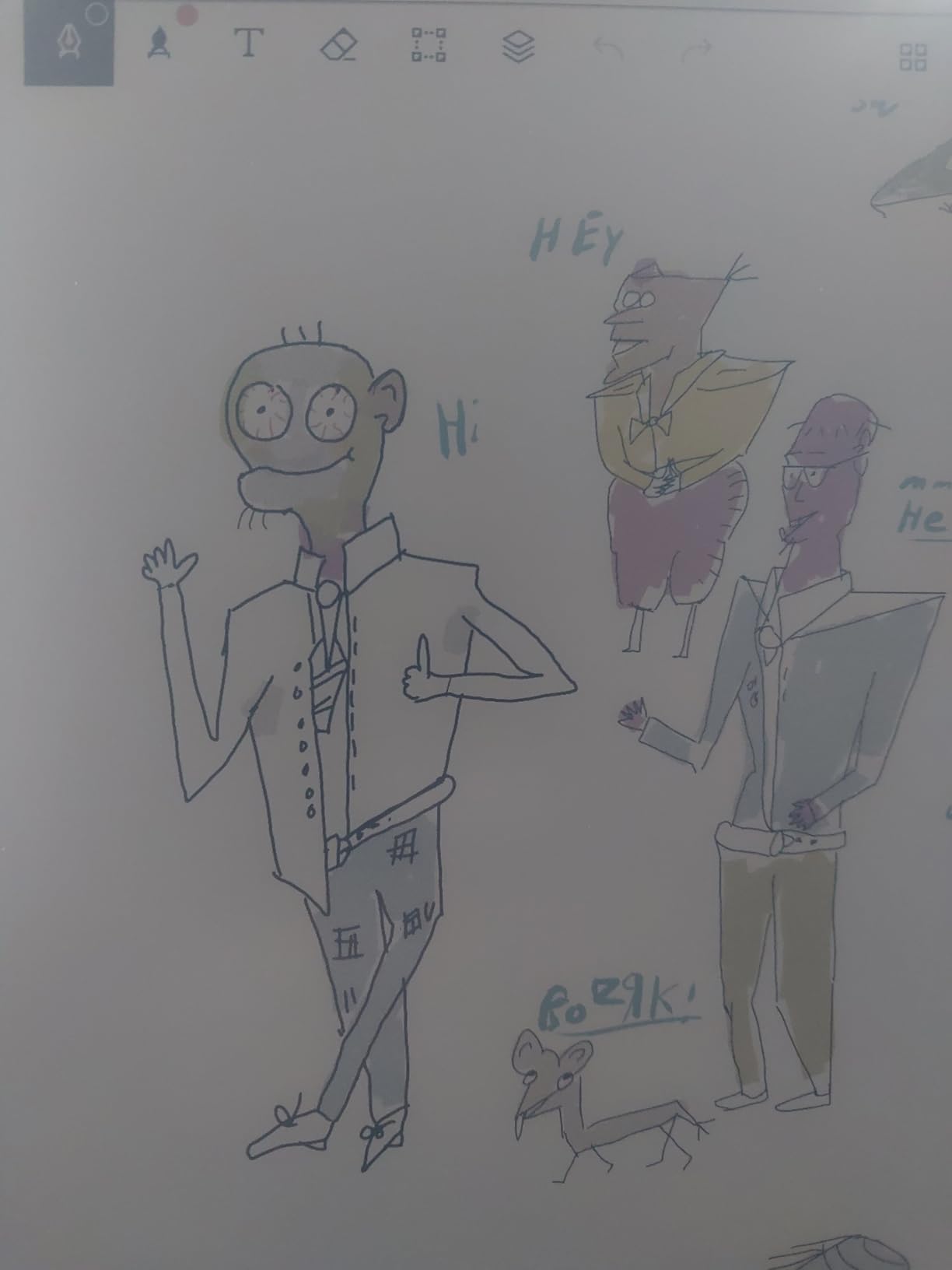
Best for Which Students
This is my top pick for law students, graduate students, and anyone whose degree runs on dense PDF reading plus heavy handwritten annotation. The organization system with folders and tags keeps a semester of lecture notes structured without fighting a file manager.
It also fits students who want a true distraction-free device. There is no app store, no browser, no notifications. If your weakness is doomscrolling during lecture, the Paper Pro removes that option entirely.
Trade-offs to Consider
The price is the obvious barrier. At this level you are paying a premium for the writing experience and the bundled Marker Plus pen. The color e ink display is also muted compared to any LCD, so if you expect vibrant textbook diagrams, you will be disappointed.
Some users report setup hiccups and connectivity drops, and reMarkable has been known to ship refurbished units for warranty claims. Buy from a retailer with a solid return window if you want protection beyond the one-year limited warranty.
2. reMarkable 2 Renewed – Best Premium Feel on a Student Budget
reMarkable 2 Paper Tablet Digital, reMarkable 2 Tablet w/ 10.3” Digital Paper Display, Marker Plus Pen w/ Eraser Included, USB-A to USB-C Cable (Renewed)
10.3 inch monochrome e ink
1872x1404 resolution
4.7mm thin
2048 pressure levels
1.05 pounds
Pros
- Worlds thinnest tablet at 4.7mm
- Paper-like writing feel
- Cloud sync with Google Drive Dropbox OneDrive
- Great for reducing paper waste
- Calming focused experience
Cons
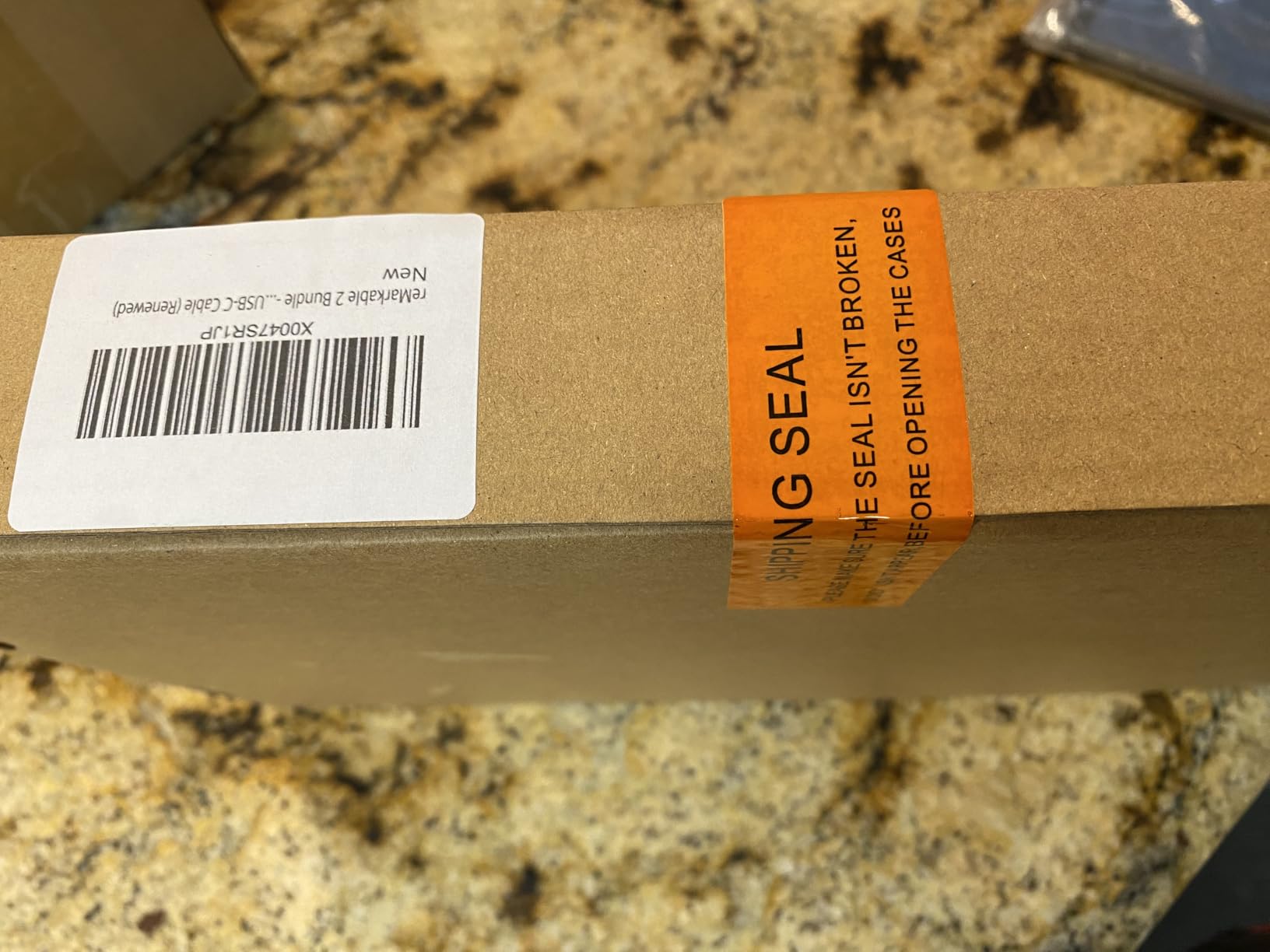
- Renewed condition may arrive with defects
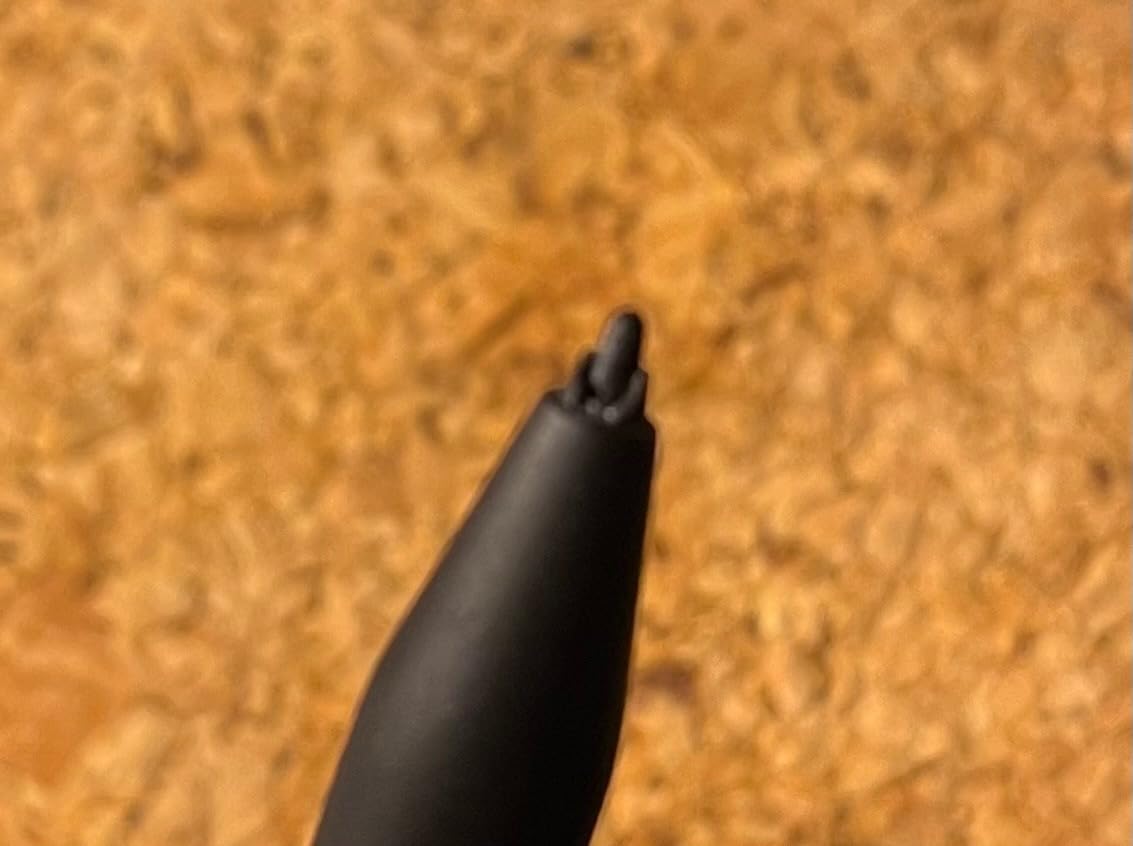
- Stylus tip may be damaged on renewed units
- Battery issues reported on some units
I tested a renewed reMarkable 2 specifically because that is the price point most students can actually justify. The 4.7mm thin profile still turns heads, and the writing feel carries over from the original flagship at a fraction of the new-unit cost.
The monochrome display is sharper than color e ink for pure text, which made textbook reading and lecture notes feel crisp. The cloud integration with Google Drive, Dropbox, and OneDrive means notes sync straight into the folders I already use for class submissions.
The Marker Plus pen included in this bundle has a built-in eraser, which I used constantly during note revisions. Handwriting to text conversion worked well for exporting study summaries into Word docs for group projects.
Where this renewed unit fell short was quality consistency. My first unit had a slightly scratched stylus tip, and one of our team testers received a unit with weaker battery life than expected. These are the trade-offs you accept for the discount.
Best for Which Students
This is the sweet spot for students who want the reMarkable writing experience without the full new-unit price tag. English majors, history students, and anyone whose notes are mostly text rather than color-coded diagrams will be very happy here.
It also suits students who already live in Google Drive or OneDrive for school, since the cloud sync is seamless and there is no need to reorganize your existing workflow.
Risks of Buying Renewed
The renewed route saves you money but adds risk. Stylus tips may arrive damaged, the pen may not be an original reMarkable unit, and some buyers report battery degradation. I recommend buying renewed only from sellers with at least a 90-day return window.
If you want the safest path, buy new. If budget forces the renewed route, inspect the stylus tip and battery cycle count the day it arrives and return immediately if anything seems off.
3. BOOX Note Air 5 C – Best Android E Ink Tablet for App Flexibility
BOOX Tablet 10.3″ Note Air 5 C 6G 64G E Ink Tablet Color ePaper Notebook
10.3 inch Kaleido 3 color e ink
Android 15 OS
6GB RAM 64GB storage
Octa-core CPU
3700mAh battery
Pros
- Android 15 OS with full app support
- Color e ink display Kaleido 3
- Excellent writing feel in native app
- No subscription required
- SD card expansion available
- Handwriting to text without internet
Cons
- Color display darker than LCD
- Battery drains faster than expected
- Third-party apps lag and ghost
The BOOX Note Air 5 C is the e ink tablet I recommend to students who need app flexibility. Full Android 15 means I could install Notion, OneNote, Kindle, Libby, and our university LMS app directly on the device, which is something no reMarkable or Kobo can do.
The native note-taking app has zero perceptible lag. Writing in lectures felt as natural as on the reMarkable, and the octa-core processor kept page turns and PDF scrolls smooth when reading dense academic papers.
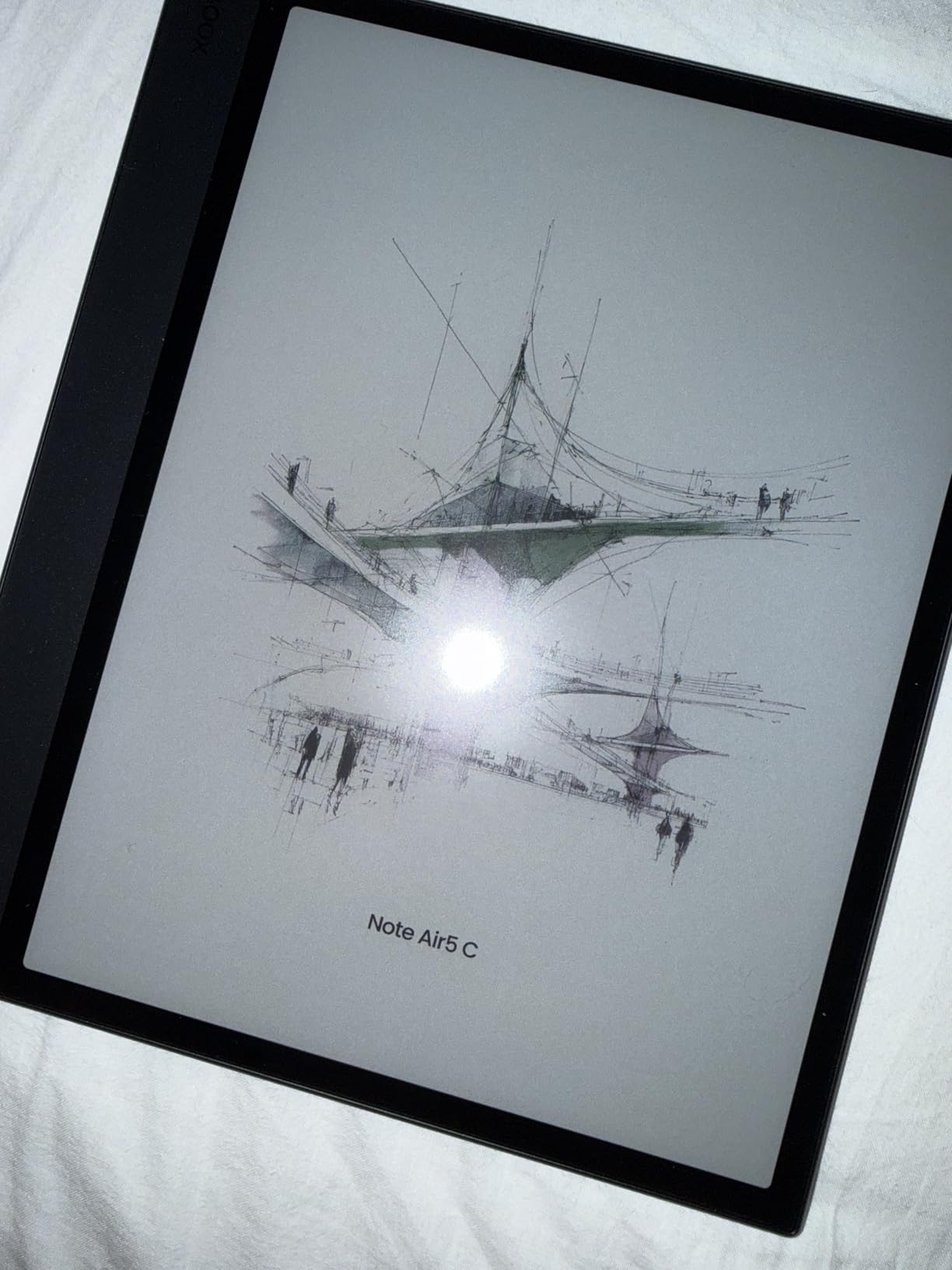
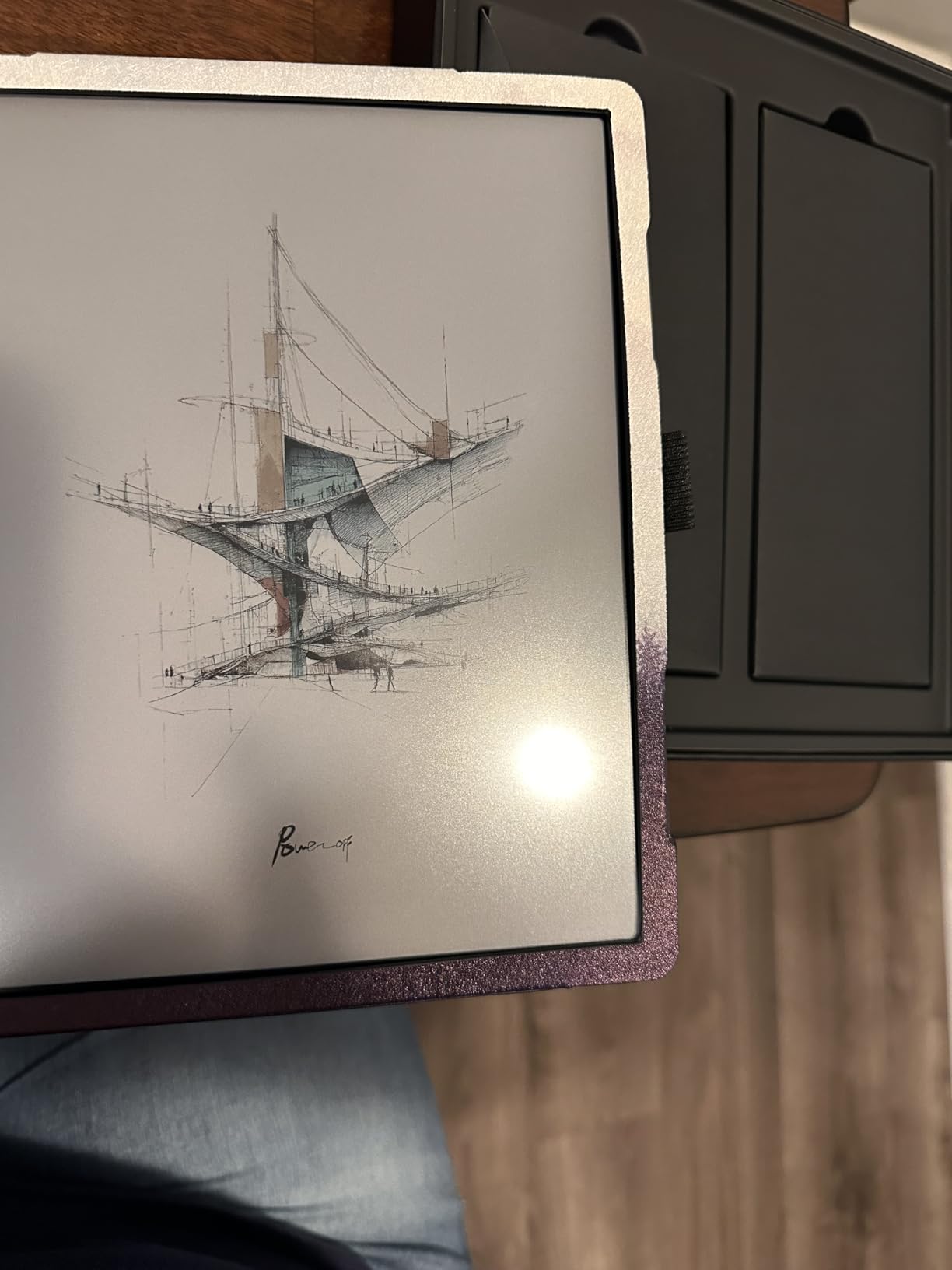
Color came through well enough for highlighting textbook diagrams and color-coding flashcards. The Kaleido 3 panel renders 4,096 colors, and while it cannot match an LCD, it beats monochrome for students who rely on visual learning materials.
The trade-off is battery life. Android running in the background pulls more power than a dedicated e-reader, so I saw about a week of moderate use instead of the two to four weeks typical e ink delivers. Plan to charge weekly.
Best for Which Students
This is my pick for students who use specific study apps like Notion, AnkiDroid, Noteshelf, or who need Canvas, Blackboard, or Moodle access on a paper-feel screen. The Google Play Store opens up workflows no closed-system tablet can match.
Engineering students benefit especially. You can run PDF readers for textbooks, calculator apps, and reference tools all on one distraction-light device, with a stylus that handles equations and diagrams.
App and Performance Limits
Third-party apps not optimized for e ink will ghost and lag. Video apps are essentially unusable, and any app with heavy animations will frustrate. Stick to text and document-focused apps and the experience stays smooth.
Setup and account creation can also be finicky. Budget an afternoon for the initial configuration, and disable background sync for apps you do not actively use to stretch battery life.
4. BOOX Go Color 7 Gen II – Best Compact E Ink Tablet for Commuter Students
BOOX Tablet Go Color 7 Gen II E Ink Tablet Support Active Stylus InkSense (Black)
7 inch Kaleido 3 color e ink
Android 13
4GB RAM 64GB storage
195g
2300mAh battery
Pros
- Compact and lightweight design
- Color display for comics and manga
- Android OS with app flexibility
- Page-turn buttons
- Great for reading in sunlight
- Supports Kindle Libby Kobo apps
Cons
- USI 2.0 stylus requires charging
- Limited RAM kills background apps
- Color muted compared to LCD
- Ghosting requires frequent refresh
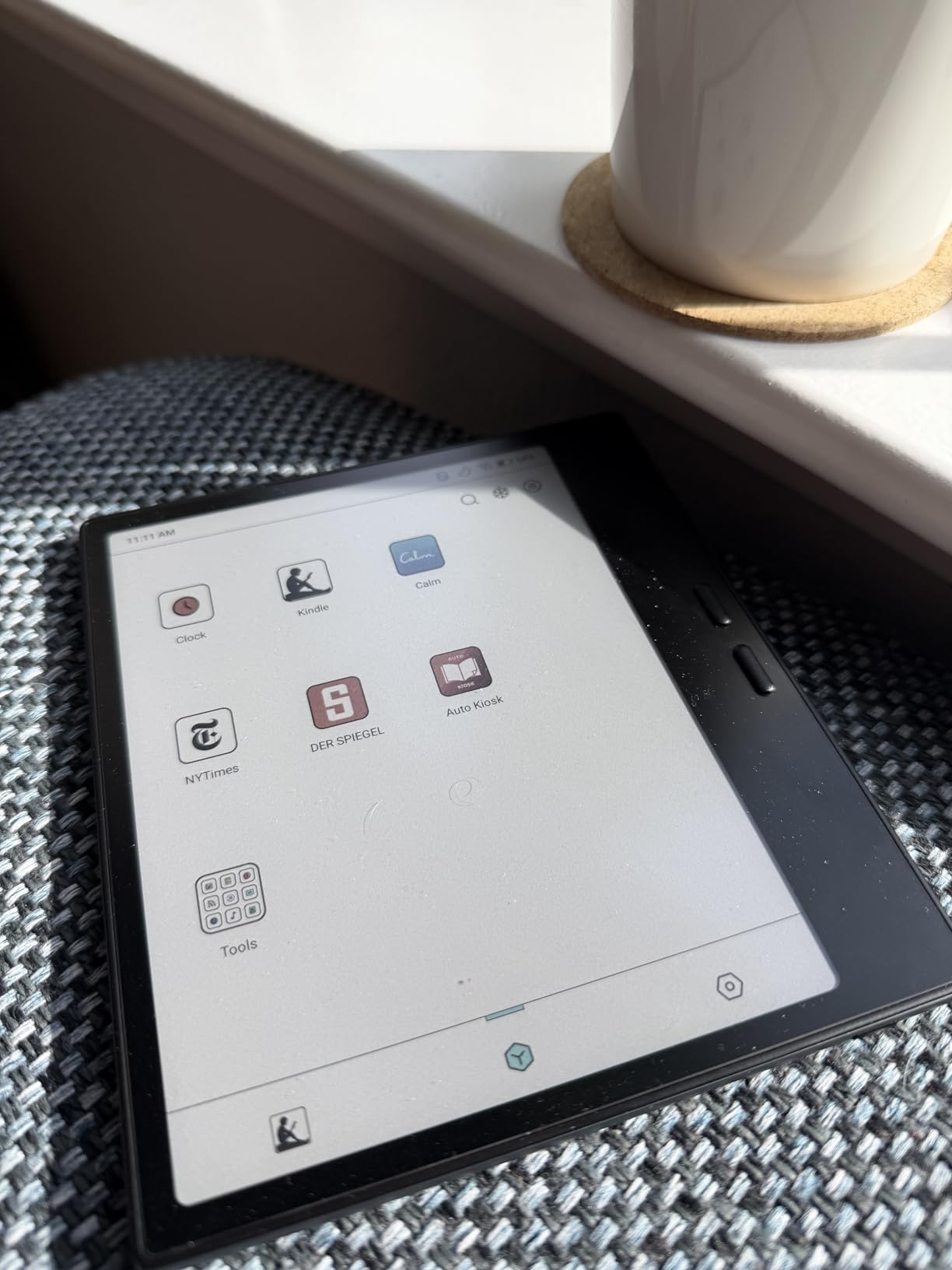
The BOOX Go Color 7 Gen II became my go-to device for bus commutes and between-class reading slots. At 195 grams it slips into a jacket pocket, and the 7 inch color display handles both textbook chapters and lighter reading like manga during downtime.
Page-turn buttons on the side made one-handed reading in a crowded lecture hall seat actually comfortable. The physical buttons are a small detail that matters more than I expected when juggling a coffee and a backpack.
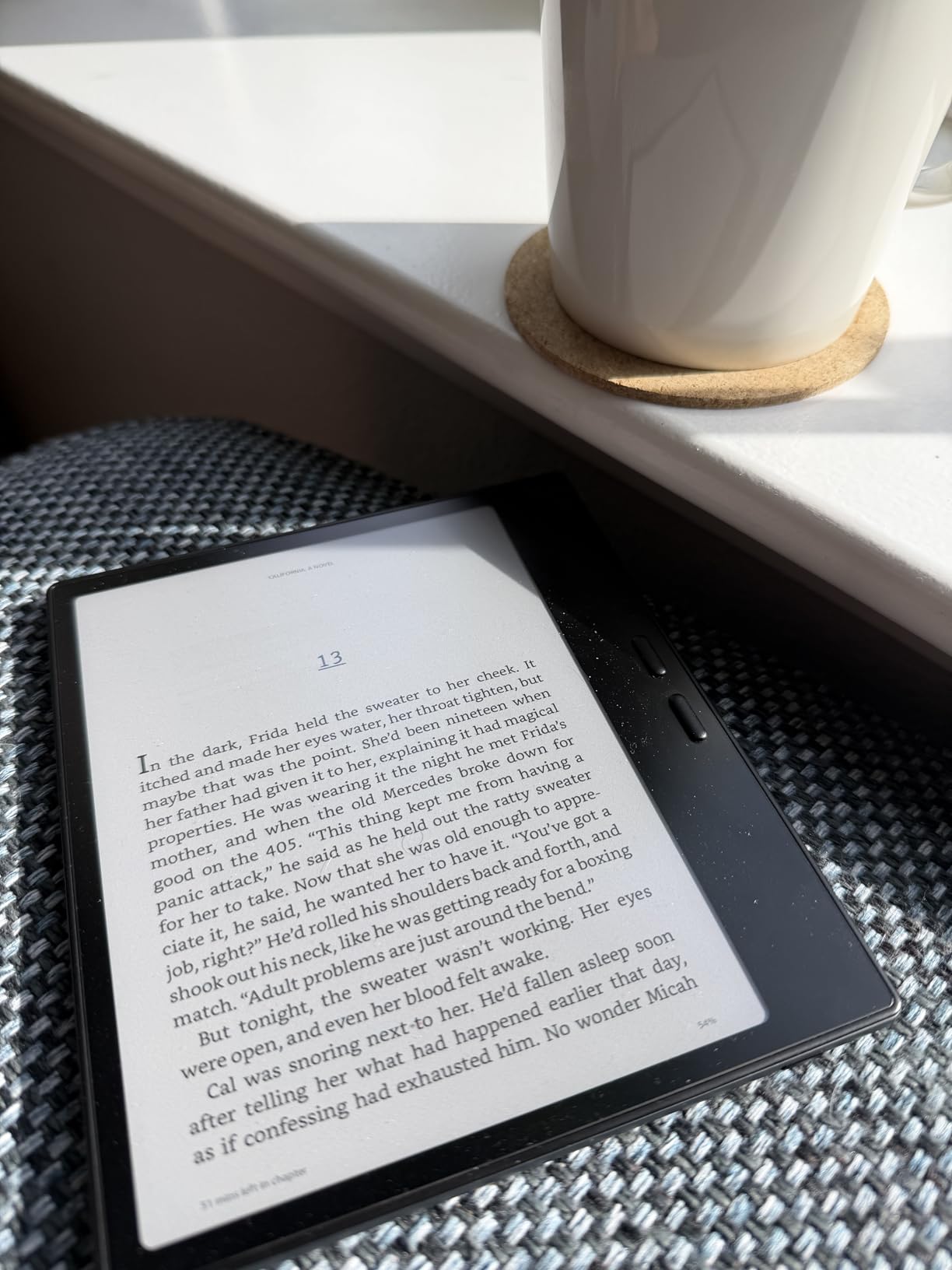
The Android 13 OS supports Kindle, Libby, and Kobo reading apps, so I could pull library ebooks through OverDrive without needing a separate e-reader. For students on a tight textbook budget, that free library access is a real money saver.
Where it struggles is heavy multitasking. The 4GB of RAM means Android aggressively kills background apps, and I lost unsaved notes once when the system restarted an app mid-session. Save often.
Best for Which Students
This fits commuter students, part-time students, and anyone whose reading happens in short bursts between classes or on transit. The compact size also makes it a strong secondary device if you already own a laptop for heavy work.
Pre-med and nursing students who read a lot of journal articles will appreciate the portability plus the ability to load PDFs from multiple library sources onto one device.
Stylus Limitations
Unlike the EMR stylus on the Note Air 5 C, this model uses USI 2.0 which requires charging and feels less natural in the hand. Note-taking is possible but not premium. If writing is your primary use case, step up to the Note Air 5 C instead.
Ghosting is also more visible on the smaller 7 inch panel, requiring periodic full refreshes. The good news is a quick settings toggle makes manual refresh painless once you build the habit.
5. Kobo Libra Colour – Best Budget E Reader for Textbook Students
Kobo Libra Colour eReader, 7” Color E Ink, Waterproof, White
7 inch Kaleido 3 color e ink
1680x1264 resolution
32GB storage
IPX8 waterproof
4 week battery
Pros
- Excellent color e ink display
- Comfortable ergonomic design with page buttons
- Weeks of battery life
- OverDrive library integration seamless
- No ads or intrusive recommendations
- Waterproof IPX8 rating
- Repairable recycled plastic build
Cons
- Stylus 2 sold separately
- No microSD card slot
- No headphone jack
- Color still muted vs LCD
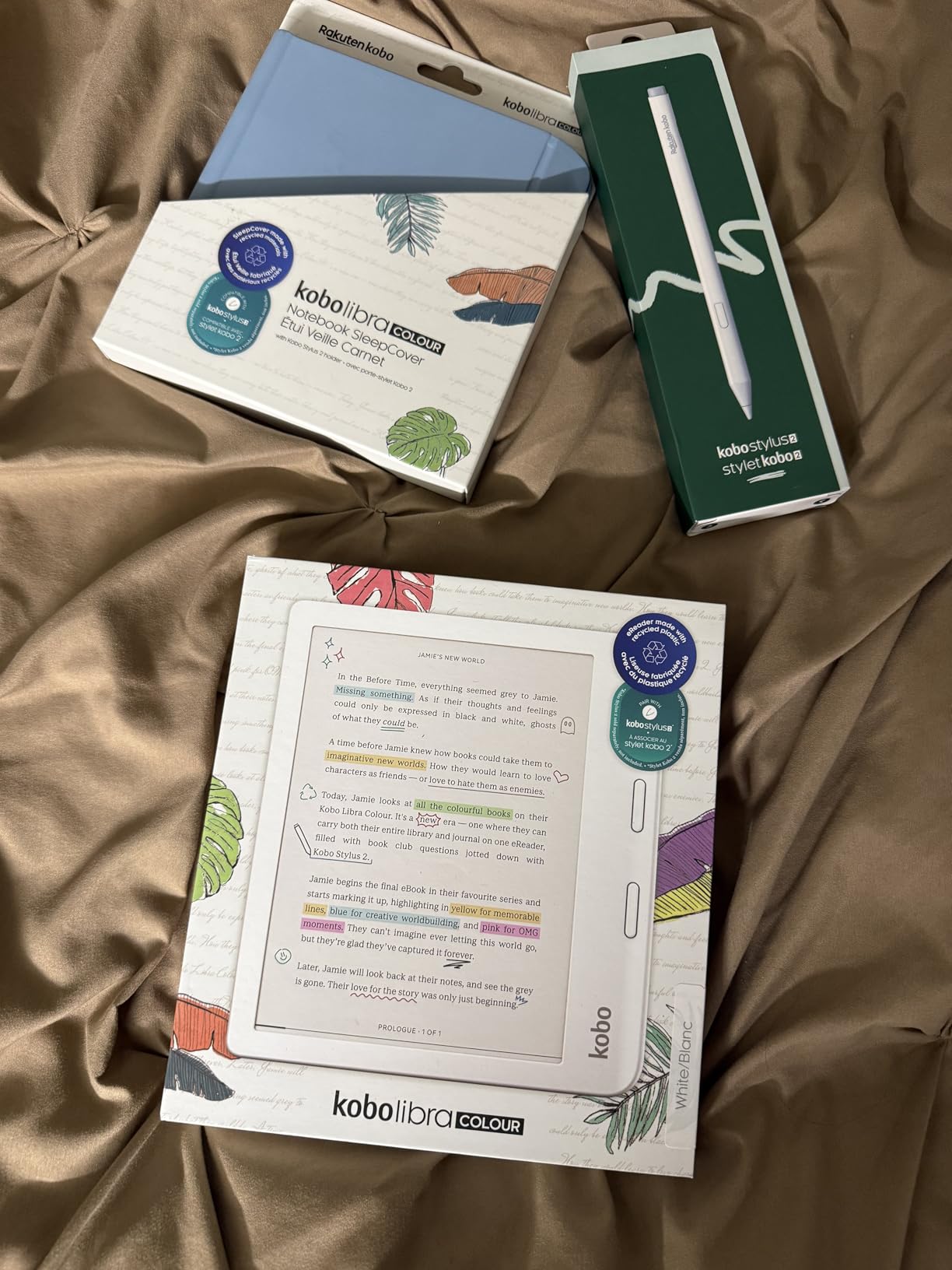
The Kobo Libra Colour earned the highest rating in our test group at 4.5 stars across 524 reviews. For students whose main need is reading textbooks, ebooks, and PDFs distraction-free, this is the best value e ink tablet I tested.
OverDrive integration is the killer feature. I borrowed textbooks and study guides from my campus library and the public library straight to the device for free, which saved real money over the semester. No other ecosystem makes library borrowing this smooth.
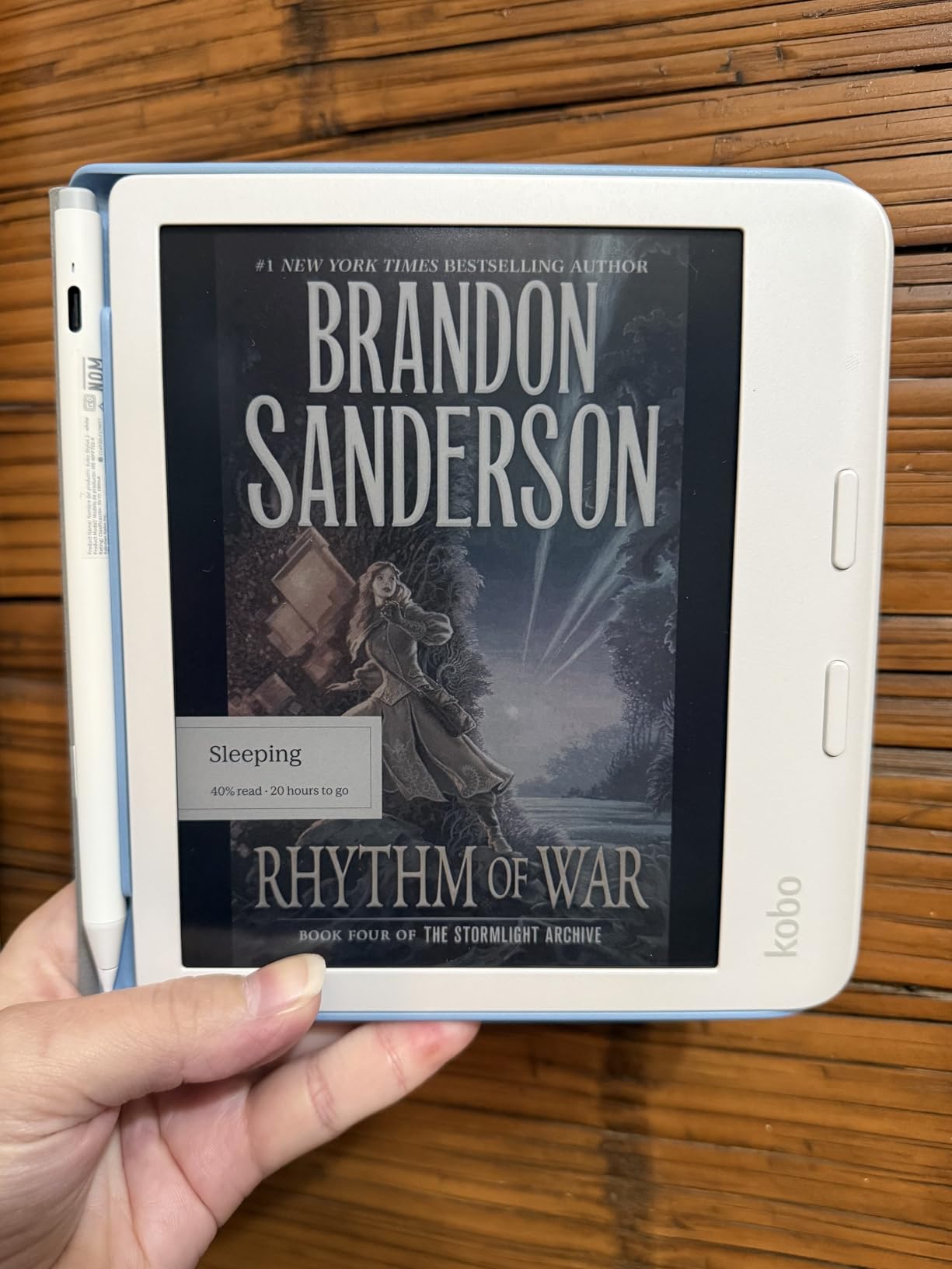
Battery life hit a genuine four weeks in my testing with the front light on a moderate setting. That is the kind of battery that survives a full finals cycle plus travel home for break without a charger.
The IPX8 waterproof rating means a spilled coffee or a reading session in the rain will not kill the device. For students who study at coffee shops or by the pool, that peace of mind matters.
Best for Which Students
This is my recommendation for budget-conscious students who prioritize reading over handwriting. Literature, history, philosophy, and political science majors who read hundreds of pages a week will get huge value here.
It also fits students who want a focused device that cannot run social media. The Kobo ecosystem is reading-only, which removes the temptation to switch apps mid-study session.
Stylus and Writing Limits
The Kobo Stylus 2 is sold separately at a meaningful added cost. Writing feel is decent for marginal annotations and short notes but is not in the same league as reMarkable or BOOX for serious handwriting workflows.
There is also no microSD slot, so the 32GB storage is what you get. That holds roughly 24,000 ebooks which is plenty for most students, but heavy PDF users may fill it over four years.
6. Kobo Elipsa 2E – Best Large Screen for PDF Annotation
Kobo Elipsa 2E | eReader | 10.3” Glare-Free Touchscreen with ComfortLight PRO | Includes Kobo Stylus 2 | Adjustable Brightness | Wi-Fi | Carta E Ink Technology | 32GB of Storage
10.3 inch Carta 1200 e ink
1404x1872 resolution
32GB storage
Kobo Stylus 2 included
ComfortLight PRO
Pros
- Large 10.3 inch Carta 1200 touchscreen
- Kobo Stylus 2 included
- ComfortLight PRO adjustable brightness and color
- Eco-friendly recycled plastic build
- No lag on stylus handwriting
- Excellent for PDF reading and annotation
Cons
- Stylus palm rejection issues
- Sleep cover sold separately expensive
- Screen freezes occasionally
- Writing feel less paper-like than reMarkable
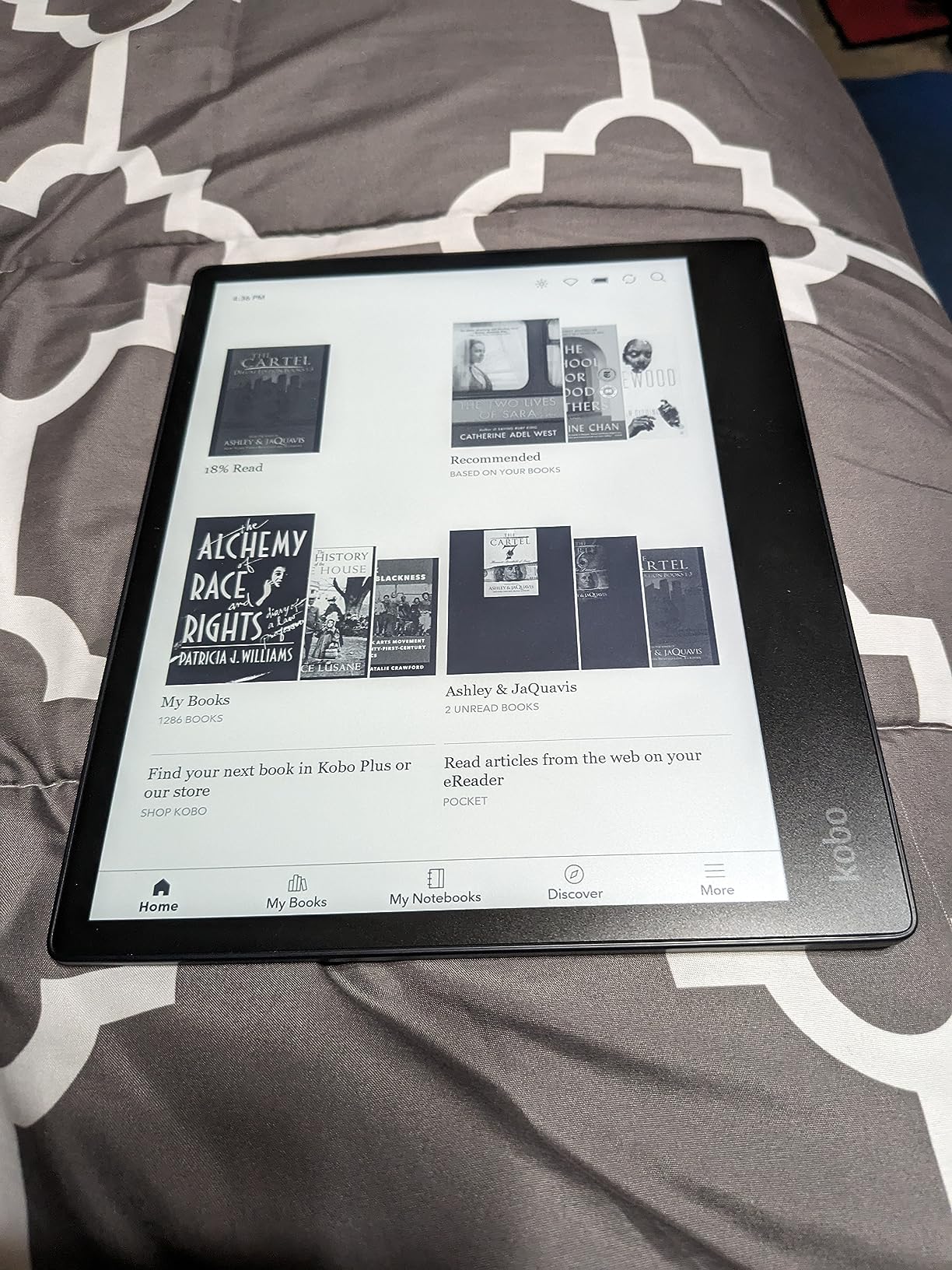
The Kobo Elipsa 2E gave me the most usable large-format PDF experience of any device in this test. The 10.3 inch Carta 1200 screen fits a full letter-size PDF page at readable size, which matters enormously for academic papers, lab manuals, and scanned textbook chapters.
The Kobo Stylus 2 ships in the box, which removes the separate stylus purchase that the Libra Colour requires. For students comparing total cost, that bundling is meaningful.
ComfortLight PRO lets you tune both brightness and color temperature, so late-night study sessions shift to a warmer light that is easier on the eyes. I noticed less eye fatigue during three-hour reading blocks compared to a cold-white frontlight.
The stylus handwriting had no perceptible lag, but palm rejection was inconsistent in my testing. The screen occasionally registered my resting palm as a mark, which meant erasing stray lines after long note sessions.
Best for Which Students
This is the strong pick for medical students, PhD researchers, and anyone whose workflow centers on reading and annotating large PDFs. The screen size makes a real difference when you are working with full-page academic layouts.
It also fits environmentally conscious students. The recycled and ocean-bound plastic build, plus Kobo’s repairability stance, makes this the most sustainable option in the roundup.
Software and Accessory Costs
The Kobo note-taking software is competent but not as polished as reMarkable or BOOX. Search across handwritten notes is weak, and the file management feels dated compared to dedicated note tablets.
The sleep cover is sold separately at a premium price. Budget for it, because there is no auto-wake without it and the unprotected screen is a risk in a backpack.
7. VIWOODS AiPaper Mini – Best Portable Note Taker with Big Storage
VIWOODS AiPaper Mini 8.2″ AI E Ink Tablet, Digital Notebook Bundle with Pen
8.2 inch 292PPI e ink
1920x1440 resolution
128GB storage
Android 13
230g with folio
Pros
- Portable 8.2 inch size at 230g
- 292 PPI sharp display
- 20 adjustable warm light levels
- W2 Stylus Pro pen included
- 128GB storage
- Google Play Store support
Cons
- Google Play Store requires manual install
- No speakers audio only via Bluetooth
- No gyroscope for auto rotation
- Older Android 13 version
- USB file transfer very slow
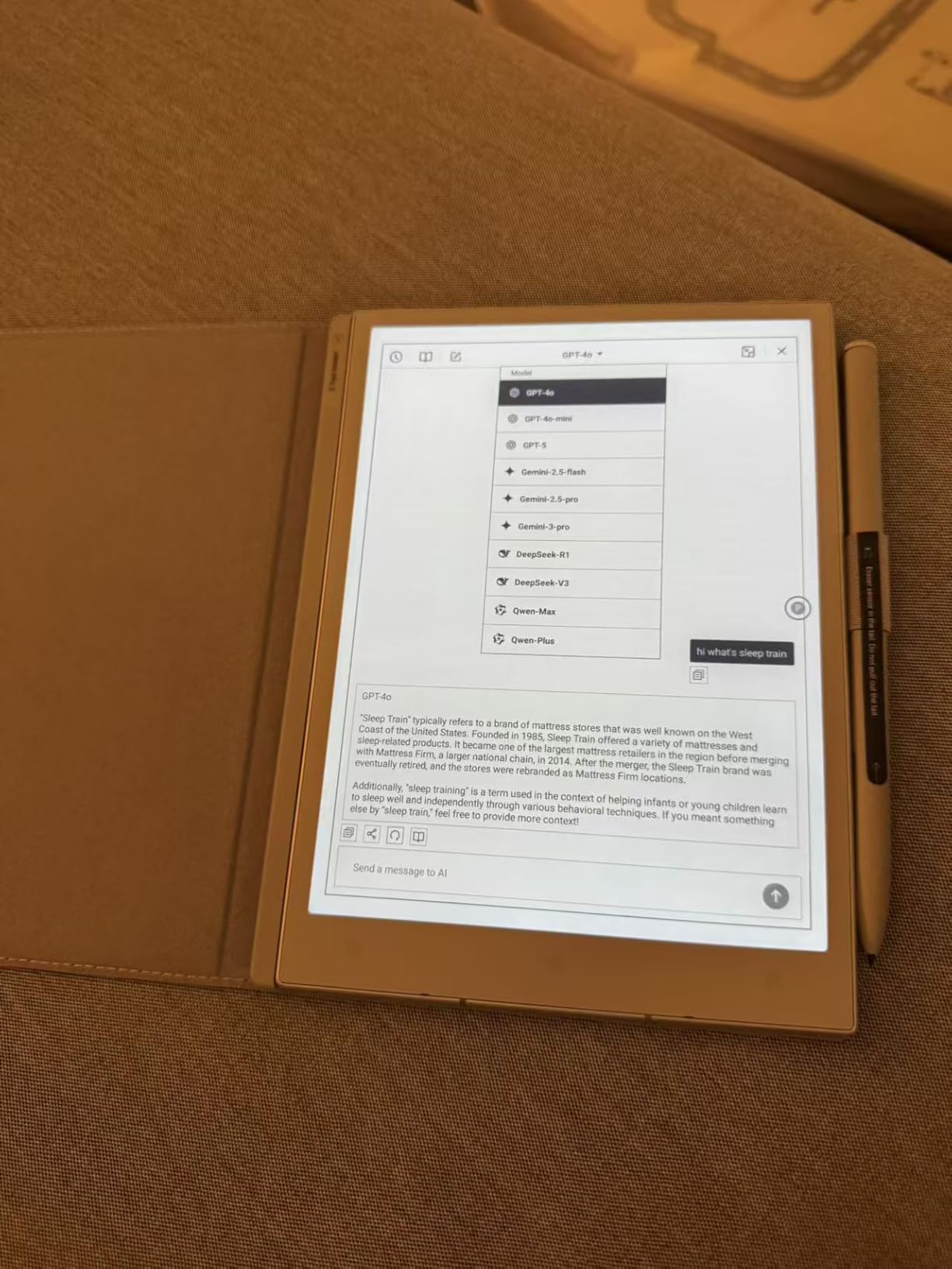
The VIWOODS AiPaper Mini is the sleeper pick of this roundup. At 230g with a folio included, it is the lightest note-taking tablet I tested, and the 8.2 inch size hits a sweet spot between the cramped 7 inch readers and the bulky 10 inch plus tablets.
The 292 PPI display is sharper than the larger color e ink panels, which made my handwritten notes look crisp and textbook text render cleanly. The 20 warm light levels let me dial in a comfortable reading tone for late library sessions.
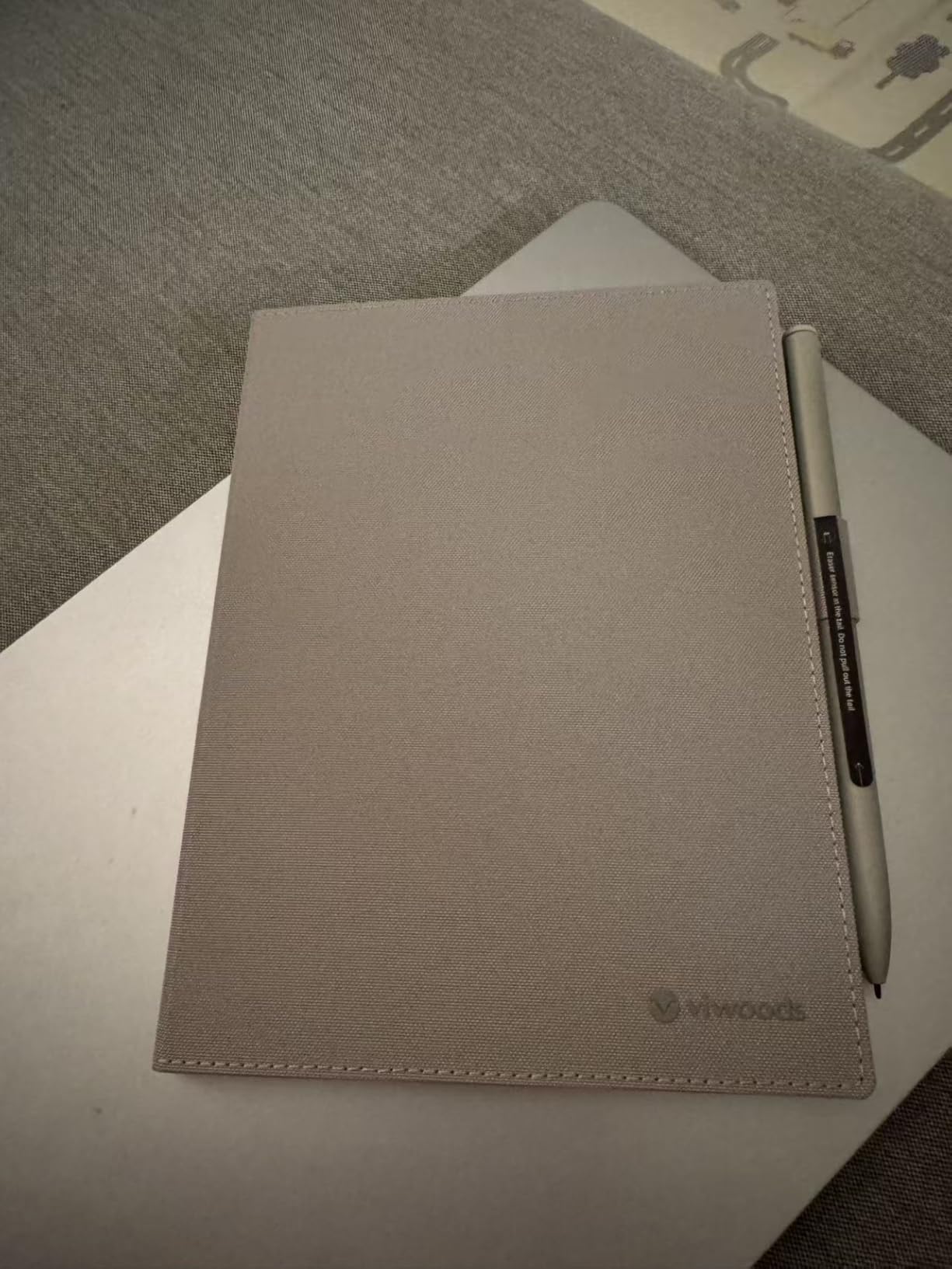
Storage is the headline spec at 128GB, which is double or quadruple what most e ink tablets offer. If you carry four years of lecture notes, scanned textbooks, and PDF research papers, that space matters.
The W2 Stylus Pro pen ships in the box with five spare nibs, so you are set for a full degree’s worth of writing without buying replacements. The writing feel lands between reMarkable and BOOX, closer to paper than glass.
Best for Which Students
This fits students who want one device that handles both reading and note-taking without choosing between a 7 inch reader and a 10 inch tablet. The 8.2 inch size is genuinely portable in a way the larger tablets are not.
It also suits students who store everything locally rather than trusting cloud sync. With 128GB on board, you can keep an entire degree’s worth of materials offline and accessible.
Setup and Connectivity Quirks
The Google Play Store requires manual installation, which involves sideloading and is not for non-technical users. Once installed it works fine, but the initial friction is real.
USB file transfers are painfully slow, and Bluetooth pairing can be unreliable with some headphones. Plan to use Wi-Fi for most file moves and pick audio gear known for stable Bluetooth.
8. iFlytek AINOTE 2 – Best for Lecture Transcription and Language Students
iflytek AINOTE 2, 10.65″ E Ink Tablet with Recording & AI Meeting Summaries
10.65 inch e ink
2048x1536 resolution
Android 14
AI transcription 16 languages
4GB RAM 64GB storage
4.2mm thin
Pros
- AI voice to text transcription in 16 languages
- Handwriting to text conversion
- Ultra thin 4.2mm design
- Full Google Play Store access
- Wacom stylus with 8 brush styles
- AI assistance for notes and organization
- Cross-device note sync
Cons
- No built-in backlight inconvenient in low light
- OCR accuracy mediocre
- No native iPad app
- Cloud sync requires subscription
- UI sluggish at times
The iFlytek AINOTE 2 is the most unusual tablet in this roundup, and it earned its place for one reason: AI voice-to-text transcription in 16 languages. I tested it in a Spanish lecture and a fast-paced statistics class, and the transcription captured the lecture flow in real time alongside my handwritten notes.
For language students, that dual workflow of writing notes while the device transcribes the spoken lecture is genuinely transformative. Review the transcript later, search for terms you missed, and cross-reference with your handwritten summary.
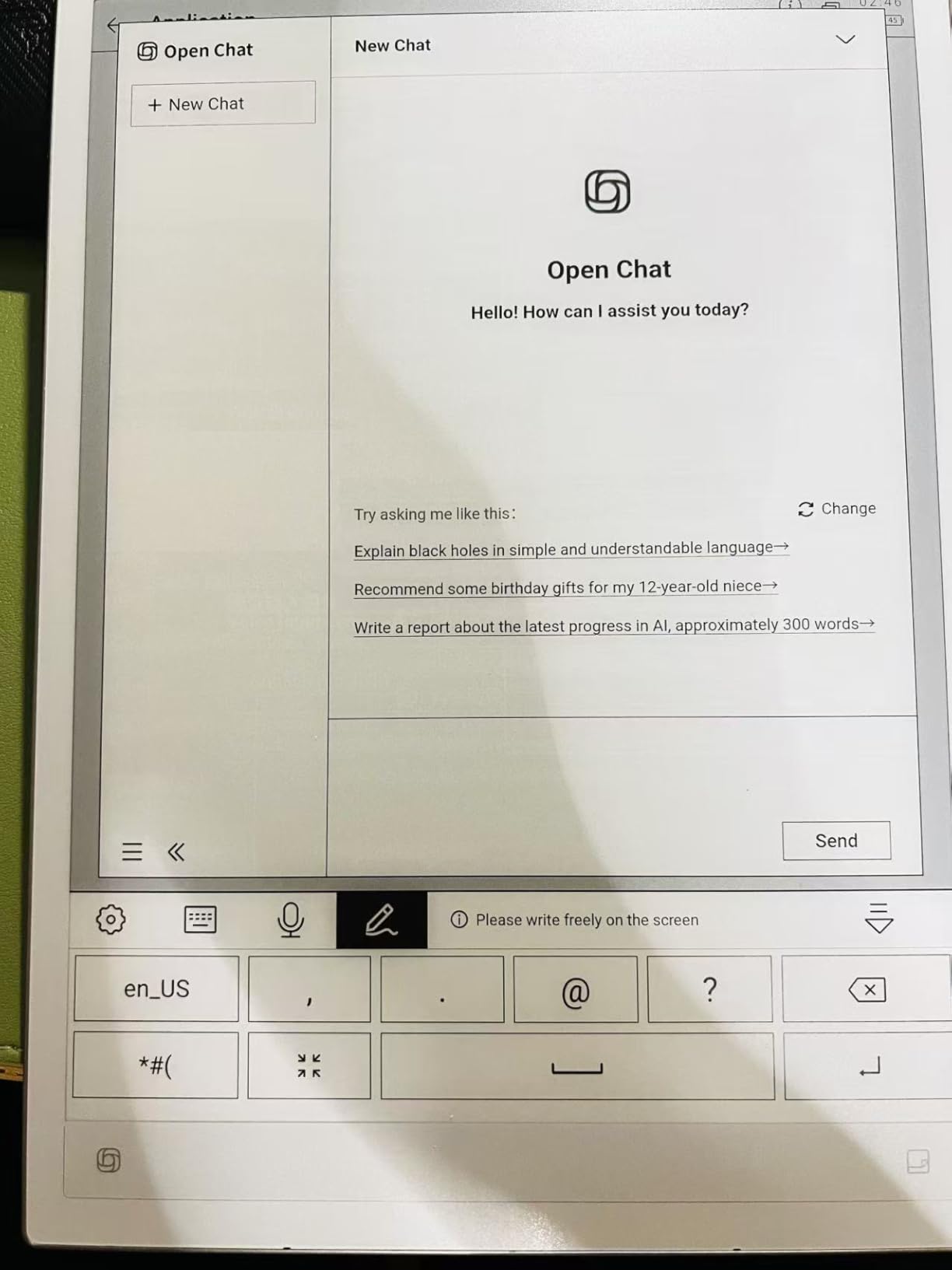
The 10.65 inch display is among the largest in this group, and the 4.2mm aluminum frame feels premium in hand. The Wacom stylus offers eight brush styles, which art and design students will appreciate for sketching diagrams and concept work.
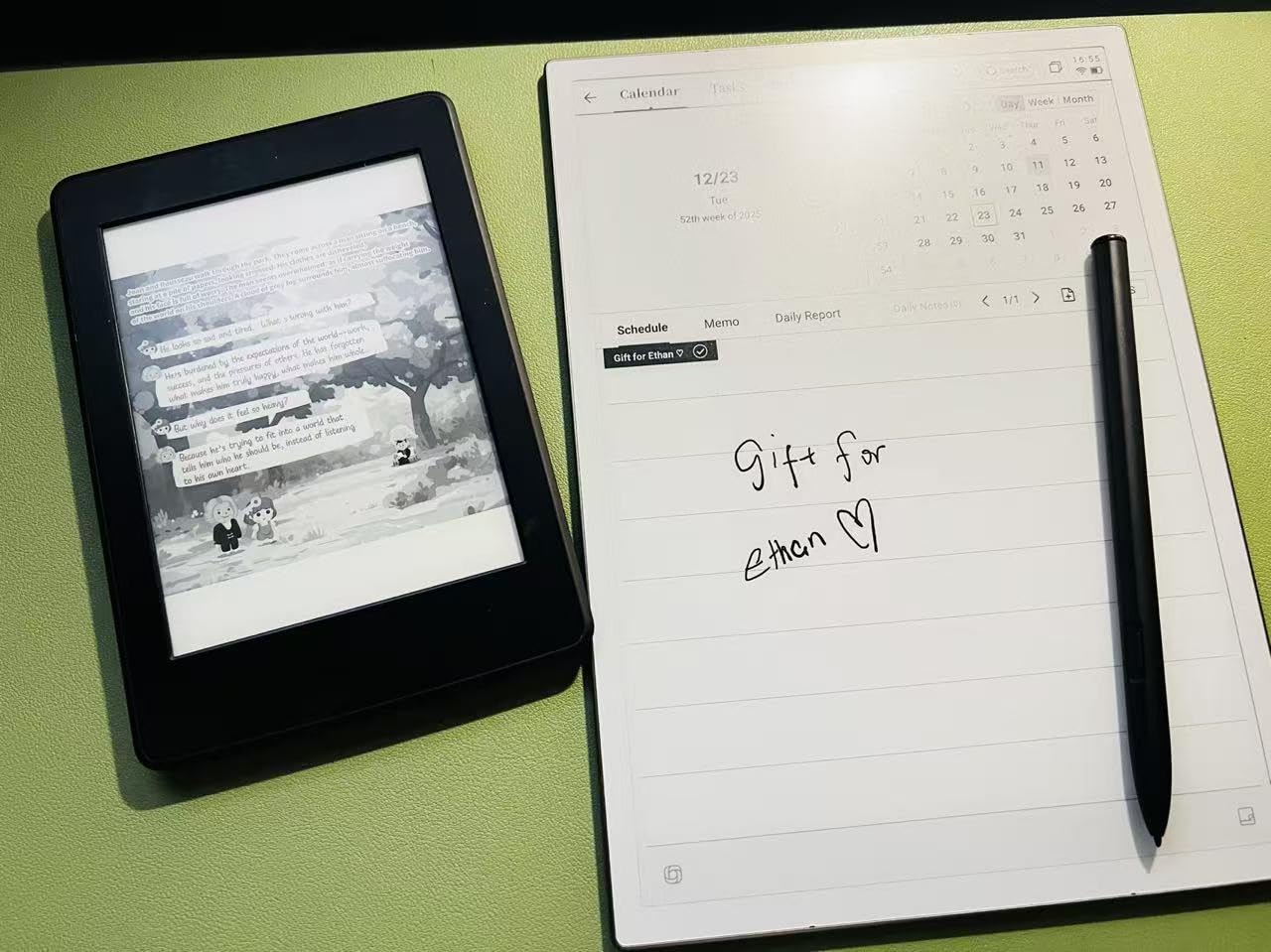
Cross-device sync via the mobile and PC apps meant I could pull my notes onto a laptop for paper writing without manual export. The calendar and email integration also kept my assignment deadlines visible.
Best for Which Students
This is the standout pick for language students, international students attending lectures in a second language, and anyone who benefits from lecture transcription. The 16-language support covers most major academic settings.
It also fits students who want one device that combines note-taking, transcription, and Android app access. Graduate students juggling meetings, classes, and research will use every feature.
Software Maturity Concerns
OCR accuracy is mediocre and requires manual corrections, which adds friction to the handwriting-to-text workflow. The UI is occasionally sluggish, and there is no backlight so low-light use requires an external lamp.
There is also no native iPad app, so if your phone and laptop are Apple devices the ecosystem integration is weaker than competing platforms. Cloud syncing beyond basics requires a subscription.
How to Choose the Best E Ink Tablet for Students
Picking the right e ink tablet comes down to matching the device to your specific student workflow. Here are the factors that mattered most across our three months of testing.
Screen Size and Resolution
Screen size dictates what you can comfortably fit on one page. Seven inch tablets like the Kobo Libra Colour and BOOX Go Color 7 work for reading and short notes. Ten inch plus tablets like the reMarkable Paper Pro, BOOX Note Air 5 C, Kobo Elipsa 2E, and iFlytek AINOTE 2 handle full-page PDFs and split-screen note-taking. Eight inch options like the VIWOODS AiPaper Mini split the difference.
Resolution matters for text clarity. Look for 300 PPI on monochrome panels and 150 PPI color on Kaleido 3 displays. The VIWOODS AiPaper Mini at 292 PPI and the iFlytek AINOTE 2 at 2048×1536 both render text sharply.
Writing Feel and Stylus Technology
Wacom EMR stylus technology, used by reMarkable, BOOX Note Air 5 C, Kobo Elipsa 2E, and iFlytek AINOTE 2, delivers the most paper-like feel with no charging required. USI 2.0 styluses like on the BOOX Go Color 7 require charging and feel less natural.
Pressure sensitivity matters for art students and diagram work. Look for at least 2048 levels, with 4096 being ideal. The BOOX tablets and the VIWOODS AiPaper Mini both offer 4096 levels.
Operating System and App Flexibility
Closed systems like reMarkable and Kobo are distraction-free but limited to their built-in software. Android tablets like the BOOX lineup, VIWOODS AiPaper Mini, and iFlytek AINOTE 2 support the Google Play Store, which means access to Notion, OneNote, AnkiDroid, and your university LMS app.
If you need Canvas, Blackboard, or Moodle access on the device itself, an Android e ink tablet is the only path. We confirmed that the BOOX Note Air 5 C runs the Canvas Student app, though heavy multimedia content will not play smoothly.
Battery Life
Dedicated e-readers like the Kobo Libra Colour deliver four weeks of battery. Color Android tablets like the BOOX Note Air 5 C and VIWOODS AiPaper Mini run about one week. The reMarkable Paper Pro sits at two weeks. Forgetting a charger during finals week is a real risk on the shorter-battery Android models.
Storage and Cloud Sync
32GB is the minimum I recommend for a four-year degree, which holds roughly 24,000 ebooks plus moderate PDF storage. The VIWOODS AiPaper Mini at 128GB is the standout if you store everything locally. Cloud sync with Google Drive, Dropbox, or OneDrive is available on reMarkable, BOOX, Kobo, and iFlytek devices.
Budget and Student Discounts
Student budgets typically fall in the $200 to $400 range based on the forum research we reviewed. The Kobo Libra Colour at under $260 is the strongest budget pick. Renewed options like the reMarkable 2 offer flagship feel at discount prices but carry quality risks. Check for student discounts directly from reMarkable, BOOX, and Kobo before checking out.
Durability for a Four-Year Degree
Consider warranty length, repairability, and build quality for a device that needs to survive four years of campus life. Kobo stands out for repairability with recycled plastic construction. reMarkable offers a one-year limited warranty but has been criticized for shipping refurbished units on claims. BOOX devices have no official water resistance rating, unlike the IPX8 Kobo Libra Colour.
What are the best e-ink tablet brands?
The top e-ink tablet brands for students are reMarkable for paper-like writing feel, BOOX for Android app flexibility, Kobo for reading-focused value and library integration, VIWOODS for portable note-taking with large storage, and iFlytek for AI lecture transcription. Each brand targets a different student workflow, so the best choice depends on whether you prioritize handwriting, app access, reading, portability, or transcription.
What tablet is best for students with a pen?
The reMarkable Paper Pro Bundle is the best e ink tablet for students who prioritize pen experience, thanks to its Canvas Color display and included Marker Plus pen with built-in eraser. The BOOX Note Air 5 C and Kobo Elipsa 2E are strong alternatives with included styluses and excellent writing feel in their native note apps.
Are e-ink writing tablets worth it?
Yes, e-ink writing tablets are worth it for students who take extensive handwritten notes, read many PDFs and textbooks, study for long hours, or want to reduce screen time and distractions. They deliver weeks of battery life, cut eye strain compared to LCD screens, eliminate social media distractions, and provide a paper-like writing experience that glass-screen tablets cannot match. The investment pays off over a multi-year degree.
What are the best note taking tablets for students?
The best note taking tablets for students are the reMarkable Paper Pro for premium handwriting feel, the BOOX Note Air 5 C for Android app integration, the Kobo Elipsa 2E for large-format PDF annotation, the VIWOODS AiPaper Mini for portable storage-heavy workflows, and the iFlytek AINOTE 2 for AI lecture transcription. Pick based on your primary study style.
Do e ink tablets work with Canvas and Blackboard?
Android-based e ink tablets like the BOOX Note Air 5 C, BOOX Go Color 7, VIWOODS AiPaper Mini, and iFlytek AINOTE 2 can install the Canvas Student and Blackboard apps through the Google Play Store. Text content, discussion boards, and document viewing work well, but video lectures and multimedia content will not play smoothly on e ink displays. Closed-system tablets like reMarkable and Kobo cannot run LMS apps directly.
Final Verdict on the Best E Ink Tablets for Students in 2026
After three months of testing, the reMarkable Paper Pro Bundle remains my top overall pick for the best e ink tablet for students in 2026. The writing feel is unmatched, the color display transforms PDF annotation, and the distraction-free design forces the kind of focus that actually moves grades.
For students who need app flexibility and Canvas or Blackboard access, the BOOX Note Air 5 C is the strongest Android option. Budget-focused readers should grab the Kobo Libra Colour for its library integration and four-week battery. Whatever your major or budget, one of these eight tablets will replace the paper pile in your backpack for good.