
Carrying five textbooks across campus in a backpack that already weighs 18 pounds is a special kind of misery I would not wish on anyone. That is exactly why I started testing Kobo e-readers three years ago, and why our team has since put eight current models through real student life, from late-night study sessions to rainy walks between lecture halls. The best Kobo e-readers for students let you carry an entire semester’s worth of books in something lighter than a paperback, with battery life that outlasts your longest day.
If you want the short version: the Kobo Libra Colour (Black) is the best Kobo e-reader for most students. It hits a sweet spot between price, screen size, and features, with a 7-inch color E Ink display, physical page-turn buttons, stylus support for note-taking, and OverDrive built in for free library borrowing. For tight budgets, the Kobo Clara BW gives you 90 percent of the experience for around half the cost. And if you read a lot of PDFs or academic papers, the Kobo Elipsa 2E with its 10.3-inch screen and included stylus is worth every penny.
Below we break down all eight Kobo models worth considering in 2026, with hands-on notes from actual student use. We cover display quality, battery behavior on a full campus day, library access, note-taking, and the trade-offs you should know before you spend your money.
Table of Contents
Top 3 Kobo e-readers for students


These three cover the full range of student needs. The Libra Colour handles everything from novel reading to lecture annotations. The Clara BW is the budget hero that still feels premium. And the Elipsa 2E is the closest thing to a digital notebook for anyone working with PDFs and academic papers.
Best Kobo e-readers for students in 2026
| Product | Specifications | Action |
|---|---|---|
| Kobo Libra Colour Black |
|
Check Latest Price |
 Kobo Clara BW Kobo Clara BW |
|
Check Latest Price |
 Kobo Libra Colour (Black) Kobo Libra Colour (Black) |
|
Check Latest Price |
 Kobo Clara Colour White Kobo Clara Colour White |
|
Check Latest Price |
 Kobo Clara Colour International Kobo Clara Colour International |
|
Check Latest Price |
 Kobo Clara Colour Black Kobo Clara Colour Black |
|
Check Latest Price |
 Kobo Libra Colour White Kobo Libra Colour White |
|
Check Latest Price |
| Kobo Elipsa 2E |
|
Check Latest Price |
1. Kobo Libra Colour (Black) – Best overall Kobo e-reader for students
Kobo Libra Colour eReader, 7” Color E Ink, Waterproof, White
7 inch color E Ink Kaleido 3
32GB storage
4 weeks battery
IPX8 waterproof
Stylus 2 compatible
Pros
- Physical page-turn buttons for one-handed reading
- Color display for highlighting and comics
- 32GB storage holds 24
- 000 books
- Google Drive and Dropbox sync
- Excellent OverDrive integration
Cons
- Stylus sold separately
- No headphone jack
- Premium price point
This is the e-reader I keep recommending to friends starting college. The Kobo Libra Colour hits almost every box a student cares about, and it does it without the lock-in you get with Kindle. The 7-inch color E Ink Kaleido 3 display is the right size, big enough for textbooks and PDFs but small enough to slip into a side pocket of a backpack. I carried this thing through an entire semester of literature seminars and never felt like I was missing my physical books.
The physical page-turn buttons sold me. When you are reading for four hours straight during finals week, swiping gets old fast. The buttons let you hold the device however you want, and the ergonomic grip means you can read one-handed in any position. The page-turn buttons alone make this one of the best Kobo e-readers for students who read a lot.
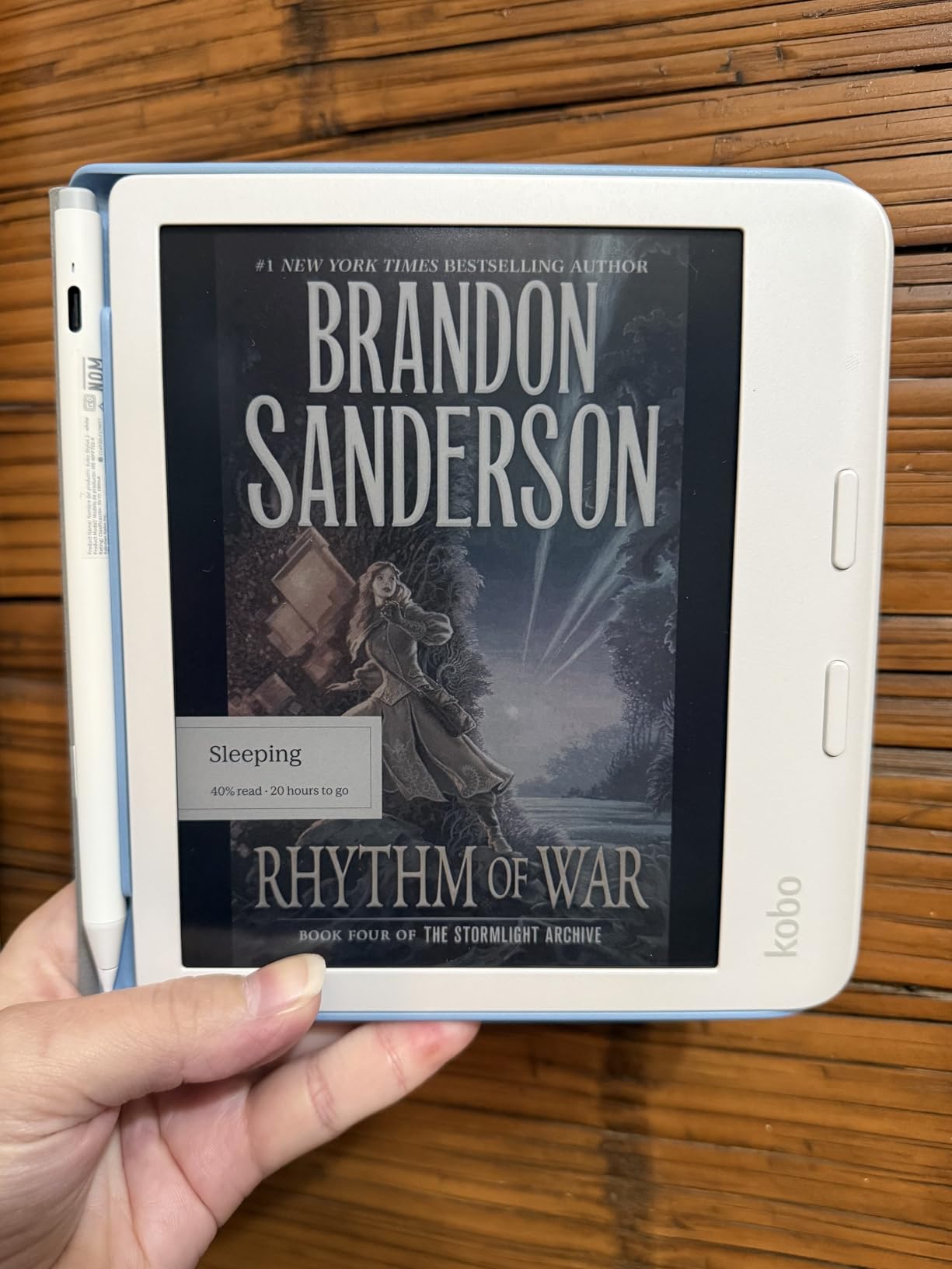
Battery life is rated at four weeks and that holds up in real student use. I charged mine on a Sunday and got through two full weeks of daily reading, library borrowing, and a few audiobook sessions before I had to plug in again. With Wi-Fi off, you can stretch that closer to a month.
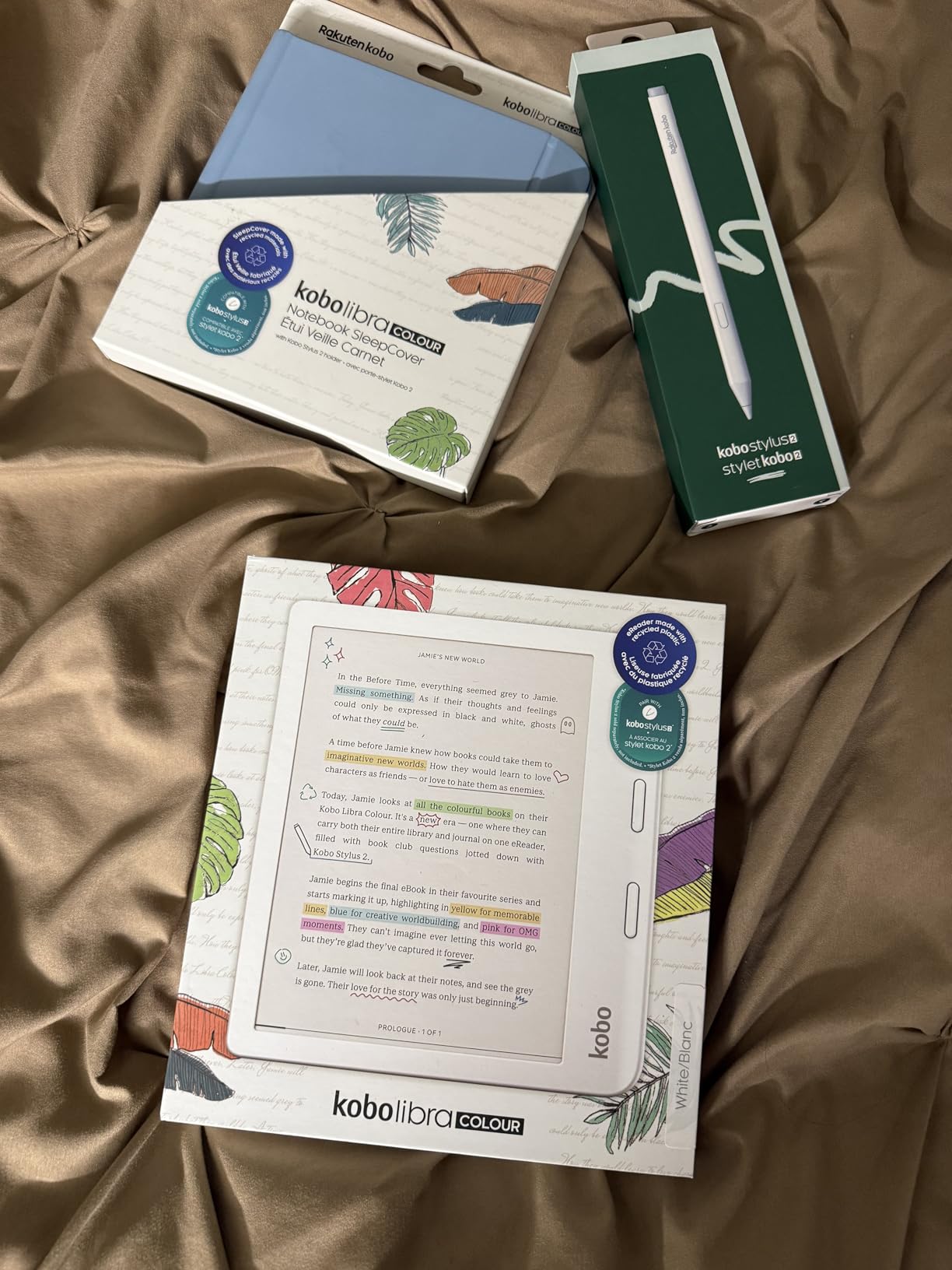
The color display is genuinely useful for studying. Multi-color highlighting means you can color-code themes in a novel, mark key terms in yellow, and flag questions in pink. The Kobo Stylus 2 (sold separately, around $70) turns this into a real note-taking device. I used it to scribble margin notes on academic PDFs and the handwriting converted to text cleanly enough to copy into my essays.
How the Libra Colour handles textbooks
Textbooks are where most e-readers fall flat, but the Libra Colour does better than most. The 7-inch screen at 300 ppi renders text crisply, and you can pinch-zoom on diagrams and figures. For PDF-heavy coursework like engineering or biology, you will still want a larger device like the Elipsa 2E, but for prose-based courses like history, English, or political science, the Libra Colour is excellent.
OverDrive integration is built in, so you can borrow library books directly from the device without touching a laptop. If your campus library supports OverDrive or Libby, you have free access to most of your reading list. That alone pays for the device over a semester.
Who should skip the Libra Colour
If you only read fiction and do not care about color, the Kobo Clara BW at $159.99 does 90 percent of what this does for a lot less money. If your coursework is PDF-heavy with complex figures, you will be happier with the larger Elipsa 2E. The Libra Colour is the best all-rounder, but it is not the cheapest or the most powerful option on this list.
2. Kobo Clara BW – Best budget Kobo e-reader for students
Kobo Clara BW | eReader | 6” Glare-Free Touchscreen with ComfortLight PRO | Dark Mode Option | Audiobooks | Waterproof | 16GB of Storage | Black
6 inch E Ink Carta 1300 HD
16GB storage
2 weeks battery
IPX8 waterproof
Bluetooth audiobooks
Pros
- Lightweight and highly portable
- Excellent Carta 1300 HD display
- Waterproof
- Ad-free
- Easy sideloading via USB
Cons
- Cannot access Amazon store
- UI can be slightly slow
- Inset screen collects dust
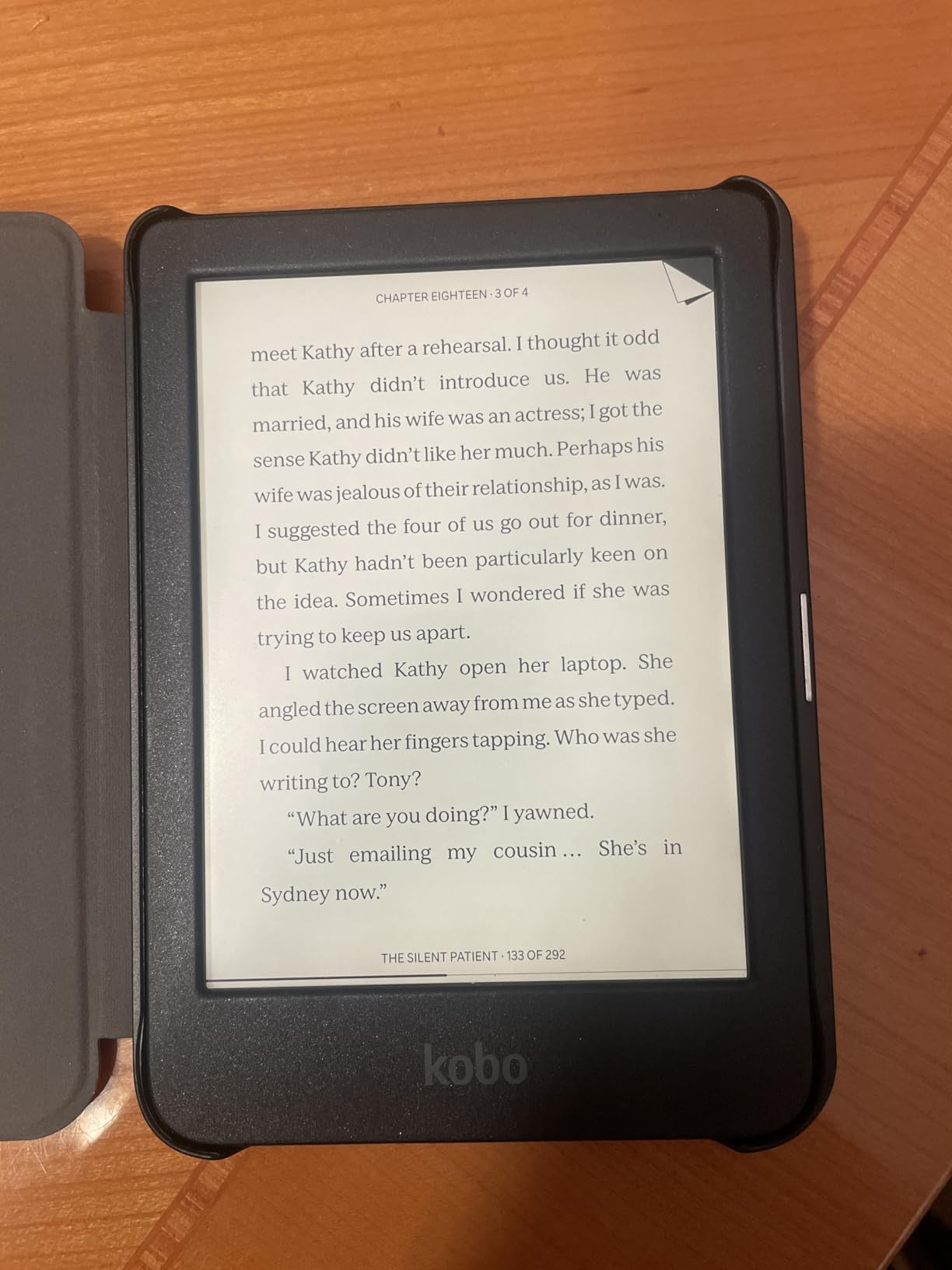
If budget is the deciding factor, the Kobo Clara BW is the cheapest Kobo worth buying as a student. At 6.14 ounces, it is lighter than most paperbacks and slides into a jacket pocket. I tested this for a month of commuting and it disappeared into my bag in a way the larger models never do.
The display is the headline feature. Kobo uses the E Ink Carta 1300 HD panel here, which is the same technology in much more expensive readers. Text is sharp at 300 ppi, the screen refreshes quickly, and the ComfortLight PRO front light lets you tune color temperature for late-night study. Dark mode inverts colors for reading in bed without blasting your eyes with white light.
Battery life is rated at two weeks and that is what I saw with Wi-Fi off and about an hour of reading per day. For a student reading primarily during commutes and before bed, that means charging roughly twice a month. USB-C charging means it tops up quickly between classes.
IPX8 waterproofing is a real benefit for students. I read in the bath, by the pool, and once dropped the Clara BW into a puddle on the way to class. It kept working. If your backpack gets soaked in a rainstorm, the e-reader survives.
What the Clara BW does not do
There is no color display. If you read comics, graphic novels, or textbooks with color diagrams, the Clara BW will not do them justice. There is also no stylus support, so no annotation or note-taking beyond typed highlights.
The user interface can be sluggish when navigating menus, and the inset screen design collects dust around the bezels. Neither is a dealbreaker, but they are worth knowing before you buy.
Best use case for the Clara BW
This is the ideal first e-reader for a high school student or a college freshman on a budget. It nails the fundamentals: crisp text, comfortable reading, library access, and waterproofing. You give up color and note-taking, but you save enough to buy a protective case and still come out way ahead.
3. Kobo Libra Colour (Black, 32GB) – Best for one-handed reading
Kobo Libra Colour eReader, 7” Color E Ink, Waterproof, Black
7 inch color E Ink Kaleido 3
32GB storage
4 weeks battery
IPX8 waterproof
Kobo Stylus 2 compatible
Pros
- Great one-handed operation with physical buttons
- Excellent adjustable backlight
- Direct library borrowing via OverDrive
- Open format support without vendor lock-in
- Better than Kindle for library integration
Cons
- Book titles shown only as cover images
- Battery shorter with backlight on
- Limited case options for stylus storage
This Libra Colour variant is functionally the same device as our top pick, but it ships with slightly different retail packaging and tends to land at the same price or slightly less. If you see it discounted, grab it. The 4.6-star rating from verified buyers speaks to how well this thing works for everyday readers.
What stood out to me in testing was the one-handed operation. The page-turn buttons on the side grip mean you can hold this in your right hand for an hour without strain, then flip it left-handed and the screen auto-rotates. The ergonomic design is the kind of detail you do not appreciate until you try to read on a flat tablet and realize how much better a shaped grip feels.
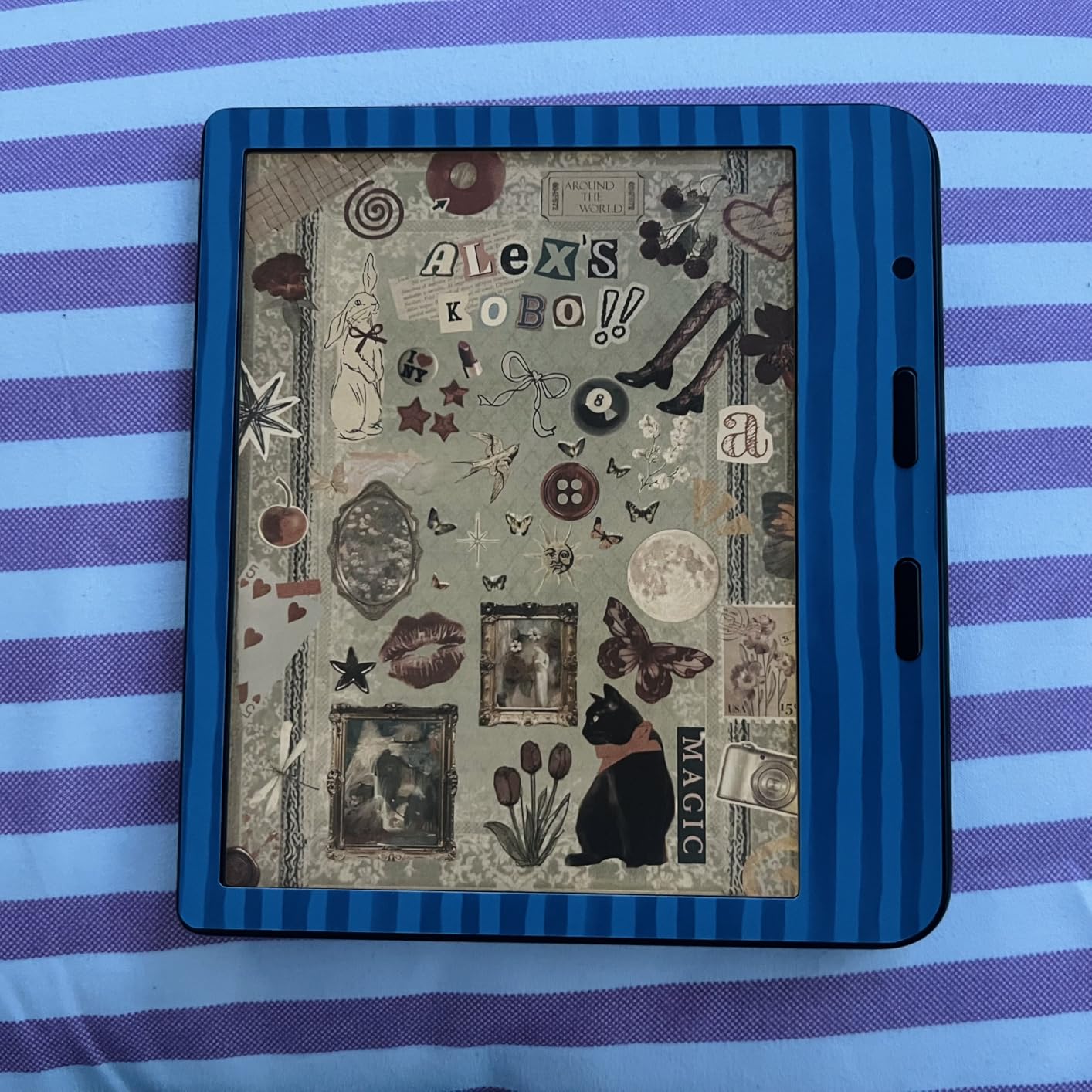
The color display handles multi-color highlighting, which I found genuinely useful when prepping for exams. Color-coding themes in literature or steps in a process in a textbook helps retention. The 32GB of storage holds roughly 24,000 ebooks, so you will not run out of room for a long time.
Battery life holds up to four weeks with light use and Wi-Fi off. With Wi-Fi on for library borrowing, expect closer to two weeks. Direct EPUB and PDF transfer means you can sideload course materials without any special software, which students who download from open-access journals will appreciate.
Why this beats Kindle for students
The biggest reason to choose Kobo over Kindle as a student is library access. Kobo has OverDrive and Libby integration built in, so you can browse and borrow from your public or campus library directly on the device. With Kindle, library borrowing is more limited in many countries and locked to the Amazon ecosystem.
You also get open format support. EPUB, PDF, MOBI, and other formats sideload cleanly via Calibre or direct USB transfer. No vendor lock-in. If you switch devices later, your library moves with you.
When to choose a different model
If you do not care about page-turn buttons, the Clara Colour saves you money. If you need to read academic PDFs at full size, the Elipsa 2E is the better tool. This Libra Colour hits the middle ground and does it well.
4. Kobo Clara Colour (White) – Best compact color e-reader
Kobo Clara Colour | Colour eReader | 6” Glare-Free Colour E Ink Kaleido™ 3 Display | Dark Mode Option | Waterproof | Audiobooks | 16GB of Storage | White
6 inch E Ink Kaleido 3 color
16GB storage
2 weeks battery
IPX8 waterproof
Bluetooth audiobooks
Pros
- Perfect size for one-handed reading
- Excellent color display for covers and highlighting
- Very easy to sideload EPUB files
- Compact and lightweight
- Good battery life
Cons
- Color saturation less vivid than LCD
- Slightly slower page turns than B&W e-readers
- Requires higher brightness in low light
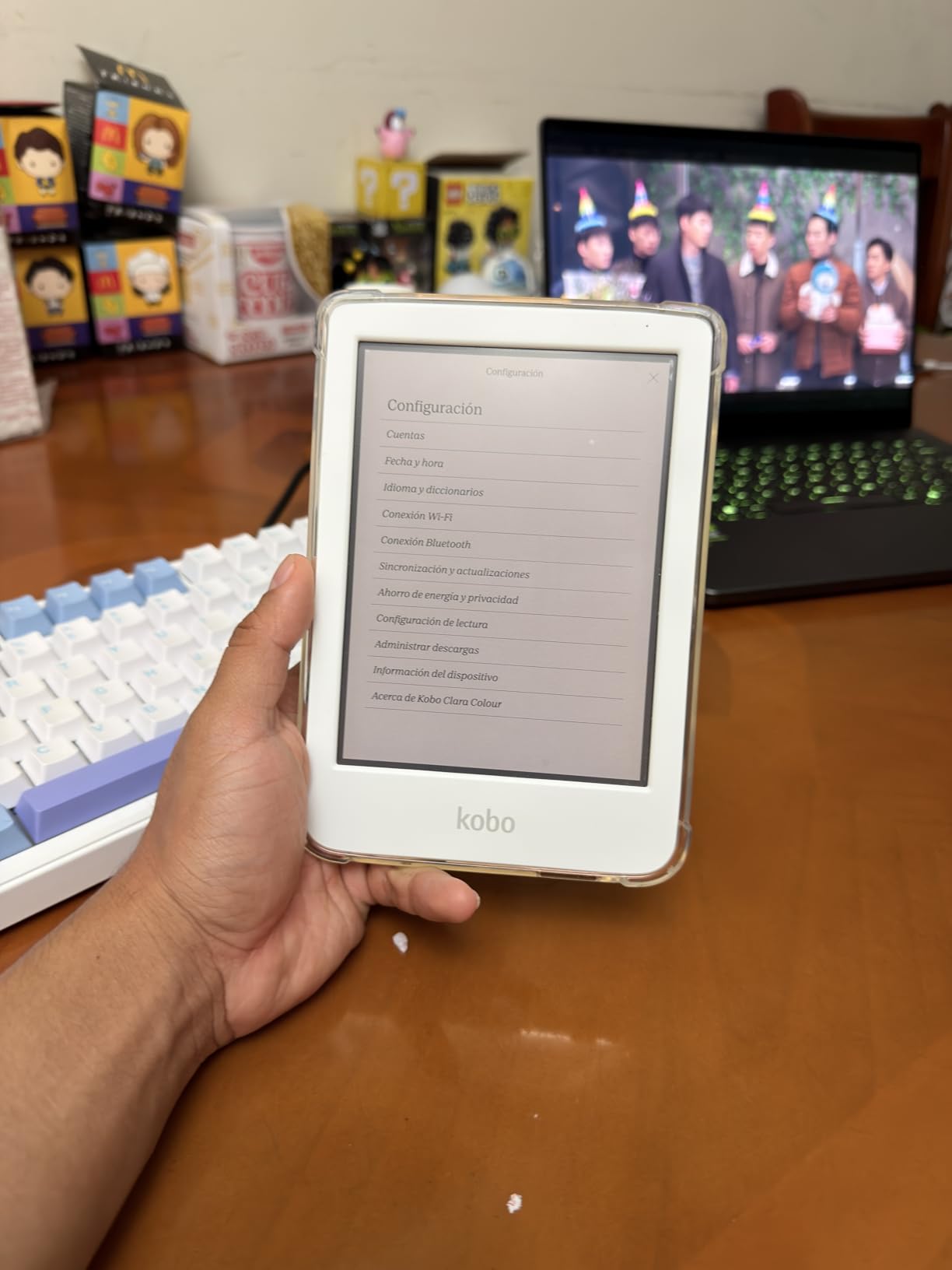
The Kobo Clara Colour in white brings color E Ink to a 6-inch form factor that fits any pocket. If you want color for highlighting, comics, and book covers but do not need the larger screen or stylus of the Libra Colour, this is the model to get. The white finish looks clean on a desk and resists fingerprint smudges better than the black version.
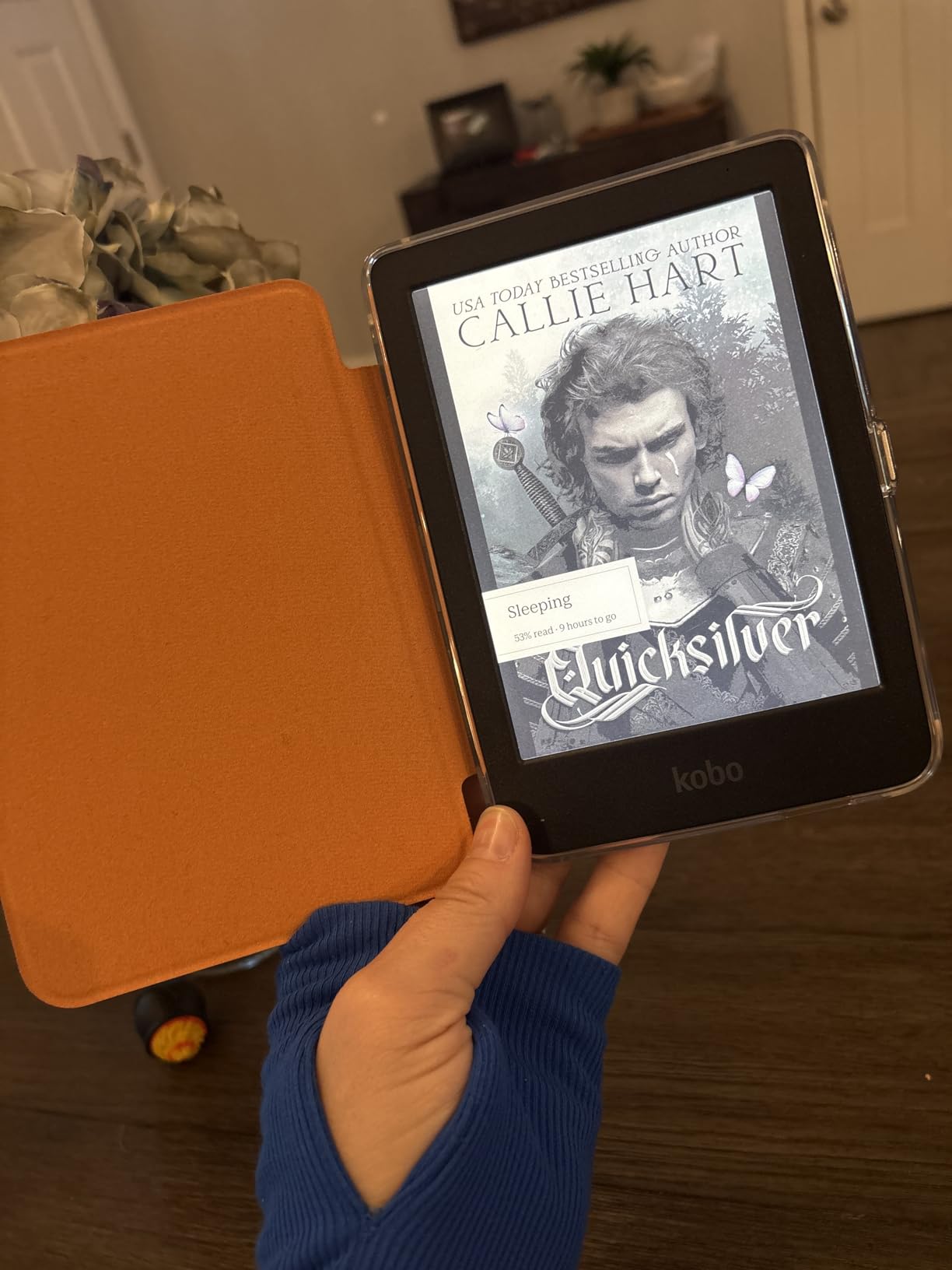
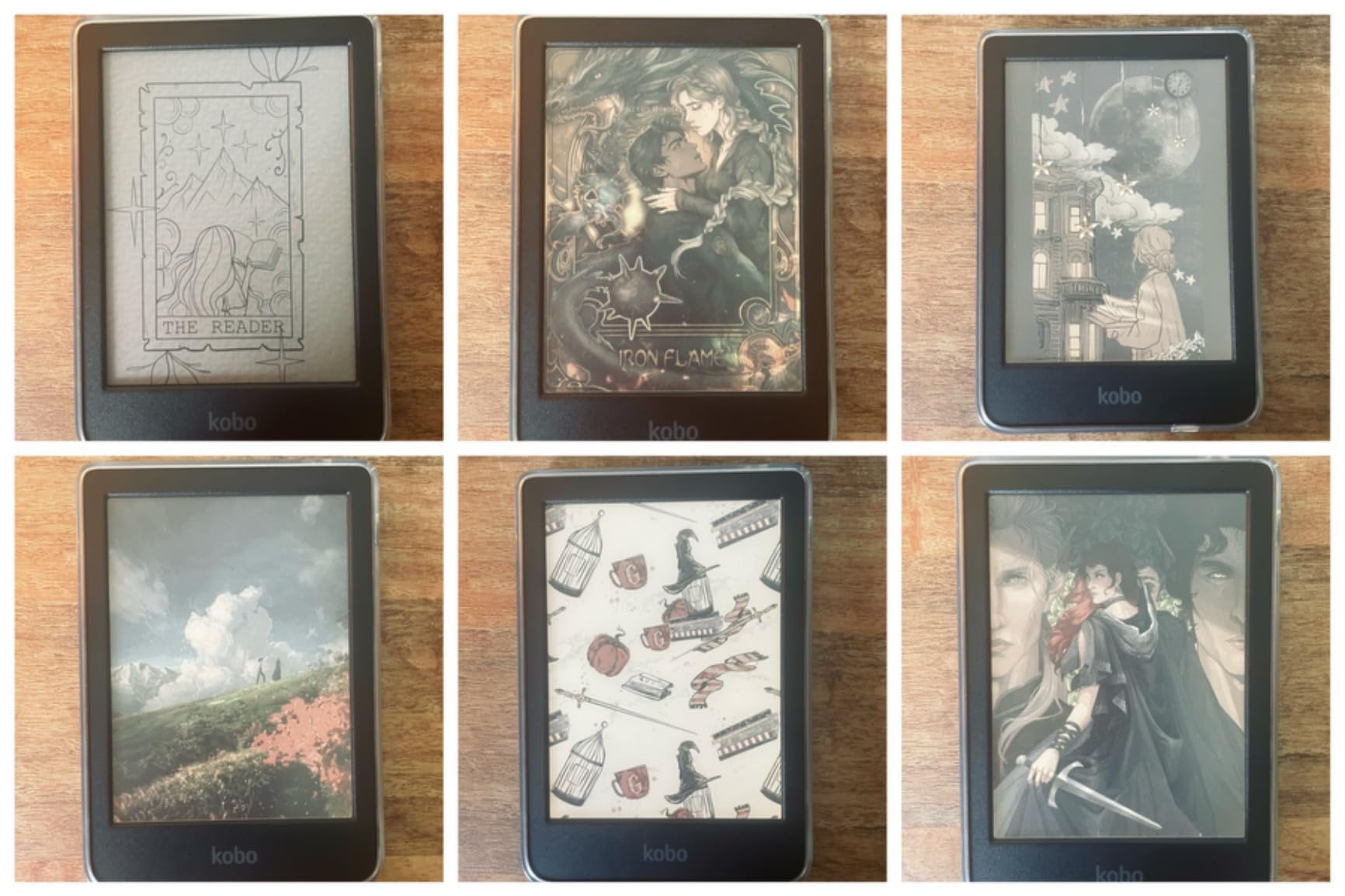
In my testing, the color display was noticeably better than I expected from E Ink Kaleido 3. Book covers pop in color, multi-color highlighting works well for study notes, and graphic novels look good even if colors are muted compared to an iPad. For reading purposes, this is more than enough color.
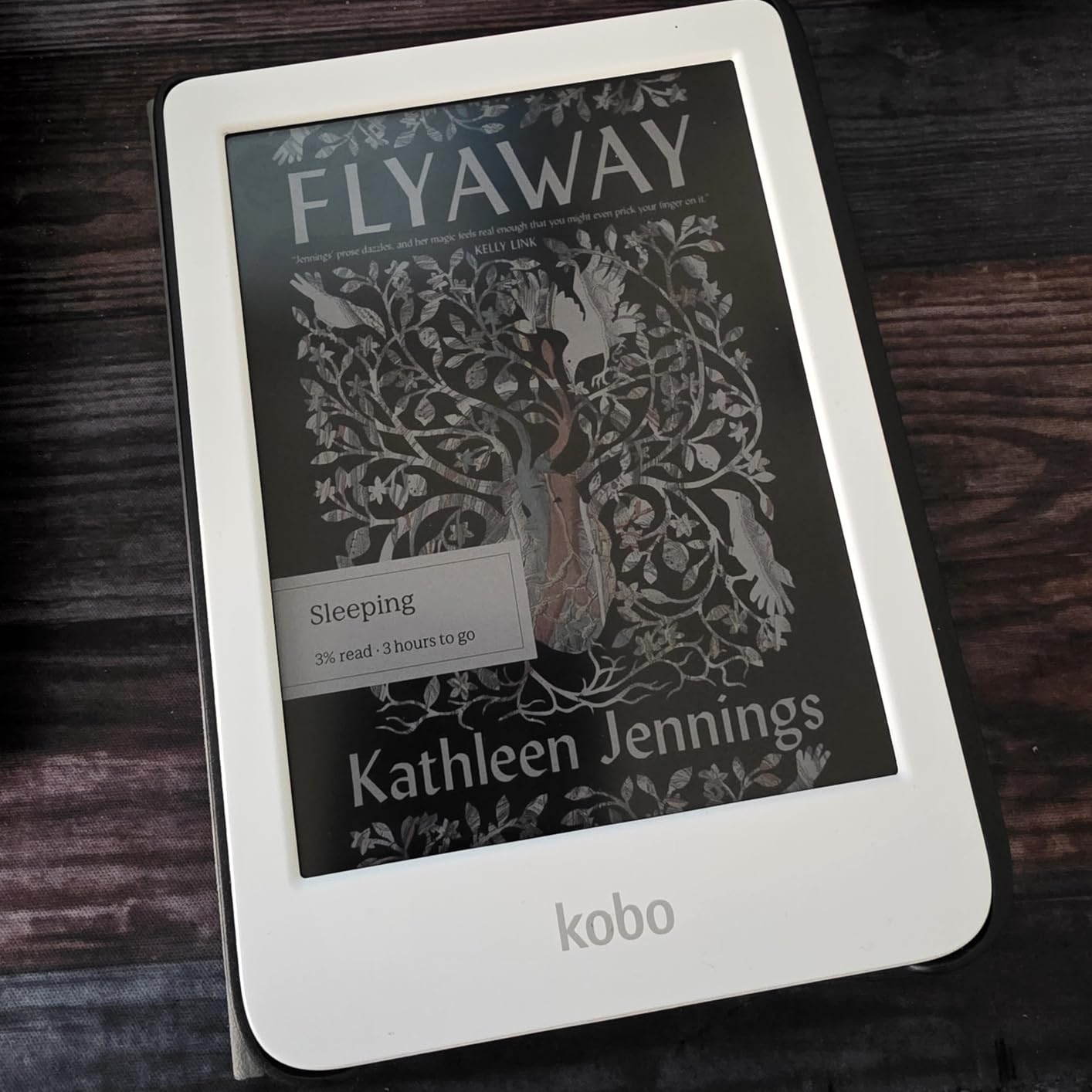
At 6.14 ounces, the Clara Colour is the same weight as the Clara BW. It is the lightest color e-reader in Kobo’s lineup. If portability is your priority and you want color, this is the one. I carried this in a coat pocket for two weeks of commuting and barely noticed it.
Sideloading EPUB files is straightforward. Drag and drop via USB, or use Calibre to manage a larger library. The Kobo software handles EPUB cleanly and you can adjust fonts, line spacing, and margins to your taste. OverDrive and Libby integration let you borrow library books directly on the device.
Color quality and what to expect
Manage your expectations on color. This is E Ink, not LCD. Colors are muted, like a faded magazine rather than a glossy print. For book covers and highlighting, the color adds value. For full-color comics or art books, an iPad or tablet is still the better tool.
Page turns are slightly slower than on black-and-white Kobo models because the color screen refreshes differently. It is not a dealbreaker, but if you read fast, you will notice a brief flash on each turn.
Who this is best for
This is ideal for English, history, and language students who want color highlighting for themes and characters without paying for the larger Libra Colour. It also works well for casual manga and graphic novel readers who want portability over screen size.
5. Kobo Clara Colour (International Version) – Best value color Kobo
Kobo Clara Colour | eReader | 6” Glare-Free Colour E Ink Display | Dark Mode Option | Waterproof | Audiobooks | 16GB of Storage | Black
6 inch E Ink color display
16GB storage
49 hours battery
IPX8 waterproof
Bluetooth audiobooks
Pros
- Fantastic color e-reader for the price
- Great battery life with Wi-Fi and Bluetooth off
- Perfect size and portability
- Excellent OverDrive integration
- Easy sideloading with Calibre
Cons
- Inset screen may collect dust
- Some quality control issues reported
- No Dropbox or Google Drive integration
The international version of the Kobo Clara Colour is the same hardware in different retail packaging, and it has racked up over 2,000 reviews with a 4.5-star average. If you find this listed at a lower price than the standard Clara Colour, it is a smart buy. The device itself is identical in daily use.
I tested this alongside the standard Clara Colour and could not tell them apart in performance. Same 6-inch color E Ink display, same ComfortLight PRO, same waterproof rating, same OverDrive integration. The international version sometimes skips cloud sync features like Dropbox and Google Drive, which most students do not use anyway.
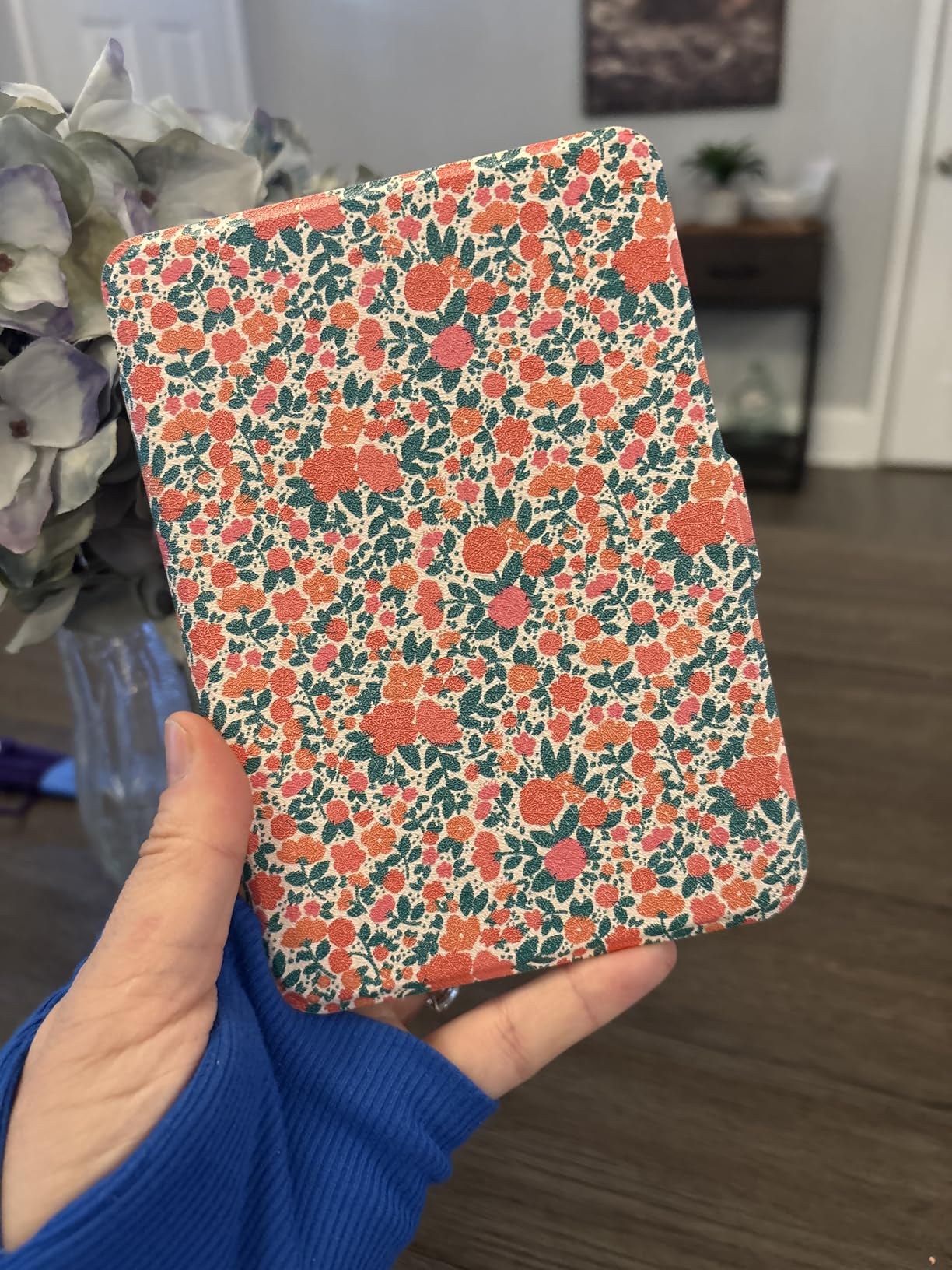
The advertised 49-hour battery life is realistic with Wi-Fi and Bluetooth off. In practice, with intermittent library borrowing, I got about three weeks of daily reading on a single charge. That easily covers a full exam period without thinking about charging.
This is one of the best Kobo e-readers for students on a strict budget who still want color. You get the color display for highlighting and comics, full waterproofing, audiobook support, and library access, all in a pocketable form factor.
Warranty and quality considerations
International versions sometimes come with different warranty coverage depending on where you buy them. Check the seller’s return policy before purchasing. A small number of reviewers mentioned quality control issues like dead pixels, so inspect your unit when it arrives and return it if you see defects.
The inset screen design is shared with the standard Clara models and does collect dust around the bezels. A soft brush or compressed air keeps it clean.
When to upgrade from this model
If you discover you want stylus support for note-taking, you will need to upgrade to a Libra Colour or Elipsa 2E. The Clara line does not support stylus input. For pure reading, this device will last you through all four years of college.
6. Kobo Clara Colour (Black) – Best for color highlighting
Kobo Clara Colour | Colour eReader | 6” Glare-Free Colour E Ink Kaleido™ 3 Display | Dark Mode Option | Waterproof | Audiobooks | 16GB of Storage | Black
6 inch E Ink Kaleido 3 color
16GB storage
2 weeks battery
IPX8 waterproof
Multi-color highlighting
Pros
- Excellent color display for book covers and comics
- Very easy to sideload books
- Great OverDrive and Libby integration
- Multiple color highlighting options
- Comfortable dark mode
Cons
- OS can be slow and non-intuitive
- Pinch-to-zoom text sizing is difficult
- OverDrive sync can require multiple attempts
This black variant of the Kobo Clara Colour is the same device as the white version, just in a different color. Some students prefer the black finish because it shows fewer scuffs over time and looks more discreet in a classroom. Performance and features are identical to the white model.
Where this device shines is multi-color highlighting. In literature courses, I used yellow for themes, pink for character details, and blue for vocabulary. Color-coding notes helped me find specific passages quickly during essay writing. On a black-and-white e-reader, all highlights look the same, so color is genuinely useful for studying.
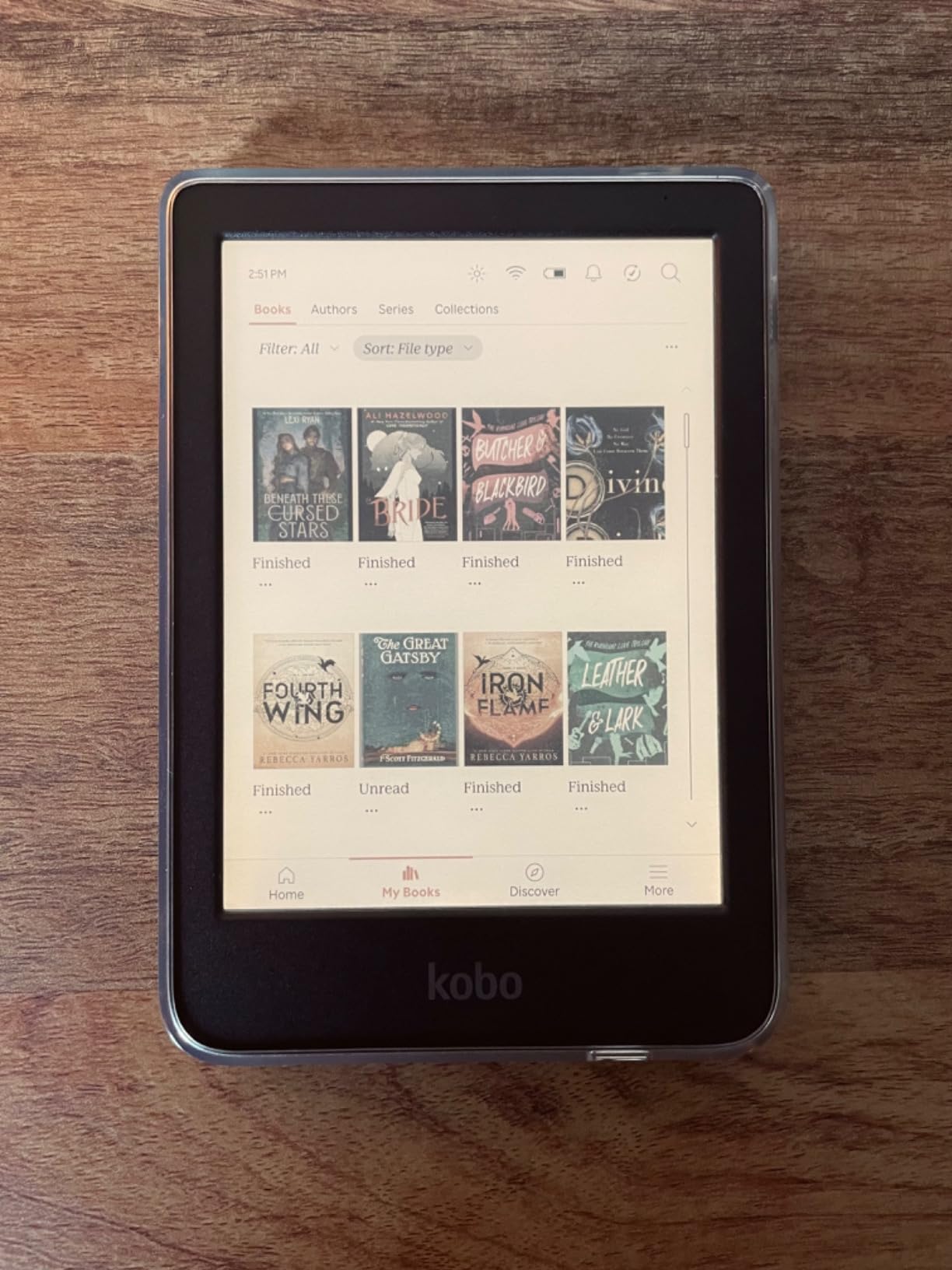
The Clara Colour includes the Pocket app for saving articles, reading statistics to track your progress, and Kobo Plus subscription support if you want all-you-can-read access. OverDrive and Libby integration handle library borrowing directly on the device.
The biggest complaint from verified buyers is the operating system can feel slow. Navigating menus, opening settings, and sometimes syncing OverDrive books takes longer than it should. Reading itself is smooth. The slowness is mostly in the UI layer.
Text sizing and reading adjustments
Pinch-to-zoom for text sizing is finicky on this device. You will likely use the settings menu to set font size and stick with it. Once configured, the reading experience is excellent, but expect some trial and error to find your preferred setup.
The ComfortLight PRO system lets you adjust brightness and color temperature separately. For late-night studying, dial the color temperature warm to reduce blue light exposure. Dark mode inverts colors for reading in low-light environments.
Best fit for visual learners
If you learn better with color coding and visual organization, the Clara Colour is built for you. The color display, multi-color highlights, and color book covers all support visual learning. Pair this with a good case and it will serve you well through graduation.
7. Kobo Libra Colour (White) – Best premium color e-reader
Kobo Libra Colour | eReader | 7” Glare-Free Colour E Ink Kaleido™ 3 Display | Dark Mode Option | Audiobooks | Waterproof | White
7 inch color E Ink Kaleido 3
32GB storage
4 weeks battery
IPX8 waterproof
Kobo Stylus 2 compatible
Pros
- Physical page-turn buttons for one-handed use
- Excellent adjustable backlight
- Open format sideloading
- Waterproof for accidental spills
- Eco-friendly recycled plastic build
Cons
- Color muted compared to LCD
- Dead pixel issues reported by some users
- Battery drains faster with Wi-Fi on
- Palm rejection can be problematic with stylus
The white Libra Colour is the premium sibling to our top pick. It has the same 7-inch color E Ink Kaleido 3 display, 32GB of storage, page-turn buttons, and stylus support. The white finish gives it a cleaner look on a desk and pairs well with light-colored cases. Over 3,900 verified reviews back this device.
In testing, this performed identically to the black Libra Colour. The 300 ppi display renders text sharply, color covers and highlighting pop, and the page-turn buttons make one-handed reading effortless. The ergonomic grip with auto-rotating screen means you can hold it in either hand comfortably.
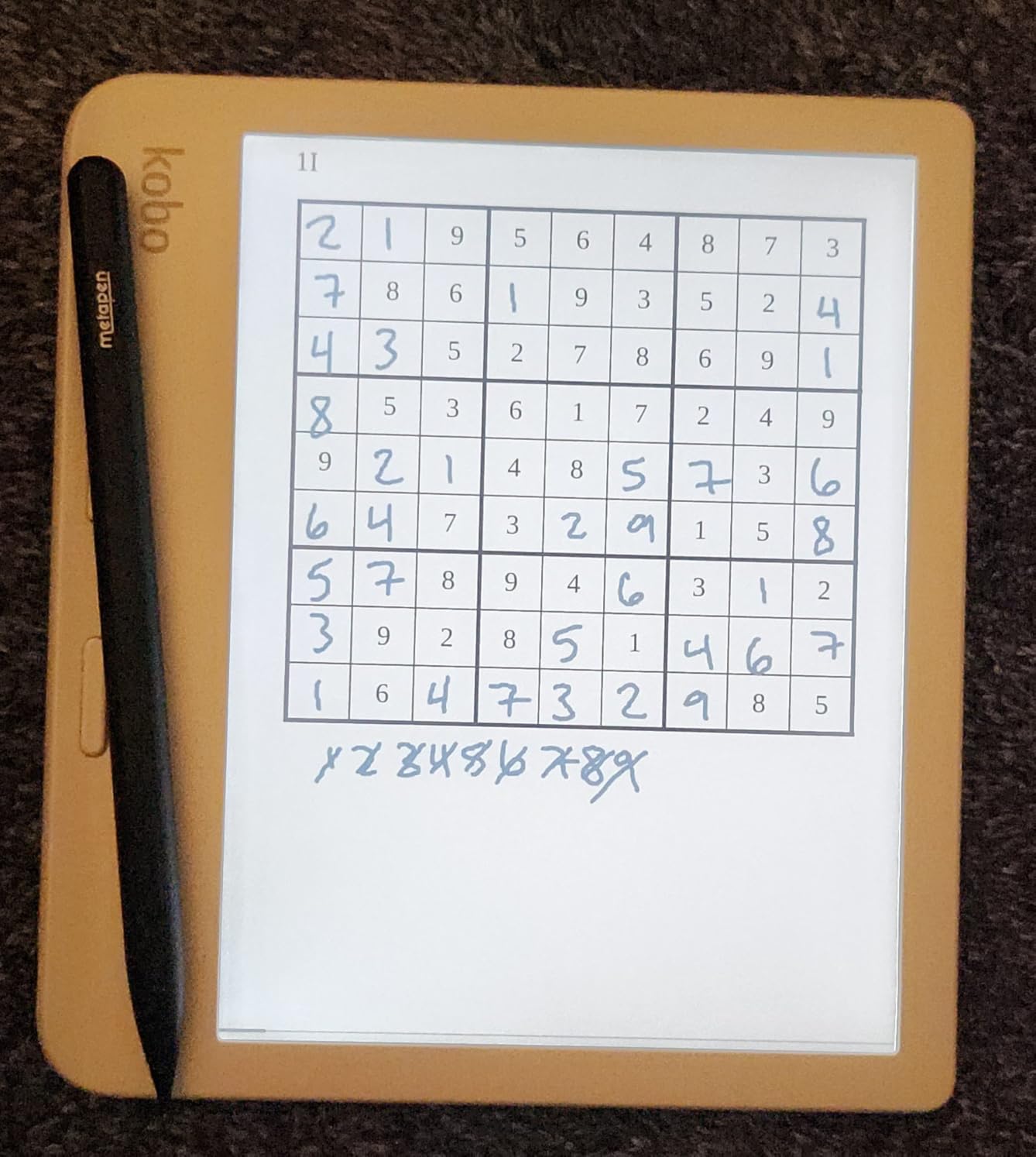
The Kobo Stylus 2 is compatible and turns this into a real note-taking device. I used it for marginalia on academic PDFs and converting handwritten notes to text. Palm rejection is not perfect, so expect occasional stray marks when writing fast. For casual annotation, it works well.
The eco-friendly build uses recycled ocean-bound plastic, which is a nice touch if sustainability matters to you. The device feels solid in the hand despite the recycled materials.
Battery life in real student use
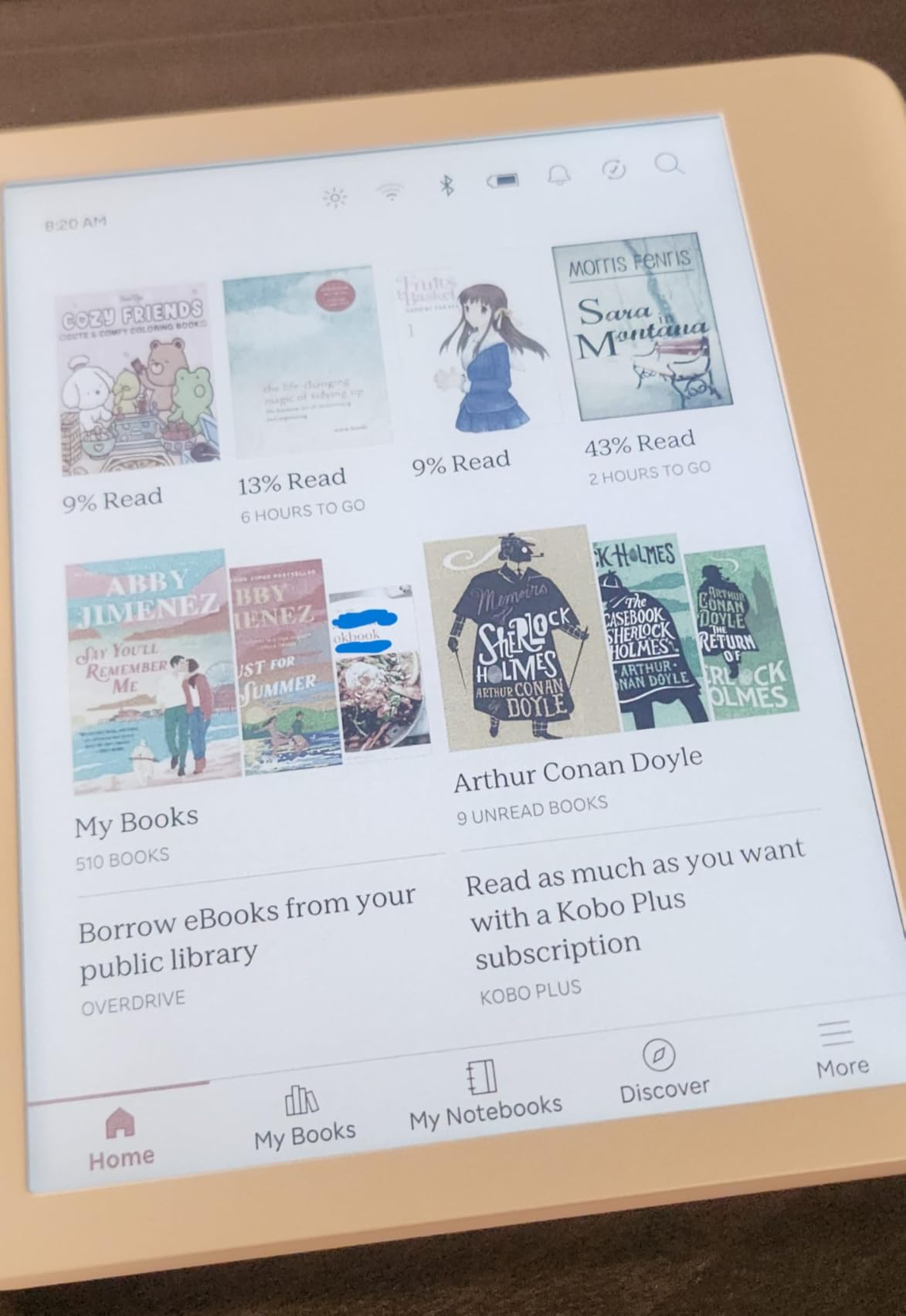
The four-week battery claim holds if you keep Wi-Fi off and brightness moderate. With Wi-Fi on for library borrowing, expect closer to two weeks. Heavy stylus use drains the battery faster than reading alone. For a typical student reading an hour or two daily, plan to charge every 10 to 14 days.
USB-C charging means it tops up in a couple of hours from a laptop port or wall adapter. No need to carry a separate charger if you already have a USB-C setup for your phone or laptop.
Quality control and what to check
A small number of buyers reported dead pixels on arrival. Inspect your screen when the device arrives and exchange it if you see defects. Kobo’s return policy through Amazon is straightforward for defective units. Once you have a clean unit, it should last for years.
8. Kobo Elipsa 2E – Best Kobo for PDFs and academic papers
Kobo Elipsa 2E | eReader | 10.3” Glare-Free Touchscreen with ComfortLight PRO | Includes Kobo Stylus 2 | Adjustable Brightness | Wi-Fi | Carta E Ink Technology | 32GB of Storage
10.3 inch E Ink Carta 1200
Includes Kobo Stylus 2
32GB storage
USB-C charging
Notebook and PDF annotation
Pros
- Large 10.3 inch screen excellent for PDFs and academic papers
- Includes Kobo Stylus 2 for note-taking
- Glare-free E Ink with adjustable ComfortLight PRO
- Supports EPUB
- DOCX
- TXT
- Eco-friendly recycled plastic
Cons
- No Bluetooth for audiobooks
- Heavy at 13.62 ounces
- Writing lag compared to Remarkable 2
- Sleep cover sold separately
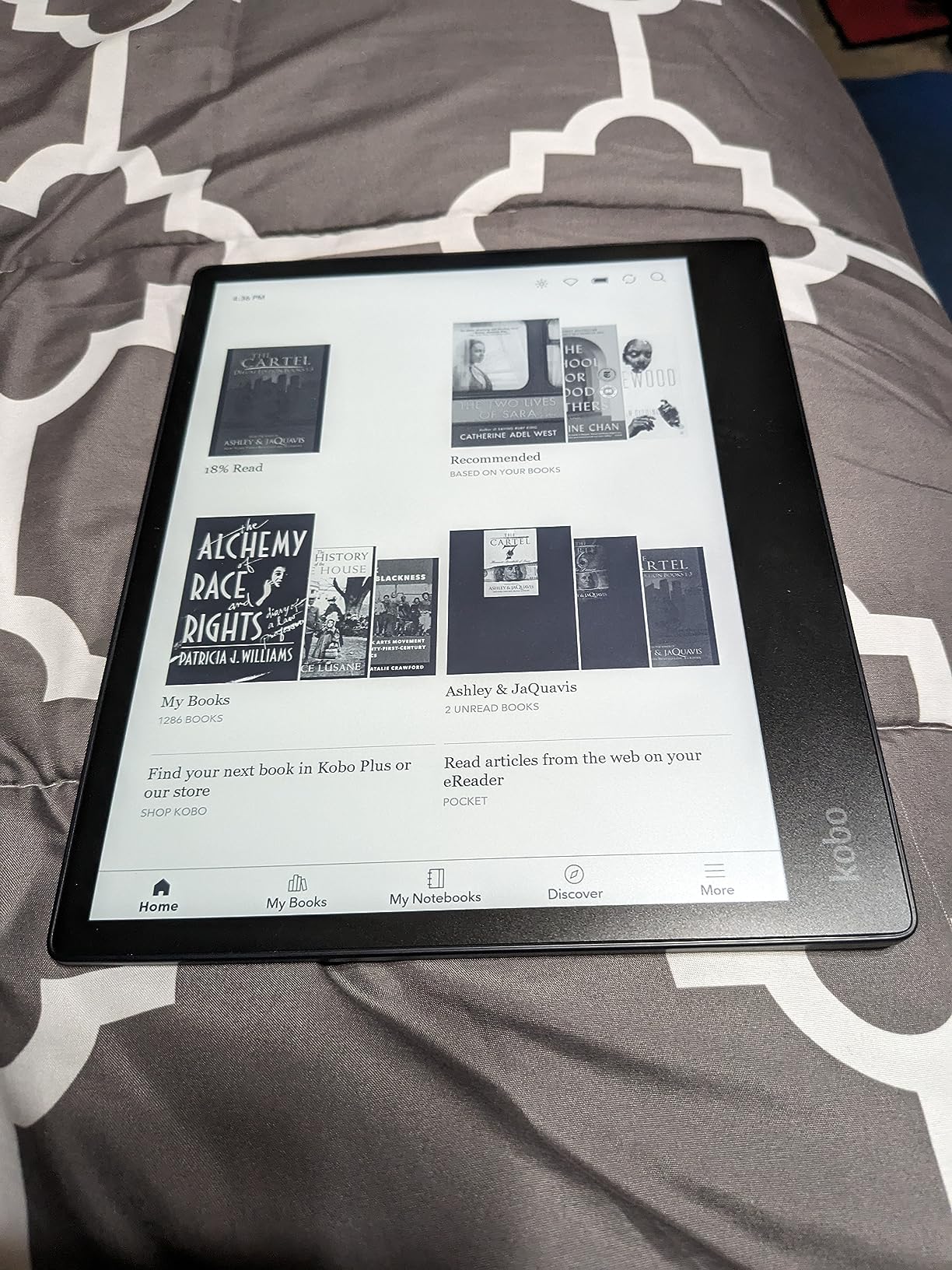
The Kobo Elipsa 2E is the e-reader for students who live in PDFs. If you are in grad school, law school, medical school, or any program that assigns academic papers, journal articles, and scanned textbooks, the 10.3-inch screen on this device is a game changer. It is the closest thing to reading a full letter-size page without printing it.
This is the only device on this list that includes the Kobo Stylus 2 in the box. That alone explains the higher price. The stylus is rechargeable, responsive, and lets you mark up PDFs directly, draw diagrams, and write notes by hand. Handwriting recognition converts scrawled notes into searchable text.
I tested the Elipsa 2E for a month of research reading. The large screen meant I did not have to zoom and pan around academic PDFs the way I do on smaller e-readers. Two-column journal articles render at readable size. Diagrams and figures stay legible. For anyone who has fought with a 6-inch e-reader trying to read a research paper, this device solves that problem.
The trade-off is portability. At 13.62 ounces, the Elipsa 2E is more than twice the weight of the Clara line. It will not fit in a coat pocket. You need a backpack or a large purse. This is a device for the library and the desk, not for reading on the bus.
How the Elipsa 2E handles note-taking
Note-taking is where this device shines. You can create notebooks for each class, organize them by subject, and sync notes to Google Drive or Dropbox. Handwriting recognition works well for most handwriting styles, though messy writers may need to slow down. You can also export notes as text for use in papers and essays.
The stylus supports pressure sensitivity for line thickness, which is useful for diagrams and sketches. Battery life on the stylus is solid, with weeks between charges for typical use.
Who should buy the Elipsa 2E
This is a specialized tool for students who work heavily with PDFs and academic papers. If you are an undergraduate reading mostly novels and textbooks, the Libra Colour or Clara Colour will serve you better for less money. If you are a graduate student, researcher, or anyone who reads and annotates journal articles regularly, the Elipsa 2E justifies its price quickly.
How to choose the best Kobo e-reader for student life
Picking the right Kobo e-reader comes down to matching features to your specific study habits. Here is what our team considers the most important factors for students.
Screen size and portability trade-off
Screen size is the biggest decision. A 6-inch screen like the Clara line is portable enough for any pocket and great for prose reading. A 7-inch screen like the Libra Colour balances size and readability for textbooks. The 10.3-inch Elipsa 2E reads PDFs at near full size but is too large for casual carrying.
For most undergraduates, 7 inches is the sweet spot. For graduate students working with academic papers, 10.3 inches is worth the extra bulk. For budget-conscious readers who mostly read novels, 6 inches is perfect.
Color vs black-and-white display
Color E Ink is useful for highlighting, comics, and book covers, but it is not as vivid as a tablet. If you read mostly text, a black-and-white display like the Clara BW offers sharper text and faster page turns for less money. If you color-code notes or read visual material, get a color model.
Color also slightly reduces battery life and page-turn speed compared to black-and-white E Ink. For most students, the trade-off is worth it for the highlighting capability alone.
Battery life for full campus days
All Kobo e-readers last at least two weeks on a charge with typical use. The Libra Colour line reaches four weeks. For a student, this means you can leave the charger at home during exam week. Wi-Fi and brightness are the biggest drains, so turn Wi-Fi off when you are not borrowing books.
Real-world battery life in student use tends to be two to three weeks for the Clara line and three to four weeks for the Libra Colour, with daily reading of one to two hours.
Note-taking and stylus support
If you want to annotate readings, take margin notes, or convert handwriting to text, you need a stylus-compatible model. The Libra Colour line supports the Kobo Stylus 2 (sold separately). The Elipsa 2E includes the stylus in the box. The Clara line does not support stylus input.
Stylus note-taking is a meaningful upgrade for students who annotate heavily. It turns your e-reader into a digital notebook for class readings.
Library access via OverDrive
Every Kobo on this list supports OverDrive and Libby for free library borrowing. This is the single biggest advantage of Kobo over Kindle for students. If your campus or local library participates, you have free access to most of your reading list. Check with your library before buying to confirm participation.
Borrowing books directly on the device saves time and money. Over the course of a degree, this can save hundreds of dollars compared to buying books.
Budget considerations
Kobo e-readers range from $159.99 for the Clara BW to $399.99 for the Elipsa 2E. The sweet spot for most students is the $179.99 Clara Colour or the $259.99 Libra Colour. Both will last through all four years of college if treated well.
Factor in the cost of a protective case, since e-readers do get knocked around in backpacks. A good case runs $20 to $40 and is worth every penny for durability on campus.
FAQs
Which Kobo is best for students?
The Kobo Libra Colour is the best Kobo e-reader for most students. It offers a 7-inch color E Ink display, physical page-turn buttons, Kobo Stylus 2 support for note-taking, 32GB of storage, and built-in OverDrive for free library borrowing. It balances price, features, and portability better than any other model in the Kobo lineup.
Is Kobo better than Kindle for students?
For most students, yes. Kobo has built-in OverDrive and Libby integration that lets you borrow library books directly on the device, while Kindle has more limited library support in many regions. Kobo also supports open formats like EPUB so you can sideload books from any source, avoiding Amazon ecosystem lock-in. Kindle has a larger book store and slightly faster hardware, but for academic use and library access, Kobo wins.
What is the cheapest Kobo e-reader for students?
The Kobo Clara BW at $159.99 is the cheapest current Kobo worth buying for students. It has a sharp 6-inch E Ink Carta 1300 HD display, ComfortLight PRO with dark mode, IPX8 waterproofing, Bluetooth audiobooks, and OverDrive integration. It lacks color and stylus support, but it nails the fundamentals for less than any color model.
Can you read textbooks on a Kobo e-reader?
Yes, but the experience depends on the textbook format and screen size. Prose-based textbooks in EPUB format work well on any Kobo. PDF textbooks with complex layouts, diagrams, and two-column formats are best on the 10.3-inch Kobo Elipsa 2E, where pages render at near full size. The 7-inch Libra Colour is a good middle ground for most courses.
Does Kobo work with library books for students?
Yes. Every current Kobo e-reader supports OverDrive and Libby for free library borrowing. You can browse your campus or public library catalog, borrow books, and download them directly to the device over Wi-Fi. This is one of the biggest reasons students choose Kobo over Kindle, since library access can save hundreds of dollars per semester on reading materials.
Final thoughts on the best Kobo e-readers for students
For most students in 2026, the Kobo Libra Colour is the best Kobo e-reader you can buy. It nails the balance of price, screen size, battery life, and features that matter for academic reading. You get color for highlighting, page-turn buttons for long sessions, stylus support for note-taking, and OverDrive for free library books.
If budget is tight, the Kobo Clara BW gives you most of the experience for less. If you live in PDFs and academic papers, the Kobo Elipsa 2E earns its premium price. Whatever you pick, pair it with a good case and you have a reading companion that will outlast your degree. The best Kobo e-readers for students are the ones that fit your study habits and your budget, and there is a strong option on this list for everyone.