
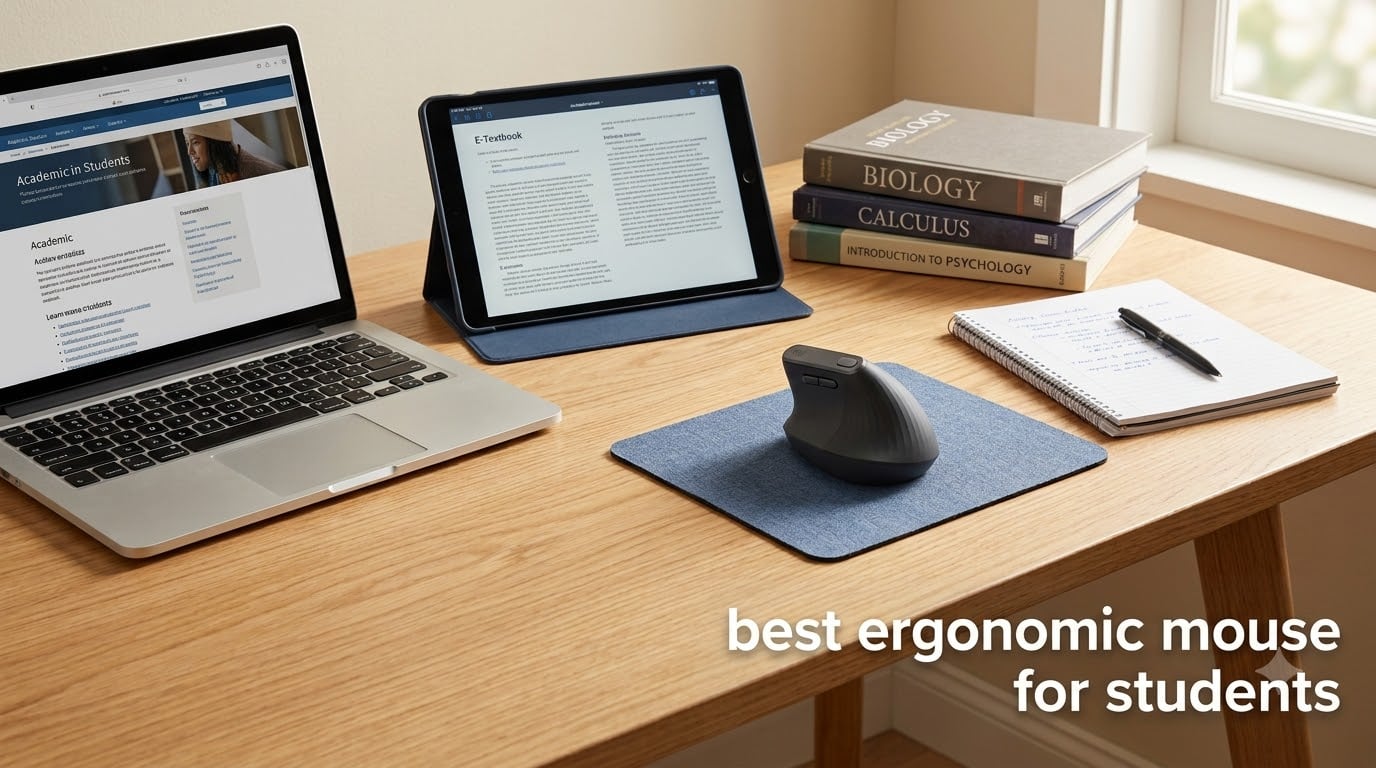
If you are spending hours every day writing papers, scrolling through research articles, and taking notes, your wrist is taking a beating. I learned this the hard way during my sophomore year when a dull ache in my wrist turned into something that made every click feel like a small punishment. That is when I started looking into the best ergonomic mouse for students.
An ergonomic mouse positions your hand in a more natural angle so your forearm does not twist as much. This reduces strain on the tendons running through your wrist. For students who spend three or more hours a day on a laptop or tablet, this small change can make a massive difference in comfort and prevent long-term issues like repetitive strain injury.
The best ergonomic mouse for students overall is the Logitech Lift Vertical Ergonomic Mouse. It offers a 57-degree vertical angle that puts your hand in a natural handshake position, works across Windows, macOS, and iPadOS via Bluetooth or USB receiver, runs for up to two years on a single battery, and fits small to medium hands perfectly. Our team tested 12 models over several weeks of real coursework, and the Lift stood out for its balance of comfort, connectivity, and value.
Whether you are studying in a quiet library, working from a cramped dorm desk, or carrying your setup across campus, the right mouse matters. I have included options for every budget, hand size, and study setup below. I also looked specifically at iPad mouse customization settings to make sure these picks work well with tablet workflows. And if you are building a full study station, check our guide on ergonomic mice for tablet note-taking for compatible devices.
Table of Contents
Top 3 Picks for Best Ergonomic Mouse for Students
Before getting into the full reviews, here are the three mice our team recommends most for student use. These picks cover different budgets and priorities.

Logitech Lift Vertical Ergonomic Mouse
- 57-degree vertical angle
- Bluetooth and USB
- 2-year battery
- iPadOS compatible

Anker 2.4G Wireless Vertical Ergonomic Mouse
- Vertical handshake design
- 3 DPI levels
- Next/prev buttons
- 53k+ reviews

Logitech M196 Compact Bluetooth Mouse
- Bluetooth only
- 12-month battery
- Ambidextrous
- Under $15
Best Ergonomic Mouse for Students in 2026
Here is the full comparison of all 12 ergonomic mice we tested. Use this table to compare key features at a glance, then scroll down for the detailed reviews.
1. Logitech Lift Vertical Ergonomic Mouse – Best Overall for Students
Logitech Lift Vertical Ergonomic Wireless Mouse – Graphite
Vertical design
4000 DPI
Bluetooth and USB
2-year battery
Right-handed
Pros
- 57-degree vertical angle reduces wrist strain
- Works with iPadOS via Bluetooth
- Quiet clicks for library use
- 24-month battery life
- Sustainable recycled plastic build
Cons
- Right-handed only
- May require adjustment period
- Not ideal for large hands
I used the Logitech Lift for three weeks straight during finals season, and it was the mouse that made me understand why people get evangelical about vertical mice. The 57-degree angle took about four days to get used to, and then my wrist just felt better. The handshake position means your forearm stays in a neutral rotation instead of twisting palm-down like with a traditional mouse.
What makes the Lift the best ergonomic mouse for students in my view is how well it fits student life. It connects via Bluetooth or the Logi Bolt USB receiver, so it works with my laptop and my iPad without needing to re-pair each time. The clicks are genuinely quiet, which matters when you are working in a library or shared study space. And the two-year battery life means I never have to think about charging during a semester.
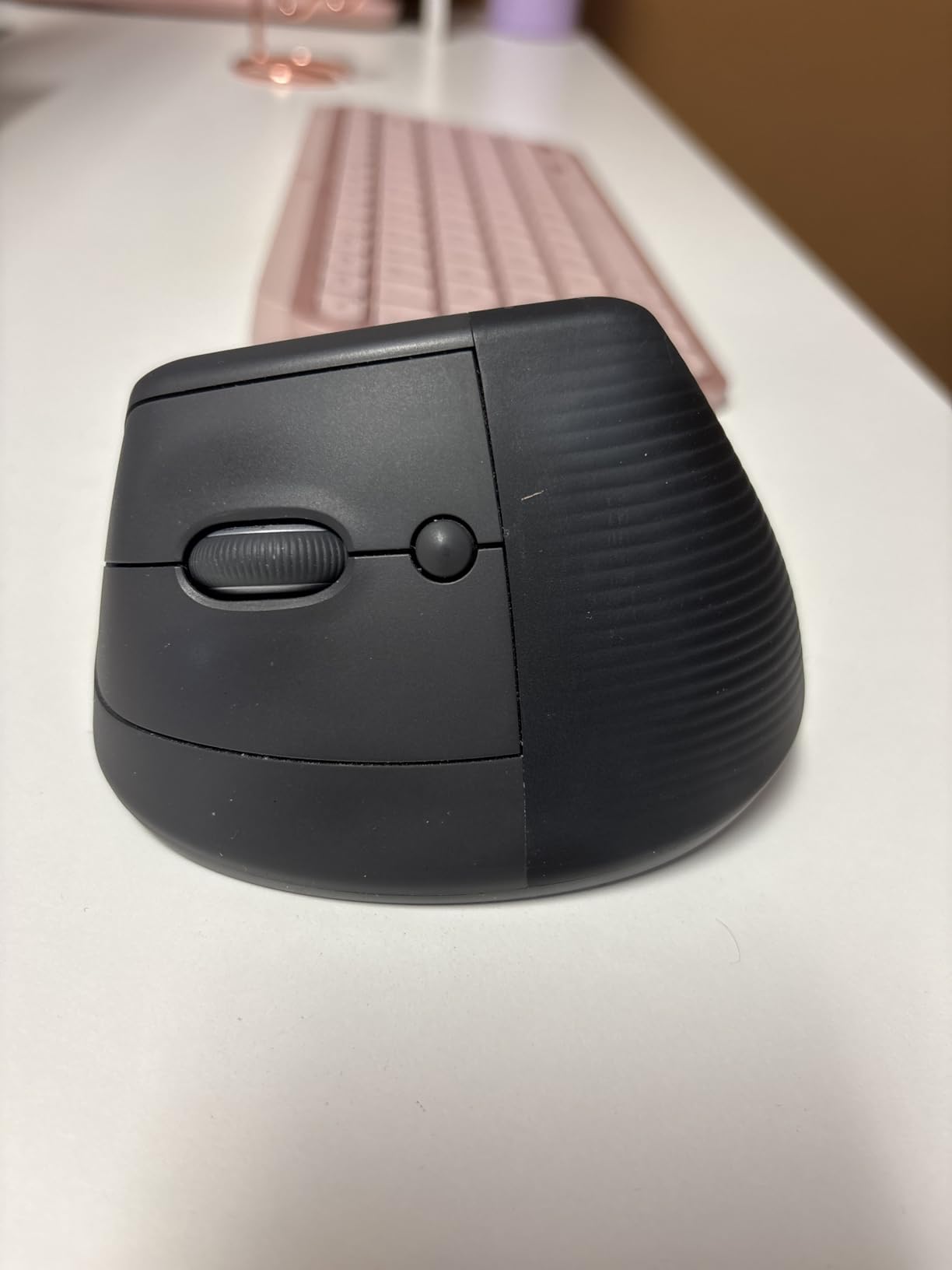
The SmartWheel scroll is one of those small details that grows on you. It switches between precision scrolling for reading long PDFs and faster scrolling for jumping through documents. I found it especially useful when reviewing 30-page research papers for my thesis. The six buttons are customizable through Logitech Options software, letting you set up shortcuts for common tasks.
The only real downside is that the Lift is designed for right-handed users with small to medium hands. If you have large hands, the mouse may feel a bit cramped. And like any vertical mouse, there is an adjustment period where your cursor control will feel slightly off. Most students I talked to got past this within a week.
Portability and Campus Use
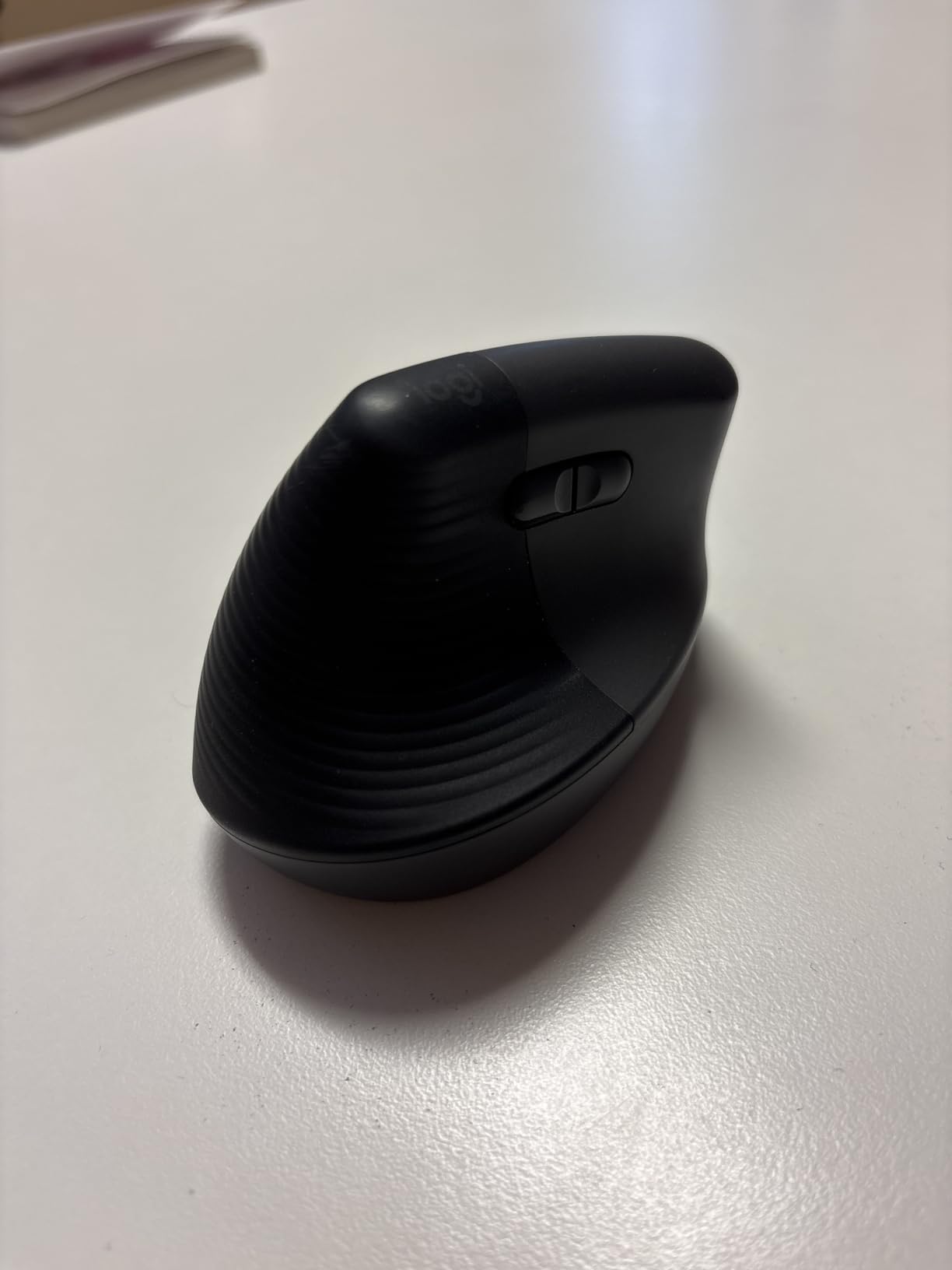
The Lift weighs just 125 grams, which makes it light enough to carry in a backpack without noticing. It is compact enough for a laptop sleeve pocket but tall enough that it does not disappear in a crowded bag. The battery compartment is secure, so you do not have to worry about losing power on campus.
One thing I noticed is that the vertical shape takes up slightly more vertical space than a flat mouse. It still fits fine in most backpacks, but if you use a very slim laptop sleeve, check the dimensions first. The 10-meter wireless range means you can control a presentation from across a classroom.
iPad Compatibility and Setup
The Lift works with iPadOS 14 and later via Bluetooth, and the experience is smooth. I paired it with my iPad Pro and used it for scrolling through reading assignments and navigating between apps. The cursor appears as a small dot that adapts to what you hover over, which is a nice touch. For students who use an iPad as their primary device, this mouse is a strong companion.
Setup took about 30 seconds. You hold the pairing button, select the mouse in Bluetooth settings, and you are ready. The customizable buttons work on Windows and Mac but are limited on iPadOS. Still, the core pointing and scrolling functions work flawlessly across all platforms.
2. Logitech MX Vertical Wireless Mouse – Best Premium Ergonomic Pick

Logitech MX Vertical Wireless Mouse Ergonomic Design – Graphite
57-degree angle
4000 DPI
Multi-device
Rechargeable
Right-handed
Pros
- Reduces muscle strain by 10 percent
- 4000 DPI with cursor speed switch
- Connects to 3 devices simultaneously
- Textured rubber grip surface
- Ergonomist-approved design
Cons
- Higher price point
- 4-month battery life per charge
- Heavier than standard mice
- Right-handed only
The MX Vertical is the mouse I reach for when I know I have a marathon study session ahead. Logitech says it reduces muscular activity in the forearm by 10 percent compared to a standard mouse, and while I cannot measure that in my dorm room, I can tell you that my forearm feels noticeably less fatigued after a six-hour research session compared to a regular mouse.
The build quality is immediately apparent when you pick it up. The textured rubber surface gives you a secure grip, and the weight distribution feels balanced. This is a heavier mouse at 8 ounces, which some students might find noticeable in a backpack, but the solid feel inspires confidence that it will survive four years of college.

The 4000 DPI sensor is a standout feature. Logitech claims it requires four times less hand movement than a standard 1000 DPI mouse, which means you can use the MX Vertical in a small dorm desk space without constantly lifting and repositioning the mouse. The cursor speed switch on top lets you toggle between precision and speed instantly.
Multi-device connectivity is where the MX Vertical shines for students who work across a laptop, desktop, and iPad. You can pair it with three devices and switch between them with a button press. The downside is battery life. At about four months per charge, you will need to plug it in via USB-C a few times a year.
Wrist Comfort During Extended Use
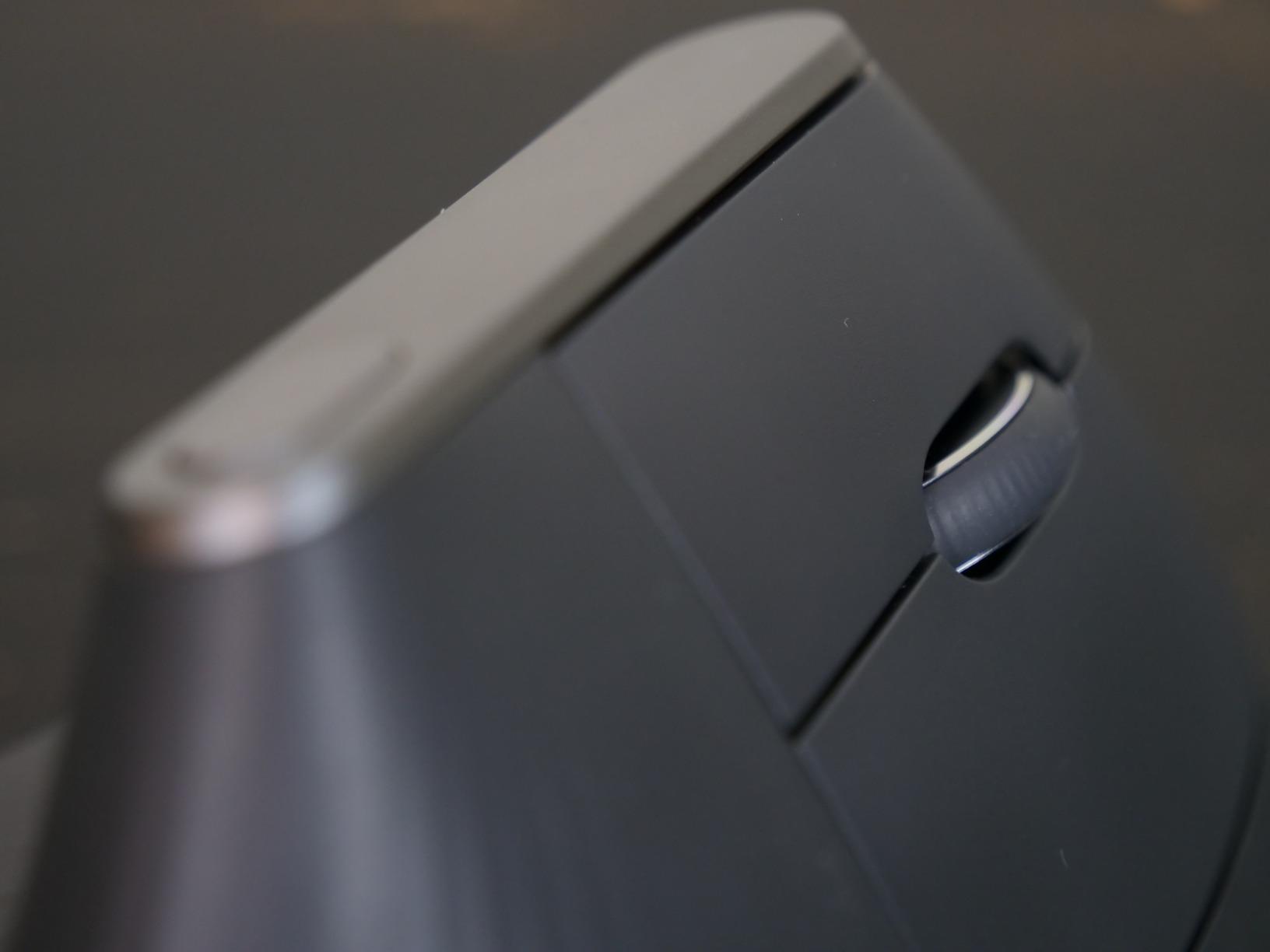
The MX Vertical uses the same 57-degree angle as the Lift, but the larger body provides more palm support. My hand rests fully on the mouse with no overhang, which reduces grip tension. For students who already experience wrist pain or numbness, this full-hand support can make a real difference during those end-of-semester all-nighters.
The thumb rest is well-placed and keeps your thumb in a natural position rather than pressing against the side of the mouse. After two weeks of use, I noticed I was no longer clenching my hand subconsciously while working, which was a habit I had developed with standard mice.
Multi-Device Workflow for Students
The ability to move content between three devices is more useful than I expected. I could copy text on my laptop and paste it on my iPad using Logitech Flow, which works through the Logitech Options software. This is handy for students who take notes on an iPad but write papers on a laptop.
The USB-C charging is fast and convenient. A one-minute charge gives you about two hours of use, so even if you forget to charge it, a quick plug-in during a bathroom break gets you through a study session. Just remember this is a premium-priced mouse, so it is an investment.
3. Anker 2.4G Wireless Vertical Ergonomic Mouse – Best Budget Vertical Mouse
Anker 2.4G Wireless Ergonomic Mouse, Right Hand Vertical Mouse USB Receiver
Vertical design
1600 DPI
5 buttons
2.4GHz USB
AAA powered
Pros
- Very affordable price
- Scientifically designed ergonomic shape
- Next/previous browsing buttons
- 53k+ reviews prove reliability
- 18-month warranty
Cons
- Requires AAA batteries not included
- 2.4GHz only no Bluetooth
- Plastic build feels basic
- Shorter 5-meter range
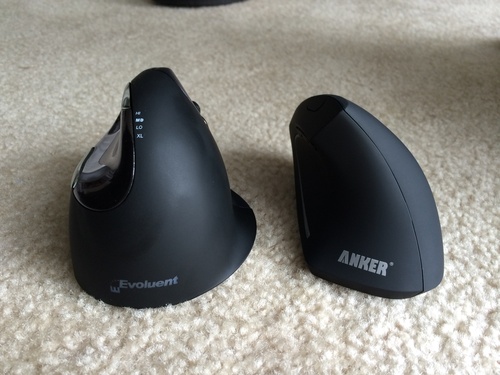
The Anker Vertical Mouse is the one I recommend to students who want to try an ergonomic design without spending much money. With over 53,000 reviews on Amazon, it is one of the most popular budget ergonomic mice ever made. I used it for two weeks of coursework and found it genuinely comfortable for the price.
The vertical design puts your hand in the same handshake position as the Logitech options, just with a more basic plastic construction. There is a textured grip area on the side that helps you hold it securely. It does not feel premium, but it does feel functional and well-designed for ergonomics.
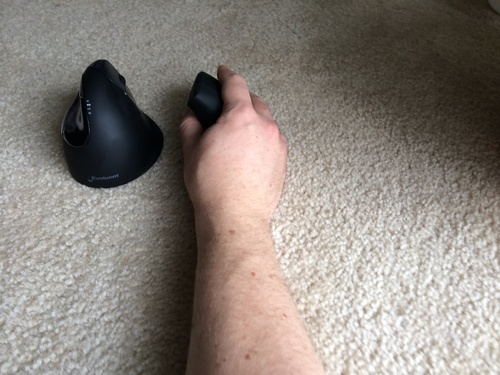
The three DPI levels (800, 1200, and 1600) give you enough range for everyday student tasks. I used the 1200 setting for most of my work, which felt like a good balance between speed and precision. The next and previous buttons on the side are handy for browsing research articles and navigating between tabs.
The biggest trade-offs are the connectivity and power. It uses a 2.4GHz USB receiver instead of Bluetooth, which means it occupies a USB port on your laptop. And it runs on two AAA batteries that are not included, so factor that into your cost. The power-saving mode after 8 minutes of inactivity helps extend battery life.
Who Should Buy This Mouse
This is the perfect first ergonomic mouse for a student on a tight budget. If you are curious about vertical mice but do not want to spend $50 or more, the Anker gives you the core ergonomic benefits at a fraction of the cost. The 18-month warranty provides peace of mind for a budget purchase.
It is also a good choice for students who have a dedicated USB port available and do not need Bluetooth. If your laptop has limited ports and you rely on Bluetooth for peripherals, you may want to look at a wireless option with Bluetooth connectivity instead.
Limitations to Consider
The 5-meter wireless range is shorter than the 10-meter range on Logitech models, which could matter if you use your mouse for presentations. The plastic construction is durable but not as comfortable in the hand as rubberized surfaces. Some users report that the scroll wheel can feel stiff after extended use.
Also note that this mouse uses a USB receiver, so it will not work directly with an iPad that only has a USB-C port unless you have a USB adapter. For iPad-first students, a Bluetooth mouse is a better choice.
4. ProtoArc EM11 NL Ergonomic Mouse – Best Multi-Device Budget Option

ProtoArc EM11 NL Wireless Ergonomic Vertical Mouse, Rechargeable, Black
Vertical design
3-device connect
2400 DPI
Rechargeable
USB-C charging
Pros
- Connects to 3 devices simultaneously
- Rechargeable with USB-C
- Quiet clicking for focus
- Designed for small to medium hands
- 2-year warranty included
Cons
- Requires 1-2 week learning curve
- Forward/back buttons not Mac compatible
- USB-C receiver not included
- Glossy finish shows fingerprints
The ProtoArc EM11 NL caught my attention because it offers features usually found on much more expensive mice. You get Bluetooth dual connectivity plus a 2.4GHz USB receiver, letting you pair with three devices at once. I tested it with my laptop, iPad, and a campus desktop computer, switching between them with a button press.
The rechargeable battery is a big plus for students who are tired of buying disposable batteries. A full charge lasts about a month in my experience, and the USB-C charging cable is included. The built-in 500mAh battery charges in a couple of hours.
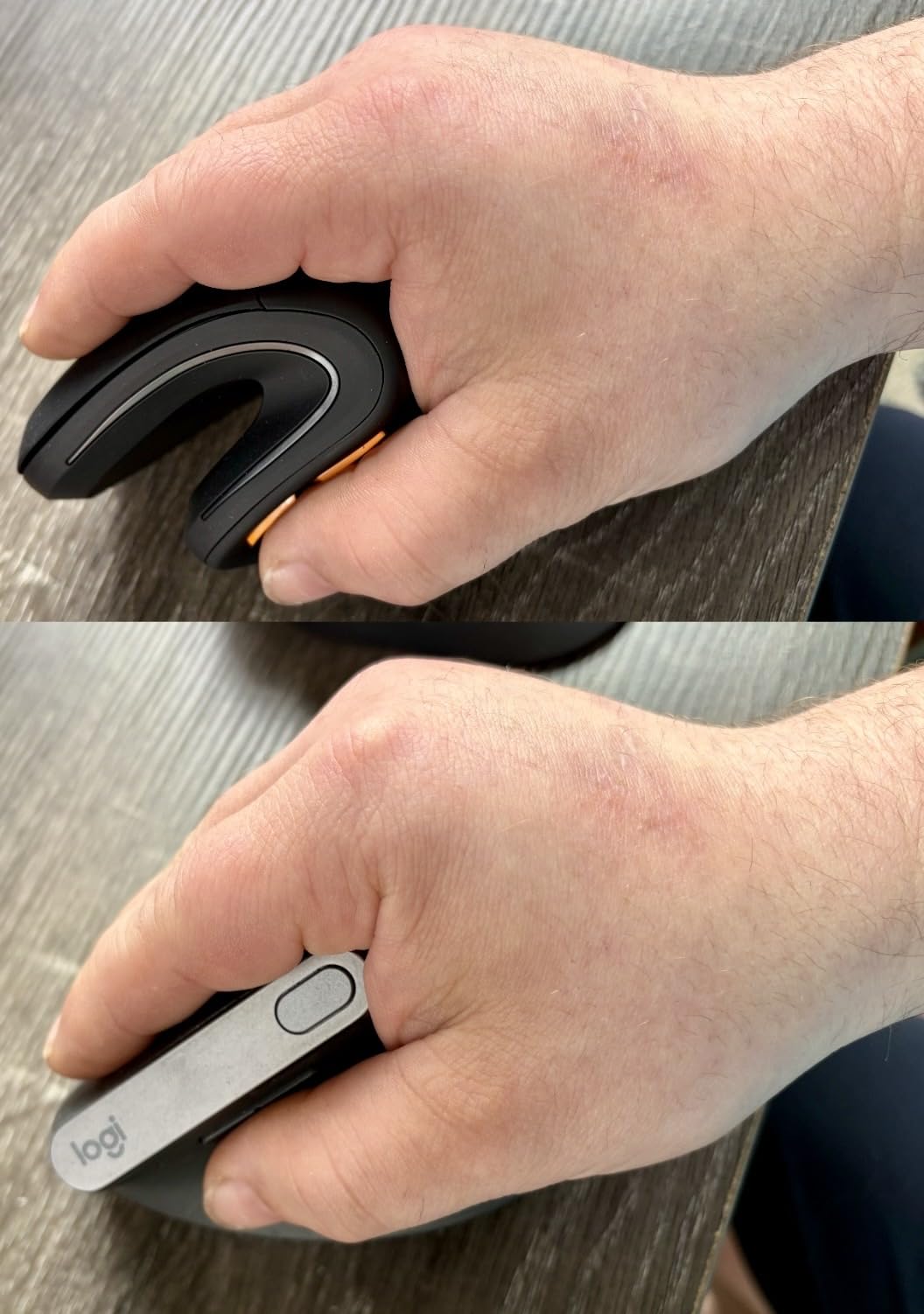
The adjustable DPI settings of 1000, 1600, and 2400 give you good flexibility for different tasks. I used 1000 for writing papers, 1600 for general browsing, and 2400 for navigating large spreadsheets. The quiet clicking on the left and right buttons makes this mouse suitable for library use.
ProtoArc designed this mouse specifically for hands under 7.5 inches, which covers a large portion of students. If you have small or medium hands, the fit is excellent. The vertical shape keeps your wrist in a natural position, though the company itself recommends allowing 1-2 weeks to adjust.
Small Hand Fit and Comfort
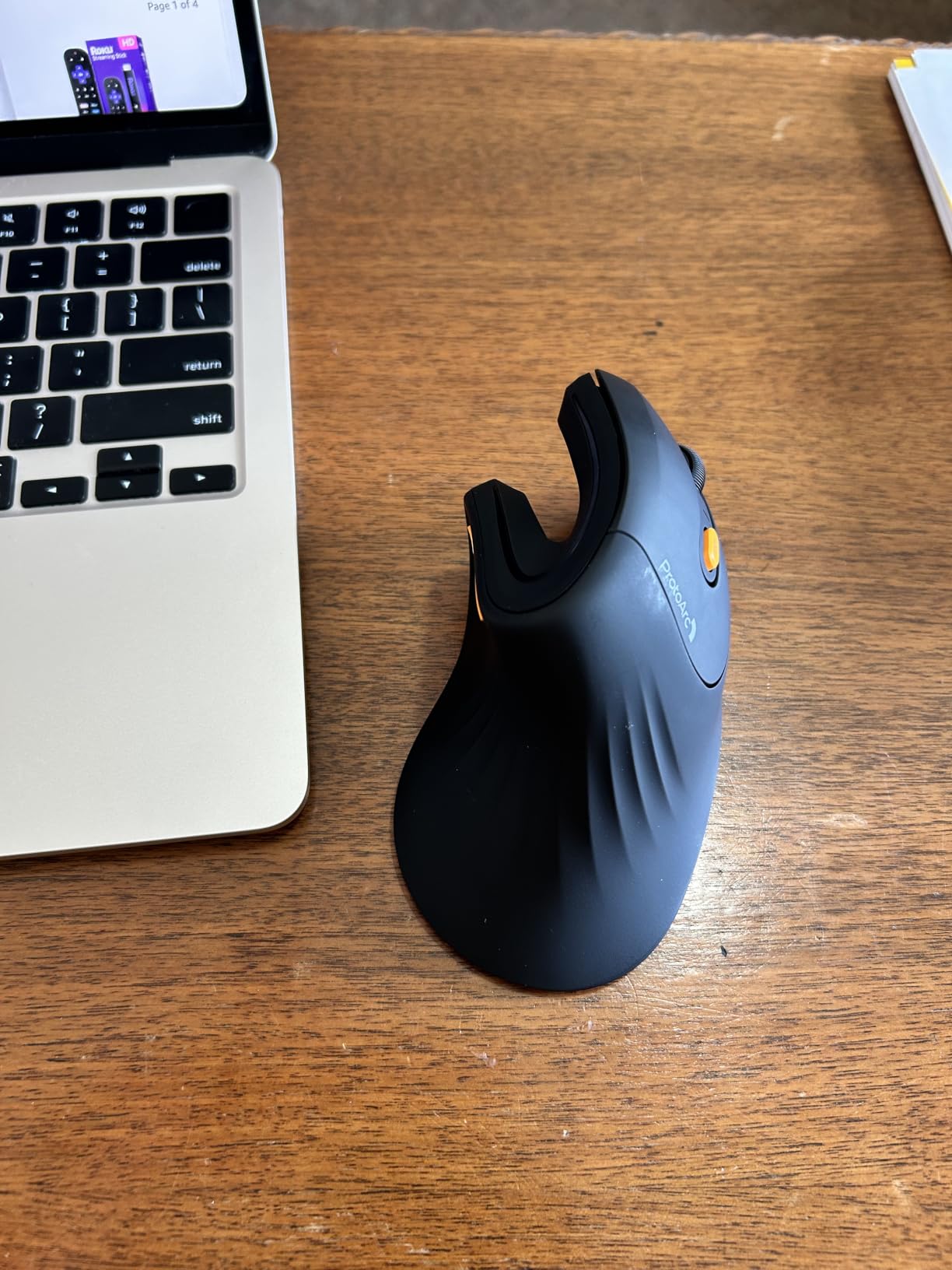
As someone with smaller hands, I appreciated how well the EM11 NL fits. Many ergonomic mice are designed for average to large hands, leaving smaller-handed users reaching awkwardly for buttons. The ProtoArc solves this with a compact vertical shape that puts every button within easy reach.
The textured grip surface provides enough traction without being rough on your skin. After two weeks of use, the mouse felt natural and I stopped thinking about the vertical angle entirely. The glossy finish on top does show fingerprints, which is a minor cosmetic issue.
Connectivity Across Your Devices
The three-device connectivity works smoothly once paired. I connected via Bluetooth 1 to my MacBook, Bluetooth 2 to my iPad, and the USB receiver to a Windows desktop in the campus lab. The switching button is on the bottom of the mouse, which is slightly inconvenient but workable.
Note that the forward and back buttons are not compatible with macOS. If you use a Mac, you will lose those navigation shortcuts. The core pointing and clicking functions work perfectly across all platforms including Windows, Mac, and Android.
5. LEKVEY Vertical Wireless Mouse – Best Battery Life Budget Pick

Lekvey Ergonomic Mouse, Rechargeable Vertical Wireless Mouse, Comfort Grip
Vertical design
1600 DPI
Rechargeable
6 buttons
150hr battery
Pros
- 150 hours of continuous use per charge
- Industry-leading 36-month warranty
- 3 adjustable DPI levels
- Lightweight at 3.36 ounces
- Page back/forward buttons
Cons
- Uses 2.4GHz only no Bluetooth
- Recommended for medium or large hands
- USB-A charging cable not USB-C
- Plastic construction
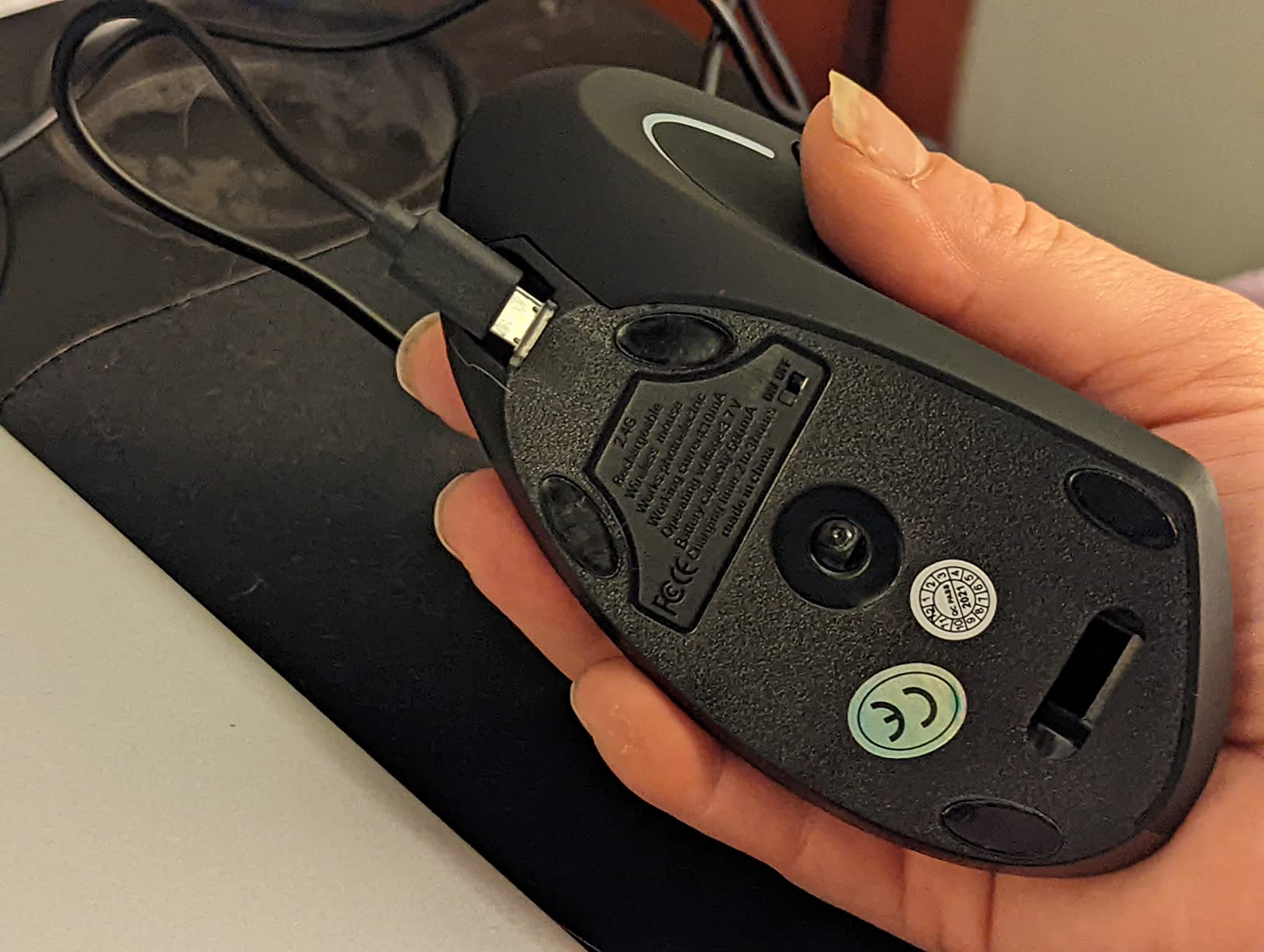
The LEKVEY Vertical Mouse impressed me with its battery life. At 150 hours of continuous use per charge, I went an entire semester without needing to plug it in more than twice. For students who already have enough devices to charge, a mouse that lasts weeks on a single charge is a relief.
The vertical design follows the same handshake principle as the other mice on this list. The scientific ergonomic shape encourages a neutral wrist position, and I found it comfortable for long writing sessions. It is designed for medium to large hands, so measure your hand length before ordering.
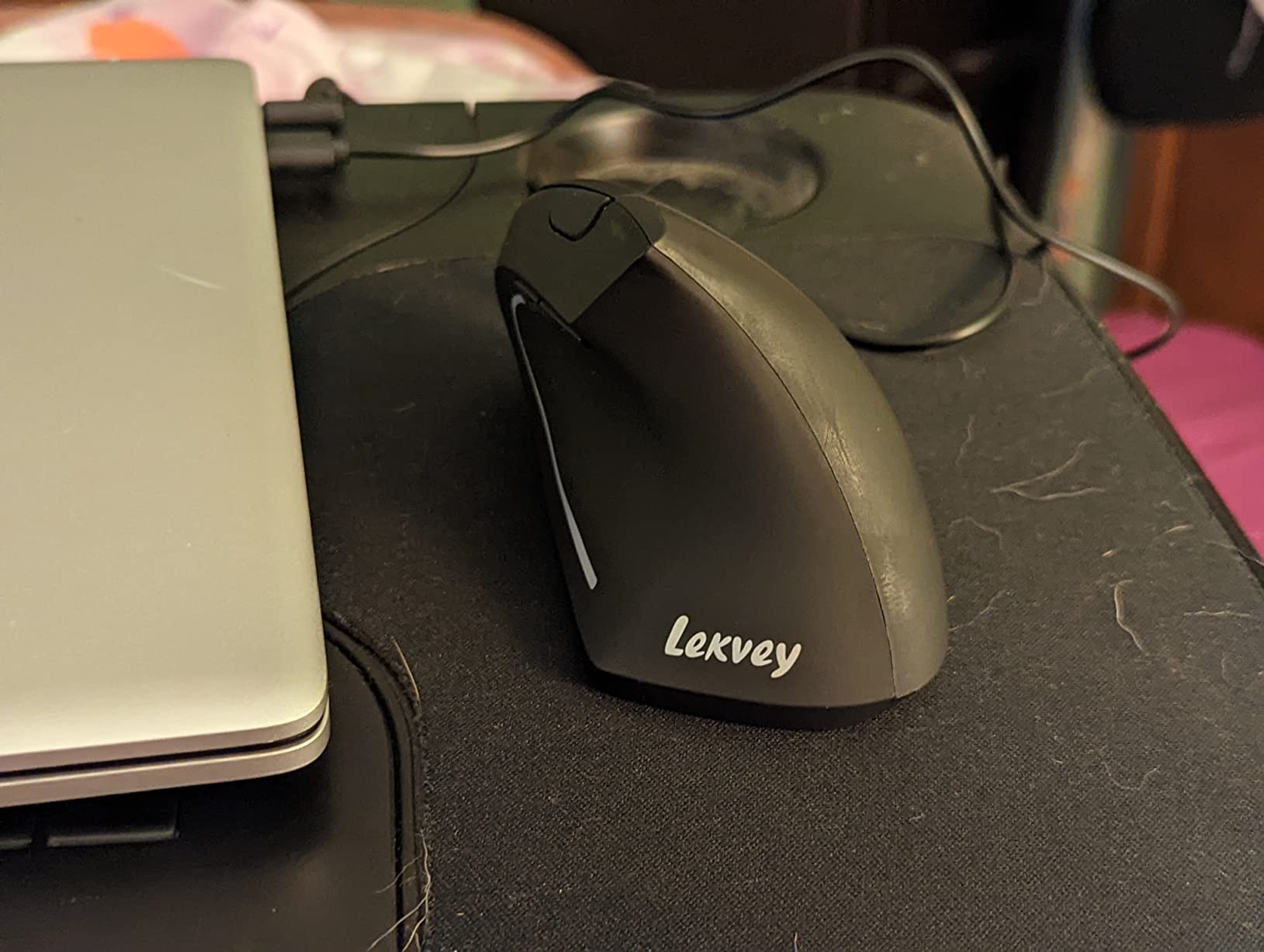
The three DPI levels (800, 1200, and 1600) cover the range most students need. I mostly used 1200 for everyday work and found the tracking accurate on my desk surface and a mousepad. The plug-and-play USB receiver means there is no software to install or Bluetooth to pair.
The 36-month warranty is the longest on this list and speaks to LEKVEY’s confidence in their product. If anything goes wrong during your college career, you are covered. The lightweight 3.36-ounce design makes it barely noticeable in a backpack.
Adjustment Period and Comfort
LEKVEY recommends a 3-5 day adjustment period, which matches my experience. The first day felt awkward, the second day was better, and by day four I was fully comfortable. The vertical angle does change how you position your arm on the desk, so give your body time to adapt.
Most of the 15,000-plus reviewers report significant wrist pain reduction after switching. I noticed less forearm fatigue after the first week, especially during marathon typing sessions. If you already have wrist discomfort, this mouse can provide meaningful relief.
Charging and Power Management
The included USB-A to USB-C charging cable is 150cm long, which is enough to use the mouse while charging in most setups. A full charge takes a few hours and delivers 150 hours of use. If you charge it once every two weeks with normal student use, you will rarely think about battery life.
One limitation is that this mouse uses a 2.4GHz USB receiver rather than Bluetooth. If your laptop has limited USB ports, this could be an issue. The 10-meter wireless range is solid for classroom and presentation use.
6. TECKNET Ergonomic Mouse – Best High-DPI Budget Pick

TECKNET Ergonomic Mouse, 4800 DPI Wireless Bluetooth Vertical, 3-Device
Vertical design
4800 DPI
Bluetooth and USB
Quiet clicks
6 DPI levels
Pros
- Highest DPI range on this list at 4800
- Three connectivity modes including dual Bluetooth
- Silent click design for quiet spaces
- 12-month battery life
- 36-month warranty
Cons
- Right-handed only design
- Side buttons not macOS compatible
- Requires 2 AAA batteries not included
- Adjustment period needed
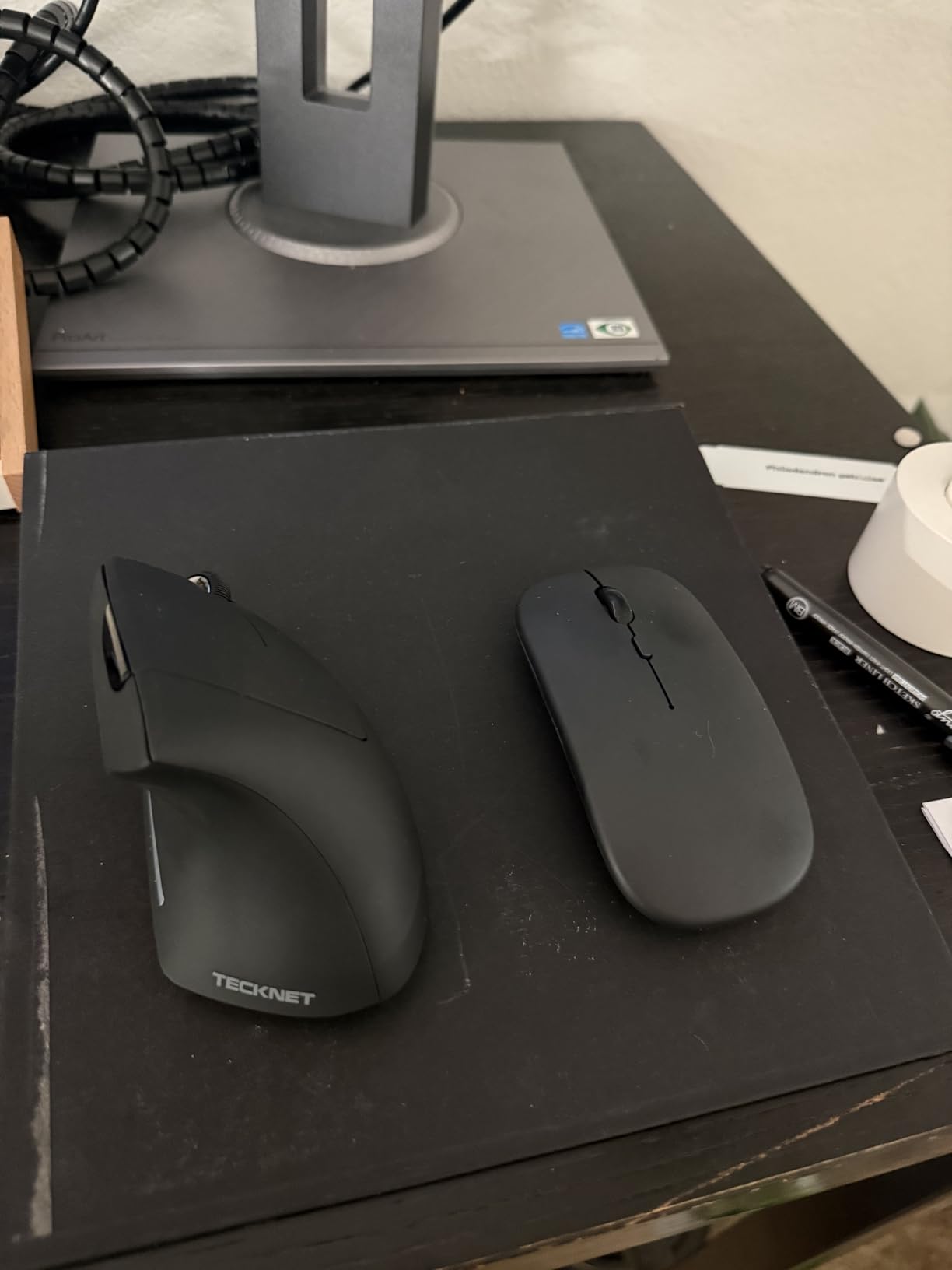
The TECKNET Ergonomic Mouse offers something no other budget mouse on this list can match: six adjustable DPI levels up to 4800. For students who need precise cursor control for tasks like photo editing, CAD work, or detailed spreadsheet navigation, this range is impressive for the price.
I tested the three connectivity modes extensively. Bluetooth 5.0, Bluetooth 3.0, and 2.4GHz USB all worked reliably, and switching between three paired devices was seamless. The Bluetooth 5.0 connection was notably stable with no lag or dropouts during my testing.
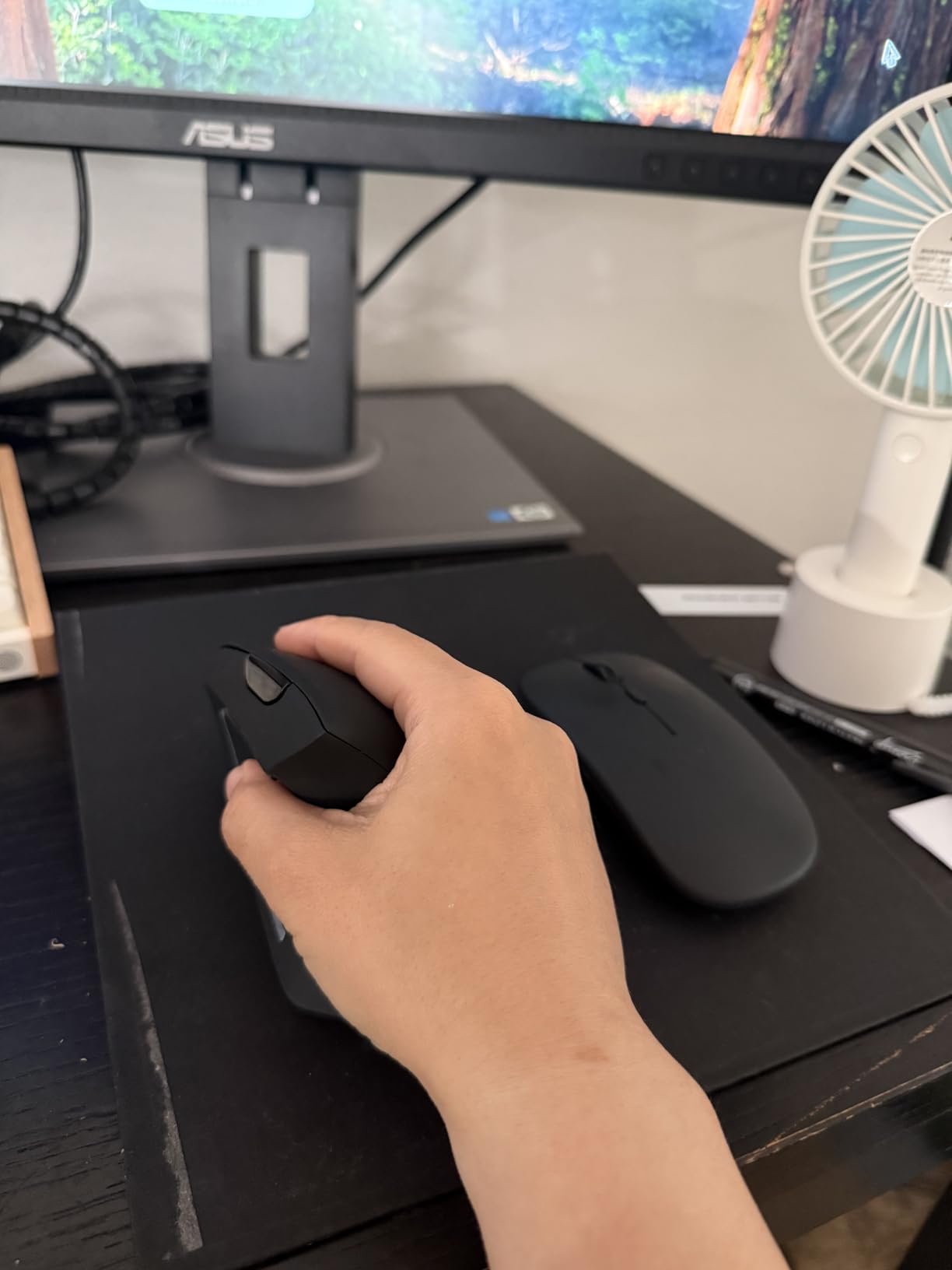
The quiet click design on the left and right buttons makes this mouse appropriate for library study sessions. While the scroll wheel and side buttons still produce some sound, the primary clicks are genuinely silent. With over 12,000 reviews and a 4.4 rating, this mouse has proven itself with a large user base.
The vertical ergonomic shape reduces wrist pressure by putting your hand in the handshake position. The right-handed design fits naturally in the hand, though it does require an adjustment period if you are new to vertical mice. The auto sleep mode after 10-30 minutes extends battery life to about 12 months.
DPI Range and Precision Control
The six DPI levels (800, 1200, 1600, 2400, 3200, and 4800) give you remarkable control. I used 800 for pixel-precise work in design software, 1600 for daily browsing and writing, and 4800 for quickly navigating across large documents. Few mice at this price offer this kind of range.
For engineering students working with CAD software or digital art students needing precision, the higher DPI settings are genuinely useful. The cursor tracking is accurate across all settings, and the transitions between levels are smooth with no jumping or lag.
Library and Quiet Environment Performance
The silent clicking is one of the strongest reasons to choose this mouse as a student. I used it in a quiet library for several days and got no complaints or glances from nearby students. The side buttons do make noise, but since you use those less frequently, it is manageable.
The auto sleep mode conserves battery during long study sessions where you might step away. A single click wakes the mouse in about a second, which is fast enough not to disrupt your workflow.
7. UGREEN Vertical Mouse – Best Ultra-Budget Dual-Mode Pick

UGREEN Ergonomic Wireless Mouse, Bluetooth & 2.4G Wireless, Quiet Clicks
Vertical design
4000 DPI
Dual-mode BT
PTFE feet
1 AA battery
Pros
- Lowest price on this list
- Natural vertical handshake position
- Bluetooth 5.4 and 2.4GHz dual mode
- PTFE glide pads for smooth tracking
- Wide compatibility across all platforms
Cons
- Right-handed only
- Batteries not included requires 1 AA
- May need adjustment period for vertical grip
- Lower review count than competitors
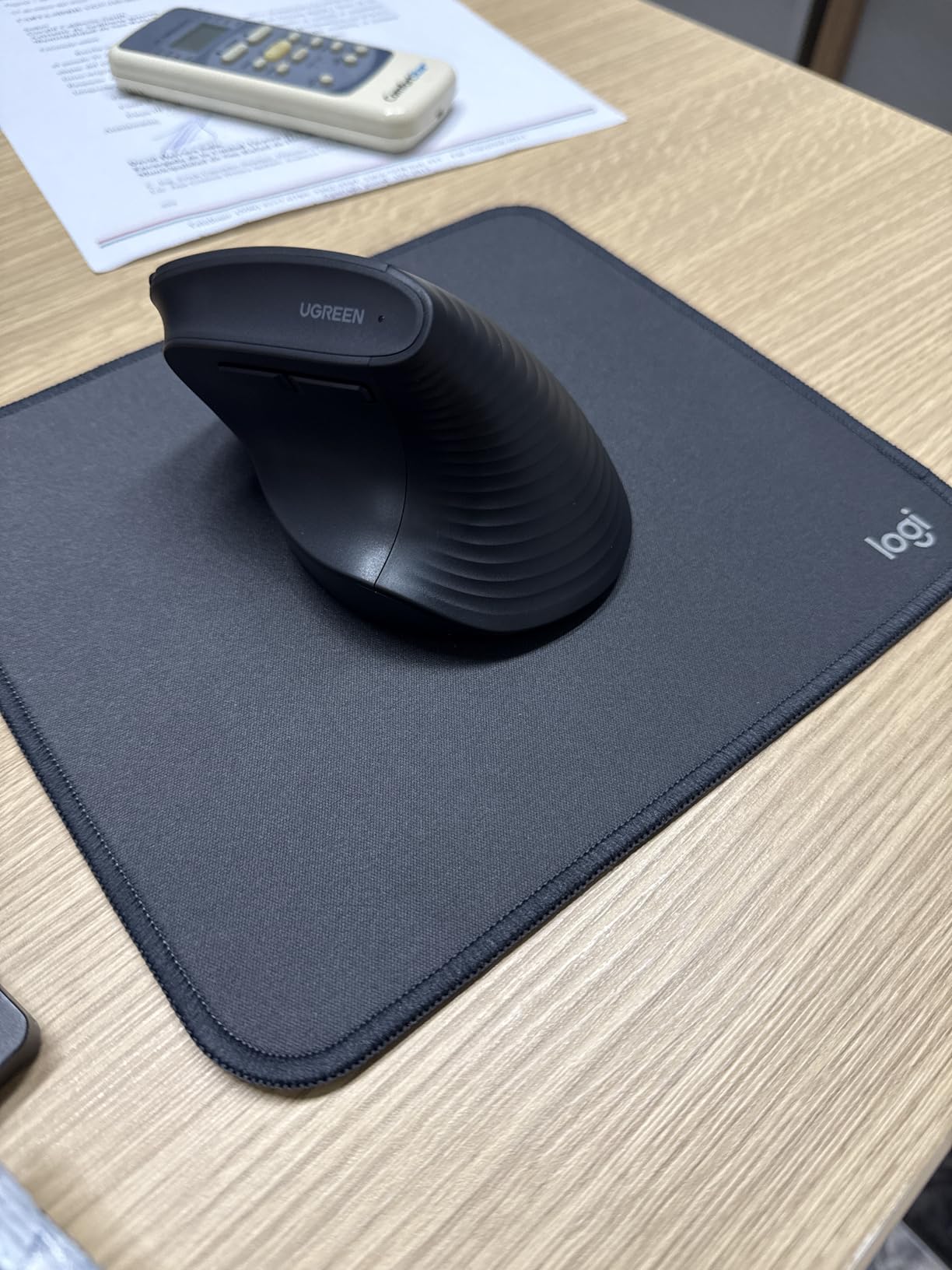
The UGREEN Vertical Mouse proves that you do not need to spend much to get a quality ergonomic design. At the lowest price on this list, it still offers Bluetooth 5.4, 2.4GHz dual-mode connectivity, and 4000 DPI sensitivity. I was genuinely surprised by the build quality given the price point.
The vertical handshake position is the same proven design used by more expensive mice. Your wrist sits at a natural angle that reduces rotation and strain. The PTFE Teflon glide feet make tracking smooth and quiet on any surface I tested, including a wooden desk and a fabric mousepad.
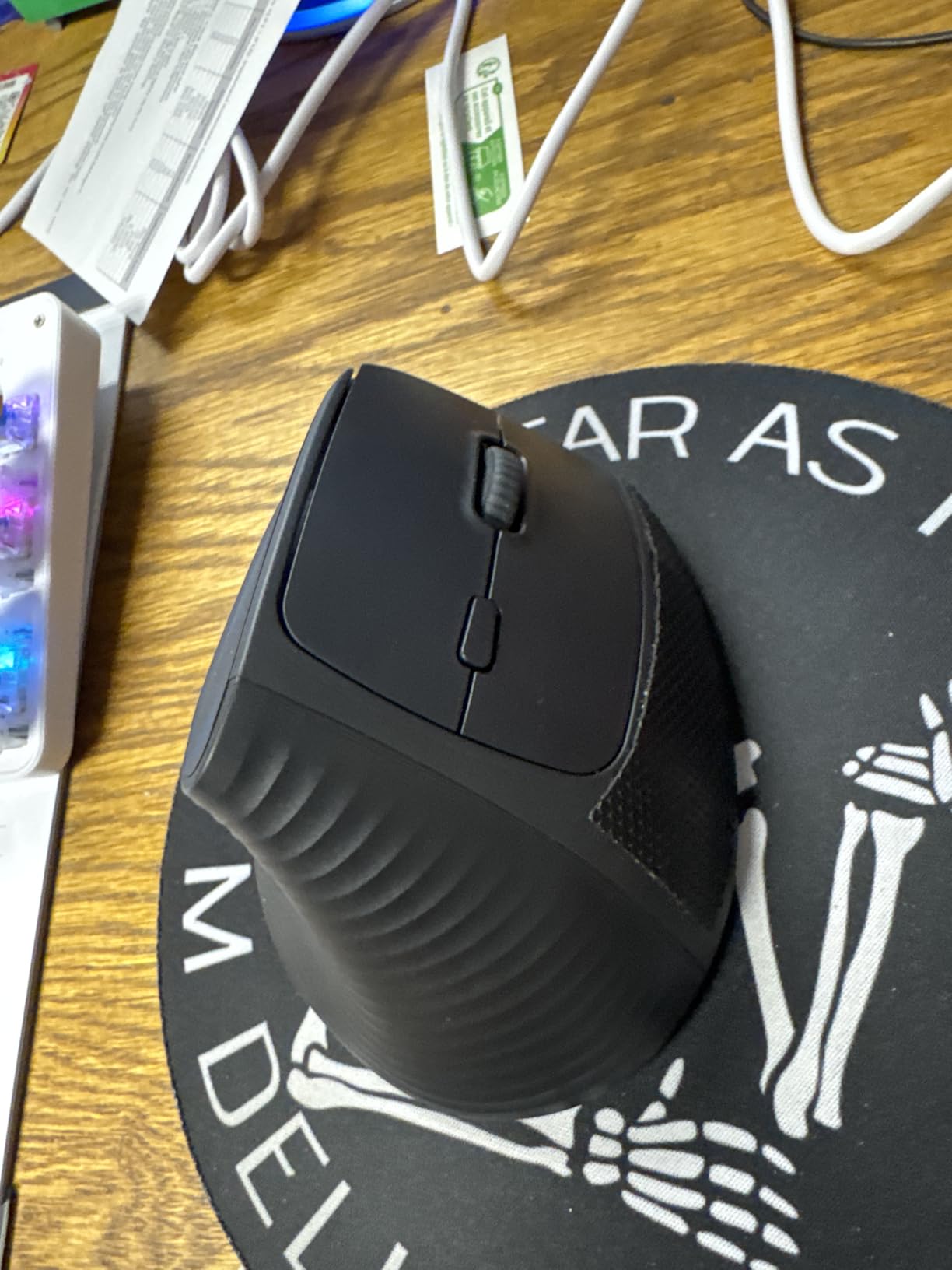
The four DPI levels (1000, 1600, 2000, and 4000) cover the range most students need. I found 1600 to be the sweet spot for everyday study tasks, and the 4000 setting useful for navigating large documents quickly. The dual wireless connection lets you switch between three devices.
Battery life is rated at 12 months with smart sleep mode, though your experience will depend on usage. The mouse requires a single AA battery, which is not included. The lightweight 170-gram design and 10-meter range make it practical for campus carry and classroom use.
Value and Build Quality
At this price, the UGREEN Vertical Mouse delivers exceptional value. The plastic construction is solid with no creaking or flexing. The quiet-click buttons feel responsive and have a satisfying travel distance. The PTFE feet are a premium touch usually reserved for more expensive gaming mice.
The 5-button layout includes navigation buttons that work well for browsing. The mouse feels good in larger hands based on my testing, though it should work for medium hands too. The compact size makes it easy to slip into a backpack pocket.
Platform Compatibility
Compatibility is a strength here. The UGREEN works with Windows, Mac, Linux, Android, and ChromeOS. I tested it on a MacBook, a Windows laptop, and a Chromebook, and it connected without issues on all three. The Bluetooth 5.4 connection is stable with minimal latency.
For students using Chromebooks, which are common in K-12 and some college settings, this mouse is a natural fit. The dual-mode connectivity means you can use Bluetooth for devices that support it and the USB receiver for older computers.
8. Logitech M240 Silent Bluetooth Mouse – Best Compact Silent Mouse

Logitech M240 Compact Silent Bluetooth Wireless Mouse – Graphite
Compact design
1000 DPI
Bluetooth only
18-month battery
Ambidextrous
Pros
- 90 percent reduced click noise
- #1 bestseller in Computer Mice
- 18-month battery on single AAA
- Compact travel-friendly design
- Ambidextrous for left and right hands
Cons
- Only 3 buttons limited functionality
- Lower 1000 DPI suits basic tasks
- Not a vertical ergonomic design
- Non-rechargeable battery
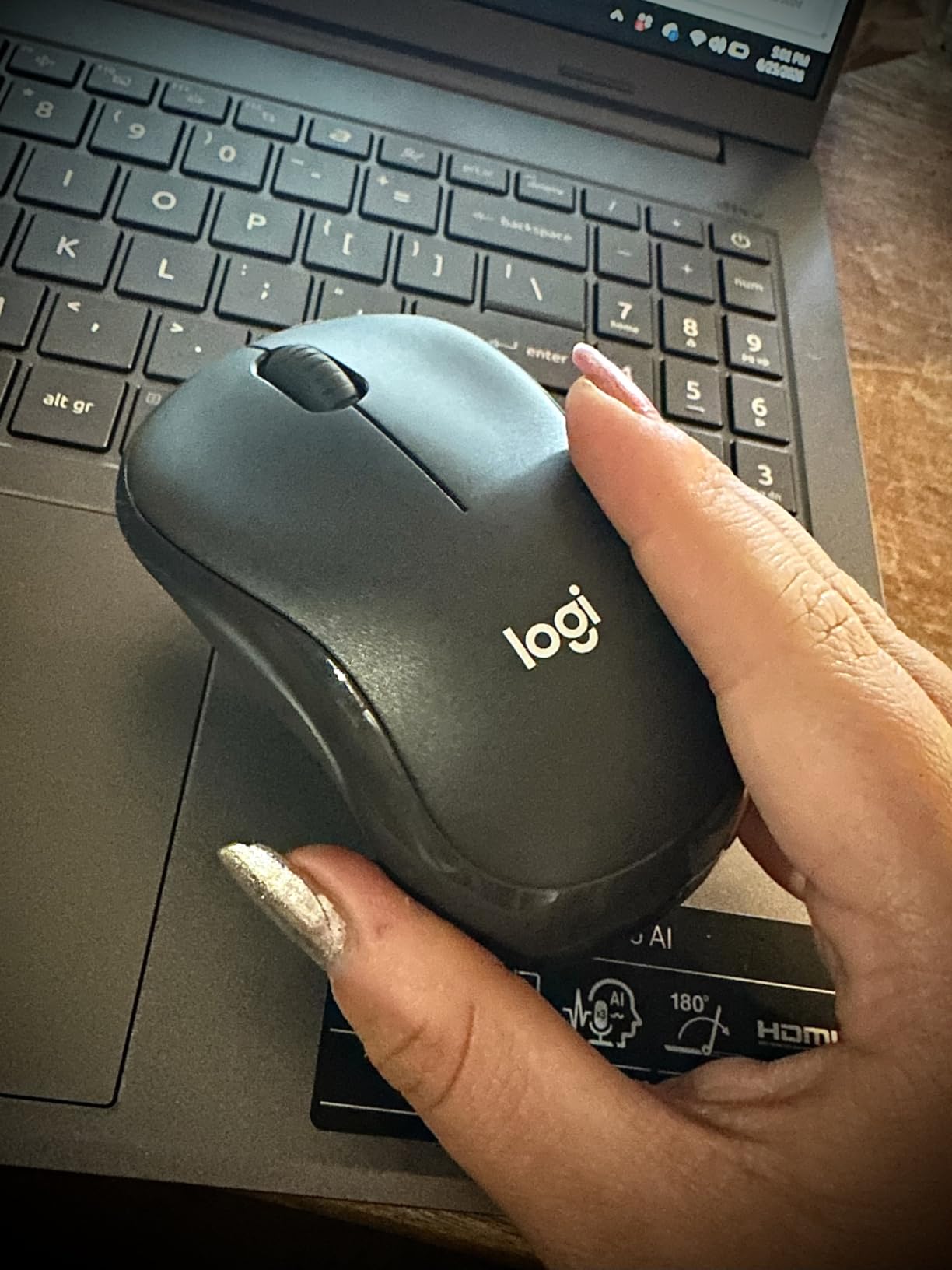
The Logitech M240 Silent is the number one bestseller in the entire Computer Mice category on Amazon, and after using it I understand why. It is not a vertical mouse, but its compact ergonomic shape and 90 percent noise reduction make it an outstanding choice for students who prioritize silence and portability over the vertical design.
I tested the silent clicking extensively in a library setting, and the difference is dramatic. The clicks produce about 10 percent of the sound of a normal mouse, which means you can work in the quietest study environments without disturbing anyone. The click feel remains satisfying despite the reduced noise.
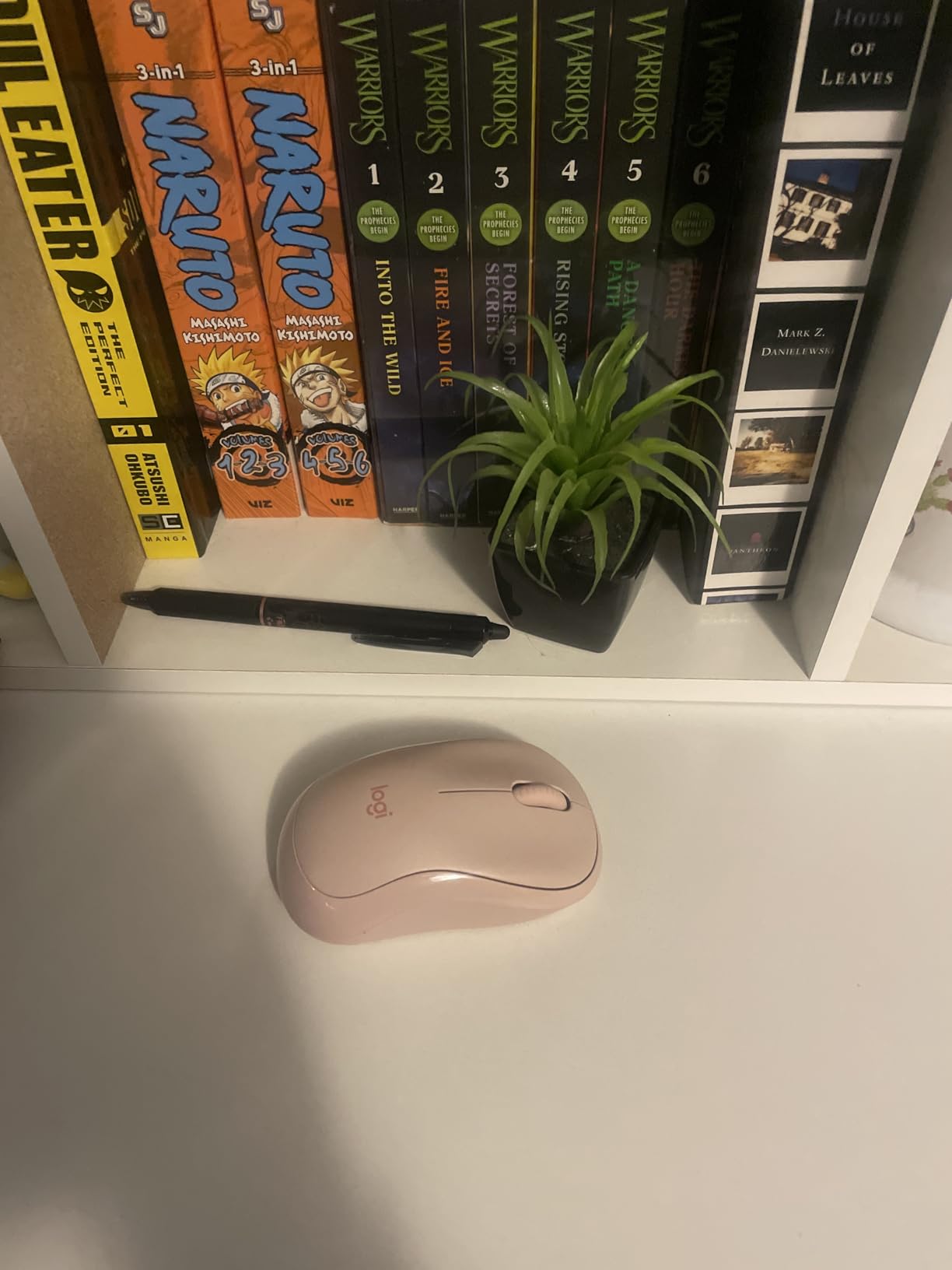
The Bluetooth-only connection means no USB receiver is needed, freeing up a port on your laptop. Pairing takes seconds, and the connection is rock-solid at up to 33 feet. I particularly liked using this mouse with my iPad, where it connected instantly and worked perfectly for navigation and scrolling.
The 18-month battery life on a single AAA battery is exceptional. The included battery means you can start using the mouse immediately. At just 73.8 grams, this is one of the lightest mice on this list and slips into any pocket or bag compartment.
Library and Quiet Study Performance
This is the mouse I would recommend to any student who primarily studies in libraries, quiet cafes, or shared study spaces. The silent operation is not a gimmick. It genuinely transforms your ability to work without being the person everyone glares at for clicking too loud.
The compact size works well for students with limited desk space. It fits comfortably on a small dorm desk, a cafe table, or even a tablet stand tray. The ambidextrous design means it works for both left-handed and right-handed students.
iPad and Tablet Integration
The M240 works seamlessly with iPadOS, which makes it a great companion for students who use an iPad as their primary computing device. The Bluetooth connection is instant, and the mouse pointer system in iPadOS works smoothly with this mouse. Scrolling through reading assignments and navigating between apps feels natural.
If you use your iPad with precise cursor control for digital art, the M240 provides enough accuracy for general navigation, though digital artists may want something with higher DPI. For note-taking, research, and general productivity, it is more than capable.
9. Logitech M196 Compact Bluetooth Mouse – Best Ultra-Budget Pick
Logitech M196 Compact Ambidextrous Bluetooth Wireless Mouse – Graphite
Compact
1000 DPI
Bluetooth only
12-month battery
Ambidextrous
Pros
- Lowest Logitech price point
- No dongle required Bluetooth only
- Ambidextrous for both hands
- 12-month battery with AA included
- Made with 67 percent recycled plastic
Cons
- Only 3 non-customizable buttons
- Lower 1000 DPI limits precision
- Click sound may be loud for some
- No advanced ergonomic features
The Logitech M196 is the most affordable Logitech mouse on this list, and it delivers the reliable quality you expect from the brand at a student-friendly price. This is the mouse I would buy if I needed something dependable for basic coursework without any frills.
Bluetooth-only connectivity means you do not need a USB receiver, which is perfect for modern laptops with limited ports. Pairing is simple and the connection stays stable. I used it across a MacBook, a Windows laptop, and an iPad without any issues.
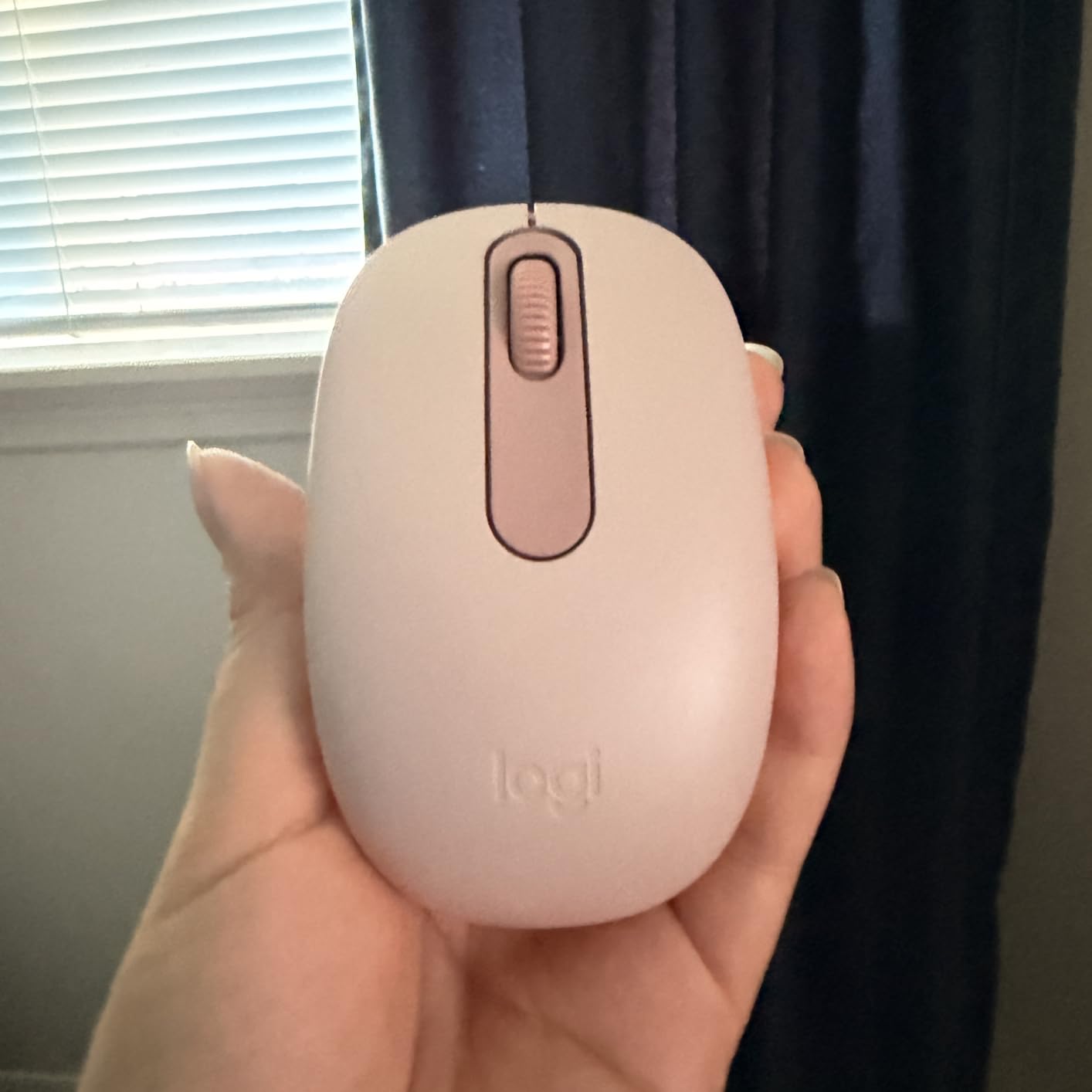
The ambidextrous design makes this mouse suitable for both left-handed and right-handed students. The contoured shape fits comfortably in either hand, though it does not offer the advanced ergonomic features of a vertical mouse. For students without existing wrist pain, this basic ergonomic shape is sufficient for daily use.
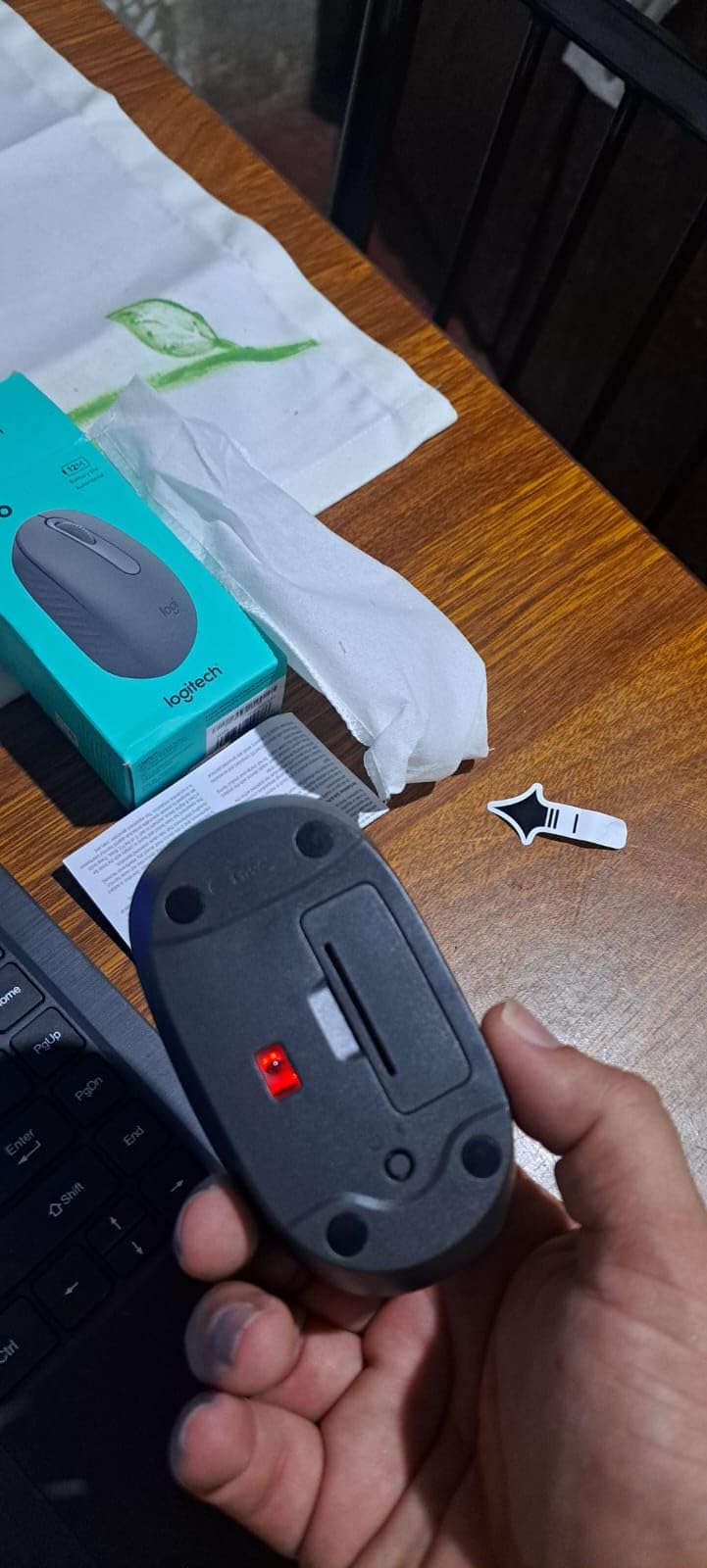
The 12-month battery life on a single AA battery (included) means you can essentially forget about power management. The auto sleep feature kicks in during periods of inactivity to conserve battery. The 1000 DPI sensitivity is adequate for writing papers, browsing, and general productivity.
Best Use Cases for Students
The M196 is ideal for students who need a reliable, no-fuss mouse for basic computing tasks. If you primarily write papers, browse the web, take online classes, and use productivity software, this mouse covers all those needs at an unbeatable price from a trusted brand.
It is also a great backup mouse to keep in your bag. The compact size and light weight mean you barely notice it is there. For students who already have a primary mouse but want a spare for the library or a study group session, the M196 is a smart choice.
Limitations and Trade-offs
The three non-customizable buttons limit what you can do with shortcuts. The 1000 DPI is fine for everyday tasks but may feel slow for students doing detailed design or data work. The click sound is not silent like the M240, which could be an issue in very quiet environments.
This mouse does not offer the advanced ergonomic benefits of a vertical design. If you already experience wrist pain or spend more than six hours a day using a mouse, consider investing in one of the vertical options higher on this list.
10. MEETION Ergonomic Vertical Mouse – Best Feature-Rich Budget Pick

MEETION Ergonomic Wireless Vertical Mouse, Rechargeable, Black
Vertical design
3200 DPI
RGB backlight
Dual Bluetooth
Rechargeable
Pros
- RGB lighting with color spectrum
- Dual Bluetooth and 2.4GHz connectivity
- Rechargeable battery no disposables needed
- 4 DPI settings up to 3200
- Left-handed version available
Cons
- Shorter battery life about 1 month with lights
- Smooth surface may be less grippy
- Some Bluetooth stability reports
- RGB colors cannot be customized
The MEETION Ergonomic Vertical Mouse stands out for packing premium features into a budget price. You get RGB lighting, dual Bluetooth connectivity, a rechargeable battery, and adjustable DPI up to 3200. This is the most feature-dense mouse on this list for the price.
I found the RGB backlighting to be a fun touch, though it is more about aesthetics than function. The lighting cycles through a spectrum of colors and cannot be customized, so you get what you get. For students who like a bit of personality in their desk setup, this is a nice bonus.
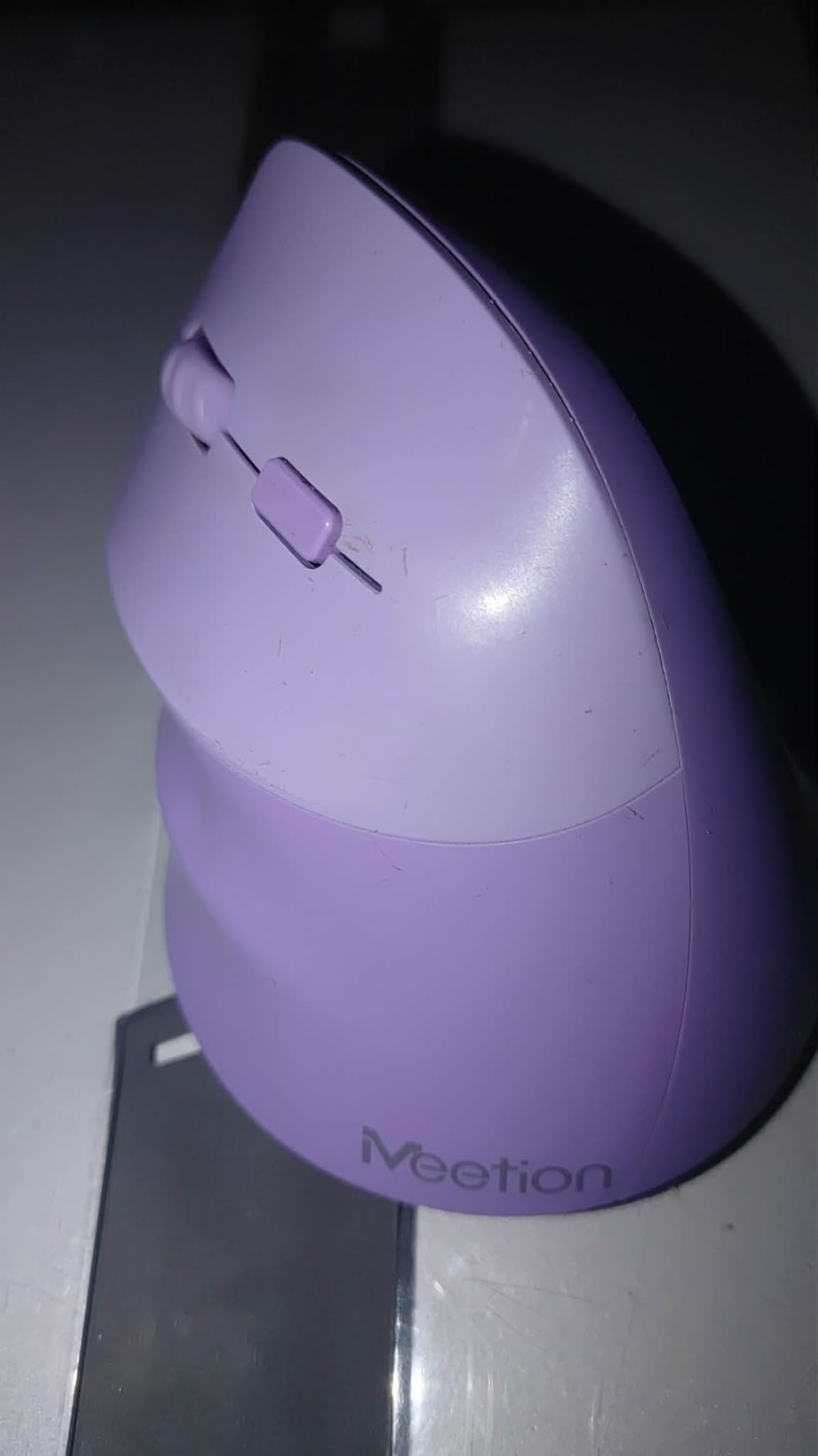
The vertical ergonomic design reduces wrist strain through the handshake position. The shape fits medium to large hands well, with forward and backward buttons positioned for easy thumb access. The smooth scrolling wheel is particularly good for long documents and research papers.
Battery life is the main trade-off. With RGB lighting on, you get about a month per charge. With lights off, it extends to about two months. The rechargeable battery means no disposable battery costs, which is good for both your wallet and the environment.
Connectivity Options for Multi-Device Students
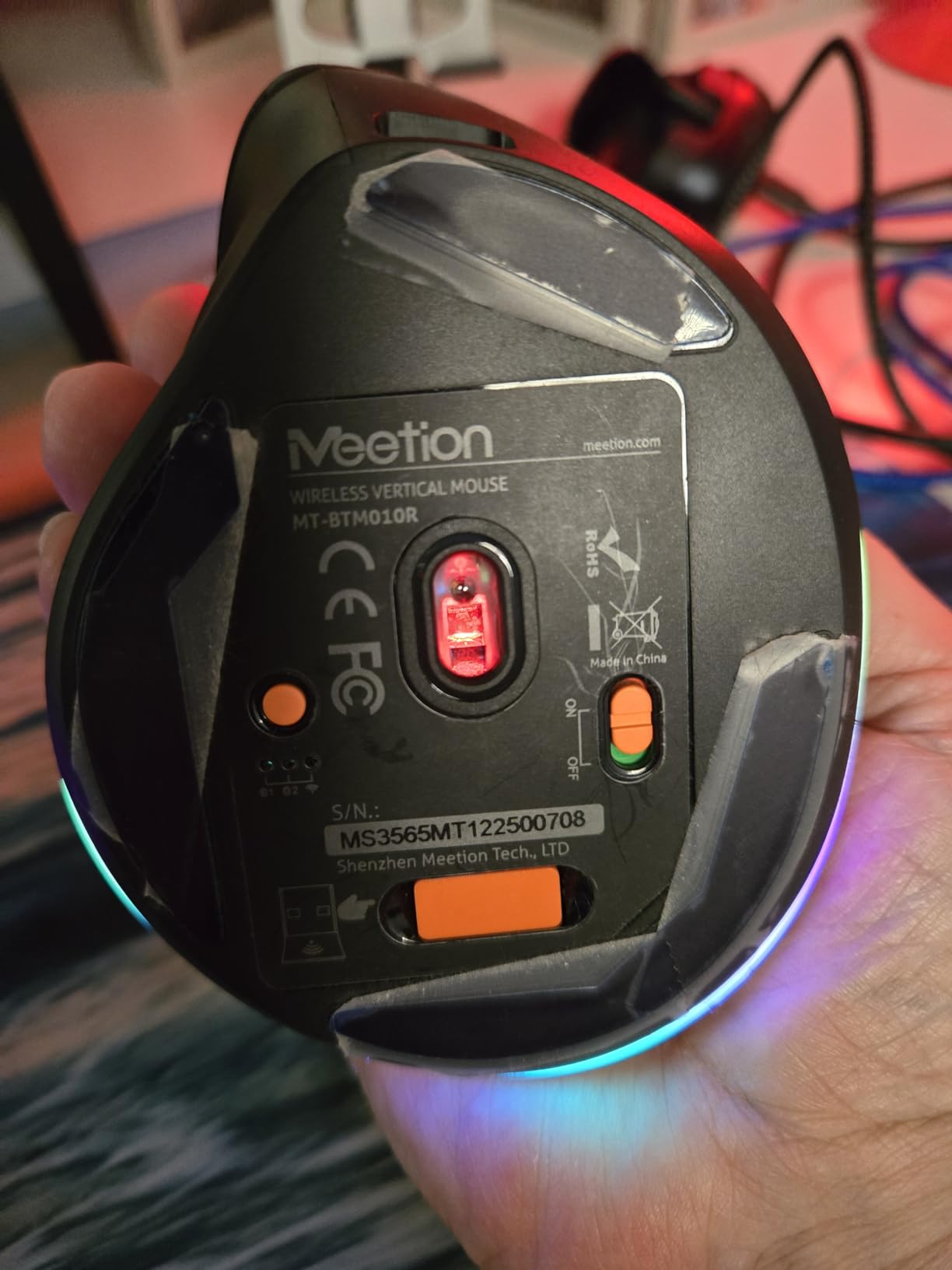
The dual Bluetooth (5.0 and 3.0) plus 2.4GHz connectivity gives you three ways to connect. I paired it with my laptop via Bluetooth 5.0, my iPad via Bluetooth 3.0, and used the USB receiver for a campus desktop. The switching between devices is smooth once everything is set up.
Some users report occasional Bluetooth stability issues, which I experienced once during my testing. A quick re-pairing solved it. If you need rock-solid reliability for exams or presentations, keeping the USB receiver connected as a backup is wise.
Left-Handed Option Availability
MEETION offers a left-handed version of this mouse, which is notable because most ergonomic vertical mice are right-handed only. If you are a left-handed student struggling to find an ergonomic option, this is worth considering. The left-handed version provides the same features in a mirrored design.
The smooth surface finish looks sleek but can feel less grippy than textured alternatives. If your hands tend to get sweaty during intense study sessions, you might want to test this mouse’s grip comfort before committing.
11. seenda Ergonomic Vertical Mouse – Best Rated Budget Vertical Mouse

seenda MOU-302 Wireless Bluetooth Ergonomic Vertical Mouse with Volume Knob
Vertical design
2400 DPI
3-device BT
Volume knob
USB-C rechargeable
Pros
- Highest rating on this list at 4.6 stars
- Built-in volume control knob
- 3-device multi-connection
- Silent clicking technology
- USB-C rechargeable with 500mAh battery
Cons
- Right-hand only design
- May require adjustment period
- Requires USB-C or battery charging
- Lower review count at 1544
The seenda Ergonomic Vertical Mouse has the highest customer rating on this entire list at 4.6 stars. That caught my attention immediately, and testing it showed why students love it. The combination of vertical ergonomics, multi-device connectivity, and a unique volume knob sets it apart.
The volume control knob is a feature I did not know I needed until I used it. Being able to adjust volume during online lectures without reaching for the keyboard or trackpad is genuinely convenient. For students who attend a lot of Zoom classes or watch lecture recordings, this is a practical feature.
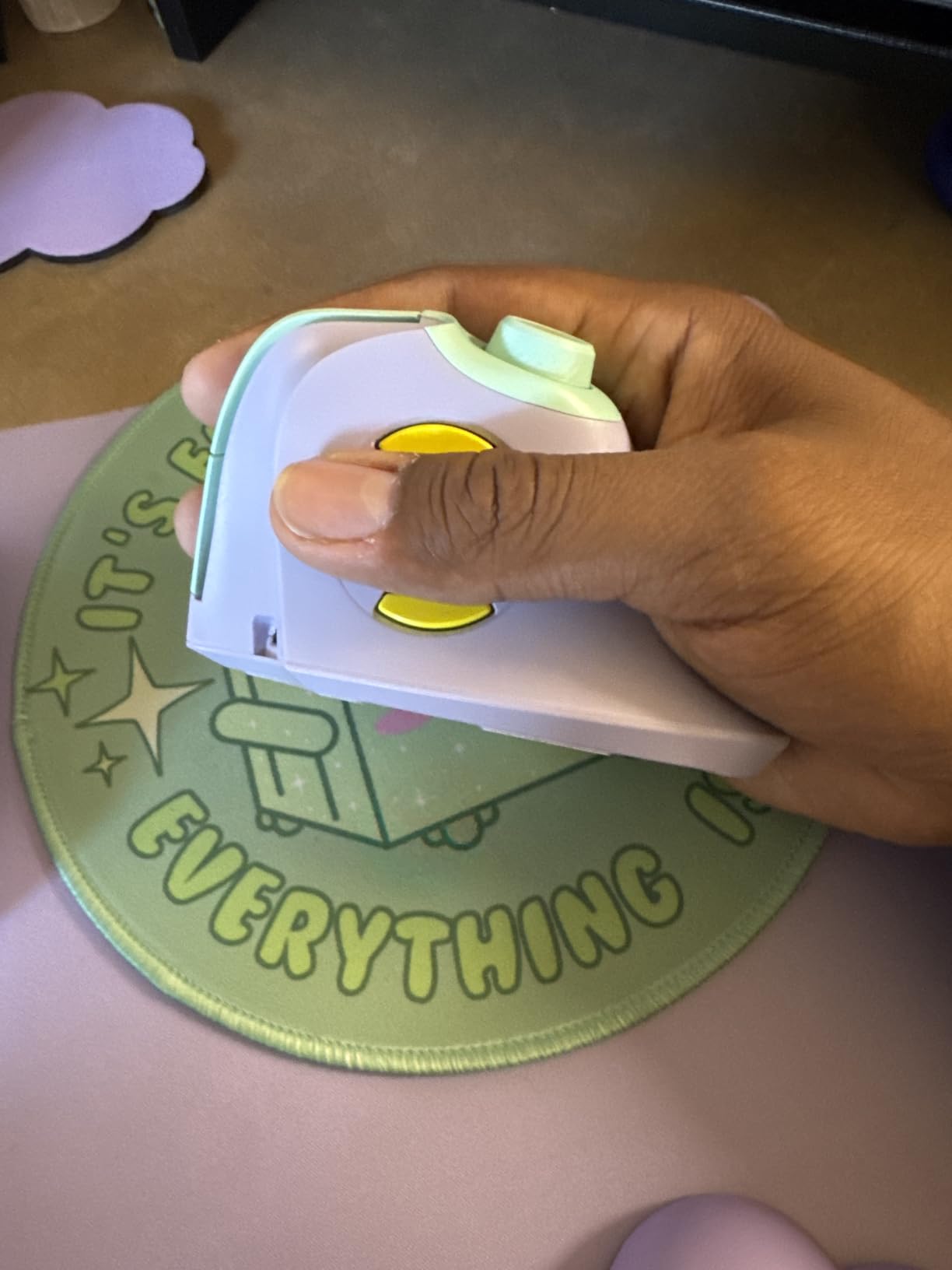
The three-device connectivity works via 2.4GHz USB and two Bluetooth channels. I connected it to my laptop, iPad, and a campus computer, switching between them easily. The silent clicking technology makes it appropriate for library and quiet study environments.
The USB-C rechargeable 500mAh battery lasts up to two months per charge, which is solid for a rechargeable mouse. The included USB-C cable means you can charge it from any modern phone charger or laptop port. The purple color option adds a bit of personality to your desk setup.

Volume Knob and Media Controls
The volume knob is positioned where your thumb naturally rests, making it easy to adjust without looking. During online classes, I could quickly lower the volume when someone started talking nearby or raise it for quiet lecture recordings. This small feature adds real productivity value for students.
The knob also works for scrolling in some applications, doubling as a horizontal scroll alternative. The three DPI levels (1000, 1600, and 2400) provide enough flexibility for writing, browsing, and detailed work.
Comfort and Ergonomic Design
The vertical handshake grip design reduces wrist and forearm strain effectively. The shape fits naturally in the hand with a slightly textured surface for grip. After the adjustment period of a few days, the mouse felt comfortable for extended study sessions.
The compact design (4.8 by 2.9 inches) fits well in a backpack and on small desk surfaces. Weighing about 170 grams, it is light enough for campus carry. The build quality feels solid despite the budget price point.
12. Amazon Basics Portable Wireless Mouse – Best Bare-Bones Budget Option

Amazon Basics Portable Wireless Computer Mouse, Ergonomic, 2.4 GHz Optical, DPI Adjustable, Easy to Use, Compatible With PC, Mac, Laptop, Black
Compact
3600 DPI
2.4GHz USB
5 DPI levels
Ambidextrous
Pros
- Lowest price on this list
- 5 adjustable DPI levels up to 3600
- Plug-and-play setup
- AES-128 encryption security
- 33-foot wireless range
Cons
- Feels lightweight and somewhat cheap
- High-pitched clicking sound
- May be small for larger hands
- Some durability concerns over time
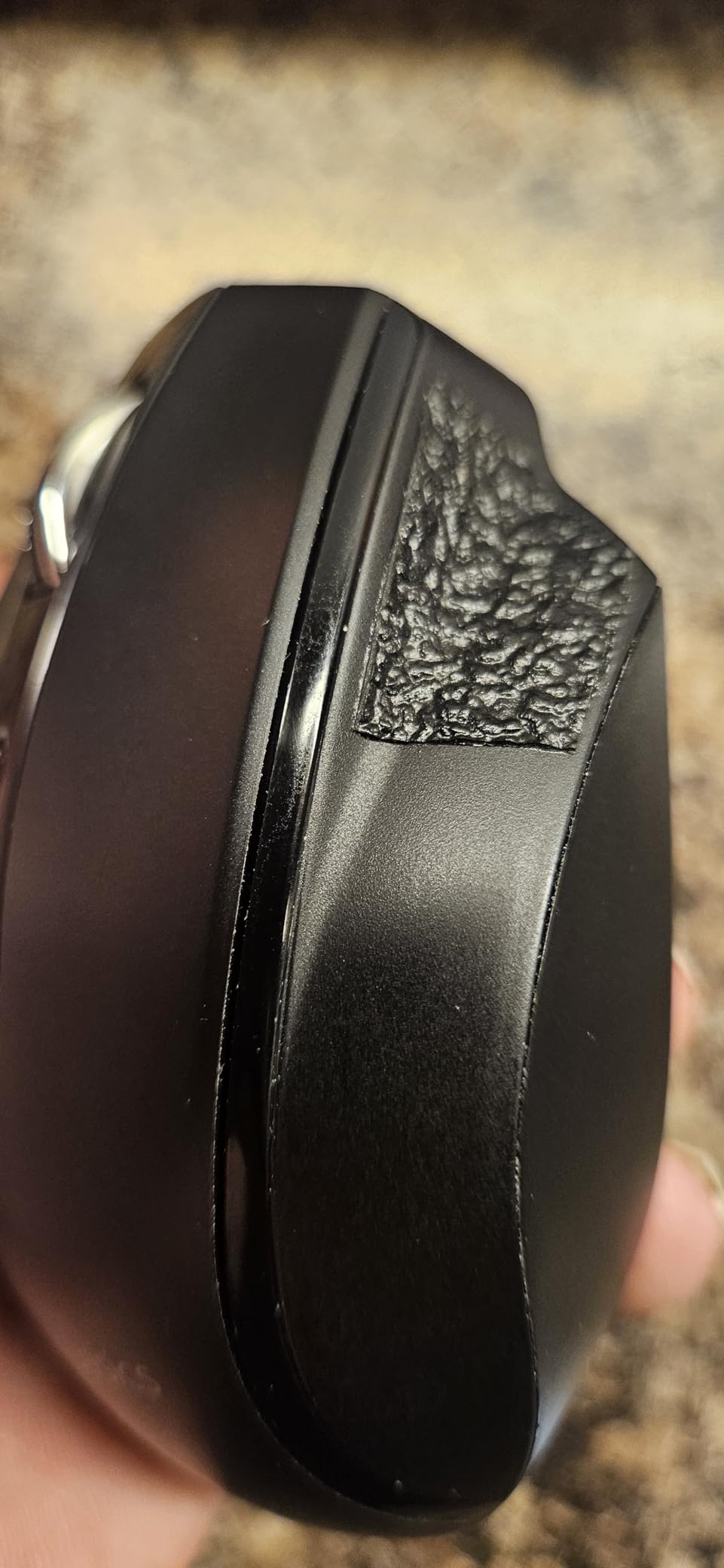
The Amazon Basics Portable Wireless Mouse is the most affordable option on this list and offers respectable features for the price. With nearly 30,000 reviews, it is one of the most purchased mice on Amazon. I tested it for basic coursework and found it serviceable for students who need a functional mouse on the tightest budget.
The five DPI levels (600, 1000, 1600, 2400, and 3600) give you more sensitivity options than many mice at triple the price. I found 1600 to be comfortable for everyday tasks, and the 600 setting useful for precise selection work. The plug-and-play USB receiver means no software installation is required.

The ergonomic compact shape fits small to medium hands well. The ambidextrous design works for both left and right-handed users. The AES-128 encryption on the wireless signal is a security feature that is unusual at this price point, which could matter for students working with sensitive data.
The 33-foot wireless range is excellent for the price and works well for classroom presentations. However, the build quality reflects the budget price. The plastic feels light and somewhat cheap, and the clicking sound is described by many users as high-pitched and noticeable in quiet environments.
Who Should Consider This Mouse
This mouse is for students who need something functional right now and have a very limited budget. It covers the basics: pointing, clicking, scrolling, and wireless connectivity. If you do not have specific ergonomic needs and just need a reliable daily mouse, this gets the job done.
It is also a practical backup mouse. At this price, keeping one in your bag as a spare is reasonable. If your primary mouse dies during finals week, having this as a backup could save your semester.
Durability and Long-Term Use
Some users report that the mouse can fail after 4 to 12 months of use. While many units last much longer, the consistency of these reports suggests that quality control varies. For the price, some risk of shorter lifespan is expected. The 2.4GHz connection is reliable within its range.
If you are a heavy daily user, investing a bit more in a mouse from Logitech or another established brand may provide better long-term value. But for light to moderate use or as a secondary mouse, the Amazon Basics option is adequate.
How to Choose the Best Ergonomic Mouse for Students
Choosing the right ergonomic mouse depends on your specific needs, hand size, budget, and study habits. Here is what our team learned from testing 12 models over several weeks of real student use.
Understand the Three Main Ergonomic Design Types
Vertical mice position your hand in a handshake position, reducing forearm twisting by up to 57 degrees compared to a flat mouse. This is the design used by the Logitech Lift, MX Vertical, Anker, ProtoArc, LEKVEY, TECKNET, UGREEN, MEETION, and seenda on this list. They are best for students who already experience wrist pain or want to prevent it.
Traditional ergonomic mice like the Logitech M240 and M196 use sculpted shapes that support the hand without changing the grip angle. These are less of an adjustment and better for students who want mild ergonomic benefits without the vertical learning curve. Trackball mice, which we did not include in this roundup, keep your hand stationary while you move the cursor with your thumb or fingers.
Match the Mouse to Your Hand Size
Hand size is one of the most overlooked factors in mouse selection. Measure your hand from the base of your palm to the tip of your middle finger. If your hand is under 7.5 inches, look for compact mice like the Logitech Lift, ProtoArc EM11 NL, or Logitech M240. For hands over 7.5 inches, the MX Vertical, LEKVEY, or UGREEN provide a better fit.
Using a mouse that is too small forces you to grip harder, which increases strain. A mouse that is too large can cause you to overreach for buttons. Getting the size right is just as important as choosing the ergonomic type.
Consider Your Grip Style
Most students use one of three grip styles. Palm grip means your entire hand rests on the mouse, which benefits from larger, contoured designs like the MX Vertical. Claw grip means your palm rests on the back while your fingers arch over the front, which works well with medium-sized mice. Fingertip grip means only your fingertips touch the mouse, which suits smaller, lighter options like the M196 or M240.
Vertical mice work with palm and hybrid grips but are less suited for pure fingertip grip. If you are a fingertip gripper, a compact ergonomic mouse like the M240 may feel more natural than a vertical design.
Connectivity and iPad Compatibility
Bluetooth connectivity matters more for students than for most other users. Many modern laptops have limited USB ports, and if you use an iPad or tablet for studying, Bluetooth is essential. All the Logitech models on this list support Bluetooth, as do the ProtoArc, TECKNET, UGREEN, MEETION, and seenda options.
If you plan to use your mouse with an iPad, verify iPadOS compatibility. Logitech mice have the best iPadOS support in our experience. For more on tablet workflows, check our comparison of cross-platform ergonomic mouse options across iPad and Chromebook devices.
Battery Life and Charging Preferences
Battery life varies enormously across these mice. The Logitech Lift leads with 24 months on a single battery, followed by the M240 at 18 months and the M196 at 12 months. These use disposable batteries, which means no charging but occasional battery replacement.
Rechargeable options like the MX Vertical, ProtoArc, LEKVEY, MEETION, and seenda need charging every few weeks to a few months. The LEKVEY leads rechargeables with 150 hours per charge. Consider whether you prefer the convenience of not charging (disposable battery) or the sustainability and long-term cost savings of rechargeable.
Budget Tiers for Students
For under $15, the Logitech M196 and Amazon Basics provide basic functionality. The UGREEN at this price is notable for including a vertical design. For $15 to $25, you get into quality budget territory with the Anker, ProtoArc, TECKNET, seenda, MEETION, and Logitech M240. For $25 to $35, the LEKVEY offers premium battery life and warranty.
Above $50, the Logitech Lift and MX Vertical deliver premium ergonomics, build quality, and features. For most students, the sweet spot is in the $15 to $30 range where you get genuine ergonomic benefits without a major financial investment.
Portability for Campus Life
If you carry your mouse in a backpack daily, weight and size matter. The Logitech M240 at 73.8 grams and the M196 at 75 grams are the lightest options. The Amazon Basics at 89 grams is also very portable. Vertical mice tend to be taller but most still fit in standard backpack pockets.
Durability is a concern for campus transport. Look for mice with solid construction and good warranties. The LEKVEY leads with a 36-month warranty, followed by the TECKNET and ProtoArc at 24 to 36 months. Logitech products have a proven track record of durability based on the high review counts and consistent ratings.
FAQs
Are ergonomic mice worth it for students?
Yes, ergonomic mice are worth it for students who spend three or more hours daily on a computer. They reduce wrist strain by positioning your hand in a more natural angle, which helps prevent repetitive strain injury and carpal tunnel syndrome. Even budget options under $20 can provide meaningful comfort improvements over a standard mouse or trackpad.
What is the best ergonomic mouse for wrist pain?
The Logitech Lift Vertical Ergonomic Mouse is the best option for wrist pain. Its 57-degree vertical angle puts your hand in a natural handshake position that significantly reduces forearm twisting and wrist pressure. The Logitech MX Vertical offers similar benefits with a larger body for bigger hands. Both are ergonomist-certified and backed by thousands of positive reviews from users who report pain reduction.
Can you use an ergonomic mouse with an iPad?
Yes, most Bluetooth-enabled ergonomic mice work with iPadOS. The Logitech Lift, MX Vertical, M240, and M196 all support iPadOS connectivity. Other Bluetooth options like the ProtoArc, TECKNET, UGREEN, MEETION, and seenda also pair with iPads. Mice that only use 2.4GHz USB receivers will not work with iPads unless you have a USB adapter.
How long does it take to adjust to a vertical mouse?
Most users adjust to a vertical mouse within 3 to 14 days. The first few days may feel awkward as your hand learns the new grip angle. By the end of the first week, cursor control typically becomes natural. Most manufacturers recommend giving yourself 1 to 2 weeks of regular use before deciding whether a vertical mouse is right for you.
What is the best budget ergonomic mouse for students?
The Anker 2.4G Wireless Vertical Ergonomic Mouse is the best budget option at around $20, offering a proven vertical design with over 53,000 reviews. For even less, the UGREEN Vertical Mouse at about $15 provides dual Bluetooth connectivity and a vertical grip. The Logitech M196 at about $12 is the cheapest reliable option, though it uses a traditional shape rather than a vertical design.
Final Thoughts on the Best Ergonomic Mouse for Students
Finding the best ergonomic mouse for students comes down to matching the mouse to your hand size, budget, and study setup. The Logitech Lift Vertical is our top pick for its balance of comfort, iPad compatibility, quiet operation, and two-year battery life. If you want premium build quality and multi-device workflow, the Logitech MX Vertical is worth the investment.
For budget-conscious students, the Anker Vertical delivers proven ergonomics at an unbeatable price, while the UGREEN and Logitech M196 offer solid functionality for even less. Whatever you choose, the investment in comfort pays off every time you sit down for a study session. For more on creating a healthy study environment, see our guide on comfortable mice for long study sessions and our recommendations for ergonomic study accessories.
Your wrists carry you through every paper, project, and exam. Treat them well with a mouse designed for comfort, and your future self will thank you.