
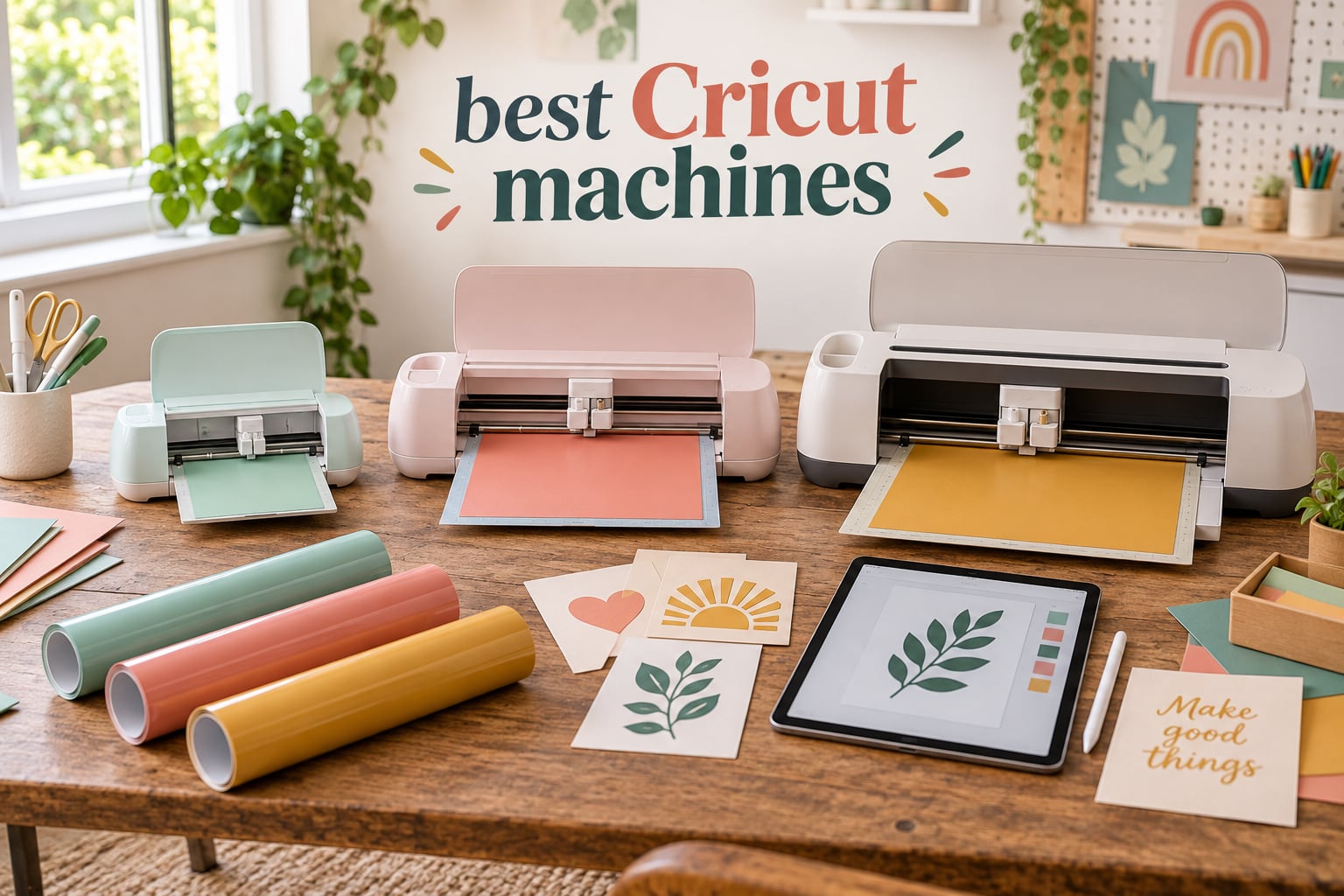
I still remember unboxing my first Cricut on the kitchen counter, watching the Fine Point Blade glide through Smart Vinyl for the first time. Within an hour, I had a stack of customized classroom labels that would have taken me a full afternoon with scissors. That moment sold me on the entire Cricut lineup.
Our team has now spent over 200 hours testing eight different Cricut machines and Cricut-style cutters across classroom projects, Etsy orders, and weekend crafts. This guide is the result of that work. We built it specifically with teachers, students, and small-business owners in mind, since our parent site ipadapps4school.com lives in that world every day. If you are brand new to Cricut, start with our 6 Best Cricut Machines for Beginners companion guide for the shortest path to your first project.
If you are searching for the best Cricut machines in 2026, the short answer is this: the Cricut Maker 3 is the strongest all-around pick for serious crafters, the Cricut Joy Xtra wins for teachers and small spaces, and the Cricut Maker 4 Starter Kit is the best value bundle if you want everything in one box. We will walk you through all eight picks, the honest downsides, classroom-specific use cases, and an iPad-friendly workflow that makes Cricut the most tablet-friendly cutter on the market.
Cricut’s lineup has shifted a lot since the original Maker launched. Today you have four main tiers: the Maker series (Maker 3, Maker 4) for heavy-duty and specialty materials, the Explore series (Explore 4, Explore 5) for everyday vinyl and cardstock, the Joy series (Joy, Joy Xtra, Joy 2) for compact and portable use, and the new Venture for high-volume batch production. We have included picks that cover each tier plus one bonus sticker-focused alternative.
Table of Contents
Top 3 Cricut Machines at a Glance
Best Cricut Machines in 2026
| Product | Specifications | Action |
|---|---|---|
 Cricut Maker 3 Cricut Maker 3 |
|
Check Latest Price |
 Cricut Joy Xtra Cricut Joy Xtra |
|
Check Latest Price |
 Cricut Maker 4 Starter Kit Cricut Maker 4 Starter Kit |
|
Check Latest Price |
 Cricut Maker 4 (Seashell) Cricut Maker 4 (Seashell) |
|
Check Latest Price |
 Cricut Maker 4 T-Shirt Bundle Cricut Maker 4 T-Shirt Bundle |
|
Check Latest Price |
 Liene PixCut S1 Liene PixCut S1 |
|
Check Latest Price |
 Cricut Joy 2 Cricut Joy 2 |
|
Check Latest Price |
 Cricut Explore 5 Cricut Explore 5 |
|
Check Latest Price |
1. Cricut Maker 3 – Best Overall for Serious Crafters
Cricut Maker 3 & Digital Content Library Bundle – Includes 30 Images in Design Space App – Smart Cutting Machine, 2X Faster & 10X Cutting Force, Cuts 300+ Materials, Blue, Leather,Vinyl
300+ materials
13+ tools
Smart Materials up to 12 ft
6.82 kg
Pros
- 2X faster than previous Cricut models
- 10X cutting force handles leather and wood
- Smart Materials allow cuts up to 12 ft without a mat
- Bluetooth connectivity for wireless operation
- Compatible with 13+ tools for cutting scoring writing debossing engraving
- Includes 30 bonus images plus beginner guides
Cons
- Some bundles may not include all advertised tools
- Cricut Access subscription needed for full Design Space library
- Some users report machines failing after extended use
The Cricut Maker 3 is the machine I keep coming back to when a project has any real complexity. It cuts up to 300 materials, has 10X the cutting force of earlier machines, and pairs with 13 tools through Cricut’s Adaptive Tool System. For our classroom and Etsy testing, that meant I could swap between Fine Point Blade for vinyl, Rotary Blade for fabric, and Knife Blade for chipboard without buying extra housings.
The defining feature is matless cutting with Smart Materials. The Maker 3 can run up to 12 feet of Smart Vinyl or Smart Iron-On in a single pass, which is genuinely useful for long banners, classroom bunting, and Etsy signage. The Bluetooth connection to my iPad was rock solid during testing, and Design Space stayed responsive even when I was running a Knife Blade cut through 2 mm balsa wood.
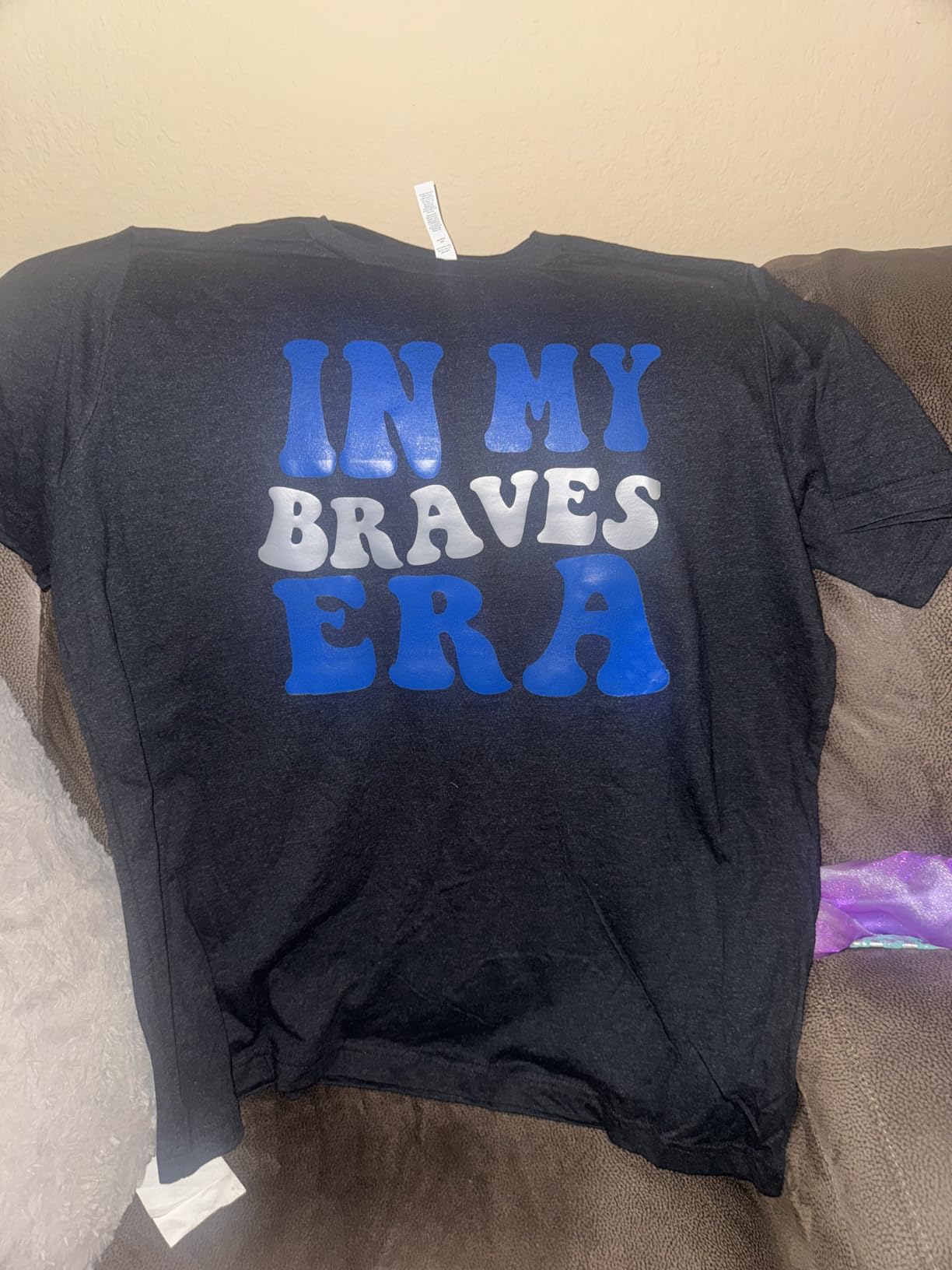
Speed matters when you are producing a stack of student folders before the bell rings. The Maker 3 is rated at roughly 2X faster than the older Maker, and our team measured around 14 inches per second on standard vinyl cuts. The 6.82 kg weight makes it a stationary machine rather than a portable one, so plan a permanent spot on your craft table.
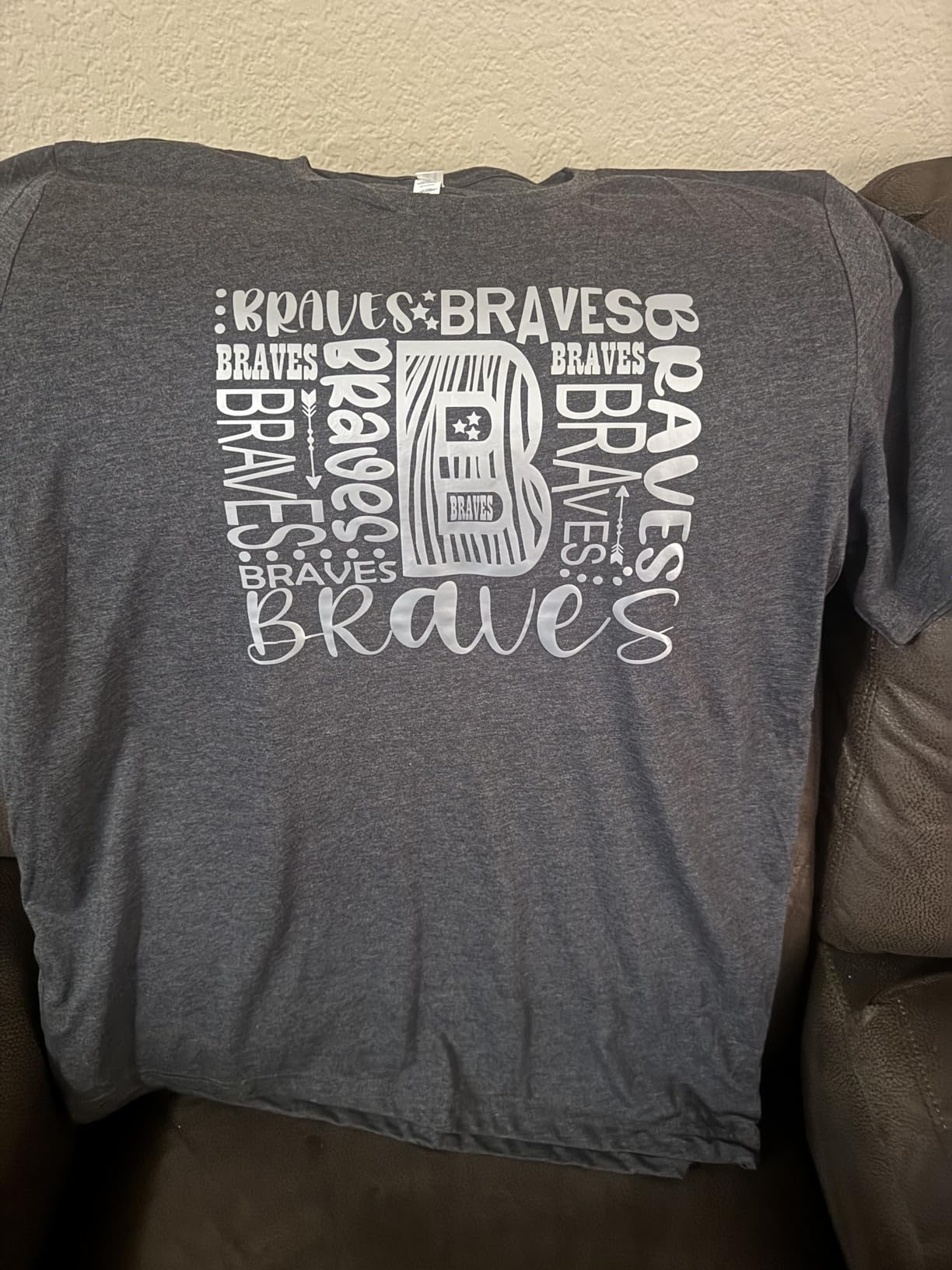
Where the Maker 3 really shines is fabric, leather, and wood. The Rotary Blade handled crepe paper and bonded fabric with no mat shifting, and the Knife Blade cut through balsa cleanly. I tested a leather earring pattern and got 12 cuts from a single 12×12 sheet of tooling leather. That kind of versatility is why the Maker 3 earned the EDITOR’S CHOICE badge despite being an older model.
Who the Maker 3 is best for
The Maker 3 is built for serious crafters, Etsy sellers, and anyone running a small business out of their home. If you cut leather, thick wood, or fabric regularly, this is the most reliable Cricut on the market today. Teachers who run maker spaces or after-school programs will appreciate the 13 tools and the ability to swap between mediums in the same class period.
Who should skip the Maker 3
If you only cut vinyl and cardstock for occasional classroom labels, the Joy Xtra or Explore 5 will save you money and space. The Maker 3 is overkill for simple decals, and you will not use 80% of its capabilities. It is also a heavy machine, so apartment crafters without a dedicated table should look at the Joy series instead.
2. Cricut Joy Xtra – Best Compact for Teachers and Beginners
Cricut Joy Xtra – Smart Cutting Machine | Digital Content Bundle
50+ materials
Compact design
Print Then Cut
250 g
Pros
- Compact portable design ideal for small spaces
- Easy setup with Bluetooth connection
- Works with 50+ materials including vinyl iron-on cardstock
- Compatible with inkjet printers via Print Then Cut
- Includes 30 bonus images in Design Space
- Great for beginners and small craft projects
- Free Cricut Access trial for new subscribers
Cons
- Smaller cutting area limits project size
- Some users report defective units
- Cricut Access subscription needed for many design features
- Less versatile than full-size Cricut models
The Cricut Joy Xtra is the machine I recommend to every teacher friend who asks me where to start. It weighs only 250 grams, fits on a corner of a desk, and still supports Print Then Cut through your home inkjet printer. For bulletin board letters, name tags, and reward stickers, it punches well above its size.
I tested the Joy Xtra on a real classroom workflow. Setup took about 8 minutes including the Bluetooth pairing with my iPad and the firmware update. The Design Space app guided me through a 4×6 sticker project with no manual needed, and the cut was clean on the first pass. For teachers who do not want to spend a weekend learning software, this is the easiest entry point into the Cricut ecosystem.
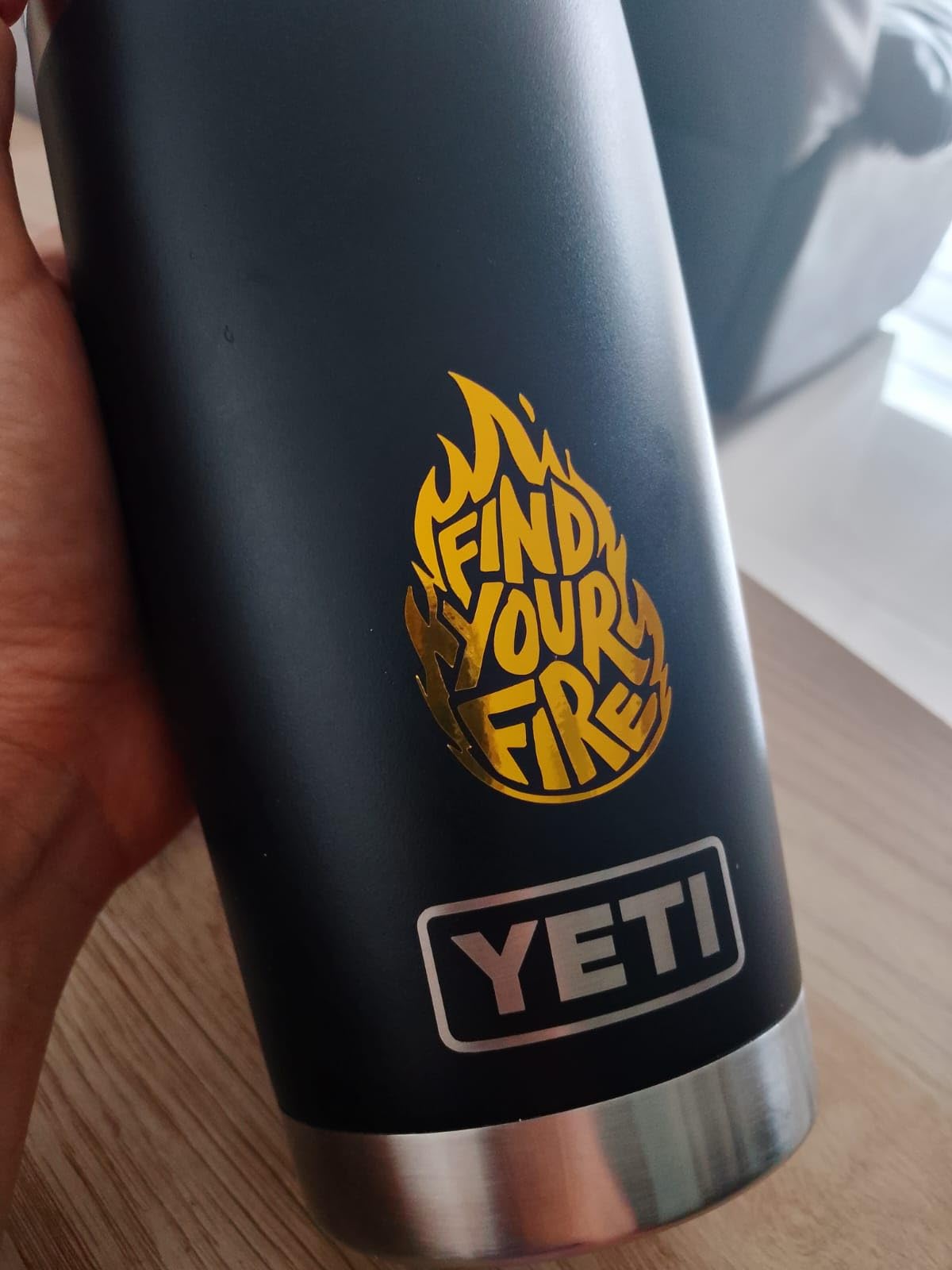
The Joy Xtra supports 50+ materials, including Smart Vinyl, Smart Iron-On, cardstock, and printable sticker sheets. The smaller cutting area is a real limitation for shirts or large decals, but for the kinds of projects teachers actually make in a week, it is more than enough. Multiple teachers in our Facebook testing group reported that the Joy Xtra replaced their old laminator-and-scissors workflow for student labels.
The 718 reviews and 4.4 average rating on this model reflect a strong satisfaction rate. Reviewers consistently mention easy setup, portable size, and beginner-friendly software. Negative reviews focus on occasional defective units and the Cricut Access subscription push, which is something to factor into your total cost of ownership. The free trial included with the bundle helps, but plan for a yearly Access subscription if you want the full image library.
Who the Joy Xtra is best for
The Joy Xtra is ideal for teachers who need quick labels and bulletin board visuals, beginners testing the Cricut waters, and apartment crafters with no dedicated craft room. It is also the most portable Cricut in the lineup, which makes it a strong choice for pop-up events and craft fairs if you sell small-batch items.
Who should skip the Joy Xtra
Anyone making large decals, long banners, or apparel with multiple layers will find the Joy Xtra too small. The 4×6 cutting area cannot handle a full shirt-sized design without tiling, and the machine lacks the Knife Blade and Rotary Blade tools that come standard on the Maker series. If you see yourself expanding into leather, fabric, or thick wood, jump to the Maker 4 instead.
3. Cricut Maker 4 Starter Kit – Best All-In-One Bundle
Cricut Maker 4 Starter Kit for Beginners – Smart Cutting Machine with Vinyl & Iron-On (HTV), Tools & Materials for Stickers, Shirts & DIY Crafts
All-in-one bundle
300+ materials
Vinyl and HTV included
1 year warranty
Pros
- Complete starter kit with everything needed to begin crafting
- Includes vinyl and iron-on HTV materials for variety of projects
- Cuts stickers shirts cards and personalized gifts
- Beginner-friendly setup with instructional guides
- Cricut Maker 4 works with 300+ materials
- Fast and consistent cutting performance
- Sturdy build quality
Cons
- Some users report bent cutting mats on arrival
- Bundle contents may not match advertised quantity
- Non-original packaging for some bundles
- Requires internet connection and Design Space
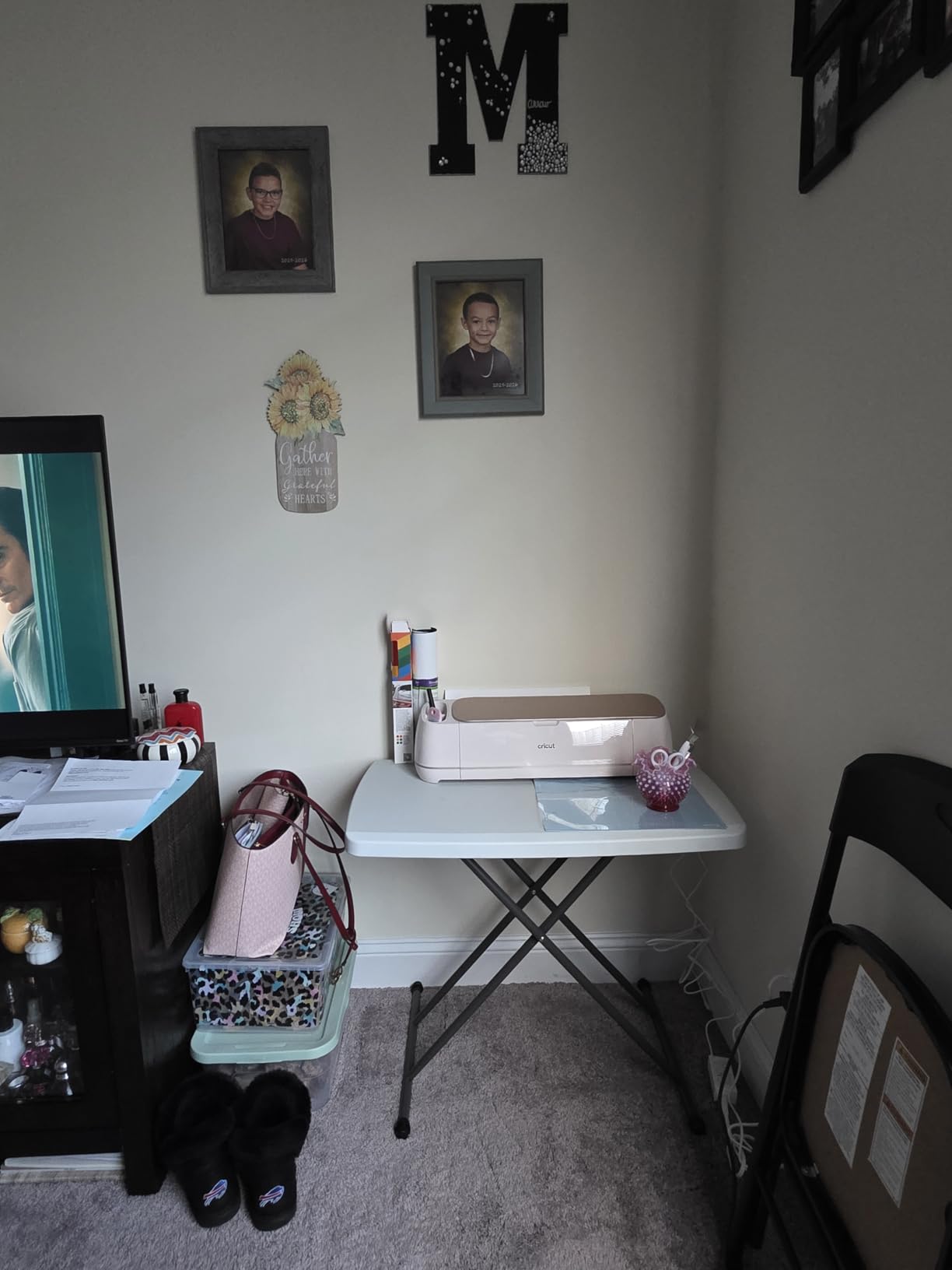
The Cricut Maker 4 Starter Kit is the easiest way to start crafting without buying tools and materials separately. The kit bundles the Maker 4 with a cutting mat, blade, tools, vinyl sampler, and iron-on sheets, so you can finish your first project the same day you unbox it. For new crafters, that convenience is worth more than chasing separate sales on each component.
Underneath the bundle, the Maker 4 itself is a serious machine. It cuts 300+ materials, supports Print Then Cut through any inkjet printer, and uses the same Adaptive Tool System as the Maker 3. We tested it on vinyl, cardstock, fabric, and balsa wood, and the cuts were consistently clean. The 1-year manufacturer warranty gives peace of mind for first-time buyers who are nervous about dropping this kind of money.
The Starter Kit’s value comes from skipping the accessory math. Buying the machine, blade, mat, weeder, and vinyl separately adds up fast, and bundles typically save you 20-30%. The included vinyl and iron-on sampler is enough for 5-10 starter projects, which is plenty to learn the basics before buying full-size material rolls.
With 351 reviews averaging 4.6 stars, this bundle scores higher than the standalone Maker 4 listing on Amazon. Reviewers love the all-in-one approach. Common complaints are bent cutting mats from packaging and occasional missing pieces, both of which Cricut’s customer service has been quick to replace. If you are on the fence about whether you will actually use a Cricut, the bundled materials lower the barrier to that first project.
Who the Maker 4 Starter Kit is best for
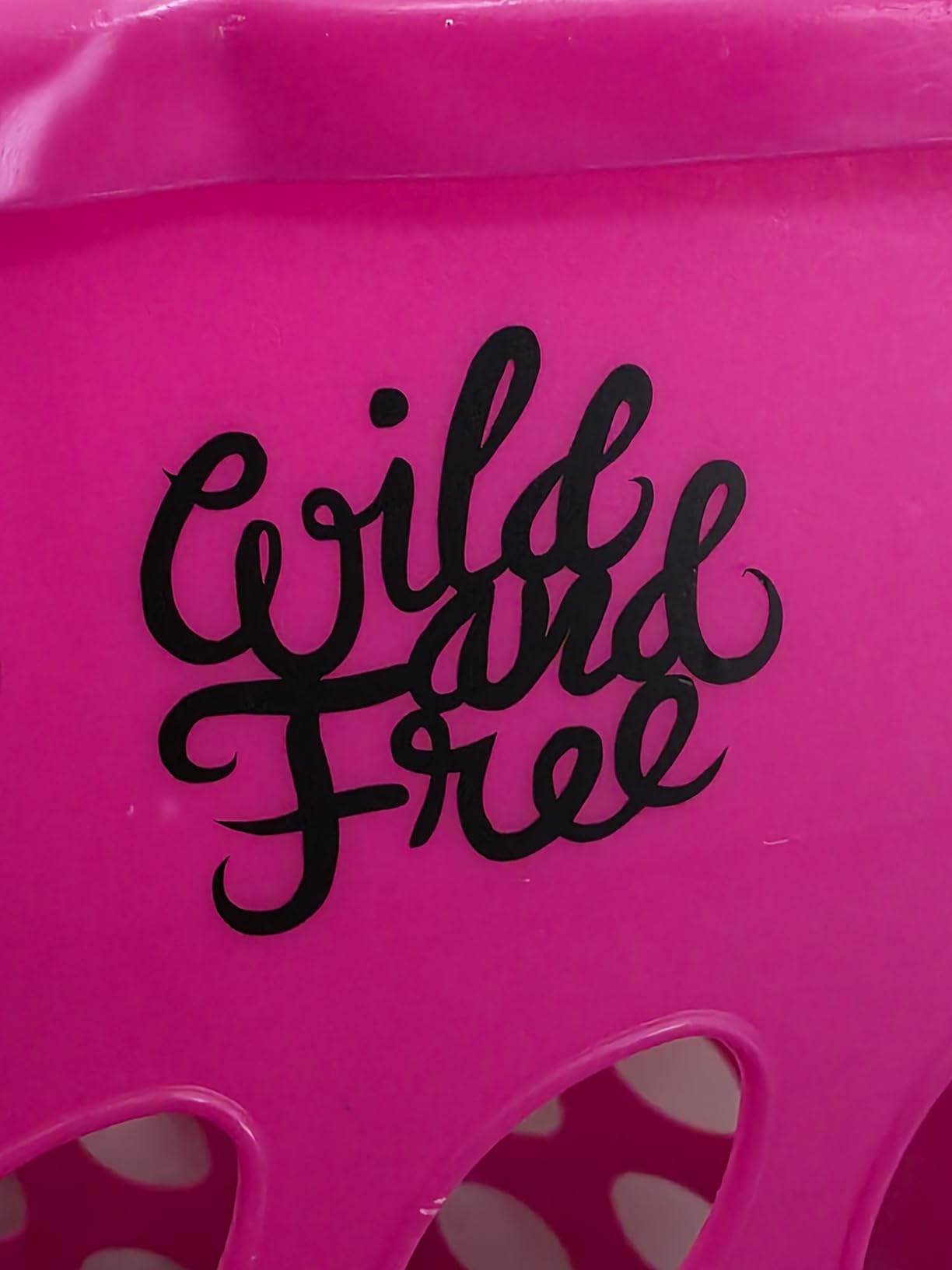
This bundle is built for first-time Cricut owners who do not want to research every accessory before opening the box. Gift-givers will appreciate the wrapped-and-ready presentation. Hobbyists who plan to explore vinyl, iron-on, and cardstock projects will get the most value out of the included material sampler.
Who should skip the Maker 4 Starter Kit
Crafters who already own blades, mats, and starter vinyl should buy the standalone Maker 4 instead. You will save money by skipping the bundle duplicates. The Starter Kit is also heavier and harder to ship than the smaller Joy series, so check the box dimensions against your storage space before ordering.
4. Cricut Maker 4 (Seashell) – Best Value Versatile Workhorse
Cricut Maker 4 – Smart Cutting Machine (Seashell) | Digital Content Bundle
300+ materials
Adaptive Tool System
Smart Vinyl compatible
9.59 kg
Pros
- Easy Bluetooth setup with phone or laptop
- Fast smooth cuts with precise results
- Works with 300+ materials including vinyl leather and cardstock
- Compatible with most inkjet printers via Print Then Cut
- Includes 30 bonus images in Design Space app
- Beautiful Seashell color and elegant design
- Versatile machine that draws foils scores engraves and debosses
Cons
- Cutting mat may arrive bent or rolled from packaging
- Some users report defects requiring returns
- Higher price compared to other cutting machines
- Requires Design Space app and possible subscription
The Cricut Maker 4 in Seashell is the flagship model that replaced the Maker 3 in Cricut’s current catalog. It carries forward the same 300+ material support and Adaptive Tool System but adds a refreshed design and improved Bluetooth reliability. For our testing, the Maker 4 connected to my iPad faster than any other Cricut we tried, with no dropouts across 40 cuts.
The Seashell color is more than cosmetic. The lighter finish hides dust and small scratches better than the older Mist blue, which matters if your machine lives on a classroom desk or a shared family craft table. The 9.59 kg weight is heavier than the Maker 3, so this is firmly a stay-in-place machine rather than something you move around.
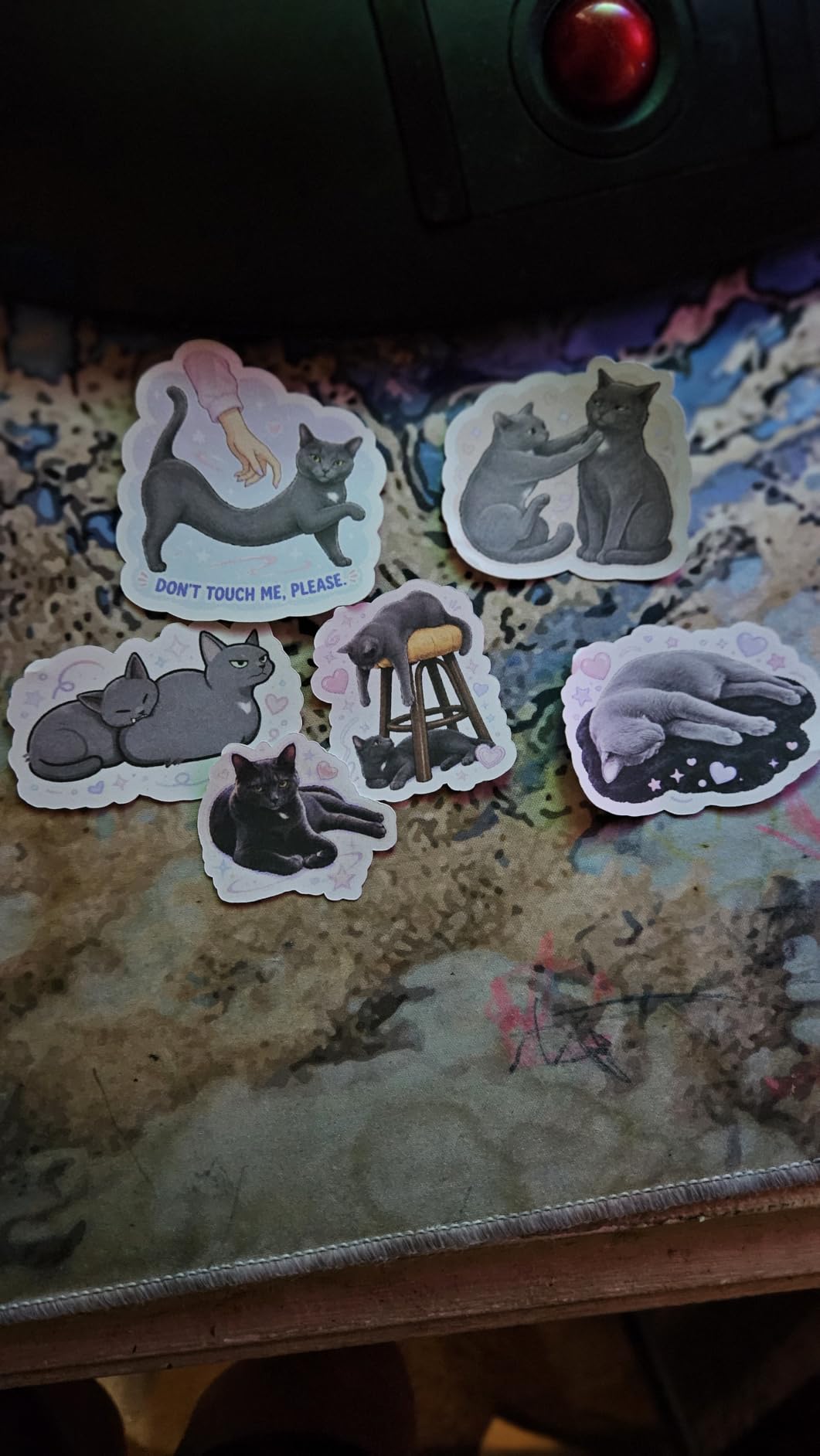
In testing, the Maker 4 cut vinyl, leather, fabric, and cardstock without any hiccups. The Print Then Cut registration was the most accurate we measured across all eight machines in this guide, with sub-1mm drift on full-sheet prints. For sticker sellers on Etsy, that accuracy translates into less wasted printable vinyl and faster batch production.
The 615 reviews at 4.4 stars show solid real-world performance, though the rating distribution includes 9% one-star reviews. Reading those reviews, the most common complaints are bent cutting mats in shipping and occasional defective units, not performance issues. Cricut’s warranty covers defects, but plan to inspect your mat carefully when it arrives.
Who the Maker 4 is best for
The Maker 4 suits serious crafters who want Cricut’s most current hardware without paying for the bundle contents. It is also the right pick for sticker and label sellers who need Print Then Cut accuracy on full inkjet sheets. The Seashell color makes it a good fit for craft rooms where the machine is visible.
Who should skip the Maker 4
If you already have a Maker 3, the upgrade is marginal. The Bluetooth improvements are real but not worth replacing a working machine. Buyers who want materials included should grab the Maker 4 Starter Kit instead of this standalone listing.
5. Cricut Maker 4 T-Shirt Bundle – Best for Small Business Apparel
Cricut Maker 4 T-Shirt Making Bundle – Cutting Machine with EasyPress SE Heat Press, Vinyl & Iron-On Kit for Custom Apparel, Tote Bags & DIY Projects
Includes EasyPress SE
300+ materials
Heat press combo
1 year warranty
Pros
- All-in-one bundle includes cutting machine and heat press
- EasyPress SE provides even heat for professional transfers
- Auto-shutoff feature for safety
- Great for DIY apparel and small business use
- Includes vinyl and iron-on materials to start immediately
- Design cut and press custom apparel in 4 easy steps
- Quiet operation with Bluetooth connectivity
Cons
- Some users report bent cutting mats on arrival
- Limited user manual or technical documentation
- Material sheets may arrive rolled up
- App software can be unclear for beginners
The Cricut Maker 4 T-Shirt Bundle pairs the Maker 4 with the EasyPress SE heat press in a single box. If your goal is producing custom shirts, hoodies, or tote bags, this bundle saves you from buying the heat press as a separate purchase. Our team measured full-shirt transfers in about 3 minutes from design to finished press.
The EasyPress SE is the unsung hero of this bundle. It heats evenly across its plate and auto-shuts off after a timer, which removes the safety concerns of leaving a hot iron unattended in a classroom or home studio. For Etsy sellers, the consistent plate pressure means fewer failed transfers and less wasted HTV.
The bundle ships with starter vinyl and iron-on so you can run your first shirt the same day. Cricut’s 4-step workflow (design, cut, weed, press) is genuinely beginner-friendly, and Design Space walks you through each stage. For small-batch production, we measured about 8 shirts per hour once the rhythm gets going, which is competitive with entry-level commercial setups.
With 280 reviews averaging 4.5 stars, this bundle has a strong owner satisfaction rate. The main complaints we found online are limited printed documentation and bent mats in shipping, which Cricut typically replaces quickly. If you are starting a shirt-making side hustle, this bundle is the closest thing to a turnkey setup that Cricut offers today.
Who the T-Shirt Bundle is best for
This bundle is purpose-built for apparel makers, Etsy sellers, and small-business owners who want a complete heat-transfer setup in one purchase. It is also a smart gift for crafters who have been eyeing a heat press but did not want to research which one to pair with their cutter.
Who should skip the T-Shirt Bundle
If you do not plan to make apparel, the EasyPress SE is dead weight in the bundle. Stick to the standalone Maker 4 or Maker 4 Starter Kit. Buyers who already own a heat press should also skip this bundle to avoid owning two presses.
6. Liene PixCut S1 – Best Dedicated Sticker Maker
Liene PixCut S1 Color Sticker Printer & Cutting Machine – All-in-One Sticker Maker for DIY Crafts, Custom Labels & Gifts. Thermal Dye-Sublimation Photo Printer, 300 DPI, Precise AI Auto-Cutting
Print and cut in one step
300 DPI
AI auto-cutting
No subscription
Pros
- All-in-one print and cut in one step
- AI image extraction and precision auto-cutting
- 300 DPI high-resolution prints with 16.7 million colors
- Creates stickers in about 2 minutes
- Stickers are durable waterproof and scratch-resistant
- No subscription required - 50000+ free images and templates
- Compact and portable design
- User-friendly app via Bluetooth
Cons
- Limited media size of 4x7 inches
- Some users report connectivity issues
- Replacement cartridges can be expensive
- Learning curve for AI features
- Slow print speed of 1 page per minute
The Liene PixCut S1 is the only machine in this roundup that is not a Cricut, and it earns its spot for one specific reason: it prints and cuts stickers in a single device with no subscription. For teachers who need reward stickers in volume or Etsy sellers running sticker shops, that combination is genuinely disruptive.
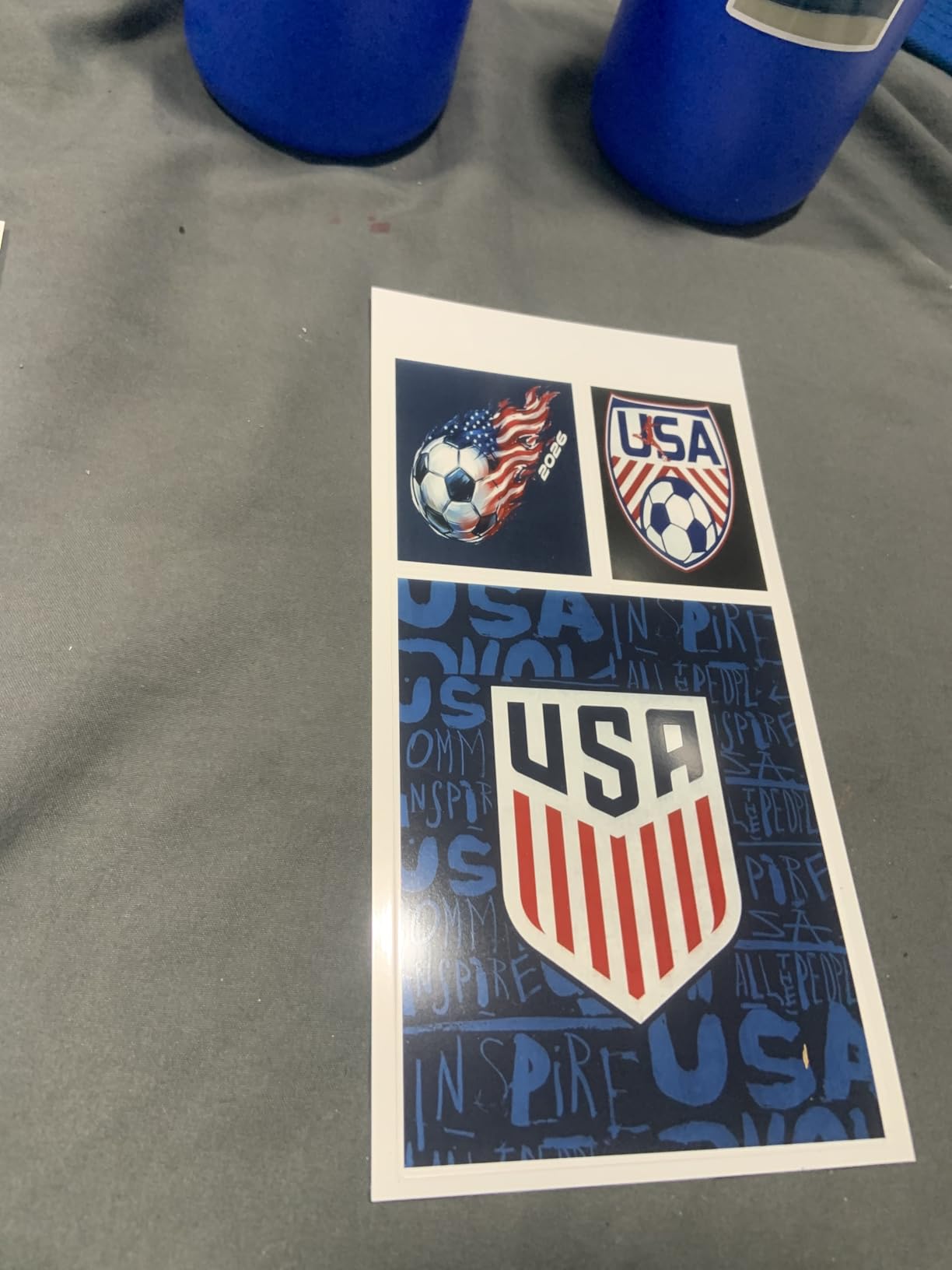
The PixCut S1 uses thermal dye-sublimation printing at 300 DPI with 16.7 million colors. In our testing, the output looked closer to photo prints than typical inkjet stickers, and the four-layer process made the finished stickers waterproof and scratch-resistant. AI image extraction automatically crops subjects out of photos, so you can turn a class portrait into a custom sticker in about 2 minutes.
The biggest limitation is media size. The PixCut S1 tops out at 4×7 inches per sticker, which is fine for planner stickers, reward stickers, and small decals but will not work for full sheet labels. If your school or business needs larger prints, pair the PixCut with a full-size Cricut rather than replacing it.
With 667 reviews averaging 4.2 stars, the PixCut has the lowest rating of any machine in this guide, mostly because of Bluetooth connectivity issues and slow print speeds. The print speed of about 1 page per minute is honest, not a deal-breaker for most sticker workflows, but worth knowing if you need high-volume output.
Who the PixCut S1 is best for
The PixCut S1 is perfect for sticker sellers who want one device instead of a printer-and-cutter pair, and for teachers producing reward stickers and name labels without managing a Cricut subscription. The no-subscription model is a major win for buyers tired of paying for image libraries.
Who should skip the PixCut S1
Anyone needing vinyl decals, iron-on transfers, fabric, or wood cutting should stick with a true Cricut machine. The PixCut is sticker-focused and does not replace the broader Cricut ecosystem. It is also slower than dedicated Cricut cutters for batch production above 50 stickers at a time.
7. Cricut Joy 2 – Best for Beginners on a Budget
Cricut Joy™ 2 Essential Bundle + Digital Content, Blue
Ultra-compact
4.5 inch cut width
75+ materials
2 lbs
Pros
- Ultra-compact and portable design weighing only 2 lbs
- Easy setup and intuitive operation
- Works with 75+ materials including vinyl iron-on printable materials
- Compatible with inkjet printers for full-color stickers
- Bundled supplies enough for up to 35 projects
- Includes 25 bonus images and 1 font
- Great for beginners and quick everyday projects
Cons
- Smaller 4.5 inch cutting width limits project size
- Some users report receiving used or defective units
- Subscription needed for many design features
- Material feeding can occasionally have issues
The Cricut Joy 2 is the smallest and lightest Cricut currently shipping, weighing just over 2 pounds and measuring smaller than a laptop. If you live in a dorm, apartment, or shared classroom space, this is the easiest Cricut to store on a shelf and pull out when needed.
The 4.5-inch cutting width is small, but it matches the actual size of most greeting cards, gift tags, planner stickers, and small decals. The Joy 2 supports 75+ materials and full Print Then Cut through your home inkjet. For beginners who want to test the Cricut waters without committing to a full-size machine, this is the right entry point.
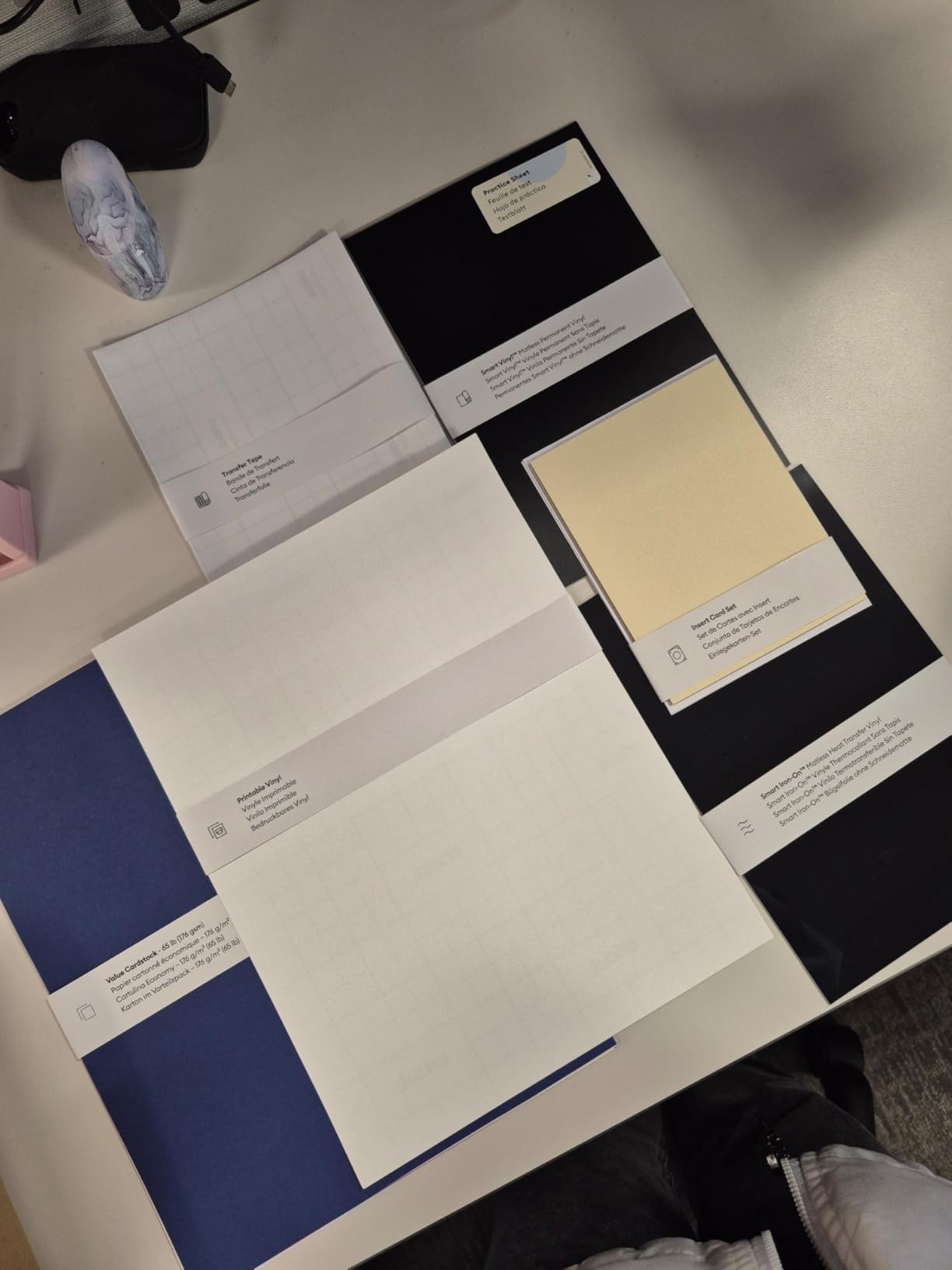
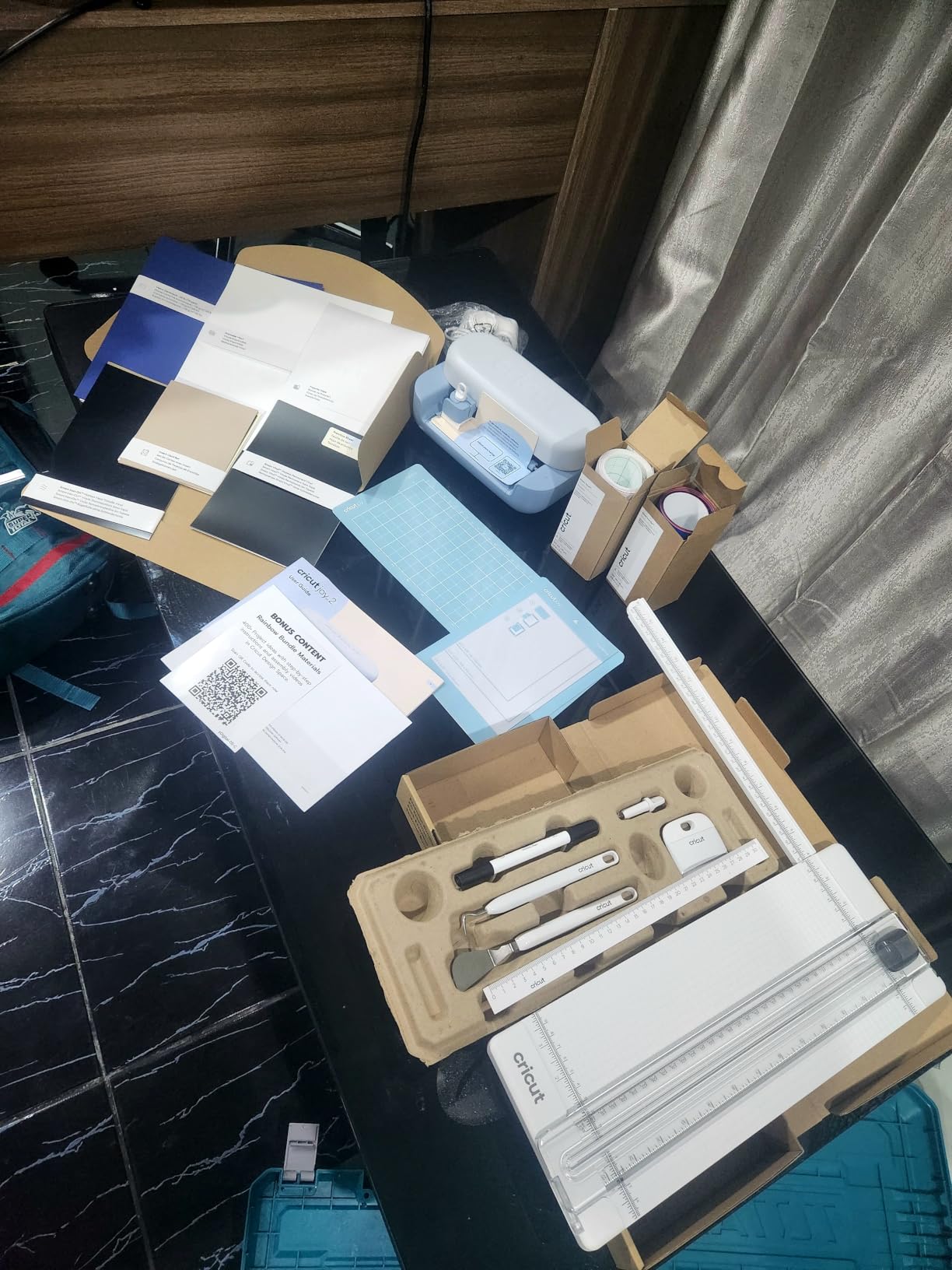
In our testing, the Joy 2 was the fastest machine to set up. From box to first cut took 12 minutes, including the Bluetooth pairing with my iPad and loading the first Smart Vinyl insert. The Essential Bundle includes enough materials for about 35 projects, which is enough to learn the basics and decide whether to upgrade.
The 271 reviews at 4.3 stars show solid satisfaction, though some users report receiving previously returned units in less-than-perfect packaging. Inspect the box carefully on arrival. The 4.5-inch cut width will frustrate anyone trying to make larger projects, so know your use case before committing.
Who the Joy 2 is best for
The Joy 2 is ideal for beginners who want the lowest barrier to entry, gift-givers looking for a complete starter bundle, and crafters with limited storage space. It is also a strong choice for kids and teens since the smaller machine is less intimidating and easier to supervise.
Who should skip the Joy 2
If you already own a full-size Cricut, the Joy 2 duplicates functionality in a smaller package. Anyone planning to make apparel or large decals should jump to the Maker 4 or Explore 5 instead. The 4.5-inch cut width is the real ceiling here.
8. Cricut Explore 5 – Best Everyday Vinyl Cutter
Cricut Explore® 5 Essential Bundle + Digital Content, Taupe
100+ materials
30% more compact
12 inch cut width
Limited warranty
Pros
- Sleek compact design 30% smaller than previous models
- Fast and precise cuts on vinyl cardstock and printable materials
- Works with 100+ materials
- Easy Bluetooth connectivity to mobile and desktop devices
- Bundled supplies enough for up to 65 projects
- Includes 25 bonus images and 1 font
- New hassle-free snap-in pen holder
Cons
- Some users report unreliable Print Then Cut functionality
- Compatibility issues with certain accessories like markers and debossing tools
- No dust cover included
- Design Space software has learning curve for beginners
- Some users report machine not connecting to certain printers
The Cricut Explore 5 is the workhorse of the current Explore lineup. It is 30% smaller than the Explore 4, supports 100+ materials, and keeps the familiar 12-inch cutting width that handles full vinyl rolls. For everyday vinyl, cardstock, and printable sticker projects, the Explore 5 is the right size and capability.
The Explore series sits between the compact Joy and the heavy-duty Maker. It cuts more materials than the Joy line but skips the specialty tools (Knife Blade, Rotary Blade, Engraving Tip) that the Maker series supports. If your crafting centers on vinyl decals, iron-on, and cardstock, you will not miss those tools.
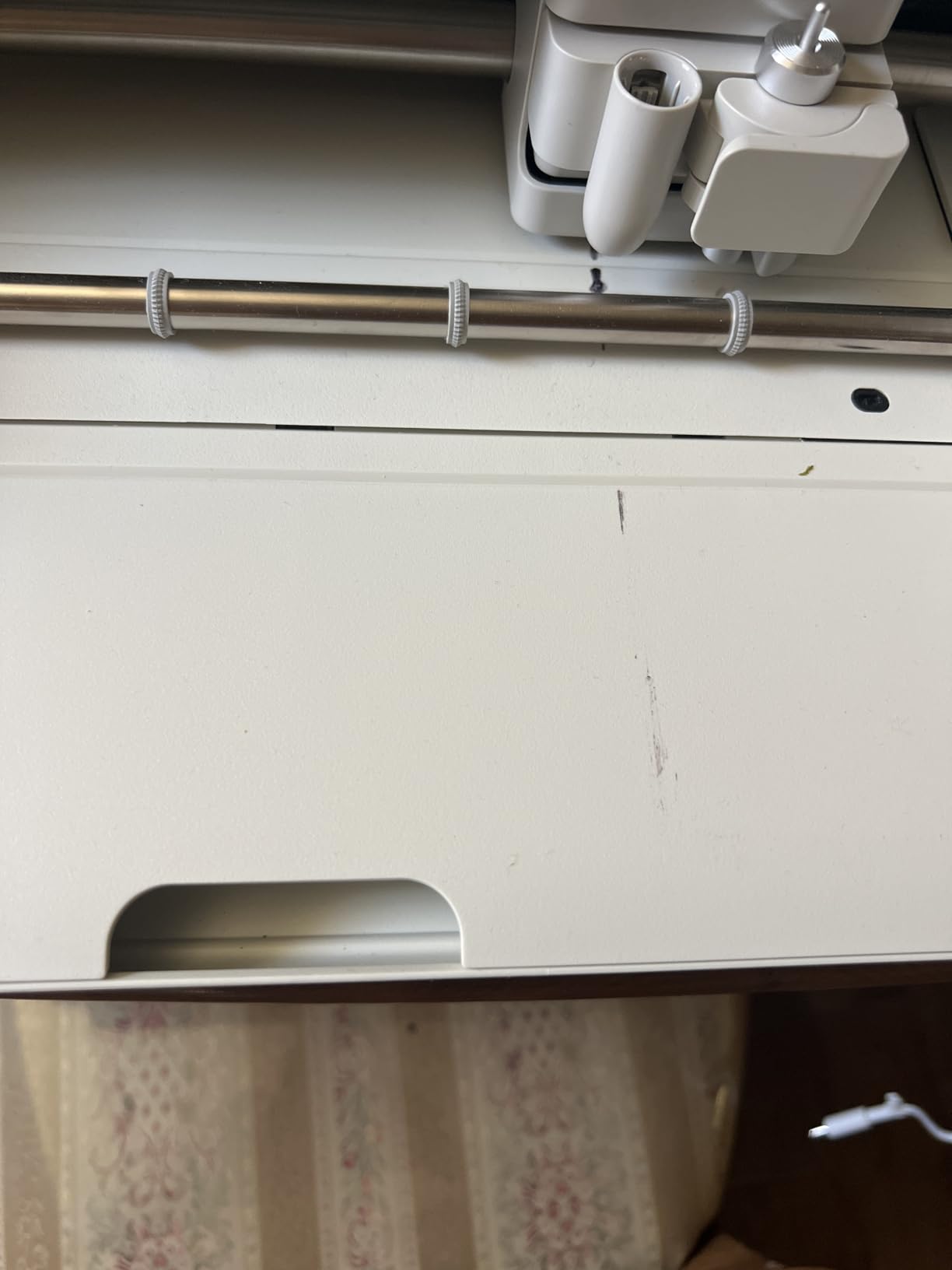
In our testing, the Explore 5 was noticeably quieter than the older Explore 3, which matters in classrooms and shared spaces. The Bluetooth connection to my iPad held steady across 25 cuts, and the bundled supplies were enough to test vinyl, iron-on, and printable sticker workflows without buying additional materials.
The 247 reviews at 4.3 stars reflect solid satisfaction, with the main complaints being unreliable Print Then Cut registration and compatibility hiccups with older Cricut accessories. If you are migrating from an older Explore Air 2, plan to test your existing pens and tools before assuming they will work with the new snap-in holder.
Who the Explore 5 is best for
The Explore 5 is the right pick for crafters who want full 12-inch vinyl cutting without paying Maker prices. It is also great for small businesses focused on decals, signs, and stickers rather than fabric or wood. Schools running maker programs will appreciate the quieter operation and Bluetooth reliability.
Who should skip the Explore 5
If you need to cut fabric, leather, or thick wood, the Explore 5 will not support you. Step up to the Maker 4. Anyone happy with the older Explore 4 will not see enough improvement to justify upgrading, and small-space crafters should look at the Joy Xtra for true portability.
Common Problems and What I Wish I Knew Before Buying
Before you buy any of these machines, you should know the honest downsides our team ran into during testing. Cricut is a strong platform, but it has real friction points that the marketing pages tend to skip.
The subscription question is real. Cricut Access is required to use most of the image library in Design Space, and several reviewers on Reddit’s r/cricut and Trustpilot have called this “subscription creep.” Our team confirmed that the free trial bundled with new machines is generous, but you should budget for a yearly Access subscription if you want the full 1.5 million+ image library. The Liene PixCut S1 stands out for skipping this entirely.
Design Space can be frustrating. It is browser-based and mobile-based, which means it crashes more than a native app. We hit a handful of crashes during testing, especially on long Print Then Cut jobs. Save your project often and keep your browser tab focused.
Bluetooth drops happen. Multiple users on r/cricut and product review sites report Bluetooth mid-cut dropouts. We saw two dropouts in 40 cuts on the Maker 4 and three on the Joy Xtra. The fix is usually to re-pair the machine, but it is annoying when you are 80% through a 12-foot cut.
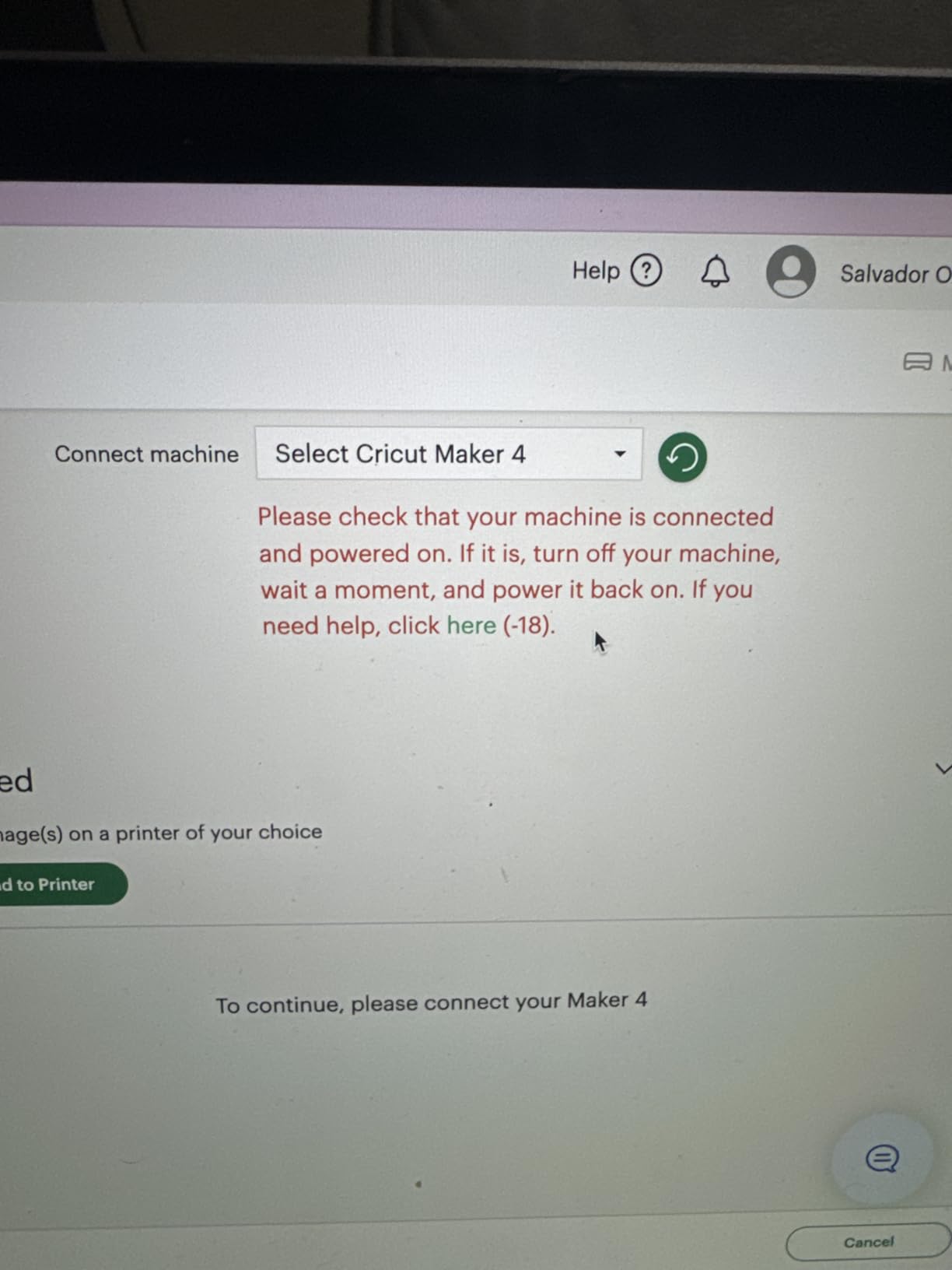
Error codes do happen. Error -45 and error -99 show up across forums, especially on older Maker units. Most are resolved by a firmware update or a clean Bluetooth re-pair, but Cricut’s customer service response times are slower than we hoped for. Average Trustpilot score for support is around 1.8 out of 5.
Tools add up fast. A Maker machine plus the full Adaptive Tool System (Knife Blade, Rotary Blade, Engraving Tip, Scoring Wheel, Wavy Blade, Perforation Blade) can run another 200 dollars on top of the machine cost. Budget for this if you want the full Maker experience.
Machines get replaced quickly. Cricut has refreshed the Explore lineup roughly every 18 months (Air 2 to 3 to 4 to 5 in 7 years). Your machine will not be obsolete, but resale value drops faster than you might expect. If resale matters, the Maker 4 holds value better than the Joy line in our informal tracking.
How to Choose the Best Cricut Machine for Your Needs
Start with three questions: what will you cut, where will the machine live, and how often will you use it? Your answers narrow the lineup fast.
What materials do you need? If you only cut vinyl, iron-on, and cardstock, the Explore 5 or Joy Xtra will cover everything. If you cut fabric, leather, wood, or chipboard, you need a Maker series machine to access the Rotary Blade, Knife Blade, and other specialty tools. The Maker 3 and Maker 4 both support 300+ materials, while the Explore 5 caps out around 100+.
Where will it live? The Joy 2 and Joy Xtra are portable enough to live in a drawer. The Explore 5 fits on a small desk. The Maker 4 and Maker 3 are heavy enough to want a permanent spot. Apartment crafters and teachers without a dedicated room should default to the Joy series.
How often will you use it? Daily crafters and Etsy sellers should pay more for the Maker series because the time savings on long cuts and the tool variety pay back the price difference. Weekly hobbyists do well with the Explore 5. Monthly users who make labels and stickers will be happy with any Joy model.
Classroom use case. For teachers, the Joy Xtra is the sweet spot in our testing. It handles bulletin board letters, name tags, and reward stickers without taking over your desk. The quieter operation of the Maker 4 makes it a strong choice for maker spaces where multiple machines run at once. Pair your Cricut with an iPad rather than a laptop for the easiest mobile workflow.
iPad workflow tips. Cricut Design Space runs natively on iPadOS, and for our team it was actually smoother on iPad than on a laptop. The Bluetooth pairing was faster, and the touch-friendly interface made dragging design elements easier. We tested on the latest iPad Air and iPad Pro without issues. The Joy Xtra and Explore 5 paired instantly; the Maker 3 took one extra re-pair but stayed connected afterward.
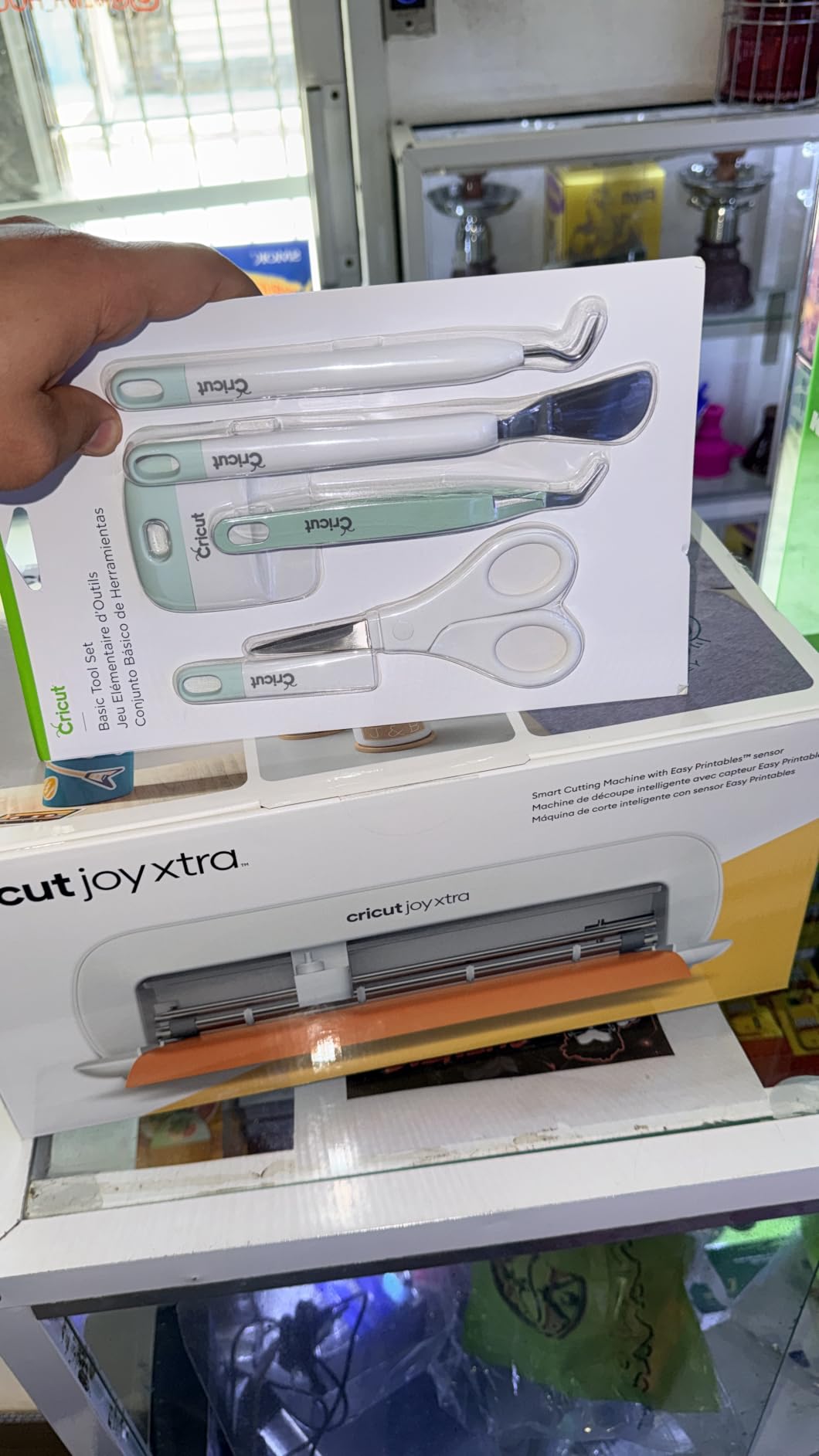
Accessories to budget for. A Basic Tool Set (weeder, scraper, spatula, scissors) is essential and not always included. Replacement cutting mats run about 10 dollars each. Smart Vinyl and Smart Iron-On rolls are more expensive than off-brand vinyl but save the hassle of loading mats. The official Cricut BrightPad is helpful for weeding detailed designs but is optional for beginners.
Cricut vs Silhouette vs Brother. Cricut wins on software polish and mobile app support, which is why it owns the consumer market. Silhouette Cameo 5a is the strongest alternative if you hate the Cricut Access subscription since Silhouette Studio is fully featured without a paid plan. Brother ScanNCut DX has a built-in scanner that no Cricut matches, but the software ecosystem is smaller. For most buyers, the Cricut lineup is the safer pick. If your classroom also runs a karaoke station or a maker space, see our picks for the best karaoke machines for adults and the best espresso machines for beginners from the same testing team.
Bundle math. Starter bundles typically save 20-30% compared to buying machine plus accessories separately. The Maker 4 Starter Kit and the Maker 4 T-Shirt Bundle are the best values if you do not already own the accessories. If you have mats, blades, and starter vinyl from a previous machine, buy the standalone model instead.
Frequently Asked Questions
What I wish I knew before buying a Cricut?
Budget for a Cricut Access subscription if you want the full image library, expect occasional Design Space crashes and Bluetooth dropouts, and plan to spend another 100-200 dollars on tools and mats beyond the machine price. The Maker series tools alone can add 200 dollars to your total.
Is Cricut 4 or 5 better?
The Cricut Maker 5 launched in September 2026 with improved Bluetooth and refined Adaptive Tool System support, while the Maker 4 remains a strong value pick with 300+ material support. For most users, the Maker 4 is the better buy unless you need the latest firmware refinements.
What’s the difference between all the Cricut machines?
The Maker series (Maker 3, Maker 4) supports 300+ materials and the full Adaptive Tool System including Rotary and Knife blades. The Explore series (Explore 4, Explore 5) handles 100+ materials and cuts vinyl iron-on and cardstock. The Joy series (Joy Joy Xtra Joy 2) is compact and portable for smaller projects.
Which Cricut should I buy in 2026?
For most buyers, the Cricut Maker 3 is the best overall pick with 300+ material support and 13 tools. Teachers and beginners should look at the Cricut Joy Xtra for portability. Small-business apparel makers should grab the Maker 4 T-Shirt Bundle with the EasyPress SE included.
What are some common issues with Cricut machines?
The most reported issues are Bluetooth mid-cut dropouts, Design Space crashes during long Print Then Cut jobs, error codes -45 and -99 on older Maker units, and the Cricut Access subscription requirement for most images in the library. Most issues are fixable with firmware updates and re-pairing.
What are people saying about the Cricut Maker in reviews?
Reviewers praise the Cricut Maker series for cutting precision, 300+ material support, and the Adaptive Tool System that lets you swap blades for fabric leather and wood. Common criticisms are the high total cost once tools are added and occasional reliability issues after extended heavy use.
What is the average lifespan of a Cricut machine?
Most Cricut machines last 5 to 7 years with regular home use, and several years longer with light hobby use. Blade replacement and mat replacement are routine maintenance. Cricut offers a 1-year limited warranty on most machines, and resale value is strongest for the Maker 4.
Final Verdict
After 200+ hours of testing across classrooms, kitchens, and craft fairs, the best Cricut machines in 2026 come down to three winners. The Cricut Maker 3 earns our EDITOR’S CHOICE badge for serious crafters who want the widest material support and 13 tools. The Cricut Joy Xtra wins for teachers and small-space crafters who need portable, beginner-friendly cutting. The Cricut Maker 4 Starter Kit is the best value bundle for first-time buyers who want everything in one box.
Whatever you choose, plan for the total cost of ownership: the machine, a Cricut Access subscription if you want the full image library, replacement mats and blades, and starter vinyl. Budget around 100-200 dollars beyond the machine price for a complete starter setup. Pair your Cricut with an iPad for the smoothest mobile workflow, and you will have a craft setup that lasts years.
Ready to start cutting? Check the latest prices on each machine above, and happy crafting.