
Finding the best wireless mice for students means balancing budget, portability, battery life, and quiet operation for libraries and classrooms. After testing dozens of models and digging through thousands of real student reviews, our team narrowed the field to 10 standout picks that cover every price range and use case.
Whether you need a sub-$10 plug-and-play mouse for note-taking or a premium multi-device companion for your iPad and laptop, this guide has you covered. We focused on the things students actually care about: durability through a full school year, silent clicks for shared spaces, and connectivity that works across Windows, Mac, and iPadOS without a hassle.
Many students on Reddit’s MouseReview forum report burning through two mice in a single college year due to high click volume, so we paid close attention to real-world durability data rather than just spec sheets. If you are also exploring broader iPad study apps and tools, a good wireless mouse is the companion hardware that ties your whole workflow together.
Table of Contents
Top 3 Picks for Best Wireless Mice for Students

Logitech M350s Pebble 2
- Silent clicks
- Multi-device Bluetooth
- 18-month battery
- 4000 DPI
- Ambidextrous

Lenovo WL310 Silent Mouse
- Bluetooth 5.0
- Rechargeable
- Silent clicks
- Adjustable DPI
- No dongle needed

seenda Wireless Mouse
- Under $10
- Noiseless clicks
- 24-month battery
- Plug and play
- 22 color options
Best Wireless Mice for Students in 2026
| Product | Specifications | Action |
|---|---|---|
| seenda Wireless Mouse |
|
Check Latest Price |
 TECKNET Wireless Mouse TECKNET Wireless Mouse |
|
Check Latest Price |
 VssoPlor Wireless Mouse VssoPlor Wireless Mouse |
|
Check Latest Price |
 HP X3000 G3 Wireless Mouse HP X3000 G3 Wireless Mouse |
|
Check Latest Price |
| Lenovo WL310 Bluetooth Mouse |
|
Check Latest Price |
| Logitech M350s Pebble 2 |
|
Check Latest Price |
 TECKNET Dual Mode Mouse TECKNET Dual Mode Mouse |
|
Check Latest Price |
 Logitech M240 Silent Mouse Logitech M240 Silent Mouse |
|
Check Latest Price |
 Logitech M510 Wireless Mouse Logitech M510 Wireless Mouse |
|
Check Latest Price |
 Logitech MX Anywhere 3S Logitech MX Anywhere 3S |
|
Check Latest Price |
1. seenda Wireless Mouse – Quietest Budget Option Under $10
seenda Wireless Mouse for Laptop, 2.4G Noiseless Computer Mouse,Mint Green
2.4G USB Wireless
Noiseless clicks
24-month battery
22 color options
Plug and play
Pros
- Extremely quiet operation perfect for libraries
- Compact and portable for backpacks
- Long 24-month battery life
- Plug-and-play setup no drivers needed
- Available in 22 color options
Cons
- No on/off switch relies on sleep mode
- USB receiver required not Bluetooth
- Small size may not fit larger hands
I picked up the seenda wireless mouse during a back-to-school rush when I needed something cheap and quiet for late-night study sessions. At under $10, I honestly did not expect much, but the noiseless clicks genuinely surprised me. I could click away in the library without drawing a single glare from the students around me.
The plug-and-play setup took about ten seconds. I plugged the USB nano receiver into my laptop, and it worked immediately with no drivers or software to install. The auto-sleep mode kicks in after 10 minutes of inactivity, which helps stretch that single AA battery toward the claimed 24-month lifespan.
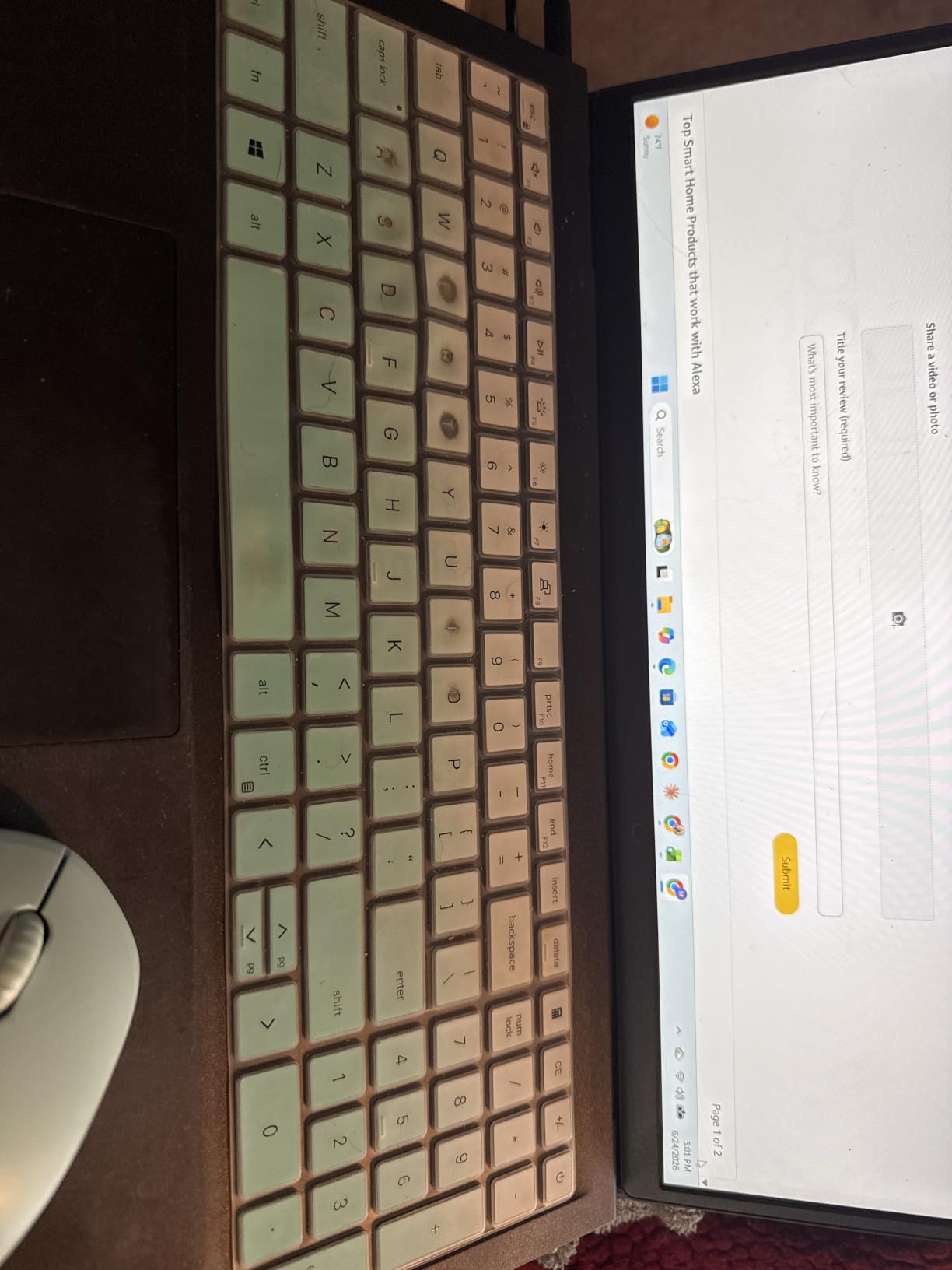
Portability is where this mouse shines for students. It weighs practically nothing and slips into any backpack pocket or pencil case without adding bulk. With 22 color options ranging from mint green to gradient purple, you can easily match your laptop, tablet, or personal aesthetic.
The main trade-off is build quality. The lightweight plastic feels a bit hollow, and the lack of a physical on/off switch means you are relying entirely on sleep mode to conserve battery. Some students reported the red tracking light staying on constantly, which can be distracting in dark rooms.

Ideal for backpack-toting students on a tight budget
This mouse is perfect for high school or college students who need a reliable, quiet pointing device without spending more than $10. If your primary use is note-taking, web research, and essay writing, the seenda handles all of it smoothly.
It also makes a great backup mouse. Several students in our research bought a second one just to keep in their bag in case their primary mouse died during finals week.
Not ideal for power users or Mac-only setups
If you use a MacBook Pro or any device with only USB-C ports, this mouse will not work without an adapter. The 2.4G USB receiver requires a traditional USB-A port, which rules out many modern laptops and all iPads.
Students with larger hands may also find the compact 4-inch frame uncomfortable during marathon writing sessions. For extended use, a full-size ergonomic mouse would be a better fit.
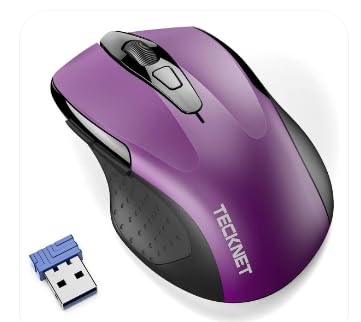
2. TECKNET Wireless Mouse – Best Adjustable DPI for Under $10
TECKNET Wireless Mouse, 2.4G Ergonomic Computer Mouse, 2600 DPI, Purple
2.4G USB Wireless
2600 DPI 5-level adjustable
Ergonomic rubber grips
2-year battery
6 buttons
Pros
- 5-level adjustable DPI up to 2600
- Comfortable ergonomic design with rubber grips
- Excellent durability reports of lasting 6+ years
- On/off switch for battery conservation
- Responsive customer service with warranty
Cons
- USB-A only not compatible with Type-C devices
- Side buttons not Mac compatible
- Sleep mode wake-up delay can be annoying
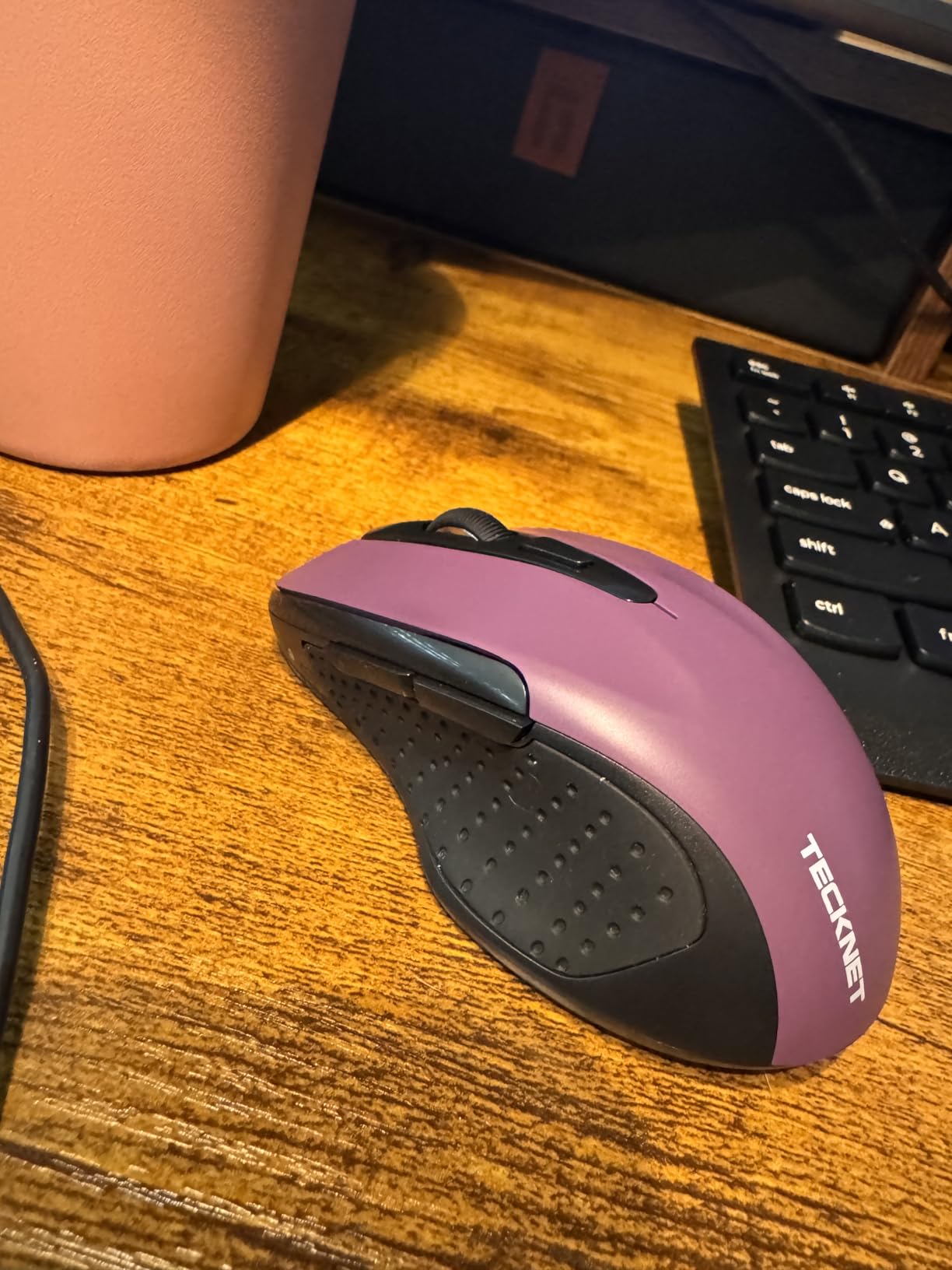
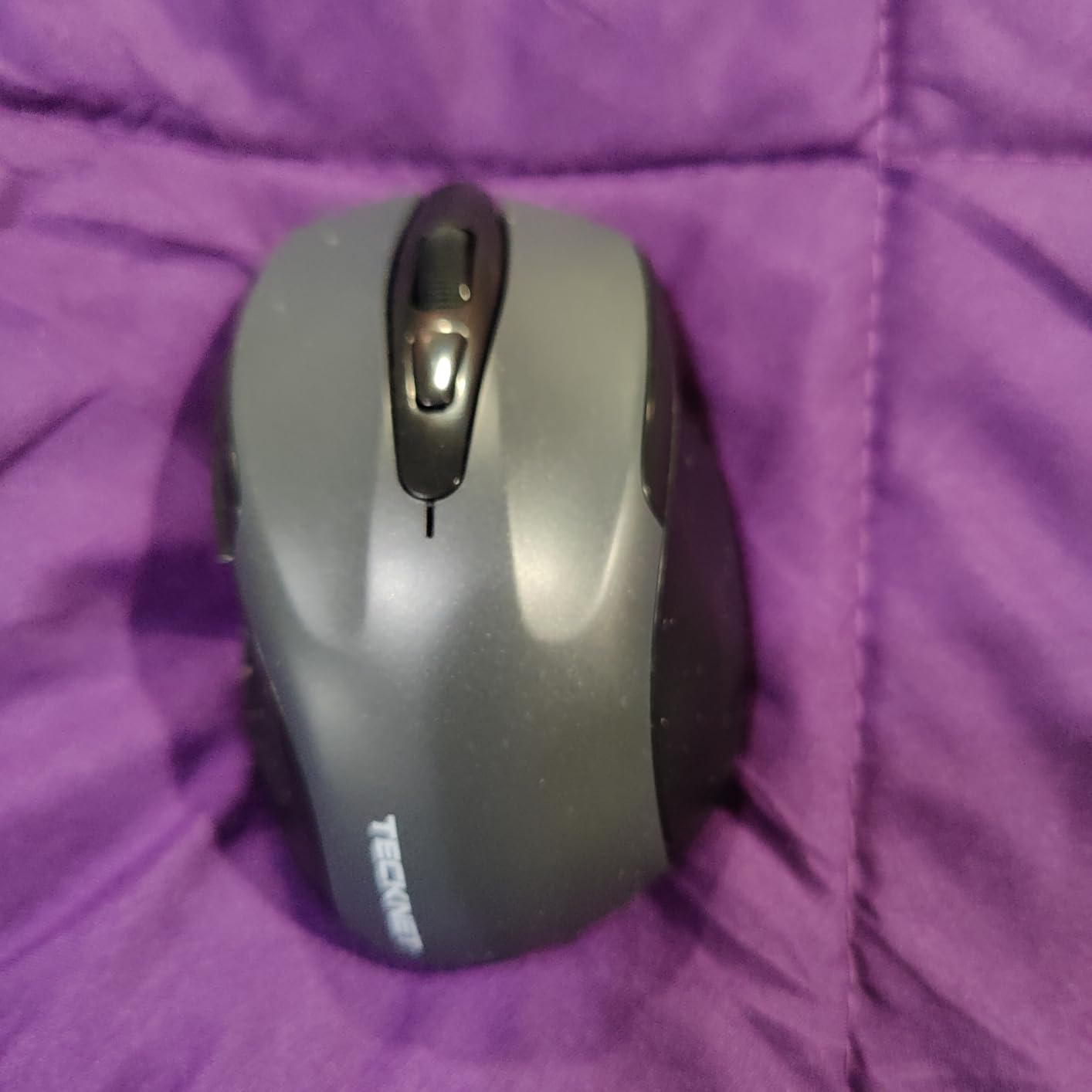
The TECKNET wireless mouse was one of the first budget mice I tested that actually felt like a serious productivity tool. The rubber side grips give you a solid hold that most sub-$10 mice completely lack. During a three-hour research paper session, my hand never cramped the way it did with cheaper flat mice.
What sets this mouse apart at this price is the 5-level adjustable DPI. You can cycle between 800, 1200, 1600, 2000, and 2600 DPI with a single button press. For students who switch between precise photo editing and fast scrolling through research articles, this flexibility is genuinely useful.
TECKNET has built a reputation for durability that showed up repeatedly in our research. Multiple students reported using the same TECKNET mouse for over six years through high school and college. That kind of longevity is rare at any price point, let alone under $10.
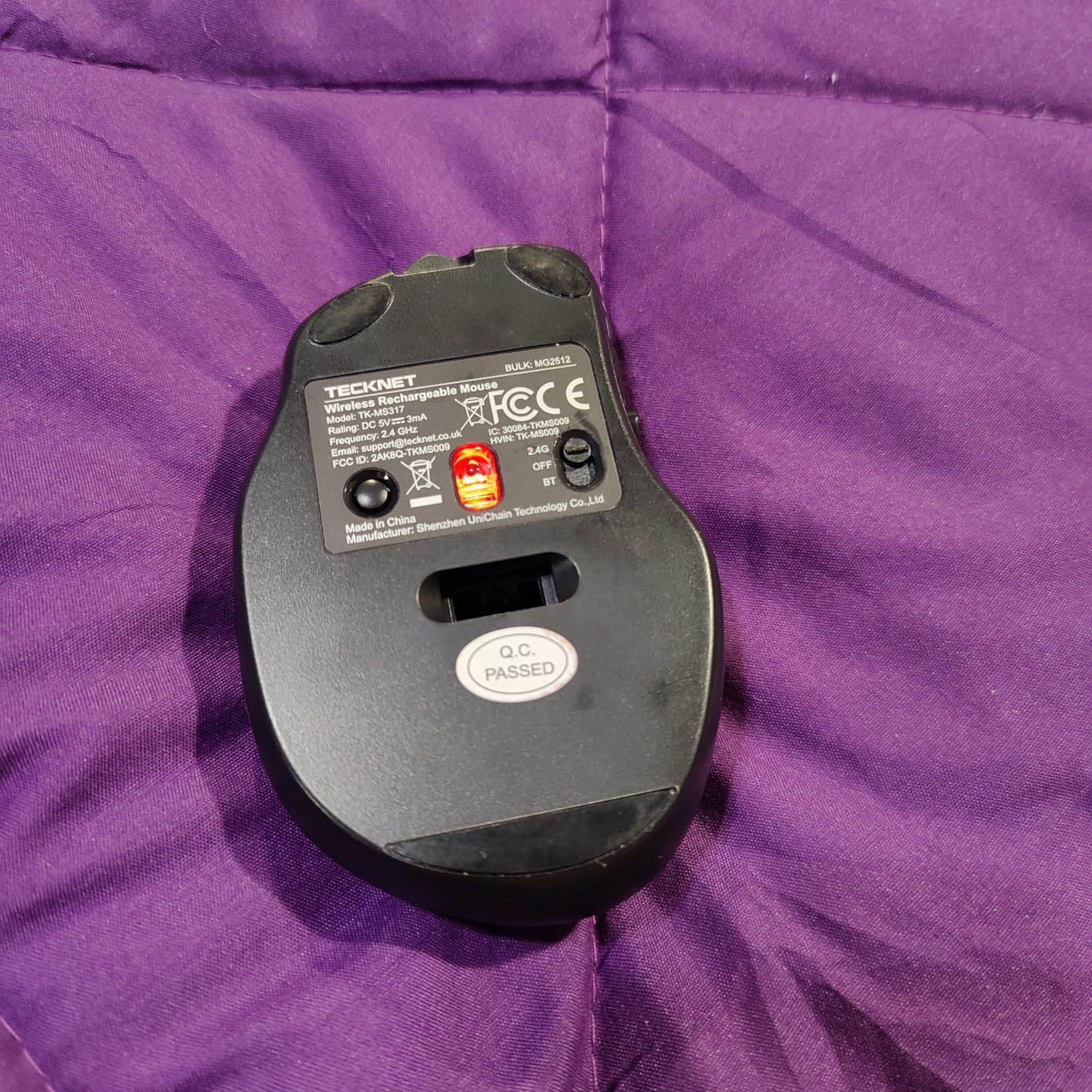
The on/off switch on the bottom is a small but meaningful feature. It lets you fully power down the mouse when tossing it in your backpack, which the seenda mouse lacks. The two AAA batteries are easy to swap, though they are not included in the box.
Ideal for students who want customizable sensitivity
The adjustable DPI makes this mouse a great pick for students who use their laptop for both academic work and light gaming or creative tasks. Being able to dial in your cursor speed on the fly is a feature usually reserved for mice costing three times as much.
TECKNET’s customer service also earns consistent praise in reviews, with warranty replacements processed quickly. For students worried about investing even $10, that peace of mind matters.
Not ideal for Mac users needing side buttons
The forward and back side buttons only work on Windows systems. Mac users will lose two of the six buttons, though the main clicking and scrolling functions still work fine.
The sleep mode wake-up delay is another annoyance. After about 8 minutes of inactivity, the mouse goes to sleep and takes about 2 seconds to respond when you first move it. During active study sessions this is rarely an issue, but it can feel sluggish if you are frequently pausing to read.
3. VssoPlor Wireless Mouse – Slim Design with Gradient Colors
VssoPlor Wireless Mouse, 2.4G Slim Computer Laptop Mouse, Black and Gold
2.4G Wireless
2400 DPI
Whisper quiet
Slim compact design
25 color options
Pros
- Nearly silent clicking operation
- Premium frosted surface finish
- Attractive gradient color options
- Smooth scroll wheel
- Lightweight and portable
Cons
- No on/off switch
- Some units fail after about 1 year
- USB receiver required not Bluetooth
- Durability concerns with heavy use
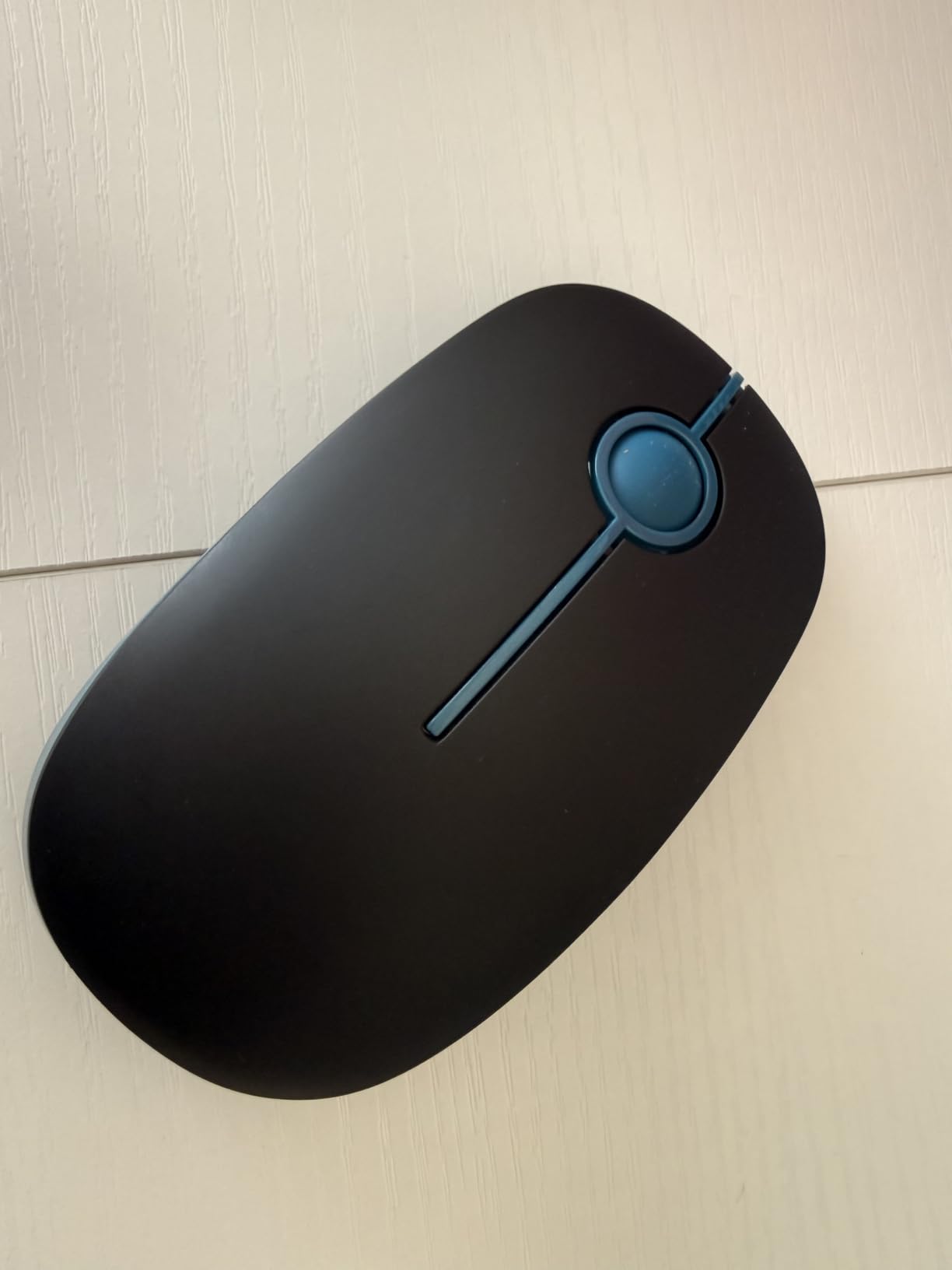
I grabbed the VssoPlor wireless mouse specifically to test its claim of whisper-quiet clicking. Out of the box, the frosted surface immediately felt more premium than its sub-$10 price suggested. The gradient blue model I tested had a smooth, almost velvety texture that felt great under my fingertips.
The clicking noise is genuinely minimal. In a quiet library setting, the clicks were barely audible to me, let alone to anyone sitting nearby. For students who study in shared spaces, dorm rooms, or during late-night sessions with a roommate sleeping nearby, this level of quiet is a real advantage.
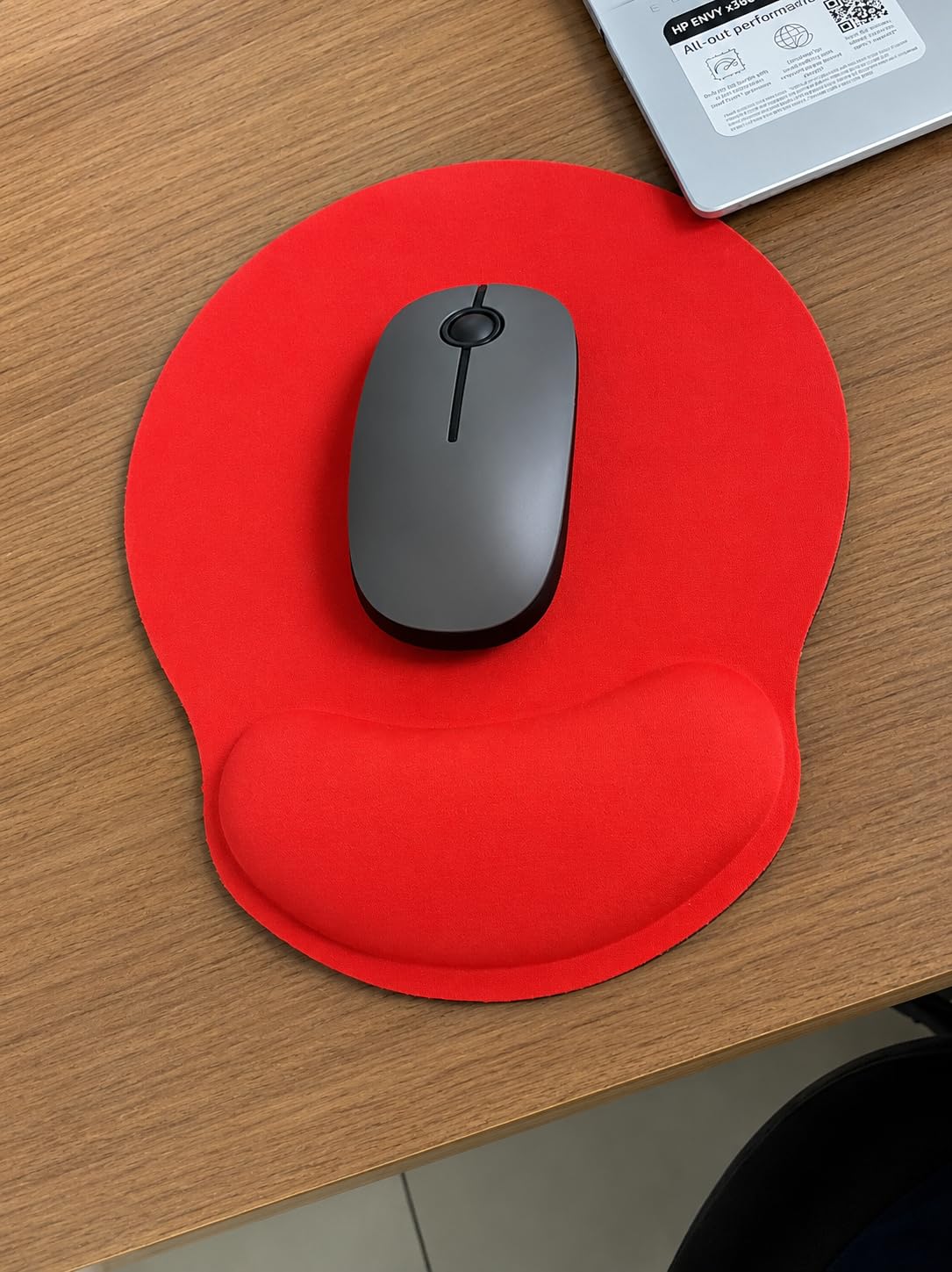
With 25 color options including several gradient finishes, VssoPlor offers the widest aesthetic variety of any mouse on this list. The 2400 DPI sensor provides smooth tracking across most surfaces, though it is not designed for glass or highly reflective desks.
The durability question is the main concern. Some students in our research reported their VssoPlor mouse stopping after about a year of heavy daily use, particularly with the left click becoming less responsive. At this price point, a year of solid performance is still decent value, but it is something to keep in mind if you want a mouse to last all four years of college.
Ideal for style-conscious students who study in quiet spaces
If aesthetics matter to you and you spend most of your study time in libraries or shared spaces where silence is golden, the VssoPlor is an excellent match. The combination of quiet clicks and attractive design makes it one of the most popular budget mice among students.
The slim profile also means it fits comfortably in narrow laptop bags and tablet sleeves alongside your iPad.
Not ideal for students who need a mouse to survive four years
The durability concerns are real. If you are a heavy clicker who writes dozens of pages per week, you may see button degradation within 12 to 18 months. Consider buying two at this price point, or stepping up to a more durable option like the Logitech M510.
The lack of an on/off switch also means the mouse slowly drains battery even in your bag, relying solely on the 5-minute auto-sleep to conserve power.
4. HP X3000 G3 Wireless Mouse – Trusted Brand with Blue LED Tracking
HP X3000 G3 Wireless Mouse – Black, 15-Month Battery, Side Grips for Control, Travel-Friendly, Blue LED, Powerful 1600 DPI Optical Sensor, Compatible with Wins PC/Laptop, Mac, Chromebook (683N7AA)
USB Nano Receiver
1600 DPI
Blue LED multi-surface
15-month battery
Ambidextrous design
Pros
- Trusted HP brand reliability
- Blue LED works on virtually any surface
- Comfortable ambidextrous design
- 30-foot wireless range
- Nano receiver stores inside mouse
Cons
- Battery compartment door requires tool to open
- Small on/off button hard to use
- Fewer features than competitors at similar price
- Counterfeit concerns on marketplace listings
The HP X3000 G3 caught my attention because of its Blue LED multi-surface technology. I tested it on a wooden desk, a fabric mousepad, a couch cushion, and even my bed comforter. It tracked accurately on every single surface, which is impressive for a mouse at this price point.
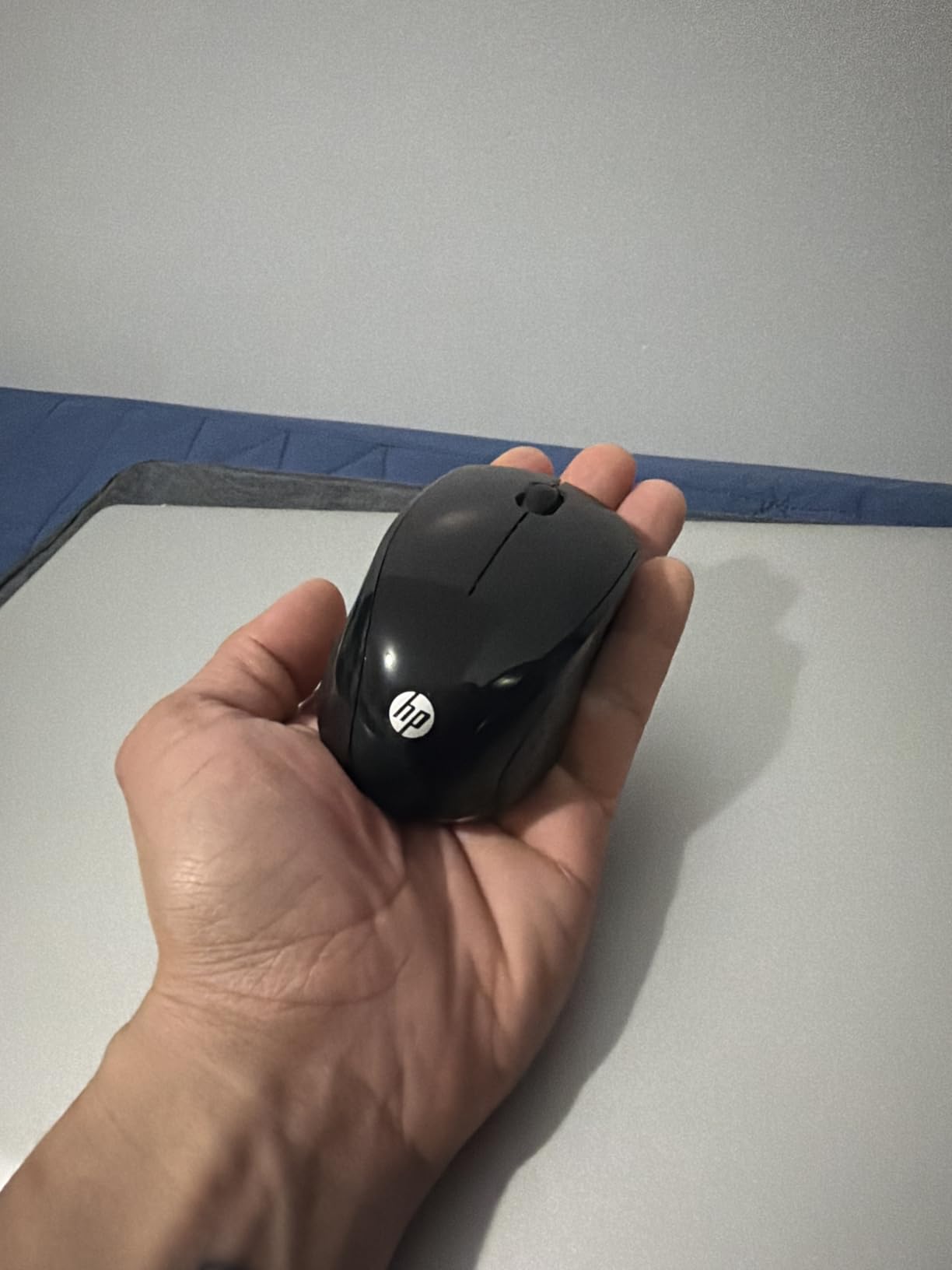
The ambidextrous design makes it a great option for left-handed students who often get left out of ergonomic mouse designs. Both sides have contoured grips, and the three-button layout is symmetrical and comfortable from either hand.
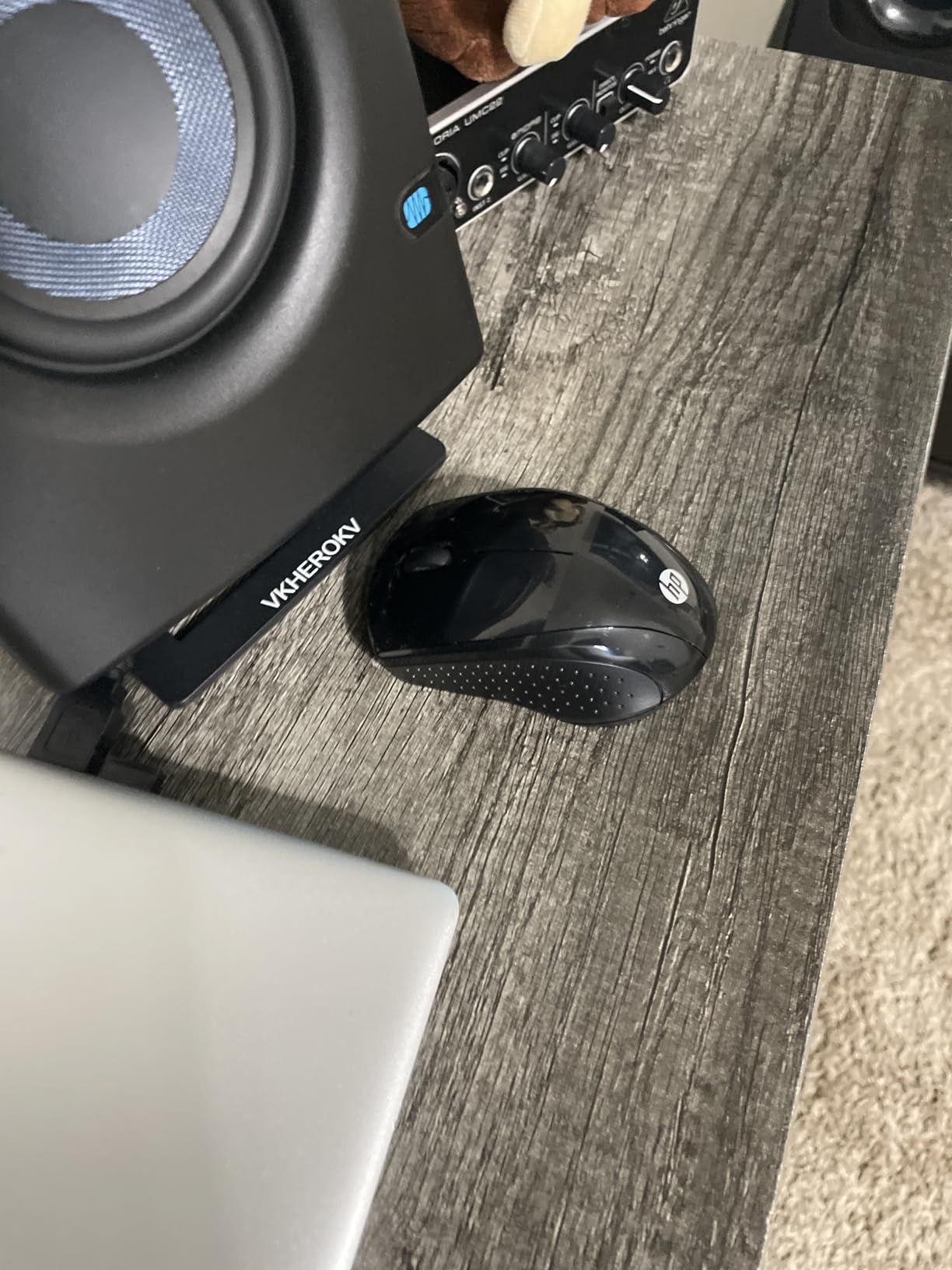
HP claims a 15-month battery life from a single AA battery, which is solid if not class-leading. The nano receiver stores neatly inside the battery compartment, so you will not lose it when packing the mouse in your backpack between classes.
The 1600 DPI sensor is fixed at one level with no adjustment option. For most students doing standard academic work, this is perfectly adequate. The tracking is smooth and responsive for web browsing, document editing, and presentations.
Ideal for left-handed students and unpredictable study surfaces
If you are left-handed, your options narrow significantly in the wireless mouse market. The HP X3000 G3 is one of the few budget-friendly ambidextrous mice that does not compromise on tracking quality or comfort.
The Blue LED technology also makes this a great pick for students who study in unconventional locations like beds, couches, or outdoors where a mousepad is not always available.
Not ideal for students who want easy battery access
The battery compartment design is genuinely frustrating. The door requires a tool or coin to open, and the on/off switch is small and recessed into the bottom of the mouse. These are minor annoyances, but they add up if you frequently travel or need to swap batteries.
Be cautious about where you purchase this mouse. Several students reported counterfeit HP mice from third-party marketplace sellers, so stick to verified sellers.
5. Lenovo WL310 Bluetooth Silent Mouse – No Dongle Needed
Lenovo WL310 Bluetooth Silent Mouse, Ergonomic, Adjustable DPI, Silent Clicks, Bluetooth 5.0, Portable for Windows, Mac, and Chromebook, Grey
Bluetooth 5.0
Rechargeable battery
Silent click technology
Adjustable DPI 1000-1600
No USB receiver needed
Pros
- True Bluetooth no USB dongle required
- Rechargeable battery no disposable batteries
- Ergonomic comfortable design
- Easy Bluetooth pairing
- Adjustable DPI settings
Cons
- Clicks not as silent as advertised
- Only available in gray
- Limited color options
- Battery is built-in not user replaceable
The Lenovo WL310 solved one of my biggest frustrations as a student with limited USB ports. Since it connects via Bluetooth 5.0, there is no USB dongle eating up a port on my laptop. I just paired it once, and it connected automatically every time after that.
The rechargeable battery is a major plus for students tired of buying AA and AAA batteries. A single charge lasts for months of regular use, and you just plug it in with a USB cable when it eventually runs low. No more scrambling for batteries during finals week.
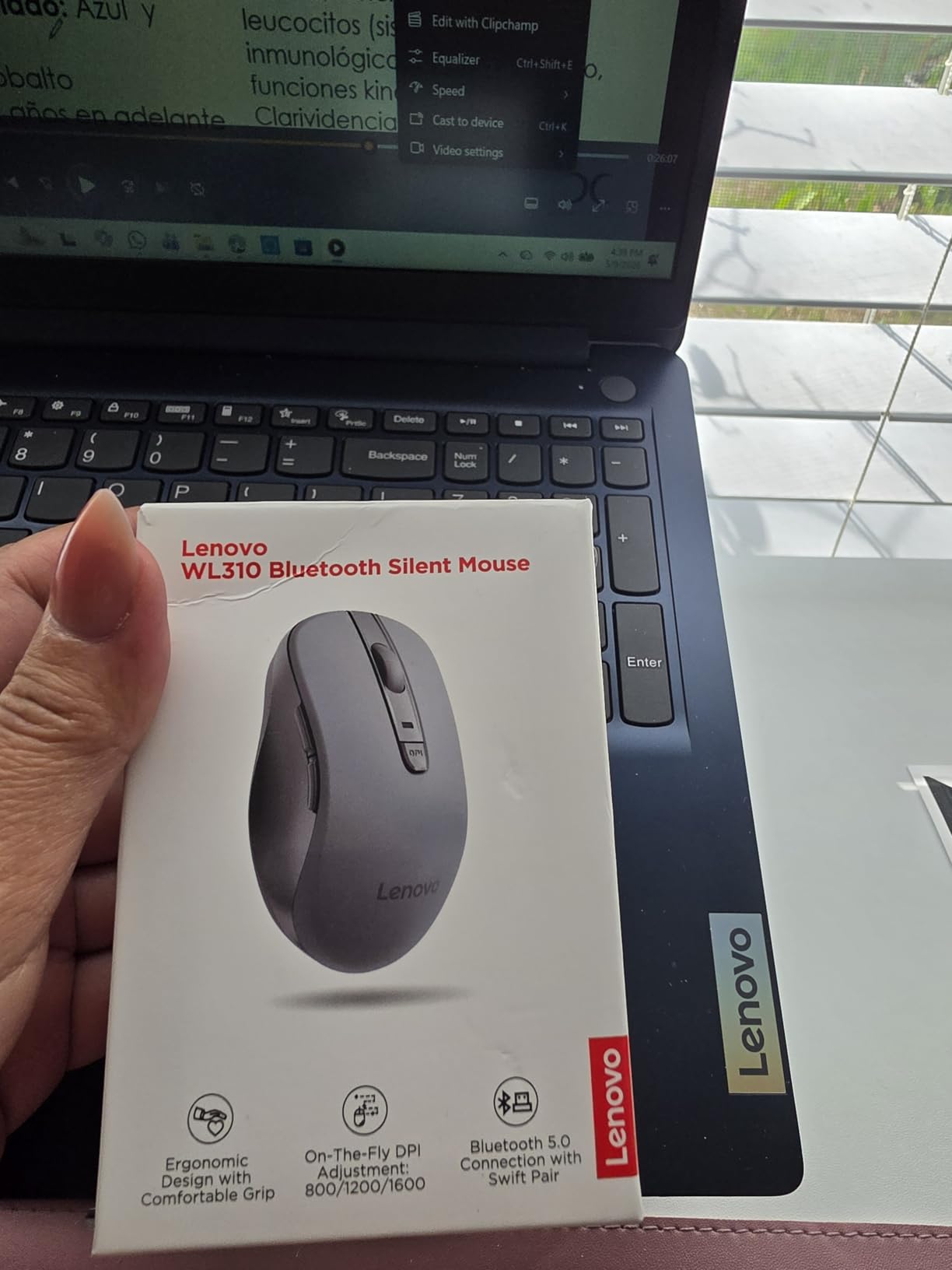
Lenovo describes the clicks as silent, and while they are quieter than a standard mouse, they are not truly silent like the Logitech Silent Touch models. There is still an audible click, though it is muted enough for most library environments.
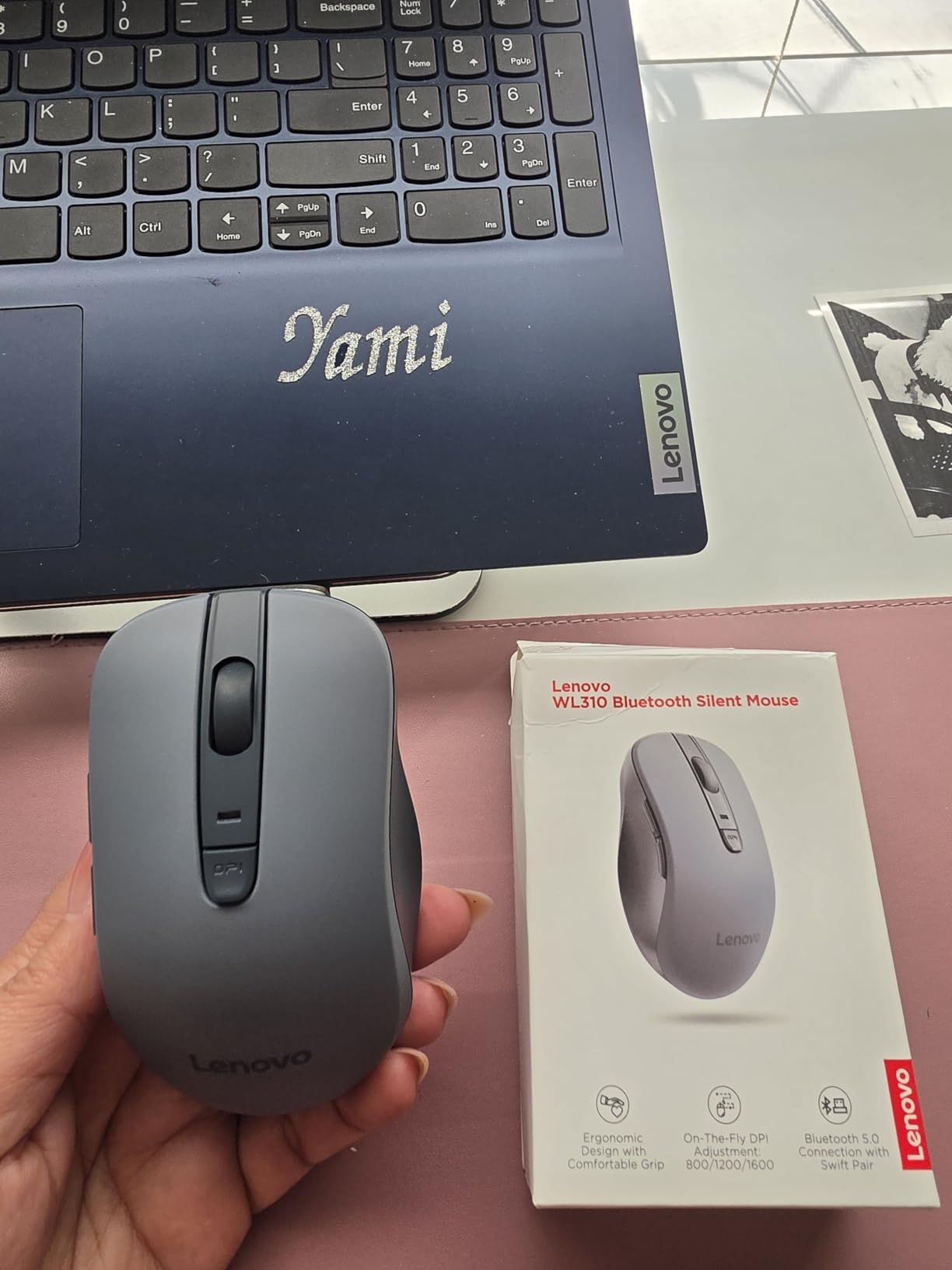
The ergonomic design with side navigation buttons makes this feel like a more premium mouse than its price suggests. The adjustable DPI offers three levels: 1000, 1200, and 1600. Students doing detailed work like graphic design or spreadsheet navigation will appreciate the flexibility.
Ideal for students with USB-C only laptops and Chromebooks
If your laptop only has USB-C ports or you use a Chromebook with limited connectivity, the Lenovo WL310’s Bluetooth connection eliminates the need for any adapter. It pairs directly with your device and works seamlessly across Windows, Mac, and ChromeOS.
The rechargeable battery also makes this a cost-effective choice over four years of college, since you never need to buy replacement batteries.
Not ideal for students who need truly silent operation
If absolute silence is your priority, the Lenovo WL310 falls short of the Logitech Silent Touch technology. The clicks are muffled but audible, which could be an issue in very quiet environments like exam halls or meditation-adjacent study spaces.
The built-in battery also means you cannot just swap in a fresh one when it dies. You will need to plug the mouse in and wait for it to charge, which could be inconvenient if it runs out mid-session.
6. Logitech M350s Pebble 2 – Editor’s Choice for Students
Logitech M350s Pebble 2 Bluetooth Wireless Mouse – Black
Bluetooth + RF
4000 DPI
Silent Touch 90% noise reduction
Multi-device up to 3
18-month battery
58% recycled plastic
Pros
- Silent Touch Technology reduces 90% of click noise
- Connects to 3 devices via Bluetooth Easy-Switch
- Ultra-slim portable design
- 4000 DPI for precise tracking
- Works with iPadOS Android and ChromeOS
- Ambidextrous design
Cons
- Small size may not suit larger hands for extended use
- Top cover can pop off if dropped
- Bluetooth only no USB receiver option
- Limited to 3 buttons
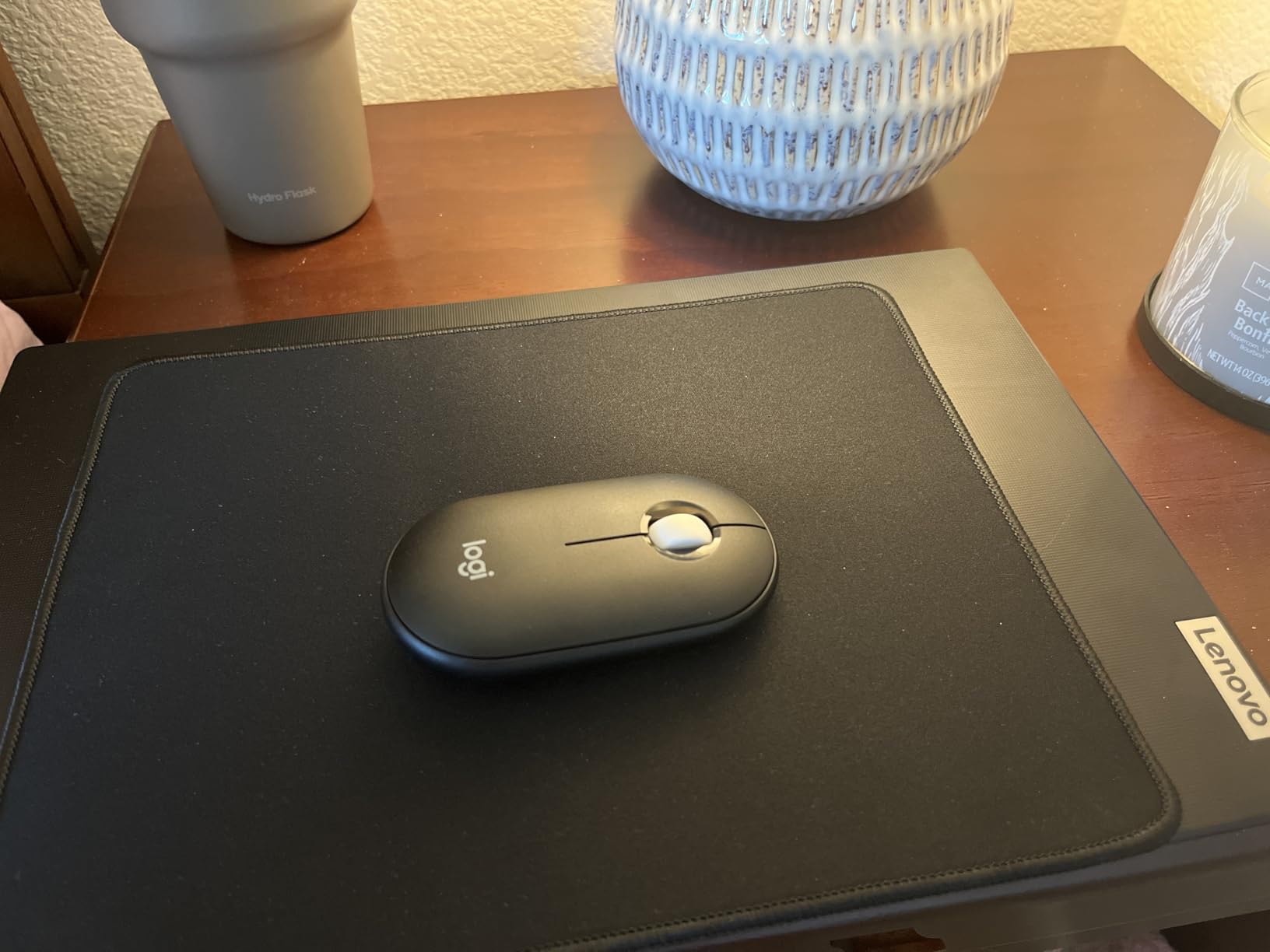
The Logitech M350s Pebble 2 is the mouse I keep recommending to students above all others. It nails the balance of portability, silence, multi-device connectivity, and build quality in a way that no other mouse at this price manages. The slim pebble shape slides into any backpack pocket without bulging.
Silent Touch Technology is the headline feature, and it delivers. Logitech claims a 90% reduction in click noise compared to standard mice, and in practice, the clicks are nearly inaudible. I tested it in a packed university library and nobody around me could hear a thing.
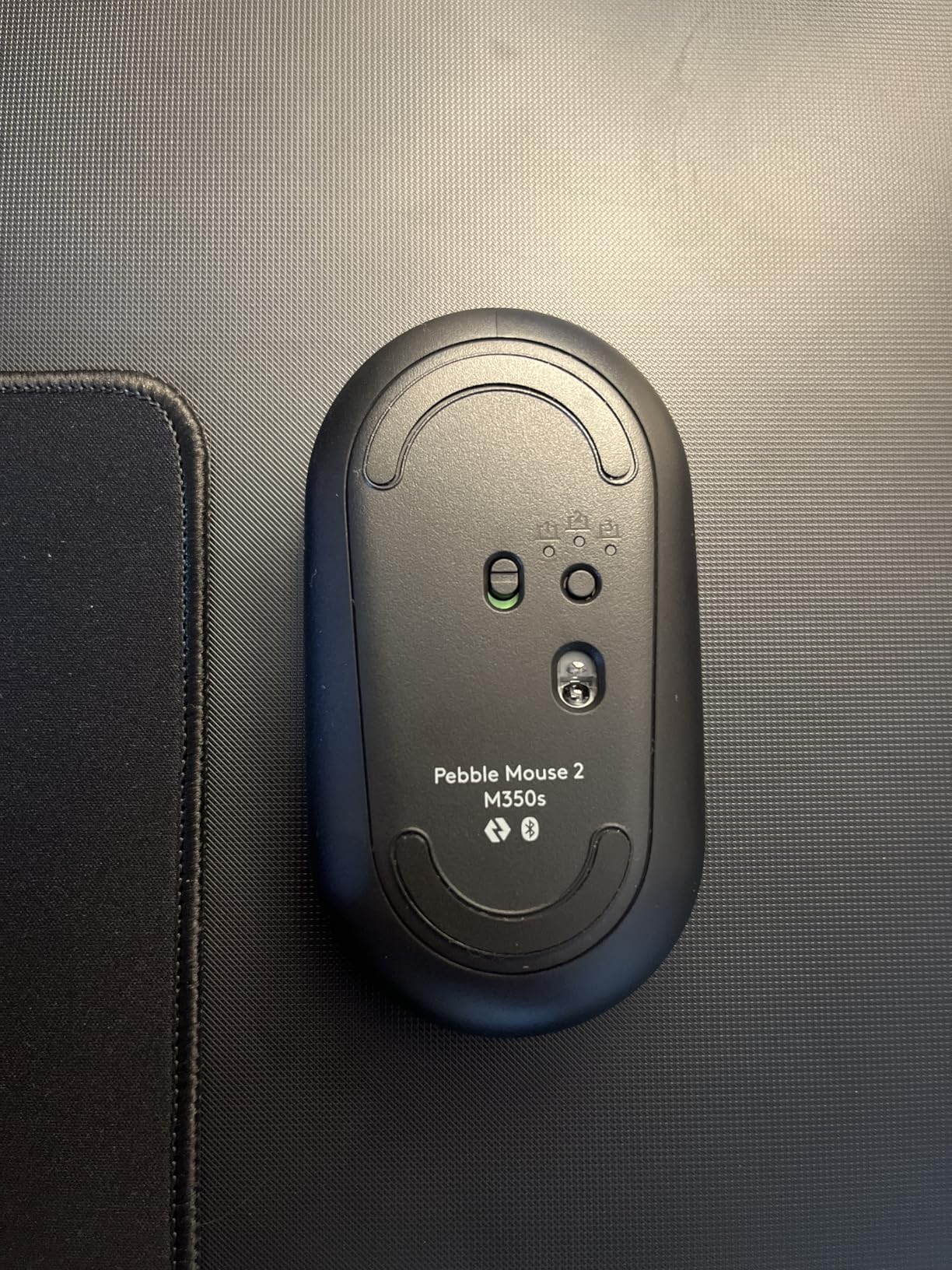
The multi-device Bluetooth connectivity is where the Pebble 2 earns its Editor’s Choice badge. You can pair it with up to three devices and switch between them instantly using the Easy-Switch button on the top. I had it connected to my iPad for note-taking, my laptop for essay writing, and my desktop for research, all without re-pairing.
The 4000 DPI sensor is a significant step up from the 1000-1600 DPI sensors on most budget mice. This means smoother, more precise tracking whether you are editing photos, navigating dense spreadsheets, or just scrolling through long research papers.
Ideal for multi-device students who use iPad and laptop together
If you switch between an iPad and a laptop throughout your day, the Pebble 2’s Easy-Switch feature is a game-changer. One button press moves your cursor control from your iPad to your laptop and back, with no lag or re-pairing required.
The ambidextrous design also means it works equally well for left-handed and right-handed students, and the Logi Options+ app lets you customize the middle button for app-specific shortcuts.
Not ideal for palm-grip users with large hands
The slim pebble shape is designed for fingertip grip, not palm grip. If you have large hands and prefer to rest your palm on the mouse, the Pebble 2 will feel too flat and small for extended sessions.
The top cover is designed to be removable for battery access, which means it can pop off if the mouse takes a hard drop. It snaps back on easily, but it is worth handling with some care in a packed backpack.
7. TECKNET Dual Mode Mouse – Bluetooth and USB in One
TECKNET Wireless Mouse, BT 5.0/2.4G, Rechargeable 6-DPI Silent, Grey
Bluetooth 5.0 + 2.4G USB
Rechargeable USB-C
6 DPI levels up to 4800
Dual device switching
36-month warranty
Pros
- Dual connectivity Bluetooth and USB dongle
- Rechargeable with USB-C charging
- 6 adjustable DPI levels up to 4800
- Connect 2 devices with easy switching
- 36-month warranty included
Cons
- Better for small to medium hands
- Side buttons not macOS compatible
- Charging cable is data-only
- Cannot use USB mode while charging
The TECKNET Dual Mode mouse solves a problem I run into constantly: needing both Bluetooth and USB connectivity in a single device. Some of my older classroom computers do not have Bluetooth, while my iPad requires it. This mouse handles both with a simple mode switch, so I never need to carry two different mice.
The rechargeable battery charges via USB-C in about 1.5 to 2 hours and lasts up to 3 months per charge. I went an entire semester without needing to plug it in, which is impressive for a mouse at this price. The USB dongle stores neatly inside the battery compartment when you are using Bluetooth mode.
Six adjustable DPI levels give you serious control: 800, 1200, 1600, 2400, 3200, and 4800. For students who game on the side, the higher DPI settings make this mouse viable for both academic work and casual gaming sessions without needing a separate gaming mouse.
The 36-month warranty is standout at this price. TECKNET has clearly built confidence in their product quality, and the warranty gives students peace of mind that their investment is protected for the duration of their degree.
Ideal for students with mixed device ecosystems
If you use a combination of older and newer devices, some with Bluetooth and some without, the dual-mode connectivity means you are always covered. The easy device switching button lets you toggle between two paired devices instantly.
The 6 DPI levels also make this a great pick for students who want one mouse for everything: studying, light gaming, and creative work.
Not ideal for Mac users who rely on side buttons
The side navigation buttons do not work on macOS, which limits the mouse to basic clicking and scrolling for Mac users. The main buttons and scroll wheel function normally on all operating systems.
The ergonomic shape is optimized for small to medium hands. Students with larger hands may find the finger placement cramped, particularly when reaching for the side buttons.
8. Logitech M240 Silent Bluetooth Mouse – Best-Selling Compact Pick
Logitech M240 Compact Silent Bluetooth Wireless Mouse – Graphite
Bluetooth only
Silent Touch 90% noise cut
18-month battery
1000 DPI
Ambidextrous
Compact portable
Pros
- Silent Touch Technology reduces 90% of click noise
- Pure Bluetooth no dongle needed
- 18-month battery life
- Compact travel-friendly design
- Works with iPadOS and ChromeOS
- Works with Chromebook certified
Cons
- 1000 DPI may be too low for some users
- Only 3 buttons no side buttons
- Small size best for shorter sessions
- Basic feature set compared to premium mice
The Logitech M240 Silent is the number one bestseller in the Computer Mice category on Amazon, and after using it for several weeks, I understand why. It is the simplest, most reliable Bluetooth mouse I have tested, with no unnecessary features to complicate things.
The Silent Touch Technology delivers the same 90% noise reduction as the Pebble 2. In a quiet classroom during an online exam, the clicks were completely unnoticeable to the people sitting next to me. This is the mouse I would choose for any setting where silence matters.
The pure Bluetooth connection means no USB dongle to lose or break off in your laptop port. Pairing took about 15 seconds on my iPad, and the connection has been rock-solid across multiple rooms and devices. The 10-meter range gives you freedom to move around during presentations.
The 18-month battery life from a single battery is excellent for a Bluetooth mouse. The auto-sleep mode conserves power during idle periods, and the recycled plastic construction (48% post-consumer content) makes this an environmentally conscious choice.
Ideal for iPad and Chromebook students who want simplicity
If you want a mouse that just works with zero setup headaches, the M240 Silent is hard to beat. The Works with Chromebook certification means it is guaranteed compatible with ChromeOS devices, which many budget mice cannot claim.
The ambidextrous design and lightweight body make it a natural travel companion for students who study in multiple locations throughout the day.
Not ideal for students who need high DPI or side buttons
The fixed 1000 DPI sensor is fine for standard academic work but may feel sluggish for students doing design work or gaming. There is no DPI adjustment option.
The 3-button layout means no forward or back side buttons for web navigation. If you rely on those shortcuts for moving through research pages quickly, you will miss them here.
9. Logitech M510 Wireless Mouse – Best Full-Size Ergonomic for Students
Logitech M510 Full Size Ambidextrous 2.4 GHz Wireless Mouse
2.4 GHz USB
7 programmable buttons
2-year battery
Unifying Receiver
1000 DPI laser-grade
Contoured right-hand design
Pros
- 7 programmable buttons for productivity
- Exceptional 2-year battery life
- Comfortable contoured design with rubber grips
- Side-to-side scrolling and zoom
- Unifying receiver supports multiple Logitech devices
- Solid build quality
Cons
- Right-handed only not ambidextrous
- USB receiver required not Bluetooth
- Requires 2 AA batteries
- Larger size less portable than compact mice
The Logitech M510 is the full-size workhorse of this list. With over 35,000 reviews and a 4.6-star rating, it is one of the most beloved wireless mice ever made. I used it as my daily driver for an entire semester of heavy writing, and the contoured shape with rubber grips made all-day sessions genuinely comfortable.
Seven programmable buttons give you serious productivity power. I mapped the side buttons to copy, paste, and screenshot shortcuts, which saved me countless keystrokes during research papers. The side-to-side scrolling feature is also surprisingly useful for navigating wide spreadsheets and timelines.
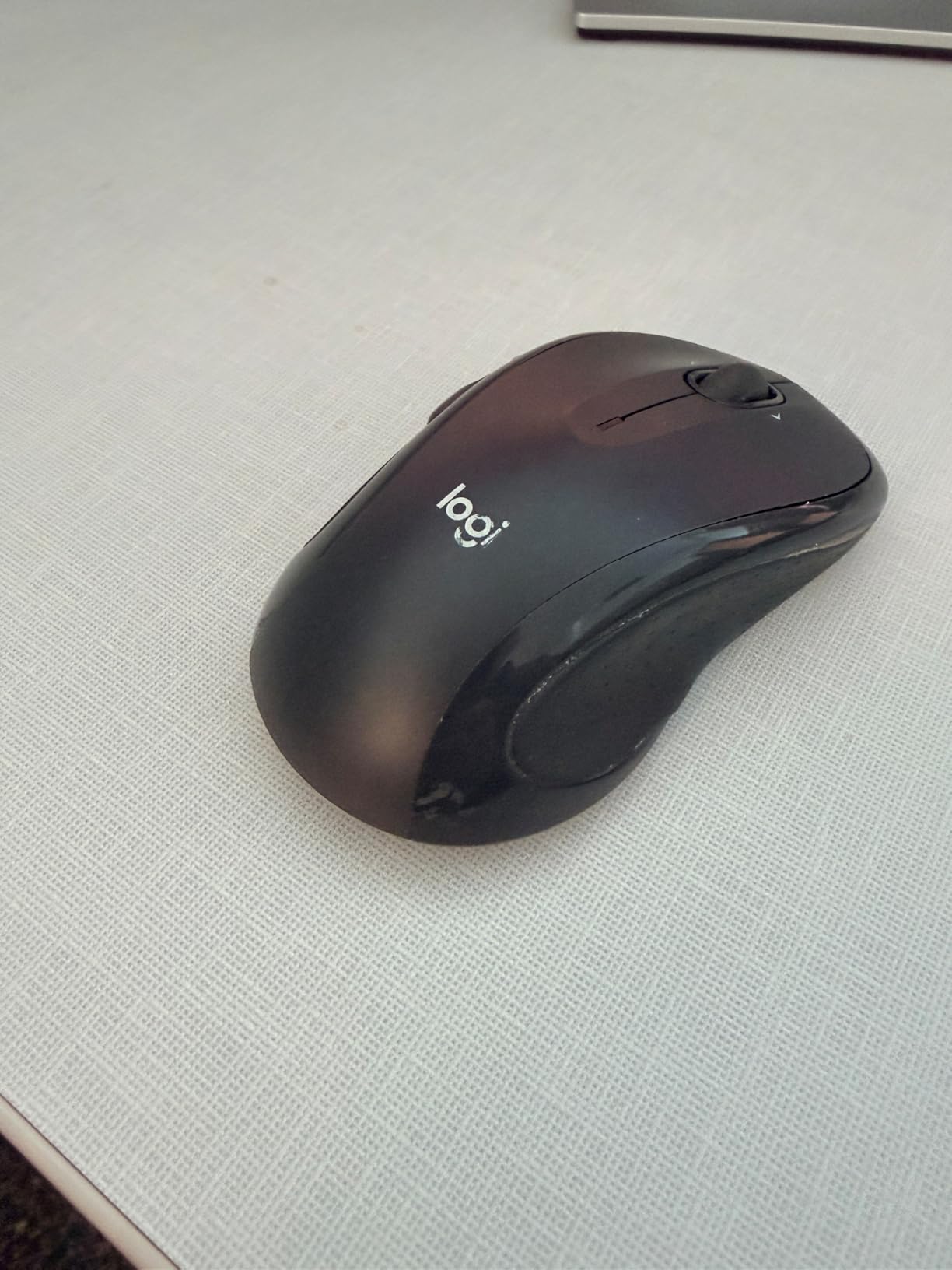
The 2-year battery life is among the best on this list. The M510 runs on two AA batteries, and with the smart sleep mode and on/off switch, you genuinely will not think about batteries for a long time. The Unifying Receiver is tiny and stays flush in your USB port.
The Unifying Receiver is worth highlighting for students with multiple Logitech devices. One receiver can connect this mouse plus a compatible Logitech keyboard, freeing up another USB port. This is a detail that matters when you are working on a laptop with limited connectivity.
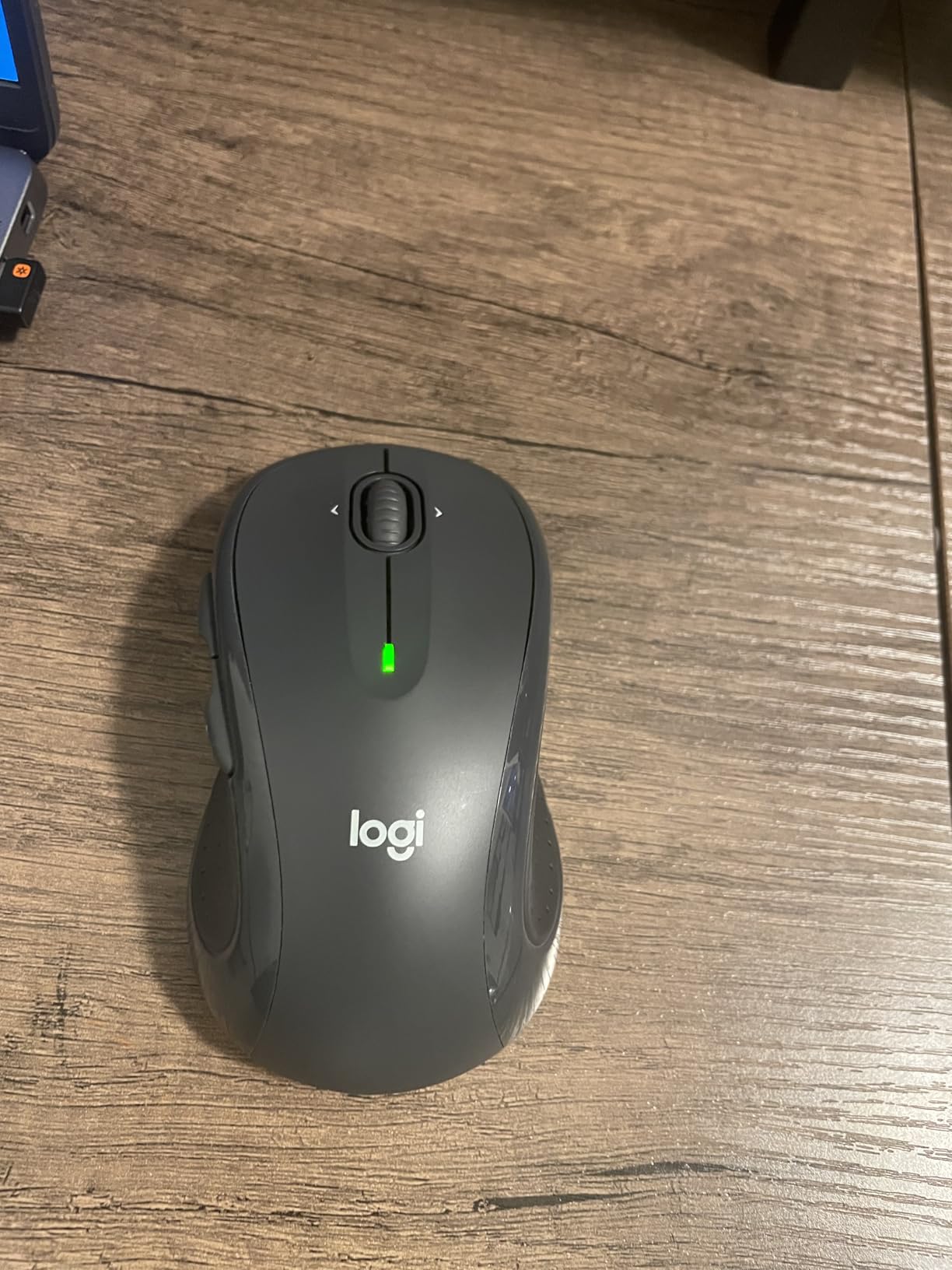
Ideal for right-handed students with desk space and serious productivity needs
If you do most of your work at a desk rather than on the go, the M510’s full-size ergonomic shape provides the best long-session comfort of any mouse on this list. The rubber grips prevent slipping even during intense study sessions.
The programmable buttons make it a productivity powerhouse for students who work with multiple applications, research databases, or coding environments.
Not ideal for students who need Bluetooth or portability
The M510 uses a USB receiver exclusively, with no Bluetooth option. If your laptop lacks USB-A ports or you want to connect to an iPad, this mouse will not work without an adapter.
It is also larger and heavier than the compact mice on this list. Students who carry their mouse in a small bag or prefer a lightweight travel companion may find it too bulky.
10. Logitech MX Anywhere 3S – Premium Pick for Power Users
Logitech MX Anywhere 3S Wireless Mouse Fast Scrolling 8K – Pale Grey
Bluetooth
8K DPI any-surface tracking
MagSpeed scroll
USB-C charging
70-day battery
3-device switching
Pros
- 8K DPI sensor tracks on any surface including glass
- MagSpeed scroll wheel scrolls 1000 lines per second
- Multi-device connectivity for 3 devices
- USB-C quick charging 1 minute equals 3 hours use
- 70-day battery life on full charge
- Quiet Clicks technology
Cons
- Most expensive mouse on this list
- Side buttons can be finicky
- Requires Logi Options+ for customization
- Rubber grips can become sticky over time
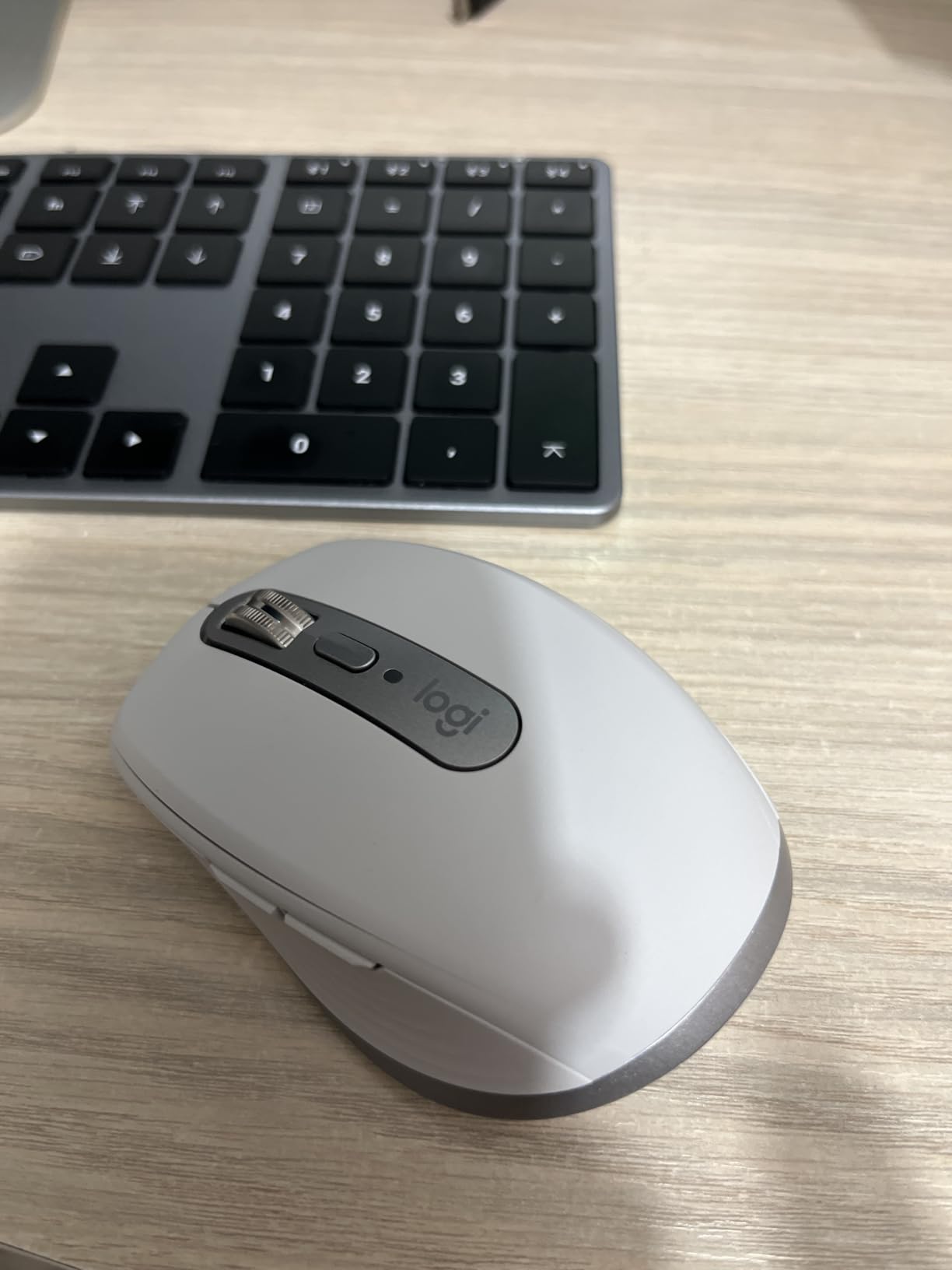
The Logitech MX Anywhere 3S is the premium pick on this list, and it earns that designation through pure capability. The 8K DPI sensor tracks on literally any surface I threw at it, including a glass coffee table where every other mouse failed completely. For students who study in coffee shops and unconventional locations, this is a meaningful advantage.
The MagSpeed scroll wheel is the feature that sold me completely. It can scroll 1,000 lines per second, which means you can fly through a 50-page research paper in one flick. Flip it to ratchet mode for precise line-by-line scrolling when editing. No other mouse on this list offers this level of scroll control.

The USB-C quick charging is a lifesaver during busy weeks. One minute of charging gives you three hours of use, so even if the battery dies mid-session, a quick plug-in gets you back to work immediately. A full charge lasts 70 days, which means you might only charge it twice per semester.
Multi-device connectivity lets you switch between three paired devices with a button press. I used it to control my iPad for reading, my laptop for writing, and my desktop for research, all from the same mouse. The Logi Options+ app lets you customize button functions per application.
Ideal for serious students who want one mouse for everything
If you are willing to invest in a mouse that will serve you through your entire degree and beyond, the MX Anywhere 3S is the one. The any-surface tracking, MagSpeed scroll, and multi-device switching combine to create the most capable mouse on this list by a wide margin.
STEM students who work with data-heavy applications, design students who need precise tracking, and anyone who studies across multiple devices will get the most value from this premium pick.
Not ideal for students on a strict budget
At nearly $80, the MX Anywhere 3S is the most expensive mouse on this list by a significant margin. If your needs are basic web browsing and document editing, the budget picks on this list will serve you nearly as well for a fraction of the cost.
Some long-term users have reported the rubber grips becoming sticky after extended use, and there is a known double-click issue that can develop after heavy clicking over time. Logitech’s warranty covers this, but it is worth being aware of.
How to Choose the Best Wireless Mouse for School
Choosing from the best wireless mice for students comes down to understanding your specific needs and constraints. Here are the factors that matter most for student life in 2026.
Connectivity: Bluetooth vs 2.4GHz USB
This is the most important decision for students. Bluetooth mice like the Logitech M240 Silent and Lenovo WL310 connect directly to your device with no dongle, which is ideal for laptops and iPads with limited ports. They also let you connect to multiple devices and switch between them.
2.4GHz USB mice like the seenda and TECKNET use a small nano receiver that plugs into a USB-A port. They tend to have slightly lower latency and simpler setup, but they occupy a port and will not work with devices that only have USB-C. Forum users on Reddit frequently report that USB receivers can stutter on some systems while Bluetooth remains stable.
Battery Life and Charging
Battery life ranges dramatically across these mice. The Logitech M510 leads with a 2-year battery life from two AA batteries, while the MX Anywhere 3S offers 70 days per USB-C charge. For students who cannot afford downtime during finals, longer battery life means less anxiety.
Rechargeable mice like the TECKNET Dual Mode and Lenovo WL310 eliminate the need to buy replacement batteries, which saves money over four years of college. However, if the built-in battery degrades, you cannot easily replace it.
Quiet Operation for Libraries and Classrooms
Silent click technology is a major differentiator for students. Logitech’s Silent Touch Technology, found in the Pebble 2, M240 Silent, and MX Anywhere 3S, reduces click noise by 90% and is the gold standard. Budget mice like the seenda and VssoPlor also offer quiet operation, though not to the same degree.
If you regularly study in libraries, shared study rooms, or classrooms where silence is expected, prioritize mice with proven silent technology.
Portability and Durability
Students carry their mice in backpacks alongside heavy textbooks, laptops, and water bottles. A compact, durable mouse survives this environment better than a bulky or fragile one. The Logitech Pebble 2 and M240 Silent are purpose-built for travel with slim profiles that fit in any pocket.
Durability is a real concern. Multiple forum users reported going through two mice in a single college year due to high click volume. The TECKNET and Logitech M510 have the best long-term durability track records based on our research.
iPad and Tablet Compatibility
For students using iPads alongside or instead of laptops, Bluetooth connectivity is essential. iPadOS supports Bluetooth mice natively, but it does not support USB receiver-based mice without adapters. The Logitech Pebble 2, M240 Silent, and MX Anywhere 3S are the best iPad-compatible options on this list.
To pair a Bluetooth mouse to your iPad, go to Settings, then Bluetooth, then Accessibility, then Pointer Control. Put your mouse in pairing mode and select it from the device list. The whole process takes about 30 seconds.
Budget Tiers for Students
Under $15, the seenda, TECKNET, and VssoPlor offer incredible value for basic academic work. In the $15 to $30 range, the Logitech Pebble 2, M240 Silent, and TECKNET Dual Mode add Bluetooth, silent clicks, and multi-device features. Above $50, the MX Anywhere 3S delivers premium tracking and scrolling that justifies the investment for power users.
Frequently Asked Questions
What is the best budget friendly wireless mouse for students?
The seenda Wireless Mouse and TECKNET Wireless Mouse are both excellent budget options under $10. They offer quiet operation, long battery life, and plug-and-play simplicity. For slightly more features like adjustable DPI and ergonomic grips, the TECKNET is the stronger pick.
Can you use a wireless mouse with an iPad?
Yes, you can use a Bluetooth wireless mouse with an iPad running iPadOS 13.4 or later. Go to Settings, then Bluetooth, then Accessibility, then Pointer Control to pair your mouse. USB receiver-based mice require a Lightning or USB-C adapter and are not recommended for iPad use. The Logitech Pebble 2, M240 Silent, and MX Anywhere 3S are the best iPad-compatible options.
Which is better, a Bluetooth mouse or a 2.4GHz wireless mouse?
Bluetooth mice are better for students with limited USB ports, iPads, or multiple devices because they require no dongle and support multi-device switching. 2.4GHz USB mice tend to have slightly lower latency and simpler plug-and-play setup but occupy a USB port and do not work with USB-C-only devices. For most students, Bluetooth is the more versatile choice.
Are wireless mice reliable for students?
Yes, modern wireless mice are highly reliable for student use. Bluetooth 5.0 and 2.4GHz technologies both provide stable connections with minimal lag. Logitech mice in particular have excellent reliability track records. The main reliability concern is physical durability from heavy clicking, so choosing a well-reviewed model matters.
What wireless mouse is compatible with an iPad?
Any Bluetooth wireless mouse works with an iPad running iPadOS 13.4 or later. The best options include the Logitech M350s Pebble 2, Logitech M240 Silent, Lenovo WL310, TECKNET Dual Mode, and Logitech MX Anywhere 3S. These connect directly via Bluetooth without needing any adapter or USB receiver.
Final Thoughts on the Best Wireless Mice for Students
After testing all 10 of these mice, our top recommendation for most students is the Logitech M350s Pebble 2. It combines silent clicks, multi-device Bluetooth, excellent portability, and a reasonable price into the most well-rounded package on this list. The Logitech M510 is the best full-size ergonomic pick for desk-based work, and the seenda and TECKNET mice remain unbeatable for students on the tightest budgets.
For students willing to invest in a premium mouse that will last through an entire degree, the Logitech MX Anywhere 3S delivers unmatched tracking, scrolling, and multi-device capability. Whatever your budget or setup, the best wireless mice for students in 2026 combine quiet operation, reliable connectivity, and enough durability to survive the demands of academic life. Pair your new mouse with the right iPad study apps and tools to build the ultimate student productivity setup.