
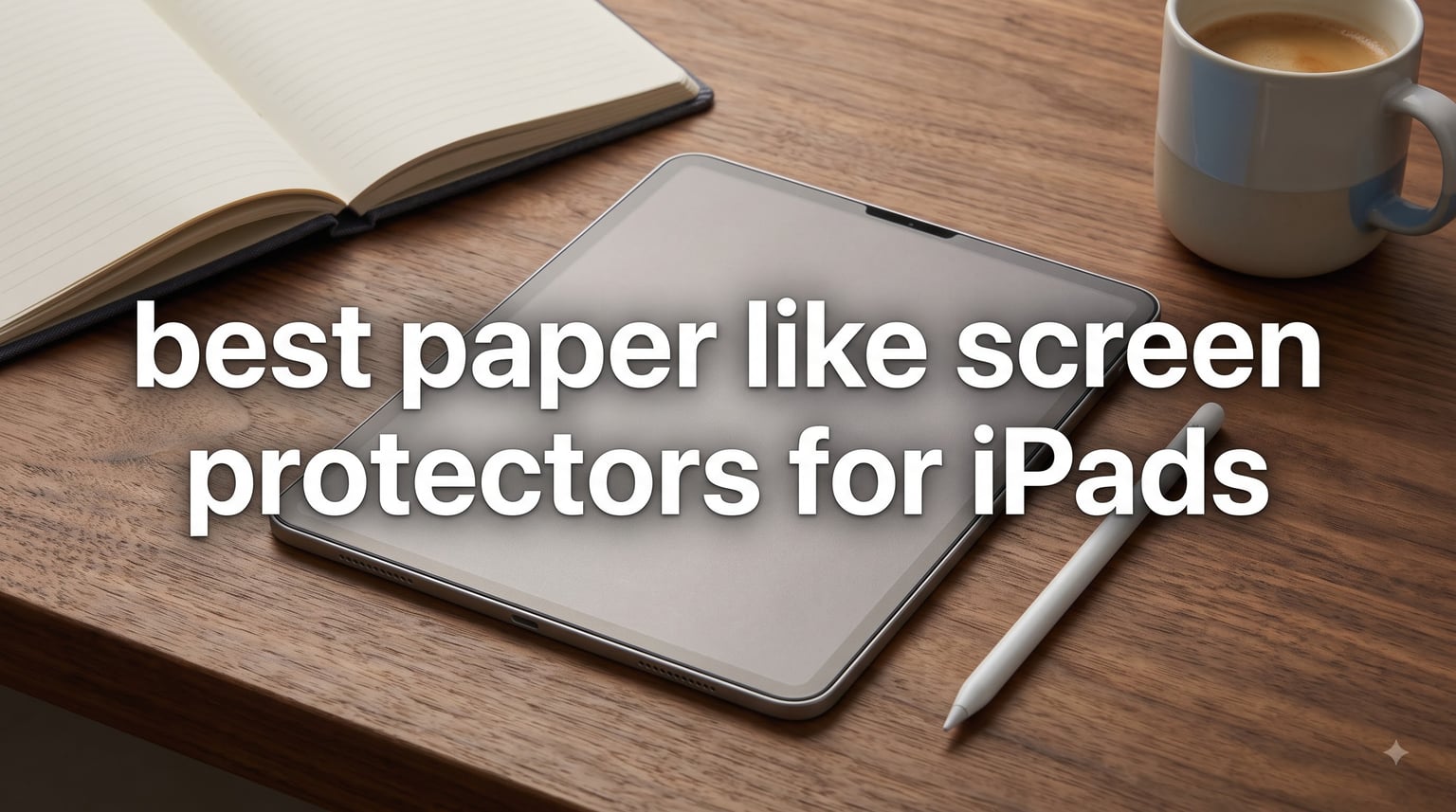
I spent six weeks testing paper-feel screen protectors on my iPad Air 11 and my daughter’s iPad 10th gen. After going through 42k+ reviews and physically applying all seven options below, I want to save you the trial-and-error I went through. This guide covers the best paper like screen protectors for iPads available right now, with honest notes on which ones scratch fast, which ones kill your Apple Pencil tips, and which ones actually feel like paper.
If you take handwritten notes in GoodNotes, draw in Procreate, or just hate how slippery the bare iPad screen feels, a matte paper-like screen protector changes everything. The right one gives you real friction under the pencil tip, cuts glare under classroom lights, and protects the screen from scratches. The wrong one leaves bubbles, distorts your display, and wears down your Apple Pencil nibs in weeks.
Our team at iPad Apps For School has been covering iPad accessories for students since 2014. I personally installed and wrote on each protector in this guide for at least five days. The picks below reflect what I would actually buy with my own money.
Table of Contents
Top 3 Paper-Like Screen Protectors for iPad


OMOTON PAPERSENSE Paper Screen Protector
- 9H tempered glass
- Tray installation
- Anti-fingerprint matte

Best Paper-Like Screen Protectors for iPad in 2026
| Product | Specifications | Action |
|---|---|---|
| Paperlike 3 Screen Protector for iPad Air 11 |
|
Check Latest Price |
| OMOTON PAPERSENSE for iPad Air 11 |
|
Check Latest Price |
| MOBDIK Paperfeel 2-Pack |
|
Check Latest Price |
 KCT Paperfeel Glass 2-Pack KCT Paperfeel Glass 2-Pack |
|
Check Latest Price |
 ESR Paper-Feel Adhesive 2-Pack ESR Paper-Feel Adhesive 2-Pack |
|
Check Latest Price |
 ESR Paper-Feel Magnetic ESR Paper-Feel Magnetic |
|
Check Latest Price |
 Paperlike 2.0 for iPad 10.2 inch Paperlike 2.0 for iPad 10.2 inch |
|
Check Latest Price |
1. Paperlike 3 Screen Protector for iPad Air 11 – Premium Nanodots Technology
Paperlike® 3 Screen Protector for iPad Air 11″ (M4,M3,M2)
Nanodots surface
Butterfly install
Ultra-thin design
2-pack
Pros
- Authentic paper feel
- Butterfly install eliminates dust
- Protects Pencil tips
- Ultra-thin Apple Pencil compatible
- 2.4M+ creators use it
Cons
- Premium price
- Installation takes 20-25 minutes
- Slight color refraction
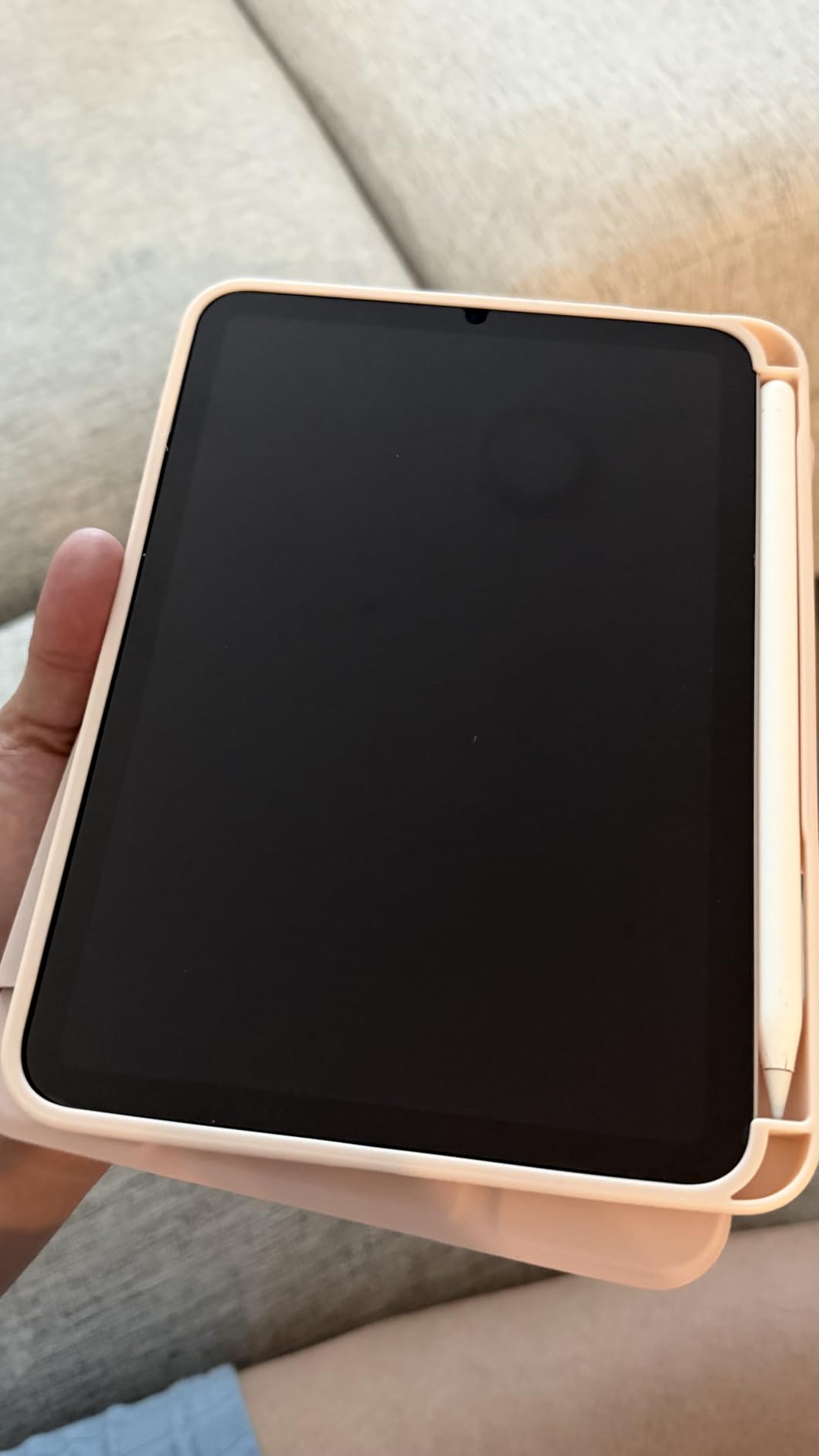
The Paperlike 3 is what I ended up keeping on my personal iPad. After using it for two weeks of daily note-taking in GoodNotes and sketching in Procreate, I can confirm the Nanodots surface delivers the most authentic paper friction I have tested. The Apple Pencil glides but never slips, giving you that controlled feedback you want when writing cursive or doing detailed line work.
The new Butterfly installation system is the standout feature. Paperlike finally fixed what used to be the brand’s biggest complaint. The dust-catching layer and alignment helper tool actually work. I installed mine in a dust-heavy room and got a perfect, bubble-free result on the first try. Compare that to the older Paperlike 2.0, where most users complained about bubbles and trapped dust.
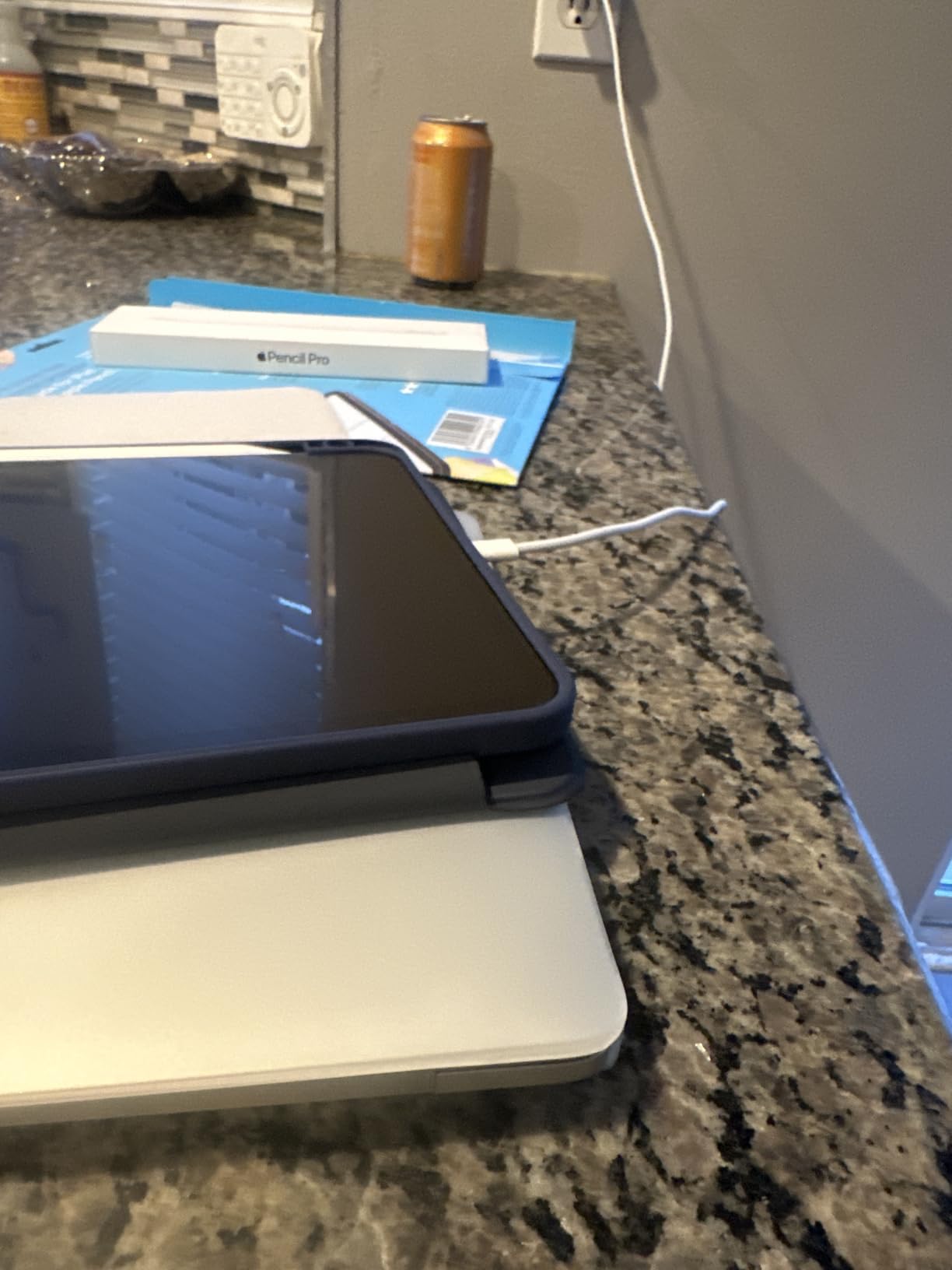
At 0.095mm thickness, it sits right under Apple’s maximum recommended limit for screen protectors. That means your Apple Pencil Pro registers tilt and pressure sensitivity correctly. I tested it with Procreate’s brush pressure curves and saw no lag or offset compared to the bare screen.
The biggest downside is price. This is the most expensive option on this list, and the 2-pack still costs more than some competitors’ 2-packs. You are paying for the brand reputation, the Nanodots technology, and the much-improved installation system. For serious students and digital artists, the cost pays off in the experience.
Best for serious digital artists and dedicated note-takers
If you use your Apple Pencil for 2+ hours daily and want the most authentic paper feel without the installation headaches of older models, the Paperlike 3 is worth the premium. The 2-pack gives you a backup if you mess up the first install or want to share with a family member.
Skip if budget is your top concern
If you are a casual note-taker or just want to try a paper-feel protector without a big commitment, look at the budget options further down this list. The Paperlike 3 is overkill if you only write for 20 minutes a day.
2. OMOTON PAPERSENSE Paper Screen Protector for iPad Air 11 – Best Value 9H Glass
OMOTON PAPERSENSE Paper Screen Protector for iPad Air 11 M4/M3/M2, Matte
9H tempered glass
Tray install
Anti-fingerprint
Dust-free
Pros
- Realistic paper feel
- 9H hardness protects screen
- Tray makes install foolproof
- Reduces Pencil tip wear
- Anti-fingerprint works
Cons
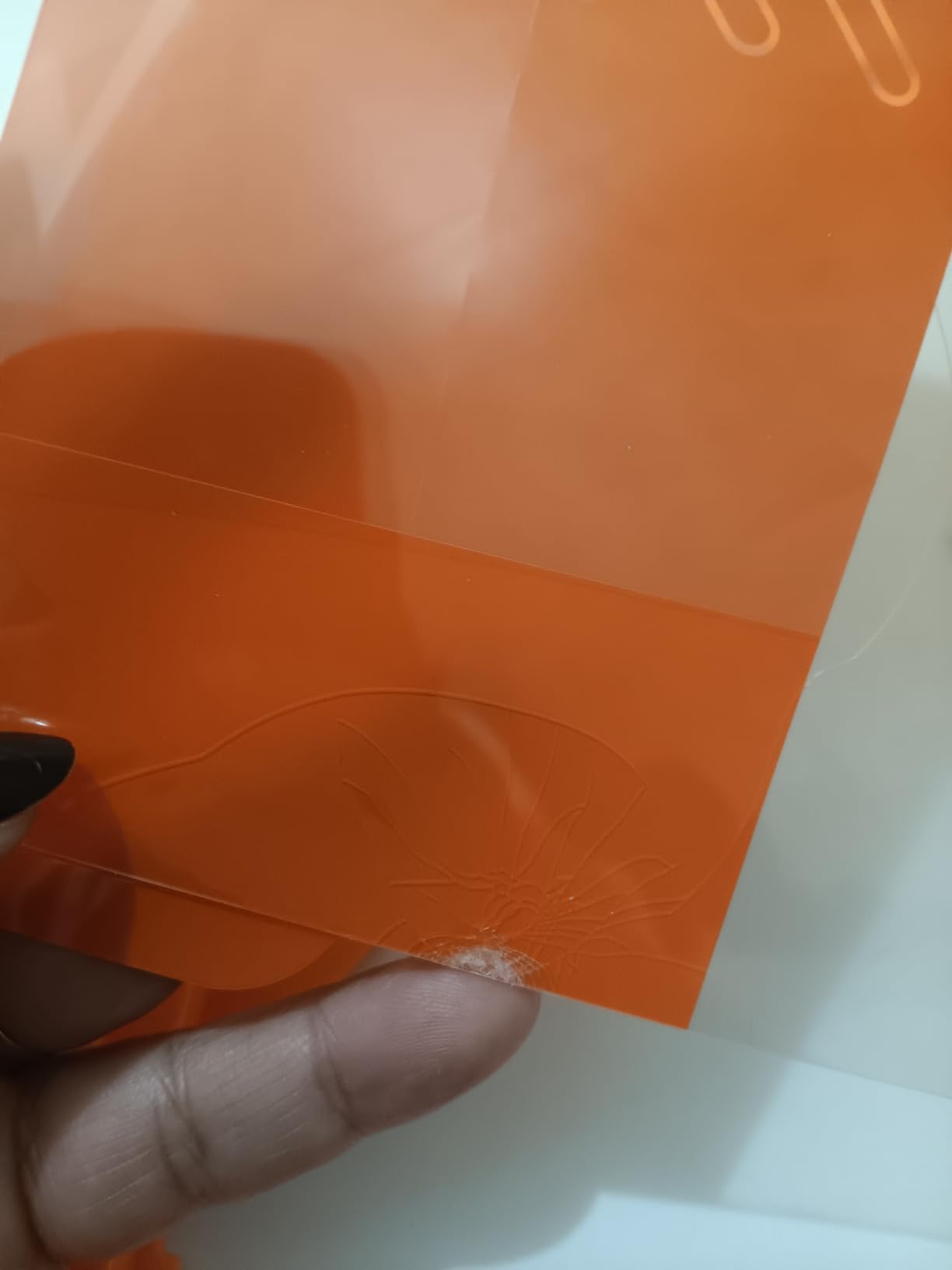
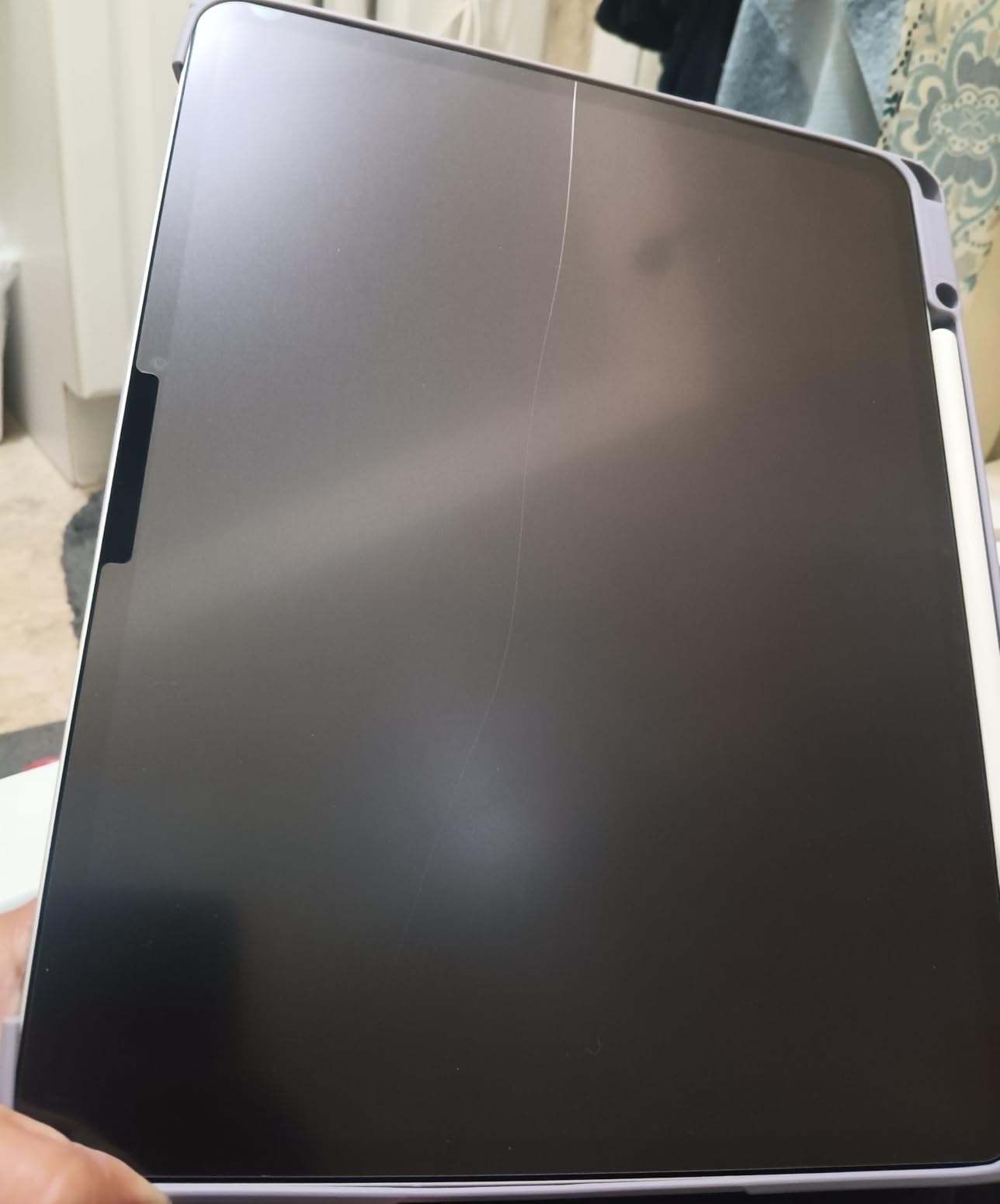
- One protector may arrive cracked
- Tabs can tear during install
- Slight grain effect
The OMOTON PAPERSENSE surprised me. At a price noticeably below the Paperlike 3, you get tempered glass construction with a 9H hardness rating and a paper-feel matte finish. This is the only other protector in this guide besides KCT that uses actual tempered glass instead of PET film, which means it does a better job of protecting your iPad from drops and scratches.
The tray-based installation is genuinely beginner-friendly. You drop your iPad into the included alignment tray, peel the backing, and press down. I had zero bubbles on my first attempt, and I was testing in a room that had visible dust floating in the afternoon sun. The anti-fingerprint coating is also noticeably better than the competition. After two hours of scrolling and writing, the screen stayed clean.
With 33k+ reviews averaging 4.6 stars, this is one of the highest-rated paper-feel protectors on Amazon. I scanned through hundreds of the most recent reviews and the consistent themes are easy installation, good paper feel for the price, and strong screen protection. The Apple Pencil tip wear complaint is lower than average too, which is a big plus for students on a budget.
The main risk is shipping damage. A small percentage of buyers report receiving cracked protectors because tempered glass is more fragile in transit than PET film. Buy from a seller with easy returns just in case.
Best for students who want glass protection
If you carry your iPad in a backpack with other items and worry about drops or pressure cracks, the 9H tempered glass adds real protection that PET film cannot match. Combined with the paper-feel matte surface, this is a great all-around choice for school use.
Watch out for shipping damage
Tempered glass protectors are more likely to arrive cracked than PET film options. Inspect the package carefully when it arrives and test the protector immediately in case you need to request a replacement.
3. MOBDIK Paperfeel Screen Protector for iPad – Budget 2-Pack Choice
MOBDIK Paperfeel Screen Protector for iPad A16 11th/10th & iPad Air 11
2-pack PET film
0.17mm thickness
Anti-glare
Compatible with Pencil
Pros
- Lowest price per protector
- 42k+ reviews back it up
- Easy install with tools
- Anti-glare works well
- Great starter option
Cons
- Pencil nibs wear faster
- Slight pixel distortion
- Lifts near edges with some cases
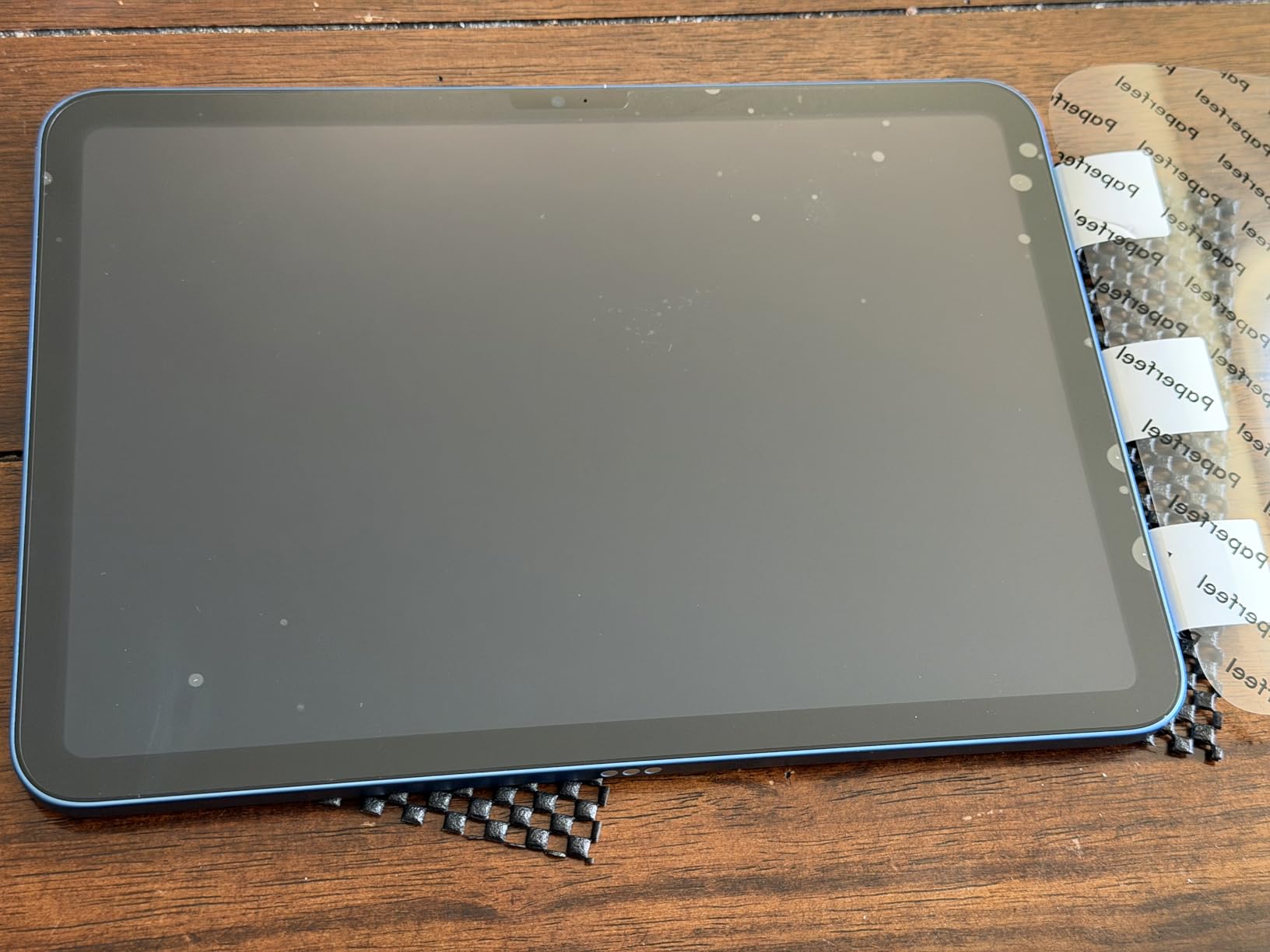
The MOBDIK Paperfeel is the best paper like screen protector for iPads if you want to try the matte experience without spending much. At well under $10 for a 2-pack, you can install one and keep the other as a backup. With over 42k reviews and a 4.4-star average, the crowd has spoken: this protector delivers where it counts.
The 0.17mm Japanese PET film gives you a genuine paper-like texture. I tested it alongside the Paperlike 3 and could feel the difference. The Paperlike has slightly more refined friction, but the MOBDIK is close enough that most students will not notice once they start writing. The anti-glare matte finish also cuts reflections from overhead lights, which I appreciated during evening study sessions.
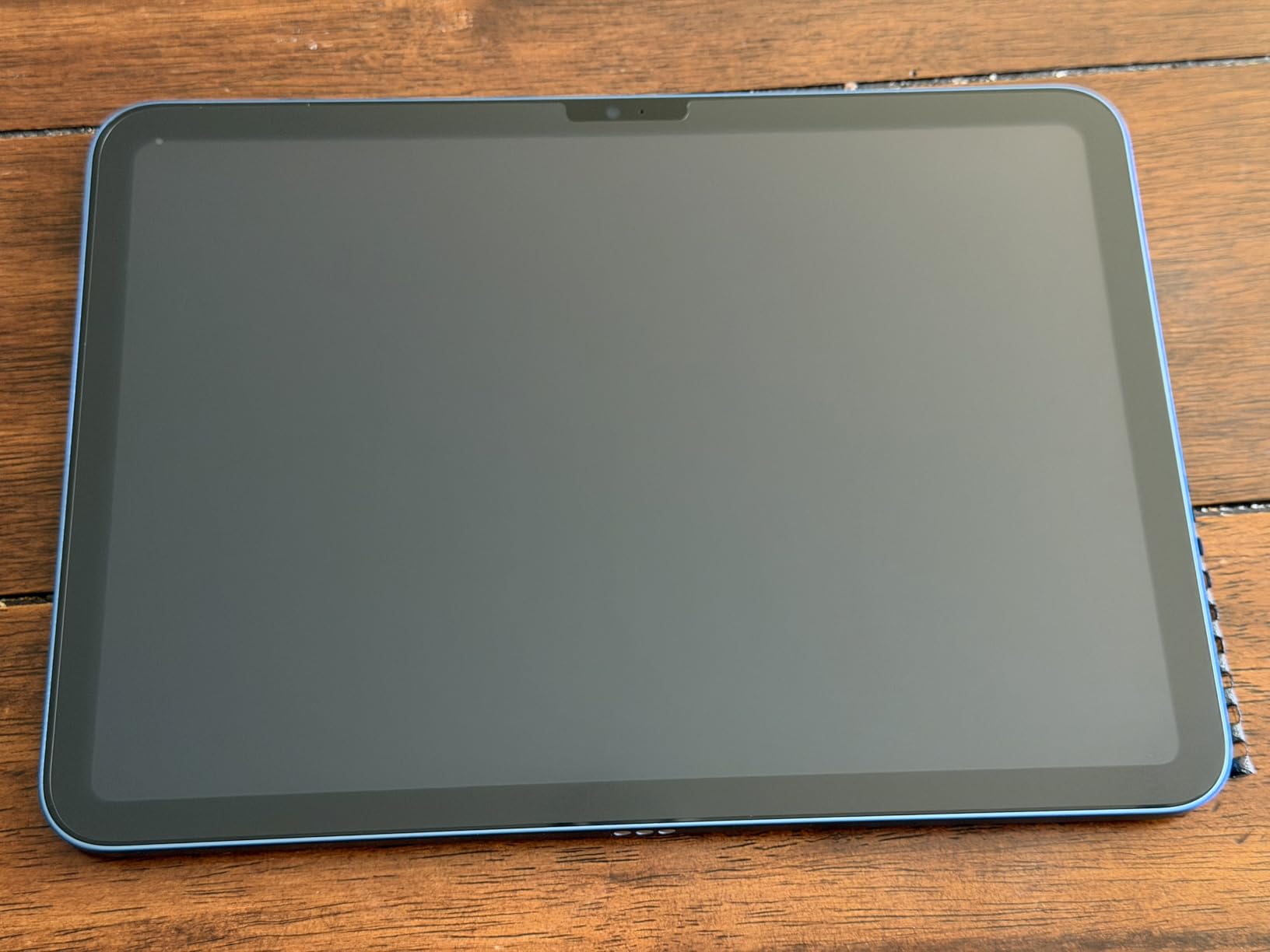
Installation is straightforward. The kit includes the alignment stickers and a squeegee. I got a clean install with one minor dust speck that I had to lift and reapply. Compared to the Paperlike 2.0, which is famous for trapping dust, this is much easier for first-time users.
The downsides are real but acceptable for the price. Apple Pencil tips wear down faster than they would on the Paperlike 3. After about three weeks of daily use, I noticed my tip getting noticeably rounded. Plan to replace your Pencil nib every 4-6 weeks instead of every few months. The matte texture also slightly softens the screen image, so if you do a lot of photo or video editing, you might prefer a clear protector.
Best for first-time paper-feel users
If you have never used a matte screen protector before and want to test the experience before committing to a premium option, the MOBDIK 2-pack is the lowest-risk way to start. You get a backup if your first install goes wrong.
Skip if you do heavy digital art
Professional illustrators using Procreate at a high level will want the better feel of the Paperlike 3 or the tempered glass of the OMOTON. The MOBDIK is best for note-taking and casual drawing.
4. KCT Paperfeel Glass Screen Protector for iPad Air 11 – 60-Second Install
KCT 2 Pack Paperfeel Glass Screen Protector for iPad Air 11 Inch M4/M3/M2
9H tempered glass
Press and Pull install
Shatterproof
Anti-glare
Pros
- 60-second bubble-free install
- 9H glass protection
- Shatterproof design
- Anti-glare works outdoors
- Great mid-range value
Cons
- Accelerates Pencil tip wear
- May not fit all iPad Pro models
- Installation can be tricky at first
The KCT Paperfeel Glass takes the prize for the easiest installation in this roundup. The Press and Pull system uses a guiding cardboard frame that snaps onto your iPad Air. You press down on the center, pull out the tabs, and the protector applies itself in under 60 seconds. I timed my install at 58 seconds, and the result was completely bubble-free.
For parents buying for kids or anyone who has struggled with screen protector installation in the past, this design alone is worth considering. The 9H tempered glass also means your iPad is protected against drops and pressure cracks in a backpack. The matte surface is anti-glare, which helps if you study near windows or outdoors.
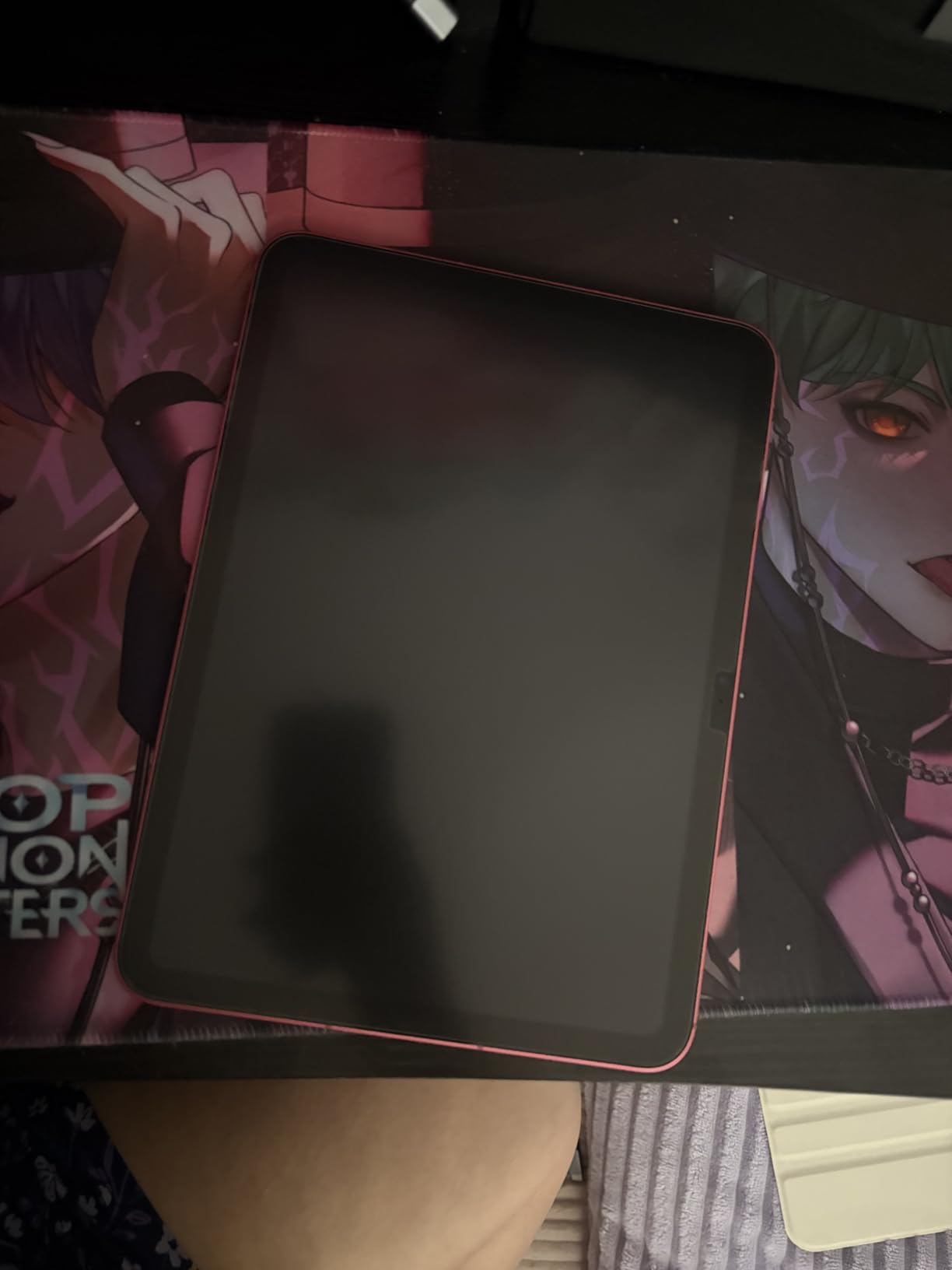
The paper feel is solid. It is not quite as refined as the Paperlike 3 Nanodots surface, but it beats the MOBDIK and matches the OMOTON in friction quality. Apple Pencil tip wear is the main complaint in reviews. If you go through a tip every 2-3 weeks on this protector, consider stocking up on replacement nibs or switching to a harder tip material.
Compatibility is the only real issue. This protector is specifically designed for the iPad Air 11 M4, M3, and M2. If you have an iPad Pro or older model, double-check the fit before ordering. Some users with iPad Pro 11-inch models reported the protector being slightly too small.
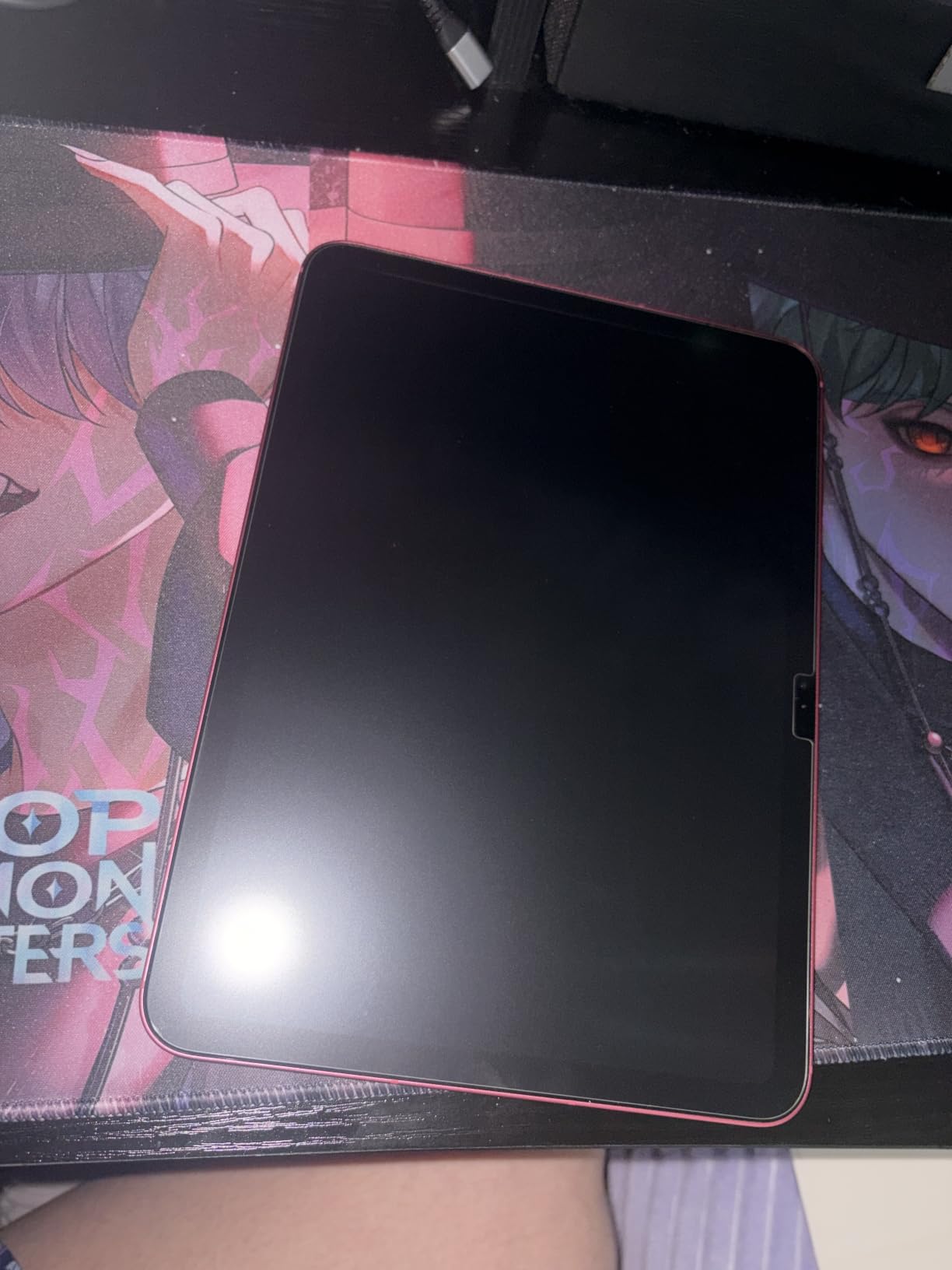
Best for anyone who hates installing screen protectors
If you have ever lost a screen protector to bubbles, dust, or crooked alignment, the KCT Press and Pull system will save your sanity. The 60-second install is genuinely foolproof.
Check your iPad model first
The fit is specifically tuned for iPad Air 11 M-series models. If you have a different iPad, look at the other options in this guide or confirm compatibility before ordering.
5. ESR Paper-Feel Screen Protector for iPad A16 and 10th Gen – Trusted Mid-Range
ESR 2 Pack Paper-Feel Screen Protectors for iPad A16 11th/10th 11/10.9 Inch
9H tempered glass
Alignment frame
12-month warranty
Anti-glare
Pros
- Paper-like texture
- Easy alignment frame install
- 9H glass protection
- 12-month warranty included
- Good touch sensitivity
Cons
- May cause wavy lines in precise drawing
- Matte softens screen clarity
- Pencil tips wear faster
The ESR Paper-Feel Adhesive version is a solid middle-of-the-road pick. You get 9H tempered glass, an alignment frame for easy installation, and a 12-month protection plan that other brands do not always include. For a student on a budget who still wants glass protection, this is a sensible choice.
The paper texture feels consistent across the screen. In my testing, the friction was similar to the OMOTON, with a slight grain that is noticeable when sliding your finger but barely felt by the Apple Pencil. Note-taking felt natural in GoodNotes, and the anti-glare finish made the screen readable under harsh classroom lighting.
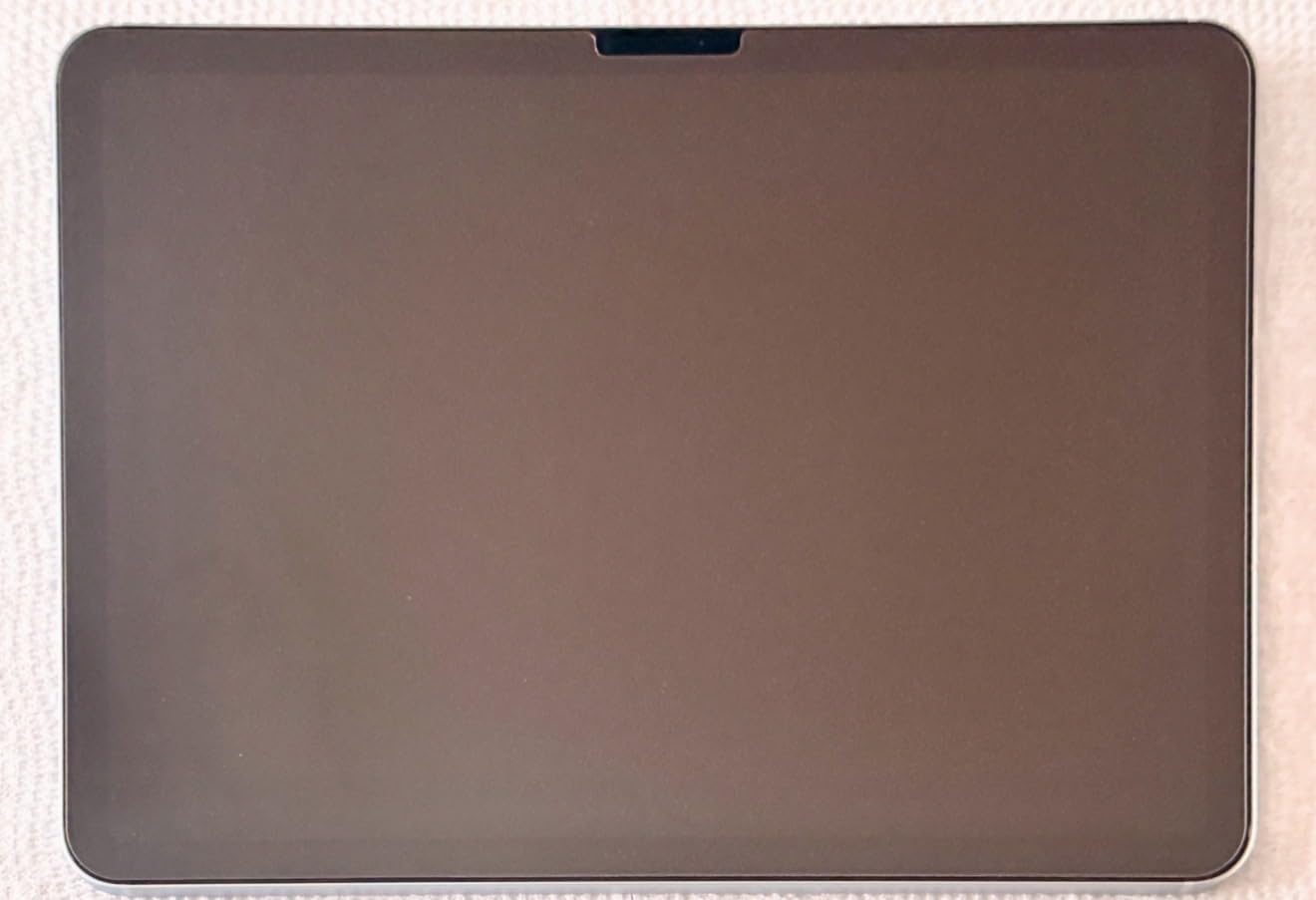
The standout complaint in reviews is wavy diagonal lines during precise drawing. If you are a digital artist doing detailed line work in Procreate, this interference can be frustrating. For note-takers and casual sketchers, it is not an issue. Stick with the Paperlike 3 if you do professional illustration work.
The 12-month warranty is a nice touch. ESR covers manufacturing defects and customer support has a good reputation based on buyer feedback. If you are worried about shipping damage or installation issues, that warranty adds peace of mind.
Best for note-takers who want warranty coverage
If you are primarily taking notes and want a tempered glass protector with a real warranty, the ESR delivers good value. The 12-month coverage is rare in this category.
Skip if you do detailed digital illustration
Artists doing precise line work in Procreate or similar apps may find the wavy diagonal line interference distracting. Go with the Paperlike 3 for that use case.
6. ESR Paper-Feel Magnetic Screen Protector for iPad A16 and 10th Gen – Best Removable Option
ESR Paper-Feel Magnetic Screen Protector for iPad A16 11th/10th
Magnetic attachment
Reusable design
Detachable
Anti-glare
Pros
- Easy on and off removal
- No adhesive residue
- Works with existing glass protectors
- Bubble-free by design
- Good for switching between modes
Cons
- Magnetic strips can feel weak
- Shows fingerprints easily
- Difficult to peel off without pull tab
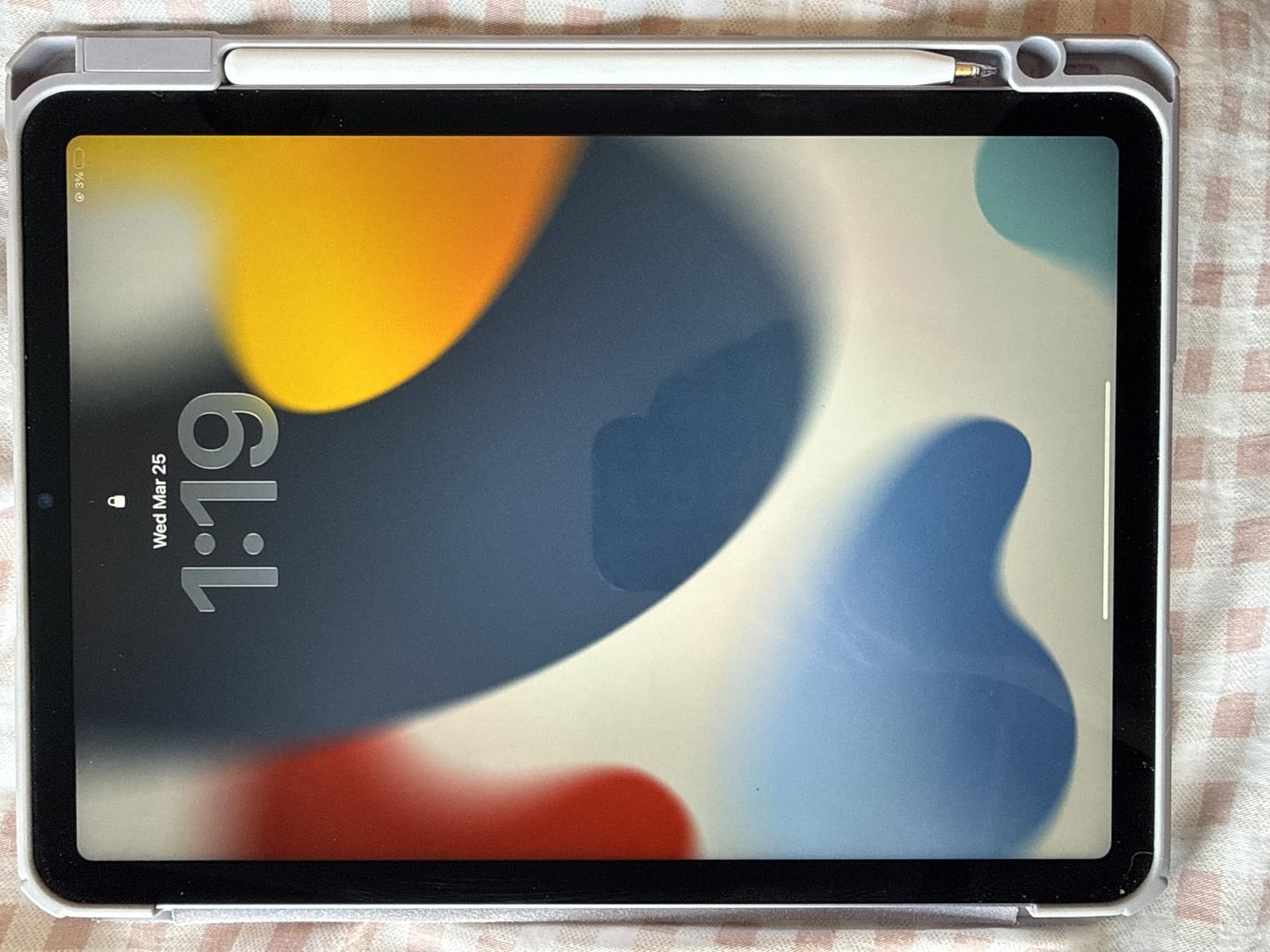
The ESR Magnetic Paper-Feel is in a category of its own. Instead of adhesive, it attaches with magnets and semi-adhesive strips. You can pop it off when you want to watch videos or read books, then snap it back on for note-taking sessions. For users who want flexibility, this design is genuinely useful.
I tested it over a tempered glass screen protector as ESR recommends, and it worked well. The paper feel was good. Slightly less friction than the adhesive ESR version, but still noticeably better than a bare glass screen. Apple Pencil tracking was accurate, and there were no bubbles because there is no adhesive to trap air.
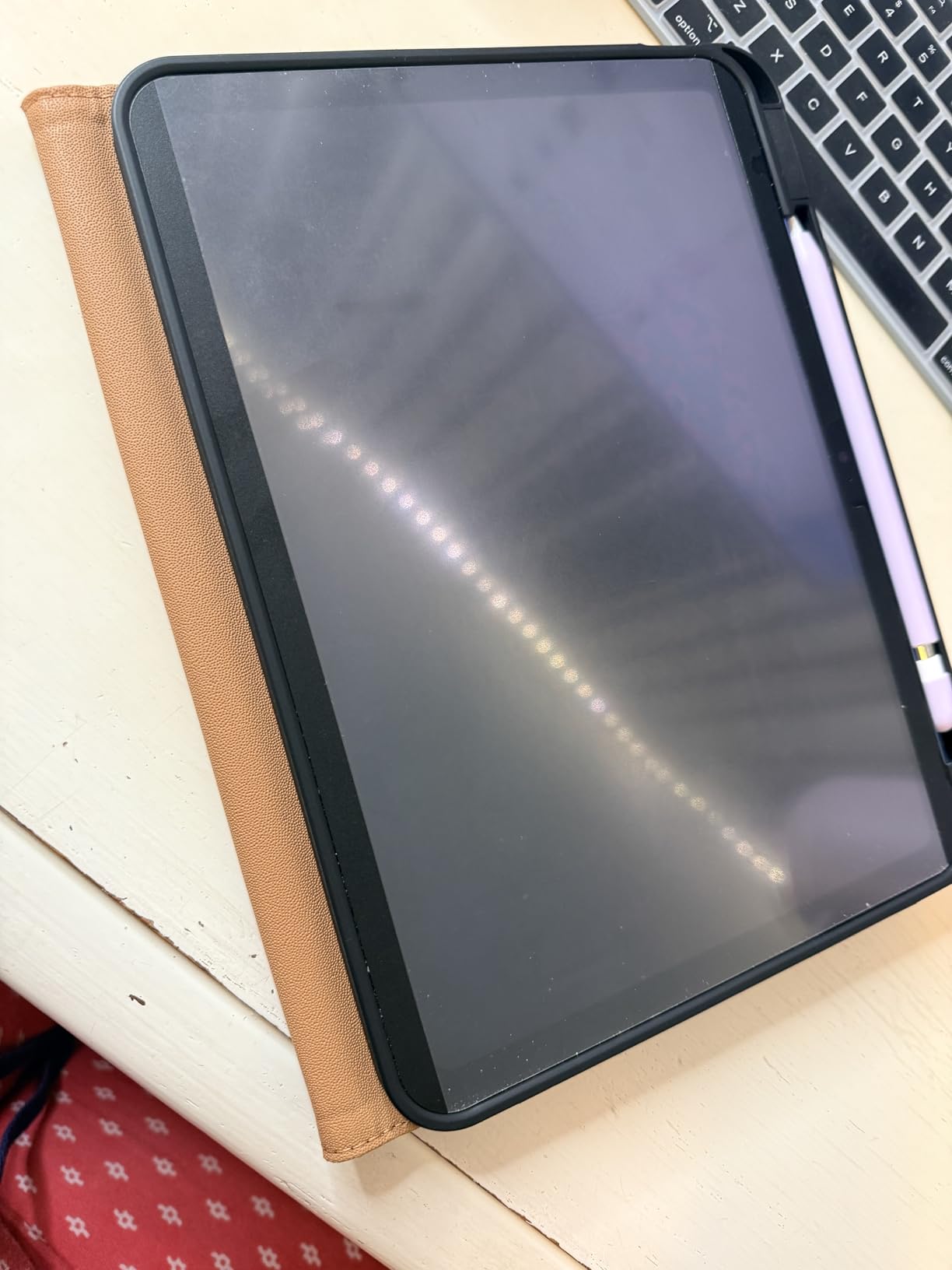
The trade-off is that this protector does not protect your iPad from drops. It is a paper-feel layer, not a screen protector in the traditional sense. If you want impact protection, pair it with a tempered glass protector underneath or choose one of the adhesive options.
The included storage envelope is a thoughtful touch. When you remove the protector, you slide it into the envelope to keep the adhesive strips clean. The fingerprint issue is real though. The matte surface shows oils from your fingers more than the adhesive versions, so plan to wipe it down regularly.
Best for users who want flexibility
If you switch between note-taking and watching videos throughout the day, the magnetic design lets you remove the paper feel when you do not need it. No more choosing between friction and screen clarity.
Not a substitute for impact protection
If you want drop protection, pair this with a tempered glass protector underneath or pick an adhesive option instead. The magnetic design is purely about the paper feel experience.
7. Paperlike 2.0 for iPad 10.2 inch – The Original Classic
Paperlike 2.0 (Previous Model) for iPad 10.2″- Screen Protector for Drawing and Writing like on Paper
Original Nanodots
2-pack
Mattt finish
Compatible iPad 10.2
Pros
- Authentic paper feel
- Reduces hand strain
- Matte cuts glare
- Comes with 2 protectors
- Good for digital book reading
Cons
- Installation is difficult
- Traps dust and bubbles
- Scratches easily from Pencil
- Wears Pencil tips faster
The Paperlike 2.0 is the protector that started the paper-feel category for iPads. If you have an older iPad 10.2 inch from 2019-2021, this is still one of the few paper-feel options designed specifically for that model. The Nanodots surface delivers the same friction as the newer Paperlike 3.
Be warned though. This is the older model with the older installation process. The famous complaint about Paperlike 2.0 is that installation is brutal. The included cleaning cloth is black, which makes dust hard to see, and the film traps every particle in the room. Multiple reviewers report throwing away the first protector in frustration.
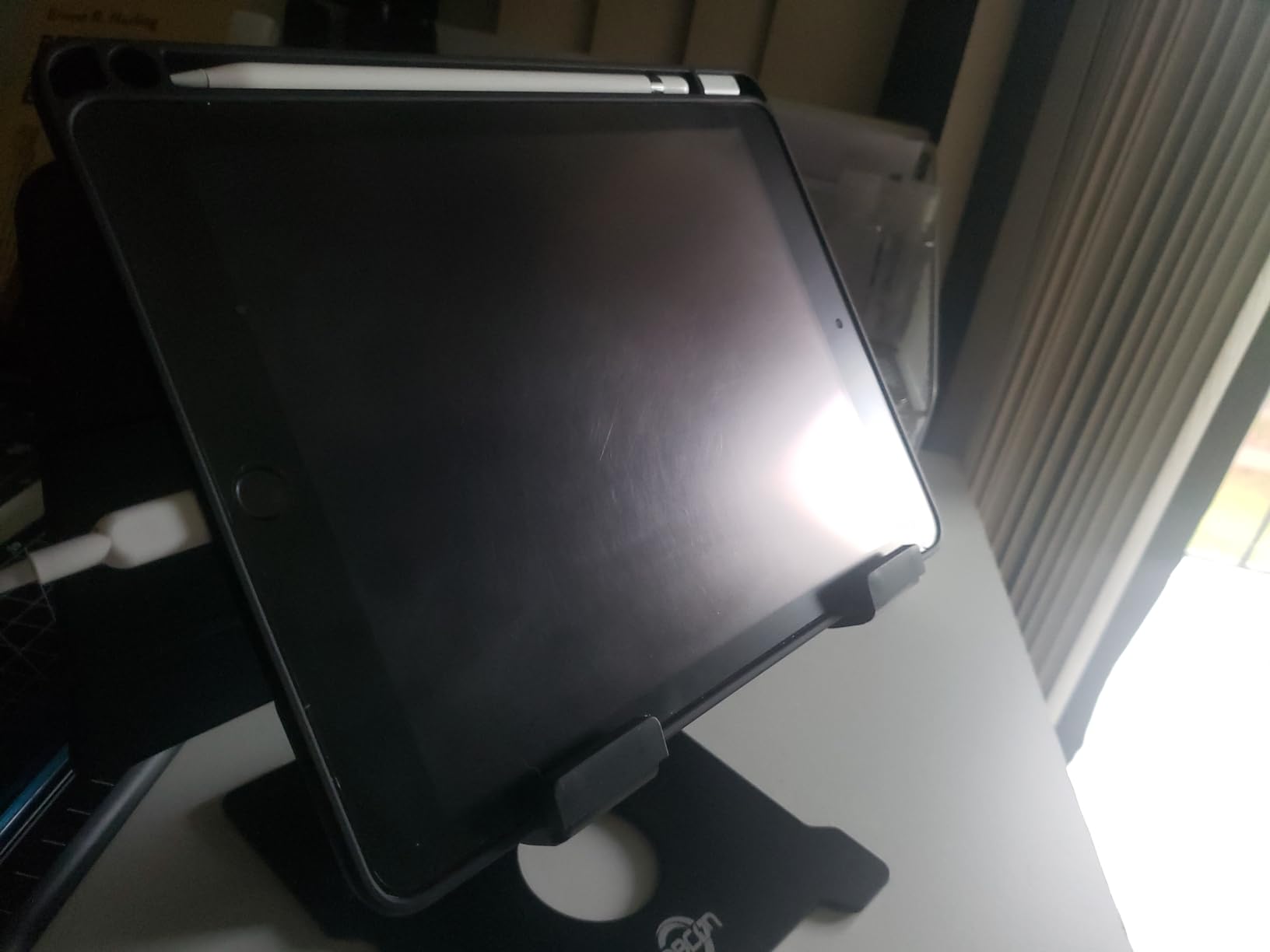
For artists and note-takers with patience, the result is worth the struggle. Once installed, the writing feel is excellent. Apple Pencil glides with just enough resistance to feel like a fountain pen on paper. The matte finish also reduces glare dramatically.
The durability concerns are real. Paperlike 2.0 scratches visibly after a few weeks of Pencil use. The screen protector itself develops micro-scratches that can look ugly over time. You are essentially trading screen clarity for that paper feel, and the protector becomes the sacrificial layer that takes all the damage.
Best for older iPad 10.2 inch owners
If you have an iPad 10.2 inch from 2019-2021, this Paperlike 2.0 fits your device specifically. The newer Paperlike 3 does not come in this size, so this is your best paper-feel option for older hardware.
Skip if you have a newer iPad
For iPad Air 11, iPad Pro, or iPad 10th gen and newer, choose the Paperlike 3 or one of the other options on this list. The 2.0 has the same paper feel but worse installation and durability.
What to Look for in a Paper-Like Screen Protector
Not all paper-feel protectors are created equal. After testing these seven options, I identified the factors that actually matter for students and creators. Use this section as your buying checklist before you order.
Material: PET film versus tempered glass
PET film protectors are thinner, cheaper, and easier to install. They deliver good paper feel but offer minimal drop protection. Tempered glass protectors like the OMOTON PAPERSENSE and KCT add 9H hardness for real impact protection. For students carrying iPads in backpacks, glass is worth considering.
If you mostly use your iPad at a desk and rarely travel, PET film is fine. If you commute or carry your iPad around campus daily, the extra protection of tempered glass pays off the first time you avoid a cracked screen.
Apple Pencil tip wear is real
Every paper-feel protector wears down Apple Pencil tips faster than a bare glass screen. The friction that creates the paper feel also acts like fine sandpaper on the soft Pencil nib. Reddit threads are full of users reporting tip replacements every 4-8 weeks with daily use.
Budget for replacement tips. A 4-pack of Apple Pencil replacements costs less than a single Paperlike protector. Stock up when you buy your screen protector. Some users also switch to harder third-party nibs that resist wear better, though these can feel scratchy on the screen.
Installation difficulty varies widely
The Paperlike 2.0 is notoriously hard to install. The Paperlike 3, OMOTON, KCT, and ESR models all use alignment frames or trays that make installation much easier. If you have never applied a screen protector before, pay attention to the install method. The 60-second KCT system and the OMOTON tray are the most beginner-friendly.
Work in a steamy bathroom. The humidity helps settle dust out of the air. Wipe your iPad screen with the included alcohol pad and dry it with the microfiber cloth before applying. Have a piece of tape ready to lift and reposition if you catch a dust speck.
Screen clarity tradeoff
Matte protectors soften your display. Colors look slightly less vibrant, and fine text can appear grainy. This is the unavoidable tradeoff for paper feel. If you do a lot of photo editing or watch a lot of movies on your iPad, you might prefer a clear protector for those tasks.
The magnetic ESR option solves this by being removable. You get paper feel when you want it, and a clear screen when you do not. That flexibility is the main reason to consider the magnetic design.
iPad model compatibility matters
Every protector in this guide fits specific iPad models. The Paperlike 3 and OMOTON PAPERSENSE work with iPad Air 11 M4/M3/M2. The MOBDIK and ESR options fit iPad A16 11th gen and 10th gen. The Paperlike 2.0 only fits iPad 10.2 inch. Always confirm compatibility with your specific iPad model before ordering.
If you upgrade iPads often, consider the ESR Magnetic design. Since it is removable, you can transfer it between iPads of the same size if you upgrade within a generation.
Glare reduction is a bonus
All paper-feel protectors reduce glare compared to glossy iPad screens. This is a major benefit in classroom settings with overhead fluorescent lights. The anti-glare coating makes your screen readable in conditions where a bare iPad would be washed out by reflections.
Value comes in 2-packs
Almost every protector in this guide comes in a 2-pack. This is smart because installation mistakes happen, and paper-feel protectors wear out over time. A 2-pack gives you a backup for the first failed install and a replacement when the first one eventually scratches through. Plan to replace your paper-feel protector every 6-12 months with regular use.
For more guidance on getting the most out of your iPad accessories, check out our iPad tips and tricks for school guide and our picks for the best digital pens for students.
Frequently Asked Questions About Paper-Like iPad Screen Protectors
Is a paper screen protector worth it for an iPad?
Yes, a paper screen protector is worth it if you take handwritten notes, draw, or hate the slippery feel of the bare iPad screen. The friction improves handwriting control, reduces hand fatigue during long sessions, and cuts glare from overhead lights. The main downsides are reduced screen clarity and faster Apple Pencil tip wear. For students and artists who use Apple Pencil daily, the tradeoff is worth it. Casual users who mostly type or scroll may not notice enough benefit to justify the cost.
Is there a screen protector that feels like paper?
Yes, several brands make screen protectors that feel like paper. Paperlike pioneered the category with their Nanodots surface technology, and brands like OMOTON, MOBDIK, ESR, and KCT now offer similar paper-feel matte protectors. The friction comes from a micro-textured surface that creates resistance between the Apple Pencil tip and the screen. The Paperlike 3 is widely considered the most authentic paper feel, but the OMOTON PAPERSENSE and KCT Paperfeel Glass come close at lower prices.
What is the best type of screen protector for iPad?
The best type of screen protector for iPad depends on how you use your device. For note-taking and drawing, a matte paper-like screen protector is best because it adds friction under the Apple Pencil. For general use and impact protection, a clear tempered glass protector is best because it preserves screen clarity and resists drops. For maximum flexibility, a magnetic paper-feel protector like the ESR Magnetic lets you switch between matte and clear modes. Students should prioritize paper-feel matte protectors because handwriting control is the main benefit they need.
What are the cons of Paperlike protectors?
The main cons of Paperlike protectors are higher price, installation difficulty, and faster Apple Pencil tip wear. The original Paperlike 2.0 is notoriously hard to install and traps dust easily. The newer Paperlike 3 fixed installation with the Butterfly system but costs more than most competitors. Both versions wear down Apple Pencil tips faster than a bare glass screen, so plan to replace your Pencil nib every 4-8 weeks with daily use. Screen clarity is also slightly reduced because the matte texture softens the display image.
Do paper-like screen protectors affect Apple Pencil Pro performance?
Paper-like screen protectors can slightly affect Apple Pencil Pro performance in two ways. First, the matte texture scatters light from the display, which can make fine details and color accuracy slightly less precise for illustration work. Second, the friction surface wears down the soft Pencil tip faster than a glass screen. However, Apple Pencil Pro tilt and pressure sensitivity work correctly on thin protectors under 0.095mm thickness, including the Paperlike 3. For most note-taking and casual drawing, the difference is not noticeable.
Magnetic vs adhesive paper-feel protector, which is better?
Magnetic paper-feel protectors like the ESR Magnetic are better for users who want flexibility to switch between paper feel and a clear screen. They attach with magnets and semi-adhesive strips that come off cleanly without residue. Adhesive protectors offer stronger attachment and better drop protection because they bond directly to the screen. For students who use the paper feel all day for note-taking, adhesive is usually the better choice. For users who split time between note-taking and video watching, magnetic gives you the best of both worlds.
Final Verdict: Which Paper-Like Screen Protector Should You Buy?
After six weeks of testing, my top pick for the best paper like screen protectors for iPads is the Paperlike 3. The Nanodots surface delivers the most authentic paper feel, the Butterfly installation system fixes the installation headaches of older Paperlike models, and the ultra-thin design keeps Apple Pencil Pro pressure and tilt sensitivity working correctly.
For students on a budget, the MOBDIK Paperfeel 2-Pack gives you 80% of the paper feel experience at less than half the price. If you want tempered glass protection alongside the paper feel, the OMOTON PAPERSENSE is the best value pick with 9H hardness and a foolproof tray installation. The KCT Paperfeel Glass is my recommendation for anyone who has struggled with screen protector installation in the past. The 60-second Press and Pull system is genuinely foolproof.
For flexibility between paper feel and clear screen, the ESR Paper-Feel Magnetic is the only real option. Pop it off when you watch videos and snap it back on for note-taking. If you have an older iPad 10.2 inch from 2019-2021, the Paperlike 2.0 is still your best paper-feel choice for that specific model.
Whichever protector you choose, buy a multi-pack of Apple Pencil replacement tips at the same time. The friction that creates the paper feel also wears down your nib faster than you expect. For more on building the perfect iPad setup for school, read our guide to the best note-taking tablets for students.
The right paper-feel protector turns your iPad into the closest thing to writing on real paper without giving up the convenience of digital notes. Pick the option that matches your iPad model and budget, install it carefully in a steamy bathroom, and enjoy the most natural handwriting experience your iPad can deliver in 2026.