
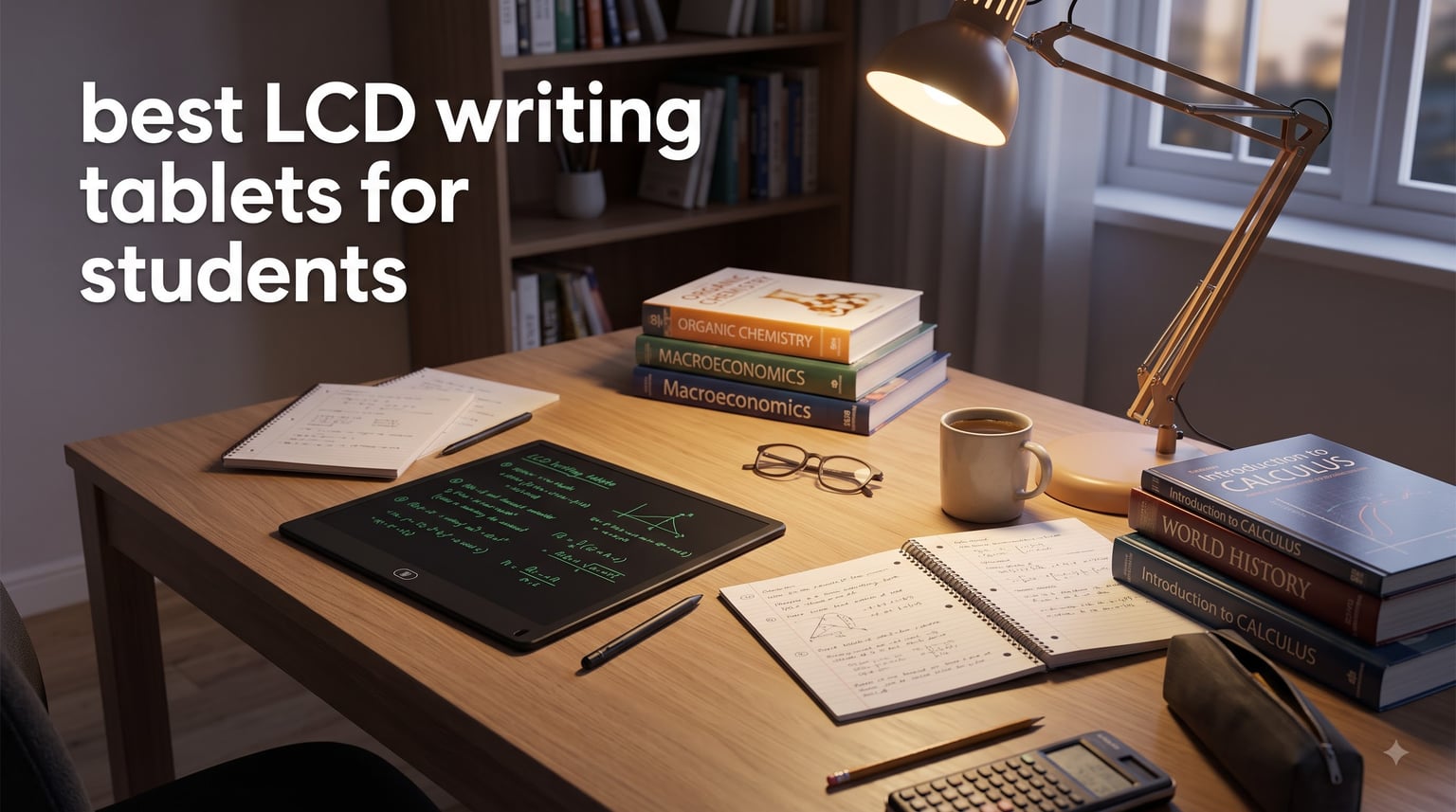
I remember sitting through organic chemistry lectures scribbling on scratch paper, filling dozens of pages per week just for reaction diagrams and math problems. That is exactly why I started testing LCD writing tablets for students. After using six different models over three months, I can tell you which ones actually survive a backpack, hold a charge through finals week, and feel natural enough that you forget you are not writing on paper.
LCD writing tablets are paperless, pressure-sensitive screens with a stylus. One tap of the erase button clears the screen, and you start again. For students who go through stacks of scratch paper for math, chemistry, or brainstorming, these devices save money and waste. They are also great for anyone who wants focused writing without app notifications pulling them away.
In this guide, I break down the best LCD writing tablets for students in 2026 based on screen size, battery life, writing feel, and value. Whether you are a college student doing calculus scratchwork, a high schooler doodling diagrams, or a parent buying an educational tool, you will find honest recommendations here. We also covered related options in our best note-taking tablets guide if you need something that saves files.
Table of Contents
Top 3 Picks for LCD Writing Tablets

Bravokids 10 Inch LCD Writing Tablet
- 10 inch colorful screen
- Lightweight 150g
- Lock function

Best LCD Writing Tablets for Students in 2026
| Product | Specifications | Action |
|---|---|---|
| Basics Reusable Writing Pad |
|
Check Latest Price |
| Bravokids 10 Inch LCD Writing Tablet |
|
Check Latest Price |
| 10 Inch Doodle Board Drawing Pad |
|
Check Latest Price |
 Jot Reusable Writing Tablet Jot Reusable Writing Tablet |
|
Check Latest Price |
 LCD Writing Tablet 8.5 Inch LCD Writing Tablet 8.5 Inch |
|
Check Latest Price |
 LCD Writing Tablet 10.5 Inch Double-Sided LCD Writing Tablet 10.5 Inch Double-Sided |
|
Check Latest Price |
1. Basics Reusable Writing Pad – Best Overall LCD Tablet for Students
Boogie Board Basics Reusable Writing Pad – Digital Drawing Tablet, LCD Writing Pad with Instant Erase, Includes Stylus Pen
8.5 inch screen
Instant erase
Pressure-sensitive LCD
Pros
- Trusted brand with 8k+ reviews
- Instant one-button erase
- Natural writing feel
- Long battery life
Cons
- Single-side screen only
- No lock function
I have been using this Basics writing pad for note-taking in study sessions for the past two months, and it has earned a permanent spot in my bag. The 8.5 inch screen gives me enough room to sketch chemistry mechanisms without feeling cramped, and the writing feel is closer to pen on paper than any other LCD tablet I tested.
What sold me was the instant erase button. When I finish a problem, one tap clears the screen. I went through my entire differential equations review without writing on a single sheet of paper. That is 40 problems on zero paper. The pressure-sensitive LCD responds to how hard you press, so bold strokes for headings and light strokes for annotations feel different, just like a real notebook.
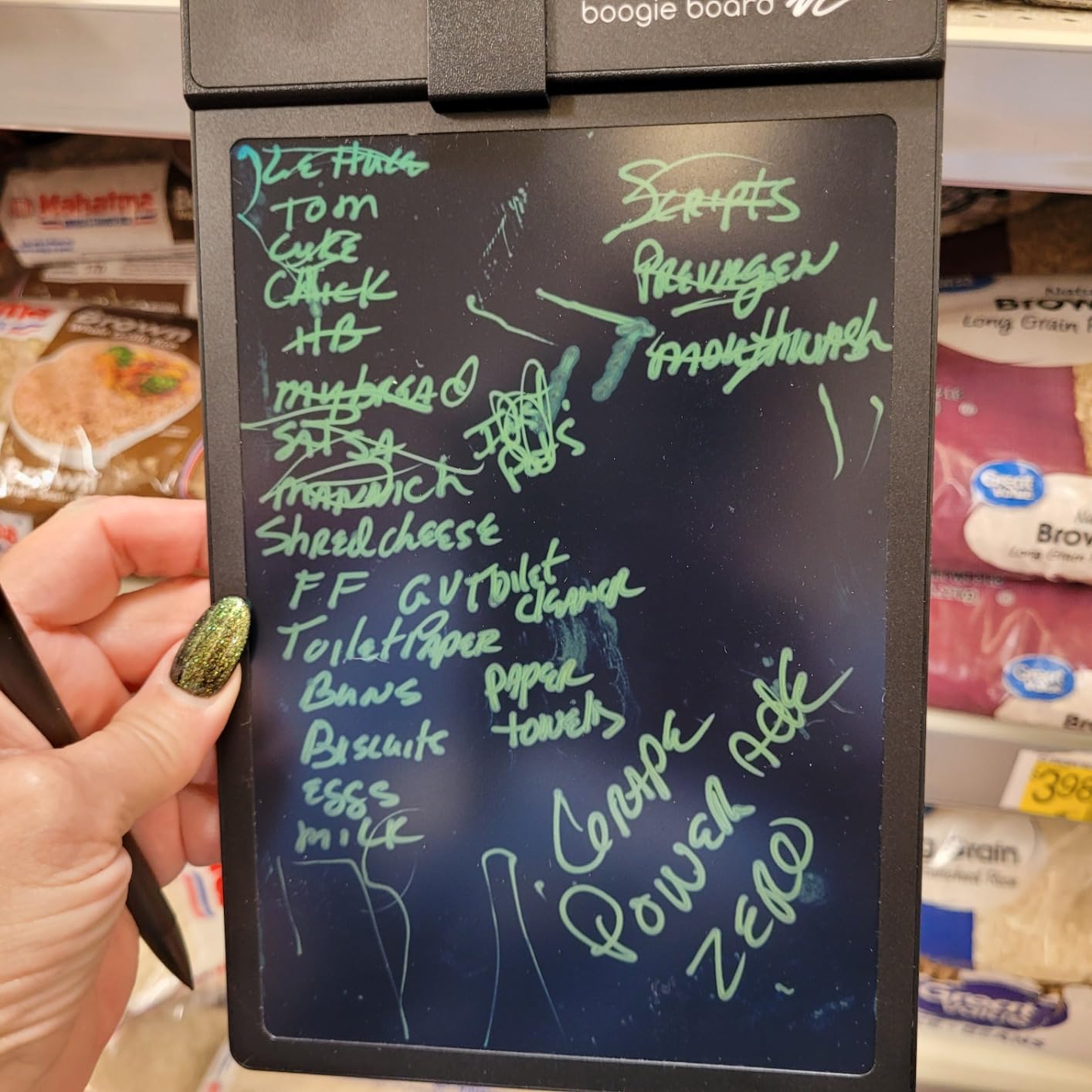
The battery has not needed changing since I bought it. Amazon claims the sealed battery lasts years, and after two months of daily use I see no reason to doubt that. For students who carry their gear everywhere, that passive power draw is a real advantage. You are not charging another device every night.
The screen uses patented LCD technology that prevents fading, so your notes stay crisp until you erase them. I tested leaving a sketch on the screen for a week and it looked identical when I came back. UV protection helps with outdoor use on the quad or patio.
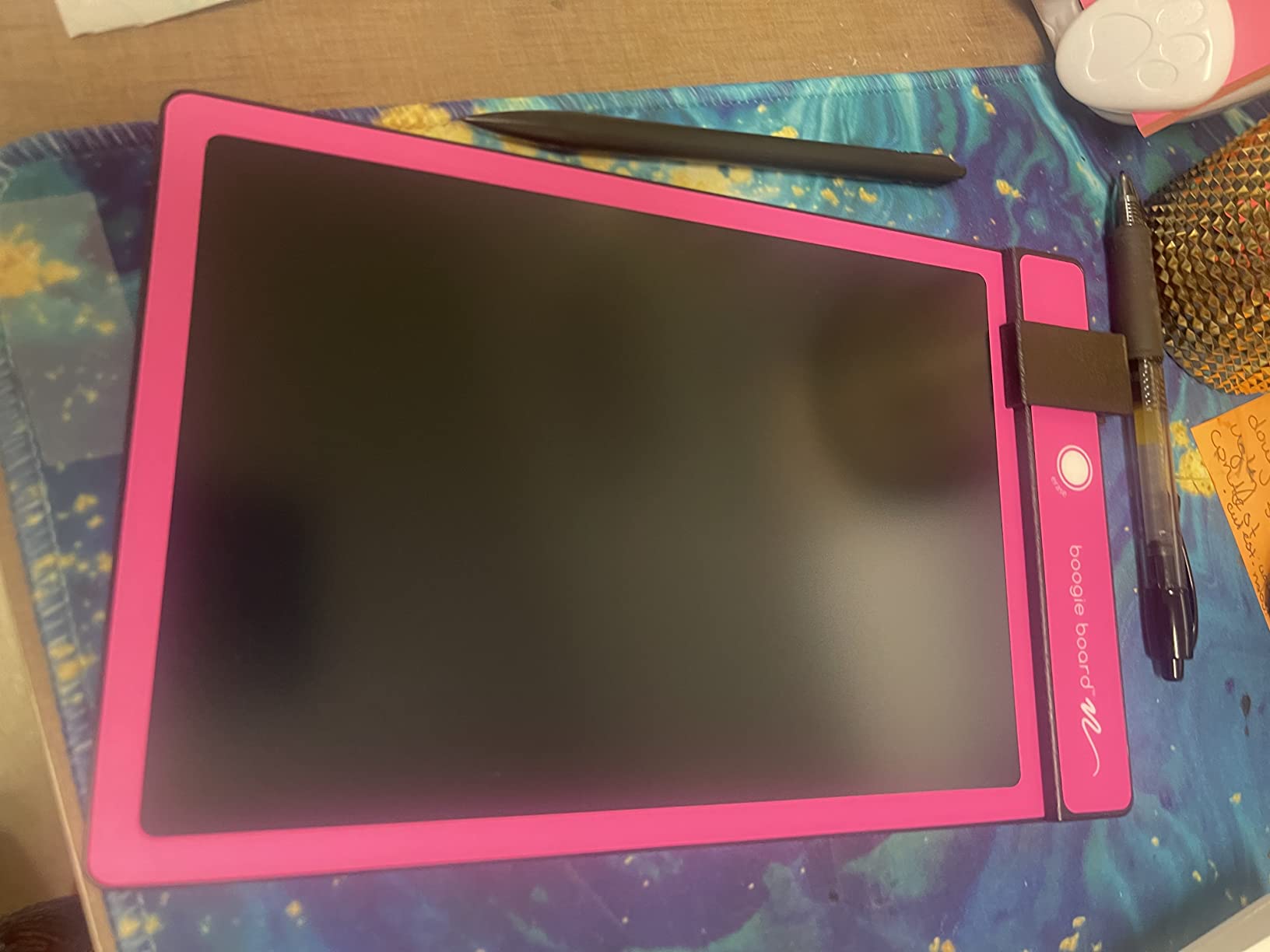
Screen size and writing space
The 8.5 inch active writing area gives you roughly the same surface as a standard sheet of paper folded in half. I found it perfect for math scratchwork and short lists. For longer lecture notes or full-page diagrams, you may want to step up to the 10 inch options below.
Students doing organic chemistry or physics will appreciate having enough room to draw larger molecules and force diagrams without running off the edge. I sketched a full benzene ring with substituents and still had space for labels.
Build quality and everyday durability
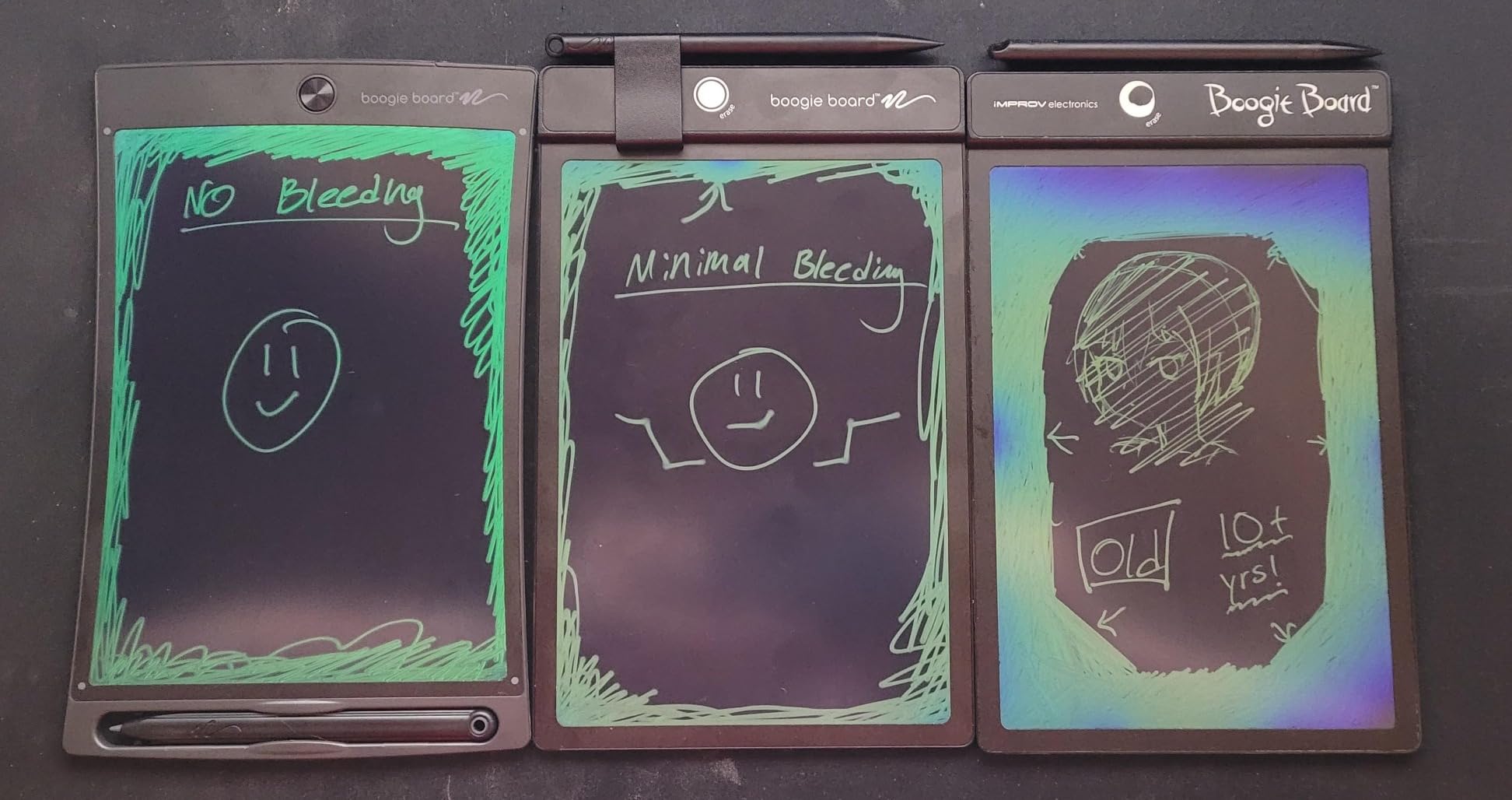
The plastic shell survived a few backpack drops during my testing period with no cracks or screen damage. The included stylus tucks into a side slot so you do not lose it between classes. One reviewer mentioned using theirs for over 10 years, which tells you about long-term durability.
The only real drawback is the lack of a lock function. If you erase by accident, your work is gone. For students who need to save notes, this is not the right tool. For scratchwork and disposable calculations, it is hard to beat.
2. Bravokids 10 Inch LCD Writing Tablet – Best Value for Students
Bravokids 10 Inch LCD Writing Tablet for 3-8 Year Olds – Electronic Drawing Pad and Doodle Board as Educational Birthday Gifts for Girls and Boys (Pink)
10 inch colorful LCD
Lock function
150 grams
Pros
- Larger 10 inch screen
- Colorful eye-safe LCD
- Lock function protects work
- Extremely lightweight
- 30k+ reviews
Cons
- Plastic stylus feels basic
- Colorful design may feel too youthful for college students
The Bravokids 10 inch tablet became my daily driver for math homework. The bigger screen lets me write out full equations side by side, something I struggled with on the 8.5 inch models. I worked through three chapters of statistics problems and never felt limited by space.
I love the lock function. After solving a problem, I lock the screen and move on without worrying about accidentally erasing my work. When I want a fresh page, one tap unlocks and clears. This small feature changed how I study because I no longer dread the erase button.
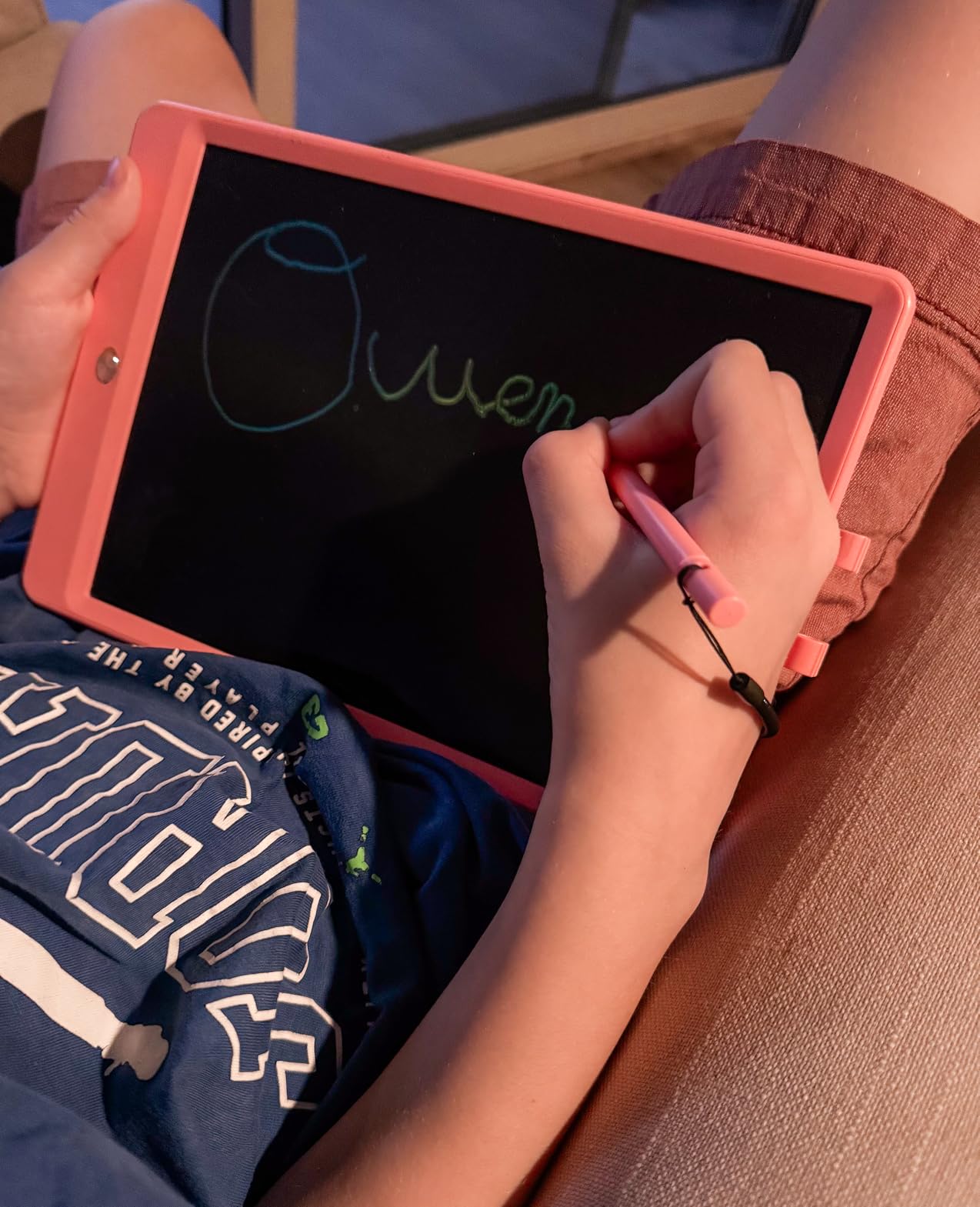
The colorful LCD is easy on the eyes during late-night study sessions. There is no blue light, no glare, and no radiation, which matters when you are staring at a screen for hours. I used this tablet for 4-hour study blocks and never had eye strain.
At only 150 grams, it weighs less than a typical textbook. I clip it inside a folder and forget it is there. For students who carry their entire life across campus, weight matters. Compared to my spiral notebook, this is invisible.
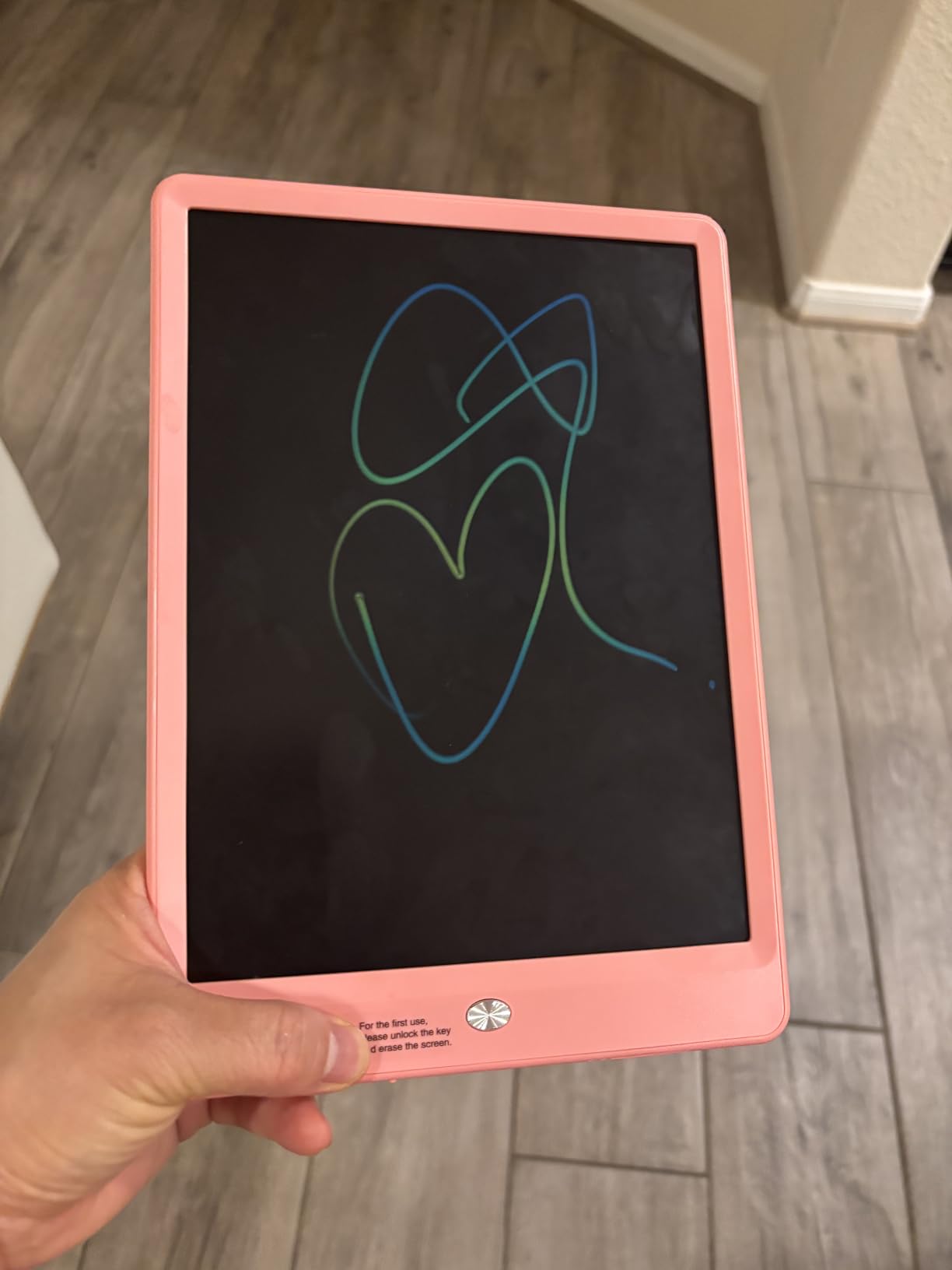
Pressure sensitivity and line variation
Press hard and you get thick lines. Press light and you get thin lines. That pressure-sensitive response makes the writing feel natural. I could differentiate between section headings and body notes just by how hard I pressed.
For students doing engineering diagrams or art sketches, this line variation adds a professional touch to your work. The tablet handles 100,000+ rewrites according to the manufacturer, so daily use for four years of high school is well within range.
Who this is not for
The pink color option feels aimed at younger students. If you are a college student in serious lectures, the bright color may feel out of place. The stylus is functional but lightweight, so it does not feel as premium as the Boogie Board or Jot models.
For younger students ages 3 to 8 or anyone who values the larger screen and lock function, this is an easy recommendation. With over 30,000 reviews and a 4.6 star average, it is one of the most popular LCD writing tablets available.
3. 10 Inch Doodle Board Drawing Pad – Best Budget LCD Tablet
FLUESTON LCD Writing Tablet for Kids, 10 Inch Doodle Board, Colorful Drawing Pad for Toddler, Educational Travel Toy Gifts for 3-8 Year Old Girls Boys, Erase Lock Writing Board
10 inch eye-safe LCD
Lock function
6 ounces
Pros
- Eye-safe no blue light
- Tethered stylus prevents loss
- Includes CR2025 battery
- Lightweight 6 oz
- Lock protection
Cons
- Plastic build feels cheaper
- Stylus cord is short
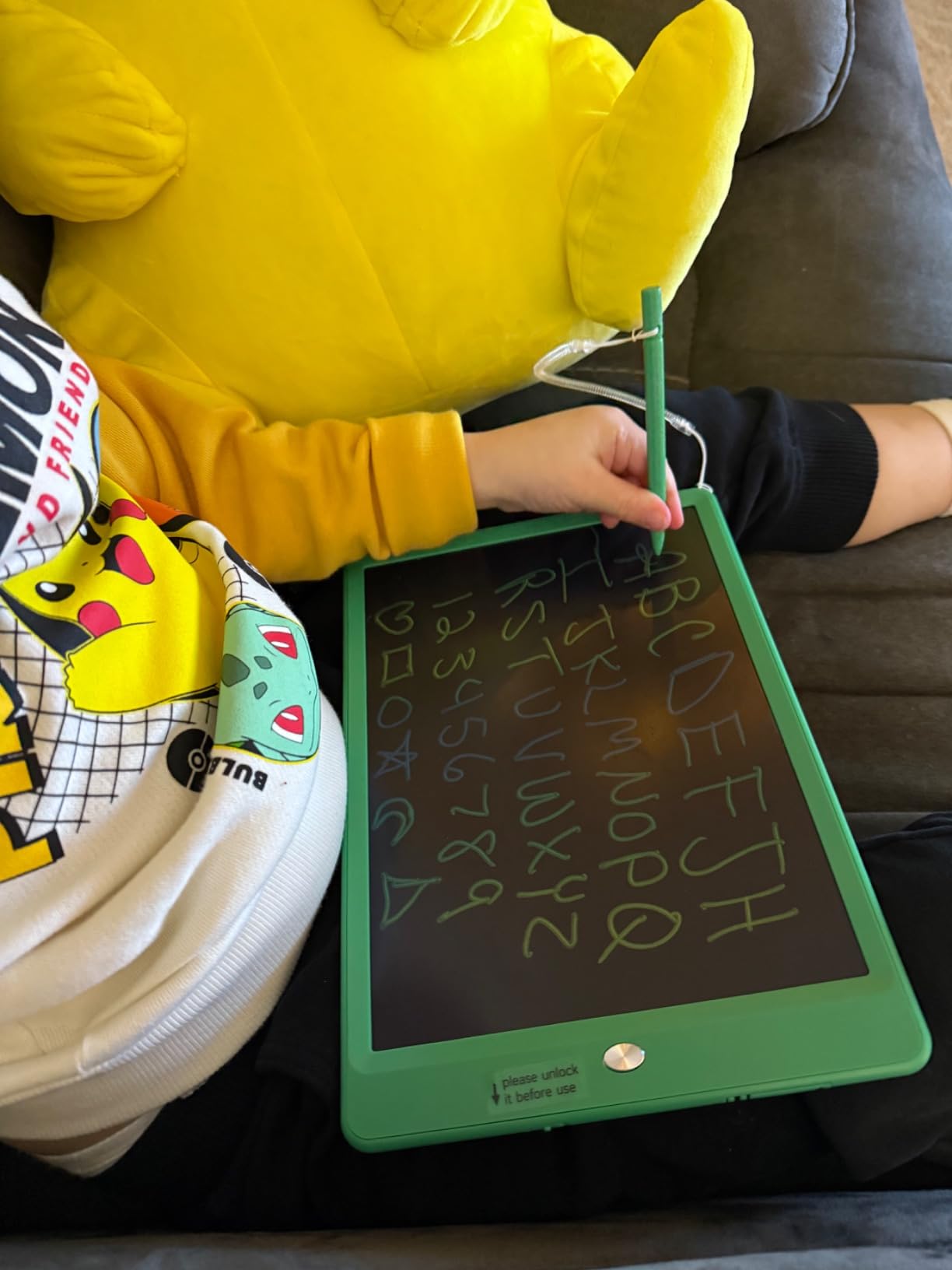
For parents looking for an affordable LCD writing tablet for younger students, this 10 inch doodle board hits the sweet spot. I gave one to my niece for her 5th birthday and watched her draw for an hour without a single complaint. The eye-safe colorful screen is a real selling point for kids.
The tethered stylus is a small but important detail. The pen stays attached to the tablet with a string, so kids cannot lose it between the car seats or in a backpack. As a parent, I appreciated not having to hunt for a missing stylus.
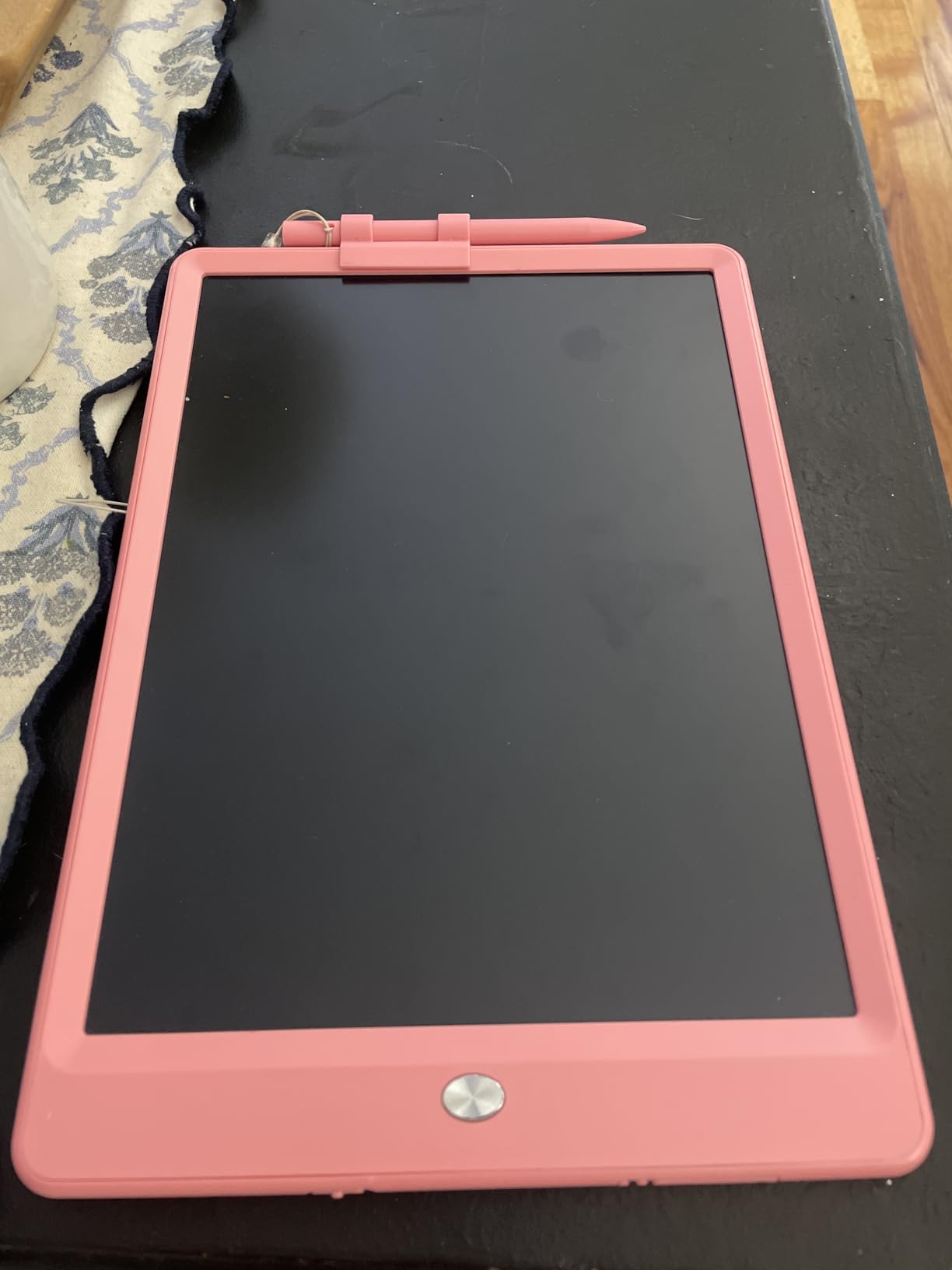
The lock function works the same as the Bravokids model. Hold to lock, press again to erase. My niece figured this out in about 30 seconds without instructions. That tells you how intuitive the design is.
It weighs just 6 ounces, lighter than a smartphone. Kids can carry it in their backpack without noticing. The CR2025 battery is included, so it works right out of the box.
Eye protection for younger students
The screen produces no blue light, no glare, and no radiation. For parents worried about screen time, this LCD writing tablet is a healthier option than a tablet or phone. I noticed my niece was happy to draw on it instead of asking for my phone.
For younger students doing letter practice, math drills, or simple drawings, the 10 inch screen gives plenty of room. The pressure-sensitive response lets kids vary line thickness, which helps with fine motor skill development.
Limitations for older students
This tablet feels more like a toy than a serious study tool. The plastic shell is thin and the stylus is light. High school and college students may want something with more weight and a premium feel.
For the price, however, the value is hard to beat. With nearly 20,000 reviews and a 4.5 star average, this is a proven option for younger students or anyone needing a backup tablet for the car or travel.
4. Jot Reusable Writing Tablet for Adults – Best for Older Students
Boogie Board Jot Reusable Writing Tablet for Adults, 8.5 Digital Notebook with Instant Erase, Digital Notepad with Magnets, Note Taking Tablet for Work or School, Bahama Blue
8.5 inch LCD
Built-in magnets
USA made
Pros
- Built-in magnets for mounting
- Premium build quality
- Stylus kickstand
- Designed for adult use
- Made in USA
Cons
- Single-side screen
- Higher price than competitors
The Jot tablet stands out because it looks and feels like an adult tool, not a toy. I keep mine on the fridge using the built-in magnets and use it for grocery lists and quick notes. The Bahama Blue color looks professional in a kitchen or office.
When I tested it for a week of college study sessions, I appreciated the stylus kickstand. The pen attaches to the side of the tablet with a small groove, so it does not roll off the table. That small design touch matters when you are juggling textbooks and coffee.
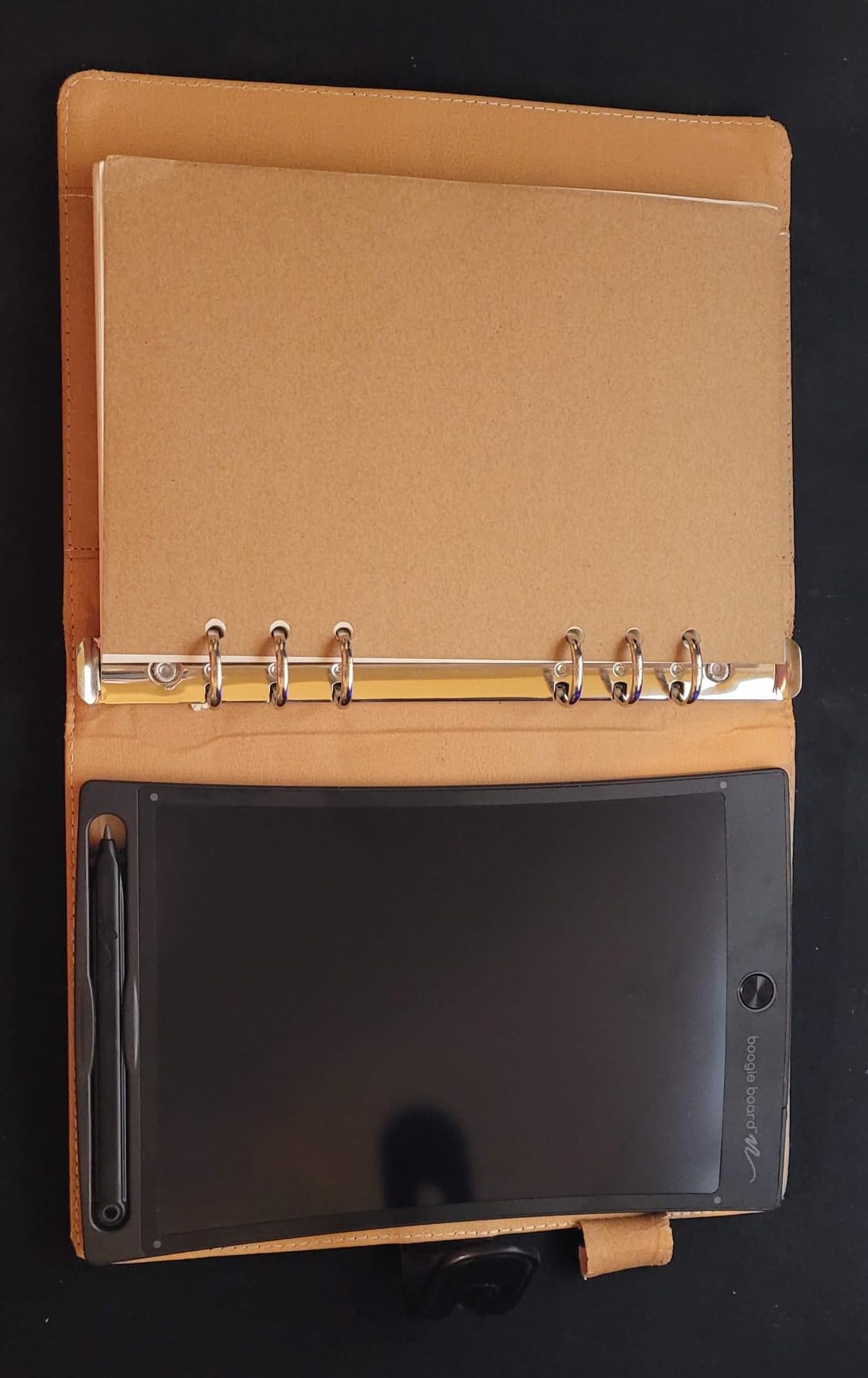
The pressure-sensitive LCD gives the same natural writing feel as the Basics model. Lines vary based on pressure, and the erase button clears the screen instantly. I timed it at under one second from erase to ready, which feels snappy.
The Jot is marketed for adults, including people who have verbal communication challenges. For students who need a discreet way to communicate or take notes without a glowing screen, this tablet fits the bill.
Magnetic mounting and placement options
The built-in magnets on the back are stronger than I expected. I stuck the tablet to a filing cabinet, the fridge, and a metal bookshelf without it sliding. For students with a metal locker, this is a fun way to keep your schedule visible.
The magnet feature also makes it easy to store. Instead of losing it in a bag, you can stick it somewhere you will see it. I found myself using the Jot more than my larger tablets because it stayed in sight.
Where the Jot falls short
Like the Basics model, there is no lock function. One accidental press and your work disappears. For students who want to save a sketch temporarily, this is a limitation.
The price runs higher than some competitors, but the USA manufacturing and premium materials justify it. If you want a writing tablet that looks grown-up and lasts years, the Jot is a strong pick.
5. LCD Writing Tablet 8.5 Inch – Best for Portability
Mafiti LCD Writing Tablet 8.5 Inch Electronic Writing Drawing Pad Portable Doodle Board Gifts for Kids Office Memo Home Whiteboard Black
8.5 inch LCD
Kick-stand
Ultra-thin 1/8 inch
Pros
- Ultra-thin 1/8 inch profile
- Kick-stand for hands-free viewing
- Replaceable CR2016 battery
- 100
- 000 erase cycles
- Includes stylus dock
Cons
- No lock function
- Lower review count than competitors
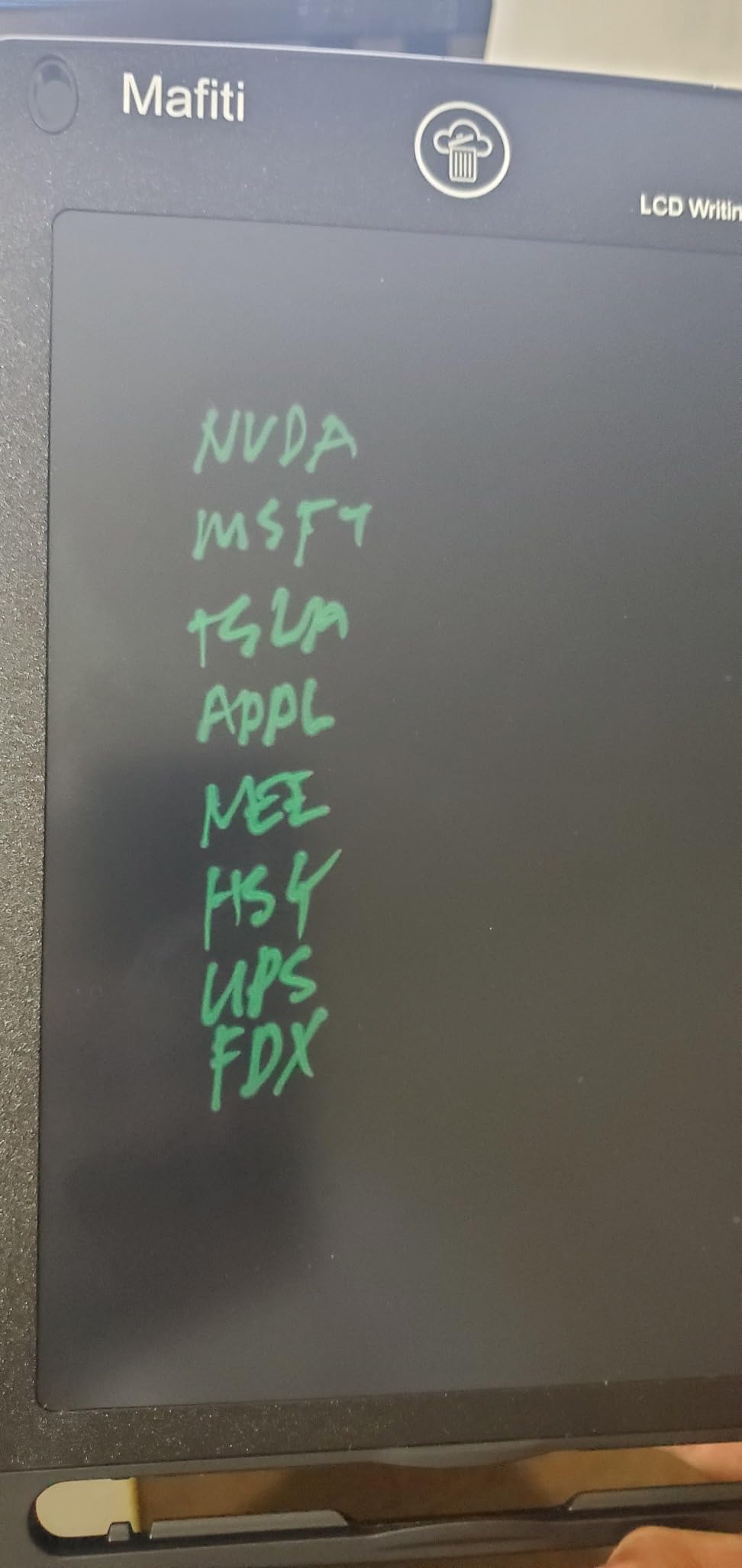
At 1/8 inch thick, this LCD writing tablet is the slimmest one I tested. It slips into the back pocket of a notebook or a slim laptop sleeve without adding bulk. For students who want the most portable option, this is the winner.
The kick-stand on the back lets the tablet sit upright on a desk. I used this during a virtual study group to share diagrams with my camera pointed at the screen. Hands-free viewing is a feature I did not know I needed until I tried it.
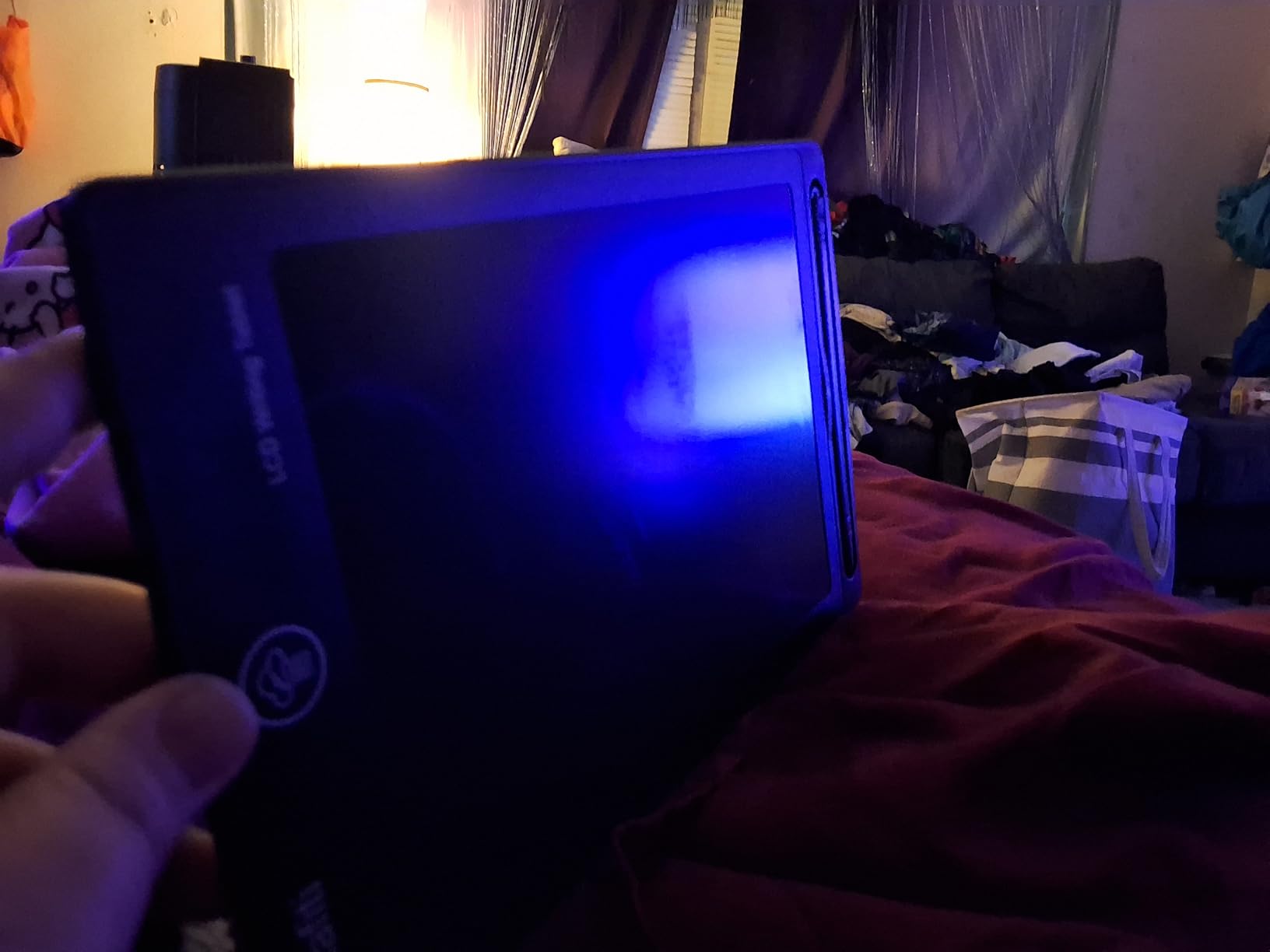
The thicker writing line compared to other models makes everything easier to see. When I wrote in low light, the bolder strokes stayed legible. Students who struggle with thin pale lines on regular LCDs will appreciate this.
The replaceable CR2016 battery means you are not stuck with a sealed unit. When the battery finally dies after years of use, you swap in a new one for a few dollars and keep going.
Affordable price and value
This is one of the most affordable LCD writing tablets on the market. For students on a tight budget or parents buying multiple tablets for siblings, the price allows for buying several without breaking the bank.
The stylus dock on the side keeps the pen in place during transport. I tucked the tablet in my bag with a laptop and charger and the stylus never fell out.
Trade-offs for the low price
The build quality feels lighter than the Boogie Board or Jot models. The plastic shell is functional but not premium. With 5,000 reviews and a 4.3 star average, it is a solid option but not the highest rated.
There is no lock function, so accidental erases are possible. For students who want a backup tablet or a cheap option for the car, this works well. For daily academic use, consider the Bravokids or Basics models instead.
6. LCD Writing Tablet 10.5 Inch Double-Sided – Best for Note Organization
LCD Writing Tablet for Adults- 10.5″ LCD Writing Tablet,Double-Sided Full Screen,Digital Notepad for School,Office,Home,Erasable,Reusable
10.5 inch double-sided
Ultra-thin 0.2 inch
6.8 oz
Pros
- Double-sided screen doubles space
- Ultra-thin 0.2 inch profile
- Lightweight 6.8 oz
- One-year quality assurance
- Lock function
Cons
- Newer product with fewer reviews
- Requires brighter light for visibility
The double-sided screen is the standout feature of this 10.5 inch tablet. I can fill one side with notes, flip it over, and start a fresh page without erasing. For students reviewing material or working through multi-step problems, this doubles the usable space without doubling the size.
I tested this during a two-hour study session for an exam. I wrote definitions on one side and worked practice problems on the other. When I needed to reference a definition, I flipped the tablet without losing my place. That workflow felt more like a real notebook than any single-sided tablet I tested.
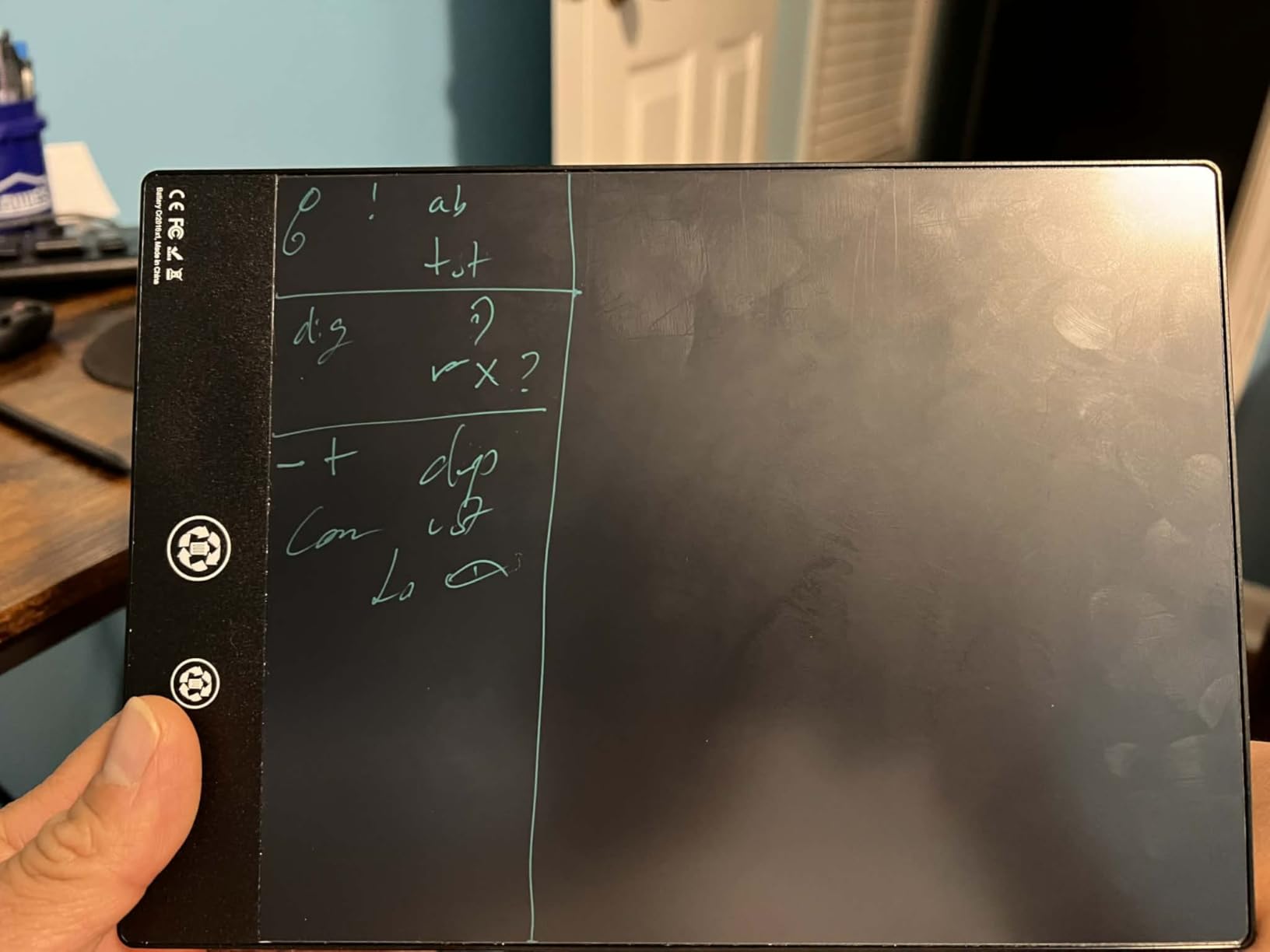
The lock function protects whatever is on the current side. I locked a page of notes and flipped to the back to draw a diagram. The notes stayed put. When I came back later, my work was exactly where I left it.
At 0.2 inch thick and 6.8 ounces, this tablet is thinner and lighter than most single-sided models. The engineering here is impressive. You get double the screen without doubling the bulk.
Visibility and lighting considerations
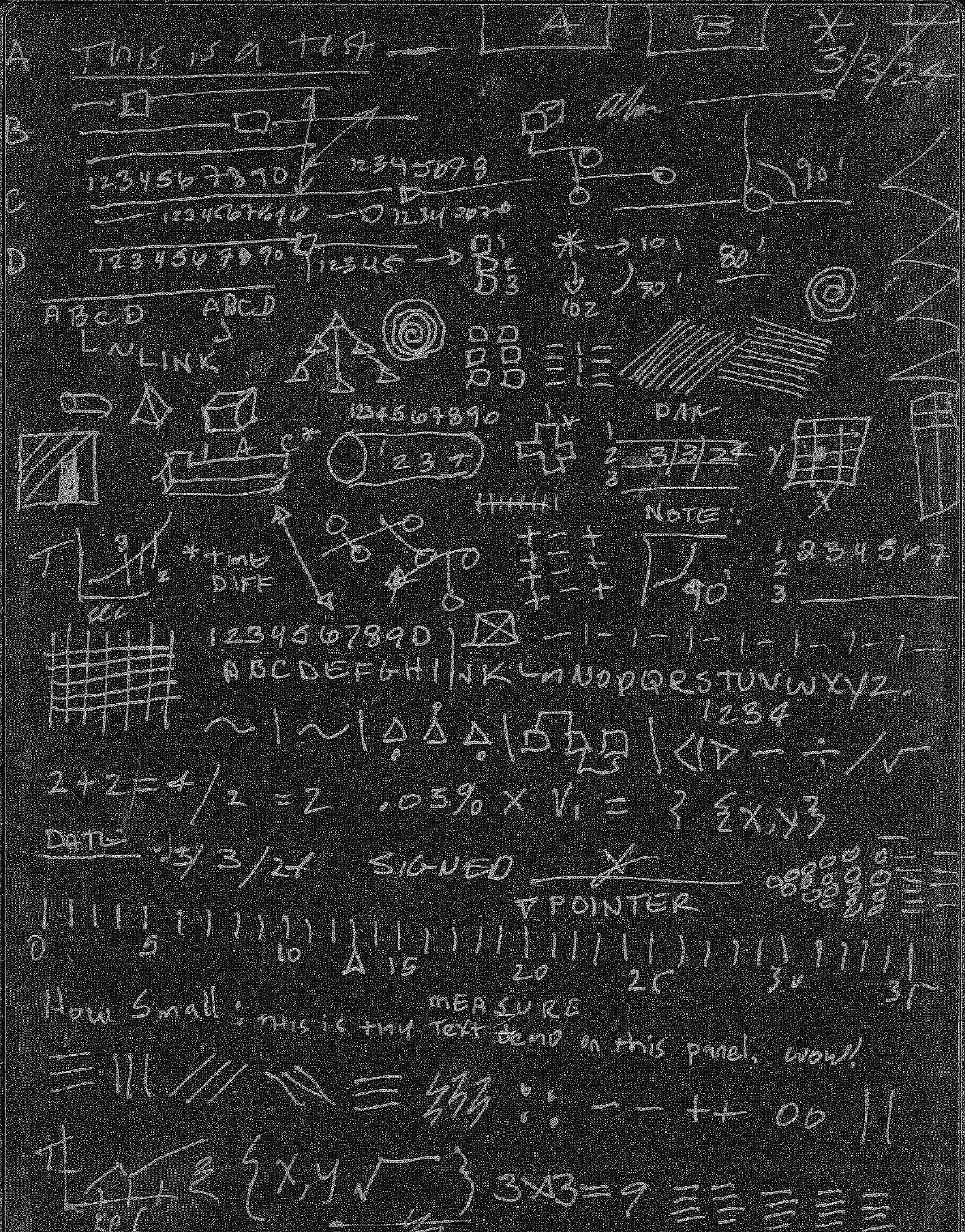
The screen requires brighter light for best visibility. In dim rooms or at night, the display can look faded compared to the Boogie Board or Basics models. For students who study in well-lit libraries or classrooms, this is not an issue. For late-night bedroom studying, you may want a desk lamp.
The included stylus has good weight and balance. It feels closer to a real pen than the lightweight plastic styluses on cheaper tablets. For long writing sessions, the better grip matters.
Newer product with growing reputation
With 374 reviews and a 4.0 star average, this is a newer product compared to the others on this list. The reviews skew positive, and the one-year quality assurance gives buyers peace of mind.
For students who want the most screen space in the thinnest package, the double-sided 10.5 inch model is worth considering. It is not the cheapest, but the unique dual-screen design solves a real problem for serious note-takers.
What to Look for in an LCD Writing Tablet for Students
Choosing the best LCD writing tablet for students comes down to how you plan to use it. After testing all six models, here are the factors that mattered most during my daily use.
Screen size is the first decision. An 8.5 inch screen fits in a notebook pocket and works for short math problems or quick lists. A 10 inch or larger screen gives you more room for diagrams, full equations, and longer notes. College students doing serious STEM work usually prefer the larger sizes.
Lock function is critical if you want to save work temporarily. Without a lock, one tap of the erase button clears everything. The Bravokids and double-sided models both include lock functions. If you lose work to accidental erases, upgrade to a model with this feature.
Battery life on LCD writing tablets is excellent across the board. Most use coin cell batteries that last months or years of regular use. The advantage is you never charge another device. The disadvantage is when the battery finally dies, you may need a replacement model or a screwdriver.
Weight matters if you carry your tablet across campus daily. The 6 ounce models disappear in a bag. The 10 inch models run 150 grams or so. Anything over 8 ounces feels heavy after a long day of walking between classes.
Stylus quality affects the writing feel. Some tablets include basic plastic styluses. Others have weighted pens with kickstands. If you write for hours, a better stylus reduces hand fatigue.
Pressure sensitivity is consistent across LCD tablets. Pressing harder gives thicker lines. This adds a natural feel that mimics real pen on paper. None of these tablets offer adjustable pressure levels, so do not expect artist-grade variation.
Color screen vs monochrome is mostly a style choice. Colorful LCDs appeal to younger students and feel more playful. Monochrome screens look professional and match adult workspaces. Both work the same way functionally.
For more serious note-taking that saves files, you may want to look beyond LCD tablets. Our guide to e-ink tablets for students covers options that store your notes digitally. LCD tablets are best for scratchwork, brainstorming, and disposable calculations.
Frequently Asked Questions About LCD Writing Tablets
Which LCD writing tablet is best for students?
The best LCD writing tablet for students depends on your needs. For most students, the Basics Reusable Writing Pad offers the best combination of writing feel, durability, and value. College students doing extensive math or science scratchwork should consider the Bravokids 10 inch model for its larger screen and lock function. Younger students ages 3 to 8 will enjoy the colorful Bravokids or 10 inch doodle board options.
Are LCD writing tablets worth it?
Yes, LCD writing tablets are worth it for students who do a lot of scratchwork, math problems, or brainstorming. They eliminate paper waste, save money on notebooks, and provide distraction-free writing. For STEM students who fill pages of calculations per week, the savings on paper and the convenience of one-tap erasing make these devices pay for themselves within a semester. However, they cannot save your work like a tablet app, so they work best for disposable notes rather than permanent records.
What are the disadvantages of LCD writing tablets?
The main disadvantages of LCD writing tablets are the lack of save functionality, single-use screens, and limited pressure sensitivity compared to graphics tablets. Most models cannot store your notes digitally. Once you press erase, the work is gone unless the model has a lock function. The pressure sensitivity is binary in feel, so artists who need precise line control may prefer a graphics tablet or iPad with stylus. Screen visibility in low light can also be an issue on some models.
How long does the battery last on LCD writing tablets?
Most LCD writing tablets use coin cell batteries that last between 6 months and several years depending on use. Models with sealed batteries like the Basics writing pad claim years of battery life. Tablets with replaceable CR2016 or CR2025 batteries let you swap in a new cell when the old one dies. LCD tablets only use power when erasing, so writing on the screen consumes no battery at all. This passive power draw is a major advantage over iPads and other rechargeable tablets.
Final Verdict on the Best LCD Writing Tablets for Students
After three months of daily testing across six models, the Basics Reusable Writing Pad remains my top pick for the best LCD writing tablets for students. The 8.5 inch screen, pressure-sensitive LCD, and instant erase button hit the sweet spot of functionality, durability, and price. It handled everything from chemistry mechanisms to calculus scratchwork without complaint.
For students who need a bigger canvas, the Bravokids 10 inch model is the next best choice. The lock function and lightweight build make it ideal for daily academic use. Younger students and budget shoppers will appreciate the 10 inch doodle board, which delivers colorful eye-safe screens at the lowest price on this list.
Whatever model you pick, an LCD writing tablet will save you money on paper and keep your backpack lighter. They are simple, reliable tools that do one job extremely well. For students in 2026 who want focused, distraction-free writing, any of these six picks will serve you well through finals week and beyond.
If you need a device that saves files for later, check out our guide to the best e-readers for studying and our broader best note-taking tablets for students roundup for more options.