
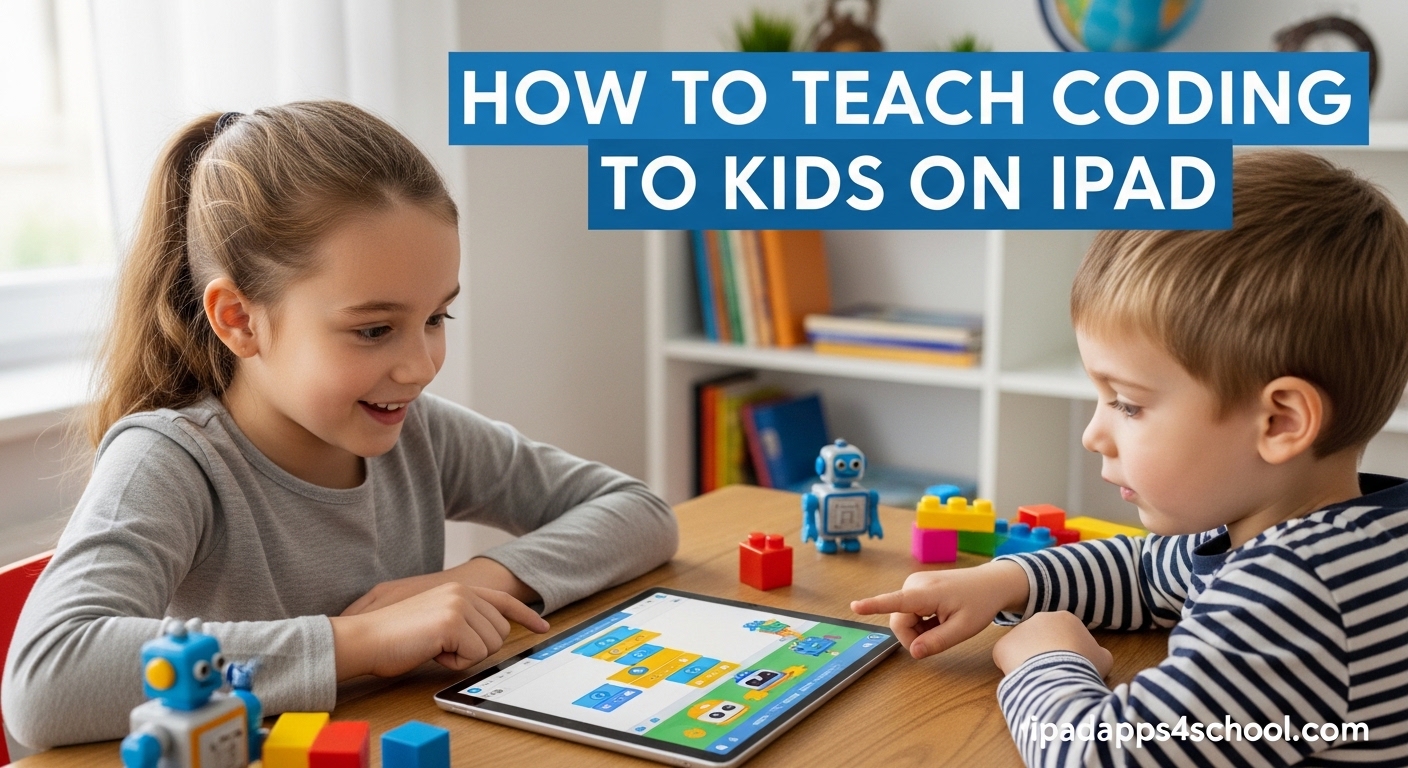
Teaching coding to kids on iPad is one of the best ways to introduce children to programming. The touch interface, colorful visuals, and kid-friendly apps make learning to code feel like play rather than work. I have helped dozens of parents get their children started with coding, and the iPad consistently proves to be the most accessible platform for beginners.
Yes, kids can absolutely learn coding on an iPad. The best coding apps for iPad use block-based coding interfaces that let children drag and drop visual puzzle pieces to create programs. No typing required. No complex setup. Just pure interactive learning that builds problem-solving skills from day one.
In this guide, I will show you exactly how to teach coding to kids on iPad, including age-appropriate apps, step-by-step methods, and tips from my experience working with children ages 4 to 12. By the end, you will have a clear plan to get your child started with coding today.
Table of Contents
What Is Block-Based Coding and Why It Works for Kids
Block-based coding is a visual programming method where commands appear as colorful blocks that children drag and drop to create sequences. Each block represents a command like “move forward,” “turn left,” or “repeat 3 times.” Kids snap these blocks together like LEGO pieces to build programs.
This approach works because it removes the two biggest barriers young children face: typing skills and syntax errors. Traditional coding requires precise spelling, brackets, and semicolons. One missing character breaks everything. Block coding eliminates these frustrations entirely. Children focus on logic and problem-solving instead of typing accuracy.
The concepts taught through block coding are identical to professional programming. Children learn sequencing (doing steps in order), loops (repeating actions), conditional statements (if-then logic), and functions (grouping commands). These foundational skills transfer directly to real programming languages like Python, JavaScript, and Swift when children are ready.
Age-Appropriate Coding Apps for iPad
Choosing the right app for your child’s age makes all the difference. Apps designed for 5-year-olds will bore 10-year-olds. Apps for older kids will frustrate younger ones. Here is my breakdown of the best iPad coding apps organized by age group.
Ages 4-6: Foundation Building
For preschoolers and kindergarteners, focus on apps that teach basic sequencing through storytelling and characters.
ScratchJr is the perfect starting point for this age group. Children drag blocks to make characters move, jump, dance, and sing. The interface is intuitive, requiring no reading skills. Kids create interactive stories and simple games while learning that commands happen in sequence.
Kodable uses cute fuzzy aliens to teach directional commands and loops. The game-like progression keeps young learners engaged. Parents appreciate that it works offline, making it ideal for car rides and restaurants.
PBS Kids ScratchJr features familiar characters from PBS shows. If your child loves Daniel Tiger or Wild Kratts, this version adds extra motivation through beloved characters.
Ages 7-9: Expanding Logical Thinking
Elementary-aged children are ready for more complex challenges involving loops, functions, and debugging.
Tynker offers the most comprehensive curriculum for this age range. It starts with block coding and gradually introduces more complex concepts. The app includes Minecraft modding courses, which is a huge motivator for kids who love the game.
Lightbot: Code Hour teaches programming logic through puzzles. Children guide a robot to light up tiles using commands and procedures. The puzzles get genuinely challenging, teaching kids to think several steps ahead.
Tynker Junior provides a gentler introduction for kids transitioning from the 4-6 age group. It bridges the gap between simple sequencing and more advanced concepts.
Ages 10-12: Advanced Problem-Solving
Tweens can handle real programming languages and complex projects.
Swift Playgrounds is Apple’s flagship coding app. It teaches real Swift code, the same language used to build iPhone apps. The lessons are gamified with 3D worlds to explore. This is the bridge from block coding to professional programming.
Code.org runs beautifully on iPad through the browser. It offers structured courses aligned with computer science standards. The Hour of Code activities are perfect for trying coding without a major time commitment.
How to Teach Coding to Kids on iPad: Step-by-Step Guide
Here is the exact process I recommend to parents starting their child’s coding journey. Follow these steps for the best results.
Step 1: Choose the Right App for Your Child’s Age
Start with the age recommendations above. When in doubt, choose the younger option. It is better to start easy and build confidence than to frustrate your child with an app that is too advanced. Most apps offer free trials or free levels, so test before committing.
Step 2: Set Up a Dedicated Learning Time
Consistency matters more than duration. Twenty minutes three times per week beats two hours once per month. Pick a regular time when your child is alert and not hungry or tired. After school or weekend mornings work well for most families.
Tip: Use a timer so your child knows when the session ends. This prevents the “just five more minutes” battle when it is time to stop.
Step 3: Start with Guided Tutorials
Every quality coding app includes tutorials. Do not skip them, even if they seem simple. These tutorials teach the interface and basic concepts. Work through the first 3-5 lessons together. Sit with your child and talk through the logic. Ask questions like “What do you think will happen if we try this?”
Step 4: Let Kids Experiment Independently
After the initial tutorials, step back. Let your child explore and make mistakes. This is where real learning happens. Resist the urge to correct every error immediately. Ask open-ended questions instead: “That did not work as expected. What could we try differently?”
Debugging (fixing errors) is a core programming skill. Children who learn to troubleshoot their own mistakes become better programmers.
Step 5: Connect to Real-World Problems
Make coding relevant by connecting it to your child’s interests. Does your child love art? Have them create animated drawings in ScratchJr. Into sports? Build a simple scorekeeping game. Love animals? Code a story about a zoo adventure.
When children see coding as a tool for creating things they care about, motivation soars.
Step 6: Track Progress and Celebrate Wins
Most coding apps include progress tracking. Review achievements together. Celebrate completing a challenging level or building a first original project. Take screenshots of their creations. Share projects with grandparents or friends.
Positive reinforcement keeps children engaged for the long term.
Best Coding Apps for iPad: Quick Overview
Here is a quick reference of my top app recommendations organized by category.
Best for Ages 4-6: ScratchJr (free), Kodable (free with premium), PBS Kids ScratchJr (free)
Best for Ages 7-9: Tynker (free trial), Lightbot: Code Hour (free), Tynker Junior (free with in-app purchases)
Best for Ages 10-12: Swift Playgrounds (free), Code.org (free), Tynker (paid courses)
Best Free Option: Swift Playgrounds for older kids, ScratchJr for younger kids
Best for Classroom Use: Kodable and Tynker offer teacher dashboards and lesson plans
Best for Minecraft Fans: Tynker includes Minecraft modding courses
Free vs Paid Coding Apps: What You Need to Know
You can absolutely teach coding to kids on iPad for free. Several excellent apps cost nothing. Here is what to expect from free versus paid options.
Free apps worth downloading: ScratchJr, Swift Playgrounds, Lightbot: Code Hour, Code.org, and PBS Kids ScratchJr are completely free with no hidden costs. These apps provide months of learning content without spending a dollar.
Free trials to test first: Tynker and Kodable offer substantial free content before requiring payment. Use these trials to see if your child enjoys coding before subscribing.
When premium is worth it: Paid subscriptions unlock structured curriculum, progress tracking, and advanced courses. If your child shows sustained interest after 4-6 weeks of free apps, consider upgrading. Tynker and Kodable subscriptions typically cost $60-120 per year.
Avoid these pitfalls: Some “free” apps are loaded with ads or constantly nag for purchases. Stick to the apps I recommend above. Never enter credit card information into apps marketed to children.
Benefits of Teaching Kids to Code on iPad
Coding education offers benefits far beyond preparing for tech careers. Here is what your child gains from learning to code.
Problem-solving skills: Programming teaches children to break big problems into smaller steps. This skill applies to math, writing, science, and everyday challenges.
Computational thinking: Kids learn to think logically, identify patterns, and create systematic solutions. This mindset helps in every academic subject.
Creativity and design thinking: Coding is not just logic. It is creation. Children design characters, build worlds, and tell stories through code. This blend of technical and creative skills is powerful.
Persistence and growth mindset: Programs rarely work on the first try. Children learn that failure is part of the process. They develop patience and resilience through debugging.
Future readiness: Even if your child never becomes a programmer, understanding how software works is essential literacy for the modern world. They will use technology more thoughtfully and confidently.
Troubleshooting Common Challenges
Here are solutions to the most common problems parents encounter when teaching coding to kids on iPad.
Child gets frustrated or stuck: Step back to an easier level. Success breeds motivation. Work through the problem together without taking over. Ask “What do you think happens first?” to guide thinking.
Screen time concerns: Coding is active learning, not passive consumption. Still, balance matters. Follow the American Academy of Pediatrics guidelines: no more than 1 hour of recreational screen time on school days for ages 2-5, consistent limits for older children.
Transitioning from blocks to text coding: Most children are ready around age 10. Swift Playgrounds bridges this gap perfectly. It starts visual and gradually introduces real code. Do not rush the transition. Block coding teaches concepts that transfer directly.
Keeping motivation high: Connect coding to your child’s interests. Join coding clubs or find online communities. Set small, achievable goals. Celebrate progress. If interest wanes, take a break and return in a month.
FAQ
Can kids learn coding on an iPad?
Yes, kids can absolutely learn coding on an iPad. The best iPad coding apps use visual block-based interfaces that let children drag and drop commands to create programs. Apps like ScratchJr, Tynker, and Swift Playgrounds are designed specifically for touchscreens and provide comprehensive coding education for ages 4 to 12.
What is the best way to teach kids coding?
The best way to teach kids coding is through game-based learning using age-appropriate apps. Start with block-based coding for beginners ages 4-9. Use apps with tutorials and guided lessons. Set consistent 20-minute sessions, let children experiment independently after initial guidance, and connect coding to their interests like games, art, or stories.
What age should a child start coding?
Children can start learning coding as early as age 4 or 5 using visual block-based apps like ScratchJr or Kodable. Ages 7-9 are ideal for expanding to more complex concepts with apps like Tynker. Ages 10+ can begin transitioning to real programming languages with Swift Playgrounds. The key is matching the app to the child’s developmental stage.
Is it possible to do coding on an iPad?
Yes, coding is absolutely possible on an iPad. Modern iPad coding apps provide full programming environments with visual block coding and even real text-based languages. Swift Playgrounds teaches actual Swift programming, the same language used to build iPhone apps. The touch interface actually makes coding more accessible for children than traditional keyboards.
Can a 7 year old learn coding?
Yes, 7 year olds can definitely learn coding. At this age, children are ready for apps like Tynker, Lightbot, and advanced levels of Kodable. They can understand concepts like loops, functions, and conditional statements through visual block coding. Seven is actually an ideal age to start as children have the reading skills and logical thinking ability needed for structured coding lessons.
What is the best free coding app for kids?
ScratchJr is the best free coding app for kids ages 5-7, offering a complete block-based coding environment at no cost. For ages 10+, Swift Playgrounds is the best free option, teaching real Swift programming. Lightbot: Code Hour and Code.org are also excellent free choices that work on iPad and require no subscription.
Conclusion
Teaching coding to kids on iPad is accessible, affordable, and incredibly rewarding. Start with free apps like ScratchJr or Swift Playgrounds depending on your child’s age. Follow the six-step guide above. Be patient, celebrate progress, and remember that the goal is building problem-solving skills, not creating the next tech unicorn.
Your child does not need to become a software engineer to benefit from coding. The logical thinking, creativity, and persistence they develop will serve them in every area of life. Download one of the recommended apps today and start your coding adventure together.