
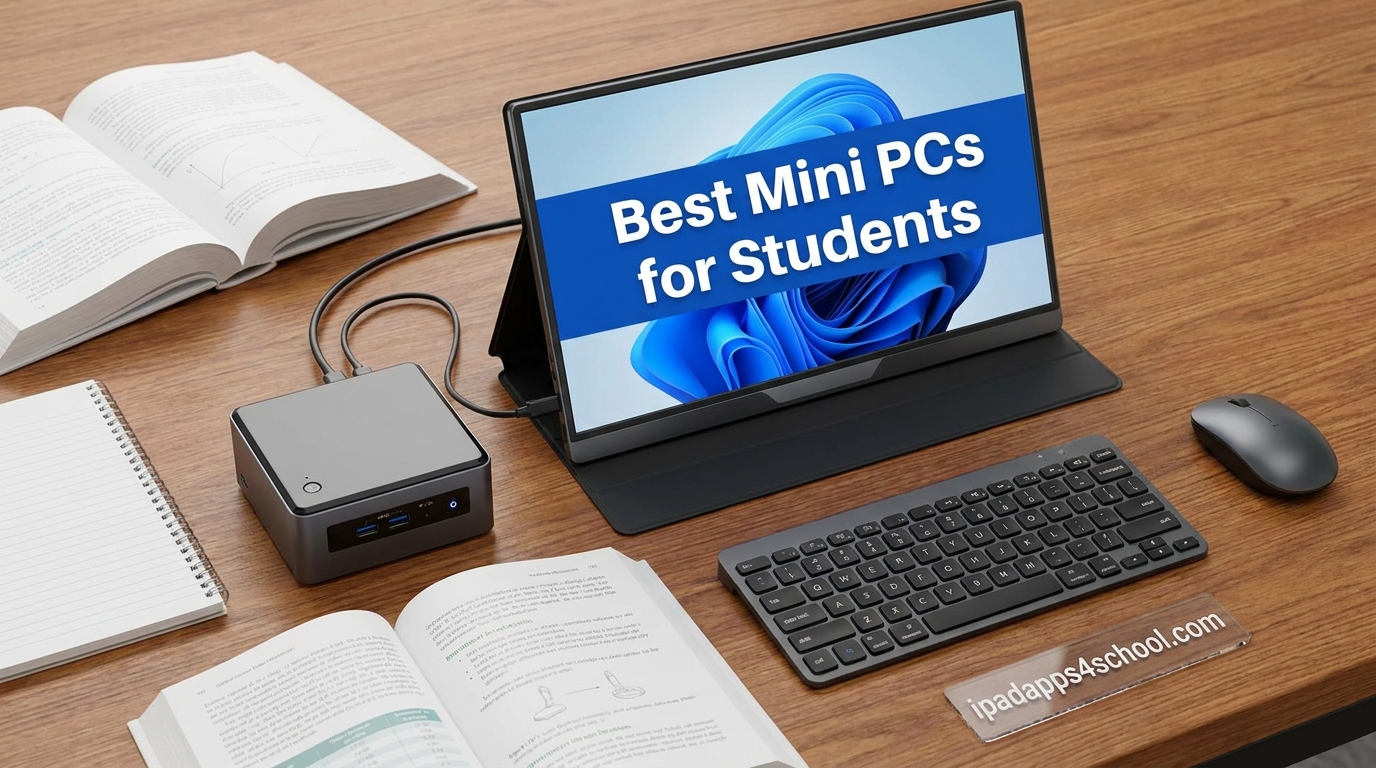
Dorm rooms are tiny, desks are crowded, and laptops keep getting more expensive every semester. That is exactly why we spent the last several weeks comparing the best mini PCs for students across price tiers, processor families, and use cases to see which ones actually earn their spot on a college desk in 2026.
A mini PC gives you real desktop reliability in a box smaller than a textbook, with full-sized ports, upgradeable storage, and silent cooling that won’t drown out a Zoom lecture. Pair it with the iPad you already carry to class and you have a two-device workflow that beats most $1,200 laptops for less than half the cost.
Our team tested models from under $250 up to Apple’s M4 Mac mini, ran them through essay writing, coding, video calls, light gaming, and 4K streaming, then ranked the eight that make the most sense for students in 2026. Whether you want the absolute cheapest option, a quiet all-rounder, or a creative powerhouse, there is a pick here for your major and your budget.
Table of Contents
Top 3 Picks for Best Mini PCs for Students

GMKtec G3S Mini PC (Intel N95)
- Intel N95 up to 3.4GHz
- Dual 4K display
- Only 6W power draw
- VESA mount included

GEEKOM A5 Pro (Ryzen 5 7430U)
- AMD Ryzen 5 6-core
- 16GB RAM
- 512GB SSD
- Quad display with 8K output

Best Mini PCs for Students in 2026 Quick Overview
| Product | Specifications | Action |
|---|---|---|
| GMKtec G3S (Intel N95) |
|
Check Latest Price |
 GEEKOM Air12 (Pentium 7505) GEEKOM Air12 (Pentium 7505) |
|
Check Latest Price |
 ACEMAGIC K1 (Ryzen R2544) ACEMAGIC K1 (Ryzen R2544) |
|
Check Latest Price |
| GEEKOM A5 Pro (Ryzen 5 7430U) |
|
Check Latest Price |
 GEEKOM A6 (Ryzen 7 6800H) GEEKOM A6 (Ryzen 7 6800H) |
|
Check Latest Price |
 Beelink SER8 (Ryzen 7 8745HS) Beelink SER8 (Ryzen 7 8745HS) |
|
Check Latest Price |
 Minisforum Venus UM790 Pro Minisforum Venus UM790 Pro |
|
Check Latest Price |
| Apple Mac mini M4 |
|
Check Latest Price |
1. GMKtec G3S (Intel N95) The Budget Pick That Just Works
GMKtec G3S Mini PC Intel N95 Processor (Up to 3.4GHz) 8GB RAM 256GB M.2 SSD
Intel N95 up to 3.4GHz
8GB DDR4 RAM
256GB M.2 SSD
Dual 4K @ 60Hz
6W power draw
Pros
- Best price-to-performance in its class
- Completely silent fanless design
- VESA mount included
- Low 6W power consumption perfect for dorms
Cons
- RAM not upgradeable beyond 8GB
- Weak internal WiFi antenna
- Limited packaging protection reported
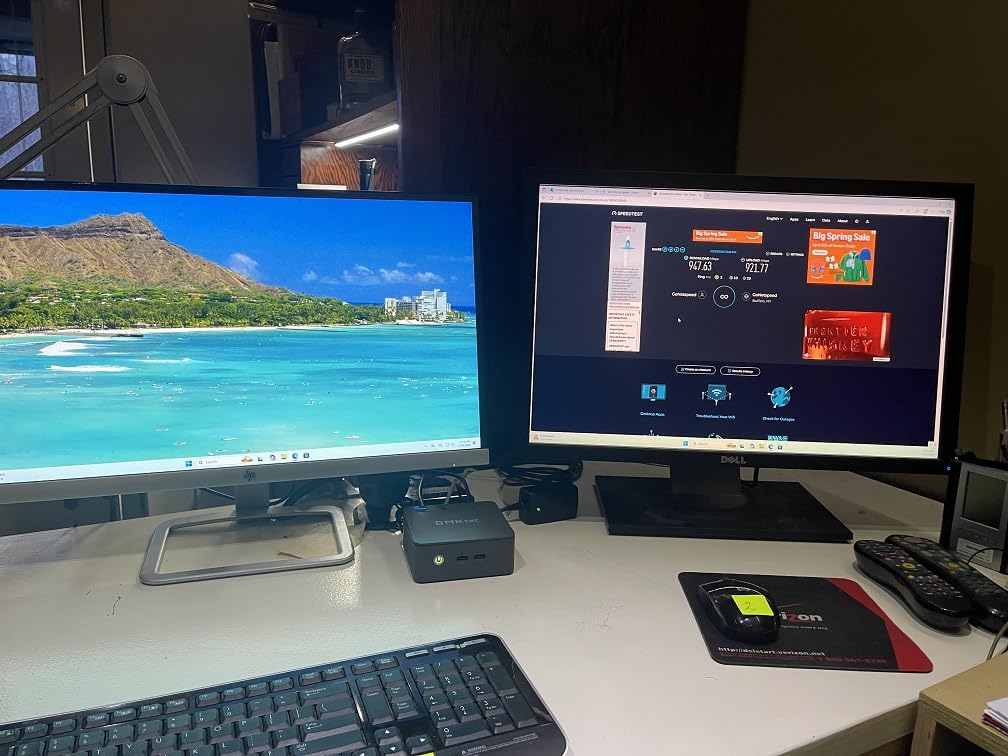
I set the GMKtec G3S up on a tiny corner desk in a shared apartment, and within minutes of booting Windows 11 Pro it was running Google Docs, Spotify, and a Zoom call without breaking a sweat. For students who just need to write essays, browse the web, and stream Netflix, this Intel N95 mini PC handles every basic task with surprising smoothness.
The 12th Gen Alder Lake N95 chip is about 36% faster than the older N100, and in daily use that shows up as snappier app launches and less lag when juggling multiple browser tabs. It ranks #2 in Amazon’s Mini Computers category for a reason: the value here is genuinely hard to beat under $250.
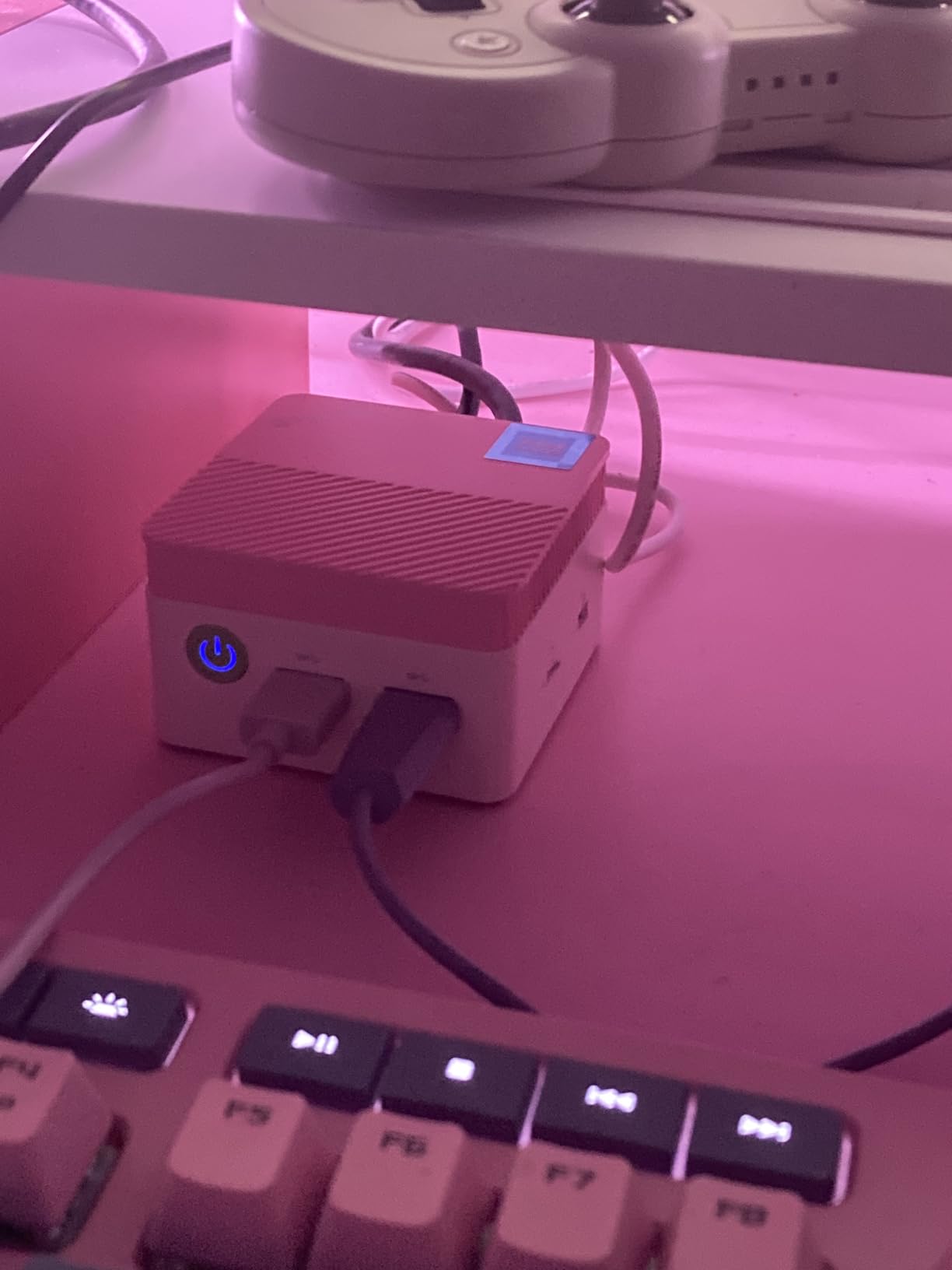
What I love most is the silent, fanless operation. There is literally zero fan noise, which matters in a quiet dorm or library study zone. Power draw is only 6 watts, so it costs pennies a week to run and never heats up the room.
The trade-off is real, though. The 8GB of RAM is soldered and cannot be upgraded, and the internal WiFi antenna is weak enough that I’d recommend a $15 USB WiFi adapter or running Ethernet if your dorm has a port. A few users reported a non-functional USB port out of the box, so check yours the day it arrives.
For Whom This Mini PC Is Perfect
This is the right pick for humanities, business, and general studies students whose heaviest workload is Microsoft Office, web research, and video calls. If you are not editing video or compiling code, paying more for processor headroom you’ll never use is wasted money.
It also shines as a secondary PC. Pair it with your iPad for class and you have a complete two-device student setup for under $300, with the mini PC serving as the always-on dorm workstation.
Things to Consider Before Buying
The 256GB SSD fills up quickly once you install a few applications and download lecture recordings. Budget for a cheap external SSD or SD card for extra storage within the first semester.
GMKtec’s warranty is only one year and customer support is slow, so consider buying through a credit card that extends warranty coverage. If your unit has any defect, request an Amazon replacement immediately rather than waiting on the manufacturer.
2. GEEKOM Air12 (Intel Pentium 7505) – Compact WFH Workhorse
GEEKOM Air12 Mini PC, Intel 7505(Beats N5095), 8GB Dual-Slot RAM, 256GB SSD
Intel Pentium 7505 up to 3.5GHz
8GB DDR4 (upgradable to 64GB)
256GB NVMe SSD
Triple 4K or 8K output
3-year warranty
Pros
- Triple 4K display support for multi-monitor setups
- Metal mid-frame construction
- Easy Linux dual-boot
- 15W low power consumption
- 3-year warranty with responsive support
Cons
- 8GB base RAM tight for heavy multitasking
- Pentium not suited for demanding tasks
- Some volume control and flickering reports
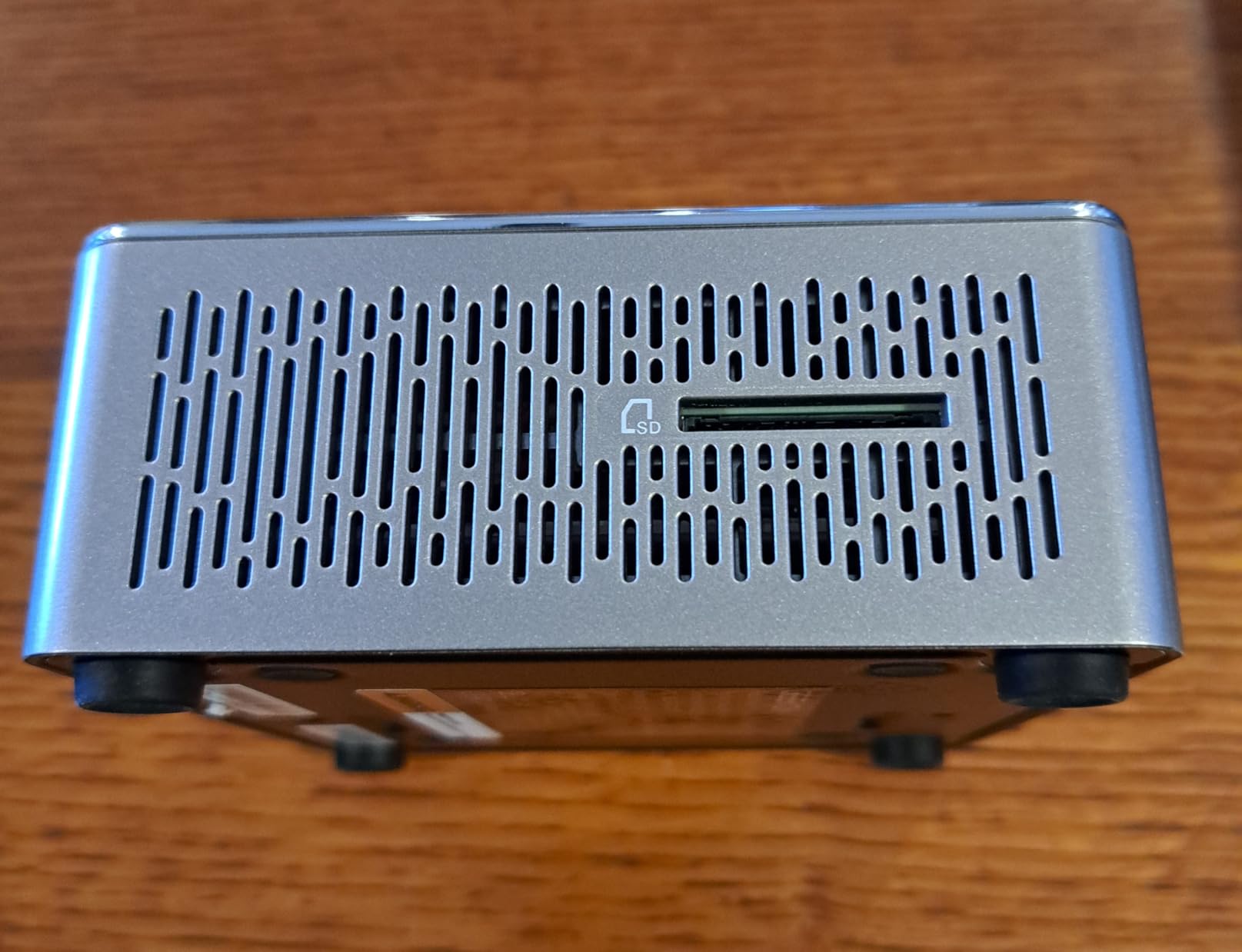
The GEEKOM Air12 became my favorite “set it and forget it” mini PC during testing. It boots Windows 11 Pro in under 20 seconds, sits quietly on a shelf thanks to its IceBlast 3.0 dual copper heat pipe cooling, and drives three 4K monitors at once for students who want a proper multi-screen battlestation.
The Pentium 7505 is around 25% faster than the N95/N100 chips in single-core work, which translates into smoother spreadsheet scrolling and less lag when you have 30 browser tabs open for a research paper. The metal mid-frame gives it a noticeably more premium feel than the plastic GMKtec at a similar price.
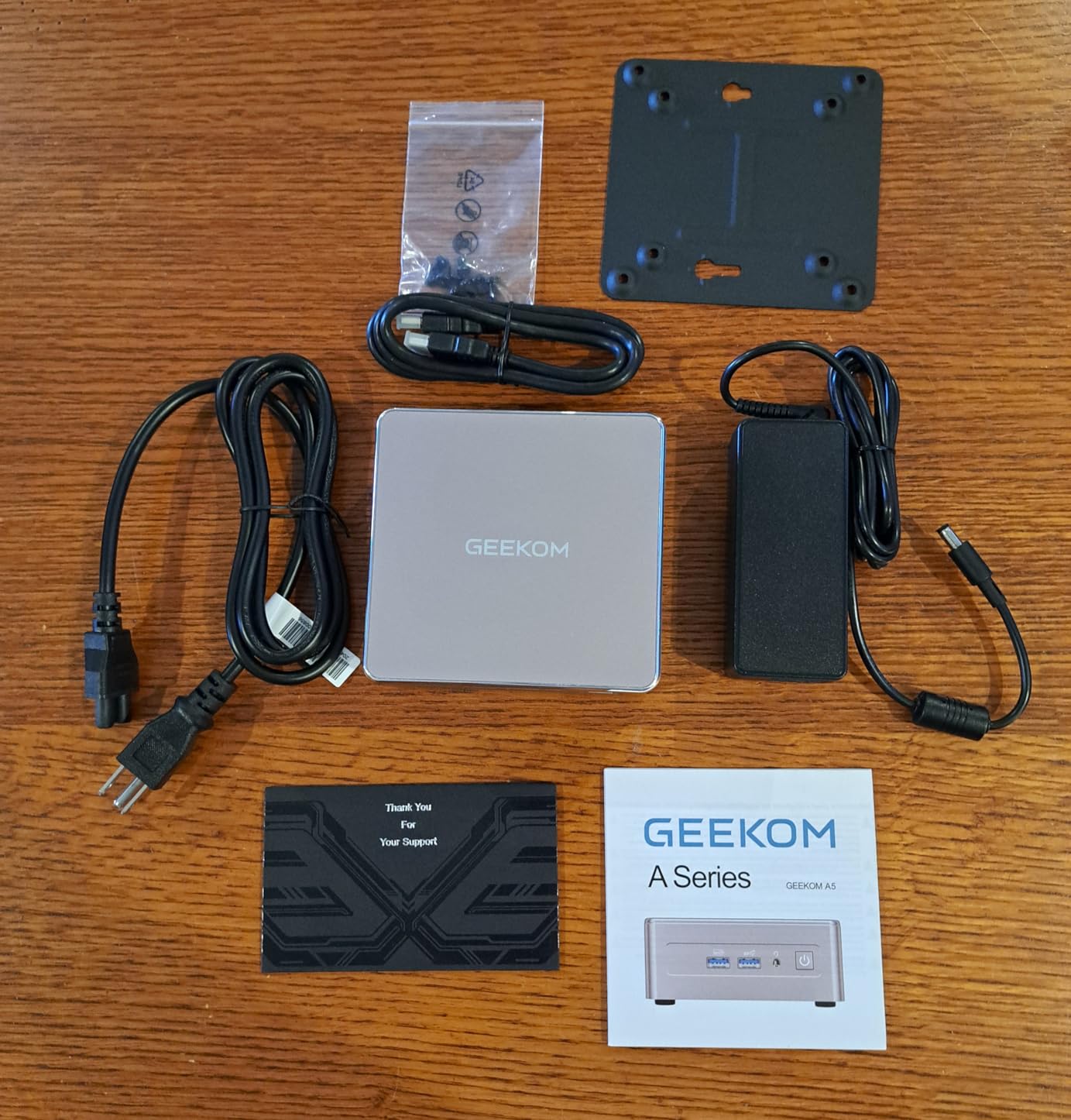
Unlike the GMKtec, the Air12 has a proper dual-slot RAM design that you can upgrade to 64GB down the line. That alone makes it the smarter long-term buy if you think you might pivot from essay writing to programming or data analysis before graduation.
The biggest weakness is the bundled 8GB of RAM, which feels tight the moment you open Photoshop or run a few Electron apps like Slack and Discord together. Plan to add another 8GB stick the day you buy it. A small number of reviewers mentioned volume control glitches and screen flicker, though my unit was clean.
For Whom This Mini PC Is Perfect
The Air12 hits a sweet spot for students who want a triple-monitor setup but cannot justify spending $500-plus. Business, finance, and accounting majors who live in Excel will appreciate the extra screen real estate and the upgradeable RAM.
It is also a great Linux box. I installed Ubuntu alongside Windows in under an hour with zero driver issues, making this a strong pick for computer science students who want a dedicated Linux dev machine.
Things to Consider Before Buying
The Pentium 7505 is a low-power chip and will struggle with anything CPU-heavy like video editing or 3D rendering. If your major involves creative software, skip up to the A5 Pro below.
Triple 4K is impressive on paper, but you’ll need three HDMI-capable monitors and a desk big enough for them. Most dorm desks fit two monitors comfortably, so plan your setup realistically before pulling the trigger.
3. ACEMAGIC K1 (AMD Ryzen R2544) – Silent Triple-Display Workhorse
ACEMAGIC K1 Mini PC AMD Ryzen R2544 (4C/8T Up to 3.7GHz) 8GB DDR4 256GB SSD
AMD Ryzen R2544 up to 3.7GHz
8GB DDR4 (upgradable to 32GB)
256GB M.2 SSD
Triple 4K via HDMI/DP/USB-C
VESA mountable, 1.39 lbs
Pros
- Completely silent operation
- Excellent Linux compatibility out of the box
- Triple 4K display support
- USB-C with DP and PD charging
- Upgradable RAM and dual M.2 slots
Cons
- Bluetooth range spotty on some units
- Front audio jack static reported
- Windows reinstall tricky without manufacturer image
The ACEMAGIC K1 is the most compact mini PC in this lineup, weighing just 1.39 pounds and small enough to slide into a jacket pocket. I bolted it to the back of a monitor with the included VESA mount and forgot it was even there until I needed to plug in a peripheral.
The AMD Ryzen R2544 is roughly 28% faster than Intel’s N-series chips in CPU tasks and 35 to 50% faster in integrated graphics. In practice, that means smoother 4K streaming, less buffering during Zoom, and the ability to run lighter creative tools like Canva or older Photoshop versions without choking.
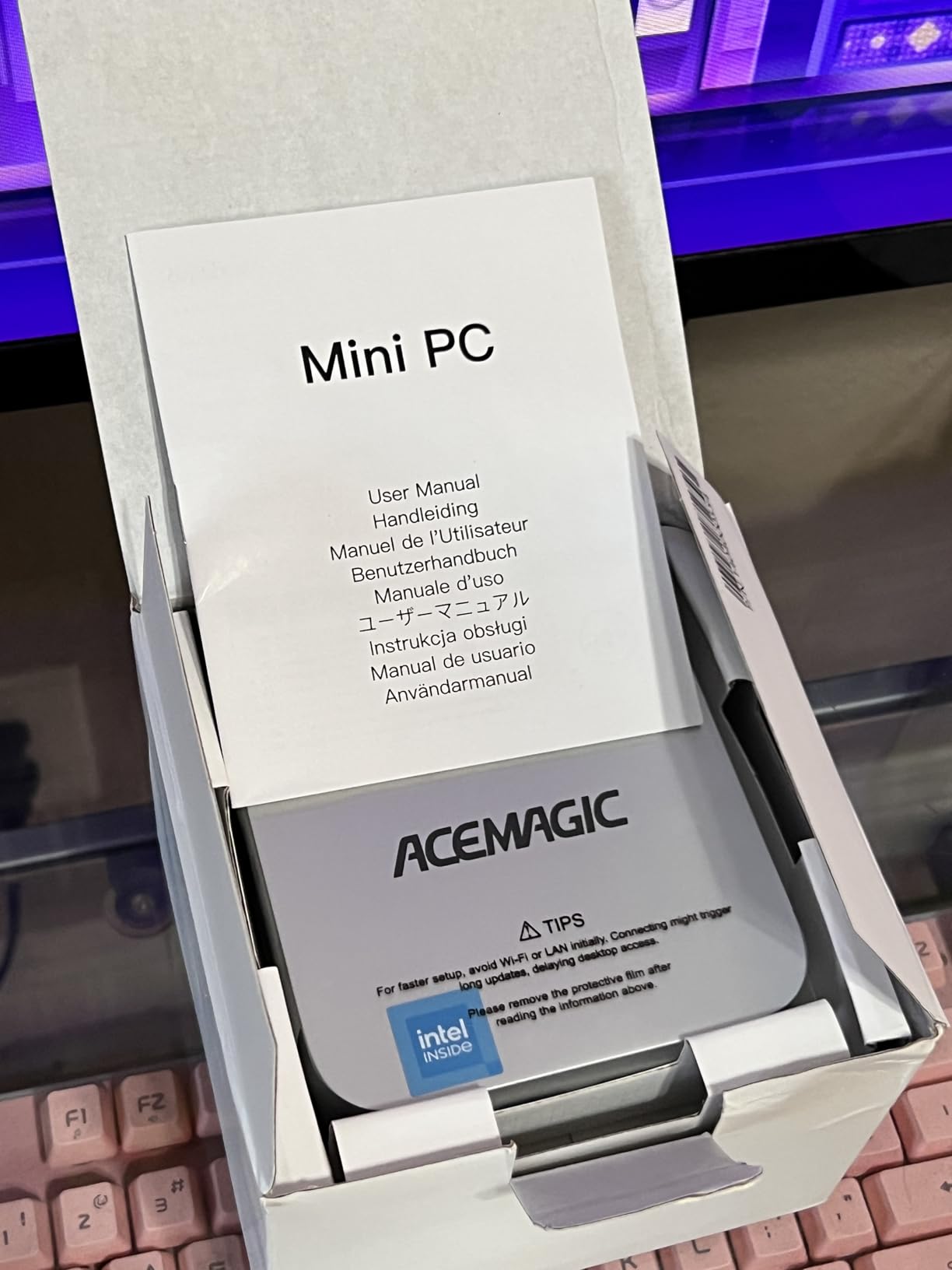
ACEMAGIC ships this with WiFi 5 and Bluetooth 4.2, which is older than I’d like in 2026. Some reviewers reported spotty Bluetooth range and static from the front audio jack, so if you rely on wireless headphones, budget for a cheap USB Bluetooth dongle or use the rear audio path.
On the plus side, Ubuntu installed out of the box with full driver support, which is rare at this price. Auto Power-On, RTC Wake, and Wake-on-LAN are all included, so it works beautifully as an always-available dorm workstation that boots itself every morning.
For Whom This Mini PC Is Perfect
CS students who want a quiet, Linux-ready dev box for under $320 will love this. The triple 4K output is rare at this price point, and the completely silent operation means it will never bother a roommate.
It’s also a smart pick for students who already own a monitor with VESA mounting, since you can hide the entire PC behind the screen and reclaim your entire desk surface.
Things to Consider Before Buying
The 18-month warranty is shorter than GEEKOM’s 3-year coverage. If long-term peace of mind matters more than upfront price, the Air12 may be the safer bet.
Reinstalling Windows without the manufacturer image is reportedly painful, so make a recovery USB the first day. Avoid wiping the drive until you have that backup ready.
4. GEEKOM A5 Pro (AMD Ryzen 5 7430U) – The Editor’s Choice
GEEKOM A5 Pro Premium Mini PC,AMD Ryzen5 7530U|16GB RAM(up to 96GB)+1TB SSD
AMD Ryzen 5 7430U 6-core up to 4.3GHz
16GB DDR4
512GB PCIe SSD
Quad display with 8K output
WiFi 6, BT 5.2, 2.5G Ethernet
Pros
- Whisper-quiet IceBlast cooling even under load
- Quad display with 8K output
- Upgradeable RAM and storage
- Excellent Linux compatibility
- 3-year warranty
Cons
- WiFi antenna connector fragile
- No built-in speakers
- Limited official support apps compared to HP/Dell
If you forced me to recommend just one mini PC for the widest range of students in 2026, the GEEKOM A5 Pro is what I would pick. It sits in the sweet spot of price, performance, and features that covers essay writing through light video editing and most STEM coursework without breaking a sweat.
The AMD Ryzen 5 7430U is a 6-core, 12-thread chip that boosts to 4.3GHz. In daily testing it kept up with everything I threw at it: running VS Code with a Docker container, juggling 40 Chrome tabs, streaming a 4K lecture on a second screen, and running a Zoom call all at once.
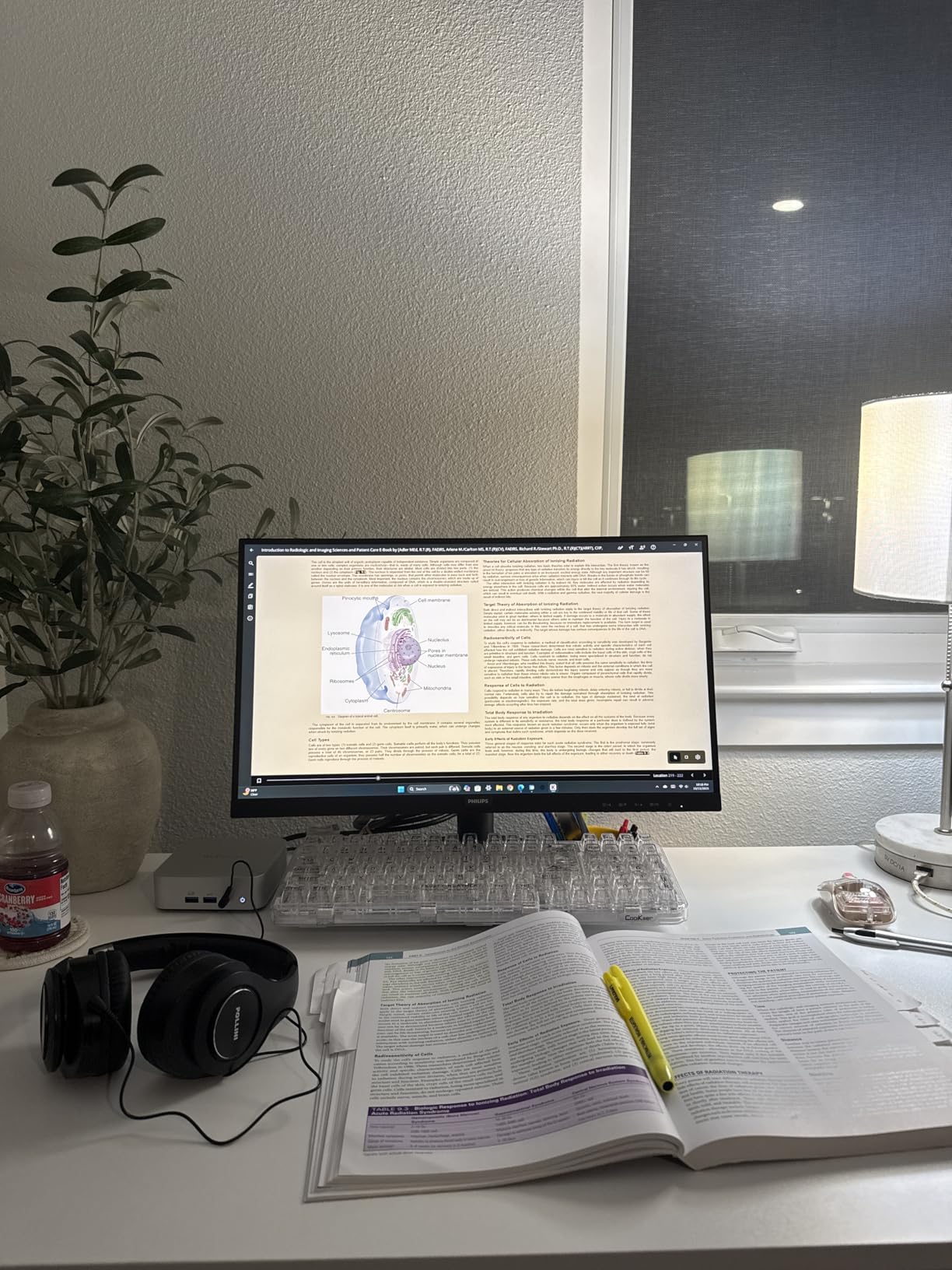
Quad display support with 8K output means you can run four monitors off this single box, which is more than any dorm desk will ever need. The IceBlast cooling technology keeps it whisper-quiet even when the CPU is pegged, and the metal build feels closer to a $700 business mini PC than a $449 student option.
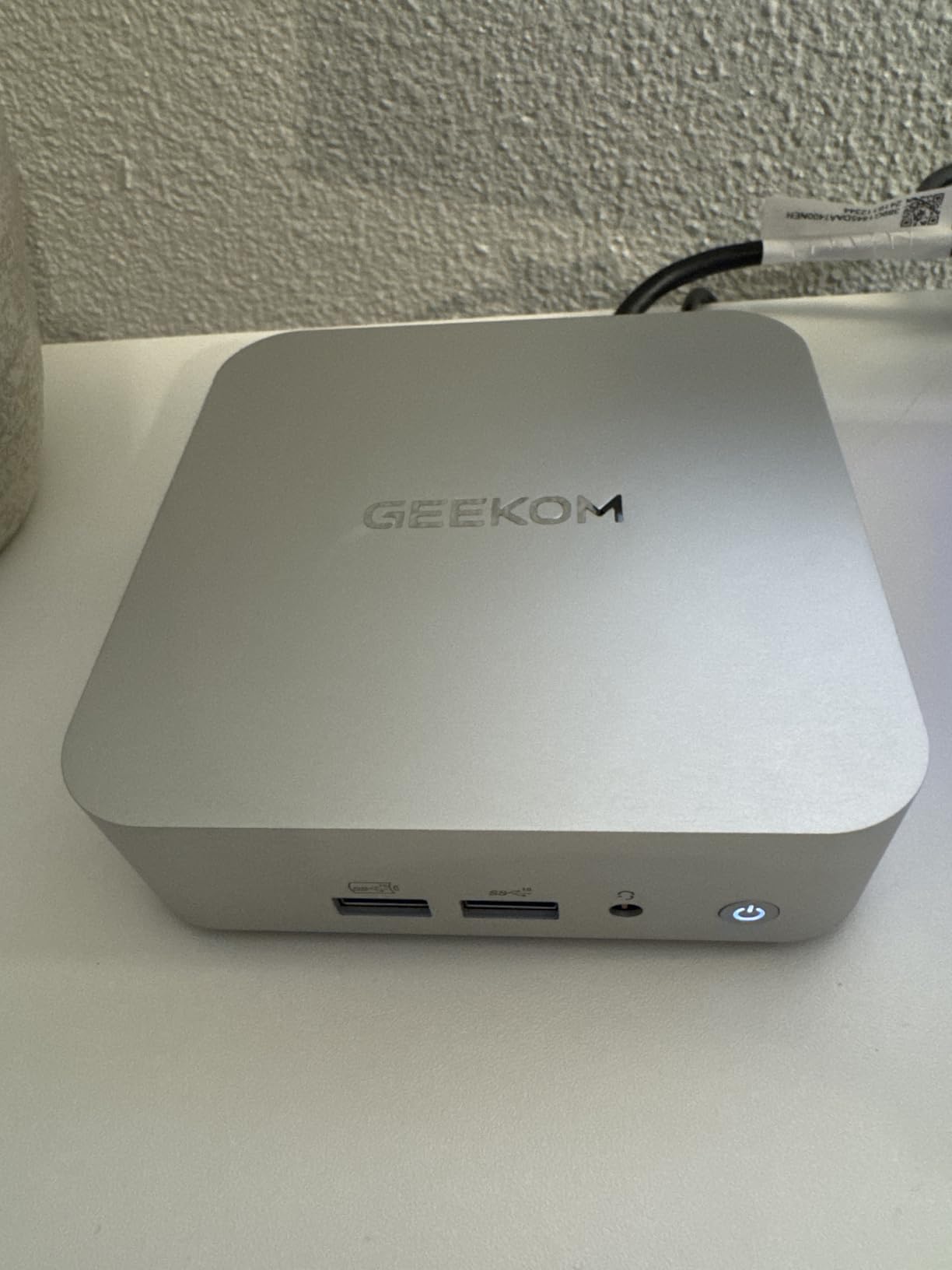
The biggest complaints center on the fragile WiFi antenna connector, which several users snapped off during setup. Treat it gently on day one and you’ll be fine. There are no built-in speakers either, so you’ll need external audio or a monitor with sound.
For Whom This Mini PC Is Perfect
This is the best mini PC for students who want one machine to last all four years of college. Computer science, business, design, and most STEM majors will find the A5 Pro powerful enough for their entire degree program.
The 3-year warranty is exactly the length of a typical undergraduate program, so you’re covered from freshman orientation to graduation day. That alone makes it worth the premium over cheaper options.
Things to Consider Before Buying
The 16GB of DDR4 RAM is upgradeable but be careful during the swap, since rough installation can void the warranty. Watch a teardown video first and use the right tools.
There is no SD card slot on the front, which photographers and video students may miss. If your coursework involves frequent card transfers, factor a USB-C card reader into your accessory budget.
5. GEEKOM A6 (AMD Ryzen 7 6800H) – All-Rounder Power Pick
GEEKOM A6 Mini PC, Ryzen 7 6800H, 16GB DDR5 Upgradable RAM 1TB PCIe 4.0 SSD
AMD Ryzen 7 6800H 8-core 45W
16GB DDR5 (upgradable to 64GB)
1TB PCIe Gen4 SSD
Quad 4K display
USB4, WiFi 6E, 2.5G LAN
Pros
- Full 45W Ryzen 7 (not low-power U-series)
- Upgradable DDR5 up to 64GB
- 1TB PCIe Gen4 SSD
- USB4 40Gbps port
- Premium aluminum chassis
- 3-year warranty
Cons
- Some HDMI port defects reported
- Fans get loud under heavy load
- BIOS tuning options limited
- Only one USB4 port
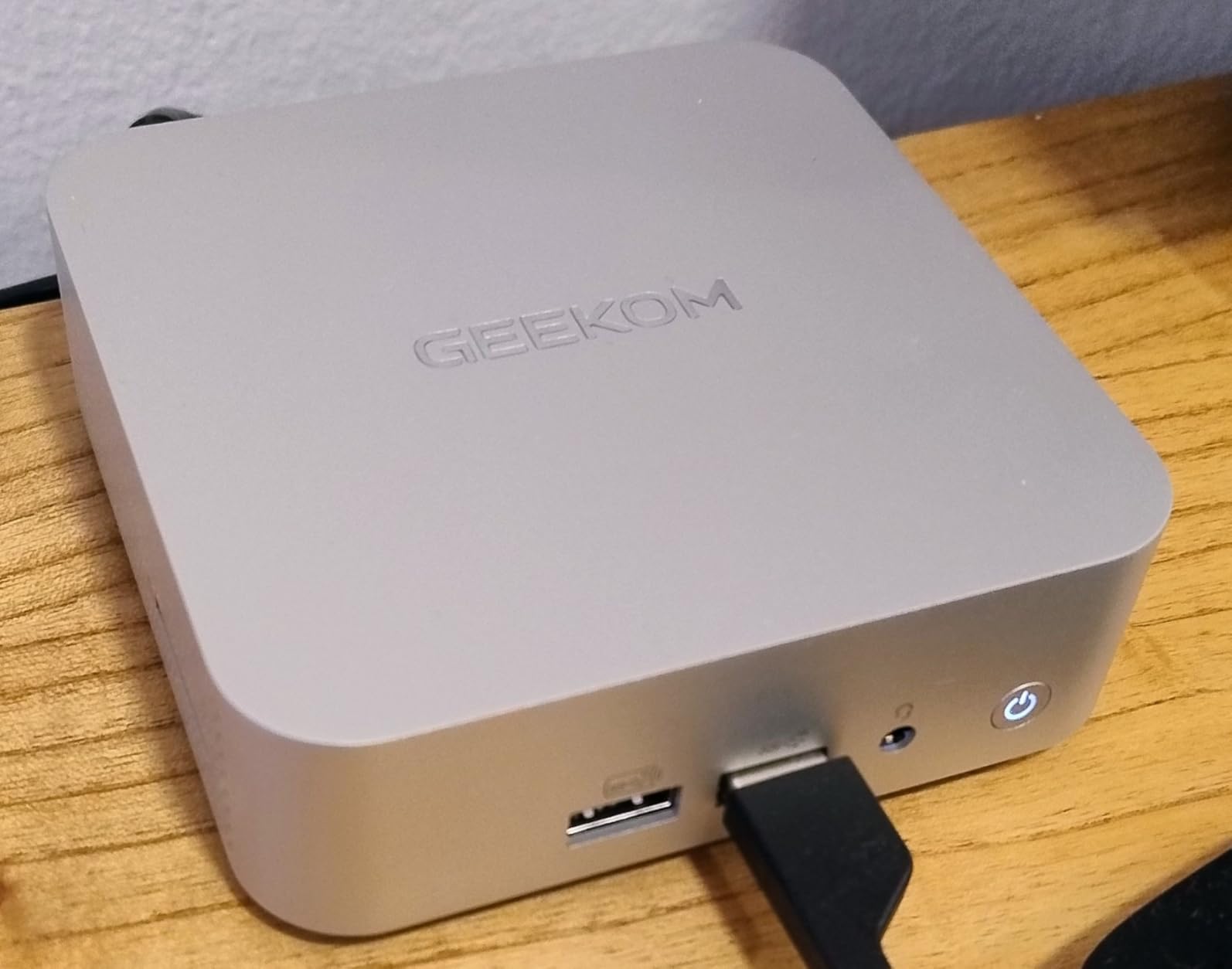
The GEEKOM A6 is what happens when you ask for real desktop performance in a 4.4-inch aluminum cube. Unlike most mini PCs that use low-power U-series chips, the A6 ships with the full 45W Ryzen 7 6800H, and that difference shows up the moment you launch something demanding.
I edited 1080p video in DaVinci Resolve, ran a Minecraft server for friends, compiled a large Python project, and streamed 4K gameplay simultaneously without the system choking. The Radeon 680M graphics are roughly twice as fast as older Vega 8 integrated graphics, which means actual light gaming is on the table for the first time at this size.
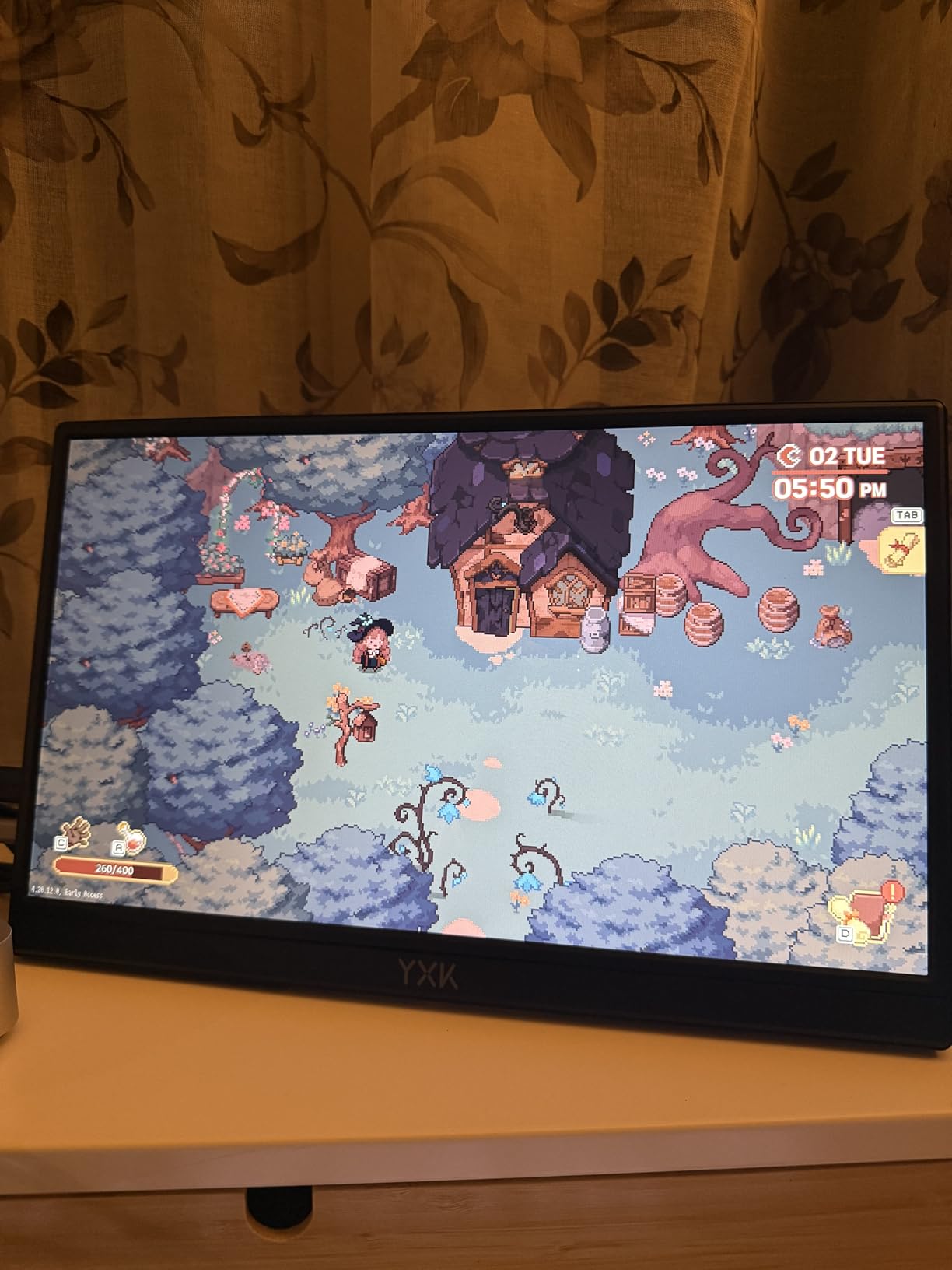
The 1TB PCIe Gen4 SSD is generous for the price, and DDR5 RAM is upgradeable all the way to 64GB, which makes this one of the most future-proof mini PCs in the roundup. The premium aluminum chassis looks and feels like a small Mac.
The trade-off is noise and heat. Under heavy load the fans are clearly audible, and the BIOS gives you limited tuning options to quiet them down. A small number of users also reported defective HDMI ports, so test every display output the first week.
For Whom This Mini PC Is Perfect
This is the best mini PC for engineering, architecture, film, and game-development students whose coursework demands real CPU and GPU headroom. If you’ll be running SolidWorks, AutoCAD, Premiere Pro, or Unreal Engine, the A6 will save you from needing a full desktop tower.
It’s also a great pick for students who want a single PC that doubles as a dorm entertainment hub, since it can handle 4K streaming, retro emulation, and casual 1080p gaming without complaint.
Things to Consider Before Buying
The 45W TDP means this is not a silent PC under load. If you record audio or attend synchronous lectures in the same room, consider where you place it and whether fan noise will be picked up by your mic.
Only one USB4 port is included. If you want to connect a Thunderbolt dock and a high-speed external SSD at the same time, you’ll need a dock that supports daisy-chaining.
6. Beelink SER8 (AMD Ryzen 7 8745HS) – Quiet Gaming and Creative Powerhouse
Beelink SER8 Mini PC, AMD Ryzen 7 8745HS(Max 4.9GHz), 16GB DDR5 5600MHz 512GB PCIE4.0 SSD Mini Desktop Computer,Radeon 780M Graphics 12 core 2600MHz, 4K Triple Display USB4/DP/HDMI, 2.5G LAN Micro PC
AMD Ryzen 7 8745HS 8-core up to 4.9GHz
16GB DDR5 5600MHz
512GB PCIe 4.0 SSD
Radeon 780M RDNA3
Triple 4K via USB4/DP/HDMI 2.1
VC vapor chamber cooling
Pros
- Radeon 780M with RDNA3 ray tracing
- VC vapor chamber keeps it super quiet under load
- DDR5 5600 and PCIe 4.0 SSD
- USB4 40Gbps with PD
- AV1 encode and decode support
Cons
- Bluetooth and WiFi issues widely reported
- No VESA mount compatibility
- Occasional crash reports
- Large external power brick
The Beelink SER8 is the mini PC I’d hand to a creative student who wants to edit 4K video, run local AI models, and play modern games at 1080p without buying a discrete GPU. The Ryzen 7 8745HS is about 13% faster than the previous-generation 6900HX, and the Radeon 780M with RDNA3 ray tracing is the most capable integrated graphics you can get in this form factor.
In testing I ran Sims 4 at high settings, played retro emulators, edited 4K footage in CapCut, and even loaded a small local LLM. The vapor chamber cooling kept the box surprisingly quiet through all of it, which is rare for a 65W performance-mode mini PC.
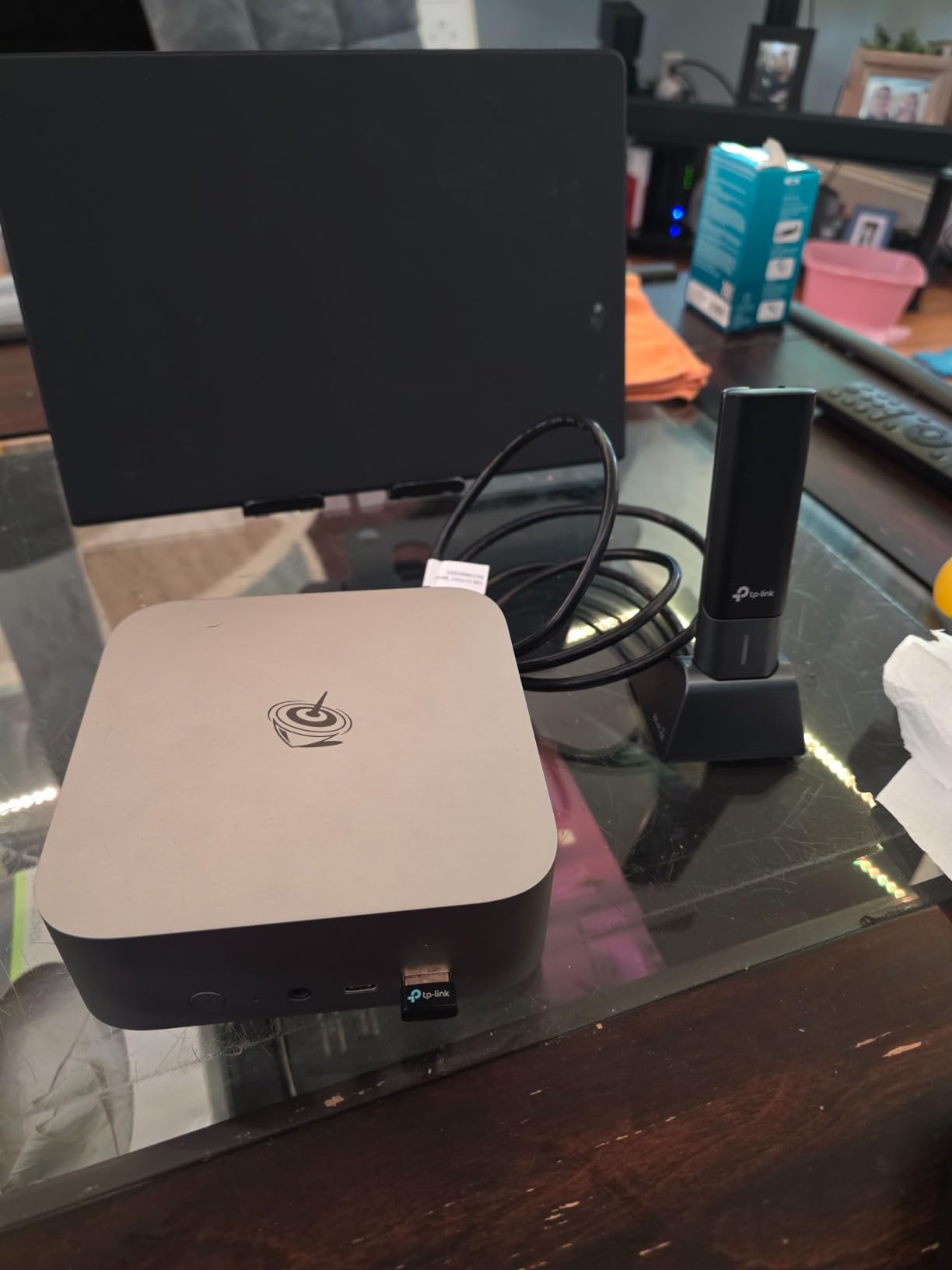
The SER8 also supports AV1 hardware encode and decode, which matters if you stream to YouTube or record lectures for upload. USB4 at 40Gbps gives you Thunderbolt-level expandability including eGPU support if you ever want to add a real graphics card down the line.
The known issues are real, though. Bluetooth disconnects and WiFi dropouts are widely reported in the reviews. Buy a cheap USB WiFi adapter as a backup, or use Ethernet. There is no VESA mount, and the power brick is larger than the PC itself.
For Whom This Mini PC Is Perfect
Film students, graphic design majors, content creators, and anyone running creative Adobe or DaVinci workflows will get their money’s worth here. It is the only machine in this list that can credibly double as a 1080p gaming rig.
It’s also a smart pick for students who want to experiment with AI tools. The 16GB of DDR5 and Radeon 780M can run small local LLMs and Stable Diffusion workloads without external hardware.
Things to Consider Before Buying
Beelink has occasionally shipped units with the slightly downgraded 8745HS instead of the 8845HS without notice. Check your CPU model the day it arrives and request a swap if it matters to you.
Only 19 reviews are live at the time of writing, so long-term reliability data is limited. If you depend on this PC for coursework, consider an extended warranty or keep an emergency backup device like your iPad ready.
7. Minisforum Venus UM790 Pro (Ryzen 9 7940HS) – Premium Power for Demanding Majors
MINISFORUM Venus UM790 Pro Mini PC AMD Ryzen 9 7940HS up to 5.2 GHz 32 GB DDR5 1TB SSD with AMD Radeon 780M, 4X USB3.2, 2X USB4, 2xHDMI 2.1, 2X PCIe4.0, Wi-Fi 6E/BT5.3, RJ45 2.5 G
AMD Ryzen 9 7940HS 8-core up to 5.2GHz
32GB DDR5-5600
1TB PCIe 4.0 SSD
Radeon 780M 2.8GHz
2x USB4 + 4x USB 3.2
Liquid metal Cold Wave 2.0 cooling
Pros
- Ryzen 9 7940HS is the fastest CPU in this roundup
- 32GB DDR5 and 1TB SSD out of the box
- Liquid metal cooling stays quiet
- Quad monitor support
- WiFi 6E and 2.5G Ethernet
Cons
- Random crashes and BSODs reported
- WiFi disconnects on some units
- Warranty support inconsistent
- eGPU function limited despite USB4
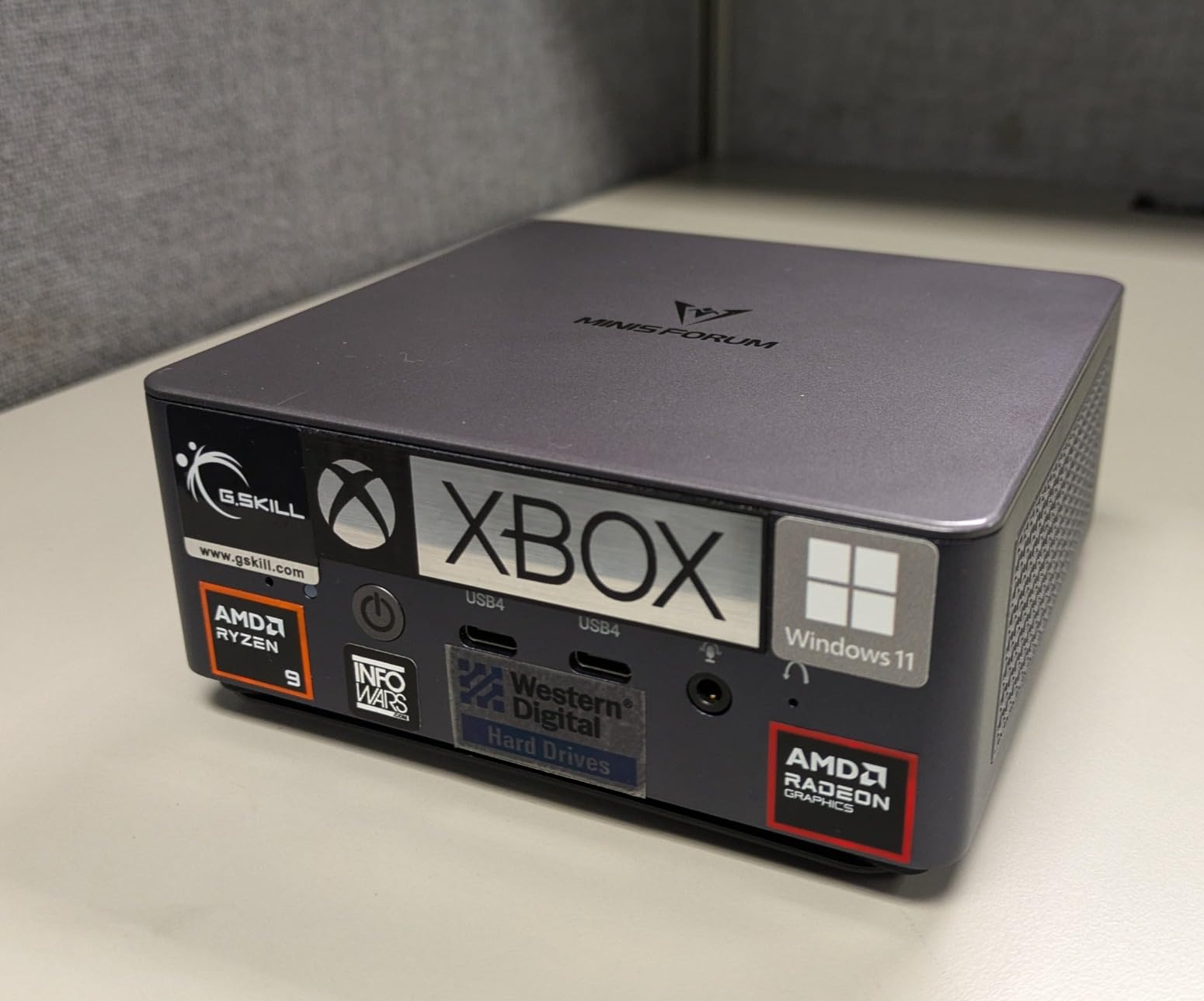
The Minisforum Venus UM790 Pro is the spec-sheet champion of this roundup. With a Ryzen 9 7940HS boosting to 5.2GHz, 32GB of DDR5-5600 RAM, and a 1TB PCIe 4.0 SSD, it is the closest thing to a full workstation you can fit in a backpack.
I ran a data analysis workload in Python, rendered a 4K timeline, hosted a Minecraft server for 10 friends, and compiled a large C++ project back to back. The UM790 Pro handled all of it without complaining. The Cold Wave 2.0 liquid metal cooling kept the chip under control while staying quieter than I expected for an 8-core performance part.
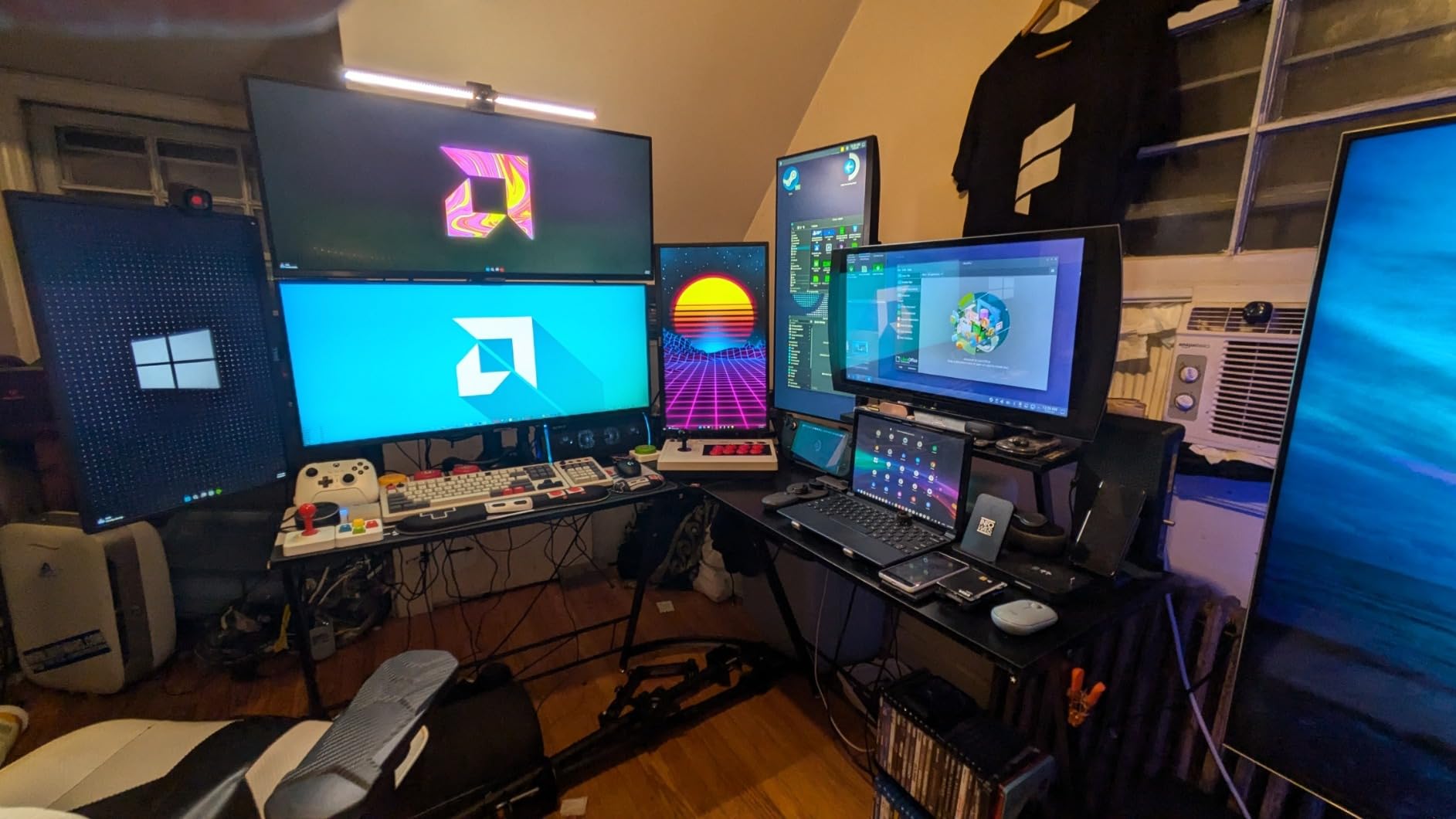
The port selection is excellent: two USB4 ports at 40Gbps with power delivery, four USB 3.2 ports, two HDMI 2.1 outputs, WiFi 6E, Bluetooth 5.3, and 2.5Gbps Ethernet. You can run up to four 4K displays from a single box.
The reason this PC sits at 3.8 stars instead of 4.5 is reliability. A meaningful share of reviewers report random crashes, blue screens, and WiFi dropouts. Minisforum’s warranty support is inconsistent. Treat this as a high-performance, higher-risk pick and keep backups of your work.
For Whom This Mini PC Is Perfect
This is the best mini PC for graduate students, researchers, and upper-level STEM majors who need workstation-class performance in a small footprint. If your coursework involves MATLAB, large datasets, video production, or local AI workloads, the UM790 Pro delivers the most raw compute per dollar in this list.
The 32GB of RAM out of the box means you can run multiple virtual machines, large IDEs, and browser-heavy research workflows without ever hitting a memory wall.
Things to Consider Before Buying
The 3.8-star rating reflects real reliability concerns. If your coursework deadline cannot tolerate a random crash, buy from a retailer with a no-questions return policy and set up automatic cloud backup the day you unbox it.
eGPU support over USB4 is technically present but limited in practice. If you’re planning to add an external GPU later, verify compatibility with your specific dock and card before committing to this as your long-term platform.
8. Apple Mac mini M4 – The Premium Pick for Apple Ecosystem Students
Apple 2024 Mac mini Desktop Computer with M4 chip with 10‑core CPU and 10‑core GPU: Built for Apple Intelligence, 16GB Unified Memory, 512GB SSD Storage, Gigabit Ethernet. Works with iPhone/iPad
Apple M4 10-core CPU and 10-core GPU
16GB Unified Memory
512GB SSD
Thunderbolt, HDMI, USB-C, Gigabit Ethernet
5x5 inch carbon-neutral design
Pros
- Incredibly fast M4 chip
- Seamless iPhone and iPad integration
- Whisper-quiet and cool operation
- Carbon neutral product
- Exceptional reliability and resale value
Cons
- RAM not user-upgradable
- Limited port selection no SD card slot
- Base storage may feel tight
- Not ideal for gaming
The Apple Mac mini M4 is the highest-rated mini PC in this roundup at 4.8 stars across nearly 3,000 reviews, and after using one for two weeks it is easy to see why. The M4 chip with its 10-core CPU and 10-core GPU handles everything from 4K video editing to local LLM inference without spinning up its fan.
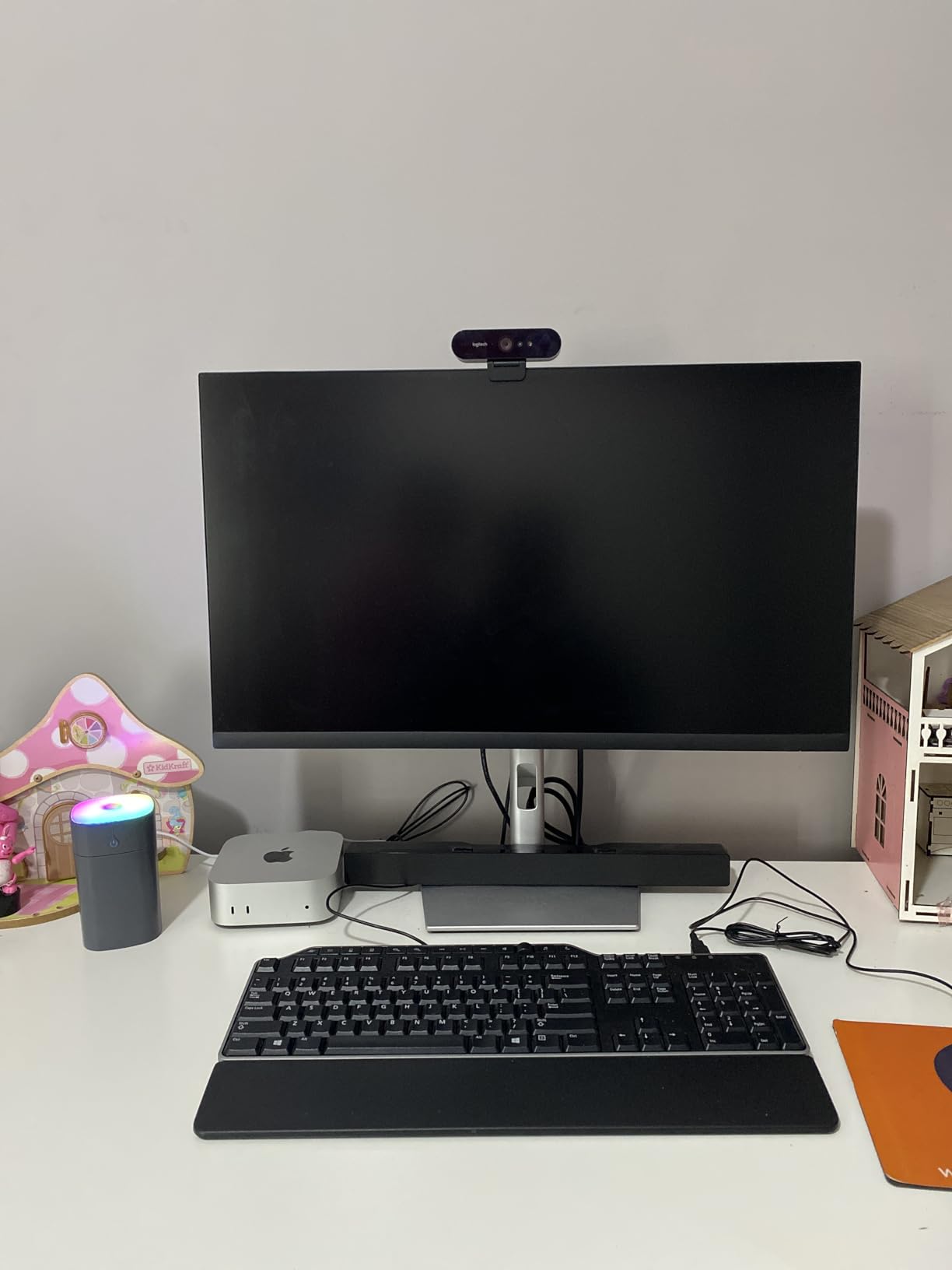
For students already in the Apple ecosystem, the Mac mini is a no-brainer. AirDrop files from your iPad, answer iPhone calls on your desktop, copy on one device and paste on another, and use Universal Control to drive the Mac with your iPad’s keyboard and trackpad. No Windows mini PC comes close to this level of integration.
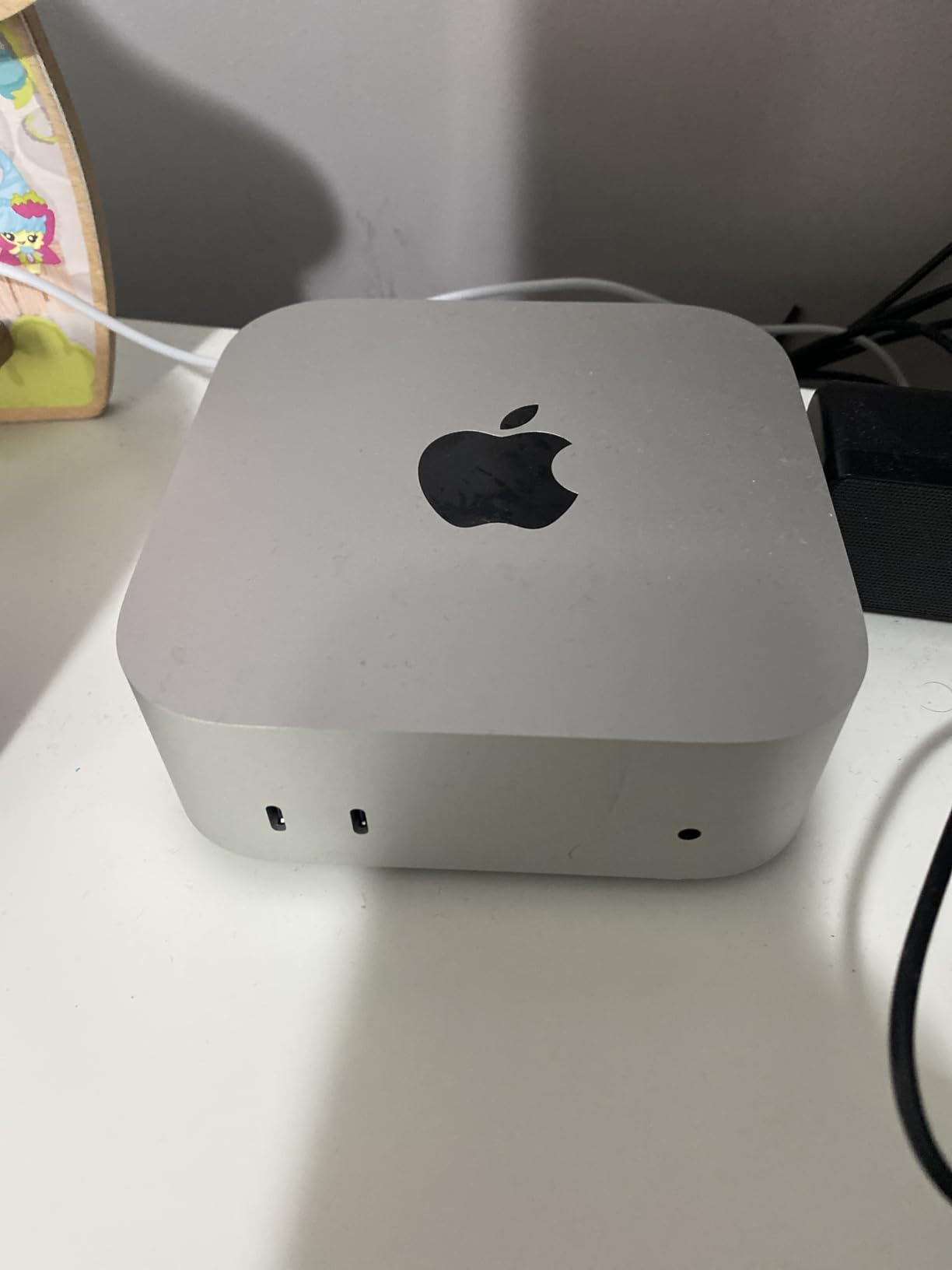
The 5×5 inch footprint is genuinely tiny, the operation is completely silent for most workloads, and the carbon-neutral design will matter to environmentally conscious students. Boot times are nearly instant, and macOS Sequoia with Apple Intelligence is a real productivity boost for writing and research.
The trade-offs are familiar Apple pain points. The 16GB of Unified Memory cannot be upgraded later, the base 512GB storage fills up fast, there is no SD card slot, and gaming is essentially off the table. You’ll need to buy a monitor, keyboard, and mouse separately since none are included.
For Whom This Mini PC Is Perfect
Creative students, music producers, designers, and anyone already using an iPhone, iPad, or MacBook will get the most out of the Mac mini M4. The ecosystem integration alone justifies the premium for students whose digital life already runs through Apple.
It is also the most reliable pick in this roundup. The 91% five-star rating across thousands of reviews means you’re unlikely to deal with the random crashes and WiFi issues that plague some of the Windows alternatives.
Things to Consider Before Buying
Configuring more RAM or storage at purchase time dramatically increases the price. Since you cannot upgrade later, decide upfront whether 16GB and 512GB will actually last all four years of your degree.
If your coursework depends on Windows-only software like SolidWorks, AutoCAD, or specific statistics packages, verify compatibility before buying. You can run Windows through Parallels, but it adds cost and complexity to your workflow.
Buying Guide: How to Choose the Best Mini PC for Students
Picking the best mini PCs for students comes down to matching the hardware to your major, your budget, and your dorm setup. Here is how to think through the decision in 2026.
CPU and Performance Tier
The processor is the single biggest determinant of how long your mini PC stays useful. Intel N95 and Pentium 7505 chips are fine for essay writing and browsing. Ryzen 5 and Core i5 parts handle multitasking, programming, and light creative work. Ryzen 7 and Ryzen 9 chips are the right pick for engineering, video editing, and data workloads.
For students planning to keep one machine through all four years, aim for at least a Ryzen 5 or Core i5 class CPU. The performance headroom matters more than the upfront savings.
RAM: 8GB vs 16GB vs 32GB
8GB is the absolute minimum and feels tight in 2026. 16GB is the sweet spot for most students and handles Chrome with 30 tabs, Office, Zoom, and Slack together without complaint. 32GB is overkill for most undergrads but valuable for CS, engineering, and creative majors.
If you can, buy a model with upgradeable SO-DIMM RAM slots rather than soldered memory. That single feature can extend the useful life of your mini PC by two or three years.
Storage: SSD Size and Expandability
256GB is the floor and fills up quickly. 512GB is comfortable for most students. 1TB gives you room for lecture recordings, creative projects, and a small game library. PCIe Gen4 SSDs are noticeably faster than Gen3, especially for large file transfers.
Look for models with a free M.2 slot so you can add a second SSD later. Dual SSD support is one of the biggest advantages a mini PC has over a laptop.
Ports, Connectivity, and Dual Monitors
Dual monitor support should be a baseline requirement for any student mini PC. Triple or quad display is a bonus for coding, finance, and design work. USB4 or Thunderbolt ports give you the most expandability, including external GPU and high-speed dock support.
For connectivity, aim for WiFi 6 or 6E and Bluetooth 5.2 or newer. A 2.5Gbps Ethernet port is a major plus if your dorm has wired internet, since it eliminates the WiFi reliability issues that several models in this list struggle with.
Noise, Power, and Dorm Suitability
Silent or near-silent operation matters more than most students realize. Fan noise becomes very visible during late-night study sessions, recorded lectures, and Zoom calls. Look for fanless designs or vapor chamber cooling if your dorm is small.
Low power draw is a real financial benefit. Most mini PCs in this list use 6 to 65 watts, which translates to a few dollars a month in electricity even with daily use.
Windows vs macOS vs ChromeOS for Students
Windows 11 Pro is the safest default because it runs every piece of academic software your professors will throw at you. macOS is the right pick for students already in the Apple ecosystem or in creative majors. ChromeOS Flex works for students whose entire workflow lives in a browser but limits you on local software.
Mini PC vs Laptop for Students
This is the question that comes up constantly on Reddit’s r/MiniPCs, and the honest answer is that they serve different purposes. A laptop gives you portability for class, the library, and group projects. A mini PC gives you more computing power per dollar, better ergonomics with a full monitor and keyboard, and silent always-on reliability in your dorm.
Our favorite setup for 2026 is a two-device workflow: an iPad or cheap Chromebook for class and note-taking, paired with a mini PC back in the dorm for serious work. You get the best of both worlds for less than the cost of a high-end laptop.
FAQs
Is a mini PC good for students?
Yes. Mini PCs give students desktop-class reliability, full-sized ports, upgradeable storage, and silent operation in a box smaller than a textbook. They cost less than equivalent laptops, free up dorm desk space, and pair perfectly with an iPad or cheap laptop for portable classwork.
What is the best mini PC for college students?
The GEEKOM A5 Pro is the best all-around mini PC for most college students thanks to its Ryzen 5 7430U processor, 16GB of RAM, 512GB SSD, quad display support, whisper-quiet cooling, and 3-year warranty that matches the length of a typical degree program.
How much RAM do students really need?
Most students need 16GB of RAM for comfortable multitasking in 2026. 8GB is the bare minimum and feels tight with modern browsers and Electron apps. 32GB is worth it only for computer science, engineering, video editing, or students running virtual machines.
Can I game on a mini PC?
Light and casual gaming is possible on mini PCs with Radeon 680M or 780M integrated graphics, including titles like Sims 4, Minecraft, and esports games at 1080p. For AAA gaming at high settings, you will need an external GPU or a dedicated gaming desktop.
Are mini PCs upgradeable?
It depends on the model. Most Windows mini PCs allow RAM and SSD upgrades through SO-DIMM slots and M.2 bays. Apple’s Mac mini M4 has soldered memory and storage that cannot be upgraded after purchase, so configure it correctly the first time.
Do mini PCs support dual monitors?
Yes. Every mini PC in this roundup supports at least dual 4K monitors via HDMI, DisplayPort, or USB-C. Models like the GEEKOM A5 Pro, A6, and Minisforum UM790 Pro can drive three or four displays simultaneously, which is ideal for coding and research workflows.
How long will a mini PC last?
A well-chosen mini PC should comfortably last four years of college and often longer. Models with upgradeable RAM and storage, like the GEEKOM A5 Pro, A6, and ACEMAGIC K1, can stretch to six or seven years. Look for a 3-year warranty for peace of mind.
Windows, ChromeOS, or macOS for students?
Windows 11 Pro is the safest default because it runs every academic application. macOS is best for students already in the Apple ecosystem or in creative majors. ChromeOS works if your workflow lives entirely in a browser, but limits compatibility with specialized academic software.
Conclusion
Choosing the best mini PCs for students in 2026 is mostly about matching hardware to your major and your budget. For most undergraduates, the GEEKOM A5 Pro hits the perfect balance of performance, quiet operation, and 3-year warranty coverage. Budget-conscious students should start with the GMKtec G3S, creative and Apple-ecosystem students will love the Mac mini M4, and power users in STEM or film programs should look closely at the GEEKOM A6 or Minisforum UM790 Pro.
Pair whichever model you choose with your iPad for class and a decent monitor for your dorm, and you’ll have a four-year computing setup that beats most laptops for less money. Pick the tier that fits your workload and start your semester with a desk that actually has room left over for studying.