
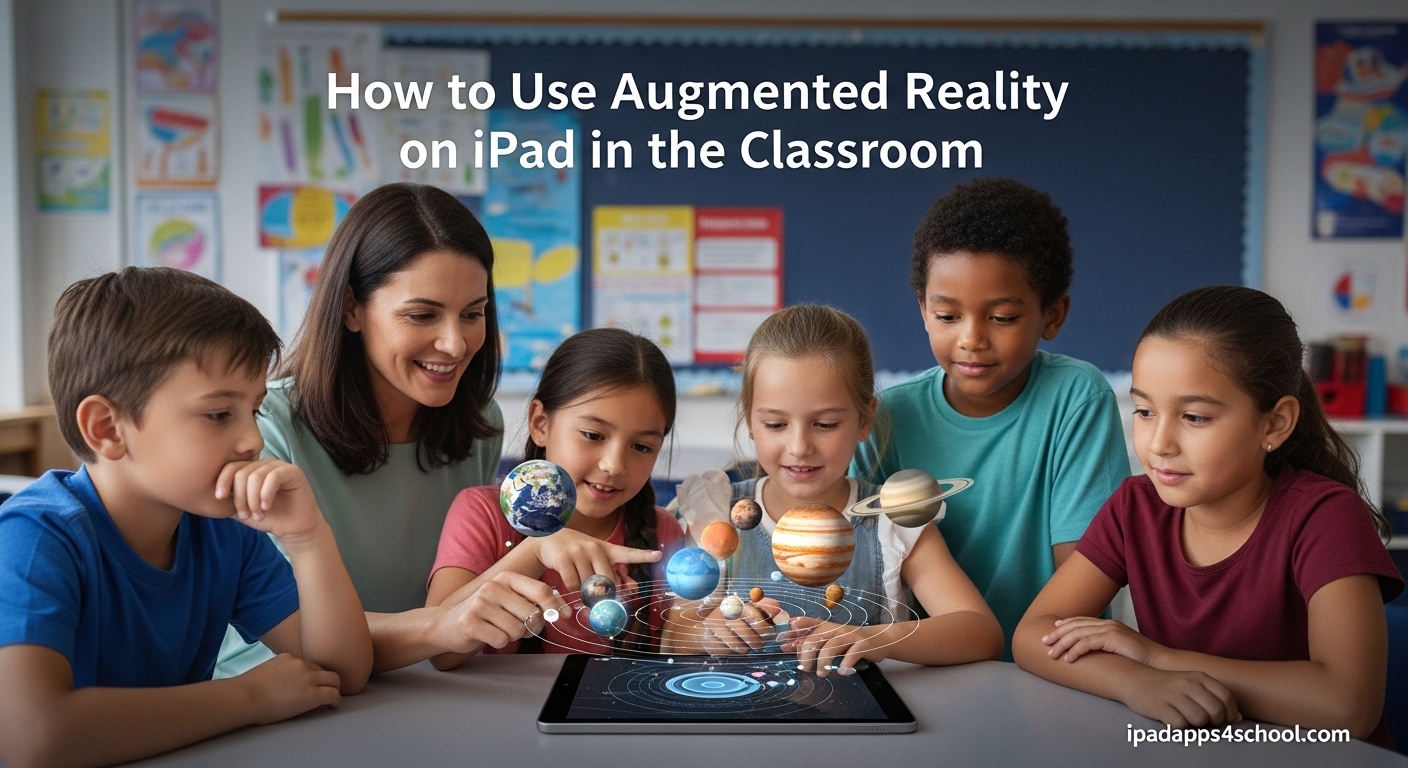
Keeping students engaged with traditional teaching methods gets harder every year. I have spent the last three years testing different AR apps across multiple grade levels, and I have seen firsthand how augmented reality transforms passive learners into active explorers. This guide will show you exactly how to use augmented reality on iPad in the classroom, from setup to subject-specific lesson ideas.
AR on iPad is more accessible than ever in 2026. You do not need expensive headsets or complicated software. With the right apps and a simple workflow, you can bring 3D models, historical reconstructions, and interactive science experiments directly into your classroom.
Table of Contents
What Is Augmented Reality on iPad?
Augmented reality overlays digital content onto the real world through your iPad’s camera. Unlike virtual reality, which replaces your entire view, AR keeps students connected to their physical environment while adding interactive 3D elements.
Apple’s ARKit framework powers these experiences on iPad. The technology uses the device’s camera, motion sensors, and processor to track the real world and place virtual objects that appear anchored to surfaces like desks or floors.
When students point their iPad at a flat surface, ARKit detects horizontal planes and allows apps to place 3D models that stay in position as the device moves. This creates the illusion that virtual objects exist in real space.
How AR Works on iPad: The Technology Behind the Magic
Understanding the technology helps you troubleshoot issues and choose the right iPad model for your classroom. ARKit handles the heavy lifting, but hardware features make a difference.
ARKit Framework
ARKit is Apple’s augmented reality development platform. It processes camera data, tracks device motion, and calculates lighting conditions to make virtual objects look realistic. Apps built with ARKit work on most iPads from 2026 and later.
LiDAR Scanner (iPad Pro)
Newer iPad Pro models include a LiDAR scanner that dramatically improves AR experiences. This sensor measures distance by firing invisible laser pulses and timing their return.
LiDAR enables faster plane detection, better depth mapping, and more realistic object placement. Students can place AR content instantly without slowly waving the device around to find surfaces.
Plane Detection and Spatial Mapping
ARKit identifies flat surfaces like tables, desks, and floors by analyzing camera data. The system creates a spatial map of the environment, allowing virtual objects to interact with real-world geometry.
This means a virtual ball will roll off a real table edge, or a 3D model will appear behind real objects when viewed from different angles.
Best Free AR Apps for Education
I have tested dozens of AR apps with students from elementary to high school. These five consistently deliver the best educational value without costing anything.
Swift Playgrounds
Apple’s coding app includes AR lessons that teach students to build their own augmented reality experiences. Students learn programming concepts while creating interactive 3D scenes.
The app guides users through building AR projects step by step, making it ideal for computer science classes or STEM enrichment.
Measure
The built-in Measure app turns iPad into a precision measurement tool. Students can measure real-world objects, check if surfaces are level, and calculate areas of rectangular spaces.
This app works great for math classes covering geometry and measurement units. Students can verify their calculations against AR measurements.
JigSpace
JigSpace presents interactive 3D models called “Jigs” that explain how things work. Students can explore everything from jet engines to human cells in detailed AR.
The app includes educational content across science, history, and technology. Students manipulate models, view cross-sections, and follow step-by-step animations.
GeoGebra AR
Math teachers love GeoGebra AR for visualizing 3D graphs and geometric shapes. Students place mathematical functions in AR and walk around them to understand spatial relationships.
This app makes abstract algebra and calculus concepts tangible. Functions that look flat on paper gain depth and meaning when students view them from multiple angles.
Google Arts & Culture
This app brings museum exhibits into your classroom through AR. Students can place life-size artworks, historical artifacts, and cultural objects anywhere in your room.
The app includes famous paintings, ancient sculptures, and even dinosaur skeletons. Art history and social studies classes benefit particularly from this free resource.
Subject-Specific AR Classroom Examples
AR shines when integrated into specific subjects. Here is how teachers are using augmented reality iPad classroom activities across different disciplines.
Science: Anatomy and Molecular Structures
Biology classes use AR to explore human anatomy without cadavers. Students manipulate 3D hearts, lungs, and organ systems, viewing them from every angle.
Chemistry teachers bring molecules to life by displaying atomic structures at room scale. Students walk around giant water molecules or DNA helices to understand bonding and structure.
History: Virtual Reconstructions
History comes alive when students place ancient ruins or historical buildings in their classroom. AR apps can show Roman architecture, Egyptian pyramids, or medieval castles at true scale.
One teacher I worked with had students compare different architectural styles by placing multiple buildings side by side in the library.
Math: 3D Geometry Visualization
Abstract mathematical concepts become concrete through AR visualization. Students explore 3D shapes, graph functions in three dimensions, and manipulate geometric proofs.
Calculus students benefit from viewing derivatives and integrals as physical surfaces they can walk around and examine from multiple perspectives.
Art: Museum Collections and Creation
Art classes use AR to display famous works without field trips. Students study brushstrokes on life-size paintings and examine sculptures from every angle.
Some apps also let students create AR art, placing their digital creations in the physical world for others to discover.
Geography: Interactive Maps and Landforms
Geography teachers use AR to display topographical maps and landforms. Students see mountains, valleys, and watersheds at scale on their classroom floor.
Climate and weather patterns become interactive when students view 3D models of hurricane formation or ocean currents in AR.
Step-by-Step: Setting Up AR on iPad for Your Classroom
Getting started with AR requires minimal technical setup. Follow these steps to prepare your classroom for augmented reality learning.
Step 1: Check iPad Compatibility
ARKit works on iPad Pro (all models), iPad Air (3rd generation and newer), iPad mini (5th generation and newer), and standard iPad (6th generation and newer). Check your device model in Settings under General, then About.
Step 2: Update to the Latest iOS
AR features improve with each iOS update. Install the latest version from Settings, General, Software Update. Ensure you are running iOS 15 or later for the best AR experience.
Step 3: Download AR Apps
Start with free apps from the App Store. Download Swift Playgrounds, JigSpace, GeoGebra AR, and Google Arts & Culture. Test each app yourself before introducing them to students.
Step 4: Test Your Classroom Space
AR works best in well-lit areas with visible flat surfaces. Test your planned AR space to ensure adequate lighting and clear floor or desk areas. Dim lighting makes plane detection difficult.
Remove clutter from surfaces where students will place AR content. The iPad needs to see distinct edges and textures to map the environment accurately.
Step 5: Prepare Students
Before starting AR activities, establish clear guidelines. Remind students to stay aware of their physical surroundings while looking at screens. Set boundaries for where they can move while using AR.
Demonstrate the basic gestures for each app. Show students how to place, move, and delete AR objects before letting them explore independently.
Benefits of AR for Student Engagement
Research consistently shows that AR improves learning outcomes. Students retain information better when they interact with 3D content versus reading textbooks.
A study by the University of Maryland found that participants had 8.8% better recall when using AR interfaces compared to traditional screens. The spatial nature of AR helps create stronger memory anchors.
Beyond retention, AR increases student motivation. Struggling learners often engage more readily with AR content because it feels like play while delivering educational value.
AR also supports different learning styles. Visual learners benefit from 3D models. Kinesthetic learners engage through manipulation and movement. Auditory learners can access narration that accompanies many AR experiences.
Classroom Management Tips for AR Activities
Introducing AR requires thoughtful classroom management. These strategies have worked for me across multiple grade levels.
Start with short AR sessions of 10-15 minutes. Students need time to adjust to the technology without becoming overwhelmed.
Create AR station rotations for larger classes. Set up 4-6 iPads with specific AR activities while other students work on related assignments. Rotate every 15 minutes.
Pair students for collaborative AR exploration. One student holds the iPad while the other guides the investigation, then switch roles. This promotes discussion and shared discovery.
Have a troubleshooting plan ready. Common issues include poor lighting, cluttered surfaces, and app crashes. Know how to force-close apps and restart AR sessions quickly.
Assessment Ideas Using AR Student Work
AR activities can generate valuable assessment data. Screen recording features built into iOS let students document their AR explorations.
Ask students to record a tour of their AR project while explaining what they learned. These recordings demonstrate both content knowledge and communication skills.
Create AR scavenger hunts where students find and document specific 3D models related to your curriculum. Their collected screenshots or recordings become assessment artifacts.
For group projects, have students build AR presentations that combine multiple 3D objects. Their ability to arrange and explain the relationships between elements shows deeper understanding.
Troubleshooting Common AR Issues
Even the best technology encounters problems. Here are solutions to the most common AR classroom challenges.
Issue: AR objects drift or disappear.
Solution: Improve lighting in the room. ARKit needs consistent light to track surfaces. Also ensure students hold iPads steady when placing objects.
Issue: iPad cannot find a surface to place content.
Solution: Look for surfaces with visible texture or patterns. Plain white desks or glossy surfaces often confuse ARKit. Try placing a textured mat or paper on the surface.
Issue: App crashes during AR use.
Solution: Close background apps to free memory. AR apps require significant processing power. Restart the iPad if problems persist.
Issue: Students bump into each other while using AR.
Solution: Mark clear zones for AR use with tape on the floor. Limit the number of students using AR simultaneously until they learn spatial awareness with the devices.
FAQ
How can augmented reality be used in the classroom?
Augmented reality can be used in classrooms to visualize 3D models in science, explore historical reconstructions in history, demonstrate mathematical concepts in 3D space, bring art collections into the room, and create interactive geography lessons. AR apps like JigSpace, GeoGebra AR, and Google Arts & Culture provide ready-made educational content across subjects.
How to use augmented reality on iPad?
To use augmented reality on iPad, first ensure your device supports ARKit (iPad Pro, iPad Air 3rd gen+, iPad mini 5th gen+, or iPad 6th gen+). Download AR apps from the App Store, open the app, point your camera at a flat surface, and tap to place 3D content. Move around to view objects from different angles and use pinch gestures to resize.
Does AR work on iPad?
Yes, AR works on most iPads from 2018 onward. iPad Pro models work best, especially those with LiDAR scanners for improved depth detection. iPad Air (3rd generation and newer), iPad mini (5th generation and newer), and standard iPad (6th generation and newer) all support ARKit apps.
How can AR be useful for every classroom teacher?
AR helps every teacher by increasing student engagement, accommodating different learning styles, making abstract concepts concrete, and providing new assessment opportunities. Even teachers without technical backgrounds can use free AR apps to enhance lessons. The technology requires minimal setup and pays dividends in student participation and understanding.
Conclusion
Using augmented reality on iPad in the classroom opens new possibilities for student engagement and learning. Start with one free app and one subject area. Build confidence before expanding to more complex implementations.
The technology continues improving, and more educational AR content arrives monthly. By starting now, you prepare your students for a future where augmented reality will be commonplace in education and careers.
Remember that AR is a tool, not a replacement for good teaching. Use it to enhance your best lessons, spark curiosity in reluctant learners, and bring impossible concepts within reach. Your students will thank you for the memorable experiences.