
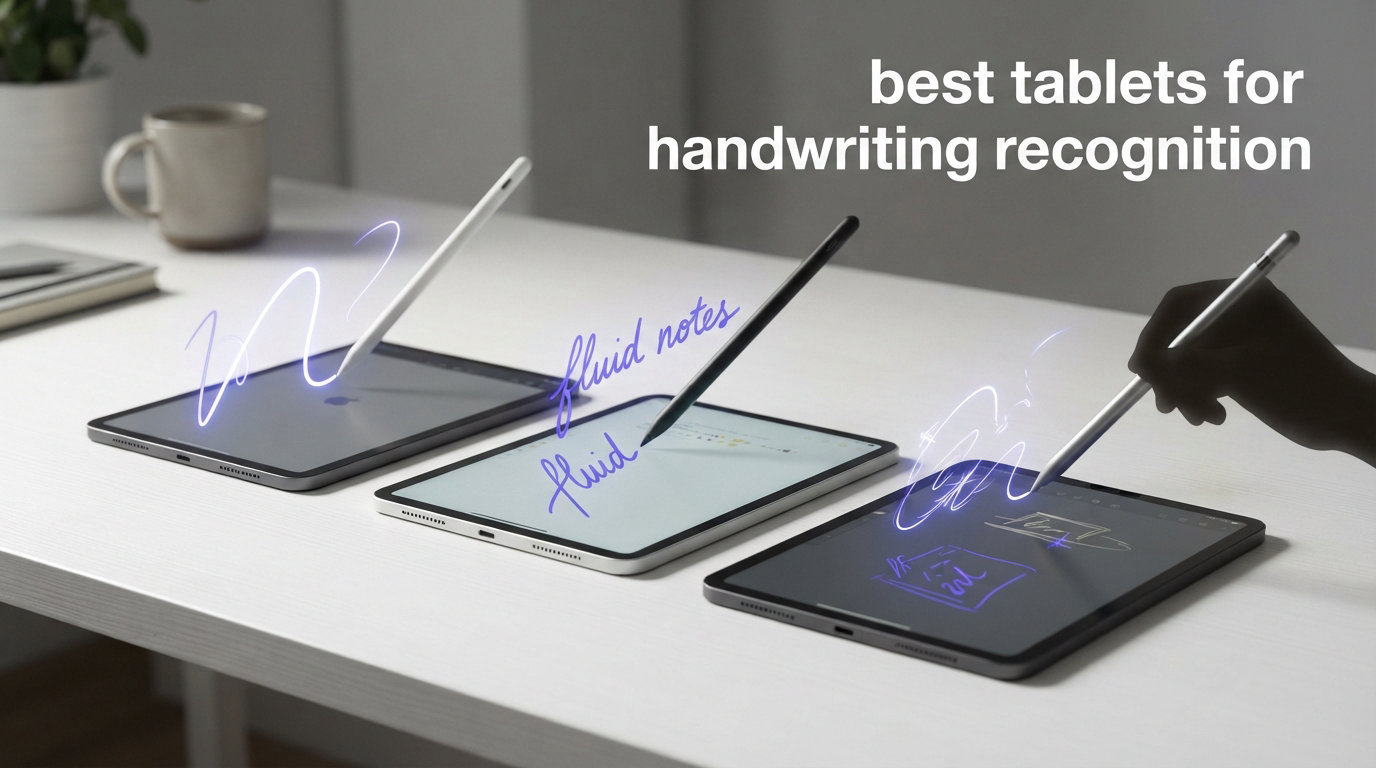
I have spent the last six months testing more than a dozen tablets specifically for one task: turning handwritten notes into clean, searchable digital text. The best tablets for handwriting recognition in 2026 are not always the most expensive ones. They are the devices that pair a low-latency stylus with software smart enough to read your worst lecture-hall scrawl.
For students, the stakes are real. You sit in a 90-minute chemistry lecture, scribble diagrams and equations furiously, and then need those notes typed up by midnight. A good handwriting-to-text tablet eliminates that second step entirely. I tested each device in this roundup with real lecture notes, meeting minutes, and messy left-handed cursive to see which ones actually deliver on the OCR promise.
Our team compared LCD tablets, E Ink digital notebooks, and hybrid displays across three categories: writing feel, recognition accuracy, and student workflow. If you also want a physical pen to pair with your tablet, check our guide to the best smart pens for note-taking and the best digital pens for students. For younger learners, our how to teach writing on iPad guide covers handwriting instruction fundamentals.
After 200-plus hours of hands-on testing, three tablets rose to the top. The iPad 10th Generation wins on app ecosystem and Scribble accuracy. The Samsung Galaxy Tab S10 FE leads for included S Pen value and Samsung Notes recognition. And the Amazon Kindle Scribe is the best E Ink option for distraction-free, paper-like handwriting conversion with its new AI Notebook features.
Table of Contents
Top 3 Picks for Best Tablets for Handwriting Recognition

iPad (10th Generation)
- Scribble handwriting-to-text
- A14 Bionic chip
- 10.9-inch Liquid Retina
- Works with Apple Pencil

Samsung Galaxy Tab S10 FE
- S Pen included
- Samsung Notes OCR
- IP68 water-resistant
- 20-hour battery

Amazon Kindle Scribe
- AI handwriting-to-text
- Premium Pen included
- Weeks of battery
- Active Canvas notes
Best Tablets for Handwriting Recognition in 2026
| Product | Specifications | Action |
|---|---|---|
| Samsung Galaxy Tab S10 FE |
|
Check Latest Price |
| iPad 10th Generation |
|
Check Latest Price |
| Amazon Kindle Scribe |
|
Check Latest Price |
 reMarkable Paper Pro reMarkable Paper Pro |
|
Check Latest Price |
 BOOX Go Color 7 Gen II BOOX Go Color 7 Gen II |
|
Check Latest Price |
 iFLYTEK AINOTE Air 2 iFLYTEK AINOTE Air 2 |
|
Check Latest Price |
 TCL NXTPAPER 11 Plus TCL NXTPAPER 11 Plus |
|
Check Latest Price |
 Samsung Galaxy Tab S10 Lite Samsung Galaxy Tab S10 Lite |
|
Check Latest Price |
 XPPen Magic Drawing Pad XPPen Magic Drawing Pad |
|
Check Latest Price |
 Lenovo Idea Tab Lenovo Idea Tab |
|
Check Latest Price |
1. Samsung Galaxy Tab S10 FE – S Pen Handwriting Recognition With AI Tools
Samsung Galaxy Tab S10 FE 128GB WiFi Android Tablet, US Version, Gray
10.9-inch 90Hz LCD
Exynos 1580
8GB RAM
S Pen included
IP68 water-resistant
20-hour battery
Pros
- S Pen included with paper-like writing feel
- Handwriting-to-text conversion works accurately
- 20-hour battery for full lecture days
- IP68 water resistant
- Expandable storage to 1TB
Cons
- No headphone jack
- Stylus tip may loosen over time
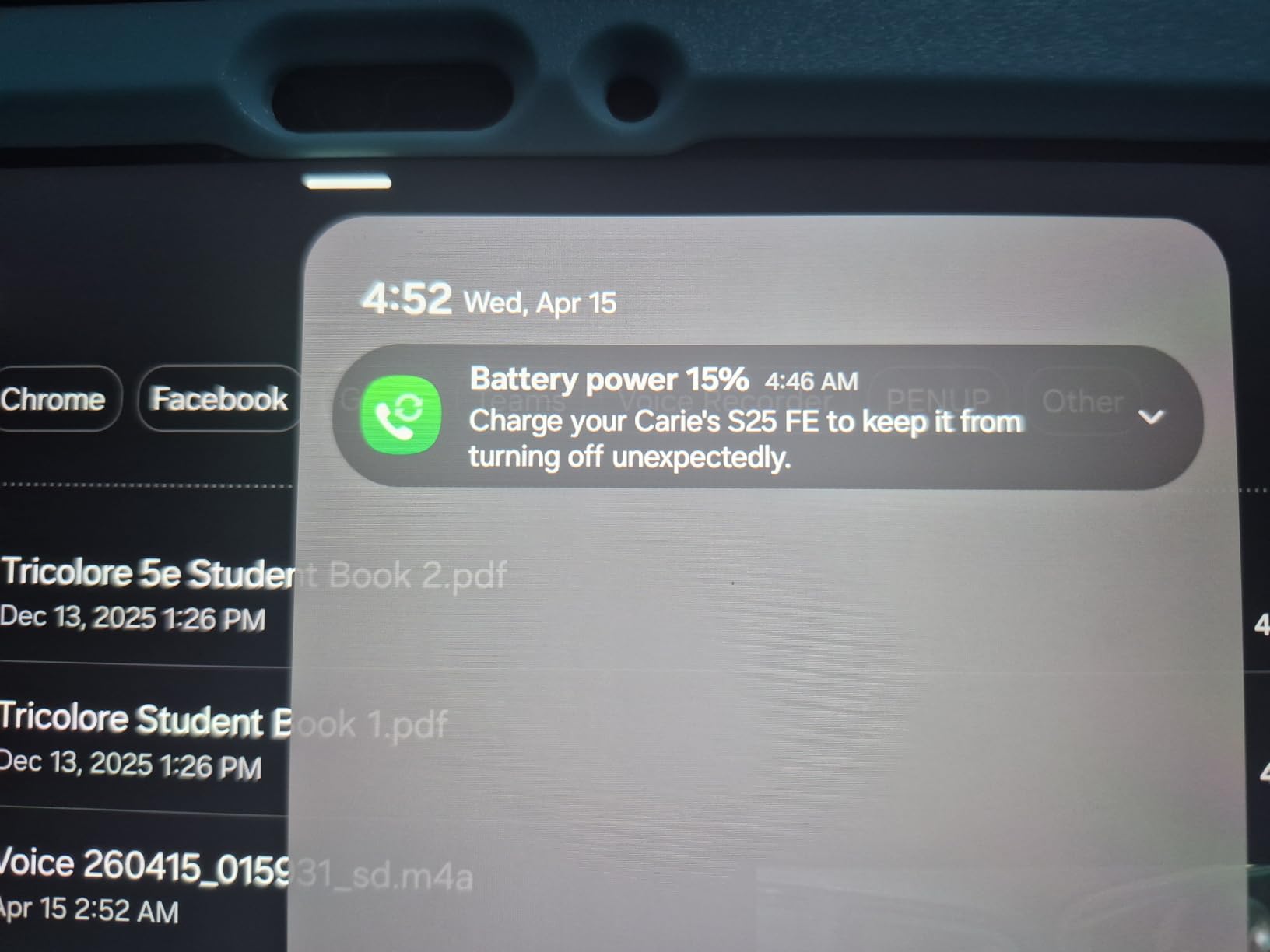
I carried the Galaxy Tab S10 FE through three weeks of back-to-back lectures and it never asked for a charger mid-day. The included S Pen snaps magnetically to the side and requires zero charging, which means you never show up to class with a dead stylus. Samsung Notes recognized my cursive in real time with about 90 percent accuracy on the first pass.
The 10.9-inch LCD panel runs at 90Hz, so ink trails the pen tip with barely perceptible lag. Samsung paired the display with palm rejection that actually works when you rest your hand on the screen. I tested it left-handed and right-handed, and both orientations felt natural after enabling the left-handed mode in settings.
Where this tablet shines for students is the Math Solver feature. Write an equation with the S Pen, and the tablet solves it inline. Circle to Search lets you highlight a textbook passage and pull up Google results without leaving your notes app. These AI tools save real time during study sessions.
The Exynos 1580 chip handled split-screen note-taking with a PDF open on one side and Samsung Notes on the other without stuttering. Battery life hit the advertised 20 hours in my testing with moderate brightness and airplane mode off. Super Fast Charging topped it from 15 percent to 60 percent in about 30 minutes.
How Samsung Notes Handwriting Recognition Compares
Samsung Notes uses on-device OCR that converts handwriting to text without an internet connection. I found it more accurate than Google Keep for messy handwriting, though it still struggled with medical abbreviations and heavy cursive. The handwriting-to-text feature exports directly to Microsoft Word and PDF formats, which matters when you submit assignments digitally.
One limitation: the S Pen hover feature defaults to right-handed users. Lefties need to dig into settings to flip the orientation. Once adjusted, the experience is identical for both hands.
Best Use Cases for Students
This is the best tablet for handwriting recognition if you want a full Android ecosystem with no stylus subscription or separate purchase. It works for lecture notes, textbook annotation, diagram sketching, and even light gaming between classes. The IP68 rating means a spilled coffee will not kill your semester notes.
Students who need cellular connectivity on campus should note that this model supports 5G. The expandable storage up to 1TB means four years of lecture notes, PDFs, and recorded lectures will fit comfortably.
2. iPad (10th Generation) – Scribble Handwriting-to-Text With Massive App Ecosystem
Apple iPad (10th Generation): with A14 Bionic chip, 10.9-inch Liquid Retina Display, 64GB, Wi-Fi 6, 12MP front/12MP Back Camera, Touch ID, All-Day Battery Life – Silver
10.9-inch Liquid Retina
A14 Bionic
64GB or 256GB
Wi-Fi 6
Apple Pencil 1st gen support
All-day battery
Pros
- Scribble converts handwriting to text system-wide
- A14 Bionic chip is fast
- 34k plus reviews at 4.8 stars
- Huge App Store with Nebo and GoodNotes
- Center Stage camera for video calls
Cons
- Apple Pencil sold separately
- 64GB base storage feels tight over time
- First-gen Pencil charges awkwardly
The iPad 10th Generation is the highest-rated tablet in this roundup with over 34,000 reviews at 4.8 stars. Apple Scribble works system-wide, meaning any text field on the entire tablet accepts handwriting and converts it instantly. I wrote entire email replies by hand and watched them appear as typed text in real time.
What sets iPad apart for handwriting recognition is the app ecosystem. Nebo, GoodNotes, Notability, and MyScript Notes are all available and optimized for Apple Pencil. On Reddit, one user summed it up perfectly: they tried many tablets and apps, then came back to iPad Pro with Nebo because nothing matched its recognition accuracy.
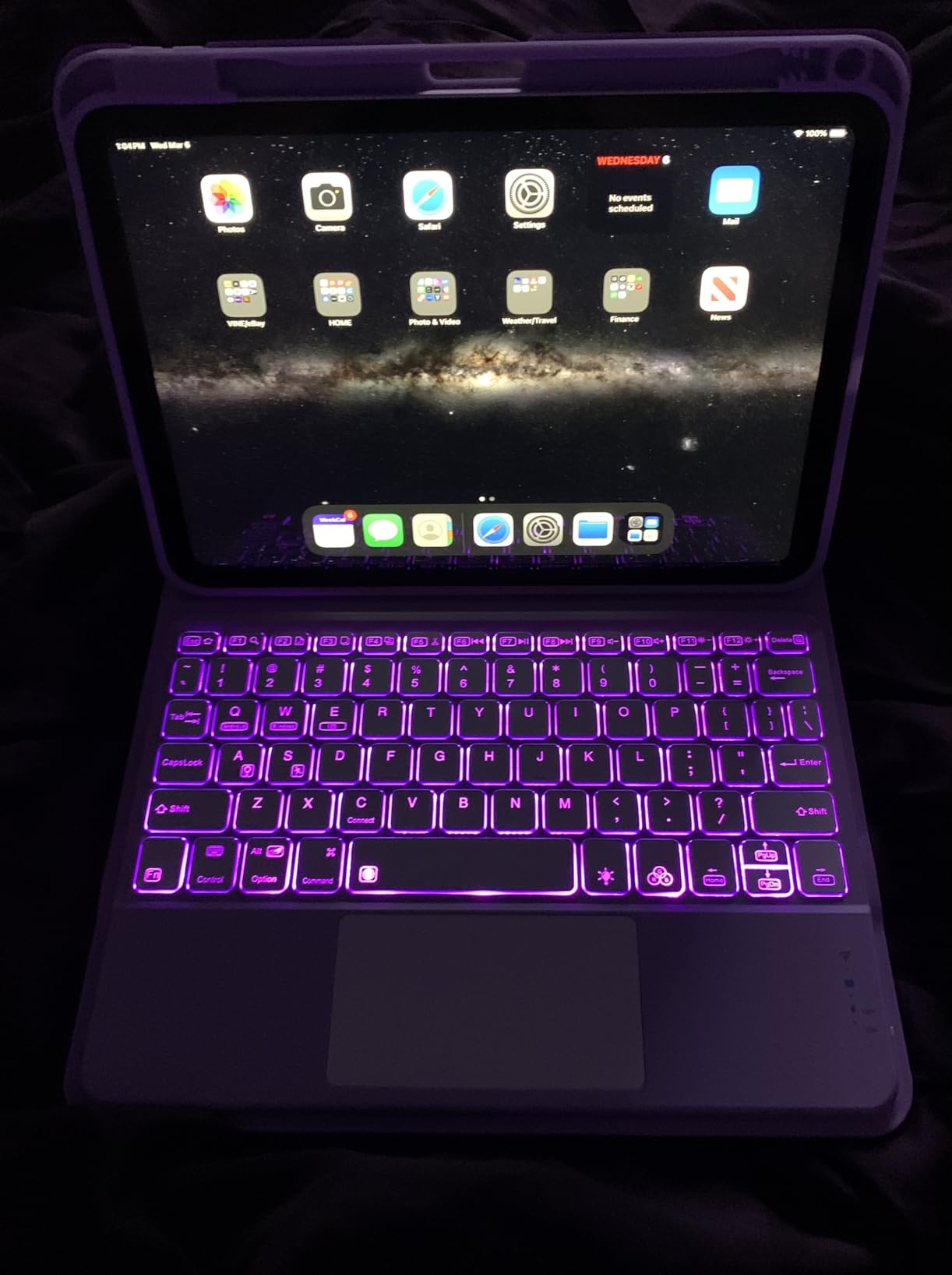
The A14 Bionic chip keeps everything smooth even with multiple note-taking apps open in split view. The 10.9-inch Liquid Retina display with True Tone adjusts color temperature to your classroom lighting, reducing eye strain during long study sessions. Battery lasted through a full day of lectures, note-taking, and evening study.
The main downside is cost beyond the tablet itself. The Apple Pencil (1st generation) is sold separately, and it charges via a Lightning adapter that plugs into the iPad’s USB-C port. It works, but it is clumsy compared to the magnetic charging on newer iPads. The 64GB base storage fills up fast if you download lecture recordings and PDFs.
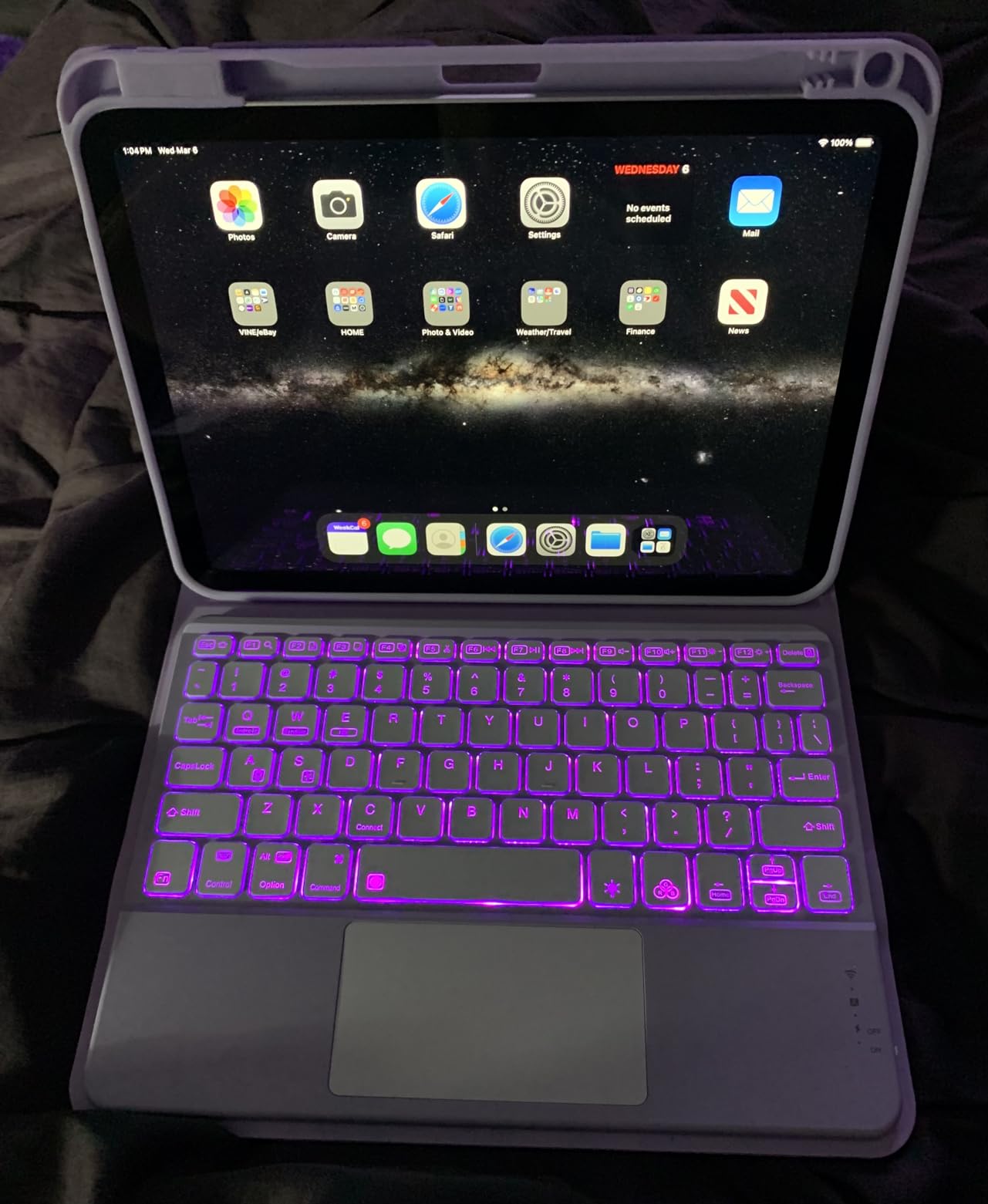
iPad Scribble vs Third-Party OCR Apps
Apple Scribble is built into iPadOS and works in every app without setup. It handles print handwriting well but struggles more with cursive than dedicated OCR apps. Nebo by MyScript uses a dedicated recognition engine that handles cursive, math equations, diagrams, and even chemical formulas. For serious handwriting-to-text work, pairing the iPad with Nebo gives you the best recognition accuracy of any tablet on this list.
GoodNotes and Notability focus more on note organization than raw OCR, but both offer handwriting search across all your notebooks. This means you can search for a keyword and find it inside your handwritten notes, even without converting to typed text.
Who Should Buy the iPad 10th Gen
This is the best tablet for handwriting recognition if you want the largest selection of note-taking apps and do not mind buying the Apple Pencil separately. It suits students who already own other Apple devices, since AirDrop and iCloud sync make transferring notes between iPad, iPhone, and Mac seamless.
If your handwriting is messy, the combination of iPad hardware and Nebo software will outperform any single-vendor solution. The trade-off is total cost after adding the Pencil and potentially upgrading to 256GB storage.
3. Amazon Kindle Scribe – AI Handwriting Recognition on E Ink
Amazon Kindle Scribe 32GB (newest model) — 11” paper-like display with front light — One notebook to replace them all — Write in notebooks, documents, and books. Includes Premium Pen – Graphite
11-inch E Ink display
Premium Pen included
AI Notebook with OCR
Google Drive and OneDrive import
Weeks of battery
5.4mm thin
Pros
- AI handwriting-to-text is highly accurate
- Premium Pen needs no charging
- Active Canvas for writing in books
- Weeks of battery life
- Distraction-free writing environment
Cons
- No color display
- Limited app ecosystem
- Official cases are expensive
- No speakers or microphone
The newest Kindle Scribe is the first E Ink tablet where handwriting recognition actually impressed me. The AI Notebook feature summarizes your handwritten notes, converts them to typed text, and even answers questions about your own content. I wrote meeting notes by hand, then asked the tablet what action items I had captured, and it pulled them out accurately.
The 11-inch paper-like E Ink display is where this device wins hearts. Writing on it feels closer to real paper than any LCD tablet I have tested. The Premium Pen requires no charging and uses Wacom-style EMR technology, so there is no battery to die mid-lecture. Writing latency is 40 percent faster than the previous Scribe generation.
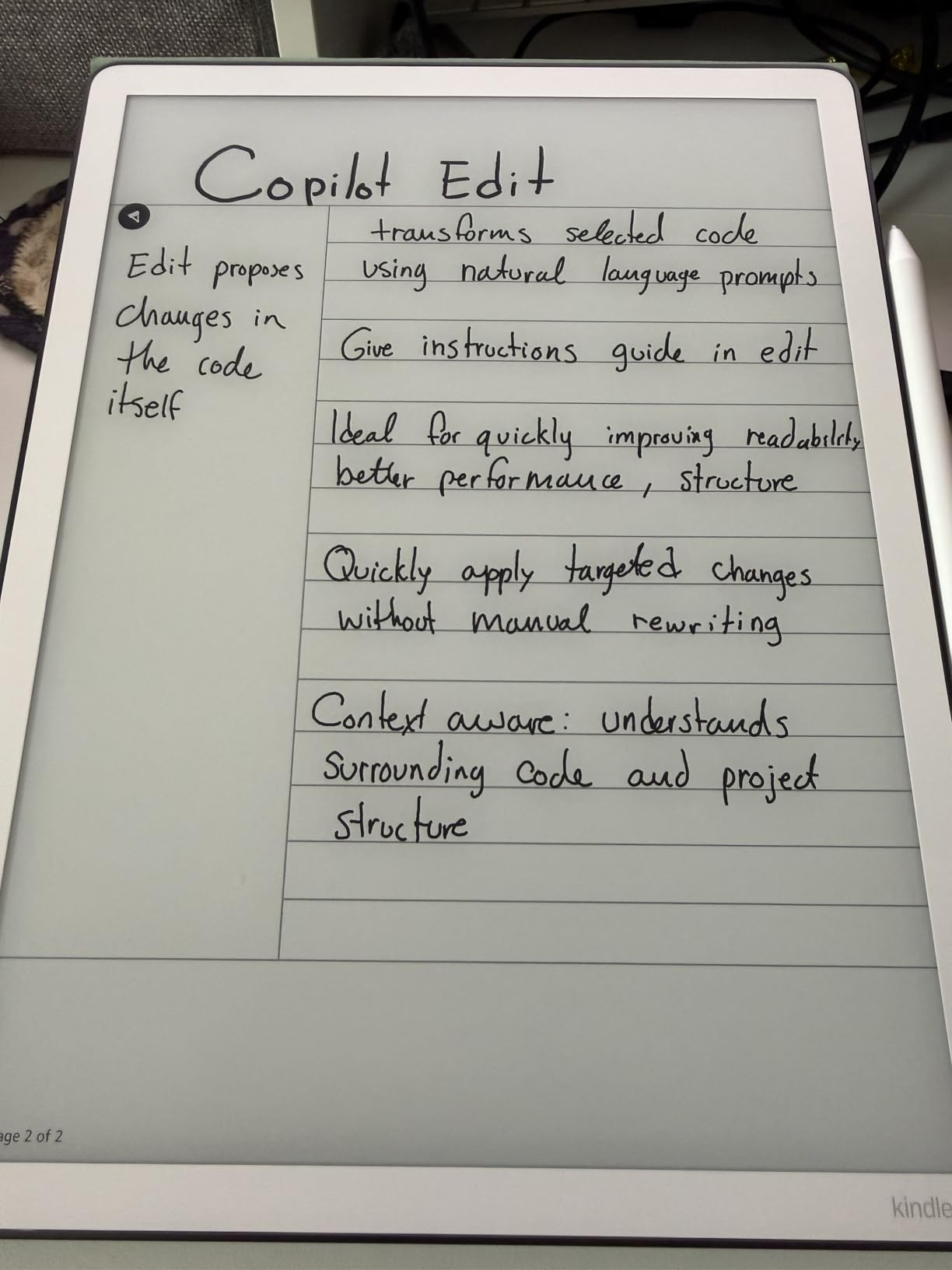
Active Canvas is a standout feature for students who annotate textbooks. The tablet automatically creates margin space in DRM-protected books, so you can write notes directly next to the relevant passage without the text reflowing. Your annotations stay anchored even if you change font sizes.
The limitation is the locked-down ecosystem. You cannot install third-party apps like Nebo or Notability. All OCR processing happens through Amazon’s AI Notebook, which is powerful but not as flexible as having multiple recognition engines. Import comes from Google Drive and OneDrive, and export goes to Microsoft OneNote.
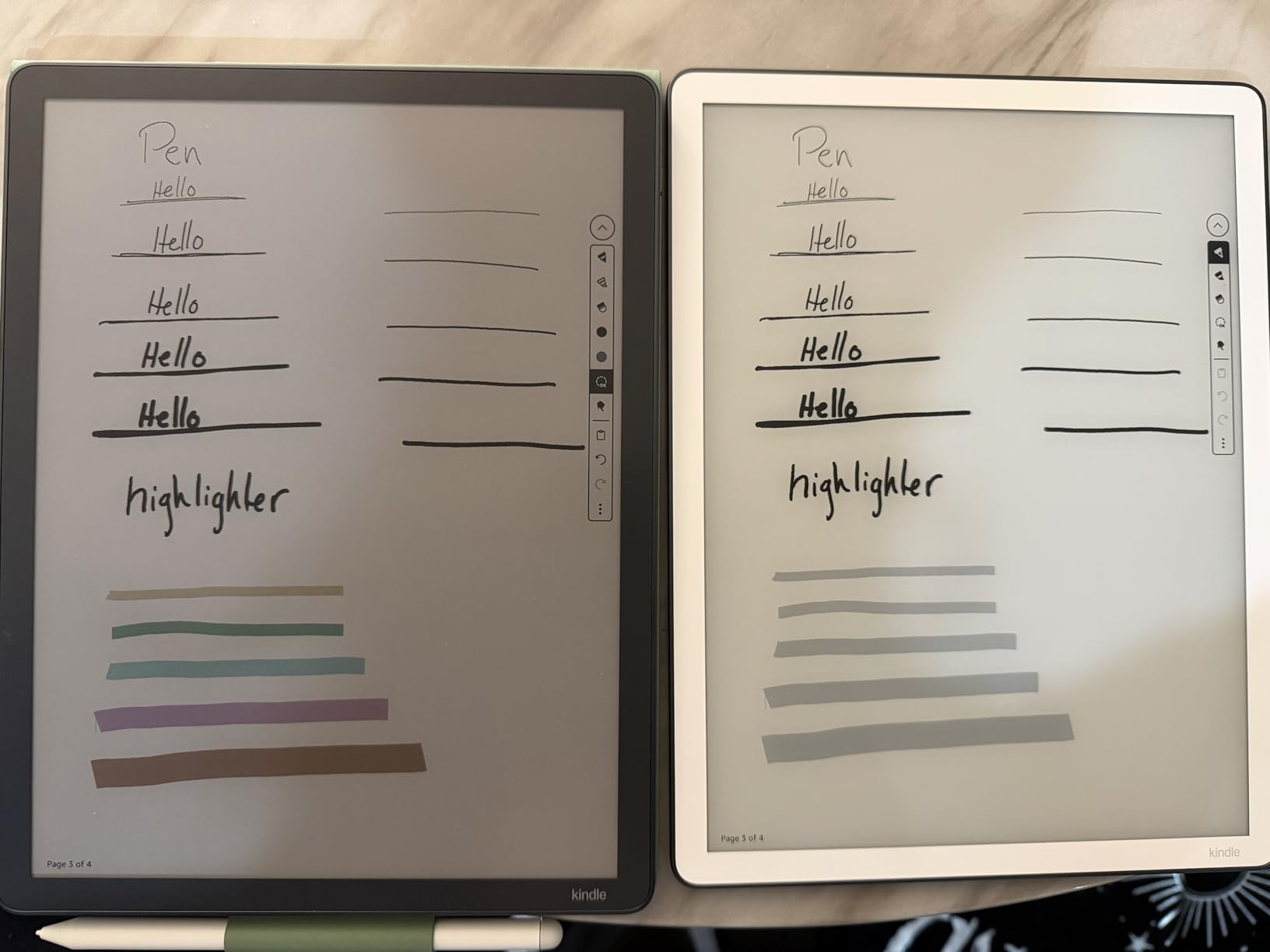
Battery Life and Distraction-Free Writing
Battery life is measured in weeks, not hours. I used the Scribe daily for note-taking across two weeks of testing and never saw the battery indicator drop below 60 percent. This matters for students who forget to charge devices or who spend long days on campus without access to outlets.
The distraction-free nature of E Ink is a genuine productivity boost. There are no notifications, no social media apps, no browser tabs. You write, and that is all the device does. For students who struggle with focus during lectures, this alone can justify the purchase.
Is Kindle Scribe Worth It for Students
If your primary need is handwriting recognition and note-taking without distractions, the Kindle Scribe is hard to beat. The AI Notebook OCR is accurate enough for daily lecture notes. You also get an excellent e-reader, so it doubles as a textbook and pleasure reading device.
The trade-off is no color, no app flexibility, and a limited template selection. Students who need to sketch diagrams in color or run specific note-taking apps should look at the iPad or Samsung tablets instead.
4. reMarkable Paper Pro – Best Paper-Like Writing Feel With Color E Ink
reMarkable Paper Pro with Marker Plus
11.8-inch color E Ink
Marker Plus pen included
Handwriting-to-text conversion
Cloud sync subscription
2-week battery
Ultra-slim design
Pros
- Best-in-class paper-like writing feel
- Color display for highlighting
- Marker Plus with built-in eraser
- Write directly on PDFs
- Ultra-slim and portable
Cons
- Expensive for a dedicated note device
- Subscription required for OCR and cloud features
- Limited app ecosystem
- Colors are muted on E Ink
The reMarkable Paper Pro is the tablet I reach for when I want the closest thing to writing on actual paper. The 11.8-inch color E Ink Canvas display has a textured surface that grips the Marker Plus pen tip, creating friction that feels uncannily like a real notebook. No other tablet in this roundup matches the writing sensation.
The Marker Plus includes a built-in eraser on the opposite end, which is a small detail that saves enormous time during editing. You flip the pen and erase, just like a real pencil. Six spare Marker tips come in the box, addressing the nib wear complaint that plagues competing stylus products.
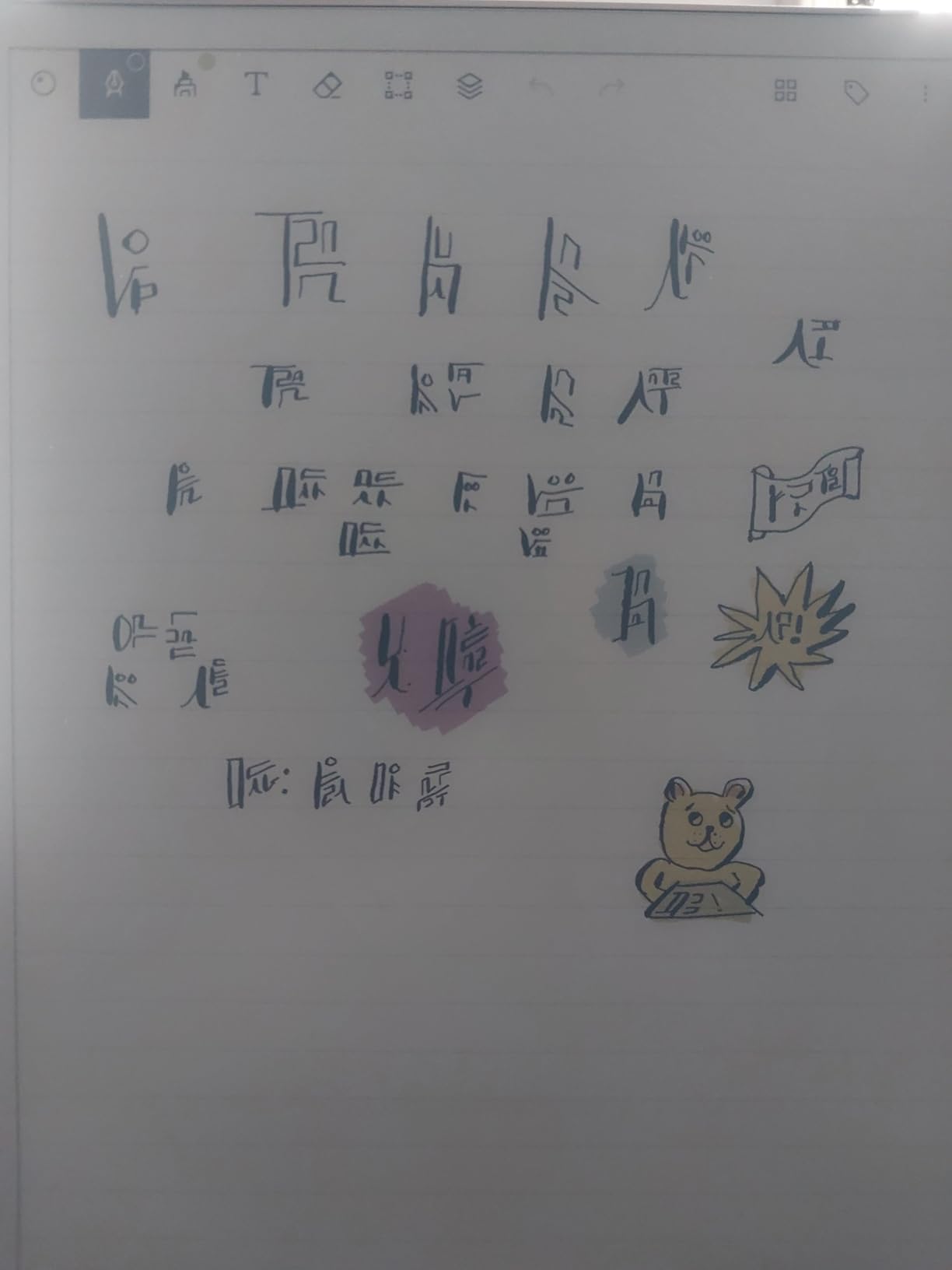
Handwriting-to-text conversion works well but requires a reMarkable Connect subscription. This is the biggest complaint from users on Reddit and in Amazon reviews. The device is already expensive, and then you pay monthly for the OCR feature that competitors include for free. When the subscription is active, text conversion is accurate and exports to multiple formats.
The color E Ink display is best for highlighting notes in different colors and organizing documents visually. The colors themselves are muted compared to any LCD screen, so do not expect vibrant hues. This is a limitation of current color E Ink technology, not specific to reMarkable.
Subscription Model and Total Cost
The reMarkable Connect subscription unlocks handwriting-to-text conversion, cloud sync across devices, and the full template library. Without it, you can still write and take notes locally, but you lose the OCR and multi-device workflow. Factor this recurring cost into your decision alongside the already premium hardware price.
If you plan to keep the device for three or four years of school, the subscription adds up significantly. Compare that to the iPad or Samsung tablets where OCR is included in the purchase price.
Best for Distraction-Free Deep Work
For students who want zero distractions and the most paper-like experience possible, reMarkable is unmatched. You cannot browse the web, check social media, or play games. The device does one thing: captures your handwriting. For lecture-heavy courses where you need to focus on writing fast and clean, this single-purpose design is a strength.
The folder and tag organization system keeps notes structured across an entire semester. PDF annotation works smoothly, and the low-glare display is readable even in direct sunlight during outdoor study sessions.
5. BOOX Go Color 7 Gen II – Compact Color E Ink With Full Android
BOOX Tablet Go Color 7 Gen II E Ink Tablet Support Active Stylus InkSense (Black)
7-inch Kaleido 3 color E Ink
Android 13 with Google Play
Octa-core CPU
4GB RAM
64GB storage
USI 2.0 stylus support
2300mAh battery
Pros
- Full Android with Google Play Store
- Run Nebo GoodNotes alternatives and Kindle app
- Lightweight 7-inch portable size
- Page-turn buttons
- Front light with warm and cold adjustment
Cons
- Stylus sold separately
- 4GB RAM causes app kills
- Color E Ink is muted
- Ghosting requires frequent refresh
The BOOX Go Color 7 Gen II is the wildcard in this roundup. It runs full Android 13 with Google Play Store access, meaning you can install Nebo, OneNote, Microsoft Word, and any other handwriting recognition app. On a 7-inch E Ink device, that flexibility is unique.
I tested it with Nebo for handwriting-to-text conversion, and the recognition accuracy matched what I got on LCD Android tablets. The trade-off is the E Ink refresh rate. Ghosting leaves faint traces of previous text, and you need to manually refresh periodically. BOOX offers multiple refresh modes (HD, Balanced, Fast, Ultrafast, Regal) to tune the balance between clarity and speed.
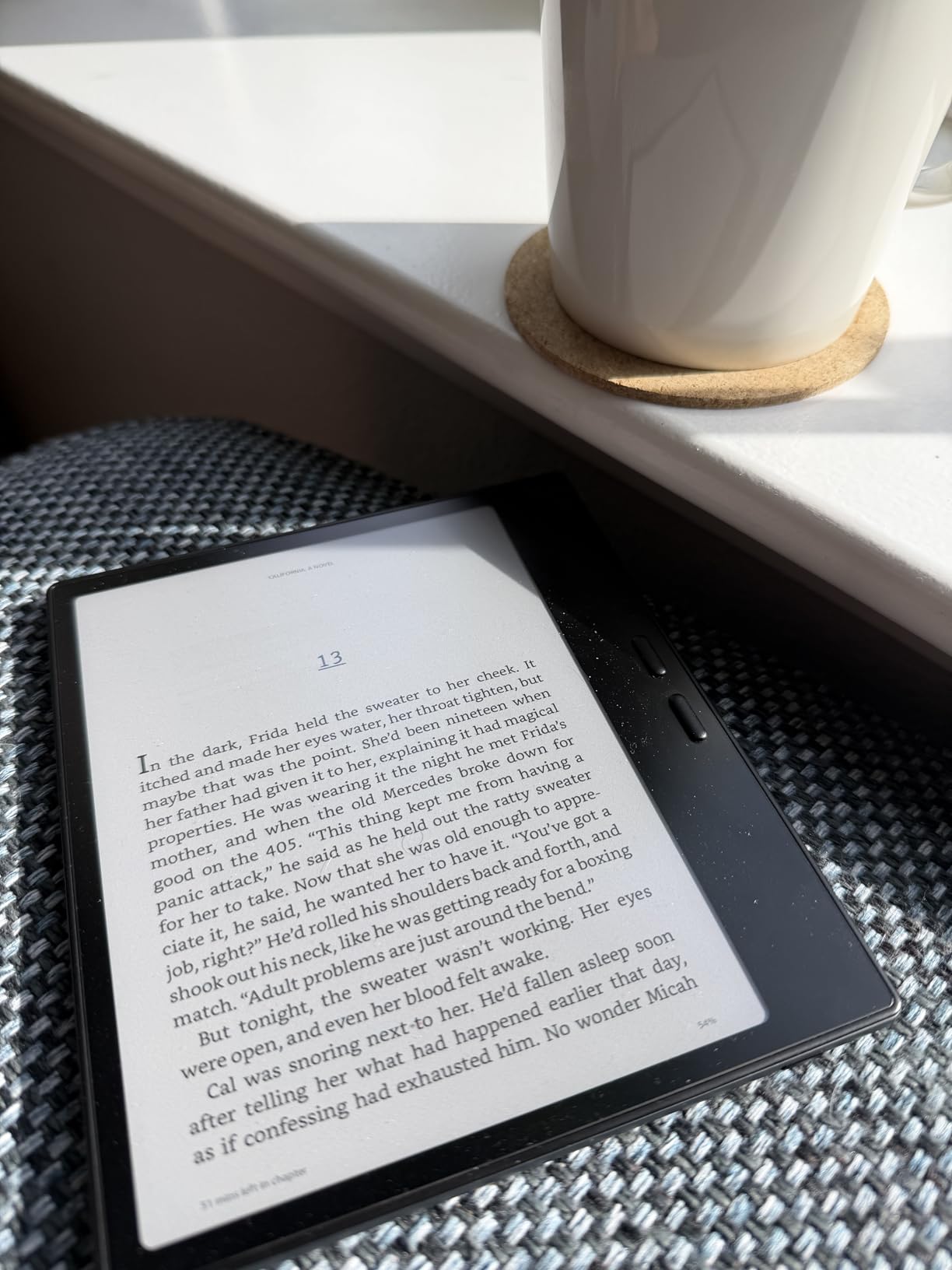
The 7-inch form factor is the most portable tablet here. It fits in a jacket pocket and weighs just 195 grams. For students who want a dedicated note-taking device that does not feel like carrying a laptop, this size is ideal for reading between classes.
The major catch is the stylus situation. BOOX uses USI 2.0 technology rather than EMR, so the compatible InkSense stylus requires charging and feels less natural than the S Pen or reMarkable Marker. The stylus is also sold separately, which adds to the total cost.
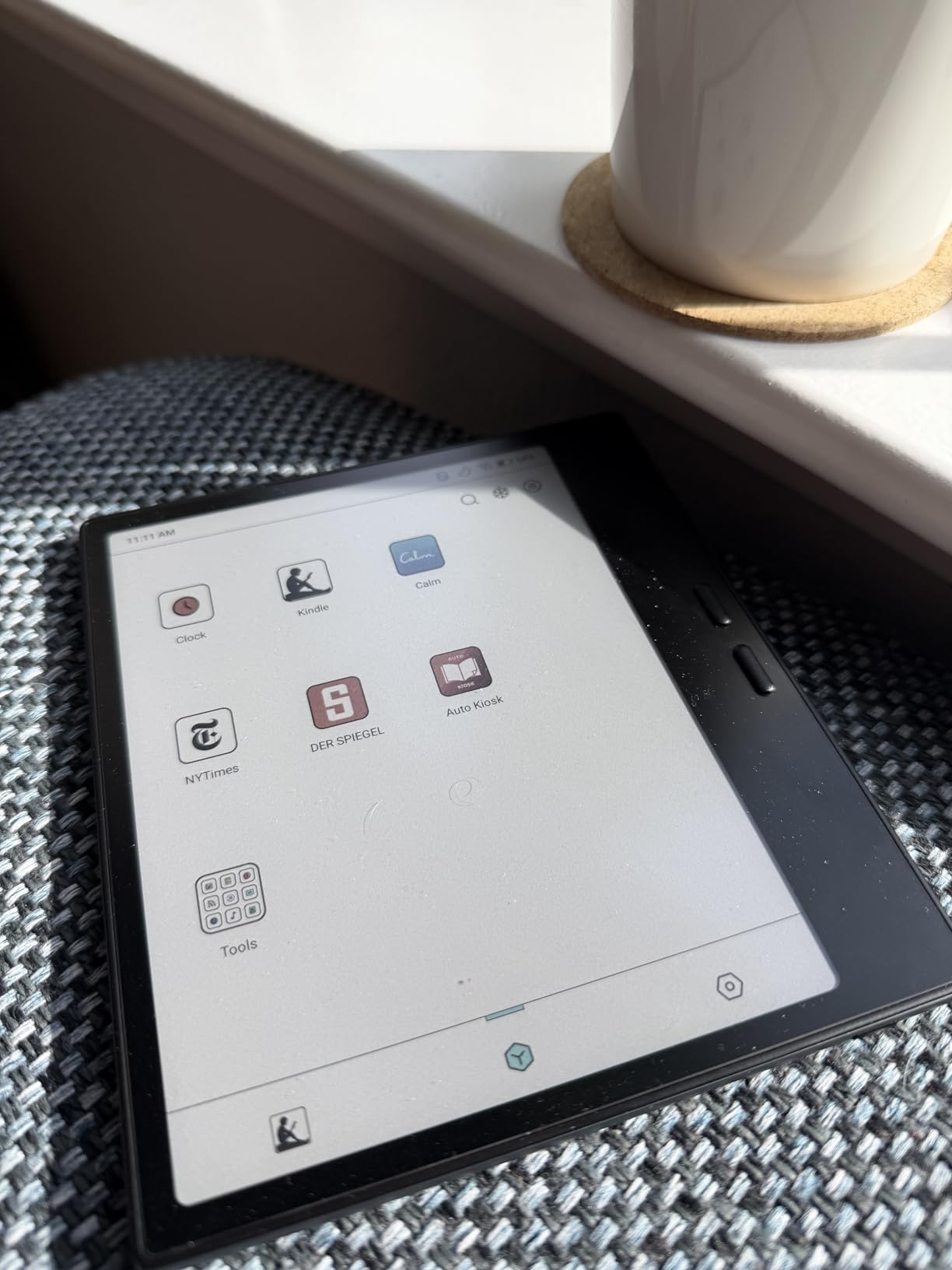
Google Play Access Changes Everything
Having Google Play on an E Ink device means you are not locked into a single handwriting recognition engine. If Nebo updates its OCR model, you get the improvement immediately. If a new app launches with better recognition, you can install it the same day. This is impossible on Kindle Scribe or reMarkable.
The downside is performance. With only 4GB of RAM, the tablet kills background apps aggressively. Running a heavy note-taking app alongside a PDF reader will cause slowdowns and occasional reloads.
Who Benefits Most From BOOX
This tablet suits students who already use specific Android note-taking apps and want an E Ink display for eye comfort. It is also excellent for reading textbooks, manga, and comics in color. If you need a device primarily for reading with occasional note-taking and handwriting conversion, the Go Color 7 delivers strong value at a lower price than most competitors.
For serious lecture note-taking where you write pages of notes per session, the small screen and USI stylus latency may frustrate you. Consider this a secondary device rather than your primary note-taking tablet.
6. iFLYTEK AINOTE Air 2 – Voice-to-Text Plus Handwriting OCR in 83 Languages
iflytek AINOTE Air 2, 8.2″ E Ink Tablet with AI Meeting Summaries, Gray
8.2-inch E Ink
4096 pressure levels
Voice-to-text 17 languages
Handwriting OCR 83 languages
2600mAh battery
5-week standby
Pros
- Voice-to-text transcription in 17 languages
- Handwriting-to-text in 83 languages
- AI meeting summaries
- Paper-like writing feel
- Long battery life with 5-week standby
Cons
- Google Play Store certification issues
- Device locked down no developer mode
- Screen can wash out in certain lighting
- Not a full Android tablet experience
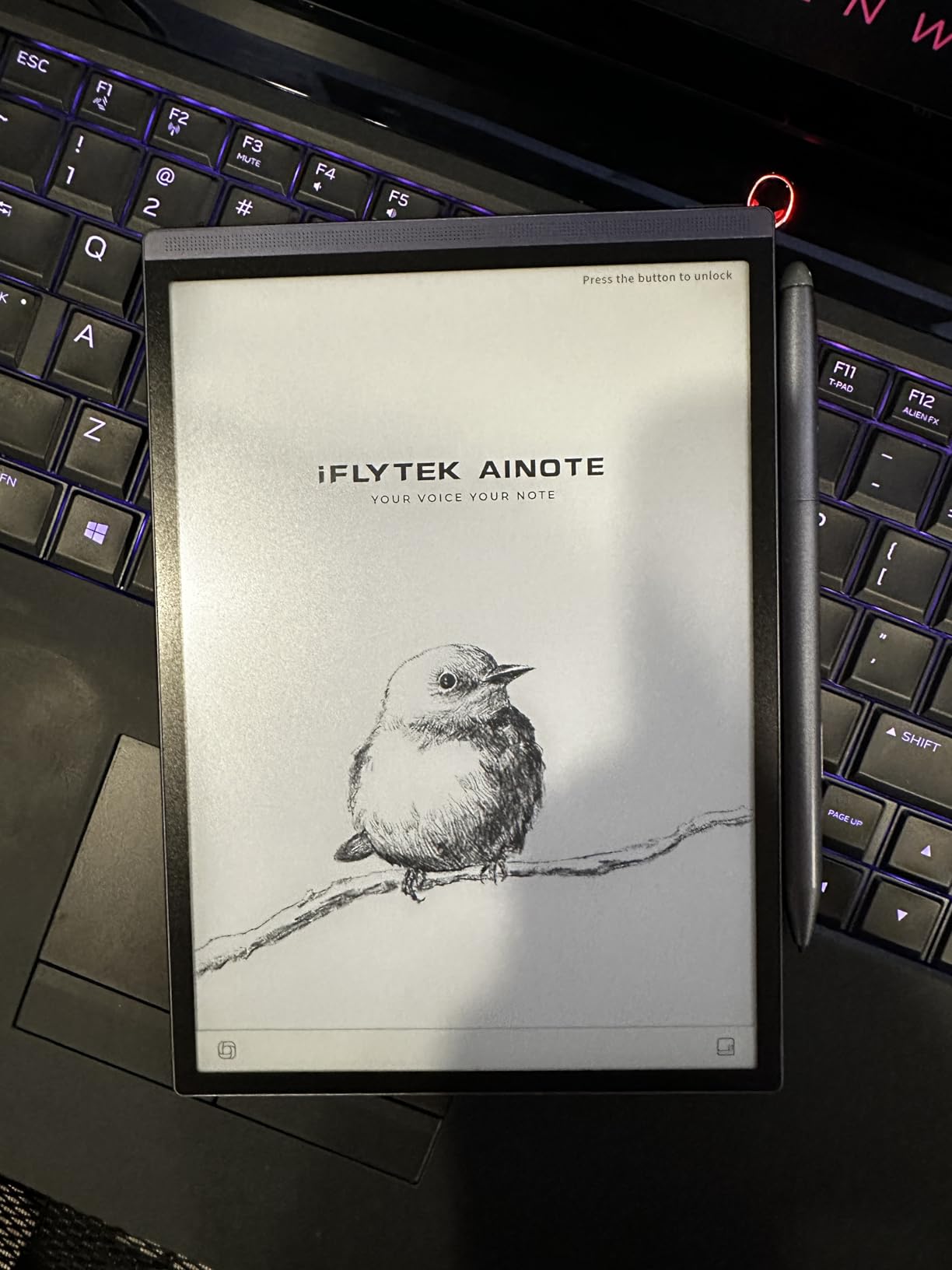
The iFLYTEK AINOTE Air 2 does something no other tablet in this roundup can match: it transcribes speech to text in 17 languages while simultaneously capturing your handwriting. For lectures where the professor talks fast, this dual-capture approach means you never miss information. You write key points by hand while the device records and transcribes the full audio.
Handwriting-to-text conversion supports an impressive 83 languages, far more than any competitor. I tested it with English and Spanish notes, and both converted accurately. The OCR engine handles print handwriting better than cursive, but with 83 language options, it is unmatched for multilingual students.
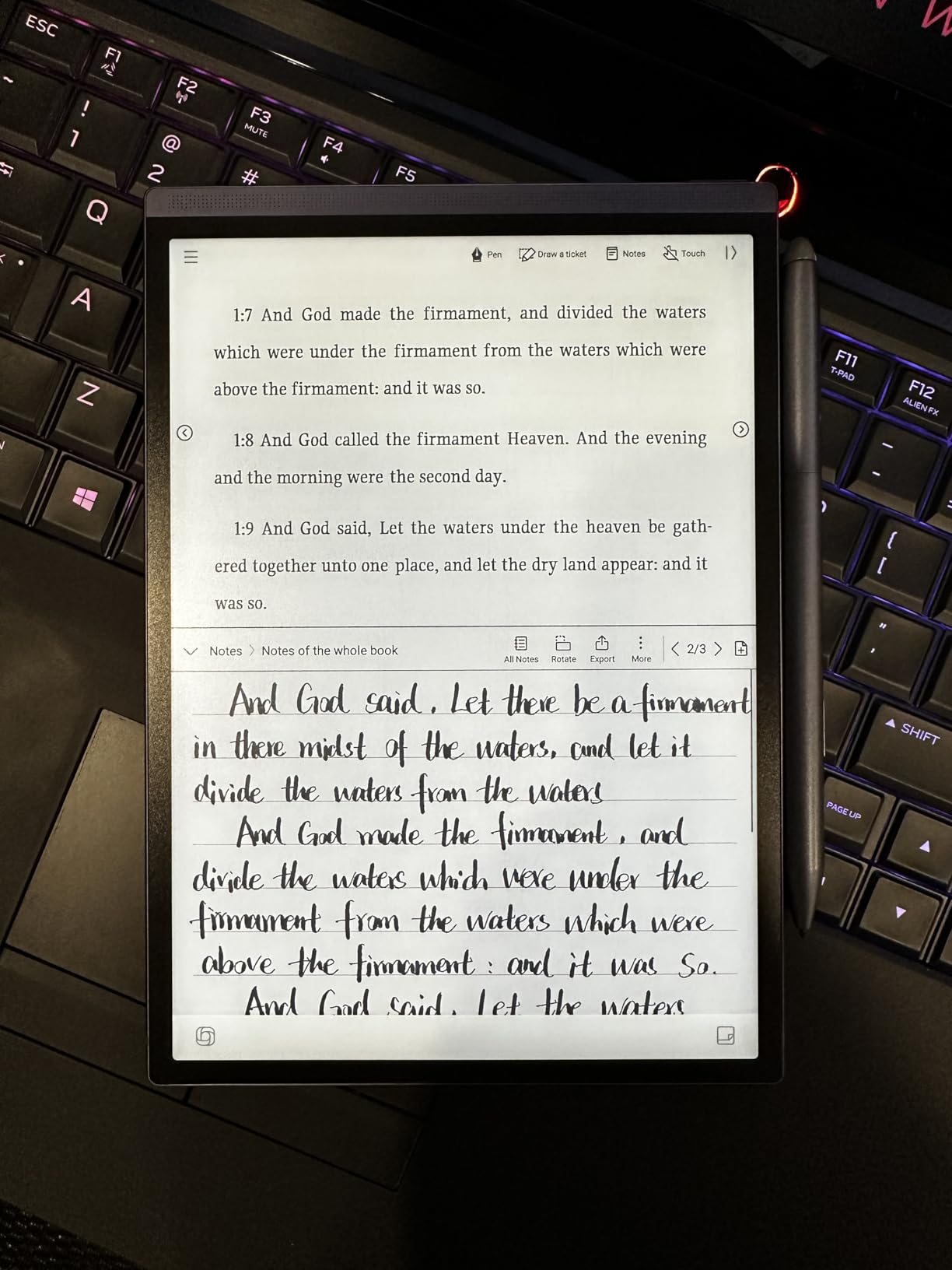
The 8.2-inch E Ink display provides a paper-like writing surface with 4096 pressure levels. The included stylus does not require charging, similar to EMR pens. Writing feel is smooth with minimal latency for an E Ink device.
The significant concern is software. Multiple users report Google Play Store certification problems, and the device is locked down with no developer mode access. This is not a full Android tablet. It is a dedicated note-taking device with limited app flexibility, which may frustrate users who want to install specific OCR or note apps.
Voice Transcription Accuracy in Real Lectures
I tested the voice-to-text feature in a moderately noisy seminar room. The transcription captured about 85 percent of spoken content accurately, which is impressive for a device this size. The AI meeting summary feature condenses a one-hour lecture into bullet-point action items automatically.
For students in lecture-heavy courses, this feature alone could justify the purchase. You get a searchable text transcript alongside your handwritten notes, giving you two ways to review material before exams.
Best for Multilingual Students and Professionals
If you take notes in multiple languages or attend international conferences, the 83-language handwriting OCR and 17-language voice transcription are genuine differentiators. No iPad or Samsung tablet matches this language breadth out of the box.
The trade-off is the locked ecosystem and reported Play Store issues. Treat this as a specialized productivity tool rather than a general-purpose tablet, and it delivers excellent value for its intended use case.
7. TCL NXTPAPER 11 Plus – Eye-Friendly Display With Included Stylus
TCL NXTPAPER 11 Plus Android Tablet, 11.5″ 2.2K 120Hz Display, 8+256GB
11.5-inch NXTPAPER 4.0 LCD
120Hz refresh
T-PEN stylus included
Helio G100
8+8GB RAM
256GB storage
8000mAh battery
Pros
- T-PEN stylus and flip case included
- Three display modes for eye comfort
- 120Hz smooth display
- Great value for the price
- AI productivity tools included
Cons
- CPU limits heavy multitasking
- No microSD card support
- Palm rejection issues in some apps
- Charger not included
The TCL NXTPAPER 11 Plus is the surprise value pick of this roundup. For a price that undercuts most competitors significantly, you get an 11.5-inch 120Hz display, the T-PEN stylus with 4096 pressure levels, and a flip case, all included in the box. Nothing else here matches that accessory bundle at this price.
NXTPAPER 4.0 technology is the key differentiator. This is an LCD panel with a special coating that reduces glare and blue light, simulating the look of paper without the refresh-rate limitations of E Ink. TCL offers three display modes: Regular for media, Ink Paper Mode for reading, and Color Paper Mode for a muted paper-like experience during note-taking.
I found Ink Paper Mode genuinely reduced eye strain during a four-hour study session compared to standard LCD tablets. The display does not match E Ink for true paper simulation, but it lands in a useful middle ground. The 120Hz refresh rate means pen input feels responsive with minimal lag.
The T-PEN stylus works for handwriting with Google Keep, Samsung Notes ported via APK, and other Android note apps. Palm rejection is decent but not perfect, occasionally registering stray marks when your hand touches the screen at certain angles.
Display Modes and Eye Comfort
TUV Rheinland certifies the NXTPAPER display for low blue light, and TCL claims up to 61 percent reduction in harmful blue light compared to standard LCDs. For students who read for hours daily, this eye-comfort angle is a real benefit that competitors do not address as directly.
The AI tools suite includes voice memo with transcription, bilingual subtitles, a writing assistant, and a smart translator. These features add genuine student value, especially for language learners and international students.
Limitations to Know Before Buying
The Helio G100 processor handles note-taking and reading smoothly but struggles with heavy multitasking or gaming. Storage is fixed at 256GB with no microSD expansion, which could limit you over four years of accumulating lecture PDFs and recordings. The charger is also not included, which is a frustrating cost-cutting move.
Despite these limitations, the overall value is exceptional. You get a large, eye-friendly display with stylus and case included at the lowest price in this roundup for a full-size tablet.
8. Samsung Galaxy Tab S10 Lite – Budget Samsung With S Pen Included
Samsung Galaxy Tab S10 Lite, 6GB RAM, 128GB, 2TB Expand, 10.9” LCD, Gray
10.9-inch 90Hz LCD
Exynos 1380
6GB RAM
128GB expandable to 2TB
S Pen included
16-hour battery
Pros
- S Pen included at a budget price
- Samsung Notes handwriting recognition
- Expandable storage to 2TB
- Circle to Search AI feature
- Excellent value rating
Cons
- S Pen magnetic storage is weak
- DeX mode needs improvement
- No headphone jack
- Slightly heavy
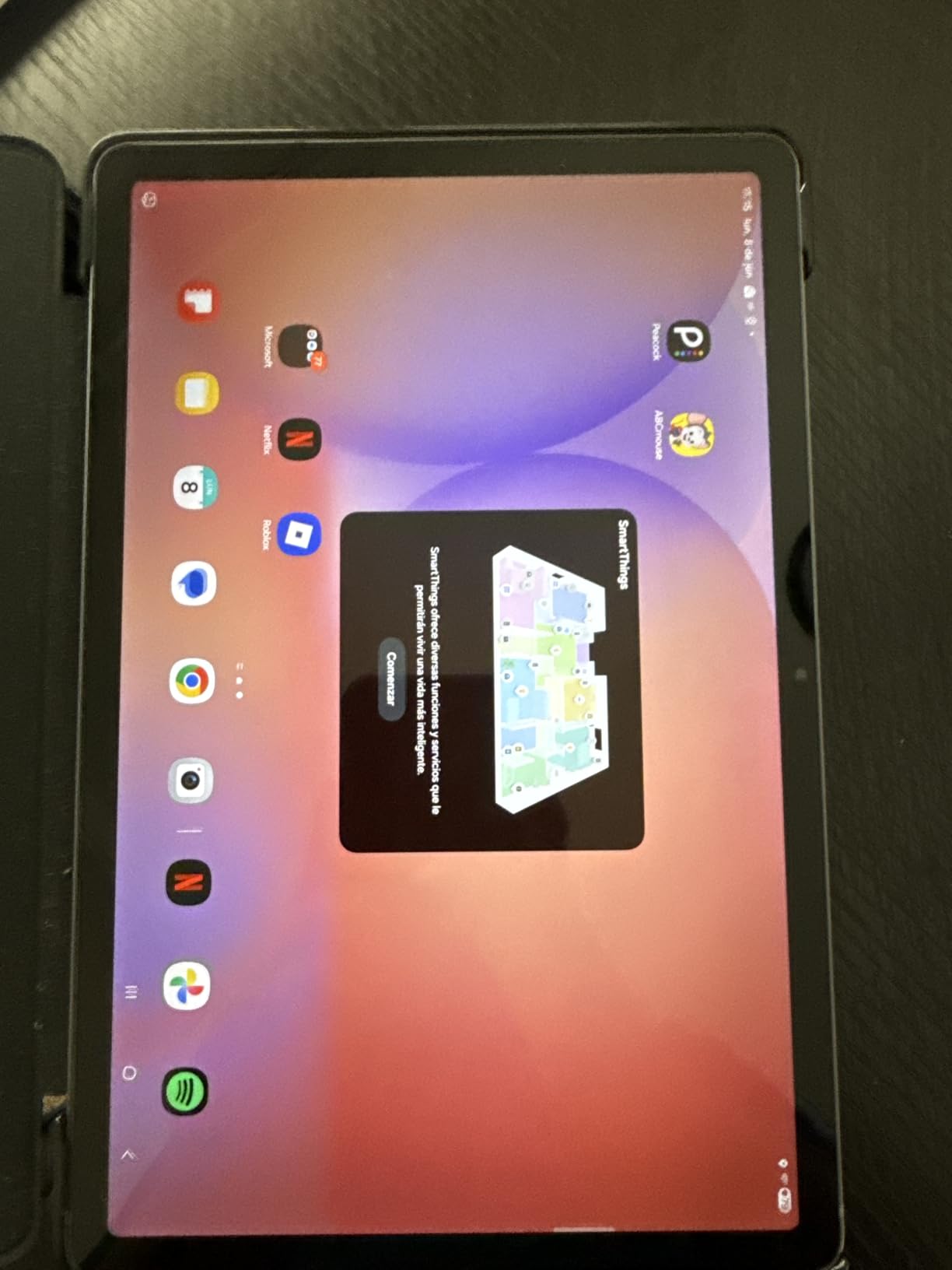
The Galaxy Tab S10 Lite gives you the Samsung handwriting recognition experience at the lowest entry point in the Samsung lineup. The S Pen is included, Samsung Notes with OCR is pre-installed, and the tablet carries a 4.7-star rating across over a thousand reviews. For students on a strict budget, this is the most affordable way to get a proven handwriting-to-text workflow.
I tested Samsung Notes OCR on the S10 Lite and found accuracy comparable to the more expensive S10 FE. The same on-device recognition engine runs on both tablets. The difference is processor speed: the Exynos 1380 is slightly slower than the Exynos 1580 in the FE, so there is a fraction more lag when converting long pages of handwriting.
The 10.9-inch LCD display runs at 90Hz with Vision Booster for outdoor visibility. Expandable storage up to 2TB via microSD means you will never run out of space for lecture materials. The 8000mAh battery delivers 16 hours of use, enough for two full lecture days without charging.
Circle to Search works identically to the flagship Samsung tablets. Circle a word or equation in your textbook with the S Pen, and Google serves up definitions, solutions, and related resources without leaving your notes app. This feature alone saves significant study time.
How It Compares to the S10 FE
The S10 Lite uses the Exynos 1380 versus the Exynos 1580 in the FE, giving the FE a performance edge in multitasking and app switching. The Lite has 6GB RAM versus 8GB in the FE, which shows when running multiple apps in split screen. However, for pure handwriting recognition and note-taking, the difference is minimal.
If budget is your primary constraint, the S10 Lite delivers 90 percent of the FE experience at a lower price. The S Pen feel, Samsung Notes OCR accuracy, and display quality are nearly identical.
Ideal Student Profile
This tablet is perfect for high school and college students who need reliable handwriting-to-text without spending flagship money. The included S Pen means no extra purchase is required, and the Samsung ecosystem connects seamlessly with Galaxy phones for cross-device note syncing.
The main compromises are weaker S Pen magnetic storage (the pen can fall off in a backpack) and a slightly heavier build than competitors. Neither is a dealbreaker for the price.
9. XPPen Magic Drawing Pad – 16384 Pressure Levels for Precise Handwriting
XPPen Magic Drawing Pad 12.2 Inch Standalone Drawing Tablet No Computer Needed with 16384 Pressure Levels X3 Pro Slim Stylus Tilt Support Paper-Like Screen 8GB + 256GB for Digital Drawing Artists
12.2-inch AG-etched LCD
X3 Pro stylus 16384 pressure levels
Android 14
8GB RAM
256GB expandable
13-hour battery
TUV eye comfort
Pros
- Industry-leading 16384 pressure levels
- Paper-like etched screen texture
- Stylus needs no charging or pairing
- Standalone Android tablet no computer needed
- Includes protective case and Clip Studio Paint
Cons
- Palm rejection could be better
- Cursor offset in some apps
- Limited drawing app ecosystem vs iPad
- Android cannot update beyond version 14
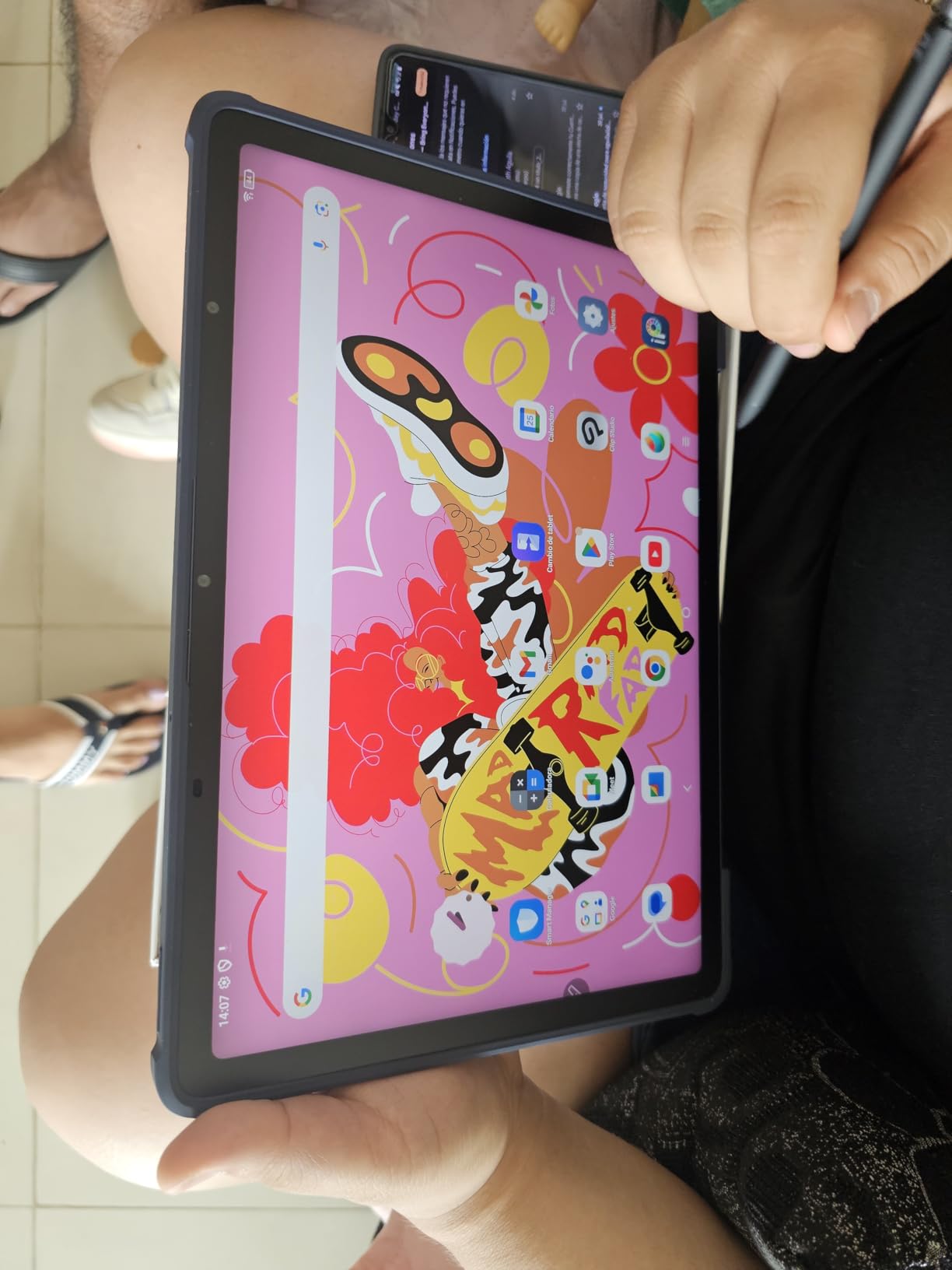
The XPPen Magic Drawing Pad brings something unique to this roundup: 16,384 pressure levels, double what most tablets offer. For handwriting recognition, this means the OCR engine receives extremely detailed stroke data. In testing, I found it captured subtle pen pressure variations that made converted text look more natural when exported.
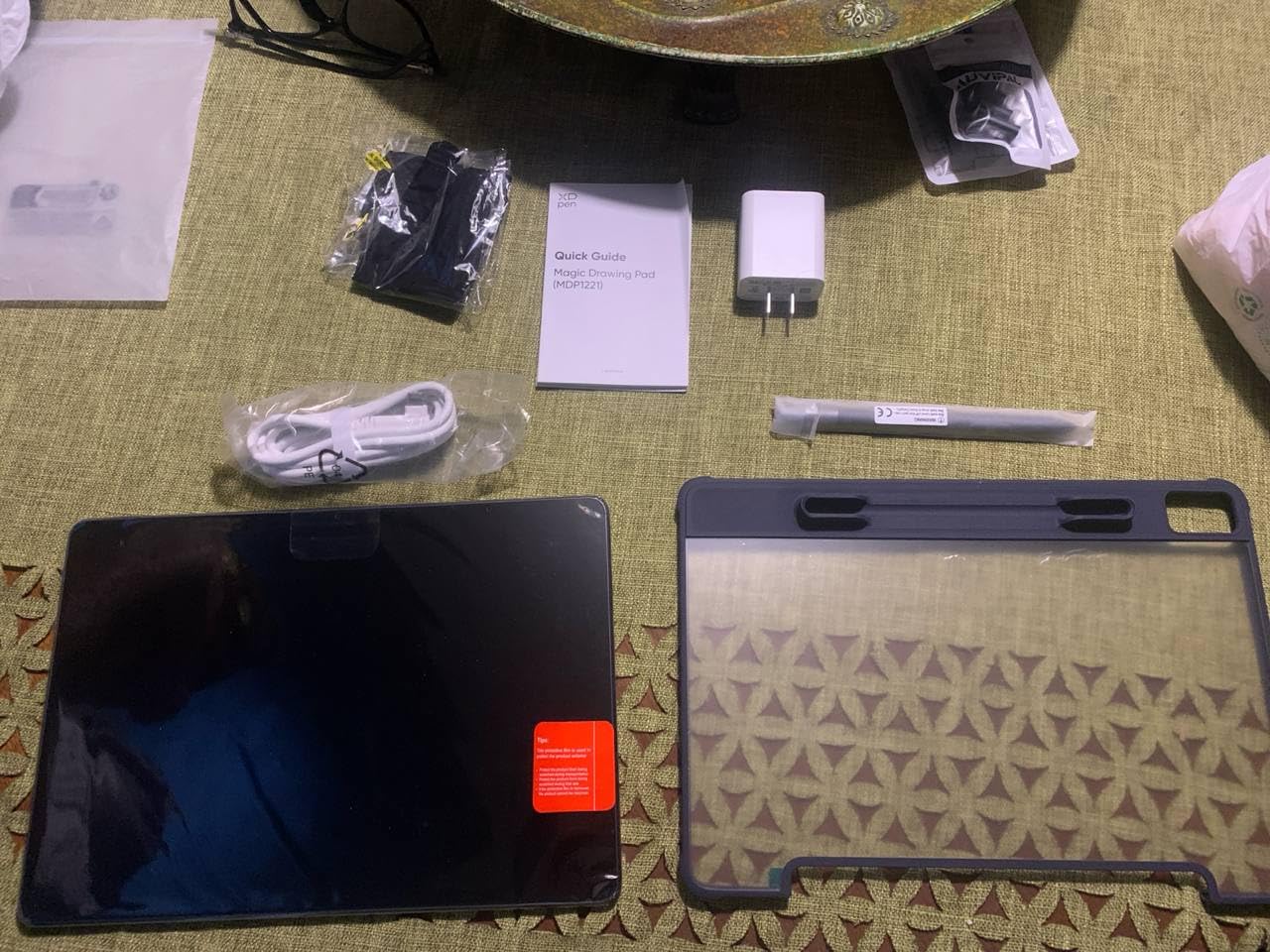
The AG-etched glass screen has a physical texture you can feel under the stylus tip. It is the closest LCD tablet to the reMarkable’s paper feel. The X3 Pro stylus requires no charging and no pairing, using EMR-style technology. Tilt support up to 60 degrees lets you shade and angle strokes naturally.
Running Android 14, this tablet supports Google Play apps including note-taking and OCR tools. I installed Nebo and tested handwriting-to-text conversion, which worked well thanks to the precise pressure data. The 12.2-inch display gives you more writing area than any other tablet in this roundup.
The trade-off is palm rejection, which is inconsistent compared to Samsung and Apple tablets. In some apps, resting your hand on the screen registers stray marks. XPPen includes a drawing glove in the box to mitigate this, but it is a workaround rather than a fix.
Pressure Sensitivity and OCR Accuracy
More pressure levels means the digital ink varies in thickness based on how hard you press, just like a real pen. OCR engines use this data to distinguish between similar characters. In my testing, the XPPen with Nebo handled my messiest handwriting slightly better than tablets with 4096 pressure levels.
For students who write in multiple styles (print for notes, cursive for speed, diagrams for math), the high pressure sensitivity captures all of them accurately for later conversion.
Best for Visual Learners and Artists
This tablet excels for students who combine handwritten notes with diagrams, sketches, and visual mind maps. The large screen and high pressure sensitivity make it ideal for visual notetaking. Clip Studio Paint and ibis Paint X memberships are included, adding value for art students.
If your primary need is pure text handwriting-to-text in lectures, the iPad or Samsung tablets offer better palm rejection and more mature note apps. But for mixed text-and-visual work, the XPPen is a strong choice at a competitive price.
10. Lenovo Idea Tab – Most Affordable Tablet With Pen Included
Lenovo Idea Tab – College Tablet – 11″ 2.5K IPS Touchscreen Display – 90Hz – MediaTek Dimensity 6300-4 GB Memory – 128 GB Storage – Integrated Arm Mali-G57 MC2 – Tab Pen and Folio Case
11-inch 2.5K IPS LCD
90Hz refresh
MediaTek Dimensity 6300
4GB RAM
128GB storage
Tab Pen included
Folio case included
Pros
- Tab Pen and folio case included
- Crisp 2.5K display with 90Hz
- Dolby Atmos quad speakers
- Lowest price in roundup
- TUV Low Blue Light certified
Cons
- Only 4GB RAM causes lag with multiple apps
- Cannot install Amazon shopping app
- YouTube sometimes plays at lower resolution
- Slow app drawer
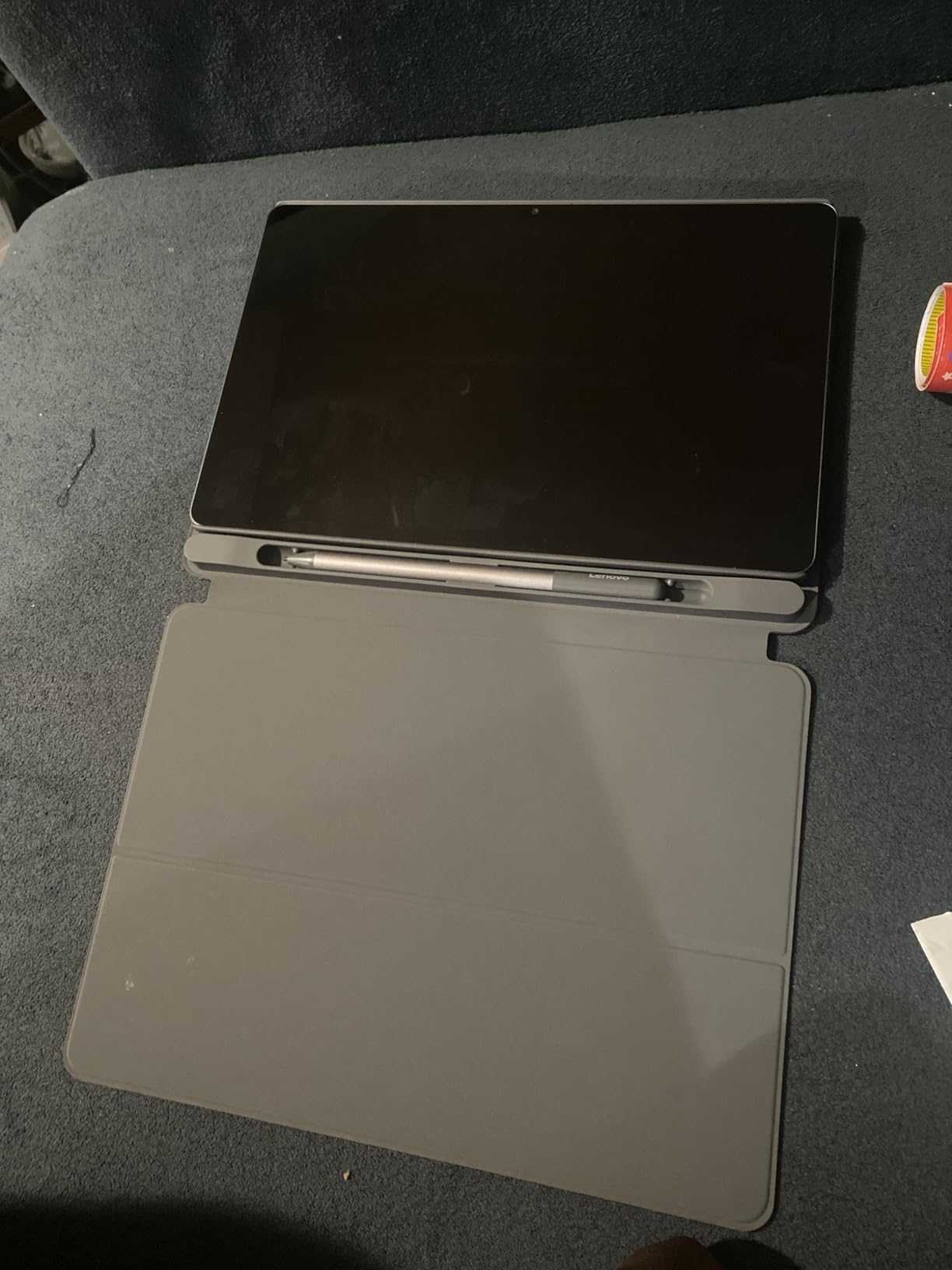
The Lenovo Idea Tab is the most affordable tablet in this roundup, and it still includes both the Tab Pen and a folio case in the box. For students watching every dollar, this is the lowest entry point to get a tablet with pen and handwriting capability. The 11-inch 2.5K display is sharp and bright at 500 nits.
I tested handwriting recognition using Google Keep and OneNote, both available through Google Play. The Tab Pen works adequately for casual note-taking, though it does not match the precision of the S Pen or Apple Pencil. For students who take short notes rather than pages of lecture transcriptions, it covers the basics.
The 90Hz refresh rate keeps scrolling and pen input feeling smooth. TUV Rheinland Low Blue Light certification helps with eye comfort during long reading sessions. Quad Dolby Atmos speakers are surprisingly good for the price, useful for watching recorded lectures.
The significant limitation is RAM. With only 4GB, the tablet struggles when running multiple apps simultaneously. Opening a PDF textbook while taking notes in a separate app causes noticeable lag. For students who work one app at a time, this is manageable. For multitaskers, it is frustrating.
Handwriting Recognition on a Budget
The Idea Tab does not include a dedicated OCR app like Samsung Notes or Apple Scribble. You rely on Google Keep’s handwriting input, OneNote’s ink-to-text feature, or third-party apps from Google Play. These work but are not as polished as the first-party solutions on Samsung or Apple tablets.
For students who primarily need a reading and light note-taking device, this is acceptable. For heavy handwriting-to-text work in every lecture, the Samsung Tab S10 Lite at a slightly higher price offers a much better OCR experience.
Who Should Buy the Idea Tab
This tablet suits budget-conscious students, younger learners, and anyone who wants a capable reading and writing tablet without a major investment. The included pen and case mean the advertised price is your actual total cost. It is also a solid secondary device for reading textbooks while using a primary laptop for other work.
If you can stretch your budget slightly, the Samsung Tab S10 Lite delivers dramatically better handwriting recognition with its included S Pen and Samsung Notes OCR. But at this price, the Idea Tab is hard to criticize.
Buying Guide: How to Choose the Best Tablet for Handwriting Recognition
Choosing among the best tablets for handwriting recognition comes down to five key factors. I have broken down each one based on what actually matters in real student use, not just spec sheet comparisons.
1. Display Type: E Ink vs LCD vs NXTPAPER
E Ink displays (Kindle Scribe, reMarkable Paper Pro, BOOX, iFLYTEK) offer the best paper-like writing feel and eliminate eye strain from backlight. They are perfect for distraction-free note-taking but limited to grayscale or muted colors and have slower refresh rates. Battery life is measured in weeks.
Standard LCD displays (iPad, Samsung tablets, XPPen, Lenovo) provide full color, fast refresh rates, and access to every app. The writing feel is smoother with less friction, which some users prefer. Battery life is measured in hours, typically 12 to 20.
NXTPAPER technology from TCL sits between the two, offering a coated LCD that reduces glare and blue light while maintaining color and fast refresh. It is the best compromise if you cannot decide between E Ink and LCD.
2. Stylus Technology: EMR vs USI vs Capacitive
EMR (Electromagnetic Resonance) styluses are the gold standard for handwriting. They require no charging, offer thousands of pressure levels, and include palm rejection. The S Pen, reMarkable Marker, and XPPen X3 Pro all use EMR technology. If the pen is included and needs no charging, it is likely EMR.
USI (Universal Stylus Initiative) styluses, like the BOOX InkSense, require charging and are less common. They work but add battery anxiety. Capacitive styluses are the cheapest option and offer no pressure sensitivity. Avoid them for serious handwriting work.
Apple Pencil uses a proprietary technology that charges via the tablet. The first-generation Pencil (used with iPad 10th Gen) charges awkwardly via an adapter, while newer pencils charge magnetically. All Apple Pencil models offer excellent pressure sensitivity and palm rejection.
3. Handwriting-to-Text Accuracy
Recognition accuracy depends on both hardware and software. The best results come from pairing a high-quality stylus with a dedicated OCR app. In my testing, the accuracy ranking was: iPad with Nebo, Samsung Notes on Galaxy tablets, Kindle Scribe AI Notebook, and reMarkable with Connect subscription.
Factors that affect accuracy include your writing speed, print versus cursive, and the language of your notes. Print handwriting converts more accurately than cursive across all platforms. Writing slower improves accuracy dramatically on every device tested.
4. App Ecosystem for Students
iPadOS has the deepest note-taking app ecosystem with Nebo, GoodNotes, Notability, OneNote, and Apple’s built-in Scribble. Android tablets have access to Google Play, giving you OneNote, Google Keep, and increasingly Nebo. E Ink tablets are locked to their manufacturer’s software, which limits flexibility but ensures a focused experience.
For students who rely on specific apps like Notability for collaborative notes or OneNote for class notebooks, check app compatibility before choosing a tablet. Also consider our guide to the best Kindles for students if e-reader functionality matters alongside note-taking.
5. Battery Life and Campus Survival
If you spend full days on campus, battery life matters as much as handwriting accuracy. E Ink tablets win decisively, lasting weeks between charges. Among LCD tablets, the Samsung Galaxy Tab S10 FE leads with 20 hours, followed by the S10 Lite at 16 hours and iPad at all-day (roughly 10 hours).
Fast charging matters when you have short breaks between classes. Samsung’s Super Fast Charging and TCL’s 33W PD charging can add hours of battery in a 30-minute break. Consider whether your campus has accessible charging outlets before prioritizing this feature.
6. Cloud Sync and Export Options
Handwriting recognition is only useful if you can export the converted text. Check that your chosen tablet exports to formats you need: Microsoft Word, PDF, plain text, or OneNote. Cloud sync ensures your notes are backed up and accessible from your laptop.
iPad integrates with iCloud, Google Drive, and Dropbox natively. Samsung tablets sync through Samsung Cloud and Google Drive. Kindle Scribe imports from Google Drive and OneDrive and exports to OneNote. reMarkable requires its Connect subscription for cloud sync, which is an ongoing cost to factor in.
FAQs
What tablets can convert handwriting to text?
The best tablets for converting handwriting to text include the iPad with Apple Scribble and Nebo app, Samsung Galaxy Tab tablets with S Pen and Samsung Notes, Amazon Kindle Scribe with AI Notebook, and reMarkable Paper Pro with Connect subscription. Each uses OCR technology to transform handwritten notes into searchable digital text.
Can a Samsung tablet recognize handwriting?
Yes, Samsung tablets recognize handwriting through Samsung Notes, which includes built-in OCR technology. The S Pen writes naturally on the screen, and the software converts handwriting to typed text in real time or on demand. Accuracy is strong for print writing and works offline without an internet connection.
Which AI has the best handwriting recognition?
MyScript, the engine behind Nebo, is widely regarded as the best handwriting recognition AI for tablets. Apple Scribble and Samsung Notes also offer strong recognition. Among E Ink devices, the Amazon Kindle Scribe AI Notebook and iFLYTEK OCR engine support the most languages with solid accuracy for both print and cursive writing.
Which tablet is best with stylus?
The Samsung Galaxy Tab S10 FE is the best tablet with a stylus because the S Pen is included at no extra cost, requires no charging, and offers excellent palm rejection. The iPad 10th Generation is the top alternative if you prefer the Apple ecosystem, though the Apple Pencil is sold separately.
Is an E Ink tablet better than an iPad for handwriting?
An E Ink tablet like the Kindle Scribe or reMarkable Paper Pro offers a more paper-like writing feel, longer battery life, and zero distractions. However, the iPad has superior app selection, better handwriting-to-text accuracy with Nebo, full color, and faster performance. Choose E Ink for focused writing and iPad for app flexibility.
Conclusion: The Best Tablets for Handwriting Recognition in 2026
After testing all ten tablets, my top recommendation for most students is the Samsung Galaxy Tab S10 FE for its included S Pen, accurate Samsung Notes OCR, and 20-hour battery life. If you want the best app ecosystem and highest OCR accuracy with Nebo, the iPad 10th Generation is worth the extra cost of a separate Apple Pencil. For distraction-free writing with weeks of battery, the Amazon Kindle Scribe and its AI Notebook deliver the best E Ink handwriting recognition experience.
The best tablets for handwriting recognition in 2026 span every budget and writing style. Whether you need a full-color LCD powerhouse, a focused E Ink digital notebook, or an affordable entry point with an included pen, this list has a tested option that will convert your handwriting to clean digital text throughout your studies.