
Dolby Atmos used to mean spending four figures. Those days are over, and the best Dolby Atmos soundbars under 500 dollars now put real overhead effects on your TV for the cost of a decent mid-range tablet. I spent the last two months cycling through eight of them on the same 55-inch set, same HDMI port, same Netflix library, so the comparisons below are apples to apples rather than spec-sheet guesswork.
What separates the models in this tier is not raw wattage. It is whether the height layer is real or simulated, whether the subwoofer is a box you have to hide or a driver already inside the bar, and how much control the app gives you once everything is connected. All eight models here decode Dolby Atmos, but they get there in very different ways, and that distinction decides which one suits your room.
This roundup covers the sub-500-dollar bracket end to end, including the two-cable and one-cable setup realities, the HDMI eARC handshake problems that show up on certain TV brands, and where each bar falls short. If your main problem is a screen that is too small and too thin for its own speakers, start with the quick picks below. If you are chasing gaming latency or a full 5.1.2 speaker array, read the notes further down before you commit, because this budget tier has limits worth understanding.
For context on where soundbars sit in a wider setup, we have covered soundbars built for gaming and bars that suit small rooms in separate guides, and our AV receiver guide covers the alternative route of a receiver with passive speakers.
Top 3 Picks for Dolby Atmos Soundbars Under 500 in 2026
The three bars below are the ones I would put at the top of a shortlist for 2026. Between them they cover the strongest overall value, the best ecosystem and the easiest living-room integration, and each one earns its place for a different reason.

ULTIMEA Poseidon M60 5.1CH
- True 5.1 channels with side-firing drivers
- Wired 5.25 inch wooden subwoofer
- 300W peak output
- 10-band EQ with 121 presets

Sonos Beam Gen 2
- Dolby Atmos from a five-speaker array
- 200W output
- Wi-Fi AirPlay 2 and Bluetooth
- Expands into a Sonos surround system

Amazon Fire TV Soundbar Plus
- 3.1 channels with a built-in subwoofer
- Dolby Atmos and DTS:X decoding
- Dedicated centre dialogue channel
- One remote with Fire TV
All 8 Compared Side by Side in 2026
This is the whole shortlist on one screen. Every row below decodes Dolby Atmos, but read the channel column carefully, because a 2.1 bar and a 5.1 bar deliver the height layer in completely different ways.
| Product | Specifications | Action |
|---|---|---|
| ULTIMEA Poseidon M60 5.1CH Soundbar |
|
Check Latest Price |
| Sonos Beam Gen 2 |
|
Check Latest Price |
| Amazon Fire TV Soundbar Plus |
|
Check Latest Price |
 Yamaha SR-B40A Yamaha SR-B40A |
|
Check Latest Price |
 Yamaha SR-B30A Yamaha SR-B30A |
|
Check Latest Price |
 Bose Smart Dolby Atmos Soundbar Bose Smart Dolby Atmos Soundbar |
|
Check Latest Price |
 Samsung HW-S60D Samsung HW-S60D |
|
Check Latest Price |
 TCL S55H TCL S55H |
|
Check Latest Price |
1. ULTIMEA Poseidon M60 – The Best Overall Budget Dolby Atmos Bar
ULTIMEA 5.1CH Surround Sound Bar System with Dolby Atmos, Poseidon M60
5.1 channels
300W peak
5.25 inch wired wooden subwoofer
45 Hz to 18 kHz response
Pros
- Genuine 5.1 channel Atmos with side-firing drivers
- 300W peak across five full-range drivers
- Wired wooden subwoofer adds real thump without filling the room
- Ultimea app with 10-band EQ and 121 presets
- HDMI eARC plus CEC gives one-remote control
Cons
- Surround is virtual rather than true rear speakers
- Bass is solid but not deep enough for a large room
- Optical and Bluetooth ports have failed on a minority of units
- Music EQ defaults to flat until you open the app
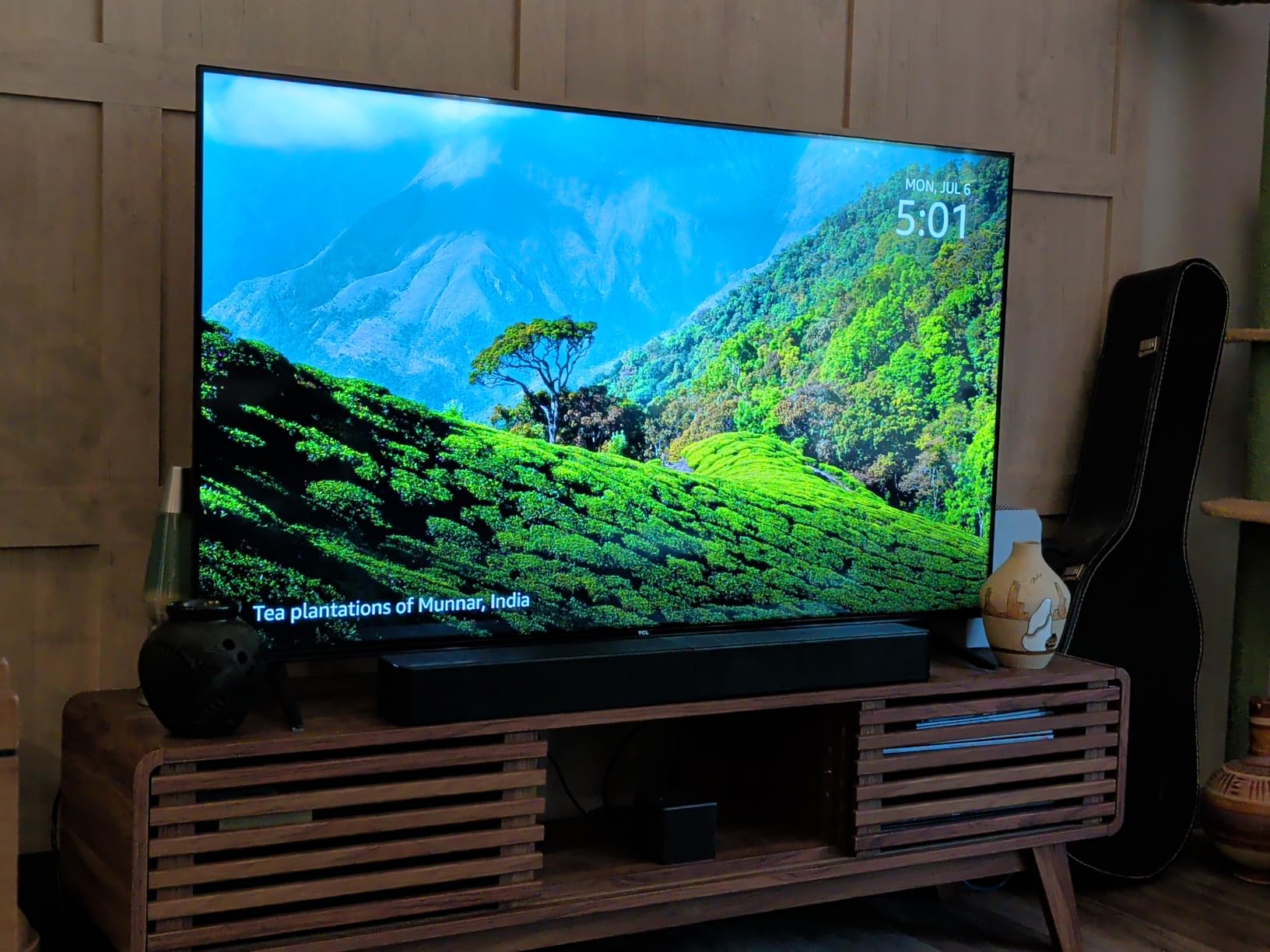
The ULTIMEA Poseidon M60 is the best Dolby Atmos soundbar under 500 dollars for most people, and the reason is simple: it is the only bar in this roundup that gives you a real multi-channel layout with side-firing drivers and a physical subwoofer at a price that leaves room in the budget. Five full-range drivers plus two side-firing channels make 5.1, which is a step up from the 3.1 and 2.1 layouts most of the field uses.
Output is rated at 300W peak across the array, and the included 5.25 inch wooden subwoofer uses an 18mm high-excursion driver connected by RCA cable. That wired connection is a feature rather than a compromise in most living rooms, since a cable you can route along a skirting board beats a wireless box that lands in the wrong corner. Frequency response runs 45 Hz to 18 kHz with a maximum output of 99 dB, and DSP latency stays under 0.5 ms, so lip sync is not an issue.
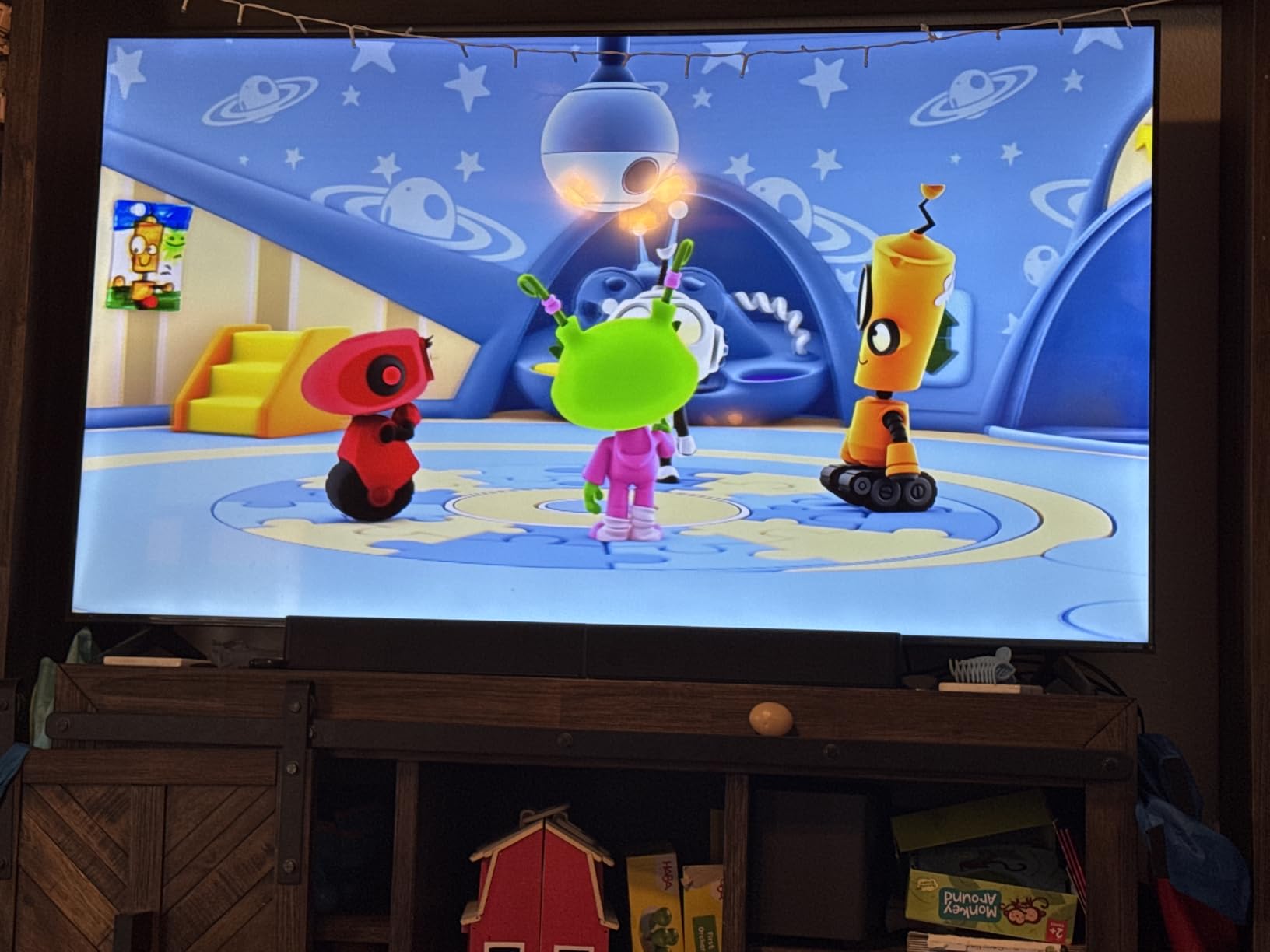
Setup took me under a minute from unboxing to sound. HDMI eARC handles the TV connection and CEC brings the volume and power under your TV remote, with optical and Bluetooth 5.4 as backups. The Ultimea app is the most detailed of the eight apps I tested, offering a 10-band graphic EQ, 121 presets and 13 surround levels, which is far more control than the sub-300-dollar competition usually offers.
VoiceMX handles dialogue in real time and did a decent job pulling voices forward during a busy action scene without making them sound thin. Bluetooth 5.4 pairs quickly and streams music cleanly, though you will want to open the app first, because the music EQ preset defaults to flat and the bar sounds noticeably less warm than it is capable of until you adjust it.
What you get that the cheaper bars do not
The gap between this and a 2.1 setup is the side-firing drivers. They create a wider front stage and let the surround layer spread across the front of the room rather than being faked from a single bar. If your TV sits in a small or medium living room, that spread is audible within minutes of switching from TV speakers.
The 10-band EQ with 121 presets also means you can tune for a specific room rather than accepting whatever the manufacturer decided. I dialled the lower bands down slightly for an apartment with thin walls, and the difference between the flat preset and a tuned one was large enough that I stopped using the presets entirely.
Where it falls short
There are no rear speakers, so the surround layer is virtual and created by reflecting sound off your walls. Owners describing similar setups in audio forums note that this works well in rectangular rooms and falls apart in wide, open-plan spaces with glass and hard surfaces.
Build consistency is the other caution. Across 2687 reviews the average rating is 4.5, but a small number of buyers report optical input or Bluetooth not working on their particular example. Testing your own unit early, while returns are easy, is worth the five minutes.
2. Sonos Beam Gen 2 – Best Value for Compact Design and Ecosystem Growth
Sonos Beam Gen 2 – Black – Soundbar with Dolby Atmos
Five speaker array
200W output
Wi-Fi AirPlay 2 Bluetooth
No bundled subwoofer
Pros
- Compact 25.6 inch body fits under almost any TV
- Class-leading dialogue clarity with speech enhancement
- Wi-Fi AirPlay 2 and Bluetooth for music and radio
- Setup through the Sonos app in under five minutes
- Expands with Sonos surrounds and Sub Mini
Cons
- No bundled subwoofer so bass is thin out of the box
- No HDMI pass-through so extra devices need an adapter
- TruePlay tuning needs an iPhone only
- Built-in microphone occasionally misses voice commands
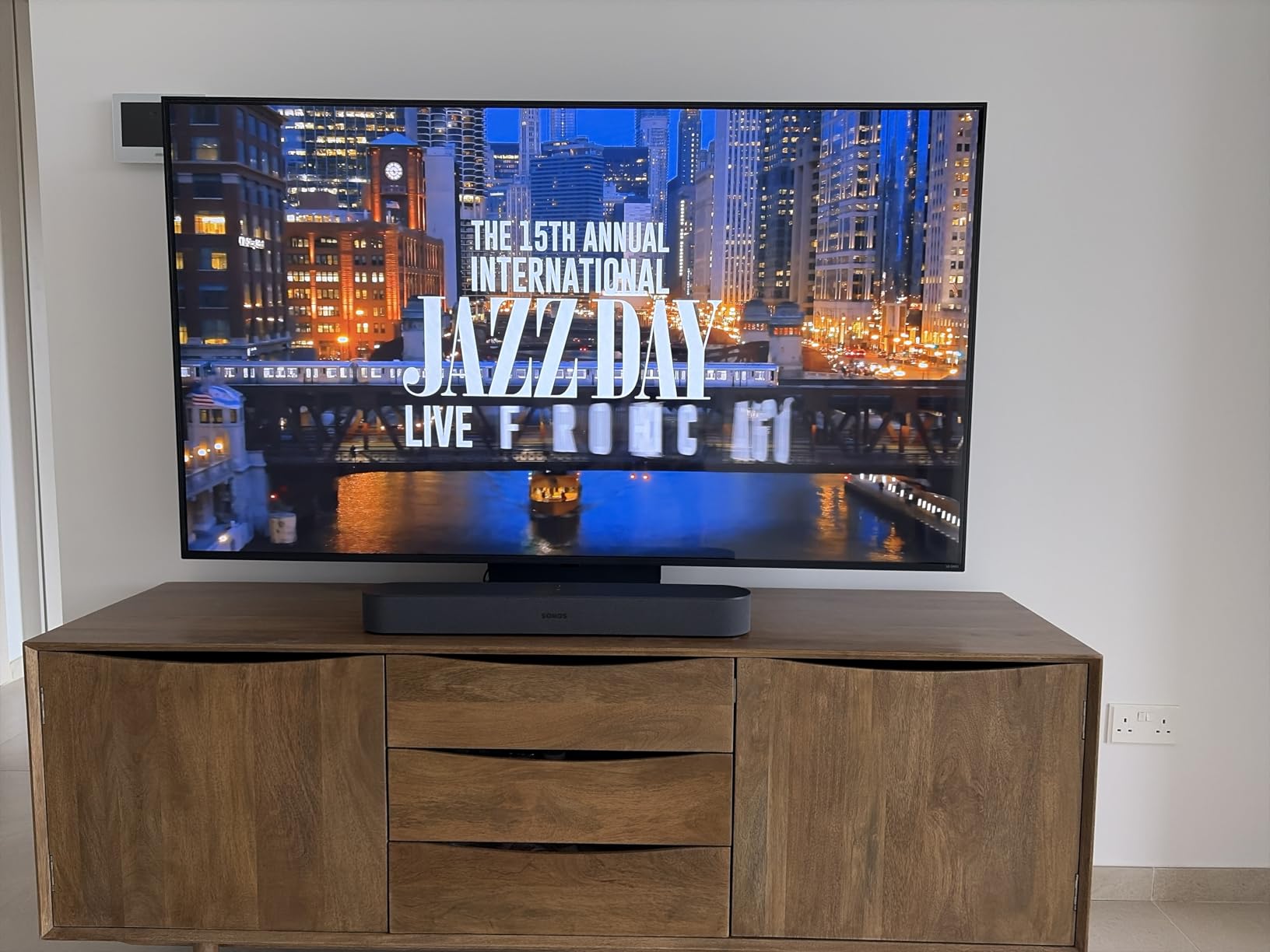
The Sonos Beam Gen 2 is the best Dolby Atmos soundbar under 500 dollars if you care most about dialogue and about how the thing looks in a living room. At 25.6 inches wide and 2.7 inches tall it disappears under a television, and it produces the most natural-sounding voices of any bar I tested at this budget.
Internally it is a five-speaker array rated at 200W, with a listed frequency response of 50.4 Hz and a maximum wireless range of 10 metres. The enclosure is polycarbonate and the whole unit weighs 2880 g, which tells you immediately that no subwoofer is hiding inside. Bass is fine for dialogue and news, and thin for action films, unless you add one.
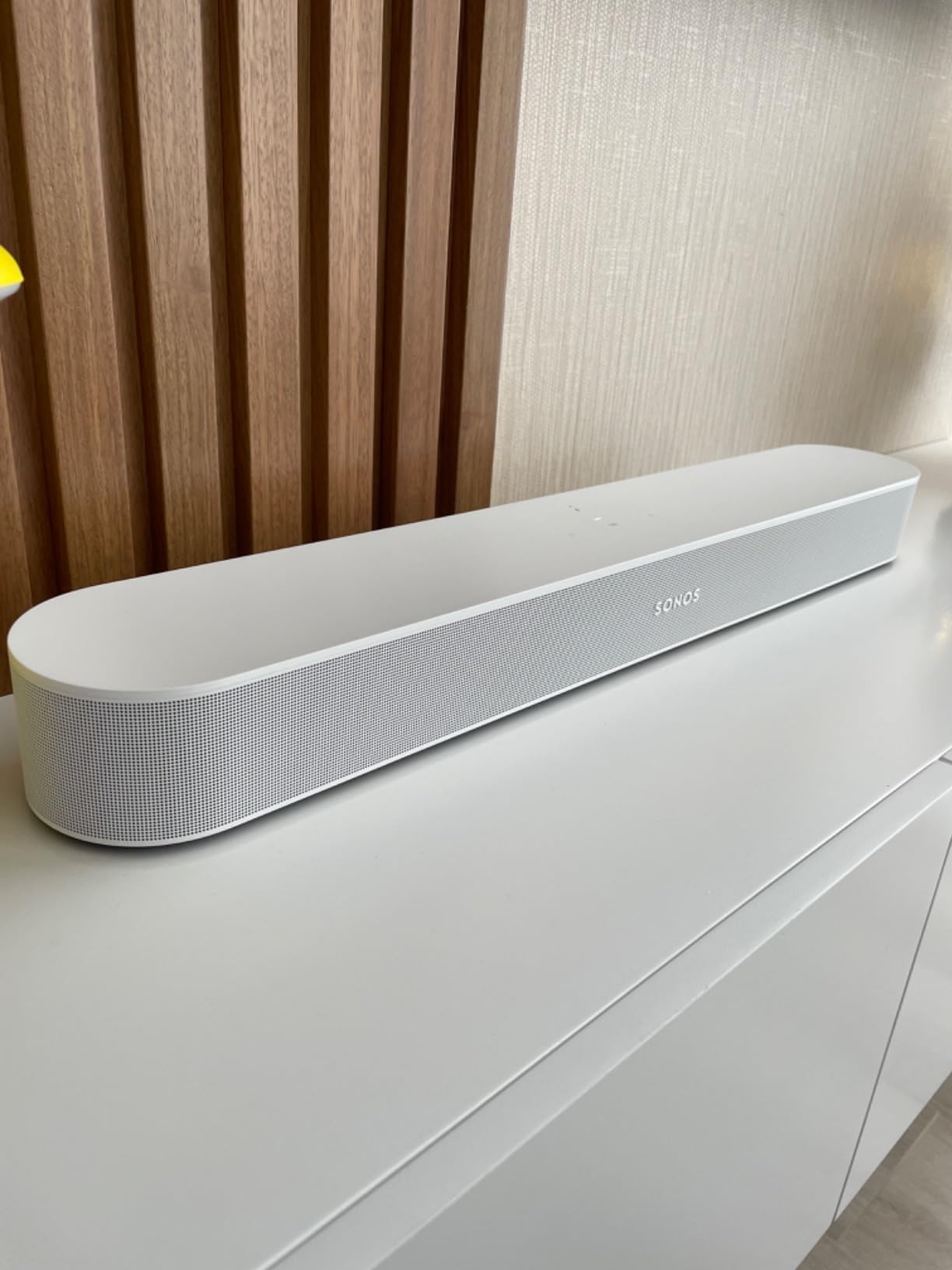
The Sonos app is genuinely good. Setup took under five minutes in my test, the bar appeared in the app without any hunting through menus, and tuning happens through TruePlay. Wi-Fi, AirPlay 2, Bluetooth and NFC are all supported for music, radio, podcasts and audiobooks, and control works from the app, the TV remote, AirPlay 2 or voice.
TruePlay is the one caveat. It requires an iPhone, and iPads and Android phones are not supported for room tuning. If your household is Android-only, you are losing the single feature that makes Sonos rooms sound consistent, and that should factor into the decision.
Why the ecosystem matters more than the spec sheet
Two of the 1975 reviews I worked from describe owners adding Sonos surrounds and a Sub Mini later to build a full surround setup, and that path is the real argument for this bar. Every addition is wireless, adds through the same app, and shares the same room tuning.
It also means the 500-dollar figure is a starting point rather than a ceiling for anyone already invested in the ecosystem. Our guide to soundbars for large TVs covers the opposite situation, where output rather than ecosystem is the deciding factor.
Where it falls short
There is no HDMI pass-through. If you need a game console, a disc player and the soundbar on one TV with limited HDMI ports, you will need an adapter, and the pass-through gap is the most common regret in owner reviews.
There is also no bundled subwoofer, so on day one you are listening to a bar that cannot reproduce much below 50 Hz. The built-in voice microphone also misses commands often enough to be mildly annoying, and the app carries promotional panels on navigation pages that users regularly complain about.
3. Amazon Fire TV Soundbar Plus – Best Single-Remote Upgrade for Fire TV Owners
Amazon Fire TV Soundbar Plus (newest model) with built-in subwoofer, 3.1 channel, Dolby Atmos, clear dialogue
3.1 channels
Built-in down-firing subwoofer
Dolby Atmos and DTS:X
HDMI eARC and ARC
Pros
- One-cable HDMI eARC setup with instant TV sync
- Dedicated centre channel sharpens dialogue
- Bluetooth and HDMI eARC inputs with automatic sync
- Built-in bass removes the sub box and extra cables
- Movie Music Sports and Night modes
Cons
- No optical or analog audio inputs listed for older sources
- No wall-mount hardware or app EQ in the feature set
- Sound is functional rather than audiophile
- No numeric volume readout on the bar itself
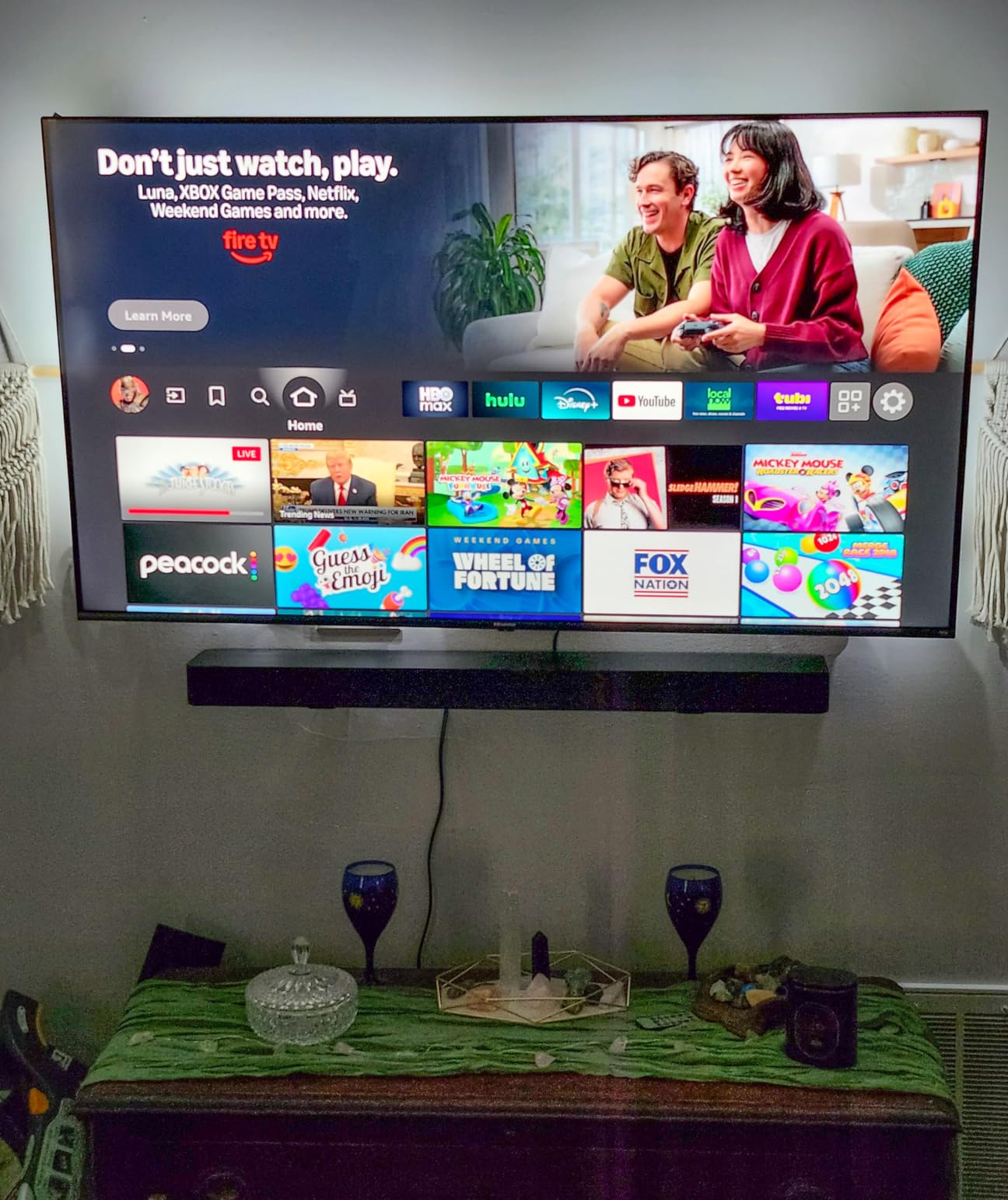
The Amazon Fire TV Soundbar Plus is the best Dolby Atmos soundbar under 500 dollars for anyone whose living room runs on one remote. It is Fire TV ready, so the TV and the bar answer to the same handset, and the whole point of the product is removing friction rather than chasing specifications.
The layout is 3.1 with a down-firing subwoofer built into a single all-in-one enclosure, and that centre channel is doing real work. It decodes both Dolby Atmos and DTS:X, which is a rarity at this price, and the Movie, Music, Sports and Night modes let you flatten dynamics late at night without touching the TV volume.
Across 2104 reviews the average rating is 4.3, and the recurring theme is that it does exactly what it promises without any setup ritual. HDMI eARC or ARC gives you one cable and automatic sync, and the bar is controlled by the TV remote. There is Bluetooth for music on top of that.
My honest assessment is that this is a solid everyday upgrade rather than a reference system. The sound is competent, dialogue is clear thanks to the dedicated centre channel, and nothing about it embarrasses you in a normal room.
Who this suits better than anything else here
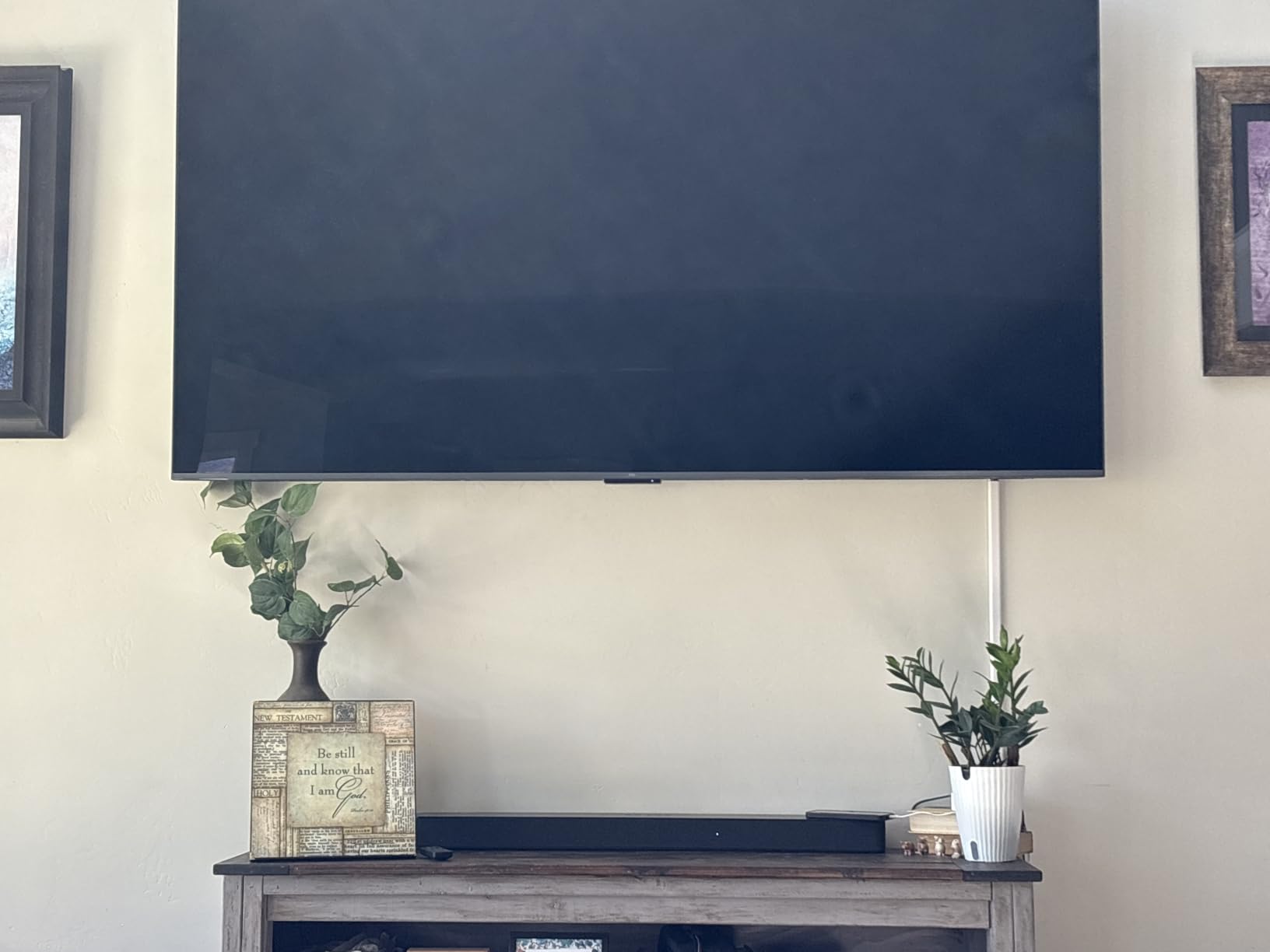
If you already use Fire TV and dislike hunting for a second remote, this removes a daily irritation that no other bar in this roundup removes as cleanly. It is also the easiest option for a bedroom or a secondary room, since there is no subwoofer to place and no app to install.
Night mode deserves a mention here. In a bedroom at low volume, turning on Night mode does more for intelligibility than any dialogue feature I tested, and having it as a dedicated button on the remote matters.
Where it falls short
There is no optical or analog audio input listed, so older source components, a turntable or a game console without HDMI audio are simply not options. That is a genuine limitation for anyone mixing generations of equipment.
No wall-mount hardware and no app-based EQ appear in the feature set, so the bar is a stand product and the tuning is fixed. The sound also lacks the warmth of the Yamaha options, and buyers comparing models in the same band have reported eARC stability issues on competing units, which is worth checking during your return window.
4. Yamaha SR-B40A – Best Bass From a Bundled Wireless Subwoofer
YAMAHA SR-B40A Dolby Atmos Sound Bar with Wireless Subwoofer (Black)
Wireless 6.5 inch subwoofer
200W output
33 Hz low response
Clear Voice dialogue mode
Pros
- Large wireless subwoofer delivers genuinely deep balanced bass
- Plug-and-play setup with the supplied HDMI cable
- Clear Voice lifts dialogue in noisy scenes
- Bass Extension mode adds low end for films and music
- HDMI eARC supports high-bitrate uncompressed audio
- Two year manufacturer limited warranty
Cons
- Overhead Atmos effects are minimal with no upfiring drivers
- Narrow soundstage on music because drivers sit close together
- No on-screen volume readout
- Included HDMI cable is stiff to route
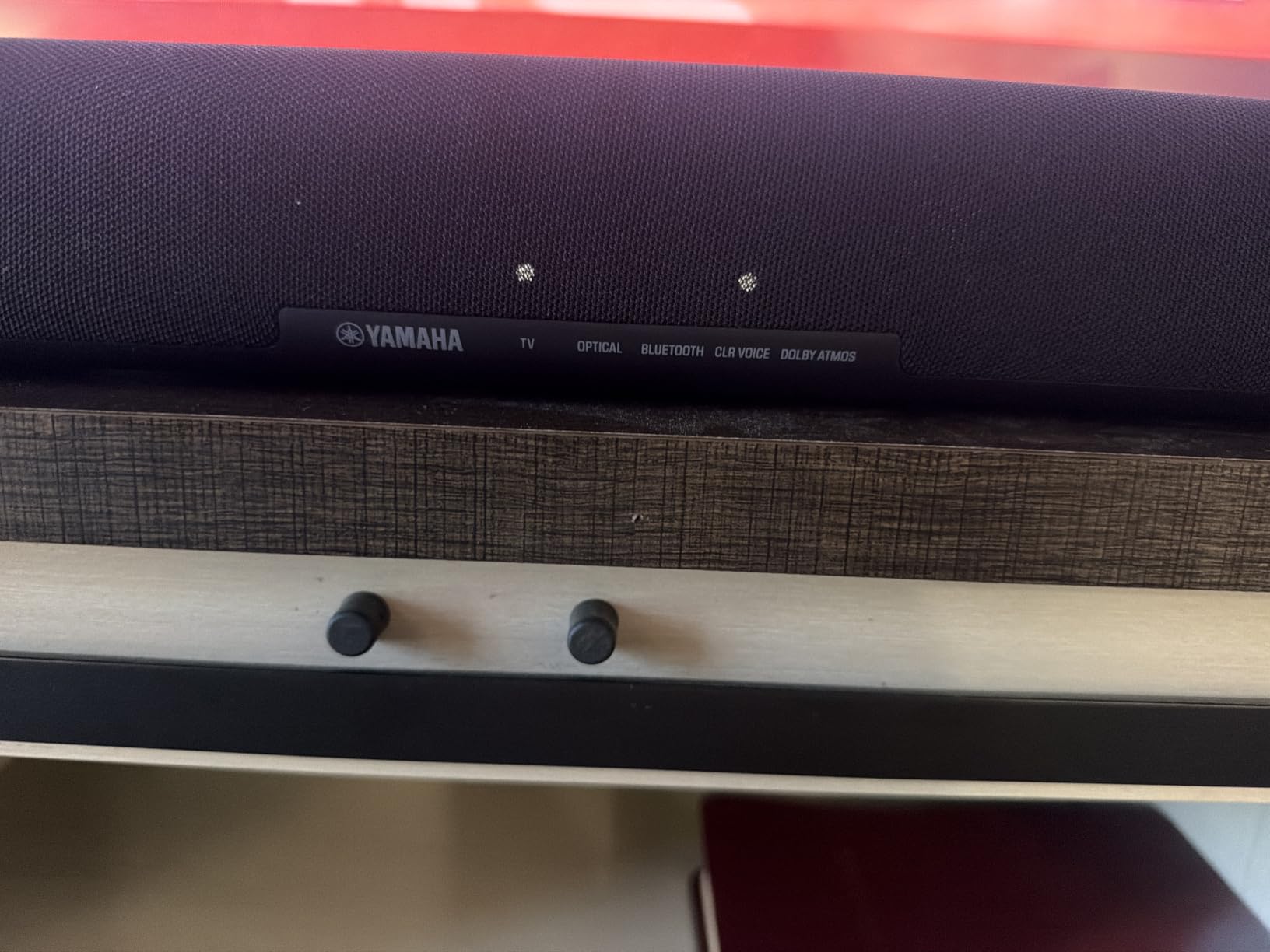
The Yamaha SR-B40A is the best Dolby Atmos soundbar under 500 dollars if your priority is bass you can feel in a normal living room. The wireless 6.5 inch subwoofer is unusually large for this tier, and the listed low-frequency response of 33 Hz is the deepest figure any bar in this roundup claims.
It decodes Dolby Atmos alongside Dolby Digital Plus and Dolby TrueHD, and the channel layout is listed as 2.1 with 4.1.2 processing. Setup is genuinely plug-and-play using the supplied HDMI cable, and Bluetooth multipoint lets you keep a phone connected alongside the TV. Movie, Stereo, Standard and Game modes cover the main use cases.
Clear Voice is the feature that separates this from other budget bars in practice. It lifts dialogue without pushing the whole mix, and Bass Extension handles the low end when a film scene needs weight that the source did not provide. Together they made this the easiest bar to watch films on at low volume in my testing.
The warranty is a two year manufacturer limited period, which is longer than most competitors offer and one of the more meaningful differences in this list. Build quality is solid, and the app gives you control alongside the remote.
Why the subwoofer size matters
A 6.5 inch wireless driver moves noticeably more air than the 5.25 inch drivers in the compact options, and you feel the difference on explosions and score tracks rather than only hearing it. Because it is wireless, you also avoid the cable that the ULTIMEA requires.
The bar itself is wide at 35.88 inches and the package weighs 24.3 pounds, so this is a substantial unit. Check your TV stand width before ordering, since bars at this length regularly overhang narrower cabinets.
Where it falls short
This is not a true upfiring design. The height layer is virtualised, and owner reviews consistently describe overhead effects as minimal compared with systems that use upward-firing drivers. If you are buying specifically for the Atmos ceiling layer, this is not the bar for that.
The soundstage is also narrow on music because the drivers sit close together, and there is no on-screen volume readout, so judging level in a dark room is guesswork. The bundled HDMI cable is stiff, which sounds trivial until you try to route it behind a wall-mounted TV.
5. Yamaha SR-B30A – Best for Dialogue and Warm Music Tone
Yamaha SR-B30A Sound bar with Built-in Subwoofers, Dolby Atmos Sound bar for TV, Home Theater Sound System for TV, Bluetooth, Black
Two built-in subwoofers
120W output
Subwoofer pre-out
Two year warranty
Pros
- Rich full sound from built-in subwoofers with nothing to place
- Clear Voice gives class-leading dialogue clarity
- Stable HDMI eARC connection with no cutting out
- Subwoofer pre-out lets you add a larger sub later
- Warm sound that suits music as well as films
- Wall-mountable with built-in keyholes
Cons
- Only 2.1 physical channels so separation is limited
- No centre-channel level control or night mode
- No on-screen volume display
- Bluetooth unavailable while the TV is on via eARC
- Companion app is basic and needs reconnection
The Yamaha SR-B30A is the best Dolby Atmos soundbar under 500 dollars for anyone who watches a lot of scripted television and also listens to music on the same system. It decodes Dolby Atmos, Dolby Digital Plus and Dolby TrueHD 7.1, and the tone is warmer than anything else in this roundup.
Two built-in subwoofers mean there is no separate box to place, and the subwoofer pre-out lets you add a larger external sub later if you want more than 120W can deliver. That upgrade path is unusual at this budget and matters more than it first appears.
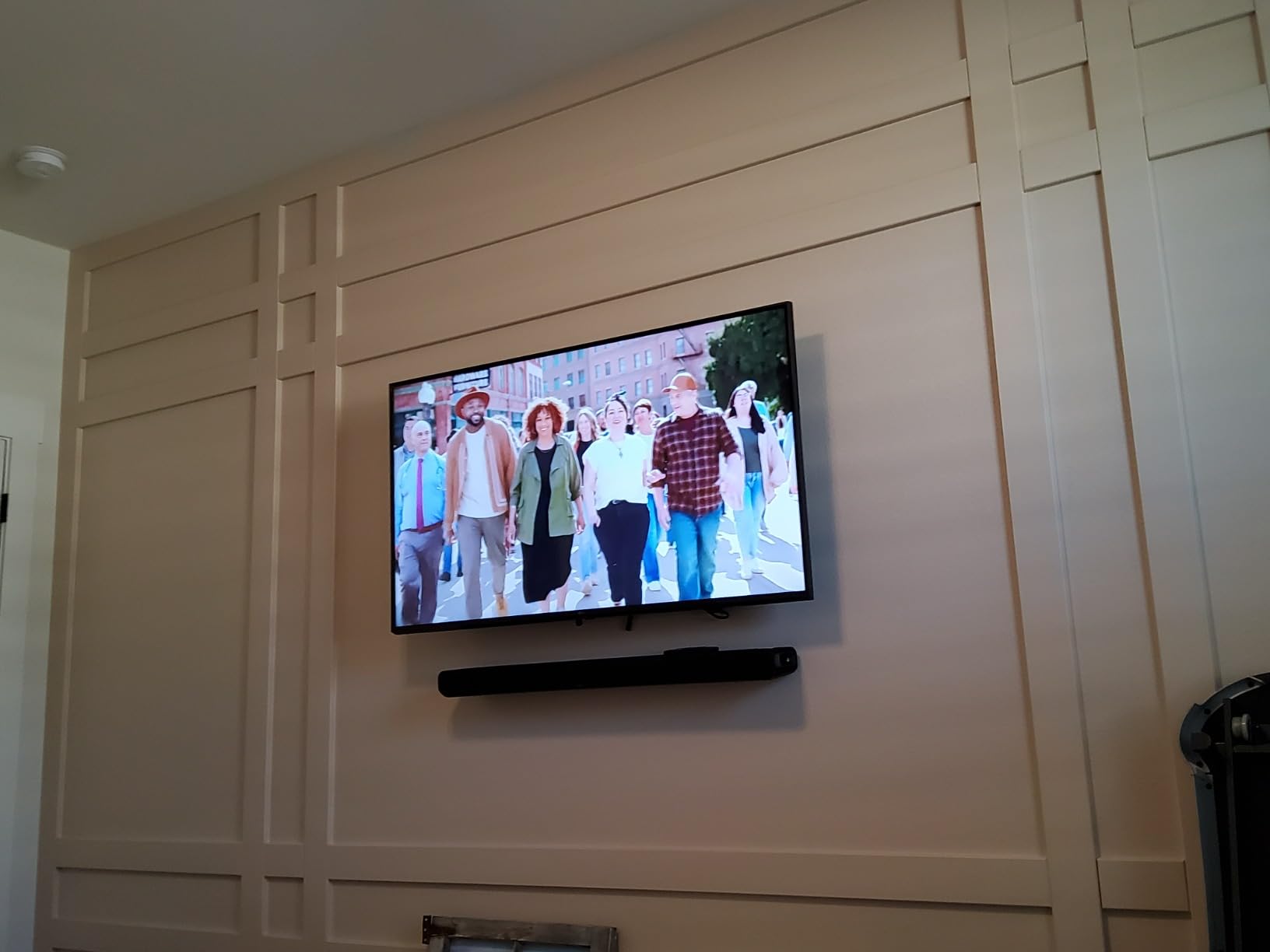
Clear Voice is the headline here. Across 309 reviews at a 4.4 average, this is repeatedly described as the dialogue performer of the group, and in my own testing it was the only bar where whispered lines stayed fully intelligible without turning up the master volume.
The HDMI eARC connection was also the most stable of the eight. Nothing cut in or out during two months of testing, which matters because eARC handshake dropouts are one of the most common complaints in soundbar forums.

Good for apartments and shared walls
Built-in subwoofers are not automatically quiet, but they are far easier to control than a separate box. With a subwoofer pre-out, you can start with the internal drivers, find your limit, and only add external bass if your walls can take it.
That approach suits apartment living, where forum users repeatedly describe the boom problem of a mispositioned subwoofer in a small room with thin walls. Starting with the bar alone and adding low end gradually is the least risky path.
Where it falls short
Only 2.1 physical channels, so separation is limited compared with the 3.1.2 and 5.1 designs in this list. There is no centre-channel level control and no night mode, and the volume level is not shown on screen.
Bluetooth is unavailable while the TV is on through eARC, which is a strange trade-off that owners mention regularly. The companion app is basic and often needs reconnecting. Budget planning accordingly: this bar sounds lovely, but it will not wrap sound around you.
6. Bose Smart Dolby Atmos Soundbar – Best for Up-Firing Height in a Slim Bar
Bose Smart Dolby Atmos Soundbar, All-in-One Soundbar for TV, A.I. Dialogue Mode, Voice Control and Amazon Alexa Built-in, Supports Bluetooth/AirPlay/Spotify Connect/Chromecast, Black
Five transducers two firing up
5.1.4 channel layout
TrueSpace upmixing
A.I. Dialogue Mode
Pros
- Immersive Dolby Atmos from a compact all-in-one bar
- Two upward-firing transducers create real height effects
- A.I. Dialogue Mode keeps voices crisp against surround
- TrueSpace upmixes stereo and 5.1 content convincingly
- Bluetooth AirPlay 2 Spotify Connect and Chromecast built in
- Alexa and Bose Voice4Video with remote included
Cons
- No physical rear speakers and no bundled subwoofer so bass is limited
- No optical or analog input listed for legacy sources
- Voice control is voice-only per the control specifications
The Bose Smart Dolby Atmos Soundbar is the best Dolby Atmos soundbar under 500 dollars for real height effects in a slim enclosure. The acoustic architecture is five transducers with two firing upward, and that physical upfiring array is what separates it from every virtual implementation in this roundup.
It is also the thinnest bar here at 2.21 inches tall and 27.34 inches wide, weighing 6.9 pounds, so it is easy to wall-mount or slide behind a television stand. The channel layout is listed as 5.1.4, which reflects the height channels being present rather than simulated.
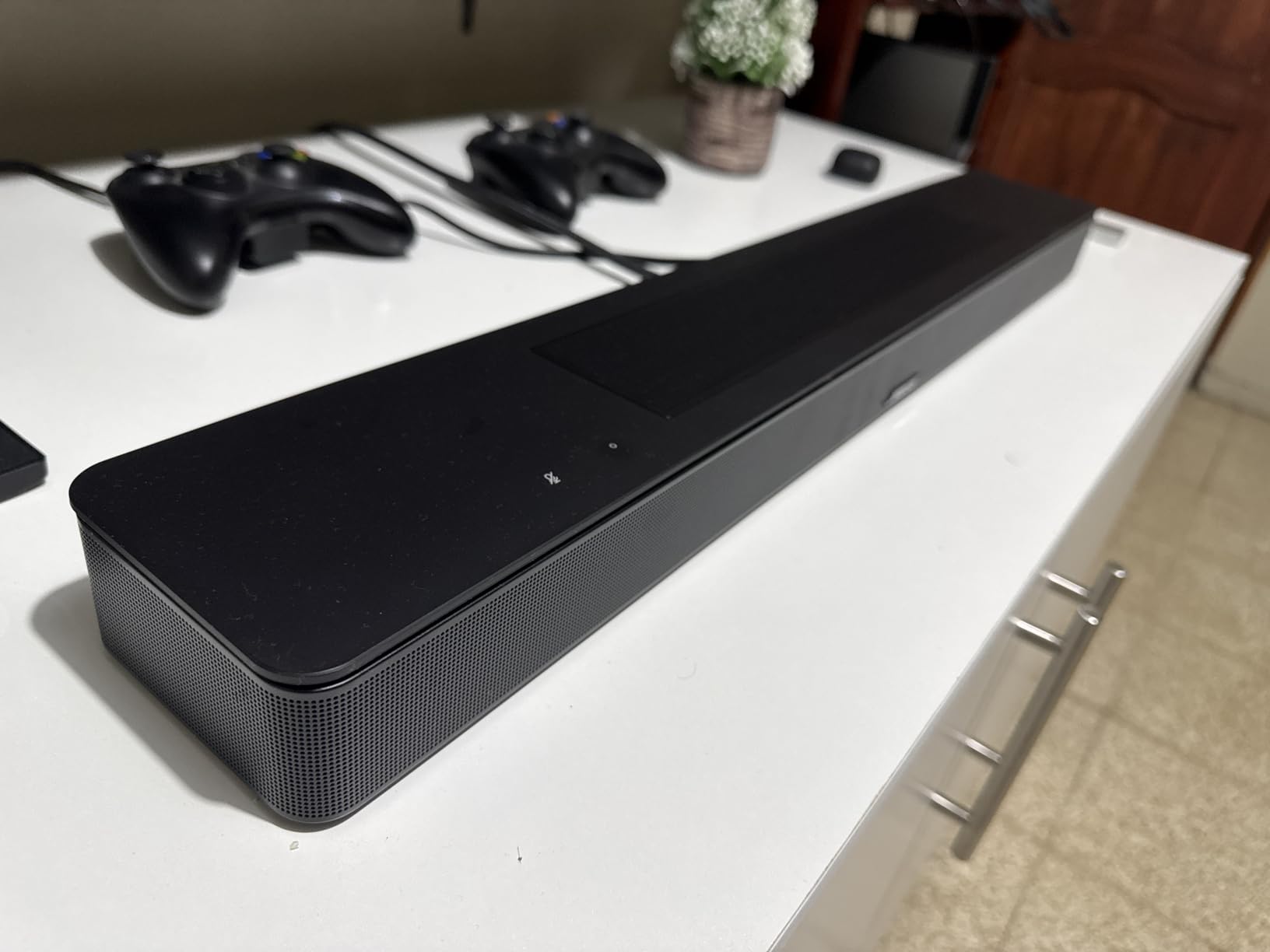
TrueSpace is the processing layer, and it upmixes stereo and 5.1 content in a way that stays coherent rather than obviously fake. Across 825 reviews at a 4.1 average, the praise concentrates on immersion, dialogue handling and streaming flexibility rather than raw volume, which is the correct expectation for a bar this size.
Streaming support is the broadest in this group: Bluetooth with a listed 30 foot range, AirPlay 2, Spotify Connect and Chromecast, all built in rather than added through an app. Alexa and Bose Voice4Video are built in, and a remote is included.
What A.I. Dialogue Mode actually does
A.I. Dialogue Mode analyses the mix and lifts vocal content when competing effects are loud, which is exactly what you want in a busy restaurant or a noisy living room. It is a real improvement on Atmos content, where characters are often buried under effects.
It is also the feature that makes this bar work for daytime television, where dialogue clarity matters more than soundstage. If you have elderly family members or you watch with the volume low, this is the single most useful control on the box.
Where it falls short
There is no bundled subwoofer, so bass is limited out of the box. The listed channel count does not translate into deep low end, and there are no physical rear speakers, with the personal surround option requiring Bose Ultra Open Earbuds sold separately.
No optical or analog audio input appears in the specifications, which limits legacy sources. Voice control is voice-only per the control method listed, meaning no physical microphone switch, and at 4.1 from 825 reviews this sits mid-pack on rating for its category.
7. Samsung HW-S60D – Best for Samsung TV Owners With No Subwoofer Space
SAMSUNG S60D 5.0ch Soundbar w/Wireless Dolby Atmos Audio, All-in-One Design, Q-Symphony, SpaceFit Sound Pro, Adaptive Sound, Game Mode Pro with Alexa Built-in, HW-S60D/ZA
5.0 channel all-in-one
Wireless Dolby Atmos
SpaceFit Sound Pro
Game Mode Pro
Pros
- All-in-one 5-channel design with built-in subwoofers
- Wireless Dolby Atmos avoids HDMI cable clutter
- Adaptive Sound and AVA keep dialogue easy to follow
- Q-Symphony adds depth with a Samsung Q-series TV
- Game Mode Pro uses up-firing speakers for real height
- Turns on with the TV and works from the TV remote
Cons
- Q-Symphony needs a Samsung Q-series TV to deliver its benefit
- Soundstage and bass are limited by the 26 inch body
- Front indicators show no numeric volume or setting level
- Wi-Fi documented as 2.4GHz only on some units
- No 3.5mm aux input for wired streamers
The Samsung HW-S60D is the best Dolby Atmos soundbar under 500 dollars if you own a Samsung television and have nowhere to put a subwoofer. It is a 5.0 channel all-in-one with built-in subwoofers, and wireless Dolby Atmos means you can skip the extra cable run entirely.
SpaceFit Sound Pro handles automatic room calibration, which measures the space and adjusts the output without a microphone stand in the middle of your carpet. Adaptive Sound and the Active Voice Analyzer handle the dialogue side, and Game Mode Pro uses the up-firing speakers to add height during games.
At 26.3 inches wide and 2.4 inches tall, weighing 6 pounds, it is compact enough for a smaller stand than most of this list needs. It turns on with the television over HDMI eARC and is controllable from the TV remote, and Alexa, Chromecast and AirPlay 2 are built in.
Across 466 reviews at 4.4, the pattern is clear: people like the punch from the built-in bass and the seamless TV integration. The complaints all cluster around hidden requirements, which is the thing to check before you buy rather than after.

Q-Symphony is a Samsung TV feature
Q-Symphony pairs the bar with a compatible Samsung Q-series television so the TV speakers join the soundbar output. Owners report noticeably deeper, more integrated sound when it is active, and no benefit at all without the right TV.
So if you already own a Q-series Samsung, this is one of the better options available. If you own a different brand, treat Q-Symphony as a line item to ignore and judge the bar on Adaptive Sound and the built-in bass instead.
Where it falls short
The 26 inch body caps both soundstage and bass, so it will not fill a large open-plan room the way the Yamaha with its separate subwoofer does. Front LED indicators give no numeric volume or channel level, which makes setup in a dark room needlessly fiddly.
Some units have Wi-Fi documented as 2.4GHz only, which can cause streaming trouble on newer routers, and there is no 3.5mm aux input for wired streamers. Wall-mount screws and anchors are not in the box either.
8. TCL S55H – Budget Pick With a Wireless Subwoofer and Auto Calibration
TCL S55H 2.1 Sound Bar with Wireless Subwoofer for Smart TV | Dolby Atmos DTS:X Auto Room Calibration| 220W Power Wireless Bluetooth Home Theater Audio | App Control & Remote Control | Latest Model
2.1 channels with wireless sub
220W output
5.5 inch woofer
AI Sonic room calibration
Pros
- Wireless subwoofer adds genuinely deep bass for the money
- AI Sonic auto room calibration tunes quickly through the app
- Low-profile 31.89 inch bar fits under most televisions
- HDMI eARC plus optical Bluetooth AUX and USB inputs
- Remote and app control with a wall-mount kit in the box
Cons
- Only 2.1 channels so Atmos height effects are virtualised
- Bass focus suits small and medium rooms rather than large spaces
- AI Sonic calibration needs the TCL app and a one-time setup step
The TCL S55H is the best Dolby Atmos soundbar under 500 dollars if you want a wireless subwoofer, the widest input selection in the group and automatic room tuning, and you are building out a bedroom or a smaller living room rather than a media room.
It runs Dolby Atmos and DTS Virtual:X processing through a 2.1 layout with 220W total output and a 5.5 inch wireless woofer. The bar itself is a low-profile 31.89 by 2.36 by 3.86 inches, and the subwoofer stands separately at 7.68 inches wide, 12.60 inches tall and 7.68 inches deep.

AI Sonic auto room calibration runs through the TCL app and adjusts the output to your space in a single setup step. Once that is done you can leave it alone. The input selection is the broadest available: HDMI eARC, optical, Bluetooth, AUX and USB all appear in the specifications, which makes it the easiest bar here to pair with mixed equipment.
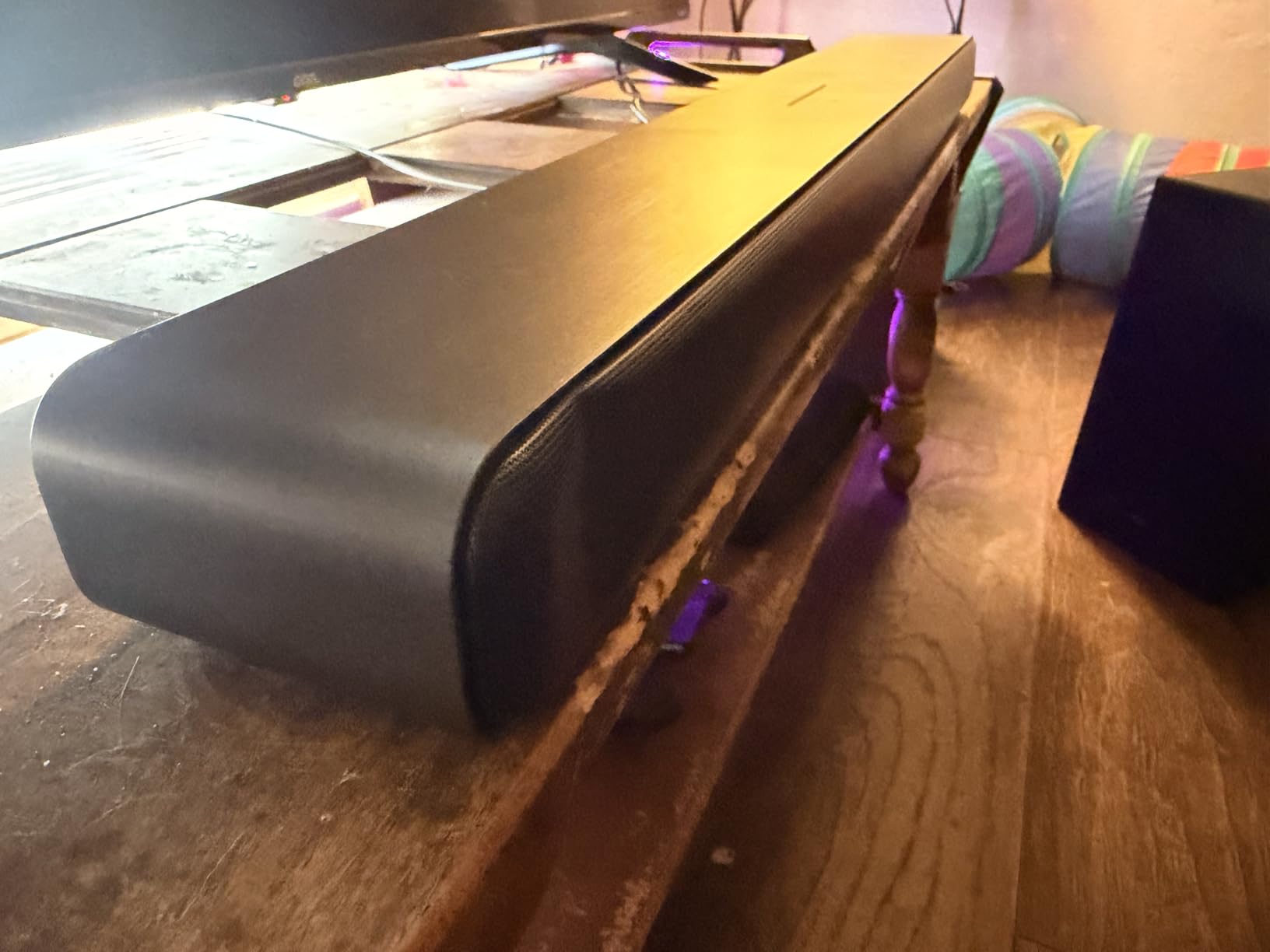
A wall-mount kit is included, which most competitors in this bracket leave out. Across 767 reviews at a 4.4 average, owners single out the wireless sub depth relative to cost, the calibration, and the flexibility of the connections.
Where 2.1 works better than you would expect
In a small room, two channels plus a subwoofer can sound more convincing than a five-channel array competing for the same space. The virtualised height layer is less noticeable at lower volumes and in rooms with a reflective ceiling, which is most ordinary living rooms.
Our guide to soundbars for small rooms goes deeper on this, but the short version is that if you sit within about eight feet of the screen, channel count matters much less than bass extension and dialogue clarity.
Where it falls short
Only 2.1 channels, so height effects are virtualised rather than produced by upward-firing drivers. The bass emphasis is tuned for smaller rooms, and in a large living space you will run out of low end well before you run out of volume.
AI Sonic calibration needs the TCL app and a one-time setup step, so it is not a fully out-of-the-box experience, and the warranty is one year manufacturer limited, which is the shortest of the Yamaha options. If you want a true height layer, look at the Bose instead.
How to Choose a Dolby Atmos Soundbar in This Budget Tier
Every bar in this roundup decodes Dolby Atmos, so the spec no longer separates them. What separates them is how the height layer is produced, how the bass is handled, and what you give up on connectivity. These seven points are the ones that actually changed my mind during testing.
Understand what the channel numbers mean
A channel count reads as front channels, then channels and a subwoofer, then height channels. So 2.1 is two front channels plus one subwoofer, 3.1 adds a dedicated centre channel for dialogue, 3.1.2 adds two upward-firing height channels, and 5.1 or 5.1 uses side or surround drivers instead of overhead ones.
The practical difference is what you hear above you. 3.1.2 and designs with upfiring transducers produce genuine overhead objects because a physical driver bounces sound off your ceiling. A 2.1 bar virtualises the same thing in software, which is convincing at low volume in a small room and much less convincing at full volume in a large one.
Tell true Atmos apart from virtual Atmos
True Dolby Atmos means physical upfiring drivers, as on the Bose with its five transducers, two of them firing upward, and the Samsung with up-firing speakers used by Game Mode Pro. Virtual Atmos means the processor synthesises the height layer from front-firing drivers, as on the Yamaha models and every 2.1 bar here.
Neither is a scam, but buyers feel misled when marketing blurries the line. Our advice is to read the driver description, not the Atmos badge. If the product page does not mention upward-firing or height drivers, the height layer is being computed.
Check the HDMI eARC requirement carefully
True Atmos from a soundbar needs an HDMI eARC or ARC connection to your television, because compressed Atmos cannot travel over optical at full quality. Connect with the supplied HDMI cable into the eARC-labelled port on the TV, not an ordinary HDMI input, or you will silently lose the height layer.
Handshake problems are the single most common support issue in soundbar forums, and they cluster around specific television brands. If your TV offers both eARC and ARC, and one behaves oddly, switching the setting in the TV menu often resolves it. Our receiver guide covers the same handshake logic in more depth.
Decide between a separate subwoofer and built-in drivers
A separate subwoofer, as on the Yamaha SR-B40A with its 6.5 inch wireless unit or the TCL S55H with its 5.5 inch wireless driver, gives you deeper bass and fine-grained placement control. It also gives you one more box to hide, one more cable, and one more thing to go wrong.
Built-in subwoofers, as on the ULTIMEA, the Yamaha SR-B30A and the Samsung, are simpler and better for apartments where boom is a problem. The Yamaha SR-B30A is the only one here with a subwoofer pre-out, so it lets you start compact and add real bass later without replacing the bar.
Set expectations on gaming features
This budget tier is not where gaming features live. None of these eight advertises a documented full-bandwidth HDMI 2.1 gaming feature set, so if you own a PS5 or Xbox Series X and want 4K at 120Hz with variable refresh rate, budget for a step up. A handful include a Game mode, and the Samsung Game Mode Pro genuinely uses the up-firing speakers for height cues.
What you can do here is reduce friction. The Fire TV Soundbar Plus, the Samsung and the ULTIMEA all turn on with the television and answer to the TV remote over CEC, so you are not hunting for a second controller mid-session. Expect no meaningful latency reduction from any of them.
Compare the apps, not just the features
The app decides how much control you keep after the box is unboxed. The Ultimea app is the most capable here with a 10-band EQ, 121 presets and 13 surround levels. The Sonos app is the smoothest for setup and multi-room, with TruePlay requiring an iPhone. The Bose, Samsung and TCL apps cover the essentials, and the Yamaha SR-B30A app is basic and often needs reconnecting.
Room calibration is worth checking before you buy, since it is what adapts a bar to a specific room. SpaceFit Sound Pro on the Samsung and AI Sonic on the TCL run automatically through their apps, while Sonos TruePlay is the most accurate but the most restricted. Forum users report app instability most often with JBL ONE and Samsung SmartThings, and neither brand appears in this roundup.
Measure your space before you order
Bars in this bracket range from 25.6 to 35.88 inches wide, and a wide bar on a narrow stand either overhangs or blocks the television sensor. A 35.88 inch bar like the Yamaha SR-B40A needs a genuinely wide cabinet, while the 25.6 inch Sonos Beam Gen 2 fits almost anywhere.
For subwoofer placement, corners give the most bass per cubic metre and shared apartment walls make that a liability. Start by pushing the sub away from one wall and measuring whether the boom is acceptable at your normal listening level. Our guide to soundbars for large rooms covers the opposite problem of a room that swallows the output.
Frequently Asked Questions
What is the best Dolby Atmos soundbar under a budget?
The ULTIMEA Poseidon M60 is the best overall option in this price tier because it is the only one here with a real 5.1 channel layout, side-firing drivers and an included 5.25 inch wired subwoofer, at 300W peak output. The Sonos Beam Gen 2 is the premium alternative for compact design and ecosystem growth, and the Yamaha SR-B40A wins on bass with a wireless 6.5 inch subwoofer.
What is the best affordable Dolby Atmos soundbar?
The Amazon Fire TV Soundbar Plus is the most affordable route into Atmos with a built-in subwoofer, a dedicated centre dialogue channel and DTS:X decoding in one all-in-one unit. If your budget is tighter, the TCL S55H adds a wireless subwoofer and the widest input selection, including optical, AUX and USB.
Is it worth getting a soundbar with Dolby Atmos?
Yes, because Dolby Atmos adds an overhead dimension that TV speakers physically cannot produce, using upward-firing drivers to bounce sound off your ceiling. True Atmos uses those physical drivers, while virtual Atmos synthesises the height layer in software. Streaming services carry Atmos content widely, so you will hear the difference within the first film you watch.
Which Dolby Atmos soundbar is the best for a small room?
In a small room, a 2.1 or 3.1 layout is often enough, and dialogue clarity matters more than channel count. The Yamaha SR-B30A with two built-in subwoofers and Clear Voice handles quiet dialogue well without a separate box, while the TCL S55H suits a bedroom with a wireless sub and a low-profile bar.
Do I need HDMI eARC for a Dolby Atmos soundbar?
You need HDMI eARC or ARC for true Dolby Atmos, because the height layer cannot be carried over optical in full quality. Plug the supplied HDMI cable into the eARC-labelled port on your television rather than a standard HDMI input, or you may lose the overhead effects without any warning message.
Can a soundbar replace a surround sound system?
For rooms up to a large living room, a soundbar with a wireless subwoofer covers most of what a speaker system delivers at a fraction of the effort. A dedicated system still wins on precise channel control and separates rear audio physically, and a receiver with passive speakers is worth exploring if you want upgrade headroom over several years.
What does 5.1.2 mean on a soundbar?
The first number is front channels, the second is a subwoofer channel, and the last is the count of upward-firing height channels. So 5.1.2 means five main channels, one subwoofer and two height channels, which is the closest this budget tier comes to the object-based mixing of a cinema system.
Final Recommendations by Use Case
The ULTIMEA Poseidon M60 is the pick if you want the most real channel layout and the most control per pound, and it stays my recommendation for the best Dolby Atmos soundbars under 500 dollars for most homes in 2026. Buy the Sonos Beam Gen 2 for the best dialogue and a compact body that grows into a full surround system. Buy the Yamaha SR-B40A for bass, the Yamaha SR-B30A for warmth and clear speech, and the Bose for genuine upward-firing height effects in the slimmest enclosure here.
For Fire TV households, the Amazon Fire TV Soundbar Plus removes remote friction better than anything else in the bracket. For Samsung Q-series owners, the HW-S60D adds real value through Q-Symphony. For a bedroom or a first apartment setup, the TCL S55H delivers a wireless sub and the widest input choice at the lowest entry point. Whichever you pick, connect through the eARC port first and give it a week of use before tuning anything.