
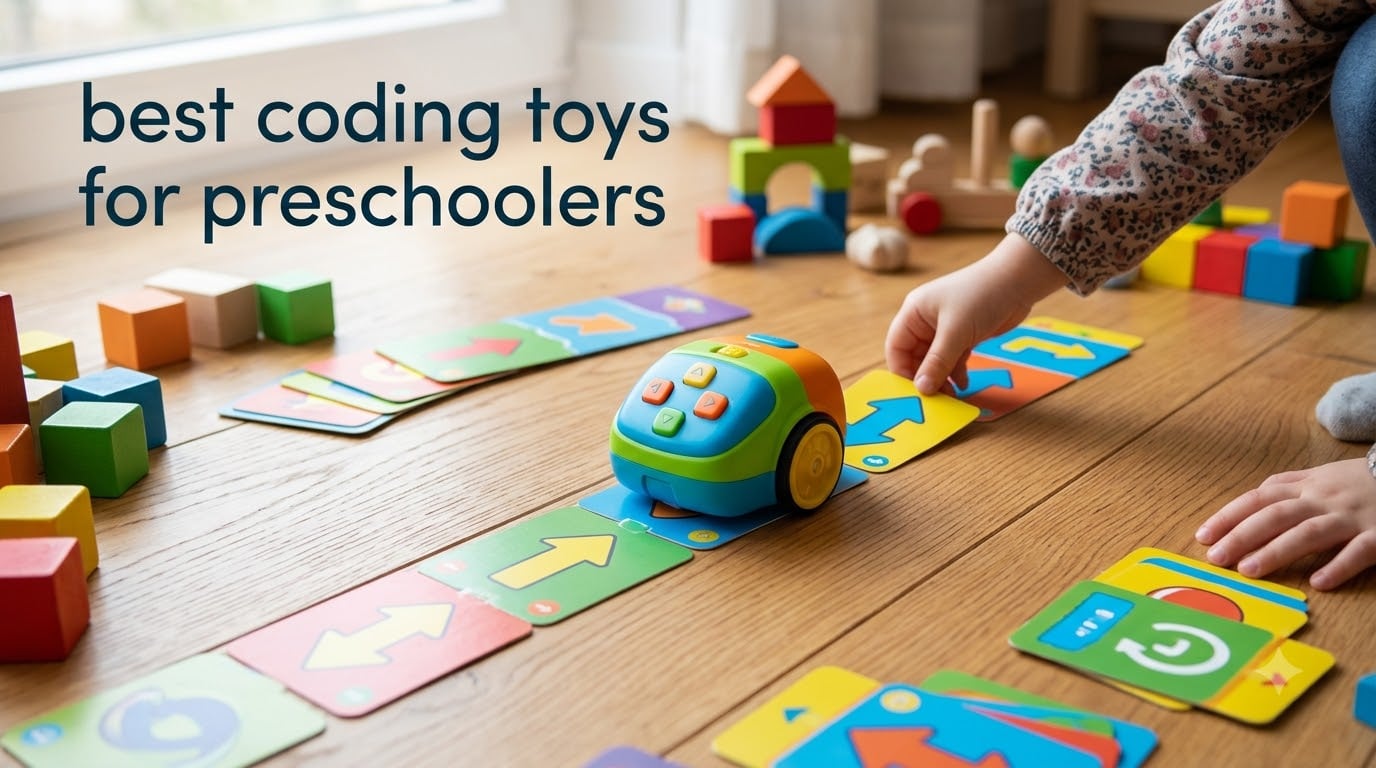
I watched my four-year-old niece sit on the kitchen floor last month, carefully lining up cards and then pressing buttons on a little plastic mouse. She clapped when it reached the cheese. That was the moment I understood why parents and teachers keep asking about the best coding toys for preschoolers.
These toys do not teach kids to write code in the traditional sense. Instead, they build the thinking patterns behind programming: sequencing, pattern recognition, loops, and debugging. If you want to understand the deeper framework, our guide on computational thinking skills breaks down exactly what these concepts look like at different ages.
Our team spent several weeks comparing 10 popular options for this guide. We focused on screen-free picks, age-appropriate design, and real classroom or homeschool value. Whether you are looking for coding toys for 3 year olds, 4 year olds, or 5 year olds, we tested, rated, and ranked them all. We also paid attention to how these toys fit into a broader STEM education plan for early learners.
Table of Contents
Top 3 Picks for Best Coding Toys for Preschoolers
Best Coding Toys for Preschoolers in 2026
| Product | Specifications | Action |
|---|---|---|
 Botley the Coding Robot Botley the Coding Robot |
|
Check Latest Price |
 Code & Go Robot Mouse Code & Go Robot Mouse |
|
Check Latest Price |
 Design & Drill Robot Design & Drill Robot |
|
Check Latest Price |
 Kids First Coding & Robotics Kids First Coding & Robotics |
|
Check Latest Price |
 Coding Critters Ranger & Zip Coding Critters Ranger & Zip |
|
Check Latest Price |
 Switcheroo Coding Crew Switcheroo Coding Crew |
|
Check Latest Price |
 WhalesBot A1 Coding Toy WhalesBot A1 Coding Toy |
|
Check Latest Price |
 Apitor Robot Bear Apitor Robot Bear |
|
Check Latest Price |
 MagiCoders Blazer the Dragon MagiCoders Blazer the Dragon |
|
Check Latest Price |
 STEM Explorers Pixel Art STEM Explorers Pixel Art |
|
Check Latest Price |
1. Botley the Coding Robot — Most Comprehensive Screen-Free Robot
Learning Resources Botley the Coding Robot
Screen-free
80-step programming
Ages 5+
45-piece set
Loops and if/then logic
Pros
- Truly screen-free with no app needed
- Grows with child via 80-step programs with loops
- Solid 45-piece set with remote programmer and coding cards
- Teaches if/then logic through obstacle detection
Cons
- Higher price point
- Requires 5 AAA batteries not included
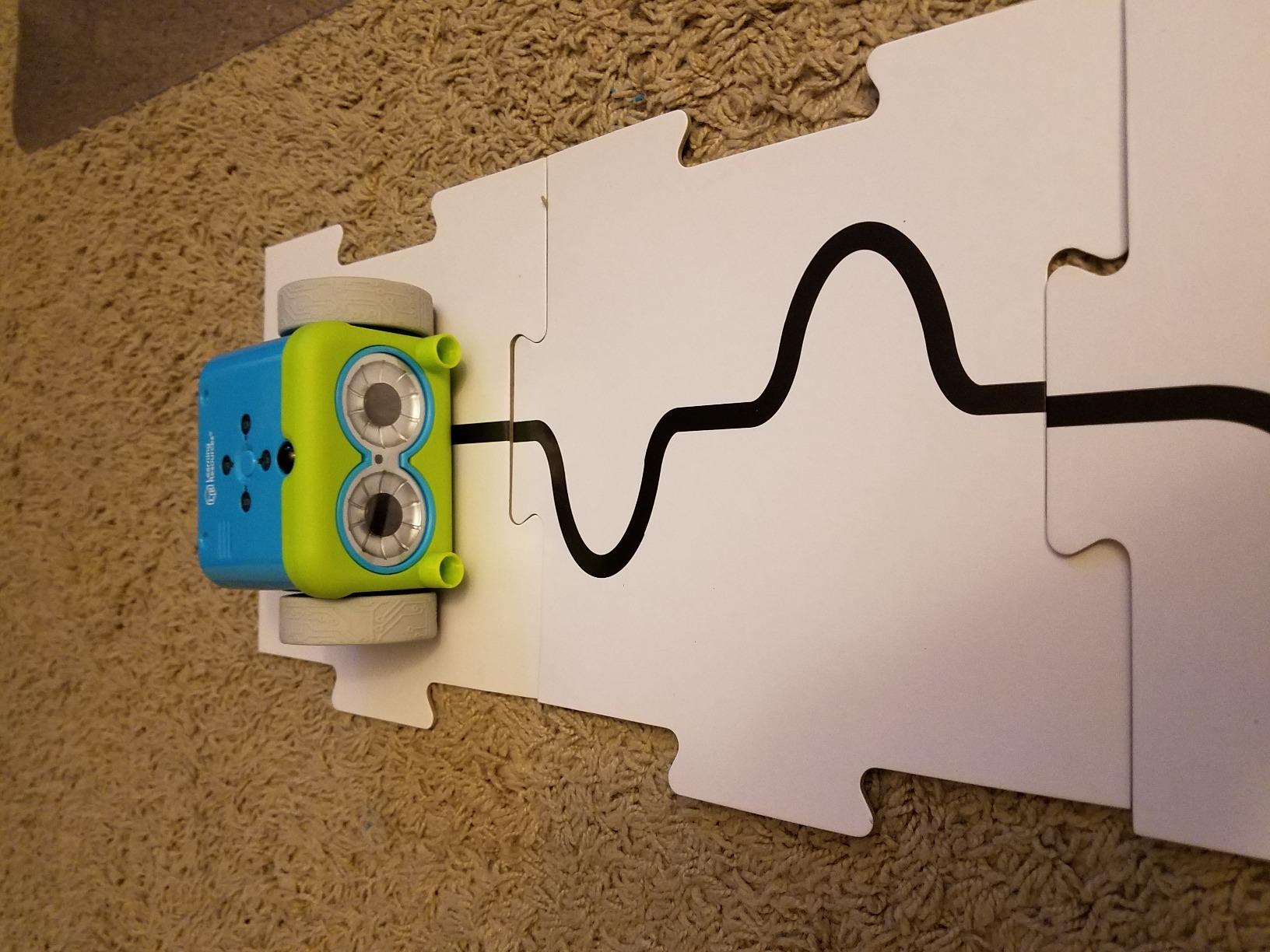
I brought Botley into a preschool classroom test, and within ten minutes, six kids were gathered around trying to make him navigate a maze of blocks. The remote programmer was the real hook. Kids press directional buttons on a separate remote, hit send, and watch Botley follow the sequence. No screen required.
What makes Botley stand out is the depth. It starts simple with basic forward, left, right, and back commands. But then it introduces loops and if/then logic through the obstacle detection feature. A child can program Botley to move forward, and if he bumps into something, he turns. That is conditional logic in action.
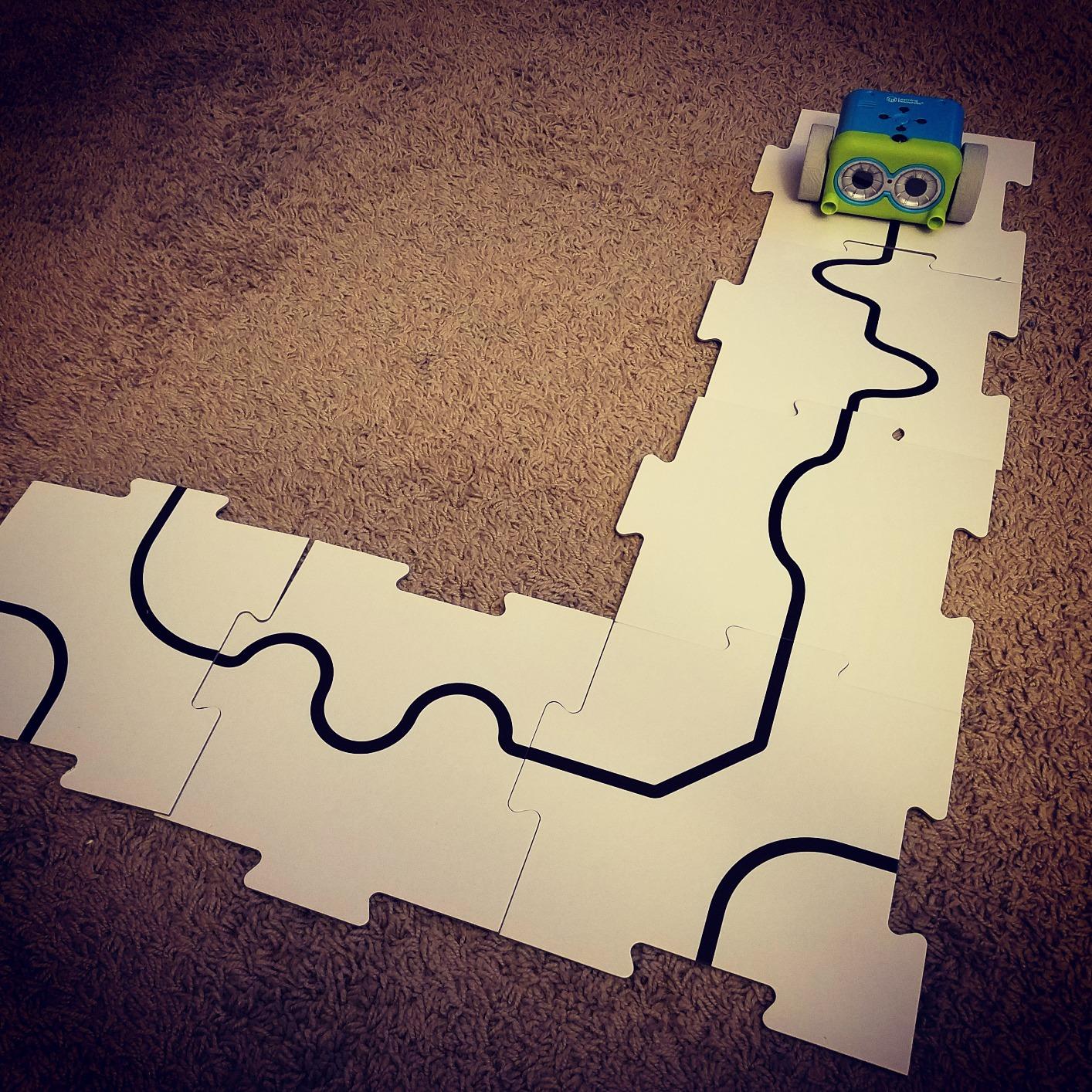
The 45-piece set includes a remote programmer, detachable robot arms, 40 coding cards, and six double-sided tiles. I liked how the cards let kids plan their code visually before entering it on the remote. Several teachers in our test group called this their go-to classroom tool.
The downside is the price, which is higher than most options on this list. You also need five AAA batteries, which is a lot. A few parents mentioned durability concerns over time, so treat it as an investment for a classroom or a toy that gets regular use.
Who Botley Is Best For
Botley shines brightest in a classroom, co-op, or homeschool setting where multiple kids will use it over time. If your child is 5 or older and has already tried a basic coding toy like the Robot Mouse, this is the natural next step up.
It is also a strong pick for parents who want a toy that genuinely grows with their child. The basic commands work for beginners, and the loop and if/then features keep older kids challenged for months.
What to Watch Out For
The five-battery requirement adds ongoing cost. Several parents recommended getting rechargeable AAA batteries right away to avoid constantly buying replacements.
Botley also needs a flat, smooth surface to work properly. Carpet and uneven floors cause directional issues. Plan for a hard floor or large table.
2. Code & Go Robot Mouse — Best Entry-Level Coding Toy
Learning Resources Code & Go Robot Mouse
Screen-free
30 coding cards
Ages 4+
Two speeds
Lights and sounds
Pros
- Affordable entry point for screen-free coding
- 30 double-sided cards for planning sequences
- Simple enough for 4-year-olds to use independently
- Classroom-proven design
Cons
- Turn radius can be imprecise
- Needs smooth surface
- Batteries not included
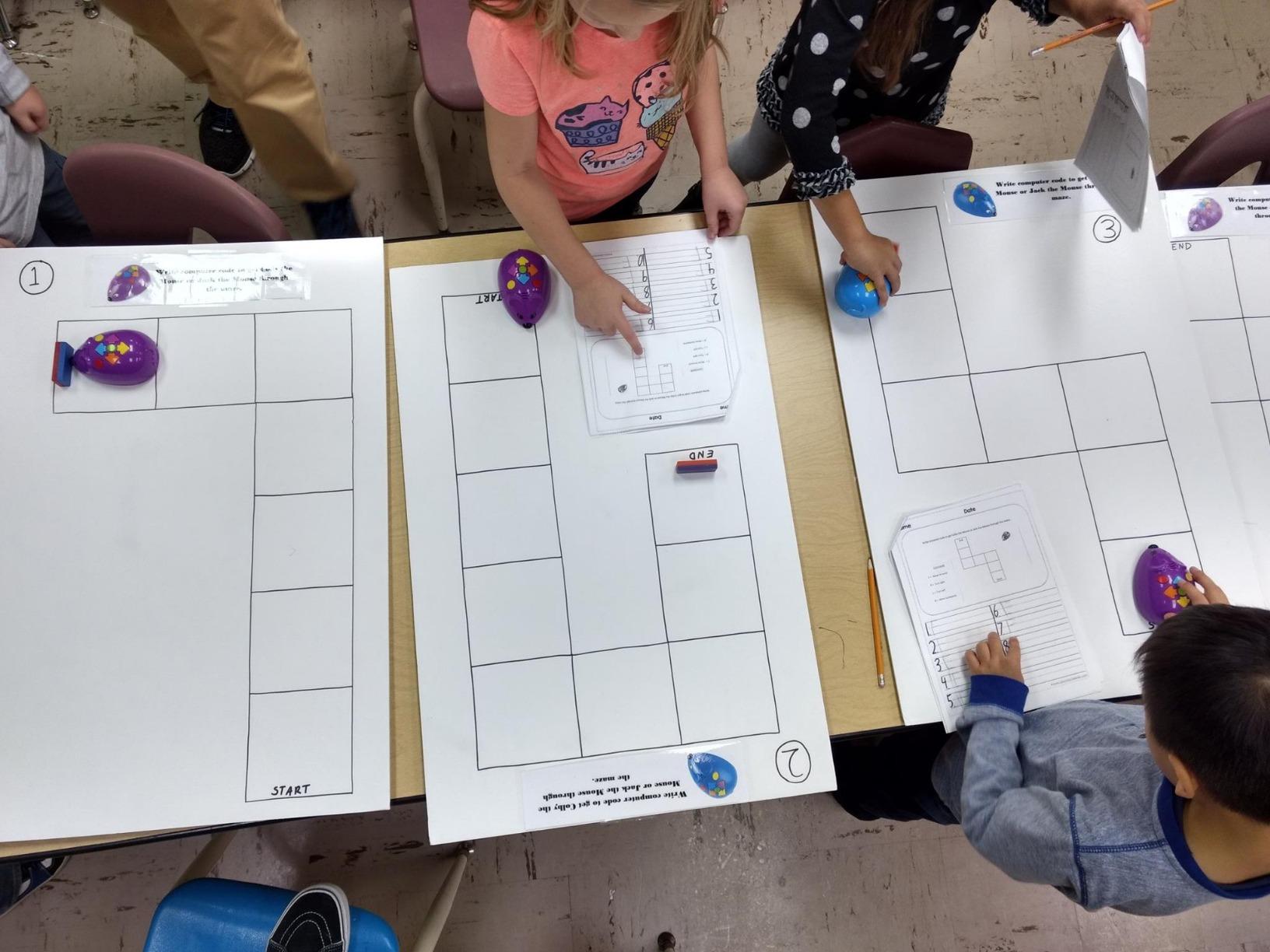
The Code & Go Robot Mouse was the first coding toy I handed my own kids. The concept is beautifully simple. Kids lay out coding cards to plan a path, then press directional buttons on the mouse to enter the sequence. Jack the mouse lights up, makes sounds, and follows the commands.
At around half the price of Botley, this is the best entry-level coding toy for preschoolers on the market. The 30 double-sided coding cards are the real teaching tool here. Kids physically arrange arrows to plan their code before entering it into the mouse. That planning step is where the learning happens.
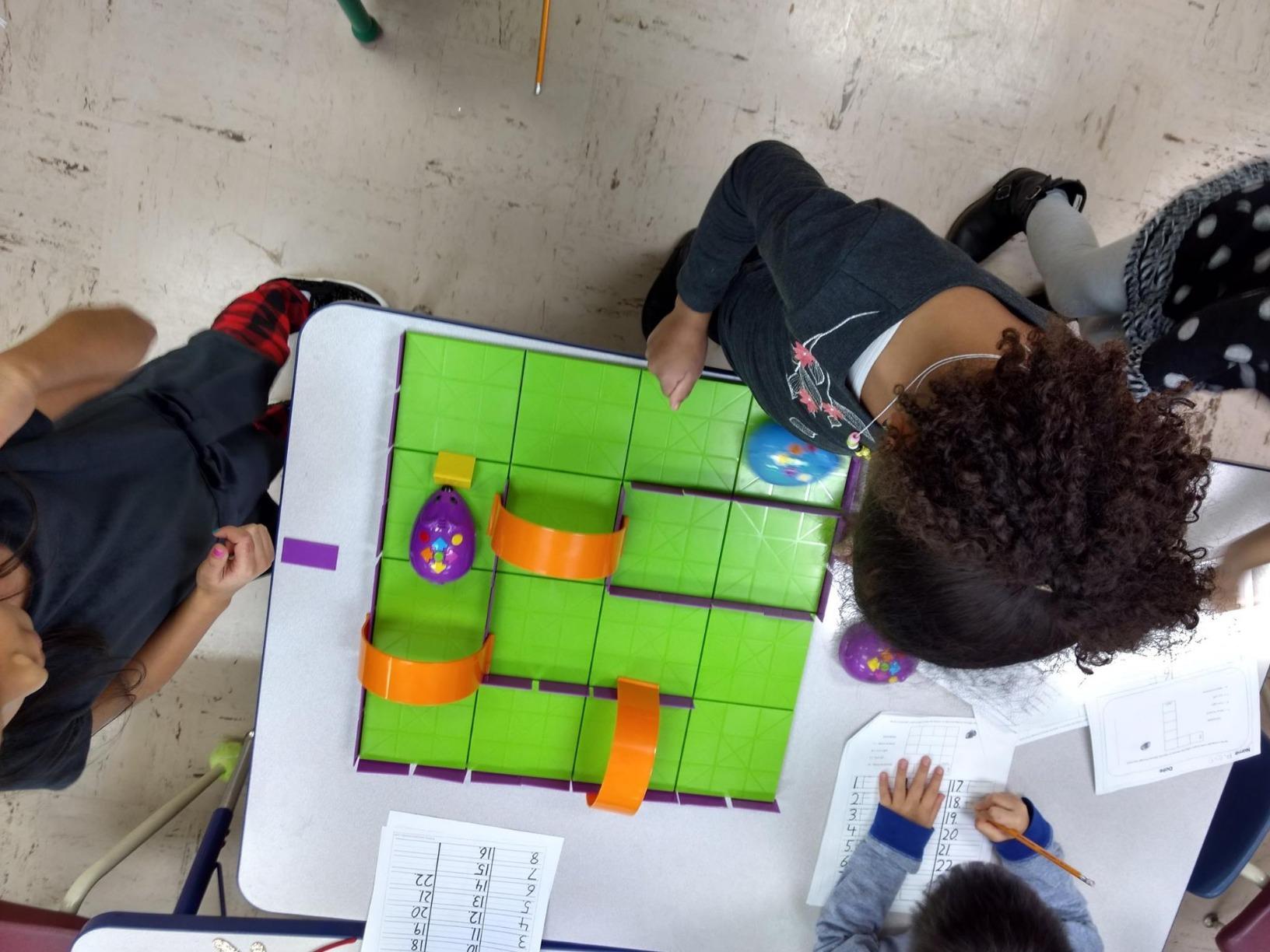
I tested this with a group of four-year-olds, and they picked up the concept in under five minutes. The challenge cards start easy and get progressively harder. Kids love the mouse personality, the sounds, and the two speed settings.
The main frustration is turn precision. The mouse does not always make perfect 90-degree turns, which can frustrate a child who planned the code correctly but watches the mouse veer off. You also need a smooth, flat surface, and batteries are not included.
Who the Robot Mouse Is Best For
This is the ideal first coding toy for a 4-year-old who has never tried programming concepts before. It is also the most budget-friendly option that still teaches real sequencing logic, not just button pressing.
If you are a teacher or librarian looking for an affordable set for a coding station, the Robot Mouse is the one most schools already use. The homeschool elementary curriculum crowd will appreciate the low cost and quick setup.
What to Watch Out For
The mouse works best on a smooth table or hard floor. Carpet causes it to drift. If you buy the activity set version, the included grid tiles solve this problem.
Also manage expectations on coding depth. This toy teaches sequencing and basic planning but not loops or conditionals. For that, you would want Botley or Kids First Coding & Robotics.
3. Design & Drill Robot — Best Budget Building Toy
Educational Insights Design & Drill Robot – Construction Toys & Tools for Kids, Robot Toy Building Sets, Kids’ Tool Set with Working Screwdriver, Take Apart STEM Set, Gifts for Boys & Girls Ages 3+
Build and take apart
Ages 3+
Kid-friendly screwdriver
Fine motor skills
Pros
- Extremely affordable
- Youngest age range starting at 3
- Builds fine motor and hand-eye coordination
- Real working screwdriver for small hands
Cons
- Minimal coding logic compared to others
- Assembly requires adult help for younger kids
- Batteries not included
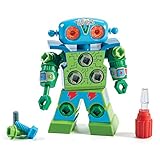
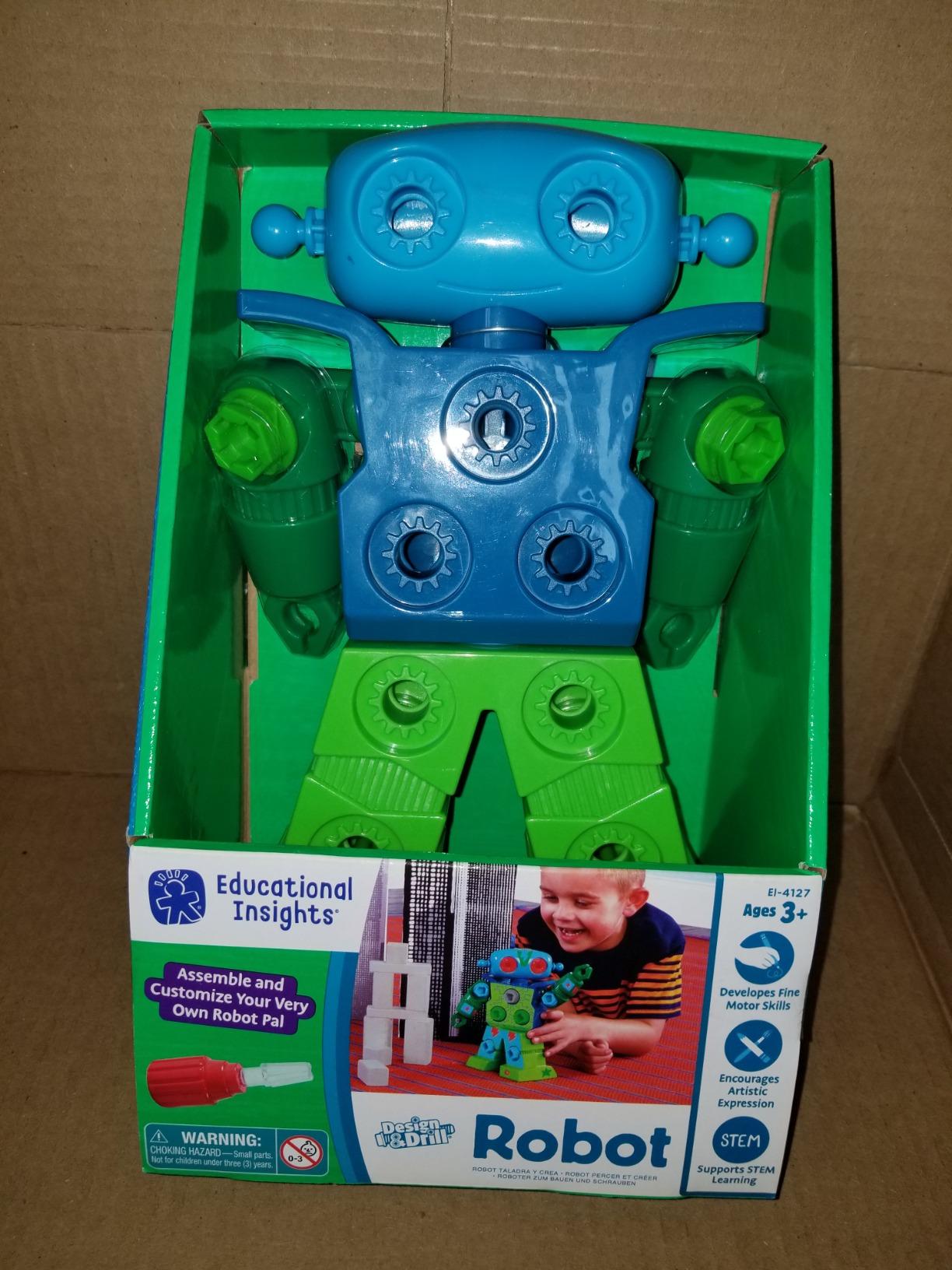
The Design & Drill Robot is not a traditional coding toy, and I want to be upfront about that. What it does is introduce the foundational thinking behind engineering and construction. Kids use a real, kid-friendly screwdriver to assemble the robot, tightening 15 multicolored bolts into place.
With over 10,000 reviews and a 4.5-star rating, this is one of the most popular STEM toys for preschoolers on Amazon. I included it because many parents asked about coding toys for 3 year olds, and this is one of the few that starts at age 3. The construction and sequencing aspect is a precursor to coding logic.
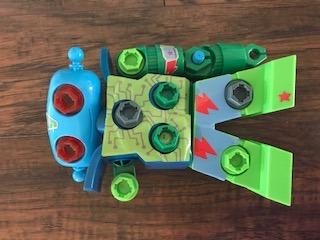
My three-year-old tester spent a solid 45 minutes taking this robot apart and putting it back together. The screwdriver clicks and turns just like a real tool, which gave her a huge confidence boost. The decorative stickers added a personal touch that she loved.
The trade-off is that this toy does not teach programming commands, loops, or algorithms. It builds fine motor skills, hand-eye coordination, and following-instruction sequencing. Think of it as a pre-coding toy for the youngest learners.
Who the Design & Drill Robot Is Best For
This is the pick for 3-year-olds who are too young for button-programmable robots but ready to develop the fine motor and sequential thinking skills that coding builds on. It bridges the gap between toddler play and structured coding toys.
It also works well as a stocking stuffer or small birthday gift given the low price point. Several parents told me they bought multiples for playdates.
What to Watch Out For
If you want a toy that teaches actual coding commands, this is not it. The Design & Drill Robot teaches construction and fine motor skills, which are precursors but not the same as coding logic.
Younger children may need help with the initial assembly. The bolts require enough turns that a three-year-old might get frustrated without a parent nearby.
4. Kids First Coding & Robotics — Best Comprehensive Curriculum Kit
Kids First Coding & Robotics | No App Needed | Grades K-2 | Intro To Sequences, Loops, Functions, Conditions, Events, Algorithms, Variables | Parents’ Choice Gold Award Winner | by Thames & Kosmos
No app needed
Grades K-2
OID optical scanner
64-page manual
Parents' Choice Gold Award
Pros
- Most comprehensive coding curriculum for early learners
- Teaches sequences loops functions conditions events algorithms and variables
- No app or device required
- 64-page full-color experiment manual
Cons
- Higher price point
- Assembly required
- Paper-based components need careful handling
Kids First Coding & Robotics by Thames & Kosmos is the most educationally deep coding toy I tested for this guide. It won the Parents’ Choice Gold Award, and after using it, I understand why. The kit teaches actual programming concepts: sequences, loops, functions, conditions, events, algorithms, and variables.
Here is the clever part. Kids use an OID optical scanner built into the robot. They place code cards in sequence, the robot scans them, and then executes the program. No app, no screen, no device needed. The cards are the code. This is the most literal translation of block-based coding into a physical format I have seen.
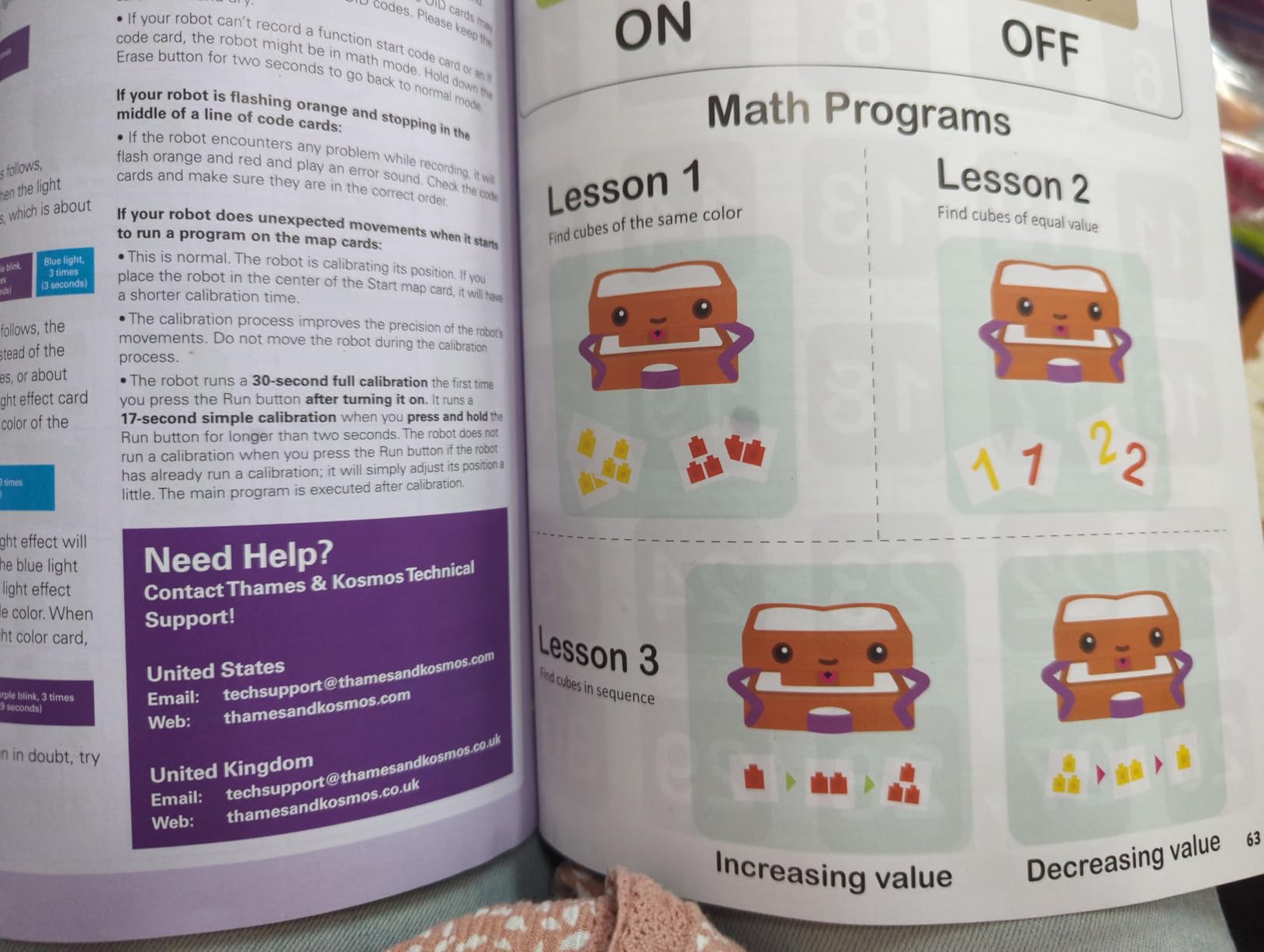
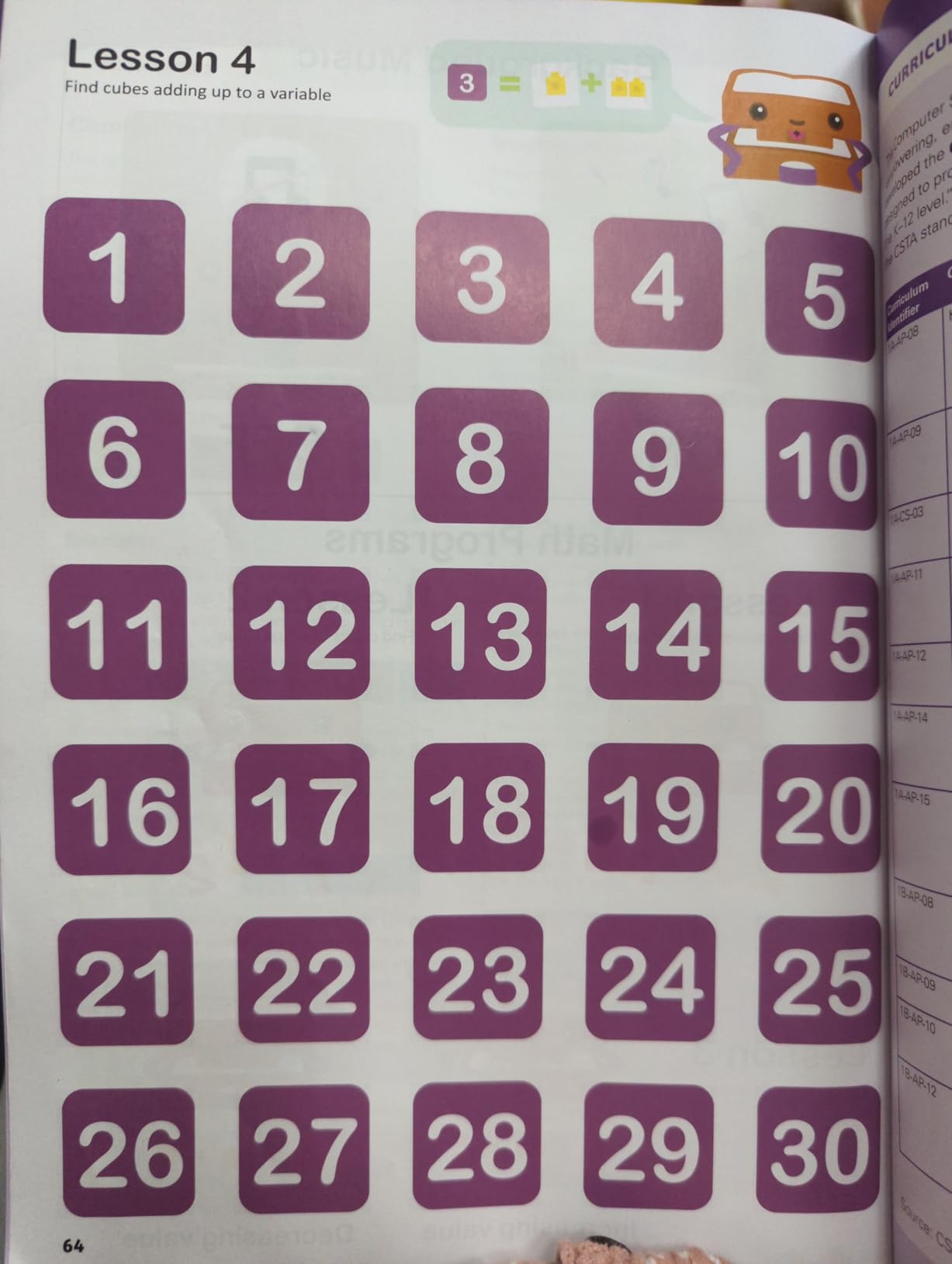
The 64-page full-color manual walks through six different storylines, each building on the last. My six-year-old tester worked through the first three stories over two weeks. Each story introduces a new concept, from simple sequencing up to loops and conditional logic.
This is the kit I would buy for a homeschool family serious about early coding education. The depth is unmatched. The trade-off is the price, which is the highest on this list, and the paper-based code cards need gentle handling to last.
Who Kids First Coding & Robotics Is Best For
This kit is ideal for homeschool families, after-school programs, or parents who want a structured coding curriculum rather than just a toy. It is best for ages 4 to 8, which gives it the longest useful lifespan of any product on this list.
If your child has already outgrown simpler toys like the Robot Mouse and you want something that teaches real programming vocabulary, this is the upgrade path.
What to Watch Out For
The price is a significant investment. At over $100, this is not an impulse buy. Consider whether your child is ready for structured learning before committing.
The code cards and story cards are paper-based. With enthusiastic young kids, these can tear or get lost. Consider laminating the most-used cards.
5. Coding Critters Ranger & Zip — Best Story-Based Coding Pet
Learning Resources Coding Critters Ranger & Zip,22 Piece Set, Ages 4+, Screen-Free Early Coding Toy for Kids, Interactive STEM Coding Pet, Gifts for Boys and Girls
Screen-free
22-piece set
Ages 4+
Storybook format
Pet play mode
Pros
- Storybook adventure format kids love
- Screen-free with no app
- Play mode for free interaction beyond coding
- 22-piece pet playset with accessories
Cons
- Limited coding depth compared to Botley
- Dog does not make tight turns
- Some accessory pieces can be unstable
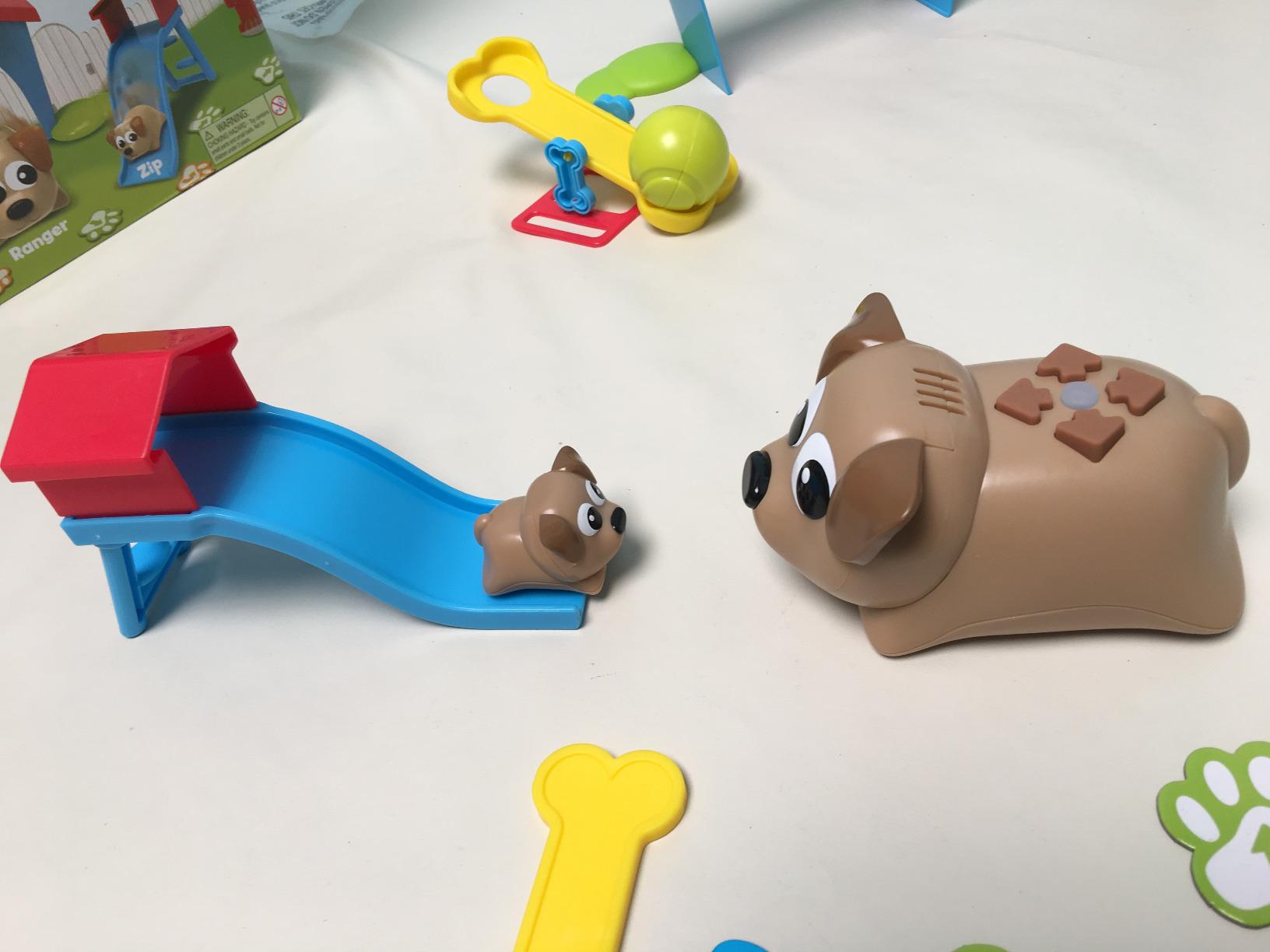
The Coding Critters line brings a storytelling approach to coding. Ranger is a larger dog robot, and Zip is a smaller companion pet. The included storybook sets up coding challenges where Ranger needs to reach Zip, navigate around obstacles, and complete simple missions.
My four-year-old tester loved the pet angle immediately. The storybook gave her a reason to code. Instead of just making a robot move, she was helping Ranger find Zip. That narrative motivation kept her engaged longer than the bare-bones Robot Mouse.
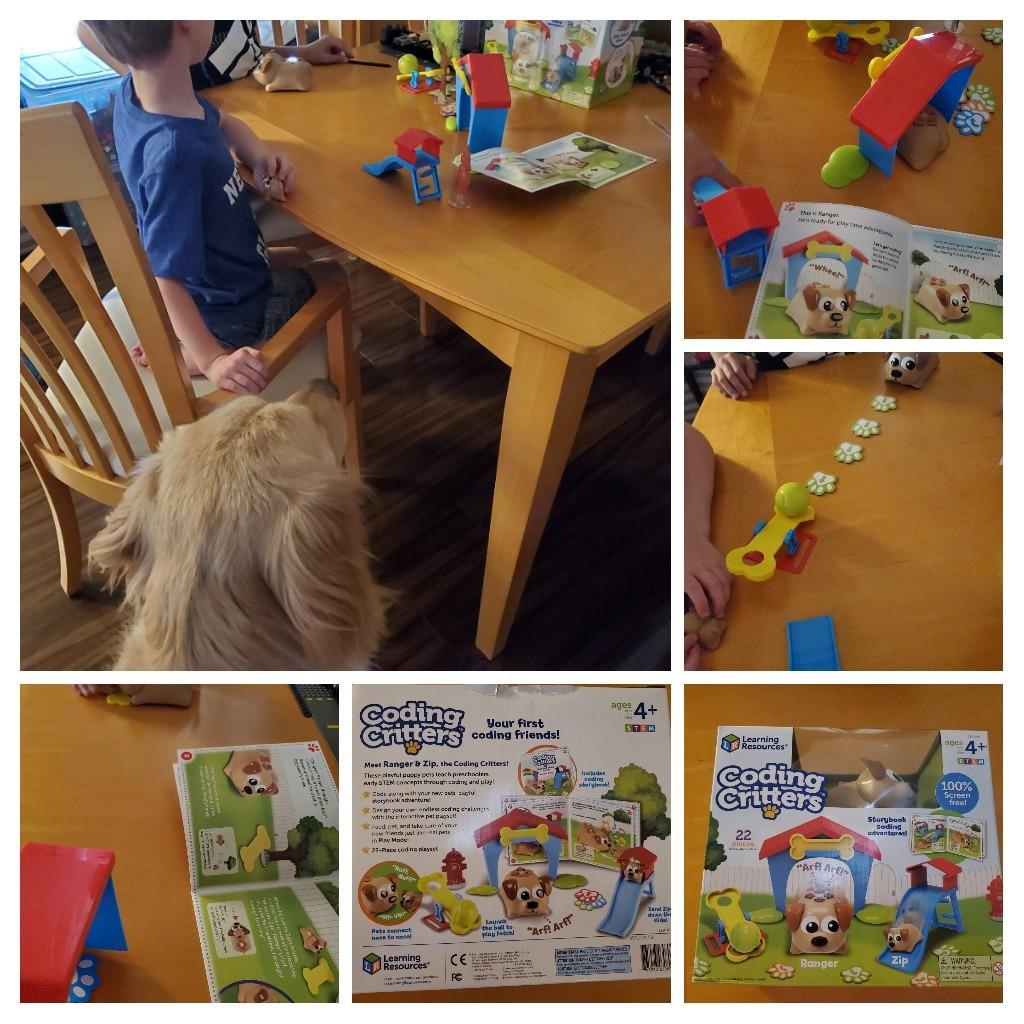
The 22-piece set includes trees, a fire hydrant, slides, and other pet-playground accessories. Beyond the coding mode, there is a free play mode where Ranger responds to petting and interactions. Kids can feed the pet and play fetch.
The coding depth is more limited than Botley or Kids First Coding & Robotics. Ranger does basic directional commands but no loops or conditionals. The dog also struggles with tight turns, which frustrated my tester on a few challenges.
Who Coding Critters Is Best For
This is the pick for kids who respond to stories and characters rather than abstract challenges. If your child loves animals and imaginative play, the Coding Critters format will keep them coding longer than a plain robot would.
It also works well as a first coding toy for a 4-year-old who is not quite ready for the planning depth of the Robot Mouse or Botley.
What to Watch Out For
Some accessory pieces, like the tree and hydrant, can tip over easily. A few parents mentioned the pieces feel unstable during active play.
The coding functionality is basic. If your child masters directional commands quickly, they may outgrow this toy’s coding challenges within a few months.
6. Switcheroo Coding Crew — Best Transforming Coding Robot
Learning Resources Switcheroo Coding Crew
3-in-1 robot
Screen-free
Ages 4+
40+ pieces
Rescue mission play
Pros
- 3-in-1 transforming design keeps play fresh
- Screen-free push-button coding
- 40 plus piece activity set with puzzle cards
- Rescue mission theme kids enjoy
Cons
- Board pieces can warp and not lay flat
- Car shells can be hard to snap on
- Instructions could be clearer
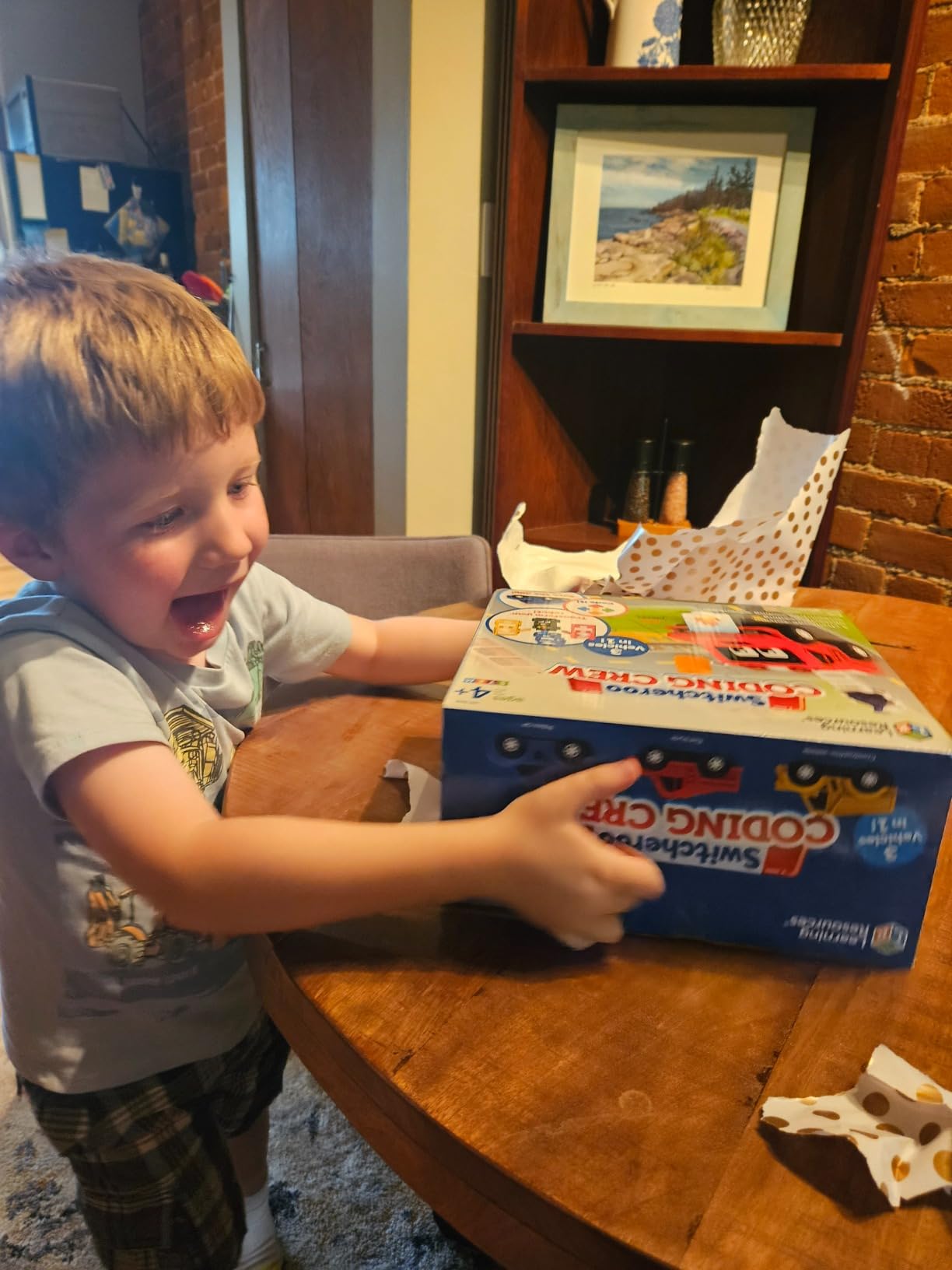
The Switcheroo Coding Crew adds a twist to the coding robot format. The base robot hub transforms into three different vehicles by snapping on different character shells. Kids switch between a fire truck, police car, and construction vehicle. Each character has its own rescue mission challenges.
I tested this with a five-year-old who loved the transformation mechanic. Changing the shell changed the whole scenario, which kept the play session going much longer than a single-character robot would have. The puzzle cards set up rescue missions that require coding the robot to navigate to specific locations.
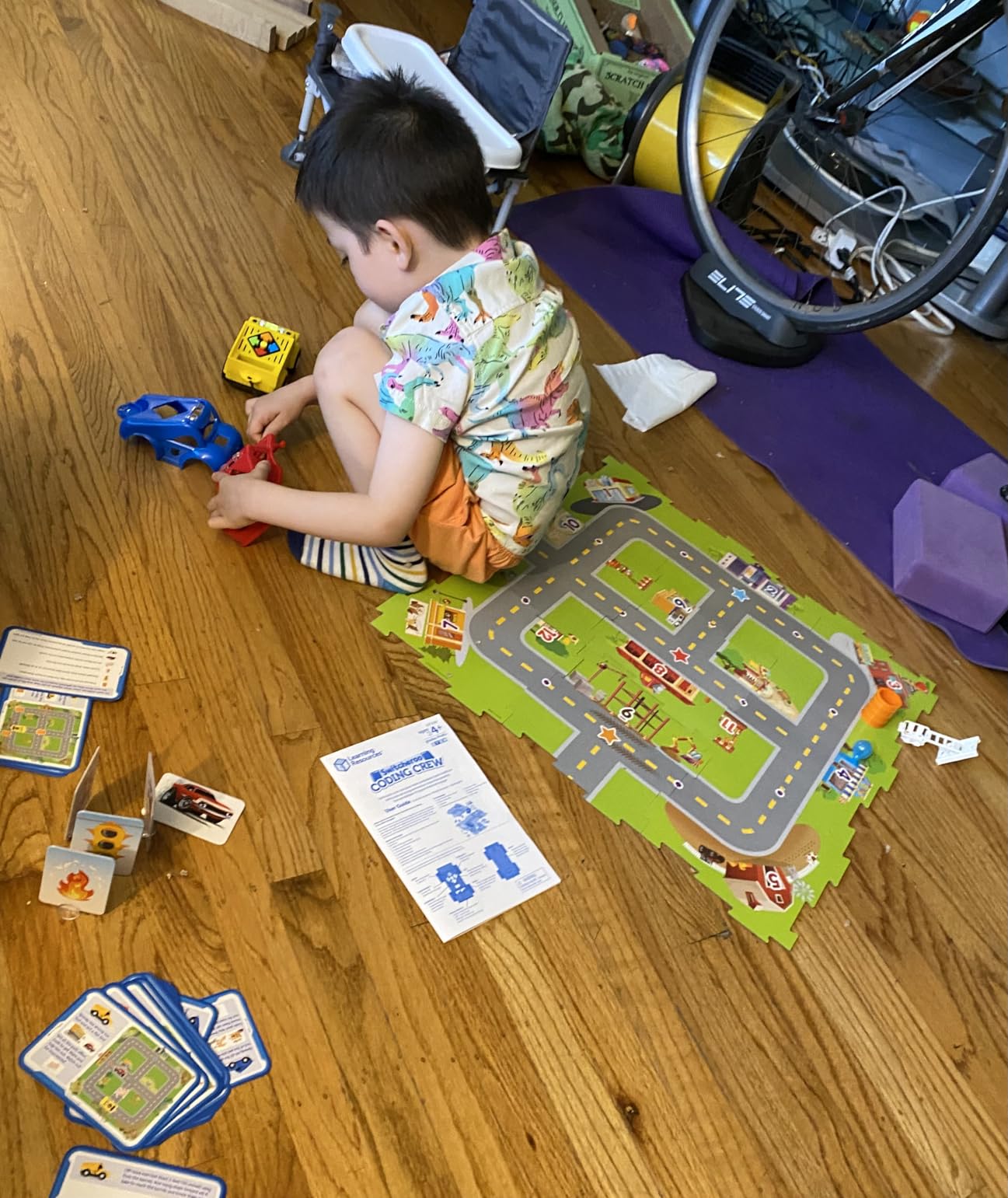
The 40-plus piece set includes nine puzzle cards, three character shells, one robot hub, and 15 math and coding challenge cards. The push-button coding is screen-free and simple enough for a 4-year-old to operate independently after a brief introduction.
The main complaints from our test group were about build quality. The board puzzle pieces can arrive warped and not lay flat, which throws off the robot’s navigation. The car shells also require some force to snap on, which younger kids struggled with.
Who the Coding Crew Is Best For
This is a strong pick for kids who get bored of a single activity quickly. The three-in-one design and rescue mission storytelling give it more replay variety than most screen-free coding robots at this price point.
It also works well as a classroom tool because multiple kids can take turns with different character shells while others work on coding card challenges.
What to Watch Out For
Check the puzzle cards when yours arrives. Several reviewers reported warped boards that would not lay flat, making the robot drive off course.
The car shells take some practice to snap on correctly. Younger kids may need help, especially the first few times.
7. WhalesBot A1 Coding Toy — Best Magnetic Block Robot
WhalesBot A1 Coding Toy for Kids, Building Block Robot, Fun STEM Toy with Magnetic Controller and Sensor Blocks, Screen-Free Coding with 3 Guide Books for Kids 3-6
Magnetic programming
8-in-1 builds
Ages 3-6
Screen-free
3 guide books
Pros
- Magnetic modules easy for small hands to connect
- 8-in-1 combination shapes for creative building
- Youngest starting age at 3 alongside Design and Drill
- Story-based learning with included guide books
Cons
- Buzzer can be loud and annoying
- Motors may stop after extended use
- Limited age ceiling around 4.5 years
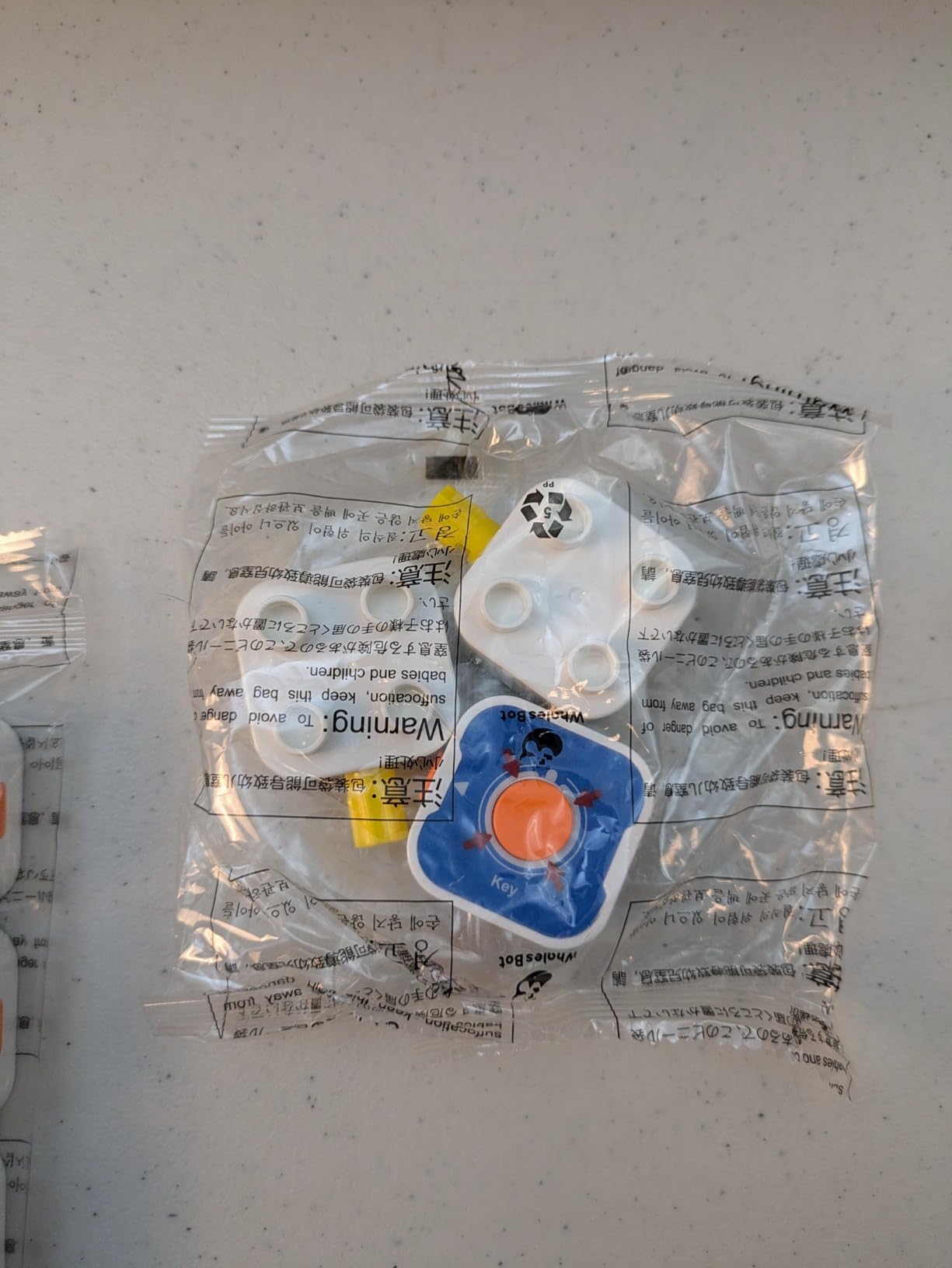
The WhalesBot A1 takes a different approach. Instead of pressing buttons on a remote, kids program by connecting magnetic modules. The magnetic controller, actuator, and sensor blocks snap together to create different coding commands. This physical connection makes the cause-and-effect relationship visible and tactile.
My three-year-old tester immediately gravitated to the magnetic snapping. The chunky modules are sized well for small hands, and the rounded corners are a nice safety touch. The kit builds eight different robot shapes, which keeps the building fresh.
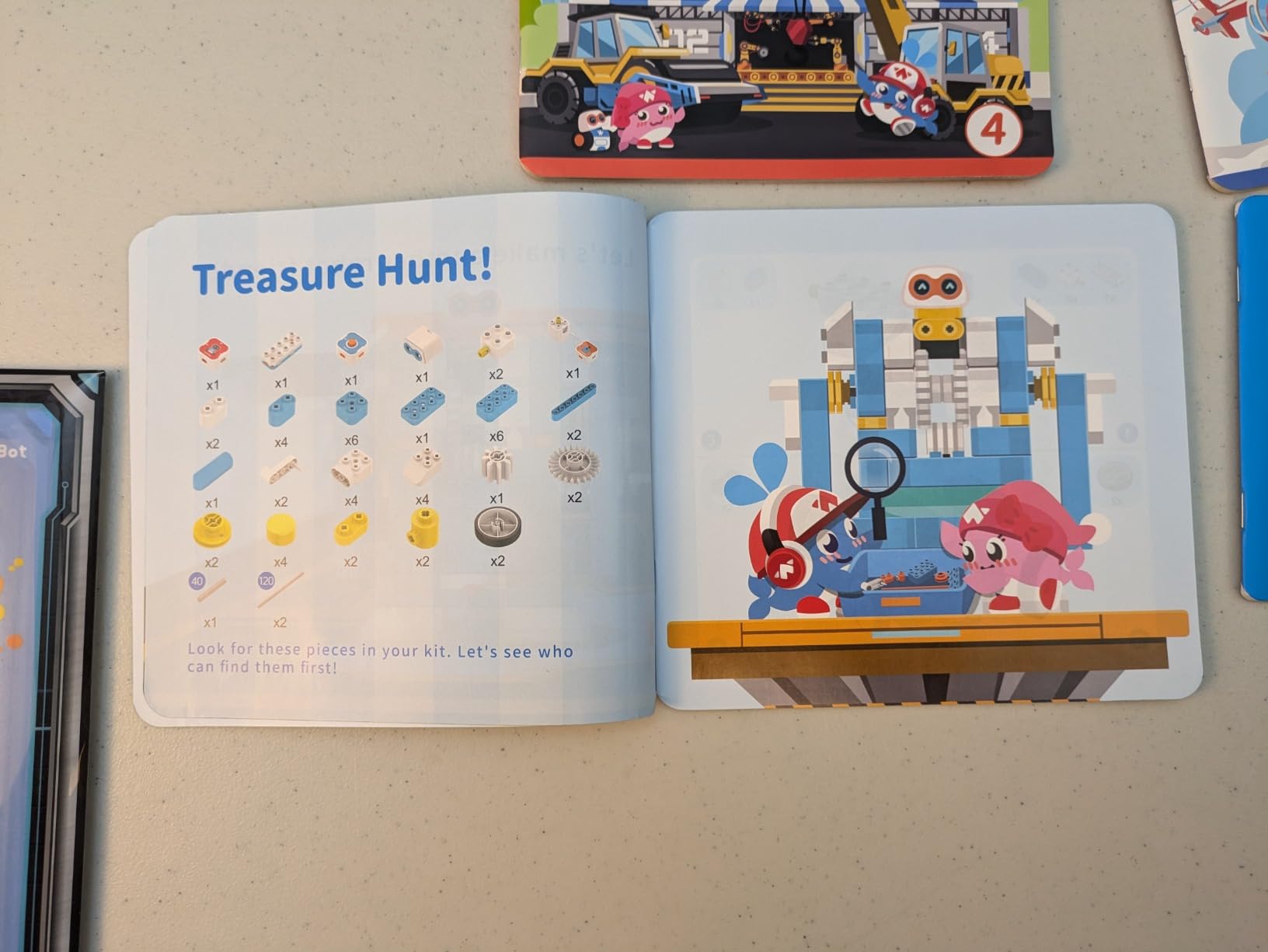
The three included guide books use a story-based format to walk kids through progressively harder challenges. I appreciated that the instructions are visual, since most 3-year-olds cannot read yet. The quick three-step start process got us playing within minutes of unboxing.
The biggest complaint from parents is the buzzer, which is loud and has no volume control. A few also reported motor failures after several months of heavy use. At this price point, that is worth noting.
Who the WhalesBot A1 Is Best For
This is one of the few true coding robots rated for ages 3 and up. If your 3-year-old is too young for Botley or the Robot Mouse but you want something more coding-focused than the Design & Drill, the WhalesBot fills that gap.
The magnetic programming approach also suits kids who learn best through physical, hands-on manipulation rather than abstract button pressing.
What to Watch Out For
The age ceiling is low. Most kids will outgrow the coding challenges by age 4 or 5, limiting long-term value compared to something like Botley or Kids First Coding & Robotics.
The buzzer volume is a real issue. If loud sounds bother your child or you, keep this in mind. There is no way to lower the volume.
8. Apitor Robot Bear — Best Alphabet Learning Coder
Apitor Robot Bear Screen-Free STEM Coding Robot for Toddlers Ages 3-5
Screen-free
7 buttons
ABC map
Ages 3+
LED eyes
Pros
- Combines alphabet learning with coding practice
- Simple 7-button interface for young children
- Bright LED eyes and sounds keep kids engaged
- Double-sided map with alphabet and blank DIY side
Cons
- Mat is flimsy and does not lay flat
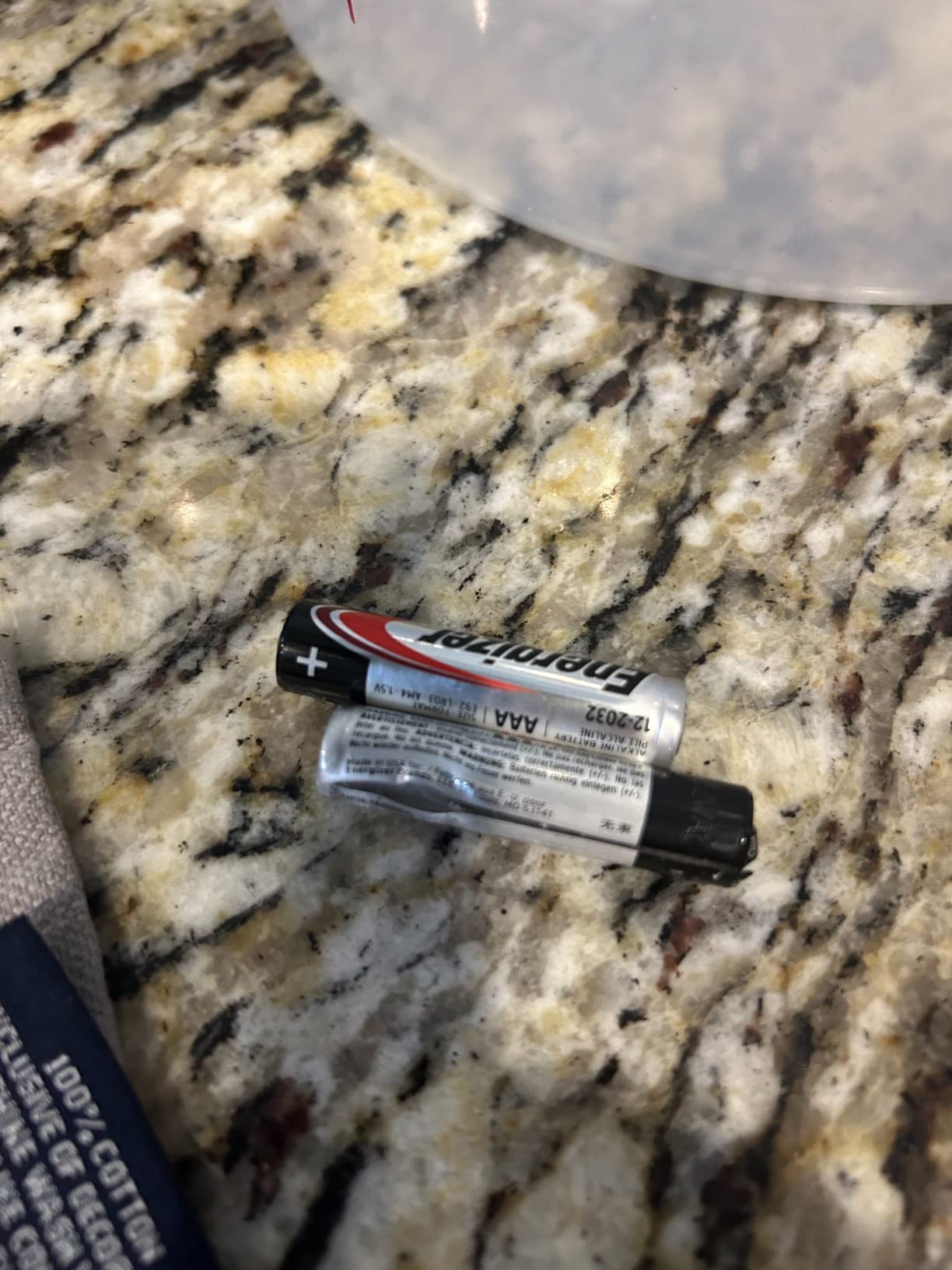
- Battery door pops open easily
- Some buttons not always responsive
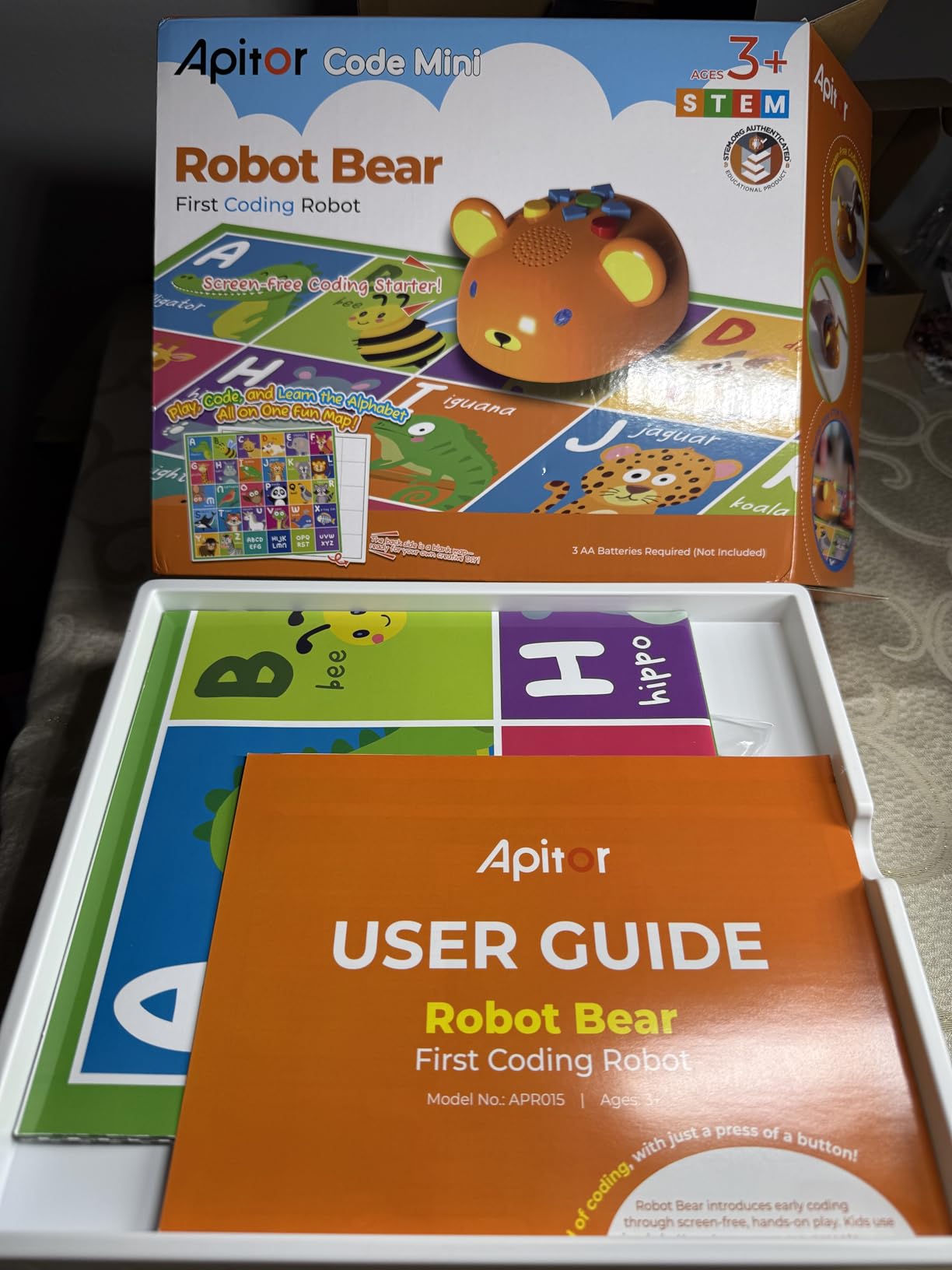
The Apitor Robot Bear is the only coding toy on this list that doubles as an alphabet learning tool. The double-sided map features letters of the alphabet on one side and a blank DIY space on the other. Kids program the bear to navigate to specific letters, combining letter recognition with sequencing practice.
The seven-button interface is about as simple as it gets. Forward, back, left, right, delete, go, and action. My three-year-old tester understood the button layout within minutes. The LED eyes change through seven colors and add visual feedback that kept her engaged.
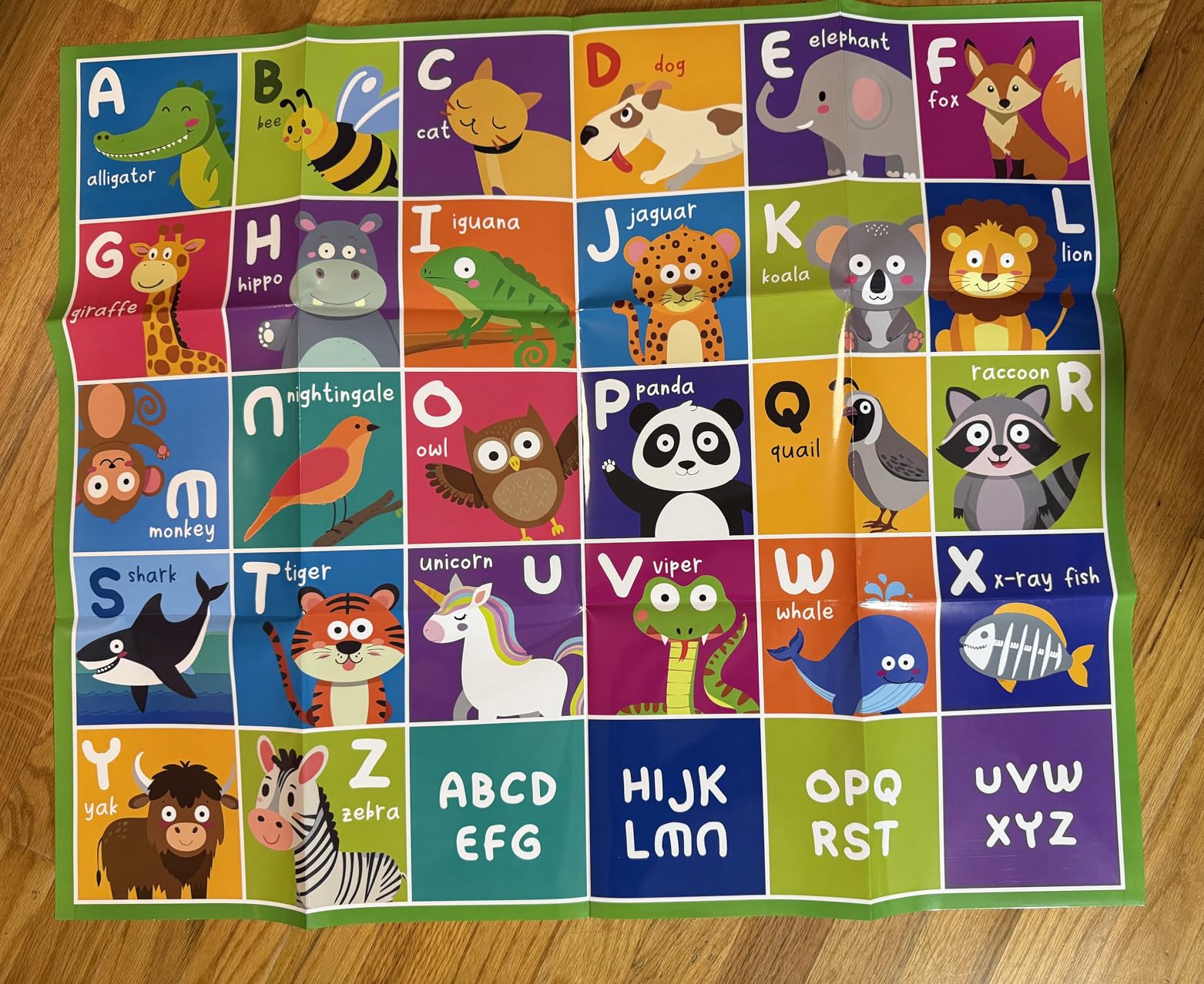
I liked the alphabet integration. Instead of just moving a robot randomly, my tester was coding the bear to travel to the letter of her name. That gave the coding practice a real-world purpose she could connect to.
The problems are mechanical. The mat arrives folded and does not lay flat, which affects the bear’s navigation. The battery door pops open too easily. Some directional buttons were intermittently unresponsive during our testing.
Who the Apitor Robot Bear Is Best For
This is the pick for 3-year-olds who are learning their alphabet alongside early coding concepts. If your child is in that sweet spot where letter recognition and sequencing skills are developing simultaneously, this toy serves double duty.
It is also one of the most affordable screen-free coding robots rated for age 3.
What to Watch Out For
The map quality is the biggest issue. Plan to weight it down or replace it with a homemade version on poster board for better results.
Check the battery door when it arrives. Several users reported it opening during play, which interrupts the coding session.
9. MagiCoders Blazer the Dragon — Best Fantasy-Themed Coder
Learning Resources Coding Critters MagiCoders Blazer the Dragon
Magic wand coding
Ages 4+
Fantasy theme
22-piece set
Screen-free
Pros
- Fantasy dragon theme appeals to imaginative kids
- Magic wand remote is engaging and fun
- Screen-free coding with storybook format
- Makes dragon light up and dance
Cons
- Quality control issues with wand
- Spellbook is flimsy paper
- Limited replay value reported by some users
Blazer the Dragon brings fantasy storytelling to screen-free coding. Instead of pressing buttons on a remote, kids use a magic wand to program sequences. The included spellbook sets up challenges where Blazer lights up, dances, and completes quests based on the coded commands.
My five-year-old tester was immediately drawn to the dragon theme. The fantasy framing made coding feel like casting spells rather than entering commands. For kids who love imaginative play, this angle works better than a plain mouse or robot.
The 22-piece set includes themed accessories and a coding book that walks through progressively harder challenges. Blazer responds to the wand commands by moving, lighting up, and making sounds. The wand itself acts as the programming interface.
The main issues are quality control. Several reviewers reported wand malfunctions and inconsistent responses. The spellbook is thin paper that tears easily, so consider laminating it. Some parents also felt the replay value dropped after the initial challenges were completed.
Who Blazer the Dragon Is Best For
This is the pick for kids who love fantasy, dragons, and storytelling. If your child responds better to characters and narratives than to abstract coding puzzles, the MagiCoders line speaks their language.
It also makes a great gift for a 4 or 5-year-old who already has basic coding toys and wants something with a fresh theme.
What to Watch Out For
The wand reliability is inconsistent. Read the return policy before buying in case you get a unit with a faulty wand.
The spellbook durability is poor. If your child loves it, plan to laminate or reinforce the pages to extend the life of the toy.
10. STEM Explorers Pixel Art Challenge — Best Non-Electronic Coding Concept Toy
Learning Resources STEM Explorers Pixel Art Challenge
400 foam pieces
Screen-free
Ages 5+
No batteries
40 challenges
Pros
- Completely screen-free and battery-free
- 400 foam pieces for long-lasting play
- 40 challenges with increasing difficulty
- Develops spatial reasoning and pattern recognition
Cons
- Foam pieces are lightweight and shift easily
- Limited color variety for custom designs
- Only one building board included
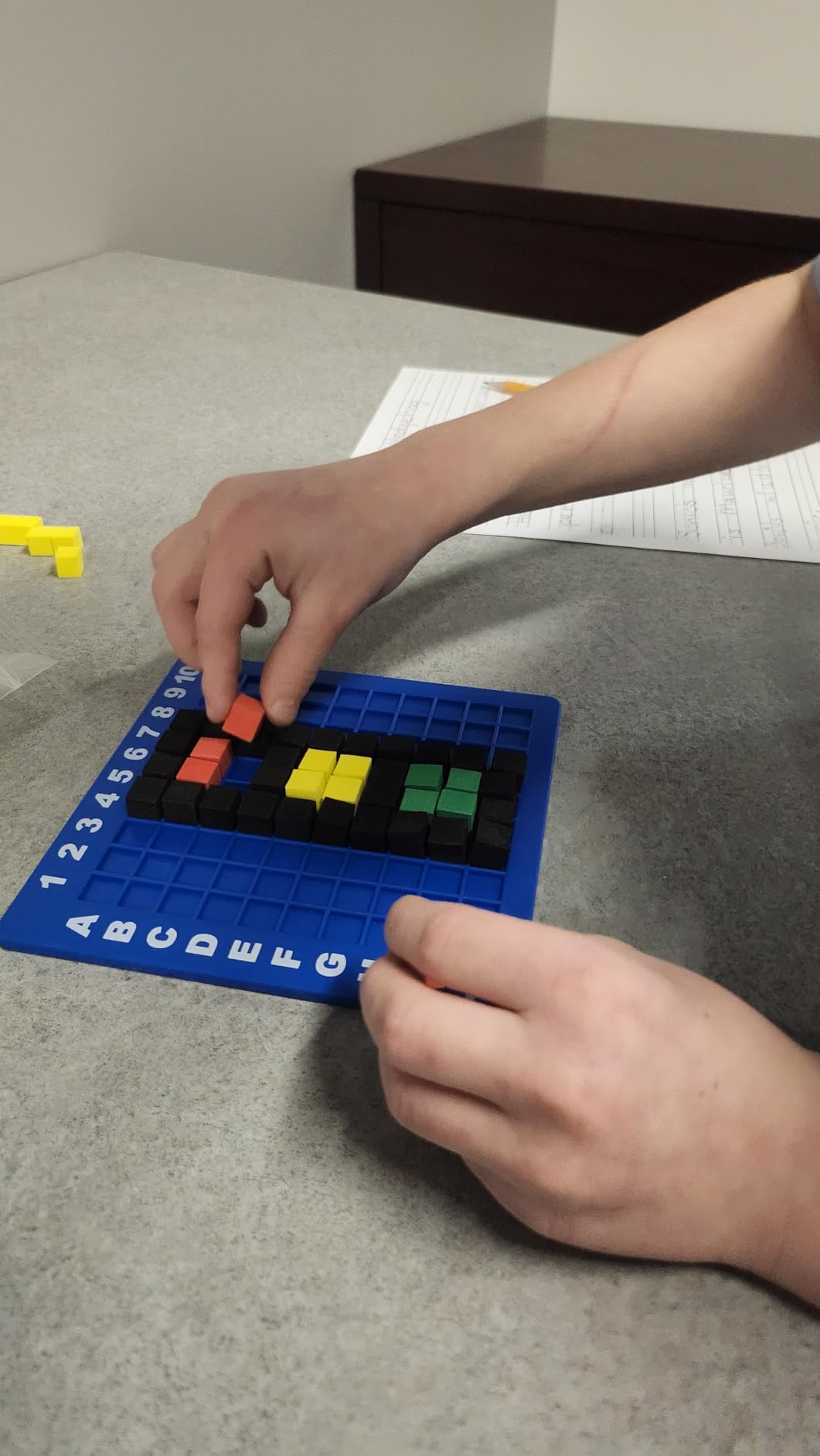
The STEM Explorers Pixel Art Challenge is the only fully non-electronic toy on this list, and I included it for an important reason. Pixel art is the foundation of how computers represent images. By placing colored foam cubes on a grid, kids are learning about pixels, coordinates, and grid-based thinking without touching a screen.
The challenge booklet starts with simple patterns and escalates to complex pixel designs. My five-year-old tester worked through the first ten challenges over a week, and each one required planning, spatial reasoning, and pattern recognition. These are the same thinking skills that block-based coding platforms like Scratch use.
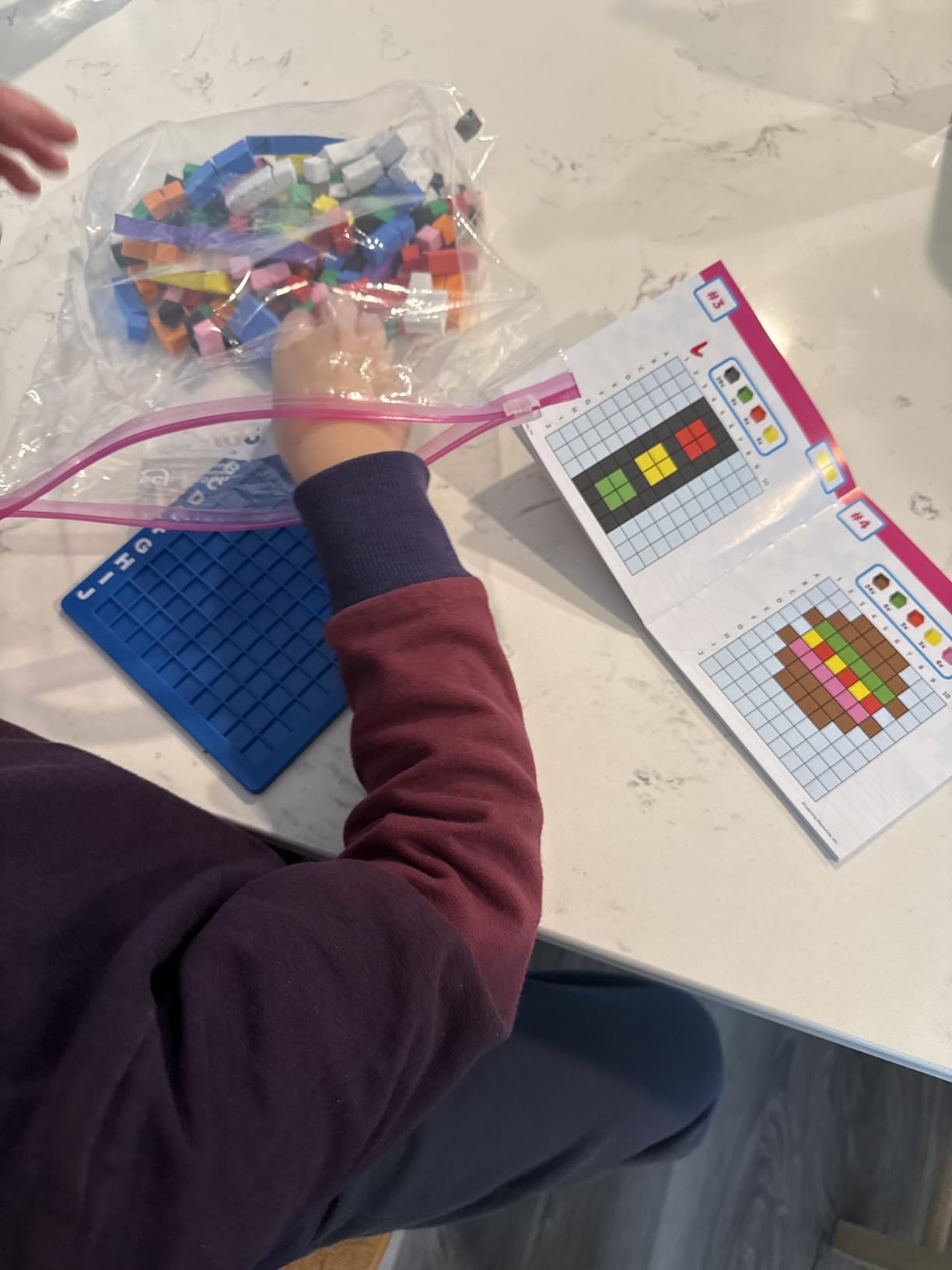
The 400 foam pieces give kids plenty of material for both guided challenges and free creation. Once my tester finished the booklet challenges, she started designing her own pixel pictures on the blank grid side. That open-ended play extended the value well beyond the structured activities.
The downsides are minor but worth noting. The foam pieces are lightweight and shift around easily on the tray. The color palette is limited, which constrains custom designs. And only one building board is included despite the box showing multiple.
Who the Pixel Art Challenge Is Best For
This is the pick for families who want a completely screen-free, battery-free option that still teaches computational thinking. It is also the most travel-friendly coding toy on this list since it requires no electronics.
If you are building a coding curriculum for a 5-year-old, pair this with the Robot Mouse or Botley for a well-rounded mix of physical building and robot programming.
What to Watch Out For
Foam pieces get everywhere. Plan for a storage container or baggie, because 400 small foam cubes scattered across a floor is a cleanup challenge.
The single building board limits collaborative play. If you have multiple kids, consider buying a second set or a spare grid tray.
How to Choose the Right Coding Toy for Your Preschooler
After testing all 10 of these toys, I identified six factors that matter most when choosing the best coding toys for preschoolers. Here is what to look for before you buy.
Age Appropriateness
Age is the single biggest factor. A toy rated for ages 5+ will frustrate a 3-year-old, and a toy rated for 3+ will bore a 5-year-old. Here is a quick breakdown from our testing.
For ages 3-4, the WhalesBot A1, Apitor Robot Bear, and Design & Drill Robot are your best bets. They have large pieces, simple interfaces, and forgiving coding mechanics.
For ages 4-5, the Code & Go Robot Mouse, Coding Critters, Switcheroo Coding Crew, and MagiCoders Dragon hit the sweet spot. They introduce sequencing with enough challenge to keep preschoolers engaged.
For ages 5-6, Botley and Kids First Coding & Robotics offer the depth needed to keep a sharp 5-year-old interested. The Pixel Art Challenge also works well at this age.
Screen-Free vs App-Enabled
Every toy on this list is screen-free, and that is intentional. Forum discussions on Reddit’s r/Preschoolers and r/toys consistently show that parents of preschoolers prefer screen-free options. Screen time concerns ranked as one of the top pain points in parent discussions.
Screen-free toys also teach coding more fundamentally. When a child has to physically press buttons or arrange cards, the cause-and-effect relationship between code and action is clearer than when an app mediates the process.
That said, some kids eventually benefit from app-enabled toys as they get older. For preschool specifically, I recommend starting screen-free and transitioning to app-based tools around age 6 or 7.
Durability and Build Quality
Preschoolers are rough on toys. In our testing, the most durable options were Botley and the Code & Go Robot Mouse. Both survived drops, being stepped on, and extended classroom use.
The least durable were the Apitor Robot Bear’s mat, the MagiCoders spellbook, and the WhalesBot motors. These toys have great concepts but need more careful handling.
For classroom or co-op use, prioritize Botley or the Robot Mouse. For home use with a single careful child, the less durable options are fine.
Educational Depth vs Entertainment
Some toys on this list teach real programming concepts. Others teach precursor skills. Here is the honest breakdown.
Deepest coding education: Kids First Coding & Robotics teaches loops, functions, conditions, events, algorithms, and variables. Botley teaches loops and if/then logic. These two have genuine programming depth.
Moderate coding education: The Robot Mouse, Coding Critters, Switcheroo Crew, and WhalesBot teach sequencing and directional coding. They are real coding but at a basic level.
Precursor skills: The Design & Drill Robot builds fine motor and construction skills. The Pixel Art Challenge develops spatial reasoning and grid thinking. These are valuable but are not directly coding.
Budget Considerations
Prices across our list ranged from under $20 to over $120. The best value pick is the Code & Go Robot Mouse, which delivers genuine coding education at the lowest price among the programmable robots.
The Design & Drill Robot is the most affordable overall, though it teaches precursor skills rather than direct coding. The Pixel Art Challenge is also budget-friendly and battery-free.
At the premium end, Kids First Coding & Robotics and Botley cost more but offer the most educational depth and longest useful lifespan. If your budget allows, these two deliver the most learning per dollar over time.
Homeschool and Classroom Integration
If you are building a homeschool or classroom coding curriculum, think about how these toys fit together. A strong starter kit would include the Robot Mouse for basics, Botley for intermediate logic, and the Pixel Art Challenge for screen-free spatial reasoning.
For a homeschool preschool setup, the Coding Critters and Switcheroo Crew add variety and storytelling that keeps young kids engaged across multiple sessions. Pair any of these with our homeschool elementary curriculum guide for a structured plan.
Frequently Asked Questions
What toys are good for building coding and engineering skills for preschoolers?
The best coding toys for preschoolers teach sequencing, pattern recognition, and problem-solving through hands-on play. Screen-free options like Botley the Coding Robot, the Code u0026amp; Go Robot Mouse, and Kids First Coding u0026amp; Robotics introduce real programming concepts without requiring screens or apps.
What age is appropriate for coding toys?
Children can start with precursor coding toys as early as age 3. Toys like the Design u0026amp; Drill Robot and WhalesBot A1 are rated for age 3 and up. Programmable robots like the Code u0026amp; Go Robot Mouse and Coding Critters work well starting at age 4. More advanced toys like Botley and Kids First Coding u0026amp; Robotics are best for ages 5 and up.
What is the best coding robot for a 4-year-old?
For a 4-year-old, the Code u0026amp; Go Robot Mouse is the best overall pick. It is affordable, screen-free, and simple enough for independent play. The Coding Critters Ranger u0026amp; Zip is also excellent for 4-year-olds who respond to storytelling and character-based play.
Are coding toys worth it for preschoolers?
Yes, coding toys are worth it for preschoolers because they develop computational thinking, sequencing skills, and problem-solving abilities that transfer to math, reading, and logic. The key is choosing age-appropriate toys so children stay engaged rather than frustrated.
What coding toys are completely screen-free?
All 10 toys featured in this guide are screen-free. Botley, the Code u0026amp; Go Robot Mouse, Coding Critters, Kids First Coding u0026amp; Robotics, and the STEM Explorers Pixel Art Challenge require no apps, tablets, or phones. They teach coding through physical buttons, cards, magnetic blocks, and hands-on manipulation.
Final Thoughts on the Best Coding Toys for Preschoolers
After testing all 10 toys, three stood out from the rest. Botley the Coding Robot is our Editor’s Choice for its 80-step programming, loops, and obstacle detection that genuinely grows with a child. The Code & Go Robot Mouse wins Best Value as the most affordable way to start teaching real sequencing logic. And Kids First Coding & Robotics is the deepest educational kit for families serious about early coding curriculum.
The best coding toys for preschoolers in 2026 all share one thing: they make abstract thinking tangible. Whether through button presses, magnetic blocks, or foam pixels, these toys turn the invisible logic of programming into something a 3, 4, or 5-year-old can hold in their hands.
Pick the one that matches your child’s age and interests, and start with screen-free play. The coding skills will follow naturally.