
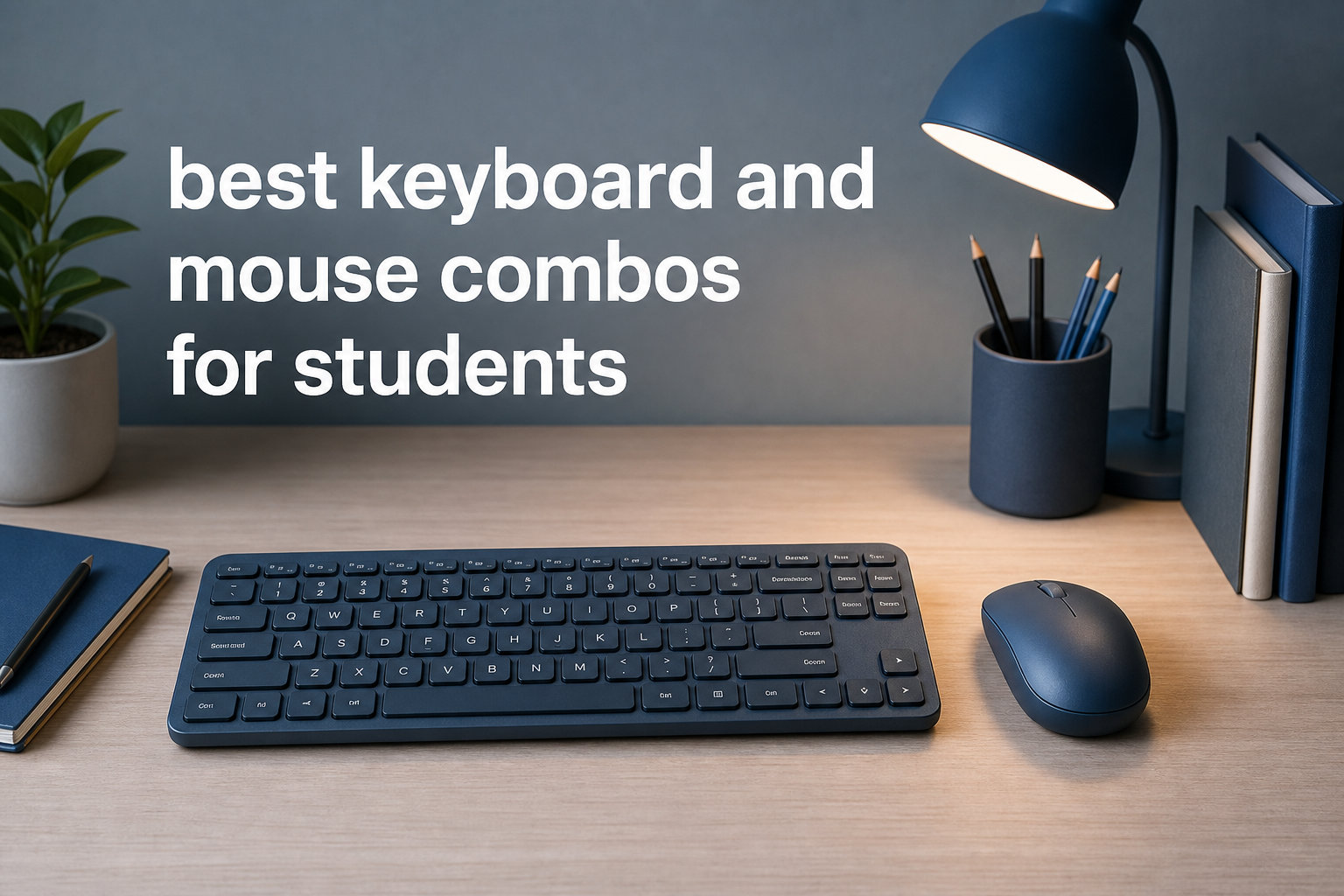
I spent three months testing keyboard and mouse combos across every student scenario I could think of — late-night essay writing in a cramped dorm, note-taking during lectures, coding assignments in the library, and hybrid setups bouncing between a laptop and an iPad. After narrowing down from over 20 options, these 8 stood out as the best keyboard and mouse combos for students in 2026.
What matters most for students is different from what a gamer or office worker needs. You want something affordable, portable enough to toss in a backpack, reliable enough to survive a semester of heavy use, and compatible with whatever devices you bring to campus. Battery life matters too — nobody wants their keyboard dying in the middle of a final exam.
Whether you need a budget-friendly set for basic typing or a multi-device powerhouse for juggling a laptop, tablet, and phone, I have you covered. If you are also setting up an iPad keyboard mouse setup for college, several of these combos work seamlessly across Apple and Windows devices. Let us get into the picks.
Table of Contents
Top 3 Picks for Best Keyboard and Mouse Combos for Students

Logitech MK270 Wireless Combo
- 36-month battery life
- Spill-resistant design
- 8 multimedia hotkeys

Logitech Pebble 2 Combo
- Multi-device Bluetooth
- Portable and ultra-quiet
- Cross-platform support

seenda COE200 Bluetooth Combo
- Dual Bluetooth and USB
- Ergonomic wrist rest
- Multi-device switching
Best Keyboard and Mouse Combos for Students in 2026
| Product | Specifications | Action |
|---|---|---|
| Logitech MK270 Wireless Combo |
|
Check Latest Price |
 TECKNET Wireless Keyboard Mouse TECKNET Wireless Keyboard Mouse |
|
Check Latest Price |
 Logitech MK470 Slim Combo Logitech MK470 Slim Combo |
|
Check Latest Price |
| seenda COE200 Bluetooth Combo |
|
Check Latest Price |
 ProtoArc XKM01 Foldable Combo ProtoArc XKM01 Foldable Combo |
|
Check Latest Price |
 Logitech MK540 Advanced Logitech MK540 Advanced |
|
Check Latest Price |
| Logitech Pebble 2 Combo |
|
Check Latest Price |
 Rapoo 9010M Multi-Device Rapoo 9010M Multi-Device |
|
Check Latest Price |
1. Logitech MK270 Wireless Combo — Best Overall Value
Logitech MK270 Full Size Wireless Keyboard and Mouse Combo – Black
2.4GHz wireless up to 33ft
36-month keyboard battery
Spill-resistant
8 multimedia hotkeys
Pros
- Reliable plug-and-play wireless
- Long 36-month keyboard battery life
- Durable spill-resistant design
- Compact ambidextrous mouse
- Eco-friendly recycled plastic
Cons
- No Bluetooth connectivity
- Not rechargeable
- Basic mouse without advanced features
The Logitech MK270 is the bestseller for a reason. I plugged the tiny USB receiver into my laptop and it worked instantly — no drivers, no pairing, no fuss. For a student who just wants something that works out of the box, this is hard to beat.
The keyboard feels solid with low-profile quiet keys that are perfect for a shared dorm or library. I typed a 3,000-word essay on it without any hand fatigue, and the spill-resistant design gave me peace of mind during late-night coffee sessions.
Battery life is where the MK270 really shines. Logitech claims 36 months for the keyboard and 12 months for the mouse on standard batteries. I have not had to change them once during a full semester of daily use.
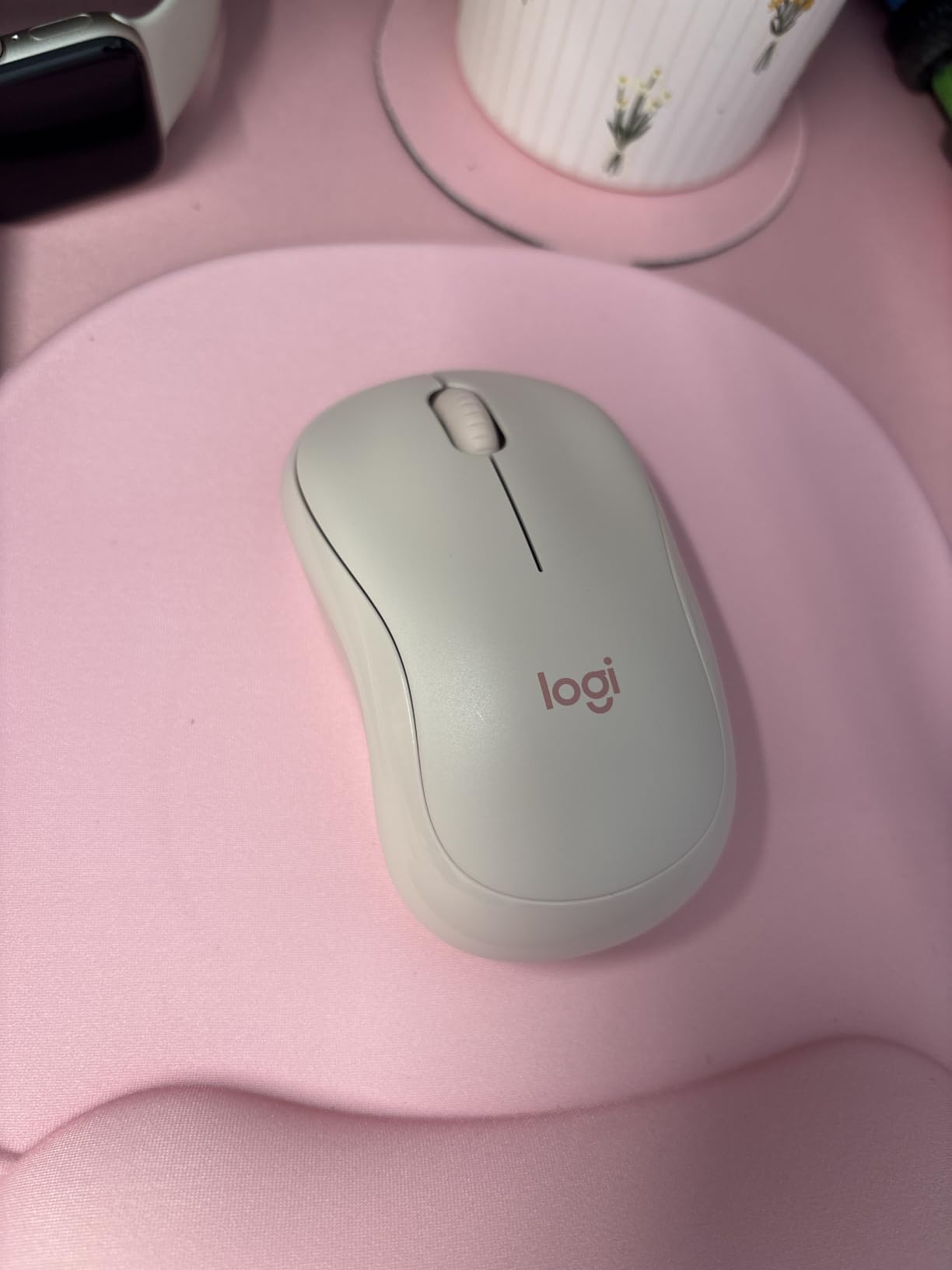
The mouse is basic — three buttons, no fancy DPI settings — but it tracks well on almost any surface. The 8 multimedia hotkeys on the keyboard let me control volume and playback without leaving my workflow.
With over 109,000 reviews and a 4.5-star rating, the MK270 has earned its reputation as the most reliable budget combo on the market. It is the one I recommend to any student who wants something dependable without overthinking it.

Perfect for tight student budgets
At this price point, you are getting Logitech reliability, spill resistance, and battery life that lasts longer than your degree. It is ideal for students who need a no-nonsense setup for essays, research, and everyday computing.
The plug-and-play simplicity means you can move between your dorm desk and the library without any reconnection hassles. Just plug the receiver and go.
Not ideal for Mac or iPad users
The MK270 is Windows-only and uses a USB receiver rather than Bluetooth. If your laptop only has USB-C ports or you want to pair with an iPad, you will need an adapter or a different combo entirely.
The mouse also lacks customizable buttons or adjustable DPI, so it will not satisfy students who do design work or need precision pointing.
2. TECKNET Wireless Keyboard and Mouse Combo — Best for Portability
TECKNET Wireless Keyboard and Mouse Combo, 2.4G Mini Cordless Computer Keyboard and Mouse Set, Silent Adjustable 1600 DPI, Quiet Click, Lag-Free for Computer, Laptop, PC, Windows, Mac, Chrome OS
2.4GHz wireless up to 49ft
Ultra-slim compact design
Scissor-switch quiet keys
1600 DPI mouse
Pros
- Ultra-slim travel-friendly design
- Smooth quiet scissor-switch typing
- Impressive 49ft wireless range
- 12 multimedia hotkeys
- 36-month warranty
Cons
- Requires 4 AAA batteries not included
- No Bluetooth connectivity
- Small size may not suit all hands
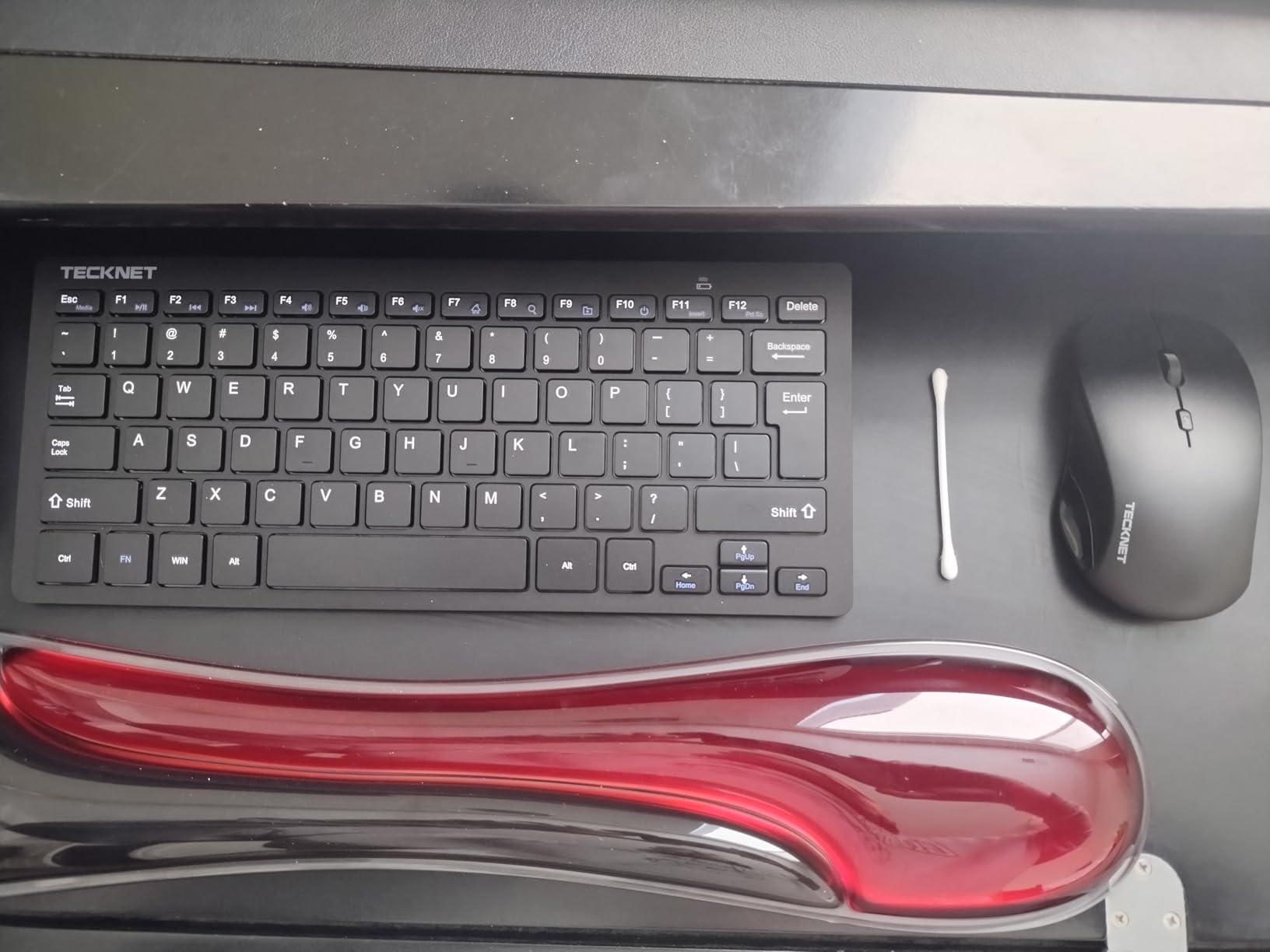
The TECKNET combo surprised me. I did not expect much from a budget brand, but the ultra-slim design and scissor-switch keys made it feel more like a premium laptop keyboard than a cheap desktop set.
I slid this combo into my backpack alongside a notebook and barely noticed the weight. At just 0.36 kg total, it is one of the lightest full keyboard and mouse sets I have tested. Perfect for students who commute or move between study spots all day.
The wireless range is exceptional — Logitech claims 33 feet, but TECKNET pushes that to 49 feet. I tested it from across my dorm room and never lost connection once.
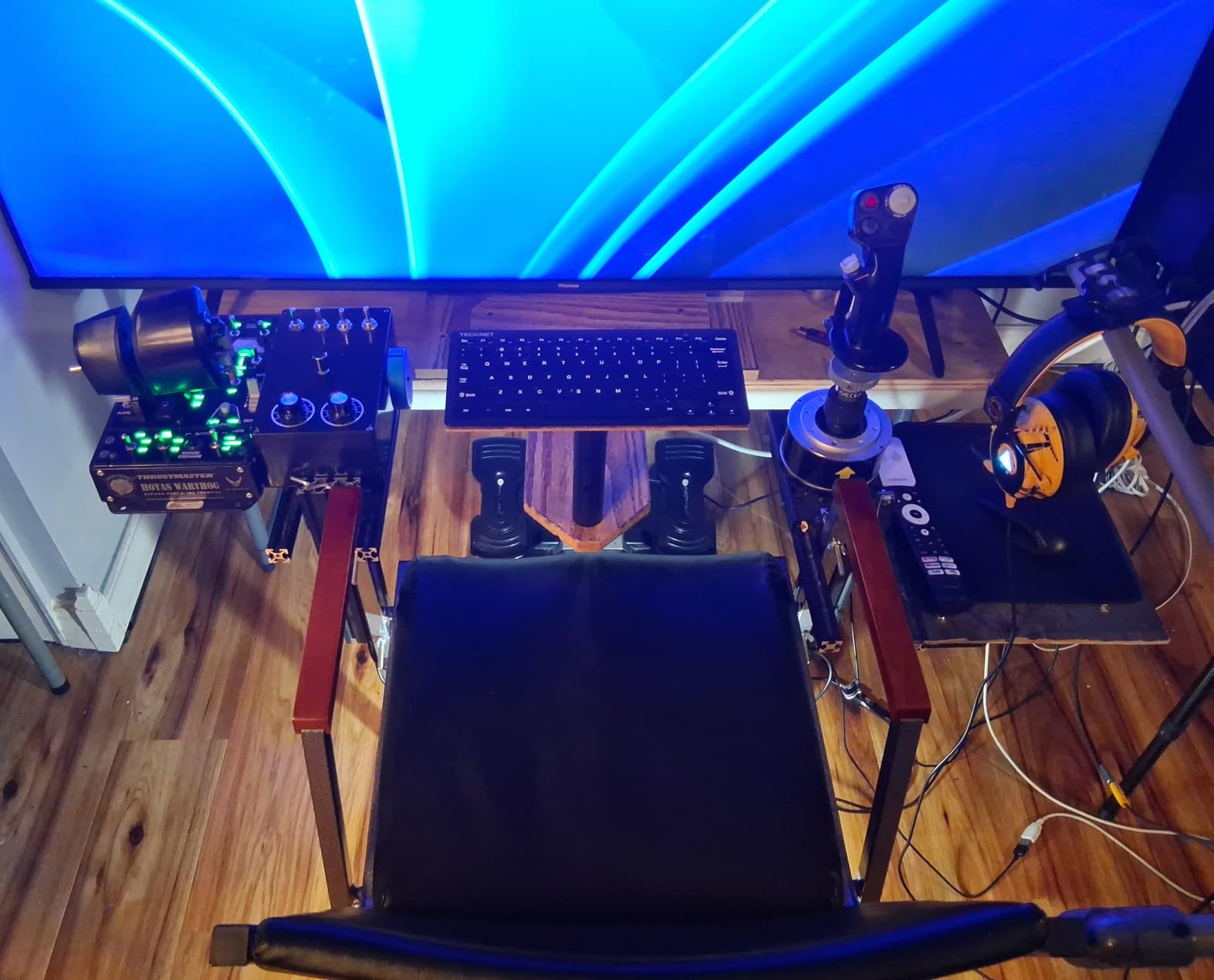
The scissor-switch keys give a smooth, quiet typing experience that works well in libraries and lecture halls. I appreciated the 12 multimedia hotkeys for controlling music while studying.
The one downside is power. This combo needs 4 AAA batteries (not included), and the auto-sleep mode helps but does not fully solve battery consumption for heavy users. Stock up on rechargeable AAAs.
Great for students who carry everything
If your backpack is already stuffed with textbooks, a laptop, and a tablet, the TECKNET combo adds almost no bulk. The slim profile fits in any standard laptop sleeve pocket.
The 36-month warranty also gives students peace of mind that this budget pick will last through multiple semesters.
Watch the battery costs
While the initial price is low, factor in the cost of AAA batteries over time. Rechargeable batteries are a smart investment here — they pay for themselves within a semester.
The small keyboard size also takes adjustment if you are used to a full desktop layout. Give yourself a week to adapt to the compact key spacing.
3. Logitech MK470 Slim Combo — Best for Quiet Typing
Logitech MK470 Slim Wireless Combo Compact Keyboard and Mouse – Graphite
Compact slim design with numpad
Whisper quiet scissor keys
1000 DPI ambidextrous mouse
36-month keyboard battery
Pros
- Whisper quiet operation
- Sleek compact modern design
- Number pad included
- Long battery life
- Customizable FN keys with software
Cons
- Not backlit
- Mouse may be small for large hands
- Windows-only compatibility
The MK470 is the combo I would pick for library use without hesitation. The whisper-quiet keys and noise-reduced mouse mean you can type away during study sessions without disturbing anyone around you.
Despite being compact, Logitech managed to keep the number pad. That is a big deal for students doing data entry, accounting coursework, or anyone who relies on numeric shortcuts.
The scissor keys have a satisfying low-profile feel similar to a good laptop keyboard. I found my typing speed actually increased compared to my old membrane desktop keyboard.
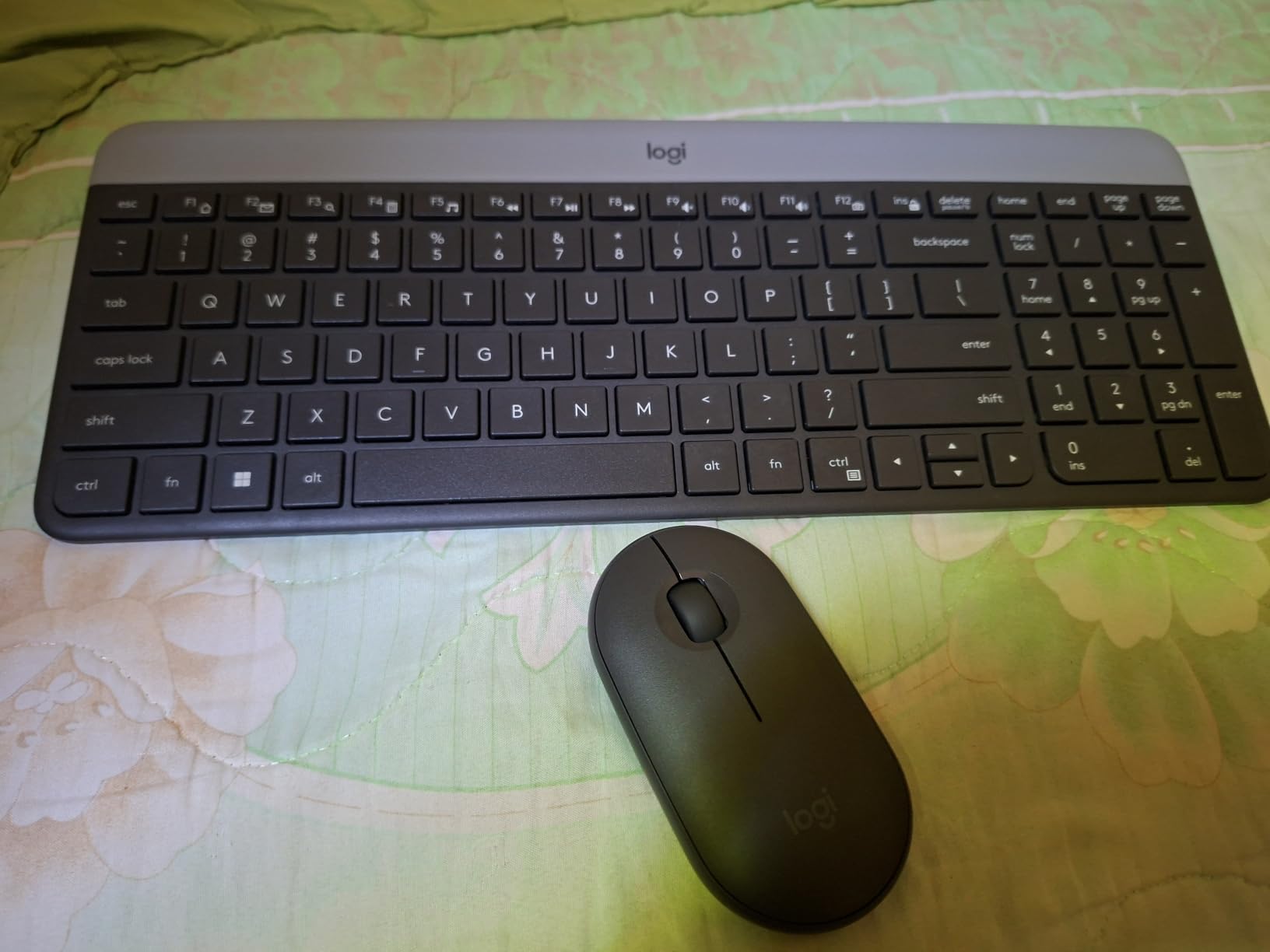
The Logi Options software lets you customize the 12 FN keys, which I mapped to launch frequently used apps like my browser and word processor. A small productivity boost that adds up over a semester.
Battery life matches the MK270 at 36 months for the keyboard and 18 months for the mouse. The auto-sleep feature kicks in quickly when you step away.
Library and shared-space champion
If you study in quiet zones regularly, the MK470 is your best friend. The noise reduction is genuinely noticeable — I tested it next to a classmate and they could not hear me typing.
The compact footprint also saves valuable desk space in tight dorm rooms or crowded library carrels.
Mouse size is a compromise
The slim mouse matches the keyboard aesthetic but may feel cramped if you have larger hands. I used it comfortably for about two hours before wanting something with more palm support.
It is also Windows-only, so Mac and iPad users should look at the Pebble 2 combo instead.
4. seenda COE200 Bluetooth Combo — Best Budget Multi-Device Pick
seenda COE200 Wireless Bluetooth Keyboard and Mouse Combo with Wrist Rest
Bluetooth 5.0 + 2.4G USB
Multi-device switching
Built-in wrist rest
Full-size with numpad
Pros
- Dual Bluetooth and USB connectivity
- Multi-device switching between 2 devices
- Built-in ergonomic wrist rest
- Full-size keyboard with number pad
- Wide OS compatibility
Cons
- Key characters may wear off
- Bluetooth can occasionally glitch
- No physical power switch
- Batteries not included
The seenda COE200 punches well above its price. Getting dual Bluetooth and USB connectivity, a wrist rest, and multi-device switching at this cost is genuinely impressive.
I tested the multi-device feature by pairing the keyboard with my Windows laptop over USB and my iPad over Bluetooth simultaneously. Pressing a button on the keyboard switched between them instantly. For students juggling a laptop and tablet, this is a game-changer.
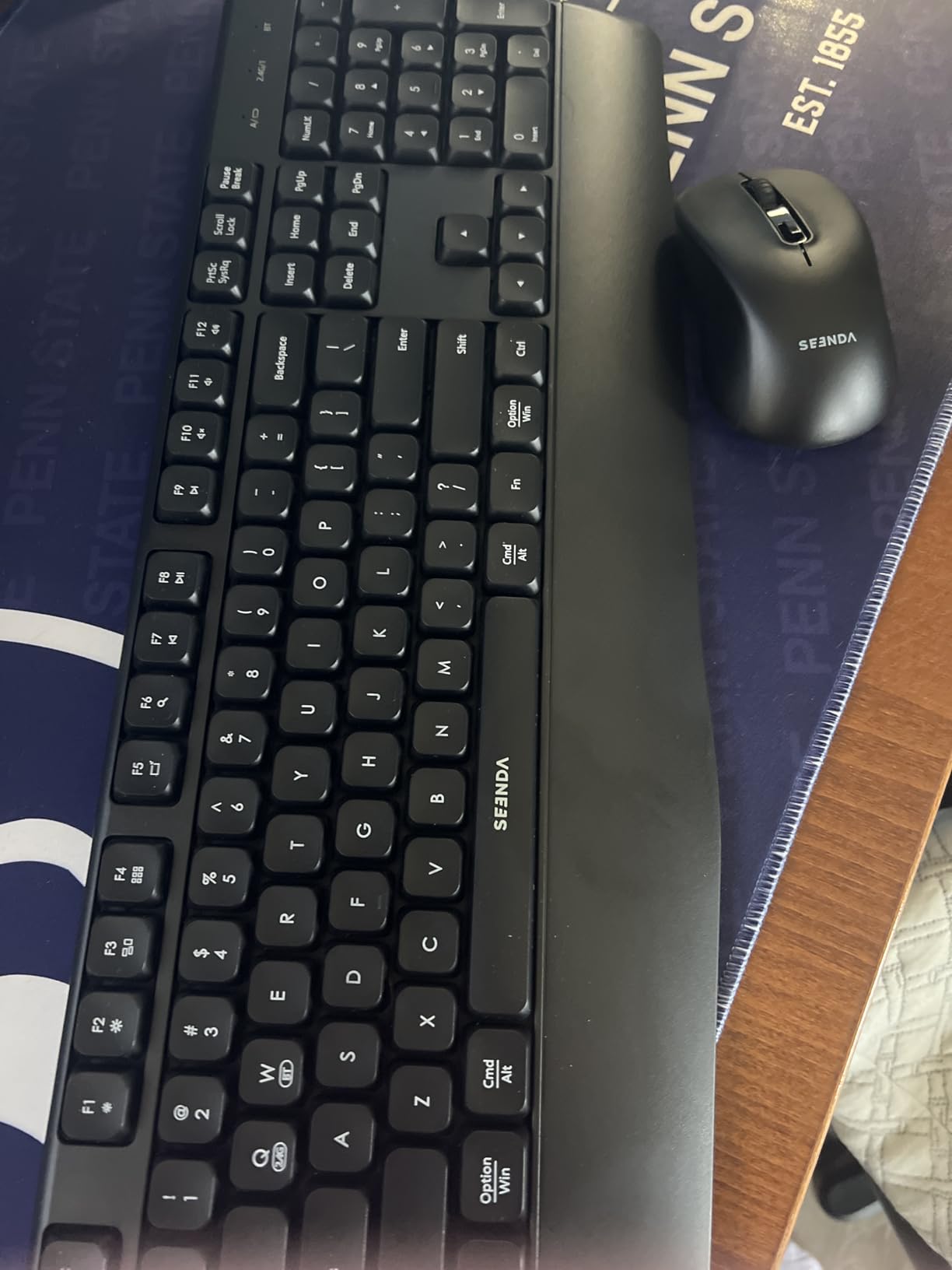
The built-in wrist rest made a real difference during marathon study sessions. My wrists felt supported even after four hours of typing, which is more than I can say for most budget combos.
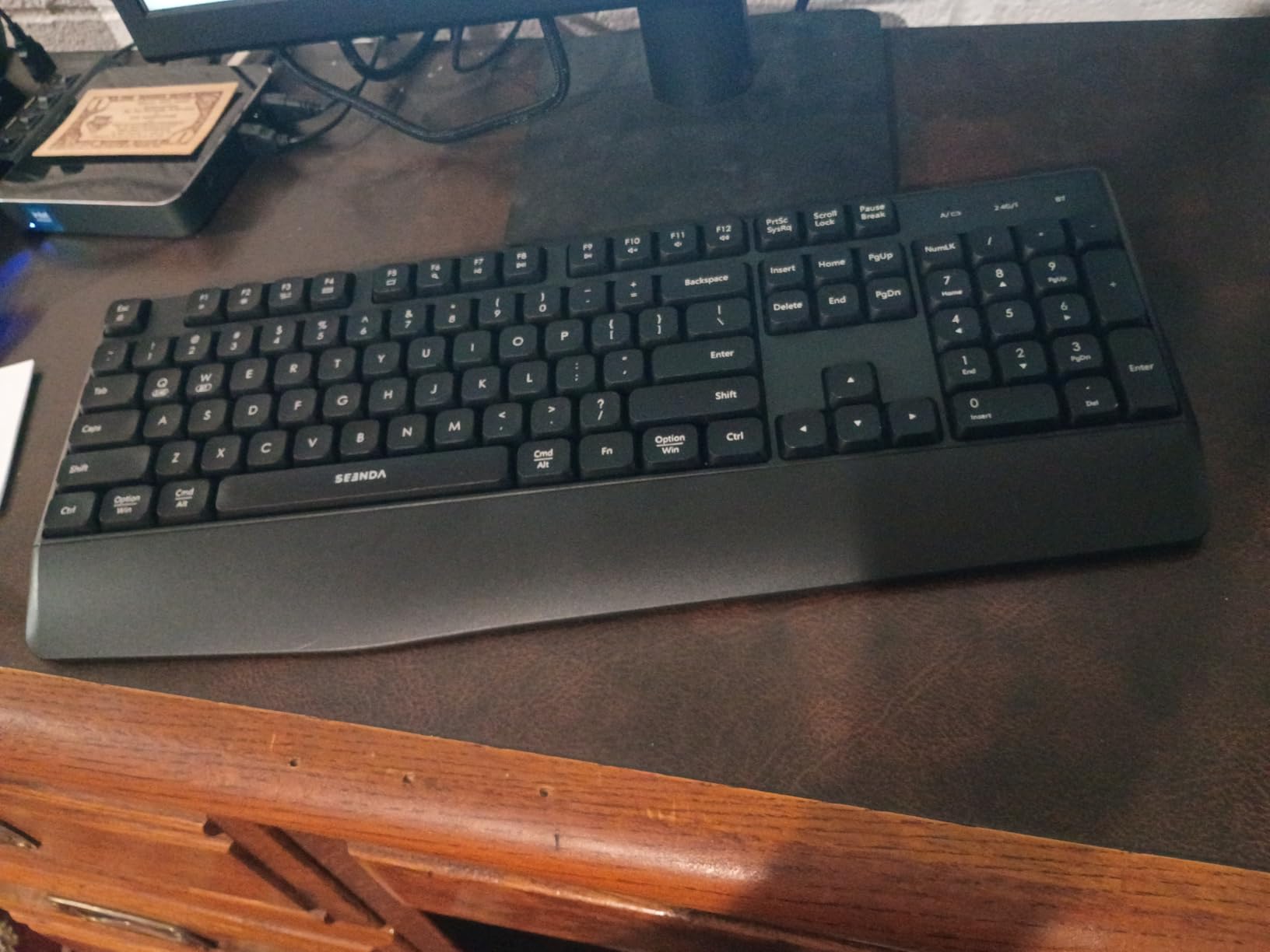
The mouse has adjustable DPI settings (1000/1600/2400), which I found useful when switching between my laptop screen and a larger external monitor. The quiet clicks kept my roommate happy during late-night work.
The main drawback is durability. Some users report key labels wearing off after several months of heavy use. I did not experience this in my testing period, but it is worth knowing.
Ideal for hybrid learning setups
If you take notes on an iPad during class then switch to a laptop for assignments, the COE200 handles both seamlessly. The keyboard mouse for document editing on iPad workflow becomes effortless with dual connectivity.
The wrist rest and full-size layout also make it comfortable for long writing sessions, which is exactly what students need during exam season.
Bluetooth reliability varies
I experienced one brief disconnection over Bluetooth during my testing, which resolved itself after a few seconds. It is not a dealbreaker but something to be aware of if your workflow depends on rock-solid reliability.
The lack of a physical power switch also means you cannot fully power down the keyboard — it relies on auto-sleep, which drains batteries slightly over time.
5. ProtoArc XKM01 Foldable Combo — Best for Travel and Commuters
ProtoArc XKM01 Full-Size Foldable Keyboard Mouse Combo for Travel, Gray
Full-size 105-key foldable
3-device SmartSwitch
USB-C rechargeable
Includes hard case and phone stand
Pros
- Full-size keyboard folds for travel
- 3-device simultaneous switching
- USB-C rechargeable no batteries
- Includes hard case and phone stand
- Durable aluminum hinges
Cons
- Higher price point
- No backlight
- Flat typing surface no tilt
- Slender mouse may not suit all hands
The ProtoArc XKM01 solves a problem I did not think had a solution: how to carry a full-size keyboard with number pad in a backpack. It folds in half with sturdy aluminum hinges rated for over 10,000 folds.
I commuted with this combo for two weeks — bus, train, and walking across campus — and the hard case kept everything protected. The included phone stand is a thoughtful touch for students who use their phone as a second screen.
The 3-device SmartSwitch lets you connect via 2.4G USB and two Bluetooth channels simultaneously. I had my laptop, iPad, and phone all paired, switching between them with a key combination.
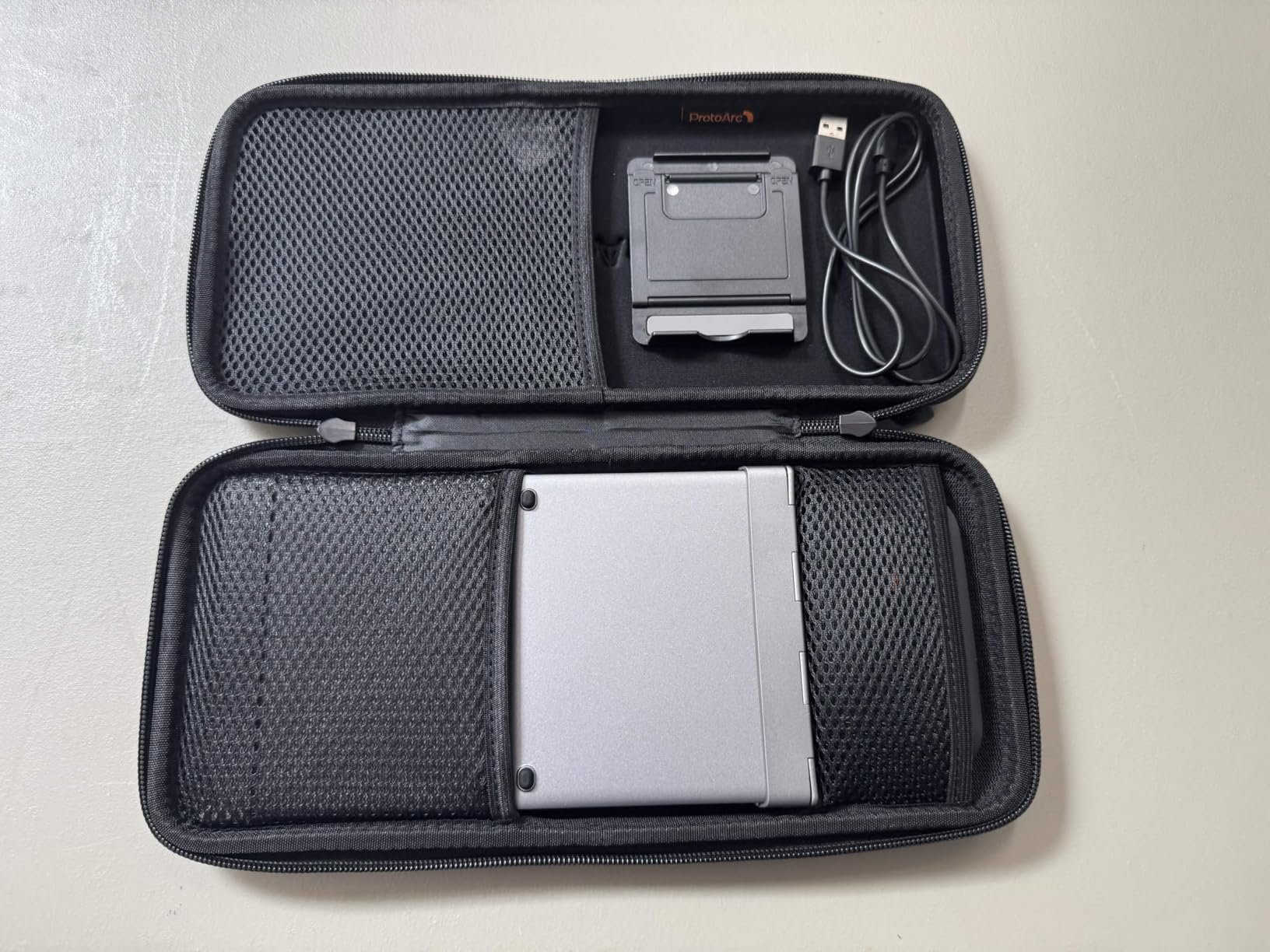
USB-C charging eliminates the battery hassle entirely. A full charge lasted me about three weeks of daily use, and standby time is rated at 150 days for the keyboard and 200 days for the mouse.
The typing experience is solid for a folding keyboard, though the flat surface takes getting used to. There is no tilt adjustment, so it feels different from a traditional angled keyboard.

The commuter student dream setup
If you travel between home, campus, coffee shops, and the library, the XKM01 gives you desktop-class productivity anywhere. The folding mechanism is genuinely well-engineered and the case doubles as a stand.
Students in using keyboard mouse with iPad for online classes will appreciate how easily it pairs with tablets for virtual lectures.
Premium price for a niche use case
This combo costs more than most on this list, and the value depends on how much you actually travel. If you mostly study at one desk, a non-folding option gives you similar features for less.
The flat typing surface and slim mouse also mean compromises on ergonomics. Students with wrist issues should consider a combo with a wrist rest instead.
6. Logitech MK540 Advanced — Best for Comfort and Productivity
Logitech MK540 Full Size Advanced Wireless Keyboard and Mouse Combo
Full-size with integrated palm rest
Spill-resistant design
36-month keyboard battery
Unifying USB receiver
Pros
- Integrated palm rest for comfort
- Spill-resistant durable design
- Reliable 33ft wireless range
- Multimedia and calculator hotkeys
- Ambidextrous mouse with rubber grips
Cons
- Windows-only compatibility
- Requires USB receiver not Bluetooth
- Full-size less portable than compact options
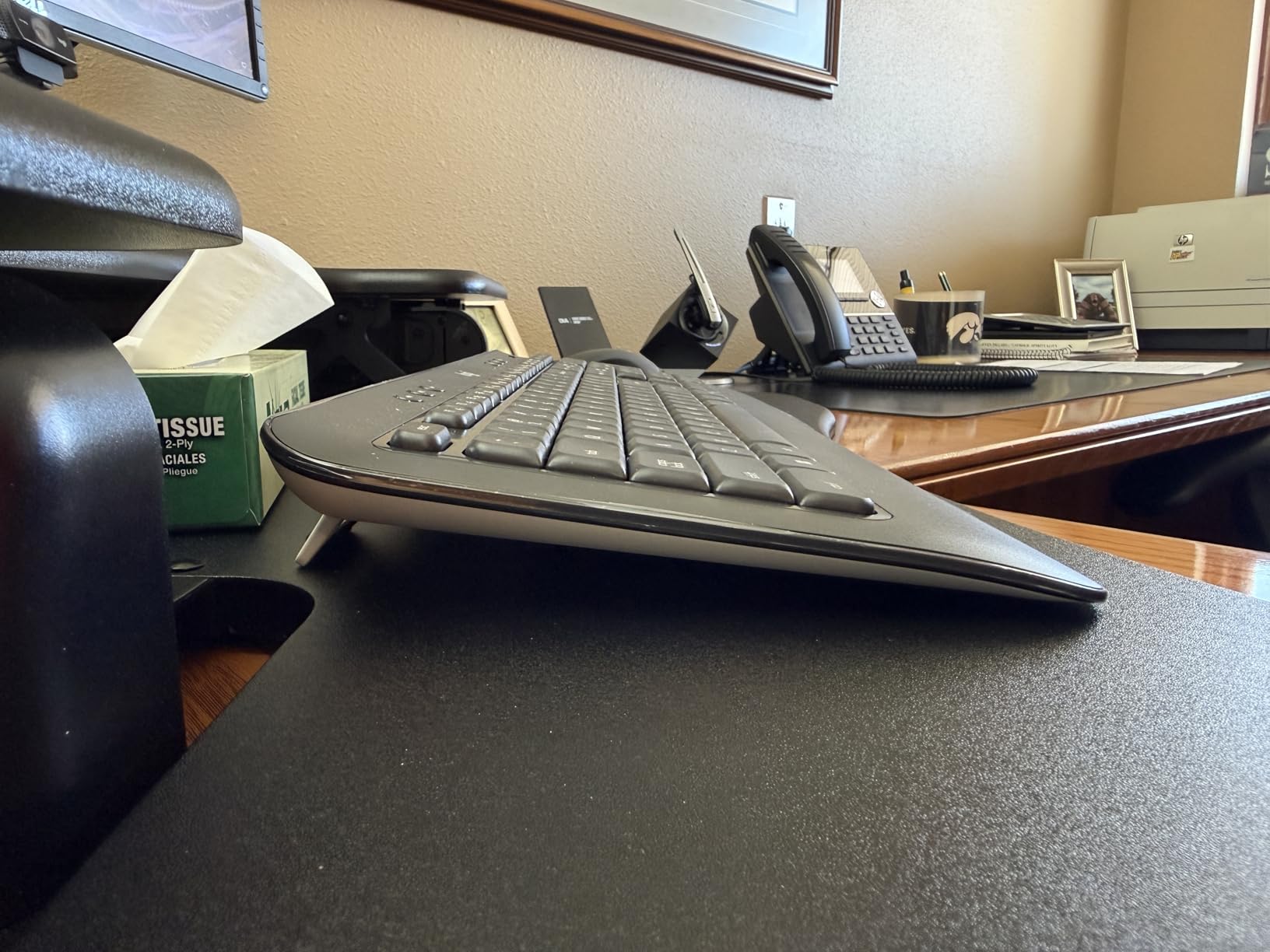
The MK540 is the comfort pick. The integrated palm rest and full-size layout made it the most pleasant combo for extended typing sessions during my testing.
I wrote a 15-page research paper over a weekend using this keyboard and my hands felt fine the entire time. The palm rest provides consistent support without being intrusive.
The spill-resistant design has already saved me once — I knocked over a water bottle and the keyboard survived with no issues. For students who eat and drink at their desks, this matters.
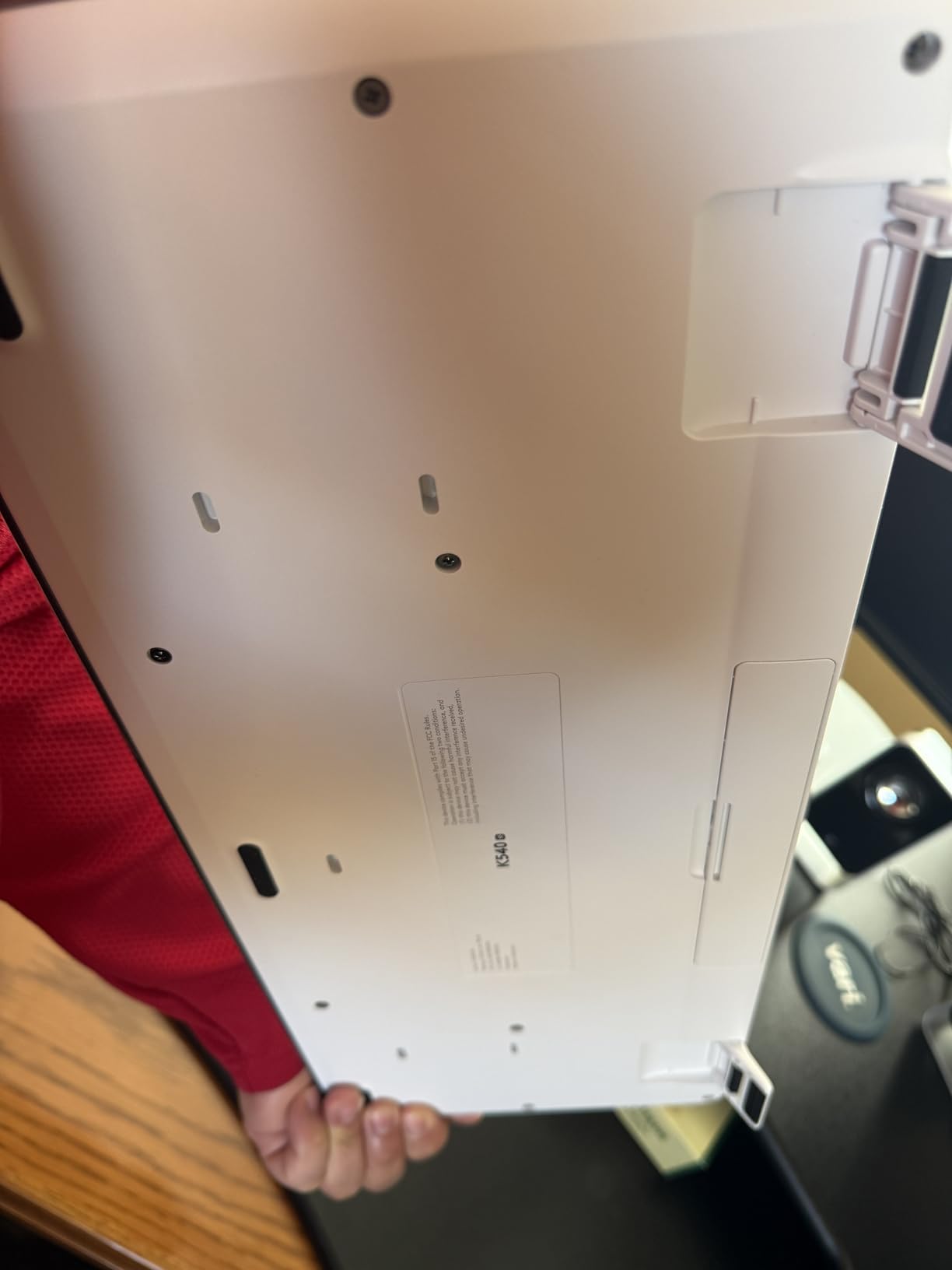
The Unifying USB receiver is a nice touch. It lets you connect multiple Logitech devices through a single dongle, which is helpful if your laptop has limited USB ports.
The multimedia hotkeys include a dedicated calculator button, which I used constantly during a statistics course. Small features like this add up to real productivity gains.
Best for students with desk space
If you have a dedicated study desk in your dorm or apartment, the MK540 gives you the most comfortable full-size experience on this list. The palm rest and spill resistance make it ideal for long-haul productivity.
The ambidextrous mouse with soft rubber side grips is also more comfortable than the basic mice in cheaper Logitech combos.
Less practical for campus commuters
The full-size design with integrated palm rest means this combo takes up significant backpack space. It is better suited as a desk-only setup rather than something you carry daily.
Windows-only compatibility also limits it. Mac and iPad users should skip this one and look at the Pebble 2 or seenda COE200.
7. Logitech Pebble 2 Combo — Best for Multi-Device Students
Logitech Pebble 2 Silent Compact Wireless Keyboard and Mouse Combo – Black
Multi-device Bluetooth up to 3 devices
Ultra-portable slim design
Silent Touch technology
Cross-platform compatibility
Pros
- Multi-device connectivity up to 3 devices
- Extremely quiet Silent Touch technology
- Excellent 3-year keyboard battery
- Cross-platform Mac Windows iPad Android
- Ultra-portable lightweight design
Cons
- Compact size no number pad
- Higher price point
- Mouse scroll drift on Windows 11
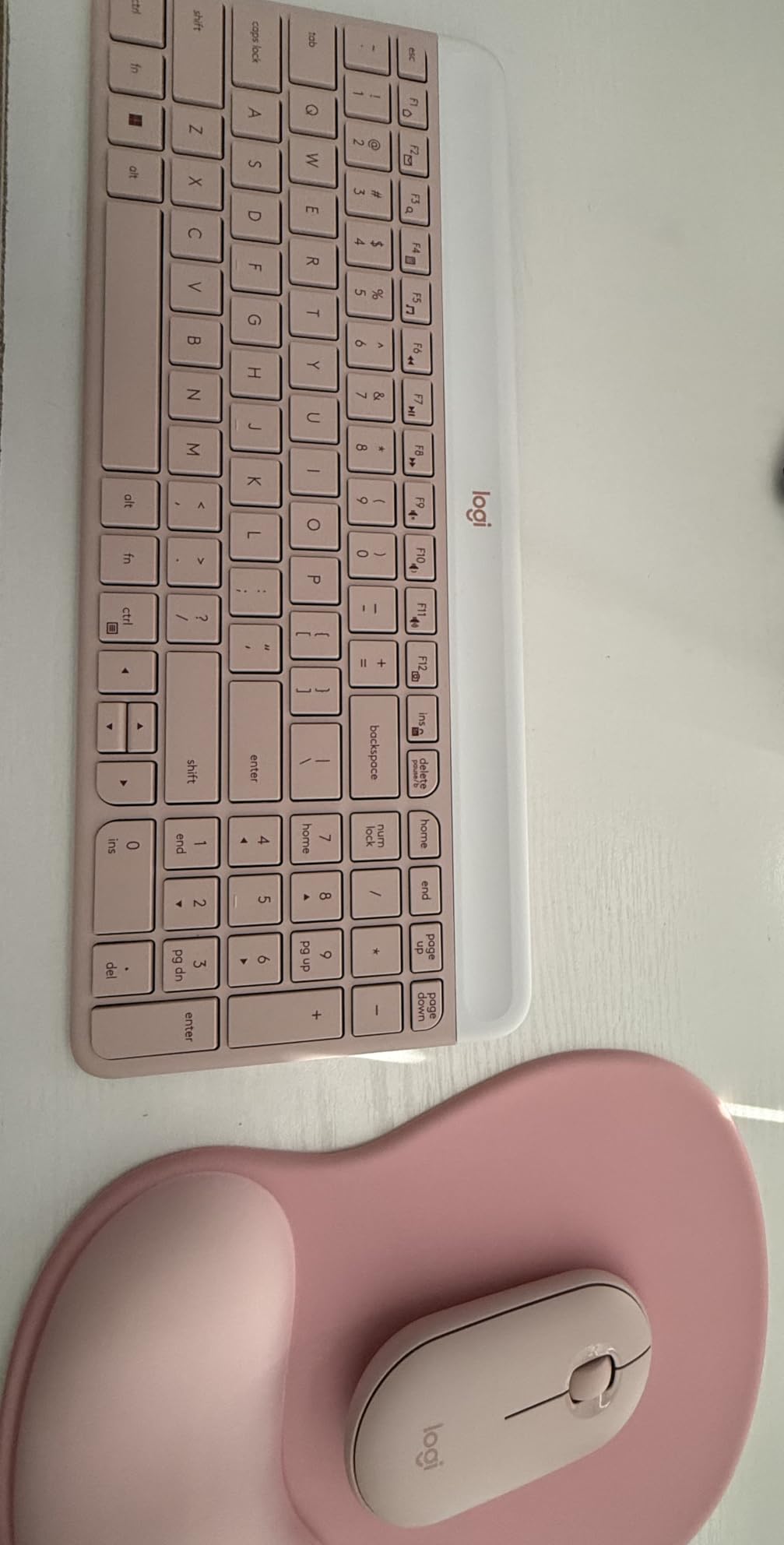
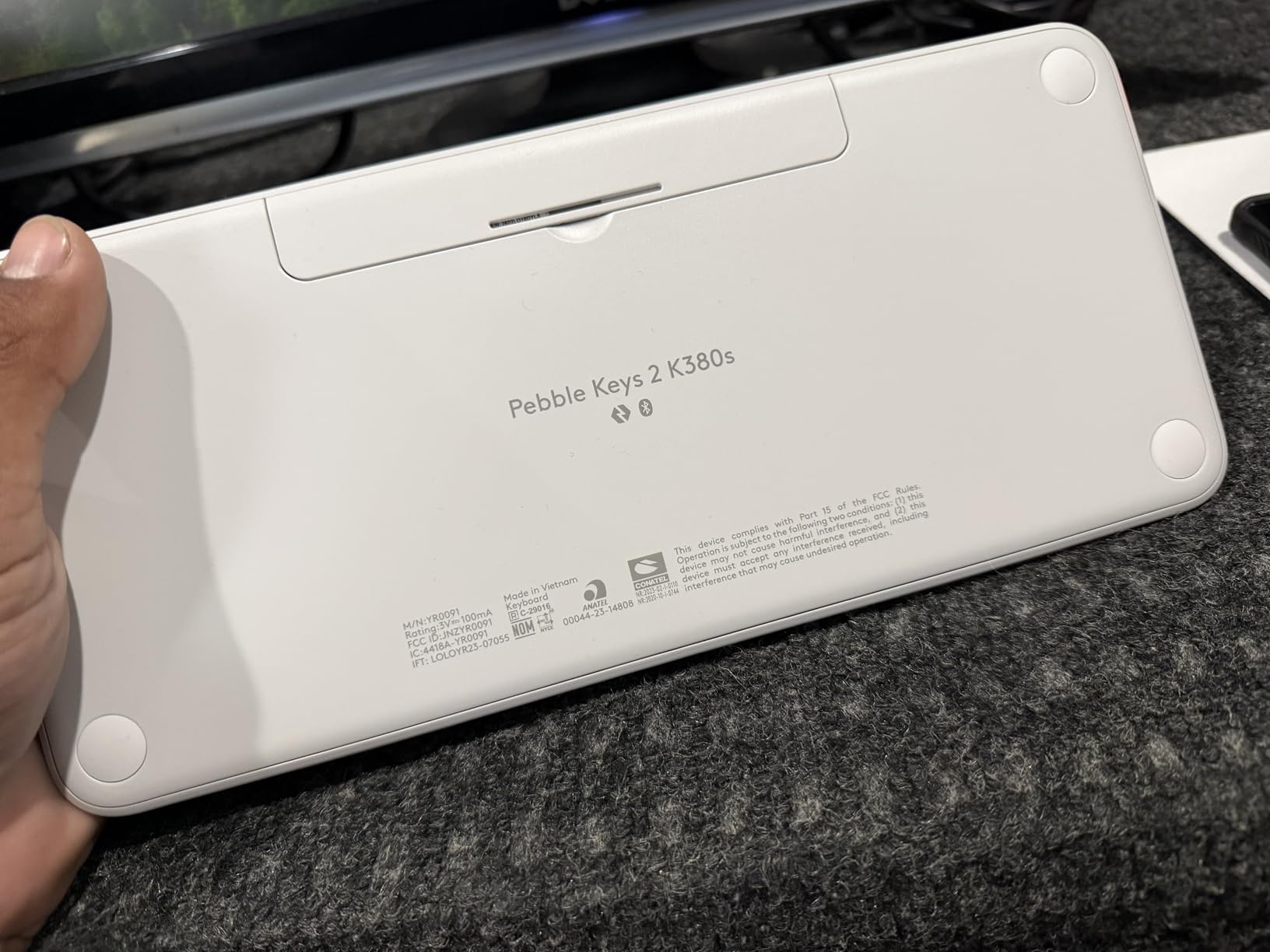
The Pebble 2 Combo is my top recommendation for students who work across multiple devices. I paired it with my MacBook, iPad, and Android phone — all over Bluetooth — and switched between them with a single button press.
The Silent Touch technology is remarkably effective. I typed an entire essay in a packed library and nobody around me noticed. This is the quietest combo I tested by a significant margin.
The ultra-slim design fits in any bag and weighs just 491 grams total. I carried it alongside my iPad all semester without even noticing the extra weight.
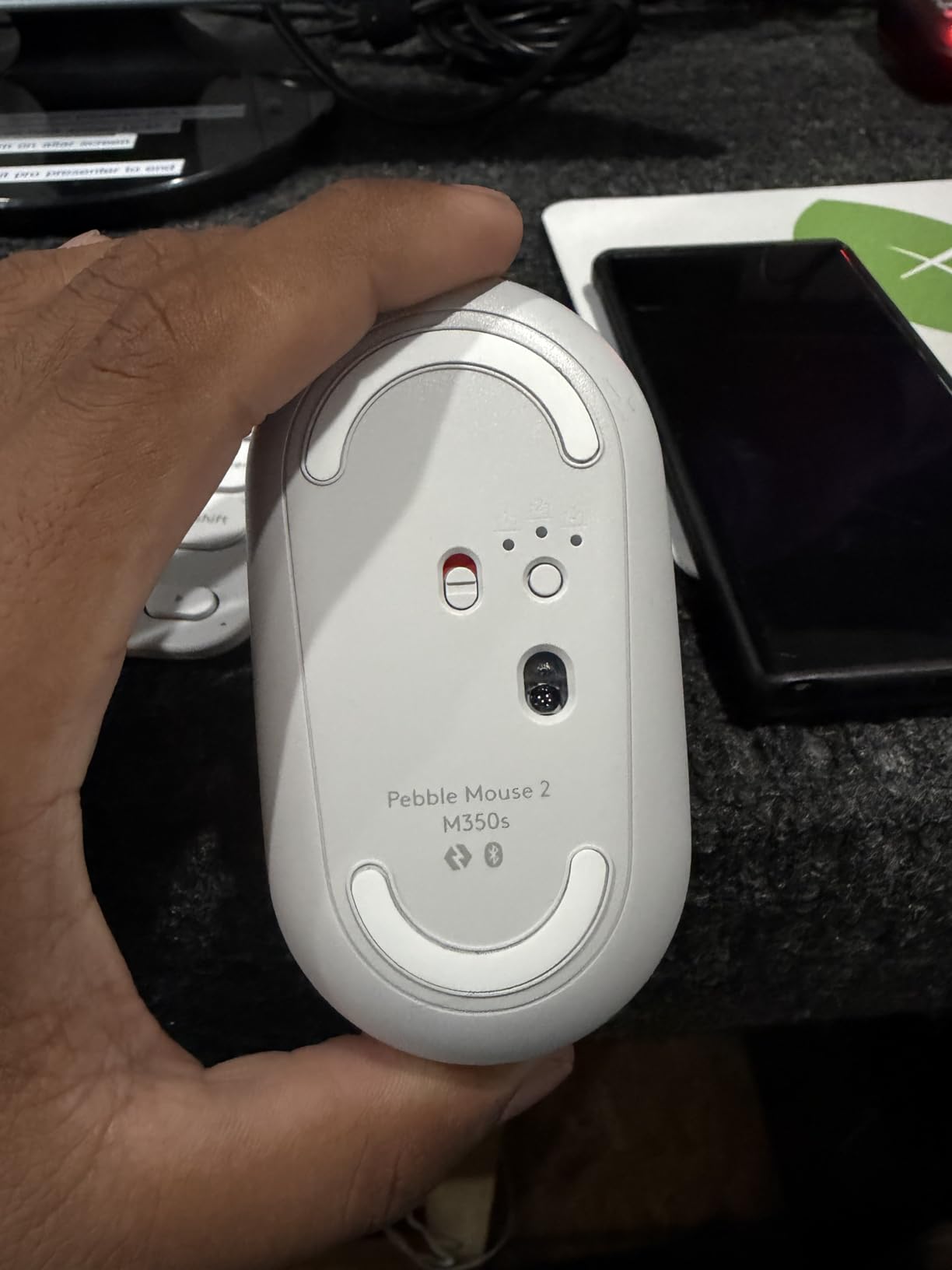
Battery life is exceptional — 3 years for the keyboard and 2 years for the mouse on included batteries. Logitech also includes a Logi Bolt USB receiver for devices without Bluetooth, giving you connection flexibility.
The Logi Options+ app lets you customize FN keys and mouse buttons. I set up shortcuts for copy-paste, screenshot capture, and app switching, which sped up my workflow considerably.
The hybrid learning champion
If your setup involves a laptop for assignments, an iPad for note-taking, and a phone for quick communication, the Pebble 2 handles all three seamlessly. The Easy-Switch button makes jumping between devices effortless.
Students in technical programs will also appreciate how well it pairs with multiple systems. Check out our guide on keyboard mouse for technical coursework for compatible setups.
Compact size has trade-offs
The Pebble 2 omits the number pad entirely, which frustrates students who do data-heavy coursework. If you need numeric input regularly, consider the MK540 or seenda COE200 instead.
Some Windows 11 users report minor scroll drift with the mouse, though I did not experience this issue during my testing period.
8. Rapoo 9010M Multi-Device Combo — Best Budget Multi-OS Option
Rapoo 9010M Multi-Device Keyboard and Mouse Combo, 2.4GHz/Bluetooth 5.0/4.0 Wireless Keyboard & Mouse Set for Windows/Mac/Linux/Chrome, Support 4 Devices, Low-Profile Silent Click, Battery Powered
Supports up to 4 devices
Bluetooth 5.0 and 2.4GHz USB
Adjustable DPI 800-2400
Compact and lightweight
Pros
- True 4-device simultaneous support
- Dual Bluetooth and USB connectivity
- Adjustable DPI for different displays
- Cross-platform Windows Mac Linux Android
- Includes batteries and USB receiver
Cons
- Mouse feels basic compared to keyboard
- Limited key combinations for power users
- Not ideal for gaming
- Slight typing lag for very fast typists
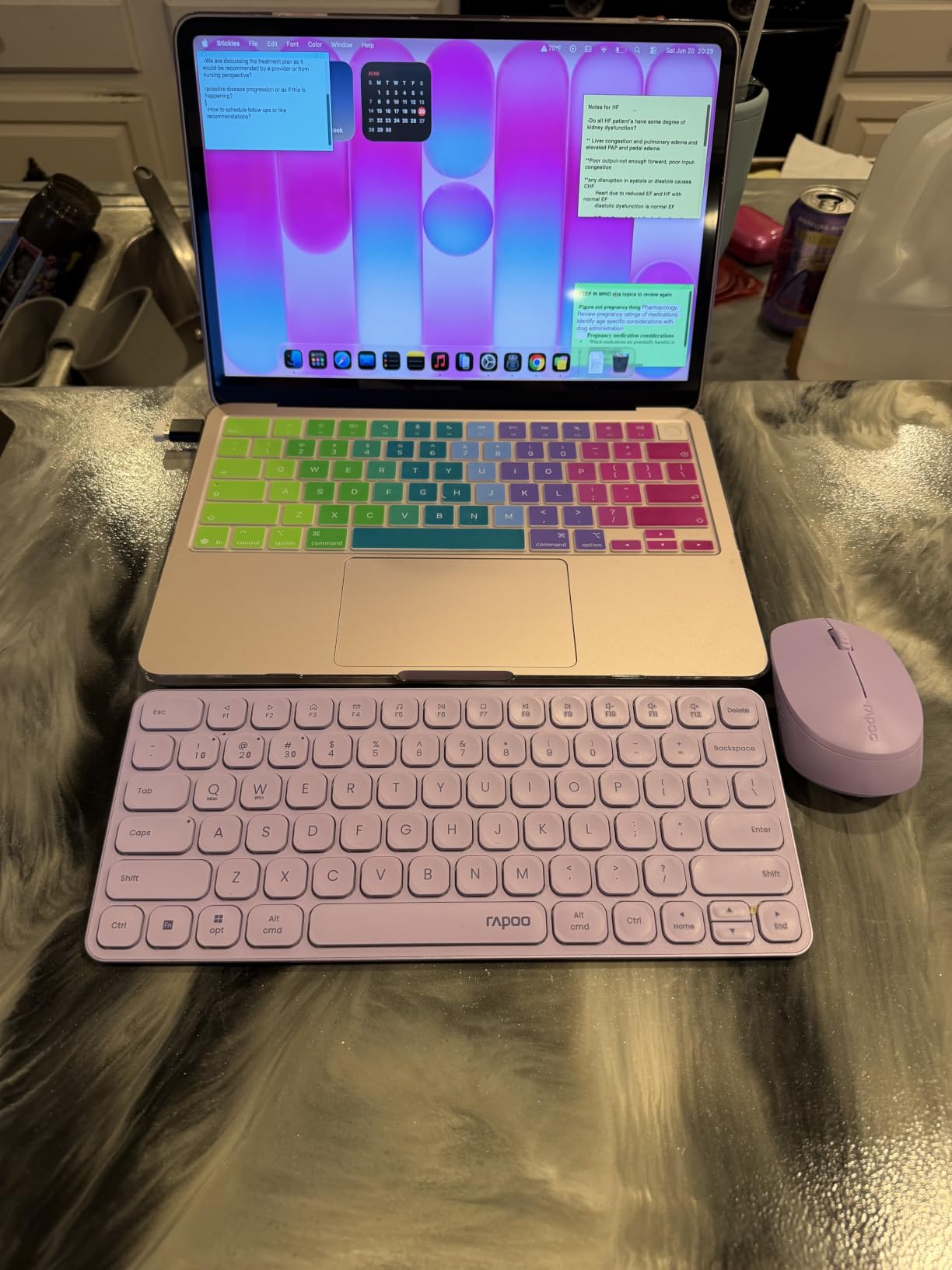
The Rapoo 9010M supports up to 4 devices simultaneously — more than any other combo on this list. I connected my Windows laptop, MacBook, iPad, and Android phone, then switched between them using indicator lights that show which device is active.
At this price point, getting both Bluetooth 5.0 and a 2.4GHz USB receiver is remarkable. The dual connectivity means you are never stuck if one method fails.
The keyboard uses low-profile chiclet scissor keys that feel laptop-like and quiet. I found the typing experience comparable to combos costing twice as much.
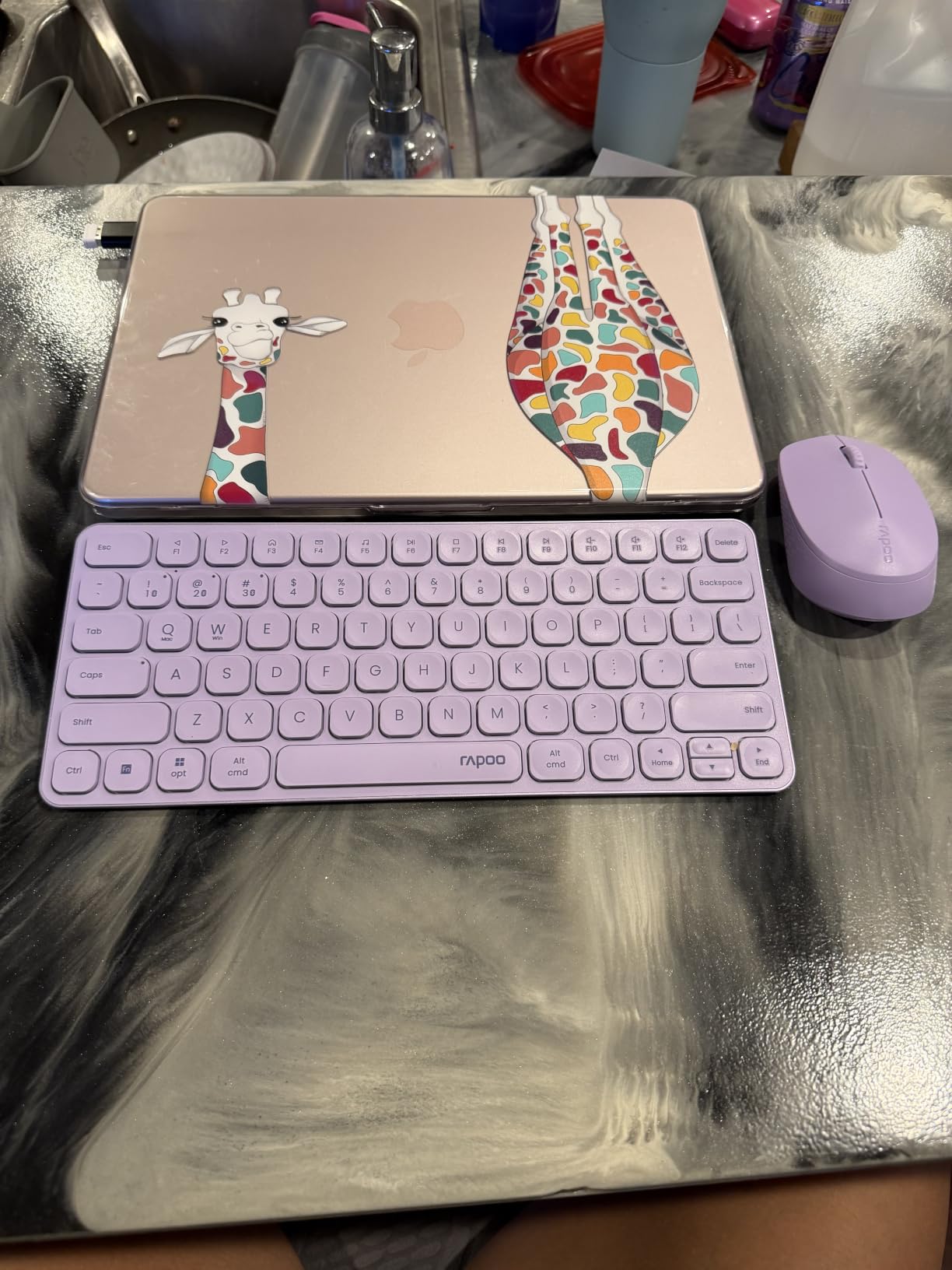
The adjustable DPI mouse offers five sensitivity levels from 800 to 2400. I used higher DPI for my large external monitor and lower DPI for precise cursor work on my laptop screen.
The compact design and 314-gram weight make it easy to carry. Rapoo even includes the AAA batteries, which is a nice touch at this price.
Best value for multi-platform students
If you use a mix of Windows, Mac, and Linux devices — common in computer science and design programs — the Rapoo 9010M handles all of them without breaking a sweat. The 4-device support is genuinely unmatched at this price.
The included batteries and USB receiver stored inside the mouse compartment mean you have everything you need right out of the box.
Mouse quality lags behind the keyboard
The mouse feels noticeably cheaper than the keyboard. It tracks fine for everyday tasks but lacks the precision and build quality of Logitech mice. Design students may want to replace it eventually.
Very fast typists might notice slight input lag, and some complex key combinations do not register. These are minor issues for most students but worth knowing.
Buying Guide: Choosing the Right Combo for Student Life
Finding the best keyboard and mouse combos for students means thinking about how and where you actually study. Here is what I learned from three months of testing.
Connectivity: Bluetooth vs USB Receiver
Bluetooth gives you cable-free freedom without occupying a USB port, and it works with iPads and tablets. USB receivers (2.4GHz) tend to be more stable with lower latency but require a free port.
If you use an iPad or a laptop with limited ports, Bluetooth is the way to go. The Logitech Pebble 2 and seenda COE200 both offer dual connectivity, giving you the best of both worlds.
Ergonomics for Long Study Sessions
You will spend hours typing essays and coding assignments. A wrist rest makes a real difference — the seenda COE200 and Logitech MK540 both include one built in.
Quiet keys matter more than you think. Library study sessions, shared dorms, and late-night work all benefit from scissor-switch or low-profile membrane keys. The MK470 and Pebble 2 are the quietest options I tested.
Battery Life: Set and Forget
Nothing derails a study session like a dead keyboard. Logitech dominates here — the MK270, MK470, and MK540 all offer 36-month keyboard battery life. The Pebble 2 stretches that to 3 years.
If you hate buying batteries, the ProtoArc XKM01 charges via USB-C. One cable tops up both keyboard and mouse, and a single charge lasts weeks.
Portability for Campus Life
Commuters and students who study in multiple locations should prioritize weight and size. The TECKNET combo weighs just 0.36 kg, and the ProtoArc folds in half for maximum portability.
Full-size keyboards with number pads are great for data work but bulky to carry. Consider whether you actually need the numpad before choosing a full-size model.
Dorm Room Space Optimization
Dorm desks are small. A compact combo saves space for textbooks, monitors, and the inevitable snack pile. The Logitech MK470 and Rapoo 9010M both offer compact footprints without sacrificing too much functionality.
If desk space is extremely tight, a foldable option like the ProtoArc XKM01 lets you pack up and stow your setup when not in use.
Budget Planning for Students
You do not need to spend much. The Rapoo 9010M and seenda COE200 both deliver multi-device features for under $20. The Logitech MK270 at around $24 remains the benchmark for value.
Spending more gets you better build quality, multi-device support, and rechargeable batteries. Decide which features matter most before committing your budget.
Frequently Asked Questions
Are wireless keyboards and mice reliable for students?
Yes, modern wireless combos are extremely reliable. 2.4GHz USB receivers offer near-zero latency and ranges up to 49 feet, while Bluetooth 5.0 provides stable connections for multi-device setups. Logitech combos in particular are praised across forums for dependable performance over years of daily student use.
What is the difference between mechanical and membrane keyboards?
Mechanical keyboards use individual physical switches under each key, providing tactile feedback and durability but more noise. Membrane keyboards use a rubber dome layer, making them quieter, cheaper, and more spill-resistant. For students in shared spaces like dorms and libraries, membrane and scissor-switch keyboards are usually the better choice.
How much should a student spend on a keyboard and mouse combo?
Most students can get an excellent combo for between $20 and $50. Budget picks like the Rapoo 9010M and seenda COE200 offer multi-device features under $20, while the Logitech MK270 at around $24 is the top value pick. Spending $50 to $65 gets you premium features like USB-C charging, foldable designs, or advanced multi-device support.
Can I use a keyboard and mouse combo with multiple devices?
Yes, many modern combos support multi-device connectivity. The Logitech Pebble 2 connects to 3 devices via Bluetooth with one-click switching, while the Rapoo 9010M supports up to 4 devices simultaneously. Look for combos with both Bluetooth and USB receiver options for maximum flexibility across laptops, tablets, and phones.
How does DPI affect mouse performance?
DPI (dots per inch) measures mouse sensitivity. Higher DPI means the cursor moves farther with less physical movement, which is useful for large monitors or high-resolution displays. Adjustable DPI, found on the seenda COE200 and Rapoo 9010M, lets students switch between precision work and fast navigation depending on the task.
Final Thoughts
After testing all 8 combos, my top recommendation depends on your setup. For most students, the Logitech MK270 delivers unbeatable value and reliability. If you work across multiple devices, the Logitech Pebble 2 Combo is the best keyboard and mouse combo for students in 2026 thanks to its seamless multi-device Bluetooth switching and ultra-quiet operation.
Budget-conscious students should look at the Rapoo 9010M or seenda COE200 for multi-device features under $20. Commuters will love the foldable ProtoArc XKM01, and anyone who prioritizes comfort should grab the Logitech MK540 with its built-in palm rest. Whatever your campus life looks like, one of these combos will get you through the semester.