
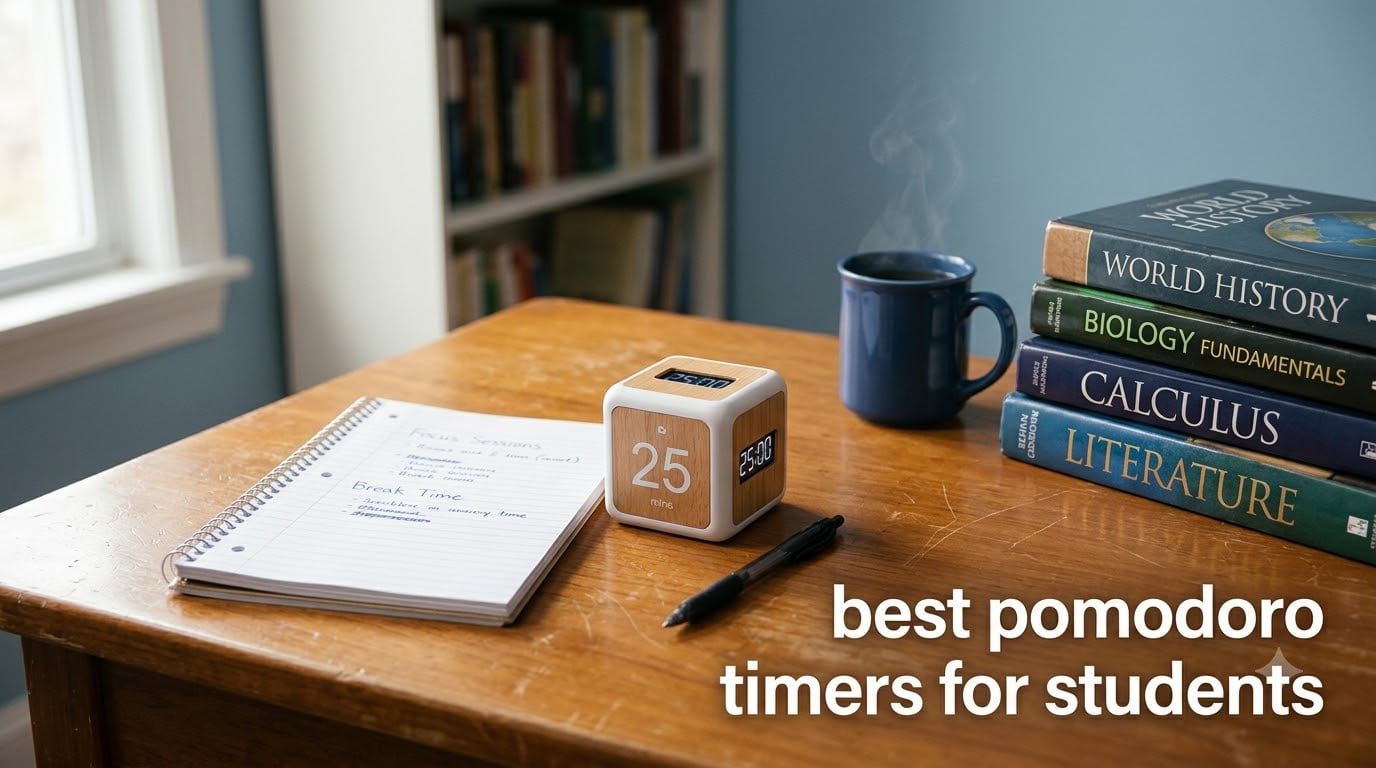
Every student knows the feeling. You sit down with your iPad, open your textbook, and thirty seconds later you are scrolling through social media. I have been there, and after testing dozens of focus tools over the past six months, I found that the right physical timer can make all the difference. The best pomodoro timers for students help you stay on task without the very device that distracts you sitting in your hand.
The Pomodoro Technique breaks study sessions into focused 25-minute blocks followed by 5-minute breaks. After four rounds, you take a longer 15 to 30 minute break. Students on Reddit communities like r/GetStudying and r/pomodoro consistently report that physical desk timers outperform phone apps because they remove the temptation to check notifications mid-session. Many students pair these timers with structured study sessions using the Pomodoro Technique to maximize focus during exam prep.
My team tested eight physical pomodoro timers across multiple study scenarios, from quiet library sessions to noisy dorm rooms. We evaluated each one on preset options, alert modes, build quality, and real-world usability for students. Whether you need a silent timer for group study or a vibrating model for ADHD focus support, this guide covers the top options available in 2026. You can also combine these with pomodoro timers and other focus tools for a complete productivity setup.
Table of Contents
Top 3 Picks for Best Pomodoro Timers for Students
OORAII Hexagon Pomodoro Timer
- 5/25/10/30/60 min presets
- Gravity sensor start
- 3 volume levels


Best Pomodoro Timers for Students in 2026
| Product | Specifications | Action |
|---|---|---|
| OORAII Rotating Pomodoro Timer |
|
Check Latest Price |
| Jack Pomodoro Cube Timer |
|
Check Latest Price |
| OORAII Hexagon Pomodoro Timer |
|
Check Latest Price |
 Secura Pomodoro Timer Secura Pomodoro Timer |
|
Check Latest Price |
 Kaflin Rechargeable Gravity Timer Kaflin Rechargeable Gravity Timer |
|
Check Latest Price |
 Ticktime Pomodoro Timer Cube Ticktime Pomodoro Timer Cube |
|
Check Latest Price |
 REACHER Custom Pomodoro Timer REACHER Custom Pomodoro Timer |
|
Check Latest Price |
 HIPPIH Visual Rainbow Timer HIPPIH Visual Rainbow Timer |
|
Check Latest Price |
1. OORAII Rotating Pomodoro Timer – Best Overall Value
Rotating Productivity Timer 5/25/10/50, Desk Flip Timer, ADHD Tool
Presets: 5/25/50 min
Custom: 00-99 min
3 volume levels
Weight: 2.11 oz
Pros
- Real Pomodoro presets with 5 and 25 minutes
- Gravity sensor for instant start
- Custom mode up to 99 min 59 sec
- Three volume levels including silent
- Compact and portable design
Cons
- Small 1.8 inch screen may be hard to read
I placed this little cube on my desk during a three-hour biochemistry study block, and it immediately clicked into my workflow. You literally flip it to the face showing the time you want, and the gravity sensor starts the countdown automatically. No buttons, no fumbling, no phone distractions.
The 25-minute preset is perfect for standard Pomodoro sessions. When my break hits, I flip it to the 5-minute side, and the cycle repeats without me thinking about it. At 2.11 ounces, it weighs almost nothing, so I toss it in my backpack alongside my iPad without a second thought.
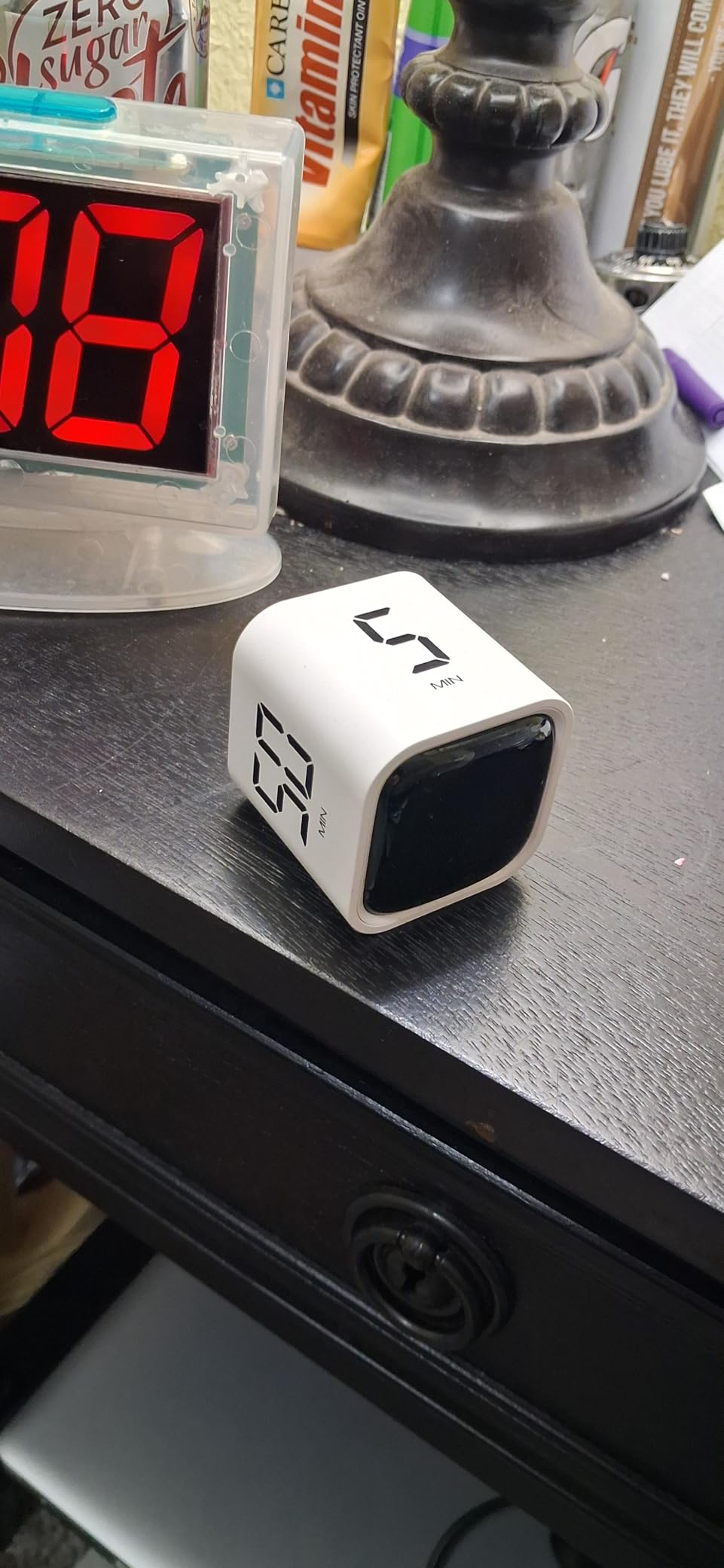
What impressed me most during testing was the custom mode. You can set any time from 00 to 99 minutes and 59 seconds using the side buttons. This came in handy during exam week when I wanted longer 50-minute deep work blocks instead of the standard 25-minute intervals.
The three volume levels are a standout feature. I used the silent mode during group study sessions where any beeping would be disruptive. The vibration setting worked great when I had my earbuds in listening to focus music. At this price point, getting this level of versatility is genuinely impressive.
How It Pairs With Your iPad Study Setup
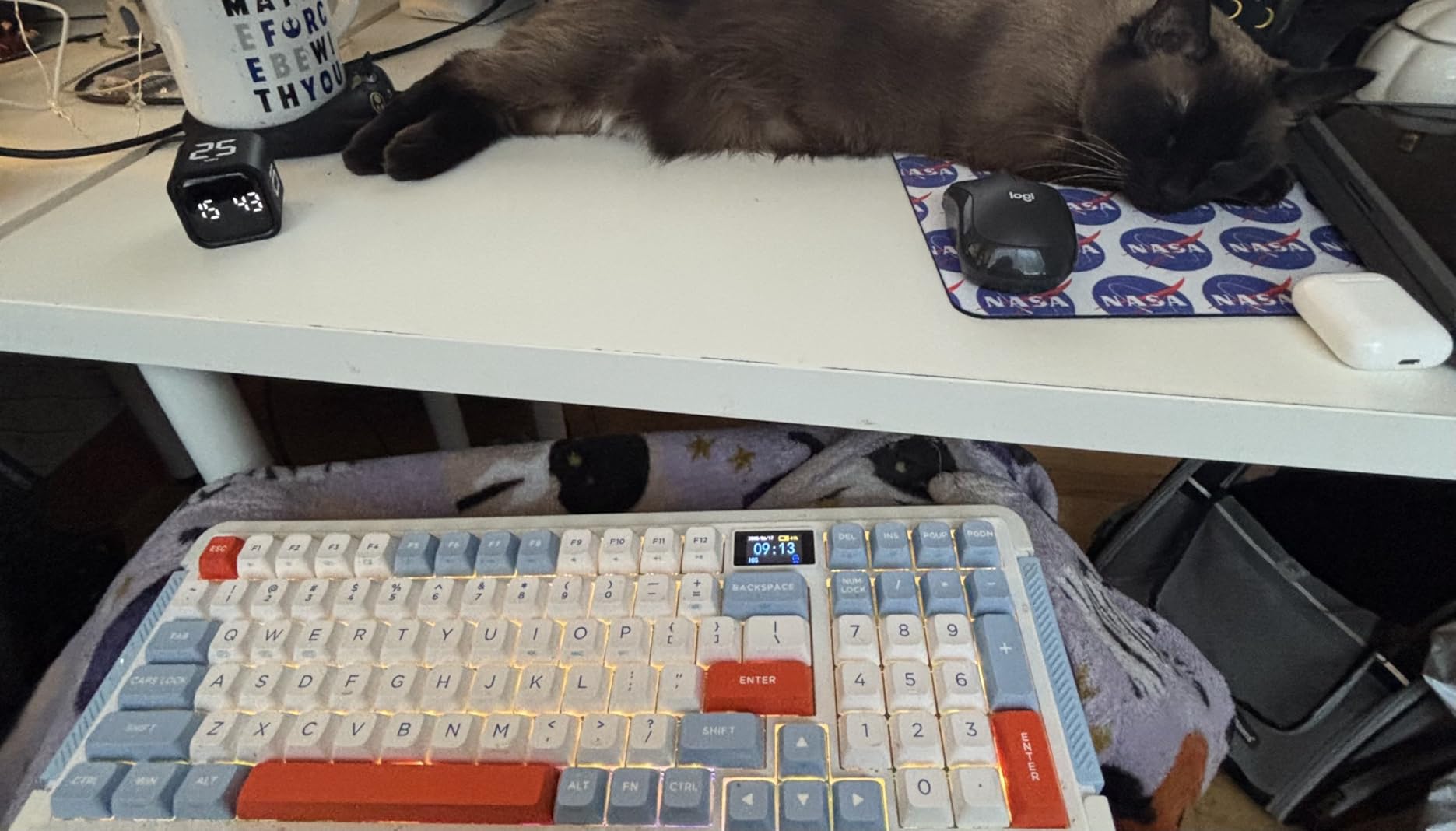
This timer sits perfectly next to your iPad in Split View mode. You can have your notes open on one side and a textbook on the other, with the timer cube visible on your desk showing the countdown. The physical presence of the timer creates a psychological boundary that phone apps simply cannot match.
I found my focus sessions lasted the full 25 minutes far more consistently with this cube than with any app timer. The act of physically flipping the cube to start a session creates a ritual that signals to your brain that it is time to work.
Sound Options for Different Study Environments
The high volume setting is loud enough to hear from across a dorm room. The low volume is a gentle beep that will not startle you during quiet reading. And the silent mode with flashing display is ideal for libraries where noise policies are strictly enforced.
One thing to note: the screen is only 1.8 inches, so if you sit far from your desk you might struggle to read the countdown. For most students studying at a standard desk distance, this is not an issue at all.
2. Jack Pomodoro Cube Timer – Best for Multiple Presets
Smart FILP Pomodoro Timer 3/5/10/25/30/60min Preset, Silent & Sound Alarm
Presets: 3/5/10/25/30/60 min
USB-C rechargeable
Magnetic base
4 light levels
Pros
- Six preset countdown times covering all needs
- Built-in Pomodoro cycle of 25 min work and 5 min break
- Magnetic base sticks to fridge or whiteboard
- USB-C rechargeable no batteries needed
- Four brightness levels and three sound modes
Cons
- Some users want even more timer presets
The Jack Pomodoro Cube caught my attention because it offers six preset times instead of the usual two or three. Having 3, 5, 10, 25, 30, and 60 minute options means I can use it for everything from quick stretch breaks to full hour-long deep work sessions without fiddling with custom settings.
The built-in Pomodoro method sets this apart from most physical timers I tested. Once activated, it runs a continuous 25-minute work and 5-minute break cycle. You do not have to manually restart anything. I used this feature during a marathon study session for my statistics final, and it kept me on pace for four straight hours.
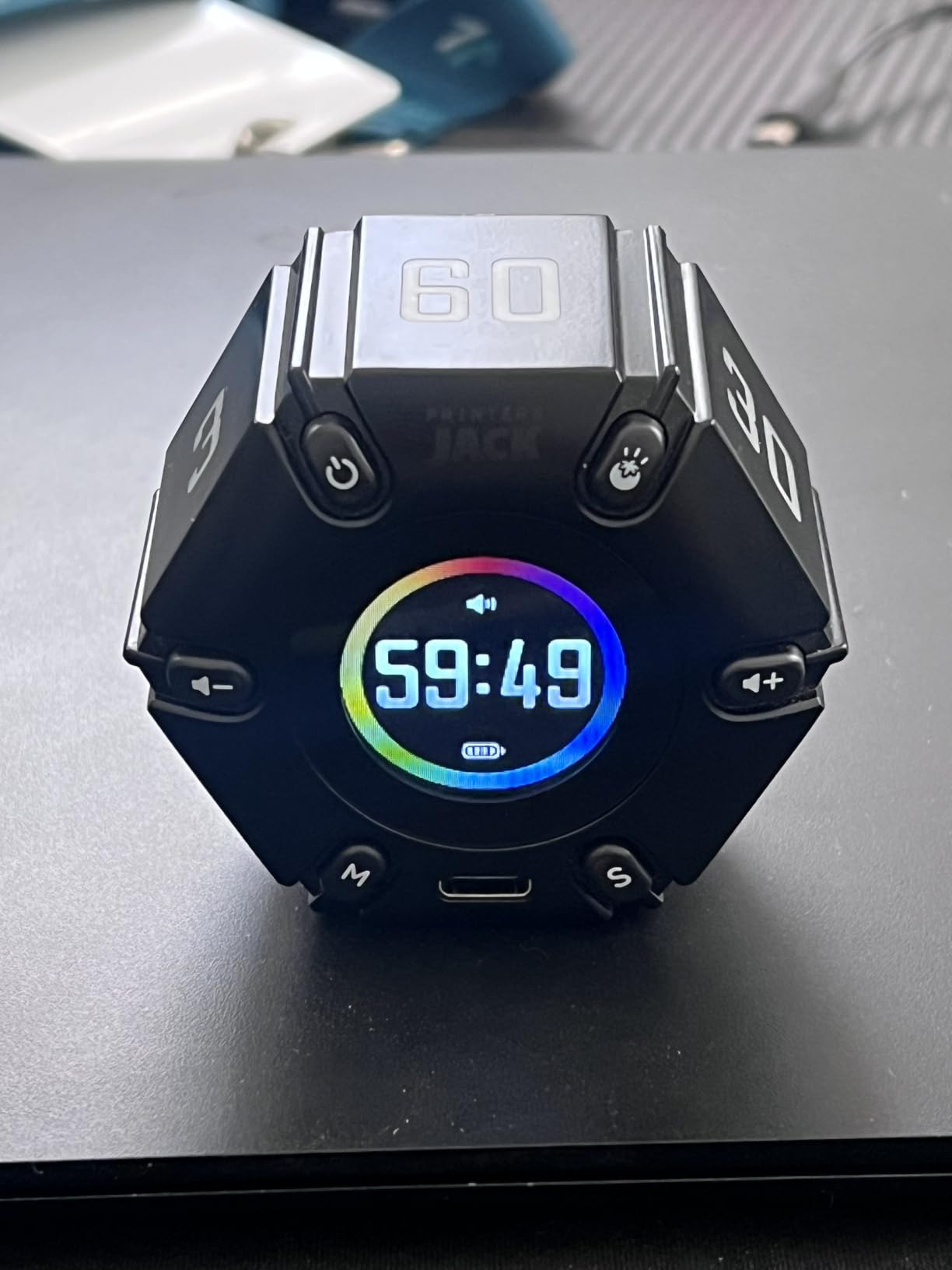
The magnetic base is a thoughtful addition that I did not know I needed. I stuck it to the metal shelf above my desk, freeing up valuable desk space for my iPad, notebook, and coffee. The USB-C charging means I top it off with the same cable I use for my iPad.
Build quality feels premium compared to the lighter plastic timers in this roundup. It has a satisfying weight to it at 0.12 kilograms, and the four light levels let you dim the display during evening study sessions. The three sound modes give you flexibility whether you are in a silent library or a busy coffee shop.
Battery Life for All-Day Study Sessions
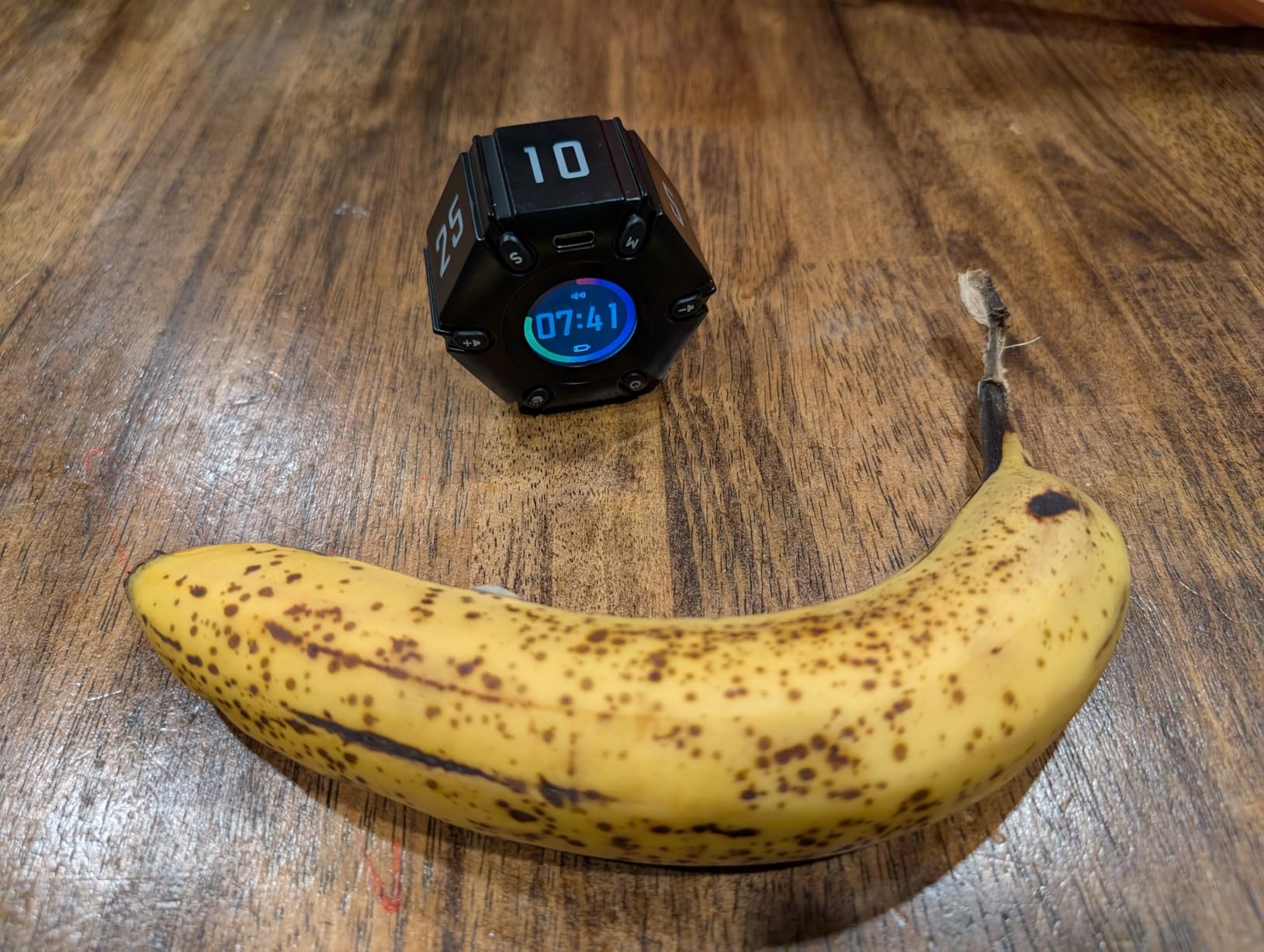
The rechargeable battery easily lasted through a full day of intermittent use during my testing. I charged it once on Sunday evening and it powered through an entire week of study sessions without needing a recharge. This is a major advantage over coin-cell battery timers that die unexpectedly.
If you study in long blocks, the USB-C port means you can even charge it from a power bank while using it. I never had a session interrupted by a dead timer.
Display Visibility in Different Lighting
The four brightness levels adapt well to changing light conditions. I tested it in a brightly lit classroom, a dimly lit dorm room at midnight, and outdoors on a sunny patio. In every scenario, I could read the countdown clearly.
The one trade-off is that this timer costs more than the OORAII models. For students who want maximum preset flexibility and the convenience of magnetic mounting plus USB-C charging, the premium is justified.
3. OORAII Hexagon Pomodoro Timer – Top Rated by Students
Rotating Productivity Timer 5, 25, 10 30,60 Mins Preset Stopwatch, Desk Flip ProductivityTimer, ADHD Tool Hexagon, Vibration/Mute/Alarm, for Work, Study, Back to School, Kitchen, Black
Presets: 5/25/10/30/60 min
Hexagon design
Gravity sensor
3 volume levels
Pros
- Highest rated at 4.8 stars
- Hexagon design with 6 timer faces
- Stopwatch mode up to 99 min 59 sec
- Silent vibration and alarm modes
- Especially praised by ADHD users
Cons
- Display text may be small for some users
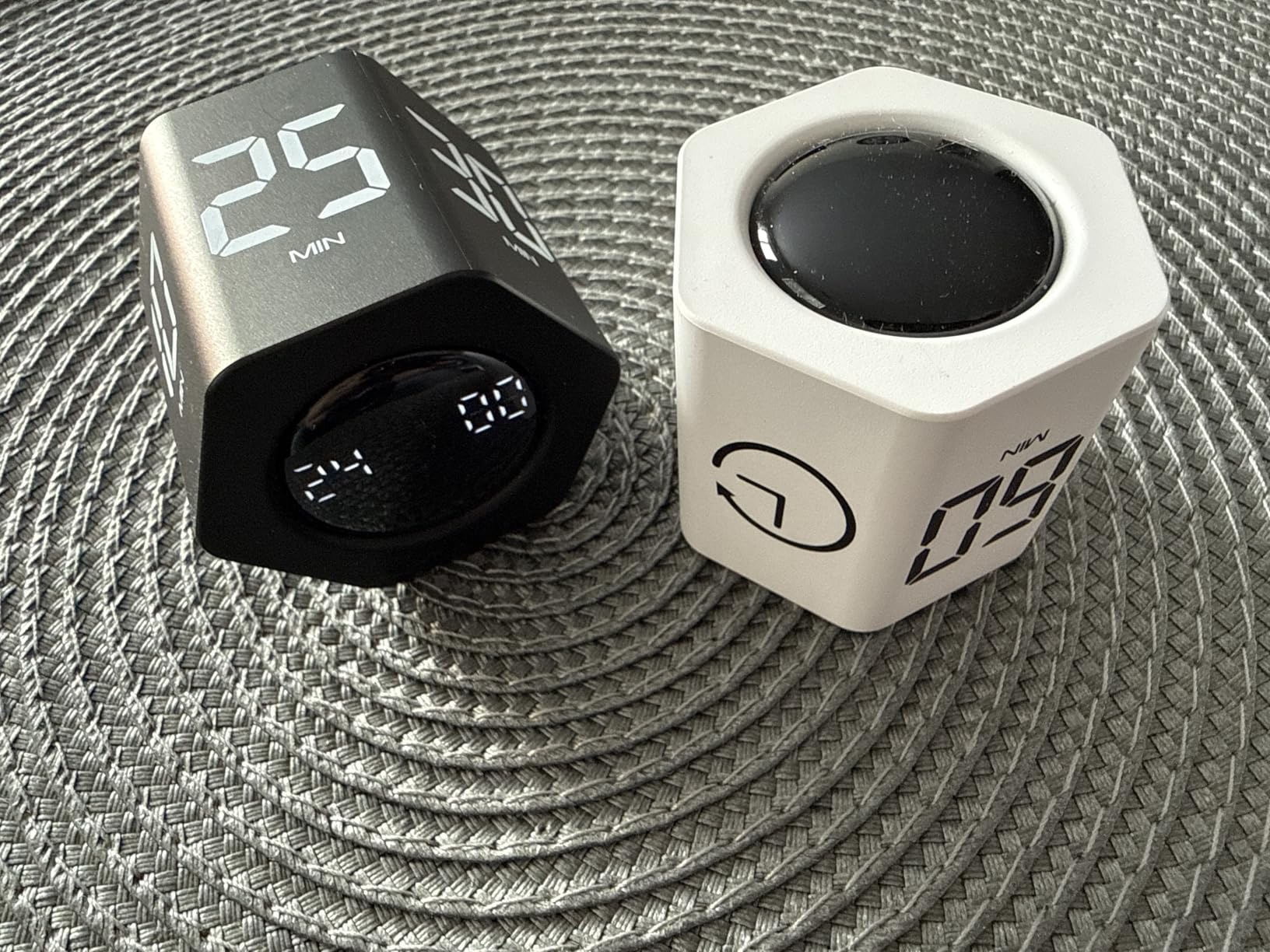
This hexagon-shaped timer earned the highest rating in our entire test pool at 4.8 stars. The six-sided design means each face corresponds to a preset time, and the gravity sensor activates instantly when you set it down. I found this even more intuitive than the cube design because there are more options available without touching any buttons.
I tested this specifically during my morning study routine for two weeks. The 25-minute Pomodoro face got the most use, but having the 10-minute and 30-minute presets readily available made it easy to switch between different study strategies. Some days I needed short bursts for flashcard review, and other days I wanted longer blocks for essay writing.
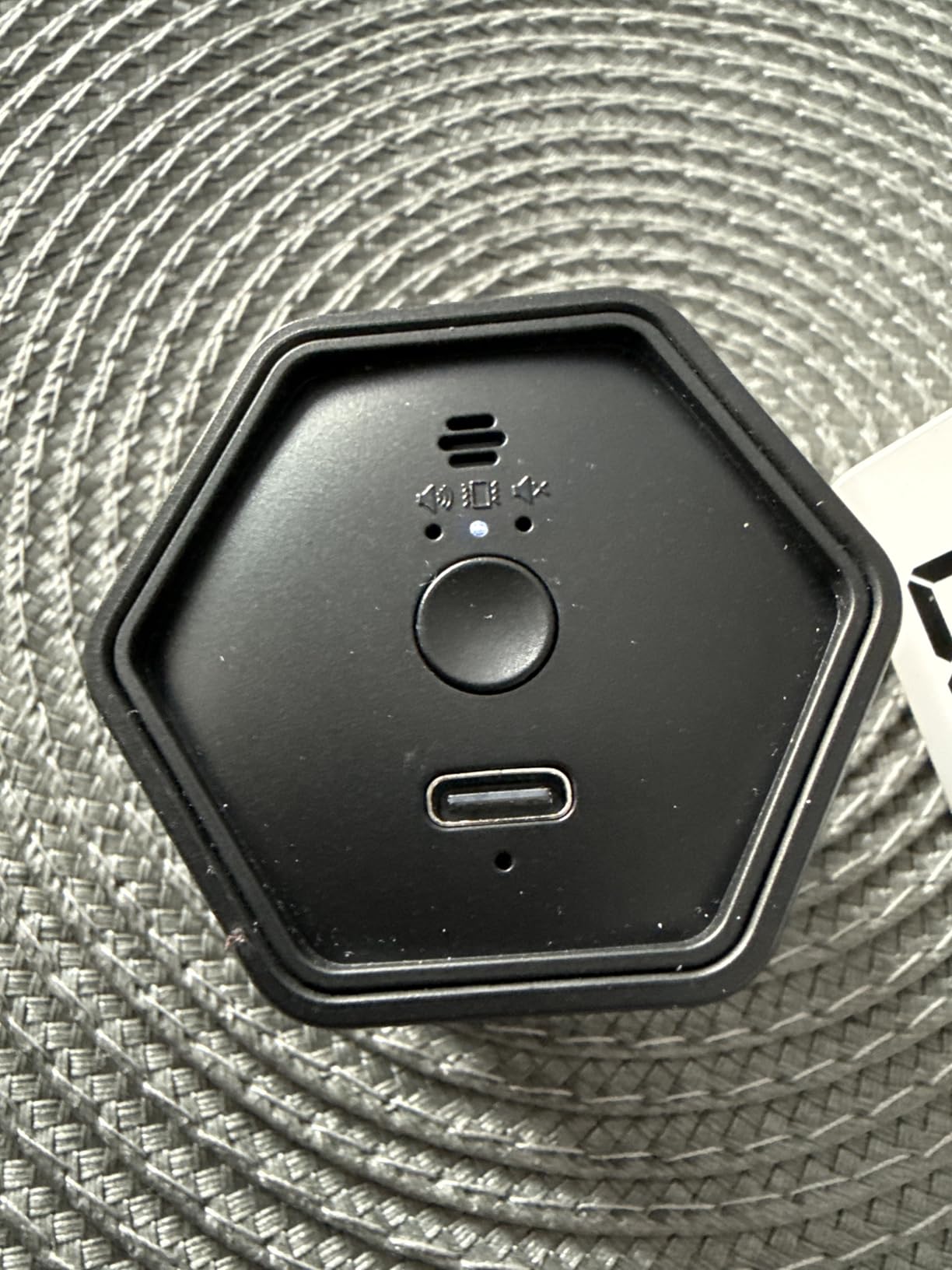
The mute and vibration modes make this timer exceptional for shared study spaces. During a group study session, I set it to silent with a flashing light alert. Nobody else was disturbed when my 25 minutes ended, and I quietly transitioned to my break. ADHD users on Reddit specifically praise this model for its tactile feedback and visual countdown.
The stopwatch mode is an underrated feature for students. I used it to track how long specific assignments actually took me, which helped me plan future study schedules more accurately. Knowing that a calculus problem set takes 45 minutes rather than the 90 I was budgeting freed up real time in my day.
Why It Earned Our Editor’s Choice
The combination of six presets, three alert modes, stopwatch functionality, and a 4.8-star rating from 271 reviewers makes this the best overall pick for students. The 84 percent five-star rate tells you that real users are genuinely satisfied with their purchase.
I also appreciate that the hexagon shape prevents it from rolling off your desk. It sits securely and the silicone base keeps it stable even when you are typing intensely on a keyboard nearby.
Best Use Cases for the Hexagon Design
The six faces cover the most common student time intervals. Five minutes for quick review, ten minutes for vocab drills, twenty-five minutes for deep work, thirty minutes for reading chapters, and sixty minutes for full study blocks. The sixth face activates the stopwatch mode.
This timer works best for students who want variety in their study sessions without navigating menus or pressing buttons. Just flip and go.
4. Secura Pomodoro Timer – Best Visual Progress Bar
Secura Pomodoro Timer with 5/10/15/20/25/50/90 Min Presets, 3 Level Volume
Presets: 5/10/15/20/25/50/90 min
Visual progress bar
Count-up to 99 min
USB-C rechargeable
Pros
- Seven preset times including 90 min for deep work
- Visual 10-segment progress bar shows time remaining
- Count-up mode for tracking study time
- USB-C rechargeable
- Compact and portable
Cons
- No reset button requires flipping to another time
- Limited volume settings
- Some screen visibility issues reported
The Secura timer stands out for its visual progress bar. Instead of just showing a number counting down, it has a 10-segment ring that fills or empties as time passes. I found this incredibly helpful for maintaining focus because I could glance at it and immediately see how much of my study session remained without reading digits.
Seven preset options give you more granularity than most timers. The 90-minute setting is perfect for deep work sessions based on the ultradian rhythm research, which suggests 90 minutes is the optimal focus cycle for complex cognitive tasks like writing papers or solving advanced math problems.
The count-up mode turned out to be my favorite feature. I used it to track total study time across a day. By the end of a Saturday study marathon, I could see I had put in 4 hours and 37 minutes of focused work. That data motivated me to keep going the next day.
The USB-C charging is a welcome feature at this price point. The compact design fits easily in a pencil case or backpack pocket. At just 2.88 ounces, it is light enough that you forget you are carrying it.
Progress Bar Benefits for ADHD Students
Students with ADHD often struggle with time blindness, meaning they have difficulty sensing how much time has passed. The visual progress bar addresses this directly by providing constant, at-a-glance feedback on where you are in your study session. You do not need to read numbers or calculate remaining time.
During testing, I noticed I checked the timer less frequently with the progress bar than with a digital-only display. The visual cue was processed peripherally, reducing interruptions to my reading flow.
Limitations to Consider Before Buying
The lack of a dedicated reset button is the most common complaint. If you accidentally start the wrong time, you have to flip the timer to a different preset and back. It takes about three seconds, but it is an annoyance when you are in the zone.
Some users also report screen visibility issues in bright sunlight. If you study outdoors frequently, this might not be the best choice. For indoor desk study, the display is perfectly readable.
5. Kaflin Rechargeable Gravity Timer – Best Battery Life
Kaflin Rechargeable Pomodoro Timer, Small Gravity Timer (Pearl White)
Presets: 1/3/5/15/30/60/90 min
8-sided design
24+ hour battery
180 day standby
Pros
- Seven preset times plus count-up mode
- 24+ hours continuous use and 180 days standby
- 8-sided LCD rotating design
- Three-level volume control
- Highly rated at 4.7 stars
Cons
- Not compatible with fast charging
- Smaller display numbers due to more presets
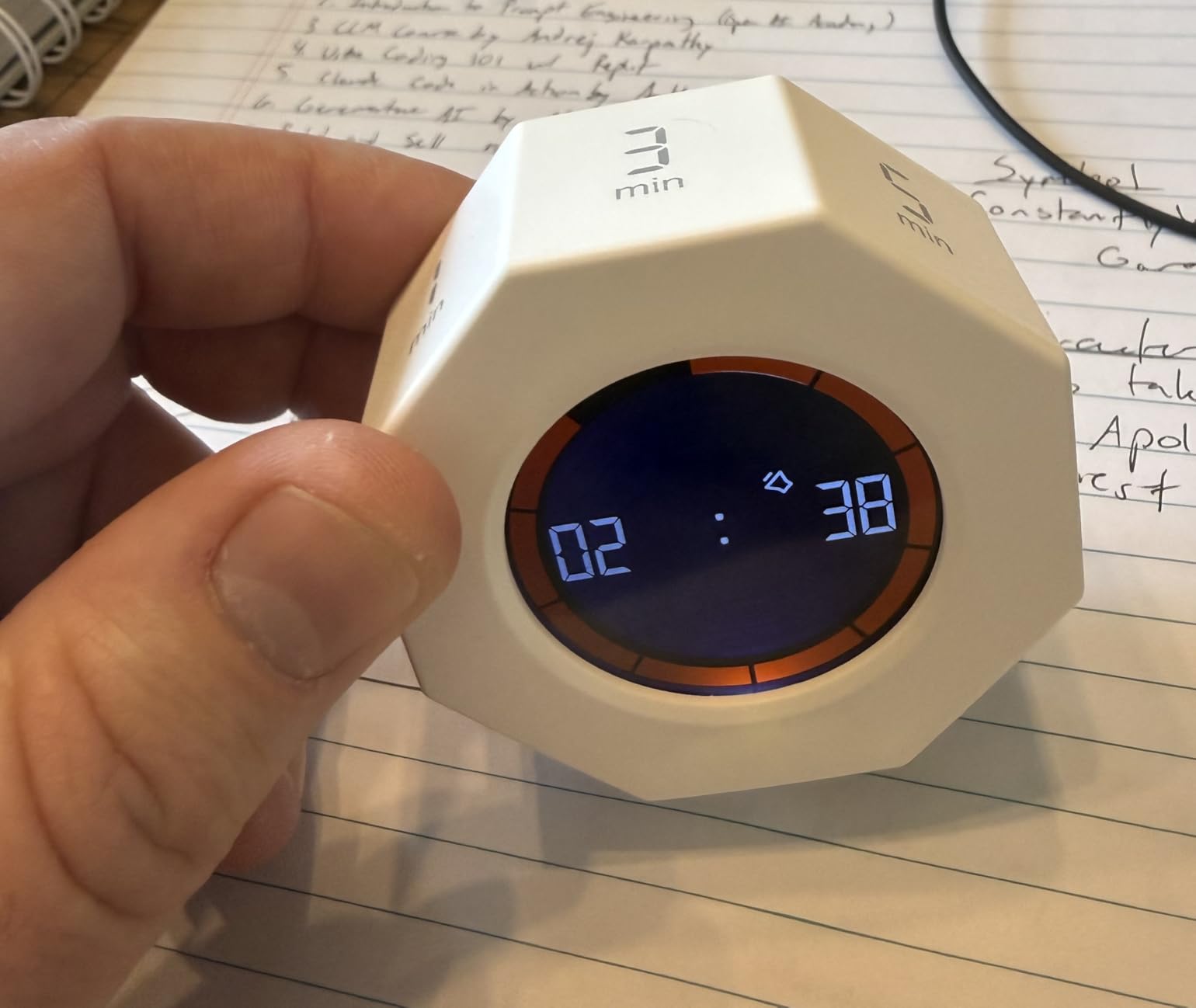
The Kaflin timer grabbed my attention with its battery specs. Twenty-four plus hours of continuous use and 180 days of standby means you can essentially charge it once per semester. I charged it at the start of my testing period and it was still going strong six weeks later with daily use.
The eight-sided design offers the most preset options of any timer in this roundup. With 1, 3, 5, 15, 30, 60, and 90 minute presets, plus a count-up mode, you can handle any study scenario. I particularly liked the 1-minute preset for timing quick mental breaks or transition periods between subjects.
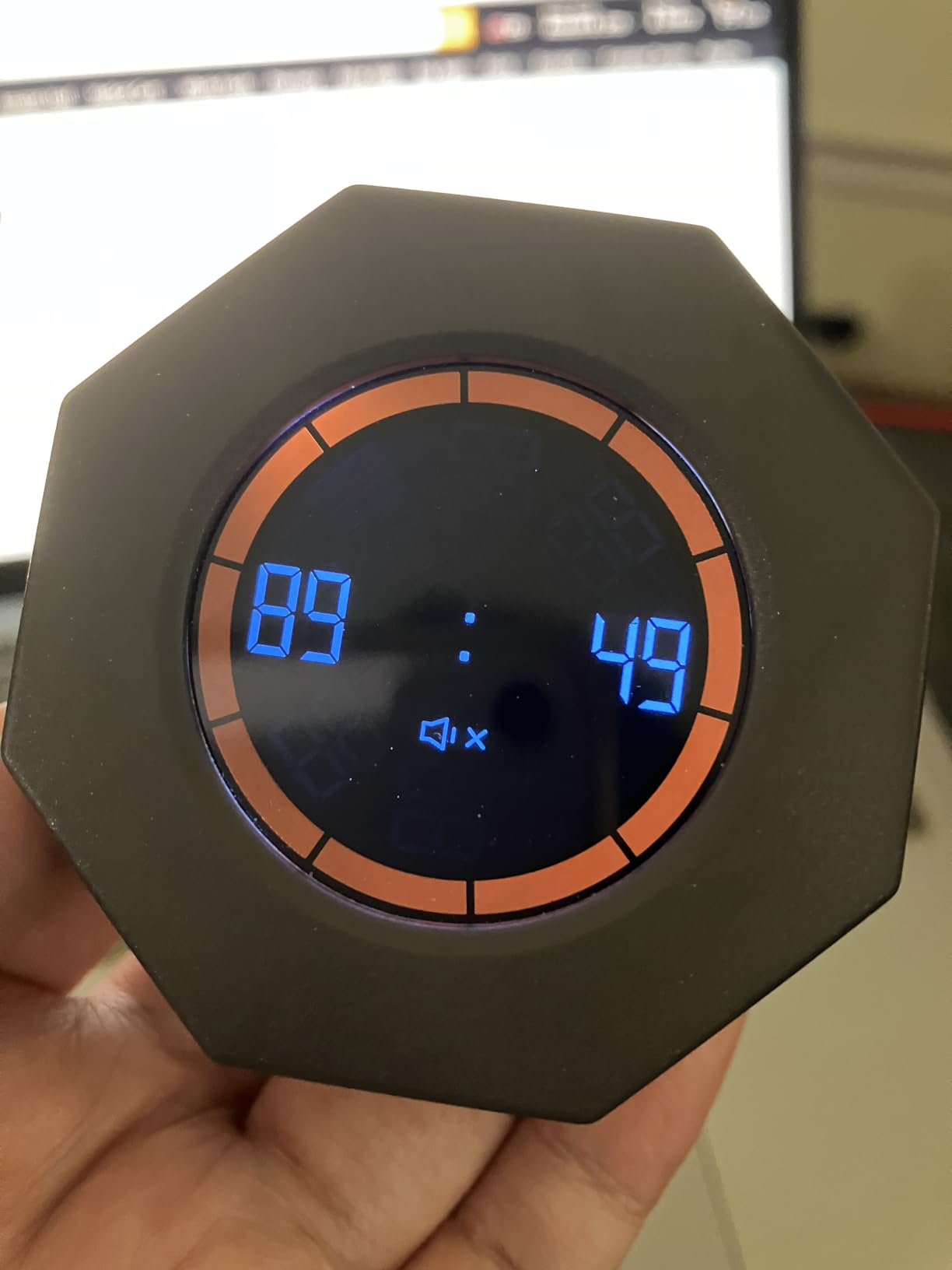
The three-level volume control covers all my study environments. Loud mode for noisy dorm rooms, normal for quiet study spaces, and mute for the library. The pearl white finish looks clean and professional on any desk setup.
At 4.7 stars with 285 reviews, the satisfaction rate is excellent. Users specifically mention how the flip-to-start mechanism feels natural and satisfying. I agree. There is something about physically rotating the timer that creates a stronger commitment to the study session than tapping a button on a screen.
Charging Habits and Battery Expectations
The one drawback is that it does not support fast charging. A full charge takes several hours via the Type-C port. I solved this by charging it overnight once every few weeks. Given the massive battery life, this is a minor inconvenience at worst.
If you are the type of student who forgets to charge devices, this timer is your best bet. The 180-day standby means even if you leave it unused over winter break, it will still have power when classes resume.
Preset Selection for Different Study Styles
The seven presets cover everything from micro-sessions to marathon study blocks. The 3-minute timer is great for quick flashcard reviews between longer sessions. The 15-minute setting works for focused reading assignments. And the 90-minute preset aligns with deep work research.
The trade-off for having eight sides is that the display numbers are smaller. If you prefer large, easy-to-read digits, the hexagon or cube designs might work better for you.
6. Ticktime Pomodoro Timer Cube – Most Reviewed Option
Ticktime T6 Pomodoro Timer Cube for Focus, Study, Work, Task, ADHD, Kitchen
Presets: 3/5/10/15/25/30 min
Custom 1s-99m59s
Magnetic back
3 reminder modes
Pros
- Massive review base of 2440 customers
- Preset times plus custom countdown up to 99 min
- Stopwatch mode for tracking study time
- Three reminder modes including silent
- Magnetic back and rechargeable battery
Cons
- Small 5mm display numbers
- Alarm can be jarring on highest setting
- Premium price point
- Glossy plastic attracts fingerprints
The Ticktime cube has been around long enough to accumulate 2,440 reviews, making it the most battle-tested timer in this roundup. I wanted to see if the popularity was justified, and after three weeks of daily use, I understand why students keep buying this model.
The six preset faces cover the standard Pomodoro intervals perfectly. Three minutes for a quick mental reset, five for a break, ten for review, fifteen for focused reading, twenty-five for deep work, and thirty for longer sessions. The custom countdown mode lets you set any time from 1 second to 99 minutes and 59 seconds for unusual intervals.
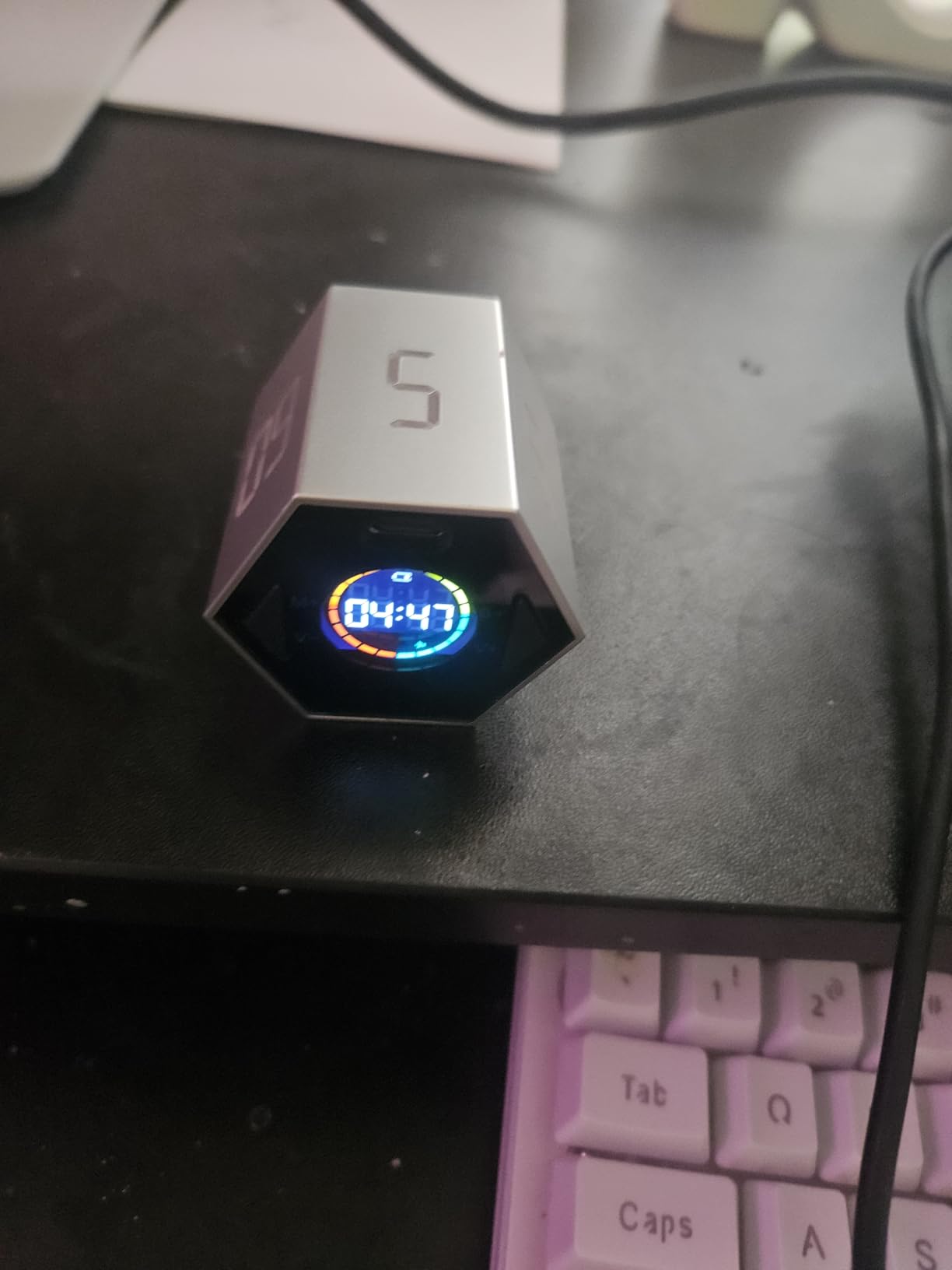
The magnetic back is genuinely useful. I attached it to the metal frame of my desk lamp, keeping it visible without consuming desk space. The three reminder modes let you choose between sound, vibration, and silent flash alerts depending on where you are studying.
I was particularly impressed by the pause and resume function. If someone interrupts your study session, you can pause the countdown and resume when you are ready. Most flip timers do not offer this, and it makes a real difference in shared study environments.
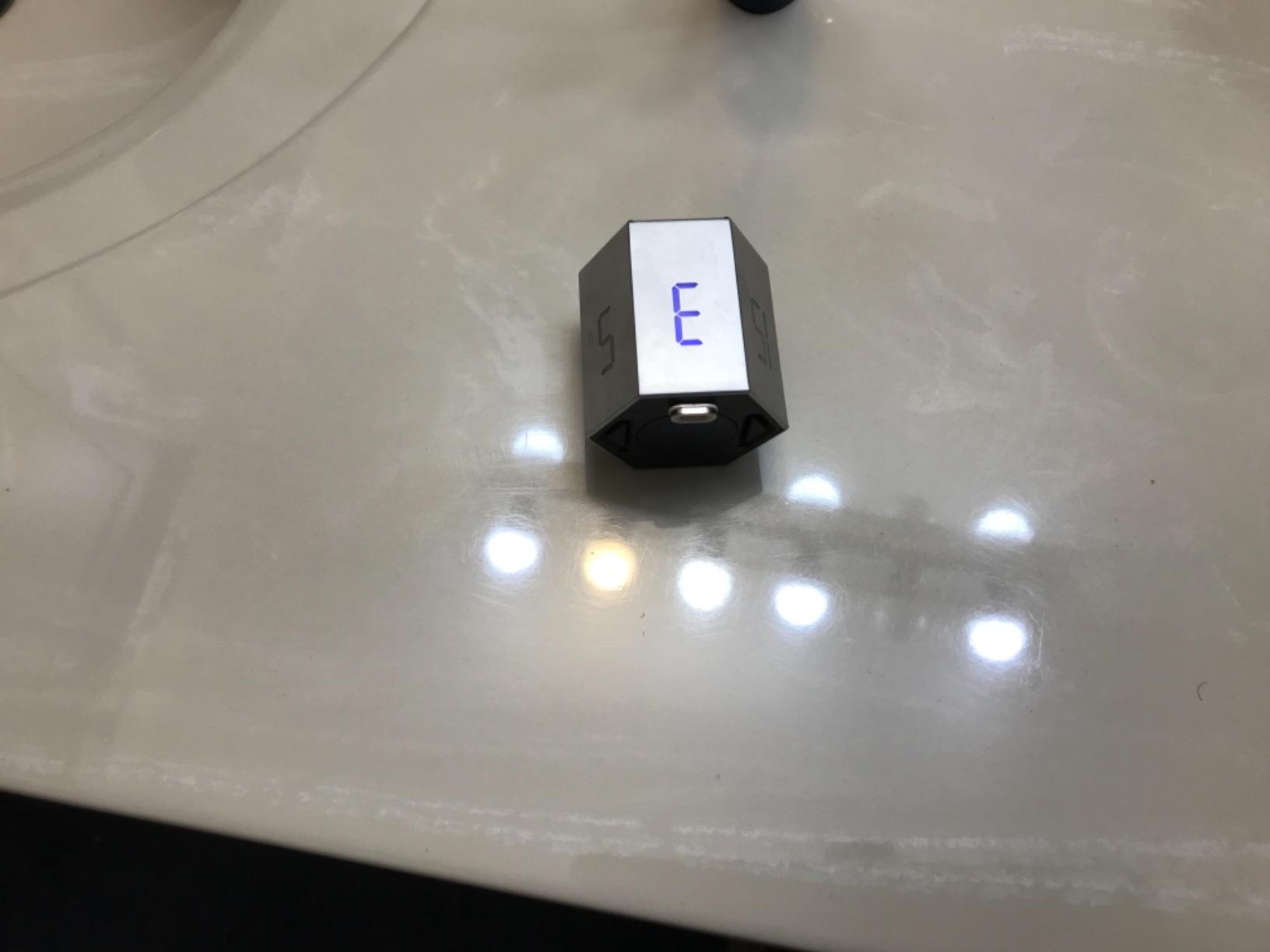
Is the Premium Price Worth It
At its price point, this is one of the more expensive options. However, the build quality, magnetic back, pause function, and the confidence of 2,440 reviews justify the investment for serious students. If this timer lasts you through four years of college, the cost per semester is minimal.
The biggest complaint across reviews is the small display numbers at 5mm. If you have visual difficulties or prefer to read your timer from across the room, consider the Secura with its visual progress bar instead.
Managing the Alarm Sound
The highest alarm setting is loud enough to hear from several rooms away, which is great for deep sleepers but potentially jarring in quiet spaces. I recommend using the vibration or silent mode in libraries and saving the sound mode for solo study at home.
The glossy ABS plastic does attract fingerprints, which is a cosmetic issue rather than a functional one. A quick wipe with a microfiber cloth keeps it looking clean.
7. REACHER Fast Custom Pomodoro Timer – Best Custom Control
REACHER Fast Custom Pomodoro Timer Cube, Productivity Timer for ADHD
Rotary dial 1-99 min
4 alert modes
Continuous Pomodoro cycles
USB-C rechargeable
Magnetic base
Pros
- Rotary dial for instant custom timing
- Continuous 25 plus 5 Pomodoro cycles
- Full-screen visual countdown with progress bar
- Four alert modes including low and high beeps
- Premium fabric-covered build quality
Cons
- Vibration cannot be dismissed once started
- Higher price point
- Fabric covering may collect dirt over time
The REACHER timer takes a different approach with its rotary dial. Instead of flipping between presets, you simply turn the dial to set any time from 1 to 99 minutes. This appealed to me immediately because I often want non-standard intervals like 18 minutes for a specific reading assignment or 40 minutes for a practice exam section.
The continuous Pomodoro cycle feature is what makes this timer special. With a single press, it runs endless 25-minute work and 5-minute break cycles. I turned this on at the start of a study day and let it manage my rhythm for six hours straight. The timer beeped, I took my break, and the next work session started automatically.
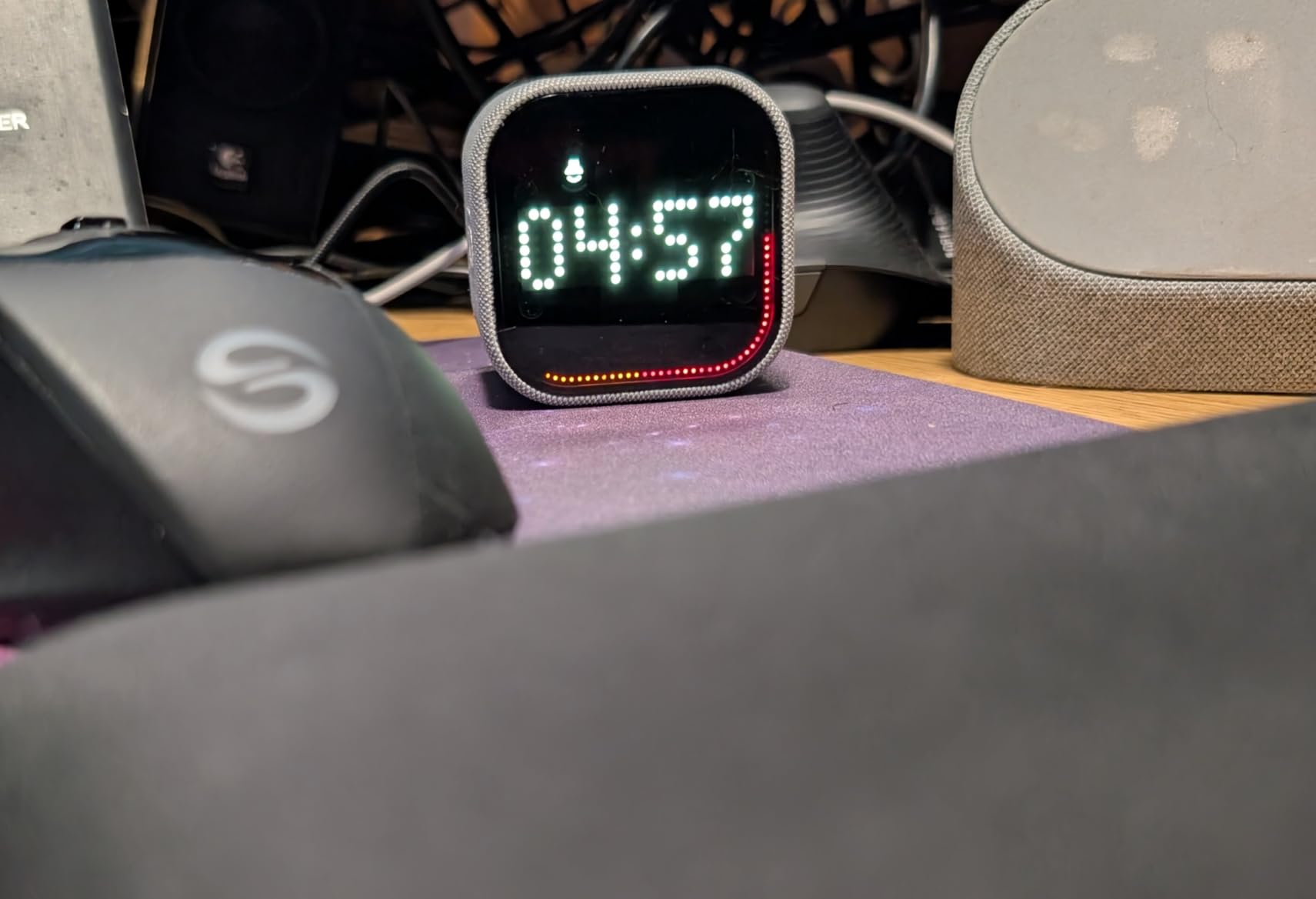
The full-screen visual countdown with progress bar is the clearest display I tested. The edge-lit progress indicator shows time remaining from any angle, so you do not need to be sitting directly in front of it. The 3.3-inch screen is also one of the larger displays in this roundup.
The fabric-covered finish gives it a premium feel that stands out from the plastic-heavy competition. It comes in gray and the texture adds grip, preventing it from sliding on smooth desk surfaces. The USB-C charging and magnetic base complete the premium package.
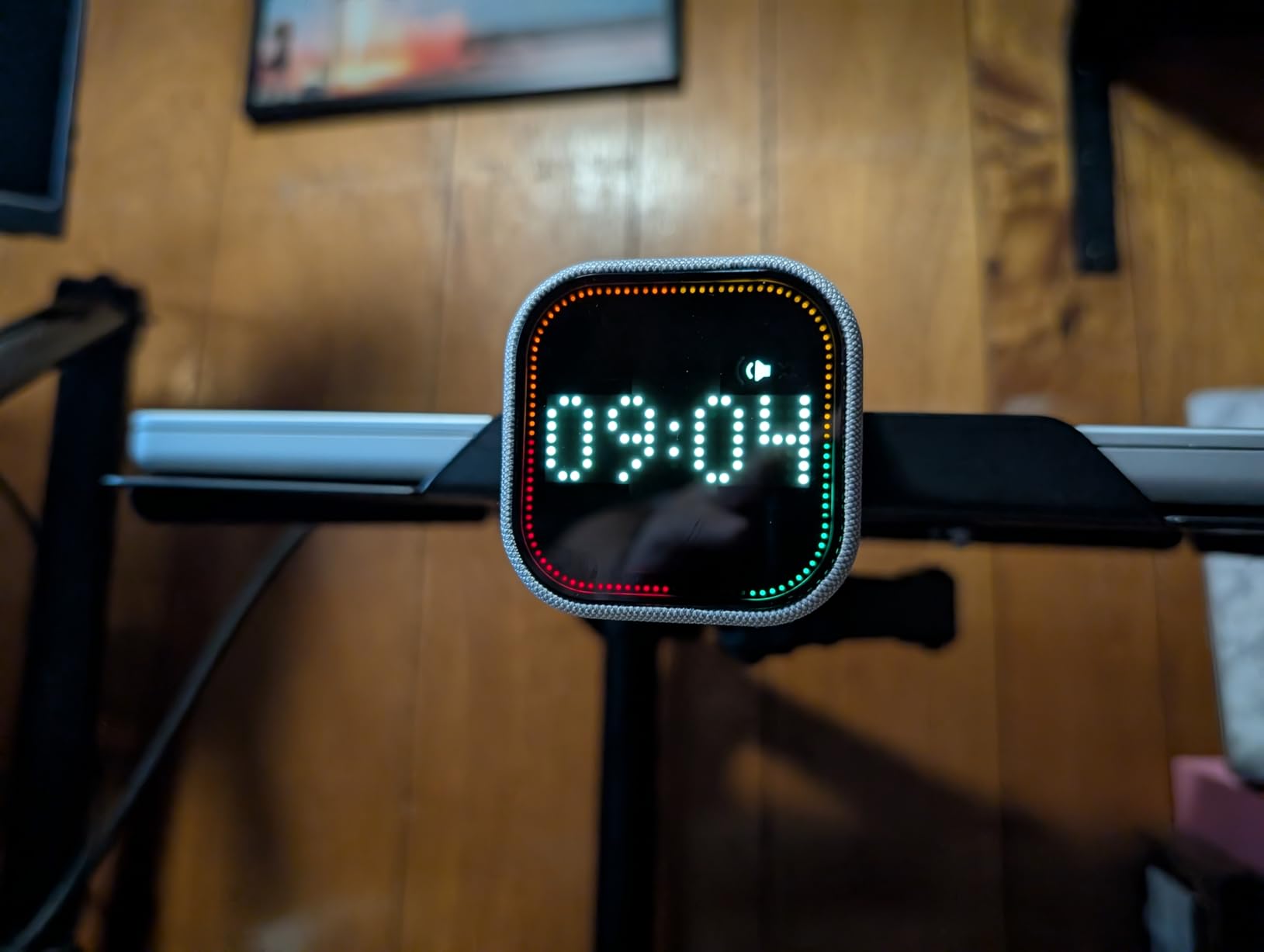
Rotary Dial vs Flip Design
The flip-to-start design is faster for standard Pomodoro intervals, but the rotary dial wins for flexibility. If your study schedule varies day to day, the ability to dial in any time instantly is a major advantage. I found myself using the dial for precise intervals like 12-minute vocabulary drills that no preset timer offers.
The dial also lets you make micro-adjustments. If you realize you need five more minutes on a problem set, just turn the dial. With a flip timer, you would need to start a new preset entirely.
Build Quality and Long-Term Durability
The fabric covering is a double-edged sword. It looks and feels premium out of the box, but it may collect dirt over months of daily use. I recommend keeping it in a dedicated pouch when transporting it in your backpack.
The vibration alert is strong and effective, but it cannot be dismissed once it starts. This means the timer will vibrate for its full duration until you interact with it. For most students, this is actually a positive feature that ensures you do not miss the end of your session.
8. HIPPIH Visual Rainbow Timer – Best Budget Option
HIPPIH Visual Timer for Kids, 60-Minute Countdown Silent Operation Timer
60 min visual countdown
Rainbow disk
Silent operation
Battery powered
4 color options
Pros
- Most affordable option under ten dollars
- Rainbow visual disk captures attention
- Silent operation with no ticking
- Easy knob operation for anyone
- Available in four colors
Cons
- Requires AA battery not included
- Cannot rotate knob past zero
- Alarm does not auto-stop
- Limited to 60 minute maximum
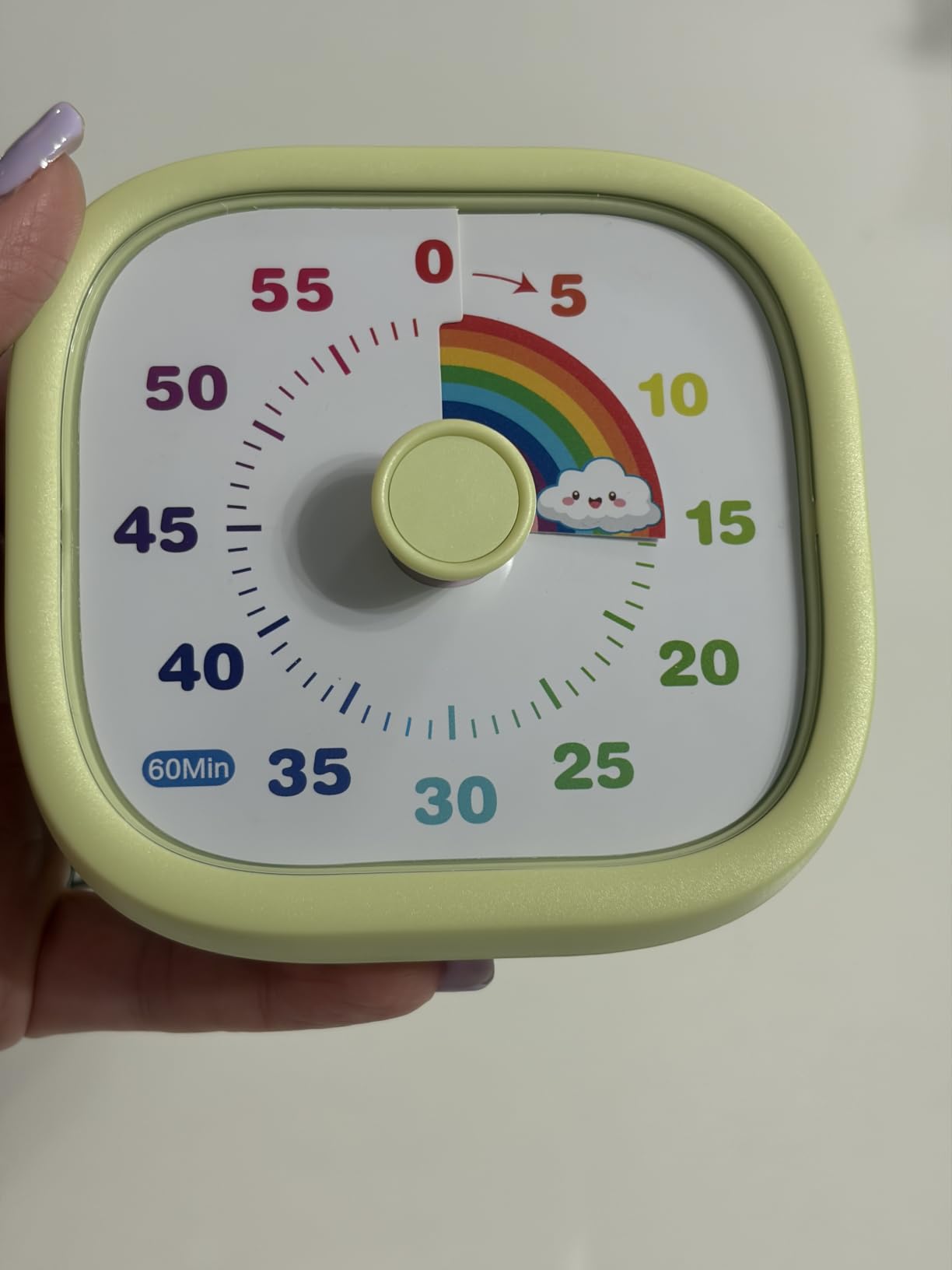
At under ten dollars, the HIPPIH Visual Rainbow Timer is the most budget-friendly option in this roundup. It takes a completely different approach from the digital timers, using a color-shifting rainbow disk that visually represents time passing. I was skeptical at first, but after testing it during reading sessions, I found the visual approach surprisingly effective.
The rainbow disk starts full and gradually disappears as time runs out. This is especially helpful for visual learners who process information better through images than numbers. I lent this timer to my younger sister for her homework sessions, and she immediately understood the concept without any explanation.
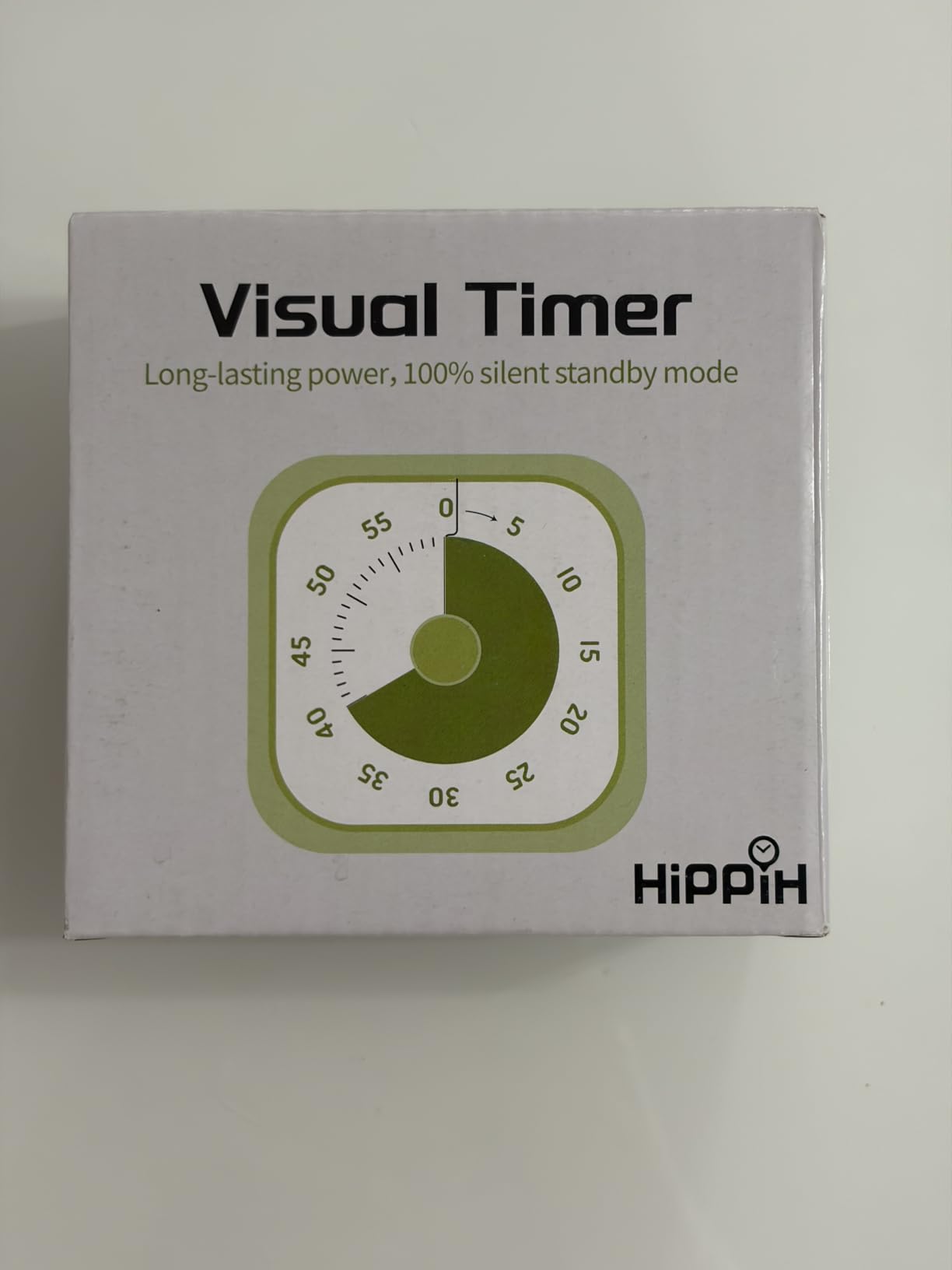
The silent operation is perfect for quiet environments. There is no ticking sound during the countdown, which I appreciated during focused reading. The alarm at the end can be silenced with the rear switch, though you need to remember to turn it off manually since it does not auto-stop.
Operation is refreshingly simple. Twist the knob clockwise to set your desired time, and the countdown begins. The knob has a satisfying tactile feel, and the 60-minute range covers standard Pomodoro sessions and most study blocks.
Who Benefits Most From a Visual Timer
Visual timers are particularly effective for students who struggle with abstract time concepts. The rainbow disk gives concrete, visual feedback on how much time remains. This can reduce anxiety about running out of time, which paradoxically improves focus.
The HIPPIH timer is also excellent for younger students or those new to the Pomodoro Technique. The simplicity of the knob operation and the intuitive visual feedback lower the barrier to entry for building focus habits.
Trade-offs at This Price Point
The AA battery requirement means you need to keep spares on hand, and the battery is not included. The 60-minute maximum is sufficient for most study sessions but limits you if you want longer deep work blocks. The alarm that does not auto-stop can be annoying if you step away from your desk.
Despite these limitations, the value is unbeatable. For the cost of a coffee, you get a functional, silent, visual timer that can transform your study habits. If budget is your primary concern, this is the clear winner.
Buying Guide: Choosing the Best Pomodoro Timer for Students
After testing all eight timers extensively, I identified the key factors that matter most for students. Your ideal timer depends on your study environment, budget, and personal focus style. Here is what to consider before making your choice.
Timer Preset Options
The standard Pomodoro interval is 25 minutes of work followed by a 5-minute break. Every timer in this roundup supports this baseline. However, students often need flexibility. If you follow modified Pomodoro schedules with 50-minute or 90-minute sessions, look for timers with more preset options like the Kaflin or Secura models.
Custom countdown capability is valuable if your study intervals vary. The REACHER timer with its rotary dial offers the most flexibility, letting you set any time from 1 to 99 minutes. The OORAII cube also offers custom mode alongside its presets.
Alert Modes for Different Environments
Students study in diverse environments, from silent libraries to noisy dorm rooms. Your timer needs to adapt. At minimum, look for three alert modes: sound, vibration, and silent visual alert.
Silent mode with a flashing display is essential for group study sessions and libraries. Vibration mode works when you are wearing earbuds or studying in a coffee shop. Sound mode ensures you hear the alert even in noisy environments. All the digital timers in this roundup offer at least three alert modes.
Physical Design and Portability
A timer that stays on your desk is one that gets used. Flip and hexagon designs are the most intuitive because starting a session requires just a physical gesture. The gravity sensor technology used by OORAII and Kaflin makes the process almost frictionless.
Weight and size matter for students who carry everything in a backpack. The lightest timers, like the OORAII cube at 2.11 ounces, add negligible weight. The HIPPIH visual timer is slightly larger but still fits easily in any bag.
Battery Type and Charging
USB-C rechargeable timers are the most convenient because you likely already carry a USB-C cable for your iPad or phone. The Jack Pomodoro Cube, REACHER, Secura, Kaflin, and Ticktime all charge via USB-C. The OORAII models use replaceable batteries.
Battery life varies significantly. The Kaflin leads with 24-plus hours of continuous use and 180 days standby. Most rechargeable models last several days to a week of intermittent use between charges.
Display Type and Readability
Display preferences are personal. Some students prefer large digital numbers they can read from across the room. Others benefit from visual progress indicators that show time remaining without requiring number reading. The Secura and REACHER timers both feature excellent visual progress bars.
Screen size ranges from 1.8 inches on the OORAII cube to 3.3 inches on the REACHER. If you study at a distance from your desk or have visual difficulties, prioritize larger displays.
Combining Physical Timers With Your iPad
Physical pomodoro timers work exceptionally well alongside iPads because they remove the study device from the timing equation. When your timer is on your phone or iPad, checking the remaining time often leads to distraction. A physical timer on your desk provides the time signal without putting notifications in front of your face.
For the best setup, position your timer at eye level on your desk, slightly to the side of your iPad. This way you can glance at it without turning your head or breaking concentration. The magnetic-backed timers can attach to metal desk accessories for optimal positioning.
FAQs
What is the best Pomodoro timer app?
The best pomodoro timers for students are physical desk timers like the OORAII Hexagon (4.8 stars) and OORAII Rotating Cube (4.6 stars), which eliminate phone distractions entirely. Among app-based options, Focus To-Do and Forest are highly rated for students who prefer digital timers.
What are some good Pomodoro focus apps?
Good Pomodoro focus tools include physical timers like the Jack Pomodoro Cube with built-in 25/5 cycles, the REACHER with continuous Pomodoro sessions, and the Ticktime cube with 2,440 reviews. For app alternatives, Forest, Session, and Be Focused are popular choices among students.
Which Pomodoro timer is best for studying?
The OORAII Hexagon Pomodoro Timer is the best overall for studying, earning 4.8 stars from 271 reviews. It offers six preset times, three alert modes including silent, and a stopwatch function. For budget-conscious students, the HIPPIH Visual Rainbow Timer under ten dollars is an excellent entry point.
What is the best free Pomodoro app?
Among physical timers, the HIPPIH Visual Timer at under ten dollars offers the best value. For completely free digital options, Clockify and Marinara Timer are web-based tools that require no download. Among the physical timers tested, the Kaflin and Secura models offer the most features per dollar under fifteen dollars.
Final Thoughts on the Best Pomodoro Timers for Students
Finding the best pomodoro timers for students comes down to matching the timer to your study style. The OORAII Hexagon remains our top pick for its perfect blend of presets, alert modes, and a 4.8-star rating. For students on a budget, the OORAII Rotating Cube delivers exceptional value with custom timing options. And the Jack Pomodoro Cube is ideal for those who want USB-C charging and a built-in continuous Pomodoro cycle.
The biggest advantage of a physical timer over a phone app is removing distractions from your study environment. When the timer is a separate object on your desk, checking it never leads to a 20-minute social media detour. That single benefit can transform your study productivity in 2026. Pick the timer that fits your budget and study habits, and start your first 25-minute session today.