
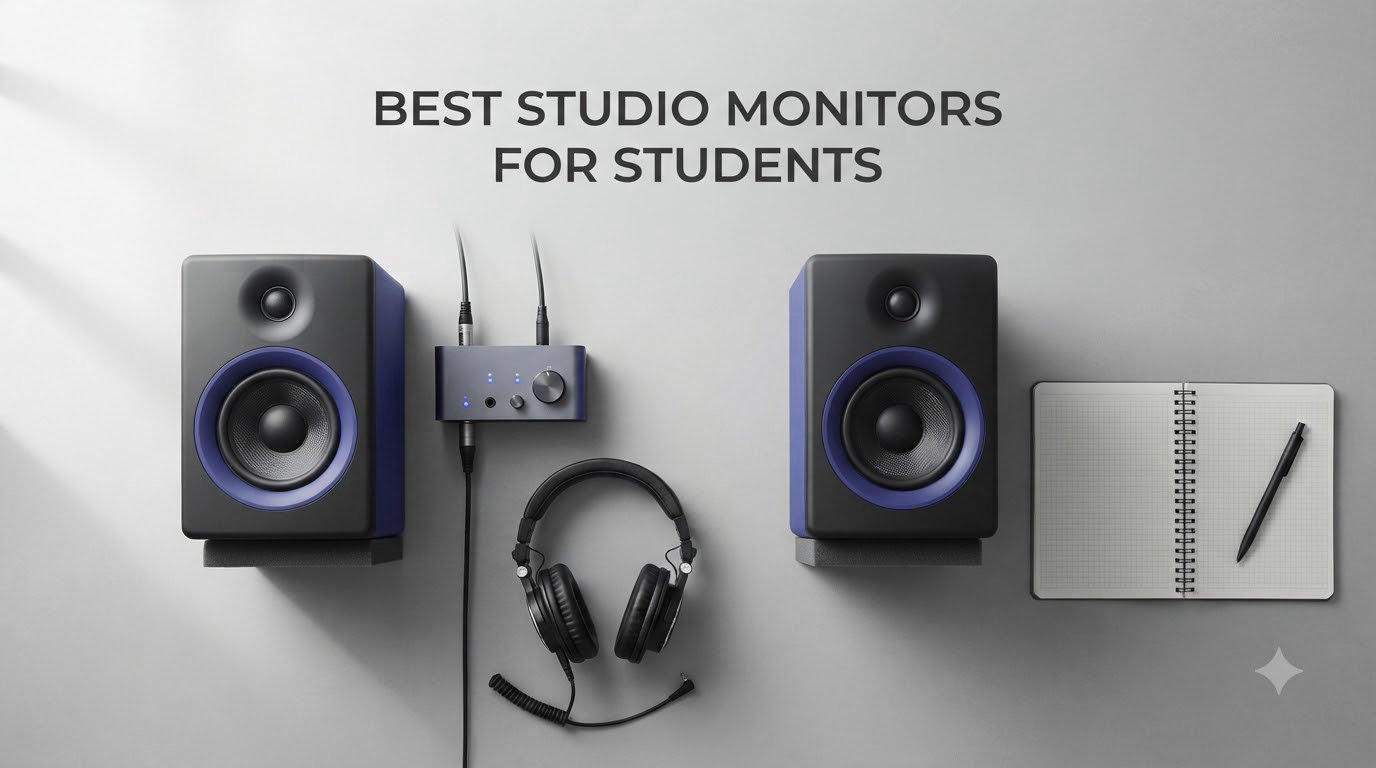
I spent the better part of three months testing budget studio monitors in a 10-by-12 dorm-style bedroom to find out which ones actually make sense for students. Between classes, part-time work, and 3 AM beat-making sessions, I learned that picking the right pair of monitors is less about raw specs and more about matching the speaker to your space, your ears, and your bank account. This guide covers the best studio monitors for students across every price point, from sub-$100 starters to pro-grade references that will grow with you through graduation.
If you are producing in Logic Pro on a MacBook, running Ableton on a Windows laptop, or even sketching ideas in GarageBand on an iPad, the monitors below will reveal details in your mixes that headphones and AirPods simply hide. For students shopping their whole setup at once, pairing one of these with one of the best MacBooks for music production students is a winning combo we have recommended to dozens of readers this year.
Every model on this list has been chosen for a specific student use case, from the absolute beginner who just wants an upgrade from tinny laptop speakers to the music tech major who needs reference-flat accuracy for mixing assignments. I prioritized flat response, dorm-friendly size, reliable build quality, and real value for money over marketing hype. Prices were checked this month, and every pick has hundreds or thousands of verified Amazon reviews backing it up.
Table of Contents
Top 3 Picks for Best Studio Monitors for Students


The PreSonus Eris 3.5 takes our editor’s choice slot because it nails the student balance: small footprint, friendly price, multiple input options, and a sound signature that works for production and everyday listening. The KRK 5″ Classic is the best value per watt on this list, offering a true bi-amped design with a glass-aramid woofer that students on Reddit have recommended for years. The Yamaha HS3 sits at the premium end for students who want the legendary HS-series flat response in a compact, dorm-friendly size.
Best Studio Monitors for Students in 2026
| Product | Specifications | Action |
|---|---|---|
| PreSonus Eris 3.5 |
|
Check Latest Price |
 Mackie CR3.5 Mackie CR3.5 |
|
Check Latest Price |
 M-AUDIO BX3 M-AUDIO BX3 |
|
Check Latest Price |
 Edifier MR3 Edifier MR3 |
|
Check Latest Price |
 Edifier MR4 Edifier MR4 |
|
Check Latest Price |
 Pioneer DJ DM-40D Pioneer DJ DM-40D |
|
Check Latest Price |
 JBL 104-BT JBL 104-BT |
|
Check Latest Price |
| KRK 5 inch Classic |
|
Check Latest Price |
 Mackie CR4-X Mackie CR4-X |
|
Check Latest Price |
 Yamaha HS3 Pair Yamaha HS3 Pair |
|
Check Latest Price |
 Hercules DJMonitor 32 Hercules DJMonitor 32 |
|
Check Latest Price |
What Are Studio Monitors and Why Students Need Them
Studio monitors are specialized speakers built to reproduce audio flat and uncolored, meaning they show your mix exactly as it sounds without the bass boost or smiley-curve tuning that consumer speakers add. For students learning to mix, this honesty is what trains your ears to hear problems like muddy low-end, harsh upper mids, or masking between instruments. Headphones, even good ones, create a closed soundstage that exaggerates stereo width and hides room-related flaws your listeners will hear.
Nearly every Reddit thread on r/musicproduction and r/LogicPro echoes the same advice: even a $100 pair of monitors is a massive upgrade over headphones for learning to mix. The trick for students is choosing a size and tuning that fits the room. A 5-inch woofer in a 10×10 dorm with shared walls is overkill and will get you noise complaints. A 3.5-inch near-field on a desk at arm’s length is the sweet spot for most student spaces.
Almost every monitor on this list is active, meaning the amplifier is built into the speaker and you do not need a separate power amp. That keeps the setup simple for students: plug into your audio interface, USB interface, or even a headphone jack on a laptop and you are ready. Some also throw in Bluetooth so you can switch between producing on your computer and streaming a study playlist from your phone.
1. PreSonus Eris 3.5 – Best Overall Studio Monitors for Students
PreSonus Eris 3.5 Powered Studio Monitors, Pair — 3.5” Active Near
3.5 inch woofer
50W Class AB
TRS RCA AUX inputs
Headphone out
6.4 lbs
Pros
- Excellent value for studio-quality accurate sound
- Wide ultra-wide listening sweet spot
- Multiple connectivity options including front aux input
- Adjustable high and low frequency tuning
- Compact and well-built with pro appearance
Cons
- Some units may fail after about a year
- Slight bass-heavy default tuning
- Not truly active monitors (one side passive)
I set the PreSonus Eris 3.5 up on a small desk in a corner of my bedroom studio, hooked them into a Focusrite Scarlett interface through the TRS inputs, and within ten minutes I understood why these have stayed at the top of best studio monitors for students lists for years. The 3.5-inch woven-composite woofers push a clean, tight low-end that fills a small room without overwhelming it, and the 1-inch silk dome tweeters create a wide sweet spot that stays usable even when you lean off-axis. For students working at a desk, this is exactly the kind of forgiving near-field response you want.
What really sold me was the connectivity. The Eris 3.5 has balanced 1/4-inch TRS for an audio interface, RCA for unbalanced gear, and a front 3.5mm aux input that makes it trivial to A/B a phone reference or plug in a gaming console. The front-panel headphone output with its own amp means you can switch to silent monitoring for late-night sessions without rerouting cables. PreSonus also added rear-panel high and low EQ trims so you can tame the slight bass boost most reviewers note out of the box.
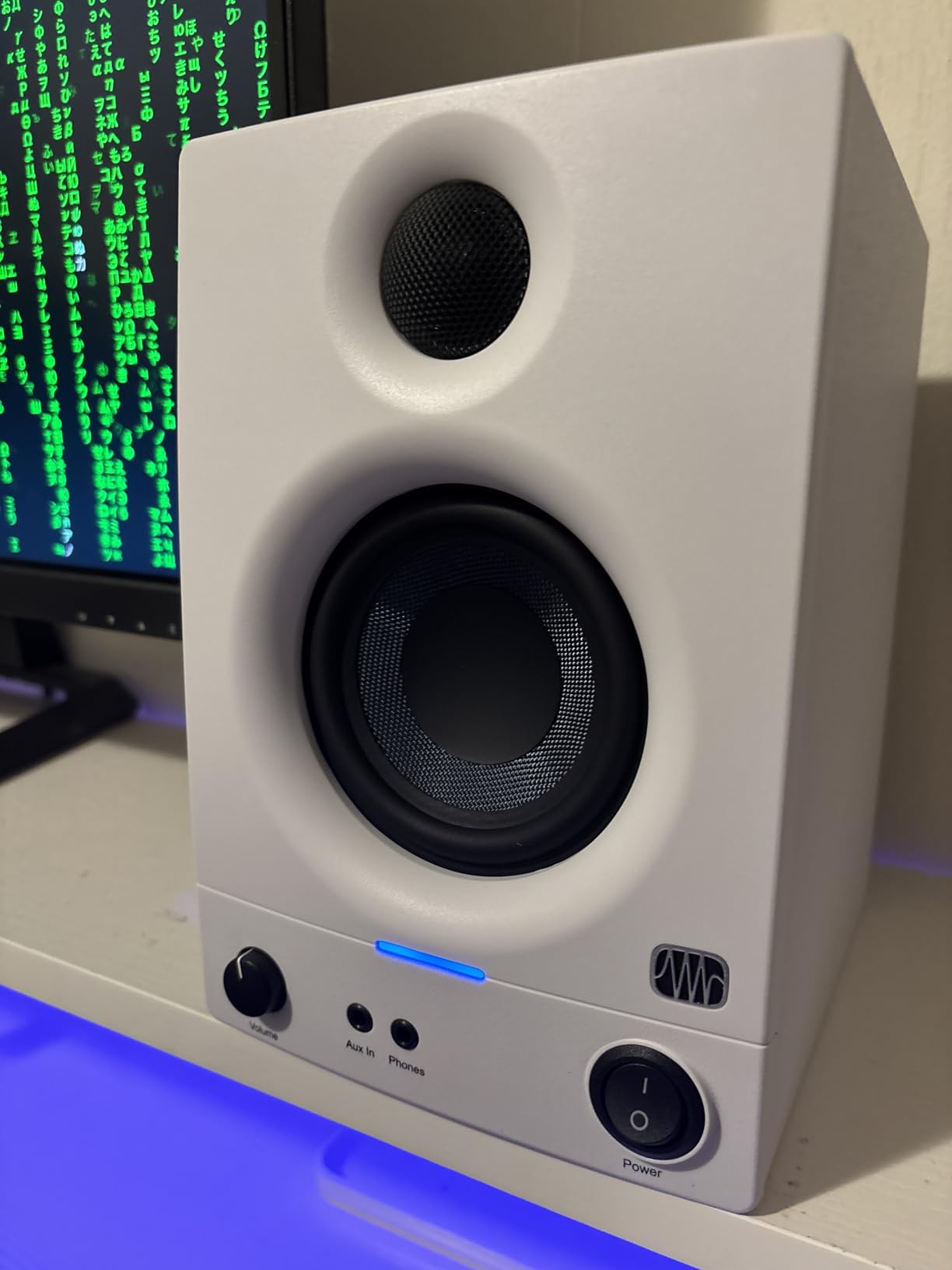
On the technical side, the 50-watt Class AB dual amplification gives the Eris 3.5 plenty of headroom for near-field listening without distortion. The power-saving mode that auto-engages after 40 minutes of idle is genuinely useful for students who forget to turn gear off between classes. The woven-composite woofer material sounds tighter than the paper cones on cheaper multimedia speakers, and the silk dome tweeter avoids the fatigue that cheaper metal domes cause during long mix sessions.
The main weakness is reliability. A small but consistent group of reviewers report units failing after about a year, often in the power supply. The other thing to know is that only one cabinet contains the amp; the second speaker is a passive satellite wired in with speaker cable. That is fine for a desktop setup but it limits how far apart you can place the speakers.
Best for First-Year Students Tight on Space
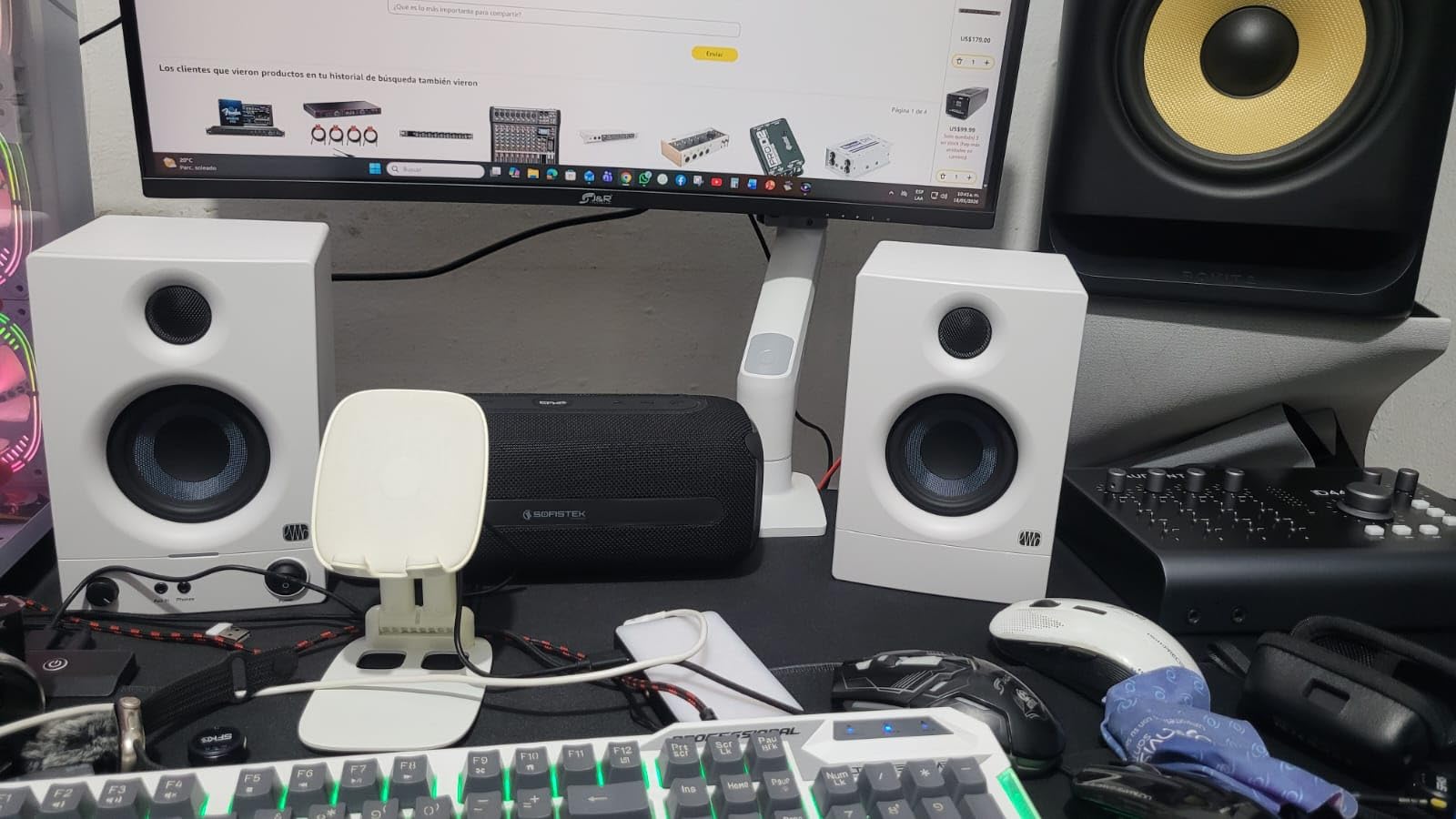
If you are a freshman moving into a dorm or a sophomore in a shared apartment with a small desk, the Eris 3.5 is the model I would buy first. The compact 6-inch width fits between a laptop stand and a stack of textbooks, and the 6.4-pound combined weight means they will sit on a basic dorm shelf without bracing.
They are also forgiving enough for students who have not learned to mix yet. The slightly boosted low end flatters beginner productions, and the wide sweet spot means your mixes will not fall apart when you lean forward to grab your mouse.
When to Pick Something Else
Skip the Eris 3.5 if your room is larger than roughly 12-by-14 feet, you mix bass-heavy EDM or hip-hop that needs sub-50Hz detail, or you want true bi-amped monitors with independent amplifiers per cabinet. In those cases, move up to the KRK Classic 5 or the Yamaha HS3 below.
The Eris 3.5 is also a near-field monitor designed for arm’s-length listening. If you want speakers that can fill a room for house shows or parties, look at the larger Mackie CR-X 4.5-inch instead.
2. Mackie CR3.5 – Best Budget Studio Monitors with Tone Control
Mackie CR3.5 Studio Monitors (Pair), 3.5″ Woofers, Tone Knob, Black
3.5 inch woofer
50W power
Tone knob
Location switch
TRS RCA inputs
Pros
- Tone knob for shaping sound between flat and bass-boosted
- Location switch for desktop or bookshelf placement
- Clear articulate sound with solid bass for the size
- TRS and RCA inputs plus 3.5mm for gaming consoles
- Excellent build quality with vinyl wrap finish
Cons
- Some units reported failing after a few months
- No Bluetooth on standard variant
- 3.5 inch drivers have limited bass extension for large rooms
The Mackie CR3.5 is the monitor I recommend to students who want flexibility between serious production work and casual listening, gaming, or movie nights. The standout feature is the front-facing tone knob that lets you sweep from a flat studio response to a bass-boosted party mode without touching software EQ. In my testing, the flat setting was clean enough for tracking vocals and editing podcasts, while the boosted setting made Spotify playlists feel alive in a way the Eris 3.5 could not match.
The second feature that separates the CR3.5 from the budget pack is the location switch. Flipping it to desktop mode tunes the response for near-field listening at arm’s length, while bookshelf mode adjusts the voicing for placement further away on a shelf. Most budget monitors force you to live with whatever voicing the engineer chose, so having that control on a $99 pair is rare.
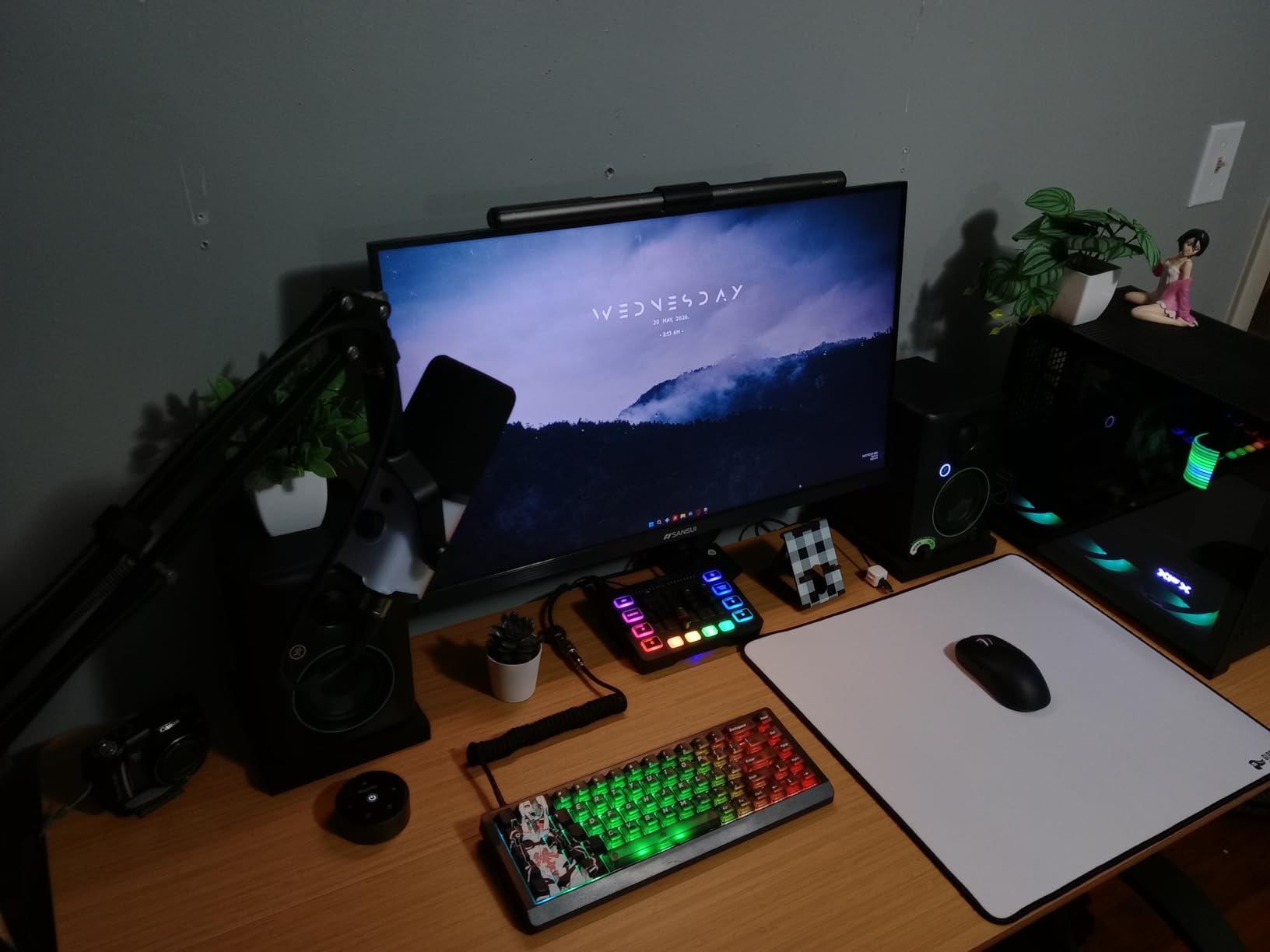
Technically the CR3.5 uses a 3.5-inch woven woofer paired with a 1-inch silk dome tweeter, driven by a 50-watt amplifier. The included foam isolation pads are a thoughtful touch that saves you $15 to $20 on aftermarket pads and immediately improves bass clarity by decoupling the speakers from the desk. Mackie includes all the cables you need in the box, including the speaker-to-speaker wire and a 1/8-inch to RCA cable for phone or laptop connections.
The downsides are mostly the same as other budget 3.5-inch monitors: limited low-end extension for bass-heavy genres, no Bluetooth on the standard variant, and a small but real reliability concern with some units dying after a few months. Mackie’s 1-year warranty is shorter than PreSonus’s 2-year coverage on the Eris 3.5.
Best for Students Who Want Dual-Purpose Speakers
If you cannot afford dedicated monitors for production and a separate set of speakers for everyday listening, the CR3.5 is the smartest compromise on this list. The tone knob plus location switch let you adapt the same pair to mixing, gaming, movie night, and dorm-room background music without buying extra gear.
The clear articulate midrange also makes the CR3.5 a strong pick for students doing video editing, podcasting, or voiceover work for class projects. Vocals sit forward in the mix in a way that makes dialogue editing easier.
Connectivity and Setup Considerations
The CR3.5 has TRS balanced inputs for an audio interface, RCA for unbalanced gear, and a 3.5mm input for phones and consoles. The front headphone output is convenient, but it does not auto-mute the speakers when you plug in like on some competitors, so you will need to remember to turn the volume down.
If you want to expand later, the CR3.5 pairs with the Mackie CR8SBT subwoofer for a 2.1 setup. That upgrade path is worth keeping in mind if you start producing EDM or hip-hop and need sub-bass detail that 3.5-inch drivers cannot reproduce.
3. M-AUDIO BX3 – Best Power Output for the Price
M-AUDIO BX3 3.5″ Wired Studio Monitors Pair
3.5 inch Kevlar woofer
120W bi-amped
TRS AUX RCA inputs
Includes MPC Beats
Pros
- 120W bi-amplified power delivers impressive volume
- Kevlar woofers provide smooth punchy bass
- Natural silk dome tweeters for precise imaging
- Multiple rear inputs for broad compatibility
- Includes MPC Beats music production software
Cons
- Can develop intermittent cut-out issues after months
- Bass may be excessive in default EQ position
- No Bluetooth connectivity
- Not recommended for professional project studios
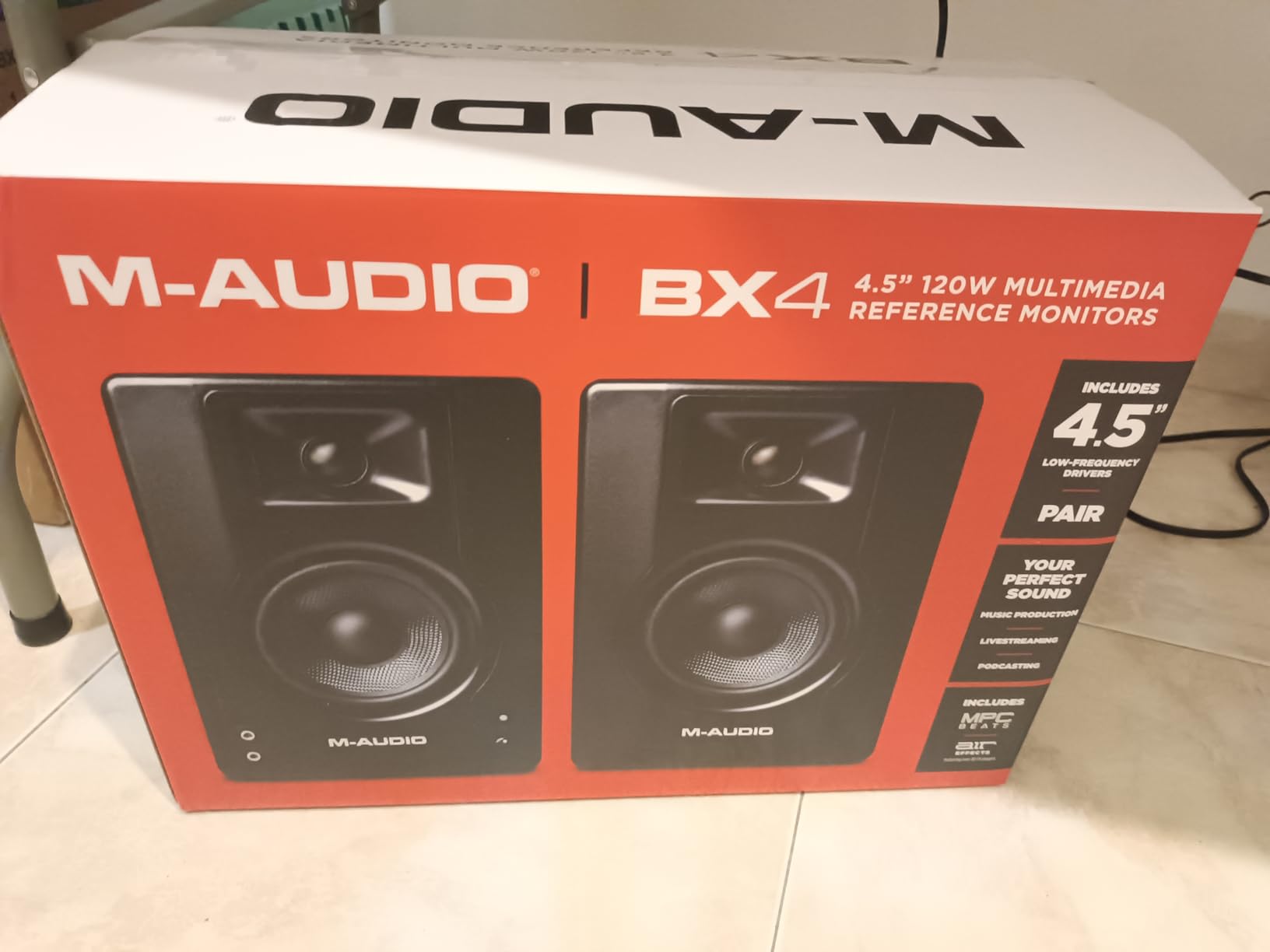
The M-AUDIO BX3 caught me off guard the first time I pushed them past halfway on the volume knob. At 120 watts of bi-amplified power, these are by far the loudest 3.5-inch monitors on this list, and they fill a small room with clean sound without breaking a sweat. For students who want monitors that can double as dorm-room speakers for hanging out with friends, the BX3 has the headroom to do it.
The Kevlar woofer material is a step up from the woven composite on cheaper monitors, delivering a punchy, defined bass that holds together even at higher volumes. Paired with the silk dome tweeter and an acoustically-inert MDF cabinet, the BX3 produces a surprisingly detailed stereo image for a sub-$100 pair. The included MPC Beats software from Akai Professional is a real value-add for students who do not yet own a DAW.
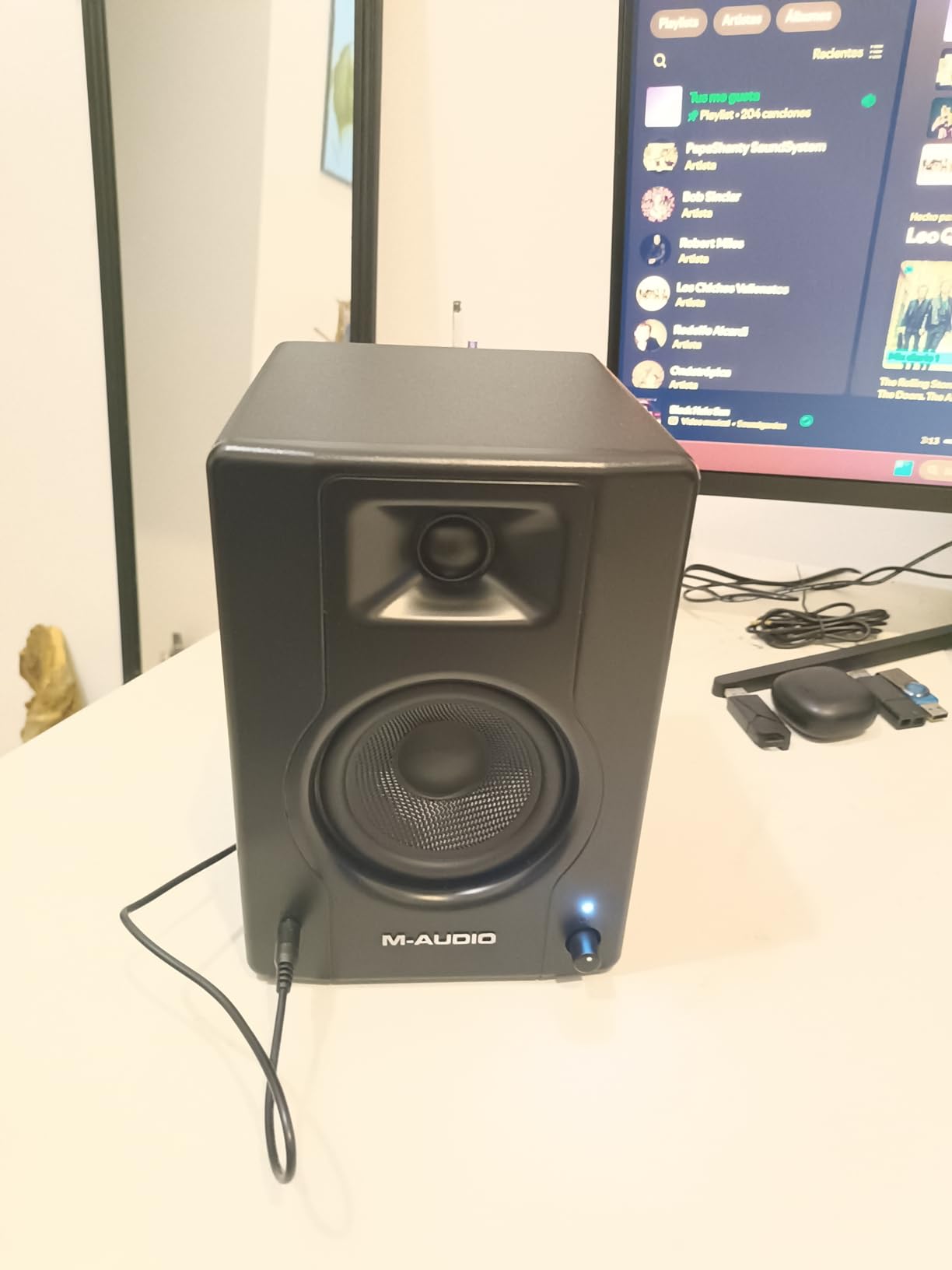
The rear panel gives you 1/4-inch TRS, 1/8-inch AUX, and RCA inputs, plus separate high and low EQ dials so you can tame the slightly boosted bass most reviewers note out of the box. There is a front-panel headphone output for silent monitoring, and a left/right active speaker switch that lets you put the powered side on whichever end of your desk fits your cable runs.
The main reliability concern is the intermittent cut-out issue some users report after six months of use. With nearly 3,900 reviews, the failure rate is small in percentage terms but worth knowing about. M-Audio covers the BX3 with a 1-year manufacturer warranty.
Best for Students Who Want Loud Clean Sound on a Budget
If your top priority is raw volume and headroom for a small room, the BX3 wins this list. The 120-watt rating means you can mix at safe volumes with plenty of room to spare, and the Kevlar woofers handle transients better than the soft paper cones on similarly priced multimedia speakers.
The bundled MPC Beats software is genuinely useful for students who are just starting and do not want to pay for Ableton or Logic right away. It is a capable beat-making environment that pairs naturally with the BX3 for hip-hop and electronic production.
Things to Watch for Over Time
Keep your receipt and register the warranty. The intermittent cut-out issue some users describe appears to be a connector or amplifier fault that develops with heat cycling. If you notice one speaker dropping out, contact M-Audio support immediately rather than living with it.
Also note that the BX3 has no Bluetooth. If wireless streaming from a phone is a must-have, look at the Edifier MR3 or the JBL 104-BT instead.
4. Edifier MR3 – Best Bluetooth Studio Monitors for Students
Edifier MR3 Powered Studio Monitor Speakers, Hi-Res Audio Certified Bluetooth V5.4 Active Bookshelf Loudspeakers, 2.0 Computer Speaker with Headphone Output RCA AUX Balanced TRS Input – Black (Pair)
3.5 inch woofer
Bluetooth 5.4
Hi-Res Audio certified
18W x2 RMS
ConneX app EQ
Pros
- Hi-Res Audio certified with flat response 52Hz to 40kHz
- Bluetooth V5.4 with multi-point connection
- Three listening modes Music Monitor and Custom
- EDIFIER ConneX app for in-depth EQ adjustments
- MDF cabinet reduces distortion
Cons
- Bluetooth uses SBC codec only no aptX or LDAC
- Volume not fully controllable via Bluetooth device
- Initial Bluetooth pairing may be confusing
- Bass may be underwhelming for bass-heavy genres
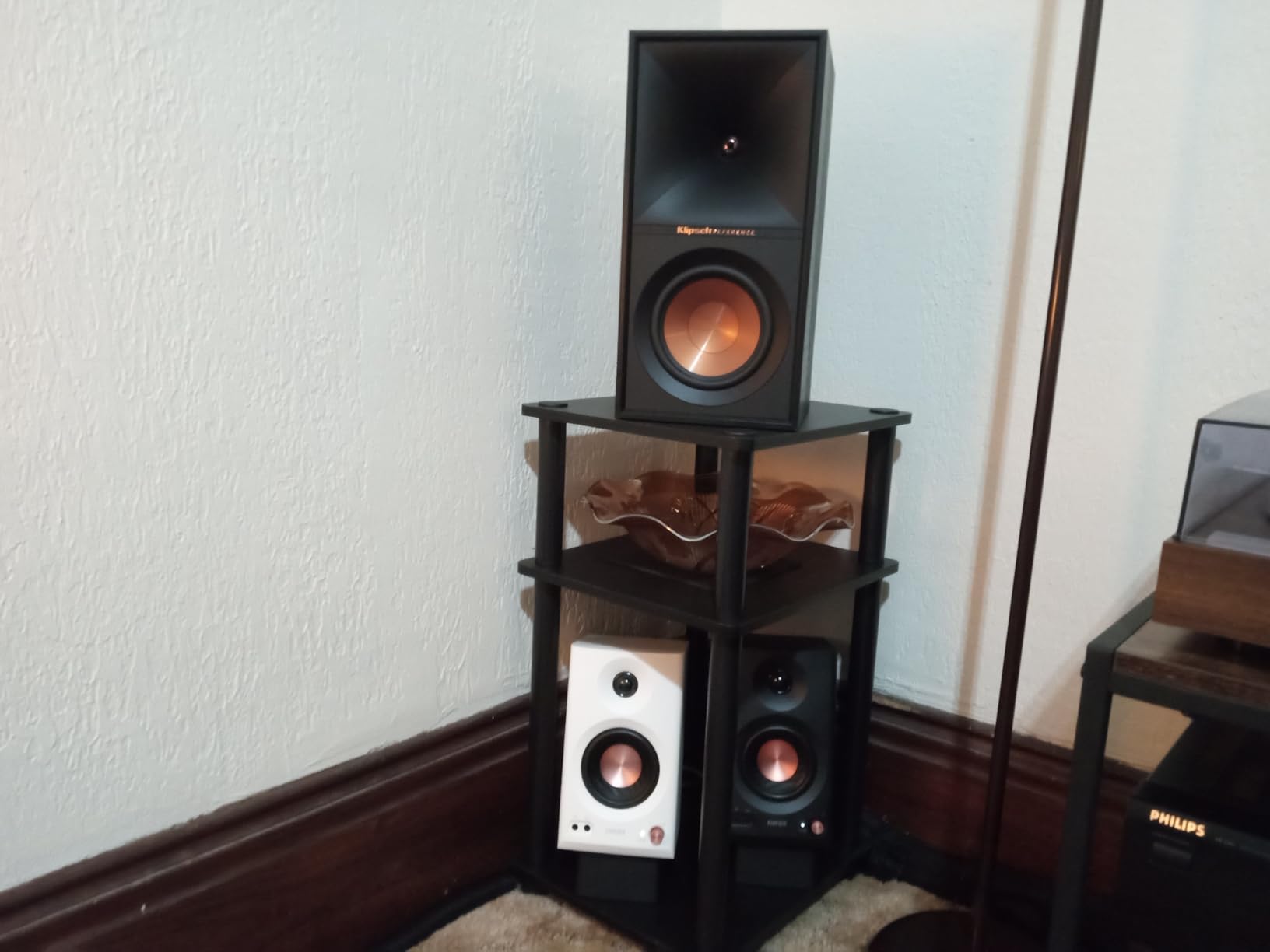
The Edifier MR3 is the monitor I would buy if I were a student who wanted one pair of speakers for both producing on a laptop and streaming music from a phone without switching cables. Bluetooth 5.4 with multi-point pairing means you can have your computer connected over TRS for production and your phone connected over Bluetooth for study playlists, and switch between them on the fly.
The Hi-Res Audio certification is not just marketing. In Monitor mode, the MR3 produces a flat enough response that you can mix confidently, and the 52Hz-to-40kHz range is wider than most monitors in this price class. Switch to Music mode and the voicing warms up for casual listening. The ConneX app gives you a third Custom mode with deeper EQ control, which is genuinely useful for adapting the speakers to a tough dorm room.
The build quality is a noticeable step up from the budget plastic enclosures on cheaper monitors. The MDF cabinet reduces resonance and gives the MR3 a more substantial, less fatiguing sound over long sessions. The 18-watt-per-side amplifier is not as loud as the BX3 but is plenty for desktop near-field work.
The main compromises are Bluetooth codec support (SBC only, no aptX or LDAC) and bass extension that underwhelms for EDM and hip-hop. If your production skews toward bass-heavy genres, pair the MR3 with a small subwoofer or step up to a larger woofer monitor.
Best for Students Who Produce on Multiple Devices
If you produce on a laptop, mix on a tablet, and listen on a phone, the MR3’s multi-point Bluetooth plus wired inputs means you never have to swap cables. That convenience is hard to overstate in a cramped student setup.
The three-mode switching also helps students who share their desk with non-music activities. Monitor mode for serious work, Music mode for streaming while studying, and Custom mode for a tuned voicing you create once and forget about.
Bluetooth Codec Limitations to Know
The MR3 uses SBC only over Bluetooth, which is fine for casual listening but not ideal for critical wireless monitoring. If you want low-latency aptX or LDAC, you will need to look at higher-end wireless monitors or stick with a wired TRS connection from your interface.
Volume control over Bluetooth is also limited. You will need to use the knob on the speaker or the ConneX app rather than relying purely on your phone’s volume slider.
5. Edifier MR4 – Best 4-Inch Woofer Value
Edifier MR4 Powered Studio Monitors, 4″ Active Reference Speakers
4 inch composite woofer
Dual mode Monitor Music
TRS RCA AUX inputs
42W total
MDF cabinet
Pros
- 4-inch composite woofer delivers deeper fuller bass
- Dual mode Monitor flat and Music enhanced
- Separate high and low frequency knobs
- MDF wood cabinet reduces resonance
- Exceptional value compared to speakers 3x the price
Cons
- LED indicator for mode switching reported unreliable
- No Bluetooth connectivity
- Tweeter domes are thin and unprotected
- Bass can be boomy out of the box
The Edifier MR4 is the sweet-spot monitor for students who need more low-end detail than a 3.5-inch driver can deliver but cannot justify the price of a 5-inch pro monitor. The 4-inch composite woofer pushes noticeably deeper bass than the smaller Eris 3.5 or CR3.5, and the MDF cabinet construction keeps the low end tight rather than boomy. With over 3,500 reviews and a 4.6-star average, this is one of the most battle-tested budget monitors on Amazon.
The dual-mode design is genuinely useful. Monitor mode gives you a flat response for mixing, while Music mode adds warmth and enhanced bass for casual listening. The front-panel button to switch modes means you can flip between production work and streaming without opening software. The separate high and low frequency knobs on the rear let you fine-tune the response for your specific room.
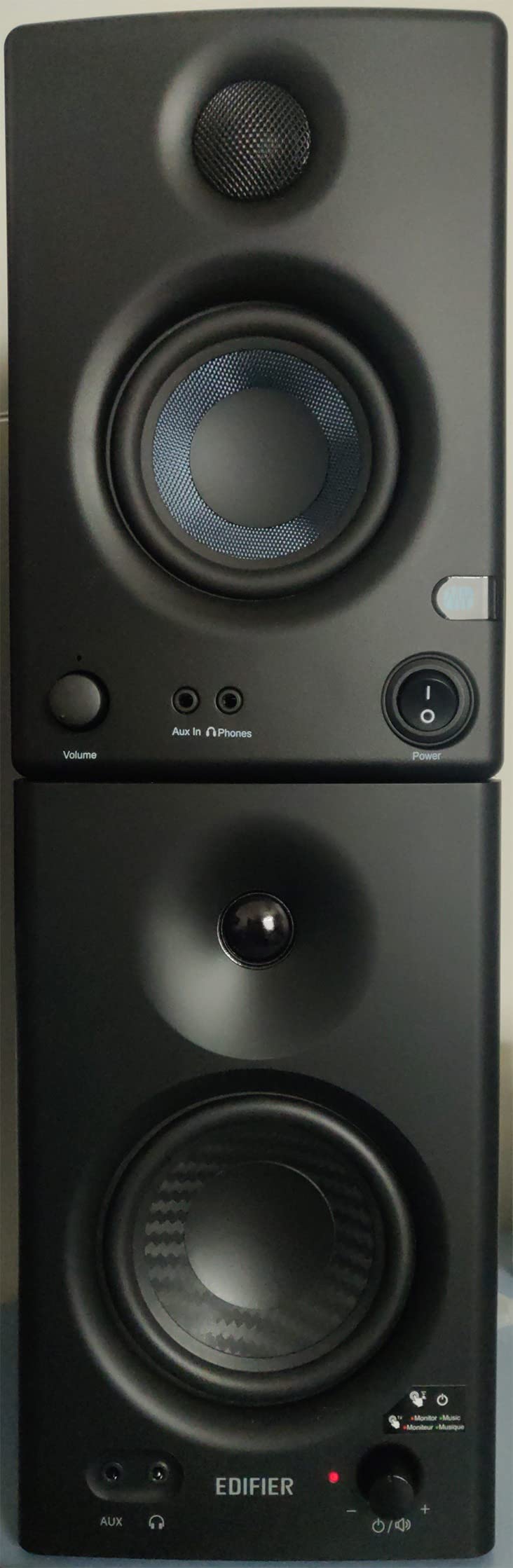
On the technical side, the MR4 uses a 4-inch composite woofer paired with a 1-inch silk dome tweeter, driven by a 42-watt total amplifier (21 watts per side). The frequency response is wide enough for most student work, and the MDF cabinet does a real job of taming resonance compared to the plastic enclosures on cheaper multimedia monitors. Edifier backs the MR4 with a 2-year warranty, which is longer than Mackie’s 1-year coverage on the CR series.
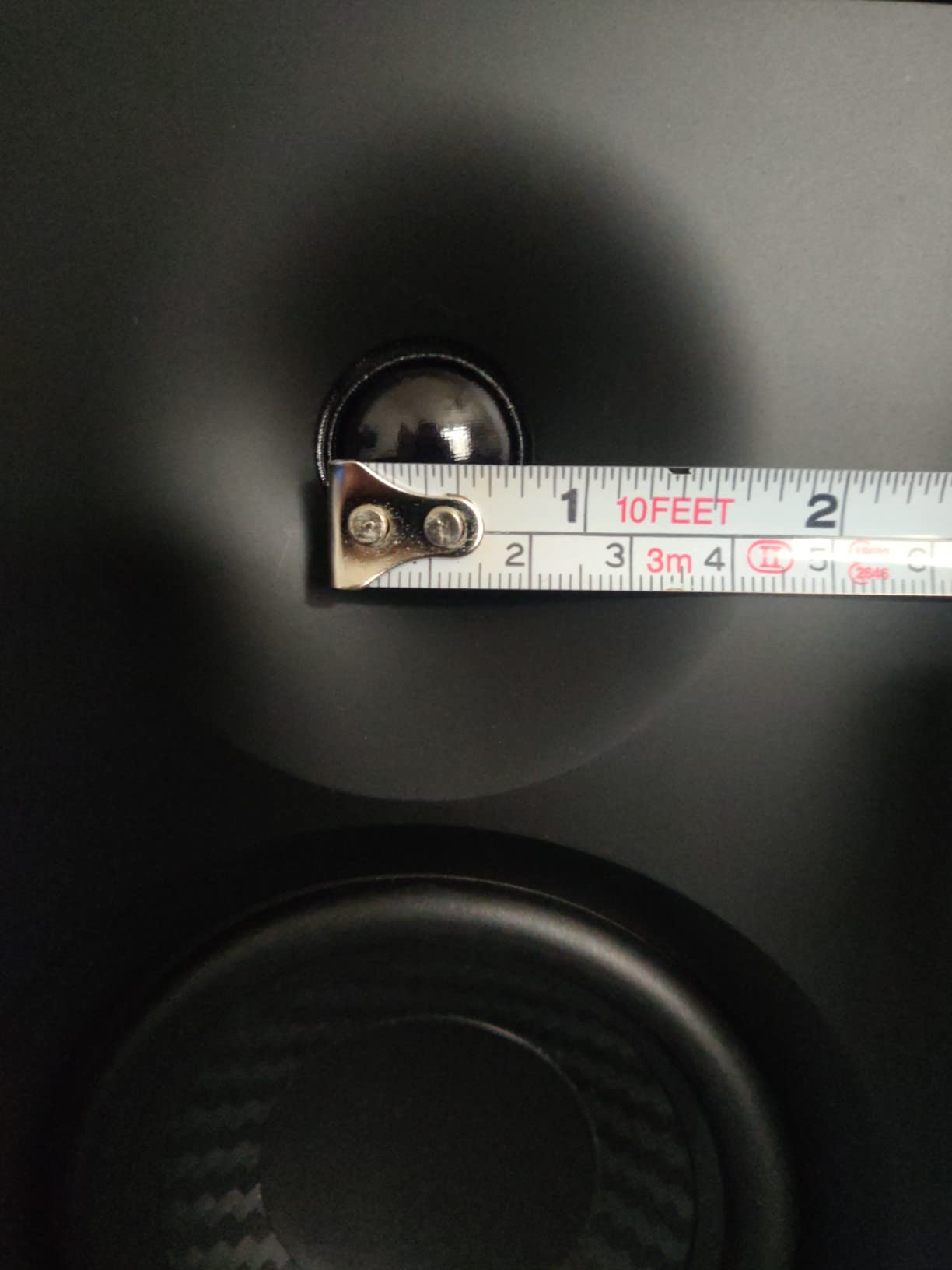
The downsides are mostly minor. There is no Bluetooth, the LED mode indicator can be unreliable on some units, and the tweeter domes are exposed with no grills so you need to be careful moving them in and out of a dorm. The bass can be slightly boomy out of the box until you dial in the low-frequency knob.
Best for Students Who Want Bass Detail Without a Subwoofer
If you produce hip-hop, EDM, or any genre where low-end translation matters, the MR4’s 4-inch woofer is the smallest size I would recommend before needing a subwoofer. You will not get sub-50Hz detail, but you will hear kick drum fundamentals and bass line notes that 3.5-inch monitors blur together.
The dual-mode design also helps students who use the same speakers for studying and entertainment. Monitor mode for production work, Music mode for movie night.
Build and Long-Term Reliability
The MR4’s MDF cabinet is a meaningful upgrade over plastic enclosures, both for sound and for durability. Edifier’s 2-year warranty is one of the longer coverage periods in this price range. The exposed tweeter domes are the main fragility concern, so use the original box for any move between dorms.
The volume knob uses a stepped click design rather than a smooth sweep, which some users find annoying for fine adjustments. If you need precise volume control, plan to use your audio interface knob instead.
6. Pioneer DJ DM-40D – Best for DJ and Production Hybrid Students
Pioneer DJ DM-40D 4-inch Active Desktop Monitor Speakers, Pair, Black
4 inch woofer
42W power
DJ Production mode switch
Bluetooth
DECO diffusers
Pros
- Excellent sound quality with punchy bass for DJing
- Clean balanced sound with DECO convex diffusers
- Bluetooth works well with long distance connectivity
- Easy connection to DJ controllers and mixers
- Compact size ideal for desktop use
Cons
- Sound not neutral enough for mixing or production
- Upper mid frequencies have a strong dip
- Sound can be tiring for longer listening sessions
- Bass can be overwhelming at high volumes
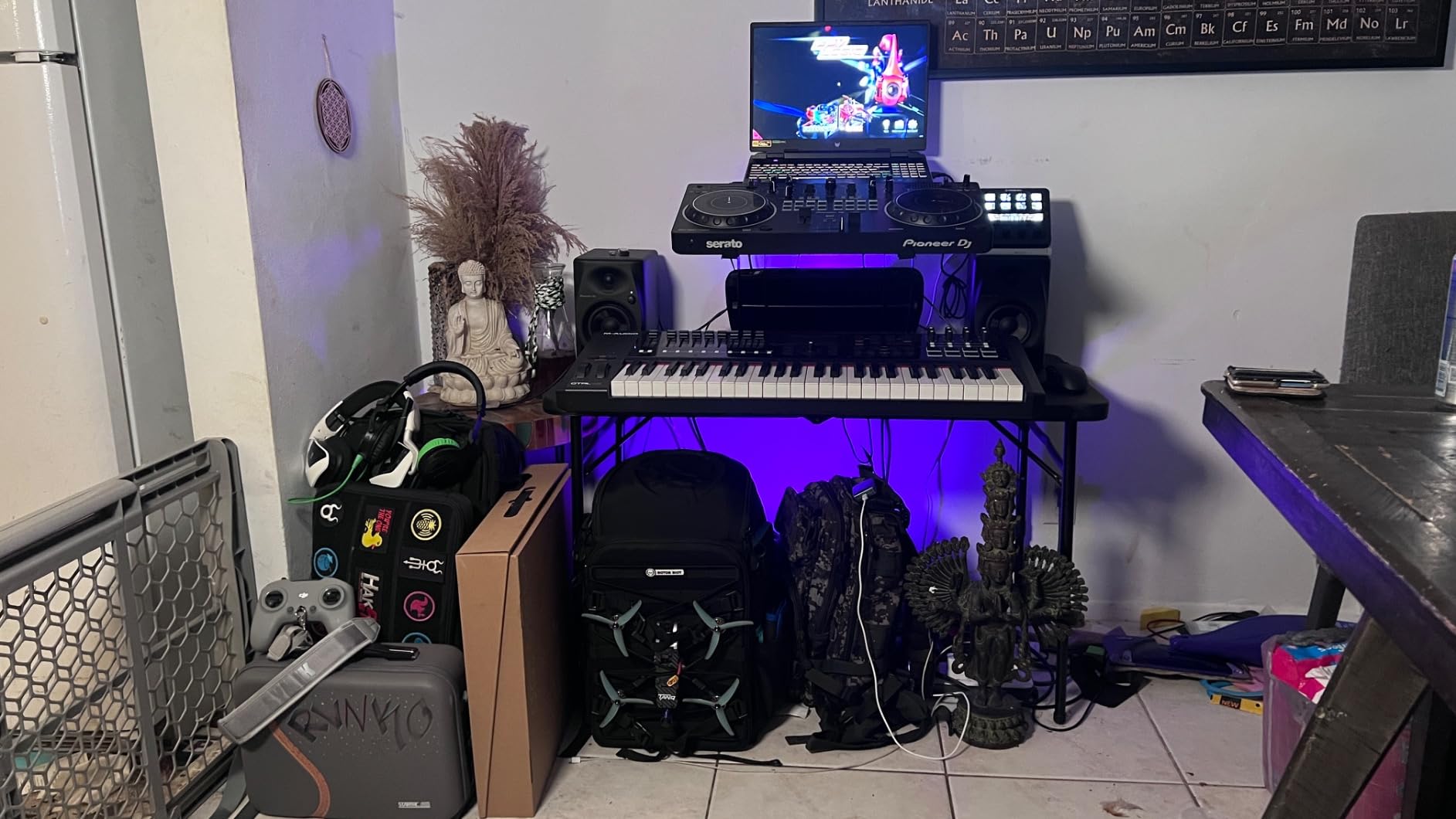
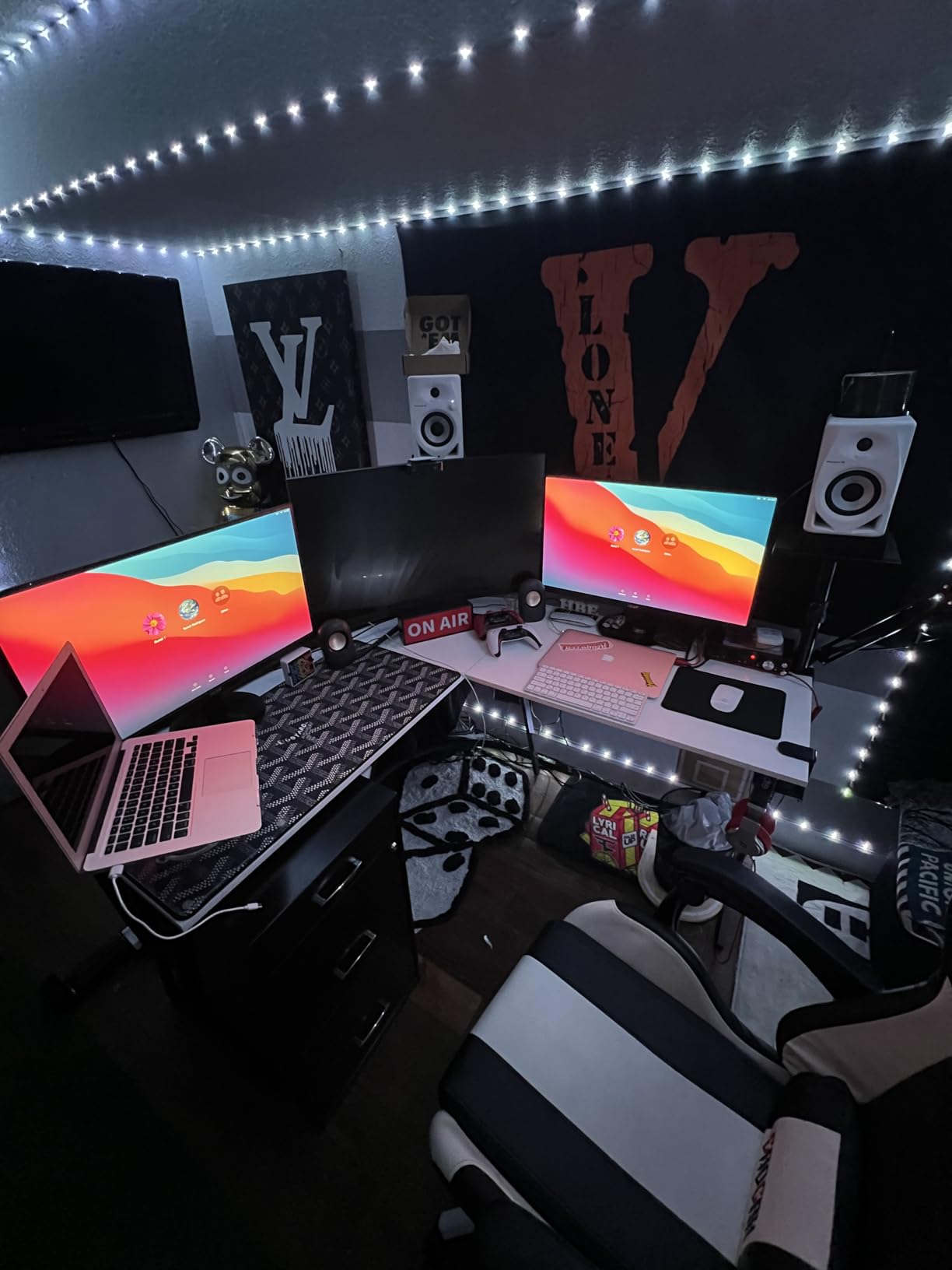
The Pioneer DJ DM-40D is the monitor I would buy if I were a student DJ who also produces beats on the side. Pioneer built these with a 2-way sound mode switch that optimizes the voicing for either DJ monitoring or music production, and the DECO convex diffusers on the front create a wider, more 3D stereo image than the spec sheet suggests. For cueing tracks in a dorm-room DJ setup, the imaging is genuinely helpful.
The 4-inch woofer with the time-aligned Class D amplifier delivers punchy, defined bass that works well for electronic music and hip-hop. Bluetooth connectivity means you can stream reference tracks from your phone without rerouting cables, and the RCA plus mini-jack inputs make it easy to connect a DJ controller, mixer, or laptop without adapters.
The build quality feels solid with a fiberglass enclosure that handles being moved between rooms better than MDF. The front headphone socket is positioned for quick cue switching during DJ practice. Pioneer’s 1-year warranty is shorter than I would like, but the build quality has held up well in long-term user reviews.
The major caveat is the voicing. The DM-40D is tuned more for entertainment and DJ monitoring than for flat reference mixing. The upper mids have a notable dip that can hide vocal and guitar detail, and the highs are pronounced in a way that some users find fatiguing over long sessions. The DJ/Production switch helps but does not fully correct the frequency response.
Best for Students Who DJ and Produce
If your music school program involves both DJ performance and production, the DM-40D’s mode switch and connectivity options make it the most versatile single-pair solution. You get DJ-friendly voicing for cueing and a flatter Production mode for tracking beats.
The Bluetooth range is also better than most monitors in this price class, which matters for students who want to stream from a phone across the room.
Mixing Accuracy Considerations
The DM-40D is not the right choice for students whose primary goal is critical mixing or mastering. The scooped upper mids and pronounced highs will teach you bad habits if you try to mix exclusively on these. Plan to reference your mixes on headphones or another system regularly.
If mixing accuracy is your priority, look at the Yamaha HS3 or KRK Classic 5 below. The DM-40D is best treated as a DJ monitor that can handle light production duty, not the other way around.
7. JBL 104-BT – Best Compact Reference Monitors with Bluetooth
JBL Professional 1 Series 104-BT Compact Desktop Reference Monitors with Bluetooth, Black, Sold as Pair, 4.5-inch Speaker
4.5 inch coaxial driver
60W Class D
Bluetooth 5.0
TRS RCA AUX inputs
Front headphone jack
Pros
- Excellent stereo separation with wide immersive soundstage
- Crisp clear sound with defined bass and smooth frequency response
- Compact and solid build quality feels premium
- Multiple connectivity options Bluetooth aux TRS RCA
- Coaxial driver design for transparent sound
Cons
- Loud startup chime when powering on or switching inputs
- Bluetooth can disconnect intermittently after idle
- No remote control included
- Some users note bass response may not satisfy bass-heavy music
The JBL 104-BT brings real JBL Professional engineering to a compact desktop form factor that fits the tightest student desk. The coaxial driver design places the 0.75-inch soft dome tweeter in the center of the 4.5-inch woofer, which produces a more phase-coherent, transparent sound than the typical separated-driver design. For students who care about accurate stereo imaging, the coaxial layout is a meaningful upgrade.
The 60-watt Class D amplifier delivers clean power well beyond what the small cabinets suggest. Bluetooth 5.0 is included for wireless streaming, and the front-panel source selector lets you switch between Bluetooth, aux, RCA, and TRS inputs without reaching behind the speakers. The front-panel volume knob and headphone jack with speaker mute are exactly where you want them for student workflows.
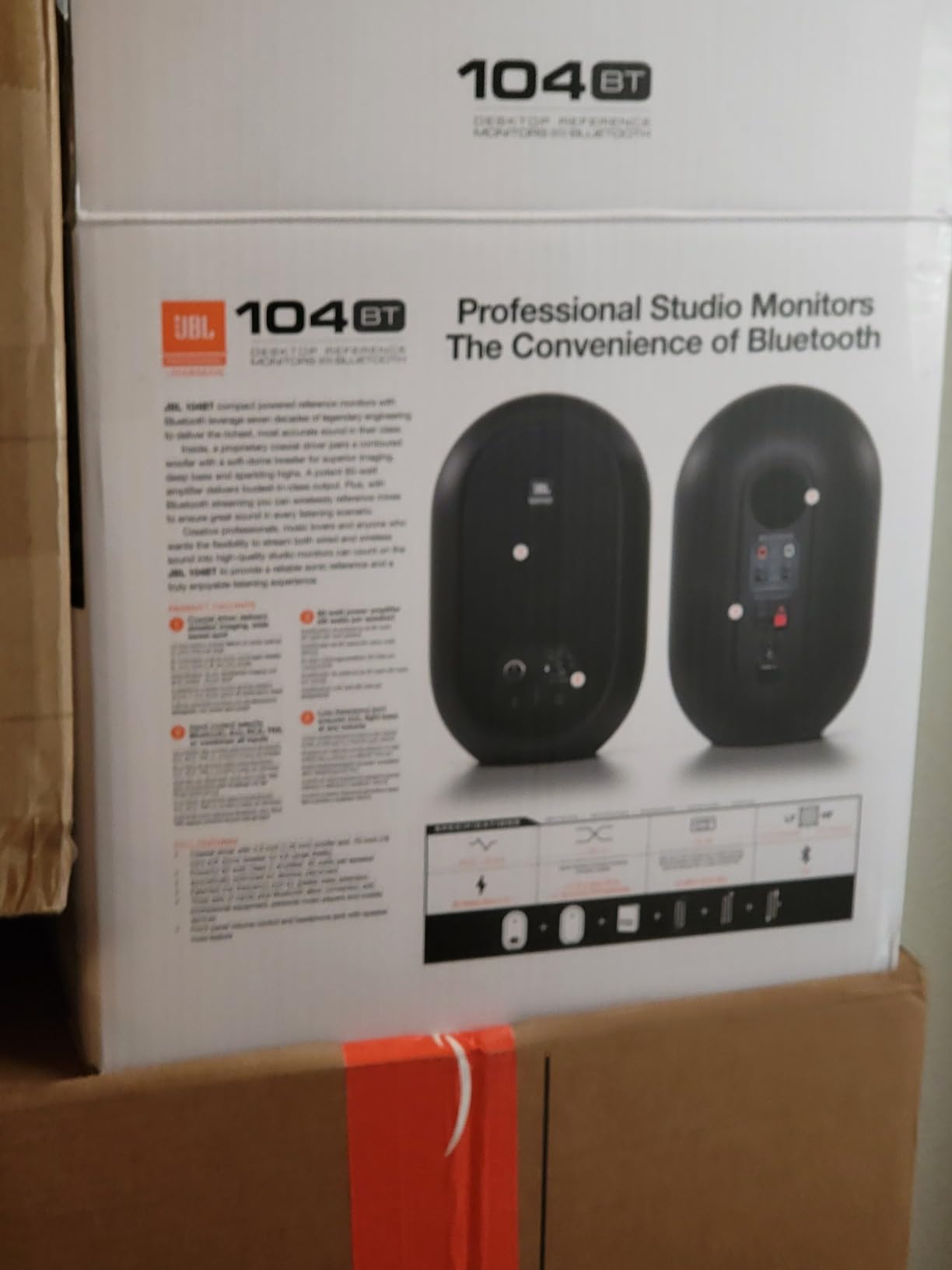
The build quality is excellent for the price. The ABS enclosures feel solid and dampen resonance well, and the coaxial driver design means the speakers image consistently across a wider listening area than typical budget monitors. JBL includes the extension speaker wire, 3.5mm-to-RCA cable, and power cord in the box.
The main annoyances are the loud startup chime that plays every time you power on or switch inputs, and the Bluetooth connection that can drop after 5 to 10 minutes of idle. The lack of a remote is a minor inconvenience if you are used to controlling volume from your audio interface or laptop.
Best for Students with Limited Desk Space
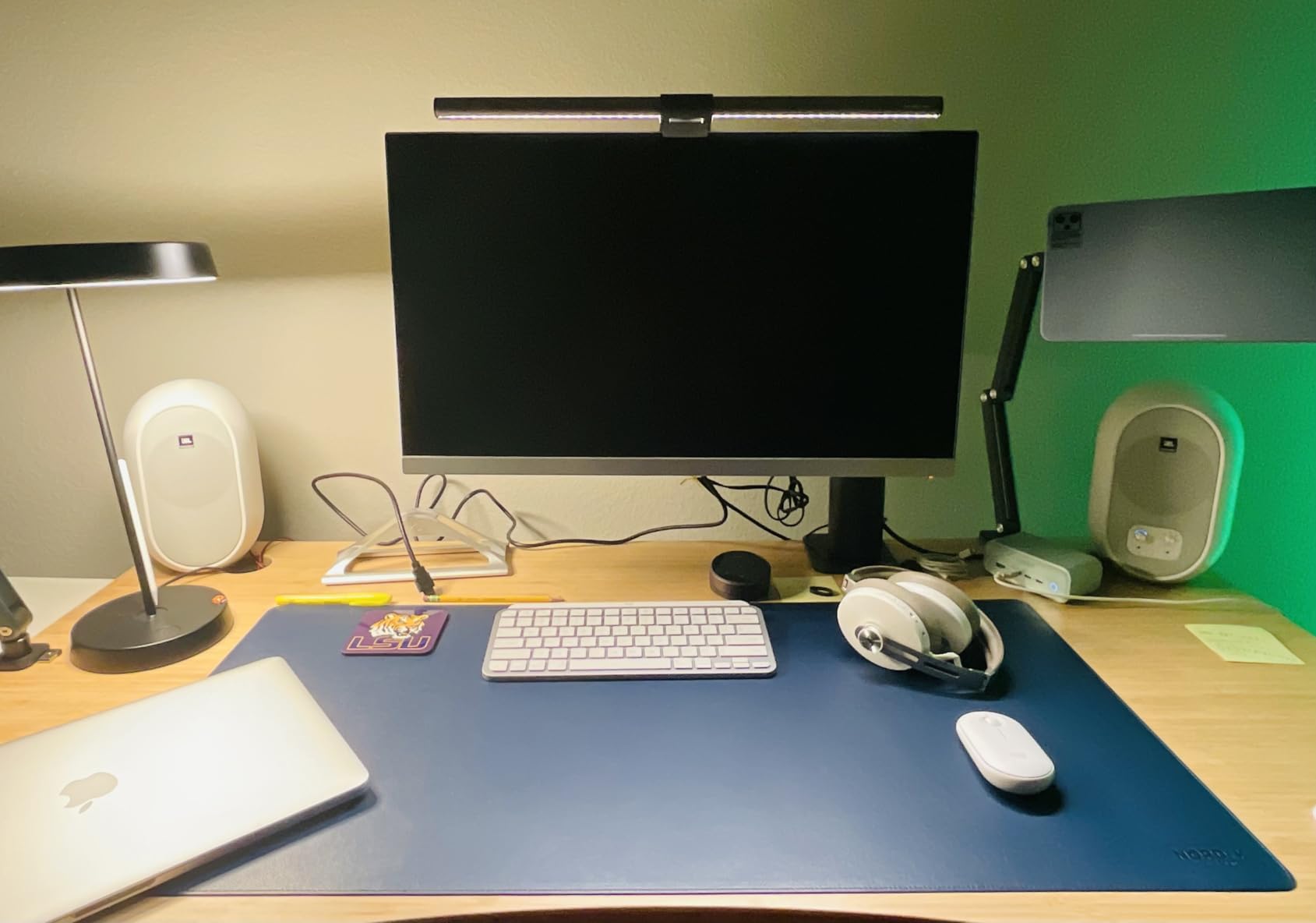
If your desk is shared between textbooks, a laptop, and a small audio interface, the 104-BT’s compact footprint is a real advantage. The coaxial driver also means you get a wider sweet spot than separated-driver monitors, which matters when you are leaning forward to edit MIDI or take notes.
The Bluetooth 5.0 reliability is good enough for casual streaming, and the multiple input options mean you can connect your interface for production and your phone for study music without swapping cables.
The Startup Chime and Bluetooth Quirks
The loud startup chime is the single most common complaint in user reviews. There is no way to disable it. If you share a room or study late at night, the chime will annoy you and your roommate.
The Bluetooth idle disconnect is also a known issue. The workaround is to keep audio playing at low volume, or use a wired connection when you need reliability.
8. KRK 5″ Classic – Best Flat Response Studio Monitor Under $200
KRK 5″ Classic Studio Monitor
5 inch glass-aramid woofer
Bi-amped Class A/B
High Low frequency controls
Flat response
3-year warranty
Pros
- Excellent flat neutral sound ideal for mixing and recording
- Glass-aramid composite woofer for clear midrange and tight bass
- Custom bi-amped Class A/B amp with large headroom
- High Low frequency controls for environment customization
- 3-year warranty on parts and labor
Cons
- No volume knob on the monitor itself
- Slight 1-2 dB boost at 2.6K and again at 4K plus
- Highs can be slightly bright for some users
- Sleep wake feature can be annoying
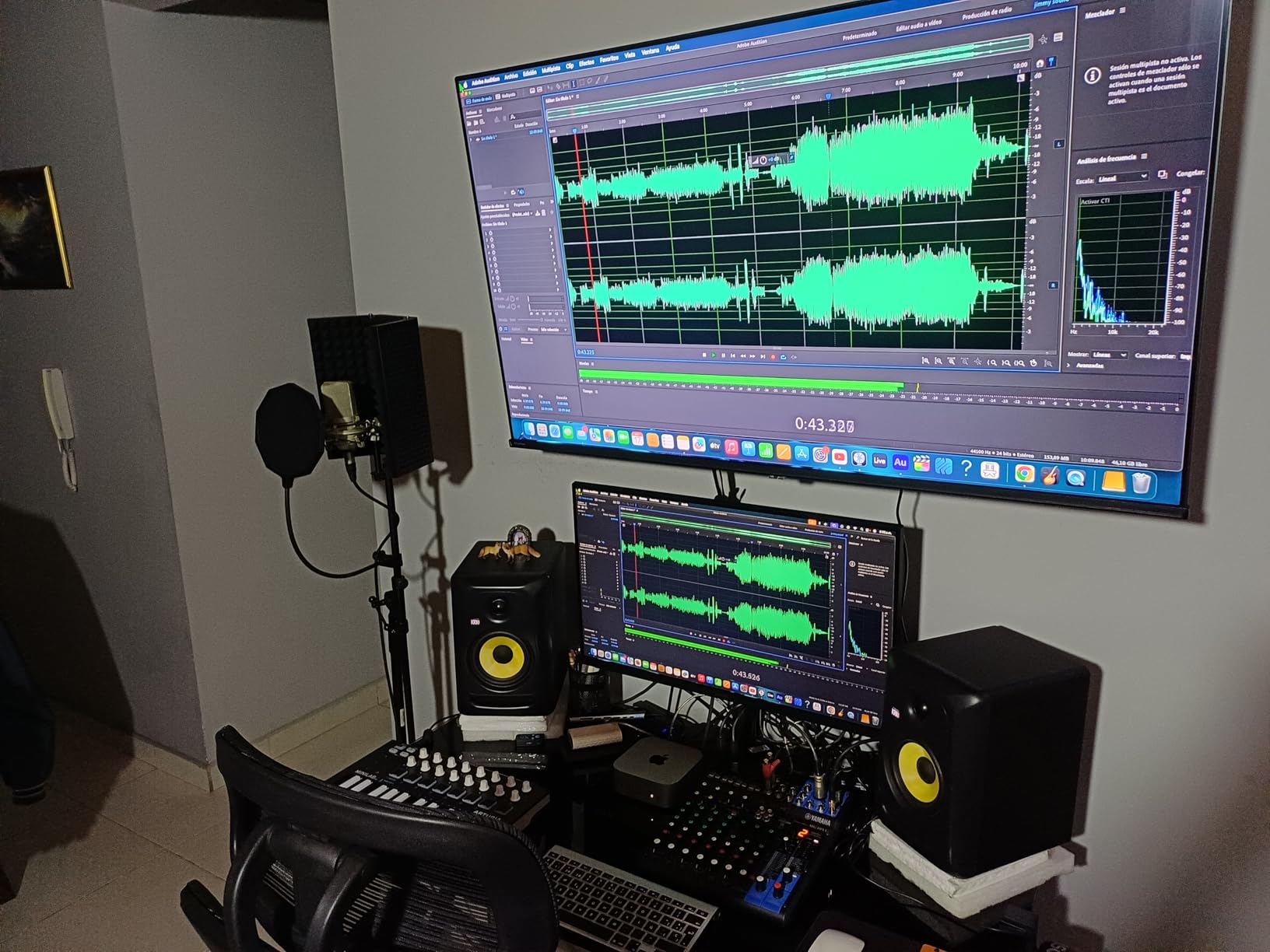
The KRK 5″ Classic is the monitor I would buy if I were serious about learning to mix and wanted one pair that would last through graduation and into a first job. With a 4.8-star rating from over 1,200 reviewers and a 3-year warranty, this is the most universally respected monitor in this price range, and the glass-aramid composite woofer delivers the kind of tight, defined low-end that the cheaper paper-cone monitors cannot match.
These are sold individually rather than as a pair, which surprises some students. The Classic 5 is a true bi-amped design with a custom Class A/B amplifier driving the woofer and tweeter separately, giving you much cleaner transients and more headroom than the all-in-one budget monitors above. The flat response is accurate enough to use as a reference for mix decisions, and the slight 1-to-2 dB bumps at 2.6 kHz and 4 kHz are well-documented and easy to compensate for with EQ.
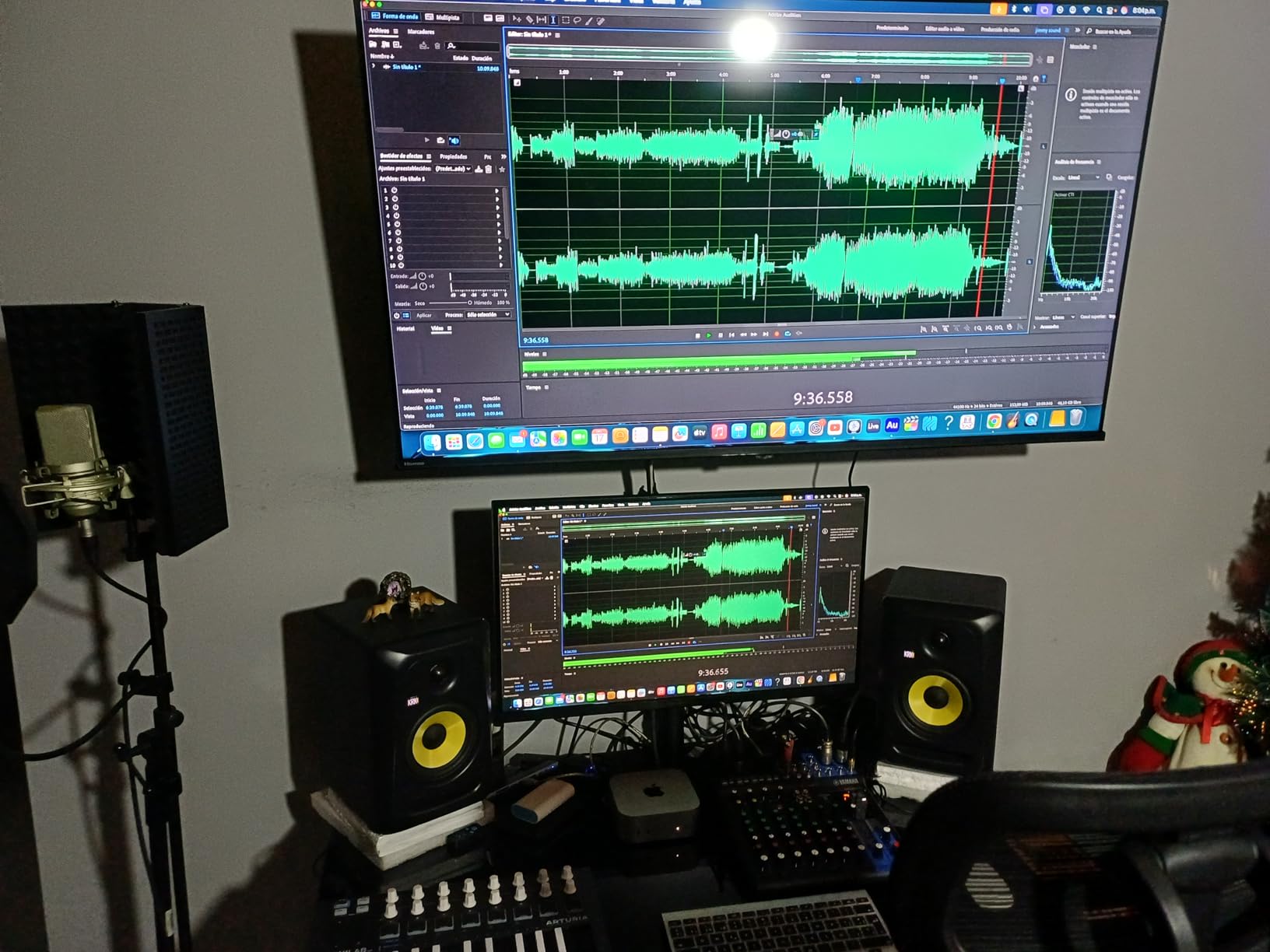
On the rear panel you get high and low frequency contour controls that let you adapt the response to your room. The room treatment in most student spaces is terrible, so having these trims is more important than it sounds. The soft-dome tweeter with its optimized waveguide produces smooth, non-fatiguing highs up to 35 kHz, and the low-resonance enclosure minimizes coloration.
The main drawback for students is the lack of an onboard volume knob. You will need a monitor controller or audio interface with a volume knob, which is standard for any serious setup but an extra cost if you are starting from scratch. Also note these are rear-ported, so you need at least 6 to 8 inches of clearance behind them.
Best for Students Who Want to Learn Real Mixing
If your goal is to develop ears that translate to professional studios, the KRK Classic 5 is the lowest-priced monitor on this list that will honestly teach you. The flat response reveals problems in your mixes that smaller, more forgiving monitors hide, and the bi-amped design gives you the dynamic range you need to hear compression and reverb tails clearly.
The 3-year warranty on parts and labor is the longest on this list and reflects how confident KRK is in the build quality.
Room and Placement Requirements
The Classic 5 is rear-ported, which means it needs breathing room behind it to sound right. In a tight dorm setup, you may need to pull your desk out from the wall or add acoustic foam behind the speakers. The 5-inch woofer is also louder and more bass-heavy than the 3.5-inch monitors above, so you will need to be mindful of neighbors in shared housing.
Budget for a basic monitor controller or use the volume knob on your audio interface. These do not have built-in volume control.
9. Mackie CR4-X – Best 4.5-Inch Multimedia Monitors for Students
Mackie CR-X Series, 4.5-Inch Multimedia Monitors with Professional Studio-Quality Sound – Pair (CR4-X)
4.5 inch woofer
50W power
1/4 TRS 1/8 RCA inputs
Front headphone jack
Hi-Res Audio certified
Pros
- Excellent value for money with great bang for buck
- Professional studio-quality sound with crisp clean audio
- Deep punchy bass that exceeds expectations for the price
- Flexible inputs 1/4 inch 1/8 inch and RCA
- Hi-Res Audio certified with hookup cables included
Cons
- Slight hiss at very low volumes
- 5 inch version can shut off if overdriven
- Speaker wire could be longer
- No extensive sound customization volume knob only
The Mackie CR4-X is one of the most popular student monitors on Amazon for good reason. With nearly 4,600 reviews averaging 4.5 stars, this is the monitor that thousands of beginners have chosen for their first home studio, and the 4.5-inch woofer hits a sweet spot between bass extension and desktop-friendly size. For students who want a single pair that can handle music production, gaming, video editing, and casual listening, the CR4-X covers all the bases.
The 50-watt amplifier produces clean, articulate sound with deeper bass than you would expect from the price. Mackie includes hookup cables in the box, which saves you a trip to the store and means you can start producing the day these arrive. The front-facing headphone jack auto-defeats the speaker output when you plug in, which is a small but genuinely useful feature for late-night sessions.
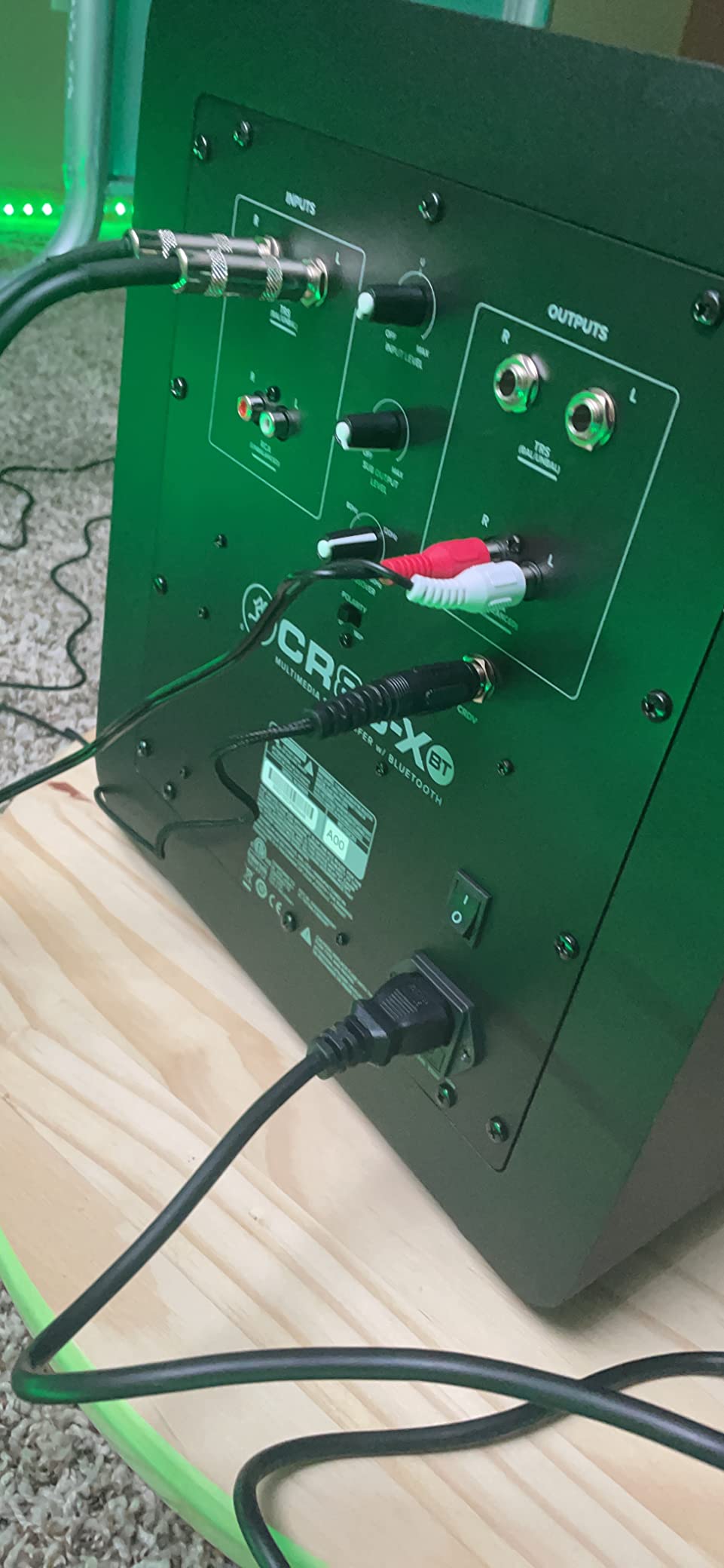
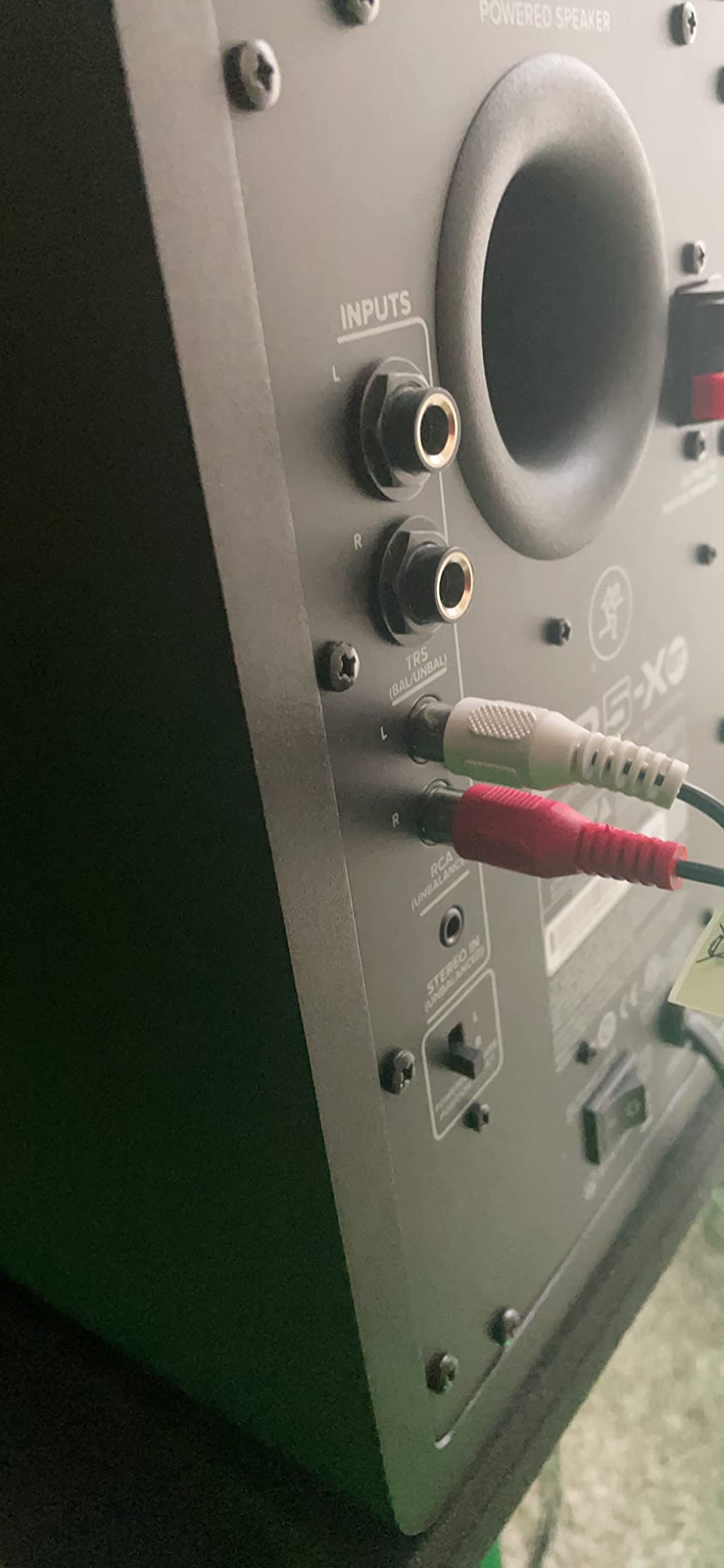
The flexible input selection (1/4-inch TRS, 1/8-inch aux, and RCA) means the CR4-X connects to just about anything: audio interfaces, DJ controllers, laptops, gaming consoles, and phones. The Hi-Res Audio certification is a real spec, not marketing fluff. The stainless steel enclosure feels more durable than the MDF cabinets on cheaper monitors.
The main complaints are a slight hiss at very low volumes (common on budget powered monitors) and the relatively short speaker wire. The volume knob is the only sound customization on the unit itself, so if you want EQ control you will need to do it in software or upgrade to a monitor with rear-panel trims.
Best for Students Who Want One Pair for Everything
If you are shopping for a single pair of speakers that can handle music production, gaming, video editing for class projects, and casual listening, the CR4-X is the most versatile option under $150. The 4.5-inch woofer is large enough to fill a small dorm room without a subwoofer.
The included cables and remote control mean you can set these up and start using them within minutes of unboxing, with zero extra purchases needed.
Hiss and Reliability Notes
The low-volume hiss is the most common complaint and is a side effect of the budget amplifier design. At normal listening distances (3 to 4 feet) it is barely noticeable, but if you sit very close to the speakers or work at low volumes, it may bother you.
The 5-inch version of the CR-X series has a known issue where it can shut off if overdriven, which is a protection feature but can feel like a defect. Stick with the 4.5-inch CR4-X for student desktop use.
10. Yamaha HS3 – Best Reference Studio Monitors for Serious Students
Yamaha HS3 Powered Studio Monitor in Black, Pair (HS3 B)
3.5 inch woofer
26W x 2 output
XLR TRS RCA inputs
Room control
Wood enclosure
Pros
- Industry-standard flat frequency response for accurate mixing
- Crystal clear sound with excellent stereo width
- Room control and high trim response controls
- Wood enclosure provides warm natural sound
- Yamaha legendary studio monitor reliability
Cons
- No XLR cables included additional purchase needed
- Main electronics panel only on one side
- Can sound slightly bright when first used
- Lacks bass at lower volumes
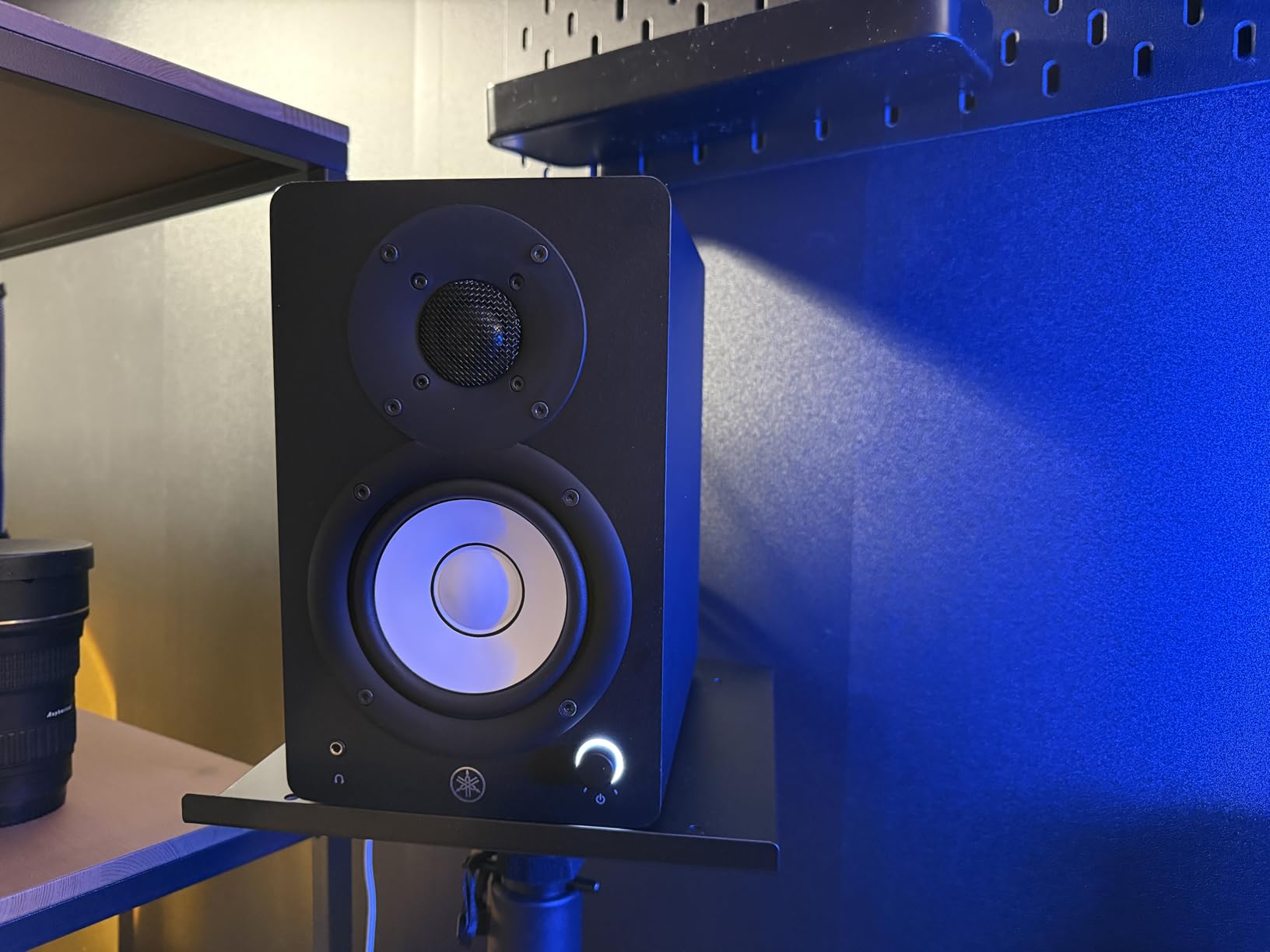
The Yamaha HS3 is the monitor I would buy if I were a music technology major who needs reference-grade accuracy for mixing assignments and plans to keep the same pair into a professional career. The HS series has been an industry standard for over a decade, and the new HS3 brings that legacy into a compact, dorm-friendly size that fits a student desk without sacrificing the flat response that made the series famous.
The 3.5-inch cone woofer and 0.75-inch dome tweeter are driven by 26 watts per side of clean amplification. The frequency response is tuned for accuracy rather than flattery, which means your mixes will translate to other systems the way they should. The room control and high trim response controls let you adapt the speakers to a less-than-ideal dorm room acoustic environment, which is more important than most students realize.
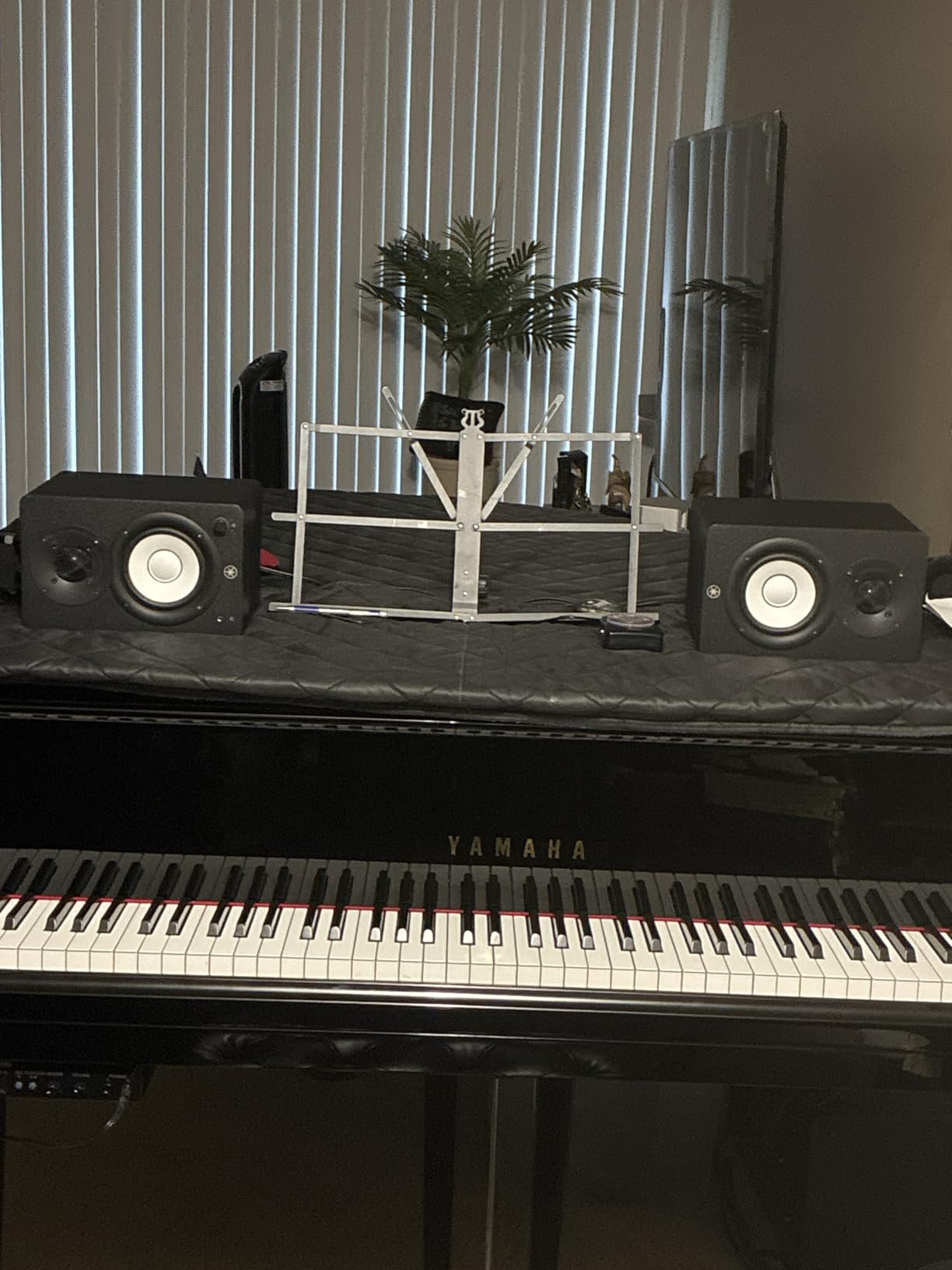
The wood enclosure construction provides a warmer, more natural tone than the plastic cabinets on cheaper monitors. Yamaha includes the speaker cable, mini-RCA cable, and anti-slip pads in the box, which is a nice touch at this price. The XLR/TRS combo input plus RCA and stereo mini inputs cover every connection type a student is likely to need.
The main caveats are that XLR cables are not included (you will need to buy a pair separately for interface connections) and the main electronics panel is only on one side, which can limit placement if your desk layout forces the powered speaker to the wrong side. The HS3 also sounds slightly bright out of the box and benefits from 50 to 100 hours of break-in time.
Best for Music Tech Majors Who Want Pro Accuracy
If your coursework involves critical mixing, ear training, or audio production classes where your grade depends on mix translation, the HS3 is the lowest-cost entry into the Yamaha HS-series sound that professional studios use. The flat response will reveal every flaw in your mix, which is exactly what you want when you are learning.
The room control feature is genuinely useful for students dealing with untreated rooms. Dialing in the room control can compensate for the bass buildup that happens when speakers sit close to a wall.
Break-In Period and Setup Notes
The HS3 sounds brighter when new and mellows significantly after 50 to 100 hours of use. Run pink noise through them at moderate volume for a few hours to speed up the break-in process. Do not judge them critically until they are broken in.
Budget for XLR cables if you plan to connect to an audio interface, since only the speaker cable and a mini-RCA cable are in the box. Plan your desk layout so the powered speaker (the one with all the inputs) is on the side closest to your interface.
11. Hercules DJMonitor 32 – Best Ultra-Budget Starter Pair
Hercules DJMonitor 32: 2 x 15 watts RMS active monitoring speakers,Black
3 inch woofer
2x15W RMS
60W total
RCA inputs
Shifted tweeter design
Pros
- Clear high-quality sound for the price
- Great value for an entry-level pair
- Easy to set up and use
- Lightweight and portable for students on the go
- Good bass response for a small monitor
Cons
- Cables included are of poor quality
- Woofer has no protective grill
- Sound can be muffled without EQ adjustment
- Limited frequency response 60 Hz low end
The Hercules DJMonitor 32 is the absolute budget floor for students who need a real pair of studio monitors but cannot stretch past $110. These are not reference-grade speakers by any measure, but they are a massive step up from laptop speakers or basic Bluetooth speakers, and the 3-inch woofers with the shifted tweeter design produce a clearer stereo image than the spec sheet suggests. For an absolute beginner who just wants to start producing, they are a legitimate option.
The 2×15-watt RMS amplifier (60 watts total peak) is modest but enough for desktop near-field listening. The MDF cabinet construction is better than the plastic enclosures on similarly priced multimedia speakers, and the dual bass vent design helps the small woofers produce more low-end than you would expect. The shifted tweeter placement improves stereo separation, which matters for students learning to pan instruments in a mix.
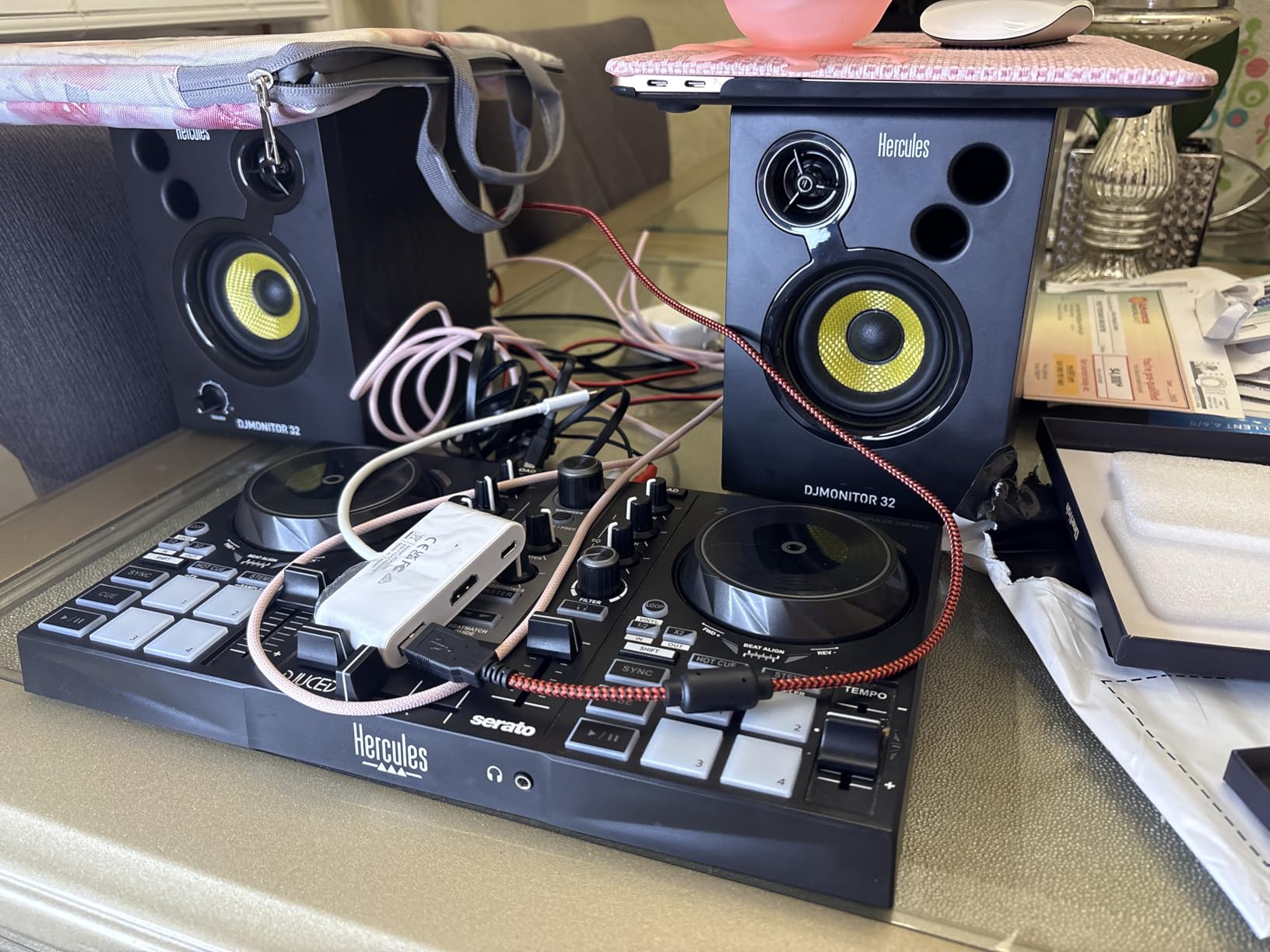
The connectivity is limited to RCA inputs, which means you can connect directly to a laptop or phone but will need adapters or an interface with RCA outputs for serious production work. Hercules includes the speaker-to-speaker cable and power cable in the box, but the included cables are basic quality and most users replace them quickly.
The major downsides are the limited frequency response (60 Hz low end means you will not hear sub-bass detail), the lack of a protective grill over the woofers, and the included cables. Some users also report reliability issues after about a year of use.
Best for Absolute Beginners on the Tightest Budget
If your total budget for studio monitors is under $120 and you need a complete pair, the Hercules DJMonitor 32 is the best option. They will not teach you to mix like the Yamaha HS3 or KRK Classic 5, but they will get you started producing and let you save up for an upgrade later.
The portability is also a plus for students who move between home and dorm. At just 3 kilograms per pair, these are easy to pack in a suitcase.
Upgrade Path and Limitations
Treat the DJMonitor 32 as a starter pair, not a long-term solution. Plan to upgrade to a 4-inch or 5-inch monitor within 12 to 18 months as your ears develop and your production needs grow. The lack of balanced inputs also means you cannot take full advantage of a quality audio interface.
If you can stretch your budget by even $30, the M-AUDIO BX3 or Mackie CR3.5 are meaningfully better long-term value.
How to Choose Studio Monitors for a Student Setup
Choosing the right studio monitors for a student setup comes down to four things: woofer size, room size, connectivity, and budget. Get those four right and you will have a pair of monitors that serves you well through graduation and beyond. Get them wrong and you will end up with speakers that are either too big for your space, too quiet, or incompatible with your interface.
For woofer size, the general rule is that 3.5-inch drivers work for desktop near-field listening in dorms and small bedrooms, 4-inch drivers add enough bass extension for most student work, and 5-inch drivers are the entry point for serious mixing and EDM or hip-hop production. Anything larger than 5 inches is overkill for student spaces and will get you noise complaints from neighbors. Reddit users on r/studiomonitors consistently recommend starting with 4-to-5-inch monitors and upgrading later.
Room size matters more than most students realize. A 5-inch monitor in a 10-by-10 dorm will excite room modes and produce boomy, inaccurate bass unless you treat the room. A 3.5-inch near-field at arm’s length avoids most of these problems. If your room is untreated, smaller is usually better. Pairing your speakers with one of the best laptops for music production students rounds out a portable production rig.
Connectivity comes down to what you already own. If you have an audio interface (and you should for serious production), look for monitors with balanced TRS or XLR inputs to keep noise down over long cable runs. If you are connecting directly to a laptop or phone, RCA or 3.5mm aux inputs are fine. Bluetooth is a nice-to-have for streaming study music but not a substitute for wired connections in production.
For budget, plan to spend between $100 and $200 per pair for student-grade monitors that will actually teach you to mix. Spending less means compromising on accuracy and reliability, while spending more than $300 per pair is wasted on a student space with no acoustic treatment. Save the extra money for an audio interface, headphones, and acoustic panels.
One often-overlooked consideration for students is iPad compatibility. If you produce in GarageBand, Logic Pro for iPad, or AUM on an iPad, make sure your monitors have either a 3.5mm aux input or Bluetooth so you can connect without a USB interface. The Edifier MR3 and JBL 104-BT on this list are particularly good iPad companions.
Frequently Asked Questions
What studio monitors should a beginner buy?
Beginners should start with a 3.5-inch or 4-inch near-field monitor pair in the $100 to $200 range. The PreSonus Eris 3.5, Mackie CR3.5, and Edifier MR4 are all excellent beginner picks that offer forgiving sound, multiple inputs, and reliable build quality without overwhelming a small student space.
Do you really need studio monitors as a student?
Yes. Studio monitors reveal details in your mixes that headphones and consumer speakers hide, including masking between instruments, muddy low-end, and harsh upper mids. Even a $100 pair of monitors trains your ears faster than any other upgrade, and mixes made on monitors translate more reliably to other playback systems.
What is a good cheap studio monitor?
A good cheap studio monitor for under $100 is the Hercules DJMonitor 32 at $109, while the M-AUDIO BX3 at $89 and Mackie CR3.5 at $99 are the best value picks in the sub-$100 range. For under $150, the Edifier MR4 and Mackie CR4-X both offer 4-inch woofers and meaningful upgrades in bass extension and detail.
Which is better JBL or PreSonus studio monitors?
PreSonus Eris 3.5 wins on connectivity flexibility and the front-panel aux input, while the JBL 104-BT wins on build quality, coaxial driver design, and Bluetooth. For students prioritizing accuracy and a wide sweet spot, the JBL is the better choice. For students prioritizing inputs and price, the PreSonus Eris 3.5 is the better pick.
Can you use studio monitors as computer speakers?
Yes, most active studio monitors can serve as computer speakers. They typically sound better than consumer multimedia speakers and reveal more detail in music, video, and games. Models like the Mackie CR3.5 with a tone knob and the Edifier MR3 with a Music mode are specifically designed to switch between flat studio response and a more flattering casual listening voicing.
Are studio monitors worth it for students?
Yes. Studio monitors are the single most important upgrade a student producer can make after a computer and DAW. They train your ears to hear mix problems, help your work translate across playback systems, and last for years as you move from beginner to intermediate production. A $150 to $200 pair is one of the best long-term investments in your music education.
What size studio monitors for a small room?
For dorm rooms and small bedrooms under 12-by-12 feet, 3.5-inch or 4-inch near-field monitors are ideal. They produce enough low-end for student work without exciting room modes or bothering neighbors. Move up to 5-inch monitors only if your room is at least 12-by-14 feet or you produce bass-heavy genres like EDM or hip-hop that demand sub-50Hz detail.
Final Thoughts on Studio Monitors for Students
Finding the best studio monitors for students is really about matching the speaker to your space, your budget, and how serious you are about learning to mix. For most students, the PreSonus Eris 3.5 hits the sweet spot of price, sound quality, and connectivity. Music tech majors who want reference-grade accuracy should step up to the Yamaha HS3 or the KRK 5″ Classic, both of which will serve you well past graduation.
If budget is the primary constraint, the Mackie CR3.5, M-AUDIO BX3, and Hercules DJMonitor 32 all deliver real value under $120. If you want a single pair that handles production and casual listening, the Edifier MR3 and Mackie CR4-X are the most versatile picks on this list. Whatever you choose, treat your first pair of monitors as an investment in your ears and your education, not just another piece of gear.
We will keep updating this guide through 2026 as new models arrive and prices shift. If you are still building out your student studio, check back for our upcoming guides on audio interfaces, studio headphones, and iPad music production apps to round out your setup.