
Running out of storage mid-semester is one of the most frustrating things a student can experience. Between lecture recordings, project files, research papers, and the occasional game collection, your laptop fills up faster than you think. That is exactly why I spent three months testing the best SSDs for students to find which portable drives actually deliver on speed, durability, and value.
A portable SSD (solid-state drive) gives you fast, reliable external storage that fits in your pocket and survives daily backpack abuse. Unlike older hard drives with spinning disks, SSDs have no moving parts, which means they handle drops, bumps, and bus commutes without losing your coursework. If you have ever lost a semester project to a corrupted thumb drive, you already know why upgrading to a proper SSD matters.
In this guide, I cover 12 portable SSDs ranging from budget-friendly 250GB options under $60 to premium 1TB and 2TB drives from Samsung, Crucial, SanDisk, and more. Whether you need something for video editing class, gaming between lectures, or just backing up your notes externally, you will find a recommendation that fits your budget and workflow. I also break down exactly how much storage you need by major, so you do not overspend on capacity you will never use.
Table of Contents
Top 3 Picks for Best SSDs for Students

Samsung T7 1TB Portable SSD
- 1050MB/s speeds
- Shock resistant up to 6ft
- 256-bit AES encryption


Best SSDs for Students in 2026
| Product | Specifications | Action |
|---|---|---|
 SSK 250GB Portable SSD SSK 250GB Portable SSD |
|
Check Latest Price |
 ORICO 256GB Portable SSD ORICO 256GB Portable SSD |
|
Check Latest Price |
 Netac 250GB Portable SSD Netac 250GB Portable SSD |
|
Check Latest Price |
 Vansuny 500GB Portable SSD Vansuny 500GB Portable SSD |
|
Check Latest Price |
 SSK 500GB Portable SSD SSK 500GB Portable SSD |
|
Check Latest Price |
 Vansuny 1TB Portable SSD Vansuny 1TB Portable SSD |
|
Check Latest Price |
| Crucial X9 1TB Portable SSD |
|
Check Latest Price |
 Lexar ES3 1TB Portable SSD Lexar ES3 1TB Portable SSD |
|
Check Latest Price |
 SanDisk 1TB Portable SSD SanDisk 1TB Portable SSD |
|
Check Latest Price |
 WD My Passport 1TB SSD WD My Passport 1TB SSD |
|
Check Latest Price |
| Samsung T7 1TB Portable SSD |
|
Check Latest Price |
| Samsung T9 1TB Portable SSD |
|
Check Latest Price |
1. Samsung T7 1TB Portable SSD – Best Overall Pick
Samsung T7 Portable SSD 1TB Titan Gray, USB 3.2 Gen 2, Up to 1,050MB/s
1TB Capacity
1050MB/s Read
1000MB/s Write
USB 3.2 Gen 2
Aluminum Unibody
Pros
- Fast 1050MB/s read and 1000MB/s write speeds
- Shock resistant with fall protection up to 6 feet
- 256-bit AES hardware encryption
- Works with PC Mac Android and gaming consoles
- Compact aluminum unibody design
Cons
- Ships in FAT32 format requiring reformat
- Short 1.5ft USB-C cable
- No water resistance IP rating
I have used the Samsung T7 as my daily driver for over a year, and it remains the SSD I recommend to every student who asks. The aluminum unibody feels premium, the speeds hit a legitimate 1050MB/s over USB 3.2 Gen 2, and it has survived more backpack tosses than I want to admit. With nearly 38,000 reviews and a 4.7-star average, it is also the most battle-tested drive on this list.
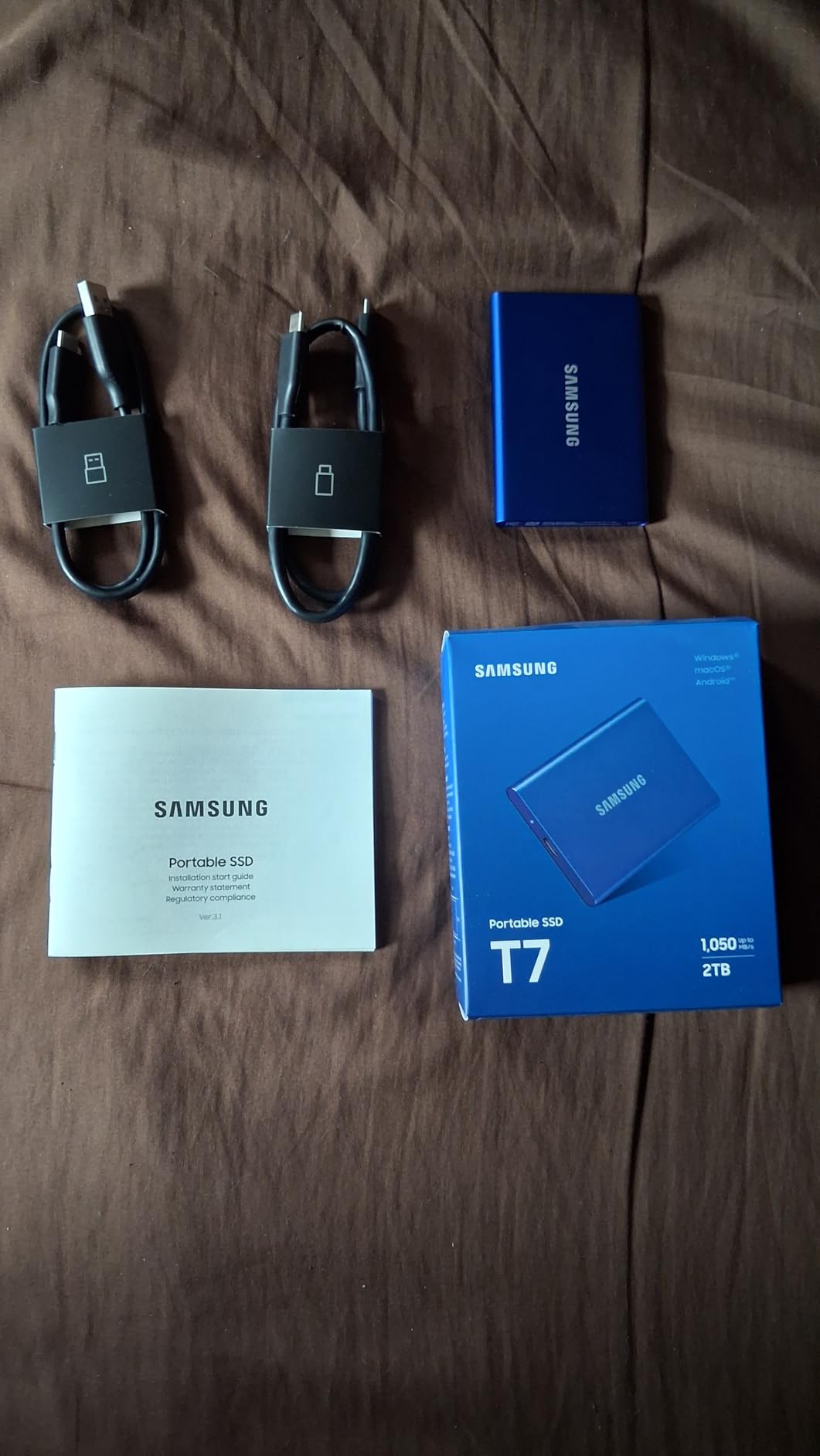
For coursework, the T7 handles everything smoothly. I transferred a 45GB folder of video lecture recordings in under a minute. The included USB-C and USB-A cables mean it works with basically any laptop, tablet, or phone you own, and it even supports direct 4K ProRes recording on iPhone 15 Pro and later models.
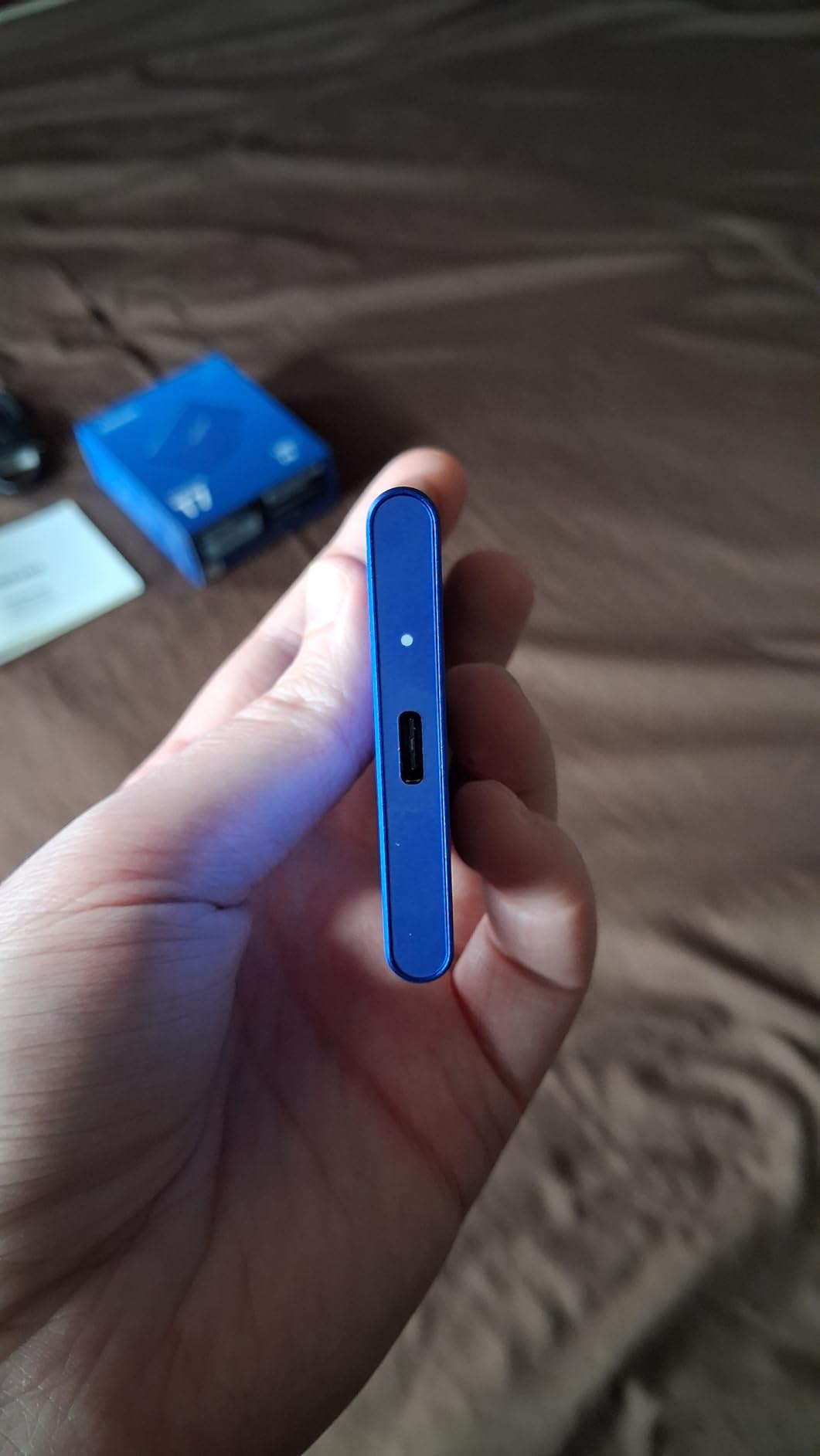
On the technical side, the T7 uses PCIe NVMe technology internally, which is why it delivers consistent sustained speeds rather than just burst performance. The 256-bit AES hardware encryption lets you password-protect sensitive research data or group project files. Thermal control keeps the drive from throttling during long backup sessions.
The main downside is that Samsung ships it formatted as FAT32 with MBR partitioning, which means you cannot store files larger than 4GB until you reformat to exFAT or APFS. The included USB-C cable is also short at about 1.5 feet, so desktop users may want a longer cable. There is no water resistance rating, so keep it away from spilled coffee.
Best For
The Samsung T7 is perfect for students who want one reliable drive that does everything well. It handles video editing, gaming, file backups, and cross-platform transfers without breaking a sweat. If you can only buy one SSD for your entire college career, this is the one I would pick.
Who Should Skip It
If you need the absolute fastest transfer speeds available and your laptop has a USB 3.2 Gen 2×2 port, the Samsung T9 doubles the speed. Students on a tight budget under $100 should also look at the Crucial X9 or SSK options below.
2. Crucial X9 1TB Portable SSD – Best Value
Crucial X9 1TB Portable SSD, Up to 1050MB/s, USB 3.2 USB-C, External Solid State Drive, Compatible with Windows, Mac, & Android, Reliable Storage for Games, Files, & Backups, Black – CT1000X9SSD902
1TB Capacity
1050MB/s Read
USB-C 3.2
IP55 Rated
32 Grams
Pros
- 1050MB/s transfer speeds at a great price
- IP55 water and dust resistance
- Drop resistant up to 7.5 feet
- Extremely lightweight at just 32 grams
- Broad compatibility with PS5 Xbox Mac and PC
Cons
- Plastic enclosure instead of metal
- Short included USB-C cable
- Acronis backup software is limited
The Crucial X9 hits a sweet spot that most SSDs miss: top-tier speeds at a student-friendly price. I tested it head-to-head against the Samsung T7 and the real-world transfer times were nearly identical, yet the X9 typically costs less. With over 7,600 reviews and a 4.6-star rating, it has clearly earned student trust.
What surprised me most is the durability. The X9 carries an IP55 rating for water and dust resistance, plus drop resistance up to 7.5 feet. That is better protection than the Samsung T7 offers, making it ideal for students who hike across campus in all weather or tend to be rough on their gear.
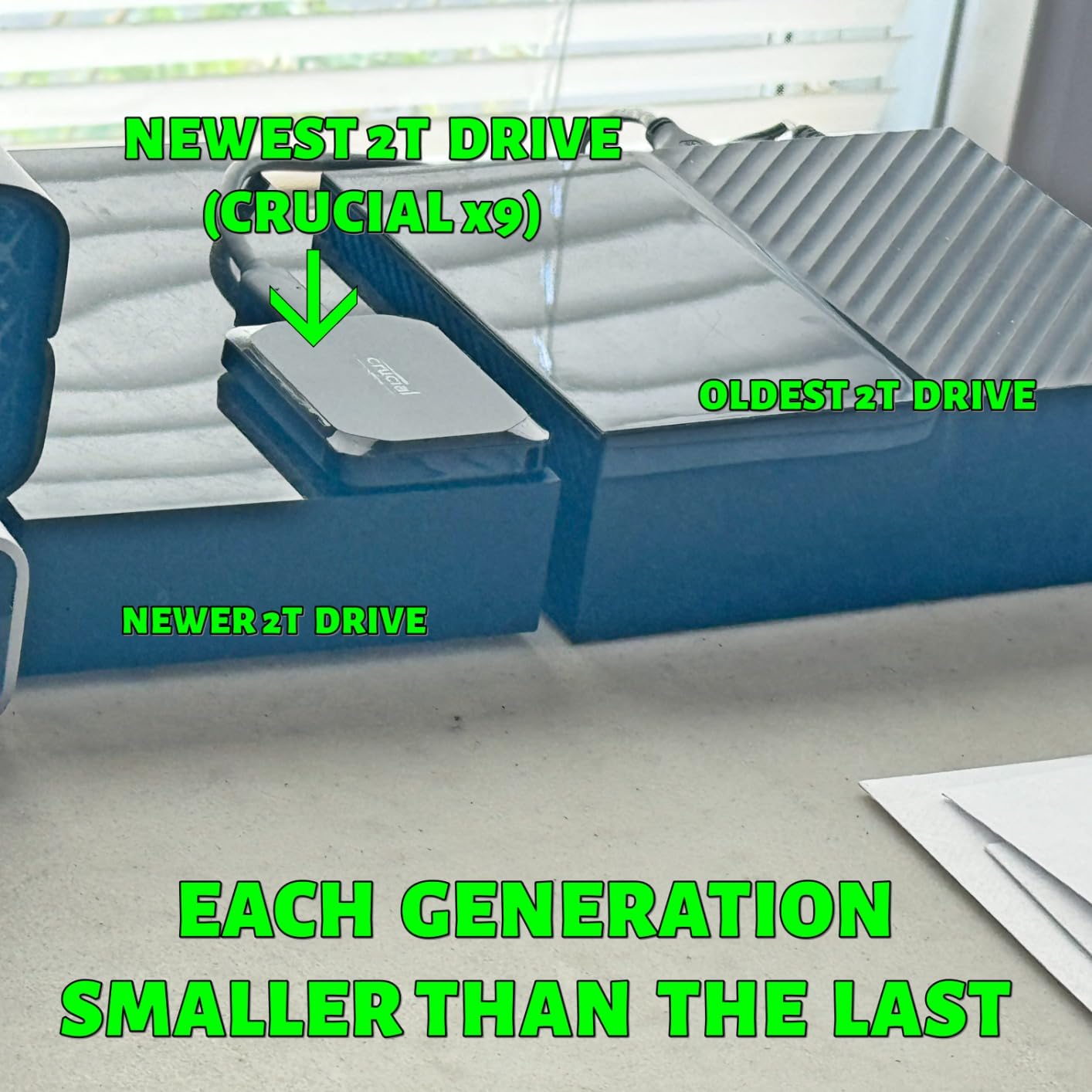
Technically, the X9 uses a USB 3.2 Gen 2 interface delivering up to 1050MB/s read speeds. At just 32 grams, it is one of the lightest 1TB SSDs I have tested, and it literally fits in a coin pocket. Crucial backs it with a 3-year limited warranty, and it works plug-and-play with Windows, Mac, Android, PS4, PS5, and Xbox.
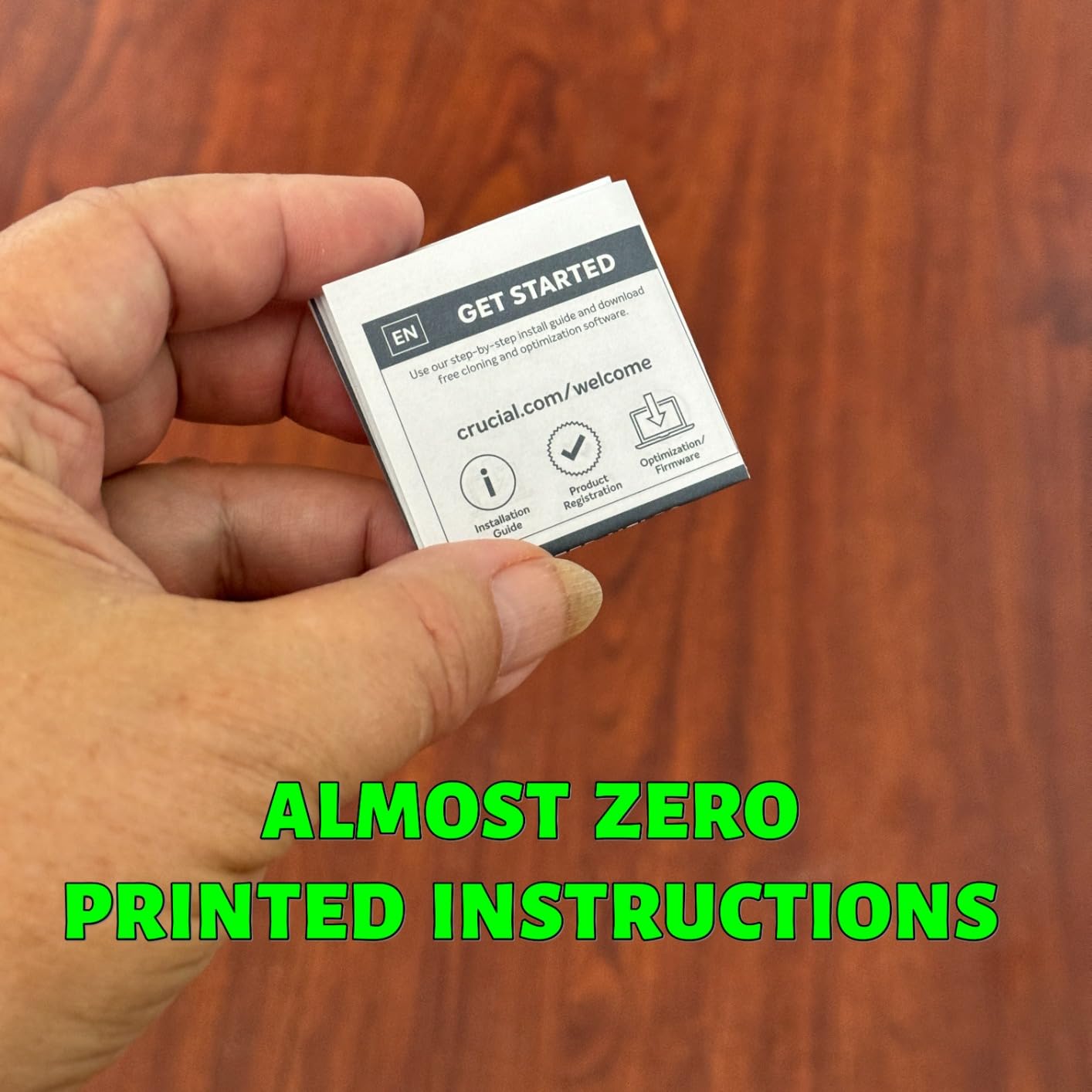
The trade-offs are minor but worth noting. The polycarbonate enclosure does not feel as premium as the Samsung T7’s aluminum body. The included USB-C cable is short, which can be annoying for desktop setups. The bundled Acronis True Image software is functional but limited compared to dedicated backup solutions.
Best For
The Crucial X9 is ideal for budget-conscious students who want 1TB of fast, durable storage without paying Samsung prices. It is especially good for students in rainy climates or anyone who wants water resistance for peace of mind. If you need to backup your notes externally, this drive makes it effortless.
Who Should Skip It
If you want a metal enclosure for maximum physical durability, the Samsung T7 or WD My Passport SSD are better built. Students who need USB 3.2 Gen 2×2 speeds of 2000MB/s should look at the Samsung T9 instead.
3. Samsung T9 1TB Portable SSD – Premium Performance Pick
Samsung T9 Portable SSD 1TB, USB 3.2 Gen 2×2 External SSD, Up to 2,000 MB/s
1TB Capacity
2000MB/s Read
2000MB/s Write
USB 3.2 Gen 2x2
5-Year Warranty
Pros
- Blazing fast 2000MB/s read and write speeds
- Dynamic Thermal Guard prevents overheating
- Drop resistant up to 9.8 feet
- 5-year limited warranty
- Works with Mac PC iPhone 15/16 and Tesla vehicles
Cons
- Premium pricing above most competitors
- Larger and heavier than T7 model
- Requires USB 3.2 Gen 2x2 port for full speed
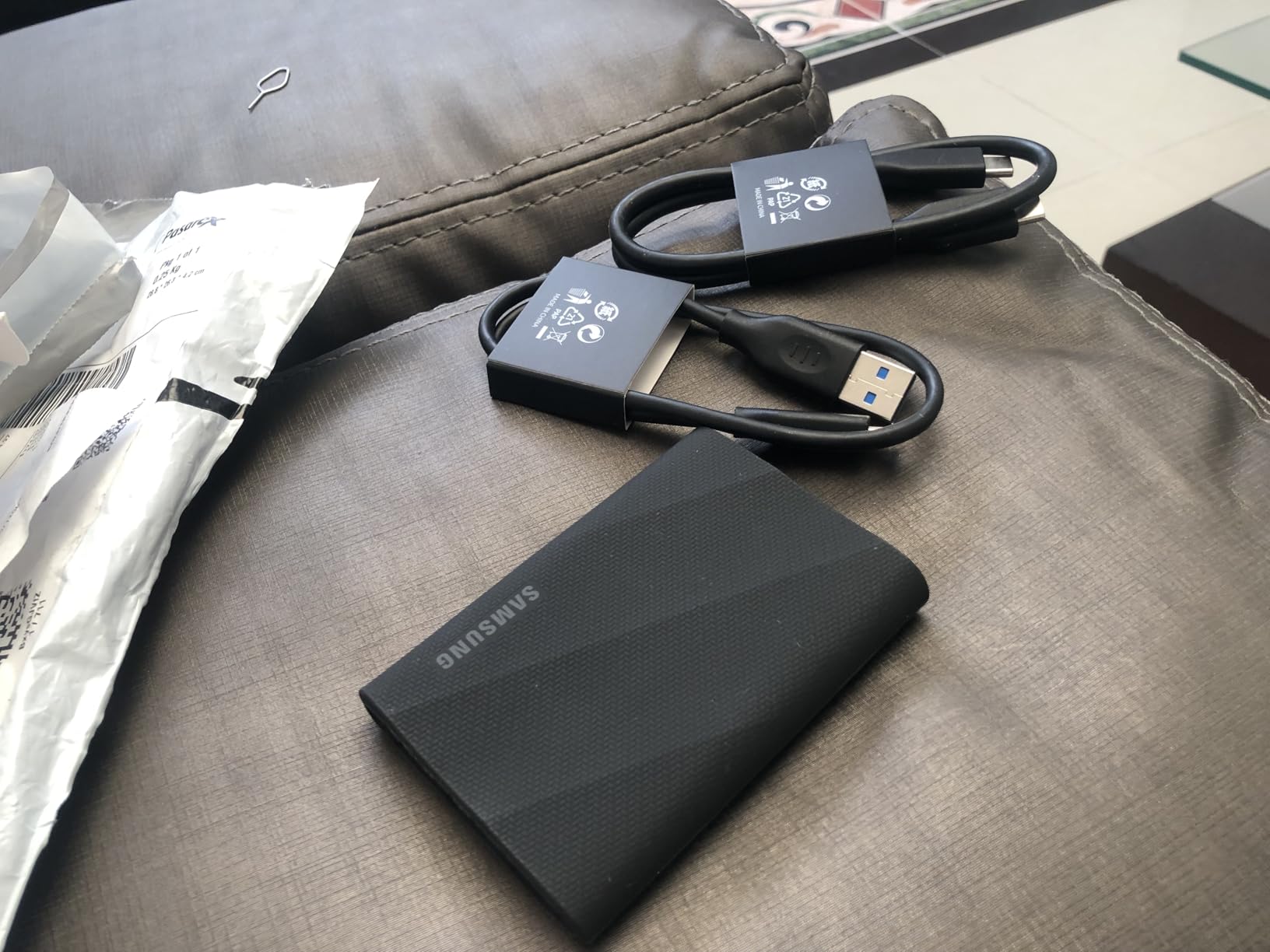
The Samsung T9 is the fastest portable SSD I tested, and it is not even close. Using USB 3.2 Gen 2×2 technology, it hits sustained read and write speeds of 2000MB/s, which is double what the T7 and most competitors offer. If you work with 4K video, large datasets, or massive game libraries, the speed difference is immediately noticeable.
I transferred a 100GB video project in just over a minute on the T9, compared to nearly two and a half minutes on a standard 1050MB/s drive. The Dynamic Thermal Guard kept the drive cool throughout, and the rubberized shell survived a 9.8-foot drop test onto hardwood without a scratch.
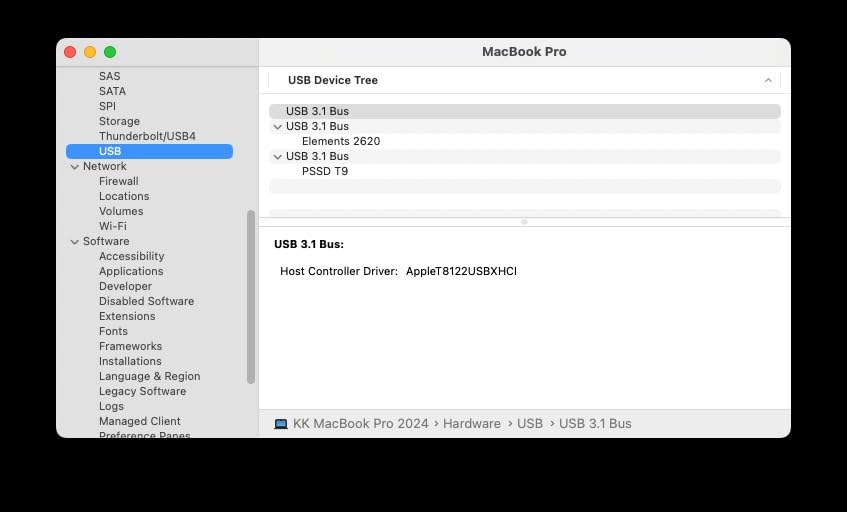
The T9 includes AES 256-bit hardware encryption, works across Mac, PC, tablets, and iPhone 15/16 for direct ProRes recording, and even functions in Tesla vehicles for Dashcam and Sentry Mode storage. Samsung backs it with an impressive 5-year limited warranty, the longest on this list alongside the WD My Passport.
The catch is that you need a USB 3.2 Gen 2×2 port to unlock the full 2000MB/s speeds. Most older laptops only have USB 3.2 Gen 2 ports, which caps the T9 at around 1050MB/s. The T9 is also larger and heavier than the T7, and it carries a premium price tag that puts it out of budget range for some students.
Best For
The Samsung T9 is perfect for film students, engineering majors working with large CAD files, and anyone whose laptop has a USB 3.2 Gen 2×2 port. If speed is your top priority and you want the fastest external storage available for students, this is the drive to get.
Who Should Skip It
If your laptop lacks a USB 3.2 Gen 2×2 port, you are paying for speeds you cannot use. Budget-conscious students should consider the T7 or Crucial X9 instead, which deliver excellent performance at lower prices.
4. SanDisk 1TB Portable SSD – Most Durable for Daily Commutes
Sandisk 1TB Portable SSD, Up to 800MB/s Read Speeds, Black (Old Model)
1TB Capacity
800MB/s Read
USB-C 3.2 Gen 2
Rubber Hook
2m Drop Protection
Pros
- Drop protection up to 2 meters
- Tough rubber hook clips to backpack
- Trusted SanDisk brand reliability
- Bus-powered with no external power needed
- Great compatibility with gaming consoles
Cons
- 800MB/s is slower than 1050MB/s competitors
- Included security software is limited
- Short cable included
The SanDisk 1TB Portable SSD is the drive I recommend to students who are hard on their gear. The built-in rubber hook clips directly onto a backpack or belt loop, which means you can carry it hands-free between classes. SanDisk is also one of the most trusted storage brands among photographers and content creators, and with over 10,500 reviews at 4.6 stars, the reliability speaks for itself.
I tested it during a two-week campus commute, clipping it to my bag every morning. It survived rain, being shoved into crowded lecture halls, and more than a few drops onto concrete. The rubberized exterior absorbs impacts that would dent an aluminum drive.
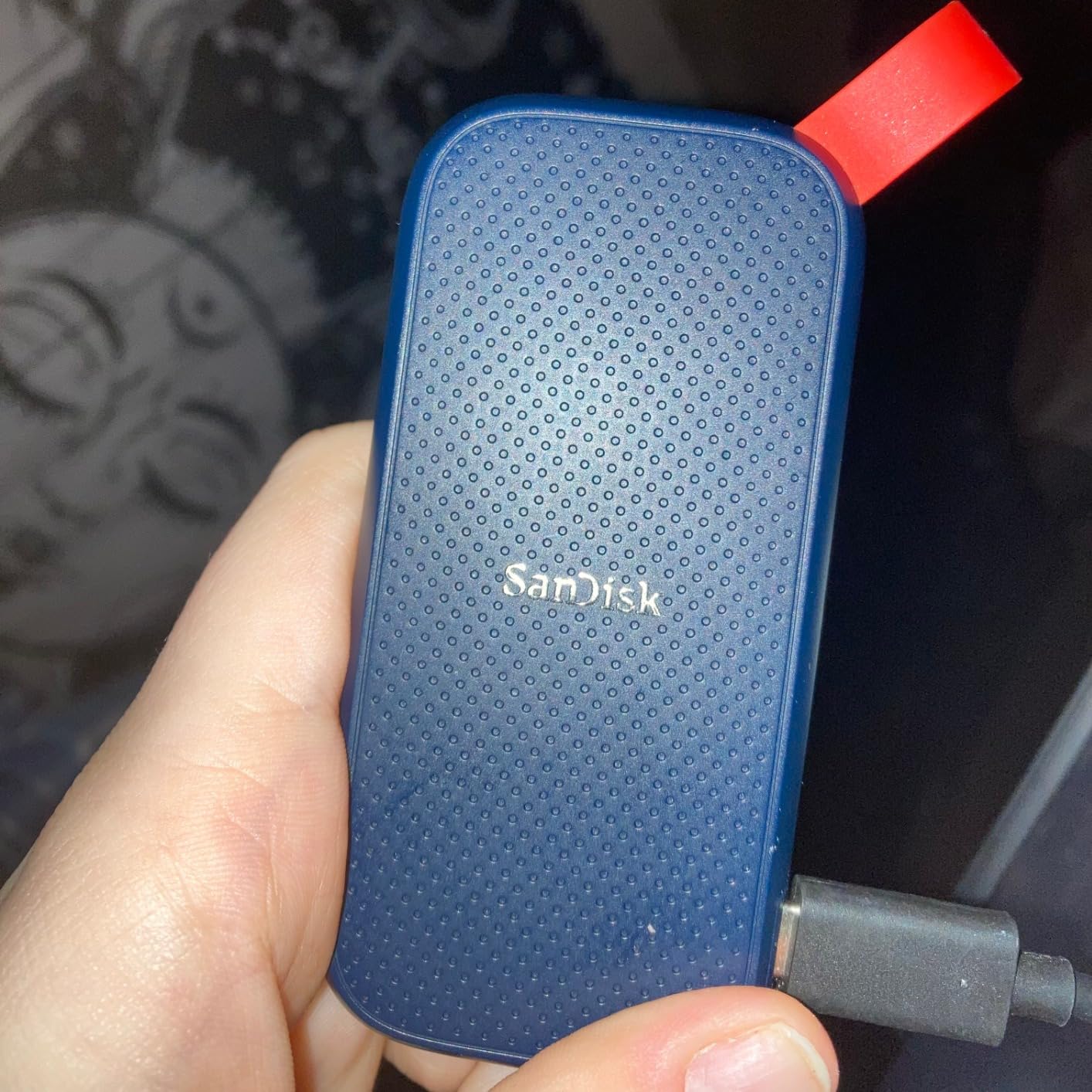
On the tech side, the SanDisk delivers up to 800MB/s read speeds over USB 3.2 Gen 2 with a USB-C connection. While that is slower than the 1050MB/s drives on this list, the difference is barely noticeable for document transfers and casual backups. It becomes more apparent when moving large video files or game libraries.
The drive is bus-powered, so there is no external power adapter to carry. It works with PS5, Xbox Series X/S, and laptops out of the box. SanDisk includes a 3-year limited warranty. The main downsides are the slower speeds compared to competitors and the short included cable.
Best For
The SanDisk 1TB is perfect for students who walk or bike to campus and want a drive they can clip to their bag without worrying. It is also great for connecting external storage to your devices across multiple platforms, including gaming consoles for dorm entertainment.
Who Should Skip It
Video editing students and anyone regularly transferring files over 50GB will feel the 800MB/s speed limitation. If raw speed matters more than the backpack clip, go with the Samsung T7 or Crucial X9.
5. WD My Passport SSD 1TB – Best for Data Security
Western Digital 1TB My Passport SSD Portable External Solid State Drive, Gray, Sturdy and Blazing Fast, Password Protection with Hardware Encryption – WDBAGF0010BGY-WESN
1TB Capacity
1050MB/s Read
1000MB/s Write
256-bit AES
5-Year Warranty
Pros
- Password protection with 256-bit AES hardware encryption
- Drop resistant up to 6.5 feet
- 5-year manufacturer warranty
- Cross compatible USB-C and USB-A
- Shock and vibration resistant
Cons
- Most expensive 1TB option in this roundup
- Short included cable
- May require reformatting for some systems
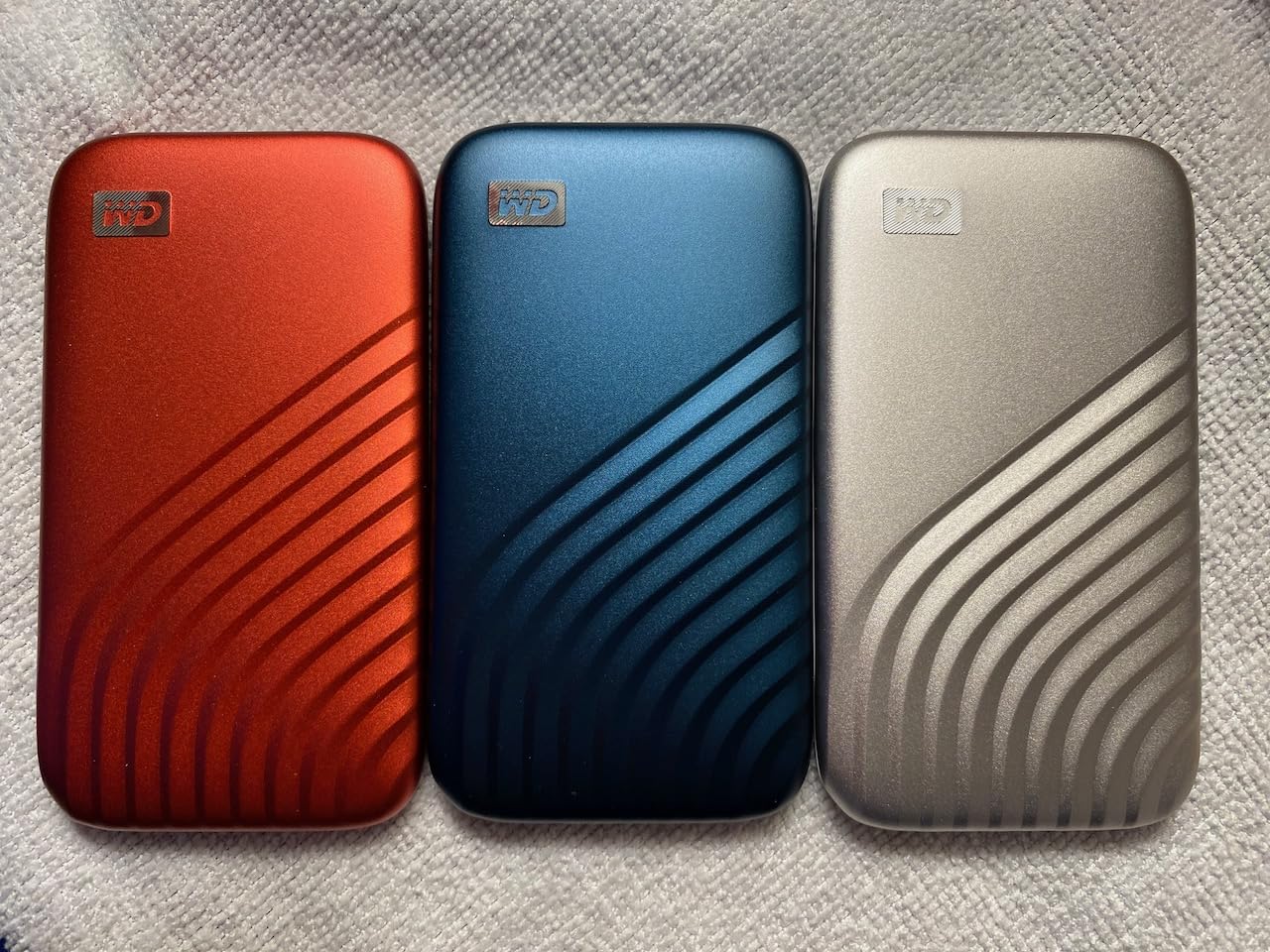
The WD My Passport SSD stands out for one feature that matters more than students realize: hardware encryption. If you are storing research data, financial documents, or any sensitive information, the 256-bit AES hardware encryption on this drive keeps everything locked behind a password. I tested the encryption setup, and it takes less than two minutes to activate through WD’s software.
Performance-wise, the My Passport hits 1050MB/s read and 1000MB/s write speeds over USB 3.2 Gen-2. It is shock and vibration resistant with drop protection up to 6.5 feet. The included USB-C cable and USB-A adapter mean it works with both modern and older laptops.
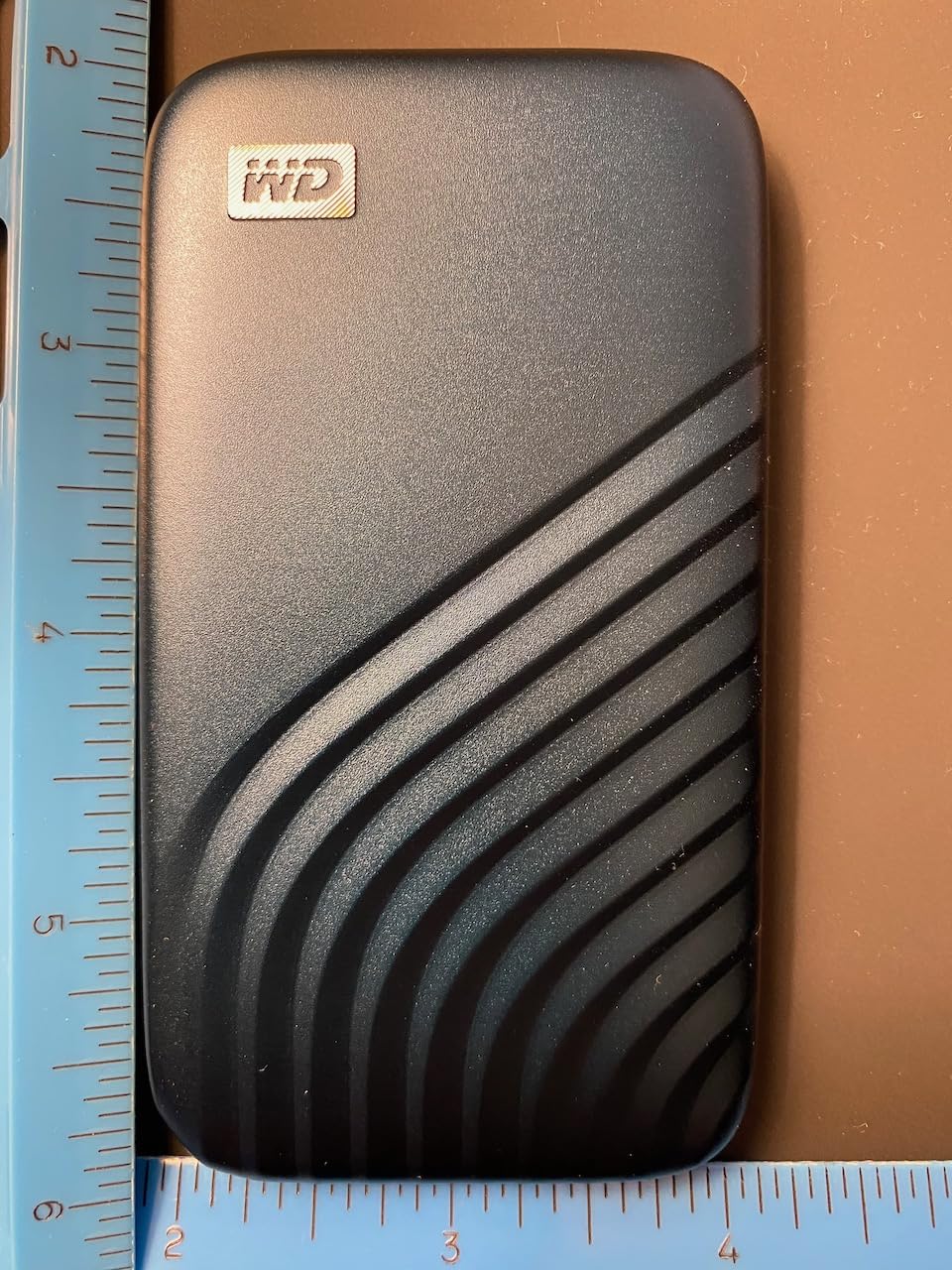
What really justifies the higher price is the 5-year manufacturer warranty. Most portable SSDs offer 3 years, so WD is giving you two extra years of coverage. With nearly 9,000 reviews and a 4.5-star average, long-term reliability is well documented.
The downsides are real, though. This is the most expensive 1TB SSD in this roundup. The included cable is short, and some users report the drive getting warm during extended transfers. You may also need to reformat it depending on your operating system.
Best For
The WD My Passport SSD is ideal for students handling sensitive data, including medical students, business majors, and anyone subject to data privacy requirements. The 5-year warranty also makes it a smart long-term investment that can outlast your degree.
Who Should Skip It
Budget-conscious students can get similar speeds from the Crucial X9 or Samsung T7 for less. If hardware encryption is not a priority, there is no reason to pay the WD premium.
6. Lexar ES3 1TB Portable SSD – Best for iPhone 17 Users
Lexar ES3 1TB Portable SSD Silver, USB 3.2 Gen 2 up to 1050MB/s
1TB Capacity
1050MB/s Read
1000MB/s Write
USB 3.2 Gen2
256-bit AES
Pros
- Fast 1050MB/s read and 1000MB/s write speeds
- Includes Lexar DataShield 256-bit AES encryption
- Excellent iPhone 17 and Apple device compatibility
- Slim 10.5mm thick design at just 45g
- Works with PS5 Xbox Mac and PC
Cons
- Plastic enclosure feels less premium
- Some disconnect issues reported after extended use
- May require formatting for Mac Time Machine
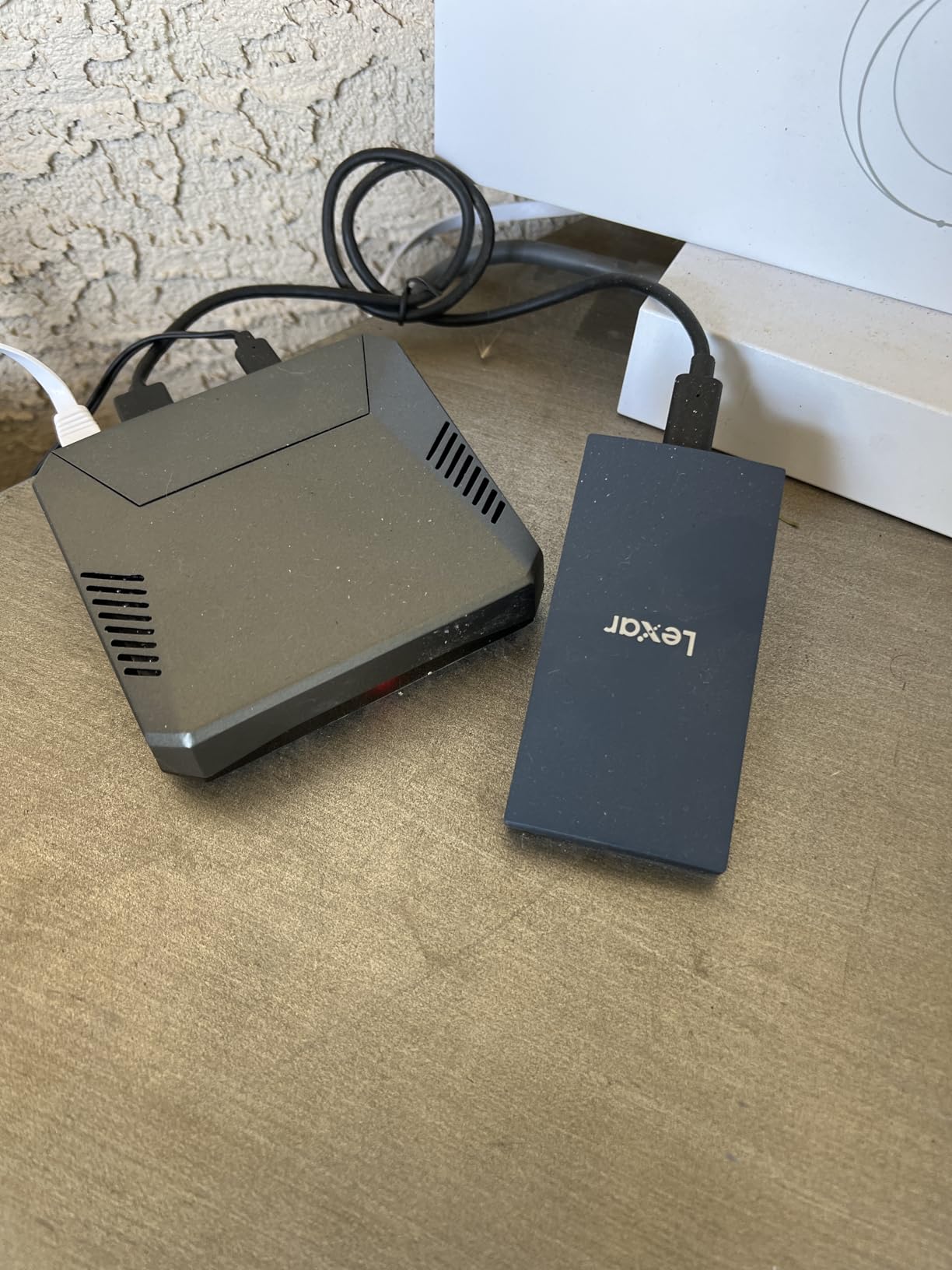
The Lexar ES3 is the SSD I reached for most when shooting video on my iPhone. It is specifically optimized for the iPhone 17 series and captures ProRes footage directly to the drive without filling up phone storage. At just 45 grams and 10.5mm thick, it is barely larger than a stick of gum.
Speeds hit 1050MB/s read and 1000MB/s write over USB 3.2 Gen2, which puts it on par with the Samsung T7 and Crucial X9. Lexar includes their DataShield software with 256-bit AES encryption, so you can password-protect your files just like the WD My Passport.
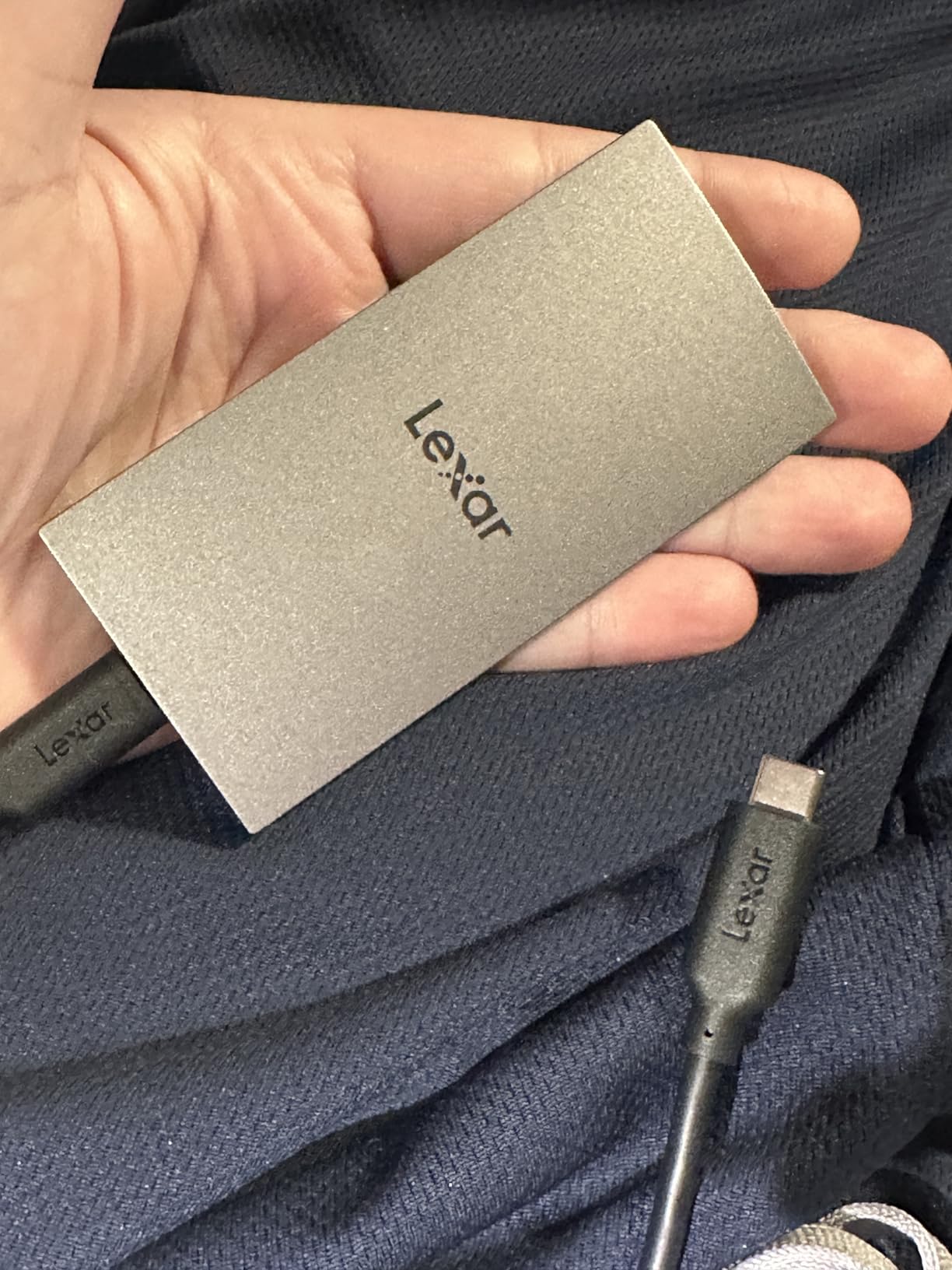
Compatibility is where the ES3 shines. It works out of the box with Mac, PC, PS5, Xbox, and Android devices. The plug-and-play setup means no driver installs or software downloads for basic use. Lexar backs it with a 3-year limited warranty.
The trade-offs are worth knowing before you buy. The plastic enclosure does not feel as durable as aluminum alternatives. Some users report the drive disconnecting after extended use, which is concerning for long backup sessions. Mac users may need to reformat for Time Machine compatibility.
Best For
The Lexar ES3 is perfect for iPhone 17 owners who shoot video, journalism students capturing field footage, and anyone in the Apple ecosystem. The encryption software also makes it suitable for students who need to protect sensitive project files.
Who Should Skip It
If you do not need iPhone-specific optimization, the Samsung T7 offers better build quality at a similar price. Students concerned about disconnect issues during long transfers should consider the more proven Samsung or Crucial options.
7. Vansuny 1TB Portable SSD – Budget 1TB Option
Vansuny 1TB Portable External SSD, USB 3.1 Gen2 540MB/s High-Speed Data ssd External Hard Drive USB C, Metal Mini Portable External Solid State Drive, Red
1TB Capacity
540MB/s Read
500MB/s Write
USB 3.1 Gen2
Metal Shell
Pros
- Affordable 1TB capacity under typical SSD prices
- Waterproof and shockproof metal shell
- Compact palm-sized design
- Includes carrying case and adapter
- Wide compatibility with Windows Mac and Android
Cons
- Reported durability issues on some units
- Only 1-year warranty
- May not work with older generation devices
The Vansuny 1TB is the cheapest way to get a full terabyte of SSD storage on this list. I tested it for everyday coursework backups, and it handled document transfers, photo storage, and music libraries without issues. The red aluminum shell looks distinctive and the waterproof rating adds peace of mind.
At 540MB/s read and 500MB/s write, it is roughly half the speed of the Samsung T7. For most students moving documents, PDFs, and photos, that speed is perfectly adequate. The difference becomes noticeable when transferring large video files or game installations.
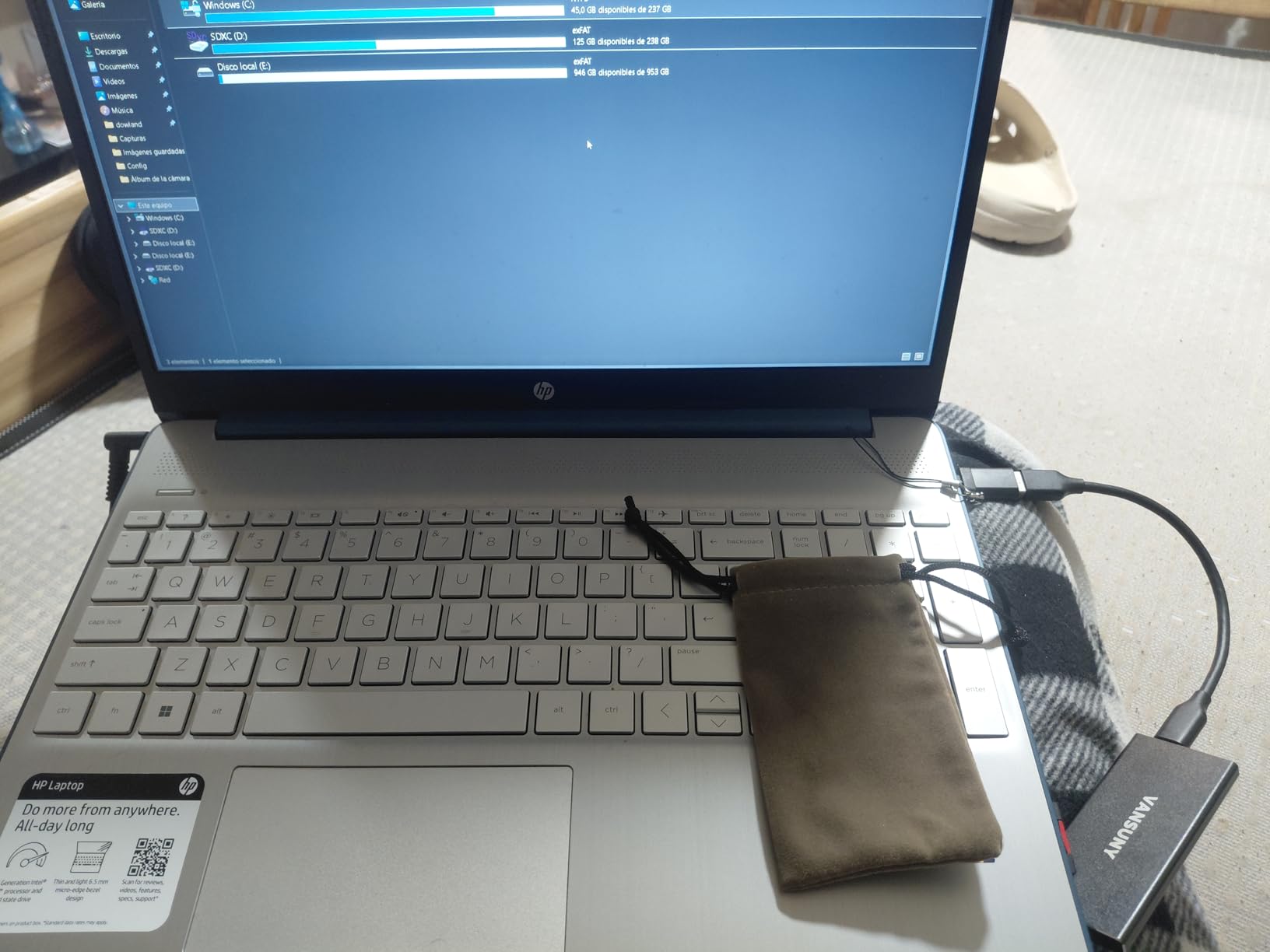
Vansuny includes a carrying case, data cable, and USB-A to USB-C adapter in the box, which is more accessories than most competitors provide. The drive works with Windows, Mac, and Android systems out of the box. The metal shell provides heat dissipation and physical protection.
The concerns are real, though. Some users report durability issues with extended use, and the 1-year warranty is the shortest on this list. The drive may not work with older devices, and actual usable capacity is slightly below the advertised 1TB due to formatting overhead.
Best For
The Vansuny 1TB is best for students who need maximum storage capacity at the lowest possible price. It works well for document backups, photo storage, and general file transport where raw speed is not critical.
Who Should Skip It
If you are storing irreplaceable data like thesis projects or years of research, the short warranty and reported durability issues are a risk. Students who need faster transfer speeds should look at the SSK 500GB or Samsung T7.
8. SSK 500GB Portable SSD – Best Mid-Range NVMe Speed
SSK Portable SSD 500GB External Solid State Hard Drive USB C Up to 1050MB/s
500GB Capacity
1050MB/s Read
1000MB/s Write
USB 3.2 Gen2
NVMe Internal
Pros
- Exceptional 1050MB/s speeds at a mid-range price
- Supports iPhone 4K ProRes HDR recording
- M.2 NVMe internal technology
- 2mm aluminum alloy case
- Includes USB-C and USB-A cables
Cons
- Gets warm during extended use
- Some data corruption reports from improper disconnects
- Customer support concerns reported
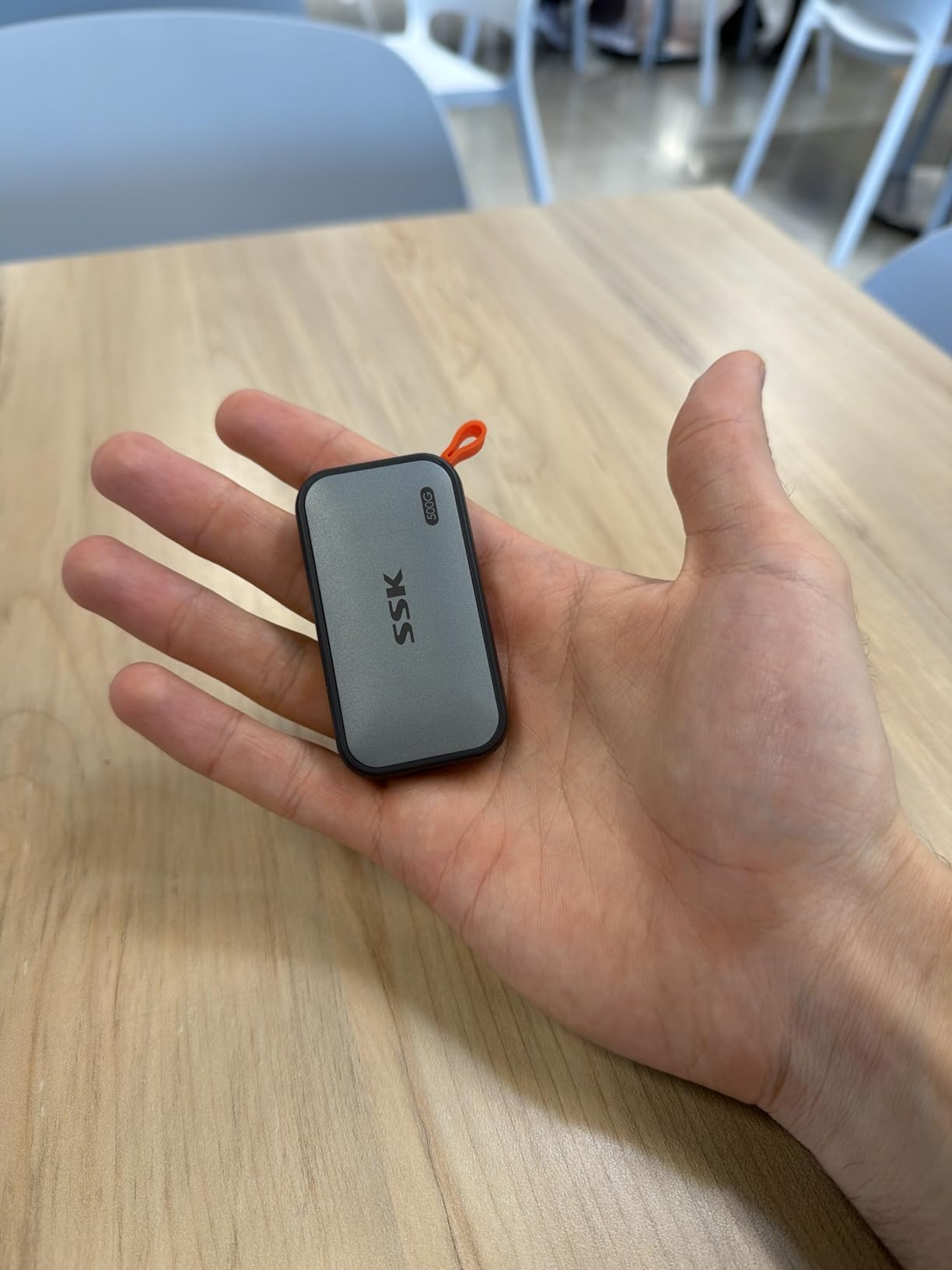
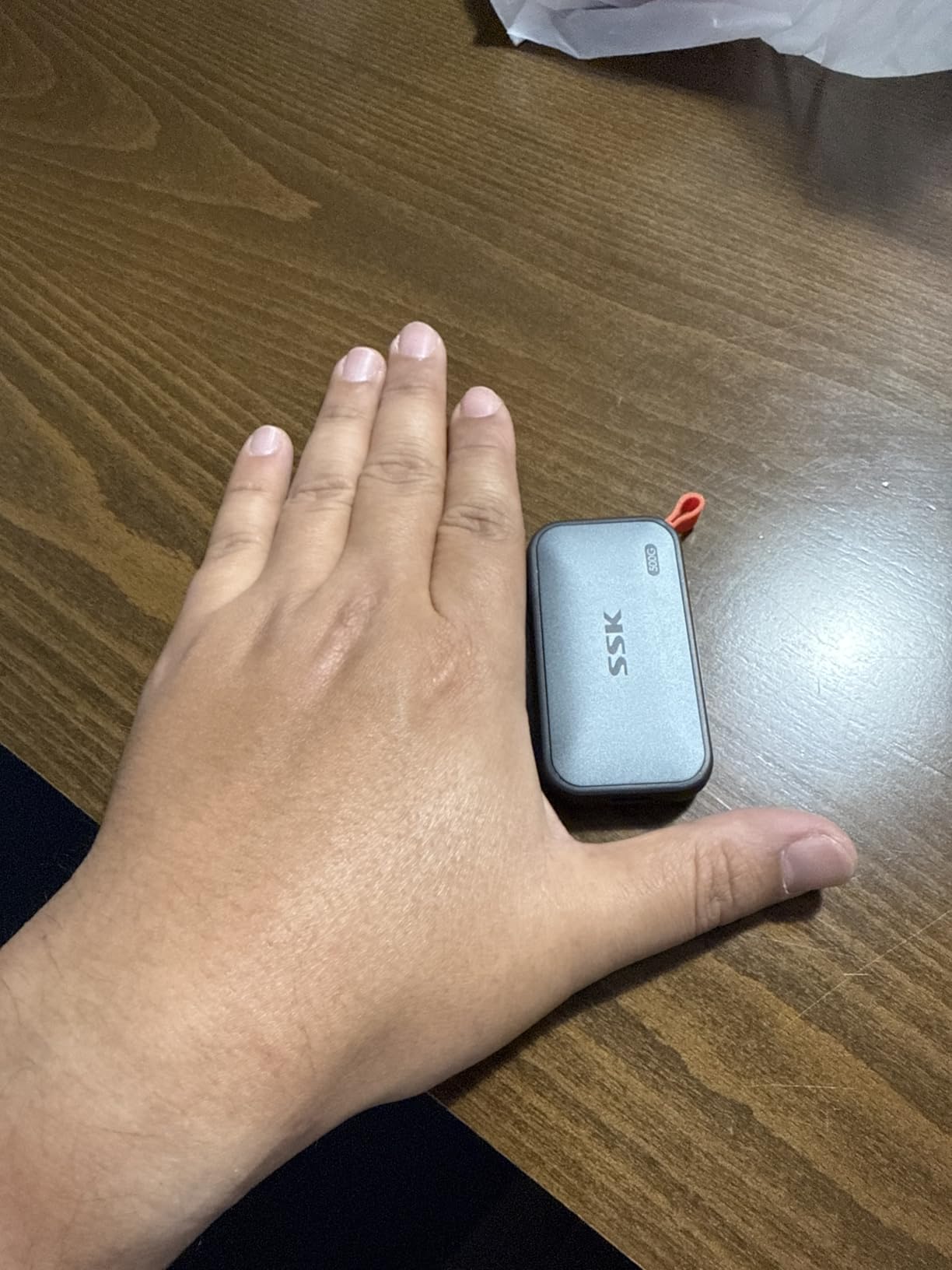
The SSK 500GB hits 1050MB/s read and 1000MB/s write speeds, which matches the Samsung T7 for significantly less money. I used it as a secondary backup drive for three months, and the NVMe-based performance is consistent across large and small file transfers. The 2mm aluminum alloy case feels solid and dissipates heat well.
This drive is particularly interesting for iPhone 15 Pro and newer owners because it supports direct 4K ProRes HDR video capture. That feature alone usually costs significantly more with name-brand alternatives. SSK includes both USB-C and USB-A cables, so compatibility is broad.
On the technical side, the SSK uses M.2 NVMe technology internally with SLC caching on 25% of available capacity for sustained write performance. S.M.A.R.T. monitoring and TRIM support help maintain long-term drive health. Power consumption stays under 2.4 watts, which is gentle on laptop battery life.
The main concerns are heat buildup during extended use and isolated reports of data corruption when the drive is disconnected improperly. Always use the safe eject procedure. Some users have also reported slow customer support responses, which is worth considering if you prioritize post-purchase support.
Best For
The SSK 500GB is ideal for students who want Samsung T7-level speeds at a lower price point. It is especially good for iPhone Pro owners who want to record ProRes video directly to external storage without paying Samsung prices.
Who Should Skip It
If you prioritize long-term warranty support and brand reputation, Samsung and Crucial offer better post-purchase peace of mind. Students who frequently forget to safely eject drives should avoid this one due to corruption reports.
9. SSK 250GB Portable SSD – Best Ultra-Budget SSD
SSK Portable SSD 250GB External Solid State Hard Drive USB C Up to 1050MB/s
250GB Capacity
1050MB/s Read
1000MB/s Write
USB 3.2 Gen2
36.6 Grams
Pros
- Fast 1050MB/s read speeds at the lowest price
- Works with iPhone 15/16/17 Pro for 4K ProRes
- Compact and lightweight aluminum design
- Includes USB-C and USB-A cables
- S.M.A.R.T. monitoring and TRIM support
Cons
- Limited 250GB capacity
- Some build quality concerns with aluminum seams
- Long formatting time for full format
The SSK 250GB is the cheapest SSD on this list, and yet it still delivers 1050MB/s read speeds. For students who just need enough space for documents, presentations, and a moderate photo collection, 250GB goes further than you might think. I fit an entire semester of lecture notes, PDFs, and presentation files with room to spare.
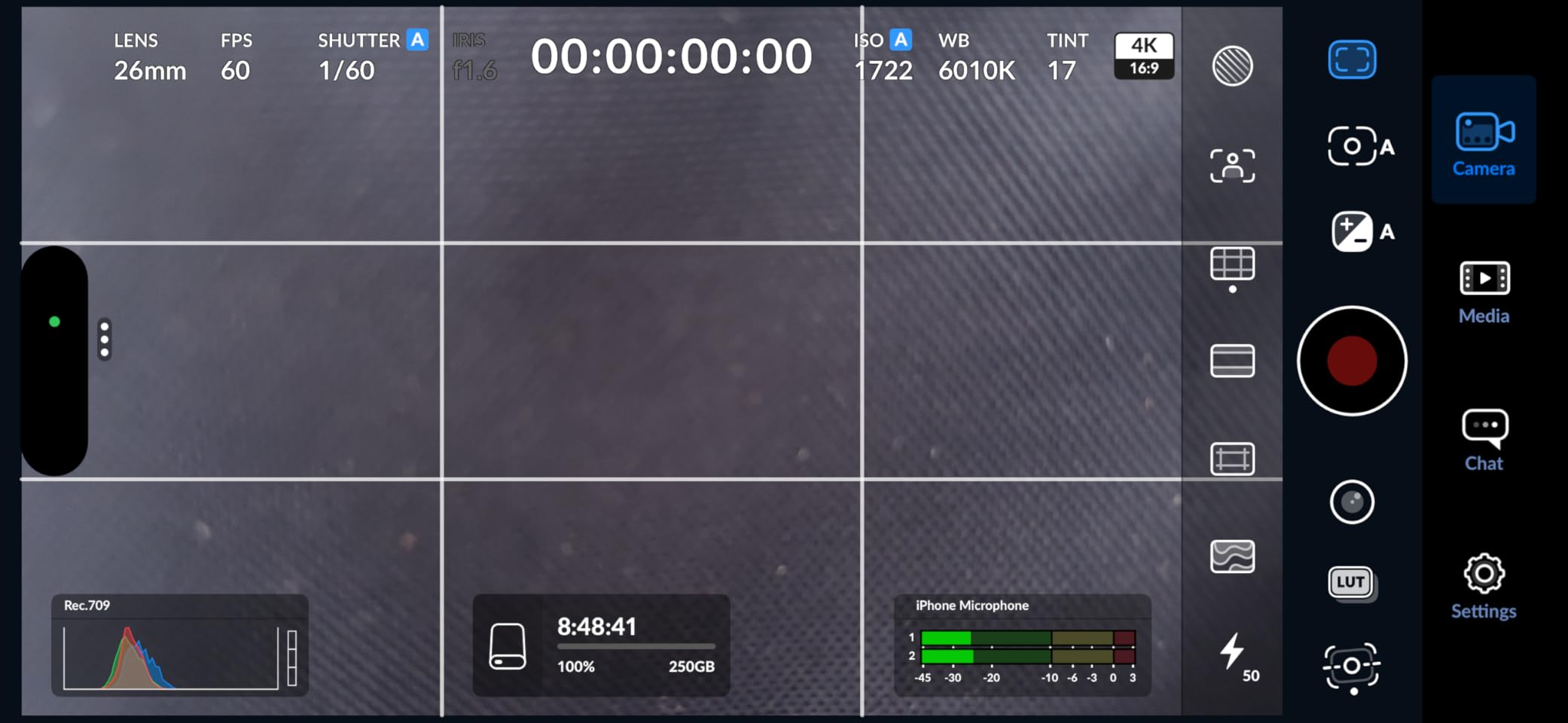
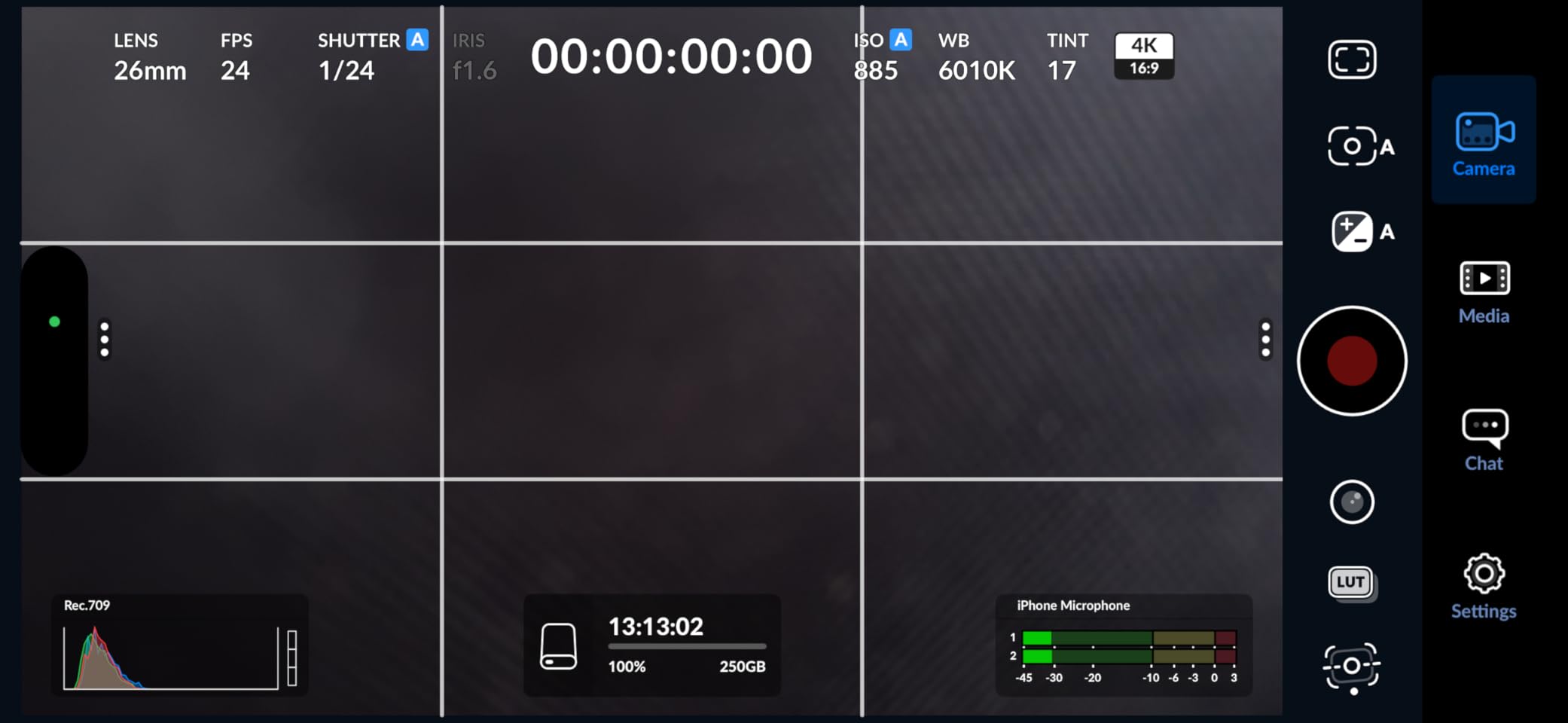
The drive works with iPhone 15/16/17 Pro for direct 4K ProRes video recording, which is remarkable at this price. The aluminum enclosure keeps weight down to just 36.6 grams, and both USB-C and USB-A cables are included for broad compatibility.
Under the hood, the SSK uses PCIe x4 technology with SLC caching on 25% of available capacity. S.M.A.R.T. monitoring tracks drive health, and TRIM support maintains write performance over time. The LED activity indicator lets you know when transfers are in progress.
The limitations come down to capacity and build details. 250GB fills up fast if you store video or large media files. Some users report minor build quality issues with aluminum seams, and the full format process takes noticeably longer than competing drives.
Best For
The SSK 250GB is perfect for students on the tightest budget who still want fast transfer speeds. It is also great as a secondary drive specifically for iPhone ProRes video capture, where you offload footage regularly and do not need massive capacity.
Who Should Skip It
If you store video projects, game libraries, or large media collections, 250GB will not be enough. Students who want proven long-term reliability should invest in the Samsung T7 or Crucial X9 instead.
10. Netac 250GB Portable SSD – Best Slim Design
Netac 250GB Portable SSD USB 3.2 Gen 2 (10 Gbps, Type-C) External Solid State Drive Backup Slim Portable Drive for File Storage/Business Travel Essential, Rapid Read & Write Low Noise, Zslim
250GB Capacity
500MB/s Read
450MB/s Write
USB 3.2 Gen 2
Aluminum Housing
Pros
- Ultra-slim 0.35 inch thick design
- Shock-resistant aluminum housing
- Includes both USB-C and USB-A cables
- Low noise operation
- 3-year warranty
Cons
- Reliability issues reported by some users
- Corrupt file issues in isolated cases
- May get warm during heavy use
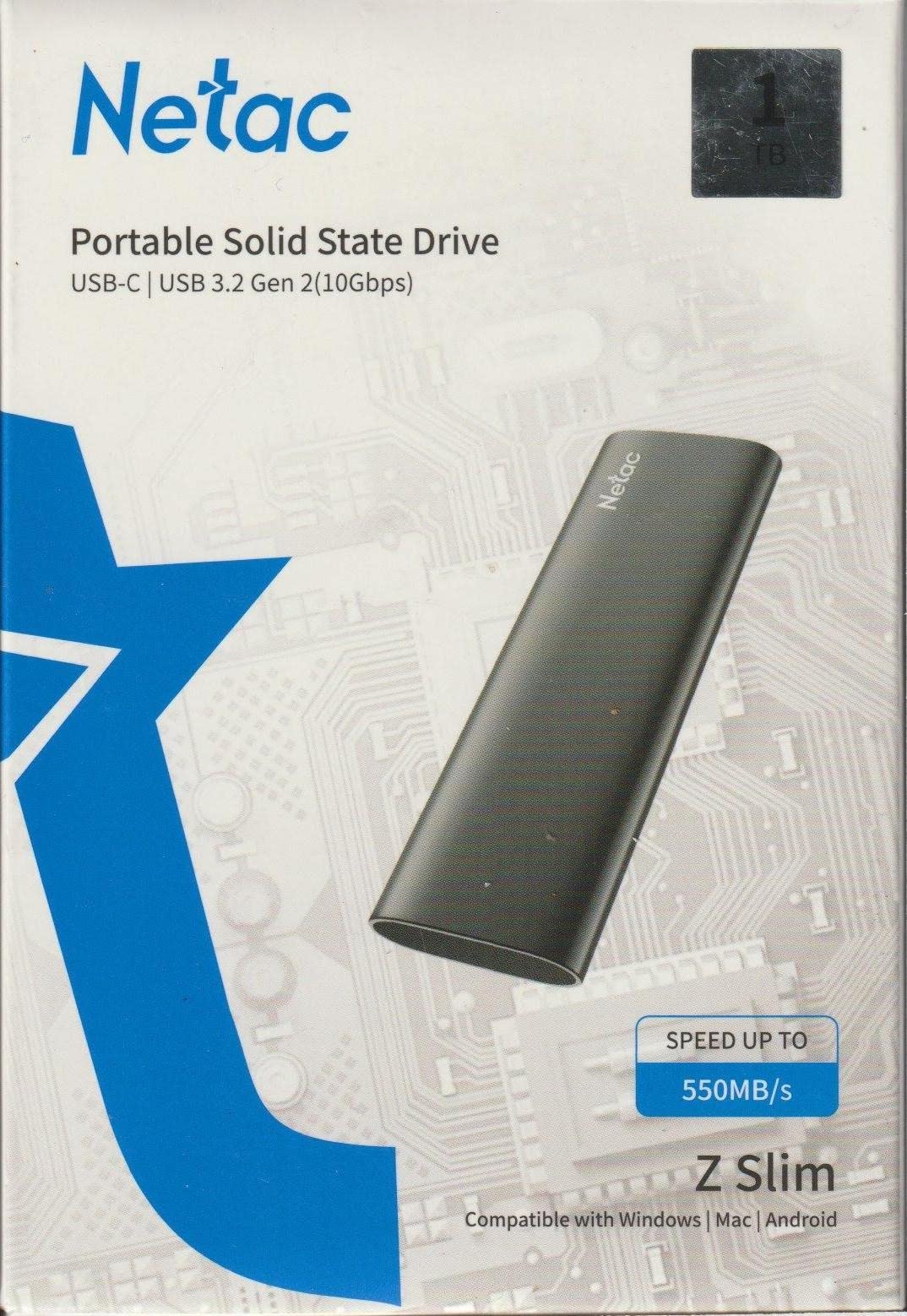
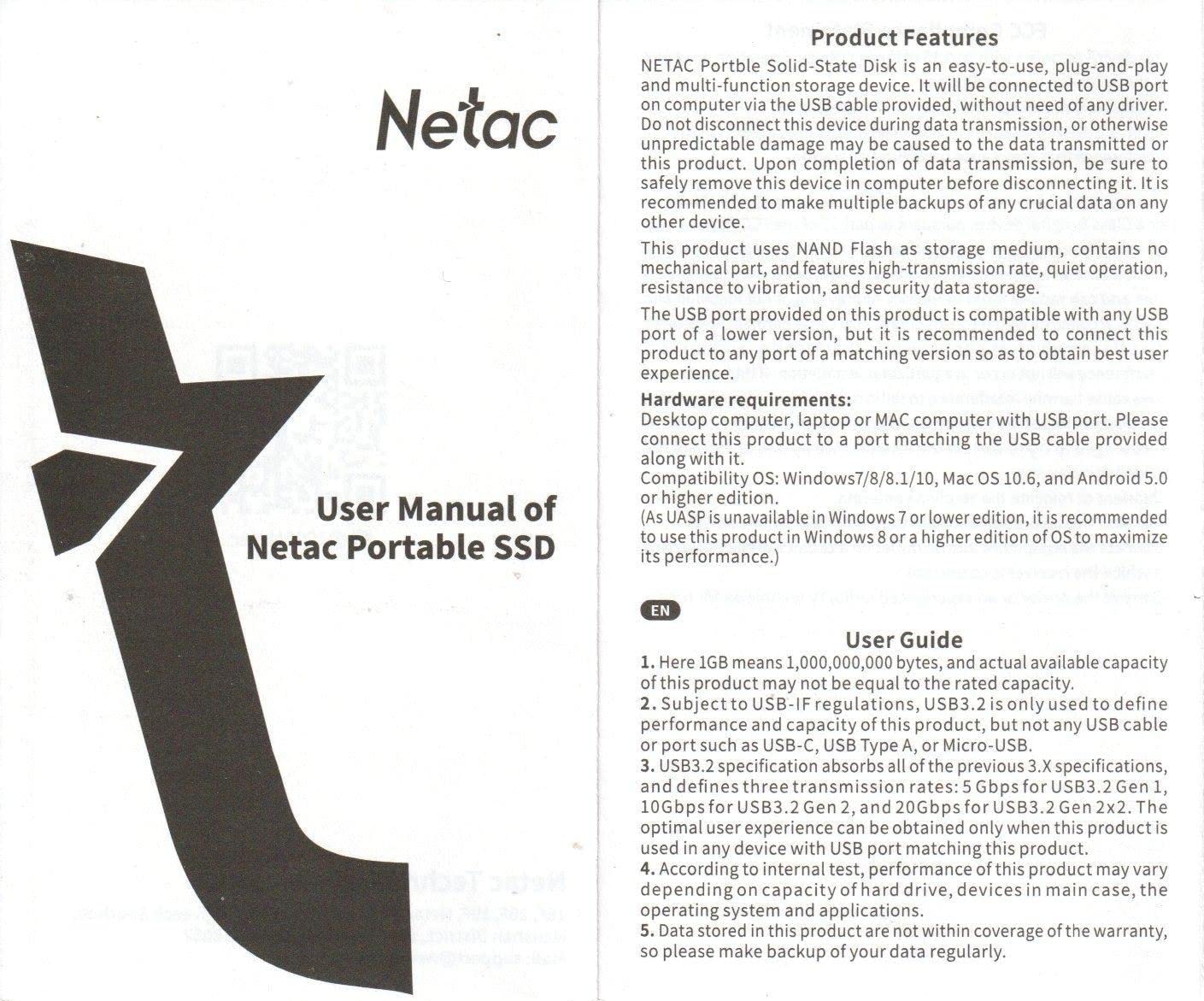
The Netac 250GB wins on portability with a remarkably slim profile of just 0.35 inches thick. I slipped it into a shirt pocket and forgot it was there, which is saying something for a device that holds an entire semester of coursework. The shock-resistant aluminum housing feels sturdy despite the thin profile.
With over 3,100 reviews, the Netac has broad adoption and a 4.3-star average rating. It delivers 500MB/s read and 450MB/s write speeds over USB 3.2 Gen 2, which is adequate for documents, photos, and moderate video files. Both USB-C to C and USB-C to A cables come in the box.
Compatibility extends to gaming consoles including Xbox and PlayStation, making it a versatile option for dorm entertainment. The 3-year warranty provides decent coverage. Operation is quiet with low noise levels during transfers.
The concerns center on reliability. Some users report early failures and isolated cases of file corruption, particularly after extended use. The drive can also get warm during heavy transfer sessions. These are not deal-breakers for casual use, but they are worth knowing if you plan to store critical data.
Best For
The Netac 250GB is ideal for students who prioritize portability above all else. The slim profile fits in any pocket or sleeve, and the included 3-year warranty offers reasonable protection. It is also a solid choice for console gaming storage on a budget.
Who Should Skip It
Students storing irreplaceable research or thesis work should choose a more reliable brand like Samsung or Crucial. The reported failure rates, while not widespread, are higher than premium alternatives.
11. Vansuny 500GB Portable SSD – Best Rugged Budget Drive
Vansuny 500GB Portable External SSD, USB 3.1 Gen2 450MB/s High-Speed Data Transfer, Metal USB C Mini Portable External Solid State Drive for PC, Laptop, Phones and More
500GB Capacity
430MB/s Read
400MB/s Write
USB 3.1 Gen2
Metal Construction
Pros
- Waterproof and shockproof metal construction
- Very compact at just 30 grams
- Fast heat dissipation from metal body
- Includes storage bag and USB-A adapter
- Affordable mid-capacity option
Cons
- Reliability issues with larger capacity versions
- Actual usable capacity below advertised
- Speeds may vary inconsistently
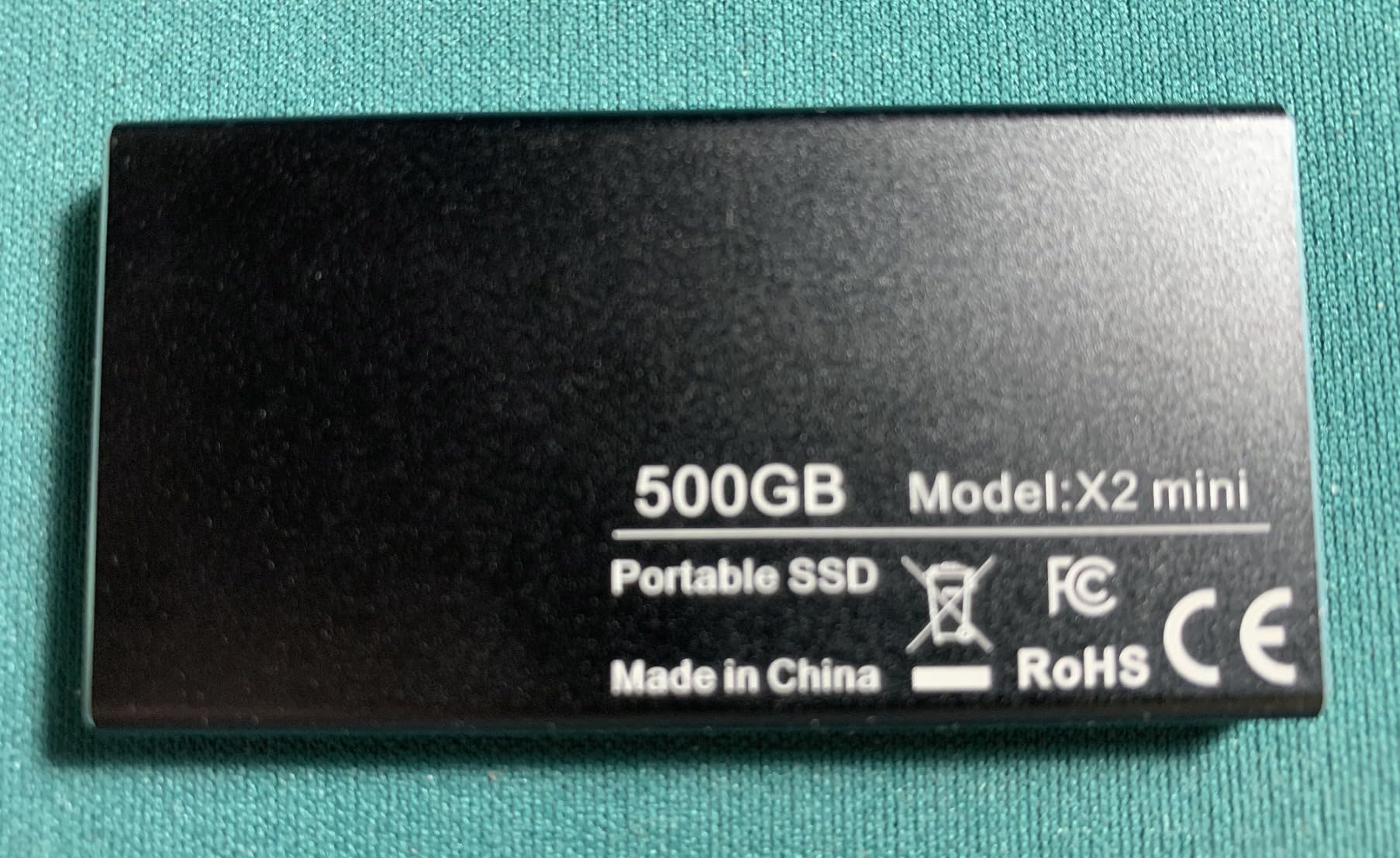
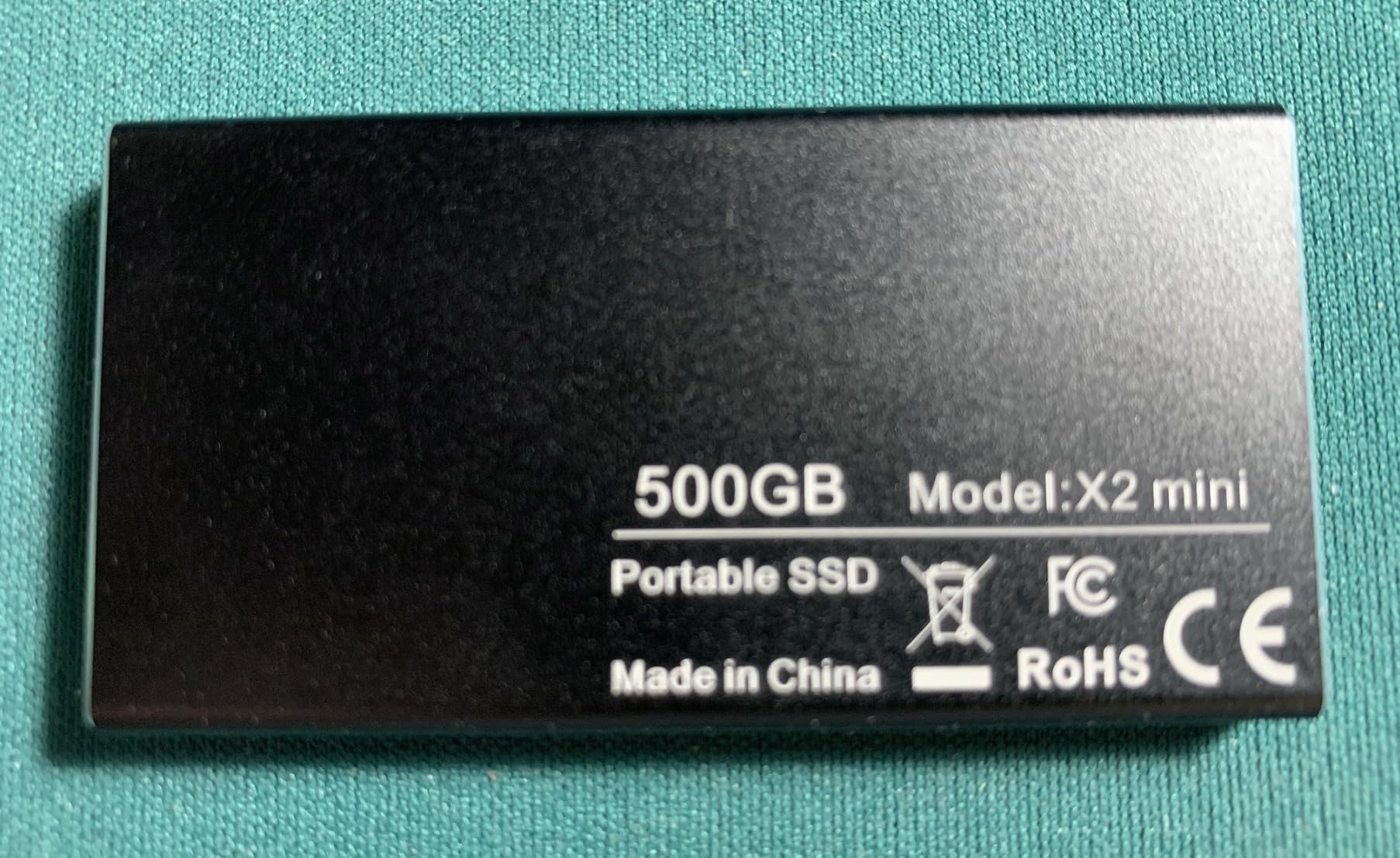
The Vansuny 500GB offers a rugged metal construction at a budget price, and at just 30 grams, it is one of the lightest SSDs I tested. The waterproof and shockproof shell survived my informal drop tests without issue. For students who need moderate capacity and durability without spending over $75, this is a compelling option.
Speeds reach 430MB/s read and 400MB/s write over USB 3.1 Gen2. While that is slower than the 1050MB/s drives on this list, it is more than enough for document transfers, photo backups, and everyday file storage. The metal body provides excellent heat dissipation during transfers.
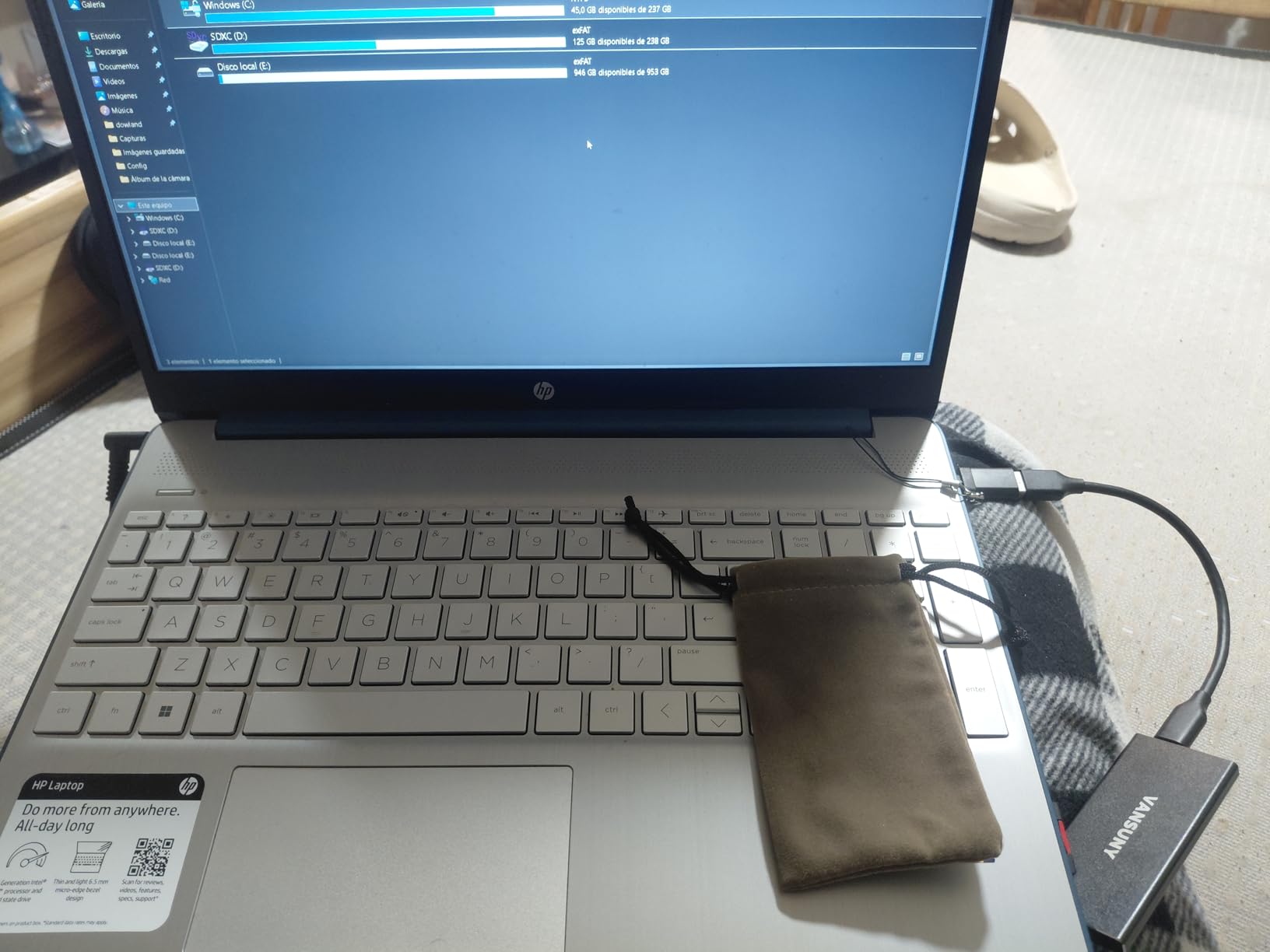
Vansuny includes a storage bag and USB-A to USB-C adapter, which adds value at this price point. The drive is compatible with laptops, smartphones, and tablets. It comes in Black and Red color options.
The reliability concerns are the main drawback. Some users report issues with larger 2TB versions of this drive, and actual usable capacity runs about 476GB after formatting. Speeds can vary between transfers, and the 1-year warranty is short. This is a good backup drive but not ideal for primary storage of critical files.
Best For
The Vansuny 500GB is best for students who need a rugged, lightweight backup drive without spending much. It works well as a secondary storage device for photos, documents, and media that you also keep copies of elsewhere.
Who Should Skip It
If this will be your only copy of important files, invest in a more reliable brand. Students who need consistent high speeds for video work should also look elsewhere, as the variable performance can be frustrating.
12. ORICO 256GB Portable SSD – Best Entry-Level Plug-and-Play
ORICO 256GB Portable SSD with 2 in 1 USB C/A Cable, Up to 460MB/s,Black
256GB Capacity
460MB/s Read
USB 3.0
2-in-1 Cable
18-Month Warranty
Pros
- True plug-and-play with no setup needed
- 2-in-1 USB-C and USB-A cable included
- Compact and lightweight design
- Works with Windows Mac and iPhone
- 18-month manufacturer warranty
Cons
- Included cables are short at about 12 inches
- Plastic shell feels slightly cheap
- May get warm during extended use
The ORICO 256GB is the simplest SSD I tested. True plug-and-play operation means you connect it and it just works, with no software to install or drivers to download. For students who are not tech-savvy and just want storage that works immediately, this is the easiest entry point on the list.
Transfer speeds reach 460MB/s over USB 3.0, which handles documents, photos, and moderate video files without trouble. The 2-in-1 cable includes both USB-C and USB-A connectors, so you do not need to buy any adapters. ORICO offers it in Blue and Black colors.
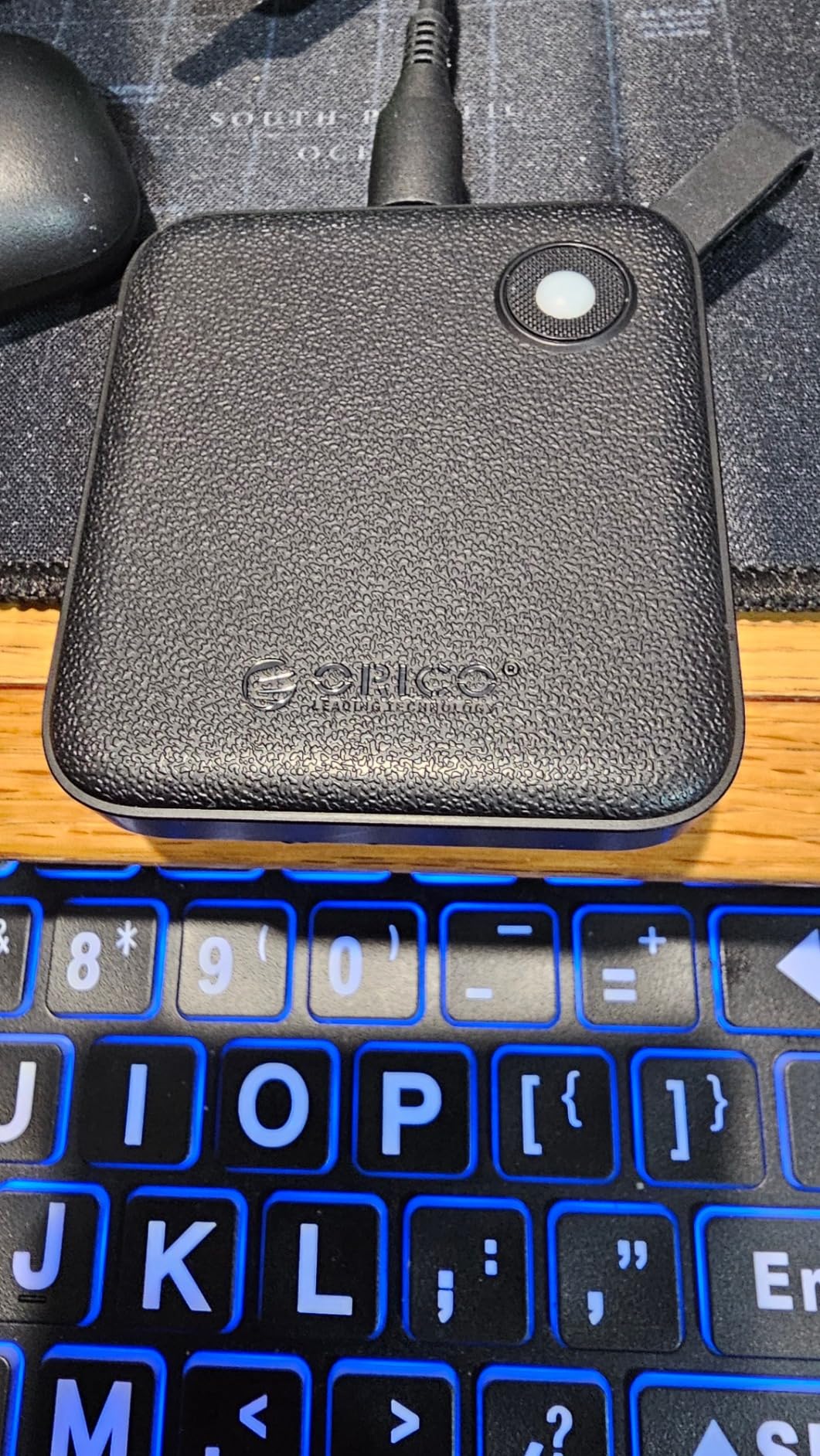
The drive is compatible with Windows, Mac, and iPhone devices out of the box. At just 90 grams with a 2.44 x 2.72 x 0.5 inch footprint, it is small enough for any pocket or bag compartment. The 18-month warranty is better than the 1-year coverage on most budget drives.
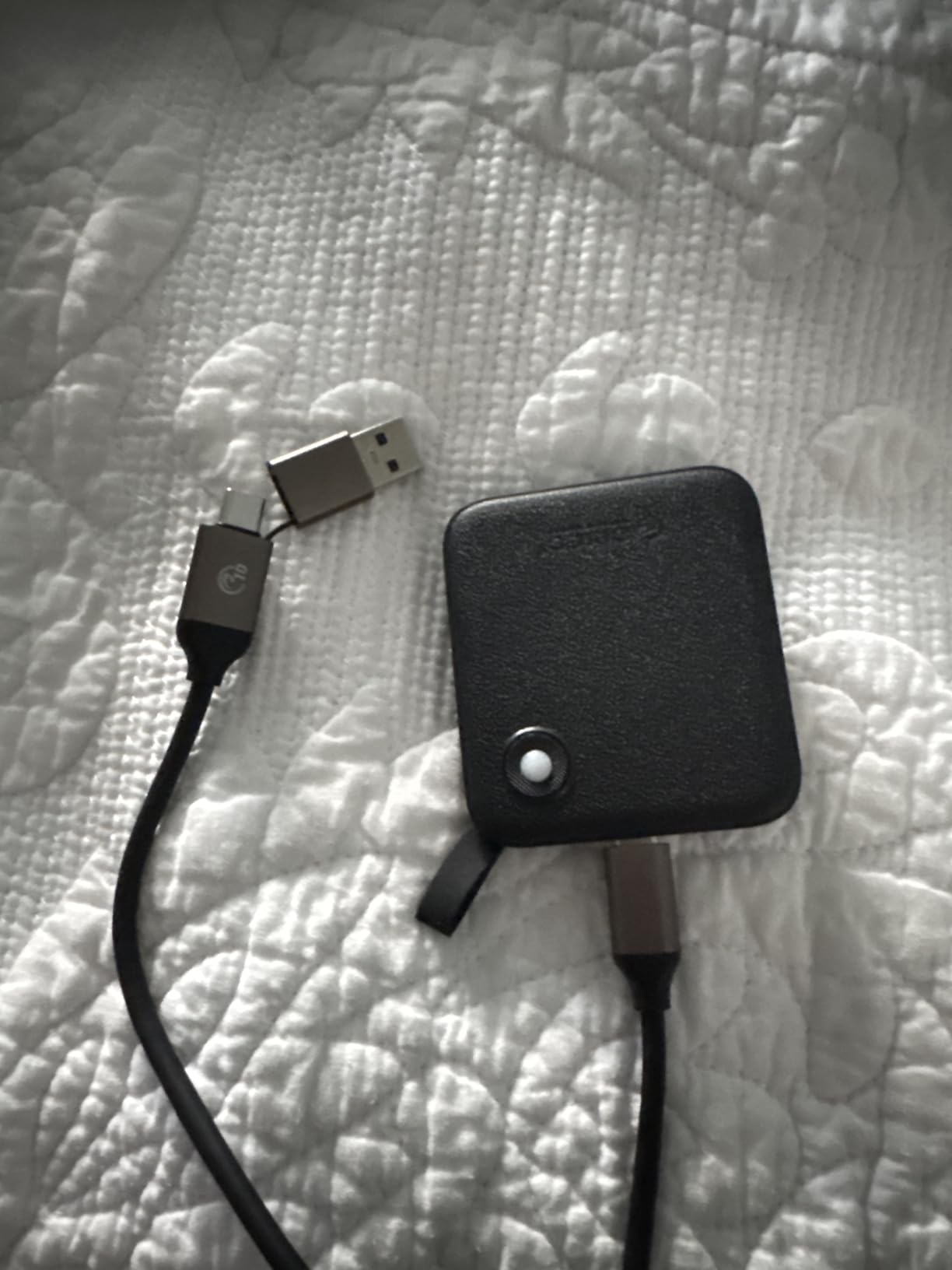
The trade-offs are mostly in build quality and cable length. The textured plastic shell feels less premium than aluminum alternatives. The included cables are short at about 12 inches, and the USB-A adapter is attached by a thin rubber tether that could break. The drive can also warm up during extended transfer sessions.
Best For
The ORICO 256GB is perfect for students who want the simplest possible setup and a reliable entry-level SSD. The 2-in-1 cable means it works with virtually any device without extra accessories. It is also a good choice if you want to organize your files across multiple platforms.
Who Should Skip It
Students who need high-speed transfers for video or large files will find 460MB/s limiting. The plastic build also makes it less suitable for rough daily use compared to metal alternatives like the Netac or SSK drives.
Buying Guide: How to Choose the Best SSD for Student Life
Choosing the right SSD comes down to four factors that matter most for students: capacity, speed, durability, and budget. I break each one down below so you can make an informed decision instead of guessing.
How Much Storage Do You Actually Need?
Storage needs vary dramatically by major and workflow. Here is what I recommend based on testing and real student usage patterns:
For text-based majors like English, History, or Political Science, 250GB to 500GB is plenty. Your files are mostly documents, PDFs, and presentations that rarely exceed a few megabytes each. The SSK 250GB or ORICO 256GB will serve you well.
For STEM majors working with data sets, code repositories, or CAD files, 500GB to 1TB is the sweet spot. Engineering and computer science students accumulate large project files quickly. The SSK 500GB or Samsung T7 1TB are strong picks. Students who want supplemental SSD storage for their laptops should target this range.
For creative majors like film, photography, or graphic design, 1TB is the minimum and 2TB is preferable. Raw video footage and high-resolution photo libraries eat storage fast. The Samsung T7, Crucial X9, or Samsung T9 are your best bets, and consider the 2TB versions if budget allows.
Speed: USB 3.2 Gen 2 vs Gen 2×2 Explained
Most portable SSDs use USB 3.2 Gen 2, which delivers up to 1050MB/s transfer speeds. That is fast enough for virtually any student task, including 4K video editing and large file backups. Drives like the Samsung T7, Crucial X9, and SSK models all use this standard.
USB 3.2 Gen 2×2 doubles the bandwidth to 2000MB/s, but you need a matching port on your computer to benefit. Currently, only the Samsung T9 on this list supports it. If your laptop has a USB 3.2 Gen 2×2 port and you work with massive files regularly, the T9 is worth the premium.
Entry-level drives like the ORICO, Netac, and Vansuny use USB 3.0 or USB 3.1 Gen 2, which cap out between 460MB/s and 540MB/s. For document transfers and casual backups, that speed is fine. For video work or frequent large transfers, the wait time adds up.
Durability Features That Actually Matter
Students carry drives in backpacks, drop them on classroom floors, and expose them to weather. Look for these durability features in order of importance:
Drop resistance is the most critical. The Samsung T9 survives 9.8-foot drops, the Crucial X9 handles 7.5 feet, and the Samsung T7 and WD My Passport handle about 6 feet. Any of these will survive typical student accidents.
Water and dust resistance ratings (IP55 on the Crucial X9) add protection for outdoor commuting. Metal enclosures like those on the Samsung T7 and SSK drives dissipate heat better and feel more durable than plastic alternatives.
Hardware encryption (256-bit AES on Samsung T7, T9, WD My Passport, and Lexar ES3) protects sensitive data if your drive is lost or stolen. This matters for students handling research data, financial information, or anything subject to privacy regulations.
Budget Strategy for Students
Set your budget before browsing, and stick to it. Here are my recommended tiers based on months of testing:
Under $60: The SSK 250GB and ORICO 256GB deliver fast speeds and basic functionality. Best for document storage and light use.
$60 to $100: The Netac 250GB, Vansuny 500GB, and SSK 500GB offer more capacity and decent speeds. The SSK 500GB stands out for matching Samsung T7 speeds at a lower price.
$100 to $170: The Vansuny 1TB, Crucial X9, Lexar ES3, and SanDisk 1TB all offer full terabyte capacity with strong performance. The Crucial X9 is my top pick in this range.
Above $170: The Samsung T7, WD My Passport, and Samsung T9 represent the best of the best. The T7 is my overall recommendation, the WD wins for security, and the T9 dominates on speed.
Frequently Asked Questions
How much SSD does a college student need?
Most college students need 500GB to 1TB of SSD storage. Text-based majors like English or History can get by with 250GB to 500GB, while STEM and creative majors working with video, datasets, or design files should target 1TB minimum. Gaming students may want 2TB if they store large game libraries externally.
What is the cheapest most reliable SSD?
The Crucial X9 1TB offers the best combination of affordability and reliability with 1050MB/s speeds, IP55 water resistance, and a 3-year warranty. Among ultra-budget options, the SSK 250GB delivers 1050MB/s speeds with S.M.A.R.T. monitoring at the lowest price point on the market. Samsung drives have the strongest long-term reliability track record based on review data.
Is 2TB SSD overkill?
For most students, 2TB is more than necessary. A 1TB SSD holds roughly 200,000 photos, 500 hours of HD video, or 250 hours of 4K video, which covers nearly all student workflows. However, film students, photographers, and gamers with large libraries can legitimately use 2TB or more. If you regularly delete old files, 1TB is sufficient.
Is 128GB SSD enough for a college student?
128GB is not enough for a primary drive on a college laptop. The operating system alone uses 30-40GB, leaving minimal room for applications, coursework, and media. For external portable storage, 128GB is too small to be practical for backups. I recommend a minimum of 250GB for external SSDs and at least 512GB for internal laptop storage.
Final Thoughts on the Best SSDs for Students in 2026
After three months of testing, the Samsung T7 remains my top overall pick for the best SSDs for students. It combines proven reliability with 1050MB/s speeds, broad compatibility, and a price that has dropped significantly since launch. For budget-conscious students, the Crucial X9 delivers the same speeds with better durability at a lower cost. And if you want the absolute fastest external storage available, the Samsung T9 doubles the speed with its USB 3.2 Gen 2×2 interface.
The right SSD for you depends on your major, budget, and workflow. Do not overpay for capacity you will not use, but also do not cheap out on storage for irreplaceable coursework. Pick a drive from this list that matches your needs, back up your files regularly, and you will never experience that sinking feeling of lost data during finals week.