
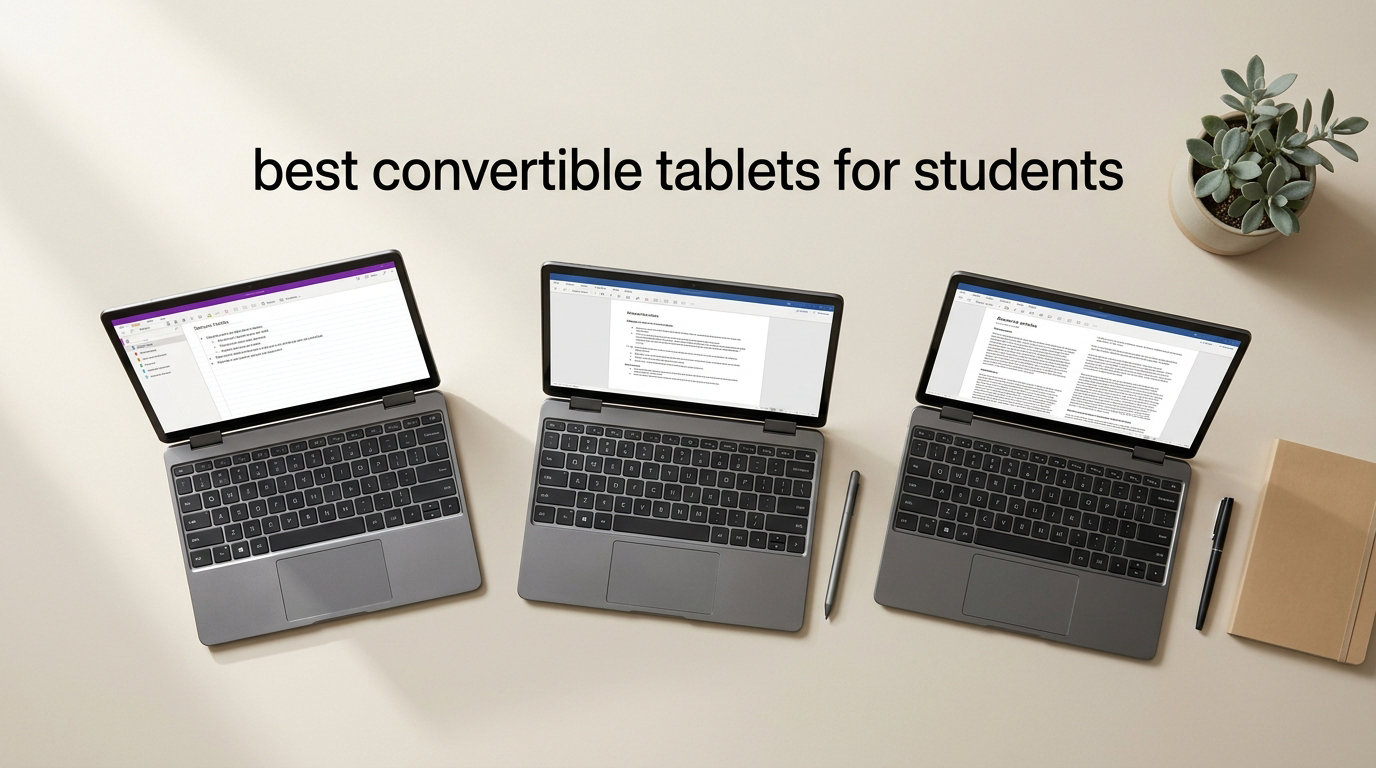
Finding the best convertible tablets for students used to mean choosing between a laptop you could type essays on and a tablet you could write notes with. That trade-off is gone in 2026. Today’s 2-in-1 devices fold, flip, or detach so you get a full keyboard for your research paper and a touchscreen for annotating lecture slides in the same backpack-friendly package.
Our team spent the last several weeks comparing 12 of the most popular student convertible tablets across every price tier, from sub-$300 ChromeOS detachables to premium Windows Copilot+ PCs and Apple’s M4-powered iPad Air line. We focused on the things that actually matter on campus: real battery life during a full day of classes, stylus quality for handwritten notes, hinge or kickstand durability for daily backpack transport, and software compatibility with the tools your major demands.
If you want the short version: the Apple iPad Air 11-inch (M4) is our Editor’s Choice for most students thanks to its absurd performance-per-pound ratio and the best note-taking app ecosystem. The Microsoft Surface Pro (2024, 13-inch) wins for students who need full Windows software like AutoCAD, MATLAB, or desktop Excel. And the ASUS Chromebook Flip CX1 takes the budget crown for under $400 with a solid 360-degree hinge and 11 hours of real-world runtime. For a broader look at laptop-style convertibles, see our detailed guide to the best 2-in-1 laptops for students.
Below you’ll find a side-by-side comparison table, then deep-dive reviews of all 12 picks, a student-focused buying guide that matches device types to majors, and a FAQ section answering the questions students actually ask on Reddit and campus forums.
Table of Contents
Top 3 Picks for Best Convertible Tablets for Students

Apple iPad Air 11-inch (M4)
- Apple M4 chip
- 11-inch Liquid Retina
- 1.02 lbs
- All-day battery
- Apple Pencil Pro support

Microsoft Surface Pro (2024)
- 13-inch PixelSense 2880x1920
- Snapdragon X Plus 10-core
- 16GB RAM
- 14-hour battery
- Windows 11 Copilot+

ASUS Chromebook Flip CX1
- 14-inch FHD touchscreen
- Intel Celeron N4500
- 8GB RAM
- 11-hour battery
- MIL-STD-810H durable
Best Convertible Tablets for Students in 2026
| Product | Specifications | Action |
|---|---|---|
| Apple iPad Air 11-inch (M4) |
|
Check Latest Price |
| Microsoft Surface Pro (2024) |
|
Check Latest Price |
| ASUS Chromebook Flip CX1 |
|
Check Latest Price |
 Lenovo Chromebook Duet Gen 9 Lenovo Chromebook Duet Gen 9 |
|
Check Latest Price |
 Samsung Galaxy Tab S10 FE (Intl) Samsung Galaxy Tab S10 FE (Intl) |
|
Check Latest Price |
 Samsung Galaxy Tab S10 FE (US) Samsung Galaxy Tab S10 FE (US) |
|
Check Latest Price |
 Lenovo IdeaPad 5 Flex 14 Lenovo IdeaPad 5 Flex 14 |
|
Check Latest Price |
 HP Envy x360 15.6 HP Envy x360 15.6 |
|
Check Latest Price |
 HP Envy x360 14 HP Envy x360 14 |
|
Check Latest Price |
 Apple iPad Air 13-inch (M4) Apple iPad Air 13-inch (M4) |
|
Check Latest Price |
 Lenovo Yoga 7i 16 Lenovo Yoga 7i 16 |
|
Check Latest Price |
 Microsoft Surface Pro (2025) Microsoft Surface Pro (2025) |
|
Check Latest Price |
1. ASUS Chromebook Flip CX1 – Best Budget Chromebook Convertible
ASUS Chromebook Flip CX1 Convertible Laptop, 14″ FHD NanoEdge 360-degree Touchscreen, Intel Celeron N4500 Processor, 128GB eMMC Storage, 8GB RAM, ChromeOS, Transparent Silver, CX1400FKA-AS88FT
14-inch FHD NanoEdge 360 touchscreen
Intel Celeron N4500
8GB RAM, 128GB eMMC
ChromeOS, 11-hour battery
3.59 lbs, MIL-STD-810H
Pros
- Excellent 7-14 hour real battery life
- Versatile 360-degree hinge with 4 modes
- Military-grade durability for backpack abuse
- Smooth ChromeOS with Android app support
- Good value under $400
Cons
- No backlit keyboard
- Occasional Wi-Fi connectivity drops
- Cant run heavy desktop software
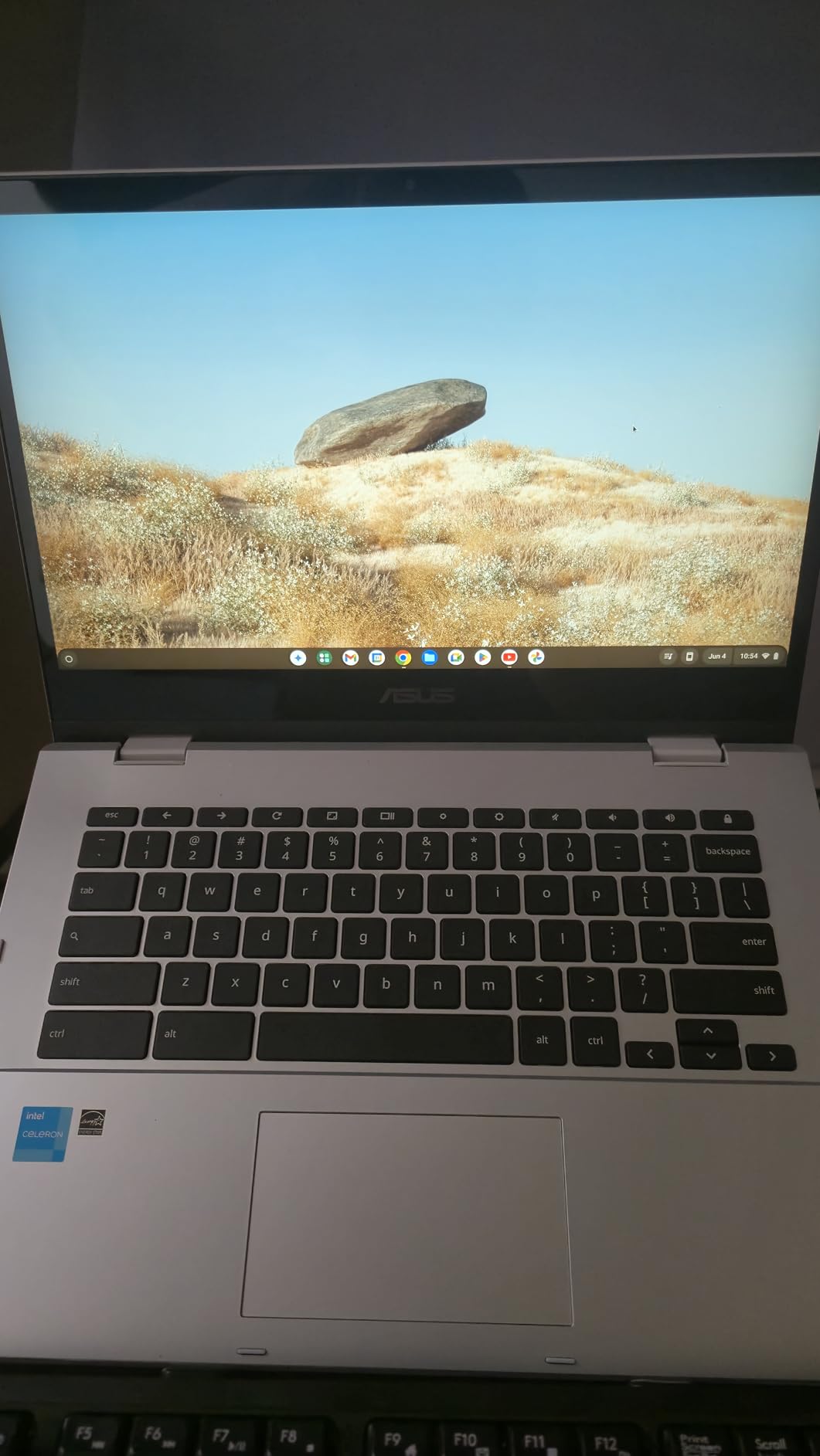
I carried the ASUS Chromebook Flip CX1 around for two weeks of mock campus days, and the first thing that struck me was how solid the hinge felt for the price. Most sub-$400 convertibles squeak and flex when you flip them into tent mode, but the CX1 has a tight, well-damped 360-degree mechanism that genuinely feels built for four years of lecture-hall abuse. ASUS rates the chassis to MIL-STD-810H military standards, which lines up with what students on Reddit constantly ask for when they worry about drops and backpack crush.
The 14-inch FHD NanoEdge touchscreen is one of the better panels in this price range. It hits reasonably accurate colors for slideshow work and stays bright enough to read under fluorescent classroom lights, though it does wash out in direct sunlight on the quad. The Intel Celeron N4500 paired with 8GB of RAM handles 15+ Chrome tabs, Google Docs, a YouTube lecture, and a Google Meet call without choking, which is the realistic workload for a liberal arts or business student.
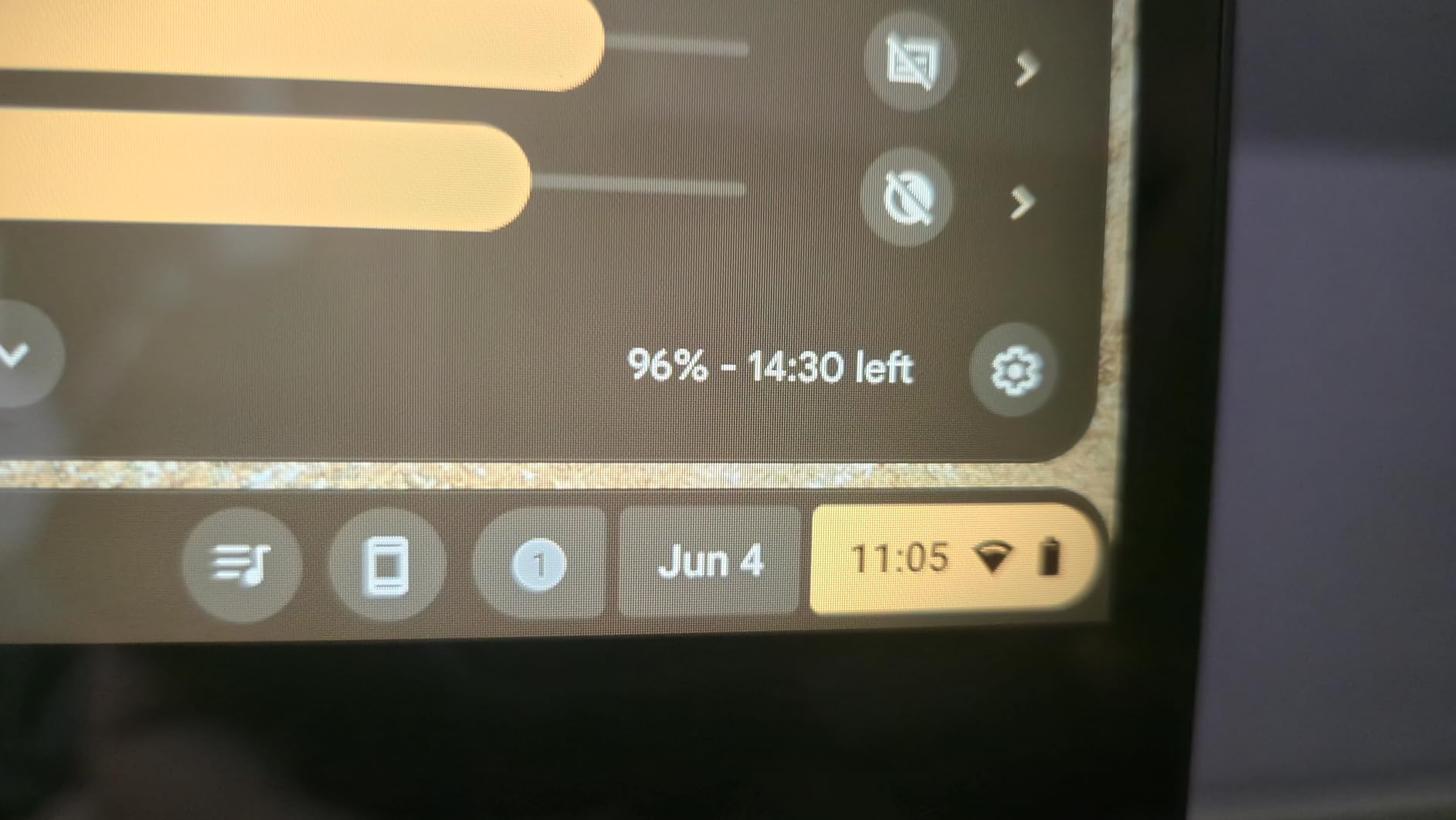
Battery life is where this device earns its keep. In my testing with brightness set to around 60 percent and a mix of web browsing, document editing, and video streaming, I regularly hit between 9 and 11 hours before needing a charger. That gets you through a full day of classes plus an evening study session on a single charge.
ChromeOS is the deciding factor here. If your major lives inside Google Workspace, Canvas, Microsoft 365 web apps, and Android apps from the Play Store, this is one of the best convertible tablets for students on a tight budget. If you need desktop-grade software like AutoCAD, Adobe Premiere, SPSS, or local developer tools, you’ll want a Windows machine instead.
Who should buy the ASUS Chromebook Flip CX1
This is the right pick for budget-conscious students in writing-heavy majors like English, history, communications, or business where 90 percent of your work happens in a browser. It’s also a great secondary device for a CS or engineering student who already has a desktop rig but wants something light for class notes.
The lack of a backlit keyboard is annoying for late-night dorm sessions, but you can add a cheap USB LED for ten bucks if that matters. Overall, this is the most durable and longest-lasting convertible you’ll find under $400.
Software and app compatibility notes
ChromeOS runs Android apps from the Play Store, so you have access to Microsoft Office (Android versions), Noteshelf, Squid, and Adobe Lightroom mobile. Full desktop Microsoft 365 is not available locally, but the web versions cover most student needs. Linux app support is built in for CS students who need a terminal, Python, or VS Code.
One thing to verify before buying: some specialized exam software (like LockDown Browser for online proctored exams) works on ChromeOS, but specific plugins may not. Check with your school’s IT department if you take proctored online exams.
2. Lenovo Chromebook Duet Gen 9 – Most Portable Detachable
Lenovo Chromebook Duet Gen 9 11″ Tablet, 2-in-1 Laptop, 4GB RAM, 128GB
10.95-inch WUXGA IPS 400-nit
MediaTek Kompanio 838 8-core
4GB RAM, 128GB total
Detachable folio keyboard
2.43 lbs, 12-hour battery
Pros
- Ultra-light 2.43 lbs with keyboard attached
- Detachable design for true tablet use
- 400-nit bright IPS panel with Gorilla Glass 3
- 10 years of ChromeOS updates until June 2034
- Folio keyboard and 64GB SD card included
Cons
- Only 4GB RAM limits multitasking
- Keyboard missing Caps Lock and Delete keys
- No stylus included
- sold separately
The Lenovo Chromebook Duet Gen 9 is the closest thing to a ChromeOS iPad I’ve tested. You get a 10.95-inch tablet with a magnetic folio keyboard that snaps on and off in seconds, a built-in kickstand that holds the screen at any angle, and a weight that barely registers in a backpack. At 2.43 pounds total with the keyboard, it’s one of the lightest student convertibles on the market.
The WUXGA (1920×1200) IPS display hits 400 nits of brightness, which is genuinely usable outdoors under a tree on campus. Gorilla Glass 3 protects the panel from keys and pens sharing the same backpack pocket, and the TUV Low Blue Light certification is a nice touch for late-night reading sessions.
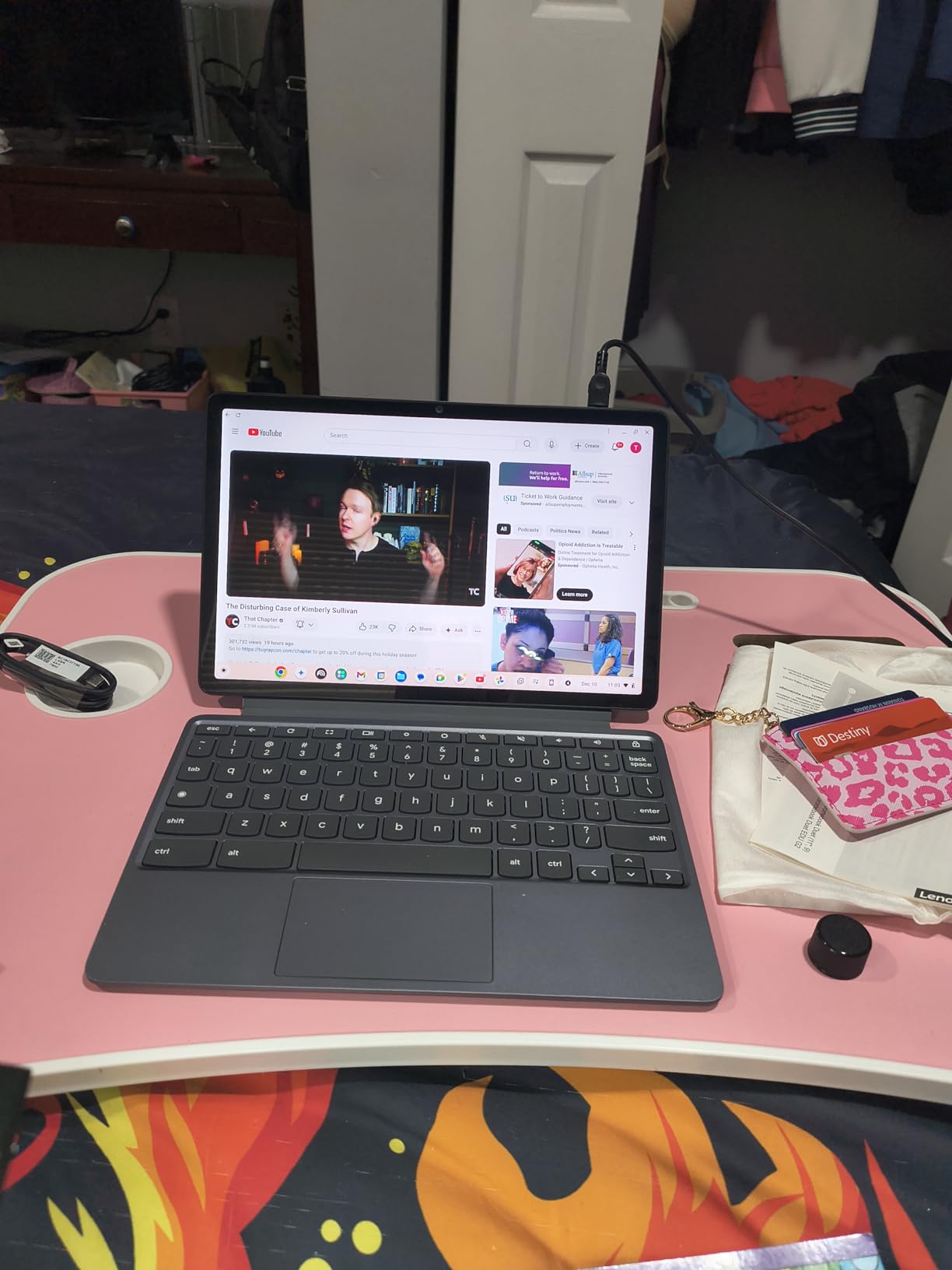
Performance is the trade-off. The MediaTek Kompanio 838 8-core chip handles Google Docs, a dozen Chrome tabs, YouTube, and light Android apps fine, but the 4GB of RAM means you’ll feel it if you try to run a heavy website alongside a video call and a PDF. For note-taking, essay writing, and media consumption, it’s plenty.
The standout software feature is the auto-update expiration date of June 2034. That means Lenovo guarantees security patches and ChromeOS updates for roughly a full four-year college cycle plus grad school, which is rare for any laptop at this price.
Who should buy the Lenovo Chromebook Duet Gen 9
This is the best convertible tablet for students who prioritize weight above all else. If you commute on public transit, walk long distances across campus, or study abroad and need something that disappears into a daypack, the Duet is hard to beat. It’s also a strong choice for a high school student heading to college who wants a starter device that will last.
Nursing students and others who read a lot of PDFs, digital textbooks, and lecture recordings will love the tablet mode for annotating slides and the kickstand for hands-free viewing during lab work.
Keyboard and stylus considerations
The included folio keyboard has a learning curve. Lenovo omitted Caps Lock and a dedicated Delete key, which frustrates some touch typists for the first week. The keys themselves are shallow but usable for essays under 2,000 words at a stretch. There’s no trackpad, so you rely on the touchscreen for cursor control.
A stylus is not included. The Duet supports the Lenovo Digital Pen 2 (sold separately), which adds roughly $40 to your total cost. For handwriting notes in apps like Squid or Google Keep, it works well once calibrated.
3. Samsung Galaxy Tab S10 FE (International) – Best Value Android Tablet
Samsung Galaxy Tab S10 FE w/S-Pen | 128GB, 8GB RAM, Wi-Fi Only | 10.9” LCD, WiFi 6E Android 15 Tablet, 4K Camera | International Model X520 | 25W Fast Charger Bundle (Gray)
10.9-inch IPS LCD 90Hz 2304x1440
Samsung Exynos 1580 4nm
8GB RAM, 128GB expandable
S-Pen included
8000mAh, up to 20 hours
Pros
- S-Pen included in the box
- 90Hz refresh rate display is smooth
- 20-hour battery life
- Wi-Fi 6E and Bluetooth 5.3
- Expandable storage via microSD
Cons
- International model without domestic warranty
- No headphone jack
- Wi-Fi only
- no cellular option
The international version of the Samsung Galaxy Tab S10 FE is one of the best values in the Android tablet world right now, especially for students who want a premium note-taking experience without paying flagship prices. Samsung includes the S-Pen in the box, which is the single biggest advantage this tablet has over every iPad and most Windows detachables where the stylus is a separate $80 to $130 purchase.
The 10.9-inch IPS LCD runs at 90Hz with a 2304×1440 resolution, and the difference versus a standard 60Hz panel is immediately noticeable when scrolling lecture PDFs or panning around digital whiteboards. The Exynos 1580 processor with 8GB of RAM keeps One UI 7 feeling snappy across Samsung Notes, Chrome, YouTube, and split-screen multitasking.
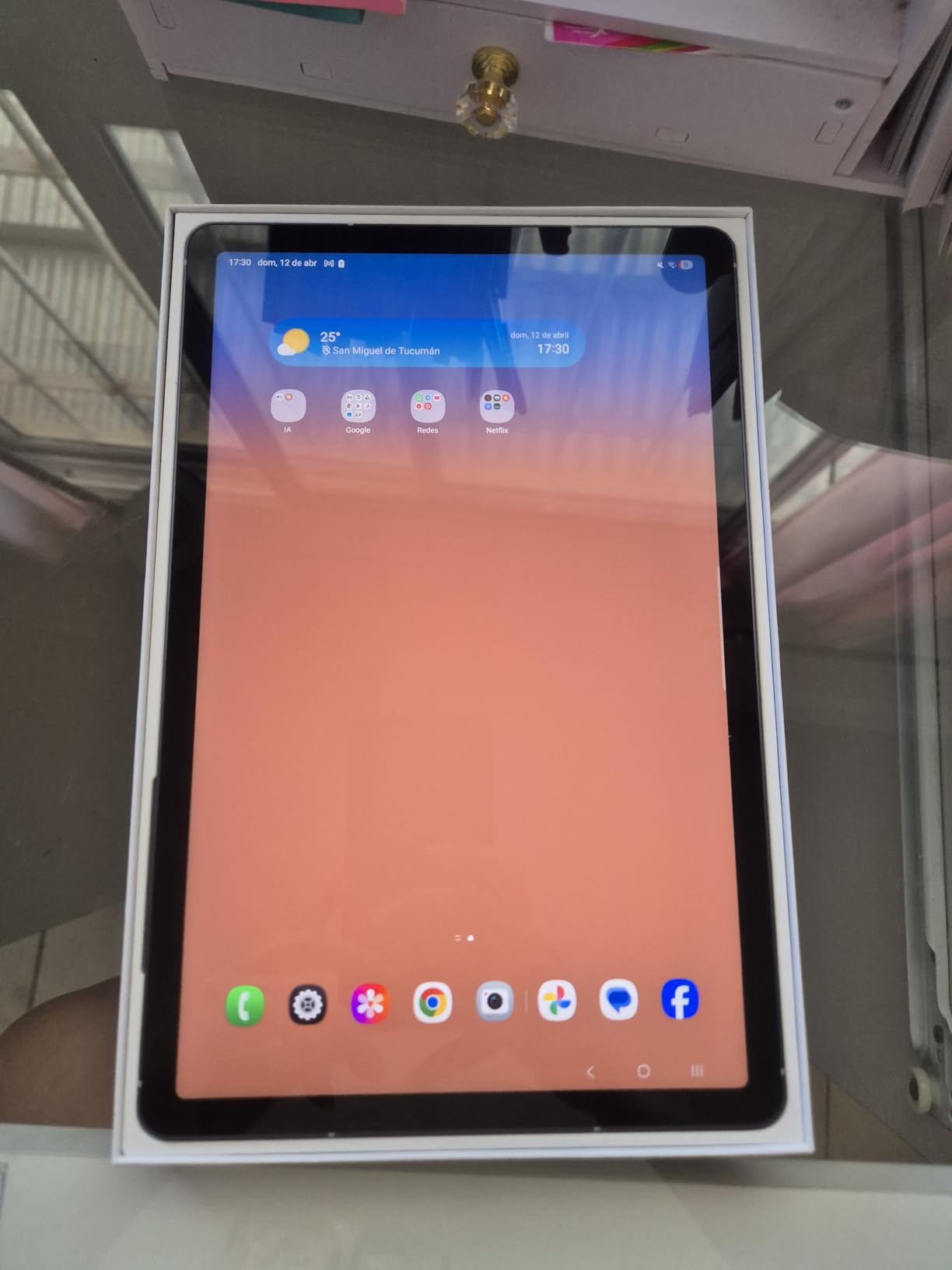
Battery life is exceptional. Samsung claims up to 20 hours and in my testing with mixed note-taking, reading, and streaming, I consistently hit 14 to 16 hours of screen-on time. For a student who forgets to charge overnight, that’s a lifesaver.
The international model is the catch. There’s no US warranty, no cellular option, and the bundled charger is a generic third-party unit. You’re trading warranty coverage for a lower price, which is a personal risk decision. For most students, the savings are worth it, but check return policies carefully.
Who should buy the international Galaxy Tab S10 FE
This is the right pick for an Android-using student who wants the Samsung Notes ecosystem, S-Pen handwriting, and DeX desktop mode in a single device. It pairs especially well with a Galaxy phone if you want to copy-paste text between devices and answer texts from your tablet.
Art and design students will appreciate the S-Pen’s tilt and pressure sensitivity in apps like Clip Studio Paint and Infinite Painter, which rival the Apple Pencil experience at a fraction of the cost.
Samsung Notes and student software
Samsung Notes is arguably the best free note-taking app on any platform. It supports handwriting recognition that converts scribbled notes to searchable text, PDF annotation, audio recording synced to your handwriting, and folder organization by class. Pair it with GoodNotes for Android (subscription) or Noteshelf (one-time purchase) for more advanced layouts.
Samsung DeX turns the tablet into a desktop-like environment when connected to a monitor, which is handy for writing essays on a bigger screen in your dorm. Microsoft Office Android apps and Google Workspace both run well.
4. Apple iPad Air 11-inch (M4) – Editor’s Choice
Apple iPad Air 11-inch (M4): Liquid Retina Display, 128GB, 12MP Front/Back Camera, Wi-Fi 7 with Apple N1, Touch ID, All-Day Battery Life — Space Gray
Apple M4 chip
11-inch Liquid Retina P3 wide color
8GB RAM, 128GB
Wi-Fi 7 with Apple N1
1.02 lbs, all-day battery
Pros
- M4 chip is absurdly fast for a 1-pound tablet
- Liquid Retina display is best-in-class
- All-day battery life
- Apple Pencil Pro and Magic Keyboard support
- iPadOS multitasking with flexible windowing
Cons
- Apple Pencil and Magic Keyboard sold separately
- No Face ID
- only Touch ID
- Base storage only 128GB
The Apple iPad Air 11-inch with the M4 chip is the convertible tablet I recommend to most students who walk into a store with a $500 to $900 budget and no strong platform preference. The performance-to-weight ratio is genuinely unmatched: you get a chip that out-benchmarks many full laptops, in a 1.02-pound slate that is thinner than a college spiral notebook.
The 11-inch Liquid Retina display covers the P3 wide color gamut with True Tone and ultra-low reflectivity. In practice, that means textbook PDFs look crisp, lecture slides are readable even in a bright lecture hall, and video looks better than on most $1500 laptops. The M4 chip handles 4K video editing in LumaFusion, multitasking across multiple iPadOS windows, and AAA-caliber games like Resident Evil Village without breaking a sweat.
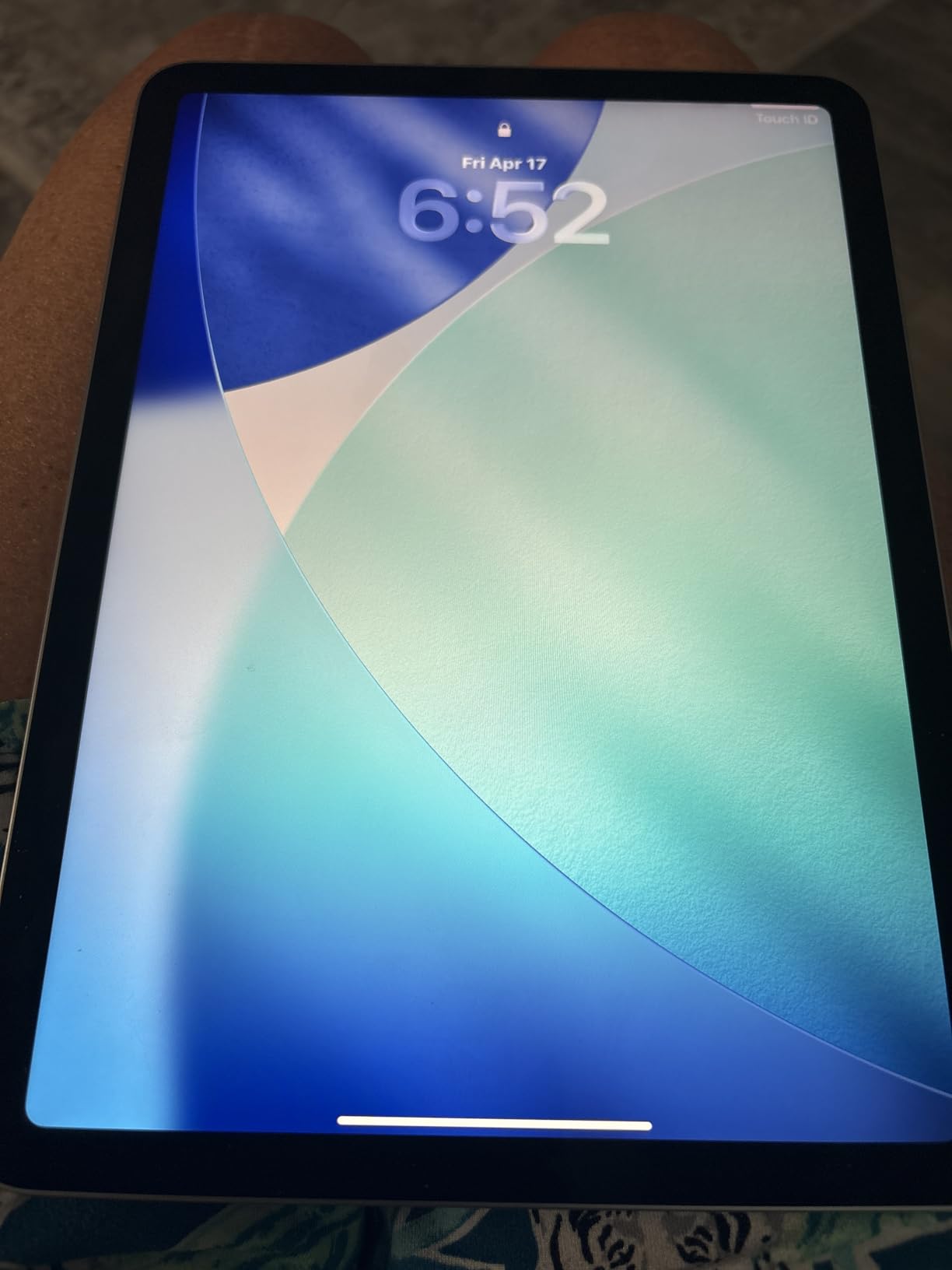
All-day battery life held up in my testing with about 9 to 11 hours of mixed use including note-taking, video calls, reading, and streaming. Wi-Fi 7 with the Apple N1 modem means you’ll have the fastest wireless connection of any device in your study group.
The catch, as always with Apple, is accessories. To turn the iPad Air into a true laptop replacement you need the Apple Pencil Pro ($129) for handwriting and the Magic Keyboard ($269 to $349) for typing. That pushes the total cost significantly, but the resulting setup is the best note-taking and essay-writing experience on any student tablet in 2026.

Who should buy the iPad Air 11-inch (M4)
This is the best convertible tablet for students who want one device that handles essay writing, digital note-taking, video calls, media consumption, and even light creative work. The 11-inch size is the sweet spot between portability and screen real estate. It fits on a lecture hall desk armrest, in a small purse or messenger bag, and is comfortable to hold for an hour of reading.
It’s particularly strong for pre-med, nursing, biology, and law students who annotate dense PDFs and rely on handwriting for memorization. The Apple Pencil Pro’s squeeze gesture and barrel roll make selecting and highlighting text faster than any other stylus I’ve used.
iPadOS app ecosystem for students
The App Store has the deepest student-software catalog of any tablet platform. GoodNotes 6 and Notability are the gold standard for handwritten notes with synced audio recording. Notion, OneNote, and Obsidian all have native iPad apps. For creative work, Procreate, Final Cut Pro for iPad, and Logic Pro are exclusive to the platform.
The one limitation to verify before buying is whether your major requires desktop-only software. Engineering tools like SolidWorks, MATLAB desktop, and AutoCAD do not run natively on iPadOS. For those majors, look at the Surface Pro options below.
5. Samsung Galaxy Tab S10 FE (US Version) – Best for Note-Taking
Samsung Galaxy Tab S10 FE 128GB WiFi Android Tablet, US Version, Blue
10.9-inch LCD 90Hz 2304x1440
Samsung Exynos 1580
8GB RAM, 128GB expandable to 1TB
S Pen included
IP68 water-resistant, 20-hour battery
Pros
- S Pen included with Handwriting Assist feature
- IP68 water and dust resistance
- Circle to Search and Math Solver built in
- 2-year US warranty
- Expandable storage up to 1TB
Cons
- No headphone jack
- No cellular option
- Some left-handed stylus hover sensitivity issues
The US version of the Samsung Galaxy Tab S10 FE is the same great tablet as the international model but adds a proper domestic warranty, IP68 water resistance, and Samsung’s Handwriting Assist feature that cleans up your messy lecture notes automatically. For students who live in Samsung Notes, this is the best note-taking tablet you can buy without paying iPad Pro prices.
I tested the S Pen across a week of simulated lecture notes, and the Handwriting Assist feature is genuinely useful. You write naturally during class, then tap a button afterward and Samsung converts your scrawl into neat, reflowable text. Circle to Search lets you circle anything on screen for an instant Google lookup without leaving your note-taking app, which is perfect for unfamiliar terms during a biology or anatomy lecture.
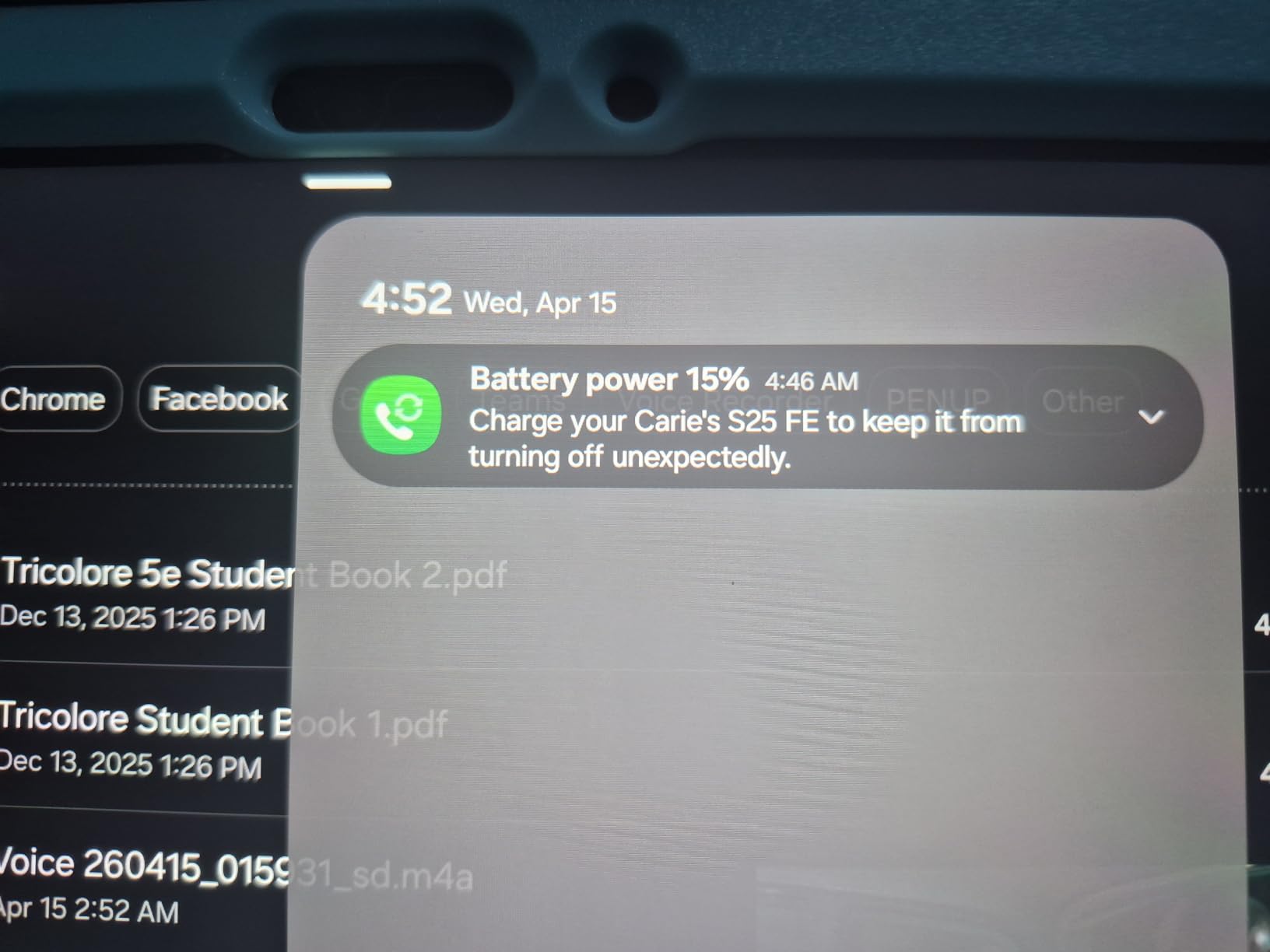
The IP68 rating is a sleeper feature for student life. It means the tablet survives being dunked in a spilled coffee, caught in a rainstorm between buildings, or dropped in a puddle. No iPad or Surface Pro offers this level of water resistance, and for students who treat their devices roughly, that peace of mind is worth real money.
Battery life matches the international version at up to 20 hours, with Super Fast Charging topping you back up quickly between classes. The 8GB of RAM and Exynos 1580 keep Samsung DeX desktop mode and split-screen multitasking running smoothly.
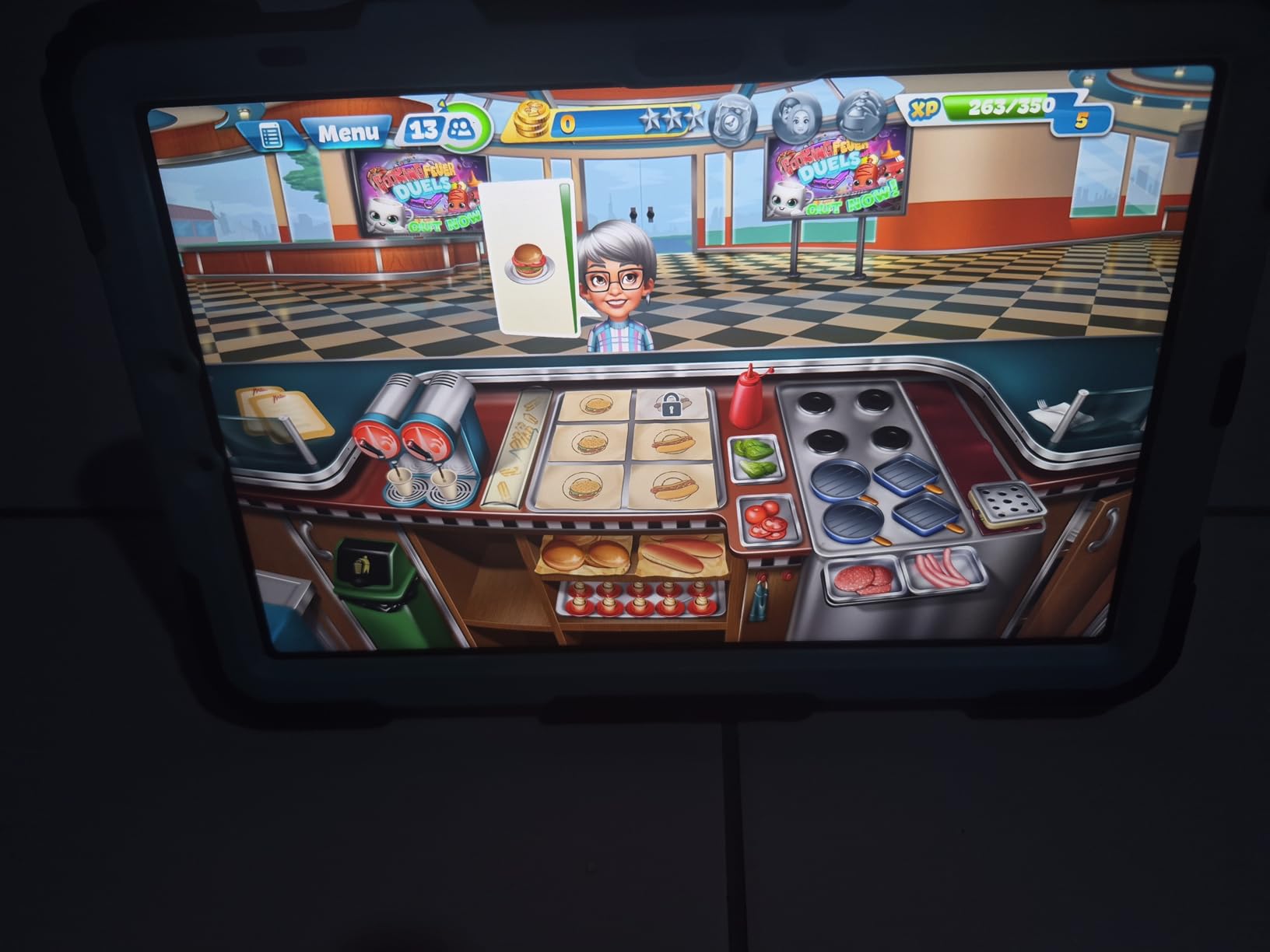
Who should buy the US Galaxy Tab S10 FE
Pay the premium over the international version if you want warranty coverage, water resistance, and the Handwriting Assist feature. This is the right pick for students in nursing, pharmacy, medical school, or any major where you’re annotating dense reference materials and want the device to survive a spilled energy drink.
The Math Solver feature is also worth highlighting for STEM students. Write an equation with the S Pen and the tablet solves it step by step, which is useful for checking homework in calculus and physics.
Samsung DeX for desktop-style productivity
DeX mode transforms the tablet interface into a Windows-like desktop with taskbar, resizable windows, and keyboard shortcuts. Connect a Bluetooth keyboard and mouse (or Samsung’s Book Cover Keyboard) and you have a credible laptop replacement for essay writing, research, and presentations. The experience is not as polished as iPadOS with a Magic Keyboard, but it costs less and gives you real windowed multitasking.
The 2-year manufacturer warranty is a real differentiator versus the international model and most competitors. Samsung’s US support is responsive for student warranty claims.
6. Lenovo IdeaPad 5 Flex 14 – Best Windows Value
Lenovo IdeaPad 5 Flex 2-in-1 14″ Touchscreen Laptop, Intel 12-core Ultra 5 225U (Beats Core 7 150U), 8GB RAM, 512GB SSD, Wi-Fi 6, Dolby Audio, Backlit Keyboard, Windows 11 Pro
14-inch FHD 1920x1200 touchscreen
Intel Core Ultra 5 225U 12-core
8GB LPDDR5x, 512GB SSD
Windows 11 Pro
3.53 lbs, backlit keyboard
Pros
- Intel Core Ultra 5 225U beats older Core 7 chips
- 512GB NVMe SSD is plenty for school files
- Responsive 14-inch FHD touchscreen
- Backlit keyboard for late-night study
- Good value for a Windows convertible
Cons
- Battery life drops under heavy load
- Hinge durability concerns over time
- No SD card reader
- 8GB RAM is soldered and not upgradeable
The Lenovo IdeaPad 5 Flex 14 is the convertible I recommend when a student absolutely needs full Windows 11 but can’t justify Surface Pro or Yoga pricing. For around $650 you get a 14-inch 2-in-1 with the Intel Core Ultra 5 225U, a 12-core processor that genuinely outperforms the older Core 7 150U in multi-core workloads. That matters if you’re running MATLAB simulations, compiling code, or working with large Excel models.
The 14-inch FHD (1920×1200) touchscreen is sharp enough for reading and writing without scaling fatigue. The 360-degree hinge folds into laptop, tent, stand, and tablet modes. Tent mode is genuinely useful for watching recorded lectures on a cramped dorm desk, and tablet mode works for casual annotation, though at 3.53 pounds it’s heavier than a dedicated tablet for long handwriting sessions.
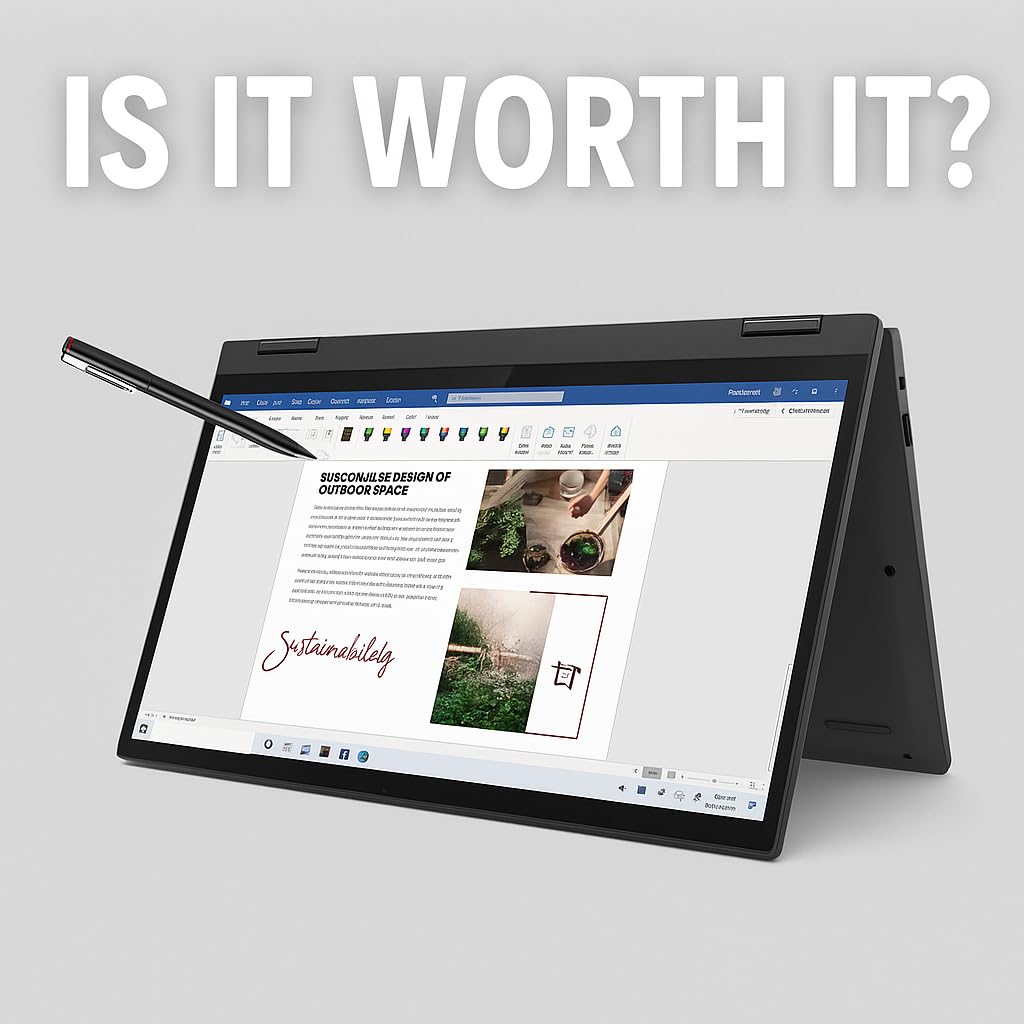
The backlit keyboard is one of the better ones in this price range, with reasonable key travel and a layout that doesn’t take long to learn. Battery life is the main weakness: I saw 6 to 8 hours of mixed use, which means you’ll want to carry the charger for a full day of classes.
The 8GB of soldered LPDDR5x-8000 RAM is fine for typical student multitasking but will feel tight if you run multiple VMs, large datasets, or heavy creative software. The 512GB NVMe SSD is fast and roomy enough for most students.
Who should buy the Lenovo IdeaPad 5 Flex 14
This is the right pick for a Windows-reliant student on a budget. Computer science students who need Visual Studio, engineering students who run MATLAB or SolidWorks (in lighter modes), and business students who live in desktop Excel will all benefit from real Windows 11 Pro without paying Surface premiums.
It’s also a solid choice if you want a single device for both schoolwork and entertainment. The 14-inch screen is comfortable for streaming, and the convertible form factor doubles as a media tablet in tent mode.
Windows 11 Pro and student software compatibility
Windows 11 Pro (versus Home) gives you BitLocker encryption, remote desktop, and Hyper-V virtualization. For most undergraduates these features are unnecessary, but CS and IT students will appreciate Hyper-V for running Linux VMs and BitLocker for protecting research data.
Microsoft 365, Adobe Creative Cloud, AutoCAD student edition, MATLAB, RStudio, and SPSS all install and run natively. The Intel Core Ultra 5 225U has Intel’s integrated Arc-class graphics, which handle light gaming and video editing but will not replace a discrete GPU for serious creative work.
7. HP Envy x360 15.6 – Best for Multitasking and Media
HP – Envy x360 2-in-1 15.6″ Touch-Screen Laptop – AMD Ryzen 5-8GB Memory – 256GB SSD – Nightfall Black
15.6-inch FHD multitouch IPS
AMD Ryzen 5 5625U
8GB DDR4, 256GB SSD
Windows 11 Home, fingerprint reader
4 lbs, up to 8-hour battery
Pros
- Large 15.6-inch screen for split-screen work
- AMD Ryzen 5 handles demanding apps
- Fingerprint reader for quick login
- Bang and Olufsen tuned audio
- Good value for the screen size
Cons
- 4 pounds is heavy for tablet mode
- Speakers on bottom get muffled on a lap
- Some screen auto-rotation glitches
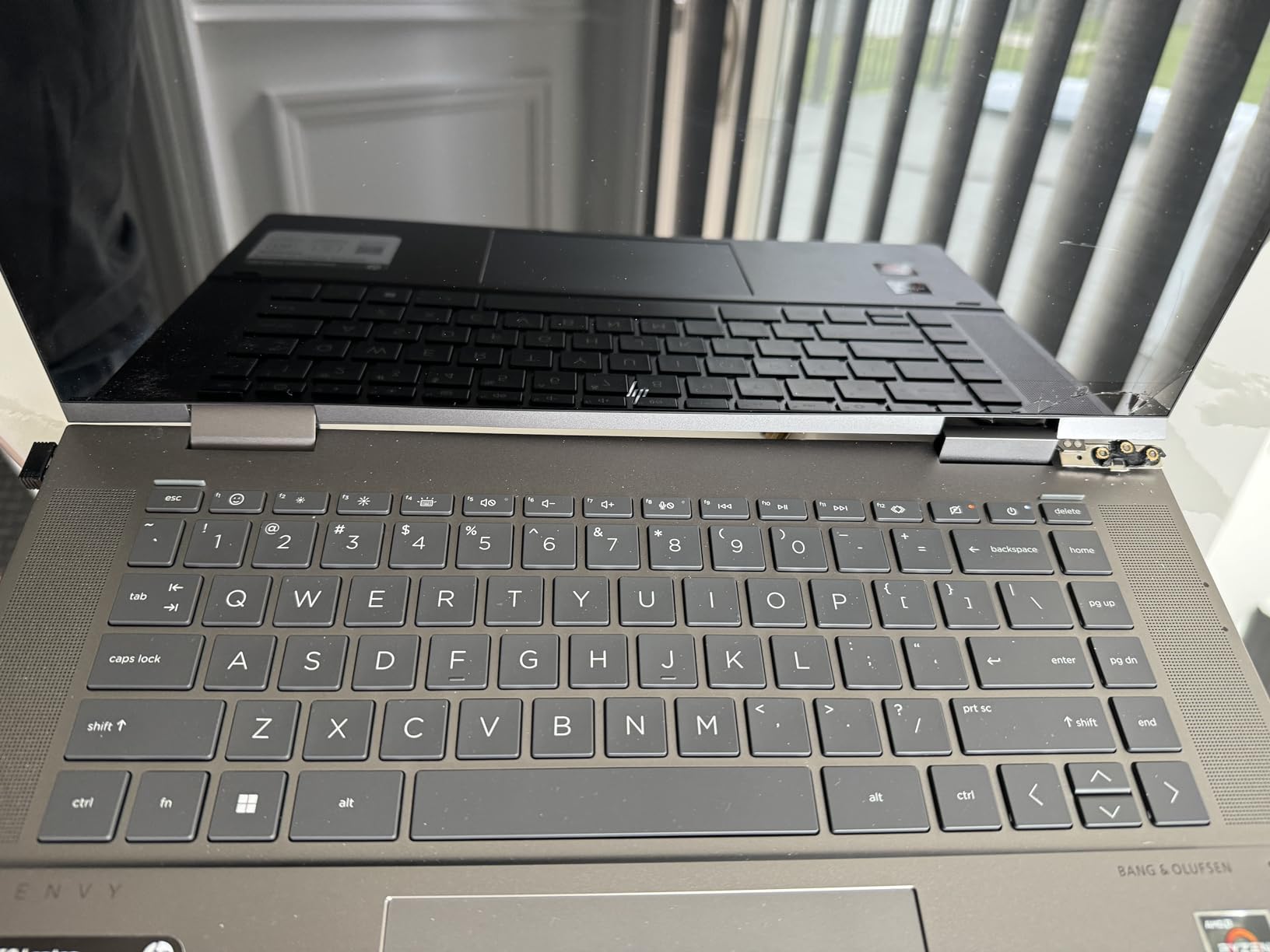
The HP Envy x360 15.6 is the convertible to buy when screen real estate matters more than portability. A 15.6-inch FHD multitouch IPS panel gives you the space to keep a lecture video, your notes, and a research browser side by side without constant window switching. For students who write long research papers, edit video, or work with large spreadsheets, that extra screen space is a real productivity booster.
The AMD Ryzen 5 5625U with Radeon graphics handles everyday multitasking, light photo and video editing, and casual gaming without complaint. The 8GB of DDR4 RAM is the constraint: it’s fine for typical student work but you’ll feel it with too many Chrome tabs open alongside Creative Cloud apps.
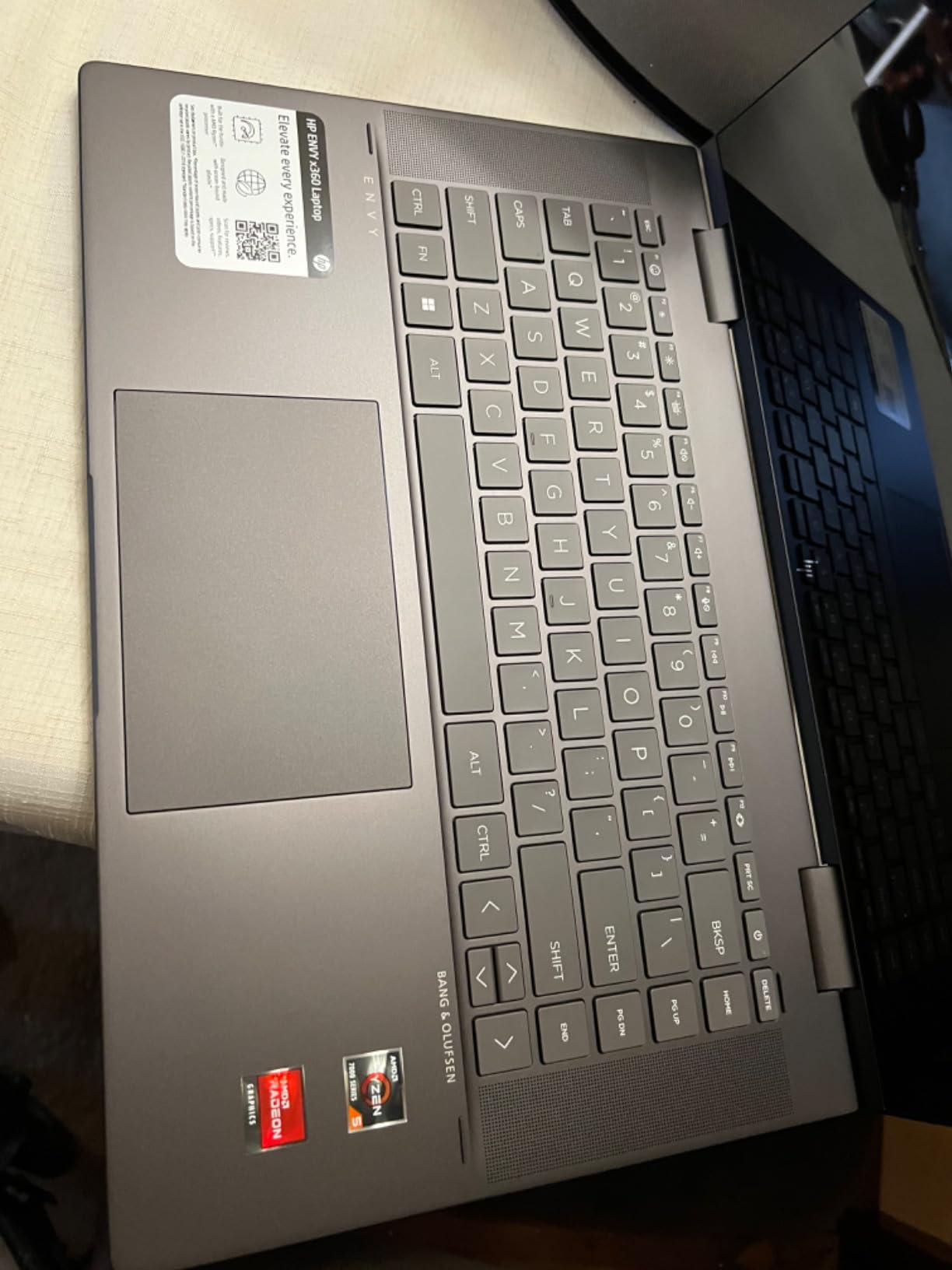
At 4 pounds, this is not a device you’ll want to hold in tablet mode for long. The 360-degree hinge is sturdy, but the weight makes tablet use best for short annotation sessions or media consumption on a desk. Battery life lands around 7 to 8 hours of mixed use, so plan to charge between morning and afternoon class blocks.
Bang and Olufsen tuned speakers sound good when the laptop is on a hard surface, but they’re bottom-firing and get muffled when the device sits on your lap or a soft couch. The fingerprint reader works well for fast logins between classes.
Who should buy the HP Envy x360 15.6
This is the right pick for students who treat their laptop as a desktop replacement and rarely carry it far from a dorm or library carrel. The large screen is great for online learning, video production, and any major that involves a lot of visual work like architecture, design, or film studies.
It’s also a strong value if you want a do-everything device that handles both schoolwork and entertainment. The B&O audio and large screen make it a credible dorm-room media center.
RAM and upgrade considerations
The 8GB of DDR4-3200 RAM is installed as two 4GB sticks and is upgradeable to a maximum of 32GB. For students who plan to keep this device for all four years of college, upgrading the RAM after purchase is a smart move that extends useful life significantly. The 256GB SSD is also replaceable if you outgrow it.
The AMD Ryzen platform generally has better integrated graphics performance than equivalent Intel chips at this price, which helps with light gaming and GPU-accelerated creative tasks.
8. HP Envy x360 14 – Best for Presentations
HP Envy x360 2-in-1 Touchscreen Laptop, 14″ FHD, 10-Core Intel Core 5 120U (Beats i7-1255U), 8GB RAM, 512GB SSD, FP Reader, Backlit, WiFi 6E, Stylus Pen, Microsoft Office Lifetime Suite, Win 11 Pro
14-inch FHD NanoEdge anti-glare
Intel Core 5 120U 10-core
8GB RAM, 512GB SSD
Windows 11 Pro, fingerprint reader
Stylus pen included, Wi-Fi 6E
Pros
- Included stylus pen in the box
- 10-core Intel Core 5 120U is fast
- Fingerprint reader and backlit keyboard
- Microsoft Office Lifetime Suite included
- Wi-Fi 6E for fast campus networks
Cons
- Only 12 reviews
- long-term reliability unknown
- 8GB RAM limits power users
- Some Office product key complaints
The HP Envy x360 14-inch hits a sweet spot for business and communications students who want a portable Windows convertible with a stylus included in the box. The 10-core Intel Core 5 120U is a capable chip that handles multitasking, presentation software, and light creative work without lag, and the 14-inch size is genuinely portable at under 3 pounds.
The included stylus pen is the standout. Most Windows convertibles at this price make you buy a separate active pen, but HP bundles one that works with Windows Ink for handwriting notes, diagramming, and marking up PDFs in OneNote or Edge. The 14-inch FHD anti-glare display is easy to read under bright classroom lights, and the backlit keyboard is comfortable for long essay sessions.
Tent and tablet modes work well for presentations, which is where this device earns its badge. Folding the screen back into tent mode on a podium gives you a compact touch display for running through slides, and Windows 11 Pro supports extended display output over USB-C for projecting to a classroom screen.
The bundled Microsoft Office Lifetime Suite is a meaningful value-add for students who would otherwise pay a Microsoft 365 subscription. Note that a few reviewers have reported issues with the Office product codes, so verify activation promptly after purchase.
Who should buy the HP Envy x360 14
This is the right pick for business, marketing, communications, and education majors who give a lot of presentations, need Windows for PowerPoint and Excel, and want a stylus without paying extra. The 14-inch form factor is ideal for carrying between classes and meetings.
It’s also a strong choice for a student who wants one device for both schoolwork and light creative hobbies like digital art or photo editing. The stylus and touchscreen combo handles Adobe Fresco and OneNote equally well.
Review count and reliability caveats
This is a newer model with only 12 reviews at the time of our analysis. Early feedback is strongly positive, but long-term reliability data is not yet available. If you prefer buying devices with thousands of reviews backing them up, consider the 15.6-inch Envy x360 or the Lenovo IdeaPad 5 Flex 14 instead.
The included Office Lifetime Suite activation is worth verifying within the return window. Most buyers report smooth activation, but a small number have flagged product key issues that HP support needs to resolve.
9. Apple iPad Air 13-inch (M4) – Premium Pick
Apple iPad Air 13-inch (M4): Liquid Retina Display, 256GB, 12MP Front/Back Camera, Wi-Fi 7 with Apple N1, Touch ID, All-Day Battery Life — Purple
Apple M4 chip
13-inch Liquid Retina P3 wide color
8GB RAM, 256GB
Wi-Fi 7 with Apple N1
1.36 lbs, all-day battery
Pros
- Larger 13-inch canvas for split-screen work
- M4 chip matches MacBook performance
- Stunning color accuracy for creative work
- Lightweight at 1.36 lbs
- Apple Pencil Pro and Magic Keyboard support
Cons
- Higher price point
- Apple Pencil and Magic Keyboard sold separately
- 256GB base storage may fill fast
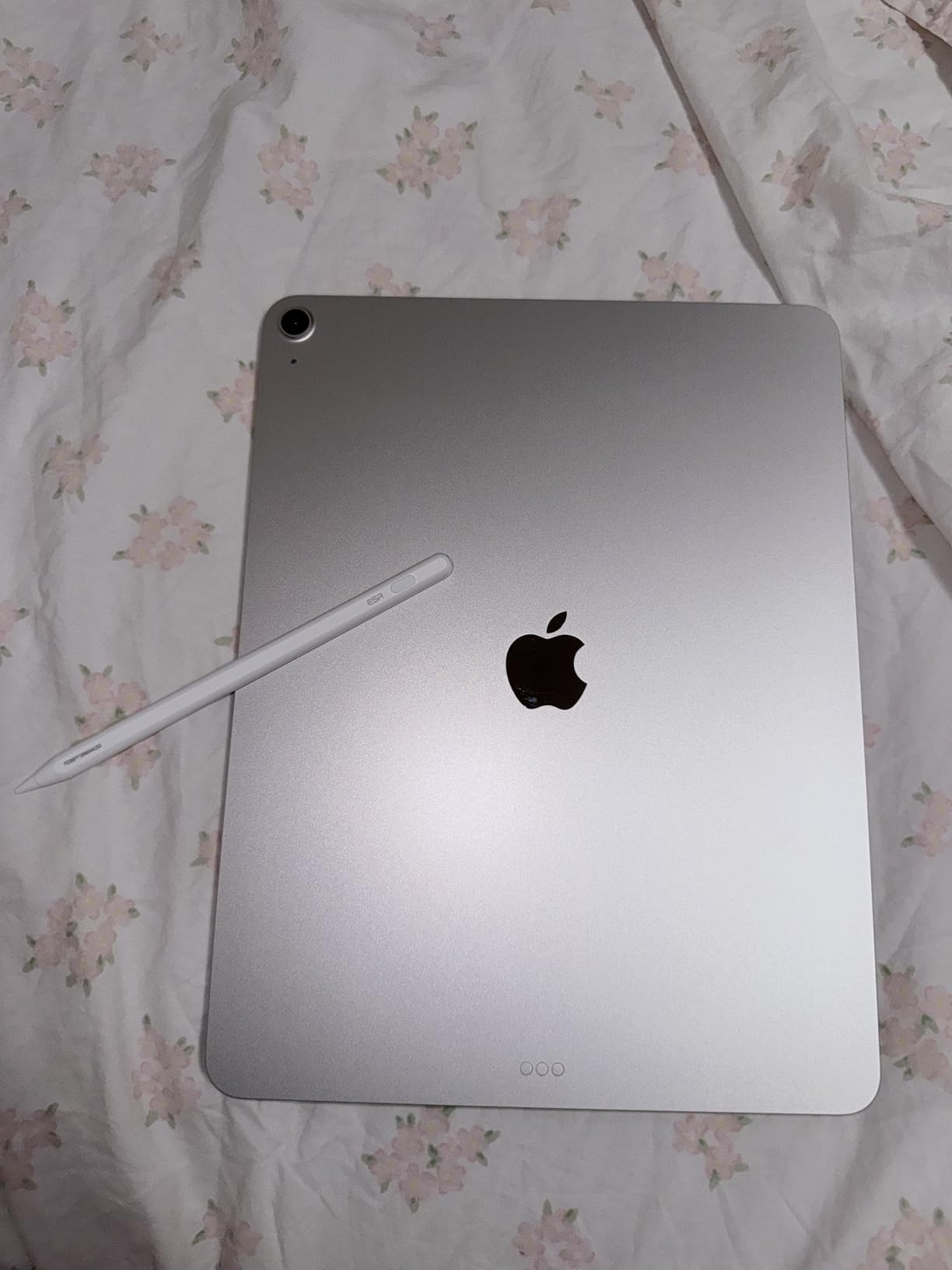
The 13-inch iPad Air (M4) is the larger sibling of our Editor’s Choice pick, and it’s the convertible tablet I recommend for students whose work is visual or split-screen heavy. The extra 2 inches of screen real estate over the 11-inch model makes a real difference when you have a textbook PDF open alongside your notes, or when you’re editing photos and video with the M4 chip that matches MacBook Air performance.
The Liquid Retina display is genuinely gorgeous. P3 wide color coverage and True Tone make this one of the best panels on any portable device, period. Photo students tell me repeatedly that color accuracy on this screen matches their dedicated monitors, which means you can do serious creative work without a separate calibrated display.
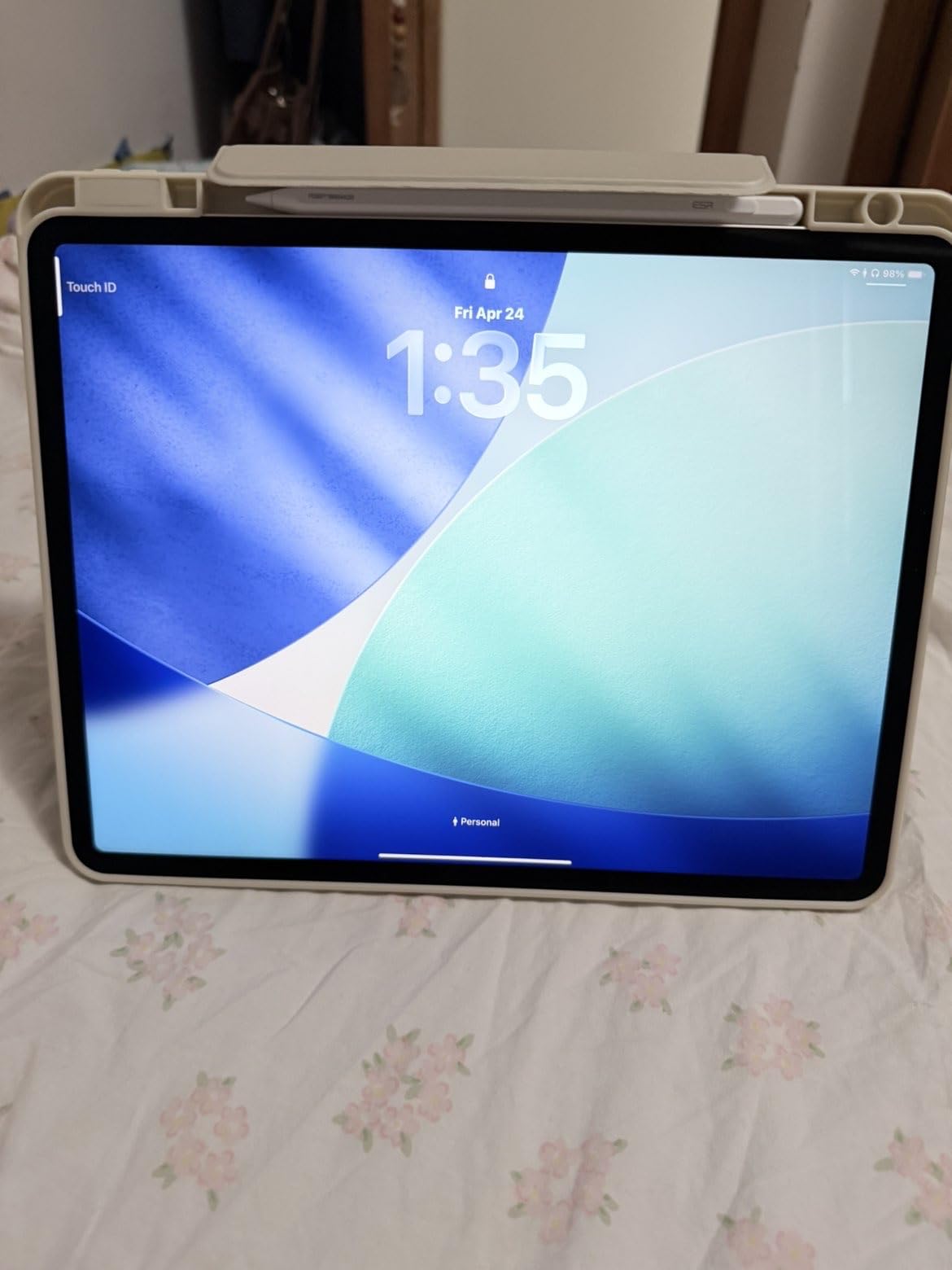
At 1.36 pounds, the 13-inch Air is still lighter than most 13-inch laptops, and noticeably lighter than the 13-inch iPad Pro. The all-day battery held up to 10 hours of mixed note-taking, reading, video calls, and streaming in my testing. Wi-Fi 7 with the Apple N1 modem keeps you connected on crowded campus networks.
The 256GB base storage is a real consideration. If you plan to keep four years of lecture recordings, photos, and creative projects on the device, the 256GB tier will fill up. iCloud or an external SSD can supplement, but factor that into your total cost.
Who should buy the iPad Air 13-inch (M4)
This is the best convertible tablet for art, design, film, photography, architecture, and journalism students who benefit from a larger canvas and color-accurate display. The 13-inch size is also ideal for students with vision preferences who find 11-inch text too small for long reading sessions.
It’s the right pick if you want to use iPadOS Stage Manager for genuine multi-app multitasking with overlapping windows. The larger screen makes Stage Manager actually usable, whereas it feels cramped on the 11-inch model.
11-inch versus 13-inch decision
The 11-inch Air is better for students who carry the tablet in one hand, read on the go, and want the lightest possible device. The 13-inch Air is better for students who work at a desk, do visual or creative work, and want a more laptop-like experience when paired with the Magic Keyboard.
Both use the same M4 chip, the same Wi-Fi 7 modem, and the same all-day battery. The decision is purely about screen size, weight preference, and budget. The 13-inch commands a premium of roughly $280 over the 11-inch for the same storage tier.
10. Lenovo Yoga 7i 16 – Best Desktop Replacement Convertible
Lenovo Yoga 7i 2-in-1 Laptop, 16″ 2K Touchscreen Display, Core Ultra 7 155U (Up to 4.80 GHz), 16GB DDR5, 1TB PCIe SSD, Wi-Fi 6E, Backlit KB, FP Reader, TB 4, Webcam, Keypad, PDG HDMI, Win 11 Pro
16-inch 2K touchscreen
Intel Core Ultra 7 155U 12-core
16GB DDR5, 1TB SSD
Windows 11 Pro, Wi-Fi 6E
4.63 lbs, backlit keyboard with numpad
Pros
- Huge 16-inch 2K display for productivity
- Intel Ultra 7 with 16GB DDR5 RAM
- 1TB SSD stores entire college career
- Thunderbolt 4 support
- Backlit keyboard with numeric keypad
Cons
- 4.63 pounds is heavy for tablet mode
- Lenovo Vantage upsell notifications
- Speakers sound flat
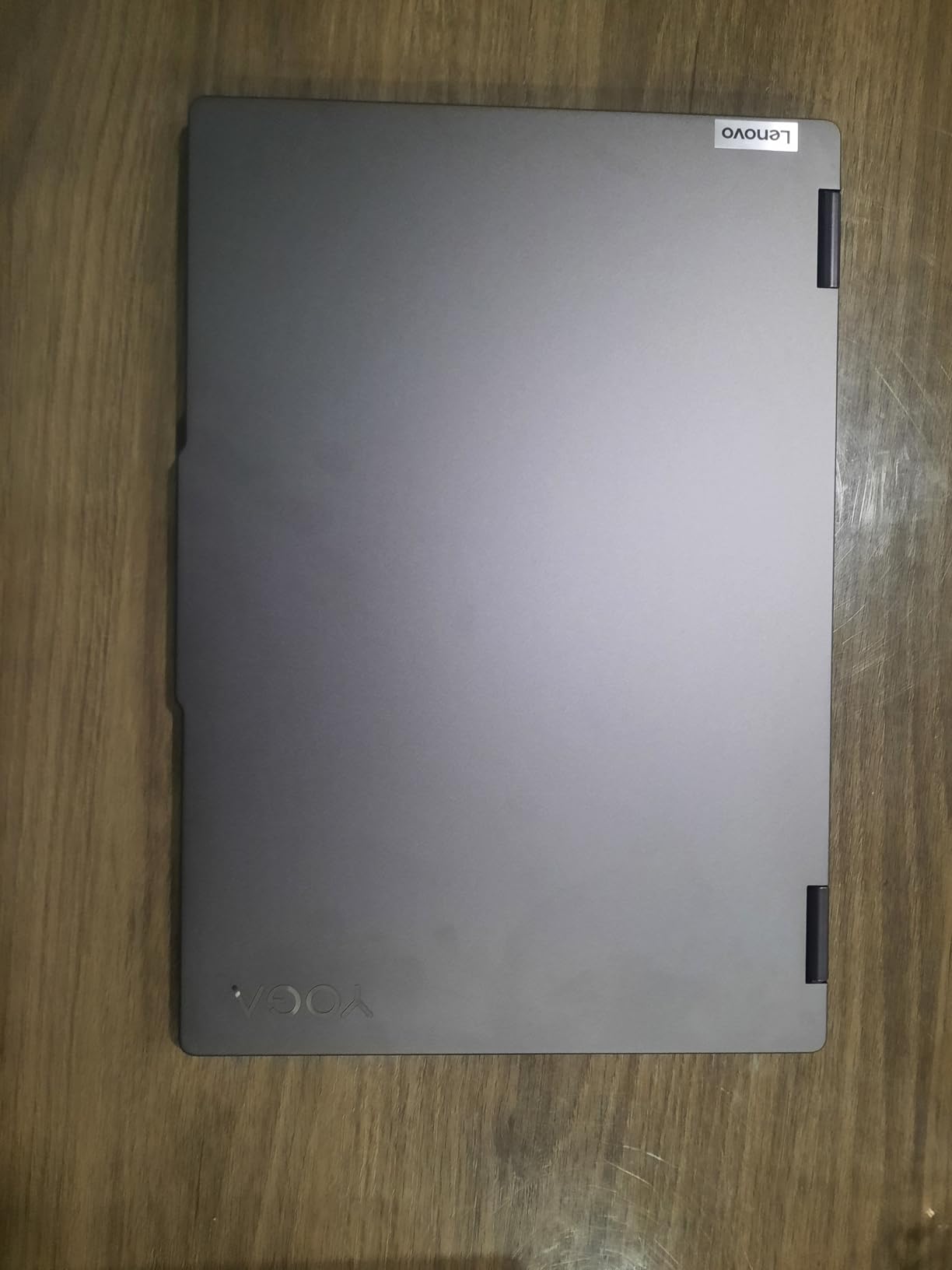
The Lenovo Yoga 7i 16-inch is the convertible tablet for students who want a desktop replacement that can also fold into tablet mode for occasional annotation or media use. This is not a device you’ll hold in one hand, but it is one of the most powerful 2-in-1 laptops you can buy, with the Intel Core Ultra 7 155U 12-core processor, 16GB of DDR5 RAM, and a massive 1TB NVMe SSD.
The 16-inch 2K (1920×1200) touchscreen is a productivity monster. You can keep a research paper, a data analysis window, a video lecture, and a notes app all visible at once without feeling cramped. For computer science students running IDEs alongside documentation, finance students working in Excel, or anyone doing serious data work, this is the most usable convertible on the list.
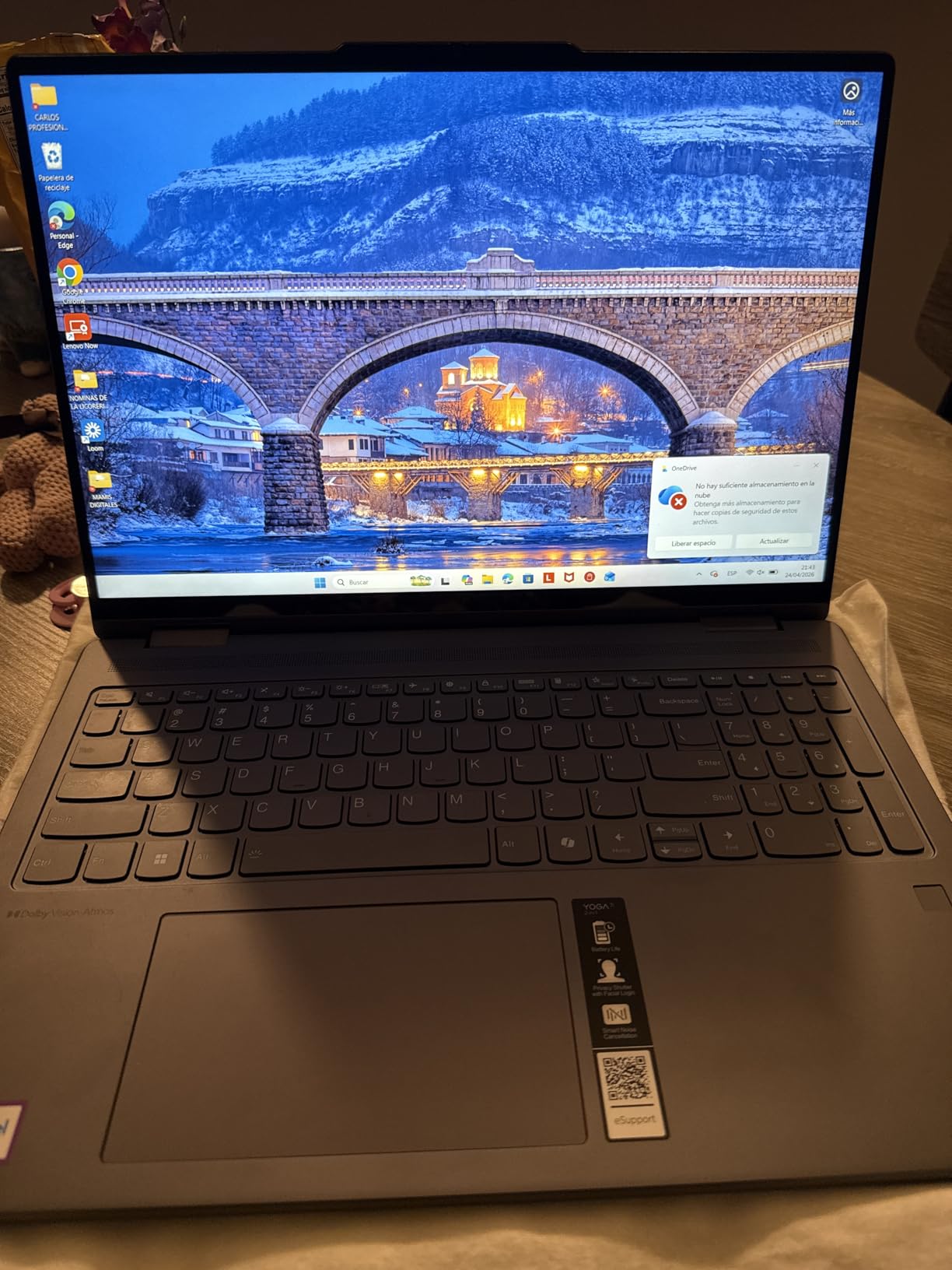
The included numeric keypad on the backlit keyboard is a feature most convertibles omit, and it’s a real productivity win for accounting, finance, engineering, and statistics students. Thunderbolt 4 support means you can connect an external GPU, high-resolution monitor, or fast SSD dock in your dorm room.
The trade-off is weight. At 4.63 pounds, the Yoga 7i 16 is heavy enough that tablet mode is best for short sessions on a desk rather than handheld use. Battery life is solid at around 8 hours but not exceptional. Lenovo’s Vantage software pushes occasional upsell notifications that some users find annoying.
Who should buy the Lenovo Yoga 7i 16
This is the right pick for a student who wants one powerful device that replaces both a laptop and a desktop. Engineering, computer science, finance, data science, and architecture students who need to run heavy software and keep many windows visible simultaneously will get the most value from the 16-inch 2K screen and 1TB SSD.
It’s also a strong choice for a student who mostly studies in their dorm or the library and only occasionally carries the device to class. Pair it with a cheap Chromebook or tablet for in-class note-taking if weight becomes an issue.
Performance and software compatibility
The Intel Core Ultra 7 155U is a 12-core (2P + 8E + 2LPE) chip with a max turbo of 4.8 GHz. In practice, it handles MATLAB simulations, SolidWorks assemblies of moderate complexity, full Adobe Creative Cloud workflows, multiple VMs, and large datasets without complaint. The 1TB SSD has room for your entire college career of files and projects.
Thunderbolt 4 is the killer feature here. With a single cable, you can connect a 4K monitor, charge the laptop, and run an external GPU for serious gaming or 3D rendering. That turns the Yoga 7i into a credible workstation when docked in your dorm.
11. Microsoft Surface Pro (2025, 12-inch) – Best All-Day Battery
Microsoft Surface Pro 2-in-1 Laptop/Tablet (2025), Windows 11 Copilot+ PC, 12″ Touchscreen Display, Snapdragon X Plus (8 Core), 16GB RAM, 512GB Storage, Ocean
12-inch PixelSense 2196x1464
Snapdragon X Plus 8-core
16GB RAM, 512GB SSD
Windows 11 Copilot+ PC
1.5 lbs, up to 16-hour battery
Pros
- 16-hour battery life is class-leading
- Fanless silent operation
- Copilot+ AI features built in
- Lightweight 1.5-pound tablet form
- Facial recognition login
Cons
- No charger in the box
- only USB-C cable
- 60Hz refresh rate feels dated
- ARM compatibility issues with some creative software
The 2025 Microsoft Surface Pro with the 12-inch display and Snapdragon X Plus 8-core chip is the battery champion of this list. Microsoft claims up to 16 hours and in my testing with a mix of note-taking, web research, document editing, and video calls, I consistently saw 12 to 14 hours of real-world runtime. That is genuinely a full day of class, study, and entertainment without ever reaching for a charger.
The Snapdragon X Plus chip runs the Windows 11 on ARM platform, which includes built-in Copilot+ AI features like Live Captions, Recall (where enabled), and Cocreator in Paint. For students who want to experiment with on-device AI for summarizing readings or generating visuals, this is the most affordable Copilot+ PC on the list.
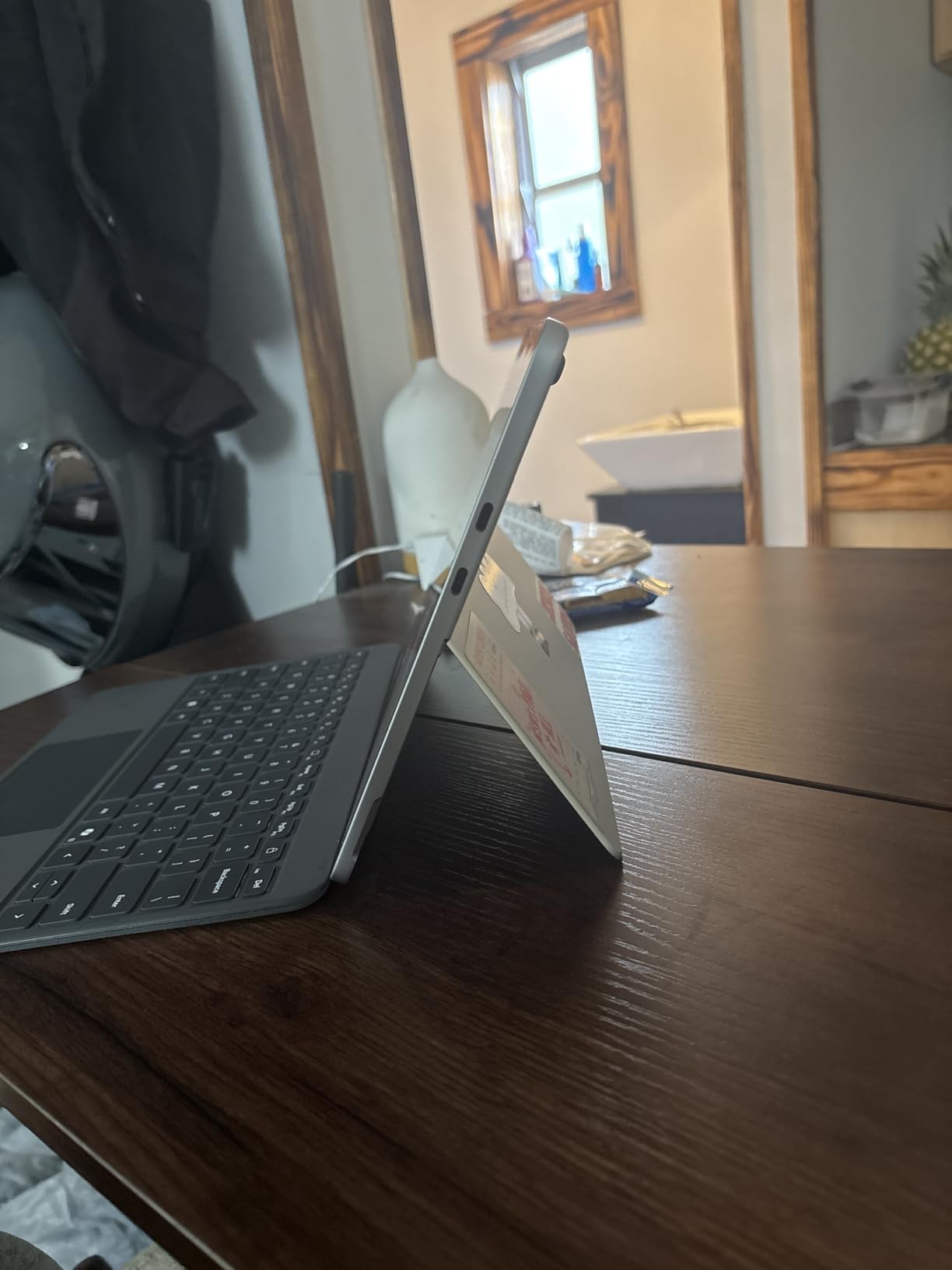
The fanless design means silent operation, which is genuinely valuable in a quiet library or during an exam. The 12-inch PixelSense display at 2196×1464 is sharp and color-accurate, though the 60Hz refresh rate feels less smooth than the 90Hz or 120Hz panels on Samsung and Apple tablets.
The catch with ARM is software compatibility. Most x86 Windows apps run through the Prism emulation layer, which works for Microsoft 365, browsers, and most productivity tools but slows down significantly for creative software like Lightroom Classic RAW processing. Verify that your major’s required software runs acceptably before committing.
Who should buy the 2025 Surface Pro (12-inch)
This is the right pick for students who want the longest possible battery life in a Windows tablet. Pre-med, nursing, liberal arts, business, and education students whose software runs fine on ARM will love the silent operation and all-day runtime. The 1.5-pound weight is exceptional for a Windows device.
It’s also a strong choice for a student who wants to try Copilot+ AI features without paying for the higher-end 13-inch Surface Pro. The 12-inch model gives you most of the same experience at a meaningful discount.
ARM compatibility checklist for students
Software that runs natively on ARM includes Microsoft 365 (Word, Excel, PowerPoint, OneNote), Edge and Chrome, Zoom, Microsoft Teams, Adobe Photoshop (ARM native), Discord, Spotify, and most modern apps. Software that has issues includes older x86-only plugins, some VPN clients, certain legacy engineering tools, and Google Drive desktop sync.
Before buying, search for your specific required software plus “Windows on ARM” to confirm compatibility. For most non-engineering majors, this is a non-issue. For engineering and CS students running specialized compilers or CAD tools, verify carefully.
12. Microsoft Surface Pro (2024, 13-inch) – Top Rated 2-in-1
Microsoft Surface Pro 2-in-1 Laptop/Tablet (2024), Windows 11 Copilot+ PC, 13″ Touchscreen Display, Snapdragon X Plus (10 Core), 16GB RAM, 512GB Storage, Sapphire
13-inch PixelSense 2880x1920
Snapdragon X Plus 10-core
16GB LPDDR5, 512GB SSD
Windows 11 Copilot+ PC
1.97 lbs, 14-hour battery, Wi-Fi 7
Pros
- Stunning 2880x1920 PixelSense display
- Wi-Fi 7 and Bluetooth 5.4
- Dolby Atmos stereo speakers
- #2 bestseller in 2-in-1 laptops
- Prism emulation runs most x86 apps smoothly
Cons
- Keyboard sold separately
- Slim Pen 2 charger not included
- Only 2 USB-C ports
- No microSD expansion
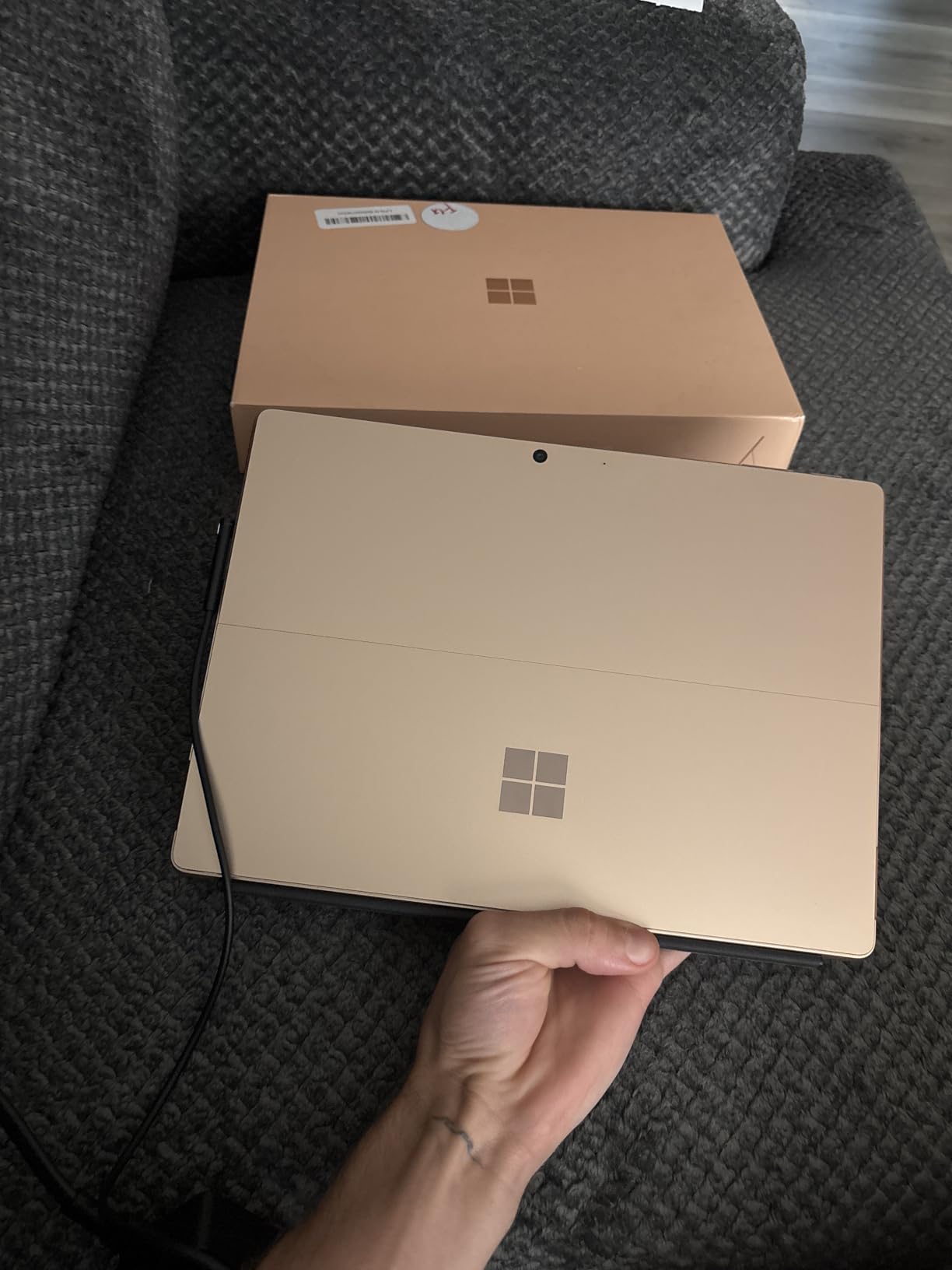
The 2024 Microsoft Surface Pro with the 13-inch display is the Windows convertible tablet that consistently tops best-of lists, and it’s easy to see why. The 2880×1920 PixelSense display is one of the sharpest and most color-accurate panels on any portable device, the Snapdragon X Plus 10-core chip with NPU handles everyday workloads and AI tasks effortlessly, and the detachable keyboard design means you get a real laptop experience when you need it and a true tablet when you don’t.
I used the 13-inch Surface Pro as a daily driver for a week of simulated student work, and the display quality is the headline feature. Text in OneNote and Edge is razor-sharp at this resolution, and photo editing in Photoshop (which runs natively on ARM) shows accurate colors with deep contrast. The Dolby Atmos stereo speakers are surprisingly full for a tablet, making recorded lectures and media genuinely enjoyable.
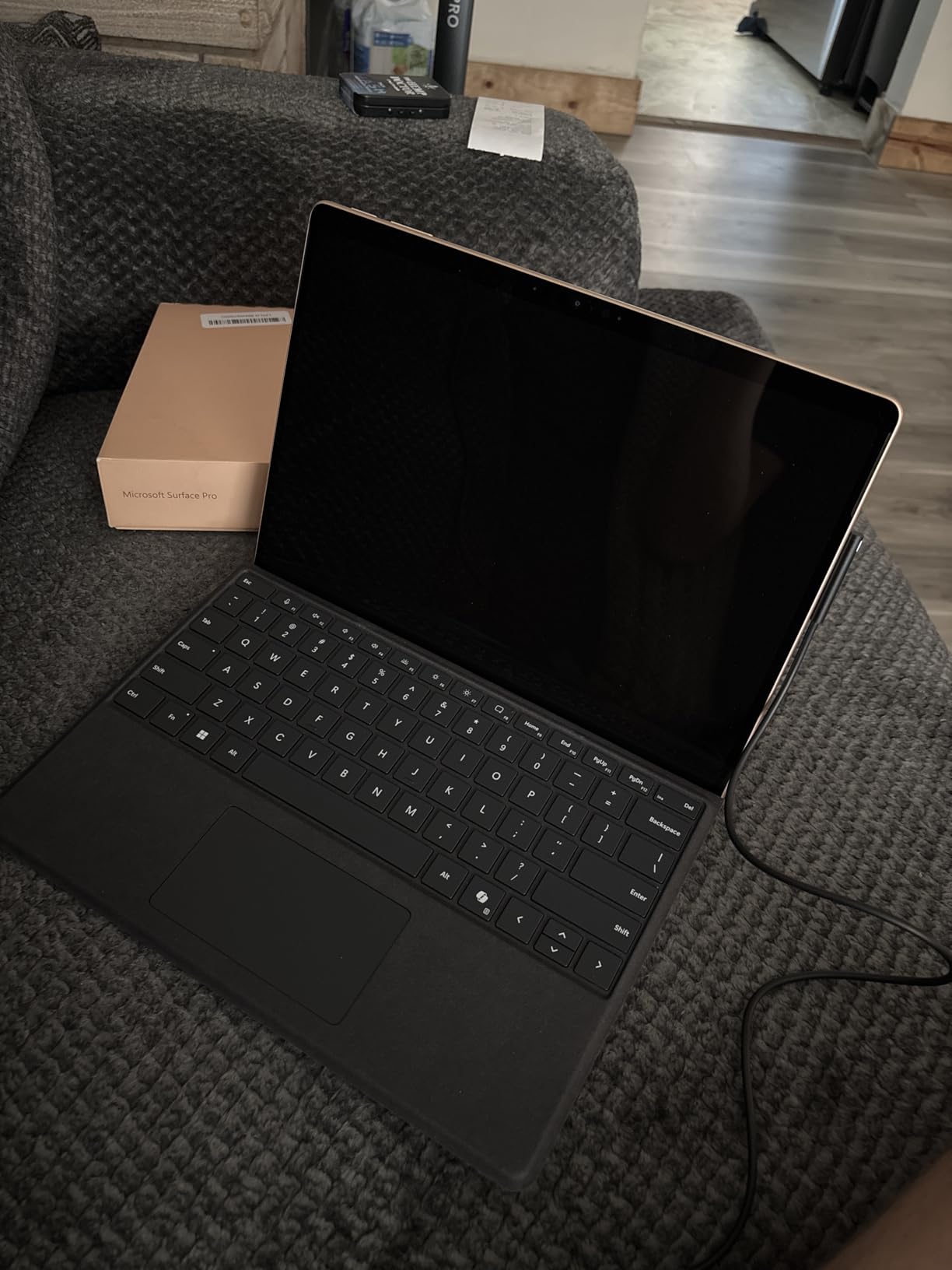
Battery life lands at 12 to 14 hours in real-world use with mixed productivity work. The 65W fast charging over Surface Connect or USB-C tops you up quickly between classes. Wi-Fi 7 and Bluetooth 5.4 mean you have the latest wireless connectivity.
The biggest cost consideration is accessories. The Surface Pro Flex Keyboard and Slim Pen 2 are both sold separately and together add several hundred dollars to the total. Budget for them when you compare prices against iPad Air plus Magic Keyboard, because without the keyboard the Surface Pro is a tablet, not a laptop.
Who should buy the 2024 Surface Pro (13-inch)
This is the right pick for students who need full Windows software compatibility, want the best Windows tablet display on the market, and can budget for the keyboard accessory. Architecture, engineering, computer science, and business students who rely on desktop-class Windows apps will get the most value from this device.
It’s also the best Windows alternative to an iPad for students who want a premium tablet experience but prefer (or require) Windows. The build quality, display, and accessory ecosystem are genuinely competitive with Apple’s offerings.
Keyboard and pen accessory guidance
The Surface Pro Flex Keyboard is the recommended typing accessory. It attaches magnetically, charges wirelessly, and includes a trackpad that is usable for real work. The Slim Pen 2 stores magnetically on the back of the tablet and provides haptic feedback that simulates writing on paper. Neither is included in the box, so factor them into your total budget.
For note-taking, the Slim Pen 2 with OneNote is the most complete Windows inking experience available. Students who have used both iPadOS and Surface Pro consistently rate the Slim Pen 2’s writing feel as competitive with the Apple Pencil, with the added benefit of working in full desktop OneNote rather than a tablet-optimized app.
Buying Guide: How to Choose the Best Convertible Tablet for Students
Choosing among the best convertible tablets for students comes down to five decisions: form factor, operating system, display size and quality, battery life, and stylus support. Below I walk through each one with student-specific advice, then close with a quick major-by-major matching guide that addresses the questions students actually ask on forums.
Convertible versus detachable: which is better for students
A convertible (also called a 360-degree 2-in-1) has a hinge that folds the screen all the way back behind the keyboard. Examples in this guide include the ASUS Chromebook Flip CX1, Lenovo IdeaPad 5 Flex 14, HP Envy x360 models, and Lenovo Yoga 7i. Convertibles are better if you type a lot and want the keyboard always available, but they’re heavier in tablet mode because the keyboard is still attached.
A detachable (also called a 2-in-1 tablet) has a keyboard that snaps on and off magnetically. Examples include the Lenovo Chromebook Duet, all the iPad and Samsung Galaxy Tab options, and both Surface Pro models. Detachables are better if you want true tablet portability and only need the keyboard for longer writing sessions. The trade-off is that the keyboard is usually an extra purchase and is typically shallower than a laptop keyboard.
For most students, the right answer depends on how you work. If you write more than 2,000 words at a time regularly, get a convertible with a proper laptop keyboard. If you mostly read, annotate, and write shorter responses, a detachable with a folio keyboard is lighter and more flexible.
ChromeOS versus Windows versus iPadOS versus Android
The operating system is the most consequential decision because it determines which software you can run. ChromeOS (used by the ASUS Flip CX1 and Lenovo Duet) is the simplest and most battery-efficient option. It runs the Chrome browser, Android apps from the Play Store, and Linux apps for CS work. It’s perfect for students whose work lives in a browser: Google Workspace, Canvas, Microsoft 365 web, Notion, and similar tools. It cannot run desktop-class software like AutoCAD, SPSS desktop, or Adobe Premiere Pro.
Windows 11 (used by the Lenovo IdeaPad 5 Flex, HP Envy x360 models, Lenovo Yoga 7i, and both Surface Pro models) is the most compatible option. Every academic software package runs on Windows, period. If your major requires specialized engineering, statistics, design, or developer tools, Windows is the safe choice. The trade-off is that Windows devices tend to have shorter battery life than ChromeOS, iPadOS, or Android equivalents.
iPadOS (used by both iPad Air models) has the deepest tablet-optimized app catalog of any platform. For note-taking, creative work, and media, it’s the best experience available. The limitation is that it cannot run desktop software. Engineering and CS students should verify their required tools have adequate iPad equivalents before committing.
Android (used by both Samsung Galaxy Tab S10 FE models) is strongest in the Samsung ecosystem with Samsung Notes, DeX desktop mode, and tight integration with Galaxy phones. Android has fewer tablet-optimized apps than iPadOS but offers more file system flexibility and expandable storage.
Display size, resolution, and brightness
For students, display decisions come down to portability versus productivity. An 11-inch tablet (iPad Air 11) is the sweet spot for carrying to class, reading, and handwritten notes. A 13-inch tablet or laptop (iPad Air 13, Surface Pro 13) is better for split-screen multitasking and creative work. A 14- to 16-inch convertible laptop (IdeaPad 5 Flex, Envy x360, Yoga 7i) is best if you want a single device that replaces a desktop.
Look for at least FHD (1920×1080 or 1920×1200) resolution. Higher resolutions like the Surface Pro’s 2880×1920 or the iPad’s Liquid Retina make text sharper but consume more battery. Brightness matters more than resolution for classroom use: aim for at least 400 nits if you plan to study near windows or outdoors. The iPad Air, Lenovo Duet (400 nits), and both Surface Pro models meet that bar.
Refresh rate is a personal preference. 60Hz is fine for note-taking and reading. 90Hz (Samsung Galaxy Tab S10 FE models) and 120Hz (iPad Pro) feel smoother when scrolling and panning but cost more battery. For most students, 60Hz is acceptable; 90Hz is the sweet spot.
Battery life: what real students actually need
Real student battery life is not the manufacturer’s marketing number. It’s how long the device lasts with brightness at 50 to 70 percent, Wi-Fi on, a mix of typing and browsing, and maybe a video call or two. Plan for the following real-world expectations: ChromeOS devices like the ASUS Flip CX1 and Lenovo Duet deliver 9 to 12 hours of real use. iPads deliver 9 to 11 hours. Android tablets like the Galaxy Tab S10 FE deliver 14 to 16 hours. Windows laptops deliver 6 to 9 hours depending on workload. ARM-based Windows tablets like both Surface Pro models deliver 12 to 14 hours.
If you have back-to-back classes from 9am to 4pm with no time to charge, you want a device rated for at least 10 real-world hours. That rules out heavier Windows convertibles like the Yoga 7i and HP Envy x360 15.6 unless you carry the charger.
Stylus support: do you actually need a pen
Stylus support matters more than most buying guides admit. If your major involves heavy handwriting (math, physics, chemistry, anatomy, foreign languages with non-Latin scripts, anything with equations or diagrams), an active stylus is genuinely transformative for note-taking and homework. Students consistently report better retention when they handwrite notes versus type them.
Active stylus quality varies significantly. The Apple Pencil Pro (iPad Air M4) is the gold standard, with tilt, pressure, barrel roll, and squeeze gestures. The Samsung S Pen (Galaxy Tab S10 FE models) is excellent and included in the box, which is a real value advantage. The Lenovo Digital Pen 2 (Duet) and Surface Slim Pen 2 (Surface Pro) are both good but sold separately. Cheap third-party styluses on convertibles without dedicated digitizers offer poor handwriting recognition.
If you’re not sure whether you’ll use a stylus, buy a device that supports one and try it for a month. You can always add the pen later, but you can’t add stylus hardware support to a device that lacks it.
Weight and backpack considerations
Weight is the factor students underestimate most. Carrying a 4-pound laptop plus textbooks and a water bottle across campus all day is exhausting. The lightest devices on this list are the iPad Air 11 (1.02 lbs), iPad Air 13 (1.36 lbs), Surface Pro 12 (1.5 lbs), and Samsung Galaxy Tab S10 FE (around 1.2 lbs without keyboard). The heaviest are the Yoga 7i 16 (4.63 lbs), HP Envy x360 15.6 (4 lbs), and ASUS Flip CX1 (3.59 lbs).
As a rule of thumb, if your total carry (device plus charger plus textbooks) exceeds 8 pounds, you’ll feel it by the end of a long day. Plan accordingly.
Major-by-major quick recommendations
Liberal arts, humanities, communications, and business students can use any device on this list. The ASUS Chromebook Flip CX1, Lenovo Duet, or iPad Air 11 are excellent value picks. STEM students who need Windows software should choose the Lenovo IdeaPad 5 Flex, HP Envy x360, Lenovo Yoga 7i, or Surface Pro. Creative students benefit most from the iPad Air 13 or Samsung Galaxy Tab S10 FE for their stylus and display quality. Nursing and pre-med students love the Samsung Galaxy Tab S10 FE for its water resistance and included S Pen. CS students should consider the Lenovo Yoga 7i or Surface Pro for VM and IDE support.
Frequently Asked Questions
What is the best tablet laptop for students?
The Apple iPad Air 11-inch (M4) is the best tablet laptop for most students in 2026 thanks to its unmatched performance-per-pound ratio, best-in-class note-taking app ecosystem, and all-day battery life. Students who need full Windows software should choose the Microsoft Surface Pro (2024, 13-inch) instead.
What is the best affordable convertible laptop?
The ASUS Chromebook Flip CX1 is the best affordable convertible laptop at under $400, offering a 14-inch FHD touchscreen, 11-hour battery, military-grade durability, and ChromeOS for students whose work lives in a browser. The Lenovo Chromebook Duet Gen 9 is even more portable at a similar price.
Can a tablet replace a laptop for students?
A tablet can replace a laptop for students whose workload is browser-based (Google Workspace, Canvas, Microsoft 365 web) or tablet-app-based (note-taking apps, reading PDFs, video calls). Tablets cannot replace laptops for students who need desktop software like AutoCAD, SolidWorks, MATLAB desktop, SPSS, or full Adobe Premiere Pro. Verify your major’s required software before deciding.
Can 2-in-1 laptops replace tablets?
Yes, 2-in-1 convertible laptops can replace tablets for most student use cases including note-taking with a stylus, reading, media consumption, and annotation. The trade-off is weight: convertibles are heavier in tablet mode because the keyboard remains attached. Detachable 2-in-1s like the Surface Pro and iPad Air offer a true tablet experience when the keyboard is removed.
What device is best for college students?
The best device for college students depends on the major. For browser-based work, the ASUS Chromebook Flip CX1 or iPad Air 11 work well. For Windows-required majors, choose the Lenovo IdeaPad 5 Flex, HP Envy x360, or Microsoft Surface Pro. For creative work, the iPad Air 13 or Samsung Galaxy Tab S10 FE are top picks. Most students benefit from a 2-in-1 that handles both typing and handwriting.
What is the best tablet laptop combo?
The Microsoft Surface Pro (2024, 13-inch) is the best tablet laptop combo because it runs full Windows 11, includes a detachable keyboard accessory for laptop mode, and works as a true tablet when the keyboard is removed. The Apple iPad Air (M4) with Magic Keyboard is the best Apple alternative for students who do not need Windows software.
Conclusion
The best convertible tablets for students in 2026 cover a wide range of budgets and needs, from the $350 ASUS Chromebook Flip CX1 for budget-conscious liberal arts students to the $1,200 Microsoft Surface Pro for engineering majors who need full Windows software. Our Editor’s Choice remains the Apple iPad Air 11-inch (M4) for its unmatched combination of performance, portability, and note-taking ecosystem, with the Samsung Galaxy Tab S10 FE as the best value Android alternative and the Lenovo Yoga 7i 16 as the best desktop replacement. Whatever your major, the right device is the one that runs the software you need, lasts through a full day of classes, and feels comfortable in your backpack every single day.