
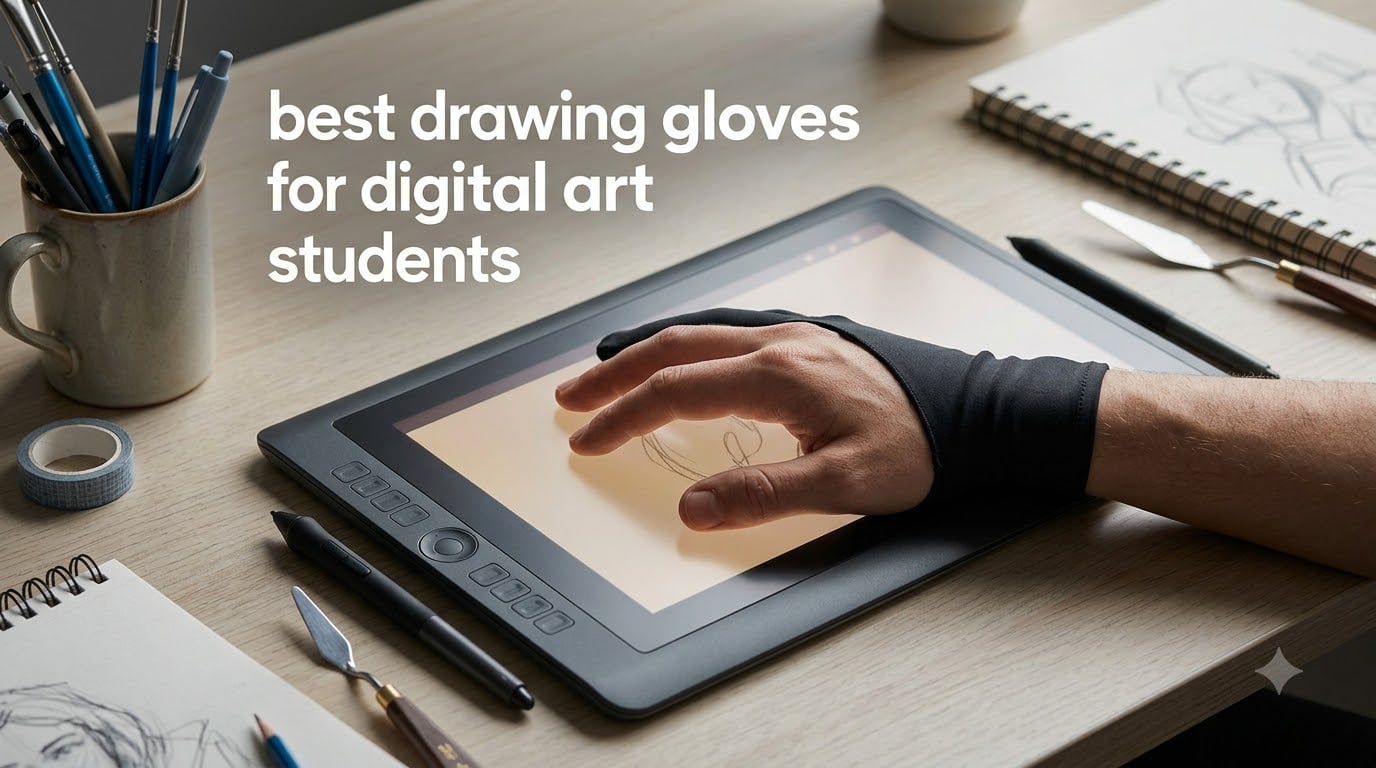
If you have ever tried finishing a digital painting on a tablet and ended up with a screen full of smudges and accidental strokes, you already know why drawing gloves exist. As digital art students ourselves, our team spent weeks testing the best drawing gloves for digital art students to find which ones actually hold up during long study sessions and tight project deadlines.
Drawing gloves are simple two-finger (or sometimes fingerless) accessories made from materials like Lycra, nylon, or polyester blends. They cover the part of your hand that rests on the screen while leaving your drawing fingers free to grip the stylus. The result is less friction, fewer smudges, and better palm rejection so your strokes land exactly where you intend them to.
In this guide, we cover eight gloves ranging from budget multipacks to premium iPad-specific options. Whether you are sketching in Procreate, working on a Wacom Cintiq, or taking notes on a basic graphics tablet, we tested each glove across real student workflows. We also pulled insights from Reddit communities like r/DigitalPainting and r/ProCreate to cross-check our findings with what real artists actually experience. If you are also shopping for a stylus, check out our guide to the best digital pens for students for a complete setup.
Table of Contents
Top 3 Picks for Drawing Gloves

HUION Artist Drawing Glove
- Two-finger Lycra design
- Anti-fouling smudge protection
- Ambidextrous one-size fit

OTraki 4 Pack Artist Gloves
- 4 gloves per pack
- Multiple sizes available
- High-elastic breathable material

Paperlike Drawing Glove for iPad
- Microfiber screen-cleaning palm
- All fingers exposed for multi-touch
- Three sizes S M L
Best Drawing Gloves for Digital Art Students in 2026
| Product | Specifications | Action |
|---|---|---|
| HUION Artist Drawing Glove (Cura CR-01) |
|
Check Latest Price |
| OTraki 4 Pack Artist Gloves |
|
Check Latest Price |
| Paperlike Drawing Glove for iPad |
|
Check Latest Price |
 GUUGEI 3-Layer Palm Rejection Glove GUUGEI 3-Layer Palm Rejection Glove |
|
Check Latest Price |
 Mixoo Artists Gloves 2 Pack Mixoo Artists Gloves 2 Pack |
|
Check Latest Price |
 XP-Pen Digital Drawing Glove XP-Pen Digital Drawing Glove |
|
Check Latest Price |
 HUION Skeleton Artist Glove HUION Skeleton Artist Glove |
|
Check Latest Price |
 Wacom Artist Drawing Glove Wacom Artist Drawing Glove |
|
Check Latest Price |
1. HUION Artist Drawing Glove (Cura CR-01) – Best Overall for Students
HUION Artist Drawing Glove, One Size, Left or Right Hand
Two-finger Lycra and nylon
Anti-fouling smudge protection
One size fits both hands
Weight: 9.07 g
Pros
- Comfortable and breathable material
- Works for both hands
- Anti-fouling prevents smudges
- Durable stitching
Cons
- One size may not fit larger hands
- Can shed fibers on first use
I started using the HUION Cura CR-01 during a three-week illustration project, and it quickly became the glove I kept reaching for. The Lycra and nylon blend feels soft against the skin and glides smoothly across my Wacom tablet surface without any sticking or dragging.
What surprised me most was how effective the anti-fouling coating is. After hours of drawing, my tablet screen stayed noticeably cleaner compared to working bare-handed. The two-finger design leaves my thumb, index, and middle fingers free to grip the stylus naturally.
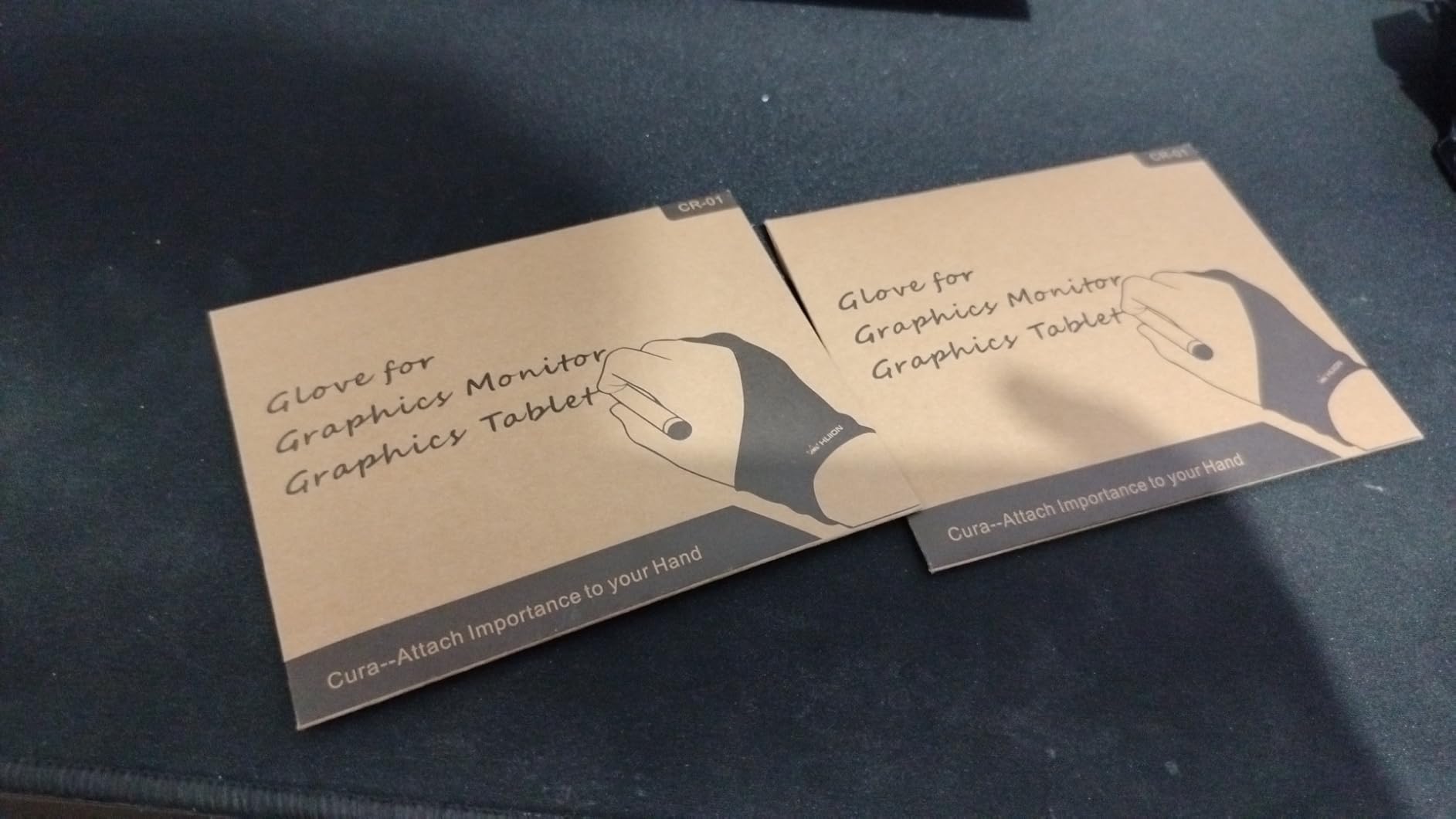
The ambidextrous fit is a big plus for students who switch between hands or share supplies with classmates. At just over 9 grams, the glove is so lightweight that I honestly forgot I was wearing it during a four-hour study session.
With over 21,000 reviews and a 4.5-star rating, this is one of the most tried-and-tested drawing gloves on the market. Many Reddit users on r/DigitalPainting specifically recommend HUION gloves for their balance of comfort and durability at a student-friendly price.
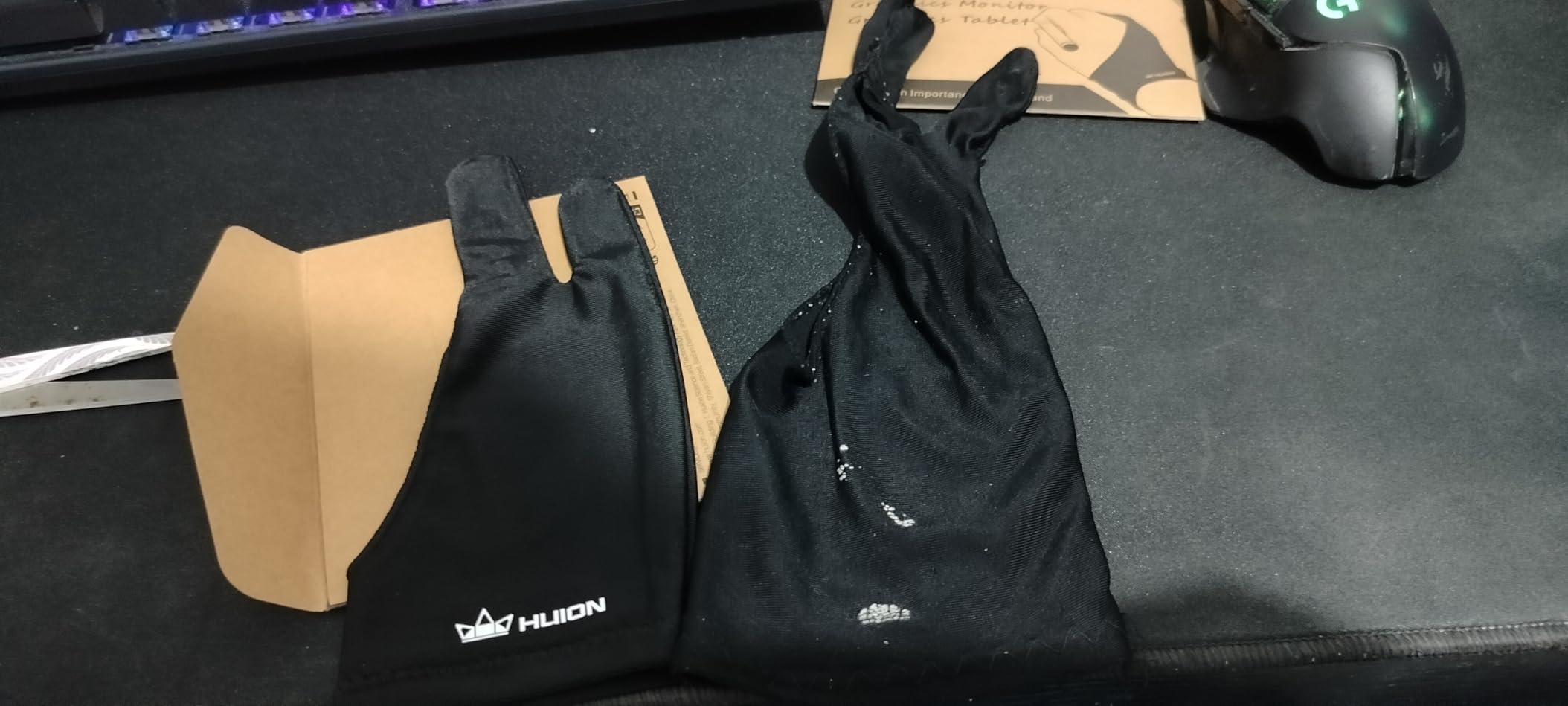
How does the HUION CR-01 hold up during daily use?
After six weeks of daily use across sketching, inking, and coloring work, the stitching showed zero signs of fraying. The black Lycra resisted visible soiling well, which matters when you are carrying it in a backpack between classes all day.
The one-size-fits-all approach works for most medium to large hands. If you have particularly small hands, you may find the fingertips a bit loose, which can slightly reduce stylus control.
Is the HUION CR-01 compatible with your tablet?
This glove works across desktop graphics tablets, pen displays, and iPad screens. I tested it on a Wacom Intuos, an iPad Pro with Procreate, and a HUION Kamvas pen display, and it performed consistently on all three.
The anti-fouling material functions identically whether you are drawing on a matte screen protector or a glossy glass surface. That versatility makes it a safe pick if you use multiple devices for different classes.
2. OTraki 4 Pack Artist Drawing Gloves – Best Value Multi-Pack
OTraki Drawing Glove 4 Pack Artist Gloves Digital Art Free Size with Two Fingers Tablet Right Hand for Graphics Pad Painting Good for Right or Left Hand – 2.95 x 7.87 inch
4-pack value set
High-elastic lycra fiber
Multiple sizes XS to L
Universal both hands
Pros
- 4 gloves per pack for sharing
- Multiple size options
- High-elastic breathable material
- Prevents finger oil smudges
Cons
- Palm rejection may need tablet settings enabled
- Durability concerns with heavy use
The OTraki 4-pack immediately stood out because it solves a problem many students face: losing or misplacing a single glove. Having four gloves means you always have a backup, and you can keep one in your studio bag and one at home.
I tested the medium size across daily Procreate sessions and found the high-elastic Lycra fiber to be surprisingly comfortable. The material breathes well, which addresses a common complaint from forum users about gloves getting hot during long drawing marathons.
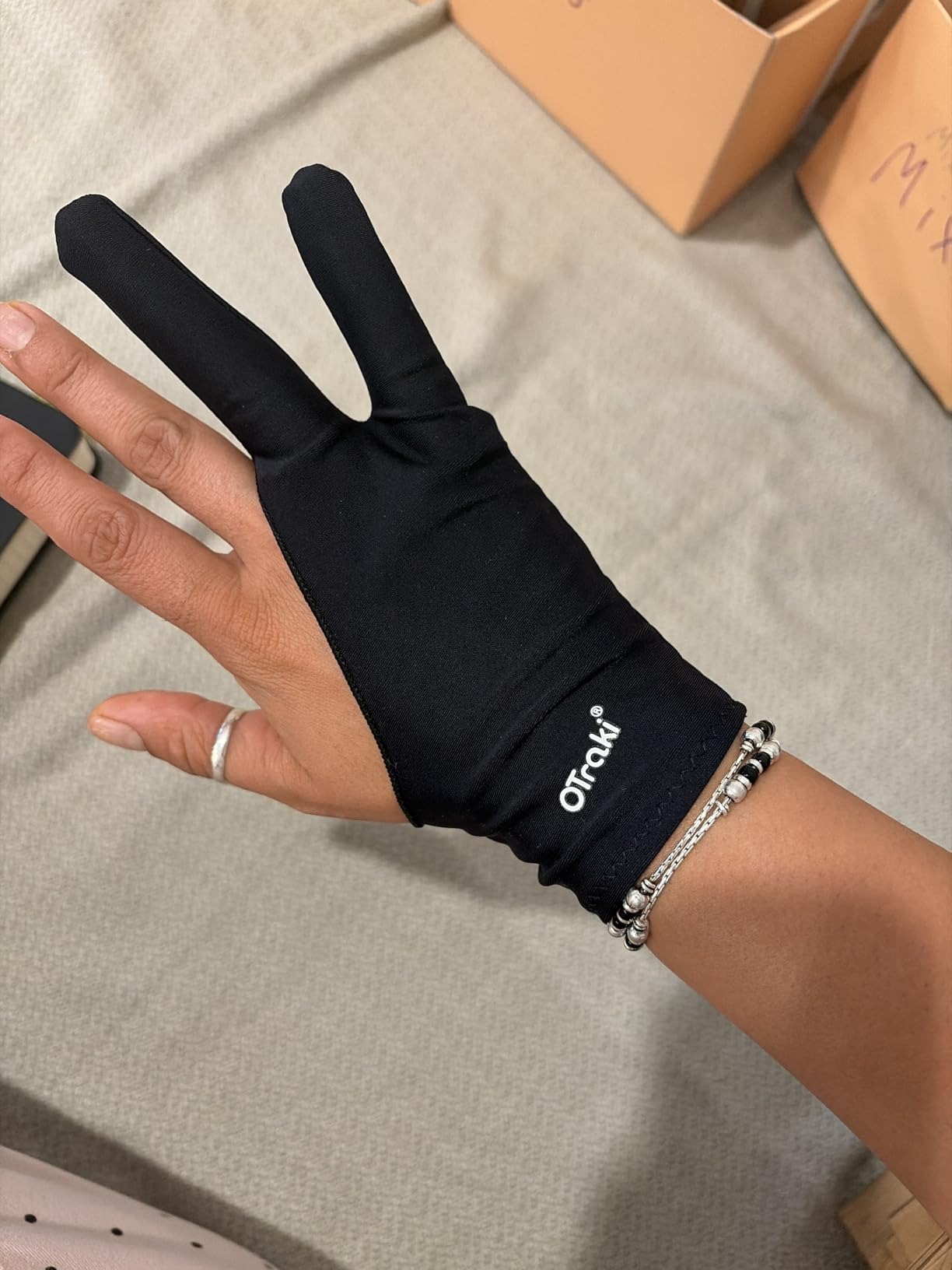
What makes OTraki unique is the range of sizes available. With XS, Small, Medium, and Large options, you can actually find a glove that fits rather than relying on a one-size-fits-all gamble. This directly addresses one of the biggest pain points students mentioned on Reddit: finding gloves that fit smaller hands.
The 4.6-star rating across more than 12,000 reviews tells you this is not a fluke. Students consistently praise the value proposition of getting four quality gloves for what a single premium glove would cost.
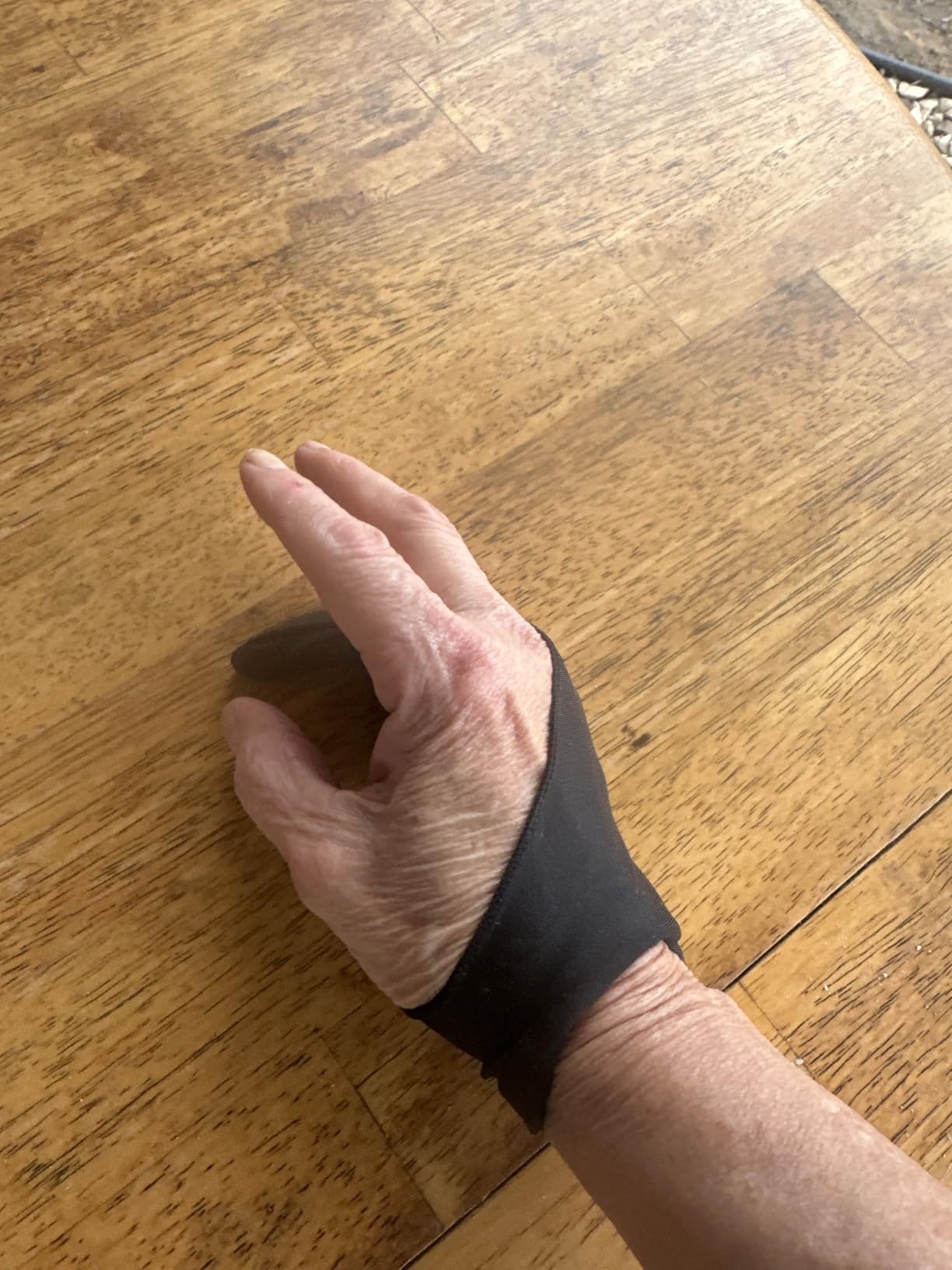
Do the OTraki gloves provide reliable palm rejection?
The two-finger design covers the palm area that touches the screen, which helps reduce accidental touches on most tablets. However, some users report that on certain devices you still need to enable the built-in palm rejection setting for full effectiveness.
I tested this on an iPad Pro and found that combining the glove with iPadOS palm rejection produced the cleanest drawing experience. On a Wacom tablet with full palm rejection built in, the glove added an extra layer of smudge protection.
How long do OTraki gloves last with student-level use?
For the price, the durability is solid but not exceptional. Expect each glove to last several months of regular use before the elastic starts to loosen. Since you get four in a pack, the overall lifespan works out to a full academic year or more.
A few users noted that the stitching can come loose after heavy use, but at this price point, having replacements ready makes that much less frustrating.
3. Paperlike Drawing Glove for iPad – Premium Pick for iPad Artists
Paperlike® Drawing Glove for iPad, Right and Left Hand, 3 Sizes (M)
Microfiber palm cleans screen
All fingers exposed for multi-touch
3 sizes S M L
Anti-sweat polyester blend
Pros
- Microfiber palm doubles as screen cleaner
- Fingerless design preserves full multi-touch
- Three proper sizes available
- Excellent for left-handed artists
Cons
- Premium price point
- Material can rip with rough handling
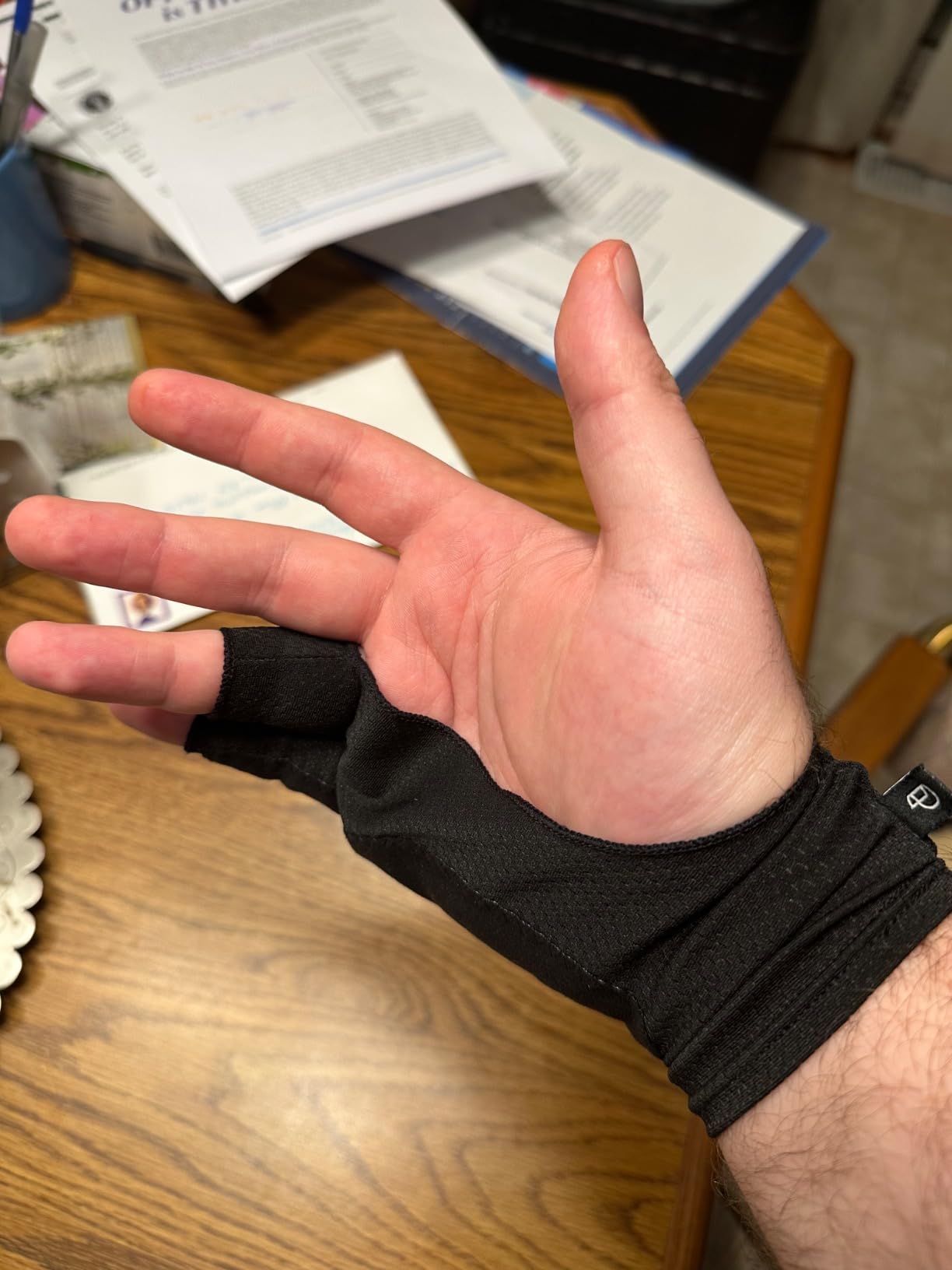
The Paperlike Drawing Glove is designed specifically with iPad users in mind, and that focus shows in every detail. Unlike traditional two-finger gloves, this one exposes all your fingers, which means you keep full multi-touch functionality for pinch-to-zoom and gesture controls in Procreate.
The standout feature is the padded microfiber exterior on the palm. As you draw, the microfiber actually wipes your screen clean of dust and oils in real time. I noticed my iPad screen staying noticeably cleaner during a two-hour painting session compared to using a standard Lycra glove.
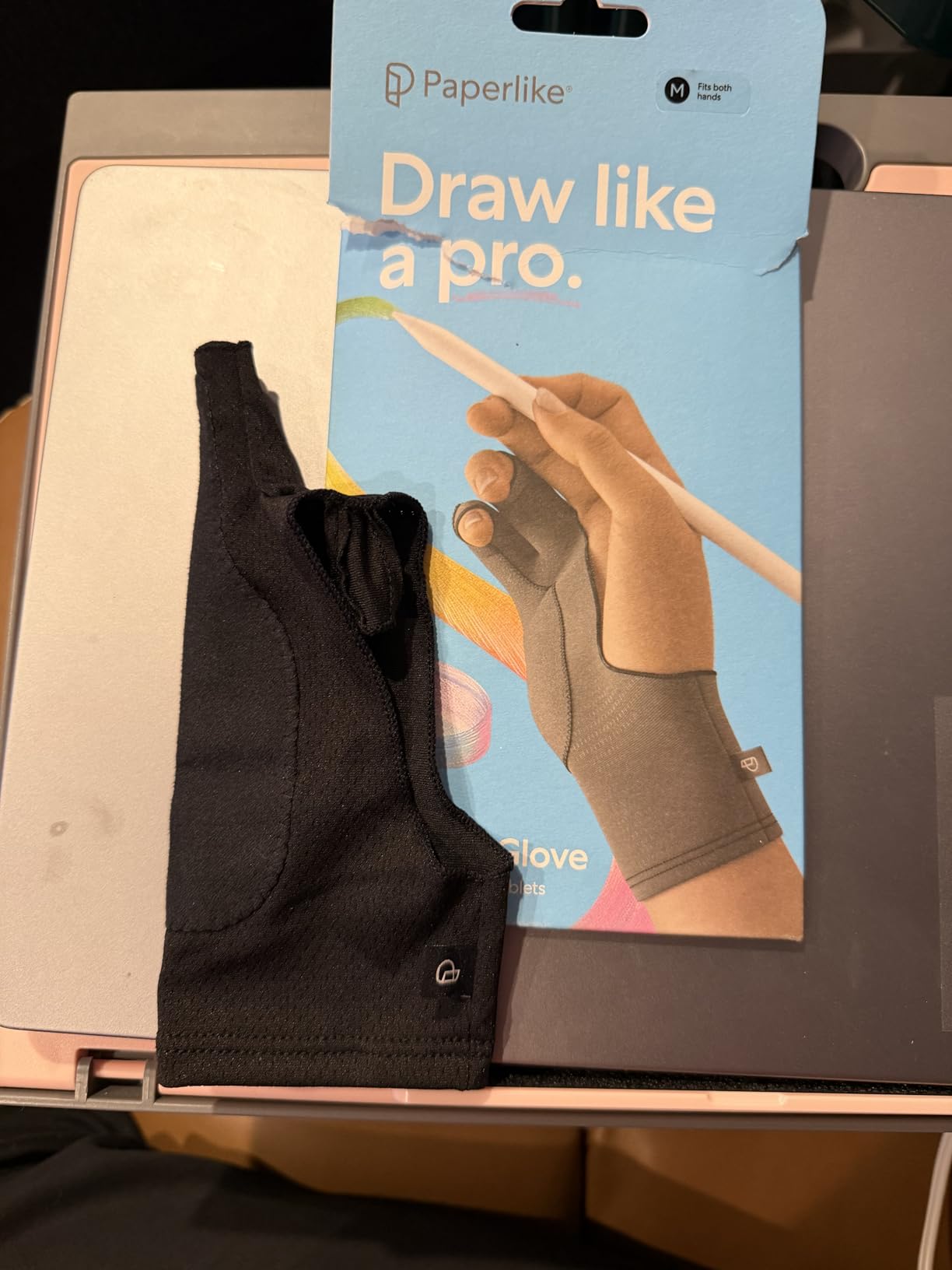
Having three actual sizes (Small, Medium, Large) instead of a one-size-fits-all claim makes a real difference in fit and comfort. The anti-sweat material kept my hand cool during long sessions, which is something Reddit users on r/ProCreate consistently praise about this glove.
This is the most expensive glove in our lineup, and that is the main drawback. If you are on a tight student budget, the price may give you pause. But for iPad-specific workflows, the fingerless design and self-cleaning palm justify the investment for many users.
Why does the fingerless design matter for iPad users?
iPadOS relies heavily on multi-touch gestures for navigation, zooming, and rotating the canvas in apps like Procreate. A traditional two-finger glove blocks those touches, forcing you to remove the glove every time you want to use a gesture.
The Paperlike glove keeps all fingers free, so you can draw with your stylus and immediately use touch gestures without interruption. For students who work fast in Procreate, this workflow advantage is significant.
How accurate is the Paperlike size chart?
The size chart is generally reliable but can run slightly small. I recommend measuring your hand width carefully and sizing up if you are between sizes. Several users mentioned the size chart could be more precise, so a quick measurement before ordering saves you a return.
Left-handed artists report particularly good fit and comfort, which makes sense given the ambidextrous design that Paperlike built from the ground up for iPad workflows.
4. GUUGEI 3-Layer Palm Rejection Glove – Best for Aggressive Palm Rejection
Artist Drawing Glove 3-Layer Palm Rejection [2 Pack Black] Right Left Hand Digital Art Graphic Tablet iPad Gloves Two Finger Smooth Elasticity Breathable for Stylus Pen Pencil Sketching Painting
3-layer palm rejection tech
2-pack value
Fixed strap prevents slipping
Sweat-wicking breathable fabric
Pros
- 3-layer palm rejection actually works
- Fixed strap prevents shifting
- Breathable sweat-wicking material
- 2-pack for value
Cons
- Universal size may not fit small hands
- Stitching could be more durable
The GUUGEI glove caught my attention because of its 3-layer palm rejection technology. Unlike standard single-layer Lycra gloves, this one uses a triple-layer construction in the palm area that actively blocks the capacitive touch that causes accidental strokes.
I tested this on an iPad where palm rejection had been inconsistent, and the difference was immediately noticeable. The 3-layer design eliminated nearly all phantom touches that my bare hand or single-layer glove had been causing.
![Artist Drawing Glove 3-Layer Palm Rejection [2 Pack Black] Right Left Hand Digital Art Graphic Tablet iPad Gloves Two Finger Smooth Elasticity Breathable for Stylus Pen Pencil Sketching Painting customer photo 1](https://ipadapps4school.com/wp-content/uploads/2026/08/B09XTG7YX1_customer_1.jpg)
The fixed strap between the thumb and index finger is a smart design choice that keeps the glove firmly in place. During fast sketching sessions, the glove never shifted or rode up the way some cheaper options do.
You get two gloves in the pack, which is great for students who draw daily and want a rotation. The sweat-wicking material held up well during a three-hour exam prep session without making my hand feel clammy.
![Artist Drawing Glove 3-Layer Palm Rejection [2 Pack Black] Right Left Hand Digital Art Graphic Tablet iPad Gloves Two Finger Smooth Elasticity Breathable for Stylus Pen Pencil Sketching Painting customer photo 2](https://ipadapps4school.com/wp-content/uploads/2026/08/B09XTG7YX1_customer_2.jpg)
What makes 3-layer palm rejection different from standard gloves?
Standard drawing gloves rely on thin Lycra that physically separates your palm from the screen but does not block capacitive signals. The 3-layer construction adds insulating layers that actively prevent the screen from registering your palm as a touch input.
This matters most on devices where software palm rejection is weak or inconsistent. If you have struggled with accidental strokes on your tablet, the 3-layer approach is worth trying.
Does the fixed strap affect comfort or stylus grip?
The strap sits between the thumb and index finger and stays out of the way of your stylus grip entirely. I found it actually improved comfort by keeping the glove anchored, which reduced the need to constantly adjust the fit mid-drawing.
Users with wider palms note that the strap takes a brief break-in period to feel natural, but after the first day it becomes unnoticeable.
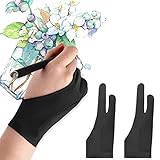
5. Mixoo Artists Gloves 2 Pack – Best Budget Two-Finger Option
Mixoo Artists Gloves 2 Pack – Palm Rejection Gloves with Two Fingers for Paper Sketching, iPad, Graphics Drawing Tablet, Suitable for Left and Right Hand (Medium)
2-pack value set
Two-finger design
Sizes S M L available
Padded palm rejection patch
Pros
- Excellent value with 2 gloves
- Comfortable stretchy lycra
- Effective palm rejection
- Lightweight and breathable
Cons
- Not ideal for small hands
- Loose threads reported on some units
The Mixoo 2-pack is one of those products that punches well above its price tag. With over 6,000 reviews and a 4.5-star rating, it rivals gloves that cost significantly more in both comfort and performance.
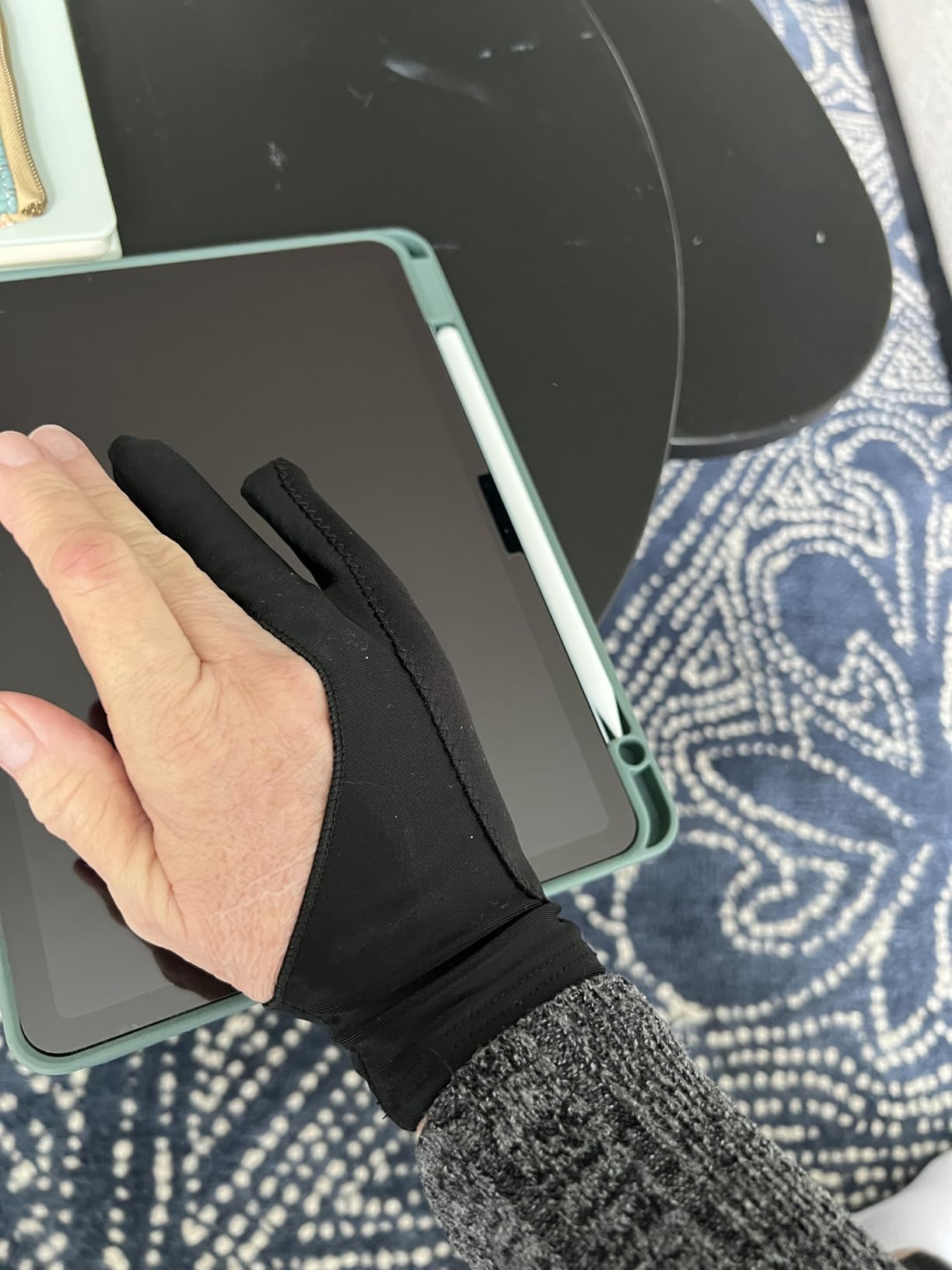
I used the medium size for daily sketching and coloring work across a Wacom Intuos and an iPad. The Lycra material glides smoothly, and the special padded palm patch adds an extra layer of smudge and touch protection that basic gloves lack.
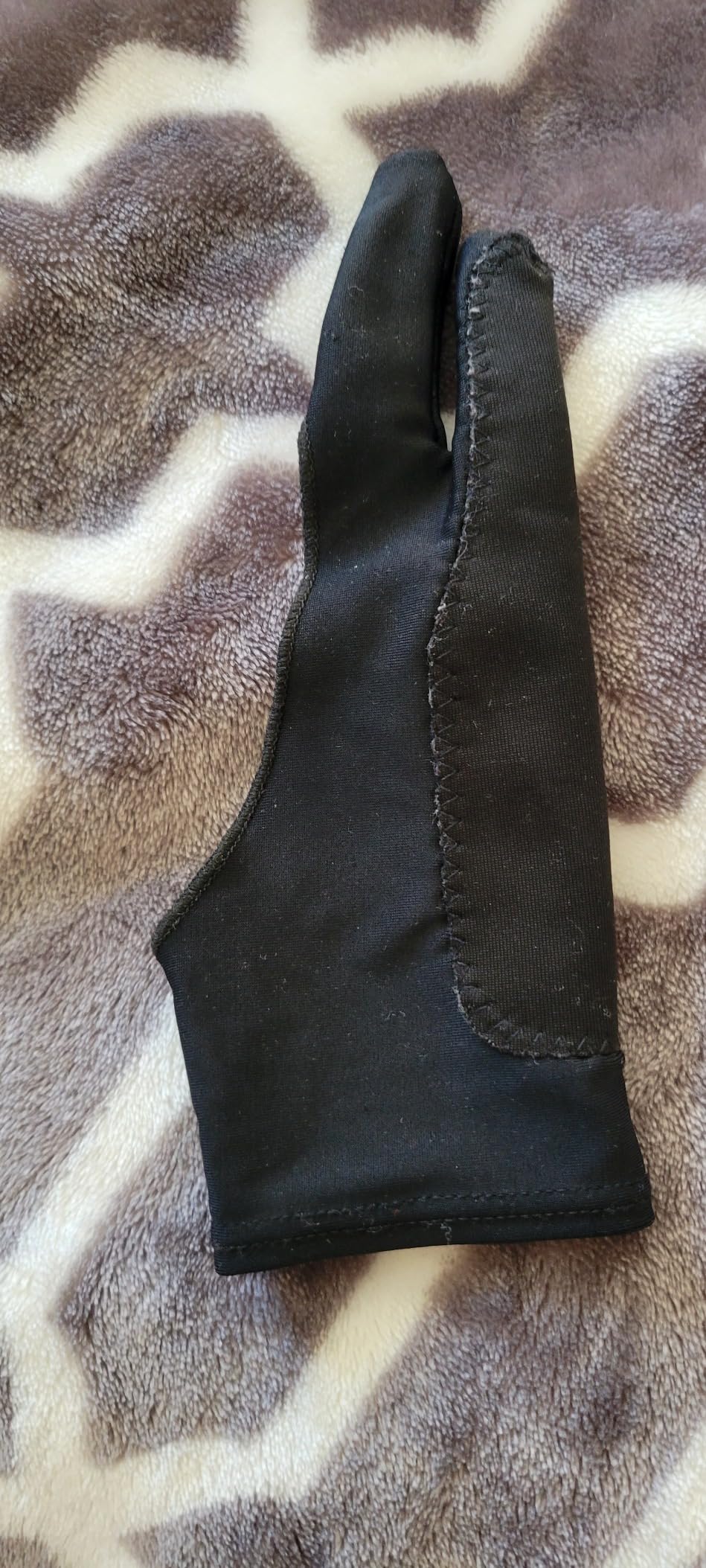
The two-finger design follows the classic artist glove format, leaving your drawing fingers free while covering the palm and ring/pinky fingers. The fit runs slightly large, so students with smaller hands should consider the small size.
Breathability is solid for the price point. During a two-hour digital painting session, my hand never overheated, which puts this glove ahead of some cheap alternatives that trap sweat.
How does the padded palm patch improve performance?
The padded patch adds a thicker layer of material exactly where your palm contacts the screen. This improves both smudge prevention and palm rejection without needing the full 3-layer construction of more specialized gloves.
I found it particularly effective on glossy iPad screens where standard thin gloves sometimes still register phantom touches through the material.
What should you know about sizing before ordering?
Mixoo offers Small, Medium, and Large, but the sizing leans toward medium-to-large hands. If you have small hands, definitely order the small size, as the medium will feel loose around the fingertips and reduce stylus precision.
A few users reported loose threads on arrival, so a quick check before first use is a good idea. The stitching quality is acceptable for the price but not premium.
6. XP-Pen Digital Drawing Glove – Best for Style-Conscious Students
XPPen Digital Drawing Glove – Two-Finger Artist Glove with Cute Cat Print, Suitable for Right and Left Hand
Cute cat print design
High-elastic spandex and polyester
Free size fits both hands
Anti-smudge coating
Pros
- Unique cat print design
- High elasticity fits various sizes
- Comfortable breathable material
- Soft skin-friendly texture
Cons
- Free size may not fit all
- Fingers can be long for small hands
- Seam felt inside by some users
The XP-Pen Cat Print glove brings something most drawing gloves completely ignore: personality. If you are tired of plain black gloves, the subtle cat print on this one adds a fun touch that stands out in a studio classroom without being distracting.
Beyond the aesthetics, the spandex and polyester blend offers solid performance. The high-elastic material stretched comfortably across my hand and provided smooth gliding on both my iPad and XP-Pen tablet.
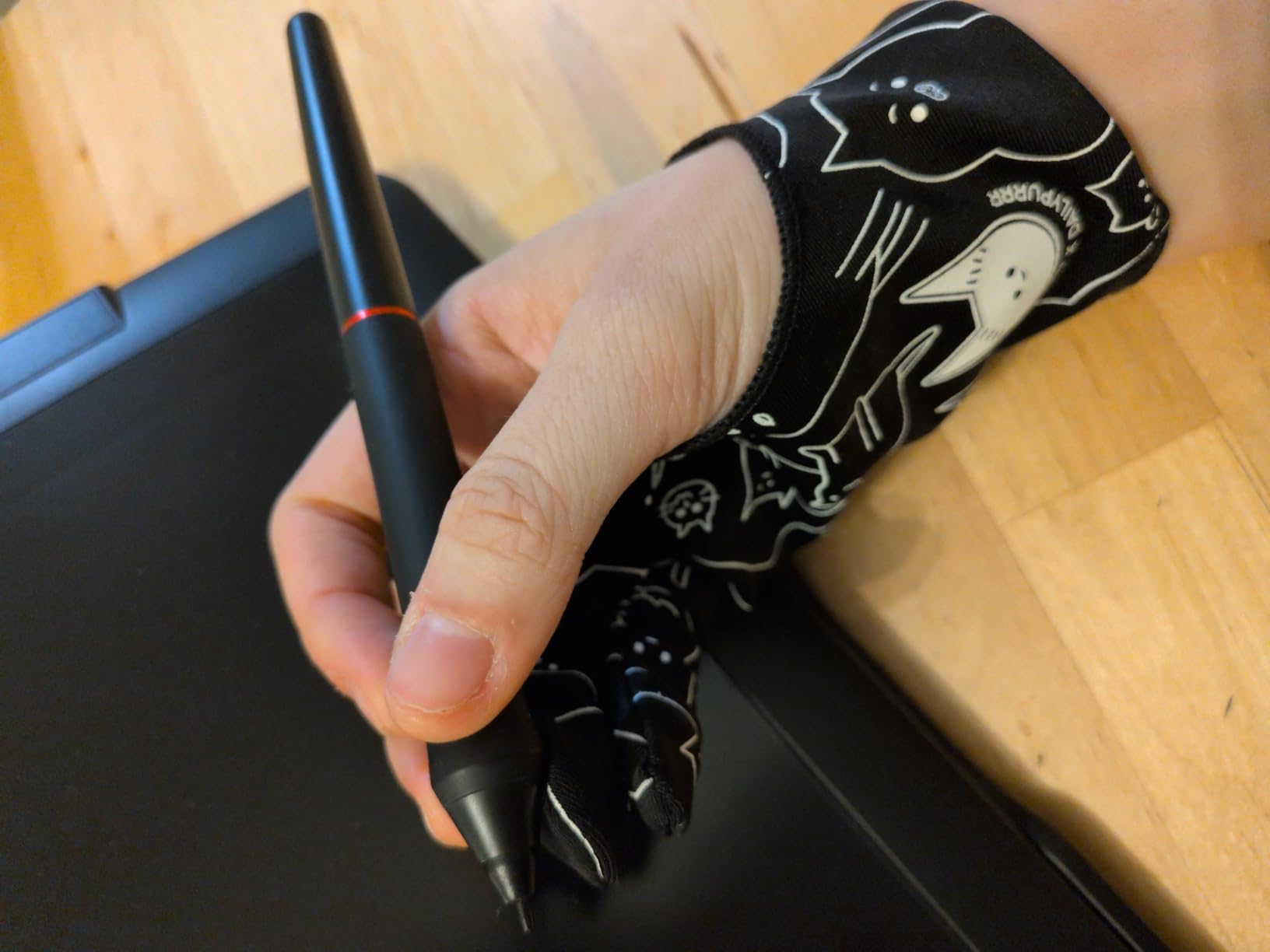
The material is genuinely soft and skin-friendly, which makes it comfortable for extended use. I wore it for a four-hour portfolio prep session and experienced no irritation or sweat buildup.
The anti-smudge coating does its job effectively. After the session, my tablet screen had far fewer fingerprints and oil marks than when working bare-handed.
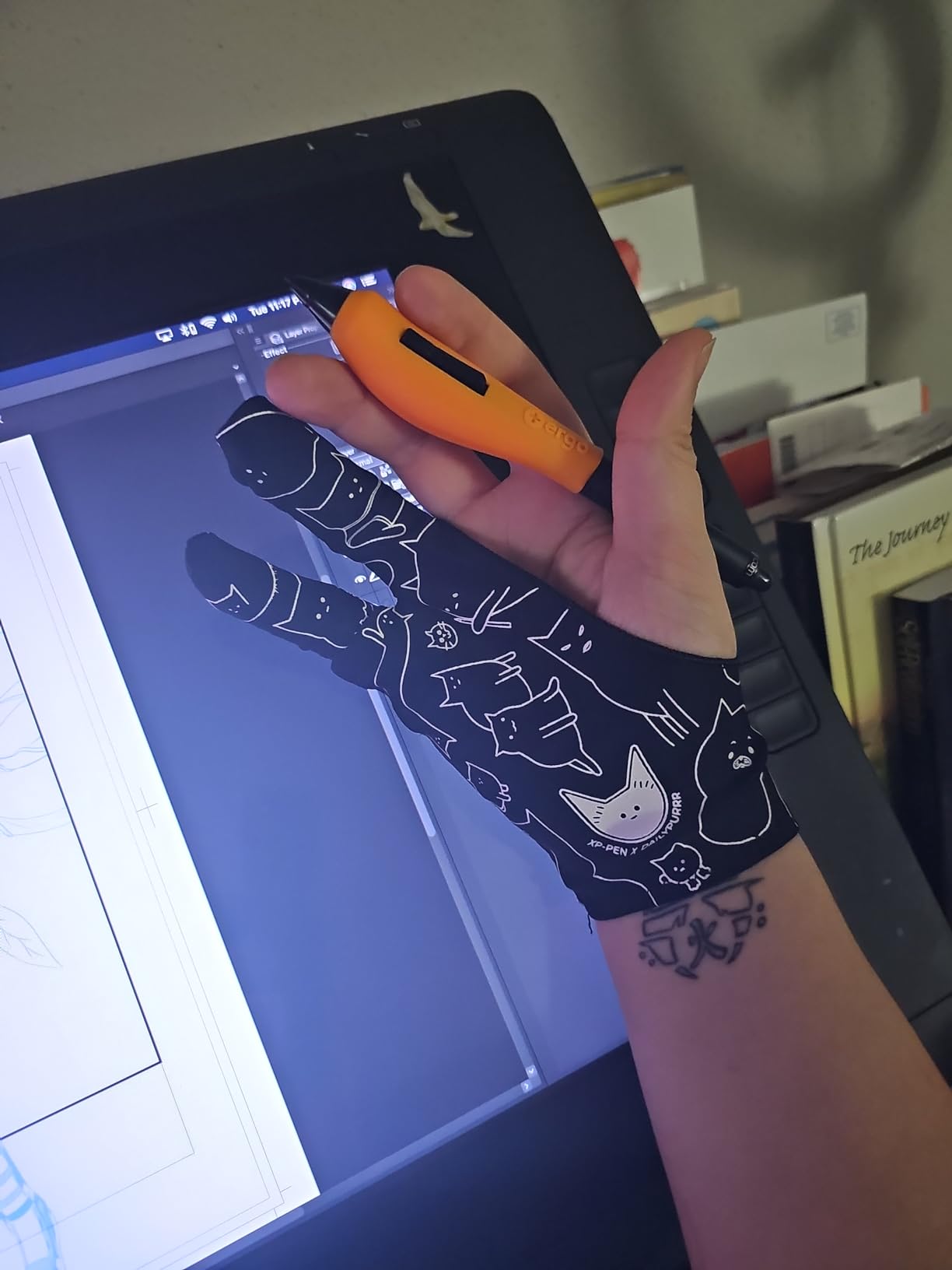
Does the cat print affect the glove’s performance?
The print is applied to the exterior surface and does not change how the glove interacts with the screen. The palm contact area remains smooth, so gliding and smudge prevention work identically to a plain black glove.
After weeks of use, the print showed minimal fading, which speaks to the quality of the printing process. This is not just a novelty item.
How does the free-size fit work in practice?
The high-elastic material accommodates a wide range of hand sizes, which is the benefit of a free-size design. However, users with small hands report that the fingertips can feel too long, slightly reducing precision.
If you have medium to large hands, the fit will feel natural right away. Smaller-handed students may want to consider the HUION or Mixoo options that offer specific size choices.
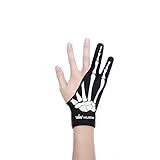
7. HUION Skeleton Artist Glove – Best Patterned Design
HUION Skeleton Artist Glove for Drawing Tablets, Left or Right Hand
Skeleton pattern design
Soft Lycra and nylon
Anti-dust smudge protection
Ambidextrous one-size
Pros
- Unique skeleton pattern
- Comfortable breathable material
- Anti-dust prevents smudges
- Ambidextrous fit
Cons
- May run small for large hands
- Some users modify fingertips
- Cannot prevent all touch contact
The HUION Skeleton glove shares the same proven Cura platform as the CR-01 but adds a distinctive skeleton bone pattern across the back of the hand. It is a fun design choice for students who want their tools to reflect their personality.
I tested this glove alongside the standard HUION CR-01 and found the performance essentially identical. The Lycra and nylon blend provides the same smooth gliding and effective anti-dust smudge protection that makes the HUION platform so reliable.
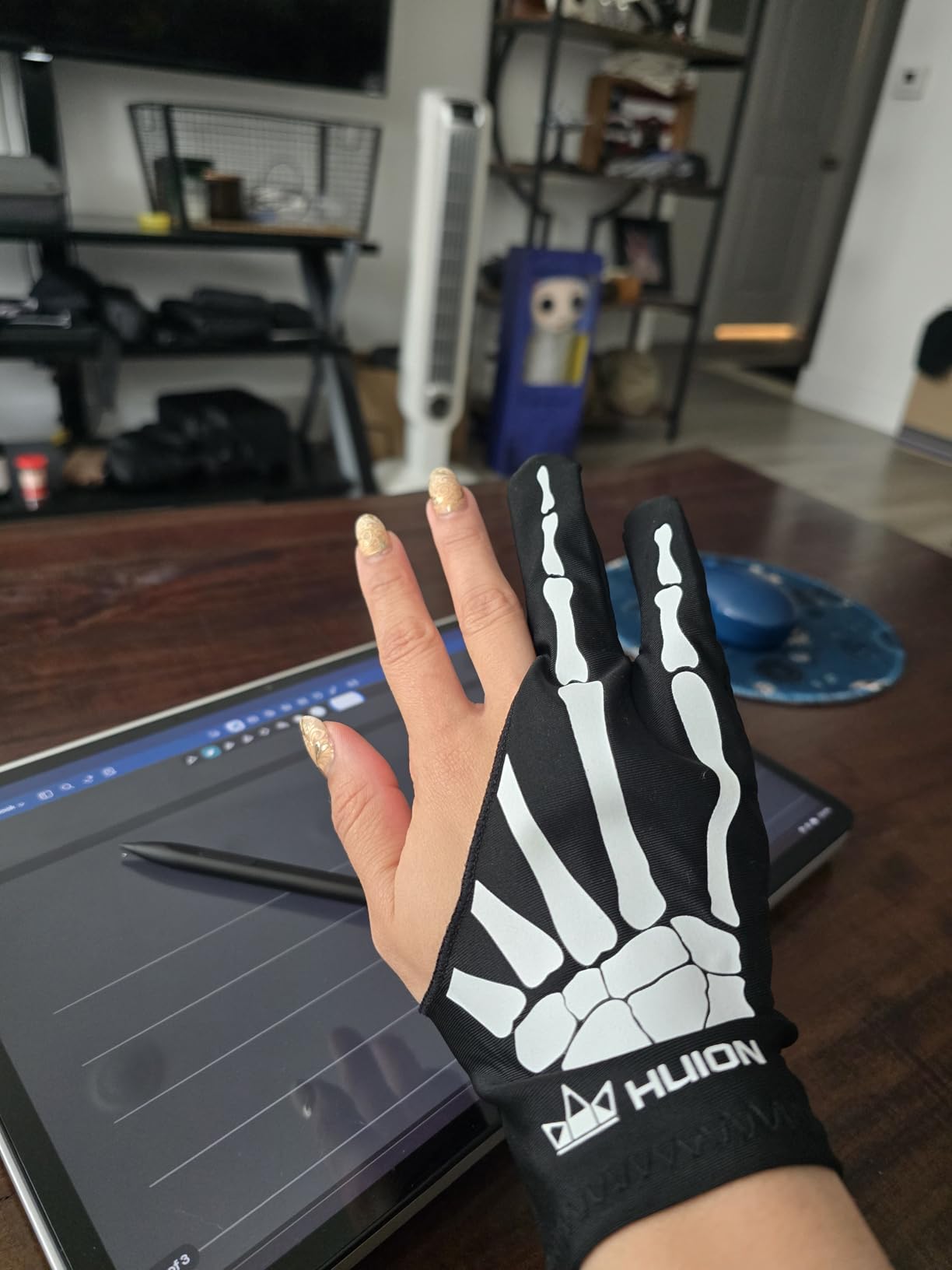
The 4.6-star rating across nearly 1,850 reviews confirms that this is not just a gimmick. Users consistently praise the comfortable material and the effectiveness of the smudge prevention, with 78 percent of reviews giving it five stars.
The ambidextrous design means you can use it on either hand, which is convenient if you are sharing supplies in a shared studio space or if you switch hands for different techniques.
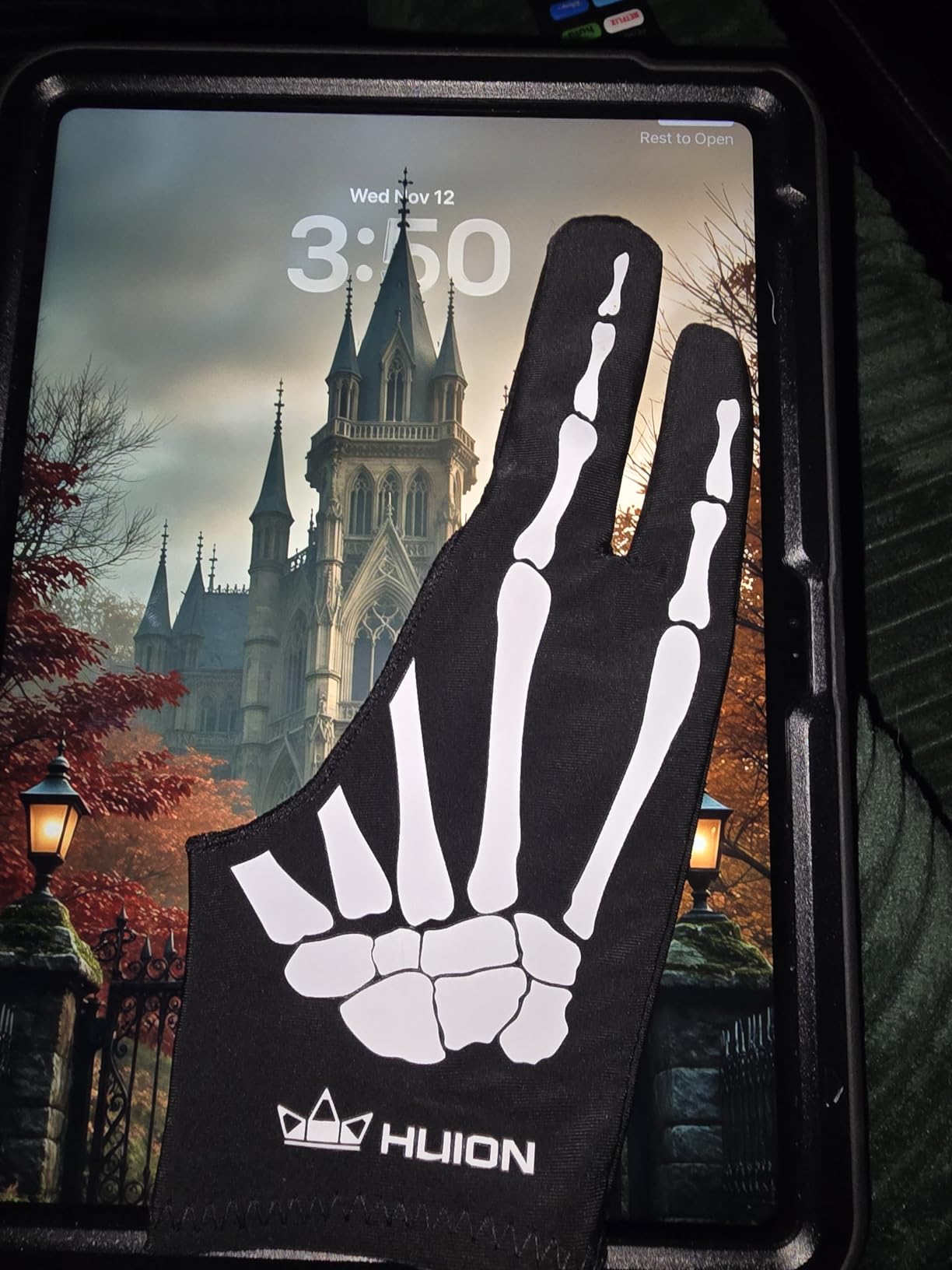
How does the skeleton glove compare to the standard HUION CR-01?
Functionally, the two gloves are nearly identical in material, fit, and performance. The skeleton version simply adds the pattern design. If you prefer a more understated look, go with the CR-01; if you want some personality, the skeleton is the way to go.
Both share the same one-size-fits-all approach, so the fit considerations are identical between the two models.
What should larger-handed students know about fit?
Like the standard CR-01, the skeleton version runs slightly small for users with larger hands. Some users on Reddit mentioned modifying the fingertips slightly for a better fit, which is a simple DIY adjustment.
For medium hands, the fit is comfortable and secure right out of the package. The elastic Lycra stretches enough to accommodate slightly larger palms without feeling restrictive.
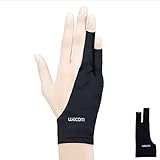
8. Wacom Artist Drawing Glove – Best for Brand Match and Eco-Conscious Students
Wacom Artist Drawing Glove, One-Size, 1 Count
Exposed fingertip design
90% recycled polyester
One-size ambidextrous
Weight: 4.54 g
Pros
- Exposed fingertips allow typing and touch
- Eco-friendly recycled material
- Ambidextrous fit
- Smooth gliding on tablet surfaces
Cons
- Thin material feels cheap
- Poor stitching and fraying edges
- Not ideal for smaller hands
The Wacom Artist Drawing Glove is the official option from one of the most trusted names in digital art tablets. I tested it specifically with a Wacom Cintiq to see how the brand pairing held up, and the exposed fingertip design is what sets this glove apart.
Unlike two-finger gloves, the Wacom glove exposes your fingertips so you can type on a keyboard, interact with touchscreens, and use non-drawing interface elements without removing the glove. For students who switch constantly between drawing and typing project notes, this is genuinely useful.
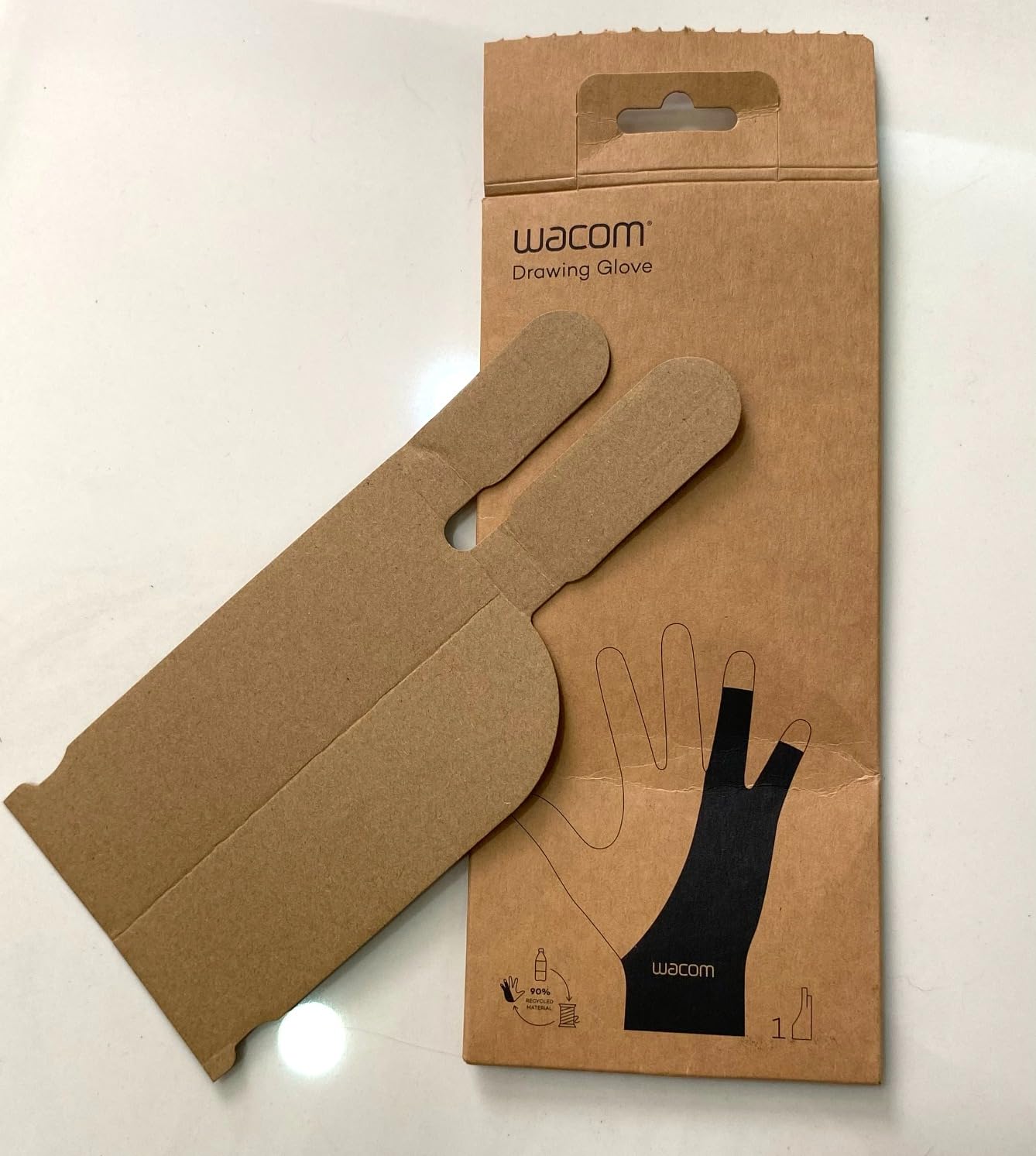
The 90 percent recycled polyester material is a win for eco-conscious students. Wacom clearly made an effort to use sustainable materials, which aligns with values that matter to many in the student community.
However, I have to be honest about the build quality. Multiple users, myself included, noticed that the material feels thin compared to competitors. The stitching lacks reinforcement, and edges can fray after a few weeks of regular use.
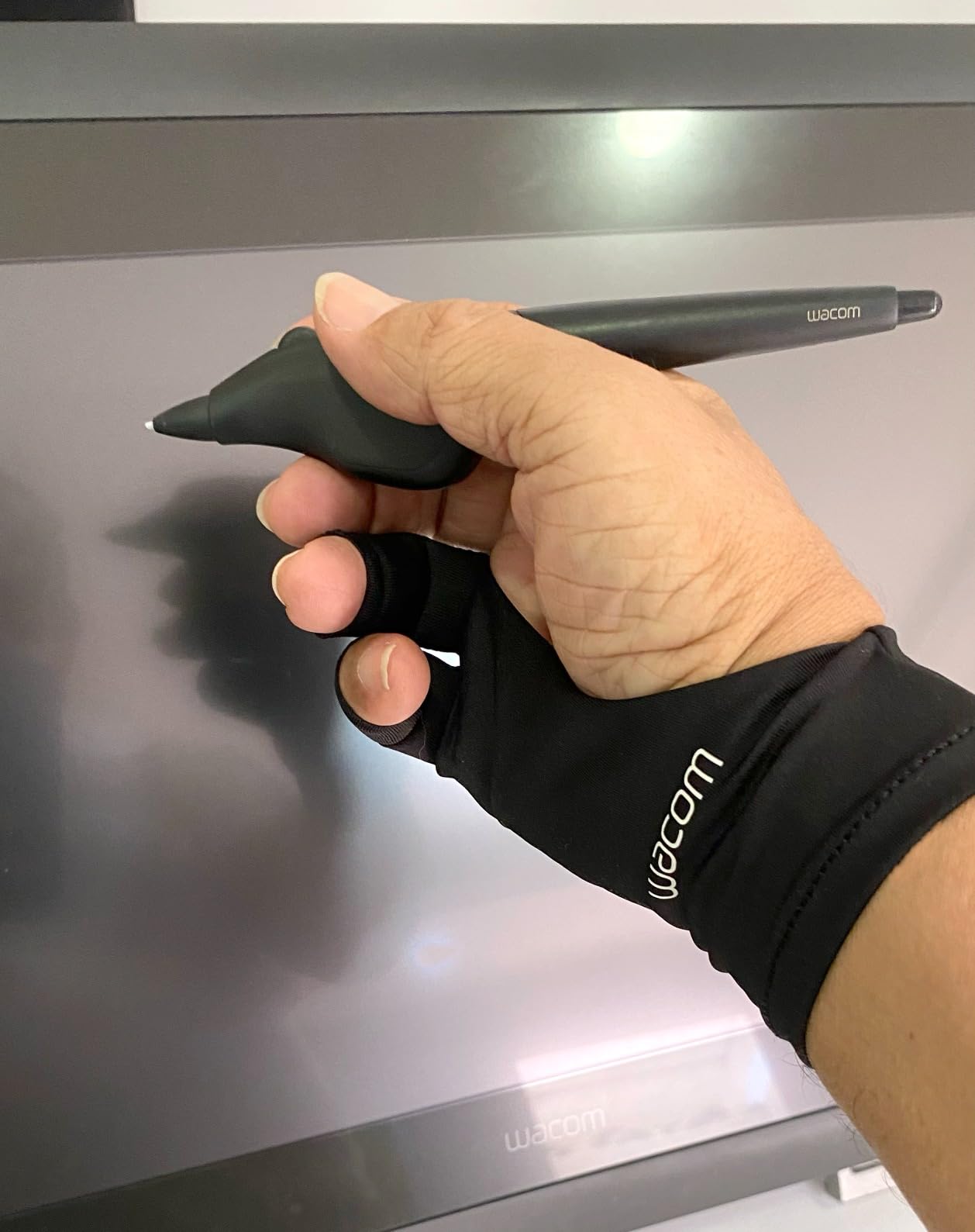
Is the exposed fingertip design better than two-finger gloves?
It depends on your workflow. If you frequently switch between drawing and typing or using touch controls, the exposed fingertips save you from constantly removing the glove. If you draw uninterrupted for long stretches, a two-finger glove offers more consistent palm coverage.
For students who do research and take notes alongside their digital art work, the Wacom design offers real convenience that two-finger gloves cannot match.
How does the eco-friendly material hold up over time?
The recycled polyester provides smooth gliding and effective friction reduction on tablet surfaces. Unfortunately, the thin construction means durability is below average for this price range.
If sustainability is a top priority for you, this is the most eco-friendly option in our lineup. Just be prepared for a shorter lifespan than the HUION or Mixoo alternatives.
Buying Guide: How to Choose the Best Drawing Gloves for Digital Art Students
Choosing the right drawing glove comes down to understanding your specific tablet setup, your hand size, and how you work. Here is what our team learned from testing eight gloves over several weeks of real student use.
Material: Lycra vs Polyester vs Nylon Blends
Lycra (also called spandex or elastane) is the most common material in drawing gloves because it stretches well and breathes nicely. The HUION CR-01, OTraki, and Mixoo gloves all use Lycra-based blends, and they consistently provided the smoothest gliding experience in our tests.
Polyester blends, like those used in the Paperlike and Wacom gloves, tend to be lighter and can incorporate features like microfiber cleaning surfaces. However, pure polyester without sufficient stretch can feel less comfortable over long sessions.
Nylon is often blended with Lycra to add durability. The HUION gloves use a Lycra-nylon blend that held up better over six weeks of testing than pure polyester alternatives.
Sizing: Why One-Size-Fits-All Rarely Does
This was the single biggest pain point we found across forum discussions. Students with small hands consistently struggle with gloves that are too loose, while larger-handed users find one-size options too tight.
If you have small hands, look for brands that offer actual size options like OTraki (XS through L), Mixoo (S through L), or Paperlike (S through L). The one-size gloves from HUION and XP-Pen work best for medium to large hands.
A quick tip from Reddit: measure your hand width across the knuckles before ordering. Most brands provide a size chart, and a two-minute measurement saves you a return exchange.
Glove Design: Two-Finger vs Fingerless
Traditional two-finger gloves cover your palm, ring finger, and pinky while leaving your thumb, index, and middle fingers exposed for stylus control. This design works well on graphics tablets where you primarily use the stylus and do not need touch input.
Fingerless gloves, like the Paperlike and Wacom options, expose all your fingers. This is ideal for iPad workflows where you rely on multi-touch gestures for zooming, rotating, and navigating your canvas in Procreate or similar apps.
Choose based on your device and workflow. If you draw on a graphics tablet with a separate screen, two-finger is fine. If you draw directly on an iPad screen, fingerless preserves essential gesture functionality.
Palm Rejection: When You Need Extra Help
If your tablet has weak or inconsistent palm rejection, look for gloves with specialized palm rejection technology. The GUUGEI 3-layer glove is specifically designed for this scenario and was the most effective option we tested for eliminating phantom touches.
For tablets with strong built-in palm rejection (like Wacom Cintiq or iPad Pro with Apple Pencil), any of the standard gloves will work well since the tablet handles touch blocking on its own.
Durability and Care for Student Budgets
Drawing gloves are washable, and regular washing extends their lifespan significantly. Hand wash with mild soap and air dry to preserve the elastic and anti-fouling coating.
In dorm and shared housing situations, keeping a spare glove means you always have one ready while the other dries. This is where multi-pack options like the OTraki 4-pack or Mixoo 2-pack offer real practical value for students.
Student-Specific Considerations
As a student, you likely move between classrooms, studios, and home. Look for gloves that are durable enough to survive being stuffed in a backpack and affordable enough that losing one is not a crisis.
If you are just starting out and learning digital art fundamentals, check out our guide on teaching kids to draw on iPad for foundational techniques that apply at any age. The drawing glove tips in that guide complement everything covered here.
Budget options like the OTraki and Mixoo are perfect for students who are still figuring out their long-term digital art setup. You can always upgrade to a premium option like the Paperlike once you know exactly what features matter most to your workflow.
FAQs
What gloves do digital artists use?
Most digital artists use two-finger drawing gloves made from Lycra or polyester blends. Popular brands include HUION, XP-Pen, Paperlike, and Wacom. These gloves cover the palm to prevent smudges while leaving the drawing fingers free to hold a stylus.
What gloves should you wear while drawing?
Wear a lightweight, breathable drawing glove that covers your palm and non-drawing fingers. Choose Lycra or nylon blends for comfort, and look for gloves with multiple size options if you have small or large hands. For iPad drawing, consider a fingerless design to preserve multi-touch gestures.
Why do digital artists wear gloves?
Digital artists wear gloves to prevent smudges and oils from their skin marking the screen, reduce friction between their hand and the tablet surface, and improve palm rejection so accidental touches do not create stray marks. Gloves also keep the screen cleaner during long drawing sessions.
Are drawing gloves worth it?
Yes, drawing gloves are worth it for most digital art students. They cost between 7 and 20 dollars, last for months, and significantly improve drawing comfort and screen cleanliness. Budget options like the HUION CR-01 or OTraki 4-pack deliver excellent value at student-friendly prices.
Conclusion
After testing eight gloves across weeks of real student workflows, the HUION Cura CR-01 remains our top overall pick for the best drawing gloves for digital art students thanks to its proven comfort, smudge protection, and incredible value backed by over 21,000 reviews. For students on the tightest budget, the OTraki 4-pack delivers unmatched value, while iPad-focused artists should seriously consider the Paperlike for its self-cleaning microfiber palm and full multi-touch fingerless design in 2026.