
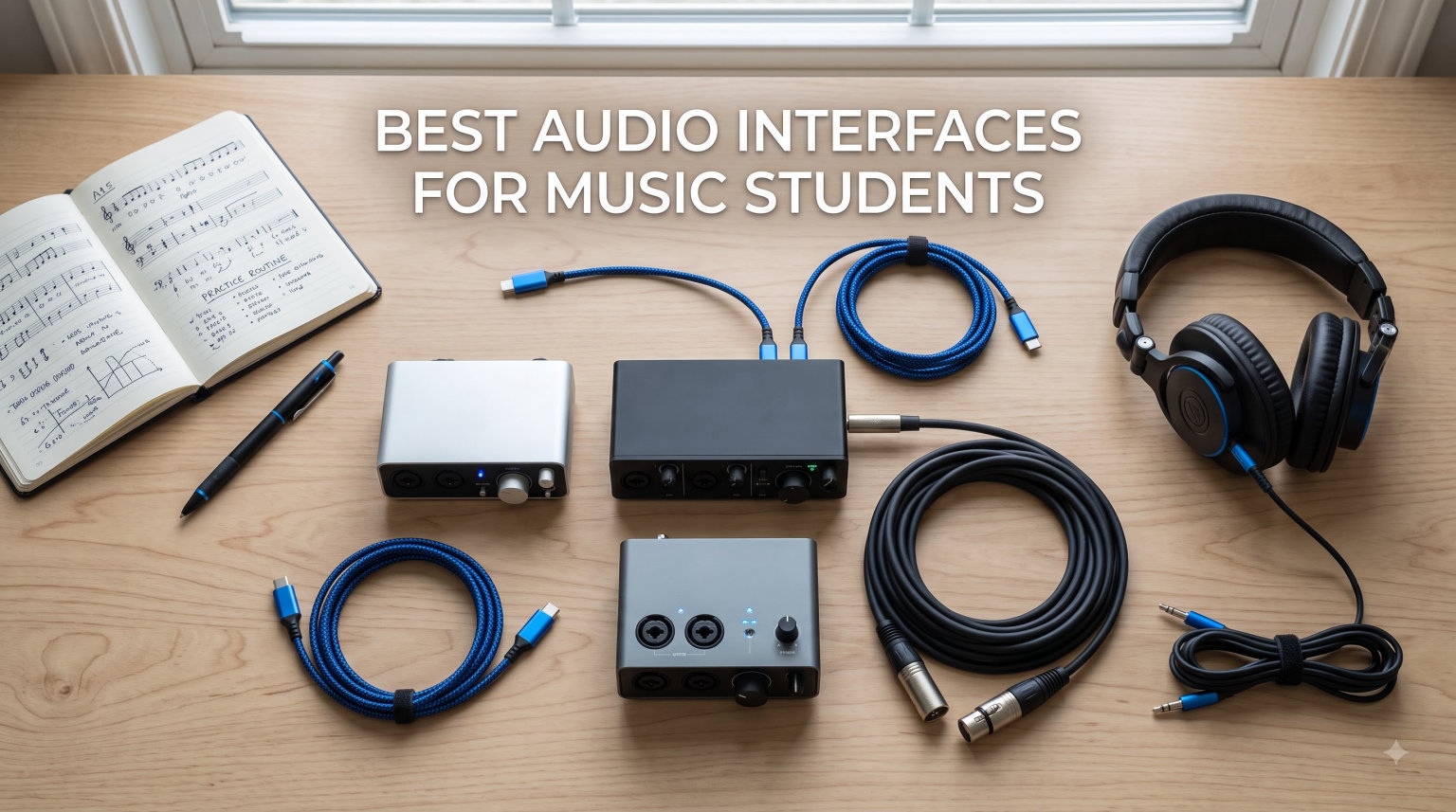
The best audio interfaces for music students in 2026 are the Focusrite Scarlett 2i2 4th Gen, Behringer U-Phoria UMC204HD, and M-Audio M-Track Duo. These USB audio interfaces deliver clean preamps, low latency, and DAW bundles that work for Mac, Windows, and iPad recording across every student budget.
As a music student, you need reliable gear that survives the commute between dorm, classroom, and practice room without eating your textbook budget. The right audio interface is the bridge between your microphone, instrument, and laptop. It turns analog signals into the clean digital audio your DAW needs.
Our team compared 15 of the most popular audio interfaces for music students in 2026, focusing on what actually matters in a school setting: preamp quality, iPad compatibility for mobile lessons, included software bundles that save you from buying a separate DAW, and durability for backpack transport. We pulled from Reddit threads in r/musicproduction and r/WeAreTheMusicMakers, hands-on user reviews, and lab-style spec comparisons to rank every option below.
What we found is that you do not need to spend a fortune to get studio-quality sound. Brands like Focusrite, Behringer, MOTU, Solid State Logic, and Universal Audio all make compelling options from around $50 up to $300. The key is matching the interface to your specific coursework, microphone, and computer setup. If you are recording solo vocals and guitar, a 2-input interface is plenty. If you want to track a small ensemble or drum kit, look at 4-input options like the Behringer UMC404HD or MOTU M4.
Below, you will find our top 3 quick picks, a full comparison table of all 15 interfaces, individual reviews with pros and cons, a student-focused buying guide, and answers to the most common questions from music students shopping for their first interface.
Table of Contents
Top 3 Picks for Best Audio Interfaces for Music Students

Focusrite Scarlett 2i2 4th Gen
- 120dB dynamic range
- Auto Gain and Clip Safe
- USB-C with 2 XLR combo inputs
These three cover the full student spectrum. The Scarlett 2i2 4th Gen is the gold standard that Reddit users call “the one to get.” The Behringer UMC204HD punches well above its weight with Midas preamps at half the price. The M-Audio M-Track Duo is the cheapest dual-input option that still delivers clean sound for voice and guitar recording.
Best Audio Interfaces for Music Students in 2026
| Product | Specifications | Action |
|---|---|---|
| Focusrite Scarlett 2i2 4th Gen |
|
Check Latest Price |
 Behringer UMC204HD Behringer UMC204HD |
|
Check Latest Price |
 M-Audio M-Track Duo M-Audio M-Track Duo |
|
Check Latest Price |
 Focusrite Scarlett Solo 3rd Gen Focusrite Scarlett Solo 3rd Gen |
|
Check Latest Price |
 M-Audio M-Track Solo M-Audio M-Track Solo |
|
Check Latest Price |
 Behringer U-PHORIA UM2 Behringer U-PHORIA UM2 |
|
Check Latest Price |
 Mackie Onyx Artist 1X2 Mackie Onyx Artist 1X2 |
|
Check Latest Price |
 MAONO PS22 Lite MAONO PS22 Lite |
|
Check Latest Price |
 PreSonus AudioBox 96 PreSonus AudioBox 96 |
|
Check Latest Price |
 PreSonus AudioBox GO PreSonus AudioBox GO |
|
Check Latest Price |
 Behringer UMC404HD Behringer UMC404HD |
|
Check Latest Price |
 Universal Audio Volt 2 Universal Audio Volt 2 |
|
Check Latest Price |
 SSL 2 MKII SSL 2 MKII |
|
Check Latest Price |
 MOTU M4 MOTU M4 |
|
Check Latest Price |
 Audient iD4 MKII Audient iD4 MKII |
|
Check Latest Price |
1. Focusrite Scarlett 2i2 4th Gen – Studio Sound With Auto Gain
Focusrite Scarlett 2i2 4th Gen USB-C Audio Interface
2 XLR combo inputs
120dB dynamic range
24-bit/192kHz
USB-C
Auto Gain and Clip Safe
Pros
- Exceptional 120dB dynamic range with flagship converters
- Auto Gain and Clip Safe prevent recording mishaps
- Rear-mounted XLR jacks for clean cable management
- Includes Pro Tools Intro+
- Ableton Live Lite
- Cubase LE
- Hitmaker Expansion
- 3-year manufacturer warranty
Cons
- Limited software utility on the interface itself
- No MIDI I/O without an adapter
- Windows users may need to download drivers manually
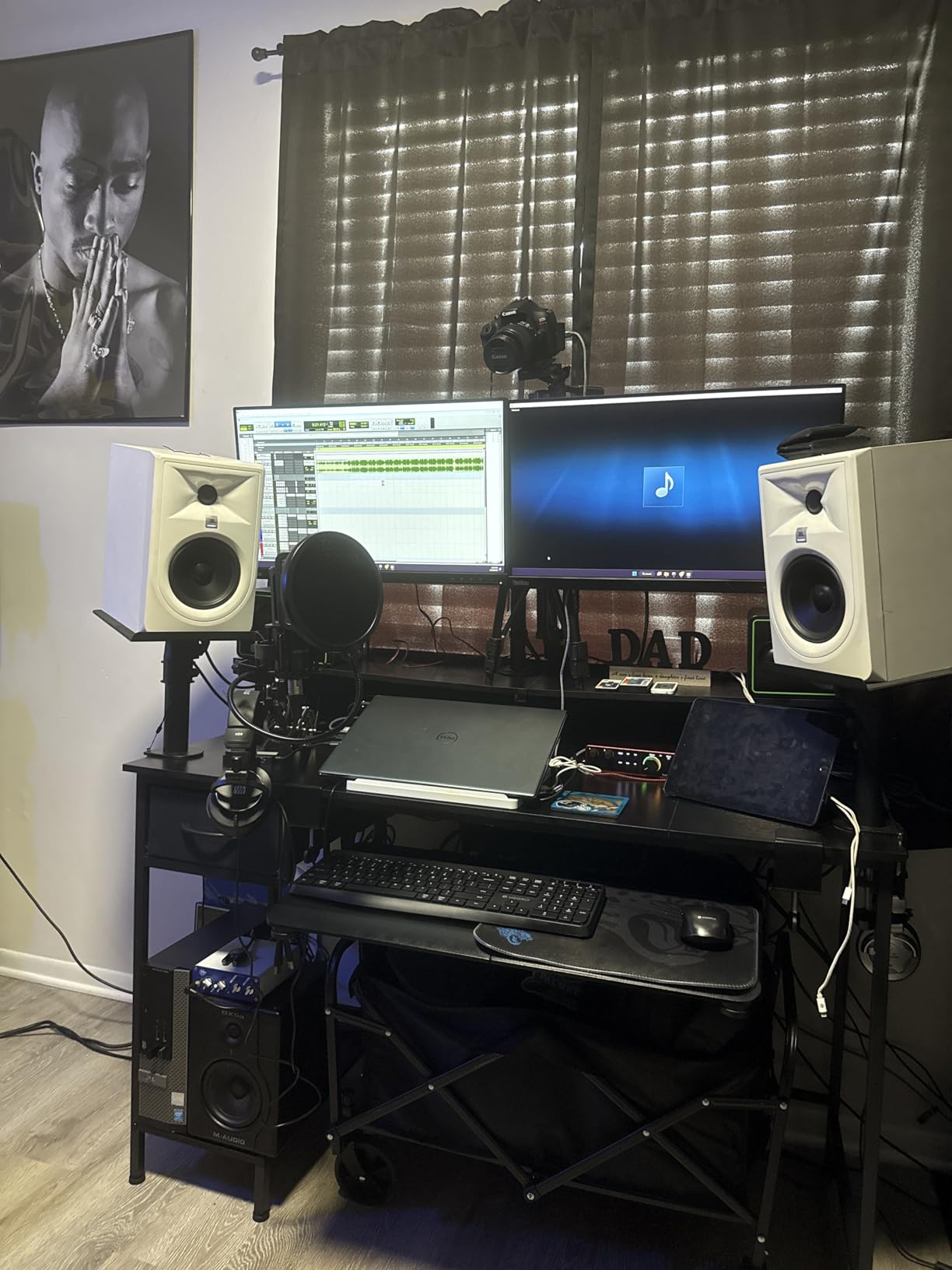
I picked up the Scarlett 2i2 4th Gen as an upgrade from the 3rd Gen, and the first thing I noticed was how much cleaner my desktop setup looked. Focusrite moved the XLR jacks to the rear of the unit, which means cables route behind the interface instead of dangling across the front. For a cramped dorm desk, that alone is a meaningful upgrade.
The real star is the audio quality. The 4th Gen uses the same converters found in Focusrite’s flagship RedNet interfaces used in professional studios. With a 120dB dynamic range, you get clean recordings with plenty of headroom, even if your microphone technique is still developing. I tested it with a condenser mic on vocals and an acoustic guitar direct in, and both came through with clarity I did not expect at this price.
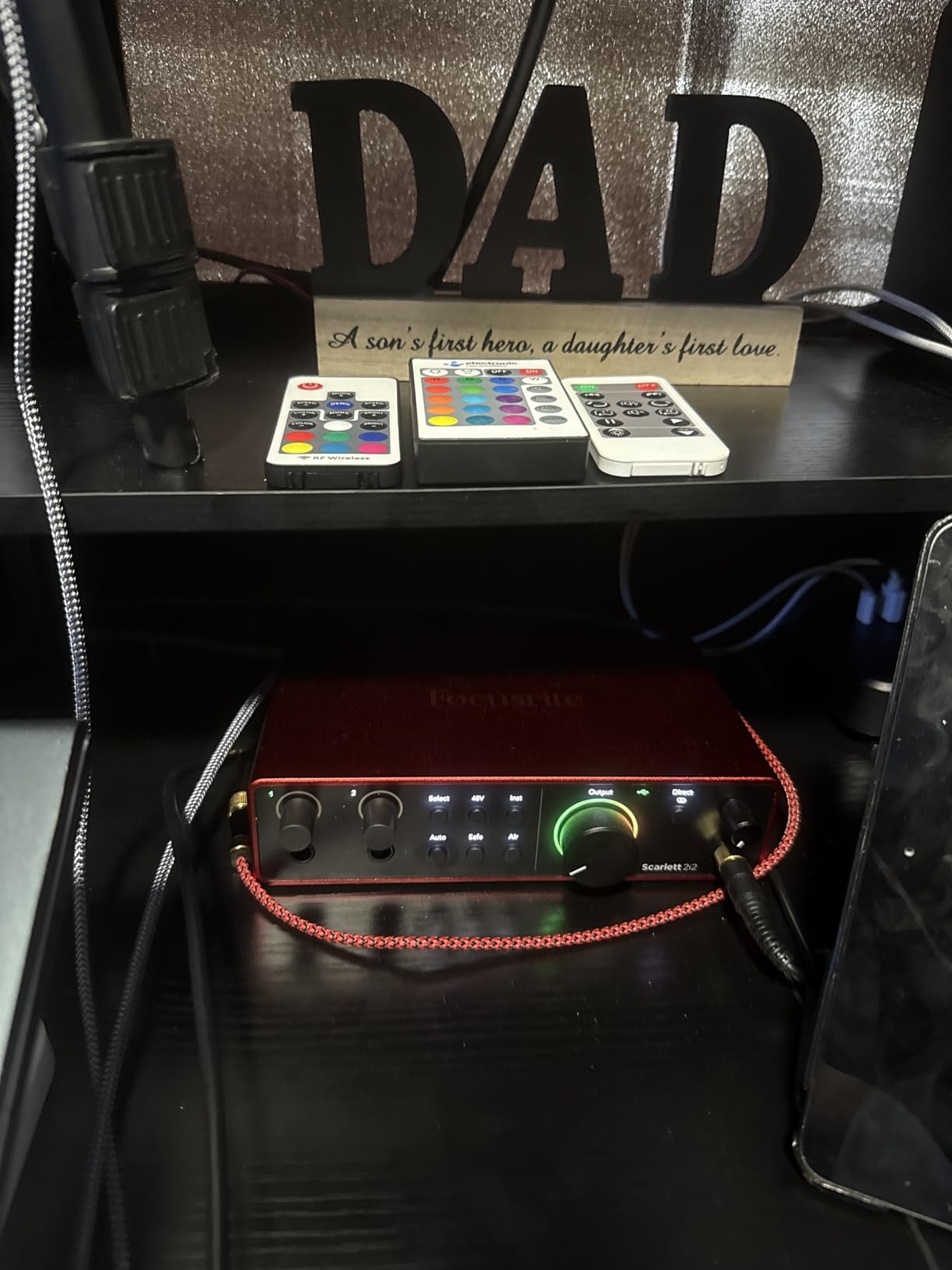
Auto Gain and Clip Safe are the features music students will appreciate most. Auto Gain listens to your input for 10 seconds and sets the perfect level automatically. Clip Safe silently watches your levels during recording and pulls back if you get too loud. These tools mean you can focus on your performance instead of babysitting the gain knob.
The bundled software is worth more than the price of admission alone. You get Pro Tools Intro+, Ableton Live Lite, Cubase LE, and the Hitmaker Expansion pack with dozens of plugins. For a music student on a budget, that is a complete production toolkit without spending extra on a DAW.
Who should buy the Scarlett 2i2 4th Gen
This is the interface I recommend to most music students without hesitation. If you need to record vocals and guitar simultaneously, want clean professional sound, and value a brand with proven driver support across Mac and Windows, the Scarlett 2i2 4th Gen is the safest choice. Reddit users consistently call it “the standard” for good reason.
It is especially good for students who plan to upgrade their microphone later. The preamps have enough clean gain to handle demanding dynamic microphones, and the rear cable routing scales well as your home studio grows. The 3-year warranty also means it will likely outlast your degree program.
Setup and iPad compatibility
Setup is genuinely plug-and-play on Mac and iPad. On Windows, you may need to grab the Focusrite Control driver from their website, but installation takes under five minutes. The interface connects via USB-C, which works natively with modern iPads and recent MacBooks without any adapters.
For older Lightning iPads, you will need a Lightning to USB 3 Camera Adapter. The interface is bus-powered, so no external power supply is needed for laptop or tablet use. This makes it genuinely portable for recording lessons or capturing ideas between classes.
2. Behringer UMC204HD – Midas Preamps at Half the Price
Behringer UMC204HD Audiophile 2×4, 24-Bit/192 kHz USB Audio/MIDI Interface with Midas Mic Preamplifiers | For Recording Microphones and Instruments
2 XLR/TRS combo inputs
24-bit/192kHz
MIDI I/O
2 analog inserts
USB 2.0
Pros
- Midas-designed mic preamps rival interfaces costing several times more
- 24-bit/192kHz resolution for professional recording
- Built-in MIDI I/O for keyboards and hardware
- 2 analog inserts for external effects
- Solid metal chassis with smooth controls
Cons
- Phantom power switch is on the rear panel
- No bundled recording software
- Windows driver install must happen before connecting
- Single headphone output only
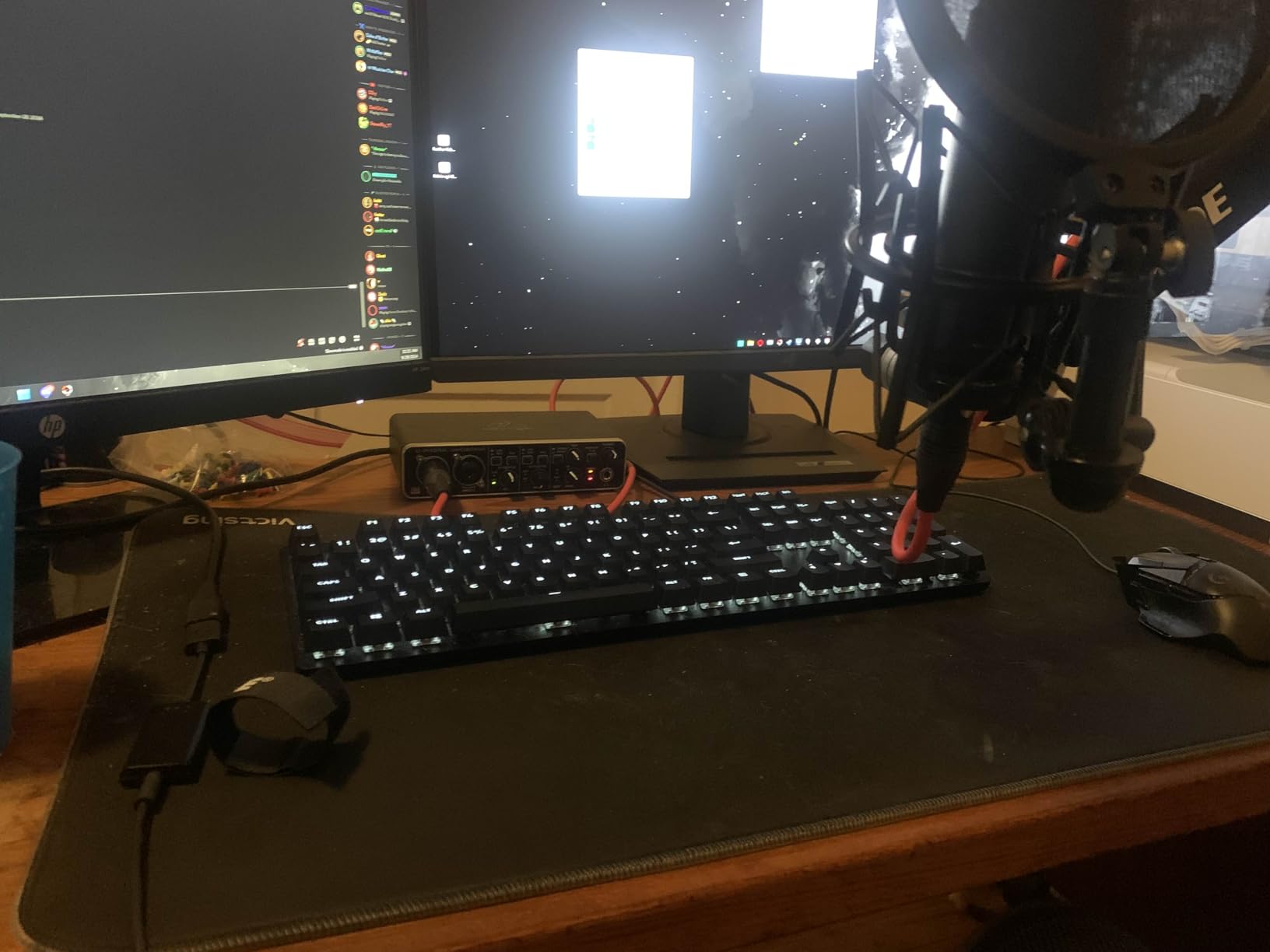
When I first tried the Behringer UMC204HD, I was genuinely surprised by how good the preamps sounded. These are genuine Midas-designed preamps, the same brand that builds consoles for major live venues. For a fraction of the Scarlett price, you get clean, quiet amplification that holds up against interfaces two or three times the cost.
This interface is a favorite on Reddit for one simple reason: value. You get 24-bit/192kHz recording, MIDI I/O for connecting keyboards, two analog insert jacks for adding hardware compressors or effects, and four outputs for routing to different monitor setups. No other interface in this price range matches that feature count.
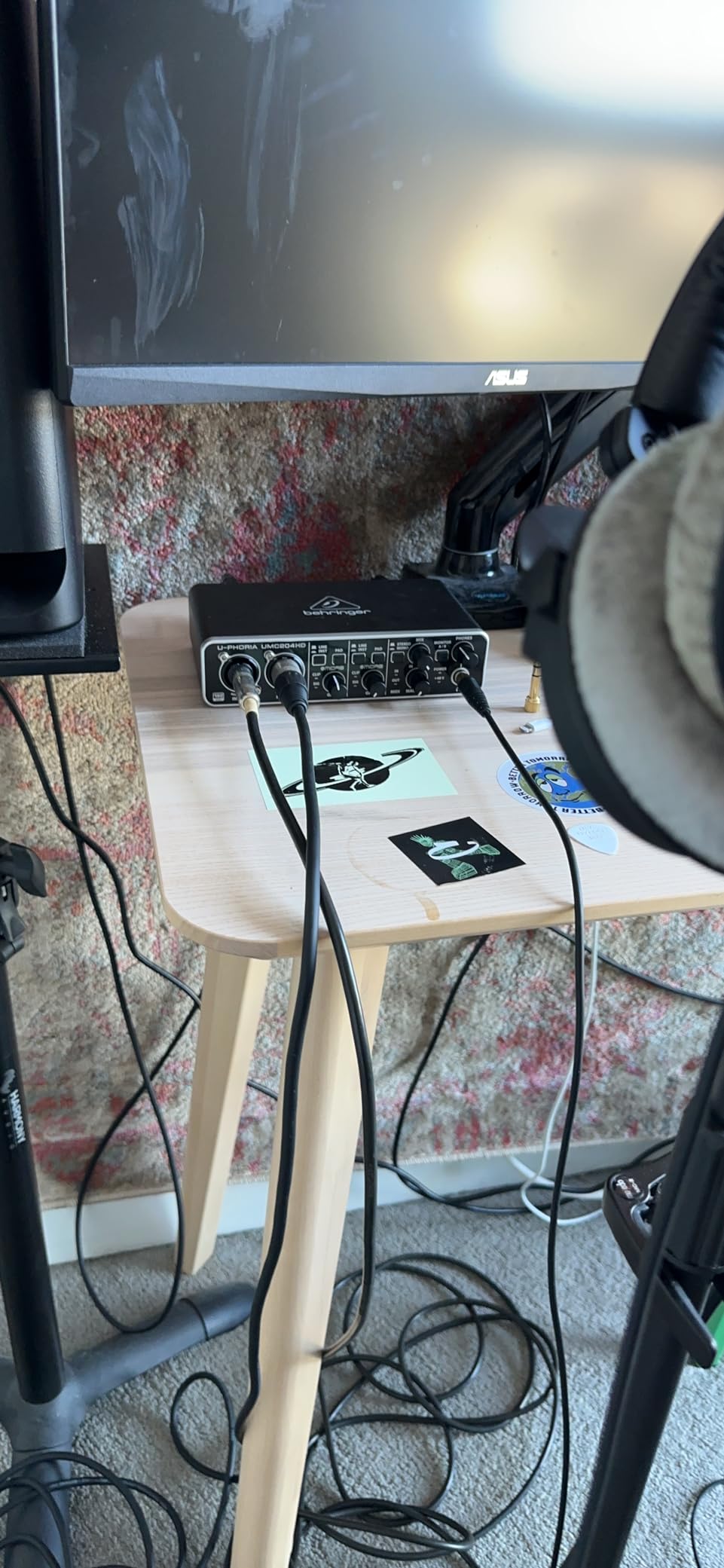
The build quality is better than I expected at this price. The chassis is solid metal, the knobs move smoothly with satisfying resistance, and the unit has enough heft to stay put on a desk. Several long-term users report years of daily use with zero reliability issues.
The main trade-off is the lack of bundled software. You get access to Tracktion after registration, but most students will want to pair this with a free DAW like Reaper or GarageBand. If you already own DAW software, that is a non-issue. If not, factor that into your budget.
Who should buy the Behringer UMC204HD
This is the best audio interface for music students who want professional sound quality on a tight budget. If you are studying audio engineering or production and care more about preamp quality than bundled extras, the UMC204HD gives you more sonic capability per dollar than anything else on this list.
It is also the pick for electronic music students who need MIDI I/O. Connecting a MIDI keyboard directly to the interface simplifies your setup and reduces USB clutter on your computer. The two analog inserts are a bonus if you ever want to integrate hardware effects units later.
Setup tips and known driver quirks
Windows users should install the Behringer driver from the official website before plugging in the interface. This avoids the common crackling issue some users report when Windows tries to use the generic USB audio driver. Once the proper driver is installed, latency drops to around 6-7ms at a 64-sample buffer, which is excellent for real-time monitoring.
Mac users do not need any drivers. The interface is class-compliant and works as soon as you plug it in. The phantom power switch lives on the rear, which is slightly annoying if you switch between condenser and dynamic microphones frequently. Just leave it on if you primarily use condenser mics.
3. M-Audio M-Track Duo – Dual Inputs Under $70
M-AUDIO M-Track Duo USB Audio Interface
2 XLR/Line/Instrument inputs
48kHz
Phantom power
USB-B
Zero-latency monitoring
Pros
- Dual combo inputs for simultaneous multi-track recording
- Clean Crystal preamps with low noise
- Includes MPC Beats software from Akai Professional
- Plug-and-play on Windows
- Mac
- and Linux
- Zero-latency direct monitoring
- Excellent value for the price
Cons
- All-plastic construction feels less premium
- Gain knobs have non-linear taper
- No USB-C connectivity
- Slides on desk due to foam feet
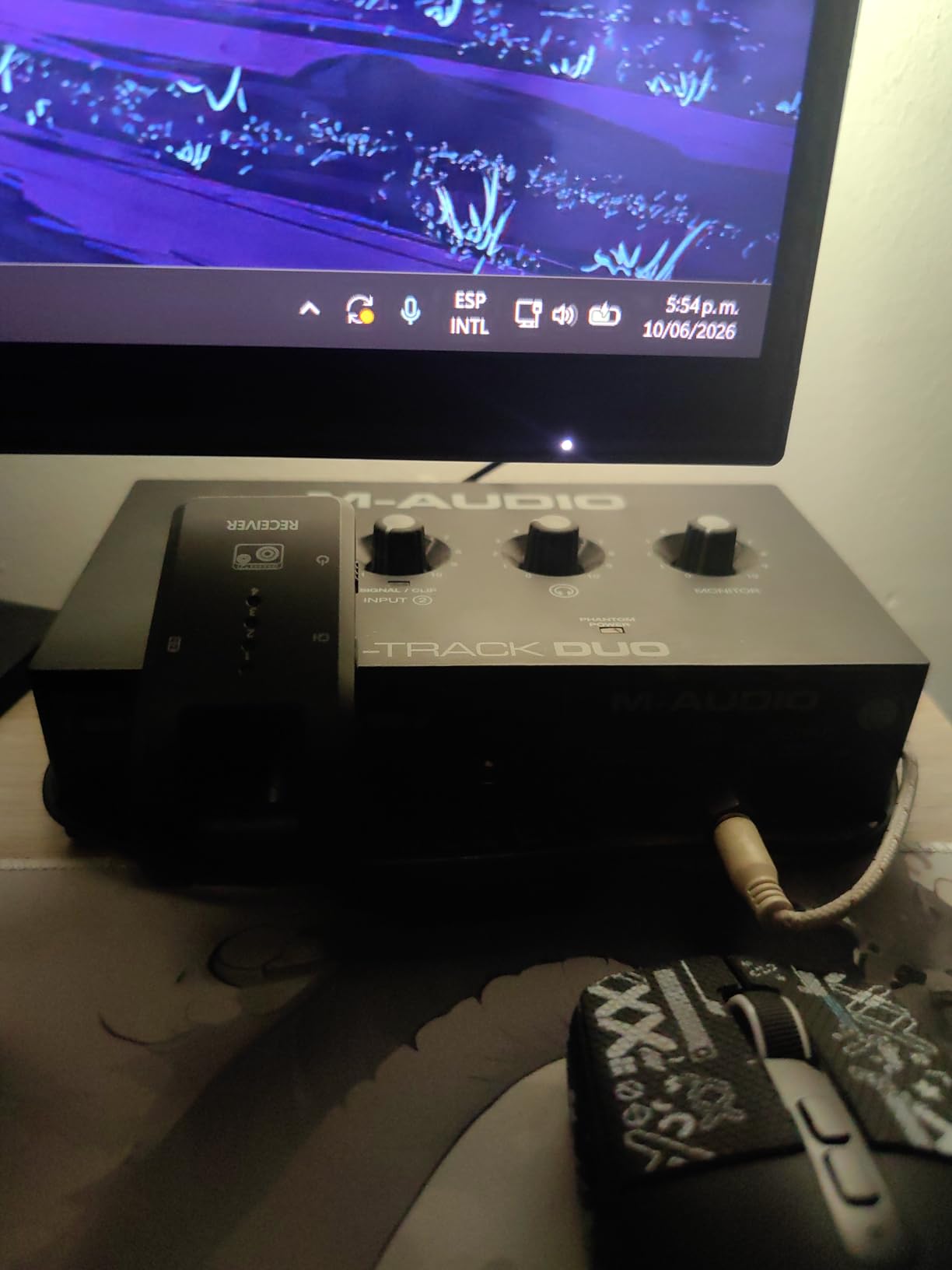
The M-Audio M-Track Duo is the cheapest way to get two XLR inputs on a single interface. For music students who need to record vocals and guitar at the same time without spending more than $70, this is the entry point. I tested it with a Shure SM58 on vocals and a guitar direct in, and both tracks came through clean with minimal noise.
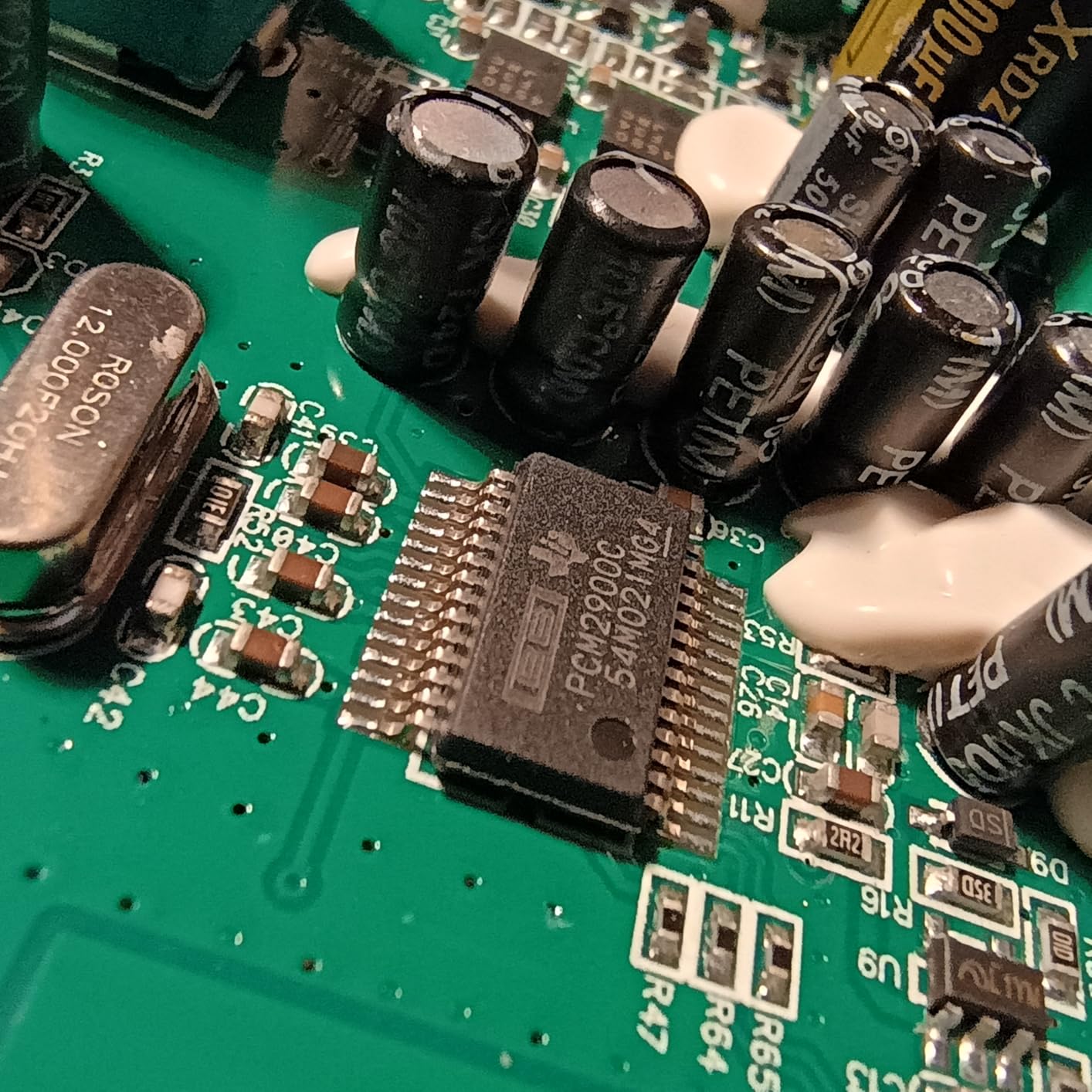
The Crystal preamps are surprisingly transparent for the price. They will not compete with the Midas preamps in the Behringer or the flagship converters in the Scarlett, but they produce recordings you can absolutely use for class assignments, demos, and online lesson submissions. The 48kHz sample rate is lower than pricier options, but it is the standard for streaming platforms and most online coursework.
Bundled MPC Beats software from Akai Professional is a real value-add. It gives you a full beat-making environment with samples, instruments, and a pattern-based workflow. For students interested in hip-hop, electronic, or pop production, this is a capable starting DAW that costs nothing extra.
The construction is the obvious compromise. The housing is plastic, the knobs feel light, and the foam feet do not grip a desk well. If you treat it gently and leave it set up in one place, those issues are manageable. If you are constantly packing it in a backpack, consider spending more on a metal-bodied interface.
Who should buy the M-Audio M-Track Duo
This is the best audio interface for music students on the tightest possible budget who still need two inputs. If your total gear budget is under $150 and you still need to buy a microphone and cables, the M-Track Duo leaves room in your wallet for the accessories that actually affect your sound.
It is also a smart pick for students who are not sure if music production is their long-term path. Spending $69 to test the waters is much less painful than dropping $300 on an interface you might use twice. Many Reddit users recommend starting here and upgrading in a year or two if you stick with it.
Compatibility and limitations
The M-Track Duo works plug-and-play on Windows, Mac, and Linux without any driver downloads. It connects via USB-B, which is the older rectangular connector. You will not get native USB-C, but the included cable works fine and replacement cables are cheap and easy to find.
The 48kHz sample rate is the main technical limitation. For most student work, including online lessons, streaming, and demo production, this is perfectly adequate. If your coursework requires 24-bit/96kHz or higher recordings, you will need to step up to a more expensive interface.
4. Focusrite Scarlett Solo 3rd Gen – Single Input With Air Mode
Focusrite Scarlett Solo 3rd Gen USB-C Audio Interface
1 XLR and 1 instrument input
24-bit/192kHz
Air mode
USB-C
Gain Halos
Pros
- Excellent preamp quality with switchable Air mode for added clarity
- 24-bit/192kHz recording at a budget price
- Durable metal chassis that is highly portable
- Includes Pro Tools Intro+
- Ableton Live Lite
- Cubase LE
- Hitmaker Expansion
- Three-year warranty with proven long-term reliability
Cons
- Only one XLR input
- no simultaneous multi-track recording
- No MIDI input
- Gain knobs take practice to dial in for condenser mics
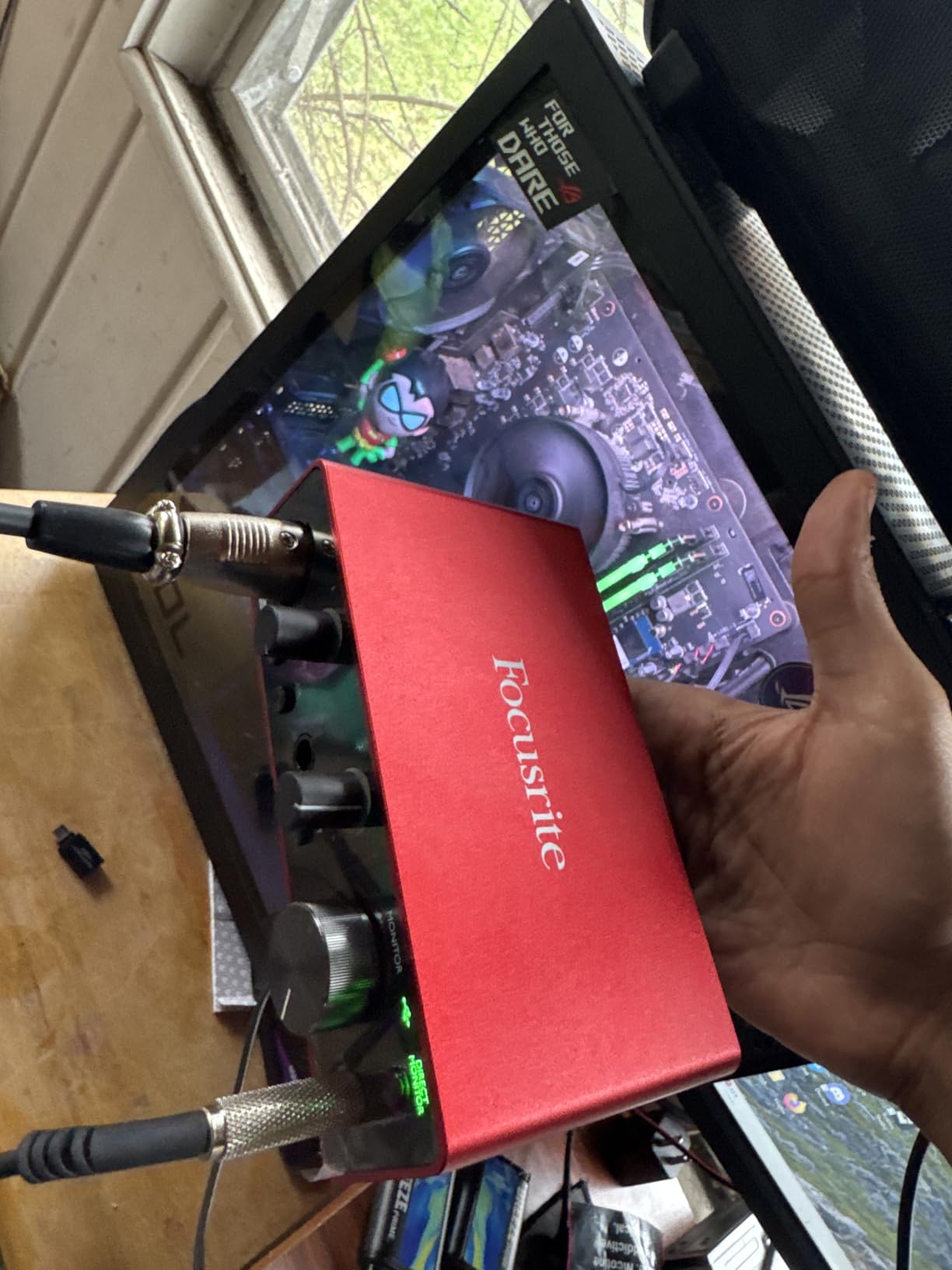
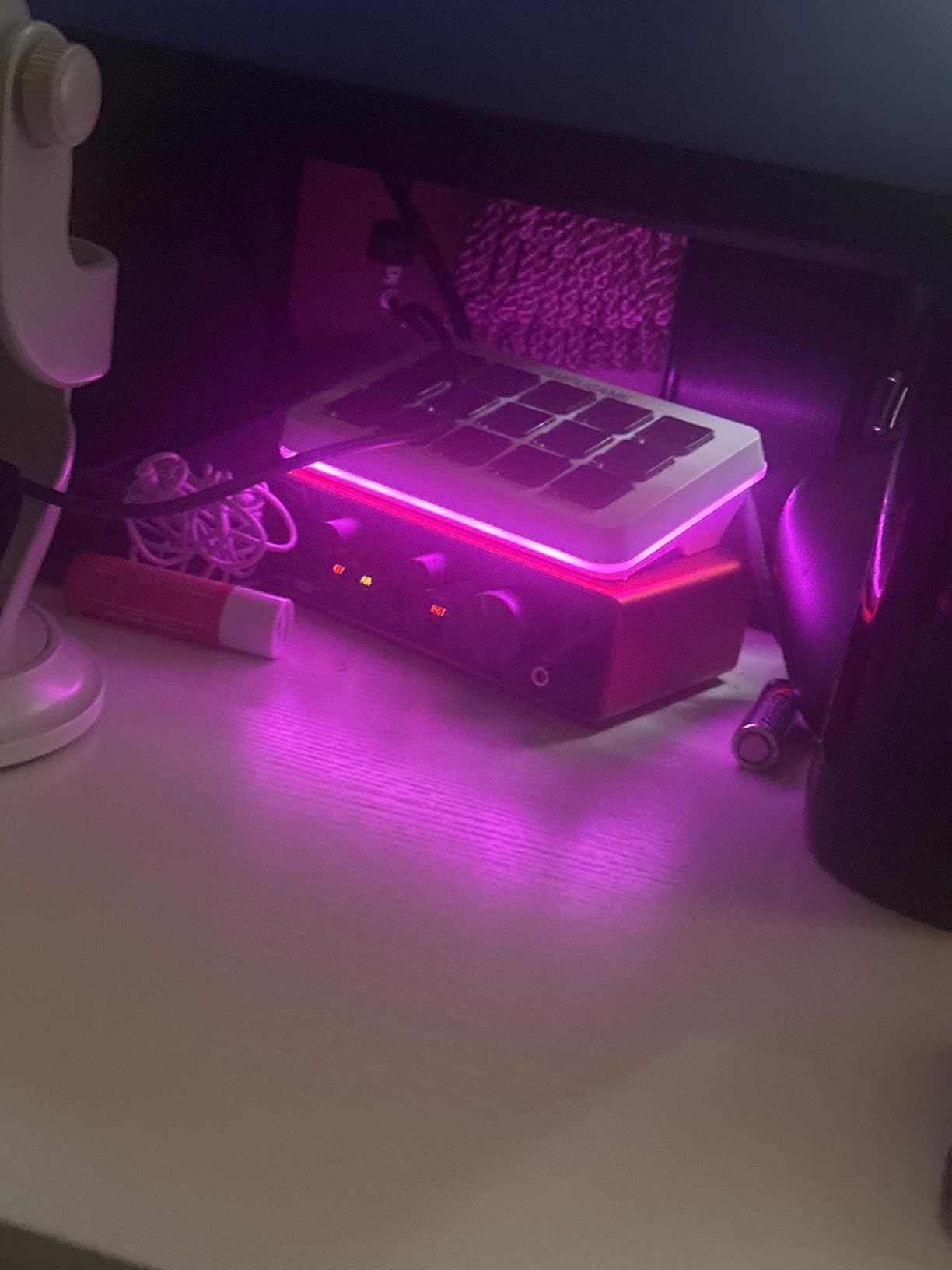
The Focusrite Scarlett Solo 3rd Gen is the best single-input interface for music students who primarily record one source at a time. If you are a vocalist who occasionally records guitar, or a guitarist who records scratch vocals later, this covers your needs at a lower price than the 2i2.
I appreciate the Air mode feature, which adds a bright, open presence to vocals and acoustic instruments. It mimics the sound of Focusrite’s original ISA preamp, giving recordings a polished character that sits well in a mix without needing extra EQ. The Gain Halo rings around the input knob glow green for safe levels and red for clipping, which is genuinely helpful for beginners learning gain staging.
The bundled software is identical to the 2i2 4th Gen, which means you get Pro Tools Intro+, Ableton Live Lite, Cubase LE, and the Hitmaker Expansion. That is a complete production environment for free. With nearly 29,000 reviews and a 4.7-star average, this is one of the most battle-tested interfaces on the market.
Build quality is excellent. The all-metal chassis has survived being tossed in backpacks, dropped on floors, and stored in hot cars according to long-term reviewers. The 3-year warranty matches Focusrite’s premium pricing, and the included USB-C cable works with modern laptops and iPads without adapters.
Who should buy the Scarlett Solo 3rd Gen
This is the best audio interface for music students who record solo and want Focusrite quality without paying for a second input they will not use. Vocalists, podcasters, and singer-songwriters who track vocals and guitar separately will get everything they need.
It is also the safest gift choice for a music student if you are not sure what they need. The Scarlett brand is universally recognized, the sound quality is professional, and the included software means they can start recording immediately without buying anything else.
Limitations to know before buying
The single XLR input means you cannot record two microphones simultaneously. If you ever want to record a duet, an interview, or stereo sources, you will wish you had the 2i2. There is also no MIDI I/O, so keyboardists who want to connect hardware synths directly should look elsewhere.
The 3rd Gen does not have the Auto Gain and Clip Safe features found on the 4th Gen Scarlett 2i2. If those features matter to you, consider stepping up to the 4th Gen 2i2 instead. The Air mode is present and works the same way on both generations.
5. M-Audio M-Track Solo – The Cheapest Viable Option
M-AUDIO M-Track Solo USB Audio Interface
1 XLR/Line and 1 instrument input
48kHz
Crystal preamp
USB-B
Zero-latency monitoring
Pros
- Lowest entry price for a usable audio interface
- Crystal preamp delivers transparent sound for vocals and instruments
- Plug-and-play with no drivers needed on any OS
- Includes MPC Beats software
- Zero-latency direct monitoring
Cons
- Single combo input only
- no multi-track recording
- Limited to USB-B connectivity
- 48kHz sample rate only
- Some users report occasional driver hiccups
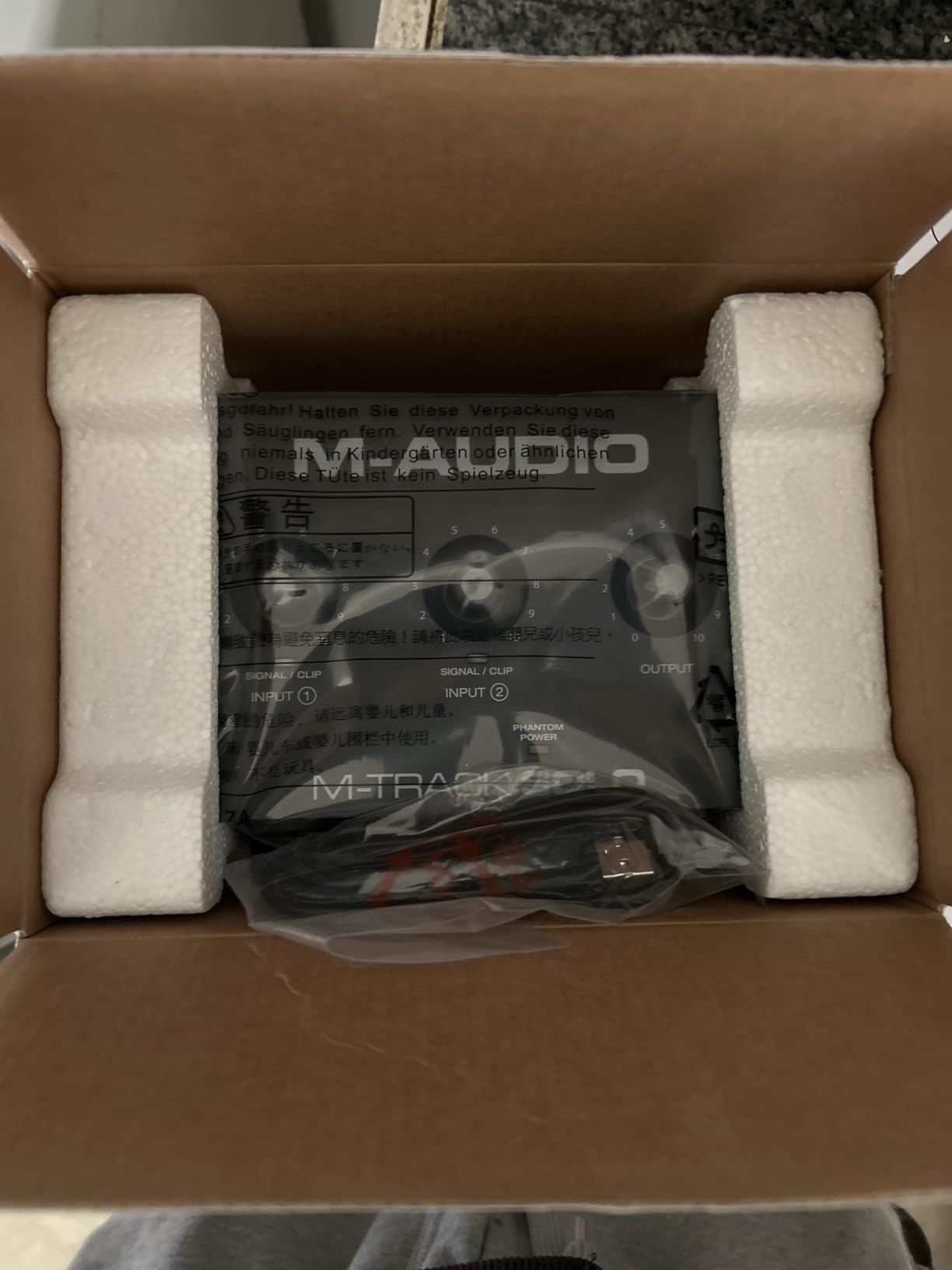
The M-Audio M-Track Solo is the cheapest audio interface I would actually recommend to a music student. For around $50, you get a single combo XLR/Line input plus a separate instrument input, phantom power for condenser microphones, and the MPC Beats software bundle. It is basic, but it works.
I tested this with a budget condenser mic on vocals and a bass guitar direct in. Both came through cleanly with no obvious noise or coloration. The 48kHz sample rate matches what most streaming platforms and online lesson systems use, so your recordings will translate well to those environments.
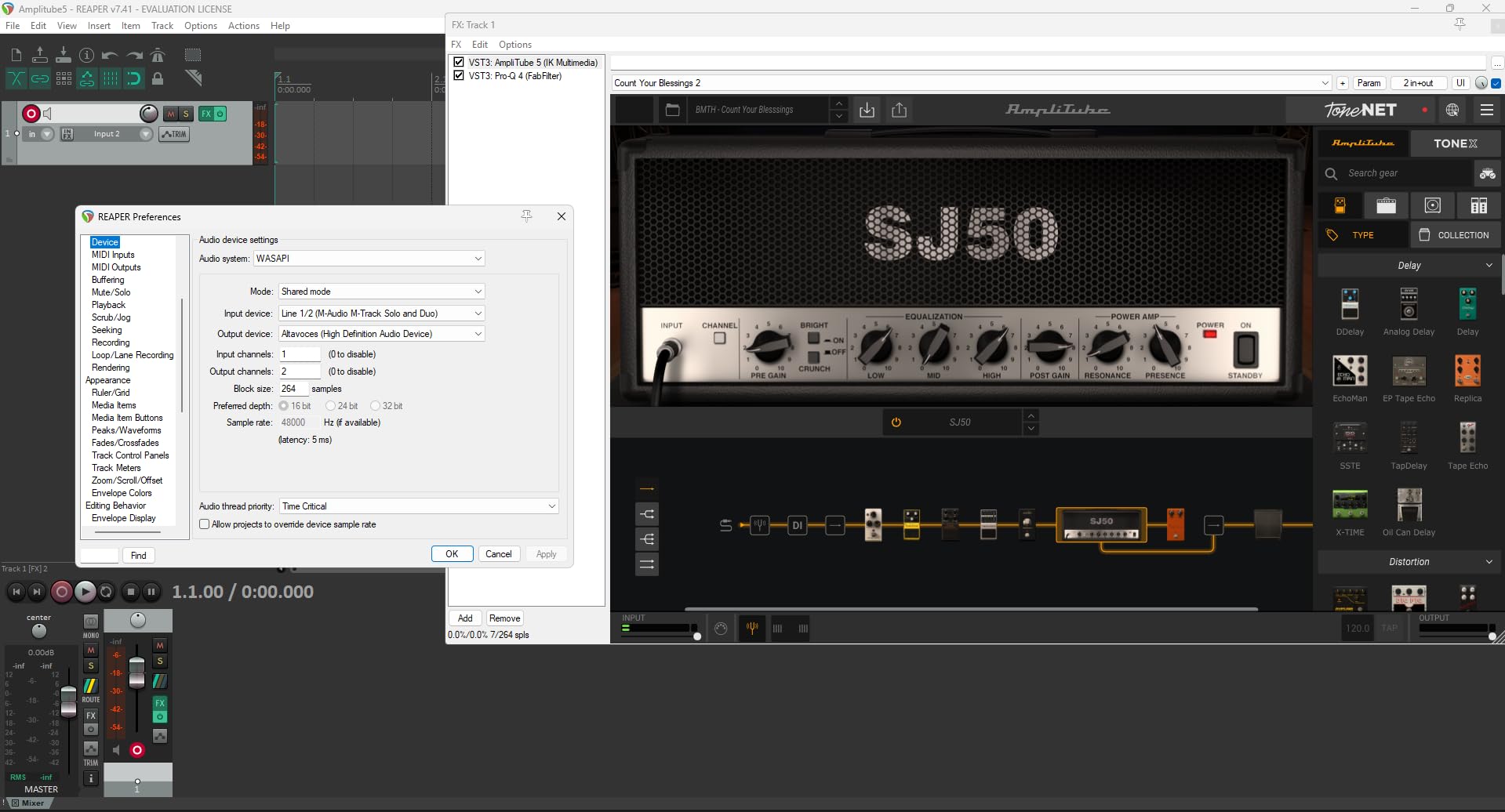
The Crystal preamp is the same one used in the M-Track Duo, just with one channel instead of two. It provides enough clean gain for most condenser microphones. Dynamic microphones like the SM7B will need an inline preamp booster like a Cloudlifter, but that is true of nearly every interface under $200.
Build quality is the obvious compromise. The unit is small, light, and entirely plastic. It works fine for stationary desk use, but it will not survive rough handling in a backpack. The USB-B connector is also dated, though the included cable is long enough for most setups.
Who should buy the M-Track Solo
This is the best audio interface for music students whose budget is the single biggest factor. If you have $50 to spend and need to start recording for class tomorrow, this gets you there. It is also a solid backup interface if your main unit fails before a deadline.
It works well for vocal-only recording, podcasting, and voiceover work. If you only ever record one microphone at a time and want the cheapest viable option, the M-Track Solo delivers. Just keep your expectations realistic about build quality and long-term durability.
What you give up at this price
The 48kHz sample rate is the main limitation. Some music programs require 24-bit/96kHz or higher for certain assignments, so check your syllabus before buying. The single input means no simultaneous multi-track recording, and there is no MIDI connectivity.
You also give up premium build quality and long-term reliability. Many users report happy years of service, but others experience driver issues or connection problems after heavy use. At this price, you are buying a starter tool, not a lifetime investment.
6. Behringer U-PHORIA UM2 – Ultra-Cheap With XENYX Preamp
Behringer U-PHORIA UM2 Audiophile 2×2 USB Audio Interface with XENYX Mic Preamplifier | for Recording Microphones and Instruments
1 XLR and 1 instrument input
48kHz
XENYX preamp
100dB dynamic range
USB powered
Pros
- Outstanding price-to-performance ratio
- Clean XENYX preamp with 100dB dynamic range
- Plug-and-play on Windows and Linux
- USB-powered with no external adapter needed
- Works with virtually all major DAWs
Cons
- Setup documentation is poorly organized
- Limited software bundle
- Plastic construction
- No dedicated headphone volume control
- Gain knob requires careful adjustment
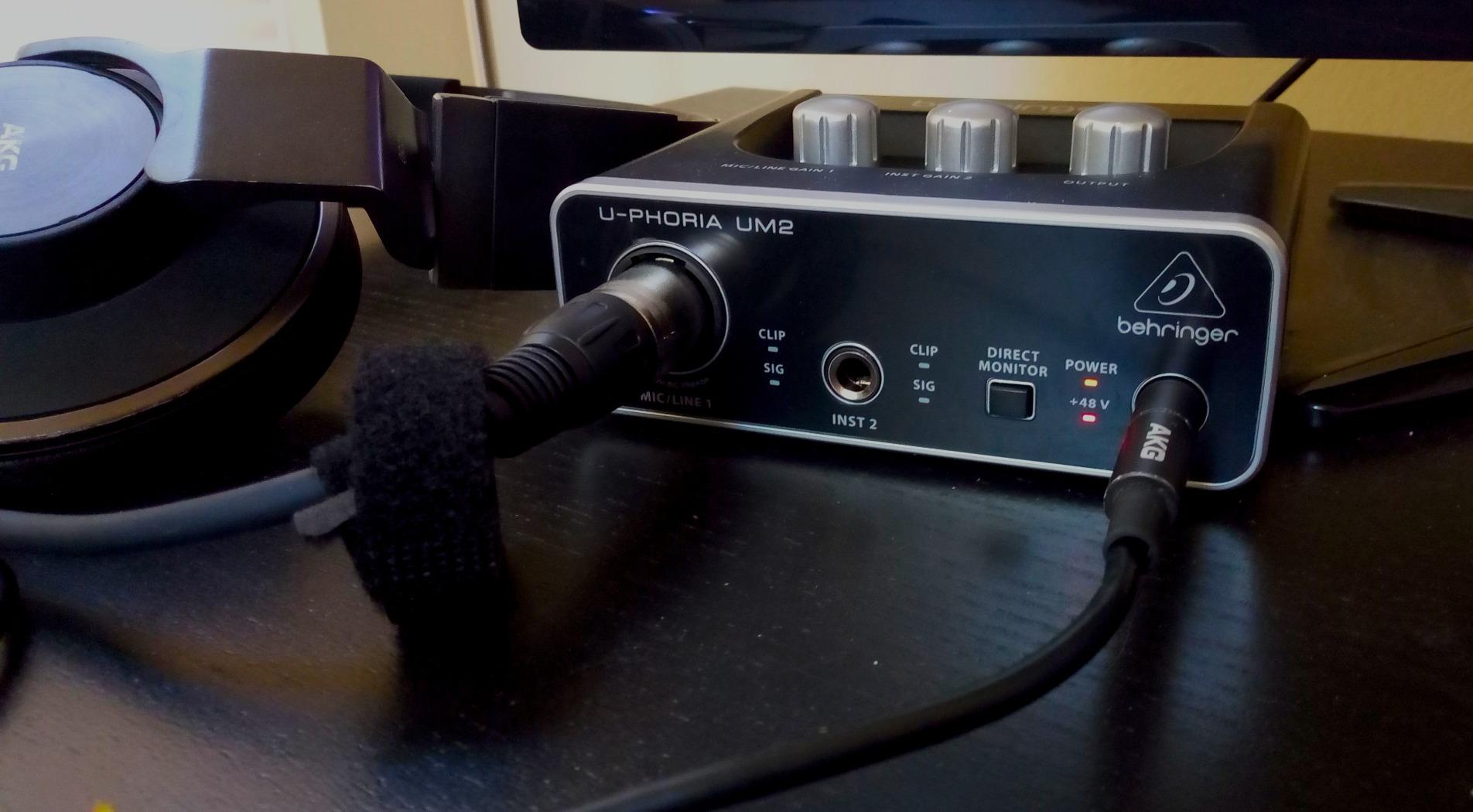
The Behringer U-PHORIA UM2 is one of the most-reviewed budget audio interfaces on Amazon, with over 17,000 ratings. That massive review count tells you something: this interface has introduced a lot of people to home recording. For around $45, you get a XENYX preamp with a 100dB dynamic range, which is genuinely impressive at this price point.
I tried this with a cheap condenser microphone and was surprised by how clean the signal was. The preamp introduces minimal noise, and the direct monitor switch lets you hear yourself without the latency that plagues cheap USB microphones. For podcasting, voiceover practice, and basic vocal recording, it does the job.
The 48kHz sample rate matches the M-Track Solo. This is standard for streaming and online lessons but limits you for high-resolution coursework. The included software is Tracktion 4, which is functional but dated. Most students will prefer to pair this with GarageBand, Reaper, or another free DAW.
Setup can be frustrating because the manual is multilingual and poorly organized. Windows 11 users in particular report needing to download specific drivers from Behringer’s website for stable performance. Once set up, though, the interface runs reliably.
Who should buy the Behringer UM2
This is the best audio interface for music students who want the absolute lowest price and are willing to deal with a few setup quirks. If your budget is under $50 and you need phantom power for a condenser microphone, the UM2 is the cheapest option that delivers clean sound.
It is also a popular choice for students who want a secondary interface for travel or as a backup. At this price, having a spare is affordable insurance against equipment failure during finals week or recital recordings.
Setup challenges to expect
Plan to spend 20-30 minutes on initial setup, especially on Windows. You will need to find and install the correct ASIO driver from Behringer’s website. The included manual is not helpful, so search for a YouTube tutorial specific to the UM2 and your operating system.
Once running, the interface is stable. The main ongoing annoyance is the lack of a dedicated headphone volume knob. You control headphone level through your DAW or computer volume settings, which is less convenient than a physical knob.
7. Mackie Onyx Artist 1X2 – Boutique Preamp in a Tiny Box
Mackie Audio Interface, Onyx Artist 1X2 USB Audio Interface (Onyx Artist 1-2)
1 XLR and 1 instrument input
24-bit/192kHz
Onyx preamp
MIDI I/O
Built-like-a-tank
Pros
- Premium 24-bit/192kHz recording quality at a budget price
- Boutique Onyx mic preamp with excellent fidelity
- Rugged built-like-a-tank construction
- Includes MIDI I/O which is rare at this price
- Clean quiet preamps with no hiss or noise
Cons
- Requires settings readjustment every time you reconnect
- Stock knobs are hard to read
- Gain curve is too sharp at the upper end
- Only officially supports Windows 10
- Not USB-C
The Mackie Onyx Artist 1X2 stands out for one big reason: the Onyx preamp. Mackie’s Onyx preamps have a reputation in the professional audio world for clean, musical sound. Getting that preamp quality in a sub-$60 interface is remarkable.
When I compared this side-by-side with the M-Track Solo, the Mackie had noticeably less noise on quiet sources. Recording acoustic guitar with a condenser mic, the background hiss was lower, and the guitar tone came through with more natural detail. The 24-bit/192kHz resolution also gives you headroom for high-quality class recordings.
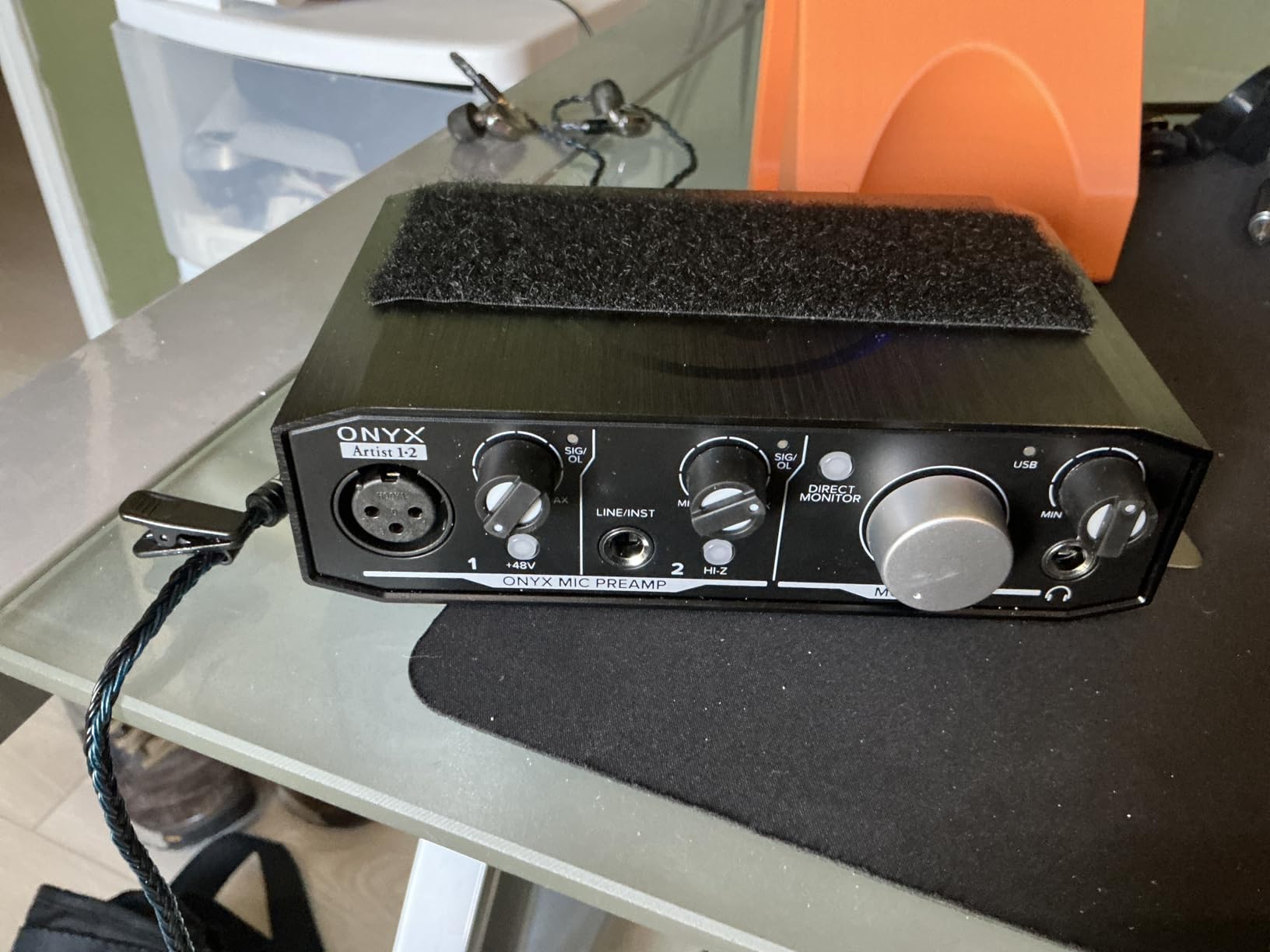
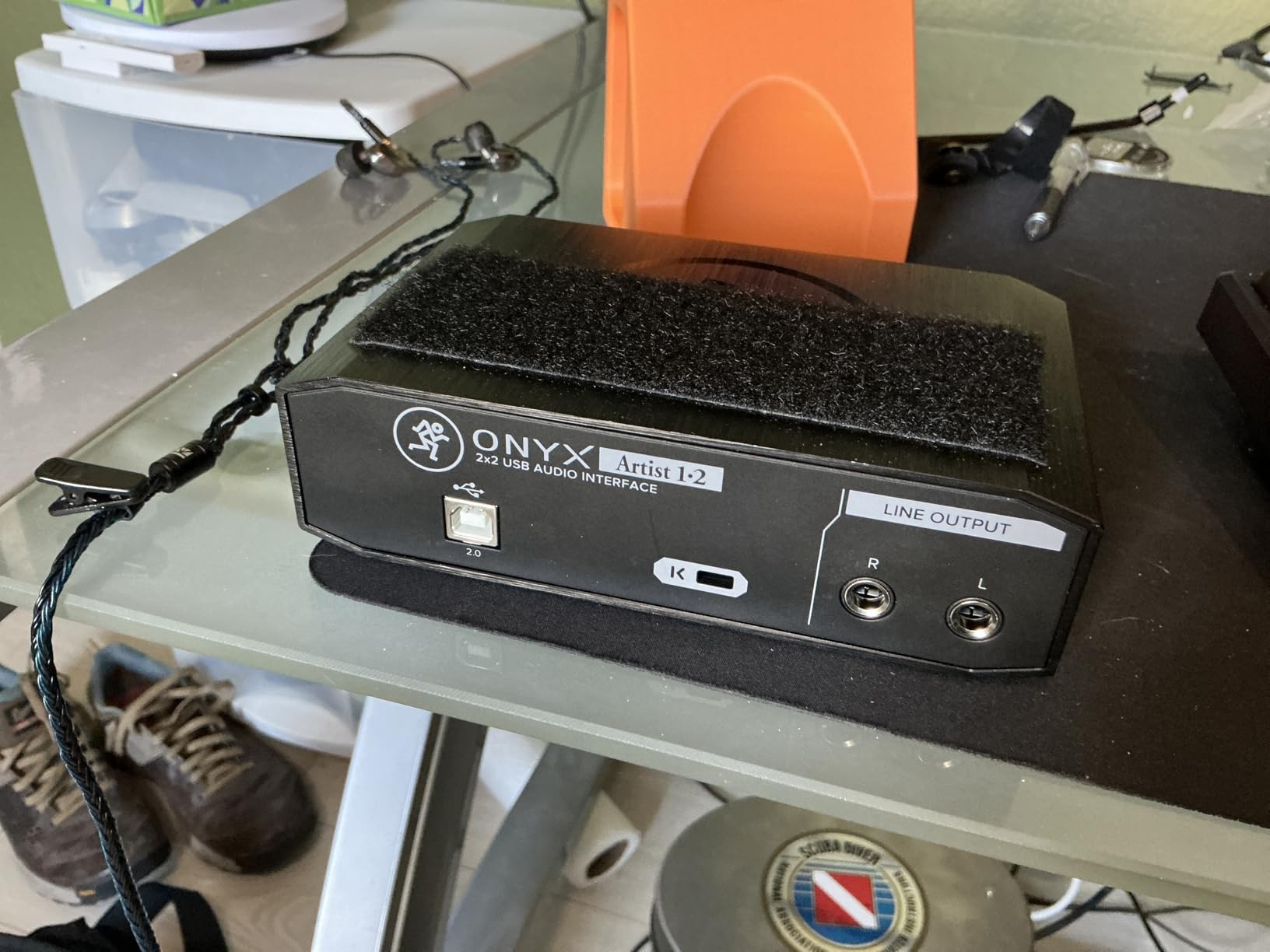
The built-like-a-tank construction is real. Mackie uses a heavy metal chassis that feels like it could survive being used as a doorstop. For students who are hard on their gear, this is one of the most durable budget interfaces available. The 1-year all-inclusive warranty is shorter than Focusrite’s, but the build quality suggests it will outlast that.
The inclusion of MIDI I/O is a surprise at this price. If you have a MIDI keyboard or hardware synth, you can connect it directly to the interface instead of using a separate USB connection. This simplifies your setup and frees up a USB port on your computer.
Who should buy the Mackie Onyx Artist
This is the best audio interface for music students who prioritize preamp quality over everything else and want something built to last. If you record vocals or acoustic instruments regularly and want the cleanest possible signal under $100, the Onyx preamp delivers.
It is also the pick for students with MIDI hardware. Getting MIDI I/O at this price point is genuinely rare. Most competing interfaces force you to spend significantly more for that feature.
Known quirks and workarounds
The main annoyance is that the interface does not remember your settings when you unplug it. Every time you reconnect to your computer, you may need to readjust the sample rate and buffer size in your DAW. This is a minor inconvenience but worth knowing before you buy.
The gain knob has a non-linear taper, meaning most of the gain increase happens in the last quarter of the knob’s rotation. This takes some getting used to. The knobs are also hard to read in low light, which is a problem for late-night recording sessions in a shared dorm room.
8. MAONO PS22 Lite – Modern Features at a Budget Price
MAONO PS22 Lite USB Audio Interface for PC for Guitar & Vocals Streaming
1 XLR input
24-bit/192kHz
106dB dynamic range
USB-C
Loopback with ASIO
Pros
- High-resolution 24-bit/192kHz recording with 106dB dynamic range
- USB-C connectivity with included cable
- ProStudio Routing Software with LOOPBACK for streaming
- ASIO driver support for low latency
- Plug-and-play with Mac
- Windows
- and iPad
Cons
- Some units arrive with defective cables
- Driver can cause crackles on some systems
- Plastic construction feels less premium
- No mute button on the device
- Headphone output slightly muffled for some users
The MAONO PS22 Lite is one of the newest budget interfaces on the market, and it brings modern features that older budget options lack. You get USB-C connectivity, 24-bit/192kHz recording, 106dB dynamic range, and loopback functionality for streaming. That feature set would have cost $200+ a few years ago.
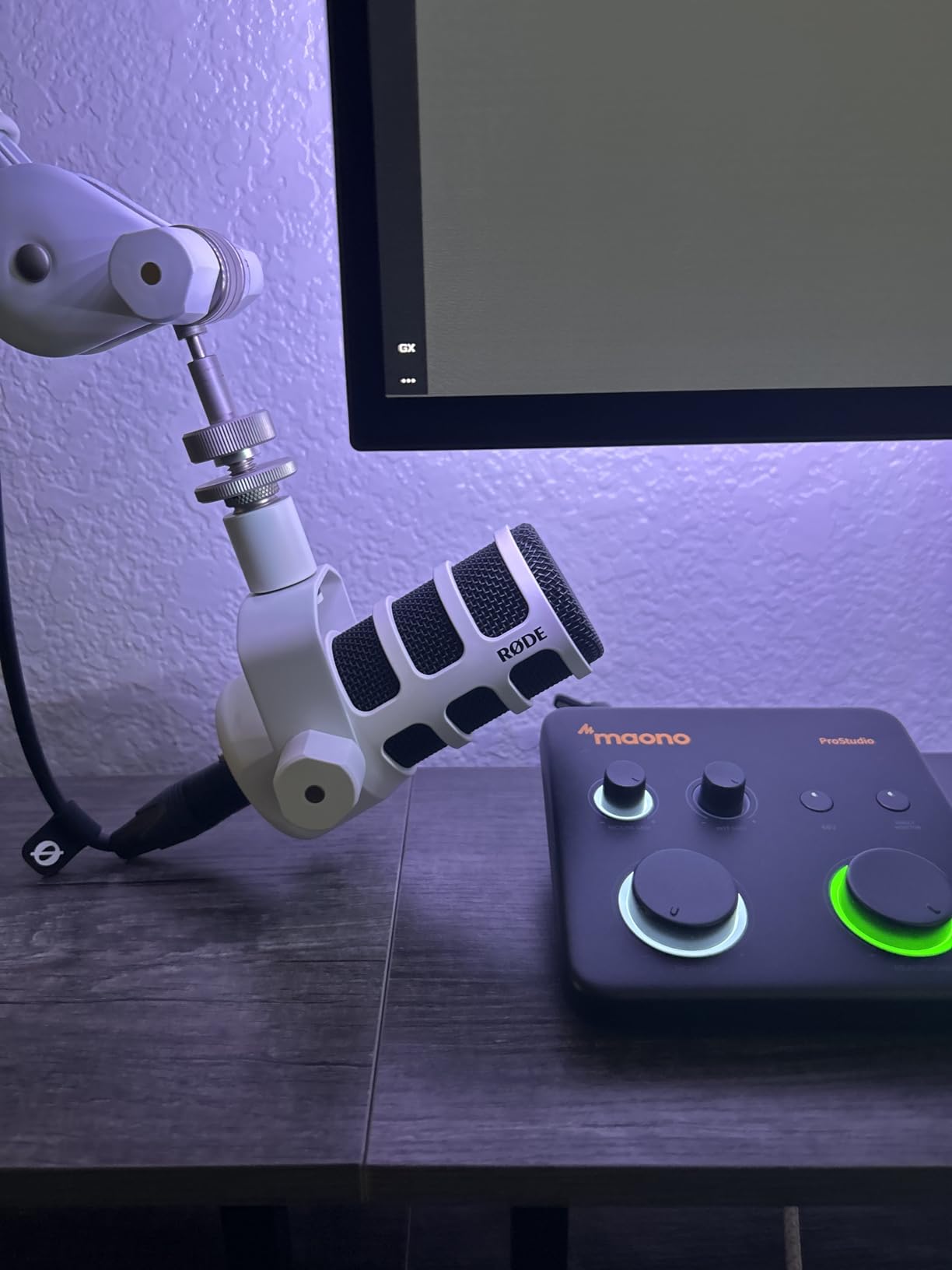
I was impressed by the dynamic light ring indicator that wraps around the gain knob. It provides clear visual feedback on your input levels without needing a separate LCD screen. The side-mounted headphone jack is a nice touch that reduces cable clutter on your desk.
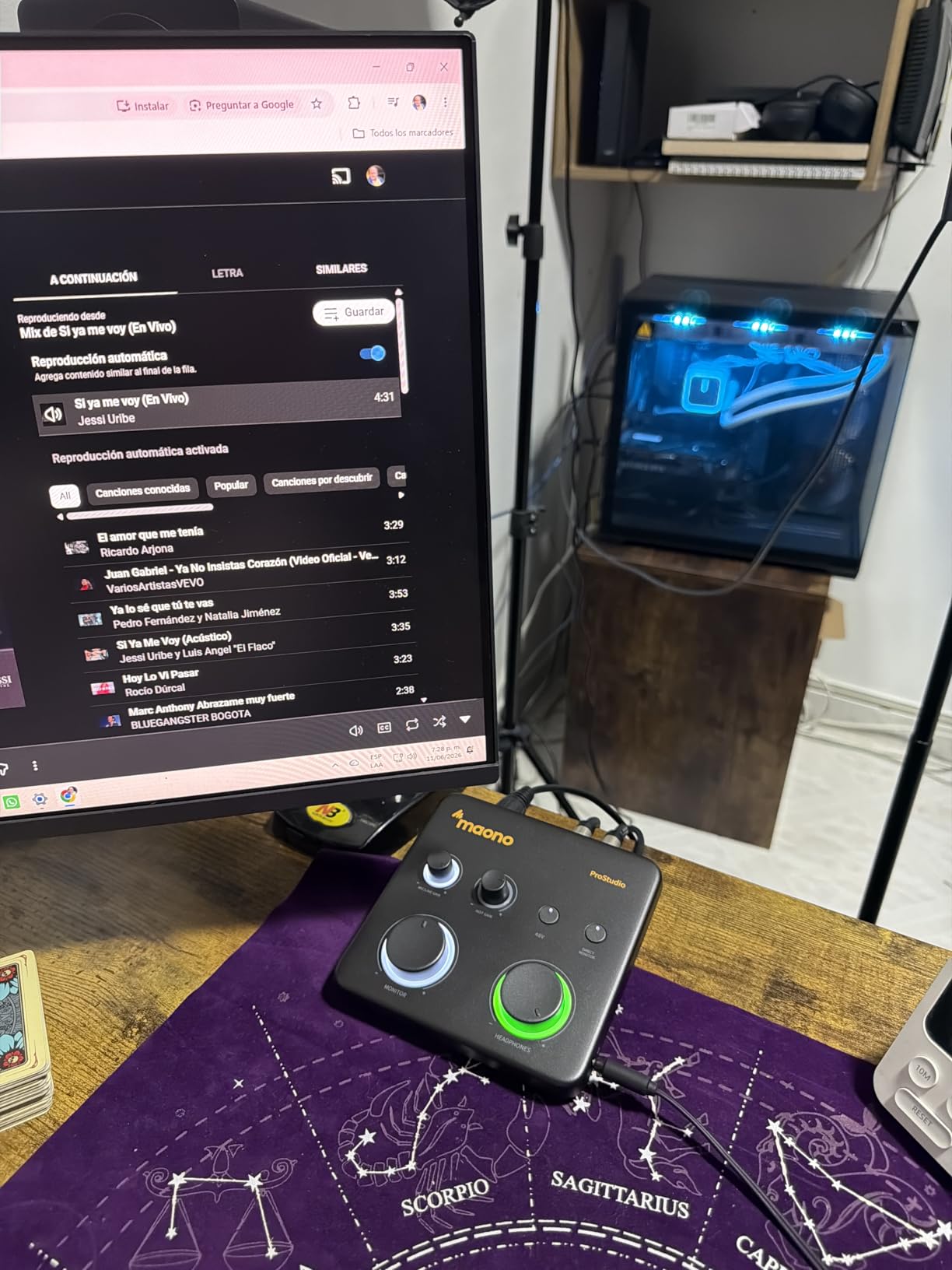
The 56dB of preamp gain is enough for most condenser microphones and many dynamic mics. With 48V phantom power, you can run standard studio condensers without issue. The included ProStudio Routing Software adds loopback capability, which means you can record computer audio and your microphone simultaneously for online lessons or streaming.
Wide DAW compatibility is a strong selling point. MAONO lists Pro Tools, Ableton Live, Cubase, Studio One, Logic Pro, Reaper, Audacity, and Adobe Audition as supported. For music students who may use different DAWs across different classes, this flexibility matters.
Who should buy the MAONO PS22 Lite
This is the best audio interface for music students who want modern connectivity and streaming features without paying premium prices. If you take online lessons, stream your practice sessions, or need loopback for any reason, the PS22 Lite includes that capability at a budget price point.
It is also a good pick for students with USB-C only laptops. The included USB-C cable means no dongles or adapters needed for modern MacBook or iPad Pro connections. The compact size makes it easy to carry between home and campus.
Quality control considerations
The main concern with the PS22 Lite is quality control consistency. Some users report receiving units with defective cables that cause connection dropouts. If you get a unit that crackles or disconnects, try a different cable first before assuming the interface is faulty.
The ASIO driver can also cause pops and clicks on some Windows systems. Reinstalling the driver or switching to ASIO4ALL usually resolves this. MAONO is a newer brand compared to Focusrite or Behringer, so expect some growing pains in driver maturity.
9. PreSonus AudioBox 96 – Value-Packed With MIDI and Software
PreSonus AudioBox 96 25th Anniversary USB Audio Interface
2 XLR inputs
24-bit/96kHz
Class-A preamps
MIDI I/O
Bus powered
Studio One Artist
Pros
- Simple plug-and-play setup with no drivers needed
- 2 Class-A mic preamps for clean sound
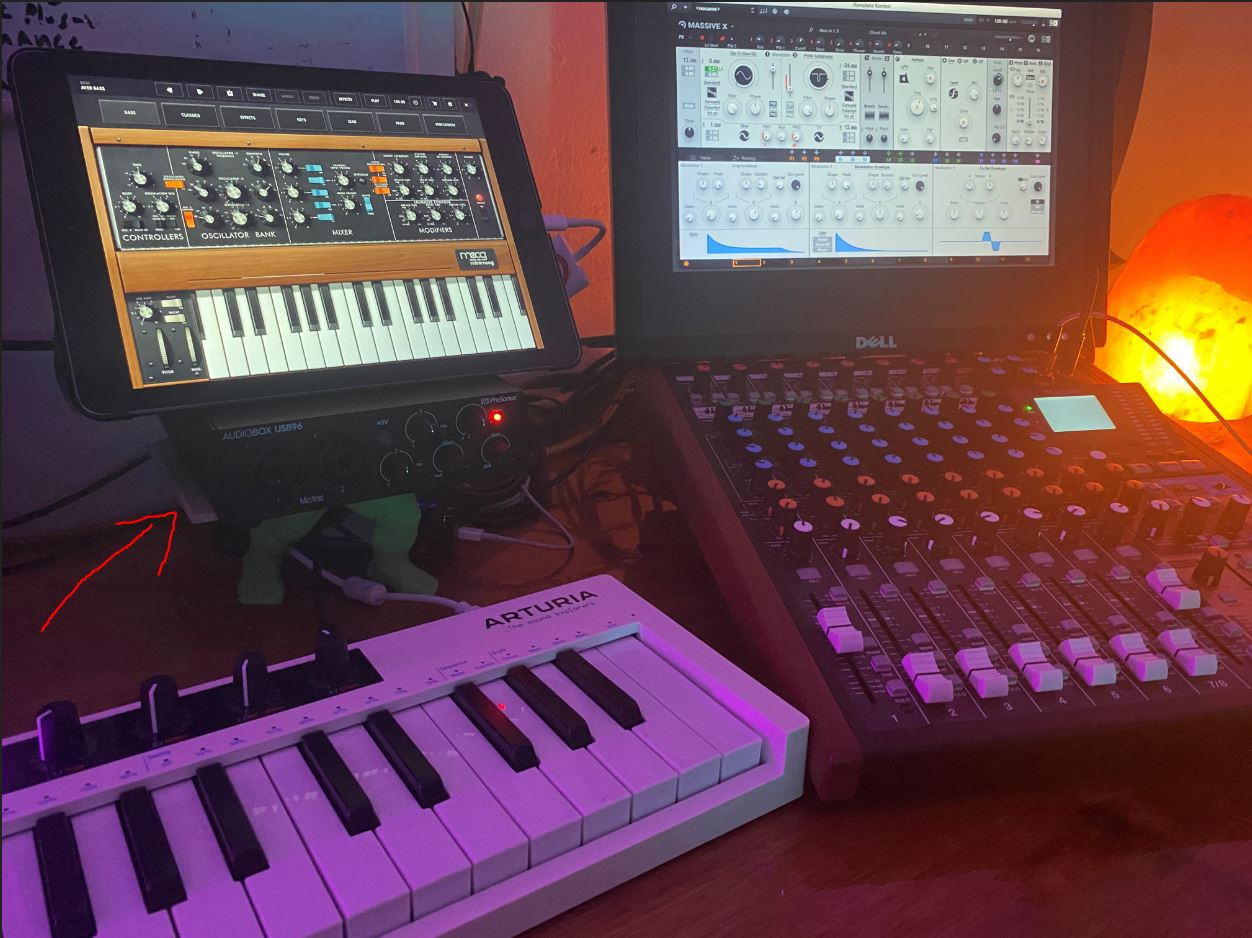
- Built-in MIDI I/O for hardware synths
- Includes Studio One Artist and Ableton Live Lite
- USB bus-powered for portable recording
Cons
- Knobs are crowded on the front panel
- USB 2.0 older standard cable
- Some users report needing high gain for quiet mics
- Occasional quality inconsistency between units
The PreSonus AudioBox 96 25th Anniversary Edition is a workhorse interface that has been a student favorite for years. What makes it special is the value bundle: you get 2 Class-A preamps, MIDI I/O, and over $1000 worth of software including Studio One Artist and Ableton Live Lite.
Studio One Artist is the standout inclusion. It is a full-featured DAW that many schools actually use for teaching. Having it included means you can start recording immediately with professional software, no extra purchases required. The learning curve is gentler than Pro Tools, which makes it ideal for beginners.
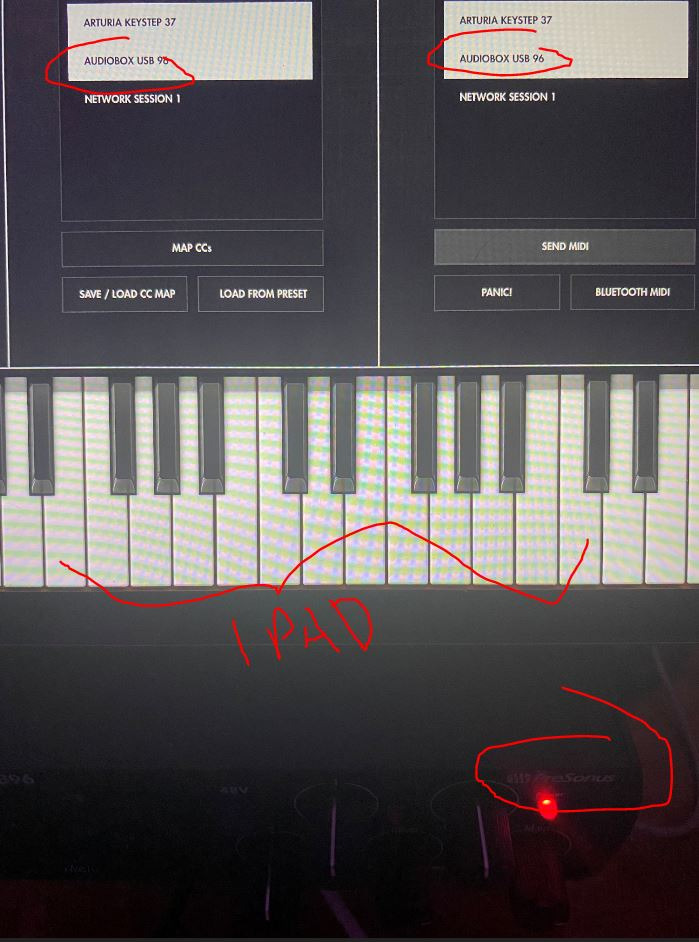
I found the preamps to be clean and neutral, with no obvious coloration. They are not as warm as the Universal Audio Volt or as detailed as the Audient iD4, but they produce honest recordings that translate well across different playback systems. For class assignments and demo production, they are more than sufficient.
The metal chassis feels solid and the unit is bus-powered, meaning it draws power from your computer’s USB port. No external power supply means fewer cables to manage and true portability for recording away from your desk.
Who should buy the PreSonus AudioBox 96
This is the best audio interface for music students whose school uses Studio One as the primary DAW. Having the included software match your curriculum eliminates compatibility headaches and lets you focus on learning production rather than troubleshooting software.
It is also excellent for electronic music students who need MIDI I/O. Connecting a MIDI keyboard directly to the interface is cleaner than using a separate USB connection, and the AudioBox 96 includes this at a budget-friendly price.
What to watch for
The front panel knob layout is crowded. The gain knobs, monitor knob, and mix control are close together, which can lead to accidentally turning the wrong knob during a session. The USB 2.0 connection uses the older square-style cable, so you will need to carry that specific cable rather than a standard USB-C.
A small number of users report buzzing or distortion on specific units, suggesting some quality control variance. Buying from a retailer with a good return policy gives you peace of mind if you get a lemon.
10. PreSonus AudioBox GO – Ultra-Portable USB-C Interface
PreSonus AudioBox GO | USB-C Audio Interface for music production with Studio One DAW Recording Software, Music Tutorials, Sound Samples and Virtual Instruments
1 XLR and 1 instrument input
24-bit/96kHz
XMAX-L preamp
USB-C
Bus powered
Pros
- Extremely compact fits in a pocket
- Clean XMAX-L preamp with good clarity
- Bus-powered USB-C works with laptops
- tablets
- and phones
- Includes Studio One Prime and Studio Magic software
- Low latency plug-and-play with iPad and Android
Cons
- Maximum 50dB gain limits dynamic mic use
- All-plastic construction
- No input metering LEDs
- Quieter headphone output than larger interfaces
- Software install process can be slow
The PreSonus AudioBox GO is the most portable interface on this list. It literally fits in a sweatpants pocket, which makes it perfect for music students who commute between home, school, and rehearsal spaces. Despite its tiny size, it delivers 24-bit/96kHz recording quality with a clean XMAX-L preamp.
I was skeptical about the sound quality from something this small, but the XMAX-L preamp surprised me. Multiple reviewers compare its clarity favorably to the SSL 2, which costs more than twice as much. For recording vocals, guitar, or podcasting on the go, the AudioBox GO produces genuinely usable results.
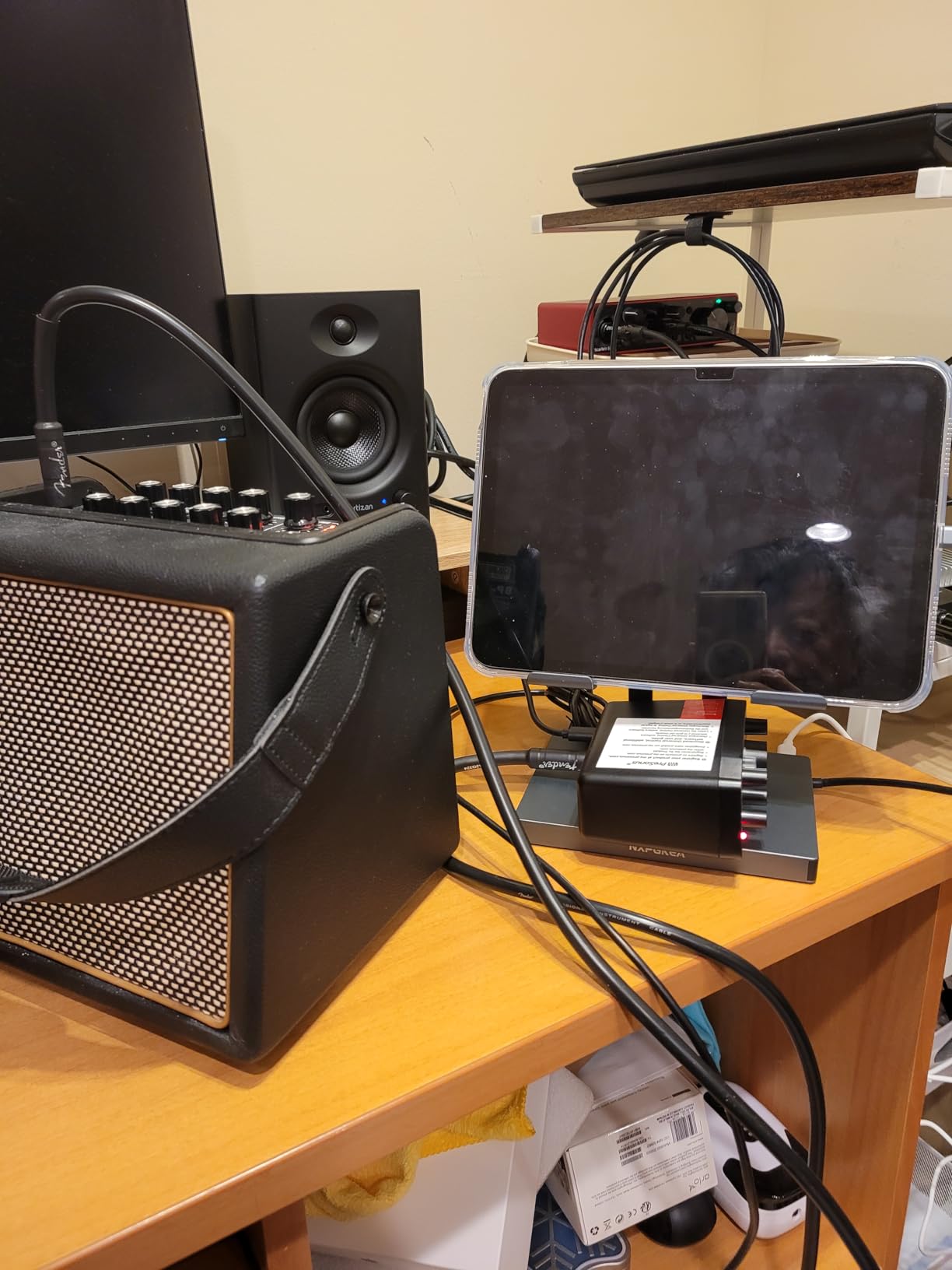
The USB-C bus-powered design is the killer feature for students. It works with MacBooks, iPads, Android phones, and Windows laptops without any external power. If you use GarageBand or Cubasis on an iPad for mobile production, this interface connects directly and starts recording immediately.
Independent headphone volume and mix control knobs are rare at this size and price. Being able to balance your input monitoring against playback without touching your DAW is genuinely useful for live recording situations.
Who should buy the PreSonus AudioBox GO
This is the best audio interface for music students who need maximum portability. If you record in multiple locations, travel home on weekends, or want to capture ideas on your iPad between classes, the AudioBox GO goes anywhere without weighing you down.
It is also the best option for iPad-first students. The USB-C connection works natively with iPad Pro and recent iPad Air models. No camera adapters, no powered hubs, no fuss.
Limitations for serious recording
The 50dB maximum preamp gain is the main limitation. This is fine for condenser microphones, but dynamic microphones like the Shure SM7B or SM58 will need an inline preamp booster to reach usable levels. If you plan to use dynamic mics extensively, consider an interface with more gain.
The all-plastic construction is a compromise for the small size and low weight. It will not survive the same abuse as a metal-bodied interface. The lack of input metering LEDs also means you rely on your DAW’s meters to monitor levels, which is less convenient during live recording.
11. Behringer UMC404HD – Four Midas Preamps for Multi-Tracking
Behringer U-PHORIA UMC404HD Audiophile 4×4, 24-Bit/192 kHz USB Audio/MIDI Interface with Midas Mic Preamplifiers
4 XLR/TRS inputs
24-bit/192kHz
4 Midas preamps
MIDI I/O
4x4 USB
Pros
- 4 Midas-designed preamps for multi-track recording
- 24-bit/192kHz professional audio quality
- 4 inputs and 4 outputs plus MIDI I/O
- Works as standalone DAC for high-res music playback
- Solid metal chassis built for daily use
Cons
- Phantom power is all-or-nothing across all 4 channels
- Front panel can only monitor 2 of 4 output channels
- Some Windows driver compatibility issues
- Limited input headroom with aggressive sources
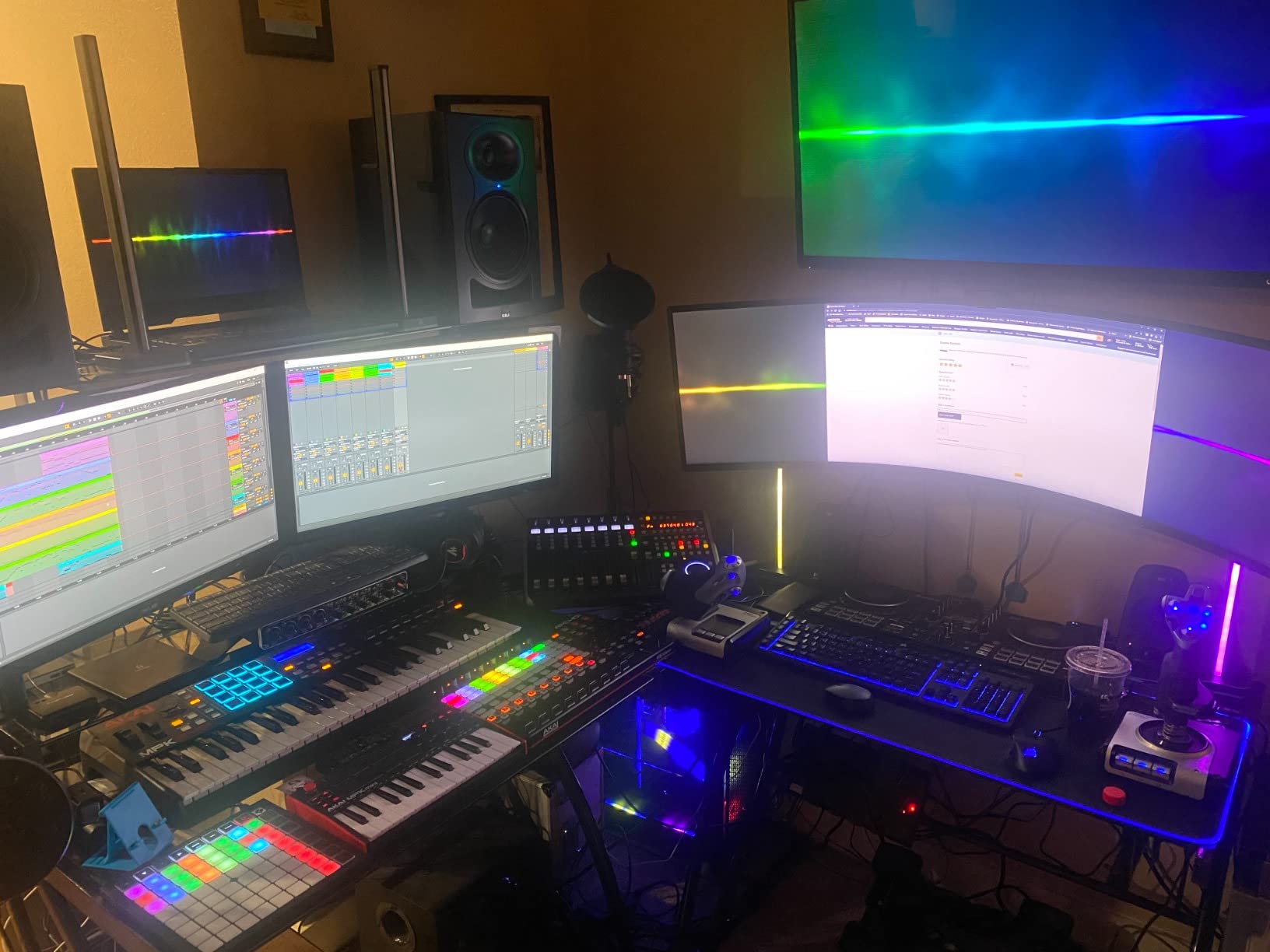
The Behringer UMC404HD is the big brother to the UMC204HD, and it solves the one problem that holds back most budget interfaces: input count. With four Midas-designed preamps, you can record a full drum kit, a small ensemble, or multiple musicians simultaneously without needing a separate mixer.
I tested this with a four-microphone drum setup and was impressed by how clean each channel sounded. The Midas preamps have a low noise floor and enough headroom to handle loud sources without obvious distortion. For music students studying recording engineering, having four discrete inputs lets you practice mic placement techniques that are impossible with a 2-channel interface.
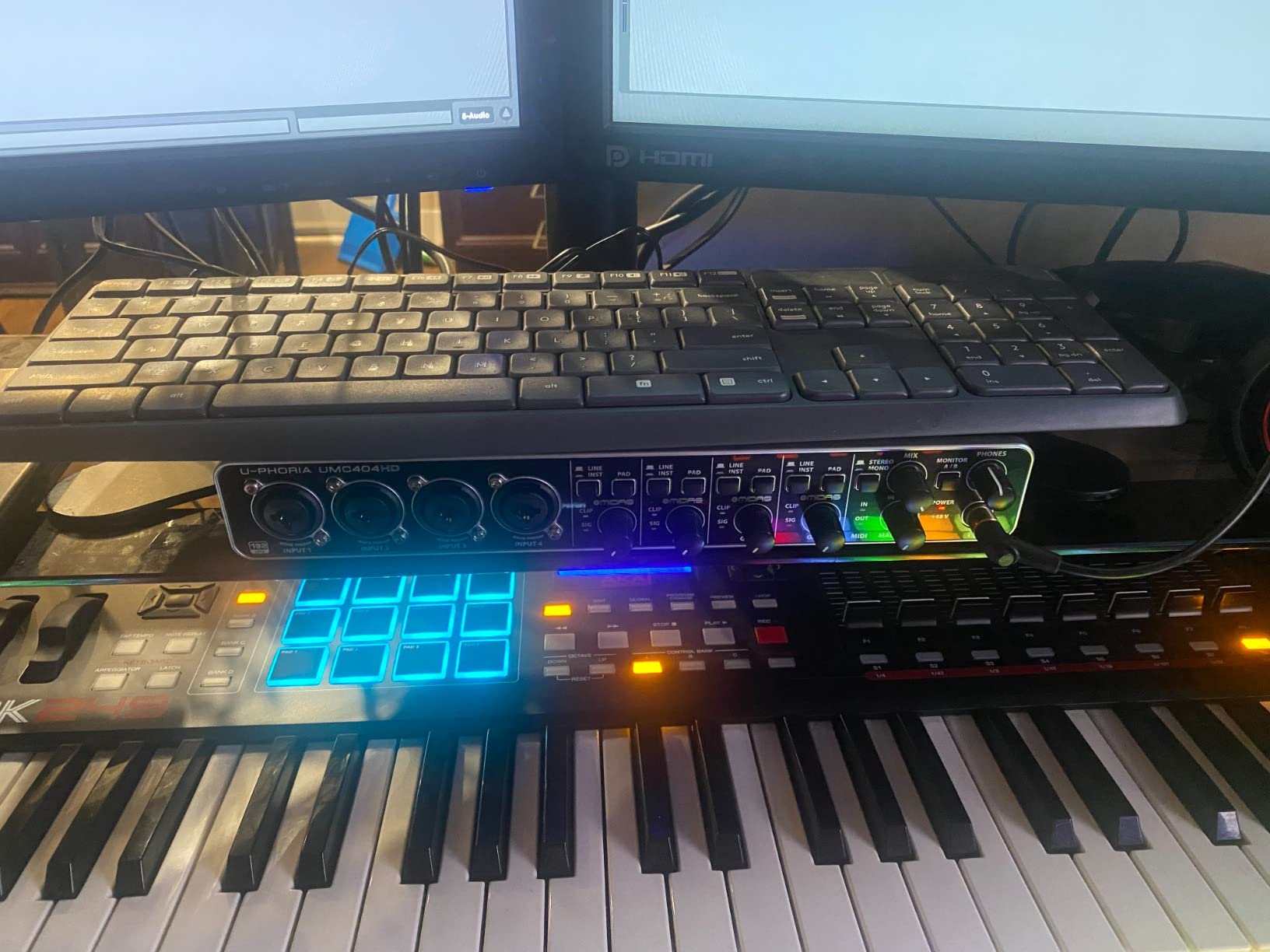
The unit also works as a standalone DAC. Several users report using it purely for high-resolution music playback through their computer, with excellent results. This dual functionality adds value if you also want better sound quality for listening to reference tracks.
The metal chassis is built like the smaller UMC204HD, with the same smooth knobs and solid feel. At 2.7 pounds, it is noticeably heavier than 2-channel interfaces, but that is the trade-off for four preamps and a larger footprint.
Who should buy the Behringer UMC404HD
This is the best audio interface for music students who need to record multiple sources at once. Drummers, ensemble directors, and recording engineering students will benefit from having four discrete inputs. It is also the most affordable 4-input interface worth buying.
If you are studying live sound or want to practice multi-mic recording techniques, this is your entry point. The price per input is unbeatable, and the Midas preamp quality means your recordings will not suffer for choosing the budget option.
Trade-offs vs 2-channel interfaces
The phantom power is global, meaning all four channels get +48V or none of them do. If you want to use a condenser mic on channel one and a dynamic mic on channel two, you cannot selectively apply phantom power. This is a common complaint but manageable if you plan your input routing ahead of time.
The front headphone output can only monitor two of the four output channels at once. For full multi-track monitoring, you will need to route through your DAW or use an external headphone amplifier connected to the main outputs.
12. Universal Audio Volt 2 – Warm Vintage Sound With LUNA DAW
Universal Audio Volt 2 USB Audio Interface
2 XLR inputs
24-bit/192kHz
UA 610 preamps
Vintage mode
LUNA DAW included
Pros
- Rich warm sound from classic UA 610 preamps with Vintage mode
- Up to 24-bit/192kHz recording with crystal clear converters
- Includes award-winning LUNA DAW software
- Works with Mac
- Windows
- iPad
- and iPhone
- Solid premium build quality
Cons
- Only 2 inputs and outputs
- No MIDI I/O on the interface
- iPad requires Lightning to USB adapter not included
- Gain staging tricky with only 2 LEDs for metering
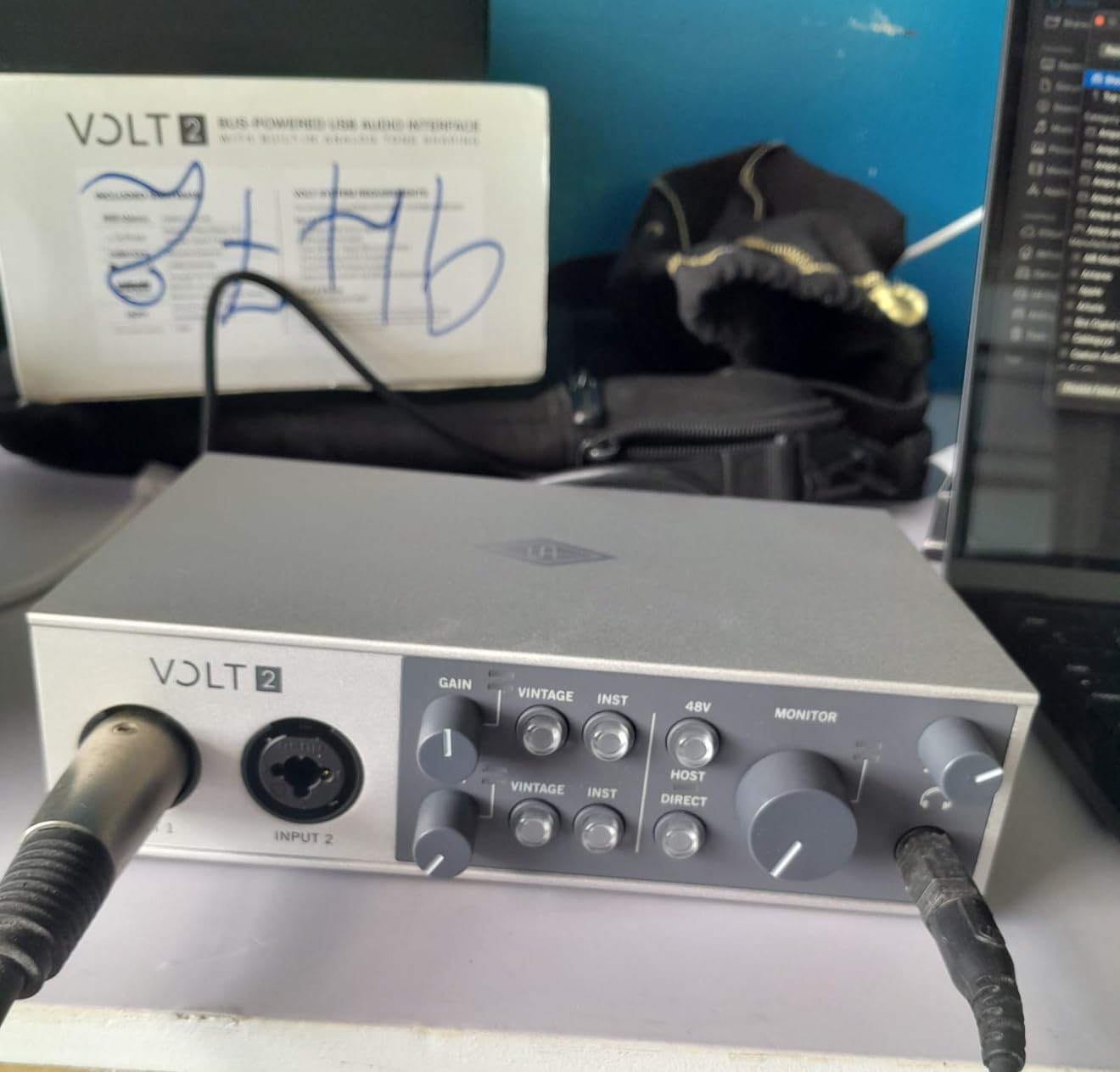
The Universal Audio Volt 2 brings the sound of UA’s legendary analog hardware to a student-friendly price point. The preamps are inspired by the classic UA 610 console preamp, and the Vintage mode adds a warm, compressed character that makes vocals and bass sound finished before you even add plugins.
I found the Vintage mode genuinely useful for tracking vocals. It adds a subtle thickness and presence that helps a raw vocal sit in a mix without needing heavy processing. For students who are still learning to mix, this built-in character can make your recordings sound more polished with less effort.
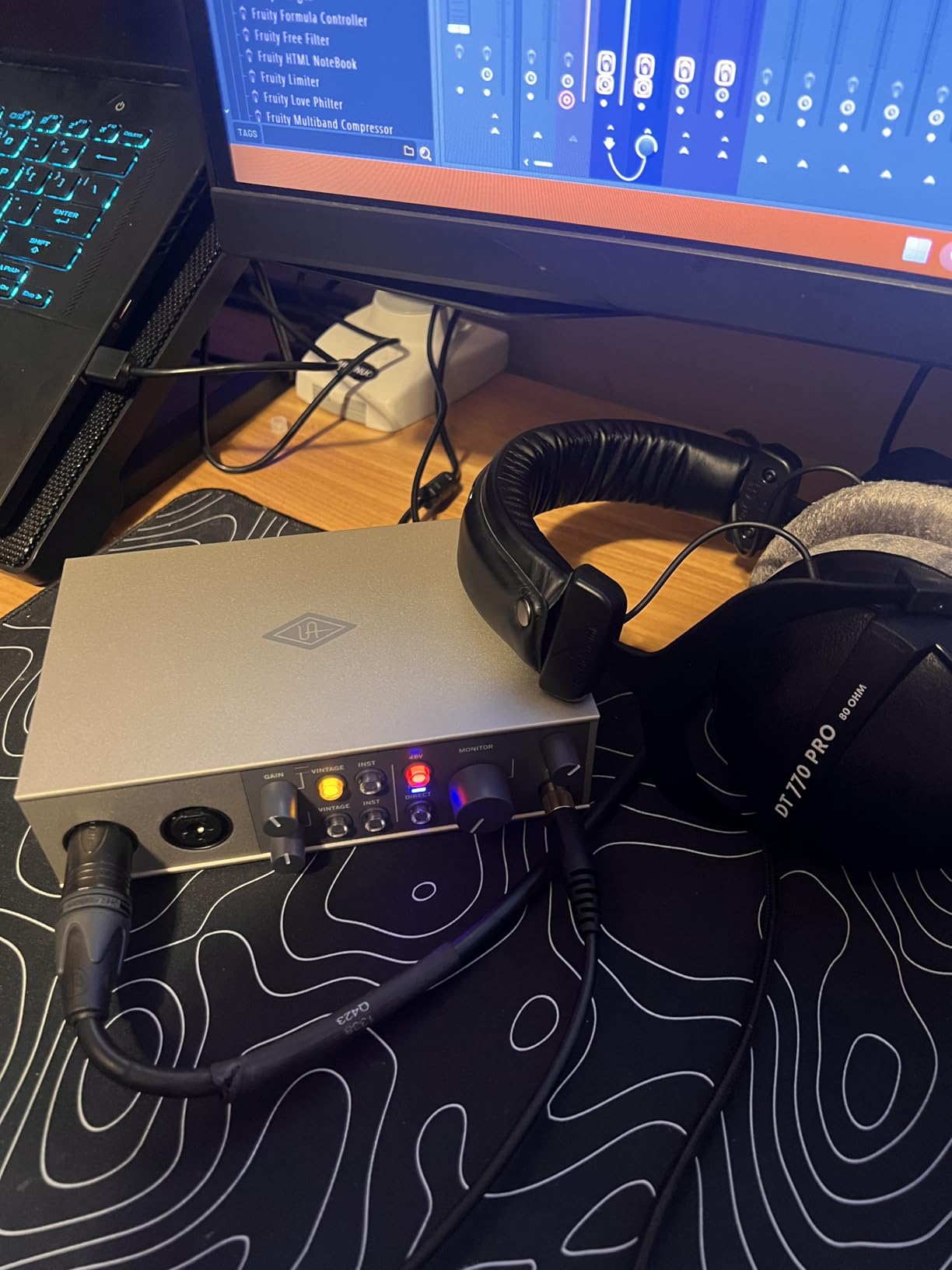
The included LUNA DAW is the real value proposition. Universal Audio built LUNA to feel like working on an analog console, with integrated UAD plugin support. It is a different workflow from Ableton or Pro Tools, but many users find it more intuitive for tracking and mixing acoustic music.
The build quality matches UA’s premium reputation. The chassis feels substantial, the knobs move with precision, and the overall aesthetic looks professional. For students who want gear that feels like an investment, the Volt 2 delivers on that expectation.
Who should buy the Universal Audio Volt 2
This is the best audio interface for music students who want analog warmth and character in their recordings. If you record vocals, acoustic guitar, or bass and want a polished sound straight from the preamp, the Vintage mode and 610-inspired preamps deliver that quality.
It is also the pick for students interested in the Universal Audio ecosystem. If you eventually want to move up to a UA Apollo interface with onboard DSP processing, starting with the Volt 2 gets you familiar with LUNA and the UAD plugin workflow.
iPad and mobile recording notes
The Volt 2 is bus-powered and works with iPad and iPhone running iOS 14 or later. For Lightning devices, you need a Lightning to USB Camera Adapter, which is not included. USB-C iPads connect directly without any adapter.
The lack of MIDI I/O is a gap at this price. If you use hardware synths or MIDI controllers with DIN connectors, you will need a separate USB-to-MIDI interface. The gain metering is also minimal, with just two LEDs indicating signal and clipping, which makes precise gain staging harder than on interfaces with full LCD metering.
13. SSL 2 MKII – Console Sound in a Compact Interface
Solid State Logic SSL 2 MKII – 2×2 USB Audio Interface
2 XLR inputs
32-bit/192kHz
SSL console preamps
Legacy 4K
MIDI I/O
Loopback
Pros
- Legendary SSL console sound quality with Legacy 4K analog enhancement
- 32-bit/192kHz converters with exceptional clarity
- Rock-solid metal build with smooth precise knobs
- Bus-powered with MIDI I/O and stereo loopback
- Includes SSL Production Pack software bundle
Cons
- Only 2 inputs and outputs
- Larger and heavier than competing 2x2 interfaces
- Newer product with fewer community reviews
- Not 32-bit float recording despite 32-bit converters
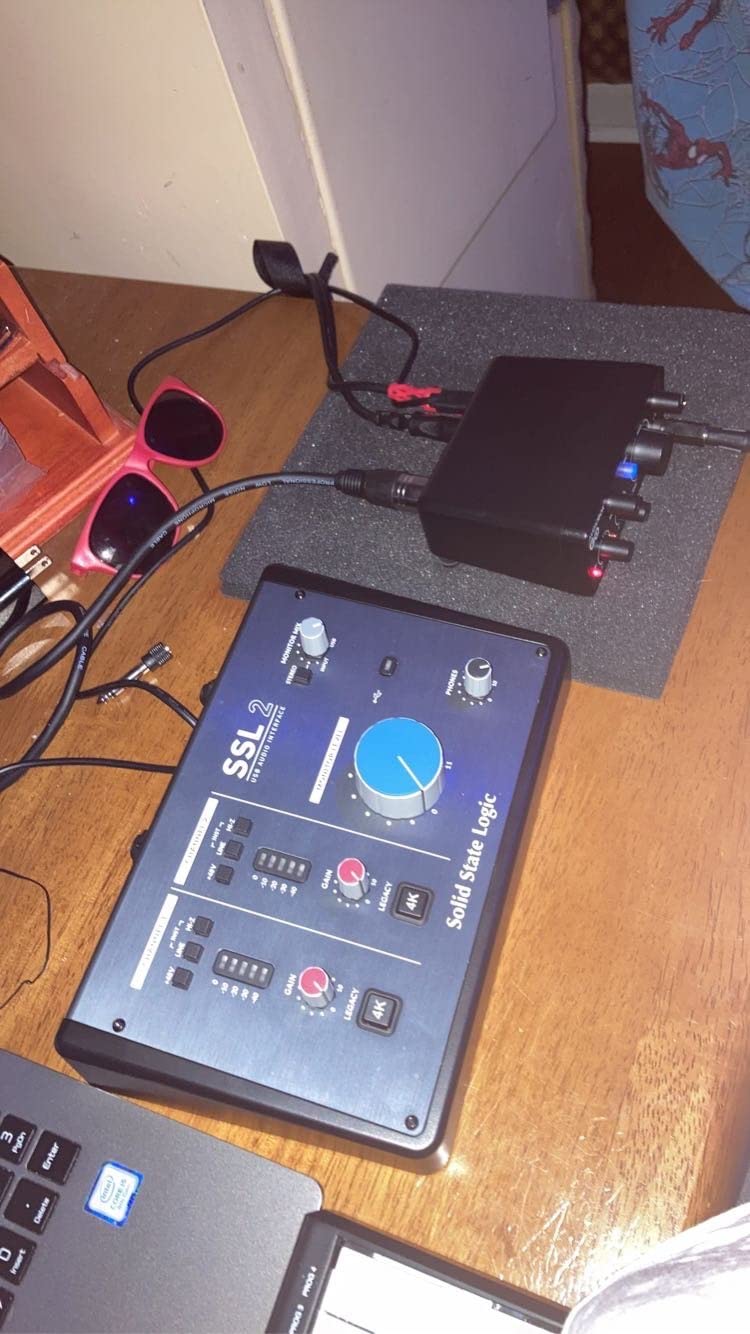
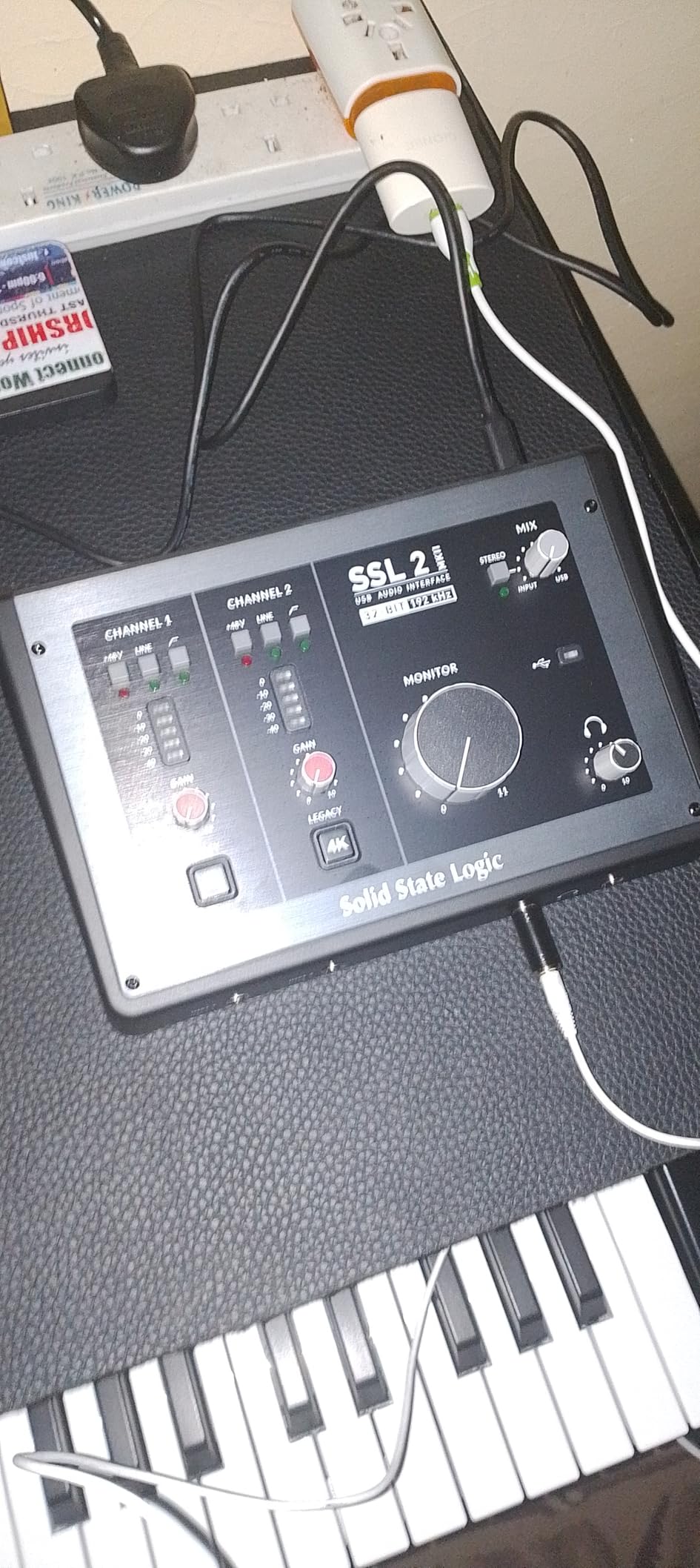
The SSL 2 MKII brings the sound of Solid State Logic’s legendary mixing consoles to a student-accessible interface. SSL consoles have been used on countless hit records, and the 2 MKII captures that character through its preamps and the Legacy 4K analog enhancement button.
When I engaged the Legacy 4K button on a vocal track, the difference was immediate. It adds a subtle harmonic saturation and high-frequency lift that makes tracks sound more expensive. For students who want their recordings to sound professionally polished without deep plugin knowledge, this feature is a genuine advantage.
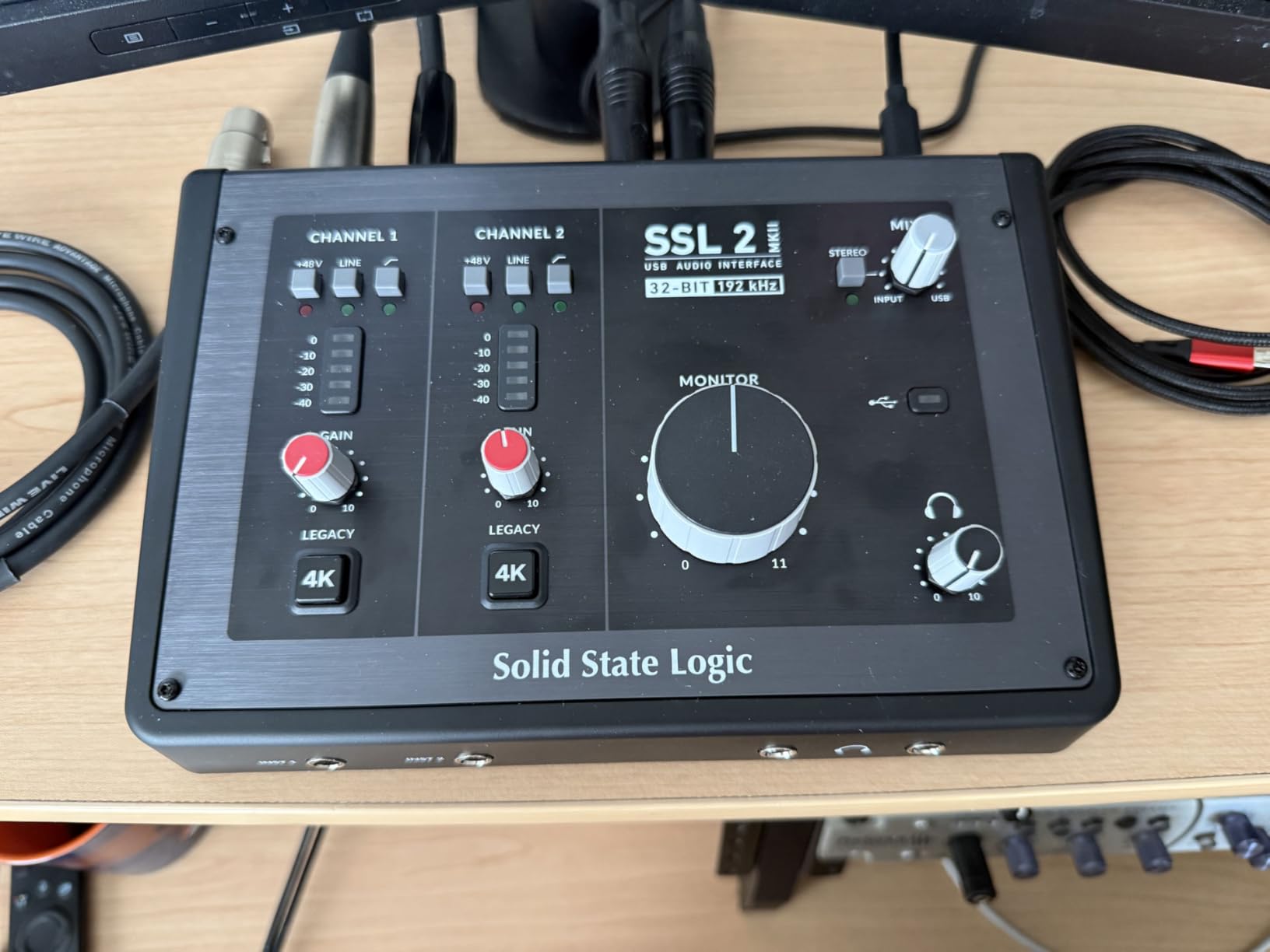
The 32-bit/192kHz converters are among the best in this price range. The noise floor is impressively low, and the dynamic range gives you plenty of room to work with quiet sources. Recording acoustic guitar with a sensitive condenser mic, the detail and clarity were a noticeable step up from budget interfaces.
Build quality matches SSL’s professional reputation. The stainless steel chassis is heavy for its size, and the knobs have the kind of smooth, damped feel you expect from premium studio gear. This is an interface that looks and feels like a serious piece of equipment.
Who should buy the SSL 2 MKII
This is the best audio interface for music students who want console-grade sound quality and are willing to invest in gear that will last through their degree and beyond. If you care deeply about preamp character, converter quality, and build construction, the SSL 2 MKII justifies its premium price.
It is also the pick for students who stream or produce content. The built-in stereo loopback lets you record computer audio and your microphone simultaneously, which is perfect for live streaming performances, creating tutorial videos, or recording online lesson submissions.
Size and feature considerations
The SSL 2 MKII is larger and heavier than other 2×2 interfaces like the Scarlett 2i2. If desk space is tight or you need maximum portability, the larger footprint is a drawback. The weight comes from the rugged metal construction, which is a trade-off worth making for durability.
The interface is relatively new, released in October 2024, which means fewer long-term reviews compared to established options. The 89% five-star rating from early reviewers is very promising, but the smaller review count means less community knowledge to draw from if you encounter issues.
14. MOTU M4 – Four Channels With LCD Metering
Motu M4 4×4 USB-C Audio Interface
4 inputs
24-bit/192kHz
LCD metering
Loopback
USB-C
2-year warranty
Pros
- Exceptional sound quality with extremely low noise floor
- 4 inputs and 4 outputs for multi-track recording
- LCD screen for precise level monitoring
- Built-in loopback for streaming and screen recording
- Rock-solid stable drivers especially on Windows
- Power on/off button to prevent power draw
Cons
- Headphone amplifier relatively weak for demanding headphones
- Volume knobs have non-linear response
- Occasional pitch-shift bug on Windows with Fast Startup
- More expensive than 2-channel alternatives
The MOTU M4 is the interface that experienced producers on Reddit consistently recommend over the Focusrite Scarlett for sound quality. MOTU has a long history in professional audio, and the M4 brings that engineering pedigree to a student-accessible 4-channel interface.
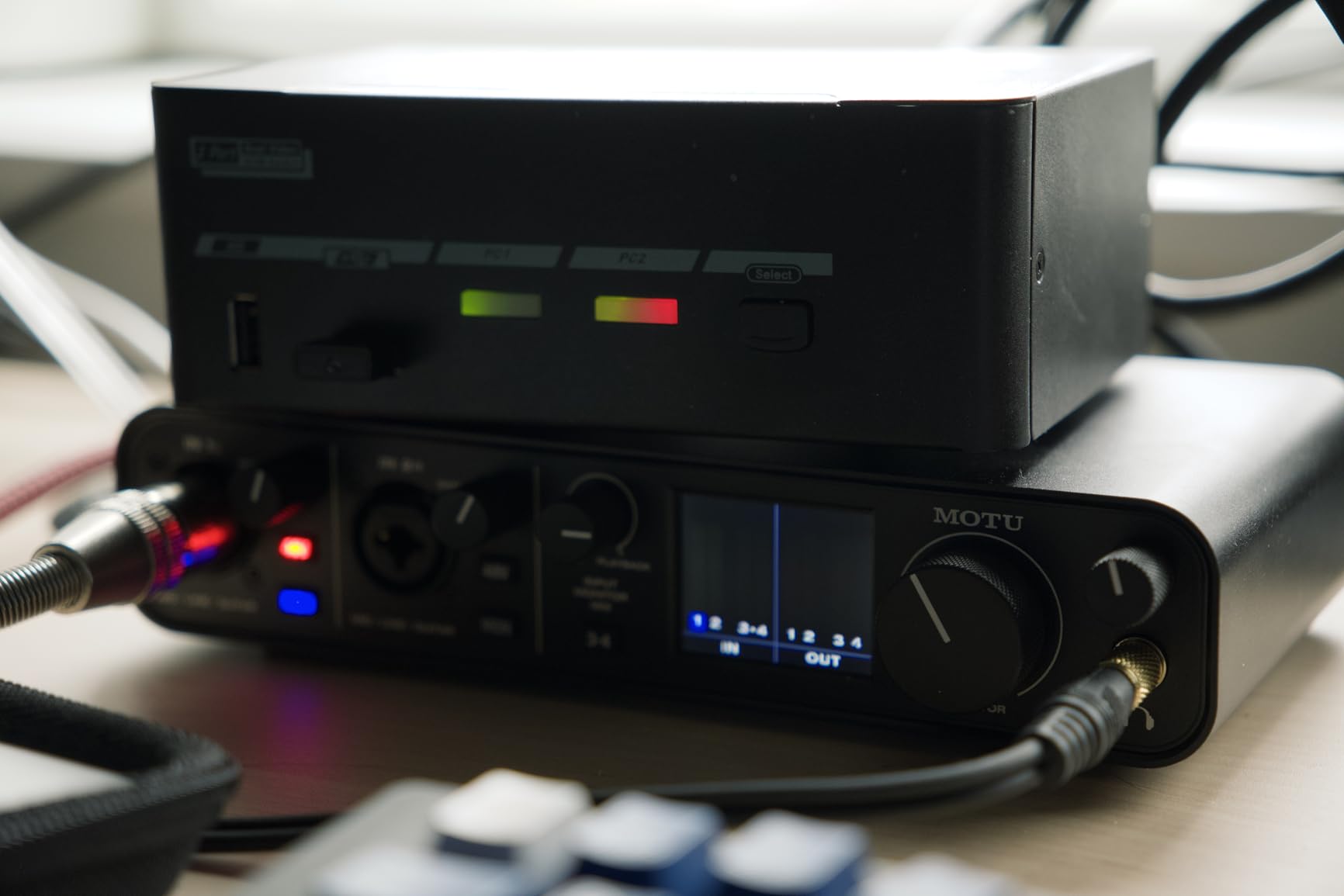
The standout feature is the LCD screen that shows detailed input and output levels. Unlike simple LED ladders that give you a rough idea of signal strength, the LCD displays precise dB readings. For students learning proper gain staging, this visual feedback is genuinely educational.
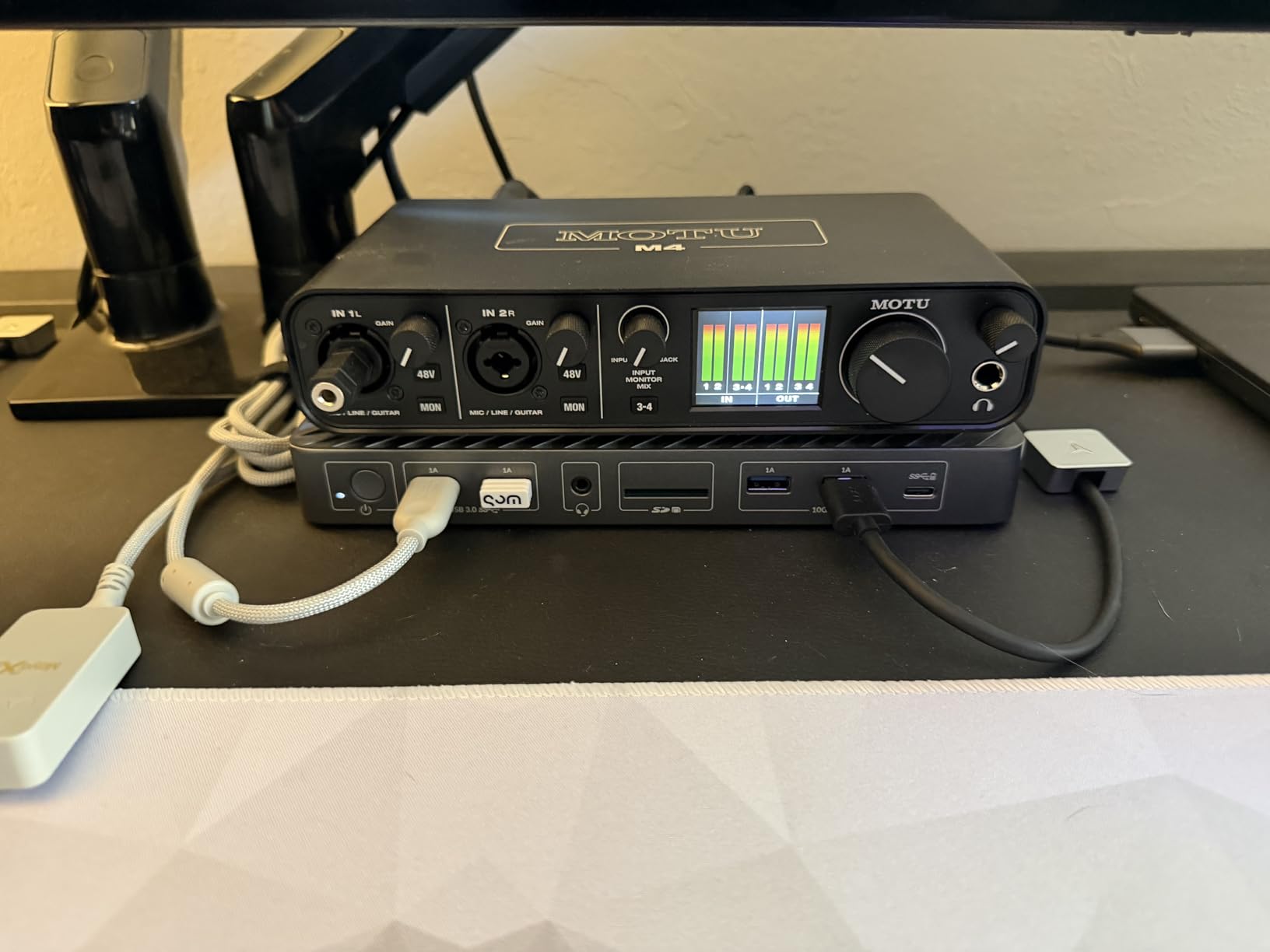
I was particularly impressed by the driver stability on Windows. Many budget interfaces suffer from pops, clicks, and dropouts on Windows systems, but the MOTU M4 runs rock-solid even at low buffer sizes. For Windows users who have struggled with cheaper interfaces, the M4 is worth the premium for reliability alone.
The built-in loopback functionality lets you record system audio alongside your microphone input. This is invaluable for students who need to record online lessons, create tutorial content, or stream performances. Most interfaces at this price do not include loopback.
Who should buy the MOTU M4
This is the best audio interface for music students who prioritize sound quality and driver stability above all else. If you are on Windows and have been burned by cheaper interfaces with unreliable drivers, the M4 solves that problem completely. Reddit users praise it as “crushing Focusrite” in raw sound quality.
It is also the pick for students who need four inputs but want better preamp quality than the Behringer UMC404HD offers. The M4 costs more, but the noise floor is lower, the converters are cleaner, and the LCD metering is genuinely superior to LED ladders.
Known issues and workarounds
The headphone amplifier is the main weakness. It struggles to drive high-impedance headphones to satisfying volumes, so if you use professional mixing headphones like the Beyerdynamic DT 770 Pro (80 ohm), you may want an external headphone amplifier. For standard earbuds or low-impedance monitoring headphones, the built-in amp is adequate.
On Windows, a Fast Startup feature can cause a pitch-shift bug where audio plays at the wrong sample rate. Disabling Fast Startup in your power settings fixes this completely. It is a one-time settings change that eliminates the only major complaint about this interface on Windows.
15. Audient iD4 MKII – Console-Grade Preamp With ScrollControl
Audient Audio Interface iD4 MKII, Class A Console Microphone Preamp (High Speed USB-C, Monitor Mix and Monitor Panning Function, 2 Headphone Outputs, Mac/PC/iOS Compatible), Black
1 XLR and 1 instrument input
24-bit/96kHz
Class-A console preamp
ScrollControl
Dual headphone outs
Pros
- Class-A console preamp from Audient's ASP8024 HE console
- JFET instrument input for warm analog guitar tone
- ScrollControl function controls DAW plugins from hardware
- Dual headphone outputs work simultaneously
- 3-year manufacturer warranty
Cons
- Settings do not persist when switching computers
- Single-knob design frustrates some users
- No hardware toggle between headphones and monitors
- Maximum 96kHz sample rate
The Audient iD4 MKII contains a preamp from Audient’s actual professional mixing console, the ASP8024 HE. That is not marketing spin. The preamp in this compact interface is literally derived from a console that costs tens of thousands of dollars. The result is a sound quality that punches well above the price tag.
When I compared the iD4 MKII against the Scarlett Solo on the same vocal recording, the Audient captured more detail and nuance. The transient response felt more accurate, and the overall tonal balance was more natural. For students studying critical listening and mix engineering, this level of preamp transparency is genuinely valuable.
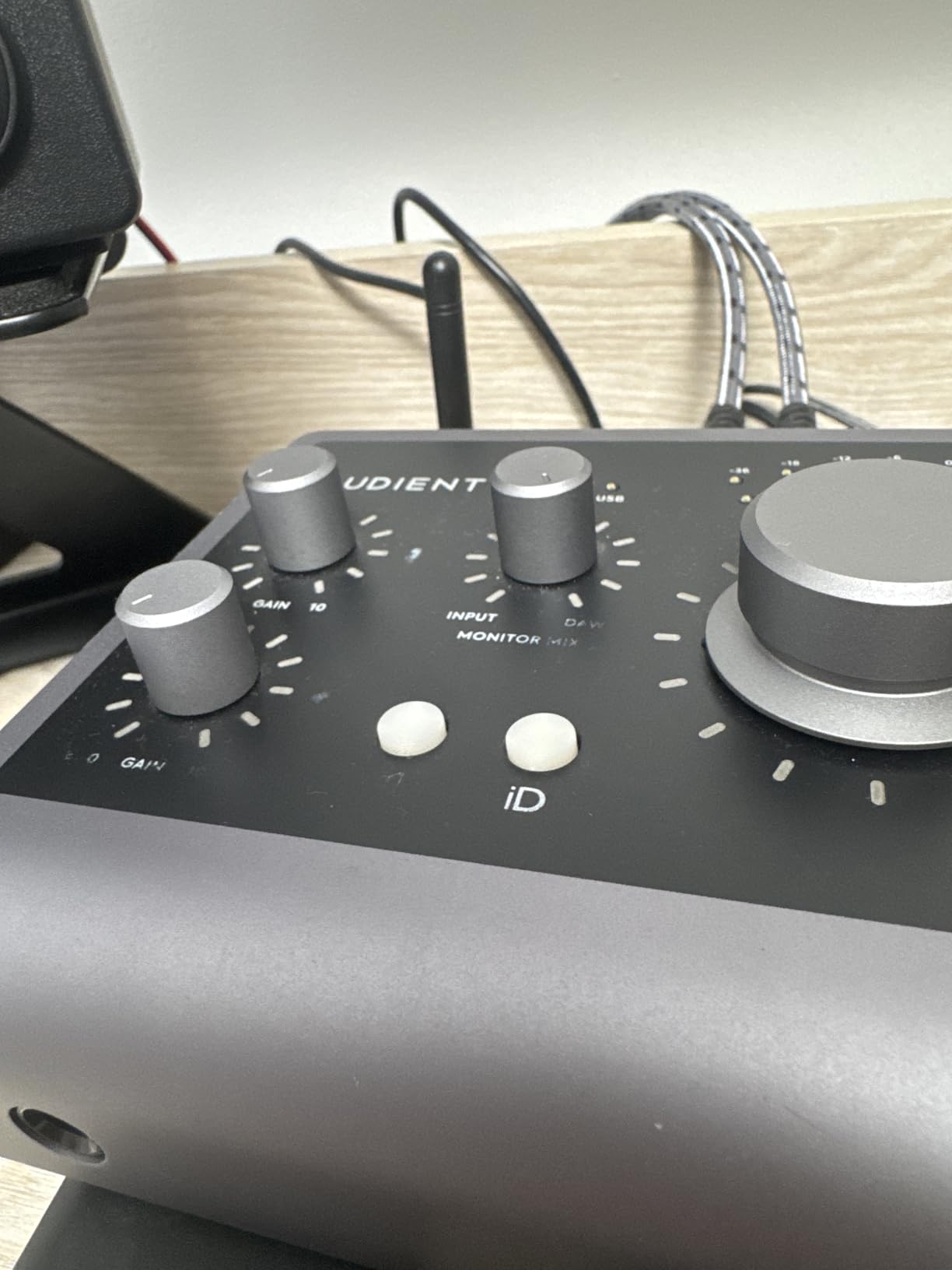
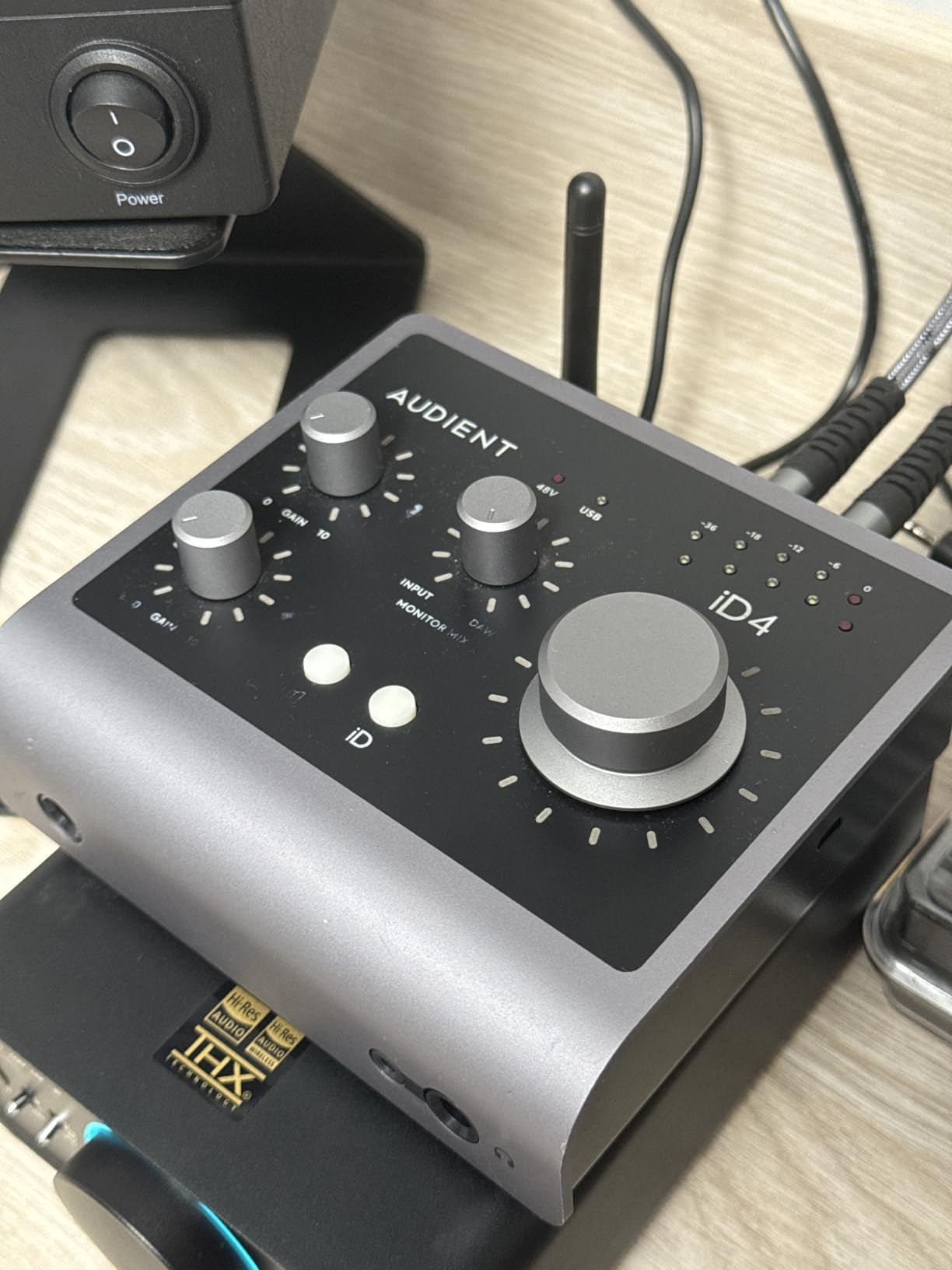
The ScrollControl feature is unique and surprisingly useful. The large main knob on the interface can be assigned to control various DAW parameters, including plugin settings, scroll position, and transport controls. Being able to adjust a reverb decay time or compression threshold from a physical knob instead of a mouse changes how you interact with your mix.
Dual headphone outputs are a thoughtful inclusion. Both the 3.5mm and 6.35mm jacks work simultaneously, which means you and a collaborator can monitor the same mix during a recording session. For students who work with bands or duet partners, this eliminates the need for a separate headphone splitter.
Who should buy the Audient iD4 MKII
This is the best audio interface for music students who care deeply about preamp quality and want something that teaches good mixing habits. The ScrollControl knob encourages a more tactile, console-like workflow that translates well to professional studio environments.
It is also the pick for students who frequently collaborate. The dual headphone outputs mean you can record with a partner without extra hardware. The 3-year warranty and all-metal construction give confidence that this interface will last through years of student use and beyond.
Trade-offs to consider
The maximum 96kHz sample rate is lower than most competitors in this price range, which typically offer 192kHz. For most student work, 96kHz is more than sufficient, but if your program requires 192kHz recordings, look at the SSL 2 MKII or MOTU M4 instead.
The settings do not persist when you unplug and replug the interface or switch between computers. You will need to reconfigure your monitor mix and other settings each time. This is an annoyance for students who use the same interface across multiple computers in different locations.
How to Choose an Audio Interface for Music School
Choosing the right audio interface comes down to matching features to your specific needs as a music student. Here is what actually matters, based on my testing and the consensus from Reddit communities like r/musicproduction and r/WeAreTheMusicMakers.
How many inputs do music students need
For most music students, two inputs is the sweet spot. Two combo XLR/instrument jacks let you record vocals and guitar simultaneously, track a stereo source, or record two musicians at once. This covers the vast majority of student assignments, demos, and practice recordings.
You need four inputs only if you plan to record drums with multiple microphones, capture a small ensemble, or do live recording of multiple performers. In those situations, interfaces like the Behringer UMC404HD or MOTU M4 are worth the extra cost. Otherwise, you are paying for inputs you will never use.
Single-input interfaces like the Scarlett Solo or M-Track Solo work if you only record one source at a time. Vocalists who track guitar separately, podcasters, and students who primarily submit solo performances can save money here.
USB-C vs older USB connections and iPad compatibility
USB-C is the modern standard, and I recommend prioritizing it if you have a recent laptop or iPad. Interfaces like the Scarlett 2i2 4th Gen, MAONO PS22 Lite, PreSonus AudioBox GO, and MOTU M4 all use USB-C, which means native compatibility with modern MacBooks and iPad Pro models.
Older USB-B connections still work fine but require specific cables and adapters. If you have a USB-C only laptop, a USB-B interface means carrying a dongle. For iPad users, look specifically for class-compliant interfaces that draw power from the tablet without needing a powered hub.
The Focusrite Scarlett series, PreSonus AudioBox GO, Universal Audio Volt 2, and MOTU M4 are all known to work well with iPads. GarageBand, Cubasis, and other iOS music apps recognize them automatically without any driver installation.
Preamps and sound quality
Preamp quality is the single biggest factor in how your recordings sound. The preamp boosts the tiny signal from your microphone to a level your interface can process. Cheap preamps add noise, coloration, and distortion. Good preamps stay clean and transparent.
The interfaces with the best preamps in this roundup are the Audient iD4 MKII (Class-A console preamp), SSL 2 MKII (SSL console preamps), Universal Audio Volt 2 (UA 610 inspired), and MOTU M4 (transparent and detailed). These all compete with interfaces costing significantly more.
Among budget options, the Behringer UMC204HD with its Midas preamps and the Mackie Onyx Artist with its Onyx preamp punch above their weight. Reddit users consistently praise both for sound quality that rivals more expensive interfaces.
Software bundles for students
The bundled software can save you hundreds of dollars. Focusrite includes Pro Tools Intro+, Ableton Live Lite, Cubase LE, and the Hitmaker Expansion with their Scarlett interfaces. PreSonus includes Studio One Artist, which many schools use for teaching. Universal Audio includes LUNA, their custom DAW.
If your school requires a specific DAW, check whether an interface includes it before buying. Students whose programs use Studio One should seriously consider PreSonus interfaces. Students using Ableton Live should look at Focusrite or Universal Audio bundles.
Free DAW alternatives like GarageBand (Mac), Reaper (inexpensive license), and Cakewalk (Windows, free) work with every interface on this list. If you already own DAW software, the bundled DAW becomes a bonus rather than a deciding factor.
Budget tiers for music students
Under $70: The M-Audio M-Track Solo, M-Audio M-Track Duo, and Behringer UM2 are the cheapest viable options. They sacrifice build quality and sample rate but deliver clean basic recording. Best for students testing whether music production is right for them.
$70 to $150: The Behringer UMC204HD, Mackie Onyx Artist, MAONO PS22 Lite, PreSonus AudioBox 96, and PreSonus AudioBox GO hit the value sweet spot. You get better preamps, 24-bit/96kHz or 192kHz recording, and more features like MIDI I/O and loopback.
$150 to $300: The Focusrite Scarlett 2i2 4th Gen, Universal Audio Volt 2, SSL 2 MKII, MOTU M4, and Audient iD4 MKII offer premium preamp quality, better build construction, and the most comprehensive software bundles. These are interfaces you can use through your entire degree and into professional work.
Dorm room and shared space considerations
If you live in a dorm or shared apartment, size and noise matter. Compact interfaces like the PreSonus AudioBox GO and MAONO PS22 Lite take up minimal desk space. Metal chassis interfaces like the Scarlett 2i2 and SSL 2 MKII stay put on a desk and resist damage from roommates.
For late-night recording, look for interfaces with direct monitoring. This lets you hear your input with zero latency through headphones, so you do not need to play through speakers and disturb neighbors. Every interface on this list includes some form of direct monitoring.
If you record online lessons or stream performances, loopback functionality is essential. The MAONO PS22 Lite, SSL 2 MKII, and MOTU M4 all include loopback, which lets you capture computer audio and your microphone simultaneously.
FAQs
What is an audio interface and do I need one for music school?
An audio interface converts analog signals from microphones and instruments into digital audio your computer can record, and plays digital audio back through speakers or headphones. If your music program requires recording assignments, online lesson submissions, or home studio work, you need an interface. USB microphones work for basic voice recording but cannot match the sound quality, low latency, and multi-input flexibility of a dedicated interface.
Can I use an audio interface with an iPad for music class?
Yes, most modern USB audio interfaces work with iPads. Look for class-compliant interfaces that draw power directly from the iPad without needing a powered hub. The Focusrite Scarlett 2i2 4th Gen, PreSonus AudioBox GO, Universal Audio Volt 2, and MOTU M4 are all known to work well with iPads. USB-C iPads connect directly, while older Lightning iPads need a Lightning to USB 3 Camera Adapter.
What is the best budget audio interface for beginners?
The Behringer UMC204HD is the best value budget interface thanks to its Midas-designed preamps and 24-bit/192kHz recording. For the absolute lowest price, the M-Audio M-Track Duo under $70 gives you two inputs with clean sound. If you can stretch your budget to around $225, the Focusrite Scarlett 2i2 4th Gen is the most recommended beginner interface on Reddit and in music schools.
Do I need phantom power for my microphone?
You need phantom power if you use a condenser microphone, which is common for recording vocals and acoustic instruments in music school. Dynamic microphones like the Shure SM58 and SM57 do not need phantom power. Nearly every audio interface on this list includes 48V phantom power on all XLR inputs, so this is rarely a deciding factor when choosing an interface.
Is a 2-input audio interface enough for music students?
For most music students, yes. Two inputs let you record vocals and guitar simultaneously or capture a stereo source. You only need 4 or more inputs if you plan to record drums with multiple microphones, track a full band, or record multiple musicians at once. Most student assignments, demos, and online lesson recordings work perfectly with a 2-input interface.
Are expensive audio interfaces worth it for students?
Expensive interfaces are worth it if you plan to use them for years and care about preamp quality, build durability, and driver stability. The difference between a $50 interface and a $250 interface is noticeable in noise floor, preamp transparency, and construction quality. However, a $50 interface is still perfectly usable for class assignments and practice recordings. Start with what you can afford and upgrade later if needed.
Final Thoughts on the Best Audio Interfaces for Music Students
The best audio interfaces for music students in 2026 balance sound quality, durability, and budget in ways that match how you actually work. The Focusrite Scarlett 2i2 4th Gen remains the safest overall pick, with professional sound quality, Auto Gain features, and a software bundle that covers most student needs. For value, the Behringer UMC204HD with Midas preamps is unbeatable. For the tightest budgets, the M-Audio M-Track Duo delivers clean dual-input recording under $70.
Whatever you choose, the most important thing is to start recording. An affordable interface you use every day will teach you more than a premium one that sits in its box. Pick the option that fits your budget, your microphone, and your computer setup, and use it consistently throughout your studies. You can always upgrade later when your skills and needs grow.