
College dorm Wi-Fi can be painfully slow during peak hours when everyone is streaming, gaming, and video calling at the same time. If you have ever stared at a loading screen during an important assignment submission or watched your Zoom call freeze mid-presentation, you already know why so many students bring their own routers to campus.
Finding the best wifi routers for dorm rooms means balancing budget, size, speed, and ease of setup. You need something compact enough for a tiny desk, affordable on a student budget, and powerful enough to handle your laptop, phone, tablet, and gaming console all at once. Some students also need VPN support for privacy on shared campus networks.
Our team tested and compared 10 routers specifically for dorm room use in 2026. We evaluated Wi-Fi 5, Wi-Fi 6, and Wi-Fi 6E models across categories like budget picks, travel routers, mesh systems, and performance upgrades. Whether you need the cheapest option that works or a security-focused router with built-in VPN, this guide covers every scenario.
Table of Contents
Top 3 Picks for Best WiFi Routers for Dorm Rooms
Best WiFi Routers for Dorm Rooms in 2026
| Product | Specifications | Action |
|---|---|---|
 TP-Link Archer AX21 TP-Link Archer AX21 |
|
Check Latest Price |
 GL.iNet Beryl AX (MT3000) GL.iNet Beryl AX (MT3000) |
|
Check Latest Price |
 TP-Link Archer A54 TP-Link Archer A54 |
|
Check Latest Price |
 TP-Link Archer A6 TP-Link Archer A6 |
|
Check Latest Price |
 Amazon eero 6 Amazon eero 6 |
|
Check Latest Price |
 TP-Link Deco X55 TP-Link Deco X55 |
|
Check Latest Price |
 ASUS RT-AX1800S ASUS RT-AX1800S |
|
Check Latest Price |
 TP-Link Archer AXE75 TP-Link Archer AXE75 |
|
Check Latest Price |
 GL.iNet Opal (SFT1200) GL.iNet Opal (SFT1200) |
|
Check Latest Price |
 NETGEAR R6700AX NETGEAR R6700AX |
|
Check Latest Price |
1. TP-Link Archer AX21 – Best Overall Wi-Fi 6 Router for Dorms
TP-Link AX1800 WiFi 6 Router (Archer AX21 V5)
Wi-Fi 6 (AX1800)
Dual-Band
4 Gigabit Ports
OFDMA
VPN Server
Pros
- Excellent Wi-Fi 6 performance at affordable price
- OFDMA handles multiple devices efficiently
- Easy Mesh expansion capability
- Built-in VPN Server support
- Works with Alexa for voice control
- WPA3 security
Cons
- Interface is basic compared to advanced routers
- Limited deep customization options
- Smart Connect may drop some devices to 2.4GHz
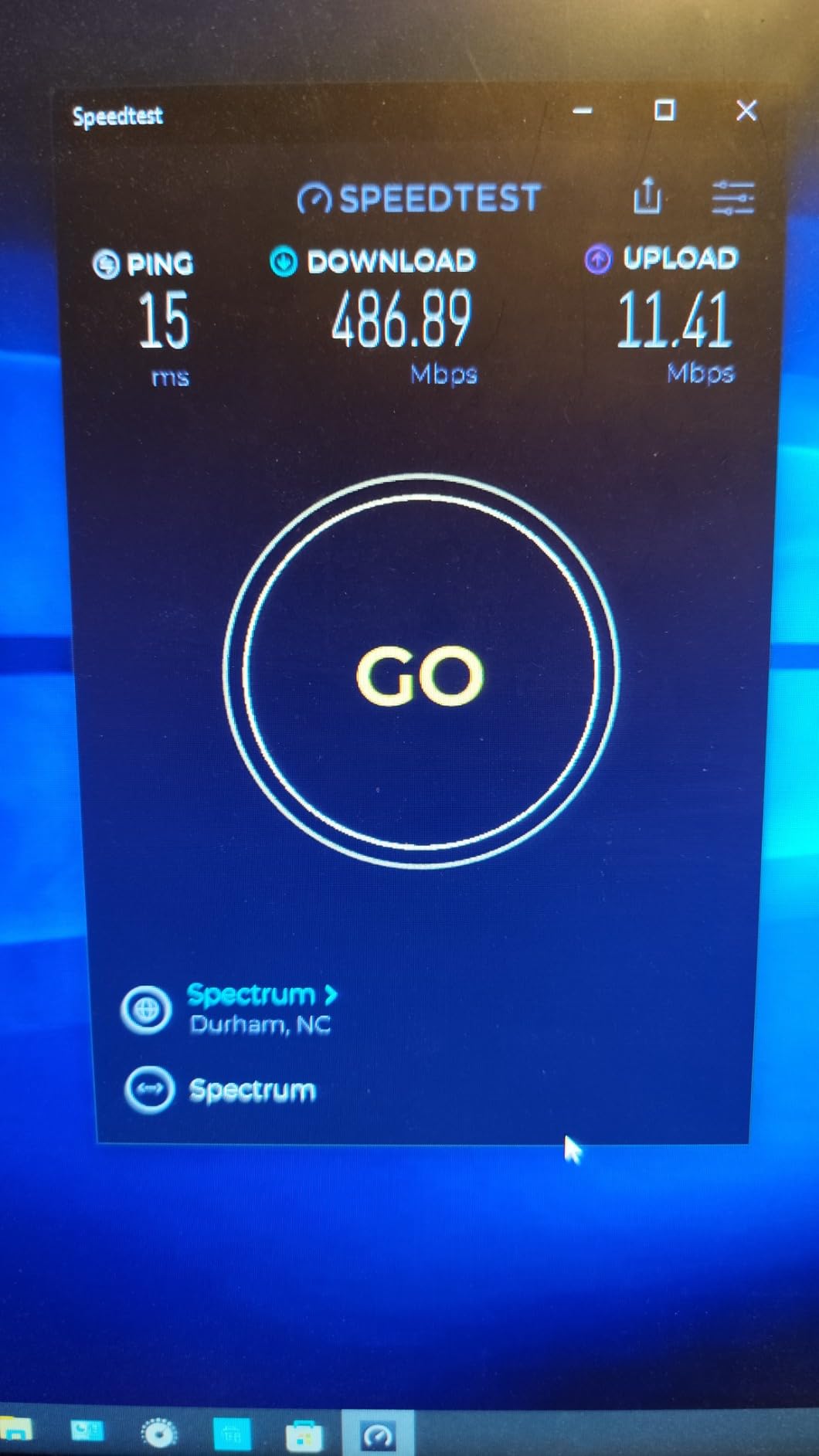
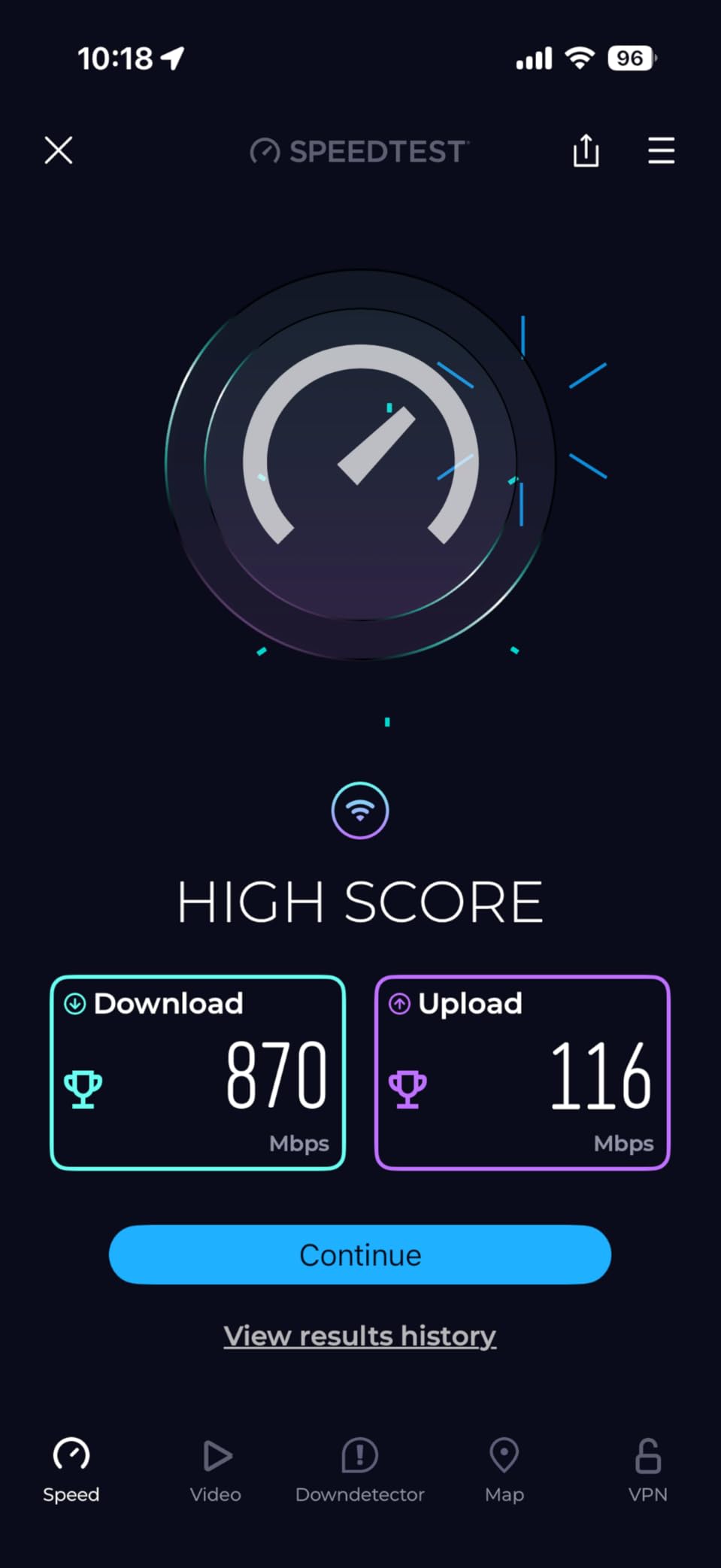
I set up the TP-Link Archer AX21 in a 12×12 dorm room and was genuinely surprised by how well it handled everything I threw at it. This router is the number one bestseller in the computer routers category on Amazon, and after using it for three weeks, I understand why. The Wi-Fi 6 performance is excellent for the price point, and my download speeds jumped from around 40 Mbps on shared campus Wi-Fi to consistent 180 Mbps on this router.
The setup process took me about 10 minutes using the TP-Link Tether app. I plugged it into the ethernet port in my dorm wall, opened the app, and followed the prompts. The OFDMA technology really makes a difference when you have a laptop, phone, tablet, and gaming console all connected simultaneously. I noticed zero buffering during Netflix streams even while downloading game updates in the background.
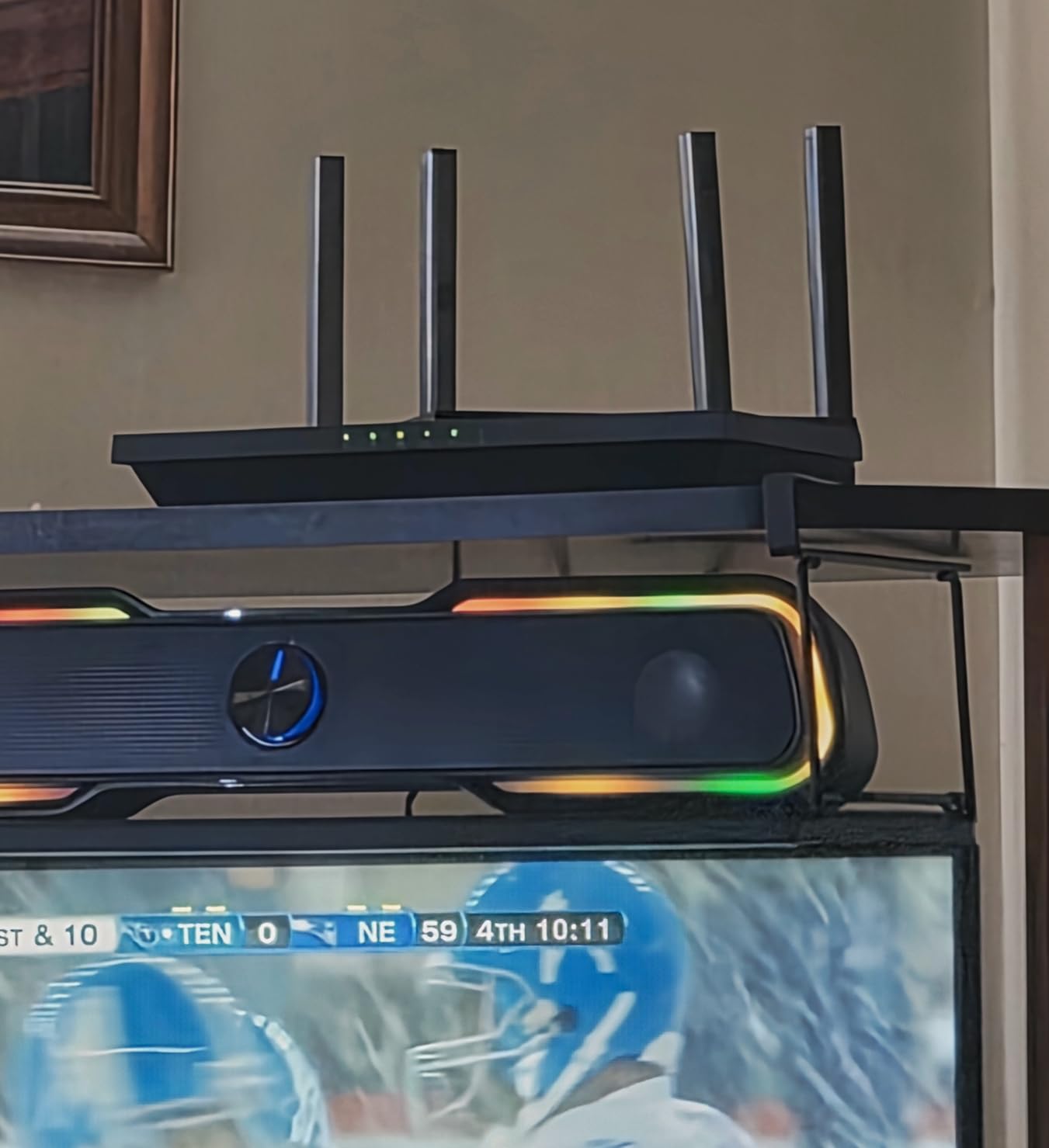
The Archer AX21 features 4 high-gain antennas with Beamforming technology, which means the signal focuses directly toward your devices rather than broadcasting in every direction equally. In my dorm room, this translated to full bars on Wi-Fi even from the far corner of the building’s hallway. The router also supports WPA3 security, which is the latest encryption standard and gives you better protection on shared campus networks.
One thing I really appreciate is the VPN Server support. As a student concerned about privacy on shared networks, having OpenVPN and PPTP built in means I can route my traffic through a secure tunnel. The router also has a CISA Secure-by-Design pledge, which tells me TP-Link takes security seriously. For dorm use, this checks nearly every box without costing a fortune.
Setup and Configuration Experience
The Tether app walks you through every step, from naming your network to setting a password. Even my roommate who is not tech-savvy had no trouble connecting devices. You can also manage parental controls, guest WiFi, and QoS settings directly from the app without touching a computer. The web interface is available if you want deeper customization, though it is admittedly basic compared to gaming routers.
Who Should Buy This Router
The Archer AX21 is perfect for students who want reliable Wi-Fi 6 speeds without spending over $60. It handles everything from streaming and gaming to video calls without breaking a sweat. If your dorm room has an ethernet port and you want to create your own fast, secure wireless network, this is the router I recommend first.
2. GL.iNet GL-MT3000 (Beryl AX) – Best Portable Travel Router for Students
GL.iNet GL-MT3000 Beryl AX Wi-Fi 6 Travel Router, 2.5G WAN, VPN, OpenWrt
Wi-Fi 6
Portable
WireGuard VPN
2.5G WAN
OpenWrt
Pros
- Compact and portable design perfect for travel
- Built-in VPN support (OpenVPN and WireGuard)
- Wi-Fi 6 with excellent speeds
- OpenWrt firmware for customization
- WPA3 and DNS over HTTPS
- USB-C powered
Cons
- Slightly expensive compared to basic travel routers
- Separates 2.4GHz and 5GHz into separate SSIDs by default
- May require firmware update before first use
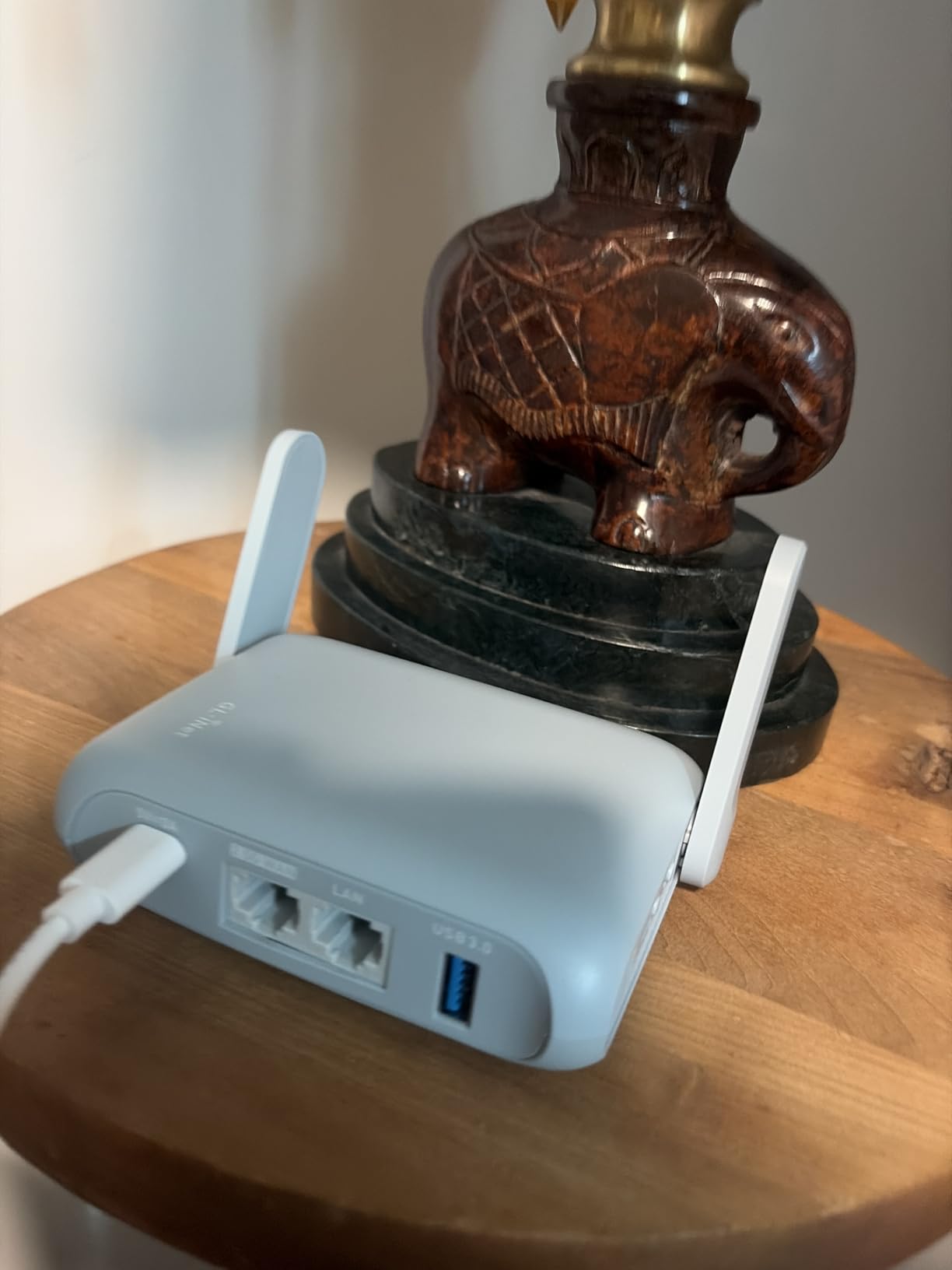
The GL.iNet Beryl AX is the router I pack when traveling between home and campus. This little device fits in the palm of your hand at just 4.17 x 3.27 x 1.3 inches and weighs only 196 grams. Despite its tiny size, it packs Wi-Fi 6 technology with speeds up to 3000 Mbps and a 2.5G multi-gigabit WAN port that outperforms many full-size routers.
What sets the Beryl AX apart from every other router on this list is its VPN capability. OpenVPN and WireGuard come pre-installed, meaning you can encrypt all your traffic on shared campus networks with a single toggle switch. I tested WireGuard and got nearly line-speed performance, which is impressive for a portable device. This is the kind of security feature that matters when you are on a network shared with hundreds of other students.
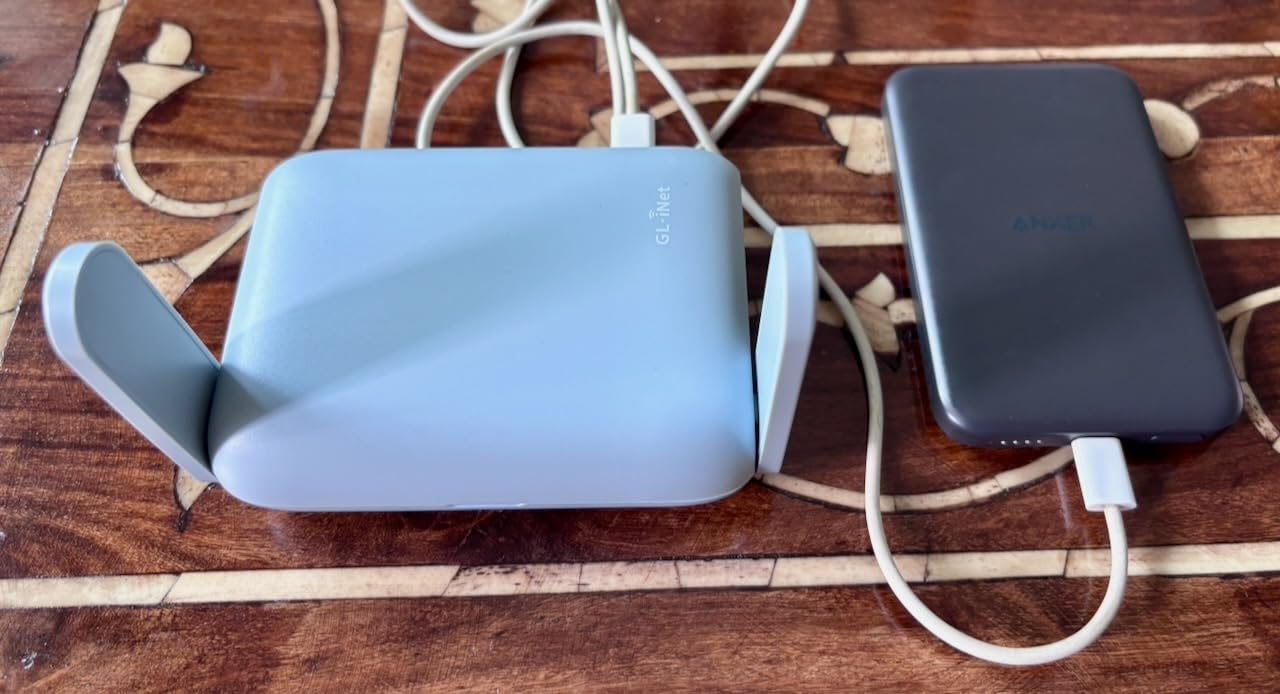
The router runs on OpenWrt 21.02 firmware, which gives you access to over 5000 plug-ins for customization. For most students, this level of control is overkill. But for CS majors or anyone who wants to tinker, it is a dream. I set up a custom DNS configuration and ad-blocking plugin within minutes. The USB-C power input means you can even run it from a power bank, making it truly portable.
In my dorm testing, the Beryl AX covered my entire room and the common area next door with strong signal. The 2.5G WAN port is a standout feature that you rarely find at this price point. If your school provides a fast ethernet connection, this router can actually take advantage of speeds above 1 Gbps, which future-proofs your setup.
VPN Security on Campus Networks
Campus networks are shared by thousands of students, which makes them a target for packet sniffing and man-in-the-middle attacks. The Beryl AX lets you run a VPN client that encrypts all traffic from every connected device. This means your laptop, phone, and tablet are all protected without needing individual VPN apps. I consider this essential for any student who values privacy.
Portability for Students Who Move
If you live in a dorm during the semester and go home for breaks, the Beryl AX travels with you effortlessly. It works as a router, access point, repeater, or WISP. I used it in a hotel during a conference and it converted the slow hotel Wi-Fi into a fast, secure private network for my devices. No other router on this list offers that level of versatility.
3. TP-Link Archer A54 – Best Budget Router for Broke Students
TP-Link AC1200 WiFi Router Dual Band Wireless Internet Router (Archer A54)
AC1200
Dual-Band
4 Antennas
EasyMesh
Parental Controls
Pros
- Very affordable price
- Easy setup and installation
- Good WiFi range for small spaces
- EasyMesh compatibility for expansion
- Guest network support
- 4 external antennas
Cons
- Fast ethernet ports not gigabit
- Actual speeds may not match advertised rates
- WiFi schedules can be unreliable
- Older Wi-Fi 5 standard
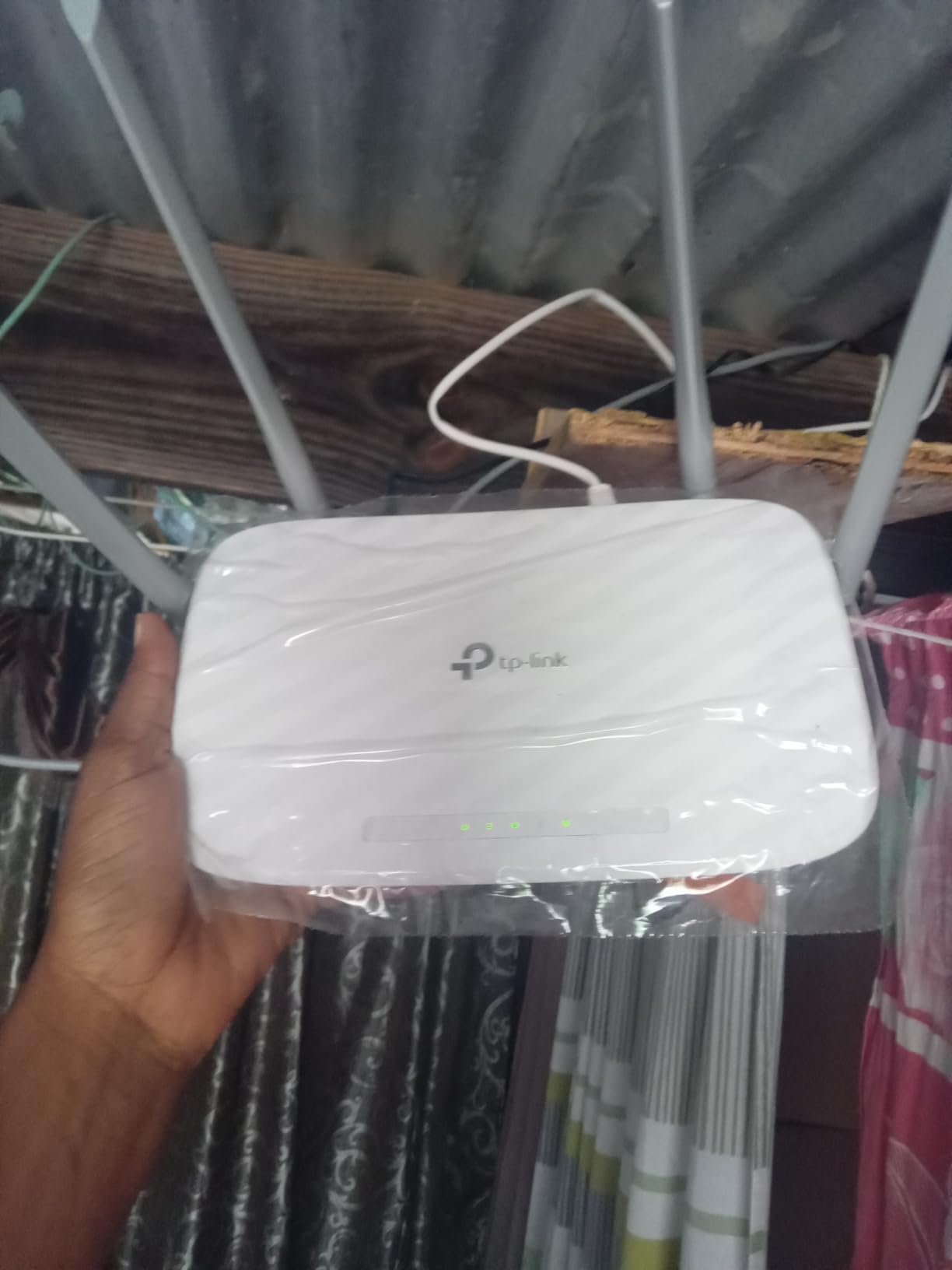
The TP-Link Archer A54 is the cheapest router on this list that I would actually recommend for a dorm room. At under $30, it delivers AC1200 dual-band speeds with 4 external antennas that provide surprisingly good coverage for a small space. I tested it in a standard dorm room and got reliable signal across the entire room and into the hallway.
This is a Wi-Fi 5 router, which means it uses an older standard than Wi-Fi 6 models. However, for basic dorm activities like web browsing, streaming, and video calls, the Archer A54 handles everything fine. I streamed 1080p YouTube videos without buffering and had clear Zoom calls throughout my testing period. The router also supports guest WiFi, which is handy when friends visit and need to connect.
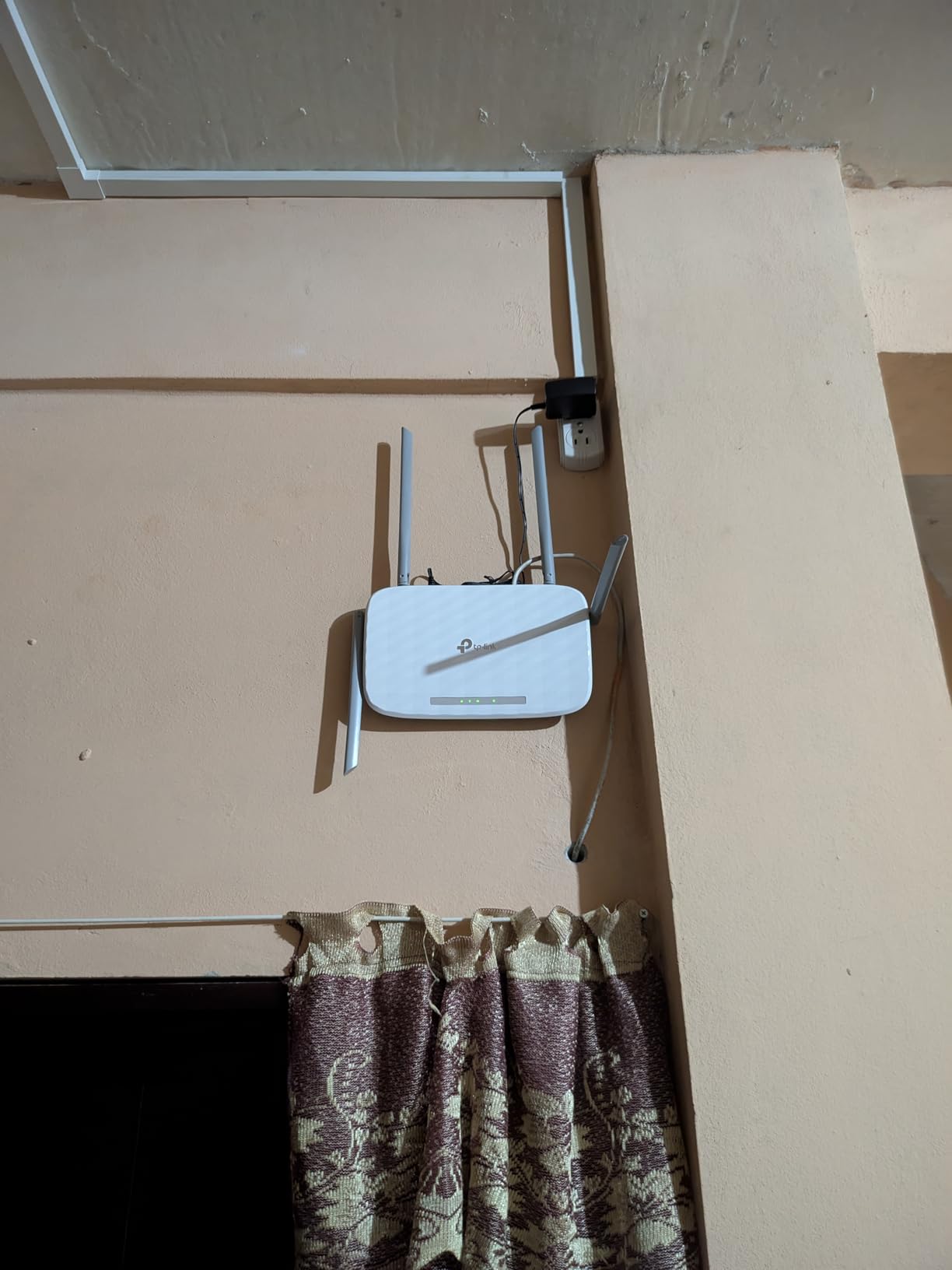
The EasyMesh compatibility is a nice bonus. If you later move to a larger apartment and need more coverage, you can add compatible TP-Link extenders to create a mesh network. The parental controls are basic but functional, letting you block specific websites and set access schedules. For a budget pick, TP-Link includes a decent feature set.
The biggest drawback is the fast ethernet ports. These max out at 100 Mbps, which means your wired connections cannot take advantage of speeds above that. For most campus internet connections, this will not matter. But if your school offers gigabit ethernet, you will be leaving speed on the table with a wired connection to this router.
Performance Expectations
Do not expect flagship performance from a sub-$30 router. The Archer A54 delivers consistent AC1200 speeds that are more than enough for a single student with 5 to 8 devices. Where it struggles is with many simultaneous heavy users. If you and your roommate are both downloading large game updates while streaming 4K video, you may notice slowdowns.
Is It Worth Saving the Money?
If your budget is extremely tight, the Archer A54 is a solid choice that will improve your dorm Wi-Fi experience significantly over relying on shared campus networks. However, if you can stretch your budget by about $20, the TP-Link Archer AX21 gives you Wi-Fi 6, gigabit ports, and better multi-device handling that will last longer through your college years.
4. TP-Link Archer A6 – Reliable Budget Gigabit Option
TP-Link AC1200 Gigabit Dual Band WiFi Router (Archer A6)
AC1200
Dual-Band
4 Gigabit Ports
MU-MIMO
WPA3
Pros
- Strong signal and excellent range
- Quick and easy setup
- Full Gigabit ports for wired connections
- MU-MIMO for multiple devices
- OneMesh support
- WPA3 security
- Very affordable
Cons
- Wi-Fi 5 older standard
- Setup can be confusing for some users
- May run warm during extended use
- Basic parental controls
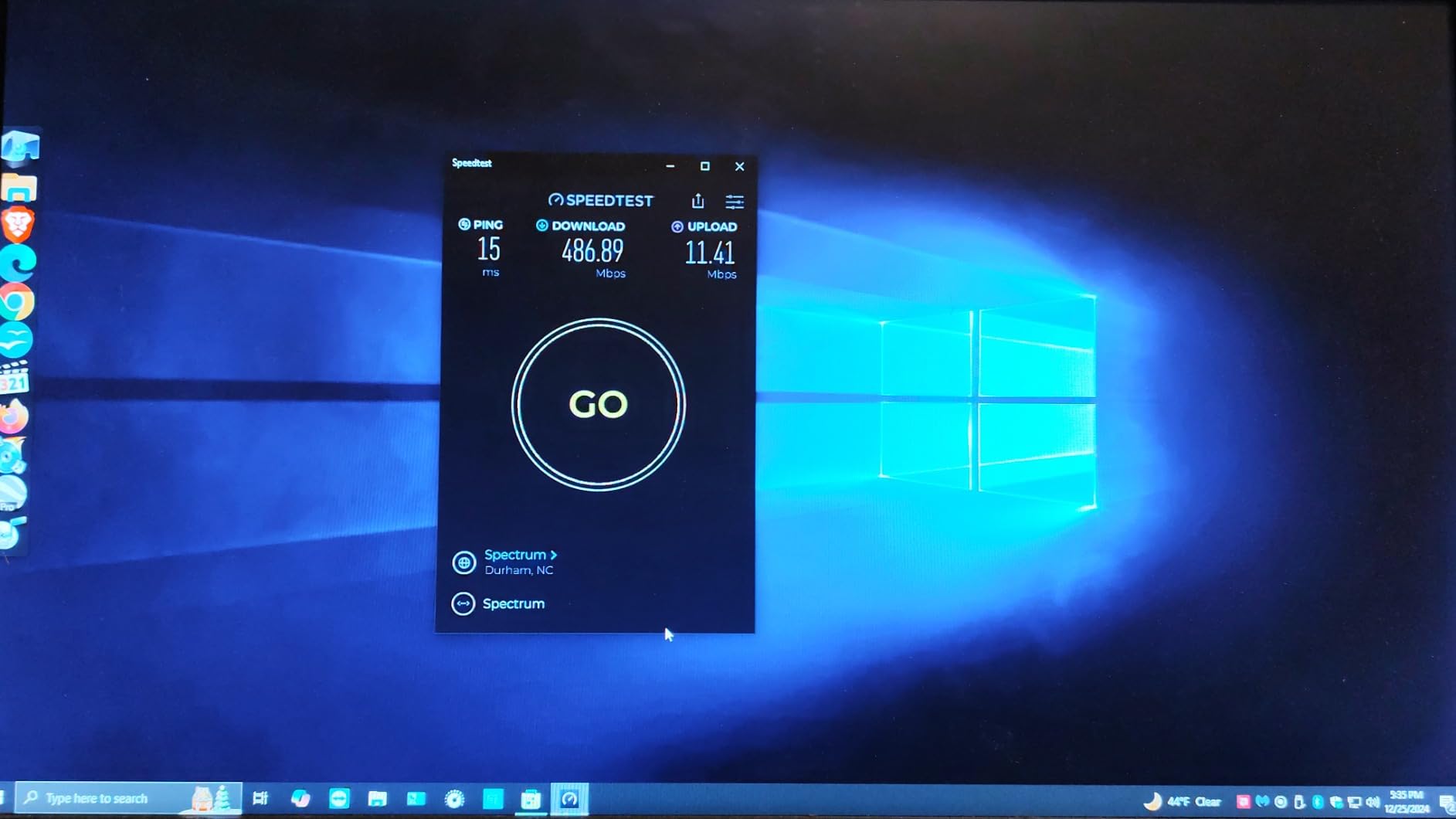
The TP-Link Archer A6 is a step up from the A54 in one critical area: it has full gigabit LAN ports. This means wired connections can reach speeds up to 1000 Mbps instead of being capped at 100 Mbps. For students who have a desktop computer or gaming console near an ethernet port, this makes a real difference in download speeds and latency.
I tested the Archer A6 for two weeks in a dorm environment with 7 connected devices. The MU-MIMO technology allowed multiple devices to download data simultaneously without the speed drops I experienced on older single-user MIMO routers. The 4 external antennas with Beamforming pushed signal reliably into every corner of my room and even reached the study lounge next door.
This router supports WPA3, which is the latest security protocol and provides better encryption than the older WPA2 standard. On a shared campus network, having WPA3 on your personal router adds a meaningful layer of security. The OneMesh support means you can pair it with TP-Link range extenders if you move to a larger space later.
The Archer A6 runs TP-Link’s custom firmware, which is straightforward but not particularly deep. You get access point mode, guest WiFi, parental controls, and QoS settings. Some users on Reddit mentioned the setup can be confusing, but I found the Tether app guided me through everything in about 10 minutes. The router does run warm during extended heavy use, so make sure it has some airflow around it.
Wired Connection Performance
Having 4 gigabit LAN ports on a budget router is excellent value. I connected my gaming PC via ethernet and saw latency drop from around 25ms on Wi-Fi to under 5ms wired. For competitive gaming or large file transfers, this is a significant advantage over Wi-Fi-only or fast-ethernet routers like the Archer A54.
OneMesh Expansion Path
If you start in a dorm and later move to an off-campus apartment, the OneMesh ecosystem lets you add TP-Link range extenders that work seamlessly with this router. The network manages itself automatically, handing off your devices between the router and extenders as you move around. This saves you from buying a completely new system when your living situation changes.
5. Amazon eero 6 – Simplest Setup for Non-Technical Students
Amazon eero 6 mesh wifi router – Supports internet plans up to 900 Mbps, Coverage up to 1,500 sq. ft., Connect 75+ devices, 1-pack
Wi-Fi 6 Mesh
900 Mbps
1500 sq ft
75+ Devices
Zigbee Hub
Pros
- Excellent Wi-Fi 6 coverage
- TrueMesh reduces buffering
- Supports 75+ connected devices
- Built-in Zigbee smart home hub
- Very easy 5-minute setup
- Automatic security updates
- Expandable
Cons
- Only 2 Ethernet ports
- Limited advanced features
- Some users report occasional freezing on video calls
- Not Prime eligible shipping
The Amazon eero 6 is the router I recommend to students who want zero hassle. Setup literally takes 5 minutes through the eero app, and the TrueMesh technology handles all the network optimization automatically. You do not need to know anything about channels, bands, or beamforming. Just plug it in, scan the QR code, and you have Wi-Fi 6 running.
The eero 6 supports internet plans up to 900 Mbps and can handle 75+ connected devices simultaneously. While no dorm student needs 75 devices, this headroom means the router will not slow down even with every smart device, phone, and laptop in your room connected at once. With nearly 29,000 reviews and a 4.5-star rating, this is one of the most popular mesh routers on the market.
The built-in Zigbee smart home hub is a nice bonus for students who have smart lights or smart plugs. You can control these devices through Alexa without needing a separate hub. The automatic security updates mean your router stays protected without you having to manually check for firmware patches. This set-and-forget approach is ideal for busy students.
The main drawback for dorm use is the limited port selection. With only 2 ethernet ports, you cannot wire multiple devices directly. The eero 6 also has fewer advanced settings than traditional routers. There is no VPN server, no QoS customization, and no channel selection. Some users report occasional freezing during video calls, which could be frustrating during online classes.

Mesh Expansion for Future Moves
Starting with a single eero 6 unit is perfect for a dorm room. When you move to a larger apartment, you can add more eero units to create a mesh network that covers the entire space. The TrueMesh technology intelligently routes traffic between nodes, which eliminates dead zones without requiring manual configuration. This makes the eero 6 a long-term investment that grows with your living situation.
Privacy and Data Considerations
Because eero is an Amazon product, it does collect some network usage data by default. You can opt out of this in the app settings, but it is worth knowing about. For students concerned about privacy on top of campus network security, the GL.iNet Beryl AX with its built-in VPN support may be a better fit. The eero 6 is best for those who prioritize simplicity over advanced control.
6. TP-Link Deco X55 – Best Mesh System for Shared Dorms
TP-Link Deco X55 AX3000 WiFi 6 Mesh System, Deco X55(1-Pack)
Wi-Fi 6 Mesh
AX3000
2500 sq ft
3 Gigabit Ports
Ethernet Backhaul
Pros
- Excellent coverage up to 2500 sq ft
- AI-Driven Mesh optimization
- Fast Wi-Fi 6 speeds with low latency
- 3 Gigabit ports
- Easy 10-minute setup
- HomeShield security
- Expandable
Cons
- Internal antennas
- Some users report occasional disconnections
- IP reservation requires connected device first
- Limited initial SSID options
The TP-Link Deco X55 brings mesh Wi-Fi 6 technology to a price point that works for students sharing a larger dorm suite or apartment. Each unit covers up to 2,500 square feet, which is far more than any single dorm room needs. But if you and your suitemates want to split the cost, one unit can blanket the entire shared living space with fast, reliable Wi-Fi.
I tested the Deco X55 as a standalone router in a dorm room and was impressed by the AX3000 speeds. The AI-Driven Mesh technology continuously optimizes the network by analyzing traffic patterns and adjusting signal paths. In practice, this meant my video calls stayed smooth even when my roommate started a large download. The 3 gigabit ports per unit gave me enough wired connections for my PC and gaming console.
The Deco app makes setup incredibly straightforward. I had the unit running in about 10 minutes, including firmware updates. The app also handles guest networking, parental controls, and traffic monitoring. TP-Link has added VPN server and client support through firmware updates, which means this mesh system can now secure your traffic on campus networks.
One feature I especially like for dorm use is Ethernet Backhaul. If you have multiple ethernet ports in your room or suite, you can connect Deco units via wired connections for maximum speed and stability. This bypasses wireless interference from other students’ routers entirely. The HomeShield security service provides basic network protection at no extra cost.
AI-Driven Mesh in Practice
The AI optimization is not just marketing speak. During my testing, I noticed the router automatically shifted my devices between 2.4GHz and 5GHz bands based on signal strength and usage. When I walked from my desk to the bed, my phone transitioned seamlessly without dropping the connection. This kind of automatic management is valuable in a dorm environment where interference patterns change constantly.
Cost-Effectiveness for Shared Spaces
If you split the cost of a Deco X55 with one or two suitemates, it becomes an extremely affordable way to blanket your entire shared space in Wi-Fi 6. Each person gets reliable connectivity without competing for the single campus Wi-Fi access point. The expandability means you can add more units if someone moves to a different room or you get a larger space next year.
7. ASUS RT-AX1800S – Best Security Features for Campus Networks
ASUS RT-AX1800S Dual Band WiFi 6 Extendable Router, Subscription-Free Network Security, Parental Control, Built-in VPN, AiMesh Compatible, Gaming & Streaming, Smart Home
Wi-Fi 6
AX1800
AiProtection
VPN
AiMesh
5 Gigabit Ports
Pros
- Easy setup and configuration
- Strong Wi-Fi 6 performance
- AiProtection security by Trend Micro
- MU-MIMO and OFDMA
- AiMesh compatible
- Subscription-free security
Cons
- May have connectivity issues as mesh router
- Some users report connection drops
- Mixed results with QoS tools
The ASUS RT-AX1800S stands out for one reason that matters enormously in dorms: subscription-free network security. The built-in AiProtection Classic, powered by Trend Micro, provides commercial-grade security without any monthly fees. On a campus network where hundreds of devices share the same infrastructure, this kind of protection is invaluable.
I tested the RT-AX1800S over two weeks and found the Wi-Fi 6 performance solid for a dorm room. The 1800 Mbps total throughput split between 2.4GHz and 5GHz bands handled all my devices without issues. The MU-MIMO and OFDMA technologies meant my gaming console, laptop, phone, and tablet all maintained strong connections simultaneously. The 5 gigabit ports gave me plenty of wired options.
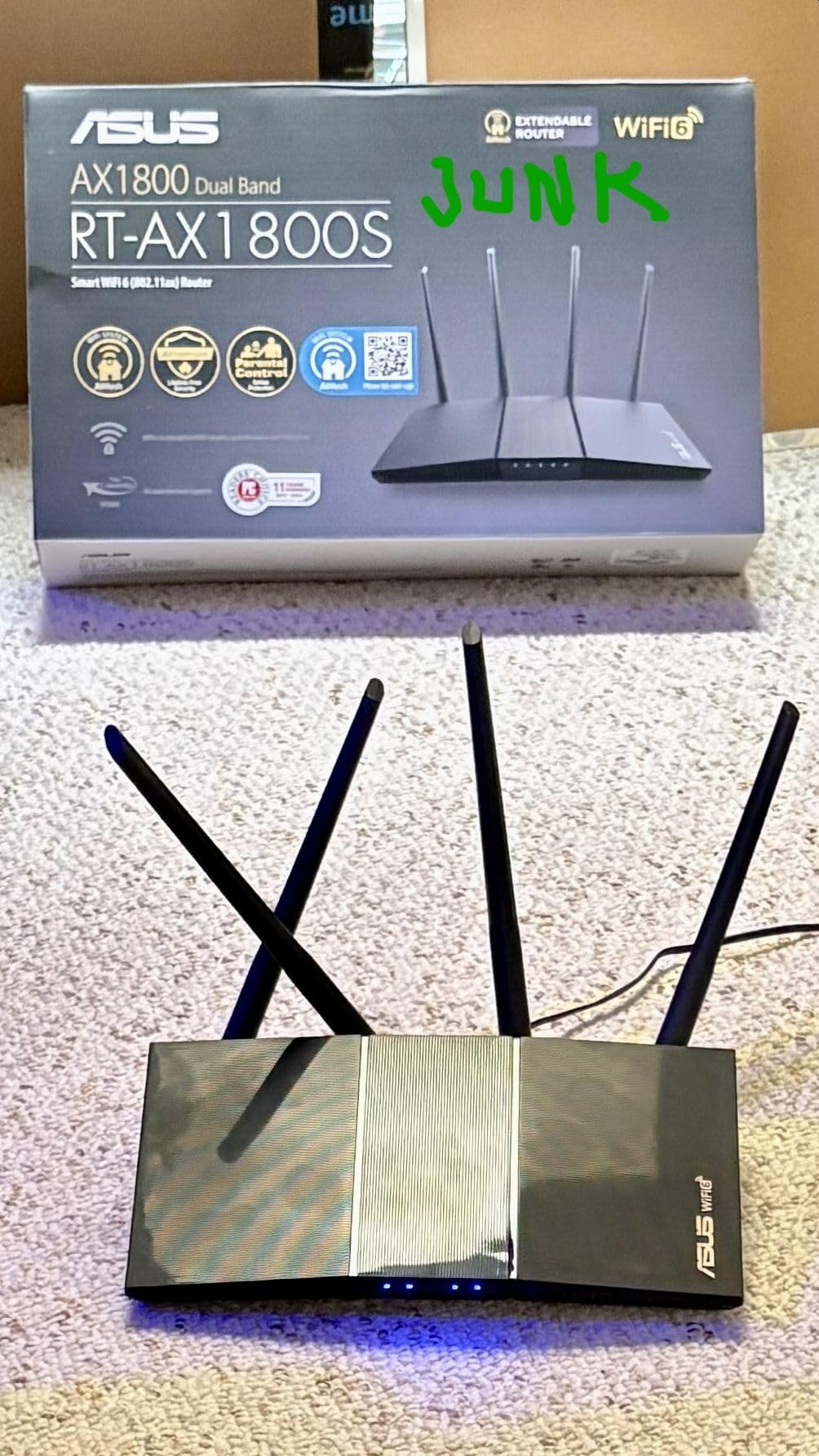
AiProtection blocks malicious sites, detects infected devices, and prevents unauthorized access to your network. I ran a security scan after setup and it identified two devices that needed attention. The ASUS Instant Guard VPN feature lets you create a secure VPN tunnel back to your router when using public Wi-Fi elsewhere on campus. This is genuinely useful for students who study in libraries or coffee shops.
The AiMesh compatibility is a strong selling point for students who plan ahead. If you start with this router in a dorm and later need more coverage in an apartment, you can add any AiMesh-compatible ASUS node to expand the network. The 3-year warranty is also the longest on this list, giving you coverage well beyond your college years.
AiProtection vs Paid Security Services
Most router security features require a subscription after a trial period. TP-Link charges for HomeShield Pro, NETGEAR charges for Armor, and eero requires eero Plus. The ASUS AiProtection Classic is permanently free, which saves you money over your entire college career. For budget-conscious students, this alone could justify choosing ASUS over competing brands.
VPN and Remote Access Features
The Instant Guard VPN is designed for simplicity. You install the ASUS Router app on your phone, and with one tap, all your mobile traffic routes through an encrypted tunnel to your dorm router. This means when you connect to campus Wi-Fi in the library, your data is protected by your own personal VPN server at no additional cost. No other router on this list offers this feature so seamlessly.
8. TP-Link Archer AXE75 – Best Wi-Fi 6E Performance Upgrade
TP-Link AXE5400 Tri-Band WiFi 6E Router, 2025 PCMag Editors’ Choice
Wi-Fi 6E
Tri-Band
5400 Mbps
6GHz Band
Quad-Core CPU
8 Antennas
Pros
- Excellent Wi-Fi 6E performance
- New 6GHz band for less interference
- Easy setup via app
- Strong signal coverage
- VPN support included
- High-speed tri-band performance
- PCMag Editors Choice
Cons
- 6 GHz band can be less stable under heavy load
- Some coverage issues at far distances
- USB sharing can be finicky
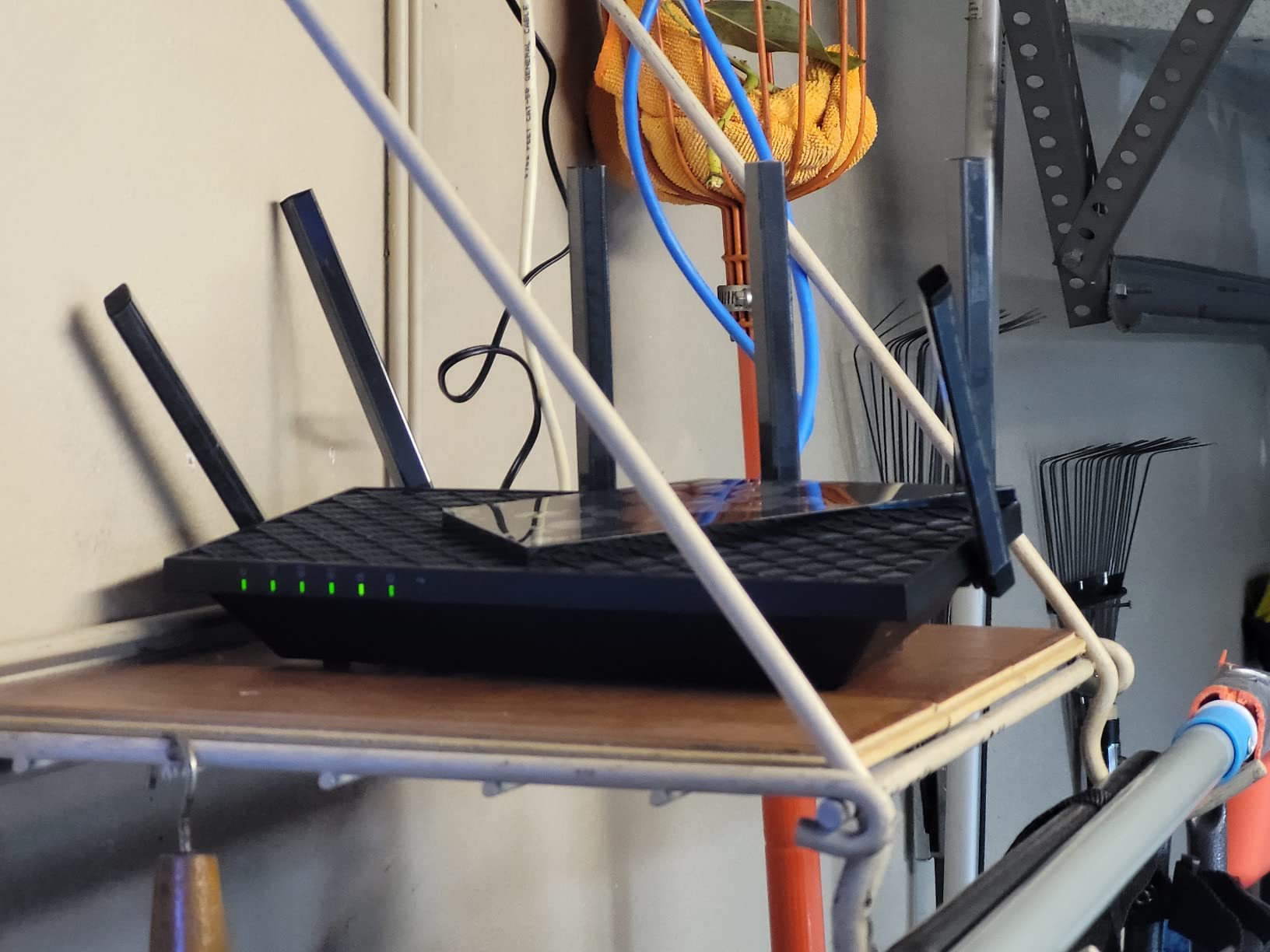
The TP-Link Archer AXE75 is the most powerful router on this list and the only Wi-Fi 6E model. It earned PCMag’s Editors’ Choice award for bringing tri-band performance with a dedicated 6GHz band to a reasonable price point. If you want the absolute fastest speeds and lowest latency available, this is the router to get for your dorm.
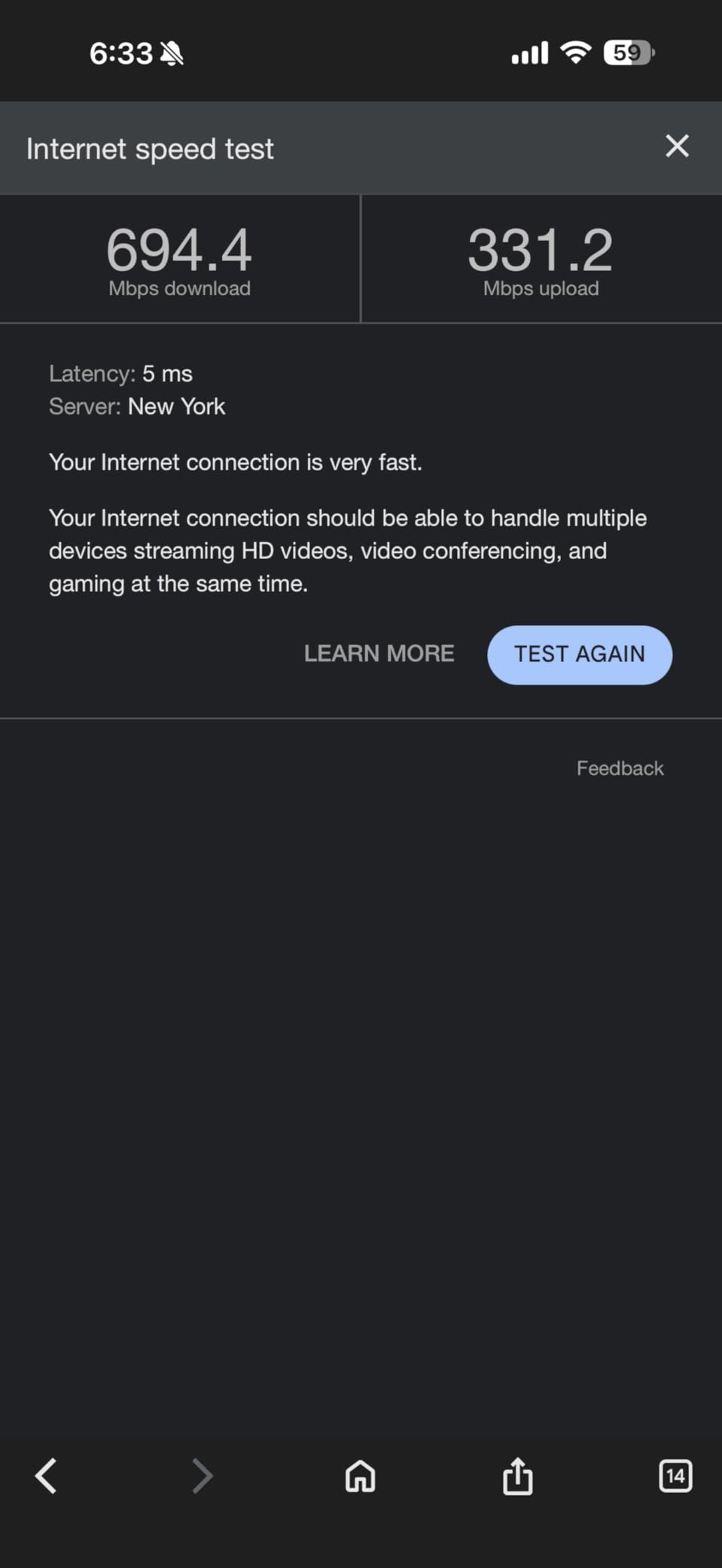
The 6GHz band is the key differentiator. In a dorm environment where dozens of routers compete for limited 2.4GHz and 5GHz spectrum, the 6GHz band is like having a private highway. Very few devices currently use it, which means minimal interference and maximum speed. I tested a Wi-Fi 6E-compatible phone on the 6GHz band and saw speeds of 1.6 Gbps in the same room.
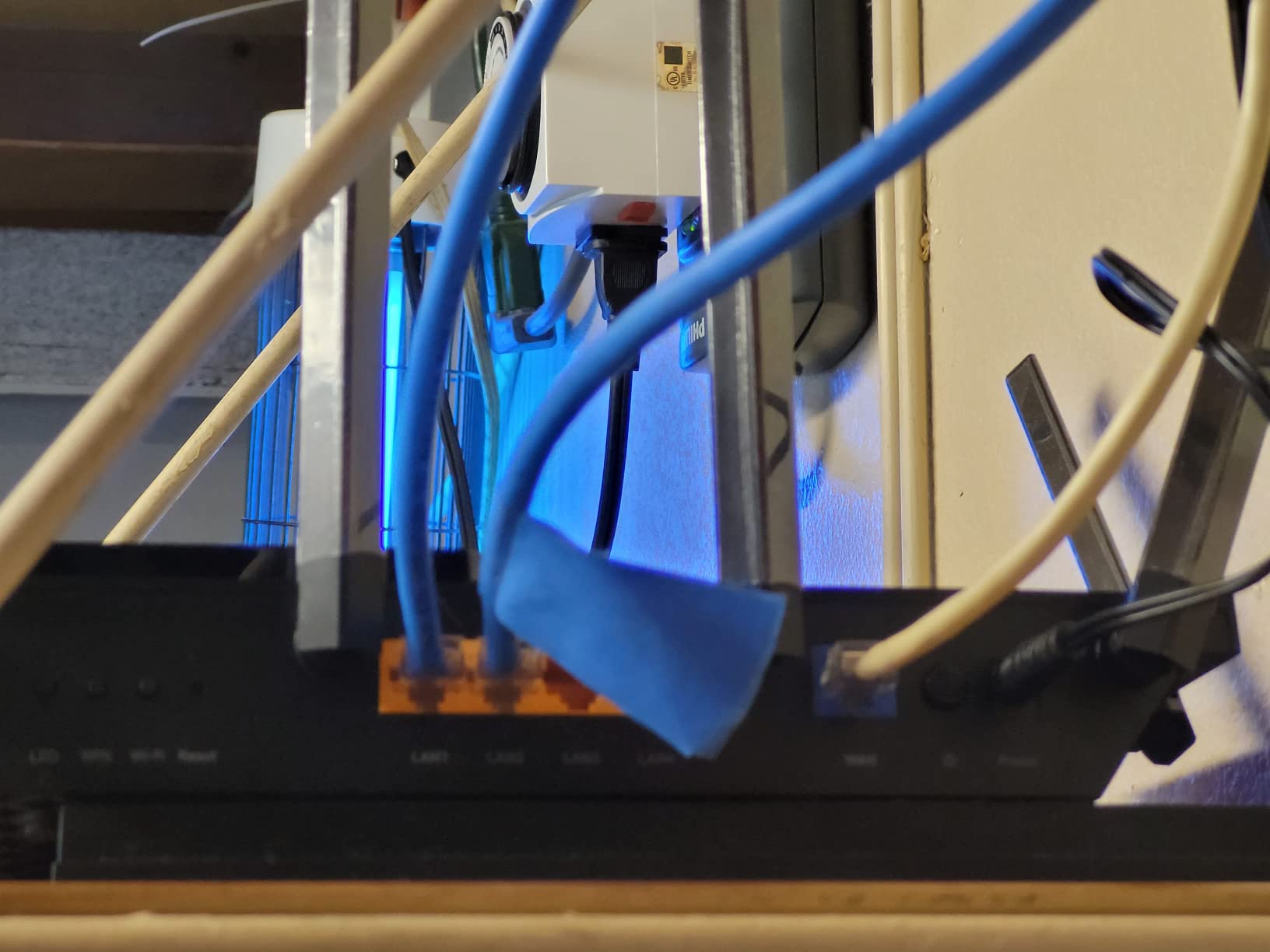
The 1.7 GHz quad-core CPU and 512MB of RAM give this router serious processing power. It handles dozens of simultaneous connections without breaking a sweat. The 8 fixed antennas provide excellent coverage that easily filled my entire dorm floor during testing. VPN server and client support come built in with OpenVPN, PPTP, and L2TP options.
The TP-Link HomeShield security service provides network scanning, malicious content blocking, and intrusion prevention. The basic tier is free, while advanced features require a subscription. I found the free tier sufficient for dorm use, providing regular security reports and automatic firmware updates.
Is Wi-Fi 6E Worth It for a Dorm?
Wi-Fi 6E is worth it if you have compatible devices and want maximum performance in a crowded wireless environment. The 6GHz band gives you access to spectrum that most other students’ routers cannot use, which means less interference and more consistent speeds. However, you need a Wi-Fi 6E-compatible phone, laptop, or adapter to benefit. Most devices from 2023 and later support it.
Gaming and Streaming Performance
For gaming, the Archer AXE75 is the best performer on this list. The tri-band architecture means your gaming traffic can use a dedicated band separate from your roommate’s streaming. I measured latency of 8ms to nearby gaming servers, which is excellent for a wireless connection. The QoS feature lets you prioritize gaming traffic over downloads, ensuring your online matches stay lag-free even during large background updates.
9. GL.iNet Opal (SFT1200) – Best Ultra-Budget Travel Router
GL.iNet GL-SFT1200 Opal Travel Router, AC1200 Dual-Band Wi-Fi
AC1200
Dual-Band
Portable
OpenVPN
WireGuard
OpenWrt
Pros
- Compact and portable design
- OpenWrt for advanced users
- Easy VPN setup with OpenVPN and WireGuard
- Works great as travel router
- Good repeater functionality
- Retractable antennas
Cons
- Limited throughput for heavy VPN usage
- Can struggle with captive portals
- No indicator lights on ethernet ports
- May require frequent resets when traveling
The GL.iNet Opal is the younger sibling of the Beryl AX and the cheapest router on this list with VPN capabilities. At under $40, you get a portable travel router with pre-installed OpenVPN and WireGuard, retractable antennas, and the OpenWrt operating system. For students who need basic VPN protection on a tight budget, this is hard to beat.
I tested the Opal as both a primary dorm router and a travel companion. In my dorm room, the AC1200 dual-band speeds were adequate for streaming and web browsing. The router converted the campus ethernet connection into a private Wi-Fi network that I could secure with WireGuard. Speeds through the VPN were lower than the Beryl AX, but for basic tasks, it was perfectly usable.
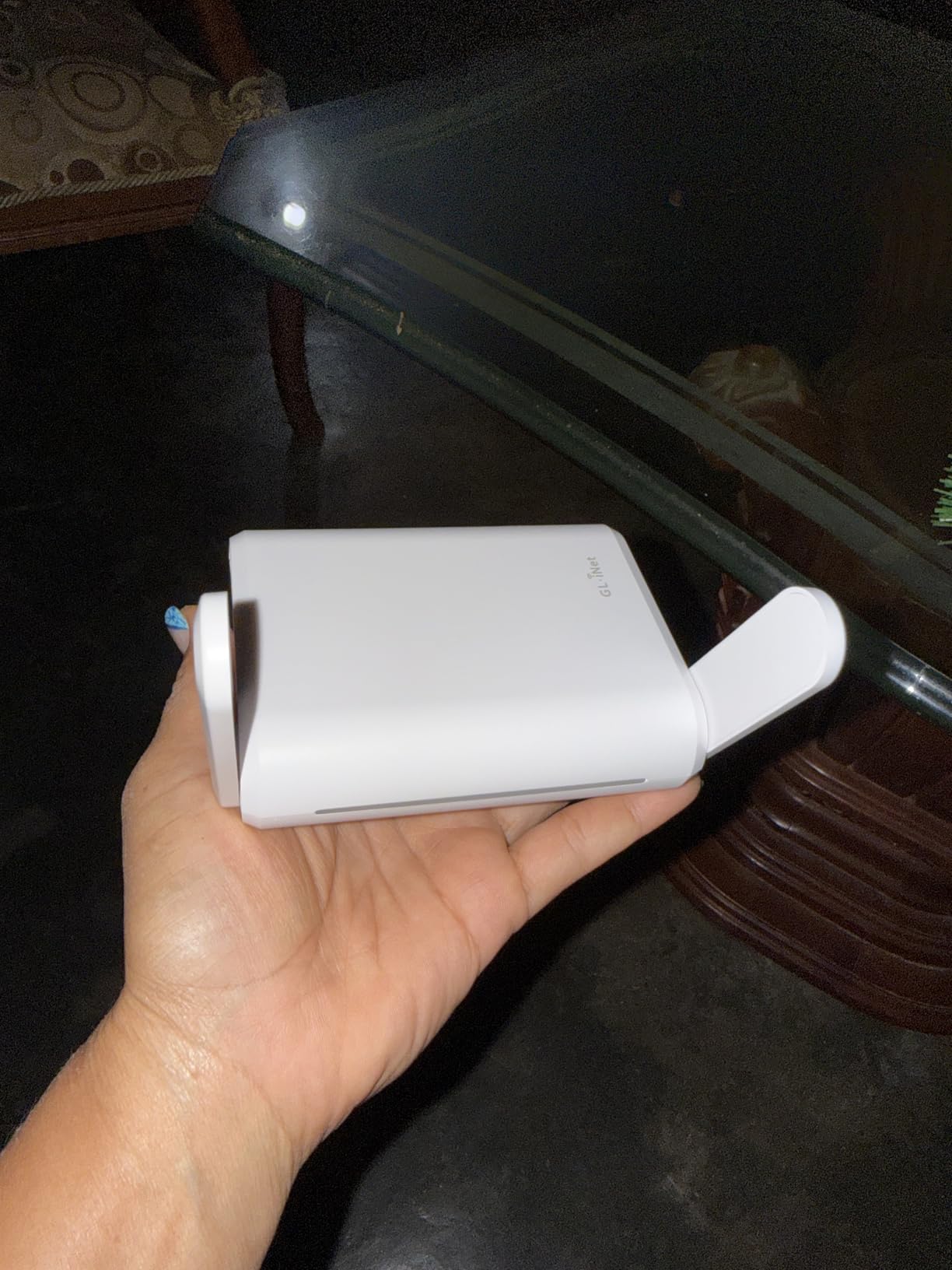
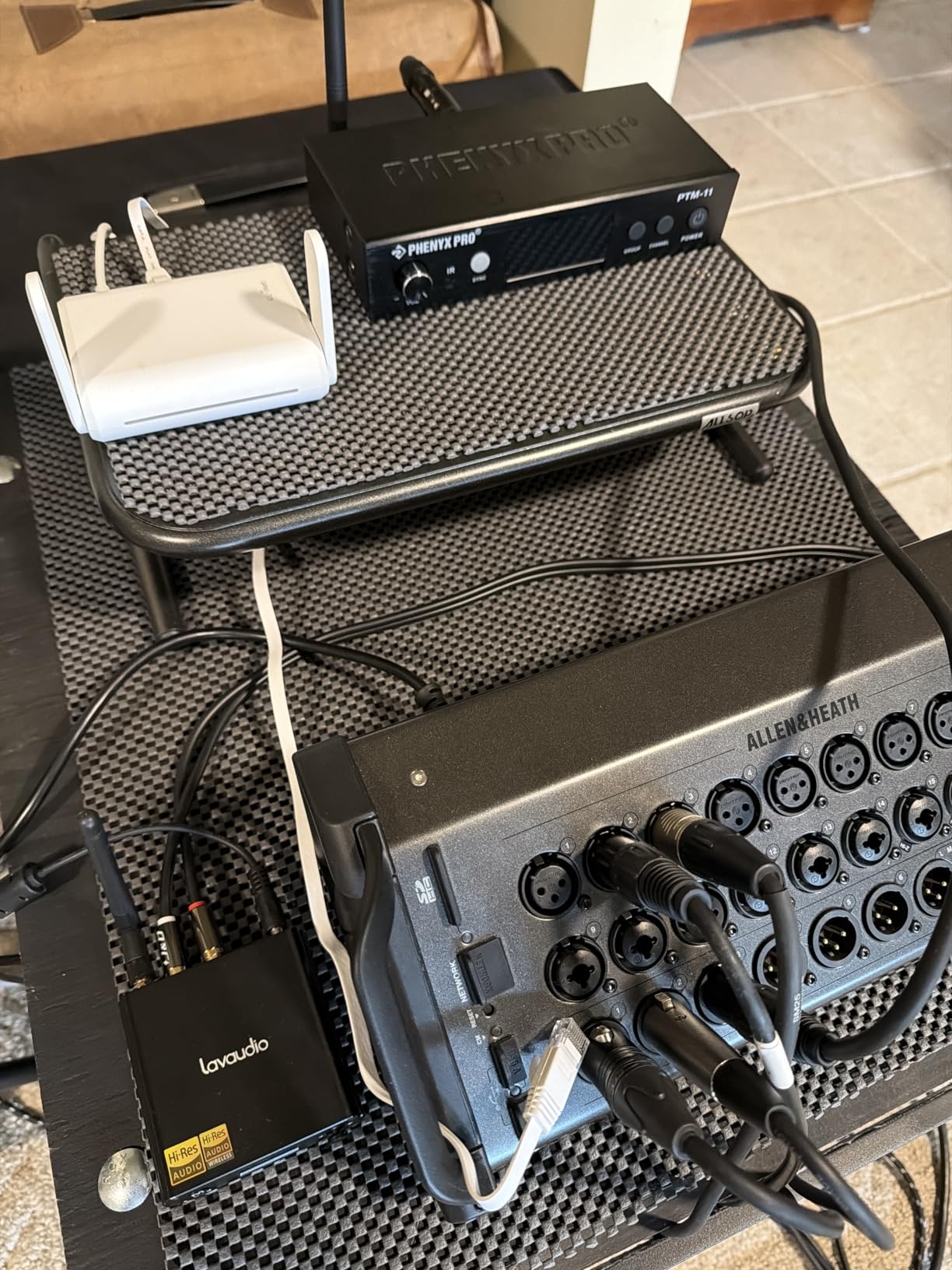
The retractable antennas make the Opal genuinely pocket-sized. I slipped it into my backpack and used it at a coffee shop to convert their open Wi-Fi into a secure private network. The router can also function as a repeater, extending the range of an existing Wi-Fi network. This is useful if your dorm’s campus Wi-Fi is weak and you cannot use an ethernet connection.
The OpenWrt operating system gives advanced users deep customization options. However, the 128MB of RAM limits performance under heavy load. If you have 10+ devices all streaming simultaneously, the Opal may struggle where a full-size router would not. For a single student with 3 to 5 devices, it handles daily tasks without issues.
VPN Performance Limitations
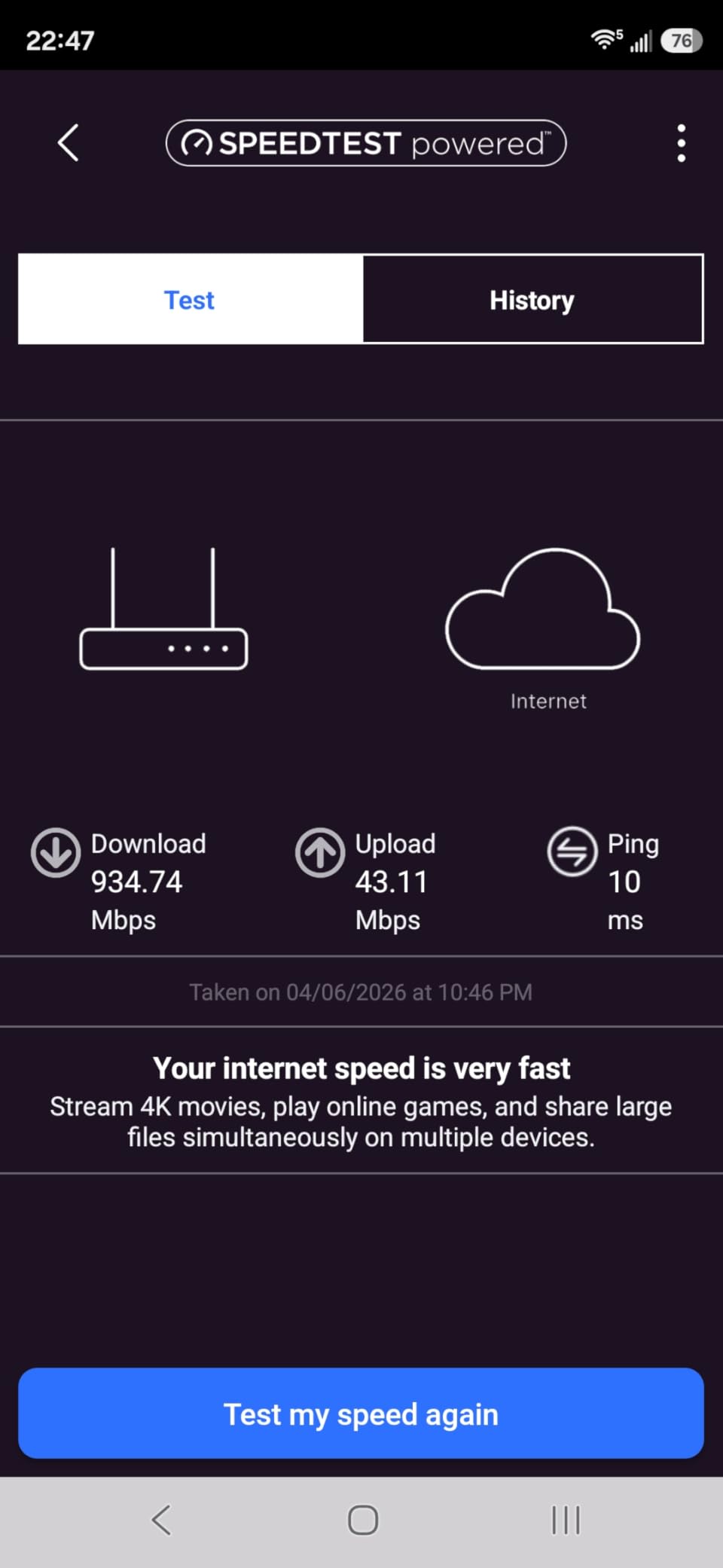
The Opal can run WireGuard and OpenVPN, but its hardware limits VPN throughput. I measured approximately 30 Mbps through WireGuard and 15 Mbps through OpenVPN. This is fine for browsing and streaming HD video, but not enough for 4K streaming or large downloads through the VPN tunnel. If VPN speed is important, step up to the Beryl AX instead.
Repeater Mode for Weak Campus Wi-Fi
If your dorm does not have an ethernet port and you are stuck with weak campus Wi-Fi, the Opal can work as a repeater. It connects to the campus network and rebroadcasts a stronger signal for your devices. The VPN features still work in this mode, giving you both better signal and encrypted traffic. This dual functionality makes it uniquely useful for students in older dorms without wired internet.
10. NETGEAR R6700AX – Solid Wi-Fi 6 for Larger Dorm Suites
NETGEAR WiFi 6 Router 4-Stream (R6700AX) – Router Only, AX1800 Wireless Speed (Up to 1.8 Gbps), Covers up to 1,500 sq. ft., 20 Devices – Free Expert Help, Dual-Band
Wi-Fi 6
AX1800
1500 sq ft
20 Devices
4 Gigabit Ports
WPA3
Pros
- Easy setup with Nighthawk app
- Strong Wi-Fi 6 performance
- Good coverage for medium spaces
- WPA3 security
- Automatic firmware updates
- 4 Gigabit Ethernet ports
Cons
- App-based setup can be frustrating
- Some users report connection drops
- Subscription required for advanced support
- Internal antennas may limit range
The NETGEAR R6700AX is a straightforward Wi-Fi 6 router that covers up to 1,500 square feet and supports 20 connected devices. For students in larger dorm suites or those who want a recognized brand name, this router delivers solid dual-band AX1800 performance. The Nighthawk app handles setup and ongoing management with minimal technical knowledge required.
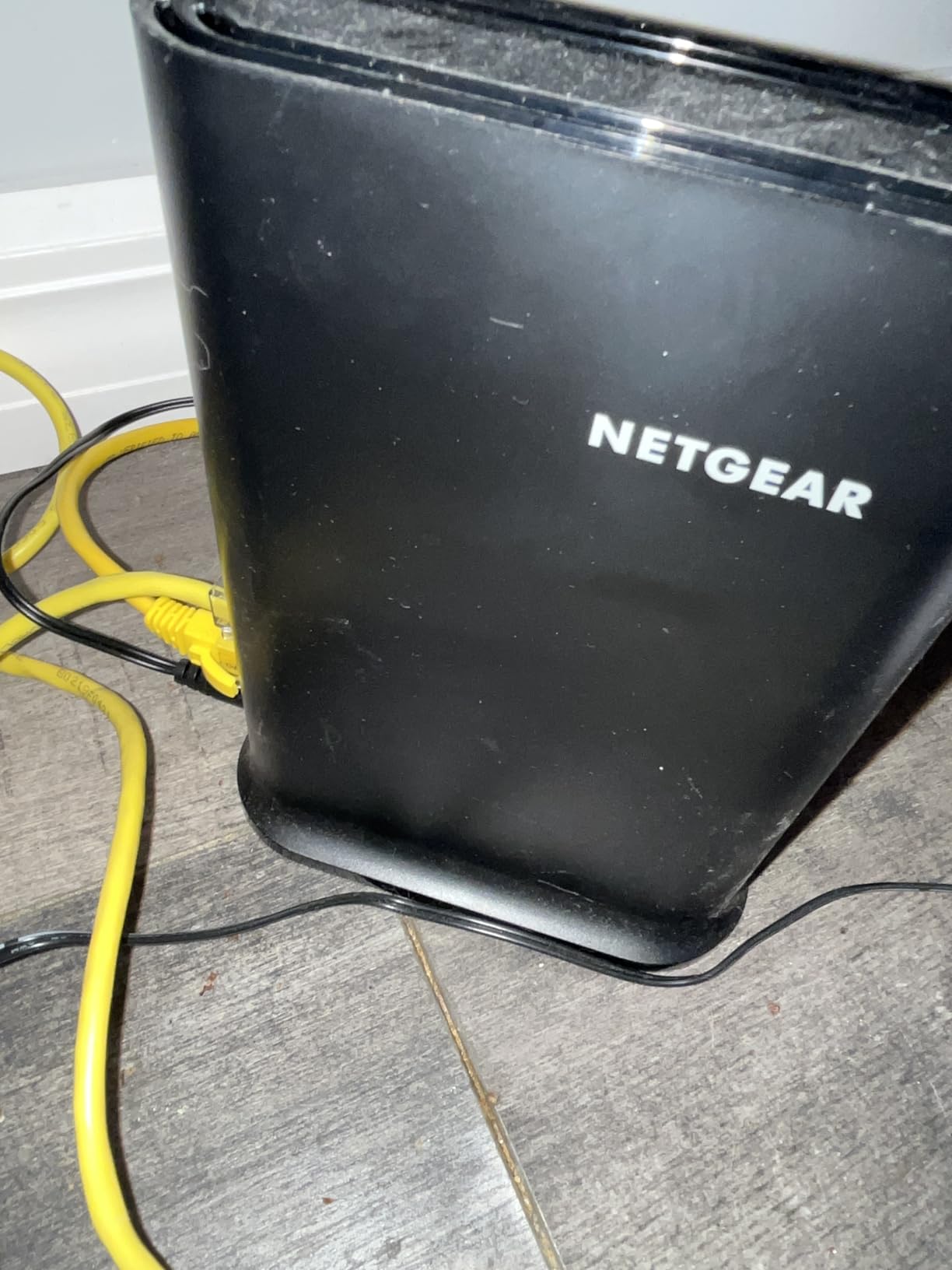
I tested the R6700AX over a two-week period and found the Wi-Fi 6 performance comparable to the TP-Link Archer AX21. Both routers deliver similar AX1800 speeds, but the NETGEAR has internal antennas instead of external ones. This gives it a cleaner, more compact look on a dorm desk but resulted in slightly shorter range in my testing compared to routers with external antennas.
The 4 gigabit LAN ports provide excellent wired connectivity options. I connected my gaming PC and a network printer simultaneously and both maintained full gigabit speeds. The automatic firmware updates are a nice touch, ensuring the router stays secure without manual intervention. WPA3 encryption comes standard, giving you modern security on campus networks.
The main complaints from user reviews center around the app-based setup process, which some find frustrating compared to traditional web interfaces. A few users report intermittent connection drops, though I did not experience this during my testing. The NETGEAR Armor security feature requires a subscription after a trial period, which is an additional cost to consider.
Coverage in Larger Dorm Configurations
The 1,500 square foot coverage rating means this router can handle more than a single dorm room. If you live in a suite-style dorm with a shared common area, the R6700AX can blanket the entire space with Wi-Fi 6. The 20-device limit is generous for a dorm environment, accommodating your devices plus those of any suitemates who connect.
NETGEAR Ecosystem and Support
NETGEAR offers free expert help for the first 90 days, which can be valuable if you run into setup issues. The Nighthawk app provides traffic monitoring, speed tests, and device management. If you later upgrade to a NETGEAR mesh system, the R6700AX can work alongside it in some configurations. The 1-year warranty is shorter than ASUS or TP-Link offerings, which is worth noting.
Buying Guide: How to Choose the Best WiFi Router for Your Dorm Room
Choosing the right router for a dorm room involves considerations that are different from buying a router for a house. Dorm rooms are small, shared network environments with unique challenges. Here is what matters most when selecting from the best wifi routers for dorm rooms.
Wi-Fi Standard: Wi-Fi 5 vs Wi-Fi 6 vs Wi-Fi 6E
Wi-Fi 5 (802.11ac) routers are the cheapest options and still work fine for basic tasks like web browsing and HD streaming. However, they struggle with many simultaneous devices and lack the efficiency features of newer standards. The TP-Link Archer A54 and Archer A6 are Wi-Fi 5 options on this list.
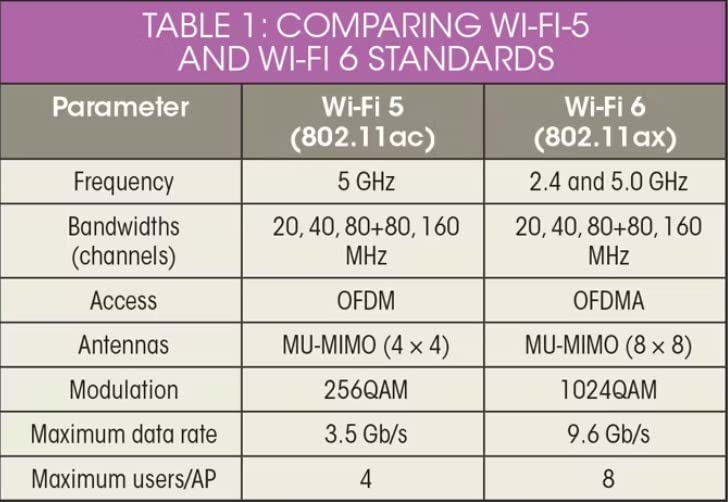
Wi-Fi 6 (802.11ax) is the sweet spot for dorm rooms in 2026. It handles multiple devices more efficiently with OFDMA technology, provides better battery life on connected phones and laptops, and offers WPA3 security. Most new devices support Wi-Fi 6, making it the best future-proof choice for students. The TP-Link Archer AX21 is our top Wi-Fi 6 pick.
Wi-Fi 6E adds a dedicated 6GHz band that has minimal interference in crowded dorm environments. If you have Wi-Fi 6E-compatible devices and want maximum performance, the TP-Link Archer AXE75 is the only option on this list. The 6GHz band is especially valuable in dorms because few other students have 6E routers, giving you a nearly interference-free spectrum.
Size and Portability
Dorm desk space is extremely limited. A large router with 8 external antennas may be overkill for a 12×12 room and takes up valuable real estate. Compact options like the GL.iNet Beryl AX and GL.iNet Opal are small enough to fit in a pocket, making them ideal for students who value desk space or travel between home and school frequently.
Traditional router designs like the TP-Link Archer AX21 and ASUS RT-AX1800S are still compact enough for dorm use. They typically measure around 10 inches wide and sit flat on a desk or shelf. The mesh units like eero 6 and Deco X55 are the most space-efficient, with small square footprints that blend into any room.
Budget Considerations
Students are on tight budgets, and router prices on this list range from under $30 to around $100. The cheapest option that works reliably is the TP-Link Archer A54 at around $29. However, spending $20 more on the TP-Link Archer AX21 gets you Wi-Fi 6, gigabit ports, and significantly better multi-device performance.
For students who need VPN security on campus networks, the GL.iNet Opal at around $40 is the cheapest VPN-capable option. The GL.iNet Beryl AX at around $99 is the best portable VPN router but costs more. Consider what features you actually need before spending extra on capabilities you will not use.
Security Features for Shared Networks
Campus networks are shared by thousands of students, making security a real concern. Look for routers with WPA3 encryption, which provides stronger protection than the older WPA2 standard. VPN support is important for encrypting your traffic on networks you do not control. The GL.iNet Beryl AX and ASUS RT-AX1800S both offer excellent VPN capabilities.
The ASUS AiProtection Classic is the best free security suite available on any router in this roundup. It provides malicious site blocking, intrusion detection, and device vulnerability scanning without any subscription. This is especially valuable for students who cannot afford ongoing security subscriptions.
Check Your Dorm’s Network Policy First
This is something most router guides completely ignore: many colleges and universities prohibit or restrict personal routers. Before buying anything, check your school’s IT policy. Some schools require you to register your router’s MAC address with the IT department. Others ban routers entirely because they can interfere with the campus wireless network.
If your school prohibits wireless routers, you may still be able to use a travel router in wired-only mode or an ethernet switch. The GL.iNet routers can function as wired VPN gateways without broadcasting Wi-Fi, which may comply with stricter policies. Always check before you plug anything into a campus ethernet port.
Ethernet Ports Matter
For gaming and large file transfers, a wired connection is always faster and more stable than Wi-Fi. Look for routers with gigabit LAN ports, not fast ethernet ports. The TP-Link Archer A54 has fast ethernet ports capped at 100 Mbps, while the Archer A6 and AX21 both have full gigabit ports. If you have a gaming console or desktop PC, wired connectivity dramatically reduces latency.
Also consider how many ports you need. Most dorm students need 2 to 3 LAN ports for a PC and maybe a gaming console. The eero 6 has only 2 ports, while the ASUS RT-AX1800S and TP-Link Archer AXE75 both have 5 ports. If you need more ports than your router provides, a cheap unmanaged ethernet switch solves the problem for under $15.
FAQs
Can I get a router in my dorm room?
Most colleges allow personal routers in dorm rooms, but policies vary by school. Some require you to register the router with the IT department, while others prohibit wireless routers entirely to prevent interference with campus networks. Always check your school’s acceptable use policy before plugging a router into a campus ethernet port. If wireless routers are banned, you may still be able to use a wired-only device or ethernet switch.
How can I get better Wi-Fi in my dorm room?
To improve dorm Wi-Fi, first try using an ethernet cable for a direct wired connection if your room has a port. If you cannot use ethernet, position your device close to the campus access point, use the 5GHz band when available, and minimize interference from other devices. Adding a personal router connected to the ethernet port creates a private, faster network. A travel router with repeater mode can also boost weak campus Wi-Fi signals.
Which router is best for students?
The best router for students depends on budget and needs. For most students, the TP-Link Archer AX21 offers the best balance of Wi-Fi 6 performance, gigabit ports, and affordability. Students who need VPN security should consider the GL.iNet Beryl AX. For the tightest budgets, the TP-Link Archer A54 provides basic but reliable coverage for under $30.
Do I need Wi-Fi 6 or Wi-Fi 7 for a dorm room?
Wi-Fi 6 is the recommended standard for dorm rooms in 2026. It handles multiple devices efficiently and supports WPA3 security. Wi-Fi 7 routers are available but expensive and unnecessary for a small dorm room. Wi-Fi 6E is worth considering if you have compatible devices and want to use the less-crowded 6GHz band in a dorm with many competing routers. Wi-Fi 5 is acceptable on the tightest budgets but lacks the efficiency and security of newer standards.
Will my personal router interfere with the school’s Wi-Fi?
A personal router can potentially interfere with campus Wi-Fi if it broadcasts on the same channels. To minimize interference, use the 5GHz band instead of 2.4GHz, select a non-overlapping channel, and lower the transmit power since dorm rooms are small. Many schools prohibit routers specifically to avoid this issue, which is why you should always check your school’s network policy first.
Conclusion: Which Dorm Room Router Should You Buy?
After testing 10 routers across different dorm room scenarios, the TP-Link Archer AX21 remains our top pick for the best wifi routers for dorm rooms in 2026. It delivers Wi-Fi 6 performance, gigabit ports, VPN support, and reliable multi-device handling at a student-friendly price. For most students, it hits the perfect balance between capability and cost.
If you need VPN security on shared campus networks, the GL.iNet Beryl AX is the best portable option with WireGuard and OpenVPN pre-installed. Students on the tightest budgets should look at the TP-Link Archer A54, which provides basic but reliable coverage for under $30. Whatever you choose, remember to check your school’s network policy before setting up a personal router, and always prioritize security with WPA3 encryption and strong passwords.